

If your form tool and email platform don't talk to each other, you're leaving leads on the table. Every untracked submission is a missed follow-up, a cold lead that should have been warm, and a gap in your funnel you might not even know exists.
The best form builders with email marketing either include native email automation or connect seamlessly with your existing stack, so every submission triggers the right follow-up automatically. This list covers nine tools that genuinely bridge that gap, whether you need deep automation, a conversational form experience, or a simple drag-and-drop builder with solid email integrations.
Selection criteria: native email marketing features or robust integrations, ease of setup, quality of lead data captured, and value for growing teams. Tools are ordered with Orbit AI first as our own product, followed by strong alternatives across different use cases and budgets.
1. Orbit AI
Best for: High-growth SaaS and lead-gen teams that want AI-powered lead qualification baked into the form itself.
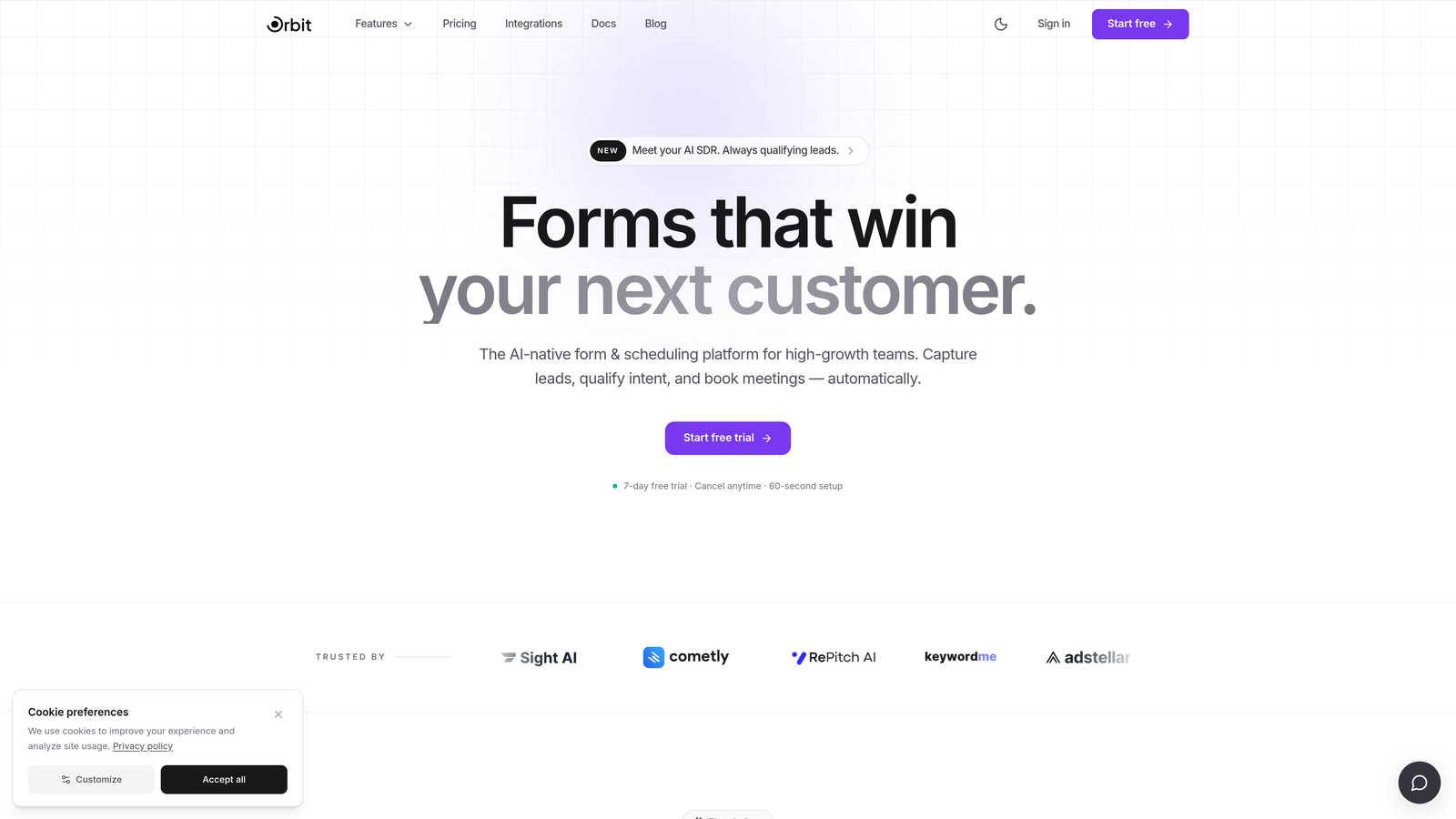
Orbit AI is an AI-powered form builder with built-in lead qualification, designed to make sure only the right leads enter your email funnel from the very first touchpoint.
Where This Tool Shines
Most form builders treat every submission equally. Orbit AI doesn't. It qualifies leads at the point of capture, scoring and segmenting them before they ever reach your email platform. That means your welcome sequences, nurture flows, and sales handoffs are working with better data from day one.
The forms themselves are built for conversion. Modern, visually polished templates with conditional logic and dynamic fields create a personalized experience that keeps completion rates high. For teams where lead quality matters as much as lead volume, this combination is genuinely hard to replicate with a generic form tool.
Key Features
AI-Powered Lead Qualification: Scores and qualifies leads at the moment of form submission, before they hit your email list.
Conversion-Optimized Templates: Beautiful, modern form designs built to maximize completion rates across devices.
Conditional Logic and Dynamic Fields: Personalizes the form experience based on how respondents answer, reducing friction and improving data quality.
Email and CRM Integrations: Connects with major email marketing and CRM platforms so qualified leads flow directly into your automation sequences.
Lead Scoring for Downstream Automation: Passes lead scores downstream so your email platform can trigger the right sequence for the right prospect automatically.
Best For
High-growth SaaS teams, demand generation marketers, and lead-gen agencies who care about list quality, not just list size. If you're tired of nurturing leads that were never a fit, Orbit AI's qualification layer changes the dynamic entirely.
Pricing
Visit orbitforms.ai for current pricing and plans. A free starting option is available.
2. HubSpot Forms
Best for: B2B inbound teams already operating within the HubSpot ecosystem.
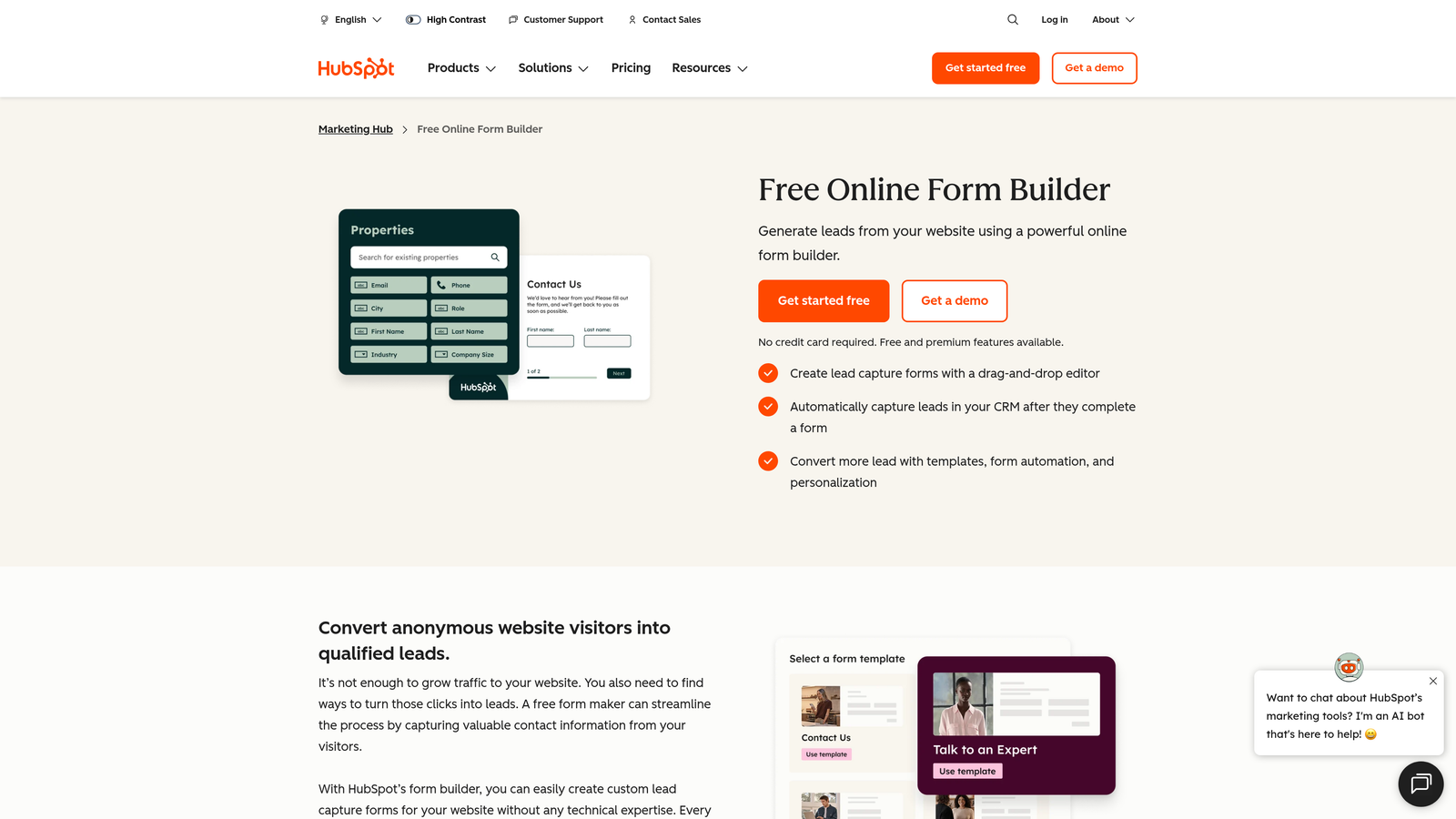
HubSpot Forms is a native form builder built directly into HubSpot's marketing platform, with zero-friction connections to HubSpot email workflows, CRM, and contact management.
Where This Tool Shines
The biggest advantage here is the absence of integration work. When a lead submits a HubSpot form, they're immediately in your CRM, enrolled in the right workflow, and visible across your marketing and sales stack. There's no Zapier glue holding things together.
Progressive profiling is a standout feature. Instead of showing returning contacts the same fields they've already filled out, HubSpot shows new questions, gradually building a richer contact profile over time without creating form fatigue.
Key Features
Native Email Workflow Triggers: Form submissions directly enroll contacts in HubSpot email sequences without any third-party connectors.
Progressive Profiling: Automatically shows different fields to returning contacts, improving data depth over time.
Automatic CRM Updates: Submissions create or update contact records in HubSpot CRM instantly.
Smart Form Fields: Auto-fills known information for returning contacts to reduce friction.
A/B Testing: Available on higher-tier Marketing Hub plans for optimizing form performance.
Best For
Teams already using HubSpot as their marketing and CRM hub. If you're not on HubSpot, the forms alone aren't a reason to switch, but if you are, using anything else creates unnecessary complexity.
Pricing
Free with HubSpot CRM. Marketing Hub Starter starts at approximately $20/month. Verify current pricing at hubspot.com.
3. Mailchimp Forms
Best for: Small businesses and creators who use Mailchimp as their primary email platform and want a simple, integrated signup experience.
Mailchimp Forms are signup and embedded forms built directly into the Mailchimp platform, automatically adding submissions to audiences with tag and segment support.
Where This Tool Shines
If Mailchimp is your email platform, these forms are the path of least resistance. There's no integration to set up, no API key to manage, and no sync delay. A submission is a subscriber, full stop, with whatever tags you've configured applied immediately.
The form options cover the most common use cases: embedded forms for your website, popup forms for capturing exit intent, and hosted landing pages for campaigns without a dedicated website. For teams that live in Mailchimp, this is more than enough.
Key Features
Automatic Audience Population: Submissions go directly into Mailchimp audiences with no integration required.
Tag Assignment on Signup: Apply tags at the form level for immediate segmentation when contacts subscribe.
Multiple Form Types: Embedded, popup, and hosted form options to cover different placement needs.
Landing Page Builder: Create simple campaign landing pages with built-in form capture.
Double Opt-In Support: Keeps your list clean and compliant with confirmation-based signup flows.
Best For
Small businesses, bloggers, and creators whose primary tool is Mailchimp and who don't need complex conditional logic or multi-step forms. Simple, effective, and zero friction for Mailchimp users.
Pricing
Free plan available. Paid plans start at approximately $13/month. Check mailchimp.com for current pricing tiers.
4. Typeform
Best for: Teams that prioritize form completion rates and want a conversational experience that feels nothing like a traditional form.
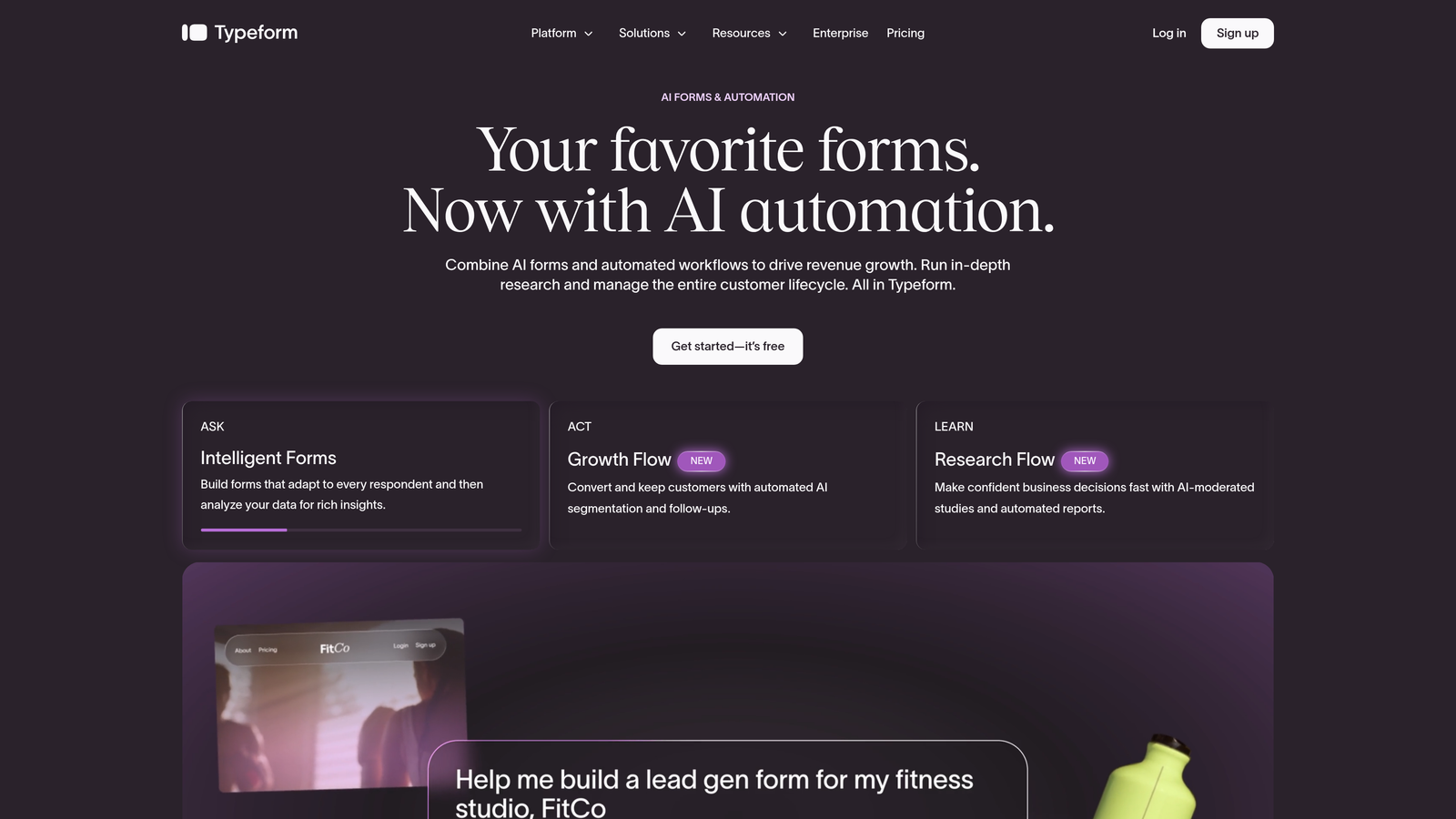
Typeform is a conversational form builder with a one-question-at-a-time format, known for higher completion rates and native integrations with major email marketing platforms.
Where This Tool Shines
Typeform's core insight is that people respond better when forms feel like conversations. By showing one question at a time, it reduces the visual overwhelm that causes abandonment on longer forms. For lead generation flows where you need more than just an email address, this format makes a real difference in how many people actually finish.
The integration coverage is solid. Native connections to Mailchimp, ActiveCampaign, and HubSpot handle most use cases, and Zapier covers anything else. Hidden fields for UTM and attribution tracking make it useful for teams serious about understanding where their leads are coming from.
Key Features
Conversational One-Question UX: Shows one question at a time to reduce friction and improve completion on longer forms.
Native Email Integrations: Direct connections to Mailchimp, ActiveCampaign, HubSpot, and others.
Logic Jumps and Conditional Branching: Personalizes the question flow based on previous answers.
Hidden Fields for Attribution: Captures UTM parameters and other tracking data alongside form responses.
Webhooks and Zapier Support: Extends integration coverage to virtually any email platform.
Best For
Marketing teams running lead generation campaigns where form experience and completion rate matter. Also strong for surveys, quizzes, and qualification flows where the conversational format adds genuine value.
Pricing
Free plan available with 10 responses per month. Paid plans start at approximately $25/month. Verify at typeform.com.
5. ActiveCampaign Forms
Best for: Power users who need form submissions to trigger complex, conditional email automation sequences.
ActiveCampaign Forms is the native form builder included within ActiveCampaign's platform, where every submission can directly fire the platform's advanced conditional automation engine.
Where This Tool Shines
ActiveCampaign's automation capabilities are genuinely best-in-class for email marketing, and the form builder plugs directly into that engine. A form submission doesn't just add a contact — it can update lead scores, create CRM deals, enroll the contact in a specific nurture sequence, and trigger conditional branches based on what they answered. All of this happens natively, without external connectors.
For teams running sophisticated nurture programs with multiple segments and personalized paths, this tight integration between form data and automation logic is difficult to replicate with a third-party form tool.
Key Features
Native Automation Triggers: Any ActiveCampaign automation can be triggered directly by a form submission.
Conditional Post-Submission Logic: Route contacts into different sequences based on their form responses.
Automatic Lead Score Updates: Form submissions update lead scores in real time within the platform.
Multiple Form Types: Inline, floating bar, and modal options for different placement contexts.
CRM Deal Creation: Automatically create sales pipeline deals when high-intent forms are submitted.
Best For
Teams already using ActiveCampaign as their email and CRM hub who want to maximize what happens after someone fills out a form. The automation depth makes this the strongest option for complex nurture sequences.
Pricing
Included in ActiveCampaign plans starting at approximately $15/month. See activecampaign.com for current plan details.
6. Jotform
Best for: Agencies and teams that need the widest possible integration coverage across email platforms and use cases.
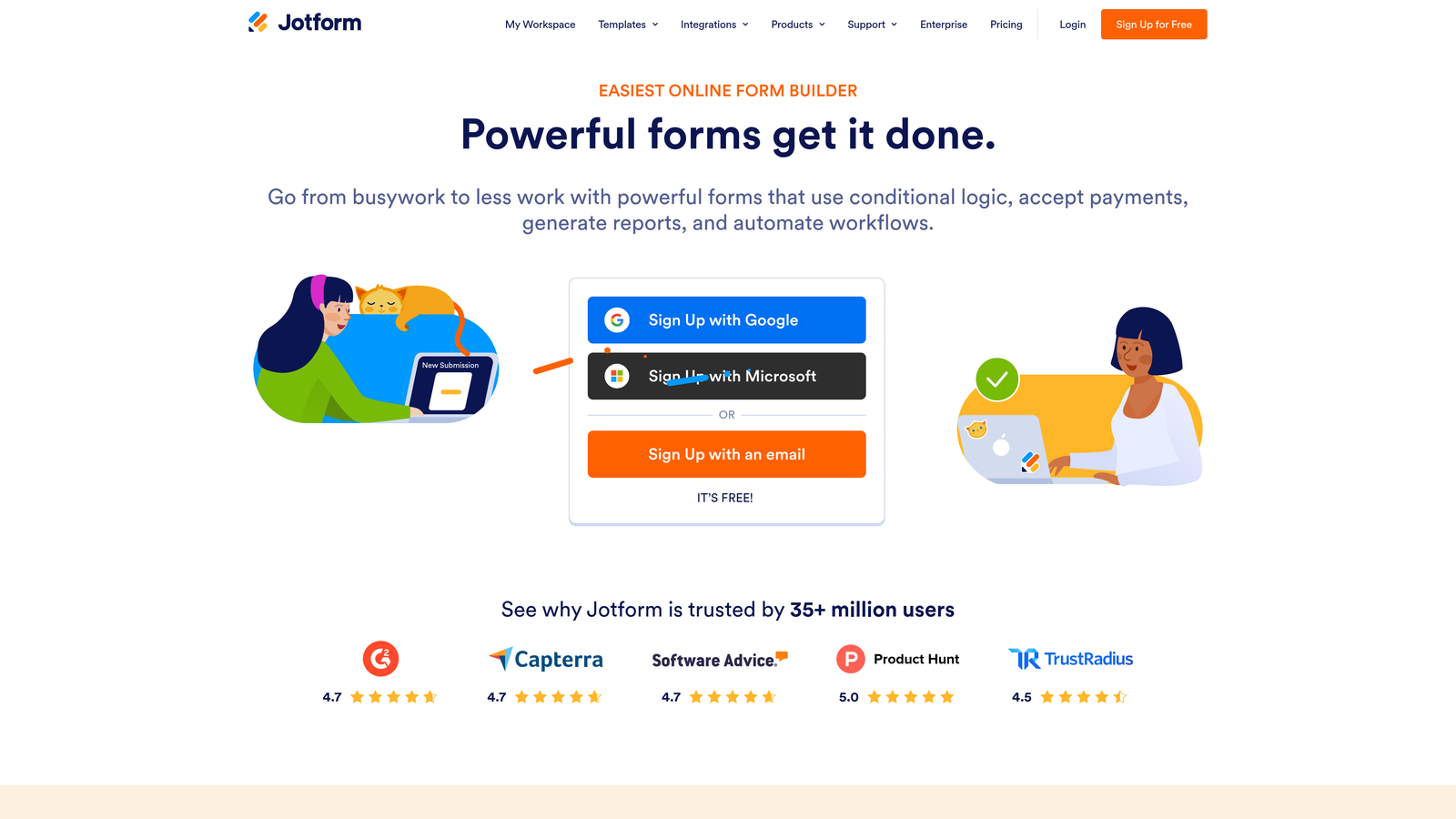
Jotform is a versatile form builder with over 10,000 templates and 150+ integrations covering virtually every major email marketing platform on the market.
Where This Tool Shines
Jotform's strength is breadth. If you can name an email marketing platform, Jotform almost certainly integrates with it. For agencies managing clients across different email stacks, or for teams that have outgrown their current tool and aren't sure what they'll migrate to next, that flexibility has real value.
Beyond integrations, Jotform handles use cases that most form builders can't: payment collection, file uploads, e-signatures, and multi-page forms with calculations. It's the Swiss Army knife of the form builder world, which makes it ideal when your forms need to do more than just capture an email address.
Key Features
150+ Email Marketing Integrations: Covers Mailchimp, ActiveCampaign, Constant Contact, HubSpot, and many others.
Built-In Email Notifications and Autoresponders: Send confirmation and notification emails directly from Jotform without a separate platform.
Conditional Logic and Multi-Page Forms: Create complex, branching form experiences with file upload support.
Team Workspaces: Manage forms across multiple clients or projects with workspace-level organization.
Payment and E-Signature Support: Handles transactions and document signing within the same form workflow.
Best For
Agencies managing multiple clients on different email platforms, and teams that need forms to handle complex workflows beyond basic lead capture. Also strong for operations teams needing forms with payments or document collection.
Pricing
Free plan available with 5 forms and 100 submissions per month. Paid plans start at approximately $34/month. Check jotform.com for current pricing.
7. Klaviyo Forms
Best for: E-commerce and DTC brands running behavioral email flows tied to shopping behavior and revenue outcomes.
Klaviyo Forms are popup, flyout, and embedded forms built into Klaviyo's platform, with submissions feeding directly into Klaviyo's segmentation engine and behavioral email flows.
Where This Tool Shines
Klaviyo forms aren't just lead capture tools — they're entry points into a revenue-attributed marketing engine. When someone submits a Klaviyo form, they're immediately available for segmentation based on their browsing behavior, purchase history, and cart activity. A welcome series, an abandonment flow, or a VIP segment trigger can fire the moment they subscribe.
The targeting rules for when forms appear are unusually sophisticated. You can show a form based on the visitor's traffic source, what's in their cart, how many pages they've viewed, or whether they've purchased before. For e-commerce teams, this level of context at the point of capture is genuinely powerful.
Key Features
Direct Profile and Segment Feeding: Submissions immediately enrich Klaviyo profiles and update segment membership.
Revenue Attribution Reporting: Tracks form performance against actual revenue generated, not just submission counts.
Behavioral Targeting Rules: Show forms based on traffic source, cart value, browsing behavior, or purchase history.
A/B Testing for Form Variants: Test different form designs, copy, and offers to optimize conversion.
Flow Triggers: Seamlessly kick off welcome series, post-signup sequences, and abandonment flows from form submissions.
Best For
E-commerce and DTC brands already using Klaviyo for email and SMS marketing. If you're not on Klaviyo, these forms don't make sense in isolation, but for Klaviyo users they're the obvious choice.
Pricing
Free up to 250 contacts. Pricing scales by contact count after that. See klaviyo.com for current pricing details.
8. ConvertKit (Kit) Forms
Best for: Creators, bloggers, and newsletter operators who want every form submission to become a tagged, sequenced subscriber instantly.
Kit (formerly ConvertKit) is a simple, clean form builder integrated with Kit's creator-focused email platform, where every submission is a subscriber with automatic tagging and sequence enrollment from the start.
Where This Tool Shines
Kit's philosophy is that forms and email shouldn't feel like separate systems. Every form you create in Kit is already connected to a subscriber list, a set of tags, and optionally a sequence. There's no mapping to configure — the connection is the default. For creators who are publishing content and building audiences rather than running B2B sales funnels, this simplicity is a genuine advantage.
The free plan's generosity stands out. Up to 10,000 subscribers at no cost, with a landing page builder included, makes Kit an accessible starting point for creators who are just beginning to build their email list.
Key Features
Automatic Tagged Subscriber Creation: Every form submission creates a subscriber with your configured tags applied immediately.
Sequence Enrollment on Signup: Trigger email courses, drip sequences, or welcome series directly from the form.
Multiple Form Types: Inline, modal, and slide-in options to match different placement contexts.
Included Landing Page Builder: Create standalone landing pages with built-in forms at no extra cost.
Commerce Integrations: Connect form signups to digital product sales and course platforms.
Best For
Creators, bloggers, newsletter operators, and course creators who want a clean, integrated email and form experience without enterprise complexity. The generous free tier makes it especially accessible for early-stage audience builders.
Pricing
Free up to 10,000 subscribers. Paid plans start at approximately $25/month. See kit.com for current pricing.
9. Gravity Forms
Best for: Developer-built WordPress sites that need a highly extensible form plugin with dedicated email marketing add-ons.
Gravity Forms is the leading WordPress form plugin with dedicated email marketing add-ons for Mailchimp, ActiveCampaign, AWeber, Drip, and more, built for teams that run their web presence on self-hosted WordPress.
Where This Tool Shines
Gravity Forms is the form tool that developers reach for when they need complete control. Because it lives inside WordPress, it can tap into your theme, your custom post types, your user data, and any other plugin in your stack. The hook and filter system means you can customize behavior at every step without touching the plugin's core code.
For email marketing specifically, the dedicated add-ons go beyond basic list subscription. Conditional logic can route a submission to different email lists based on what the user selected, update custom field data in your email platform, or trigger different automation paths for different form entries.
Key Features
Dedicated Email Marketing Add-Ons: Purpose-built integrations for Mailchimp, ActiveCampaign, AWeber, Drip, and Constant Contact.
Conditional List Routing: Send submissions to different email lists or trigger different automations based on form responses.
Advanced Form Capabilities: Multi-page forms, field calculations, and file upload support for complex data collection.
Developer-Friendly Architecture: Extensive WordPress hooks and filters for custom behavior at every stage.
Large Add-On Ecosystem: Hundreds of community and official add-ons extend functionality across payments, CRMs, and more.
Best For
WordPress site owners and development agencies building complex, custom form experiences on self-hosted WordPress. Not suitable for teams on hosted platforms or those without WordPress development resources.
Pricing
Basic license at approximately $59/year. Elite license (includes all add-ons) at approximately $259/year. See gravityforms.com for current licensing details.
Which Tool Is Right for Your Team?
The right form builder with email marketing isn't the one with the most features — it's the one that fits how your team actually works and what your email strategy actually needs.
Here's a quick-reference breakdown by use case to make the decision easier.
High-growth SaaS and lead-gen teams: Orbit AI is built specifically for this scenario. AI-powered qualification at the point of capture means your email list is pre-segmented by lead quality before any automation fires. That's a fundamentally different approach from tools that treat every submission equally.
Deep in the HubSpot ecosystem: HubSpot Forms is the obvious choice. The native integration removes every friction point between form submission and email workflow enrollment.
Small businesses and creators on a budget: Mailchimp Forms and Kit both offer generous free tiers with tight email integration. Kit wins if you want automatic tagging and sequence enrollment; Mailchimp wins if you're already using Mailchimp for everything else.
Complex nurture sequences and conditional automation: ActiveCampaign Forms is the power-user option. Nothing else on this list matches the depth of automation logic you can trigger from a single form submission.
Form experience and completion rates: Typeform's conversational format is the clear winner, particularly for longer qualification flows where traditional forms see high abandonment.
Maximum integration coverage: Jotform connects to more email platforms than anyone else on this list, making it the right pick for agencies and teams with diverse or changing email stacks.
E-commerce email flows: Klaviyo Forms is unmatched for DTC brands. The revenue attribution, behavioral targeting, and direct connection to Klaviyo's segmentation engine make it the natural choice for e-commerce.
WordPress-native development: Gravity Forms is the standard for a reason. Developer extensibility, conditional routing, and dedicated email add-ons make it the right pick for custom WordPress builds.
The decision comes down to three questions: What email platform are you already using? Do you need to qualify leads before they enter your funnel? And how technical is your team? Answer those honestly and the right tool becomes clear.
If you're building forms to drive real pipeline — not just collect addresses — explore how Start your free trial today with Orbit AI's AI-powered lead qualification can change what's possible at the top of your funnel.


