

If you're embedding forms directly into your website, landing page, or app, the tool you choose matters more than most people realize. A clunky embed experience breaks the flow. A slow-loading widget kills conversions. And a form that doesn't match your brand erodes trust before the visitor even hits submit.
Embedded form builders have come a long way. Today's best options offer conditional logic, AI-powered lead qualification, native integrations, and pixel-perfect design controls, all without touching a line of code.
This guide covers the top embedded form builder software tools available in 2026, evaluated on embed flexibility, design control, integration depth, lead qualification capabilities, and pricing. Whether you're a SaaS team optimizing a demo request flow or an agency managing forms across dozens of client sites, there's a right tool for your use case.
1. Orbit AI
Best for: SaaS and B2B teams that need AI-powered lead qualification built into the form layer
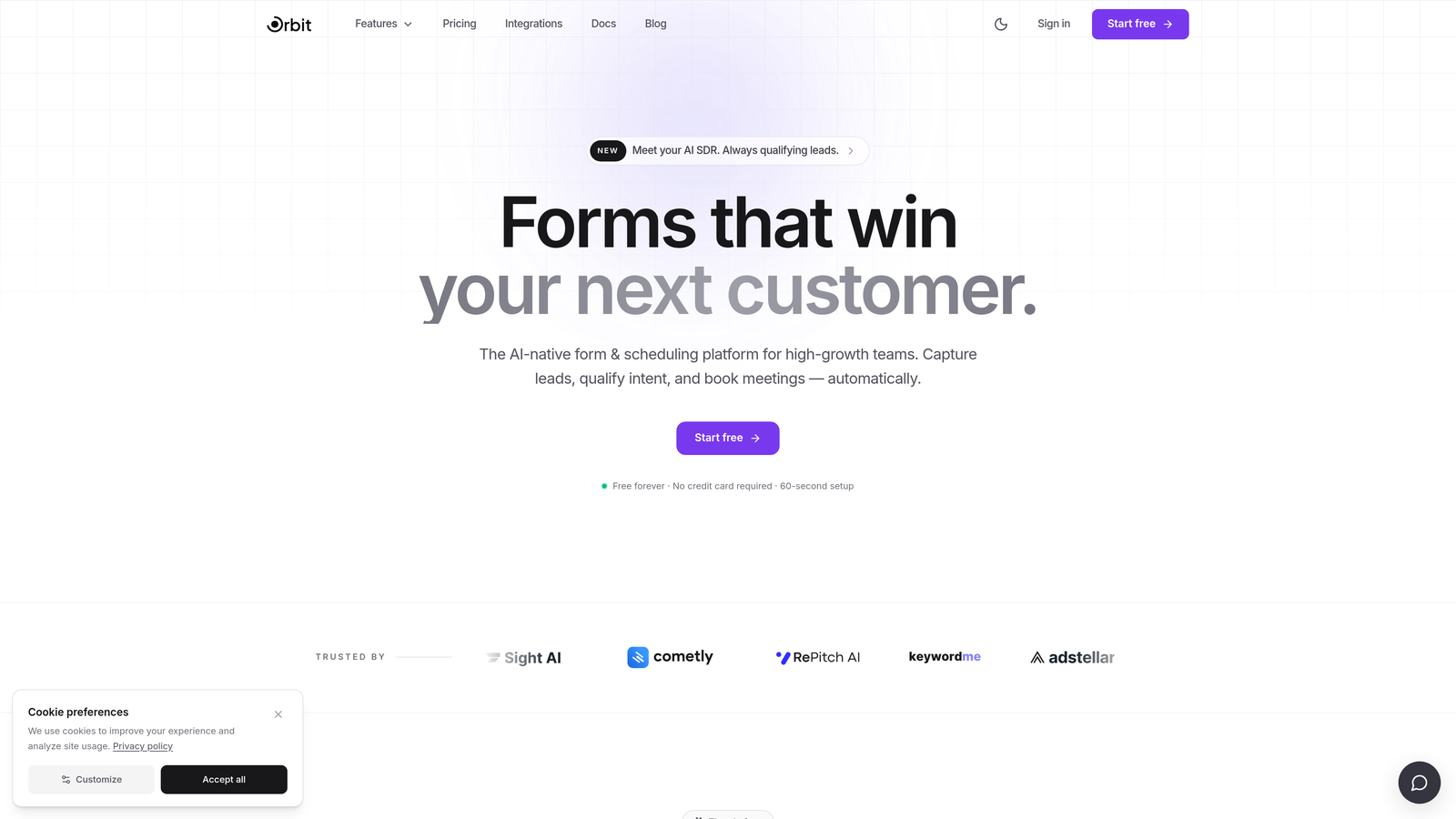
Orbit AI is an AI-powered embedded form builder with built-in lead qualification and scoring, designed for high-growth SaaS and B2B teams focused on conversion optimization.
Where This Tool Shines
Most form builders collect data and hand it off to another tool for qualification. Orbit AI does something different: it qualifies and scores leads at the form layer itself, before the submission ever reaches your CRM. That means your sales team spends time on the right prospects from the start.
The forms are also genuinely beautiful. For teams where brand perception matters, the design quality of an embedded form is part of the conversion experience. Orbit AI treats form design as a first-class concern, not an afterthought.
Key Features
AI-Powered Lead Qualification and Scoring: Automatically evaluates and scores leads based on form responses, routing high-intent prospects to the right next step without manual review.
Conversion-Optimized Embeddable Forms: Purpose-built for embedding directly into landing pages and websites with a design quality that reinforces brand trust.
Conditional Logic and Dynamic Fields: Personalizes the form flow based on user input, so each visitor sees only the questions relevant to them.
Native CRM and Marketing Integrations: Connects directly with the tools your team already uses, eliminating manual data handoffs and sync delays.
Lightweight Embed Script: Optimized for page performance so your forms load fast without dragging down Core Web Vitals or conversion rates.
Best For
High-growth SaaS teams, B2B marketing teams, and revenue operations professionals who want lead qualification to happen at the point of capture rather than downstream. Particularly strong for demo request forms, gated content, and pipeline qualification flows.
Pricing
Visit orbitforms.ai for current pricing details and free trial options. A free starting tier is available.
2. Typeform
Best for: Marketers who want a conversational, one-question-at-a-time form experience
Typeform is a conversational form builder known for its distinctive one-question-at-a-time UX and multiple embed modes including inline, popup, slider, and fullscreen.

Where This Tool Shines
Typeform's interface is genuinely engaging. By presenting one question at a time, it reduces the visual overwhelm that causes users to abandon traditional multi-field forms. This works especially well for surveys, onboarding flows, and lead capture sequences where user experience is a priority.
The embed flexibility is also a real strength. You can drop Typeform as a full inline embed, trigger it as a popup, slide it in from the corner, or take over the full screen, giving you meaningful control over how the form appears within your existing page layout.
Key Features
Conversational One-Question UX: Presents questions sequentially to reduce friction and improve completion rates compared to traditional form layouts.
Multiple Embed Modes: Inline, popup, slider, and fullscreen options give you flexibility over how forms appear within your site design.
Logic Jumps and Branching: Routes respondents through personalized paths based on their answers, keeping the experience relevant.
300+ App Integrations: Connects with major CRMs, email platforms, and productivity tools via native connectors and Zapier.
Drop-Off Analytics: Shows exactly where respondents abandon the form, helping you identify and fix friction points.
Best For
Marketing teams, UX researchers, and agencies that prioritize respondent experience and need flexible embed options. Less suited for teams that need deep lead scoring or enterprise compliance features.
Pricing
Free plan available with limited responses. Paid plans start at approximately $25/month billed annually. Pricing has increased over recent years, so verify current tiers at typeform.com.
3. Jotform
Best for: Teams that need a feature-rich form builder with an extensive template library
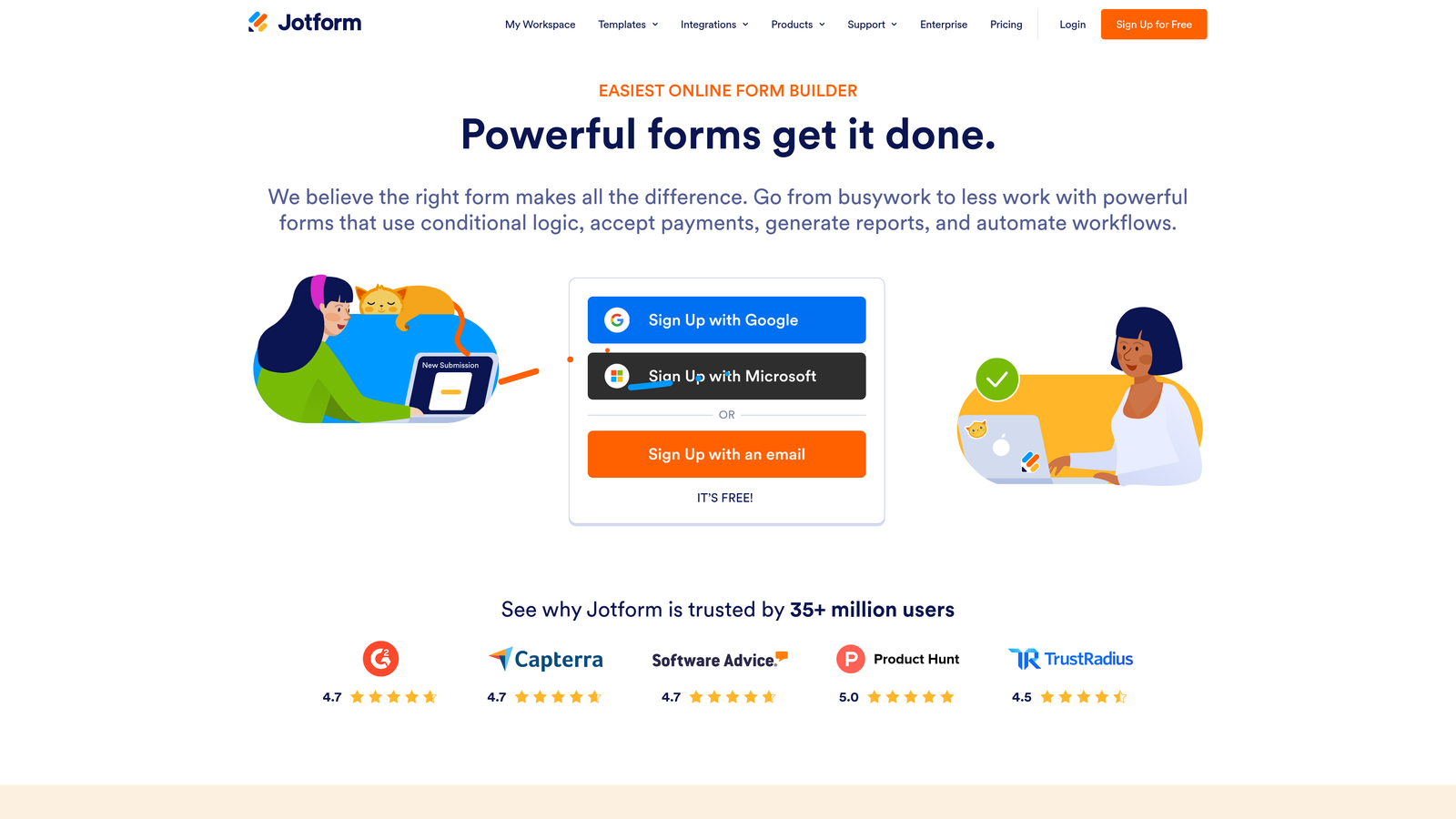
Jotform is a feature-rich form builder with over 10,000 templates, an extensive widget library, and flexible inline, popup, and lightbox embed options.
Where This Tool Shines
Jotform's depth is its defining characteristic. Whether you need payment collection, file uploads, digital signatures, or appointment scheduling, there's likely a widget or template already built for it. The template library alone covers an enormous range of industries and use cases, making it fast to get started even for complex forms.
It's also one of the more accessible tools in this list for non-technical users. The drag-and-drop builder is intuitive, and the embed process is straightforward across all three embed modes.
Key Features
10,000+ Pre-Built Templates: Covers virtually every industry and use case, dramatically reducing setup time for new forms.
Inline, Popup, and Lightbox Embeds: Three distinct embed modes give you control over how forms are presented within your site.
Extensive Widget Library: Includes payment processing, e-signature, file upload, appointment scheduling, and more without needing third-party tools.
Conditional Logic and Multi-Page Forms: Supports complex form flows with branching logic and paginated layouts for longer forms.
Team Collaboration and Approval Workflows: Useful for organizations where forms require review or multi-step internal approval before going live.
Best For
Small to mid-sized businesses, agencies, and operations teams that need versatility across many form types. Particularly strong for teams that want to avoid building integrations from scratch.
Pricing
Free plan available with limits on submissions and storage. Paid plans start at approximately $34/month. Enterprise pricing available for larger teams.
4. HubSpot Forms
Best for: Teams already using HubSpot CRM who want zero-friction form-to-CRM data flow
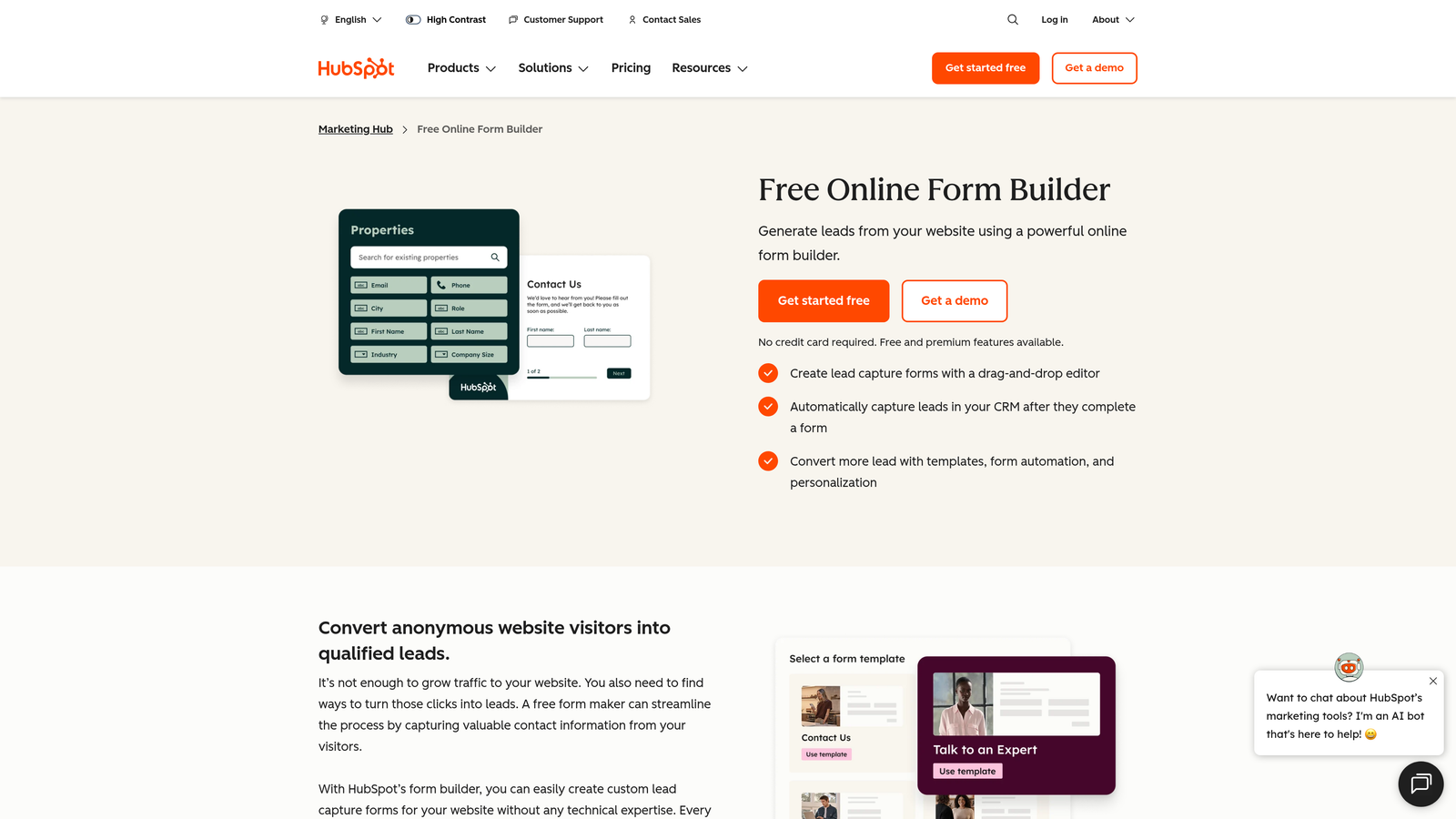
HubSpot Forms is a native HubSpot form builder with deep CRM integration, progressive profiling, and smart fields, available free for HubSpot users.
Where This Tool Shines
If your team lives in HubSpot, the native form builder is hard to beat on integration depth. Form submissions flow directly into contact records with zero setup, and the progressive profiling feature means returning contacts see different questions rather than filling in data HubSpot already has on them. That's a meaningful UX improvement that most standalone form tools can't replicate without custom development.
The tradeoff is that HubSpot Forms is genuinely most valuable within the HubSpot ecosystem. Outside of it, the design customization and embed flexibility are more limited compared to dedicated form builders.
Key Features
Native CRM Sync: Form submissions map directly to HubSpot contact records with no integration setup required.
Progressive Profiling: Automatically shows different fields to known contacts, collecting new data each time rather than repeating questions.
Smart Fields: Reduces friction for returning visitors by pre-filling or hiding fields where data already exists in HubSpot.
Universal Embed Script: Embeds on any website with a simple JavaScript snippet, not just HubSpot-hosted pages.
Automatic Lead Enrichment: New contacts are enriched with available HubSpot data immediately upon form submission.
Best For
Marketing and sales teams already using HubSpot's CRM or Marketing Hub. Limited value for teams outside the HubSpot ecosystem due to design constraints and platform dependency.
Pricing
Free with HubSpot CRM. Advanced features like smart forms and progressive profiling are included in Marketing Hub paid plans, which vary by contact tier.
5. Tally
Best for: Startups, indie makers, and budget-conscious teams that want a clean, no-branding free tier
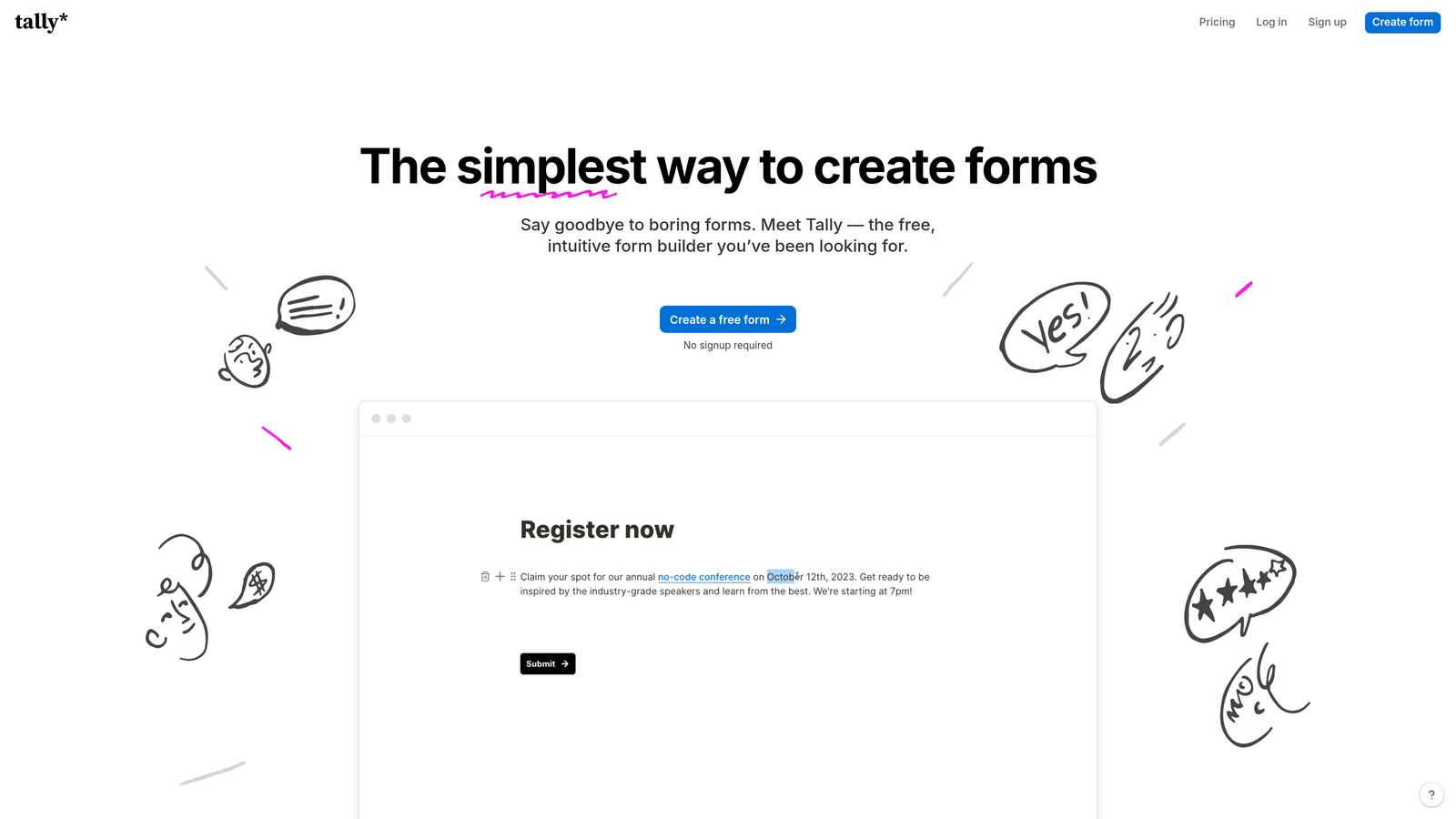
Tally is a Notion-inspired form builder with a generous free tier, a clean embed experience, and lightweight scripts popular with startups and indie makers.
Where This Tool Shines
Tally's free plan stands out in a market where most tools watermark or limit embeds at the free tier. You get a genuinely usable product without paying anything, including no Tally branding on your forms. For early-stage teams or side projects where budget is tight, that's a meaningful differentiator.
The block-based editor feels familiar to anyone who uses Notion, making it fast to learn. The embeds are also lightweight, which matters for teams paying close attention to page performance metrics.
Key Features
No Branding on Free Plan: Unusual in the market, Tally's free tier removes their branding from embedded forms without requiring an upgrade.
Notion-Like Block Editor: Familiar block-based editing interface that most modern teams can pick up in minutes.
Inline and Popup Embeds: Two clean embed options that integrate smoothly into most website layouts.
Conditional Logic and Calculated Fields: Supports branching flows and formula-based calculations within forms.
Lightweight Embed Performance: Minimal script footprint that avoids the page load impact common with heavier form tools.
Best For
Early-stage startups, indie developers, freelancers, and small teams that need a capable form builder without a monthly subscription. Less suitable for enterprise teams needing compliance certifications or advanced lead routing.
Pricing
Generous free plan with no branding restrictions. Pro plan at approximately $29/month with additional features like custom domains and priority support.
6. Gravity Forms
Best for: WordPress developers and agencies building complex forms within the WordPress ecosystem
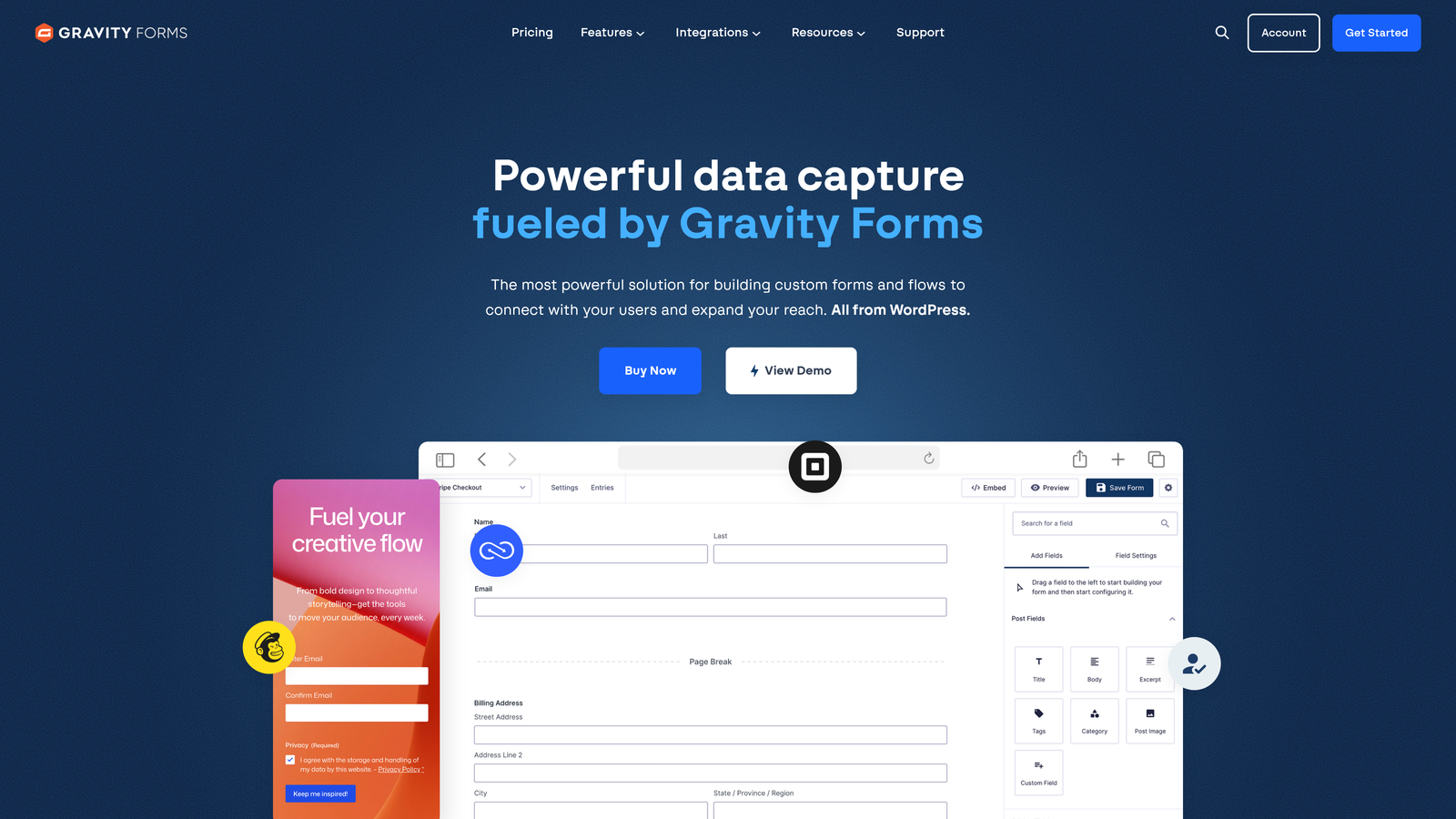
Gravity Forms is a WordPress-native form plugin with conditional logic, payment support, and a large add-on ecosystem, widely considered the go-to form solution for WordPress developers.
Where This Tool Shines
Within WordPress, Gravity Forms is in a category of its own for complexity and extensibility. The add-on library covers nearly every integration a WordPress site might need, from payment processors to CRM connectors to post-creation automation. For developers, the hooks and filters system allows deep customization without modifying core plugin files.
It's worth noting upfront: Gravity Forms is a WordPress plugin, not a SaaS product. If your site isn't built on WordPress, this tool isn't relevant to you. But for WordPress-based teams, the depth of functionality is difficult to match with any other embedded form solution.
Key Features
Native WordPress Integration: Embeds via shortcode or Gutenberg block with no external scripts or iframes required.
Conditional Logic and Multi-Page Forms: Supports complex branching logic, calculated fields, and multi-step form flows natively.
Payment Integrations: Built-in support for Stripe, PayPal, and other processors via official add-ons.
Large Add-On Ecosystem: Extends functionality with official and third-party add-ons covering CRMs, email marketing, and more.
Developer-Friendly Architecture: Extensive hooks and filters system for custom development without altering plugin files.
Best For
WordPress developers, digital agencies managing WordPress sites, and businesses with complex form requirements on WordPress. Not applicable outside the WordPress environment.
Pricing
Starts at approximately $59/year for a single site license. Higher tiers unlock additional add-ons and multi-site licensing. Annual renewal required for updates and support.
7. Paperform
Best for: Teams that want a hybrid form and landing page builder with e-commerce capabilities
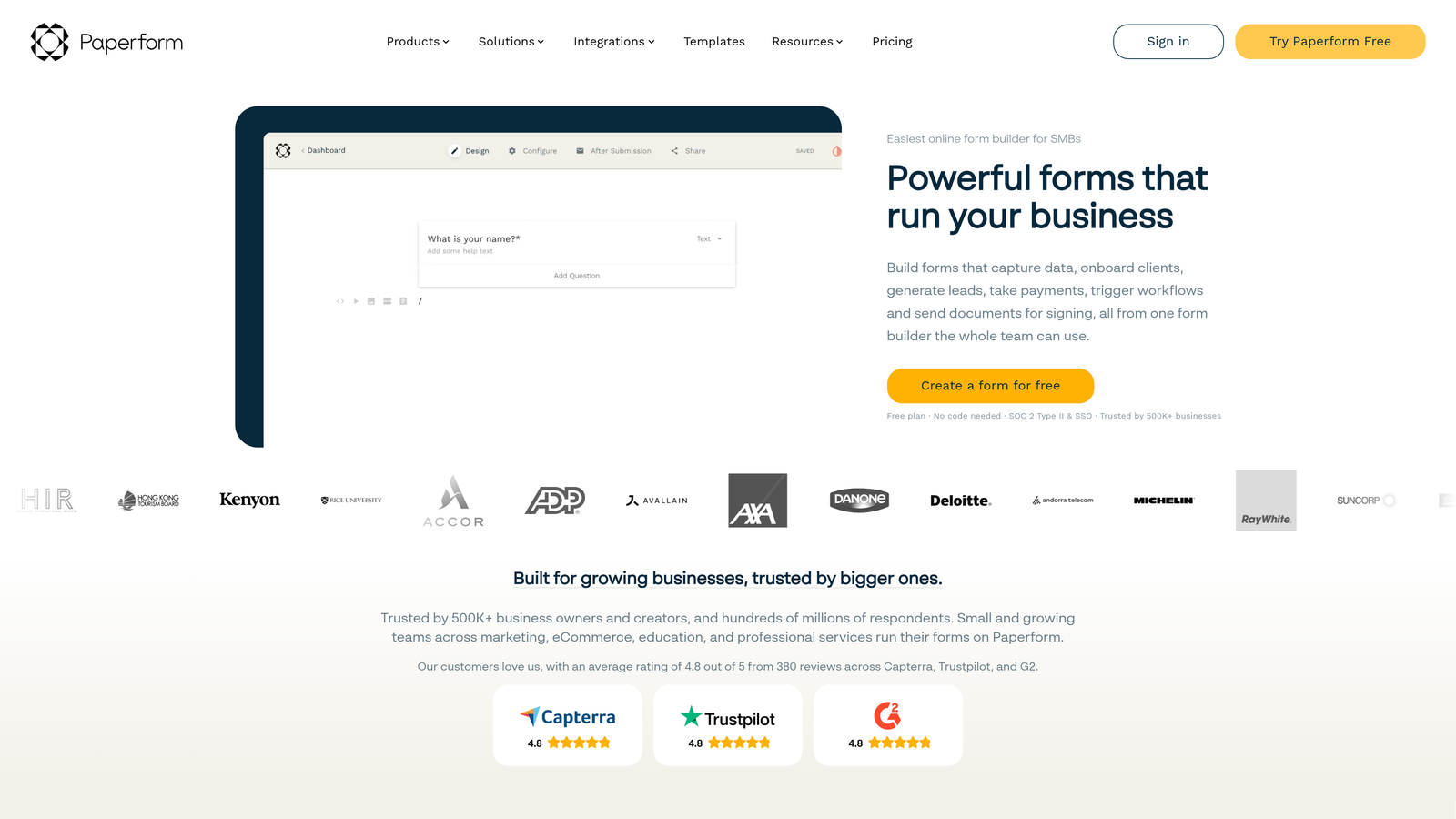
Paperform is a hybrid form and landing page builder with rich media support, product listings, and e-commerce capabilities built directly into embeddable forms.
Where This Tool Shines
Paperform occupies an interesting niche between a form builder and a lightweight landing page tool. You can embed images, video, and product listings directly within the form itself, which makes it well suited for sales flows, event registrations, and product order forms where context and visuals matter.
The e-commerce features are more developed than most form builders, including inventory management and multiple payment options. For small businesses or creators who want to sell products without a full e-commerce platform, Paperform can handle a surprising amount of that workflow.
Key Features
Rich Media Within Forms: Embed images, video, and descriptive content directly into the form layout alongside questions.
E-Commerce and Payment Support: Handles product listings, inventory, and payment collection without needing a separate storefront.
Inline and Popup Embeds: Standard embed options for integrating forms within existing website pages.
Conditional Logic and Personalized Flows: Adapts the form experience based on user responses for more relevant interactions.
Custom Domain Support: Forms can live as standalone pages on a custom domain, not just as embeds.
Best For
Small businesses, creators, event organizers, and teams that need a form tool with genuine e-commerce and rich media capabilities. Also useful for teams that want standalone form pages in addition to embedded options.
Pricing
Starts at approximately $24/month billed annually. Higher tiers unlock additional submissions, custom domains, and advanced features.
8. Formstack
Best for: Enterprise teams in regulated industries that need compliance certifications and workflow automation
Formstack is an enterprise-grade form platform with HIPAA, GDPR, and SOC 2 compliance options, plus workflow automation and document generation capabilities.
Where This Tool Shines
Formstack's primary differentiator is compliance. For organizations in healthcare, finance, legal, or government where data handling requirements are non-negotiable, having HIPAA, GDPR, and SOC 2 certifications built into the platform removes a significant procurement obstacle. Most lighter form tools simply can't operate in these environments.
Beyond compliance, the workflow automation and document generation features make Formstack more of an operational platform than a pure form builder. Approval routing, e-signatures, and auto-generated documents position it for internal process automation as much as external lead capture.
Key Features
Compliance Certifications: HIPAA, GDPR, and SOC 2 compliance options available, covering regulated industry requirements.
Workflow Automation and Approval Routing: Automates multi-step internal processes triggered by form submissions.
Document Generation and E-Signatures: Creates documents from form data and collects legally binding signatures within the same platform.
Inline and iFrame Embed Modes: Standard embed options for integrating forms into external websites and internal portals.
Enterprise SSO and Access Controls: Supports single sign-on and granular permission management for large teams.
Best For
Enterprise organizations in regulated industries including healthcare, finance, and legal. Also strong for operations teams that need form-triggered workflow automation and document generation at scale.
Pricing
Starts at approximately $83/month. Enterprise pricing is available on request and scales with team size and compliance requirements.
9. Microsoft Forms
Best for: Microsoft 365 organizations embedding forms into SharePoint, Teams, or other M365 surfaces
Microsoft Forms is included with Microsoft 365 subscriptions and embeds natively into SharePoint, Teams, and other M365 surfaces for internal use cases.
Where This Tool Shines
The value proposition here is simple: if your organization already pays for Microsoft 365, Microsoft Forms is already available at no additional cost. For internal surveys, event registrations, feedback collection, and simple data gathering within a Microsoft-centric environment, it covers the basics without any additional procurement.
The native embedding into SharePoint pages and Teams tabs is genuinely seamless for M365 users. Responses flow automatically into Excel and OneDrive, which fits naturally into workflows that already run on Microsoft tools. It's not designed for external marketing forms or lead generation, but it doesn't need to be.
Key Features
Included with Microsoft 365: No additional cost for organizations already subscribed to Microsoft 365 plans.
Native M365 Embedding: Embeds directly into SharePoint pages and Teams tabs without any external scripts or third-party setup.
Basic Branching Logic: Supports simple conditional branching for straightforward form flows.
Automatic Response Collection: Responses populate automatically in Excel spreadsheets stored in OneDrive.
Accessibility-Compliant Design: Forms meet accessibility standards, important for organizations with compliance requirements around digital accessibility.
Best For
Internal teams within Microsoft-centric organizations using SharePoint intranets, Teams collaboration hubs, or M365 workflows. Not recommended for external-facing lead generation, marketing forms, or any use case requiring advanced design customization.
Pricing
Included with Microsoft 365 subscriptions at no additional cost. No standalone pricing or free trial separate from M365.
Which Embedded Form Builder Is Right for You?
The right tool depends almost entirely on your use case. Here's a quick way to think through the decision.
If AI-powered lead qualification is your priority, Orbit AI is the clear choice. It's the only tool in this list that scores and qualifies leads at the form layer itself, which matters for SaaS and B2B teams where lead quality is as important as lead volume. The combination of intelligent qualification and conversion-optimized design makes it purpose-built for high-growth revenue teams.
For conversational form experiences with strong embed flexibility, Typeform remains a solid option, particularly for surveys and onboarding flows where respondent experience is the priority.
WordPress teams with complex requirements should look at Gravity Forms first. Nothing else in the WordPress ecosystem matches its extensibility and add-on depth.
If your organization operates in a regulated industry and needs HIPAA, GDPR, or SOC 2 compliance, Formstack is the enterprise-grade choice. And if budget is the primary constraint, Tally's free tier is genuinely capable without the branding restrictions that limit other free plans.
For internal Microsoft 365 environments, Microsoft Forms handles the basics without any additional cost or setup.
The embedded form experience is often the first real interaction a prospect has with your product or service. It shapes their perception of your brand before they ever speak to your team. Choosing a tool that reflects that stakes is worth the extra consideration.
Ready to see what AI-powered lead qualification looks like in practice? Start building free forms today and experience how intelligent form design can transform your conversion strategy.


