

When a prospect fills out your form, every second of delay before that data hits your CRM is a second your sales team loses. Manual exports, copy-paste workflows, and broken Zaps don't just slow things down—they let qualified leads go cold while your competitors follow up first.
The best CRM form integrations eliminate that gap entirely, routing qualified leads directly into your pipeline, triggering follow-up sequences, and syncing contact data without anyone lifting a finger. Whether you're connecting a form builder to HubSpot, Salesforce, or a niche CRM, the right tool depends on your stack, your team's technical depth, and how much lead qualification you need before data touches your pipeline.
This list covers the strongest options available in 2026, evaluated on integration depth, lead qualification capabilities, ease of setup, and how well they serve high-growth teams. Orbit AI leads the list because its native CRM integrations are built specifically around lead qualification—but every tool here earns its place on merit.
1. Orbit AI
Best for: High-growth B2B and SaaS teams who want qualified leads flowing into their CRM, not just contact lists.
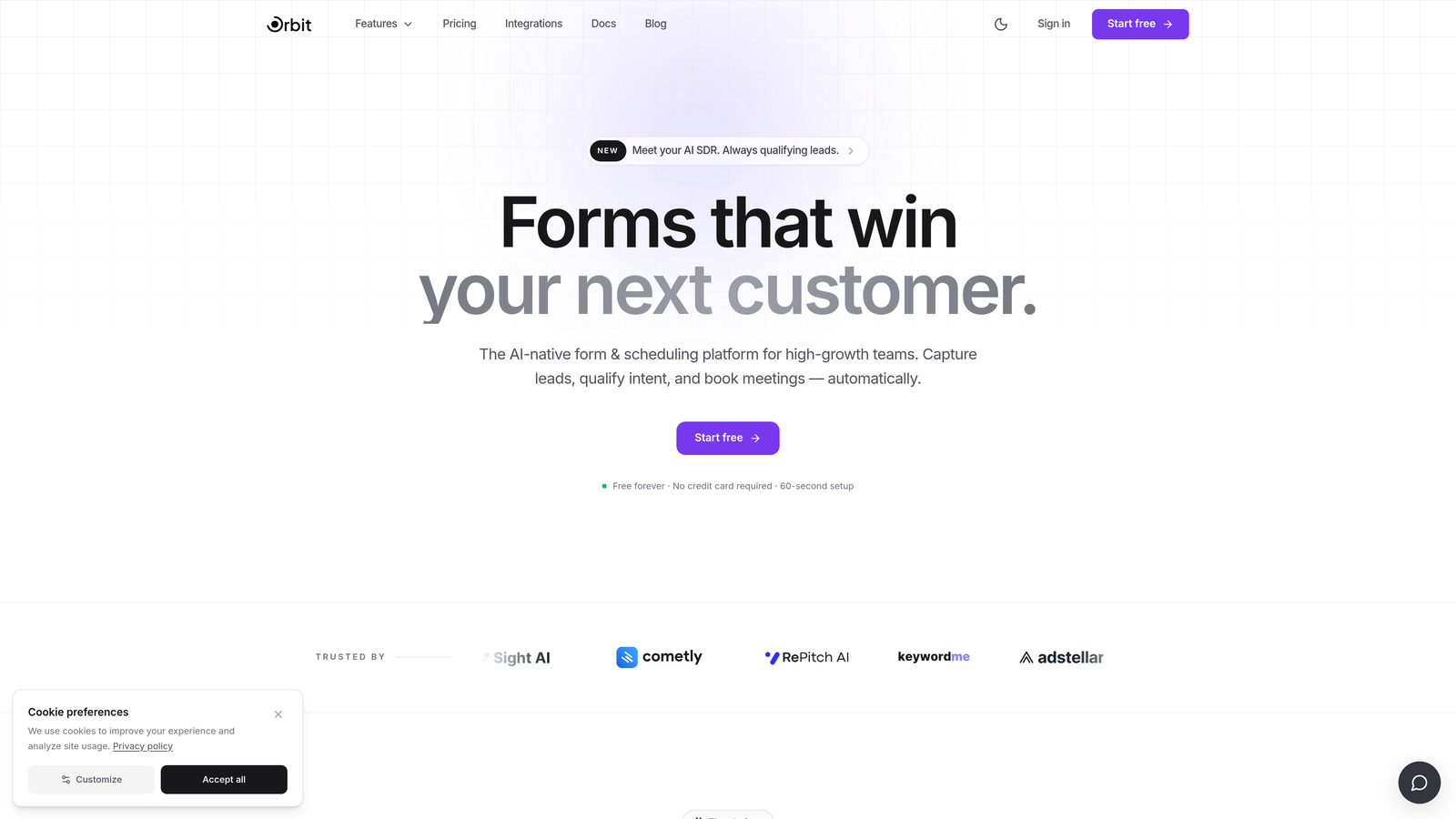
Orbit AI is an AI-powered form builder with built-in lead qualification and CRM sync, designed to ensure only sales-ready contacts reach your pipeline.
Where This Tool Shines
Most form-to-CRM tools treat every submission equally—they push data through and leave your sales team to sort the qualified from the noise. Orbit AI takes a different approach by scoring and qualifying leads before they ever reach your CRM. That means your pipeline stays clean, your reps focus on real opportunities, and your follow-up sequences trigger on prospects who actually match your ICP.
The platform is purpose-built for high-growth teams, which shows in the details: conversion-optimized templates designed for B2B lead capture, real-time routing based on qualification criteria, and adaptive form experiences that adjust dynamically based on what a prospect reveals about themselves.
Key Features
AI Lead Scoring: Automatically qualifies submissions against your criteria before syncing to your CRM, keeping low-quality contacts out of your pipeline.
Native CRM Integrations: Direct connections to major CRMs including HubSpot and Salesforce, with no middleware required for core workflows.
Conditional Logic and Dynamic Fields: Forms adapt in real time based on responses, creating personalized paths that improve completion rates and data quality.
Conversion-Optimized Templates: Pre-built form designs built specifically for B2B lead capture scenarios, reducing time-to-launch significantly.
Real-Time Lead Routing: Routes submissions to the right CRM owner, pipeline stage, or sequence based on qualification outcomes the moment a form is submitted.
Best For
SaaS and B2B teams running high-volume lead generation who are frustrated with low-quality contacts polluting their CRM. Particularly strong for growth-stage companies where sales team capacity is limited and lead quality directly impacts revenue outcomes.
Pricing
Paid plans available with a free starting option. Visit orbitforms.ai for current pricing details and plan comparison.
2. HubSpot Forms
Best for: Teams already on HubSpot who want zero-friction, native form-to-CRM sync.
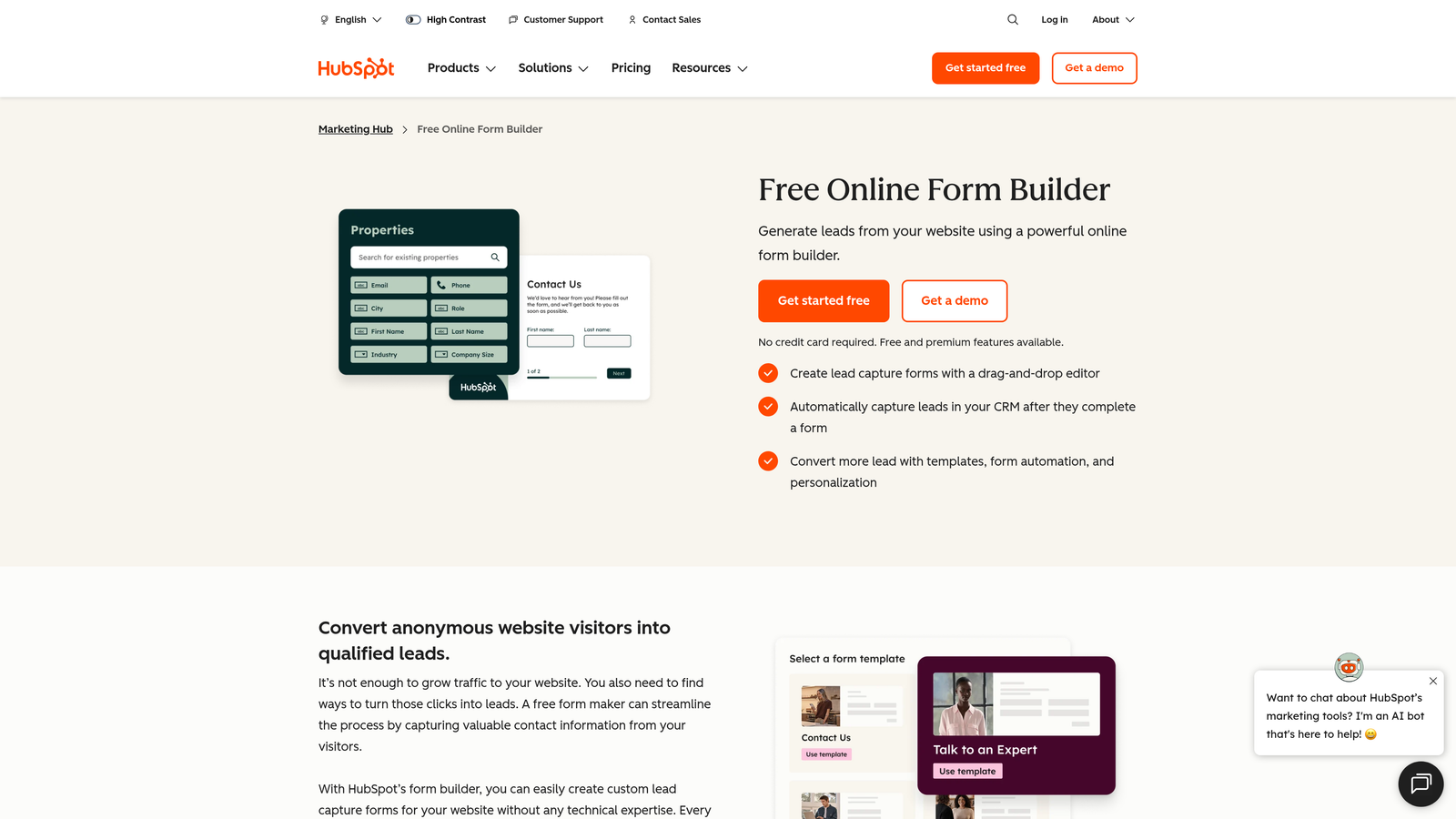
HubSpot Forms is the native form builder built into the HubSpot platform, offering seamless contact creation and workflow triggers within the HubSpot CRM ecosystem.
Where This Tool Shines
If your CRM is HubSpot, this is the path of least resistance. Every submission automatically creates or updates a contact record, fires workflows, and feeds into your existing lead scoring rules—with no third-party connector in the middle that can break. That reliability matters more than most teams realize until a Zap fails silently on a Friday afternoon.
Progressive profiling is a standout capability: returning visitors see new questions instead of ones they've already answered, which enriches contact records over time without overwhelming prospects with long forms upfront.
Key Features
Automatic Contact Sync: Creates or updates CRM contacts on every submission, with no manual mapping required for standard HubSpot fields.
Workflow and Sequence Triggers: Submissions natively fire HubSpot workflows, enrollment sequences, and lead scoring rules without additional setup.
Progressive Profiling: Shows new fields to returning visitors to gradually enrich contact records across multiple interactions.
Multiple Form Types: Supports embedded, popup, and standalone form options to match different placement needs.
Free Tier: Available on HubSpot's free plan, making it accessible for early-stage teams before committing to paid tiers.
Best For
Teams running HubSpot as their primary CRM who want native integration without the complexity of third-party connectors. Less compelling if your CRM lives outside the HubSpot ecosystem.
Pricing
Free with HubSpot Free (HubSpot branding on forms); advanced features available from $20/month on the Starter plan.
3. Typeform
Best for: Teams prioritizing form completion rates through a conversational, engaging experience.
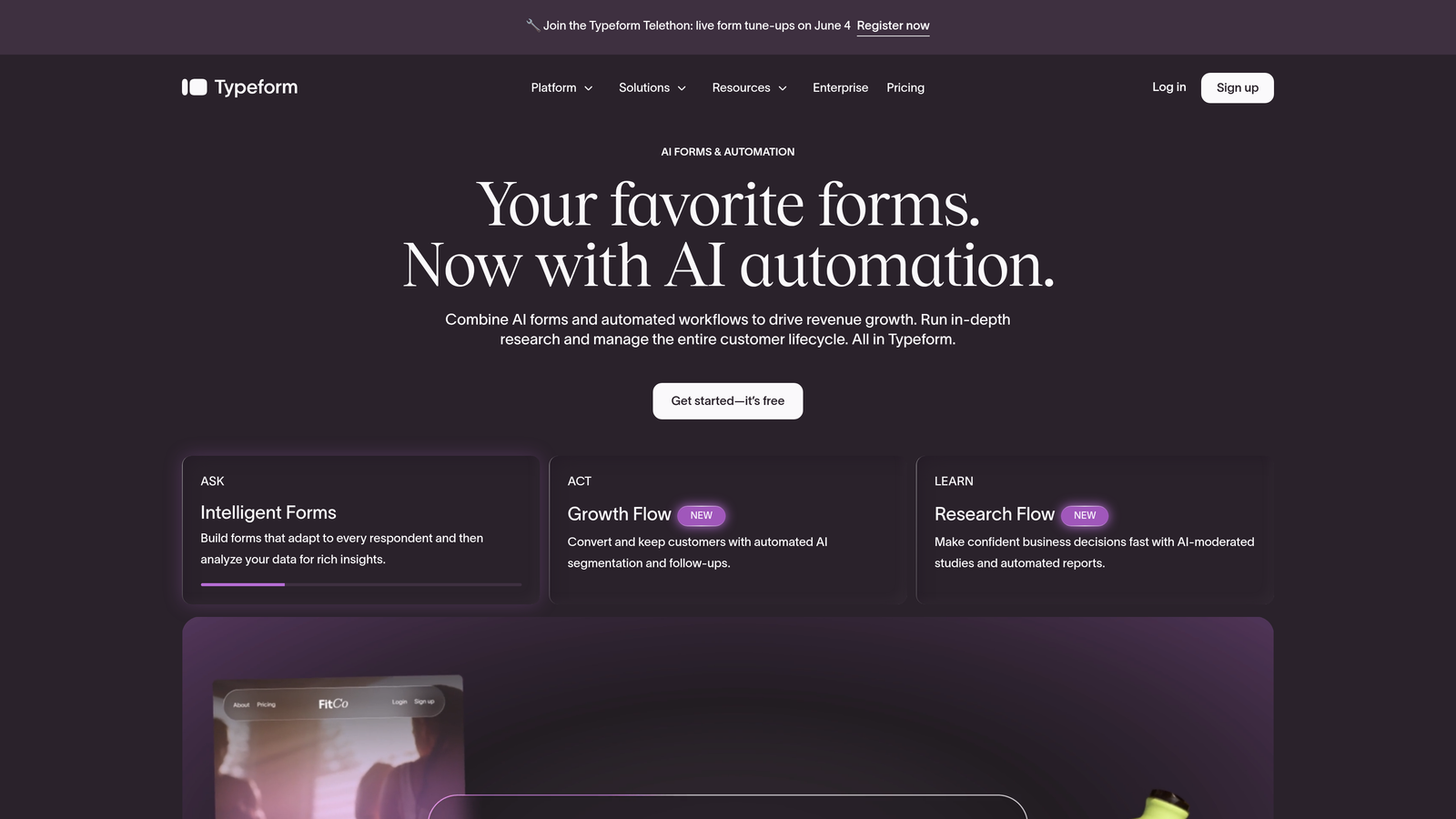
Typeform is a conversational form builder known for its one-question-at-a-time format, with native CRM integrations and broad automation support via Zapier and Make.
Where This Tool Shines
Typeform's core differentiator is the experience it creates for respondents. Instead of presenting a wall of fields, it guides prospects through one question at a time in a format that feels closer to a conversation than a form. For longer qualification forms where drop-off is a real concern, this UX approach can meaningfully improve completion.
On the integration side, Typeform covers the major CRMs natively—HubSpot, Salesforce, and Pipedrive—while Zapier and Make support extends compatibility to virtually any other platform. Hidden fields allow UTM parameters and CRM identifiers to pass through submissions seamlessly.
Key Features
Conversational Format: Single-question display that reduces cognitive load and improves completion rates on multi-field forms.
Native CRM Integrations: Direct connections to HubSpot, Salesforce, and Pipedrive without requiring middleware.
Logic Jumps: Branching paths that show different questions based on previous answers, enabling qualification flows within the form itself.
Hidden Fields: Pass UTM parameters, referral sources, and CRM identifiers through submissions for richer contact records.
Zapier and Make Support: Extends CRM compatibility to platforms not covered by native integrations.
Best For
Marketing teams running lead generation campaigns where form completion rate is a key metric. Also strong for teams that need a polished, branded form experience for high-value prospect segments.
Pricing
Free plan limited to 10 responses per month; paid plans start from $25/month with higher response limits and advanced features.
4. Zapier
Best for: Teams connecting existing form tools to CRMs that lack native integrations.
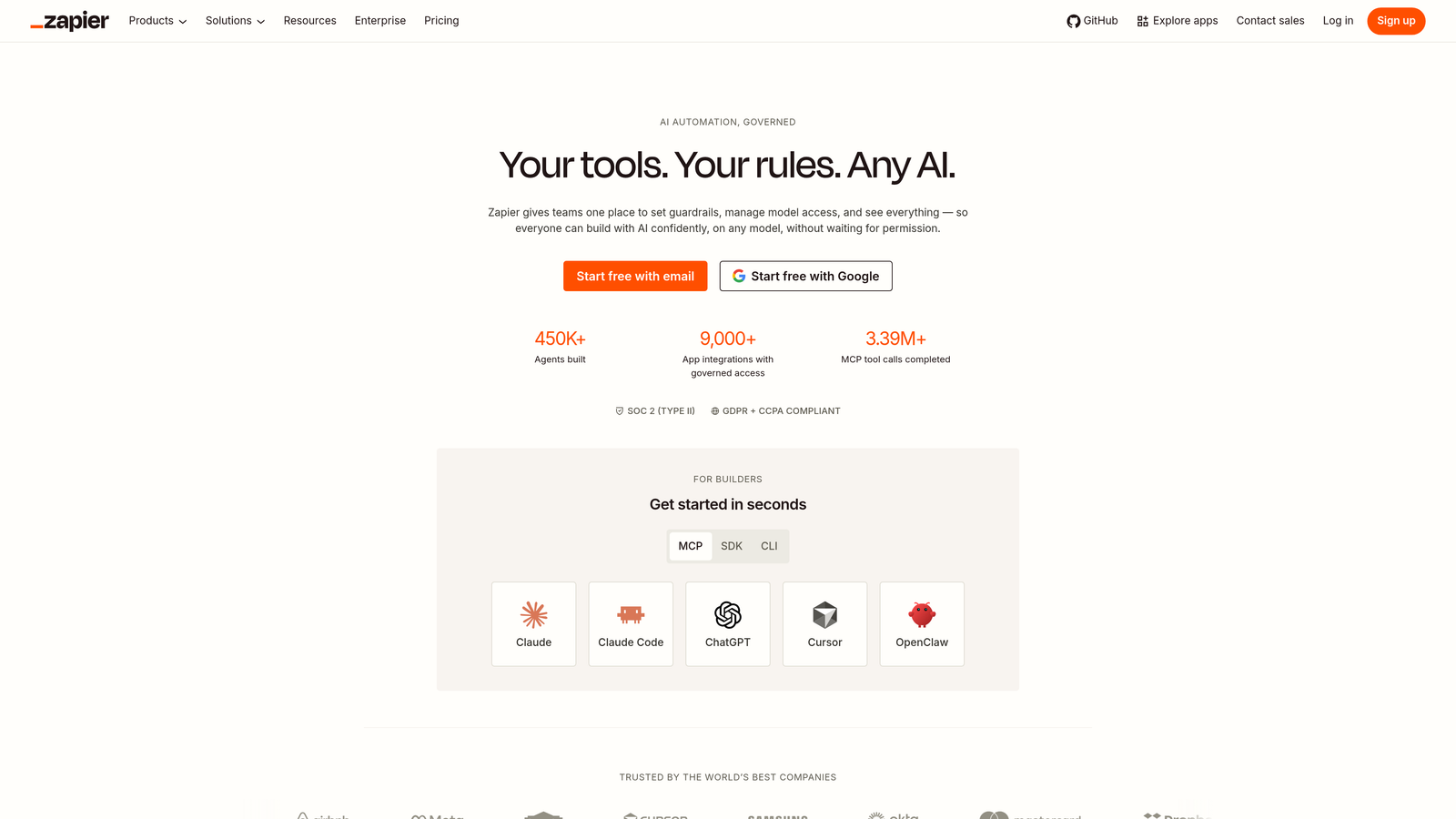
Zapier is the leading no-code automation middleware that connects virtually any form builder to virtually any CRM, acting as the routing layer between your capture tool and pipeline.
Where This Tool Shines
Zapier isn't a form builder—it's the connective tissue between your forms and your CRM. If you're already using a form tool that doesn't have a native integration with your CRM of choice, Zapier closes that gap with a no-code interface that non-technical marketers and ops teams can manage without developer support.
Multi-step Zaps allow for real sophistication: filter out submissions that don't meet qualification criteria, transform field values before they hit your CRM, and route different lead types to different pipelines or owners—all without writing a line of code.
Key Features
7,000+ App Connections: Covers all major form builders and CRMs, making it the most broadly compatible automation layer available.
Multi-Step Zaps: Chain multiple actions together to filter, transform, and route form data before it reaches your CRM.
Conditional Logic: Route leads to different CRM pipelines, owners, or sequences based on form field values.
No-Code Interface: Accessible to marketing and ops teams without requiring technical resources to build or maintain workflows.
Webhooks Support: Enables custom form-to-CRM pipelines for tools with webhook output but no native Zapier integration.
Best For
Teams with existing form tools that need CRM connectivity without rebuilding their stack. Also useful for complex multi-CRM environments where different lead types route to different systems.
Pricing
Free plan includes 100 tasks per month; paid plans start from $19.99/month with higher task limits and multi-step Zap support.
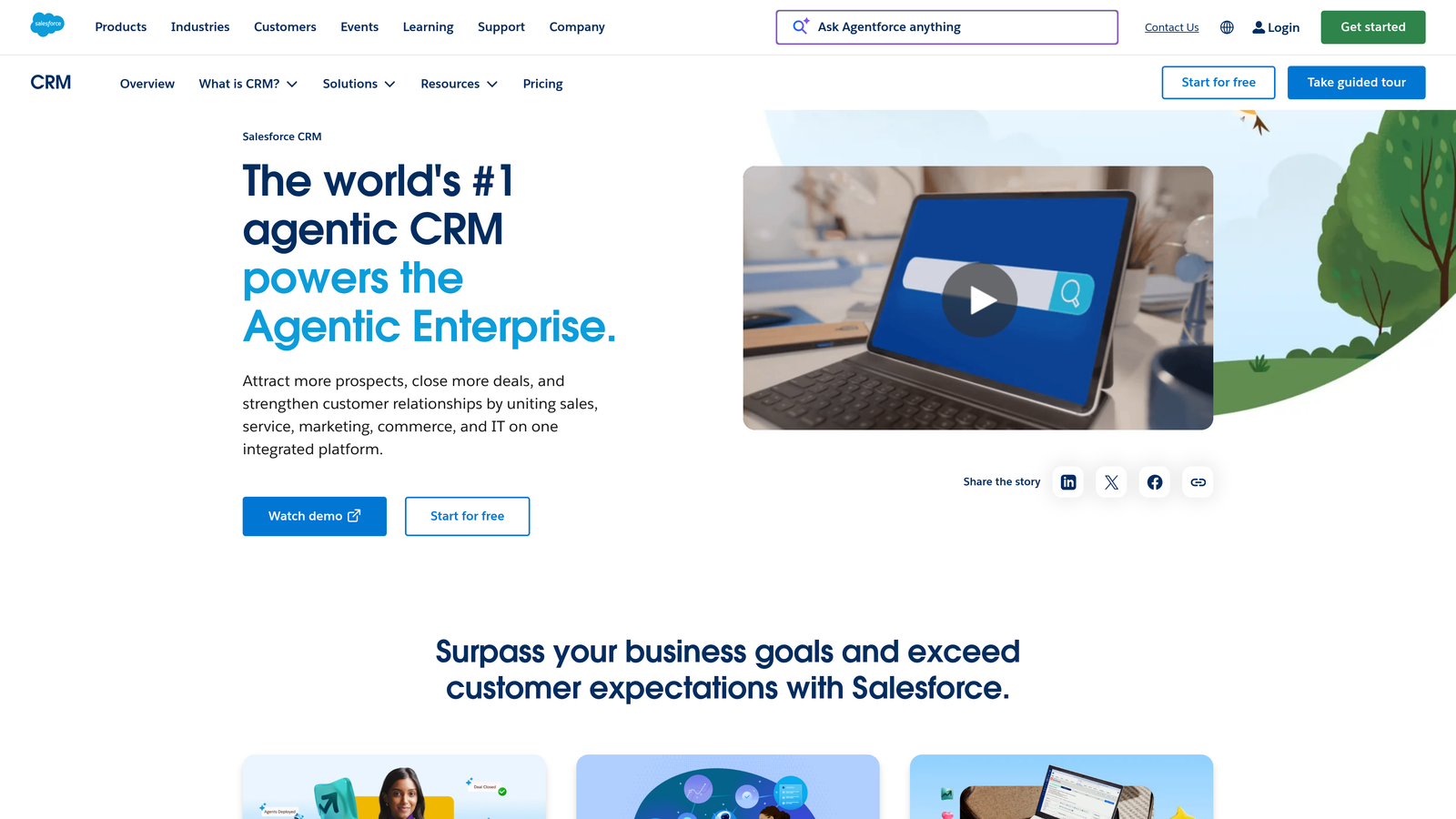
5. Salesforce Web-to-Lead
Best for: Salesforce-native teams who need a simple, zero-integration lead capture form.
Salesforce Web-to-Lead is a native Salesforce feature that generates an embeddable HTML form, automatically creating Lead records in Salesforce on every submission with no third-party connector required.
Where This Tool Shines
For Salesforce shops, Web-to-Lead is the simplest possible path from website form to CRM record. Salesforce generates the HTML form code directly from your Lead field configuration, so every submission maps to your exact CRM schema without custom integration work. Auto-assignment rules handle routing to the right rep immediately on creation.
The trade-off is design flexibility. Web-to-Lead forms are functional rather than beautiful, and they lack the conditional logic and conversational UX of dedicated form builders. Teams often use them as the backend for a more polished front-end form tool, passing data via Salesforce's submission endpoint.
Key Features
Native Lead Creation: Every submission creates a Salesforce Lead record with zero integration overhead or third-party dependency.
Auto-Assignment Rules: Routes newly created leads to the correct sales rep or queue based on field values and assignment logic.
Custom Field Mapping: Maps to any standard or custom Lead field in your Salesforce org.
CAPTCHA Support: Built-in spam protection to reduce junk submissions from reaching your pipeline.
Workflow Compatibility: Works natively alongside Salesforce lead scoring, Process Builder, and Flow automation.
Best For
Enterprise teams on Salesforce Sales Cloud who need reliable lead capture without adding vendors to their stack. Best when design requirements are minimal and CRM fidelity is the primary concern.
Pricing
Included with all Salesforce Sales Cloud editions at no additional cost.
6. Jotform
Best for: Teams managing multiple form types across departments who need broad CRM compatibility.
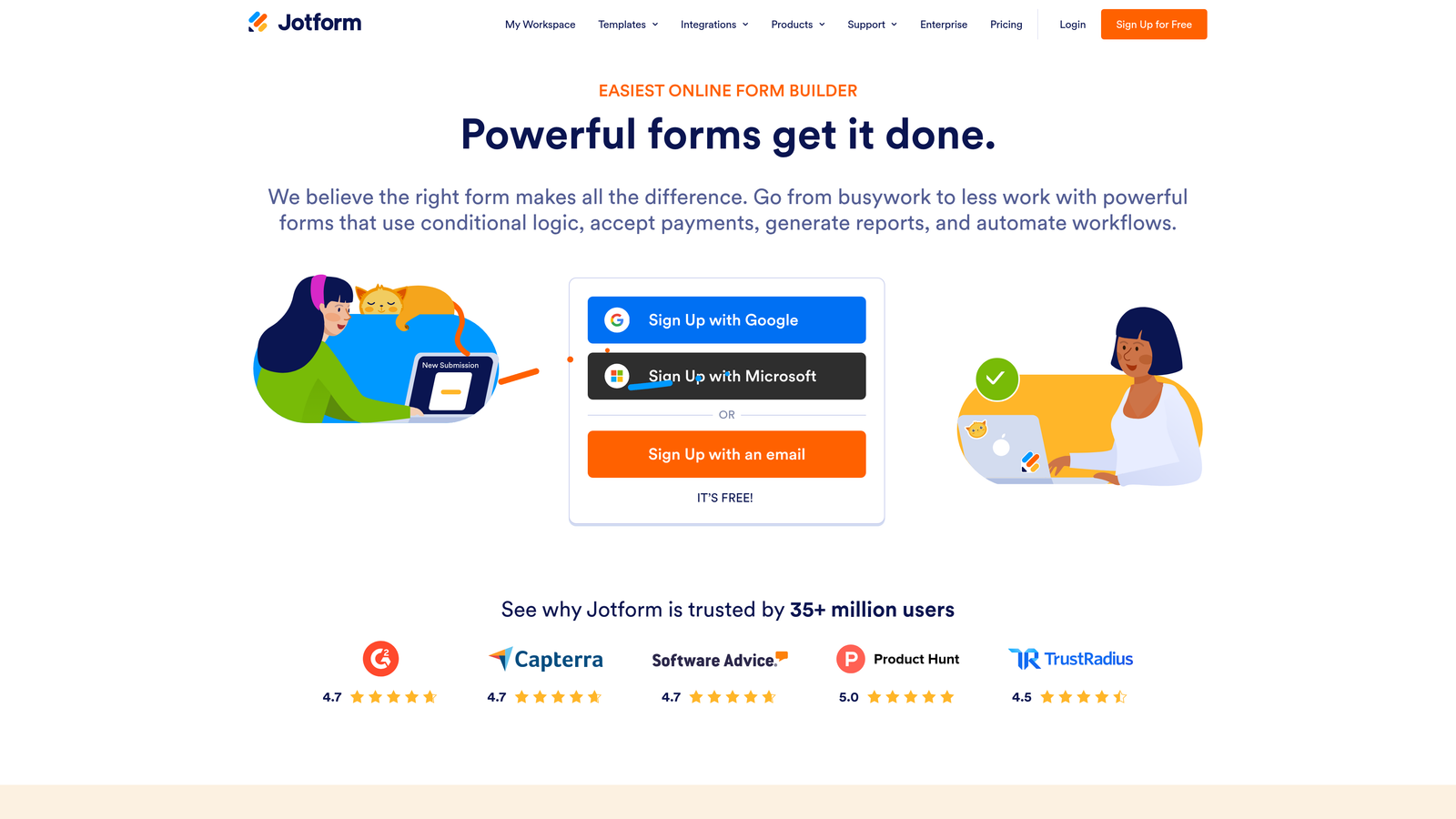
Jotform is a versatile form builder with one of the broadest native CRM integration libraries available, covering Salesforce, HubSpot, Zoho, Pipedrive, and many others out of the box.
Where This Tool Shines
Where most form builders offer deep integration with one or two CRMs, Jotform goes wide. With over 100 native integrations, it's particularly useful for organizations running multiple CRMs across business units, or for agencies managing forms across clients on different platforms. You're unlikely to encounter a CRM that Jotform can't connect to natively.
Approval workflows add a useful layer of control: form submissions can be routed through an internal review process before data syncs to your CRM, which matters in contexts where data quality and accuracy are critical before a lead enters the pipeline.
Key Features
100+ Native CRM Integrations: Covers Salesforce, HubSpot, Zoho CRM, Pipedrive, and a wide range of additional platforms without middleware.
Conditional Logic: Dynamic field visibility and branching paths based on respondent answers.
Approval Workflows: Route submissions through internal review before syncing data to your CRM.
Payment and File Upload Fields: Handles complex form types beyond lead capture, useful for multi-purpose form programs.
Team Collaboration: Shared form management and access controls for larger teams managing multiple forms simultaneously.
Best For
Operations teams, agencies, or companies with multiple departments each using different CRMs. Also strong for teams that need approval workflows before data enters their pipeline.
Pricing
Free plan covers 5 forms and 100 submissions per month; paid plans start from $34/month with higher limits and advanced features.
7. Gravity Forms
Best for: WordPress-based businesses who need robust CRM integrations on a self-hosted site.
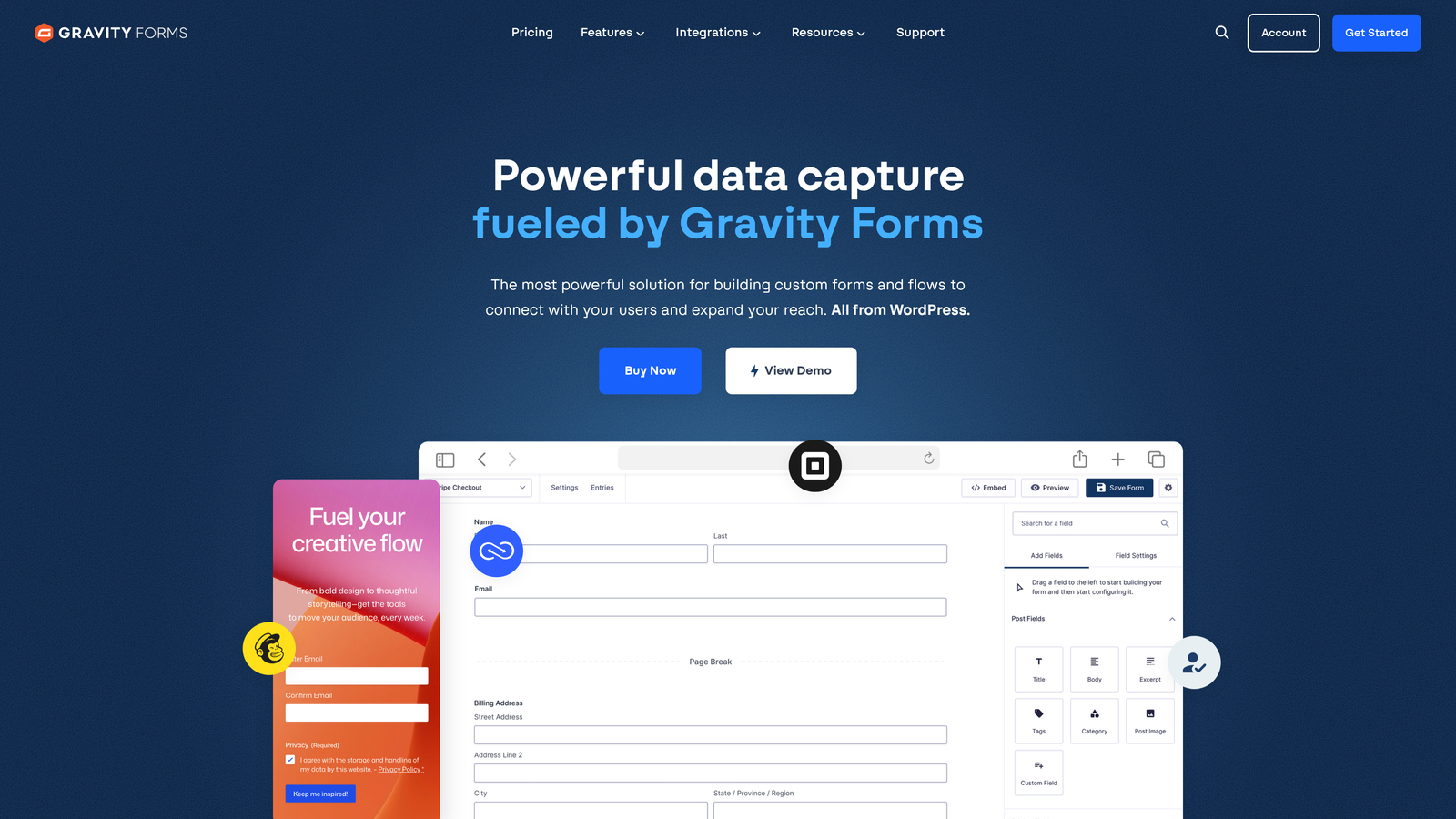
Gravity Forms is the leading WordPress form plugin, offering CRM integrations through a robust add-on ecosystem covering HubSpot, Salesforce, Zoho, and ActiveCampaign for self-hosted WordPress sites.
Where This Tool Shines
For teams running WordPress, Gravity Forms is the gold standard. The plugin's add-on ecosystem provides official, maintained integrations with the major CRMs—not third-party workarounds—and the conditional logic capabilities are among the most advanced available in any form builder. Multi-page forms with progress indicators handle longer qualification flows without overwhelming respondents.
Partial entry capture is a genuinely useful feature for high-growth teams: if a prospect starts filling out a form but abandons before submitting, Gravity Forms can capture what they entered, giving your sales team a warm lead to follow up on even without a completed submission.
Key Features
Official CRM Add-Ons: Maintained integrations for HubSpot, Salesforce, Zoho CRM, and ActiveCampaign available through the Gravity Forms add-on library.
Advanced Conditional Logic: Dynamic field visibility, branching, and routing based on form responses.
Multi-Page Forms: Progress indicators and page breaks for longer lead qualification forms.
Developer Hooks and Filters: Extensive customization options for teams with development resources who need precise CRM field mapping.
Partial Entry Capture: Recovers data from abandoned form submissions, turning incomplete fills into actionable leads.
Best For
WordPress-based businesses with self-hosted sites, particularly those with development resources who want full control over form behavior and CRM field mapping.
Pricing
Basic plan from $59/year; CRM add-ons require the Elite plan at $259/year.
8. Make (formerly Integromat)
Best for: RevOps and automation specialists building complex, multi-step form-to-CRM workflows.
Make is a visual automation platform that enables complex, multi-step form-to-CRM workflows with data transformation, filtering, and conditional routing—a popular choice among RevOps teams who've outgrown Zapier's linear workflow model.
Where This Tool Shines
Make's visual scenario builder makes complex automation logic significantly more manageable than Zapier's sequential Zap structure. You can see the entire workflow on a canvas, which matters when you're building multi-branch logic that routes different lead types to different CRM objects, transforms field values, and triggers different sequences based on qualification criteria.
The data transformation capabilities set Make apart from most automation tools. Before a form submission ever reaches your CRM, you can clean field values, reformat data to match your CRM's schema, and apply conditional logic that would require multiple Zaps in competing tools. For teams where data quality in the CRM is a priority, this is a meaningful advantage.
Key Features
Visual Scenario Builder: Canvas-based workflow design that makes complex multi-step automation easier to build and maintain.
Data Transformation Tools: Clean, reformat, and standardize field values before they reach your CRM.
Advanced Filtering and Routing: Conditional paths that route different submissions to different CRM objects, pipelines, or owners.
Webhook Support: Real-time form submission processing for tools that output webhooks.
Generous Operation Limits: Broader operation allowances than Zapier at comparable price points, making it cost-effective for high-volume workflows.
Best For
RevOps teams and automation specialists managing high-complexity form-to-CRM workflows where data transformation and multi-branch routing are requirements, not nice-to-haves.
Pricing
Free plan includes 1,000 operations per month; paid plans start from $9/month with significantly higher operation limits.
9. Pipedrive LeadBooster
Best for: Pipedrive-centric sales teams who want native lead capture without third-party sync dependencies.
Pipedrive LeadBooster is Pipedrive's native lead capture suite, including web forms that feed directly into Pipedrive deals and contacts, eliminating third-party sync issues for teams built around the Pipedrive CRM.
Where This Tool Shines
The appeal here is simplicity and reliability. If Pipedrive is your CRM, LeadBooster keeps everything inside one platform—no Zapier dependency, no sync failures, no field mapping mismatches between systems. Form submissions create leads and contacts directly inside Pipedrive, and the lead inbox lets your team triage and qualify before converting to active deals.
The addition of chatbot and live chat alongside web forms in a unified lead inbox is a practical advantage for teams running multiple capture channels. Rather than managing separate tools for form leads and chat leads, everything lands in one place for the same qualification and routing workflow.
Key Features
Native Pipedrive Integration: Web forms create leads and contacts directly inside Pipedrive with no third-party connector required.
Chatbot and Live Chat: Combines form capture with conversational lead capture in a single unified lead inbox.
Automatic Lead Routing: Routes incoming leads to the right sales rep based on form answers and routing rules.
Custom Field Mapping: Form fields map directly to Pipedrive contact and deal properties for clean data entry.
Lead Inbox: Centralized triage workspace to qualify and review leads before converting them to active pipeline deals.
Best For
Sales teams with Pipedrive as their primary CRM who want native lead capture without adding vendors. Particularly useful for smaller teams where simplicity and reliability outweigh the need for advanced form customization.
Pricing
LeadBooster is available as an add-on starting from $32.50/month, added to any existing Pipedrive plan.
Which Tool Fits Your Stack
The right CRM form integration depends less on which tool has the most features and more on where your biggest friction point actually lives.
If your primary frustration is lead quality—too many unqualified contacts clogging your pipeline—Orbit AI is the most direct solution. Its AI qualification layer means your CRM only receives contacts that meet your criteria, which changes the economics of how your sales team spends its time.
If you're fully committed to HubSpot, HubSpot Forms is the obvious choice. The native integration is reliable, the workflow triggers are immediate, and progressive profiling handles contact enrichment over time without additional tooling.
For Salesforce enterprise environments where design is secondary to CRM fidelity, Salesforce Web-to-Lead delivers the most direct path to Lead record creation. Pair it with a more polished front-end form tool if the visual experience matters for your audience.
Teams with complex routing logic and data transformation requirements should look closely at Make. It handles multi-branch workflows and field standardization better than most automation tools at its price point, making it a strong choice for RevOps specialists.
If you're on Pipedrive and want to keep your stack simple, Pipedrive LeadBooster eliminates the sync layer entirely. And for WordPress sites that need serious CRM connectivity, Gravity Forms remains the most capable option available.
The common thread across every strong choice here is eliminating the gap between form submission and CRM action. Every second of delay is a second your competitors might not be wasting.
For high-growth teams who want that gap closed and their pipeline protected from low-quality contacts, Start building free forms today with Orbit AI and see how AI-powered qualification changes what flows into your CRM from the very first submission.


