

Most form tools were built for a single touchpoint. But modern lead generation doesn't work that way. Your prospects land on your website, engage with your chatbot, scan a QR code at an event, or click through a social ad. A true multi-channel form platform meets them wherever they are, captures data consistently, and feeds your pipeline without friction.
This guide breaks down the nine best multi-channel form platforms available in 2026, evaluated on channel coverage, lead qualification capabilities, integration depth, and conversion optimization features. Whether you're running a lean SaaS growth team or scaling a demand gen operation, there's a platform here that fits your stack. We've prioritized tools that go beyond basic form building: the ones that actually help you qualify, route, and act on leads across every channel you use.
1. Orbit AI
Best for: High-growth SaaS and demand gen teams that need AI-powered lead qualification at the form layer.
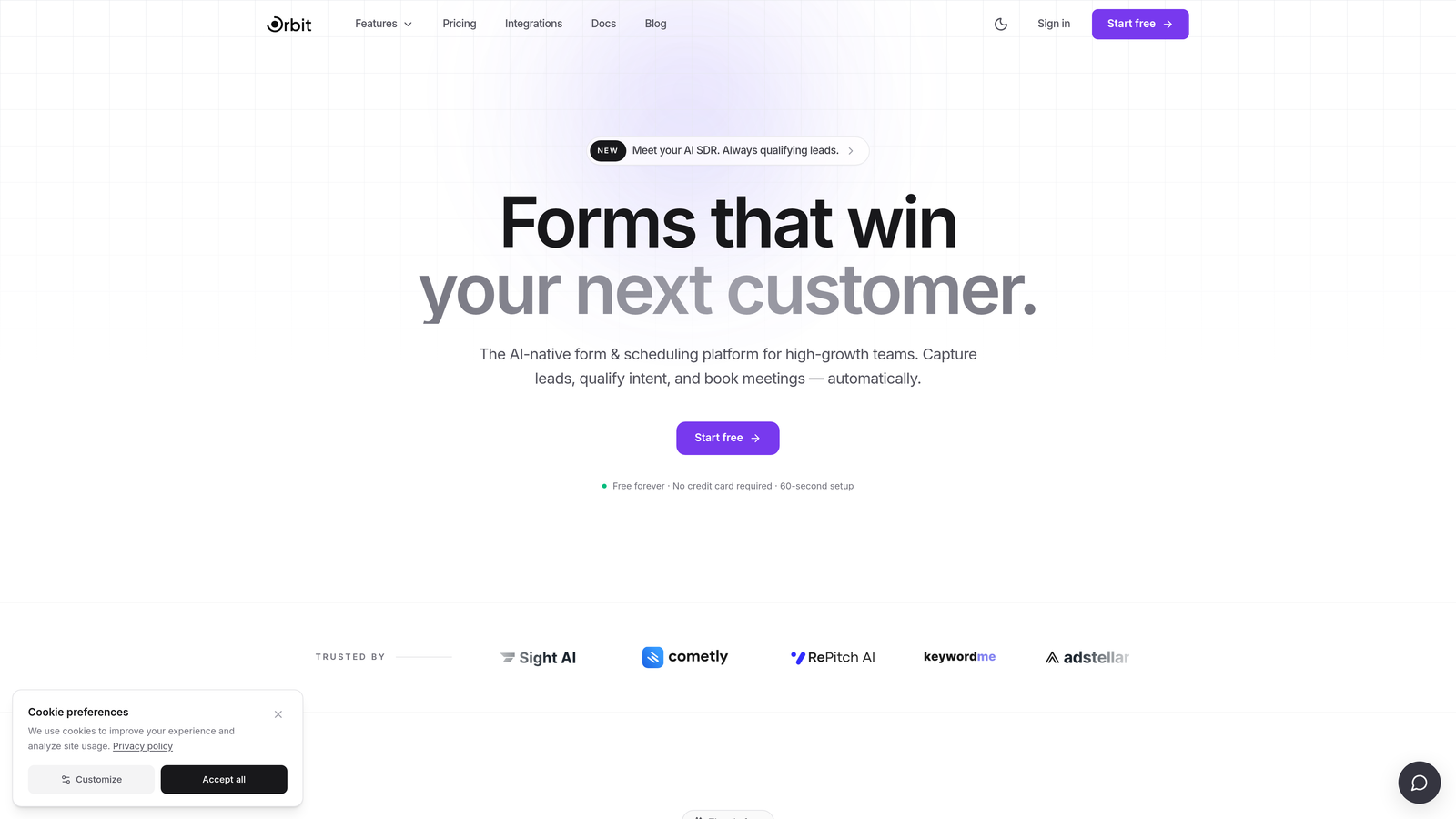
Orbit AI is an AI-powered form builder designed specifically for teams where lead quality matters as much as lead volume.
Where This Tool Shines
What separates Orbit AI from most form platforms is where qualification happens. Rather than capturing raw form data and leaving your CRM rules to sort out who's worth pursuing, Orbit AI embeds lead scoring and routing logic directly into the form experience. By the time a submission hits your pipeline, it's already been evaluated.
This matters especially for high-growth teams running campaigns across multiple channels simultaneously. Orbit AI supports web embed, standalone landing page deployment, and campaign link sharing, so the same intelligent form logic works whether your traffic is coming from paid ads, organic search, or a partner referral.
Key Features
AI-Driven Lead Qualification: Scores and qualifies leads at the form layer, before they reach your CRM, so your sales team focuses on the right prospects.
Conversion-Optimized Templates: Modern, flexible form designs built with completion rates in mind, not just aesthetics.
Multi-Channel Deployment: Deploy via web embed, dedicated landing pages, or shareable campaign links to cover every acquisition channel.
Conditional Logic: Form flows adapt dynamically based on user responses, creating a personalized experience that improves both completion and qualification accuracy.
CRM and Marketing Automation Integrations: Native connections to your existing stack ensure qualified leads are routed automatically without manual data mapping.
Best For
Orbit AI is the strongest fit for SaaS growth teams, demand gen marketers, and revenue operations professionals who want lead qualification baked into the capture experience. If your team is tired of sifting through unqualified submissions after the fact, this is the platform to evaluate first.
Pricing
Check orbitforms.ai for current pricing plans. The platform is built with high-growth teams in mind, so plans are structured around conversion and qualification use cases.
2. Typeform
Best for: Teams that want a conversational form experience to improve engagement and completion rates.
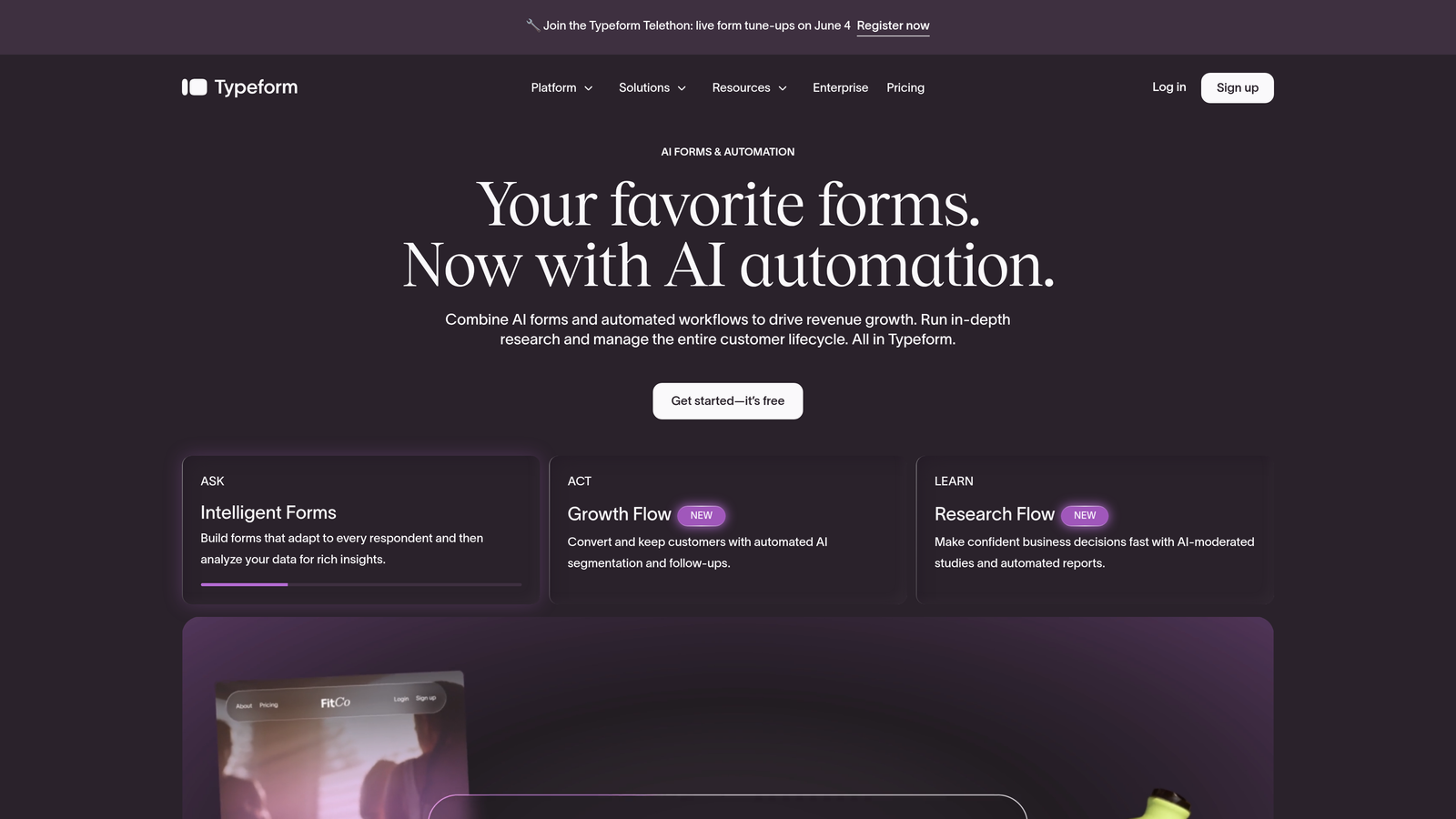
Typeform is a well-established conversational form platform known for its one-question-at-a-time format and polished visual design.
Where This Tool Shines
Typeform's signature UX reduces cognitive load by presenting one question at a time, which can meaningfully improve completion rates for longer forms like lead qualification surveys or onboarding flows. It feels less like filling out a form and more like having a conversation.
For multi-channel deployment, Typeform covers the essentials: web embed, popup, and direct link sharing. It's a natural fit for email campaigns and social ad traffic where you want the form experience itself to reflect brand quality.
Key Features
Conversational Format: One-question-at-a-time UX creates a more engaging experience than traditional multi-field forms.
Deployment Options: Web embed, popup, and direct link sharing for flexible channel coverage.
Logic Jumps: Conditional branching routes respondents through different question paths based on their answers.
Native Integrations: Direct connections to HubSpot, Salesforce, Mailchimp, and Slack without requiring middleware.
Analytics Dashboard: Tracks completion rates and drop-off points so you can optimize form performance over time.
Best For
Typeform works well for marketing teams running lead generation campaigns, customer feedback programs, or quiz-based content. It's a strong choice when brand experience matters and your audience responds better to guided, conversational flows than static multi-field forms.
Pricing
Free plan available. Paid plans start around $25/month. Verify current pricing at typeform.com.
3. HubSpot Forms
Best for: Teams already operating within the HubSpot ecosystem who want zero-friction CRM sync.
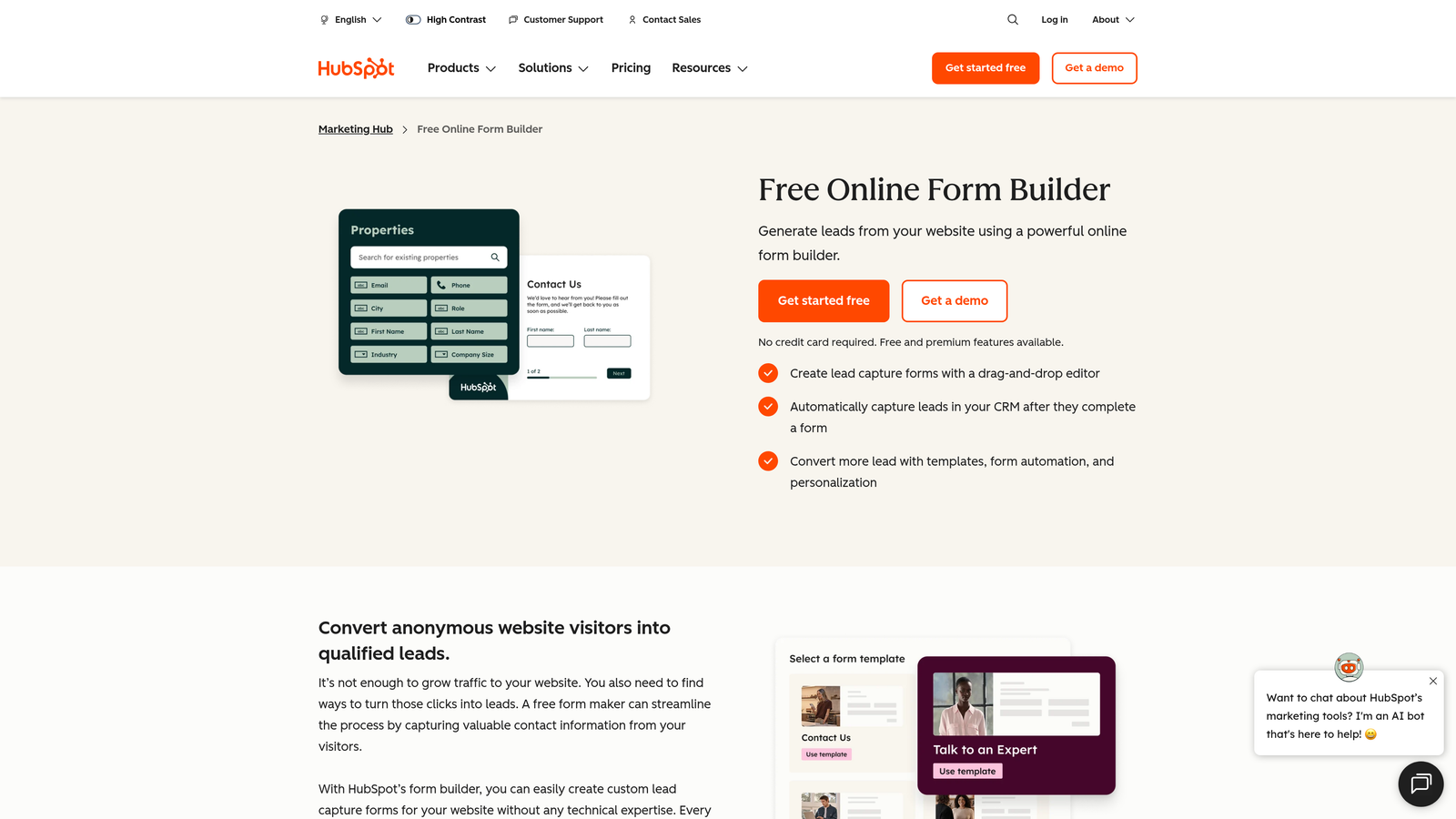
HubSpot Forms is a native form builder built directly into HubSpot's CRM and Marketing Hub.
Where This Tool Shines
The core value proposition here is simplicity of data flow. Because HubSpot Forms lives inside the HubSpot platform, every submission writes directly to your CRM contact record with no integration setup, no field mapping, and no sync delays. For teams already running their marketing and sales operations in HubSpot, this removes a significant source of friction.
Progressive profiling is a particularly useful feature for demand gen teams. Instead of showing returning contacts the same fields they've already filled out, HubSpot Forms surfaces new questions, gradually building richer contact profiles over multiple touchpoints without overwhelming anyone on the first visit.
Key Features
Native CRM Sync: Submissions flow directly into HubSpot contact records with no integration configuration required.
Progressive Profiling: Shows returning contacts new questions rather than repeating fields they've already answered.
Deployment Flexibility: Supports web embed, standalone landing pages, and pop-up forms.
Automated Workflows: Form submissions can trigger follow-up sequences, lead assignments, and nurture flows directly within HubSpot.
Free Entry Point: The form builder is available with a free HubSpot CRM account, lowering the barrier to entry.
Best For
HubSpot Forms is the obvious choice for teams already invested in the HubSpot platform. As a standalone form tool outside that ecosystem, its value diminishes considerably. If you're not a HubSpot shop, you'll likely find more flexibility with other options on this list.
Pricing
Free with a HubSpot CRM account. Advanced features require Marketing Hub paid tiers. Verify at hubspot.com.
4. Jotform
Best for: Agencies and ops teams managing diverse form types across multiple clients or departments.
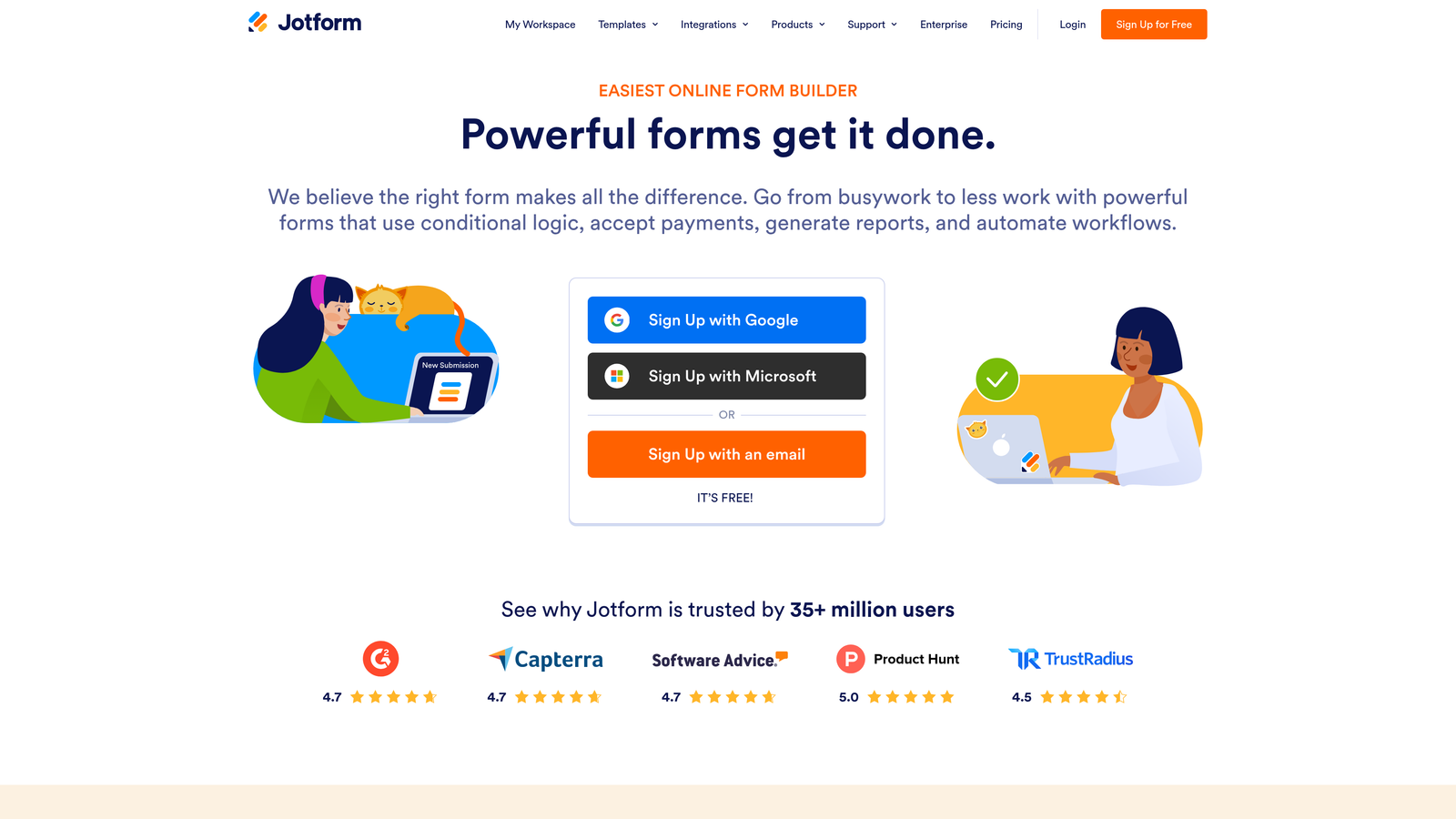
Jotform is one of the most feature-rich form platforms available, supporting an unusually broad range of form types and deployment methods.
Where This Tool Shines
Jotform's depth is its defining characteristic. While most form platforms specialize in one or two use cases, Jotform handles standard web forms, conversational forms, PDF forms, approval workflows, and kiosk-mode deployments from a single platform. For agencies managing form infrastructure across multiple clients, this breadth is genuinely valuable.
The multi-channel deployment options are among the most comprehensive on this list. QR code generation, email embedding, kiosk mode for in-person data collection, and standard web embed are all available out of the box, making Jotform a strong choice for teams that operate across both digital and physical channels.
Key Features
Extensive Template Library: Thousands of templates spanning dozens of use cases, from lead capture to HR onboarding to event registration.
Multi-Channel Deployment: Web embed, QR code, email, and kiosk mode for both online and offline data collection.
PDF Form Creation: Generate and distribute PDF forms alongside digital versions, useful for regulated or document-heavy workflows.
Approval Workflow Automation: Route submissions through multi-step approval processes without additional software.
Payment Collection: Accept payments via Stripe, PayPal, and Square directly within forms.
Best For
Jotform is well-suited for agencies, operations teams, and organizations with complex, varied form requirements. If you need one platform to handle everything from event check-ins to contract approvals to lead capture, Jotform's feature breadth makes it worth evaluating.
Pricing
Free plan available. Paid plans start around $34/month. Verify current pricing at jotform.com.
5. Tally
Best for: Budget-conscious startups and small teams that need clean, functional forms without a subscription commitment.
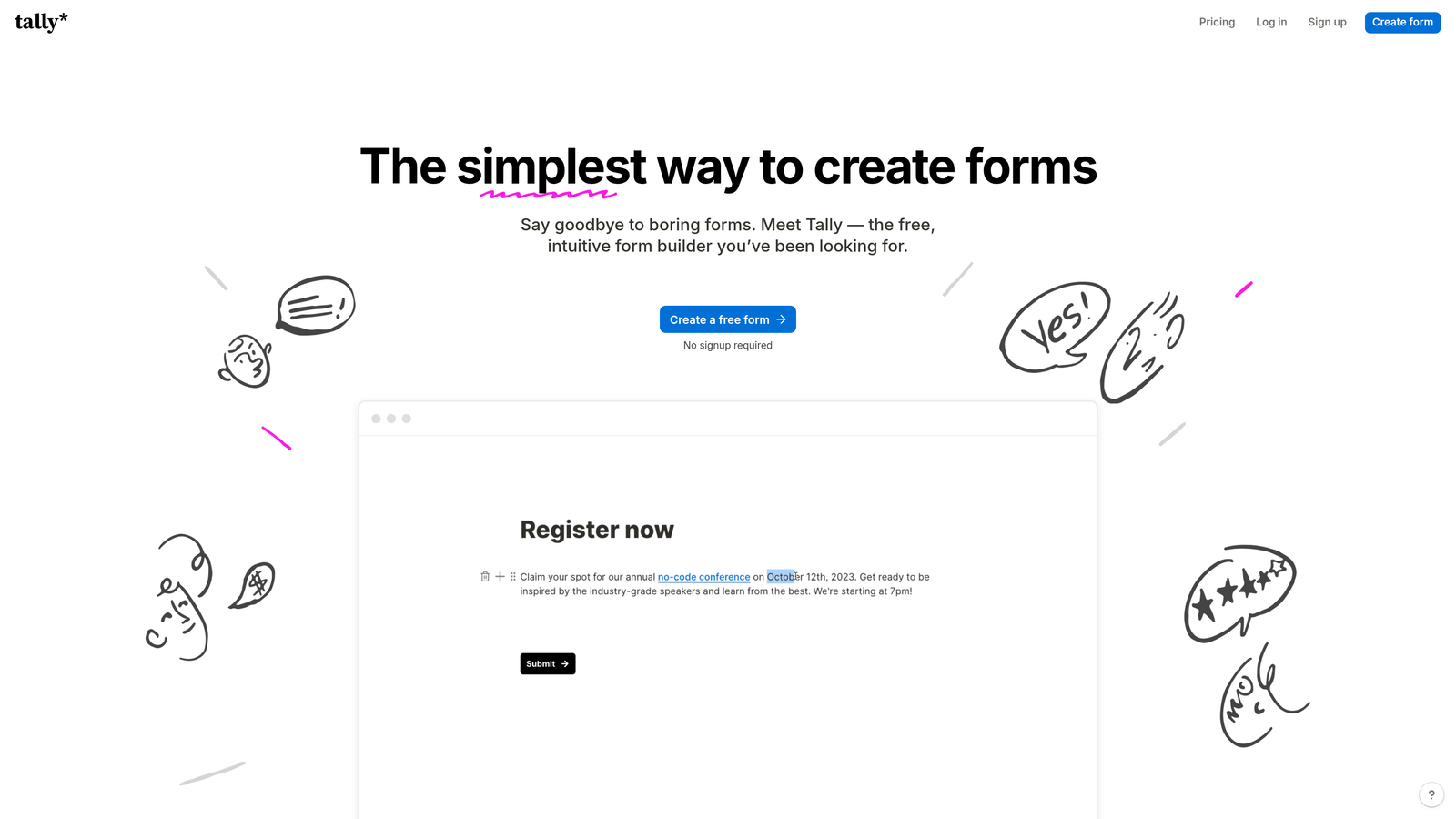
Tally is a lightweight, Notion-style form builder offering unlimited free forms with a distraction-free editing experience.
Where This Tool Shines
Tally's free plan is genuinely generous in a market where most competitors gate basic functionality behind paid tiers. Unlimited forms, conditional logic, and web embed are all available without spending anything. For early-stage teams that need to move fast without a procurement process, this is a meaningful advantage.
The editing experience feels familiar to anyone who uses Notion. A block-based editor makes form creation fast and intuitive, without the learning curve of more complex platforms. It won't replace an enterprise form platform, but for focused use cases like lead capture pages or internal request forms, it punches above its price point.
Key Features
Unlimited Free Forms: No form count limits on the free plan, which is rare in this category.
Block-Based Editor: Notion-style interface makes form creation fast for teams already comfortable with that workflow.
Flexible Sharing: Web embed, direct link sharing, and Notion embed options for straightforward multi-channel coverage.
Conditional Logic: Branching and calculated fields available even on free plan.
Automation Integrations: Zapier and Make connections extend Tally's capabilities to your broader stack.
Best For
Tally is the right call for early-stage startups, solo founders, and small teams that need functional forms without budget overhead. It's also a solid choice for internal tooling and operations use cases where enterprise features aren't required.
Pricing
Generous free plan. Pro plan available for additional features. Verify current pricing at tally.so.
6. Fillout
Best for: Product and ops teams that need powerful conditional logic with native connections to tools like Airtable, Notion, and Salesforce.
Fillout is a modern form builder that has gained attention for its native integrations and sophisticated conditional logic, all without requiring developer involvement.

Where This Tool Shines
Fillout's native integration layer is what distinguishes it from most no-code form tools. Rather than routing everything through Zapier, Fillout connects directly to Airtable, Notion, HubSpot, and Salesforce, meaning your form data lands exactly where it needs to go without middleware configuration. For ops and product teams managing structured data workflows, this is a significant time saver.
The conditional logic engine is also notably robust for a tool at this price point. Multi-page forms with branching paths, calculated fields, and dynamic content make it possible to build sophisticated data collection flows without writing a line of code.
Key Features
Native Integrations: Direct connections to Airtable, Notion, HubSpot, and Salesforce without requiring Zapier as middleware.
Advanced Conditional Logic: Complex branching and dynamic form paths that adapt based on user inputs.
Multi-Page Forms: Supports longer form flows with calculated fields and progress indicators.
Rich Input Types: File uploads, scheduling, and payment integrations alongside standard form fields.
No-Code Configuration: Full feature access without engineering support required.
Best For
Fillout is a strong fit for product teams, operations managers, and anyone building structured data collection workflows on top of Airtable or Notion. It's particularly useful when you need native database sync without the overhead of a full enterprise form platform.
Pricing
Free plan available. Paid plans available for additional features and submission volume. Verify current pricing at fillout.com.
7. Paperform
Best for: Marketers who want a single tool that functions as both a form and a campaign landing page.
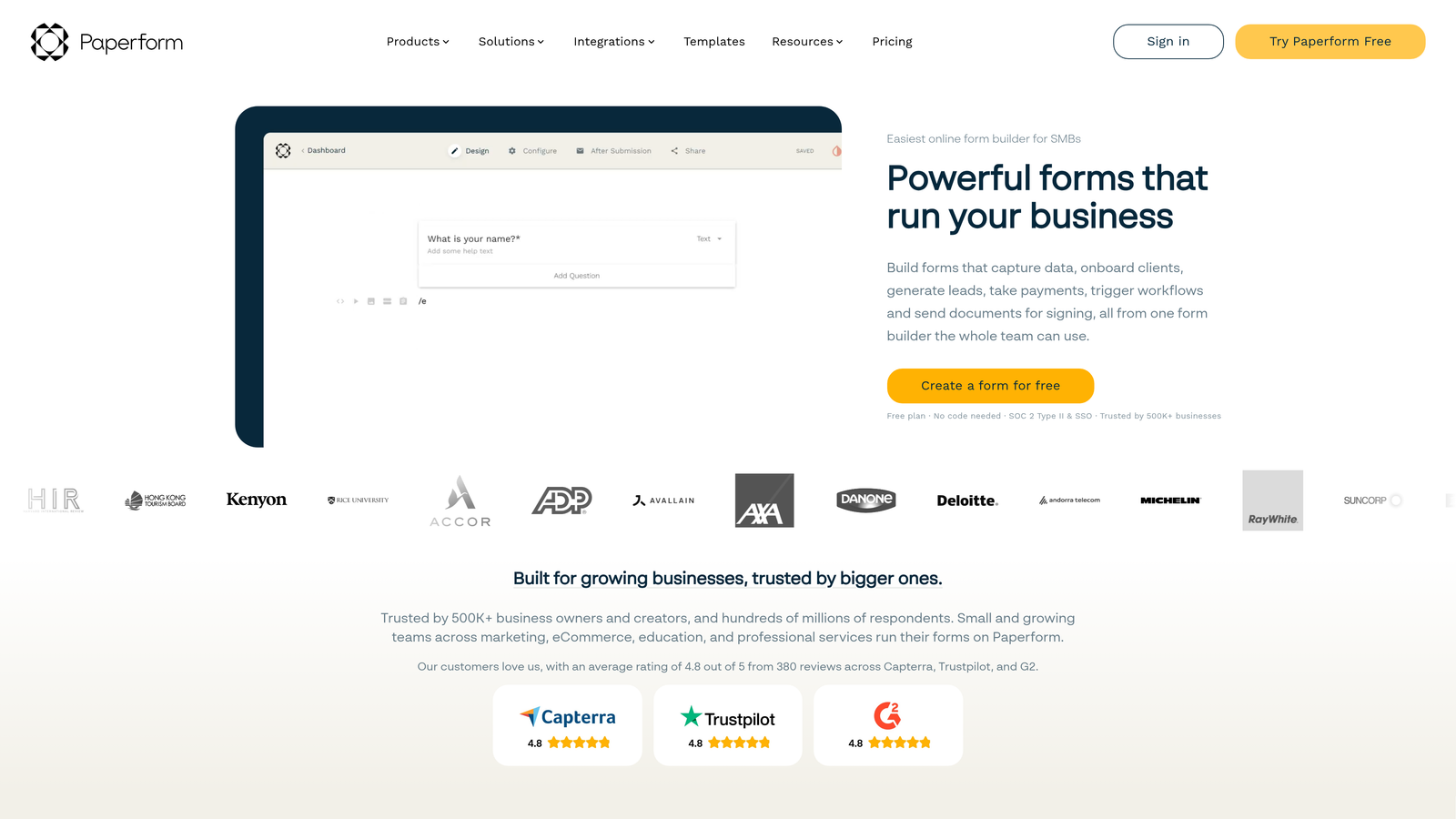
Paperform is a flexible form platform that combines data collection with rich media page building, allowing teams to create standalone campaign assets without a separate landing page tool.
Where This Tool Shines
Most form platforms put forms on pages. Paperform makes the form itself the page. You can embed images, video, formatted text, and branded content directly within the form experience, creating something that functions as a lightweight landing page and lead capture form in one. For marketers running campaigns without dedicated web development resources, this reduces tool sprawl considerably.
The payment, booking, and e-commerce capabilities built into Paperform also make it a versatile choice for teams that need to do more than just capture contact information. Event registrations, product sales, and appointment scheduling can all be handled within the same form experience.
Key Features
Rich Media Form Pages: Embed images, video, and formatted text within forms to create full campaign page experiences.
Landing Page Replacement: Can serve as a standalone campaign asset, reducing dependence on separate page builders.
Payment and Booking: Accept payments, sell products, and manage appointment scheduling directly within forms.
Conditional Logic: Question branching and dynamic paths based on respondent answers.
CRM and Marketing Integrations: Connects to major CRM and marketing automation tools for lead routing.
Best For
Paperform is well-suited for marketers running campaigns who want to reduce the number of tools in their stack. It's also a good fit for small businesses and consultants who need to handle lead capture, payments, and bookings without stitching together multiple platforms.
Pricing
Plans start around $24/month. Verify current pricing at paperform.co.
8. SurveyMonkey
Best for: Enterprise teams running structured research, feedback programs, or market analysis at scale.
SurveyMonkey is one of the most recognized names in online surveys, offering enterprise-grade analytics, audience panel access, and broad multi-channel distribution.
Where This Tool Shines
SurveyMonkey's strongest suit is analytics. Where many form platforms give you basic completion rate data, SurveyMonkey provides detailed reporting dashboards, cross-tabulation, and data export options that support serious research workflows. For teams running NPS programs, customer satisfaction studies, or market research, the analytical depth is genuinely useful.
The audience panel feature is a differentiator you won't find in most form platforms. When you need responses from a specific demographic segment rather than your existing audience, SurveyMonkey can source respondents directly, making it a more complete research tool than a pure form builder.
Key Features
Multi-Channel Distribution: Email, web embed, social sharing, and QR code deployment in a single platform.
Advanced Analytics: Detailed reporting dashboards with filtering, cross-tabulation, and export capabilities.
Audience Panel Access: Source survey respondents from specific demographic groups for market research purposes.
Enterprise Controls: SSO, team collaboration, admin permissions, and audit features for large organizations.
Question Bank: Hundreds of pre-built, research-validated questions to accelerate survey creation.
Best For
SurveyMonkey is best suited for enterprise teams with structured research needs: customer experience programs, employee feedback initiatives, and market analysis. It's less optimized for real-time lead qualification and more suited to research-oriented data collection at scale.
Pricing
Free plan available. Business plans vary by tier and team size. Verify current pricing at surveymonkey.com.
9. Formstack
Best for: Regulated industries and enterprise teams with strict compliance and data governance requirements.
Formstack is an enterprise form and workflow platform built with compliance at its core, covering HIPAA, GDPR, and SOC 2 requirements out of the box.
Where This Tool Shines
For organizations in healthcare, financial services, legal, or any sector where data handling is closely regulated, Formstack's compliance infrastructure removes a significant burden. HIPAA-compliant form handling, GDPR controls, and SOC 2 certification are built into the platform rather than bolted on as add-ons, which matters when you're dealing with audit requirements or vendor security reviews.
Beyond compliance, Formstack's workflow automation capabilities are genuinely enterprise-grade. Forms can trigger multi-step approval processes, generate documents, and route data through complex organizational workflows, making it a platform that extends well beyond simple data capture into full process automation.
Key Features
Built-In Compliance: HIPAA, GDPR, and SOC 2 compliance as platform-level features, not premium add-ons.
Workflow Automation: Approval routing, document generation, and multi-step process automation triggered from form submissions.
Multi-Channel Deployment: Web, email, Salesforce-native, and mobile form distribution options.
Conditional Logic: Dynamic field population and branching logic for complex form flows.
Enterprise Admin Controls: Audit trails, role-based permissions, and administrative oversight for large teams.
Best For
Formstack is the right choice for healthcare organizations, financial institutions, and enterprise teams in regulated industries where compliance is non-negotiable. The higher price point reflects a feature set that justifies the investment when data governance requirements are serious.
Pricing
Plans start around $50+/month. Enterprise pricing available. Verify current pricing at formstack.com.
Which Platform Is Right for Your Team?
The best multi-channel form platform is the one that aligns with your primary channels, your lead qualification needs, and the tools already in your stack. There's no universal winner here, but there are clear fits depending on your situation.
AI-first growth teams should start with Orbit AI. The combination of AI-powered lead qualification at the form layer, conversion-optimized design, and flexible multi-channel deployment makes it the strongest option for teams where pipeline quality is a priority.
HubSpot-centric organizations will find HubSpot Forms hard to beat simply because of the native CRM sync. If your marketing and sales operations run on HubSpot, the zero-friction data flow justifies the choice.
Compliance-heavy industries should evaluate Formstack first. When HIPAA, GDPR, and SOC 2 are requirements rather than nice-to-haves, Formstack's built-in compliance infrastructure is worth the premium.
Budget-conscious startups will find Tally's free plan genuinely useful for getting forms deployed quickly without spending anything. It won't scale into enterprise complexity, but it covers the fundamentals well.
Enterprise research teams running structured feedback or market analysis programs should look at SurveyMonkey, particularly if audience panel access and deep analytics are part of the workflow.
Whatever tool you choose, the key is to match platform capabilities to the channels where your prospects actually engage. A form that converts well on a landing page may need different logic for an email campaign or an in-person QR code scan. The platforms on this list all handle multi-channel deployment, but they differ significantly in where they add intelligence to that process.
If qualifying leads at the point of capture sounds like the right approach for your team, start building free forms today and see how intelligent form design can elevate your conversion strategy.


