

You're a marketer, not a developer. Yet somehow, every time you need to create a simple lead capture form, you find yourself staring at CSS code snippets, wrestling with embed scripts, or waiting three days for IT to "just add one conditional field." Sound familiar?
The irony is painful: the tools designed to help you collect leads are themselves blocking your productivity. You don't need to learn JavaScript to ask someone their email address. You need a form builder that actually works the way marketers think—visually, intuitively, and without a computer science degree.
Here are the top form builders that finally get it right for non-technical marketing teams in 2026.
1. Orbit AI
Best for: Marketing teams who need conversion-optimized forms with automatic lead qualification
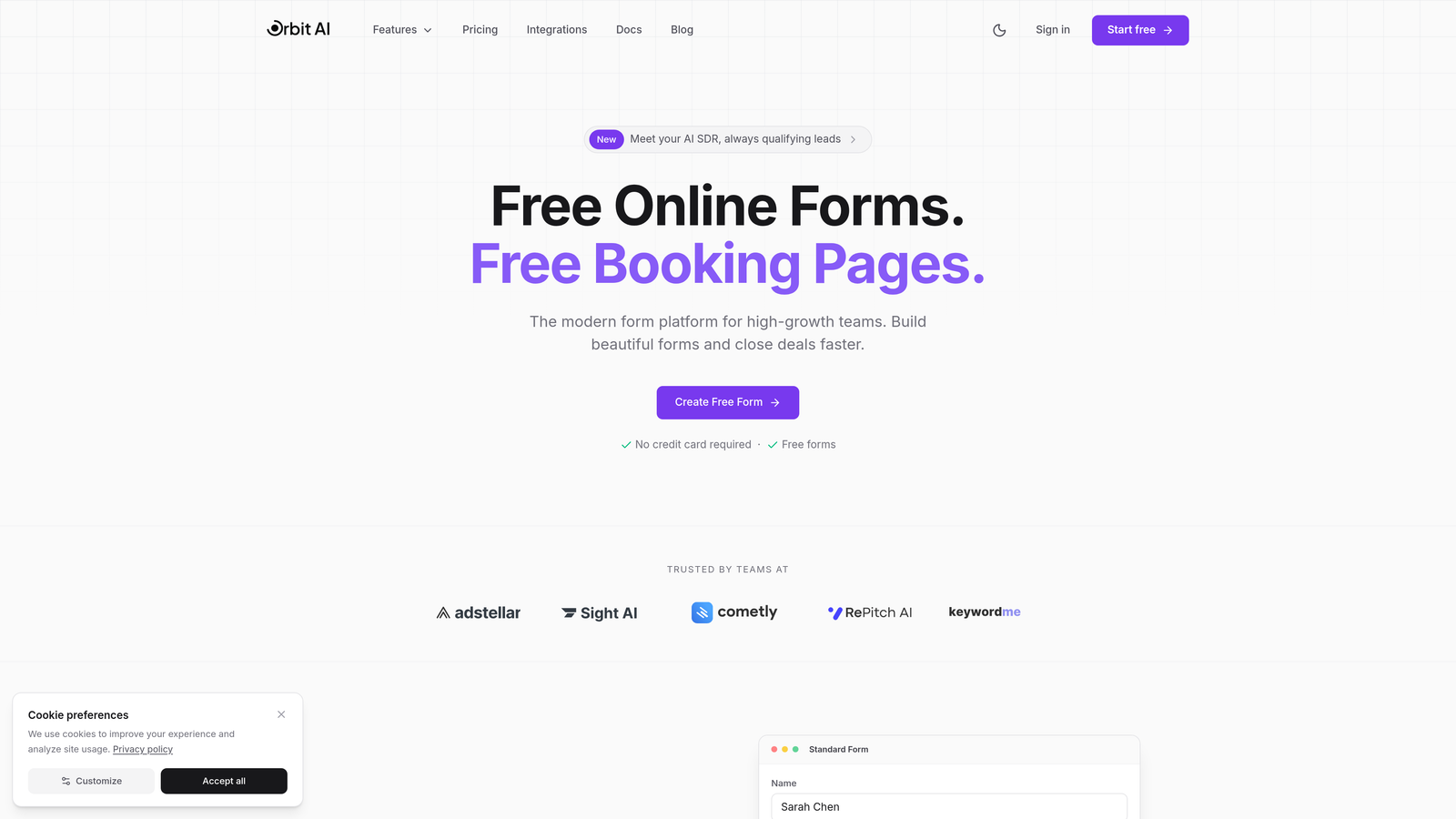
Orbit AI is an AI-powered form builder designed specifically for high-growth marketing teams who need professional results without touching code.
Where This Tool Shines
The platform goes beyond simple form building by automatically scoring and routing leads based on their responses. While you're designing your form visually, the AI analyzes conversion patterns and suggests optimizations you might have missed.
This means you're not just collecting contact information—you're qualifying prospects in real-time and sending hot leads directly to sales while nurturing others through automated sequences. All without writing a single line of code or setting up complex integrations manually.
Key Features
AI-Powered Lead Qualification: Automatically scores leads based on their form responses and behavior, routing high-value prospects to sales immediately.
Visual Drag-and-Drop Builder: Create professional forms by simply dragging elements into place—no technical knowledge required.
Built-In Conversion Optimization: The platform suggests improvements to your forms based on conversion best practices and industry benchmarks.
Native CRM Integrations: Connect seamlessly with your existing marketing stack without wrestling with API documentation.
Modern Form Designs: Choose from conversion-tested templates that look professional out of the box, with full brand customization options.
Best For
High-growth marketing teams who are tired of choosing between beautiful forms and lead qualification functionality. Particularly valuable if you're currently routing all leads to sales equally and watching your team waste time on unqualified prospects.
Pricing
Free tier available to get started. Paid plans begin at competitive rates designed for growing marketing teams who need advanced lead qualification capabilities.
2. Typeform
Best for: Creating engaging, conversational form experiences that feel more human
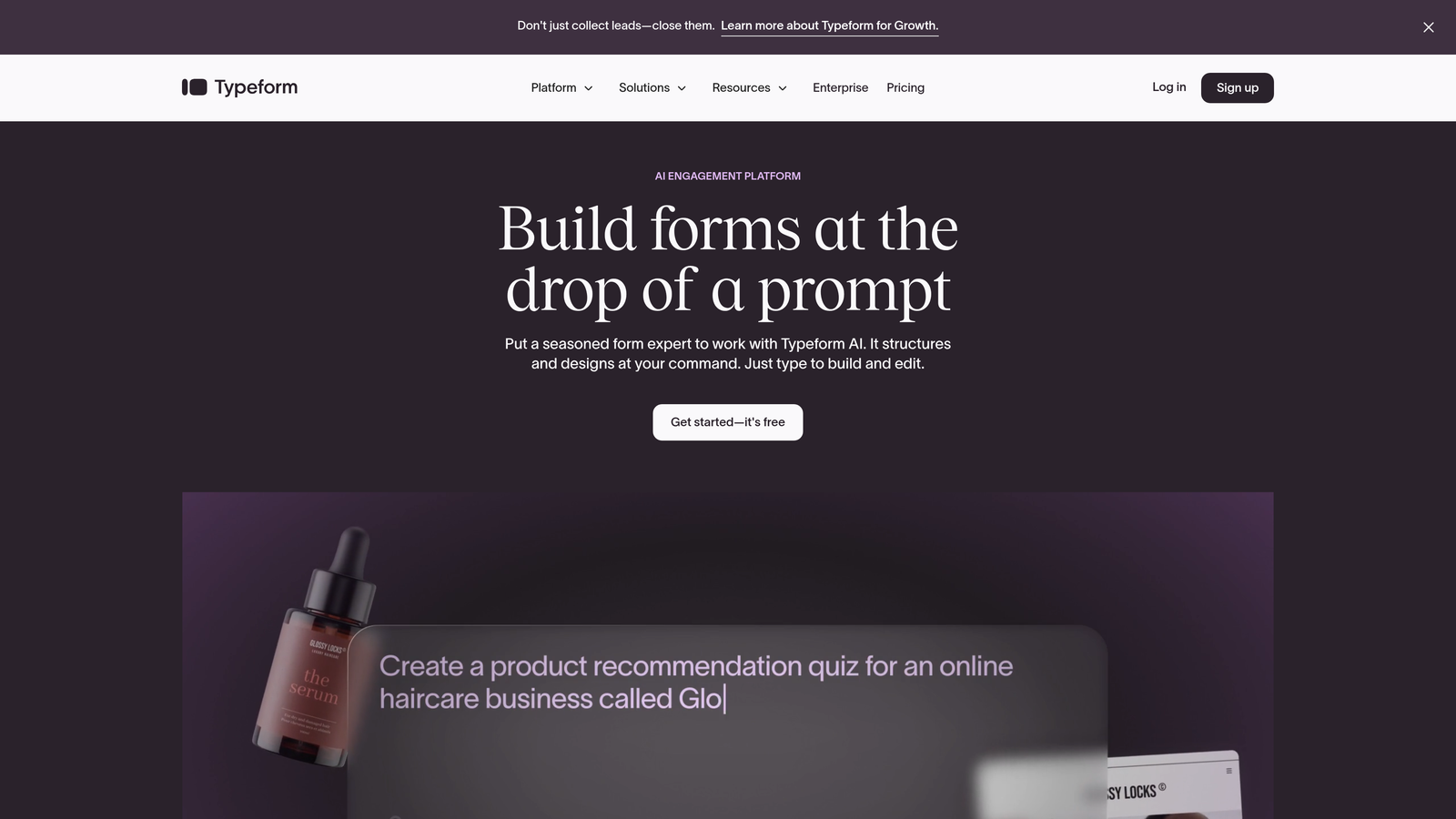
Typeform is a conversational form builder that presents one question at a time, making forms feel less like interrogations and more like natural conversations.
Where This Tool Shines
The one-question-per-screen approach fundamentally changes how people interact with your forms. Instead of facing an overwhelming wall of fields, respondents answer questions in a flowing sequence that feels almost enjoyable.
This conversational format consistently delivers higher completion rates, especially for longer surveys or complex lead qualification forms. The interface feels modern and engaging—exactly what you want when asking busy prospects to share their information.
Key Features
Conversational Interface: Present one question at a time for a more engaging, less overwhelming experience that improves completion rates.
Visual Logic Jumps: Create branching question paths based on previous answers without touching code—just drag connections between questions.
Brand Customization: Match your brand perfectly with custom colors, fonts, images, and even background videos.
Rich Media Support: Embed videos and images directly into your forms to create more engaging, interactive experiences.
Marketing Platform Integrations: Connect with HubSpot, Mailchimp, Salesforce, and hundreds of other tools through native integrations or Zapier.
Best For
Marketing teams focused on user experience and completion rates, especially for surveys, event registrations, or multi-step lead qualification forms where engagement matters more than speed.
Pricing
Free plan available with limited responses per month. Basic plan starts at $25/month with increased response limits and additional features.
3. Jotform
Best for: Marketers who want extensive templates and don't want to start from scratch
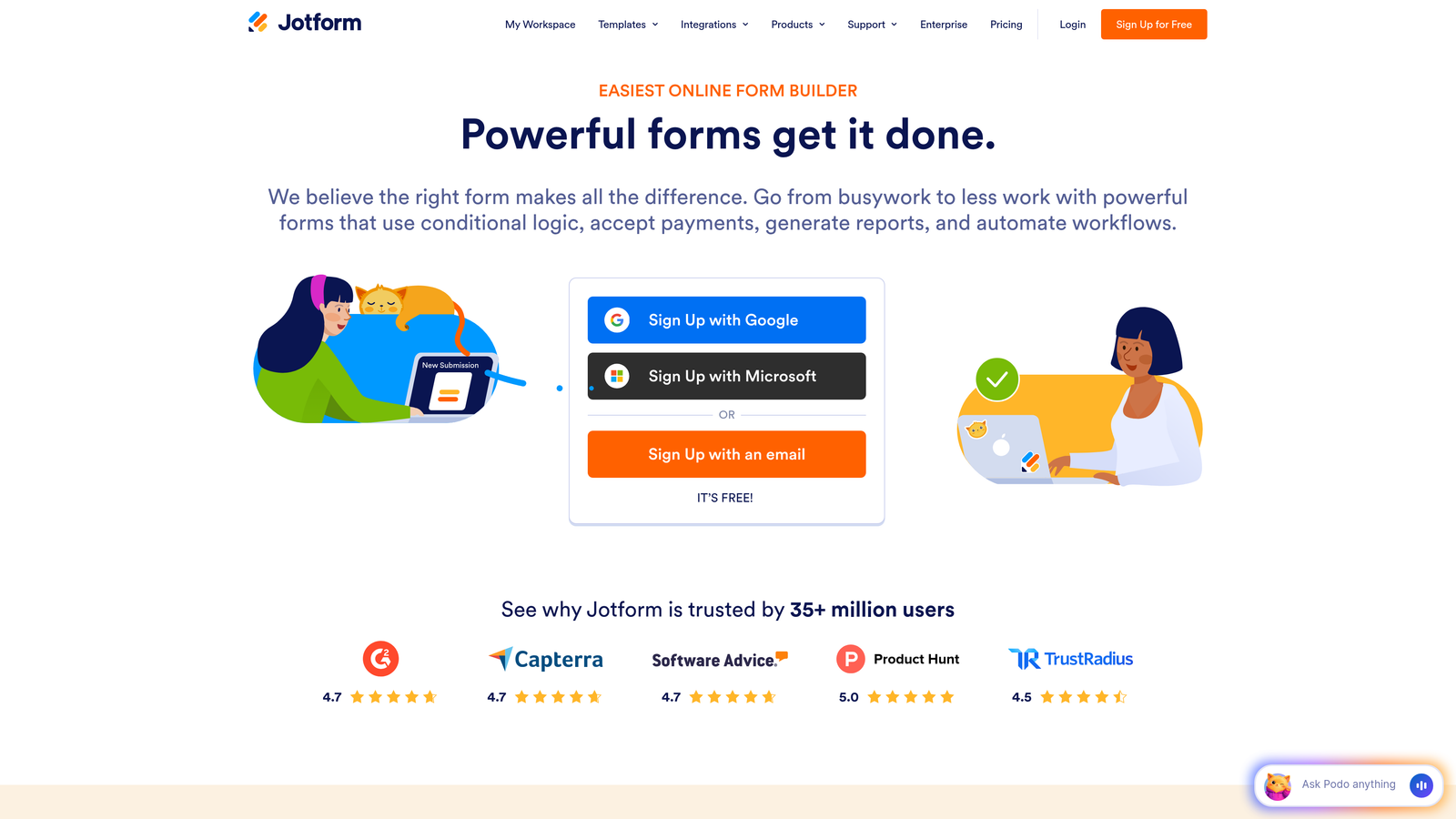
Jotform is a feature-rich form builder with over 4,000 pre-built templates covering virtually every use case imaginable.
Where This Tool Shines
The sheer volume of templates means you'll almost never start with a blank canvas. Need a webinar registration form? There are dozens of templates. Product survey? Event RSVP? Customer feedback? All covered with professional designs ready to customize.
Beyond templates, Jotform packs in functionality that many competitors charge extra for—payment processing, PDF generation, e-signatures, and appointment scheduling. It's the Swiss Army knife of form builders, which can be both a strength and a learning curve.
Key Features
4,000+ Templates: Start with professionally designed templates for virtually any marketing use case instead of building from scratch.
Conditional Logic Builder: Create smart forms that show or hide fields based on previous answers using a visual drag-and-drop interface.
Payment Processing: Accept payments directly through your forms via PayPal, Stripe, Square, and other processors.
PDF Generation: Automatically convert form submissions into branded PDF documents and e-signature workflows.
Extensive Integrations: Connect with over 100 third-party apps including all major CRMs, email platforms, and project management tools.
Best For
Marketing teams who value comprehensive functionality and template variety over minimalist simplicity. Ideal if you create many different types of forms and want one platform that handles everything.
Pricing
Free plan includes 5 forms with 100 monthly submissions. Bronze plan starts at $34/month for 25 forms and 1,000 monthly submissions.
4. Tally
Best for: Budget-conscious marketers who want unlimited forms without paying monthly fees
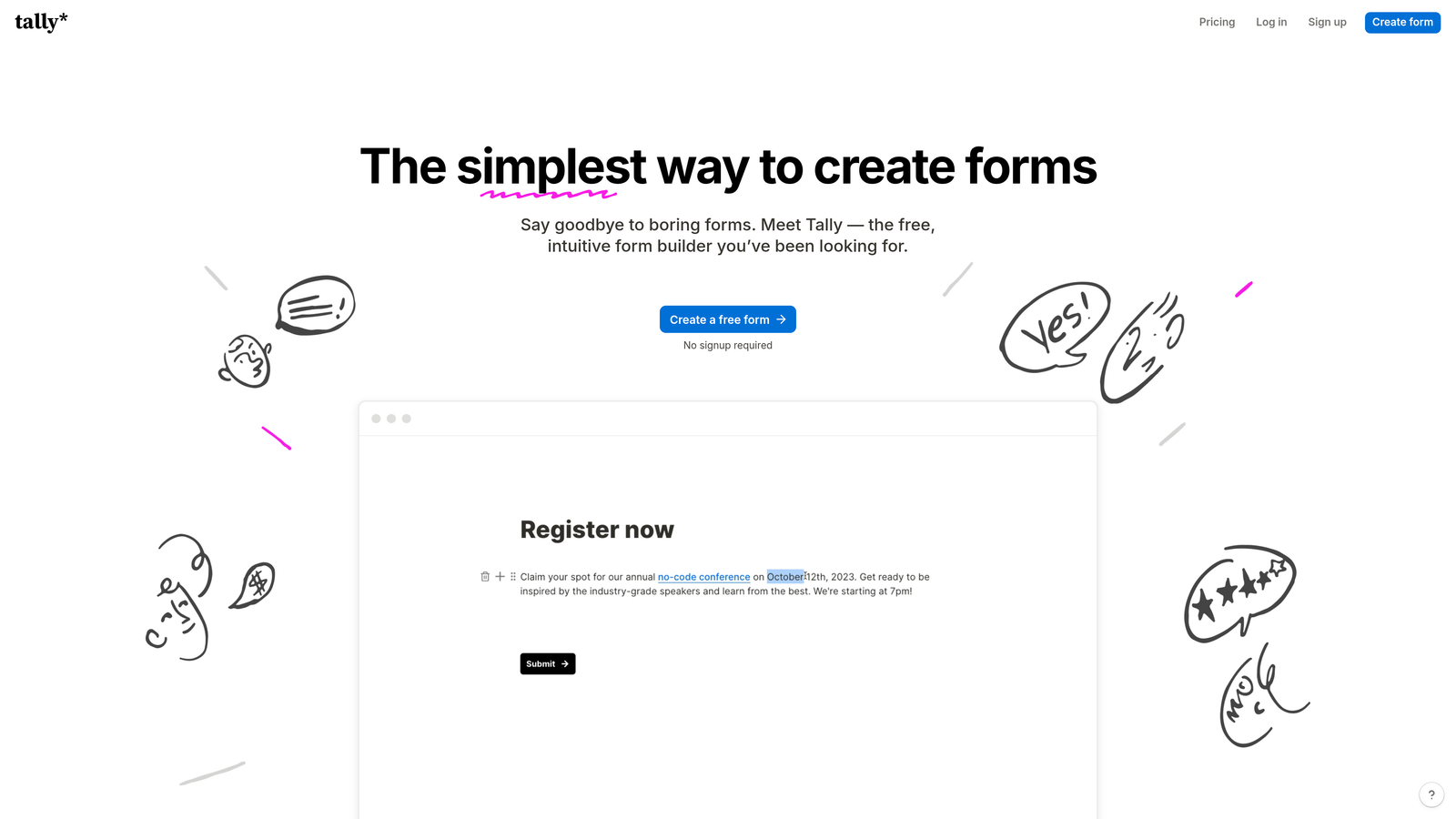
Tally is a minimalist form builder with a Notion-inspired editing experience that offers unlimited forms on its free plan.
Where This Tool Shines
If you've used Notion, you'll feel immediately at home with Tally's block-based editor. Type a slash, select a field type, and keep building—no sidebar hunting or menu diving required. The interface stays out of your way.
The free plan is genuinely generous: unlimited forms, unlimited submissions, and most core features without artificial limitations. For small marketing teams or solopreneurs, this removes the "form quota anxiety" that plagues other platforms.
Key Features
Notion-Style Editor: Build forms using familiar slash commands and block-based editing that feels natural if you use modern productivity tools.
Unlimited Free Forms: Create as many forms as you need without hitting paywalls or submission limits on the free tier.
Calculator and Payment Blocks: Add calculation fields for quotes or pricing, plus payment collection through Stripe.
Clean Interface: Minimalist design keeps the focus on your content without overwhelming you with options and settings.
Conditional Logic: Show or hide questions based on previous answers using a straightforward, non-technical interface.
Best For
Small marketing teams, startups, or solo marketers who need professional forms without monthly subscription costs. Perfect if you're building multiple forms for different campaigns and don't want to worry about form limits.
Pricing
Free plan includes unlimited forms and submissions with core features. Pro plan at $29/month adds advanced customization, file uploads, and priority support.
5. Paperform
Best for: Creating forms that double as beautiful landing pages without separate tools
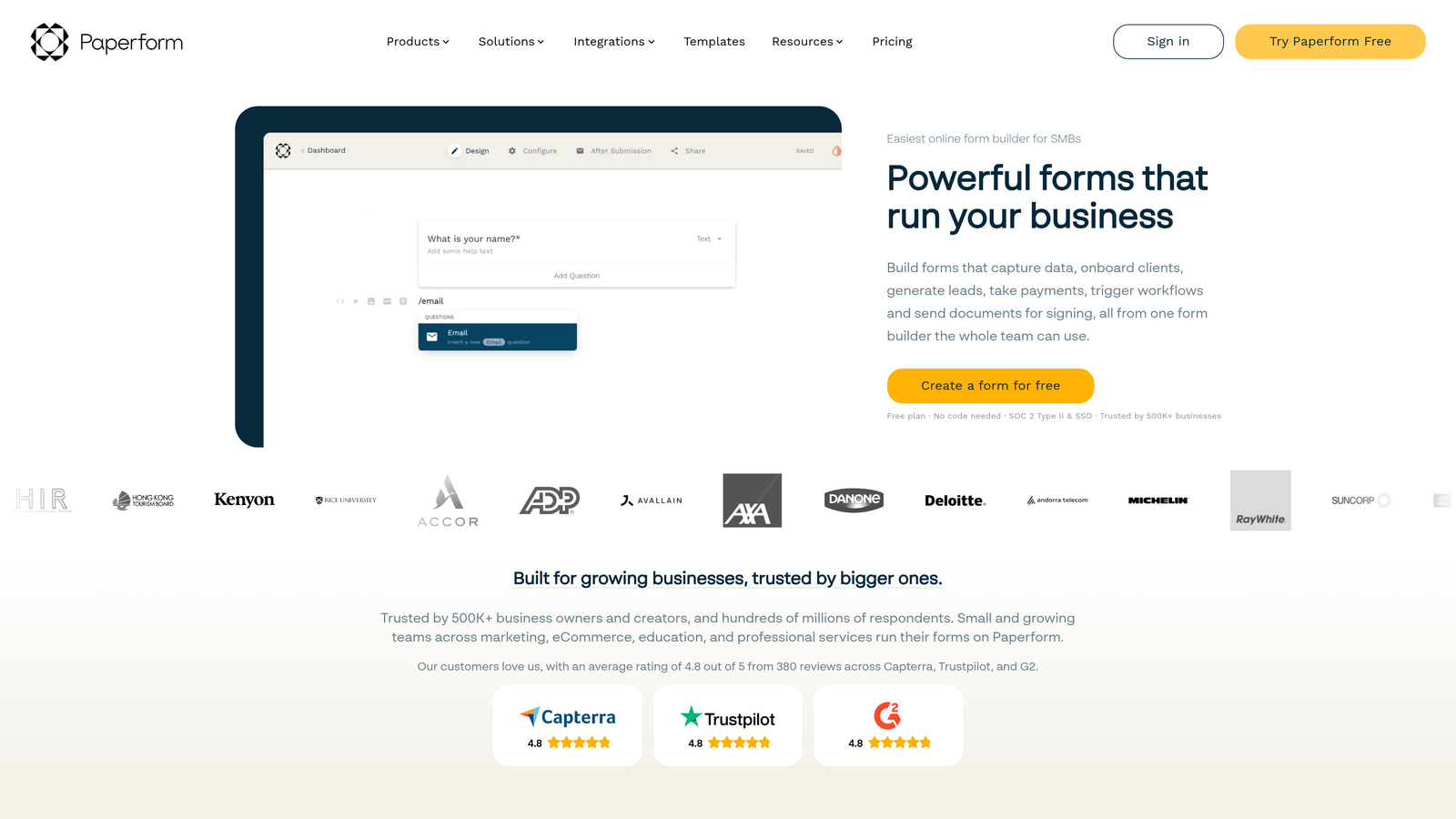
Paperform is a form builder that creates landing page-style forms using a familiar document editor interface.
Where This Tool Shines
Paperform blurs the line between forms and landing pages. You can add headers, body text, images, and videos alongside your form fields, creating complete standalone pages that don't feel like traditional forms.
The editing experience feels like working in a word processor—type naturally, format text, add images where they make sense. This makes it exceptionally intuitive for marketers who think in terms of page layout rather than form structure.
Key Features
Landing Page Design: Create forms that include rich content, images, and formatting to serve as complete landing pages.
Document-Style Editing: Build forms by typing and formatting naturally, like working in Google Docs or Microsoft Word.
Scheduling and Payments: Accept bookings and payments directly through your forms without additional tools or integrations.
Custom Success Pages: Design branded thank-you pages or redirect to specific URLs based on form responses.
Calculation Fields: Create quote calculators, pricing estimators, or ROI tools with advanced calculation logic.
Best For
Marketing teams who want forms that also function as landing pages, eliminating the need for separate landing page builders. Particularly useful for event registrations, course signups, or product inquiries where context matters.
Pricing
Essentials plan starts at $24/month with unlimited forms and submissions. Higher tiers add advanced features and remove Paperform branding.
6. Fillout
Best for: Teams using Airtable or Notion who want forms that sync perfectly with their databases
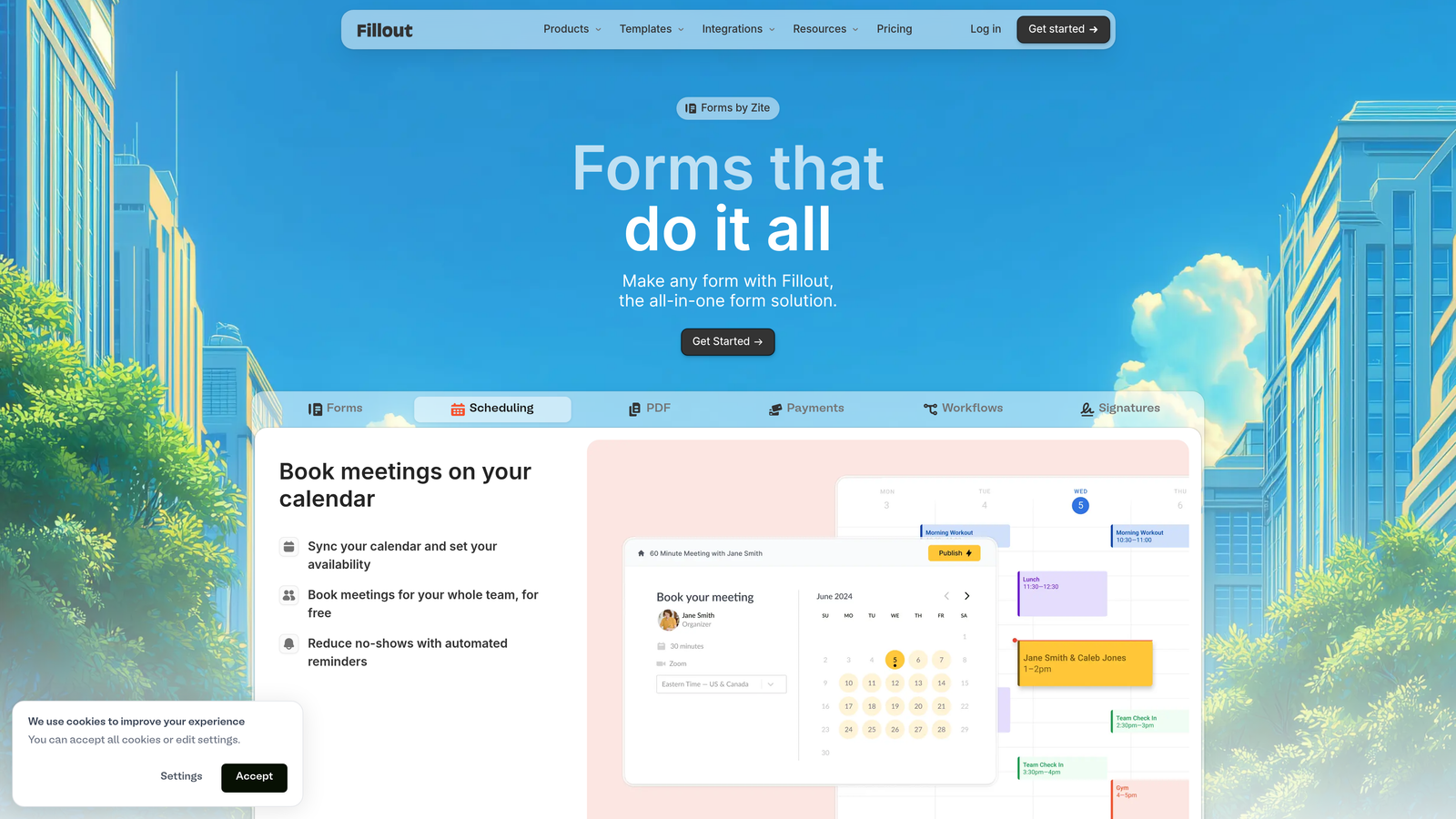
Fillout is a modern form builder with exceptional database integrations, particularly strong for teams building on Airtable or Notion.
Where This Tool Shines
If your marketing team lives in Airtable or Notion, Fillout becomes the missing piece. Forms sync bidirectionally with your database—submissions create new records, and you can pre-fill forms from existing data.
This means you can create update forms for existing contacts, build multi-step workflows where earlier responses influence later questions, or let customers update their own information. The database-first approach eliminates the usual disconnect between form submissions and your actual data.
Key Features
Native Airtable and Notion Integration: Forms sync directly with your database tables, creating or updating records automatically.
Pre-Fill Capabilities: Populate form fields with existing data from your database for update forms or personalized experiences.
Modern Interface: Clean, contemporary design that feels current and professional without unnecessary complexity.
Conditional Logic: Show or hide fields based on previous answers or database values using visual rule builders.
Scheduling and Payments: Accept bookings and process payments directly through your forms with Stripe integration.
Best For
Marketing teams already using Airtable or Notion as their primary database who want forms that integrate seamlessly with their existing workflows. Ideal for teams who've outgrown basic form builders but don't want enterprise complexity.
Pricing
Free plan available with basic features. Starter plan at $15/month adds unlimited forms, advanced logic, and priority support.
7. HubSpot Forms
Best for: Existing HubSpot users who want forms that trigger marketing automation workflows
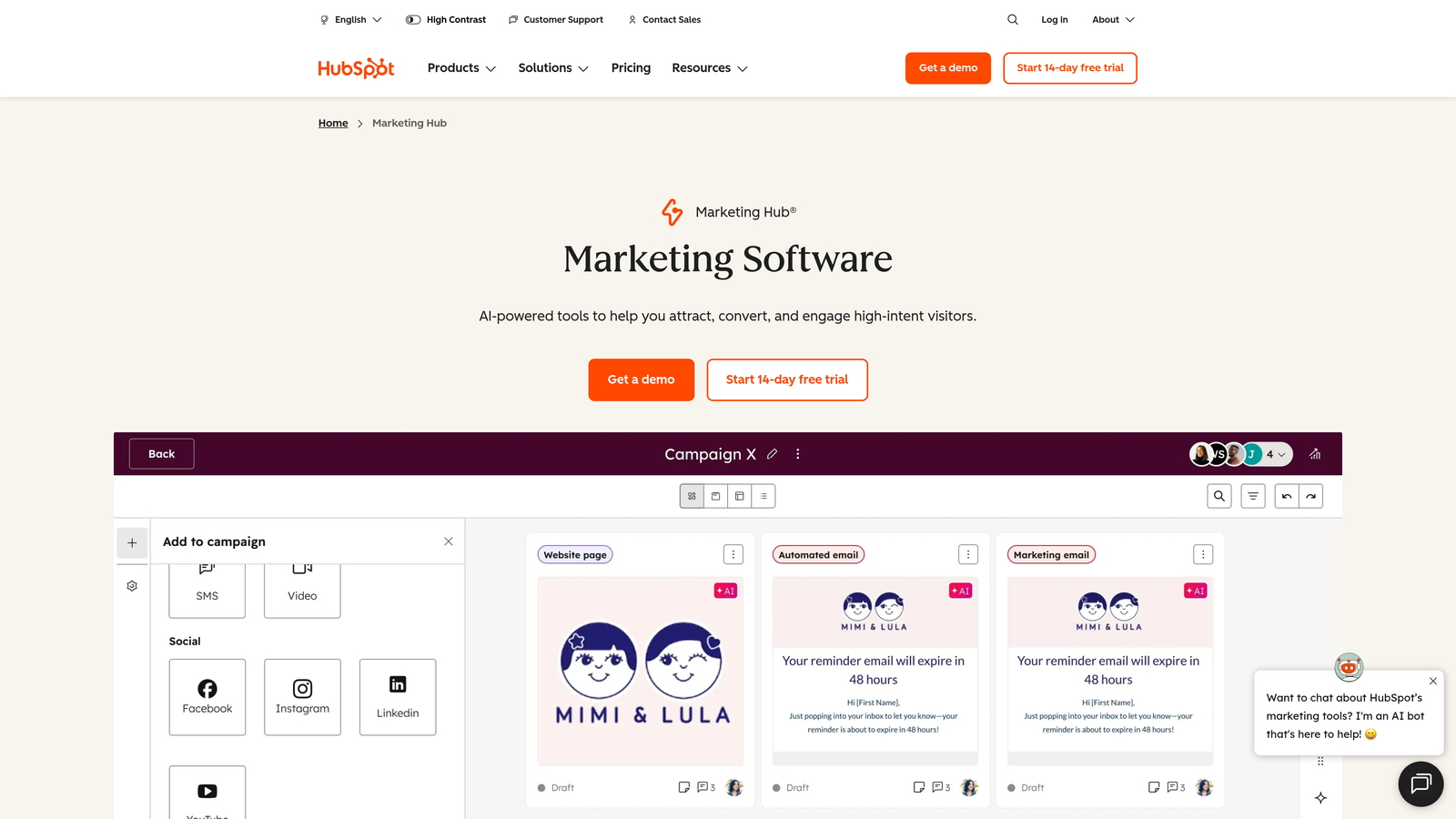
HubSpot Forms is the built-in form builder within the HubSpot ecosystem, offering seamless CRM integration and marketing automation capabilities.
Where This Tool Shines
If you're already using HubSpot CRM, their form builder eliminates integration headaches entirely. Form submissions automatically create or update contact records, trigger workflow automations, and provide complete visibility into each contact's journey.
Progressive profiling is particularly powerful—forms automatically hide fields you've already collected and show new questions instead. This means you can use the same form repeatedly to gradually build complete contact profiles without annoying people with redundant questions.
Key Features
Direct CRM Integration: Form submissions instantly create or update contact records in HubSpot CRM with zero configuration required.
Workflow Triggers: Automatically start email sequences, assign tasks, or update contact properties based on form submissions.
Progressive Profiling: Show different questions to returning visitors based on what information you've already collected about them.
A/B Testing: Test different form variations to optimize conversion rates with built-in experimentation tools.
Smart Fields: Forms remember returning visitors and pre-fill their information automatically for faster completion.
Best For
Marketing teams already invested in the HubSpot ecosystem who want forms tightly integrated with their CRM and marketing automation. Less ideal as a standalone tool if you're not using other HubSpot products.
Pricing
Free with HubSpot CRM, including basic form functionality. Advanced features like A/B testing and progressive profiling require paid Marketing Hub subscriptions starting at higher tiers.
8. Google Forms
Best for: Basic surveys and data collection with zero budget and learning curve
Google Forms is Google's free, no-frills form builder that handles straightforward data collection needs with familiar Google Workspace integration.
Where This Tool Shines
Sometimes you just need to ask a few questions and collect responses in a spreadsheet. Google Forms does exactly that without requiring account setup, credit cards, or tutorial videos. If you use Gmail, you already know how to use Google Forms.
The automatic Google Sheets integration means responses flow directly into a spreadsheet where you can analyze, filter, and share data using familiar tools. For internal surveys, event planning, or quick feedback collection, it's hard to beat the simplicity.
Key Features
Completely Free: No limits on forms, questions, or responses—everything is free with a Google account.
Familiar Interface: If you've used Google Docs or Sheets, you already understand how Google Forms works.
Google Sheets Integration: Responses automatically populate a spreadsheet for easy analysis and data manipulation.
Basic Conditional Logic: Show or hide questions based on previous answers using section branching.
Collaboration Features: Share forms with team members, collect responses together, and collaborate on analysis.
Best For
Marketing teams needing simple surveys, internal feedback forms, or basic data collection without advanced features. Best for internal use cases rather than external lead generation where brand presentation matters.
Pricing
Completely free with no limitations on forms, questions, or responses.
Making the Right Choice for Your Marketing Team
The right form builder depends on what's actually blocking your productivity right now.
If you're drowning in unqualified leads and need intelligent routing, Orbit AI's automatic lead qualification eliminates the manual sorting that wastes your sales team's time. If engagement and completion rates matter more than anything else, Typeform's conversational approach consistently delivers higher response rates. Need extensive templates because you're creating dozens of different form types? Jotform's 4,000+ templates mean you'll rarely start from scratch.
Budget-conscious teams should seriously consider Tally's unlimited free plan or Google Forms for basic needs. Teams already using Airtable or Notion will appreciate Fillout's native database integration. And if you're invested in HubSpot, their built-in forms eliminate integration complexity entirely.
The common thread? All of these tools recognize that marketers shouldn't need technical skills to create professional forms. You're here to generate leads, not debug CSS.
The form builder market has finally caught up to what marketers actually need: visual interfaces, smart automation, and results without requiring developer support. Choose the tool that matches your specific workflow, and you'll wonder why you ever tolerated the technical frustration.
Start building free forms today and see how intelligent form design can elevate your conversion strategy. Transform your lead generation with AI-powered forms that qualify prospects automatically while delivering the modern, conversion-optimized experience your high-growth team needs.


