

Startups face a unique challenge when it comes to form builders: you need enterprise-level lead capture capabilities, but you're working with bootstrapped budgets and limited technical resources. The wrong choice means lost leads, clunky user experiences, or paying for features you'll never use. The right choice? A form builder that scales with your growth, integrates with your existing stack, and actually helps you qualify leads instead of just collecting them.
We evaluated dozens of form builder platforms based on what matters most to early-stage companies: ease of setup, pricing flexibility, integration capabilities, and features that drive real conversion results. This list covers everything from AI-powered solutions that qualify leads automatically to straightforward free tools perfect for bootstrapped teams. Whether you're capturing your first 100 leads or scaling to thousands, you'll find an option that fits your current stage and budget.
Here are the top form builder software options for startups in 2026.
1. Orbit AI
Best for: High-growth startups prioritizing lead quality and conversion optimization
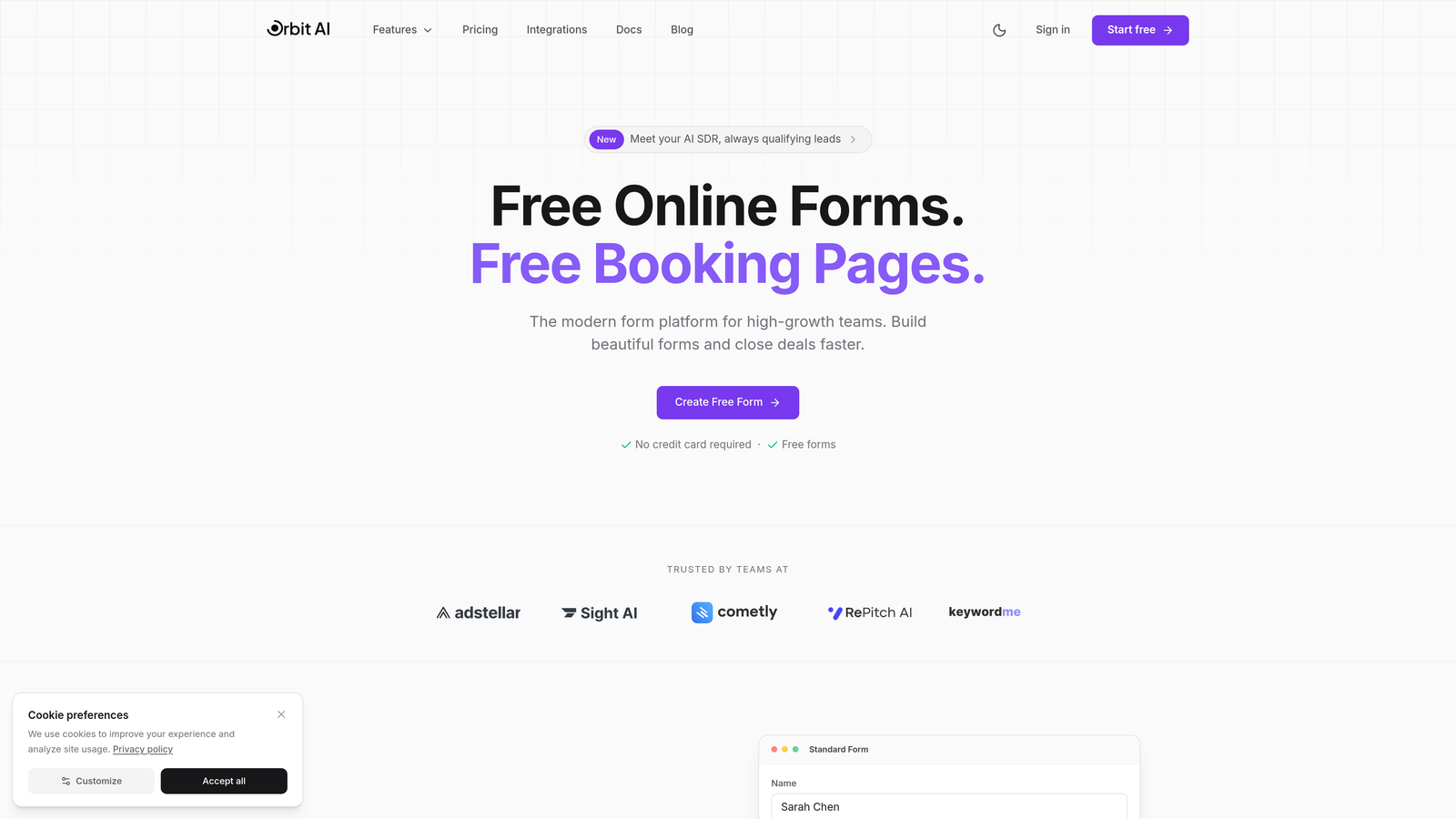
Orbit AI is an AI-powered form builder platform designed specifically for teams that need to do more than just collect information—they need to qualify, score, and route leads intelligently.
Where This Tool Shines
The AI-powered lead qualification sets Orbit AI apart from traditional form builders. Instead of treating every submission equally, the platform analyzes responses in real-time to score lead quality and trigger appropriate follow-up workflows. This means your sales team focuses on high-intent prospects while nurturing others automatically.
The conversion-optimized templates are built on research about what actually drives form completions. You're not starting from a blank canvas—you're working with designs proven to reduce abandonment and increase submission rates. For startups where every lead counts, this data-driven approach to form design delivers measurable impact.
Key Features
AI-Powered Lead Qualification: Automatically scores and routes leads based on response patterns and behavioral signals.
Modern Form Templates: Conversion-optimized designs that reduce friction and improve completion rates.
Workflow Automation: Trigger sequences based on form responses without manual intervention.
Native CRM Integration: Connect directly to your sales and marketing tools for seamless data flow.
Performance Analytics: Dashboard tracking form performance, conversion rates, and lead quality metrics.
Best For
Startups with product-market fit that are scaling their lead generation efforts and need to qualify prospects efficiently. Particularly valuable for B2B SaaS companies, agencies, and any business where lead quality matters more than lead volume. If you're moving beyond basic contact forms into sophisticated lead capture, Orbit AI delivers the intelligence layer your growth demands.
Pricing
Free tier available for getting started. Paid plans scale with usage, making it accessible for early-stage startups while accommodating growth without forcing platform switches.
2. Typeform
Best for: Creating engaging, conversational form experiences that feel less like forms
Typeform is a conversational form builder that pioneered the one-question-at-a-time format, turning traditional forms into interactive experiences that significantly improve completion rates.

Where This Tool Shines
The conversational approach fundamentally changes how people interact with forms. Instead of facing a wall of fields, respondents answer one question at a time in a natural flow. This reduces cognitive load and makes longer forms feel manageable. For startups conducting user research, collecting detailed feedback, or qualifying leads through multi-step processes, this format drives higher completion rates than traditional layouts.
The design and brand customization options are exceptional. You can create forms that genuinely feel like part of your brand experience rather than generic data collection tools. The interface is intuitive enough that non-technical team members can build professional forms without design help.
Key Features
Conversational Format: One-question-at-a-time interface that feels more like a conversation than a form.
Advanced Customization: Deep brand customization including colors, fonts, backgrounds, and custom end screens.
Logic Jumps: Conditional branching that adapts question flow based on previous answers.
Rich Media Support: Embed videos and images to create more engaging form experiences.
Integration Ecosystem: Connect to major marketing tools, CRMs, and productivity platforms.
Best For
Startups prioritizing user experience and brand consistency in their forms. Excellent for customer research, detailed lead qualification, event registrations, and any scenario where you need to collect substantial information without overwhelming respondents. The conversational format particularly suits B2C companies and consumer-facing brands.
Pricing
Free tier includes 10 responses per month. Basic plan starts at $25/month with 100 responses. For growing startups, you'll likely need the Plus plan at $50/month for unlimited responses and advanced features.
3. Tally
Best for: Bootstrapped startups needing unlimited forms without budget constraints
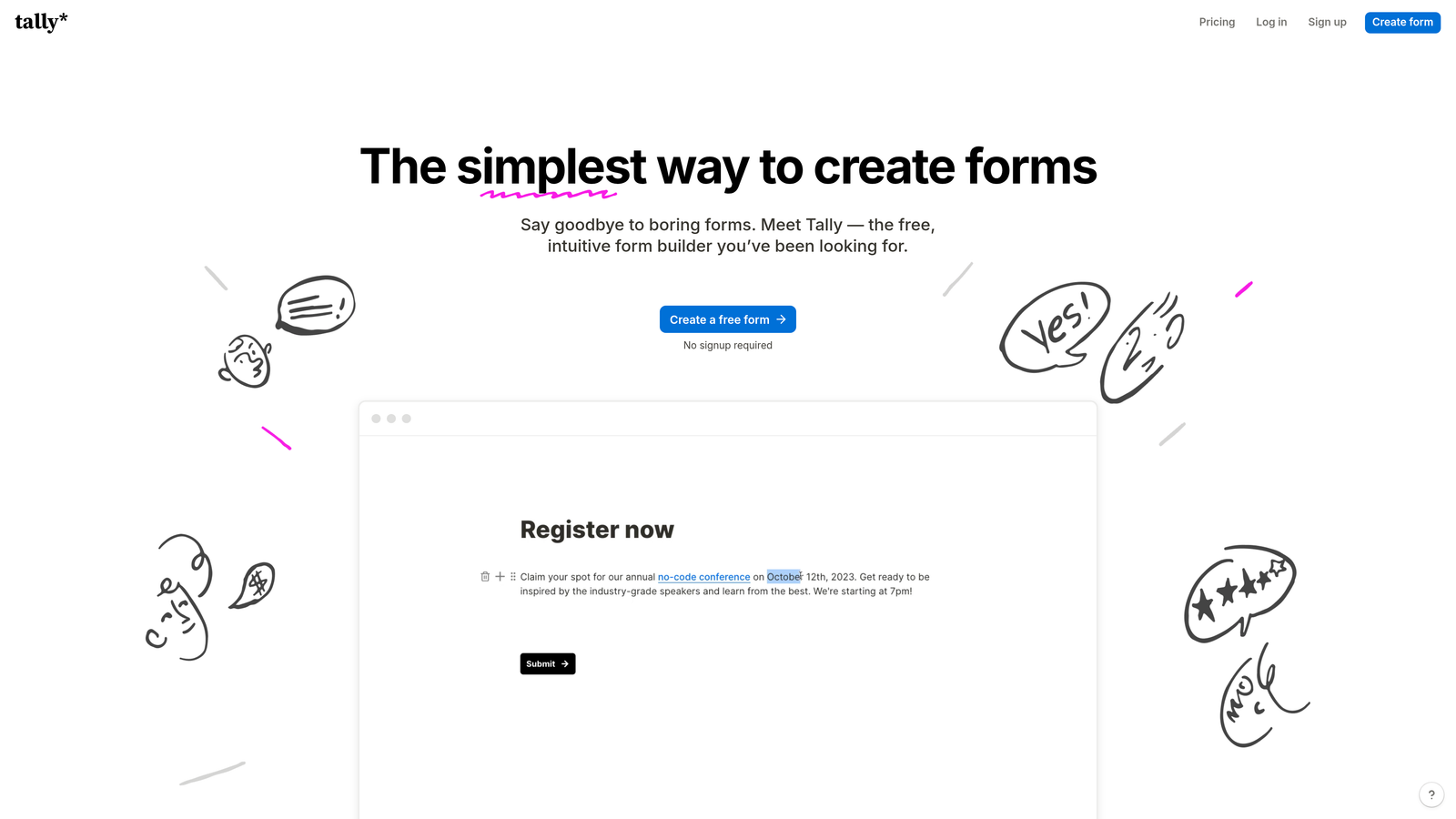
Tally is a free-first form builder with a Notion-style interface that offers unlimited forms and submissions without requiring payment, making it ideal for early-stage startups watching every dollar.
Where This Tool Shines
The unlimited free tier is genuinely generous—not a trial or limited-time offer. You can create unlimited forms, collect unlimited responses, and access most core features without ever paying. For bootstrapped startups, this removes a significant operational expense while still providing professional form capabilities. The block-based editor feels familiar if you use Notion, reducing the learning curve to essentially zero.
Despite being free, Tally doesn't feel like a compromise. You get conditional logic, file uploads, payment collection, and other features that many platforms reserve for paid tiers. The interface is clean and modern, producing forms that look professional rather than budget-conscious.
Key Features
Unlimited Free Tier: Create unlimited forms with unlimited submissions at no cost.
Block-Based Editor: Notion-style interface that makes form building intuitive and fast.
Conditional Logic: Show or hide questions based on previous answers without upgrading.
File Uploads: Collect documents, images, and other files from respondents.
Payment Integration: Accept payments through Stripe directly in your forms.
Best For
Pre-revenue startups, bootstrapped founders, and teams in the earliest stages who need professional form capabilities without budget allocation. Also excellent for side projects, MVPs, and testing new ideas where you're not sure about long-term form needs. If you're familiar with Notion, you'll be productive immediately.
Pricing
Free for unlimited forms and submissions. Pro plan at $29/month adds custom domains, remove Tally branding, and advanced customization options. Most startups can operate indefinitely on the free tier.
4. Jotform
Best for: Startups needing specific form types from a massive template library
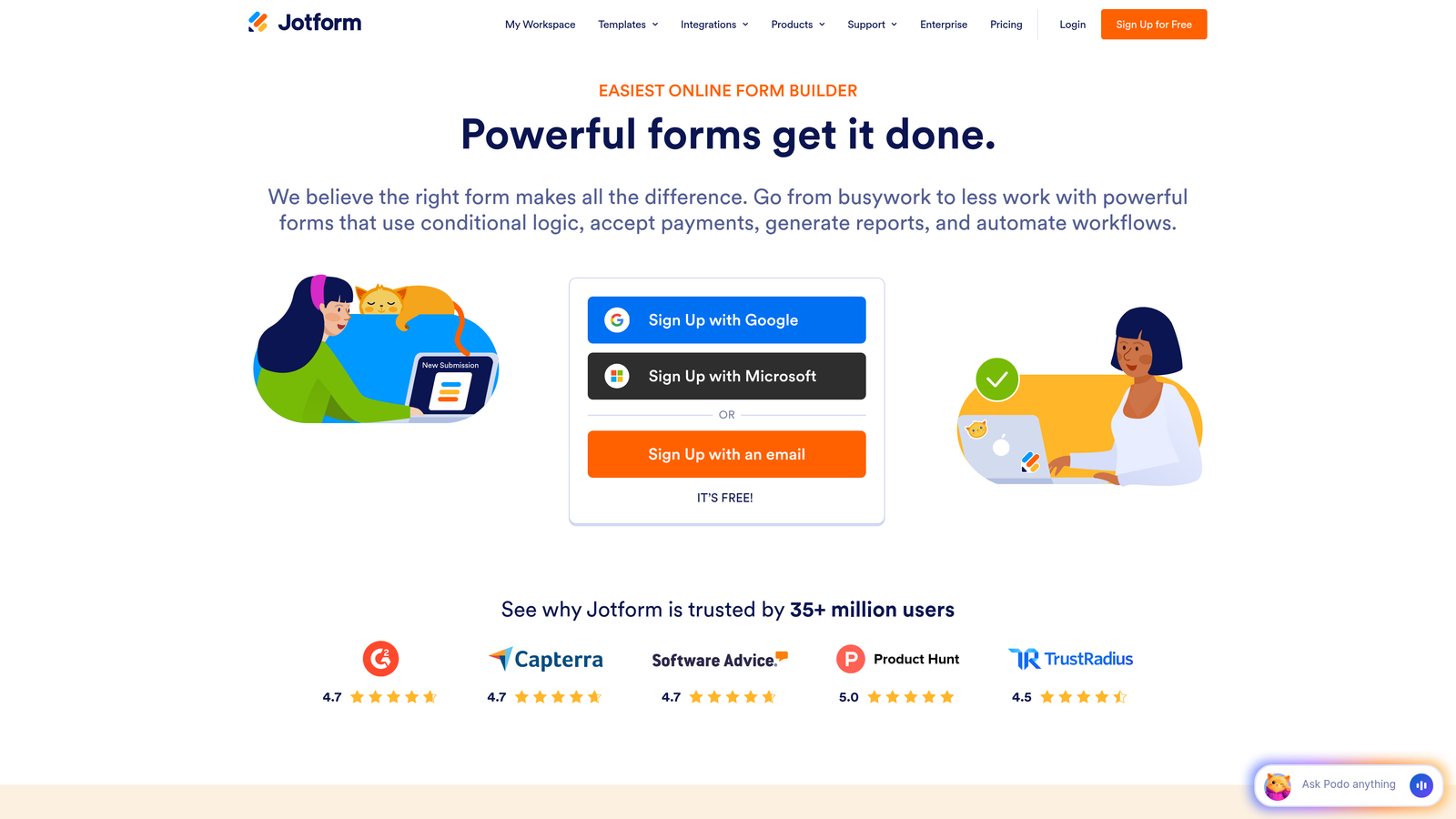
Jotform is an established form builder featuring the industry's largest template library with over 10,000 pre-built forms covering virtually every use case imaginable.
Where This Tool Shines
The template library is unmatched in both quantity and quality. Whether you need event registration forms, job applications, customer surveys, order forms, or industry-specific templates for healthcare, education, or real estate, Jotform has pre-built options you can customize rather than starting from scratch. This dramatically reduces time-to-deployment for startups that need forms operational quickly.
The built-in payment processing and PDF generation features are particularly valuable for startups selling products or services. You can create complete order forms with payment collection, generate professional PDFs from submissions, and even collect e-signatures—all without integrating external tools. This consolidation reduces your tech stack complexity and monthly SaaS costs.
Key Features
10,000+ Templates: Pre-built forms for virtually every industry and use case to accelerate deployment.
Payment Processing: Built-in integration with payment gateways for collecting payments directly.
PDF Generation: Automatically convert form submissions into professional PDF documents.
E-Signature Collection: Collect legally binding signatures within forms for contracts and agreements.
Mobile App: Manage forms and view submissions from iOS or Android devices.
Best For
Startups that need diverse form types across different departments or use cases. Particularly strong for e-commerce startups, service businesses requiring contracts, and companies with complex data collection needs. The template library makes it ideal when you need specific functionality fast without custom development.
Pricing
Free tier includes 5 forms with 100 monthly submissions. Bronze plan starts at $34/month for 25 forms and 1,000 submissions. Most growing startups will need the Silver plan at $39/month for unlimited forms.
5. Google Forms
Best for: Startups already using Google Workspace needing simple, free forms
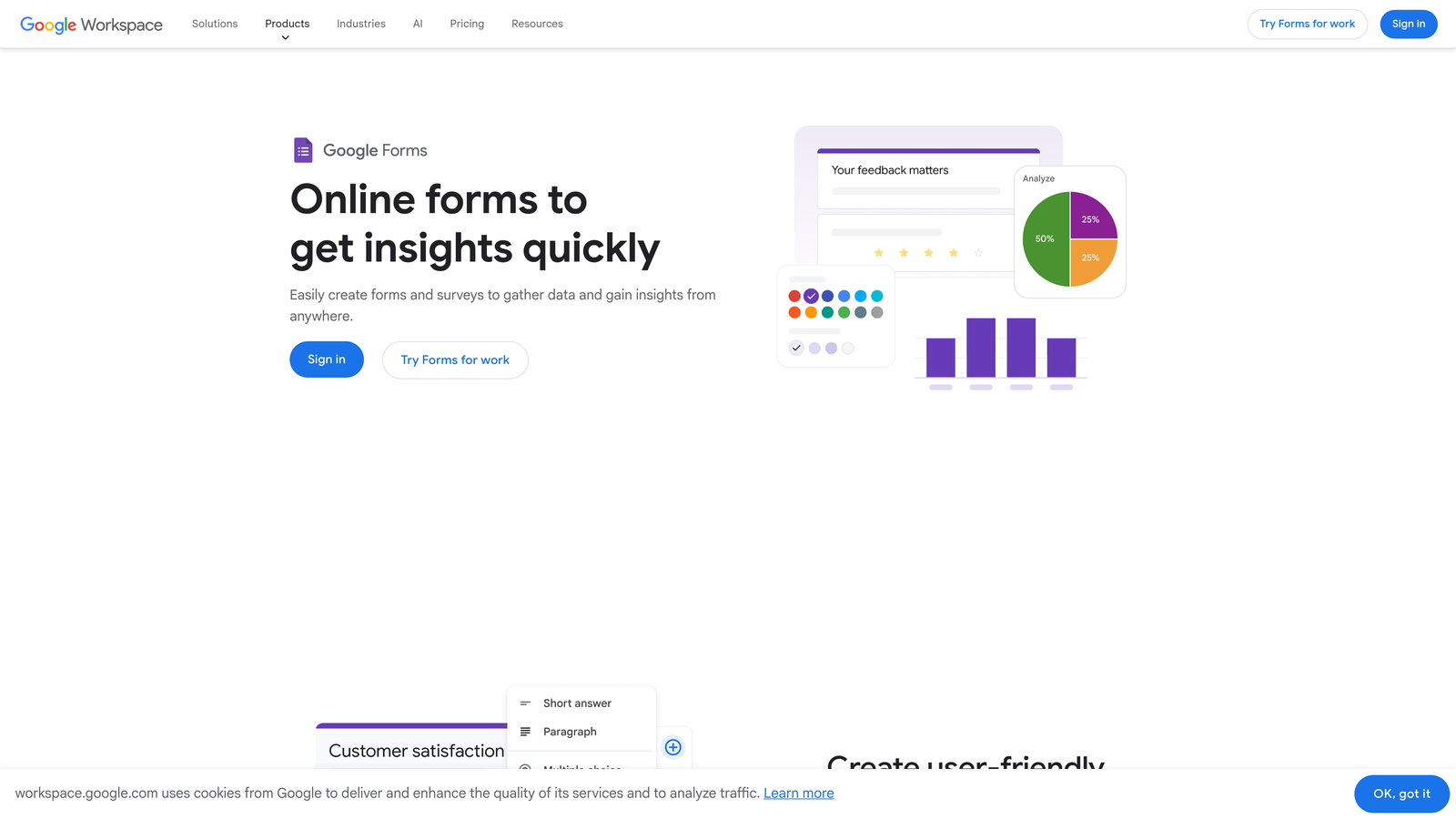
Google Forms is a completely free, no-frills form builder that integrates seamlessly with Google Sheets and the broader Google Workspace ecosystem.
Where This Tool Shines
The complete lack of cost or submission limits makes Google Forms the ultimate bootstrapped solution. You can collect unlimited responses forever without ever paying a dollar. For startups in the earliest stages or those with straightforward data collection needs, this removes an entire line item from your operational budget while still providing functional form capabilities.
The automatic Google Sheets integration is surprisingly powerful for data analysis. Every submission flows directly into a spreadsheet where you can analyze, visualize, and manipulate data using familiar tools. If your team already lives in Google Workspace, the learning curve is essentially zero and collaboration is built-in through Google's sharing model.
Key Features
Completely Free: Unlimited forms and unlimited submissions with no payment required ever.
Google Sheets Sync: Automatic real-time sync of responses to spreadsheets for analysis.
Real-Time Collaboration: Multiple team members can edit forms simultaneously like Google Docs.
Basic Conditional Logic: Show or hide sections based on previous answers.
Quiz Mode: Create assessments with automatic grading and feedback.
Best For
Pre-revenue startups, internal data collection, employee surveys, simple lead capture, and any scenario where basic functionality meets your needs. Excellent for teams already using Google Workspace who want forms that integrate naturally with their existing workflow. Not ideal if you need advanced features, custom branding, or sophisticated lead qualification.
Pricing
Completely free with no paid tiers or upgrade paths. What you see is what you get, forever.
6. Paperform
Best for: Creating content-rich forms that double as landing pages
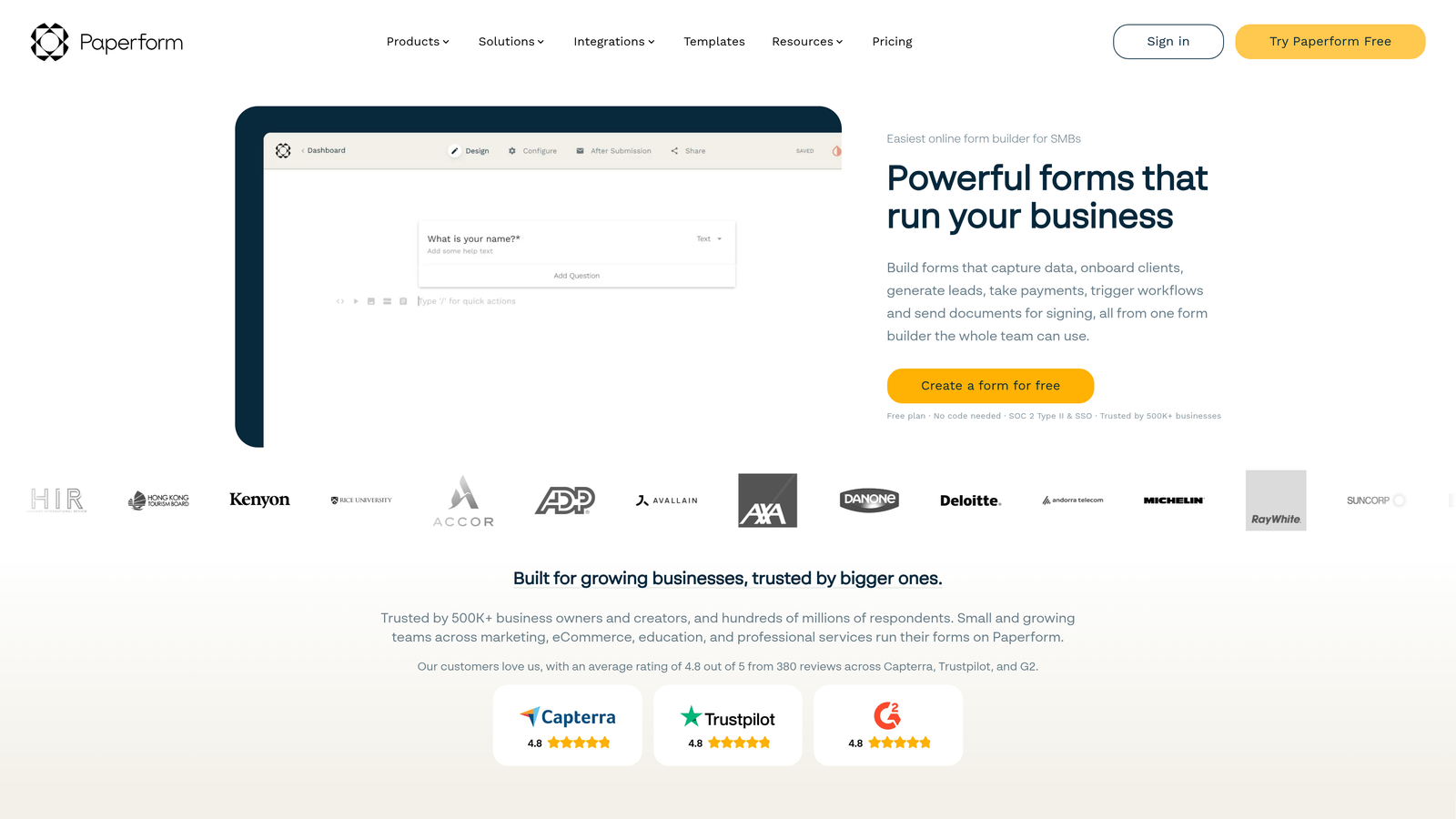
Paperform is a form builder that creates landing-page-style forms with rich text, embedded media, and detailed customization options that blur the line between forms and full web pages.
Where This Tool Shines
The landing page approach transforms forms from data collection tools into conversion-focused experiences. You can embed videos, add rich text explanations, include images and GIFs, and create forms that tell a story while collecting information. For startups selling products or services where context matters, this format lets you educate and convert simultaneously rather than treating forms as isolated touchpoints.
The payment and booking integration is particularly robust. You can create complete checkout experiences, accept bookings with calendar integration, and handle complex pricing scenarios including subscriptions and payment plans. This makes Paperform viable as a lightweight alternative to full e-commerce platforms for service-based startups.
Key Features
Landing Page Design: Create forms that look and function like complete landing pages with rich content.
Rich Media Embedding: Add videos, images, and formatted text throughout your forms.
Advanced Logic: Complex conditional branching and calculations for sophisticated form flows.
Payment Processing: Accept payments, subscriptions, and bookings directly through forms.
Custom Success Pages: Create branded thank-you pages with dynamic content based on submissions.
Best For
Startups selling services, coaching programs, courses, or products where you need to educate prospects during the conversion process. Excellent for event registrations, booking systems, and any scenario where the form itself is a key conversion touchpoint. The content-rich format suits businesses where storytelling and context drive purchasing decisions.
Pricing
Essentials plan at $24/month includes unlimited forms and 1,000 submissions. Pro plan at $49/month adds advanced features and higher submission limits. No free tier, but 14-day trial available.
7. Fillout
Best for: Operations-focused startups using Notion or Airtable as their database
Fillout is a modern form builder with native integrations to Notion, Airtable, and other database tools, designed specifically for teams building operations on these platforms.
Where This Tool Shines
The native Notion and Airtable integration is genuinely seamless—not a third-party connector that breaks randomly. Form submissions flow directly into your Notion databases or Airtable bases as new rows, maintaining your existing structure and relationships. For startups using these tools as their operational backbone, Fillout eliminates the integration headaches that plague other form builders.
The interface is clean and modern without unnecessary complexity. You can build sophisticated multi-page forms with progress indicators, conditional logic, and calculations without wading through enterprise-grade features you'll never use. The focus on core functionality executed well makes it accessible for non-technical team members while still powerful enough for complex use cases.
Key Features
Native Notion Integration: Direct connection to Notion databases without third-party middleware.
Airtable Sync: Submissions flow directly into Airtable bases maintaining relationships and structure.
Multi-Page Forms: Create multi-step forms with progress bars to reduce abandonment.
Conditional Logic: Show or hide questions based on previous responses for dynamic forms.
Payment Collection: Accept payments through Stripe integration for orders and registrations.
Best For
Startups that have built their operations on Notion or Airtable and need forms that integrate naturally with those systems. Particularly valuable for internal tools, customer onboarding workflows, and any process where form data needs to flow into your operational database without manual transfer. If you're not using Notion or Airtable, other options may be more suitable.
Pricing
Free tier includes unlimited forms with 1,000 monthly submissions. Starter plan at $15/month increases limits and adds custom branding. One of the more affordable paid options for growing startups.
8. Formstack
Best for: Startups in regulated industries requiring compliance and security features
Formstack is an enterprise-grade form builder with built-in compliance features, advanced workflow automation, and document generation capabilities designed for regulated environments.
Where This Tool Shines
The compliance and security features are enterprise-level but accessible to startups in healthcare, finance, or other regulated industries. HIPAA compliance, GDPR tools, and advanced security controls come built-in rather than as expensive add-ons. For startups handling sensitive data where compliance isn't optional, Formstack provides the necessary infrastructure without requiring enterprise contracts or complex implementation.
The workflow automation and document generation capabilities extend beyond simple form collection. You can trigger complex approval workflows, generate contracts and documents from submissions, collect e-signatures, and integrate with Salesforce natively. This makes Formstack viable as a complete document and workflow automation platform, not just a form builder.
Key Features
HIPAA & GDPR Compliance: Built-in compliance tools for healthcare and data protection regulations.
Workflow Automation: Advanced routing, approvals, and multi-step workflows based on form data.
Document Generation: Automatically create PDFs, contracts, and documents from form submissions.
Salesforce Integration: Native connection to Salesforce for seamless CRM data flow.
Role-Based Access: Granular permission controls for teams with different access needs.
Best For
Healthcare startups, fintech companies, and any business operating in regulated industries where compliance is mandatory. Also valuable for startups with complex approval workflows or document generation needs. The pricing reflects the enterprise focus, so only invest here if you genuinely need the compliance and advanced features.
Pricing
Starts at $50/month for basic plans. Compliance features and advanced capabilities require enterprise pricing. Significantly more expensive than consumer-focused alternatives, but necessary for regulated environments.
9. HubSpot Forms
Best for: Startups building an inbound marketing engine on HubSpot CRM
HubSpot Forms is a free form builder that integrates natively with HubSpot's CRM, designed specifically for teams executing inbound marketing strategies.
Where This Tool Shines
The native CRM integration is the core value proposition. Every form submission automatically creates or updates contact records in HubSpot CRM, tracking the complete customer journey from first touch through conversion. For startups building their go-to-market motion on HubSpot, this eliminates integration complexity and ensures your forms feed directly into your sales and marketing workflows.
Progressive profiling is a standout feature that most form builders lack. Instead of asking the same questions repeatedly, HubSpot Forms remembers what information you already have about a contact and asks new questions each time. This reduces form friction for returning visitors while gradually building complete contact profiles over multiple interactions.
Key Features
Free with HubSpot CRM: No additional cost if you're using HubSpot's free CRM platform.
Automatic Contact Creation: Form submissions create or update CRM contacts with full activity tracking.
Progressive Profiling: Ask different questions to returning visitors to build complete profiles gradually.
Pop-Up and Embedded Options: Deploy forms as pop-ups, slide-ins, or embedded elements.
Built-In Analytics: Track form performance, conversion rates, and A/B test variations.
Best For
Startups already using or planning to use HubSpot CRM as their central customer database. Particularly valuable for B2B companies executing inbound marketing strategies where lead nurturing and progressive profiling matter. If you're not using HubSpot's ecosystem, standalone form builders offer more flexibility.
Pricing
Free with HubSpot's free CRM. Advanced features like A/B testing and automation require Marketing Hub starting at $45/month. The CRM integration alone makes the free tier valuable for HubSpot users.
Making the Right Choice
Your ideal form builder depends entirely on your current stage and specific needs. If you're bootstrapped and watching every dollar, Tally and Google Forms deliver unlimited functionality without budget impact. Tally offers more modern features and customization, while Google Forms integrates seamlessly if you're already in the Google ecosystem.
For startups focused on growth and lead quality, Orbit AI and Typeform represent the conversion-optimized tier. Orbit AI's AI-powered lead qualification makes sense when you need to do more than collect information—you need to score, route, and act on leads intelligently. Typeform's conversational format drives higher completion rates when you're collecting detailed information or conducting user research.
If you're operating in regulated industries or handling sensitive data, Formstack's compliance features justify the higher price point. Healthcare startups, fintech companies, and businesses requiring HIPAA or advanced security controls should prioritize compliance over cost. Similarly, if you've built your operations on HubSpot CRM, their native forms eliminate integration headaches and provide progressive profiling that standalone builders can't match.
The smartest approach? Start with free trials to test how each platform fits your actual workflows. Build a real form for an active campaign rather than just exploring features. You'll quickly discover whether the interface feels intuitive, whether integrations work smoothly, and whether the platform scales with your needs. Most startups outgrow their first form builder as they mature—that's normal. Choose based on where you are now, not where you hope to be in three years.
Transform your lead generation with AI-powered forms that qualify prospects automatically while delivering the modern, conversion-optimized experience your high-growth team needs. Start building free forms today and see how intelligent form design can elevate your conversion strategy.


