

The difference between a booked appointment and an abandoned form often comes down to seconds of friction. In 2026, businesses are losing qualified prospects not because their services aren't valuable, but because their booking process creates unnecessary barriers. Modern appointment booking forms have evolved beyond simple calendar links—they now combine intelligent scheduling with lead qualification, ensuring you're not just filling your calendar, but filling it with the right people.
The best booking forms balance three critical elements: they make scheduling effortless for prospects, they capture the context you need to prepare effectively, and they integrate seamlessly with your existing workflow. We've evaluated solutions across ease of use, customization capabilities, integration ecosystems, and conversion optimization features. Whether you're a solopreneur managing your first clients or a high-growth team coordinating hundreds of appointments monthly, this guide covers options tailored to different business sizes and use cases.
1. Orbit AI
Best for: High-growth teams that want to qualify leads automatically while optimizing for conversions
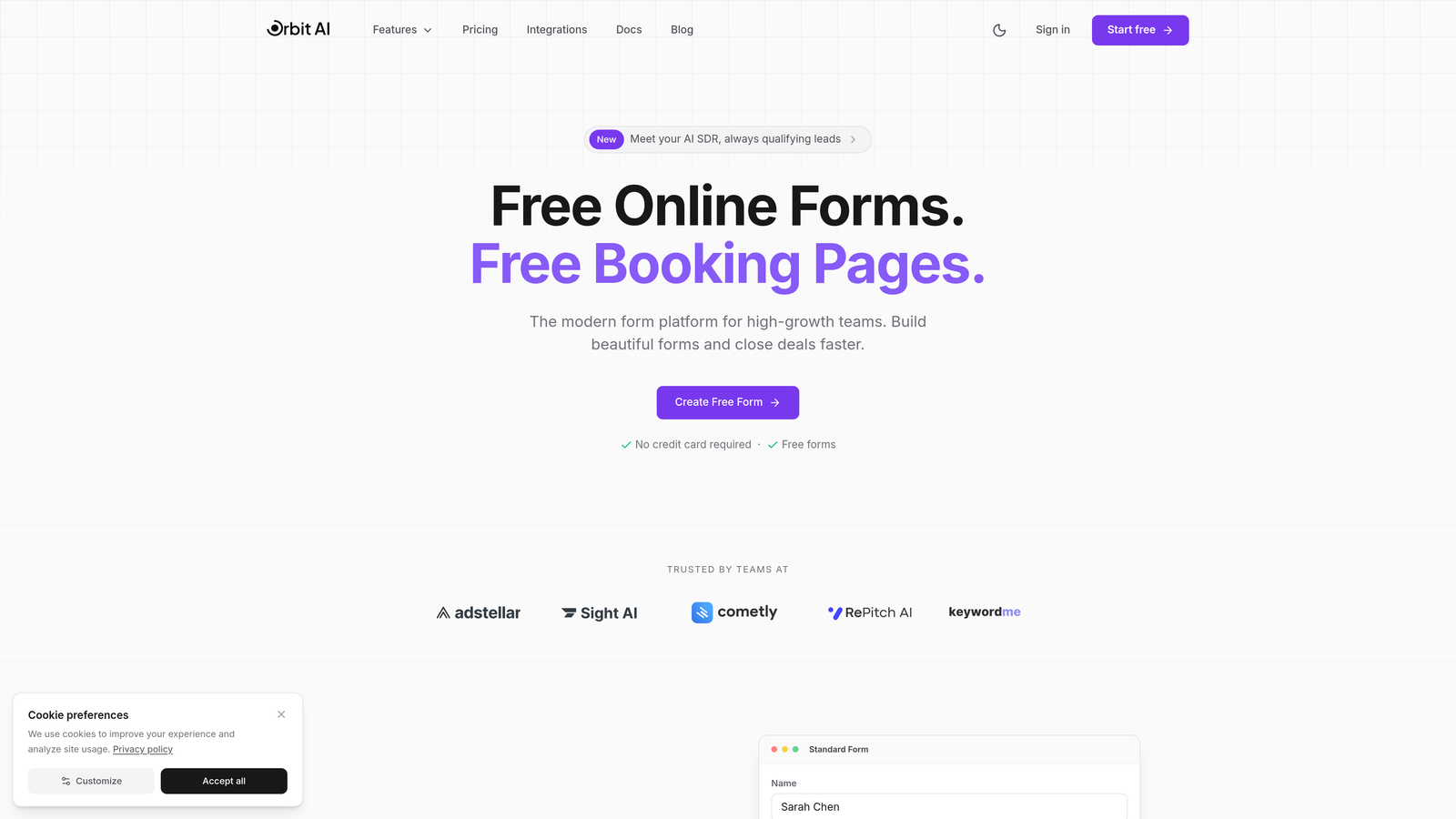
Orbit AI is an AI-powered form builder that transforms appointment booking from a simple scheduling task into an intelligent qualification system.
Where This Tool Shines
Orbit AI stands out by embedding intelligent lead qualification directly into the booking experience. While prospects schedule their appointments, AI agents work behind the scenes to assess fit, capture intent signals, and route high-value leads appropriately. This means your team spends time with qualified prospects rather than screening calls with everyone who clicks a calendar link.
The platform's conversion-focused design goes beyond aesthetics. Every template is built with completion rates in mind, using proven patterns that reduce abandonment. For teams serious about growth, this combination of beautiful forms and intelligent qualification creates a booking experience that actually moves the revenue needle.
Key Features
AI Lead Qualification: Intelligent agents assess prospect fit during the booking process, ensuring your calendar fills with qualified opportunities.
Conversion-Optimized Templates: Pre-built booking form designs engineered for high completion rates across devices.
Built-in Scheduler: Native calendar integration that syncs availability in real-time without external dependencies.
Workflow Automation: Automated follow-up sequences that nurture prospects and reduce no-shows.
Analytics Dashboard: Detailed insights into form performance, conversion bottlenecks, and qualification patterns.
Best For
Orbit AI is ideal for B2B companies, consulting firms, and high-growth teams where lead quality matters as much as lead volume. If you're tired of unqualified appointments wasting your team's time, or if you're looking to optimize your entire lead capture and booking funnel, this platform delivers both the intelligence and the conversion-focused design you need.
Pricing
Free tier available for teams getting started. Paid plans start at competitive rates designed for growing teams, with pricing that scales as your booking volume increases.
2. Calendly
Best for: Teams needing simple, reliable scheduling with extensive third-party integrations
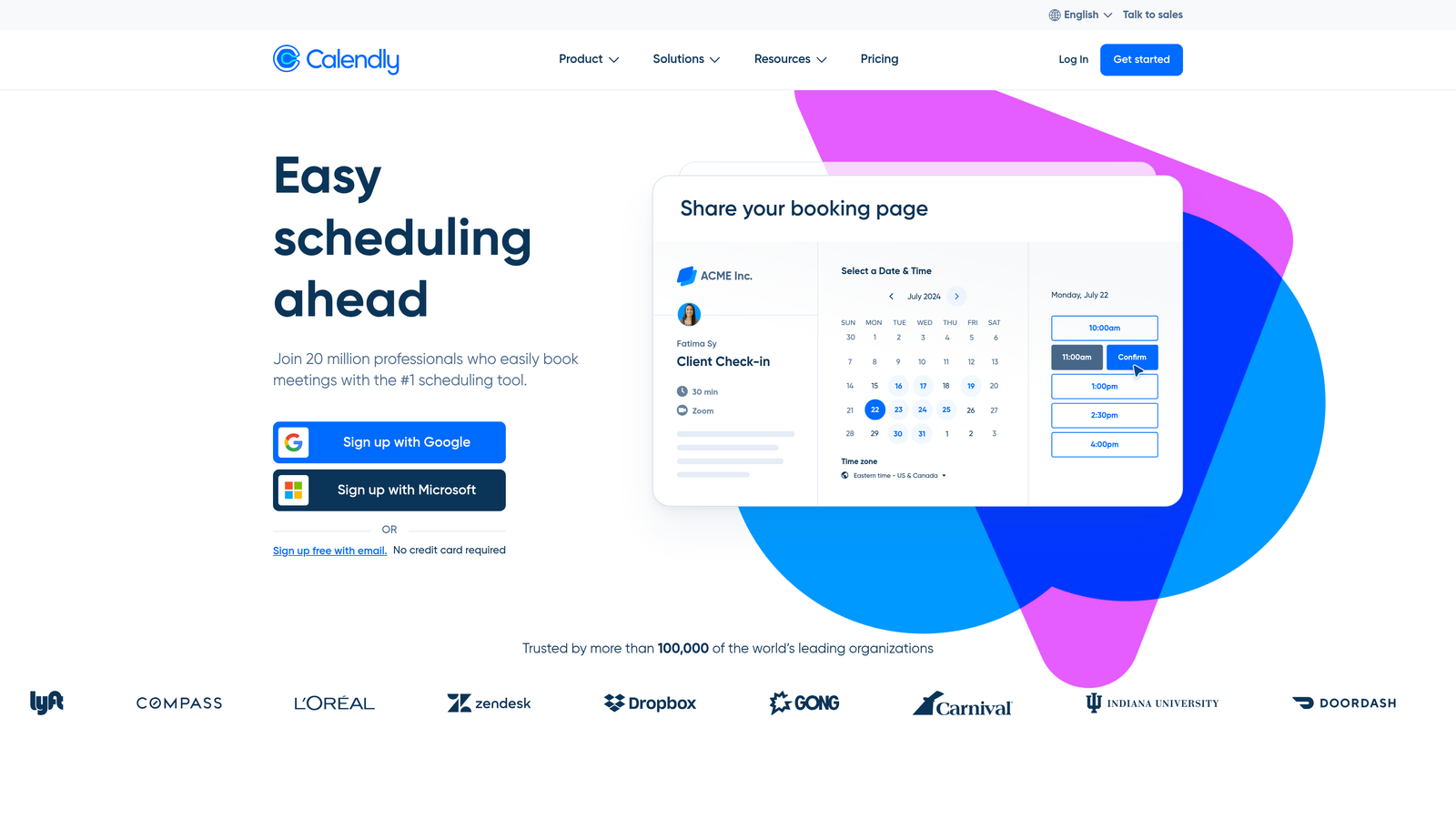
Calendly is the industry-standard scheduling platform that made "send me your Calendly" a common business phrase.
Where This Tool Shines
Calendly built its reputation on doing one thing exceptionally well: making it effortless for someone to book time with you. The interface is intuitive enough that prospects need zero explanation, and the one-click scheduling experience has become the benchmark others try to match. For teams that value simplicity and widespread adoption, Calendly's familiarity alone reduces friction.
The platform's integration ecosystem is its secret weapon. With connections to virtually every business tool—from CRMs to video conferencing to payment processors—Calendly fits into existing workflows without forcing teams to change how they work. This plug-and-play approach makes implementation straightforward even for non-technical users.
Key Features
One-Click Scheduling: Recipients select available times without back-and-forth email exchanges or account creation.
Team Scheduling: Round-robin distribution and collective availability for teams managing shared calendars.
Integration Ecosystem: Native connections to Salesforce, HubSpot, Zoom, Stripe, and hundreds of other platforms.
Automated Workflows: Reminder emails, follow-ups, and confirmation sequences that reduce no-shows.
Custom Branding: White-label booking pages that match your company's visual identity.
Best For
Calendly works best for sales teams, recruiters, and service professionals who need reliable scheduling that integrates with their existing tech stack. If your priority is widespread adoption and minimal training time, Calendly's familiar interface delivers immediate value.
Pricing
Free basic plan with limited features. Professional plans start at $10 per user monthly, with Teams plans at $16 per user monthly for advanced features like round-robin scheduling and Salesforce integration.
3. Acuity Scheduling
Best for: Service businesses with complex booking requirements and payment processing needs
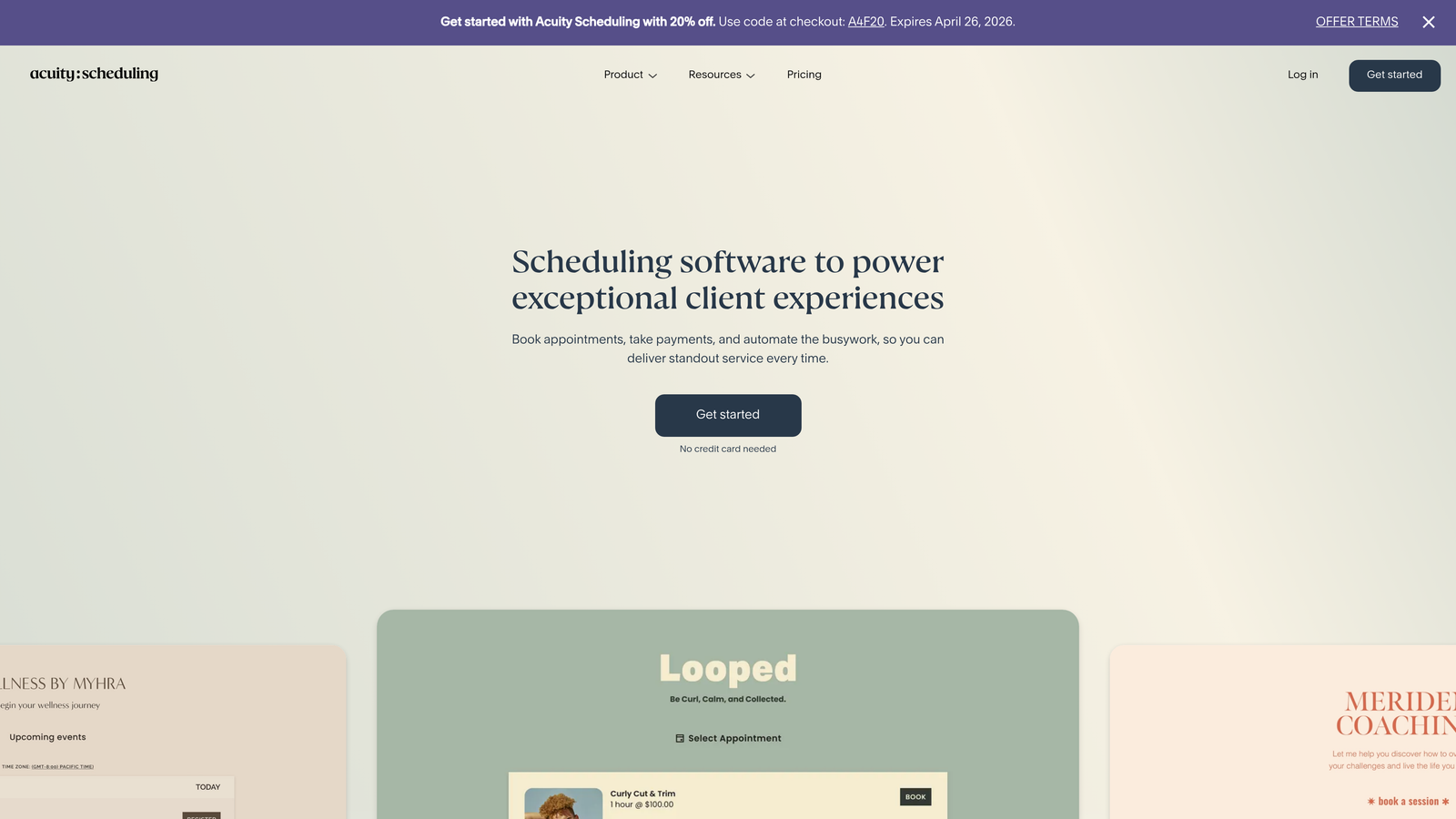
Acuity Scheduling is a feature-rich platform built for businesses where appointments involve more than just picking a time slot.
Where This Tool Shines
Acuity excels when your booking process requires complexity. Need to collect detailed intake information before appointments? Want to offer package deals or subscription-based booking? Need to accept deposits or full payment at booking? Acuity handles these scenarios elegantly while maintaining a smooth client experience.
The platform's flexibility makes it particularly valuable for wellness professionals, consultants, and service providers who operate across multiple locations or timezones. Custom intake forms ensure you gather exactly the information needed to deliver excellent service, while the built-in payment processing eliminates the awkward conversation about payment methods.
Key Features
Custom Intake Forms: Detailed questionnaires that capture client information, preferences, and requirements before appointments.
Payment Processing: Native integration with Stripe and Square for deposits, full payments, and package purchases.
Package Booking: Sell appointment bundles, memberships, and subscription-based scheduling options.
Multi-Location Support: Manage appointments across different physical locations with location-specific availability.
Client Self-Service: Portals where clients can reschedule, cancel, or purchase additional services independently.
Best For
Acuity is perfect for wellness practitioners, fitness trainers, consultants, and service businesses where appointments involve payment processing or detailed client information. If your booking process is more complex than "pick a time," Acuity provides the structure you need.
Pricing
Plans start at $16 monthly for emerging businesses. Growing plans at $27 monthly add multiple calendar support, while Powerhouse plans at $49 monthly include advanced features like HIPAA compliance and priority support.
4. HubSpot Meeting Scheduler
Best for: Teams already using HubSpot who want native CRM integration with their booking process
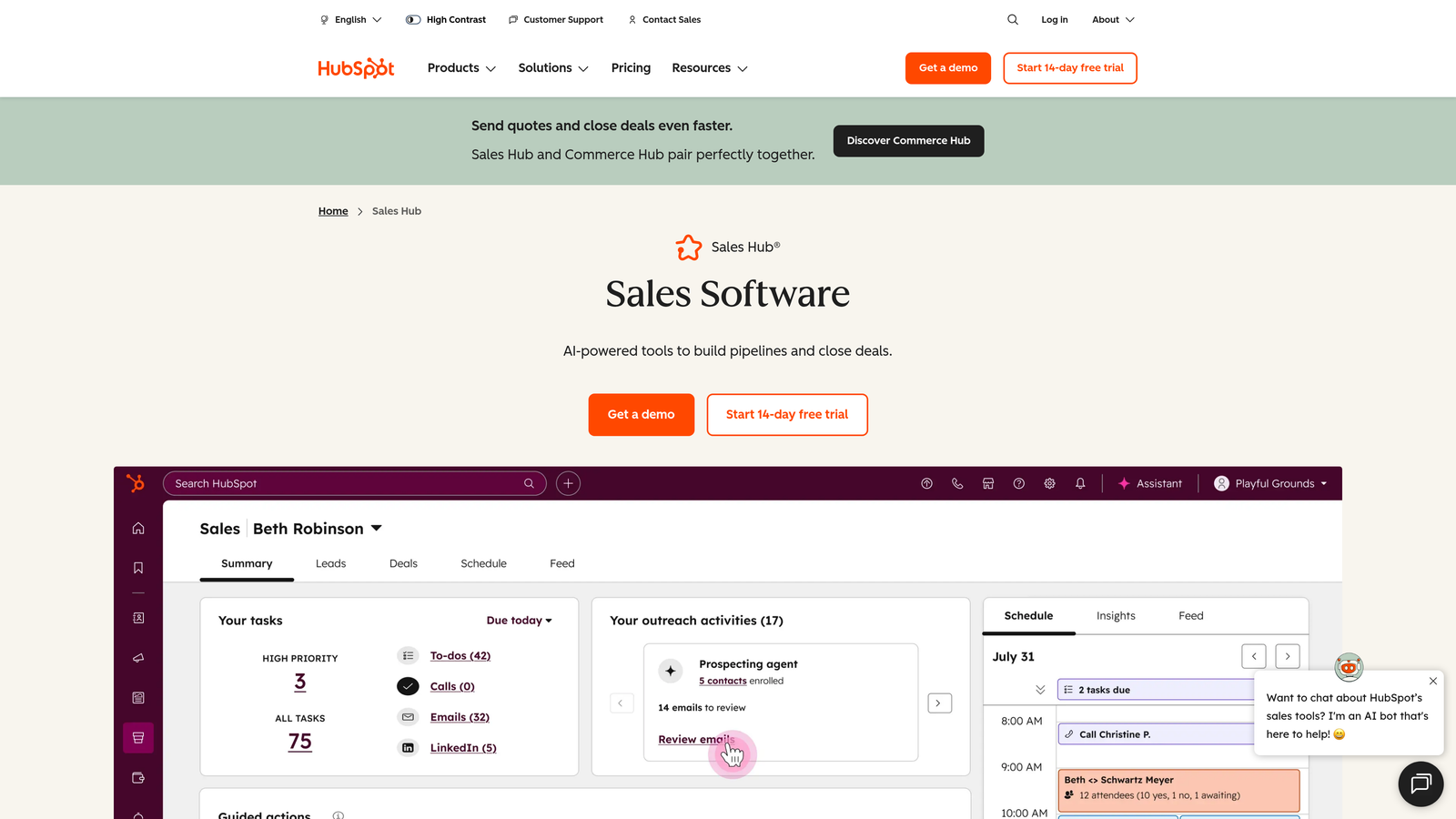
HubSpot Meeting Scheduler is the native scheduling tool that automatically enriches your CRM with every booked appointment.
Where This Tool Shines
The magic of HubSpot's scheduler lies in what happens automatically after someone books a meeting. Every appointment creates or updates a contact record, logs the interaction, triggers relevant workflows, and ensures your sales team has full context before the call. This eliminates the manual data entry that plagues teams using standalone scheduling tools.
For organizations already invested in the HubSpot ecosystem, the native integration means zero setup friction. Your booking page inherits your CRM's contact properties, your email sequences can reference scheduled meetings, and your reporting captures the full journey from first touch to booked appointment.
Key Features
Native CRM Integration: Automatic contact creation and enrichment with every booked appointment, no Zapier required.
Group Scheduling: Coordinate meetings with multiple team members while respecting everyone's availability.
Embedded Booking: Add scheduling directly to website pages, emails, and chat conversations.
Automatic Record Creation: Every meeting creates timeline entries, updates deal stages, and triggers appropriate workflows.
Meeting Links: Shareable scheduling URLs that work in email signatures, social profiles, and anywhere else.
Best For
HubSpot Meeting Scheduler is ideal for sales teams, customer success organizations, and any business already using HubSpot CRM. If you're tired of manually creating contact records or updating deal stages after appointments, this native solution eliminates that friction entirely.
Pricing
Free with HubSpot CRM at no cost. Advanced scheduling features like round-robin and custom branding require Sales Hub Professional starting at $90 monthly per seat.
5. Typeform
Best for: Creating engaging, conversational booking experiences that feel more like conversations than forms
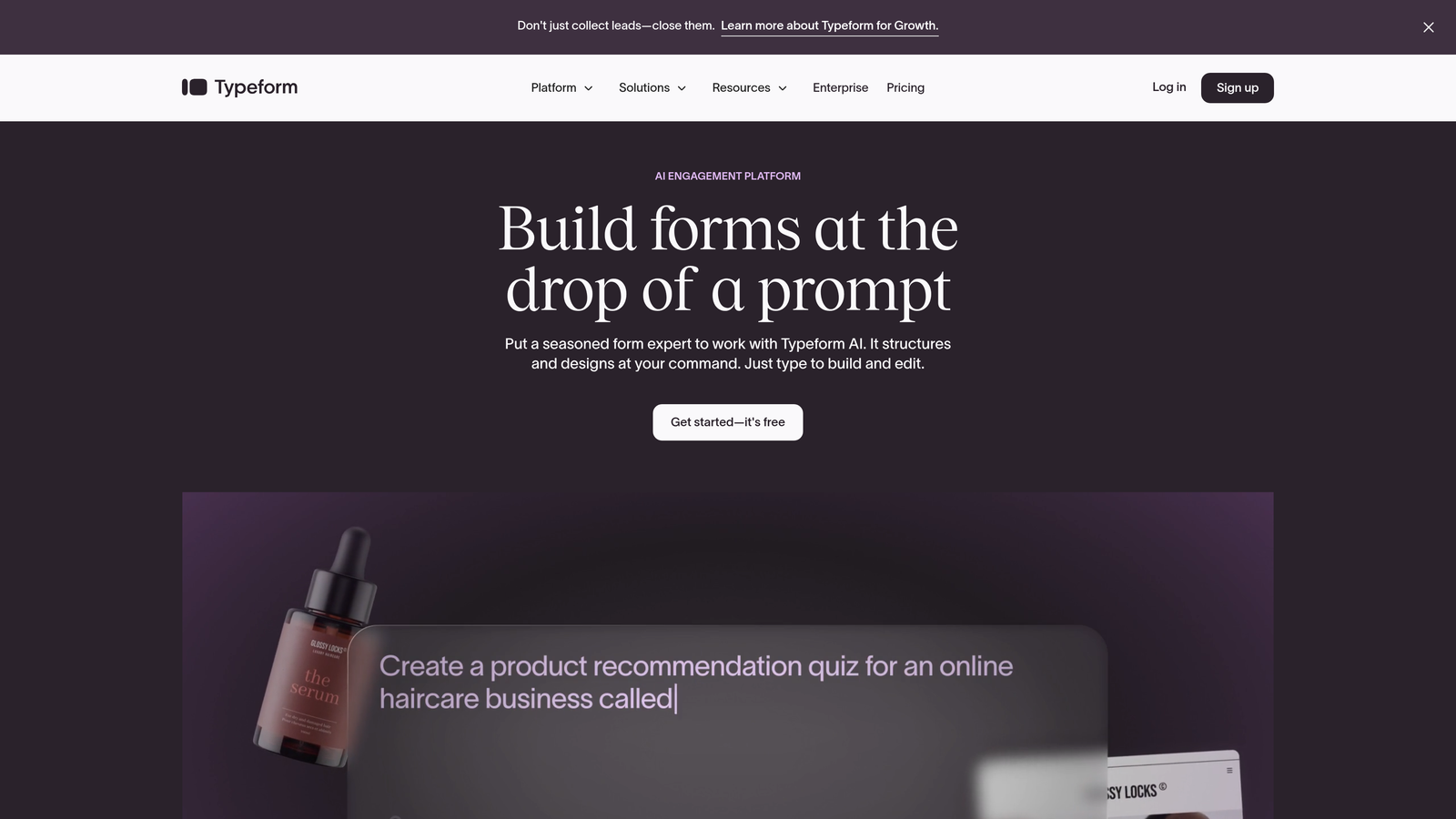
Typeform is a form builder that transforms booking into an interactive, one-question-at-a-time experience with scheduling integrations.
Where This Tool Shines
Typeform's conversational approach fundamentally changes how prospects experience booking. Instead of confronting a dense form with multiple fields, they answer one thoughtfully designed question at a time. This pattern-interrupt approach often results in higher completion rates, particularly for bookings that require context-gathering before scheduling.
The platform's design capabilities let you create booking experiences that feel premium and on-brand. Combined with conditional logic that adapts questions based on previous answers, you can guide prospects through a personalized journey that culminates in scheduling—all while maintaining the engaging, conversational feel.
Key Features
Conversational Flow: One-question-at-a-time interface that reduces form overwhelm and improves completion rates.
Beautiful Templates: Design-forward booking forms that match your brand aesthetic without custom coding.
Scheduling Integrations: Native connections to Calendly, Cal.com, and other scheduling platforms for seamless booking.
Conditional Logic: Smart branching that shows relevant questions based on previous answers.
Hidden Fields: Capture UTM parameters and source data to understand which channels drive qualified bookings.
Best For
Typeform works beautifully for consultants, agencies, and service providers who want to gather detailed context before appointments while maintaining an engaging experience. If standard booking forms feel too transactional for your brand, Typeform's conversational approach creates a warmer first impression.
Pricing
Free plan limited to 10 responses monthly. Basic plans start at $25 monthly for 100 responses, with Plus at $50 monthly and Business at $83 monthly for advanced features.
6. Cal.com
Best for: Technical teams wanting full control over scheduling infrastructure and data ownership
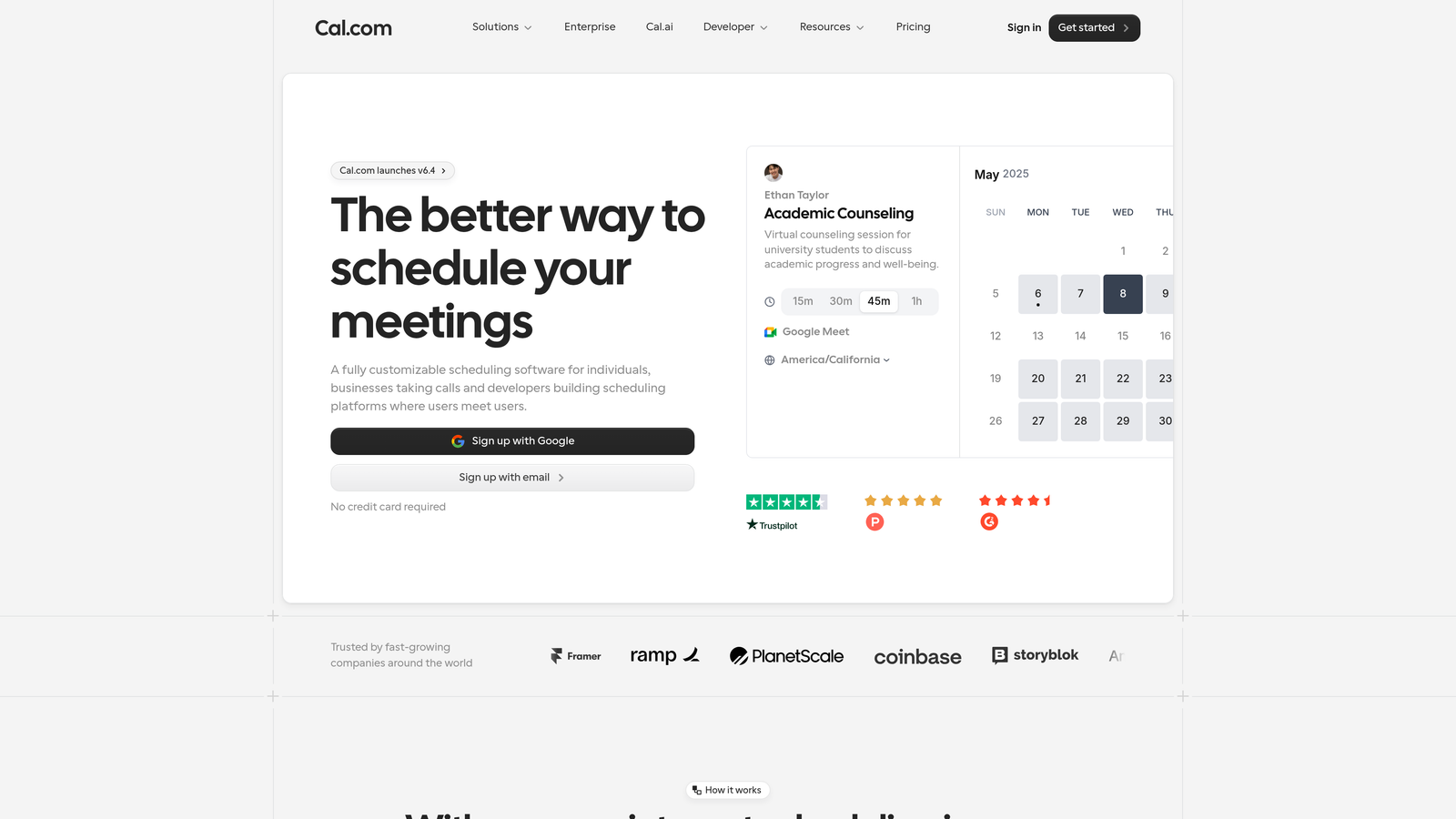
Cal.com is an open-source scheduling platform that gives organizations complete control over their booking experience and underlying data.
Where This Tool Shines
Cal.com's open-source foundation means you're not locked into a vendor's roadmap or pricing changes. Technical teams can self-host the entire platform, customize every aspect of the booking experience, and maintain complete ownership of appointment data. This level of control is increasingly valuable as data privacy regulations tighten globally.
The platform's API-first architecture makes it ideal for building custom scheduling experiences. Whether you're embedding booking into a mobile app, creating industry-specific workflows, or integrating with proprietary systems, Cal.com provides the flexibility to build exactly what your business needs rather than adapting to a tool's limitations.
Key Features
Open-Source Core: Self-hostable platform with full access to source code and customization capabilities.
API-First Design: Comprehensive API that enables custom integrations and embedded scheduling experiences.
Custom Workflows: Build routing logic, approval processes, and booking rules tailored to your business.
White-Label Options: Remove all Cal.com branding and present scheduling as your own product.
Data Ownership: Complete control over where appointment data lives and how it's processed.
Best For
Cal.com is perfect for development teams, SaaS companies building scheduling into their products, and organizations with strict data residency requirements. If you have technical resources and value control over vendor convenience, Cal.com provides the foundation to build exactly what you need.
Pricing
Free self-hosted option with community support. Cloud-hosted plans start at $12 per user monthly, with Teams at $15 per user monthly and Enterprise with custom pricing for white-label and advanced features.
7. Setmore
Best for: Small businesses and solopreneurs needing capable scheduling without ongoing subscription costs
Setmore is a budget-friendly scheduling solution with a surprisingly generous free tier that doesn't sacrifice essential features.
Where This Tool Shines
Setmore's free tier supports up to four users—a rarity in scheduling software where most competitors limit free plans to single users. This makes it viable for small teams, family businesses, and growing practices that aren't ready for enterprise pricing but need more than solo scheduling. The platform includes genuinely useful features in the free tier rather than crippling the experience to force upgrades.
The social media booking integration is particularly clever for service businesses. Clients can book directly from your Facebook or Instagram business pages, meeting prospects where they already spend time rather than forcing them to navigate to a separate booking site.
Key Features
Generous Free Tier: Full scheduling functionality for up to four staff members at no cost.
Payment Acceptance: Integrated payment processing through Square, Stripe, and PayPal for deposits and full payments.
Social Booking: Facebook and Instagram integration that lets clients book directly from social media profiles.
Staff Management: Coordinate schedules, assign services, and manage availability for multiple team members.
Class Booking: Schedule group sessions, workshops, and classes with attendance limits.
Best For
Setmore works well for hair salons, wellness practitioners, tutors, and small service businesses where budget constraints are real but professional scheduling is still essential. If you need multi-user scheduling without monthly fees, Setmore delivers surprising value.
Pricing
Free for up to four users with unlimited appointments. Pro plans at $5 per user monthly add features like custom branding, intake forms, and priority support.
8. Jotform
Best for: Teams needing extensive intake forms alongside appointment scheduling in a single solution
Jotform is a comprehensive form builder with appointment scheduling widgets, perfect when booking requires detailed information gathering.
Where This Tool Shines
Jotform's strength lies in combining complex data collection with scheduling in ways standalone schedulers can't match. Need to collect medical history before a consultation? Want prospects to upload documents before a review meeting? Require detailed project specifications before a discovery call? Jotform handles these scenarios by treating scheduling as one component of a larger information-gathering process.
The platform's template library spans virtually every industry and use case. Rather than building forms from scratch, you can start with a template close to your needs and customize from there. This approach dramatically reduces setup time while ensuring you're following proven patterns for your specific use case.
Key Features
Extensive Template Library: Thousands of pre-built forms covering every industry, easily customized to match specific needs.
Appointment Widget: Embedded scheduling component that integrates with Google Calendar and other calendar systems.
Payment Integration: Accept payments through 30+ payment processors including Stripe, Square, and PayPal.
Conditional Logic: Show or hide form fields based on previous answers, creating dynamic booking experiences.
Calculation Fields: Automatically calculate totals, dates, or custom values based on form inputs.
Best For
Jotform excels for healthcare providers, legal professionals, contractors, and any business where booking requires extensive information beyond just picking a time slot. If your appointment process involves detailed intake, document collection, or complex conditional logic, Jotform provides the flexibility you need.
Pricing
Free plan allows 5 forms with 100 monthly submissions. Bronze plans start at $34 monthly for 25 forms and 1,000 submissions, with Silver at $39 monthly and Gold at $99 monthly for higher limits and advanced features.
9. Microsoft Bookings
Best for: Enterprise organizations already invested in the Microsoft 365 ecosystem
Microsoft Bookings is an enterprise scheduling solution that integrates seamlessly with Outlook calendars and Teams meetings.
Where This Tool Shines
For organizations already using Microsoft 365, Bookings provides scheduling without introducing another vendor, another login, or another integration to maintain. It reads directly from Outlook calendars, automatically generates Teams meeting links, and respects existing calendar permissions and sharing settings. This native integration eliminates the sync issues that plague third-party scheduling tools.
The enterprise-grade security and compliance features make Bookings viable for regulated industries where data handling requirements are strict. Since appointment data lives within your existing Microsoft tenant, it inherits your organization's security policies, retention rules, and compliance certifications without additional configuration.
Key Features
Outlook Integration: Direct calendar synchronization without third-party connectors or sync delays.
Teams Meetings: Automatic generation of Teams meeting links for virtual appointments.
Custom Booking Pages: Branded scheduling pages that match organizational identity and include custom fields.
Staff Scheduling: Coordinate availability across teams while respecting Outlook calendar conflicts.
Enterprise Security: Inherits Microsoft 365 security policies, compliance certifications, and data residency controls.
Best For
Microsoft Bookings is ideal for enterprise sales teams, customer success organizations, and any business already standardized on Microsoft 365. If your organization has made the Microsoft ecosystem commitment, Bookings provides professional scheduling without expanding your vendor footprint.
Pricing
Included with Microsoft 365 Business Basic at $6 per user monthly and all higher Microsoft 365 business and enterprise plans. No additional scheduling-specific fees.
Making the Right Choice
The best booking form for your business depends on what happens before and after the appointment gets scheduled. If lead qualification matters as much as calendar filling, Orbit AI combines intelligent pre-qualification with conversion-optimized forms. For teams prioritizing simplicity and widespread adoption, Calendly's familiar interface and extensive integrations deliver immediate value. Service businesses with complex requirements—payment processing, detailed intake, multi-location coordination—will find Acuity Scheduling worth the investment.
Your existing tech stack should heavily influence your decision. Already using HubSpot? The native Meeting Scheduler eliminates integration headaches. Committed to Microsoft 365? Bookings provides enterprise scheduling without another vendor. Need conversational experiences that gather context before scheduling? Typeform transforms booking into an engaging journey. Technical teams wanting control should explore Cal.com's open-source foundation, while budget-conscious small businesses will appreciate Setmore's generous free tier.
Consider your specific booking complexity. If appointments require extensive information gathering or document uploads, Jotform's form-first approach with scheduling widgets makes sense. If you're building scheduling into your own product or need white-label capabilities, Cal.com's API-first architecture provides the flexibility you need.
The appointment booking landscape has evolved beyond simple calendar links. The tools that win in 2026 are those that reduce friction while capturing the context needed to deliver value. Whether that means AI-powered qualification, conversational experiences, or deep CRM integration depends on your specific conversion goals and where prospects are dropping off in your current process. Start building free forms today and see how intelligent form design can elevate your conversion strategy.


