

Choosing a form builder without testing it first is like buying a car without a test drive. You might end up with something that looks great on paper but doesn't fit your workflow. The good news? Most leading form builders offer trial versions that let you explore features, test integrations, and build real forms before committing.
We've tested dozens of trial versions to find the ones that actually give you enough time and access to make an informed decision. Here are the top form builder trials worth your time in 2026.
1. Orbit AI
Best for: High-growth teams needing AI-powered lead qualification and conversion optimization
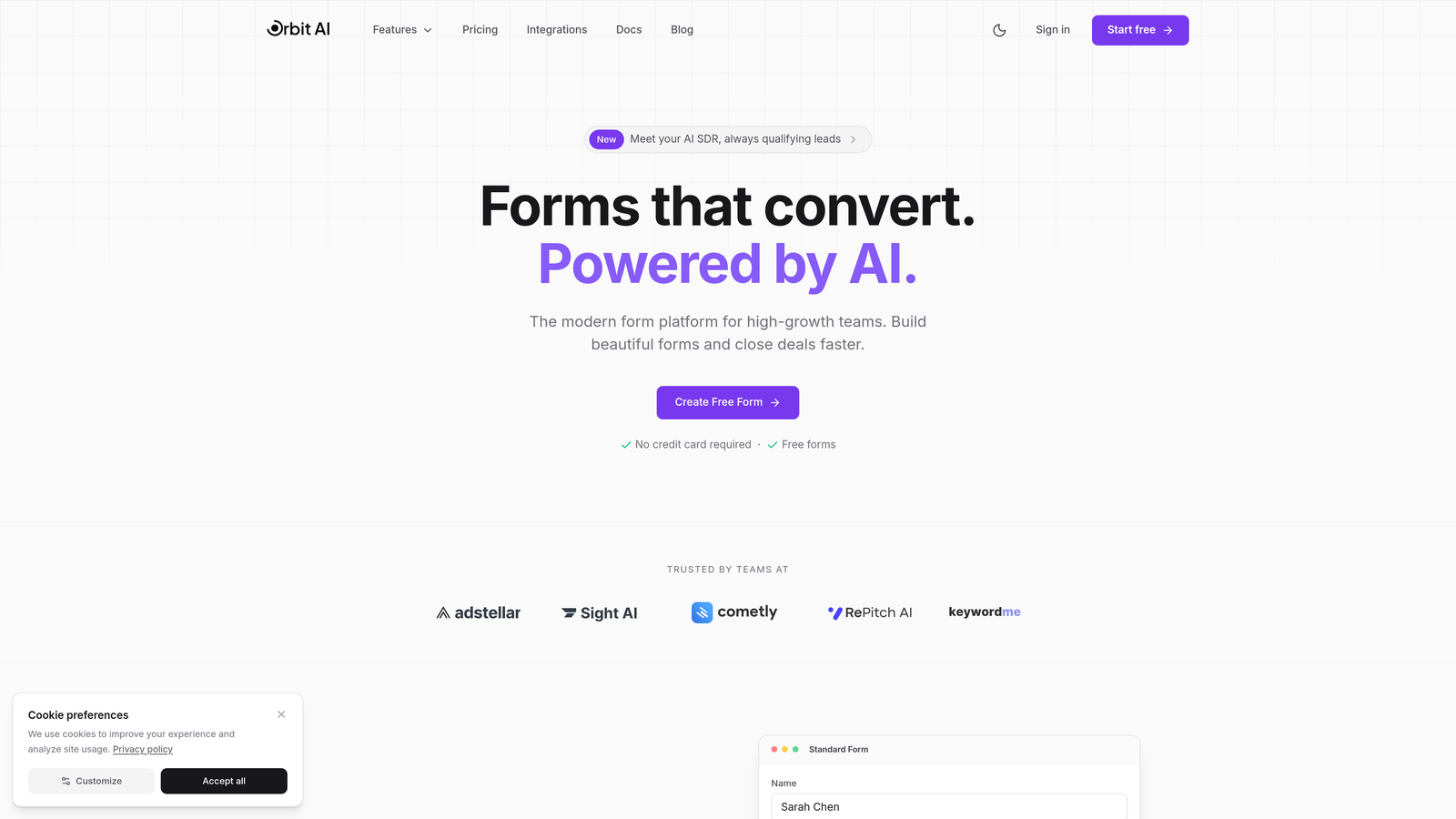
Orbit AI is an AI-powered form builder designed specifically for teams focused on lead generation and conversion optimization.
Where This Tool Shines
Orbit AI stands out with its intelligent lead qualification system that automatically scores and routes prospects based on their form responses. Instead of collecting generic contact information, you're gathering qualified leads from the moment someone submits.
The platform's modern interface makes building conversion-optimized forms surprisingly intuitive, even for teams without design experience. You get professional templates built specifically for high-growth businesses, not generic contact forms.
Key Features
AI-Powered Lead Qualification: Automatically scores and categorizes leads based on response patterns and qualification criteria you define.
Smart Conditional Logic: Creates dynamic form experiences that adapt based on user responses, reducing friction and improving completion rates.
Built-in Analytics Dashboard: Track conversion rates, drop-off points, and lead quality metrics without connecting external analytics tools.
Native CRM Integrations: Connects seamlessly with popular CRM platforms to route qualified leads directly into your sales pipeline.
Conversion-Optimized Templates: Pre-built form designs specifically tested for lead generation and conversion performance.
Best For
Orbit AI is ideal for SaaS companies, marketing agencies, and B2B teams where lead quality matters more than lead quantity. If you're tired of sorting through unqualified submissions and want forms that do the heavy lifting, this trial gives you full access to see how AI can transform your lead generation.
Pricing
Free trial available with full feature access. Paid plans start at competitive pricing designed for growing teams focused on conversion optimization.
2. Typeform
Best for: Creating engaging conversational experiences with one-question-at-a-time interface
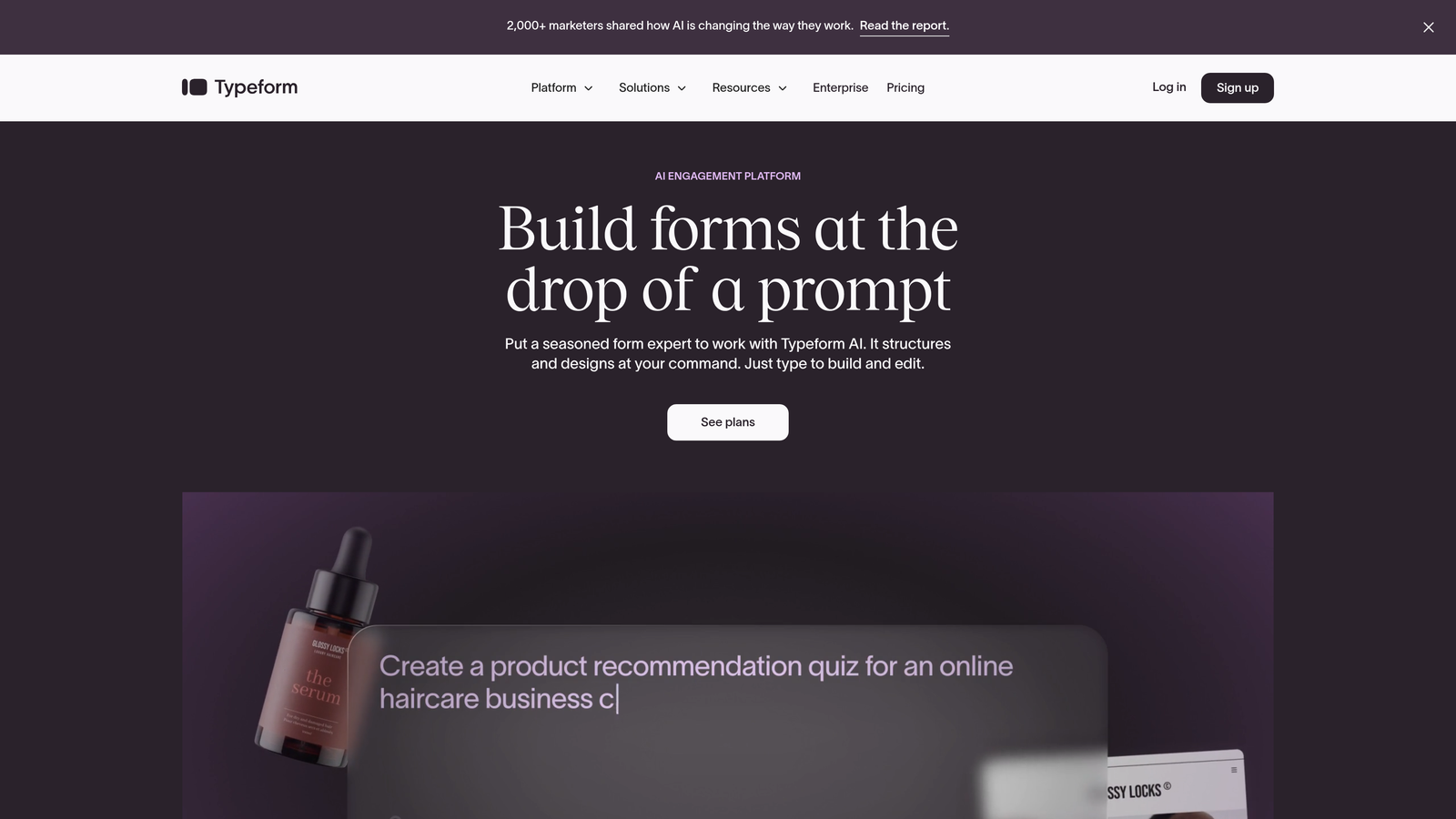
Typeform is a conversational form builder known for its distinctive approach to user engagement.
Where This Tool Shines
Typeform pioneered the conversational form format, showing one question at a time instead of overwhelming users with long pages. This approach significantly improves completion rates, especially for surveys and feedback forms where you need thoughtful responses.
The visual design capabilities are exceptional. You can embed videos, images, and GIFs to create forms that feel more like interactive experiences than data collection tools.
Key Features
Conversational UI Design: One-question-at-a-time format that reduces cognitive load and improves completion rates.
Logic Jumps and Branching: Create personalized paths through your form based on previous answers.
Video and Image Embedding: Add rich media to make forms more engaging and visually appealing.
Native Integrations: Connects with hundreds of tools including Google Sheets, Slack, Mailchimp, and Salesforce.
Response Analytics: Built-in reporting shows completion rates, drop-off points, and response patterns.
Best For
Typeform works best for marketing teams, UX researchers, and anyone creating surveys or feedback forms where engagement matters. The 14-day trial gives you enough time to build several forms and test the conversational approach with real users.
Pricing
14-day free trial with access to core features. Basic plan starts at $25/month after trial ends.
3. Jotform
Best for: Teams needing extensive template variety and generous free tier options
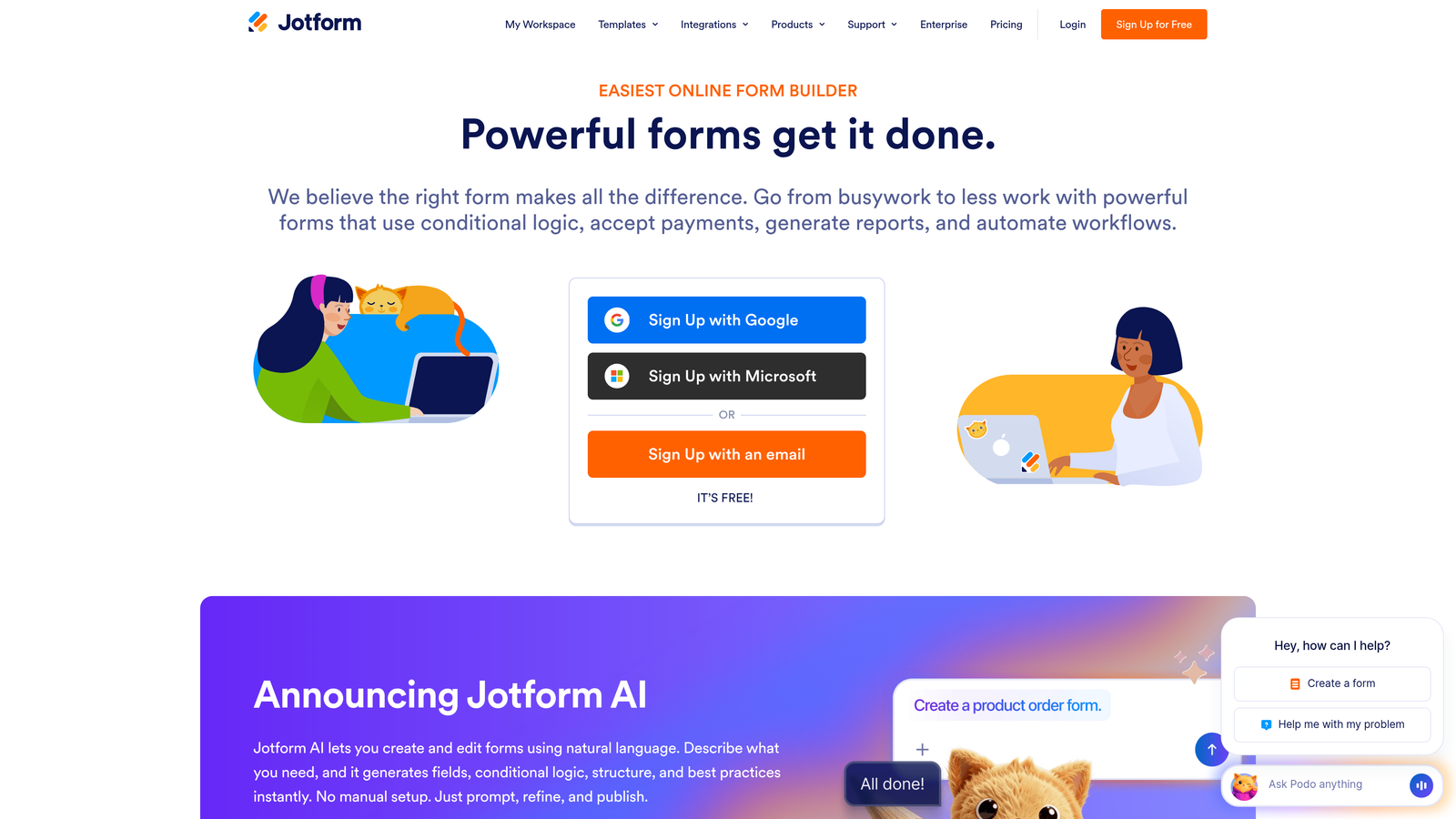
Jotform is a feature-rich form builder with one of the largest template libraries available.
Where This Tool Shines
Jotform's massive template library means you'll rarely build forms from scratch. With over 10,000 pre-built templates covering everything from event registrations to job applications, you can launch professional forms in minutes.
The platform's PDF form creation capability is particularly valuable for businesses that need to generate documents from form submissions. Think contracts, invoices, or customized reports that populate automatically.
Key Features
10,000+ Form Templates: Industry-specific templates for virtually every use case, saving hours of design time.
PDF Form Creation: Automatically generate PDF documents from form submissions with custom formatting.
Payment Integrations: Accept payments through PayPal, Stripe, Square, and 30+ other payment processors.
Approval Workflows: Route submissions through multi-step approval processes with notifications and status tracking.
Mobile App Builder: Create native mobile apps for your forms without coding.
Best For
Jotform suits organizations that need versatility across multiple departments. The generous free tier lets you test with up to 5 forms indefinitely, making it essentially an extended trial for small-scale needs.
Pricing
Free tier includes 5 forms with 100 monthly submissions. Bronze plan starts at $34/month for expanded limits and features.
4. Paperform
Best for: Building rich, document-style forms with embedded content and media
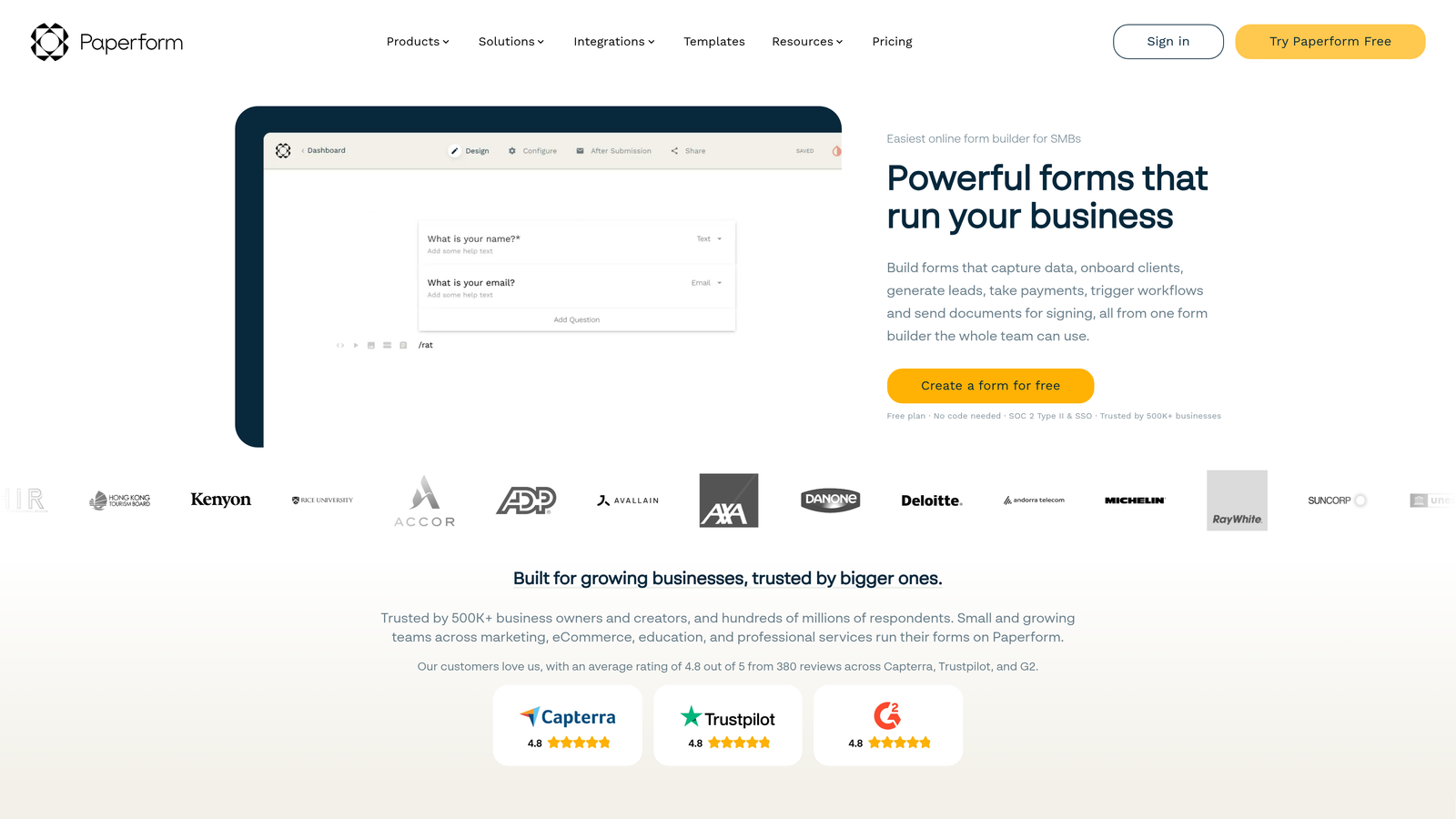
Paperform is a unique form builder that combines forms with rich content formatting.
Where This Tool Shines
Paperform feels more like a document editor than a traditional form builder. You can mix form fields with paragraphs, images, videos, and formatting to create experiences that feel like landing pages rather than data collection tools.
The product page and checkout capabilities are particularly strong. You can build entire e-commerce experiences within a single form, complete with product images, descriptions, and secure payment processing.
Key Features
Rich Text and Media Embedding: Combine form fields with formatted text, images, videos, and custom HTML.
Product Pages and Checkout: Create full e-commerce experiences with product catalogs and payment processing.
Conditional Logic: Show or hide sections based on user responses to create personalized experiences.
Custom Branding: Remove Paperform branding and add your own logo, colors, and domain.
Zapier Integration: Connect to thousands of apps through Zapier for automated workflows.
Best For
Paperform is ideal for creative professionals, consultants, and small businesses that want forms to match their brand aesthetic. The 14-day trial provides enough time to build several rich forms and test the document-style approach.
Pricing
14-day free trial with full feature access. Essentials plan starts at $24/month after trial period.
5. Formstack
Best for: Enterprise teams requiring compliance, security, and advanced workflow automation
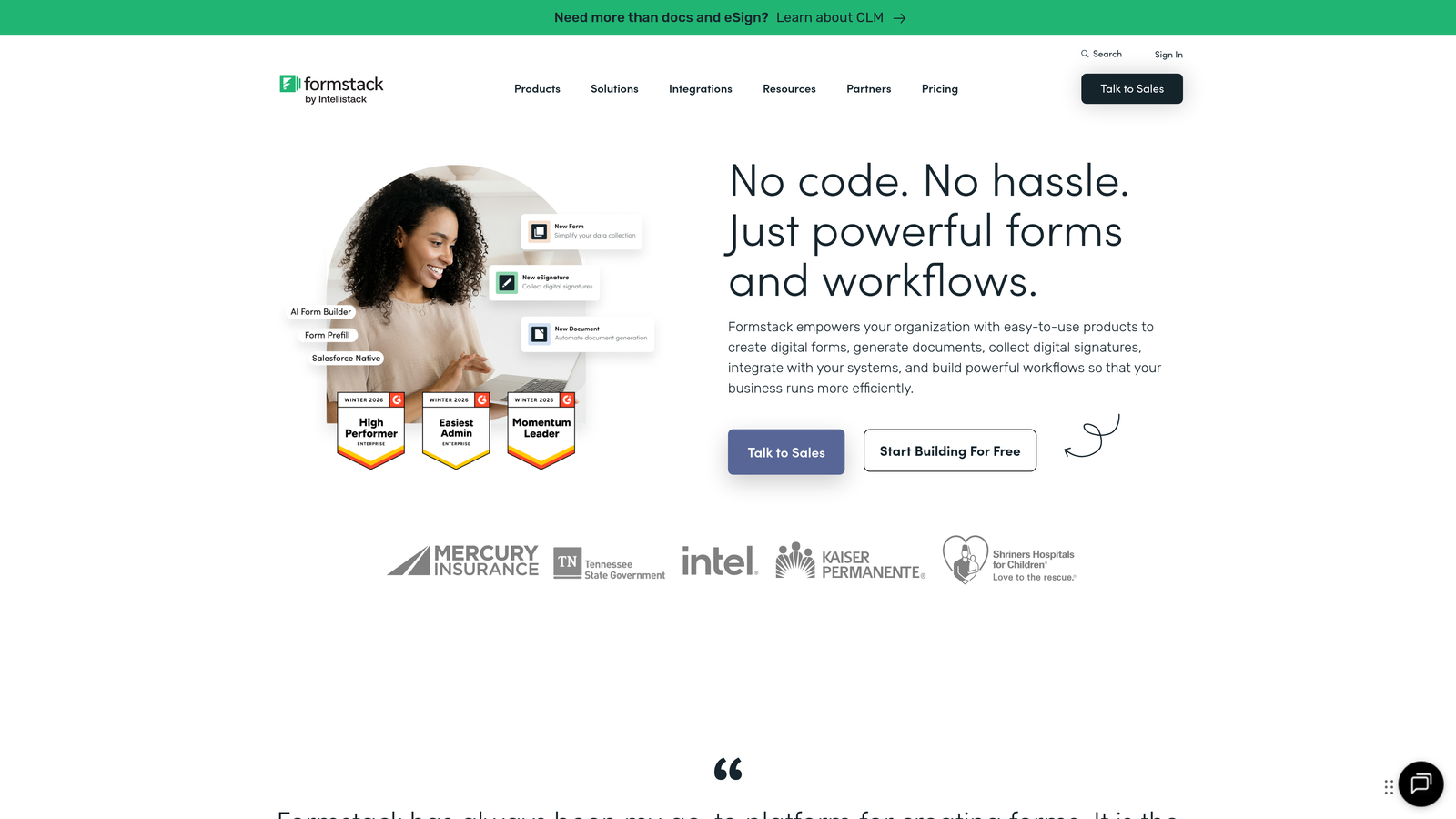
Formstack is an enterprise-grade form builder focused on security and workflow automation.
Where This Tool Shines
Formstack takes compliance seriously. If you're in healthcare, finance, or any regulated industry, the HIPAA-compliant options and enterprise security features make it a standout choice. You get encryption, audit trails, and data protection that smaller form builders can't match.
The document generation and e-signature capabilities turn Formstack into a complete workflow solution. Collect information through forms, automatically generate contracts or agreements, and capture signatures without leaving the platform.
Key Features
HIPAA Compliance Options: Meet healthcare data protection requirements with encrypted forms and secure data handling.
Document Generation: Automatically create PDFs, Word documents, or custom files from form submissions.
E-Signatures: Collect legally binding electronic signatures directly within your forms.
Advanced Workflows: Build multi-step approval processes with routing rules and automated notifications.
Enterprise Security: SSO, user permissions, audit logs, and data encryption for sensitive information.
Best For
Formstack serves enterprise teams, healthcare organizations, and businesses with complex compliance requirements. The 14-day trial gives IT and compliance teams time to evaluate security features and integration capabilities.
Pricing
14-day free trial available. Starter plan begins at $50/month with enterprise pricing for advanced compliance features.
6. Cognito Forms
Best for: Budget-conscious teams needing payment processing and calculation capabilities
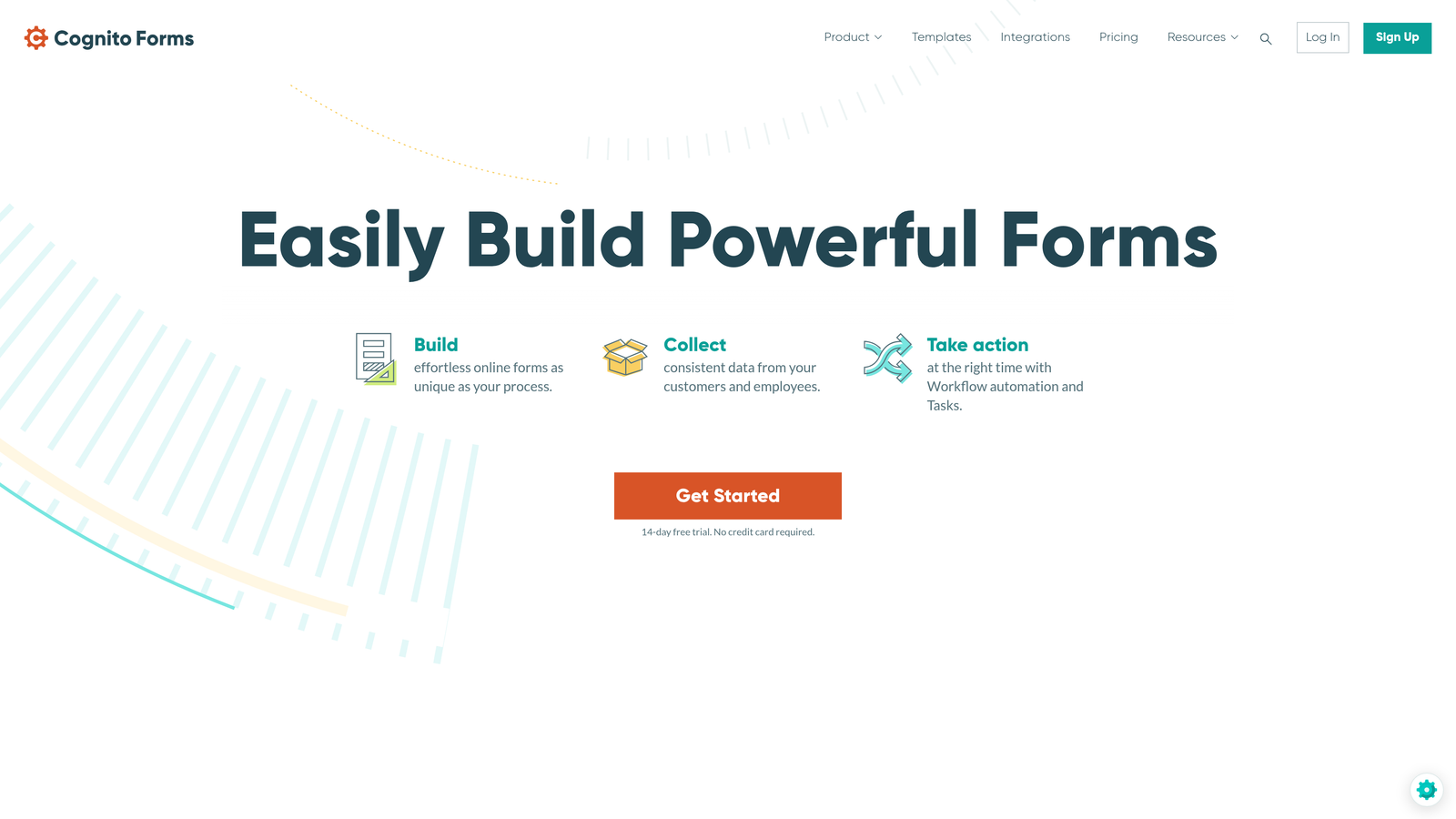
Cognito Forms is a cost-effective form builder with surprisingly robust payment and calculation features.
Where This Tool Shines
Cognito Forms excels at handling complex calculations and pricing logic. If you're building order forms, registration forms with variable pricing, or applications that require mathematical operations, the calculation engine handles it elegantly.
The payment processing integration is built-in rather than bolted on. You can create sophisticated pricing structures with quantity discounts, add-ons, and conditional pricing based on user selections.
Key Features
Payment Processing Built-in: Accept payments through Stripe or PayPal with no transaction fees from Cognito Forms.
Quantity and Pricing Calculations: Build complex pricing logic with discounts, taxes, and conditional calculations.
Repeating Sections: Let users add multiple entries for things like family members or product selections.
Save and Resume: Allow users to save partially completed forms and return later to finish.
Data Encryption: All form data is encrypted at rest and in transit for security.
Best For
Cognito Forms works well for schools, nonprofits, event organizers, and small businesses that need payment collection without enterprise-level budgets. The generous free tier functions as an unlimited trial for basic needs.
Pricing
Free tier available with unlimited forms and 500 monthly entries. Pro plan starts at just $15/month for expanded features.
7. 123FormBuilder
Best for: Teams wanting extended trial period and straightforward form building
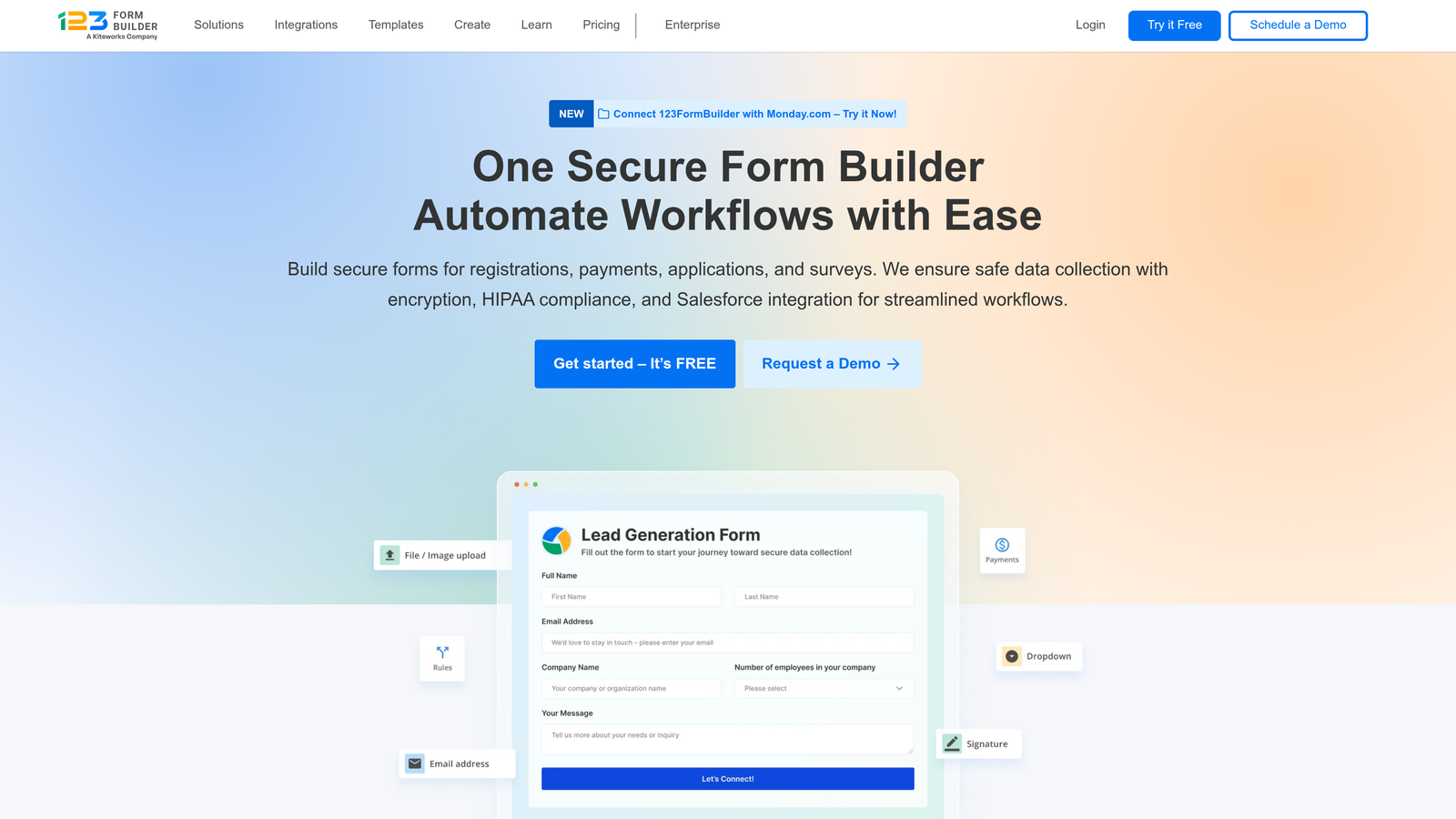
123FormBuilder is a user-friendly platform offering one of the longest trial periods in the industry.
Where This Tool Shines
The 30-day trial period gives you significantly more time than most competitors to thoroughly evaluate the platform. You can build multiple forms, test integrations, and gather real user feedback before committing to a paid plan.
The interface prioritizes simplicity without sacrificing functionality. The drag-and-drop builder is genuinely intuitive, making it easy for non-technical team members to create and edit forms independently.
Key Features
Drag-and-Drop Builder: Intuitive interface that requires no technical knowledge to create professional forms.
2,000+ Templates: Pre-built forms for common use cases across industries and departments.
Payment Integrations: Connect with PayPal, Stripe, Authorize.net, and other payment processors.
Quiz and Survey Modes: Create scored quizzes or surveys with specialized question types and reporting.
GDPR Compliance Tools: Built-in features to help meet European data protection requirements.
Best For
123FormBuilder suits small to medium businesses that value ease of use and want extra time to evaluate before purchasing. The 30-day trial is particularly valuable for teams that need to test forms with actual users and gather performance data.
Pricing
30-day free trial with full feature access. Gold plan starts at $24.99/month after trial ends.
8. Wufoo
Best for: Simple form creation with solid reporting and SurveyMonkey integration
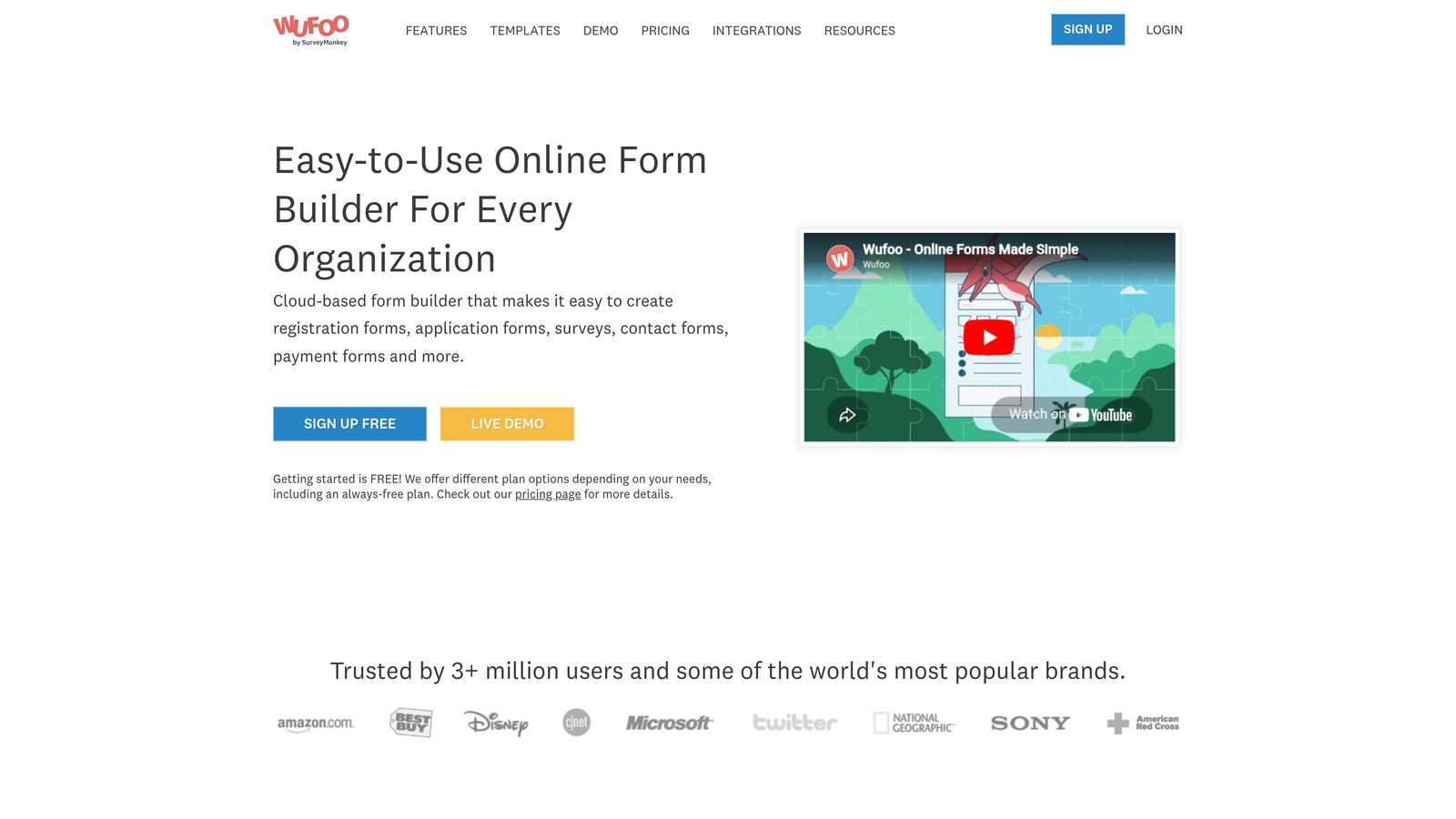
Wufoo is a straightforward form builder owned by SurveyMonkey, known for its reporting capabilities.
Where This Tool Shines
Wufoo keeps form building simple and focused. The drag-and-drop editor doesn't overwhelm you with options, making it easy to create clean, functional forms quickly. This simplicity is refreshing if you're tired of feature bloat.
The built-in reporting and analytics are more robust than you'd expect from such a streamlined tool. You get visual charts, export options, and the ability to filter and analyze responses without connecting external analytics platforms.
Key Features
Simple Drag-and-Drop Editor: Streamlined interface focused on core form building without unnecessary complexity.
Built-in Reporting: Visual charts and graphs for analyzing form responses and identifying trends.
Payment Collection: Accept payments through PayPal, Stripe, and Authorize.net.
File Uploads: Let users attach documents, images, or other files to their submissions.
400+ Templates: Pre-designed forms covering common business and personal use cases.
Best For
Wufoo works best for individuals and small teams that need reliable forms without advanced features. The 14-day trial gives you enough time to build several forms and evaluate the reporting capabilities with real data.
Pricing
14-day free trial available. Starter plan begins at $14.08/month, making it one of the more affordable options.
9. Fillout
Best for: Teams using Notion or Airtable who need seamless database integration
Fillout is a modern form builder designed specifically for connected workflows with popular productivity tools.
Where This Tool Shines
Fillout's native Notion and Airtable integrations are game-changing if you're already using these platforms. Form submissions flow directly into your databases without Zapier or middleware, maintaining data structure and relationships automatically.
The modern interface feels contemporary and lightweight. You can build forms quickly, and the resulting forms load fast and look clean on any device.
Key Features
Native Notion Integration: Send form responses directly to Notion databases with full field mapping and relationship support.
Airtable Sync: Connect forms to Airtable bases and maintain synchronized data without manual imports.
Conditional Logic: Show or hide questions based on previous answers to create personalized experiences.
File Uploads: Allow users to attach files that sync to your connected databases.
Custom Domains: Host forms on your own domain for professional branding.
Best For
Fillout is perfect for teams that have built workflows around Notion or Airtable and need forms to integrate seamlessly. The generous free tier lets you test the integration capabilities thoroughly before upgrading.
Pricing
Generous free tier with unlimited forms and responses. Pro plan starts at $15/month for advanced features and branding removal.
Making the Right Choice
The best trial version depends on what you're actually testing. If you need AI-powered lead qualification that works from day one, Orbit AI gives you full access to intelligent form building designed for conversion optimization. For beautiful conversational experiences, Typeform's 14-day trial showcases their distinctive approach effectively.
Jotform's generous free tier works well if you need template variety and want to test multiple use cases. Teams with compliance requirements should prioritize Formstack's trial to evaluate security features thoroughly. Budget-conscious organizations will appreciate Cognito Forms and Fillout's robust free tiers that function as extended trials.
The 30-day trial from 123FormBuilder gives you the most time to evaluate, while Wufoo offers simplicity for teams that don't need advanced features. If you're already using Notion or Airtable, Fillout's integration capabilities deserve testing.
Start your trial today with the platform that matches your primary need. Build a real form, test it with actual users, and evaluate how it fits your workflow. The right form builder should feel intuitive within the first few days of use. Start building free forms today and see how intelligent form design can elevate your conversion strategy.


