

Your landing page is doing its job—driving traffic. But if your form isn't converting visitors into leads, you're leaving money on the table. The right form builder can mean the difference between a 2% conversion rate and a 15% one.
We've tested dozens of form builders specifically for landing page use cases, evaluating them on design flexibility, conversion optimization features, integration capabilities, and ease of use. Whether you're running paid ad campaigns, launching product pages, or building lead magnets, this list covers the best tools to capture and qualify leads effectively.
1. Orbit AI
Best for: High-growth teams needing AI-powered lead qualification built directly into their forms
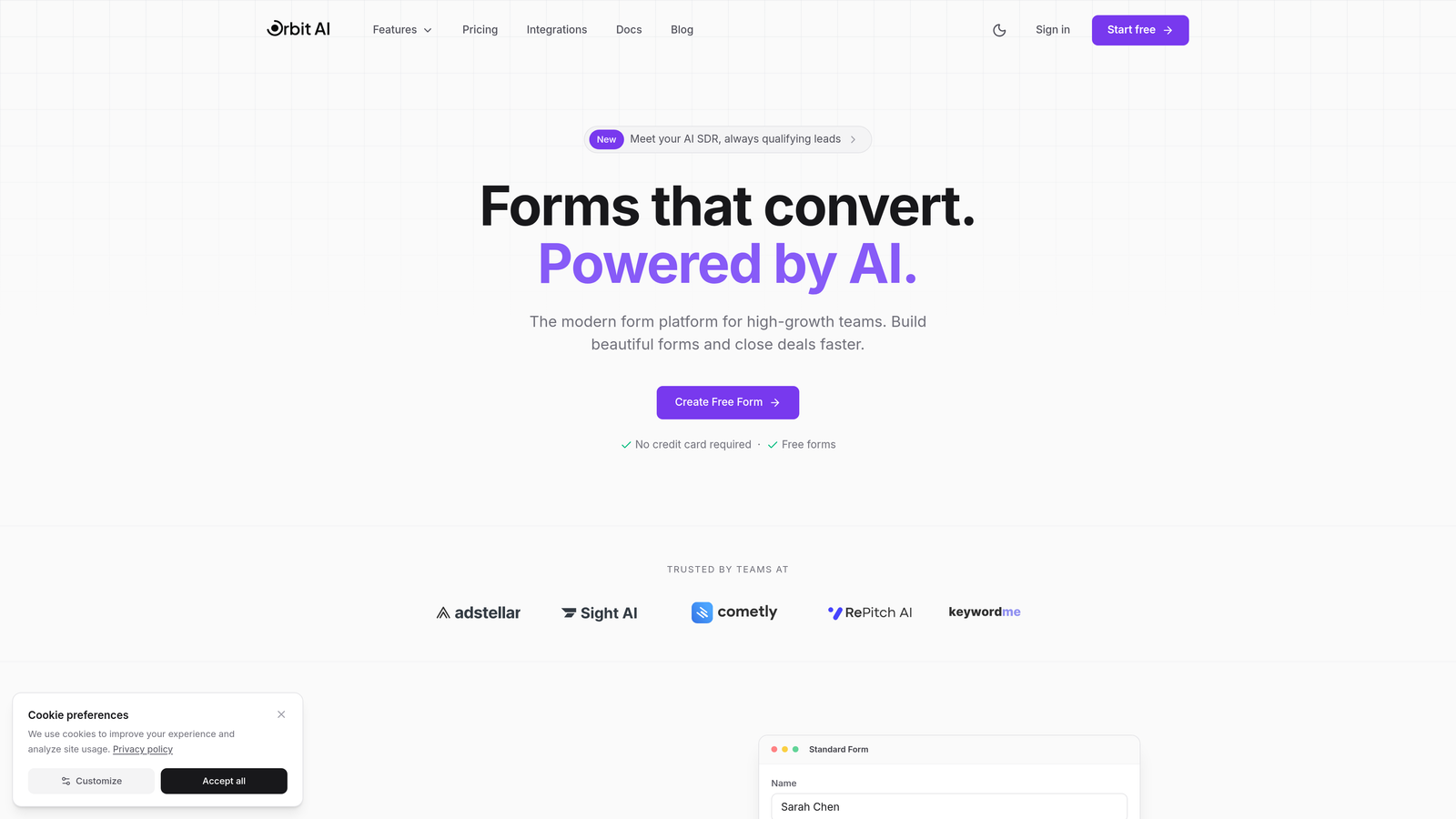
Orbit AI is an AI-powered form builder designed specifically for teams focused on conversion optimization and intelligent lead management.
Where This Tool Shines
What sets Orbit AI apart is its built-in lead qualification engine. While most form builders simply collect data, Orbit AI automatically scores and routes leads as they submit, helping sales teams prioritize high-intent prospects immediately.
The platform combines modern form design with intelligent automation, making it ideal for teams running multiple campaigns who need to qualify leads at scale without manual review.
Key Features
AI-Powered Lead Qualification: Automatically scores leads based on responses and behavior, routing high-value prospects to sales instantly.
Conversion-Optimized Templates: Pre-built form templates designed specifically for landing page conversion, tested across industries.
Native CRM Integrations: Connects directly with HubSpot, Salesforce, and Pipedrive for seamless data flow.
Real-Time Analytics: Track conversion rates, drop-off points, and lead quality metrics in a unified dashboard.
Smart Conditional Logic: Create dynamic forms that adapt based on user responses for better qualification.
Best For
SaaS companies, B2B marketers, and growth teams who need more than basic data collection. If you're running paid campaigns and need to quickly identify which leads are worth pursuing, Orbit AI's qualification features deliver immediate ROI.
Pricing
Free tier available for teams getting started. Paid plans start at competitive rates designed for growing teams scaling their lead generation efforts.
2. Typeform
Best for: Creating engaging conversational experiences that feel human and increase completion rates
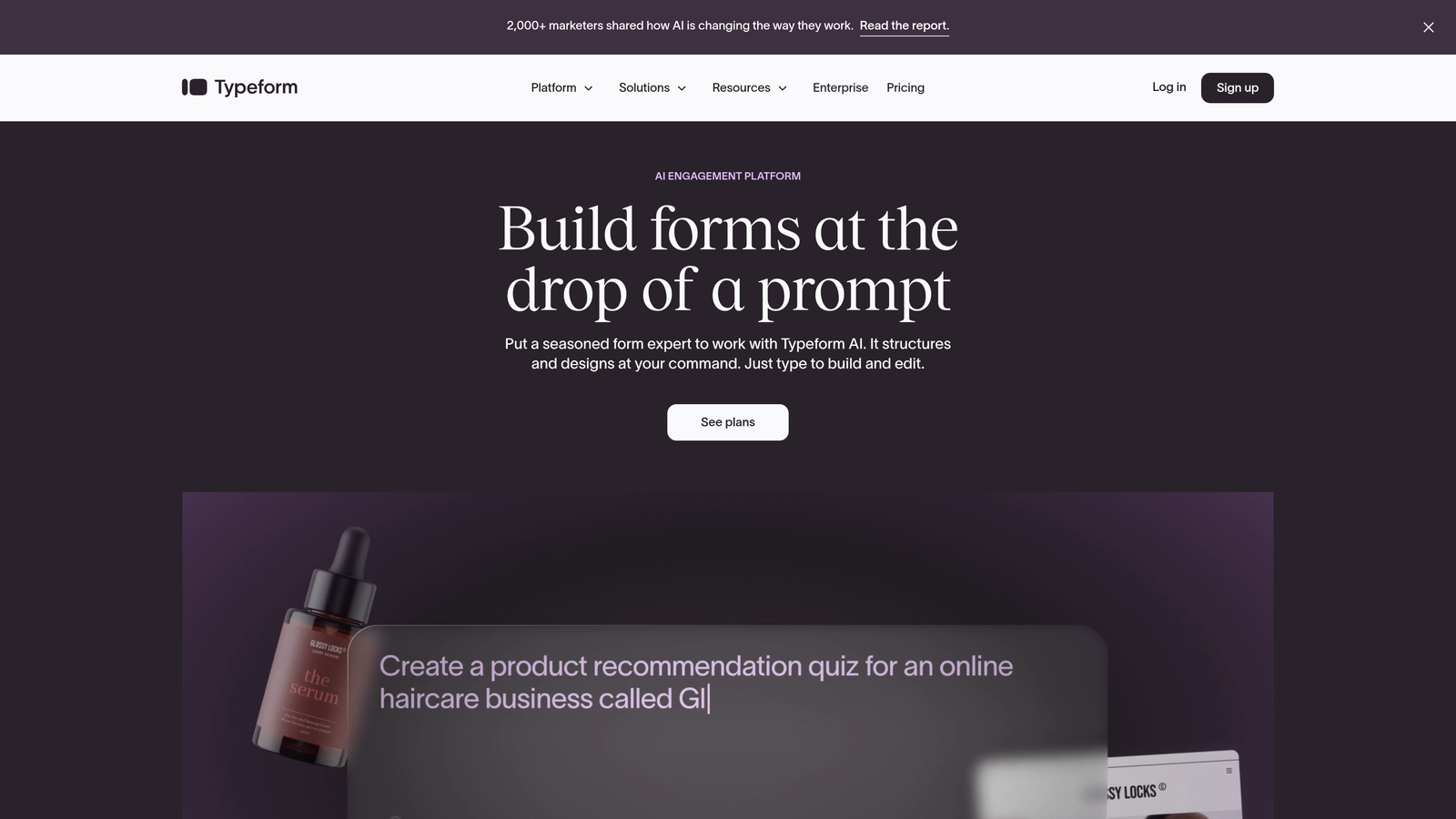
Typeform pioneered the conversational form format, presenting one question at a time for a highly engaging user experience.
Where This Tool Shines
Typeform excels at making forms feel less like forms. The one-question-at-a-time approach reduces cognitive load and creates a sense of conversation, which typically improves completion rates compared to traditional multi-field layouts.
The design flexibility is exceptional. You can customize colors, fonts, and backgrounds to match your brand perfectly, creating forms that feel like a natural extension of your landing page rather than a jarring data collection tool.
Key Features
Conversational UI: Shows one question at a time, creating a focused experience that feels more like a dialogue.
Design Customization: Full control over colors, fonts, backgrounds, and button styles to match your brand.
Logic Jumps: Create branching paths based on answers, showing relevant questions based on previous responses.
Rich Media Support: Embed videos and images directly in your forms for more engaging experiences.
Analytics Dashboard: Detailed insights into completion rates, drop-off points, and response patterns.
Best For
Brands prioritizing user experience and engagement over pure data collection speed. Works exceptionally well for surveys, quizzes, and lead magnets where you want to create a memorable interaction.
Pricing
Free plan available with limited responses per month. Basic plan starts at $25/month for increased responses and features.
3. Jotform
Best for: Teams needing quick deployment with extensive template options and payment processing
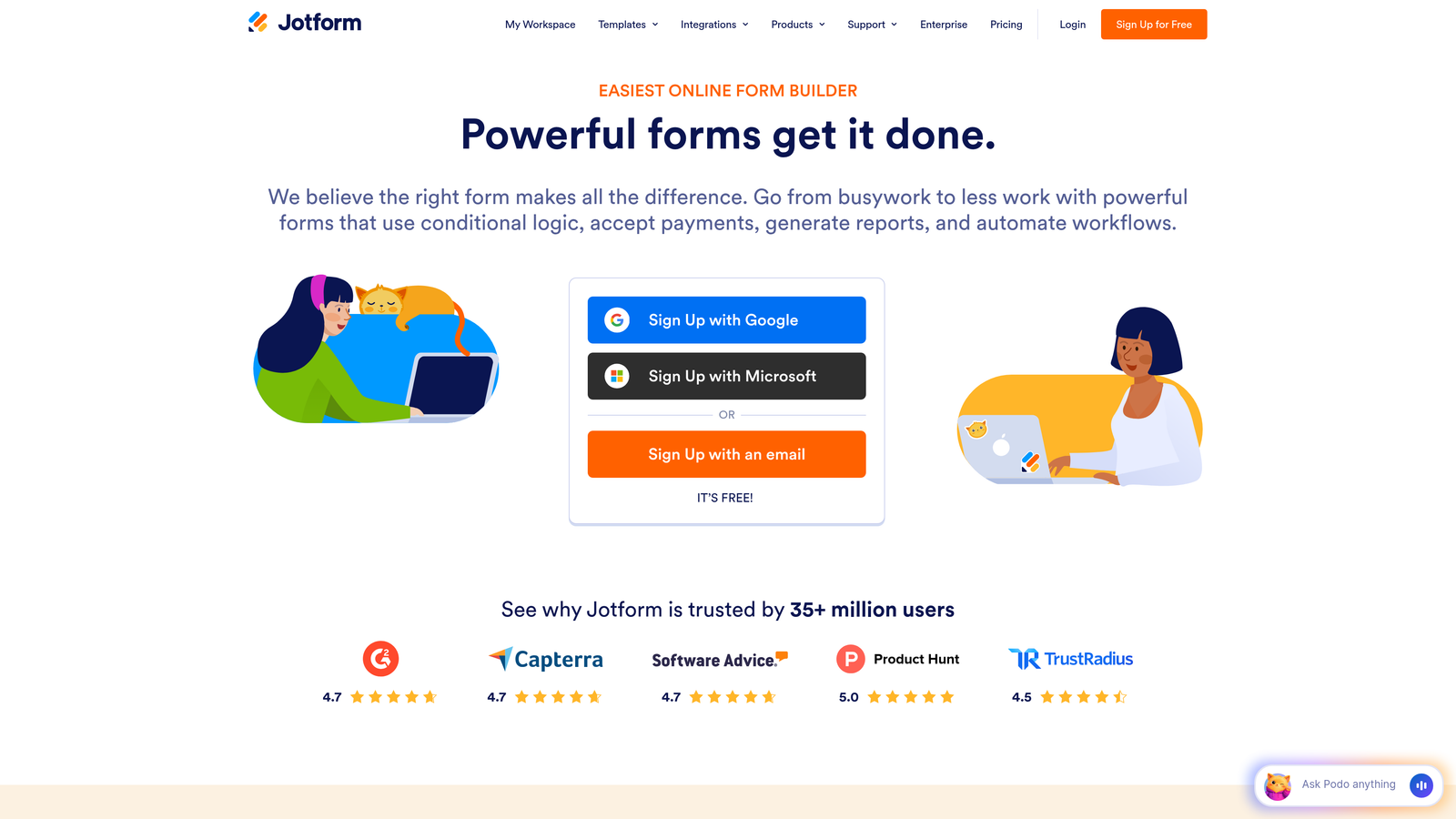
Jotform offers one of the largest template libraries in the industry, making it simple to launch forms quickly.
Where This Tool Shines
With over 10,000 pre-built templates, Jotform eliminates the blank canvas problem. Whether you need a registration form, order form, or lead capture, there's likely a template that's 80% of the way there already.
The widget ecosystem is another major advantage. Need to add a signature field, file upload, or appointment scheduler? Jotform's widget library extends functionality far beyond basic form fields without requiring custom development.
Key Features
Massive Template Library: Over 10,000 pre-built templates across industries and use cases for instant deployment.
Drag-and-Drop Builder: Intuitive interface with extensive widget library for adding advanced functionality.
Payment Processing: Native integrations with PayPal, Stripe, and Square for collecting payments directly in forms.
HIPAA Compliance: Enterprise plans offer HIPAA-compliant forms for healthcare and sensitive data collection.
PDF Conversion: Convert existing PDF forms into fillable online forms automatically.
Best For
Small to medium businesses that need versatile forms quickly without extensive customization. Particularly valuable for teams collecting payments or needing industry-specific compliance features.
Pricing
Free tier includes 5 forms. Bronze plan starts at $34/month for increased forms and submissions.
4. Unbounce Smart Builder
Best for: Marketers running conversion-focused campaigns who need landing pages and forms in one platform
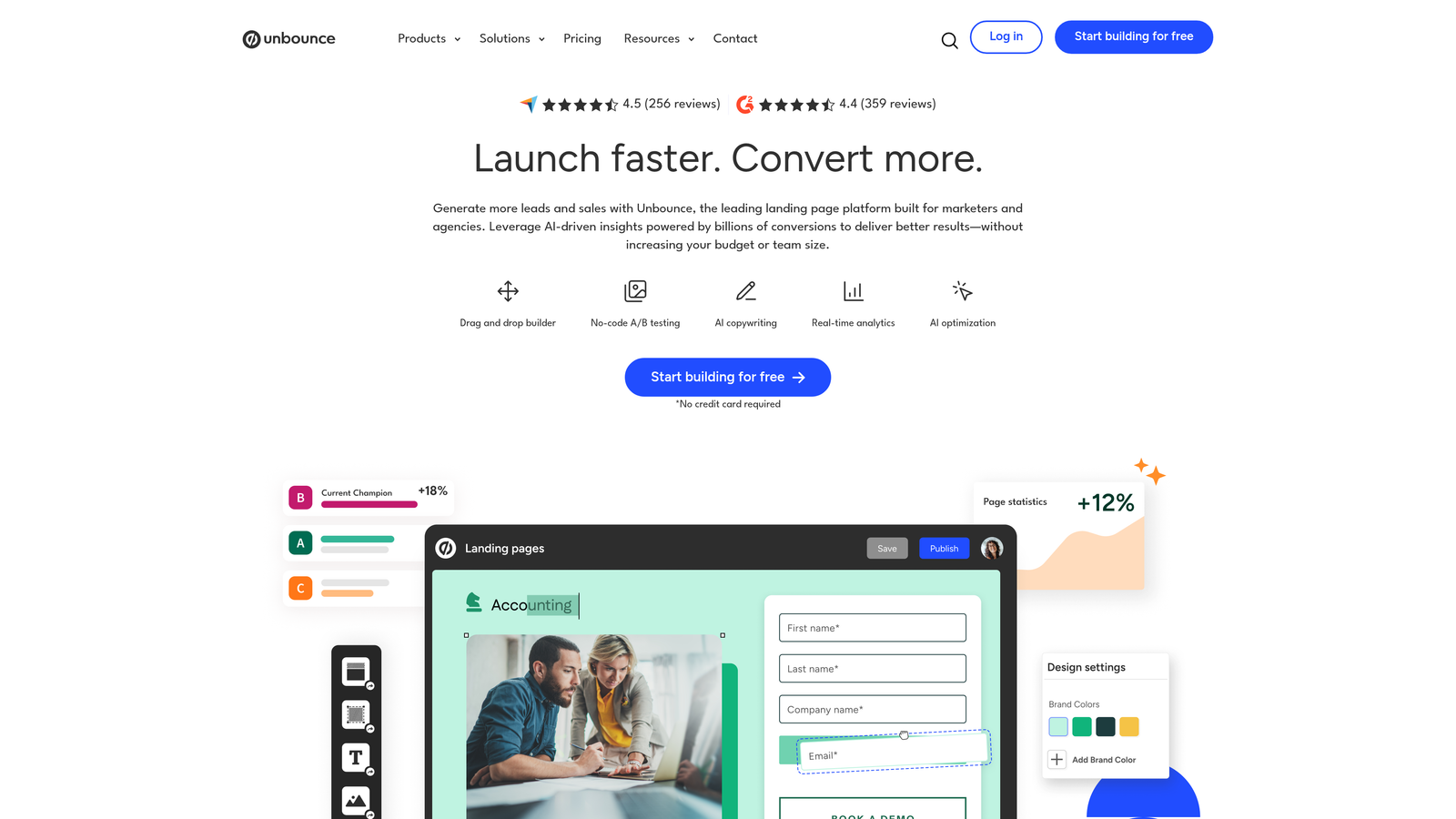
Unbounce combines AI-powered landing page creation with integrated forms, specifically designed for conversion optimization.
Where This Tool Shines
Unbounce treats forms as part of a complete landing page ecosystem rather than standalone elements. The Smart Builder uses AI to suggest copy and design improvements, helping marketers create higher-converting pages even without design expertise.
The built-in A/B testing and Smart Traffic features are game-changers for paid campaigns. Smart Traffic automatically routes visitors to the variant most likely to convert them, optimizing performance without manual intervention.
Key Features
AI Copywriting: Smart Builder suggests headlines, CTAs, and form copy based on your industry and goals.
Built-In A/B Testing: Test different form layouts, fields, and CTAs without external tools.
Smart Traffic: AI automatically directs visitors to the landing page variant most likely to convert them.
Sticky Bars and Popups: Add secondary conversion opportunities beyond the main form.
AMP Pages: Create accelerated mobile pages for faster load times and better ad quality scores.
Best For
Performance marketers and agencies managing multiple paid campaigns who need rapid testing and optimization. The all-in-one approach eliminates tool switching between page builder and form builder.
Pricing
Launch plan starts at $99/month, positioning it as a premium solution for serious conversion optimization.
5. HubSpot Forms
Best for: Teams already using HubSpot CRM who want seamless contact management and progressive profiling
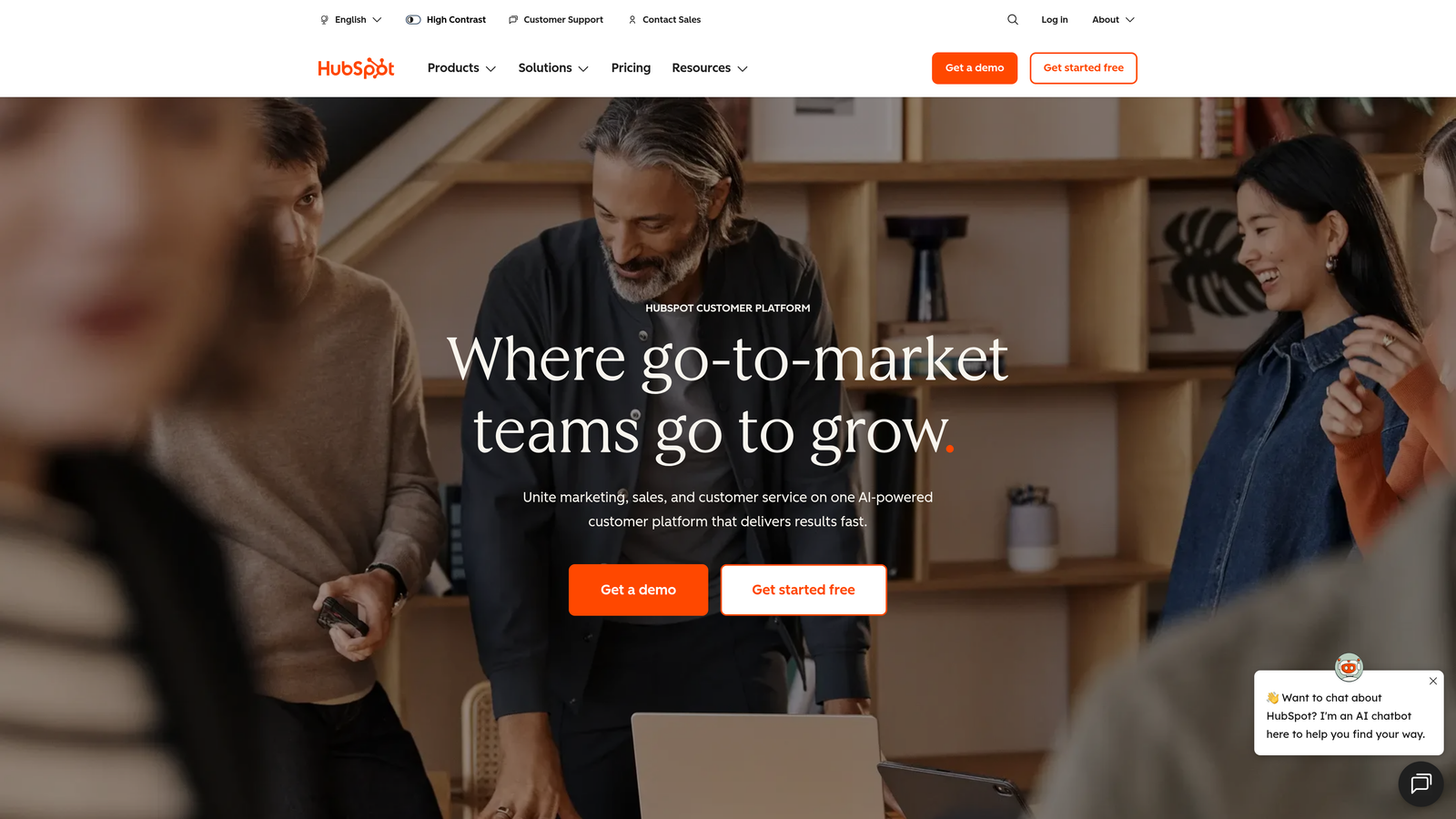
HubSpot Forms offers native form building that integrates directly with HubSpot's CRM, creating a unified lead management system.
Where This Tool Shines
Progressive profiling is HubSpot's killer feature. Instead of asking returning visitors the same questions, forms automatically adapt to request new information, reducing friction while building richer contact profiles over time.
The CRM integration is seamless because it's all one platform. Form submissions instantly create or update contact records, trigger workflows, and feed into your sales pipeline without middleware or zapier connections.
Key Features
Progressive Profiling: Forms remember returning visitors and ask different questions to build richer profiles gradually.
Native CRM Integration: Submissions automatically create contact records with full activity history.
Smart Fields: Pre-populate known information for returning visitors to reduce form friction.
Automated Follow-Up: Trigger email sequences and workflows immediately upon form submission.
Multiple Form Types: Create embedded forms, popup forms, and standalone landing pages from one builder.
Best For
Companies already invested in the HubSpot ecosystem or teams prioritizing long-term relationship building over one-time conversions. The progressive profiling makes it ideal for content-heavy strategies with multiple touchpoints.
Pricing
Free with HubSpot CRM, making it accessible for startups. Advanced features like progressive profiling require Marketing Hub starting at $800+/month.
6. Leadpages
Best for: Small businesses and solopreneurs needing landing pages and forms in one affordable package
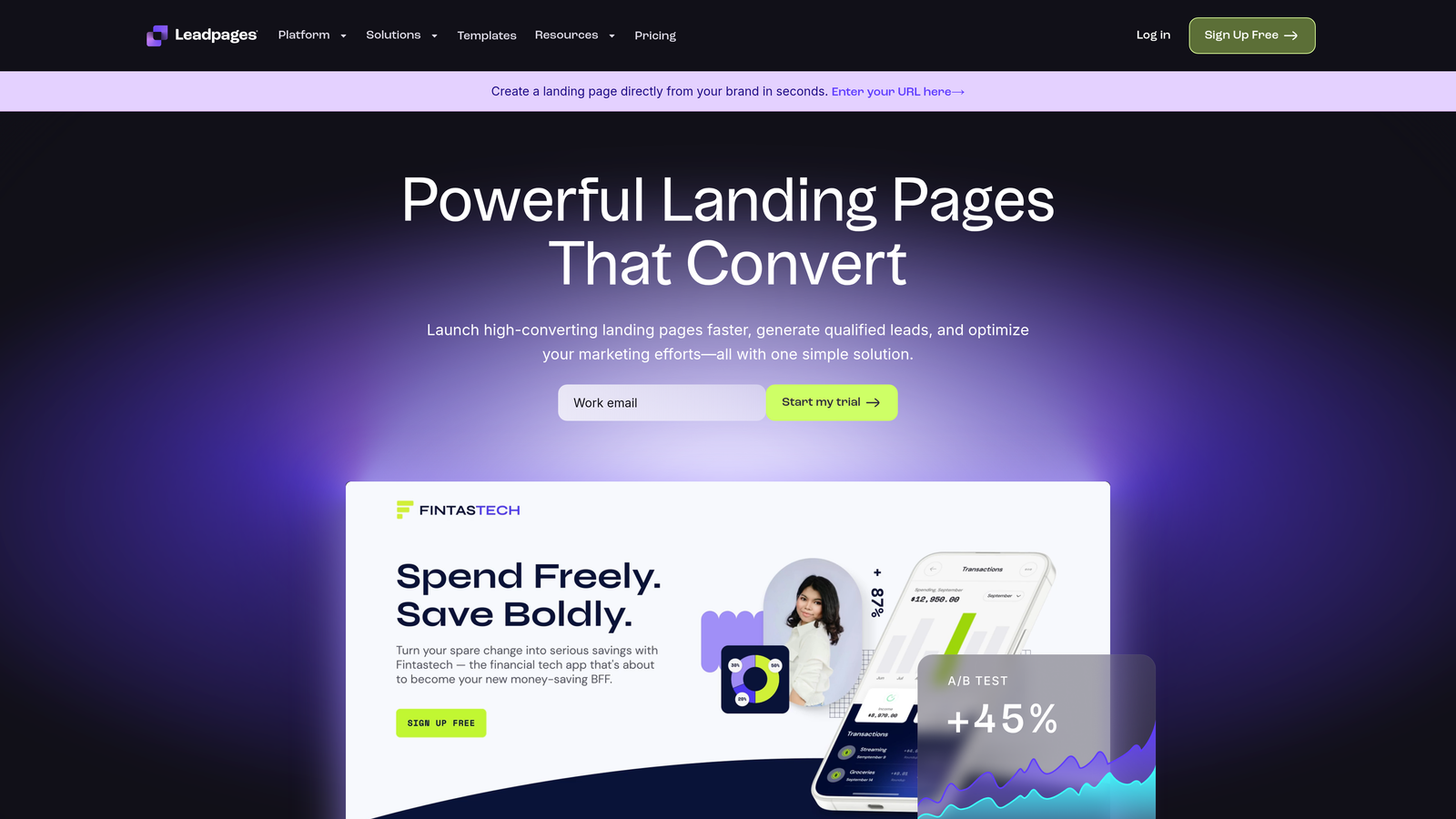
Leadpages combines landing page creation with form building, optimized specifically for lead generation campaigns.
Where This Tool Shines
Leadpages focuses on simplicity and speed. The built-in conversion guidance analyzes your pages and suggests improvements, making it accessible for marketers without extensive optimization experience.
The alert bars and pop-ups included in the platform add secondary conversion opportunities without requiring separate tools. You can capture email addresses from visitors who aren't ready for your main offer yet.
Key Features
Integrated Landing Pages: Build pages and forms together without switching between tools.
Conversion Guidance: Built-in suggestions for improving page performance based on best practices.
Alert Bars and Pop-Ups: Add secondary lead capture options across your site.
Native Checkout: Sell digital products directly through your landing pages without third-party processors.
Mobile-Responsive Templates: Over 200 templates optimized for mobile conversion.
Best For
Small business owners, coaches, and consultants who need a straightforward solution without enterprise complexity. The all-in-one approach keeps costs down while covering essential lead generation needs.
Pricing
Standard plan starts at $49/month, making it one of the more affordable all-in-one solutions.
7. Formstack
Best for: Enterprise teams requiring advanced automation, document generation, and strict compliance standards
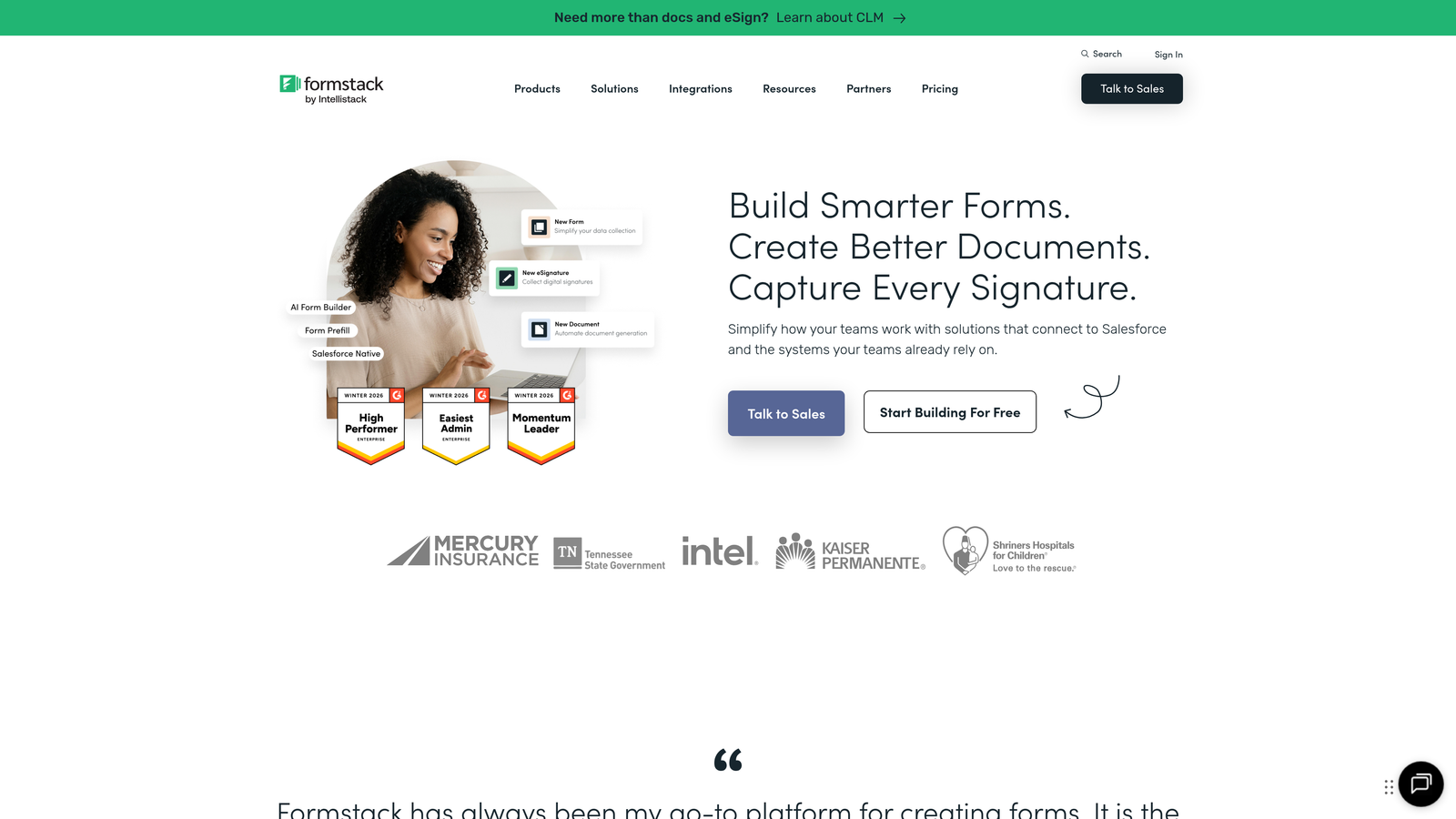
Formstack is an enterprise-grade form builder with sophisticated workflow automation and security features.
Where This Tool Shines
Formstack excels at complex workflows that extend beyond simple form submission. The document generation feature automatically creates PDFs, contracts, or reports from form data, eliminating manual document creation.
For regulated industries, the compliance features are essential. HIPAA, GDPR, and SOC 2 compliance come standard, with encryption, audit trails, and access controls that meet enterprise security requirements.
Key Features
Advanced Conditional Logic: Create sophisticated branching paths based on multiple conditions and calculations.
Document Generation: Automatically create PDFs and documents from form submissions using custom templates.
Electronic Signatures: Collect legally binding signatures directly within forms.
Compliance Options: HIPAA, GDPR, and SOC 2 compliance for handling sensitive data.
Workflow Automation: Build approval chains, routing rules, and multi-step processes.
Best For
Healthcare organizations, financial services, and large enterprises with complex data collection needs and strict compliance requirements. The automation capabilities justify the higher price point for teams processing high volumes.
Pricing
Starter plan at $50/month. Enterprise pricing for advanced features and compliance options varies based on needs.
8. Tally
Best for: Startups and budget-conscious teams wanting unlimited forms without monthly costs
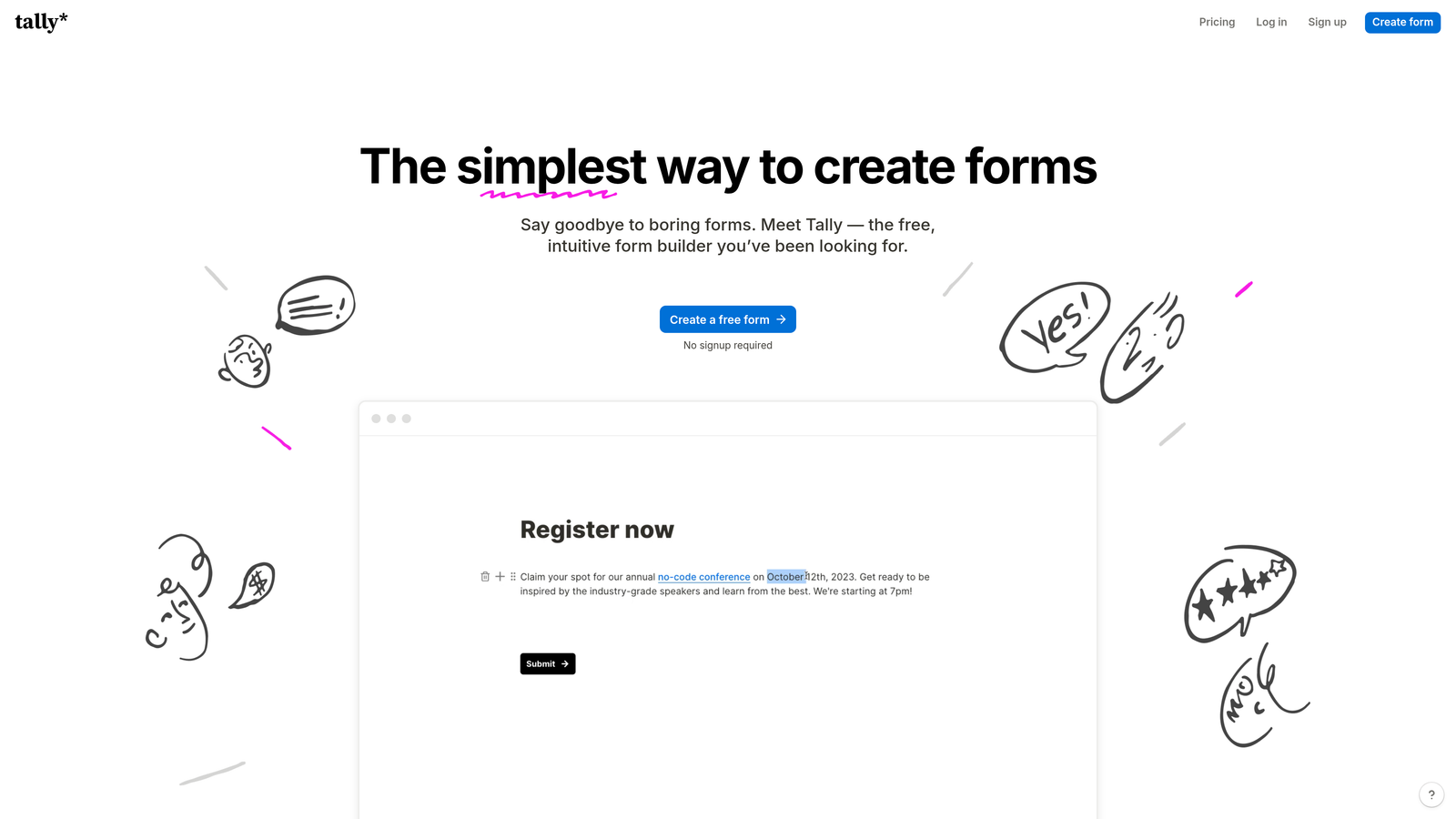
Tally offers a Notion-like form building experience with unlimited forms on its free tier.
Where This Tool Shines
The free tier is genuinely generous. Unlike most competitors that limit forms or responses, Tally gives you unlimited forms with unlimited responses at no cost, making it ideal for bootstrapped startups and side projects.
The Notion-style editing feels intuitive for anyone familiar with modern document editors. You build forms by typing and formatting, rather than dragging and dropping, which speeds up creation once you understand the approach.
Key Features
Unlimited Free Forms: No limits on forms or responses on the free plan, only branding remains.
Notion-Style Editor: Build forms by typing and formatting like a document rather than traditional drag-and-drop.
Calculator Fields: Add calculations and dynamic pricing directly in forms.
Custom Thank-You Pages: Create branded confirmation pages with dynamic content.
Webhooks and Integrations: Connect to other tools via webhooks or native integrations.
Best For
Early-stage startups, content creators, and teams testing ideas before committing to paid tools. The unlimited free tier makes it risk-free for experimentation.
Pricing
Free tier includes most features. Pro plan at $29/month adds custom branding and advanced features.
9. Paperform
Best for: Creating beautiful, content-rich form experiences with embedded media and products
Paperform takes a document-style approach to form building, letting you create branded experiences with rich content blocks.
Where This Tool Shines
Paperform treats forms more like landing pages than traditional data collection tools. You can embed videos, images, and rich text alongside form fields, creating experiences that educate and convert simultaneously.
The conditional logic extends to success pages, letting you show different thank-you content based on form responses. This creates personalized follow-up experiences that strengthen the conversion funnel.
Key Features
Document-Style Creation: Build forms like documents with rich formatting and content blocks.
Rich Media Embedding: Add videos, images, and formatted text throughout your forms.
Built-In Payments: Process payments through Stripe or PayPal directly in forms.
Conditional Logic: Show or hide fields based on previous answers for dynamic experiences.
Dynamic Success Pages: Display personalized confirmation content based on form responses.
Best For
Creative agencies, coaches, and businesses prioritizing brand experience over pure functionality. Works well when your form is part of a larger customer journey rather than a quick data grab.
Pricing
Essentials plan at $24/month. Pro plan at $49/month adds advanced features and higher submission limits.
Picking Your Perfect Form Builder
The right form builder depends on where you are in your growth journey and what you're optimizing for.
If you're running high-volume campaigns and need to qualify leads automatically, Orbit AI's intelligent scoring eliminates manual review and helps sales focus on high-intent prospects. The AI-powered approach pays off quickly when you're processing hundreds of leads weekly.
For teams prioritizing engagement and completion rates, Typeform's conversational approach consistently outperforms traditional multi-field forms. The one-question-at-a-time format works especially well for surveys and lead magnets where you're asking for more than basic contact info.
Budget-conscious startups should look at Tally's unlimited free tier or Leadpages' affordable all-in-one approach. Both eliminate the need for multiple tools while keeping monthly costs manageable.
Enterprise teams handling sensitive data need Formstack's compliance features and workflow automation. The higher price point makes sense when you're managing complex approval processes or operating in regulated industries.
Think about your tech stack integration needs too. If you're already using HubSpot, their native forms eliminate integration headaches. Running paid campaigns through Unbounce? Their integrated approach keeps everything in one platform.
The conversion optimization features matter more than you might think. A/B testing, analytics, and smart routing can double your conversion rates over time. Don't just pick the prettiest builder—choose one that helps you improve systematically.
Transform your lead generation with AI-powered forms that qualify prospects automatically while delivering the modern, conversion-optimized experience your high-growth team needs. Start building free forms today and see how intelligent form design can elevate your conversion strategy.


