

When someone fills out your form, every second counts. Whether it's a hot lead, a support request, or a job application, delayed notifications mean missed opportunities. The right form builder doesn't just collect data—it instantly alerts the right people so your team can respond while interest is still high.
We evaluated dozens of form builders specifically for their email notification capabilities, looking at customization options, conditional routing, integration flexibility, and reliability. Here are the top options for teams that can't afford to miss a submission.
1. Orbit AI
Best for: High-growth teams needing intelligent lead qualification with smart notification routing
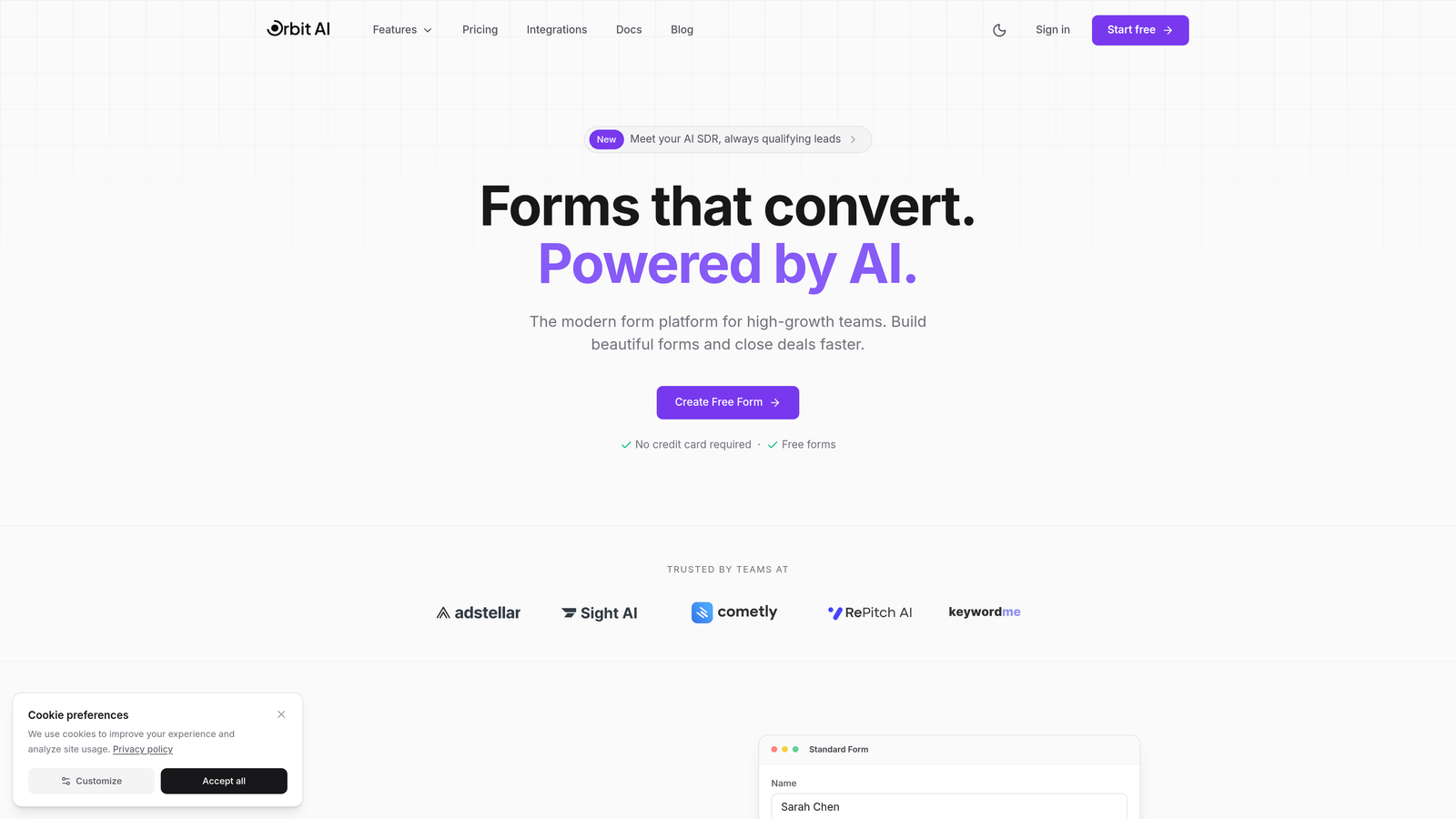
Orbit AI combines beautiful form design with AI-powered lead qualification, automatically routing notifications based on prospect quality and form responses.
Where This Tool Shines
What sets Orbit AI apart is its intelligent approach to notifications. Instead of sending every submission to the same inbox, it analyzes responses in real-time and routes notifications based on lead quality and urgency.
The platform's AI engine scores leads as they submit, triggering priority notifications for high-value prospects while sending routine inquiries through standard channels. This means your sales team sees hot leads immediately, not buried in a queue of general inquiries.
Key Features
AI-Powered Lead Scoring: Automatically evaluates submission quality and triggers priority notifications for high-value leads.
Conditional Email Routing: Routes notifications to different team members or departments based on form responses and lead characteristics.
Multi-Channel Alerts: Sends simultaneous notifications via email and Slack, ensuring critical submissions reach the right people instantly.
Smart Workflow Triggers: Creates automated sequences based on lead quality, triggering follow-up tasks and CRM updates alongside notifications.
Conversion-Optimized Design: Beautiful, modern form templates designed to maximize completion rates while capturing qualification data.
Best For
Orbit AI works best for high-growth SaaS companies, B2B businesses with complex sales processes, and marketing teams that need to qualify leads at the point of capture. If you're tired of treating every form submission the same way, this intelligent routing approach transforms how your team responds to opportunities.
Pricing
Free tier available with core features. Paid plans unlock advanced AI qualification, scalable form limits, and enterprise integrations for teams scaling their lead generation.
2. Typeform
Best for: Creating engaging conversational experiences with reliable notification delivery
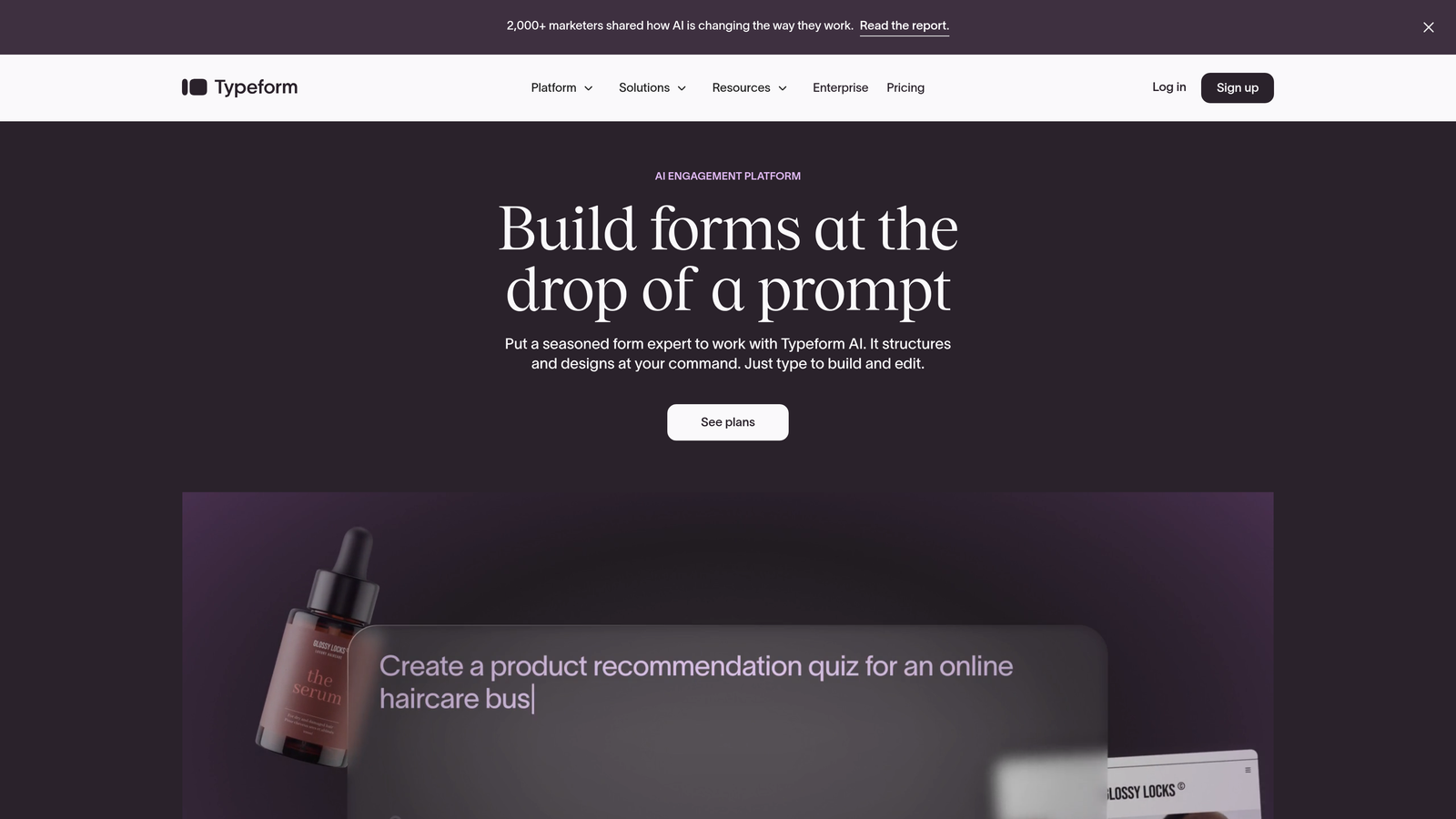
Typeform pioneered the conversational form experience, combining one-question-at-a-time interfaces with robust notification capabilities.
Where This Tool Shines
Typeform's notification system integrates seamlessly with its signature conversational interface. As users progress through your form, logic jumps can trigger different notification pathways, ensuring the right team receives contextually relevant alerts.
The platform's branded email notifications include complete response data formatted cleanly, making it easy for recipients to understand submissions at a glance without logging into the dashboard. This attention to notification design reduces response friction significantly.
Key Features
Branded Email Notifications: Customizable email templates that include full response data with your company branding.
Logic-Based Routing: Notification recipients change based on how users answer specific questions within the form.
Native Integrations: Connect with over 120 apps including Slack, email platforms, and CRMs for extended notification workflows.
Respondent Notifications: Automatically send confirmation emails to form fillers with customizable messages and response summaries.
Multiple Recipients: Send notifications to different team members simultaneously or conditionally based on form logic.
Best For
Typeform suits marketing teams focused on user experience, customer research projects requiring high completion rates, and businesses where form aesthetics matter as much as functionality. The conversational approach works particularly well for surveys, lead qualification, and customer feedback.
Pricing
Free tier available with basic features. Basic plan starts at $25 per month with enhanced notification options and logic jumps.
3. Jotform
Best for: Complex conditional workflows requiring extensive notification customization
Jotform offers one of the most feature-rich notification systems available, with granular control over who receives alerts and when.
Where This Tool Shines
Jotform's conditional notification logic handles remarkably complex scenarios. You can create notification rules based on any combination of form answers, sending different alerts to different recipients depending on selections, calculations, or even specific keywords in text responses.
The platform also excels at notification attachments. Forms that collect file uploads or generate PDFs can automatically include these as email attachments, giving recipients everything they need without accessing the dashboard. This feature alone saves countless hours for teams processing applications or document submissions.
Key Features
Conditional Notification Rules: Create sophisticated if-then logic determining notification recipients based on any form field or combination of responses.
PDF Email Attachments: Automatically generate and attach PDF versions of form submissions to notification emails.
Multiple Notification Chains: Set up different notification sequences for various scenarios within the same form.
Autoresponder Sequences: Send customized confirmation emails to form fillers with dynamic content based on their responses.
Scheduled Notifications: Delay or schedule notification delivery based on time triggers or form logic.
Best For
Jotform works best for organizations with complex approval processes, educational institutions managing applications, HR teams handling recruitment workflows, and any business requiring sophisticated notification routing based on submission content.
Pricing
Free tier available with basic notifications. Bronze plan starts at $34 per month with advanced conditional logic and unlimited notifications.
4. Google Forms
Best for: Simple, reliable email notifications without any cost
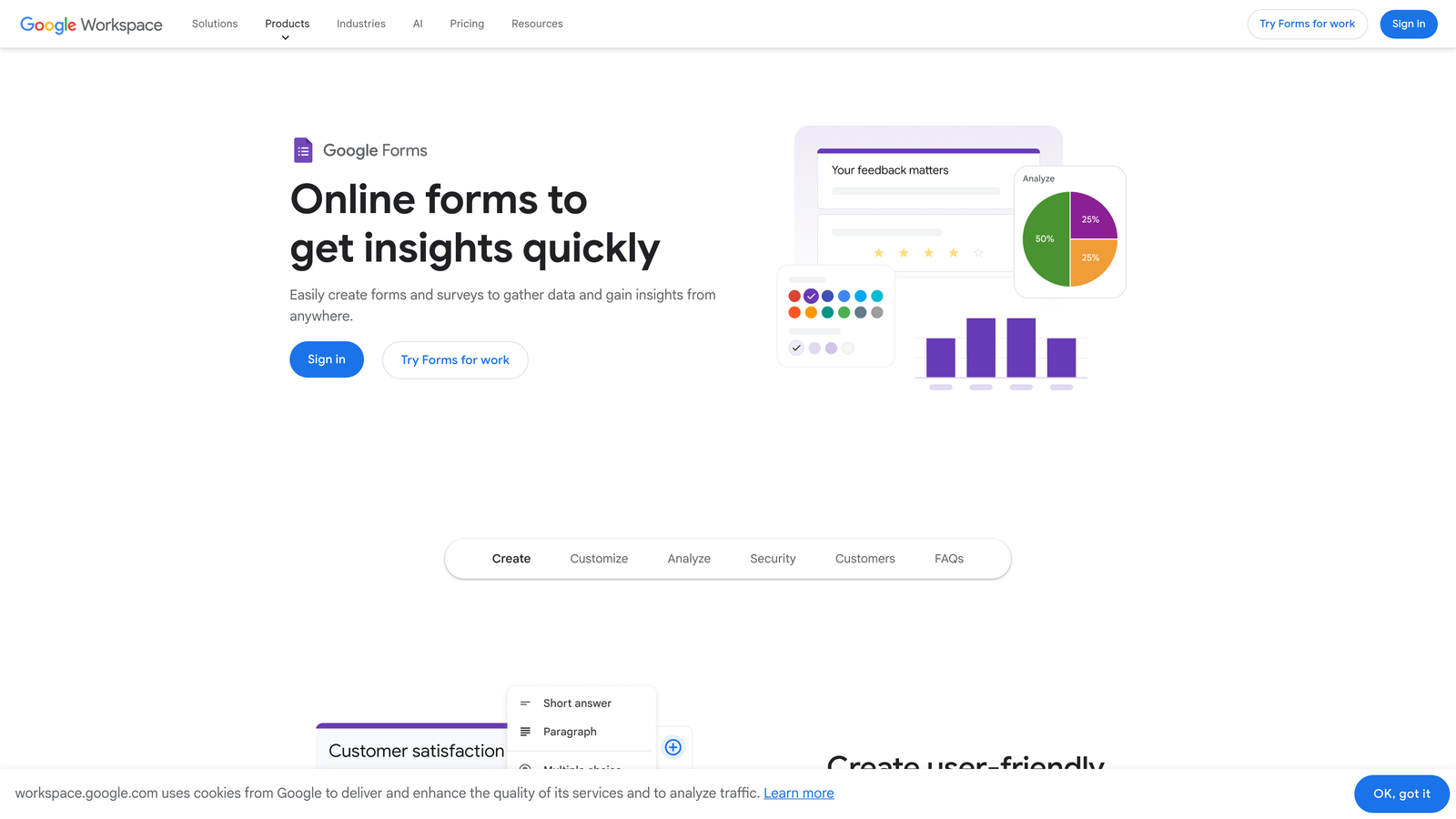
Google Forms provides straightforward form building with basic but dependable email notification functionality, completely free.
Where This Tool Shines
Google Forms excels through simplicity and reliability. Email notifications arrive consistently, and the native integration with Google Sheets opens powerful automation possibilities through add-ons and Google Apps Script.
For teams already using Google Workspace, the seamless integration means no additional logins or platforms to manage. Notifications come from familiar Google addresses, and response data flows directly into spreadsheets where teams can set up additional notification triggers or data processing workflows.
Key Features
Native Email Alerts: Built-in notification option sends emails immediately when forms receive new responses.
Google Sheets Integration: Responses automatically populate spreadsheets where you can create custom notification triggers using add-ons.
Form Notifications Add-On: Free add-on provides enhanced notification options including conditional routing and custom templates.
Zero Cost: Completely free with no submission limits, making it ideal for budget-conscious teams.
Workspace Integration: Works seamlessly with Gmail, Calendar, and other Google tools teams already use.
Best For
Google Forms suits small businesses, nonprofits, educational institutions, and internal team workflows where sophisticated notification routing isn't required. It's perfect when you need reliable alerts without complexity or cost.
Pricing
Completely free with unlimited forms and responses.
5. Tally
Best for: Notion users wanting familiar interface with generous free notification features
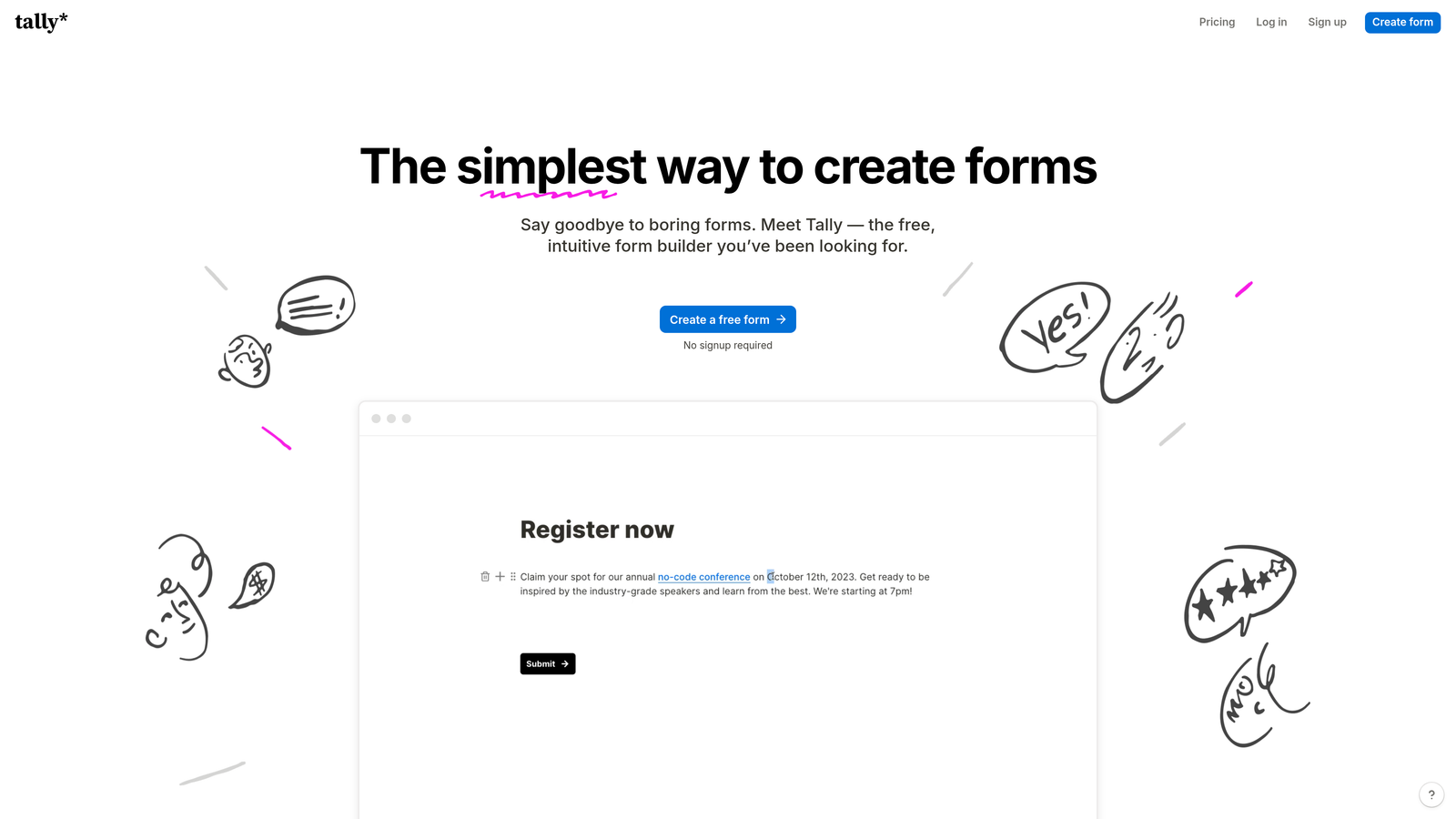
Tally brings Notion's clean aesthetic to form building, including email notifications on its remarkably generous free tier.
Where This Tool Shines
Tally's notification system stands out for what it includes at no cost. While many form builders restrict notifications to paid plans, Tally provides email alerts even on free accounts with unlimited forms.
The Notion-inspired interface makes form creation intuitive for teams already comfortable with block-based editing. Notifications maintain this simplicity, delivering clean, readable alerts without overwhelming recipients with unnecessary formatting or data.
Key Features
Free Email Notifications: Email alerts included even on the free tier, unlike many competitors that paywall this feature.
Slack Integration: Send form submissions directly to Slack channels for team visibility beyond email.
Clean Interface: Notion-style editing makes form creation and notification setup intuitive and fast.
Unlimited Forms: Create as many forms as needed on the free plan without artificial restrictions.
Custom Domains: Use your own domain for forms even on free accounts, maintaining brand consistency.
Best For
Tally works best for Notion-loving teams, startups watching budgets, content creators needing simple lead capture, and anyone wanting modern form design without monthly fees. The generous free tier makes it ideal for testing form strategies before committing to paid tools.
Pricing
Free tier includes email notifications and unlimited forms. Pro plan starts at $29 per month for advanced features like file uploads and payment processing.
6. Paperform
Best for: Design-focused teams needing beautiful forms with powerful conditional notifications
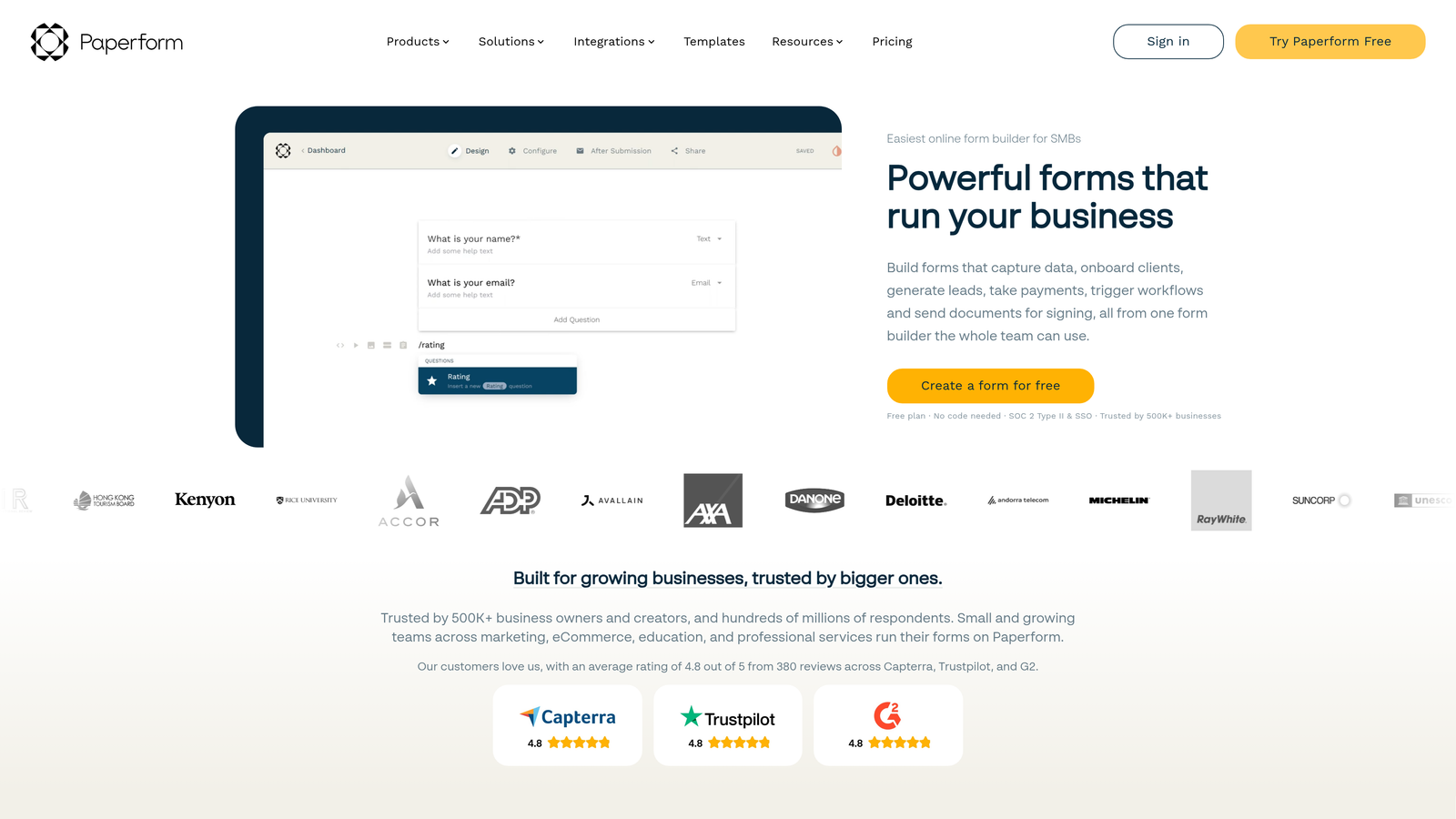
Paperform combines document-style form design with sophisticated notification workflows that adapt based on user responses.
Where This Tool Shines
Paperform's notification system incorporates dynamic content, meaning email alerts can include different information, formatting, or calls-to-action based on how users answered specific questions. This creates highly contextual notifications that feel personalized rather than templated.
The platform's design flexibility extends to notification emails themselves. You can customize templates to match your brand completely, creating notification experiences that feel native to your communication style rather than obviously automated.
Key Features
Conditional Logic Notifications: Route notifications to different recipients based on any combination of form responses or calculations.
Dynamic Email Content: Include different information in notification emails based on user answers, creating contextually relevant alerts.
Multiple Recipient Routing: Send the same submission to different team members with different information based on their role.
Beautiful Email Templates: Fully customizable notification designs that maintain brand consistency across all touchpoints.
Calculation-Based Triggers:Set up notifications that trigger only when calculated values meet specific thresholds.
Best For
Paperform suits creative agencies, design-conscious brands, service businesses with complex pricing that requires calculation-based routing, and teams where notification aesthetics matter as much as functionality.
Pricing
Essentials plan starts at $24 per month with full notification features and unlimited forms.
7. Formstack
Best for: Enterprise teams requiring multi-step approval workflows and compliance
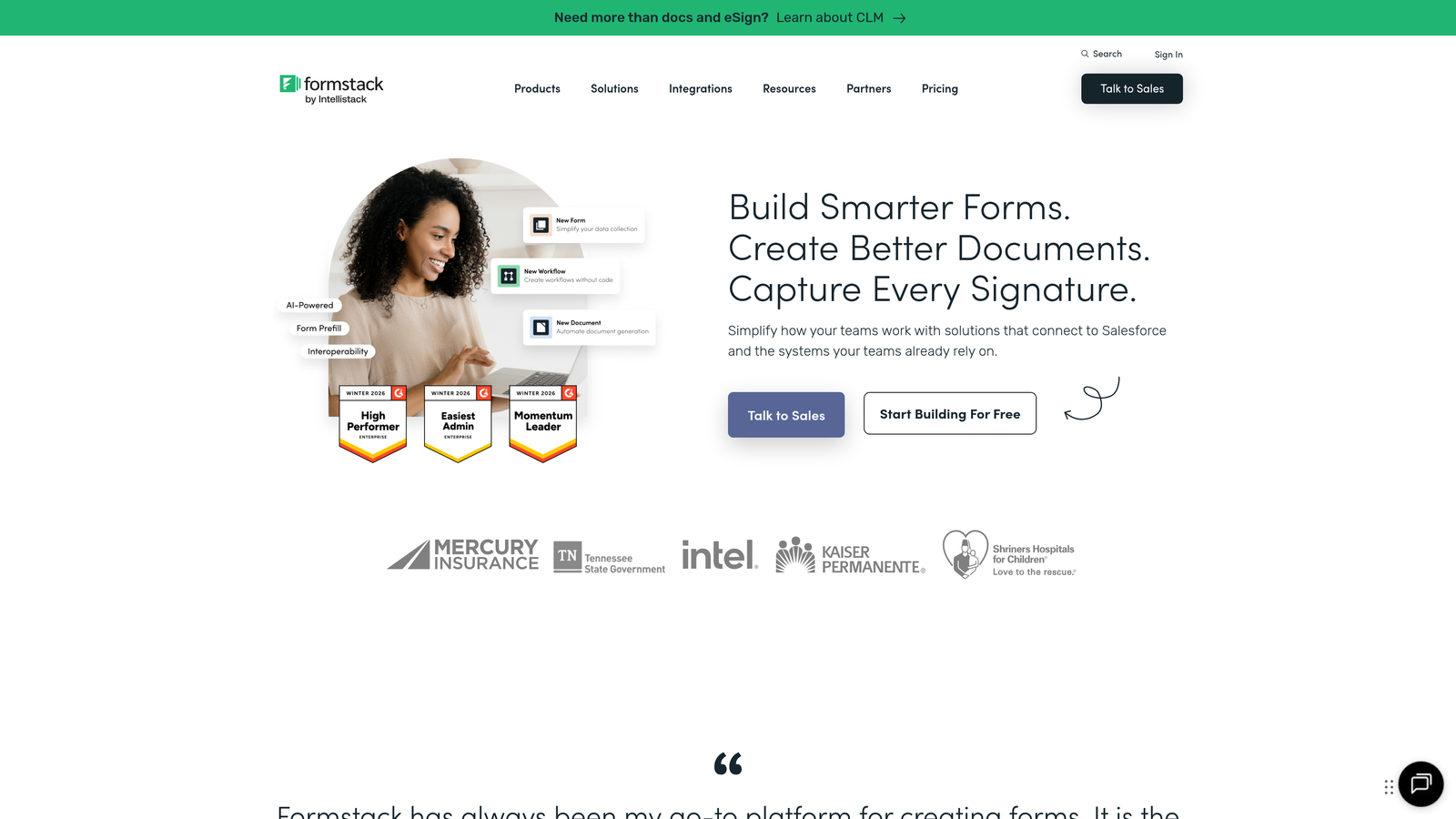
Formstack provides enterprise-grade notification capabilities including approval chains, HIPAA-compliant alerts, and Salesforce-native workflows.
Where This Tool Shines
Formstack's notification system handles complex organizational workflows that require multiple approval stages. A single form submission can trigger a sequential notification chain where each recipient must take action before the next person receives their alert.
For healthcare, financial services, and other regulated industries, Formstack offers HIPAA-compliant notification options that ensure sensitive data remains protected even in email communications. This compliance focus extends to audit trails showing exactly who received notifications and when.
Key Features
Multi-Step Approval Workflows: Create sequential notification chains requiring action from each recipient before proceeding to the next stage.
HIPAA-Compliant Notifications: Secure notification options that protect sensitive health information in email communications.
Department-Based Routing: Automatically route notifications to appropriate departments based on submission content or metadata.
Salesforce-Native Notifications: Trigger Salesforce workflows and notifications directly from form submissions without third-party integrations.
Audit Trail Logging: Track notification delivery, opens, and actions for compliance and accountability.
Best For
Formstack works best for healthcare organizations, financial institutions, large enterprises with complex approval processes, and Salesforce-dependent sales organizations requiring native integration. The compliance features make it essential for regulated industries.
Pricing
Starter plan begins at $50 per month. Enterprise plans with advanced compliance and workflow features require custom pricing.
8. Cognito Forms
Best for: Budget-conscious teams needing surprisingly powerful conditional notification features
Cognito Forms delivers enterprise-level notification capabilities at small business prices, with sophisticated conditional logic on even basic plans.
Where This Tool Shines
Cognito Forms punches above its price point with field-based notification routing that rivals much more expensive platforms. You can create complex notification rules based on any field value, calculation result, or combination of conditions.
The platform's calculation engine integrates directly with notifications, meaning you can trigger alerts when calculated totals, scores, or other computed values meet specific criteria. This makes it powerful for quote requests, assessments, or any scenario where notification urgency depends on calculated outcomes.
Key Features
Field-Based Routing: Route notifications to different recipients based on any field value or combination of form data.
Calculation-Triggered Alerts: Send notifications only when calculated values meet specific thresholds or conditions.
Conditional Logic: Create sophisticated if-then notification rules without coding or complex setup.
Generous Free Tier: Include basic notification features even on free accounts, unlike many competitors.
Repeating Sections: Handle complex forms with repeating data while maintaining clear notification formatting.
Best For
Cognito Forms suits small to medium businesses, nonprofits with limited budgets, organizations needing calculation-based routing, and teams requiring enterprise features without enterprise pricing. The value proposition is exceptional for budget-conscious teams.
Pricing
Free tier available with basic notifications. Pro plan starts at just $15 per month with advanced conditional logic and unlimited notifications.
9. 123FormBuilder
Best for: Teams wanting both email and SMS notification options in one platform
123FormBuilder stands out by offering SMS notifications alongside traditional email alerts, creating multi-channel notification strategies.
Where This Tool Shines
123FormBuilder's dual notification approach ensures critical submissions reach team members through multiple channels simultaneously. You can send email notifications for documentation while triggering SMS alerts for immediate attention, ensuring nothing slips through.
The platform's autoresponder sequences go beyond simple confirmation emails, allowing you to create multi-step email workflows triggered by form submissions. This transforms notifications from simple alerts into the starting point for automated communication sequences.
Key Features
Email and SMS Combo: Send notifications via both email and text message, ensuring critical alerts reach recipients immediately.
Autoresponder Sequences: Create multi-step email workflows triggered by form submissions, automating follow-up communications.
Conditional Notification Rules: Route notifications based on form responses, with different channels for different scenarios.
Multiple Templates: Create various notification templates for different forms or submission types.
Mobile Optimization: Notifications display cleanly on mobile devices, critical when team members work remotely.
Best For
123FormBuilder works well for field service businesses needing immediate SMS alerts, sales teams requiring multi-channel notification strategies, customer service organizations with urgent request handling, and any business where email alone isn't fast enough.
Pricing
Free tier available with basic notifications. Gold plan starts at $24.99 per month with SMS notifications and advanced autoresponder features.
Making the Right Choice
Your ideal form builder depends entirely on your notification complexity and business requirements. Let's break down the best fits by scenario.
Choose Orbit AI when lead quality determines notification urgency. The AI-powered qualification routing ensures your sales team sees high-value prospects immediately while routine inquiries flow through standard channels. This intelligent approach transforms how high-growth teams handle inbound leads.
Go with Typeform if user experience matters as much as notifications. The conversational interface creates engaging form experiences while reliable notification delivery keeps your team responsive. It's the sweet spot between aesthetics and functionality.
Pick Jotform for complex conditional workflows. When notification routing depends on multiple factors, calculated values, or sophisticated if-then logic, Jotform's extensive conditional capabilities handle scenarios other platforms can't touch.
Use Google Forms when simplicity and cost matter most. For straightforward notification needs without budget, Google's reliable system delivers consistent alerts without complexity or monthly fees.
Select Formstack for enterprise compliance and multi-step approvals. Healthcare organizations, financial institutions, and regulated industries need the HIPAA-compliant notifications and audit trails that Formstack provides.
The notification speed you need should guide your choice. Simple alerts work fine with basic tools, but lead qualification demands intelligent routing that responds to submission quality, not just submission existence. Start building free forms today and see how intelligent form design can elevate your conversion strategy while ensuring the right people receive the right notifications at the right time.


