

Collecting files through forms has become essential for modern businesses—whether you're gathering resumes, project briefs, design assets, or signed contracts. But not all form builders handle file uploads equally. Some cap file sizes at frustrating limits, others lack security features, and many charge premium prices for what should be basic functionality.
This guide covers the best form builders with robust file upload capabilities, evaluated on upload limits, supported file types, storage options, and overall user experience. Whether you need simple document collection or complex multi-file workflows, you'll find the right tool here.
1. Orbit AI
Best for: High-growth teams wanting AI-powered lead qualification with file collection capabilities
Orbit AI is an AI-powered form builder platform designed for conversion optimization and intelligent lead qualification.

Where This Tool Shines
Orbit AI stands out by combining file upload functionality with AI-powered lead qualification. When prospects submit files—whether portfolios, project briefs, or contracts—the platform automatically analyzes submission quality and prioritizes high-value leads for your team.
The platform focuses on creating beautiful, conversion-optimized forms that feel modern and professional. This matters when you're asking users to upload sensitive files—the experience needs to build trust while maintaining simplicity.
Key Features
AI-Powered Lead Qualification: Automatically scores and routes submissions based on file contents and form responses, saving hours of manual review.
Conversion-Optimized Design: Forms are built with growth in mind, featuring clean interfaces that encourage completion even when file uploads are required.
Workflow Automation: Trigger actions based on file submissions, routing documents to the right team members or systems automatically.
Analytics Dashboard: Track form performance, completion rates, and file submission patterns to optimize your collection process.
Major Integrations: Connect with CRMs and productivity tools to ensure uploaded files flow directly into your existing workflows.
Best For
Ideal for SaaS companies, agencies, and high-growth teams who need to collect files while qualifying leads simultaneously. Perfect when you want modern form design paired with intelligent automation rather than just basic file collection.
Pricing
Free tier available to get started. Paid plans begin at $29/month with advanced features for scaling teams.
2. Typeform
Best for: Creating engaging, conversational forms with a one-question-at-a-time file upload experience
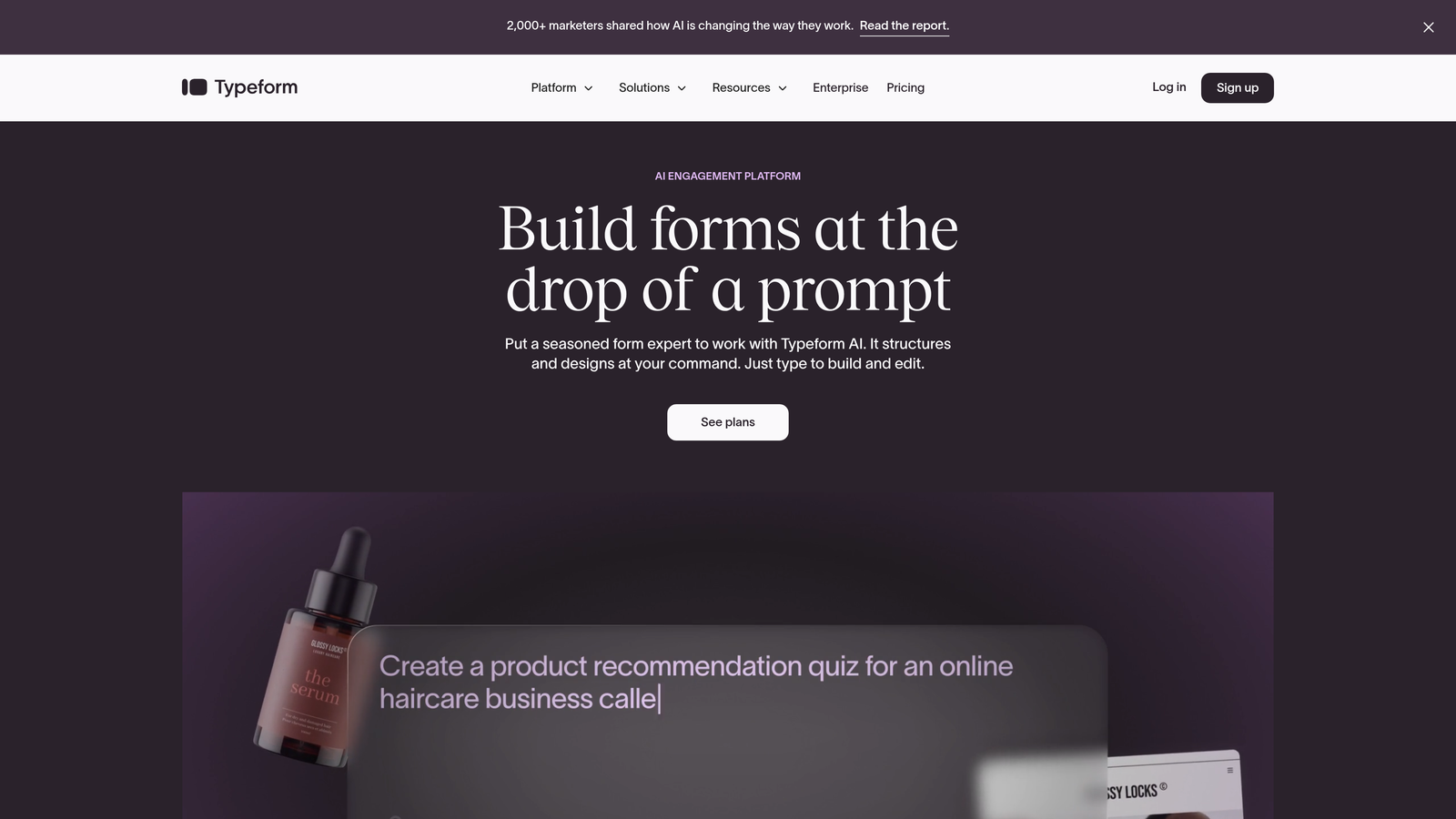
Typeform is a conversational form builder known for its sleek, engaging interface that presents questions individually.
Where This Tool Shines
Typeform transforms file uploads into a conversational experience. Instead of overwhelming users with a long form and multiple upload fields, it guides them through one step at a time. This approach significantly improves completion rates when collecting files from candidates or clients.
The platform excels at making file uploads feel less intimidating. When users see a single, focused request for their resume or portfolio rather than a dense form, they're more likely to follow through.
Key Features
Conversational Interface: One-question-at-a-time approach reduces friction and improves completion rates for forms requiring file uploads.
File Upload Limits: Supports files up to 10MB per upload, suitable for most documents and images.
Logic Jumps: Show or hide file upload requests based on previous answers, creating personalized collection workflows.
Integration Library: Connect to hundreds of apps to route uploaded files directly into your existing systems.
Mobile Optimization: Forms work seamlessly on mobile devices, making it easy for users to upload files from their phones.
Best For
Marketing teams and HR departments collecting applications, portfolios, or feedback documents where user experience matters as much as functionality. Works well when you want high completion rates and brand-forward design.
Pricing
Free tier available with basic features. Basic plan starts at $25/month for enhanced file upload capabilities and branding removal.
3. Jotform
Best for: Teams needing extensive templates and generous storage for high-volume file collection
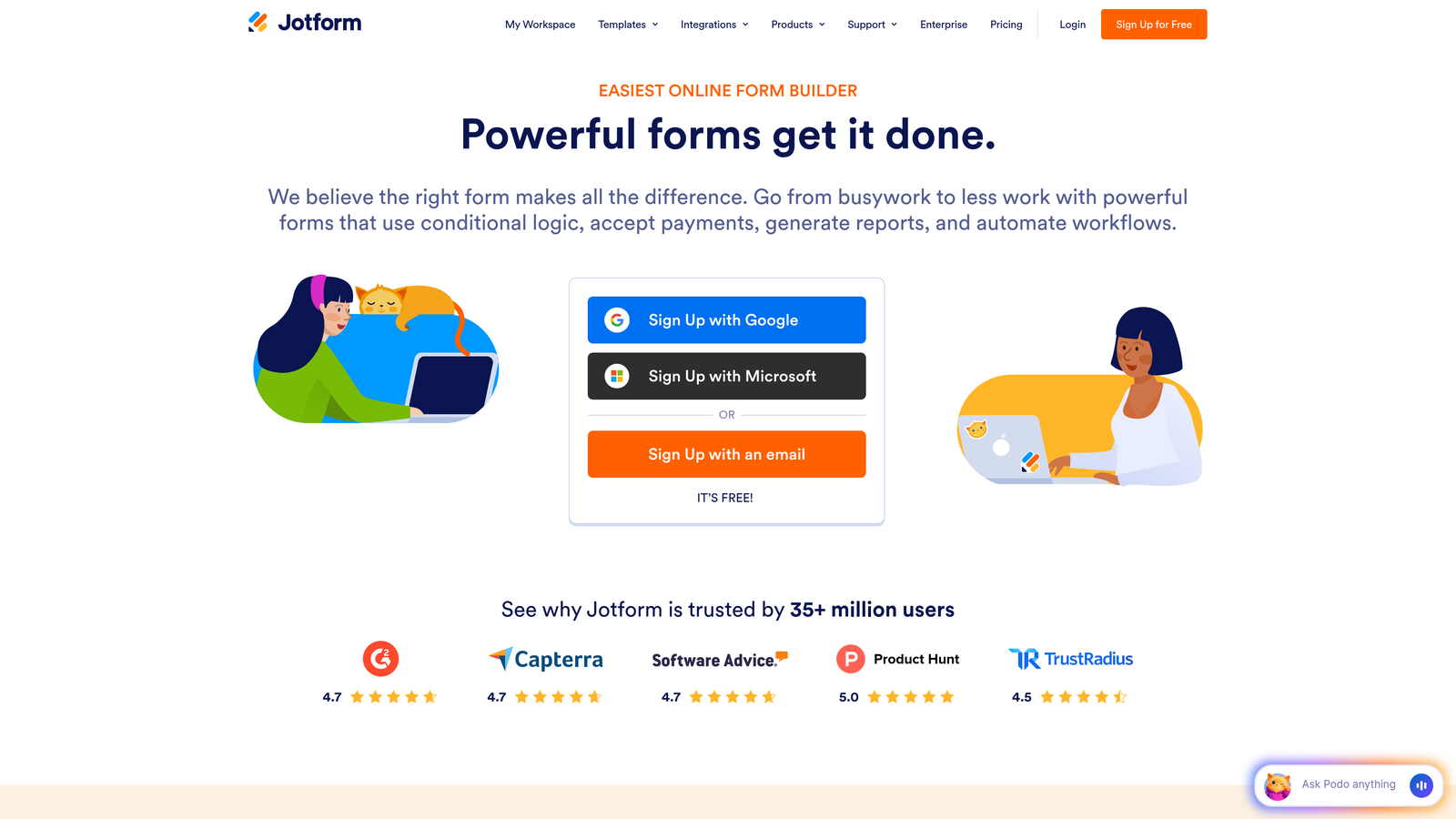
Jotform is a versatile form builder offering thousands of templates and robust file upload widgets.
Where This Tool Shines
Jotform provides 10GB of storage on paid plans, making it ideal for businesses collecting large volumes of files monthly. The platform's multiple file upload widget lets users drag and drop several documents at once, streamlining bulk submissions.
With over 10,000 form templates, you'll likely find a pre-built solution for your specific file collection need—whether that's job applications, event registrations with attachments, or client intake forms. This saves significant setup time compared to building from scratch.
Key Features
10GB Storage: Generous storage allocation on paid plans supports high-volume file collection without constant quota concerns.
Multiple File Widget: Users can upload several files simultaneously with drag-and-drop functionality.
Template Library: Access 10,000+ pre-built forms designed for specific industries and use cases requiring file uploads.
PDF Conversion: Convert existing PDF forms into fillable web forms with file upload capabilities.
HIPAA Compliance: Available for healthcare organizations that need secure, compliant file collection.
Best For
Small to medium businesses handling regular file submissions like applications, registrations, or client documents. Particularly valuable for teams wanting ready-made templates rather than custom design work.
Pricing
Free tier includes basic file uploads. Bronze plan starts at $34/month with increased storage and features.
4. Cognito Forms
Best for: Budget-conscious teams needing generous file size limits without premium pricing
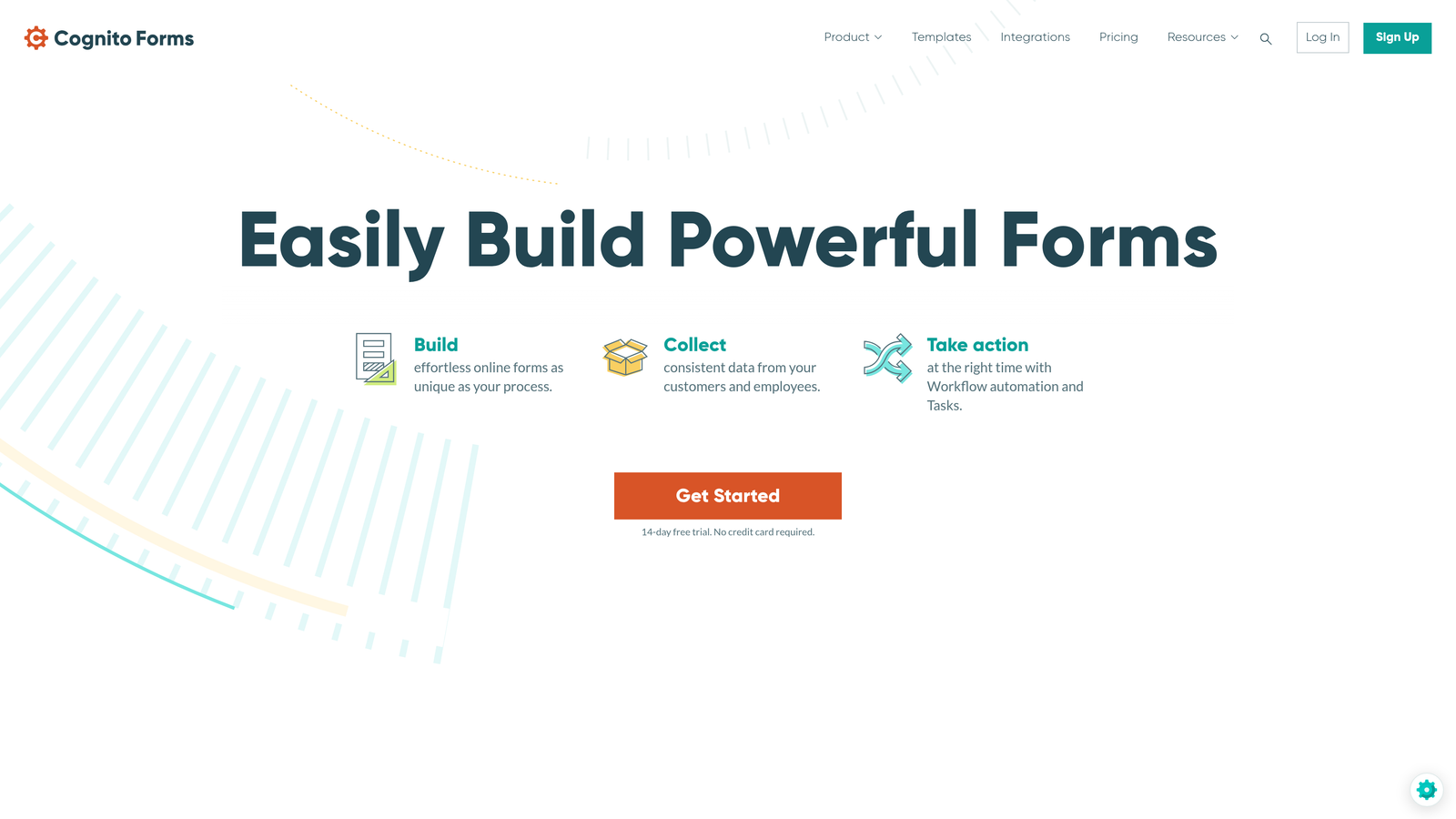
Cognito Forms is a form builder offering unusually generous file upload limits, including 25MB per file on the free plan.
Where This Tool Shines
Cognito Forms stands out by offering 25MB file size limits even on its free tier—significantly more generous than most competitors. This makes it viable for collecting high-resolution images, detailed portfolios, or comprehensive project files without paying for premium plans.
The platform's repeating sections feature lets you create forms where users can upload multiple files in an organized structure. Think of it like allowing candidates to upload several work samples with descriptions for each, all within a single form submission.
Key Features
25MB File Limit: Upload larger files than most competitors allow, even on the free plan—ideal for design files or detailed documents.
Unlimited Forms: Create as many forms as needed without hitting arbitrary limits, useful for teams with diverse file collection needs.
Payment Integration: Collect payments alongside file uploads, perfect for application fees or service deposits.
Repeating Sections: Let users upload multiple files with context for each, creating organized submission structures.
Data Encryption: Files are encrypted at rest, providing security for sensitive document collection.
Best For
Nonprofits, educational institutions, and small businesses needing to collect larger files without budget for premium tools. Excellent when you need security and generous limits without enterprise pricing.
Pricing
Free tier with impressive features. Pro plan starts at just $15/month for enhanced capabilities.
5. Formstack
Best for: Enterprise teams requiring HIPAA compliance and advanced workflow automation for file handling
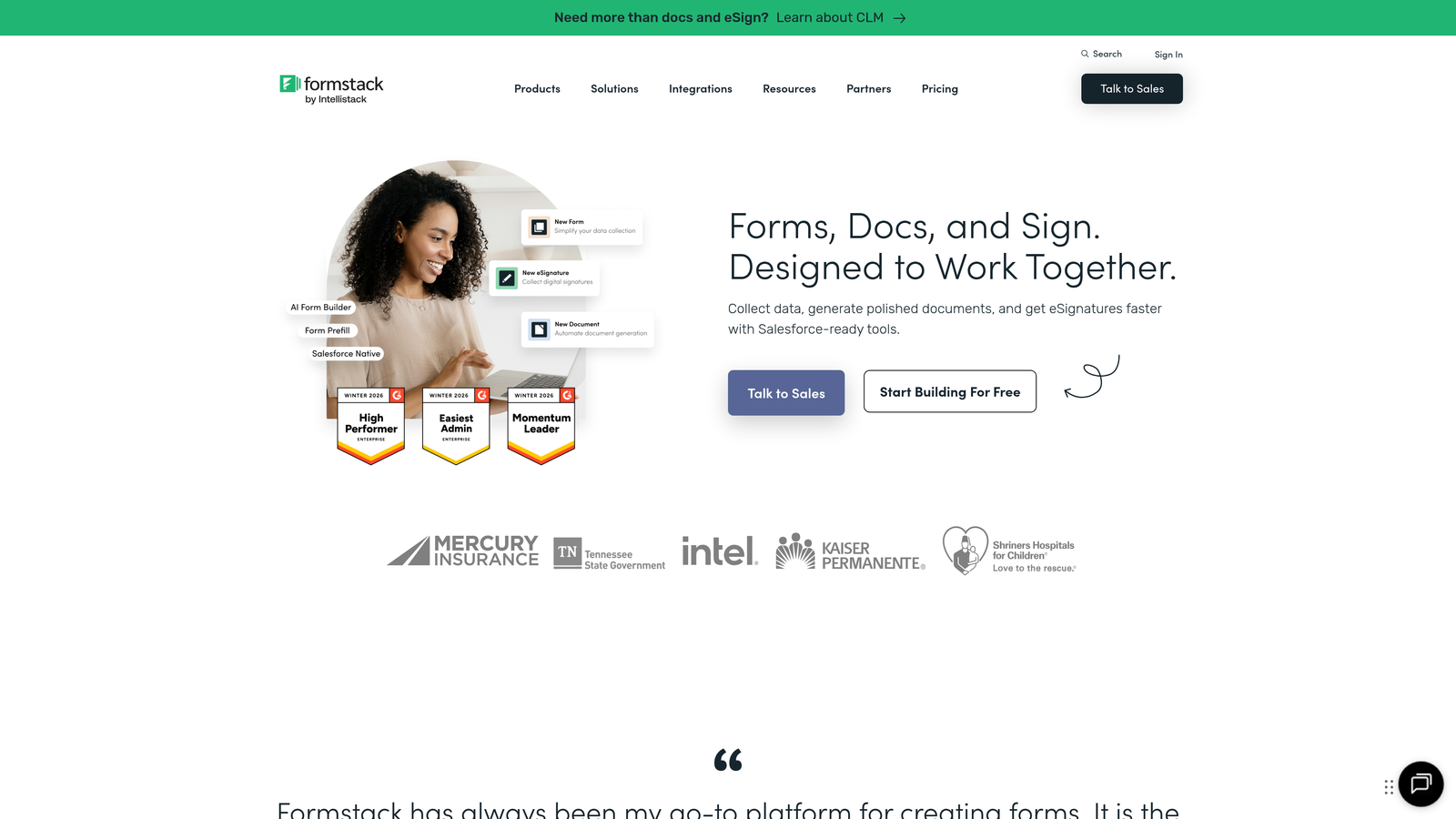
Formstack is an enterprise-grade form builder with robust compliance features and sophisticated workflow capabilities.
Where This Tool Shines
Formstack is built for organizations where file security and compliance aren't optional. The platform offers HIPAA and SOC 2 compliance, making it suitable for healthcare providers collecting patient documents or financial services handling sensitive files.
The workflow automation goes beyond basic file collection. You can set up approval chains where uploaded documents route through multiple reviewers, trigger notifications based on file types, and integrate with enterprise systems like Salesforce natively. This level of sophistication matters when files need structured processing rather than simple storage.
Key Features
HIPAA & SOC 2 Compliance: Meet regulatory requirements for healthcare and financial file collection with built-in compliance features.
Advanced Workflows: Create multi-step approval processes for uploaded files, routing documents through your organization automatically.
E-Signature Integration: Combine file uploads with digital signatures for complete document workflows.
Salesforce Native Integration: Uploaded files flow directly into Salesforce records without middleware.
Approval Workflows: Set up review and approval chains for submitted files before they enter your systems.
Best For
Healthcare organizations, financial services, and large enterprises requiring compliance certifications and sophisticated file processing workflows. Best when security and automation justify the higher price point.
Pricing
Starter plan begins at $50/month. Enterprise pricing available for organizations with advanced compliance and volume needs.
6. Google Forms
Best for: Teams already using Google Workspace wanting free, unlimited file uploads with Drive storage
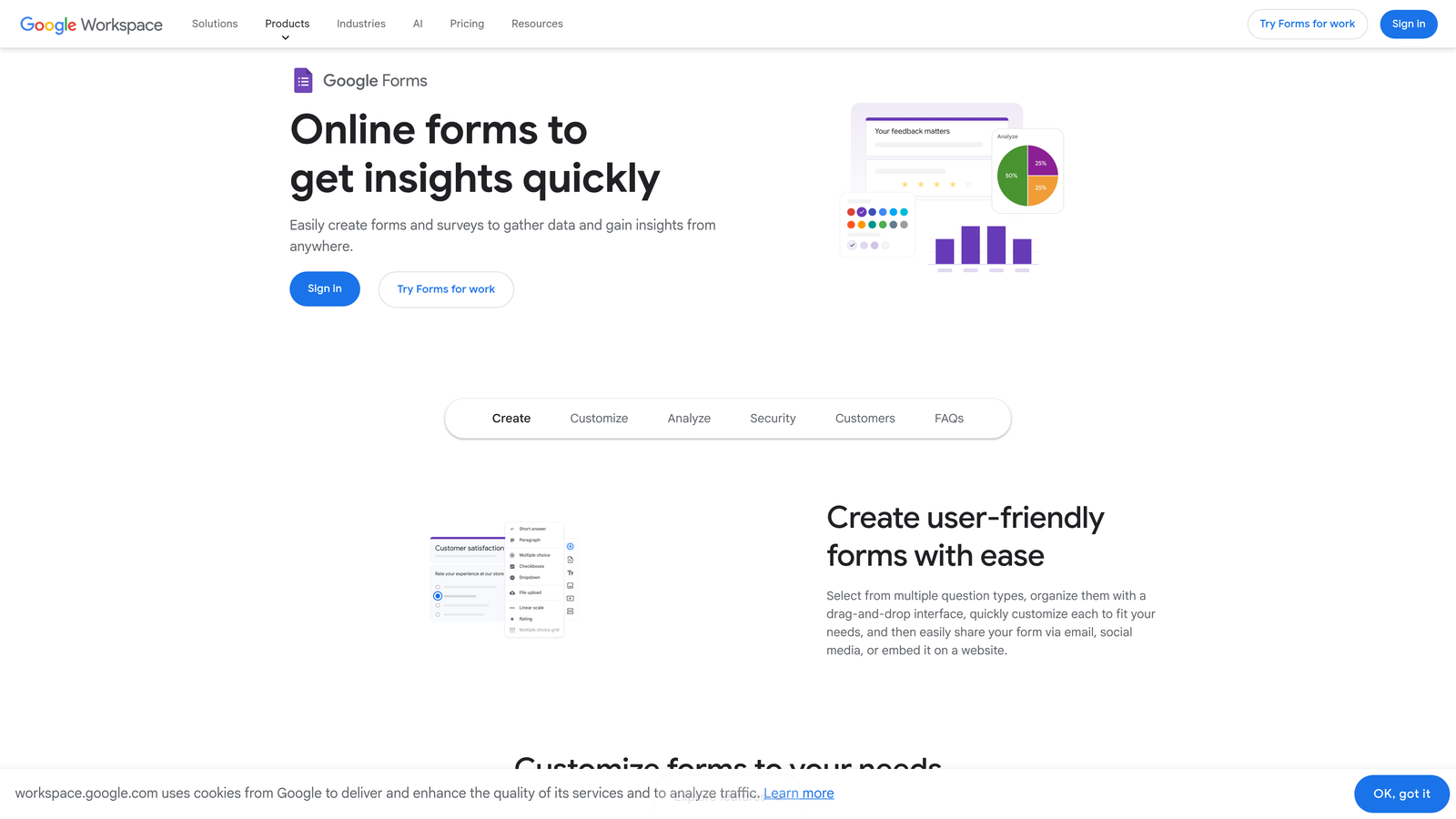
Google Forms is a free form builder that stores uploaded files directly in Google Drive.
Where This Tool Shines
Google Forms offers completely free file uploads with no artificial limits beyond your Google Drive storage quota. For teams already paying for Google Workspace, this means unlimited file collection without additional software costs.
The seamless integration with Google Drive creates automatic organization. Each form gets its own folder, and uploaded files are stored with clear naming conventions tied to submissions. This makes file management effortless compared to platforms requiring manual downloads or third-party storage connections.
Key Features
Free Unlimited Uploads: No per-file limits or monthly quotas—only your overall Drive storage matters.
Direct Drive Storage: Files automatically organize into Drive folders, accessible to your team immediately.
Real-Time Collaboration: Multiple team members can view submissions and access uploaded files simultaneously.
Workspace Integration: Connects naturally with Gmail, Sheets, and other Google tools you already use.
Basic Conditional Logic: Show or hide file upload fields based on previous answers for cleaner forms.
Best For
Small businesses, educational institutions, and nonprofits already invested in Google Workspace. Ideal when budget is tight and you need reliable file collection without learning new software.
Pricing
Completely free with a Google account. Storage counts against your Drive quota, which is 15GB free or unlimited with Workspace plans.
7. Wufoo
Best for: Small businesses wanting straightforward file collection with payment processing built-in
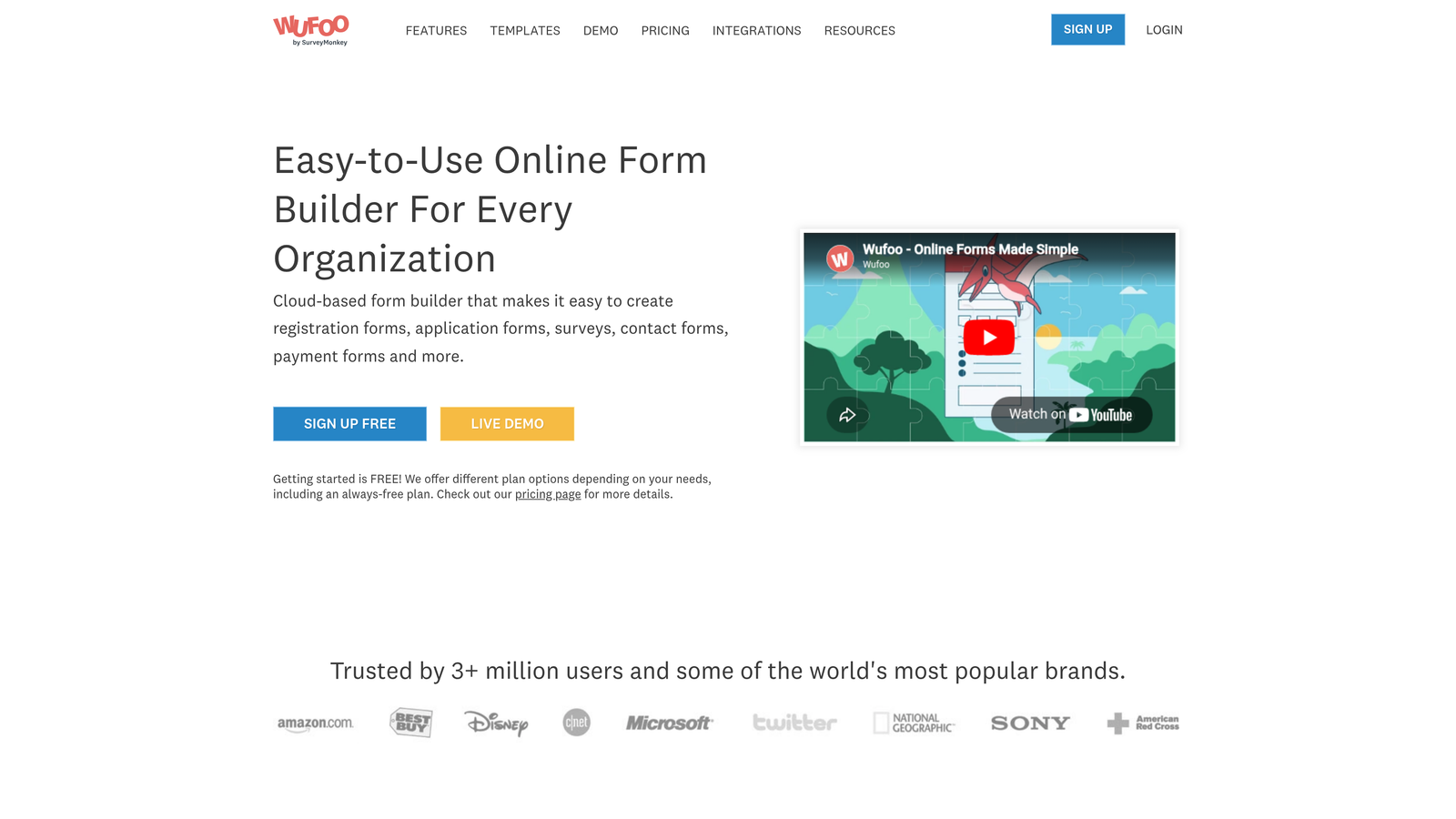
Wufoo is an established form builder offering simple drag-and-drop design with integrated file upload capabilities.
Where This Tool Shines
Wufoo keeps things refreshingly simple. The drag-and-drop builder makes adding file upload fields intuitive, and the platform doesn't overwhelm you with advanced features you might not need. This simplicity is valuable when you just need to collect resumes, signed contracts, or project files without elaborate workflows.
The built-in payment collection pairs well with file uploads for scenarios like application fees, service deposits, or paid submissions. You can collect both payment and supporting documents in a single form without juggling multiple tools.
Key Features
Drag-and-Drop Builder: Add file upload fields with simple clicks—no technical knowledge required.
File Upload Field: Standard file collection included in all plans with reasonable size limits.
Payment Processing: Accept payments alongside file uploads through integrated payment gateways.
Reporting Dashboard: View submission data and access uploaded files through a straightforward interface.
Zapier Integration: Connect to hundreds of apps to route uploaded files into your existing workflows.
Best For
Freelancers and small businesses needing reliable file collection without complexity. Works well for event registrations with document requirements or service applications requiring payment and files.
Pricing
Free tier available for basic needs. Starter plan begins at $14.08/month for enhanced features and branding removal.
8. 123FormBuilder
Best for: Teams wanting flexible cloud storage integrations for uploaded files
123FormBuilder is a form builder offering direct integrations with Dropbox and Google Drive for file storage.
Where This Tool Shines
123FormBuilder's cloud storage integrations give you control over where uploaded files live. Instead of storing files on the platform's servers, you can route them directly to your Dropbox or Google Drive account. This simplifies file management and keeps everything in your existing storage ecosystem.
The conditional file requirements feature lets you make uploads optional or required based on previous answers. For example, you might only request a portfolio if someone selects "designer" as their role, streamlining forms for different submission types.
Key Features
Cloud Storage Integration: Send uploaded files directly to Dropbox or Google Drive instead of platform storage.
Conditional File Fields: Make file uploads required or optional based on form logic, creating cleaner experiences.
Multi-Page Forms: Break long forms with file uploads into multiple pages to improve completion rates.
File Type Restrictions: Limit uploads to specific file types, preventing incorrect submissions.
Webhook Notifications: Trigger instant notifications to your systems when files are uploaded.
Best For
Teams already managing files in Dropbox or Google Drive who want submissions to flow directly into existing folder structures. Useful when you need granular control over file requirements based on submission context.
Pricing
Free tier available with basic features. Gold plan starts at $24.99/month for enhanced storage and integrations.
9. Paperform
Best for: Creating branded, document-style forms with file uploads that feel like web pages
Paperform is a form builder that creates document-style forms with rich formatting and embedded media.
Where This Tool Shines
Paperform breaks away from traditional form design by creating experiences that look like branded web pages rather than generic forms. When you need to collect files for high-value submissions—like project proposals or partnership applications—this elevated design builds credibility and trust.
The platform lets you embed rich media alongside file upload fields, creating context that helps users understand what to submit. You can include example images, video instructions, or detailed explanations right in the form, reducing confusion and improving submission quality.
Key Features
Document-Style Design: Forms look like branded web pages rather than traditional forms, creating premium experiences.
Rich Media Embedding: Add images, videos, and formatted text to provide context around file upload requests.
Product & Payment Forms: Combine file uploads with product sales or payment collection for complex workflows.
Custom Success Pages: Create branded confirmation pages after file submission with next steps or additional information.
Calculations & Scoring: Build forms that calculate values based on uploads and responses for quote requests or assessments.
Best For
Creative agencies, consulting firms, and premium service providers where form design reflects brand quality. Ideal when file collection is part of a larger client experience that needs to feel polished and professional.
Pricing
Essentials plan starts at $24/month with full access to design and file upload features.
Making the Right Choice
Choosing the right form builder with file upload depends on your specific workflow and priorities. For high-growth teams wanting AI-powered lead qualification alongside file collection, Orbit AI offers the most forward-thinking approach—automatically scoring submissions while maintaining a modern, conversion-optimized experience.
If conversational design is your priority and you want to improve completion rates through one-question-at-a-time interfaces, Typeform delivers an engaging experience that makes file uploads feel less intimidating. Teams with heavy document workflows should consider Cognito Forms for its generous 25MB file limits even on free plans, while enterprises with compliance needs will find Formstack's HIPAA and SOC 2 certifications essential for regulated industries.
For budget-conscious teams already using Google Workspace, Google Forms provides a capable free option with unlimited uploads stored directly in Drive. Jotform works well when you need extensive templates and don't want to build from scratch, while Wufoo keeps things simple for small businesses wanting straightforward file collection with payment processing. 123FormBuilder suits teams already managing files in Dropbox or Google Drive who want direct integration, and Paperform excels when brand presentation matters as much as functionality.
Whatever you choose, prioritize file size limits that match your actual needs, storage integrations that fit your existing workflows, and security features appropriate for your industry. The best form builder is the one that handles your specific file types reliably while creating an experience that encourages completion rather than abandonment.
Transform your lead generation with AI-powered forms that qualify prospects automatically while delivering the modern, conversion-optimized experience your high-growth team needs. Start building free forms today and see how intelligent form design can elevate your conversion strategy.


