

Your forms are often the first real interaction prospects have with your business—and most companies are leaving conversions on the table with clunky, outdated builders. The right web form creation tool doesn't just collect data; it qualifies leads, integrates with your stack, and creates experiences that actually get completed.
We evaluated dozens of form builders based on ease of use, conversion optimization features, integration capabilities, and pricing flexibility. Whether you need AI-powered lead qualification, enterprise-grade security, or simple drag-and-drop simplicity, this list covers the best options for high-growth teams in 2026.
1. Orbit AI
Best for: High-growth teams needing AI-powered lead qualification with conversion-optimized forms
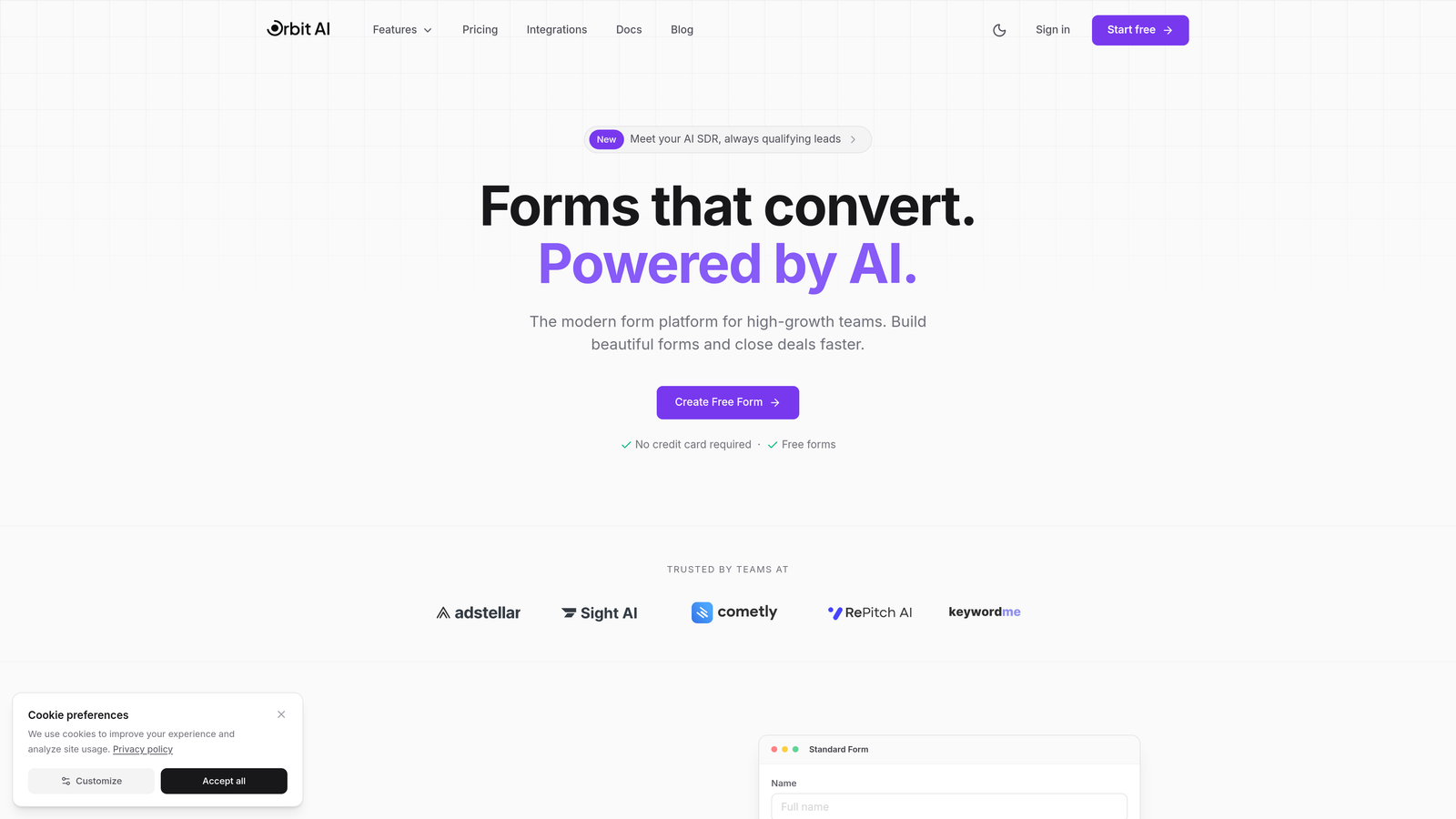
Orbit AI is an AI-powered form builder platform designed specifically for teams focused on lead generation and conversion optimization.
Where This Tool Shines
Orbit AI stands out by combining intelligent lead qualification with beautiful form design. The platform automatically scores and qualifies leads as they submit responses, helping sales teams prioritize high-value prospects without manual data review.
The conversion-optimized templates are built on proven design patterns that reduce abandonment. Unlike generic form builders, every element is crafted to maximize completion rates while maintaining a modern, professional aesthetic that reflects well on your brand.
Key Features
AI-Powered Lead Qualification: Automatically scores and qualifies leads based on their responses, routing high-value prospects to sales immediately.
Conversion-Optimized Templates: Pre-built form designs based on high-performing patterns that reduce friction and increase completion rates.
Native CRM Integrations: Seamless connections with HubSpot, Salesforce, and Pipedrive ensure lead data flows directly into your sales workflows.
Real-Time Analytics: Track form performance, completion rates, and lead quality metrics with actionable dashboards.
Workflow Automation: Build automated sequences that trigger based on form responses and lead scores.
Best For
Orbit AI is ideal for B2B companies, SaaS businesses, and marketing agencies that need to qualify leads at scale. If your sales team wastes time on unqualified prospects or your current forms have high abandonment rates, this platform addresses both challenges simultaneously.
Pricing
Free tier available for getting started. Paid plans offer competitive rates designed for growing teams with expanding lead generation needs.
2. Typeform
Best for: Creating conversational, visually engaging forms with one-question-at-a-time experiences
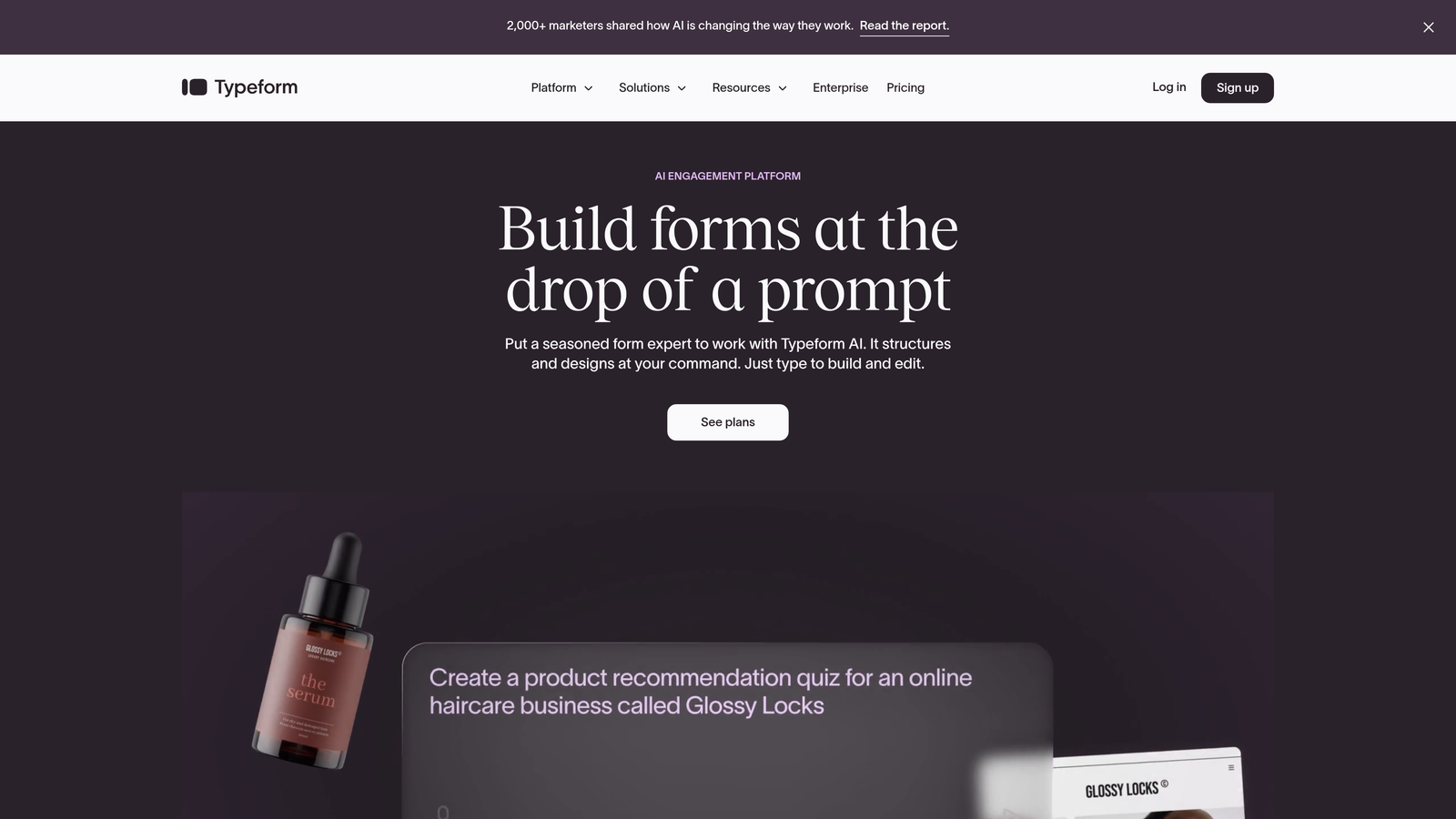
Typeform is a conversational form builder known for its polished design aesthetic and engaging user experience.
Where This Tool Shines
Typeform revolutionized form design by presenting questions one at a time, creating a conversational flow that feels less overwhelming than traditional multi-field forms. The approach reduces cognitive load and can improve completion rates for longer surveys.
The platform's design capabilities are exceptional. Every template feels modern and professionally crafted, with smooth transitions and animations that create a premium experience. For brands where visual presentation matters, Typeform delivers consistently polished results.
Key Features
Conversational Interface: One-question-at-a-time format that creates an engaging, interactive experience rather than a static form.
Beautiful Design Templates: Professionally designed themes with customizable colors, fonts, and imagery that align with brand guidelines.
Logic Jumps: Dynamic branching that adapts questions based on previous answers, creating personalized experiences.
Rich Media Support: Embed videos, images, and GIFs to make forms more engaging and informative.
Marketing Integrations: Connect with popular tools like Google Sheets, Mailchimp, Slack, and Zapier for workflow automation.
Best For
Typeform works best for customer feedback surveys, event registrations, and brand-focused lead capture where presentation quality matters as much as data collection. It's particularly effective for consumer-facing forms where engagement is critical.
Pricing
Free plan includes basic features with limited responses. Basic plan starts at $25/month for more responses and removes Typeform branding.
3. JotForm
Best for: Teams needing extensive template options and built-in payment processing capabilities
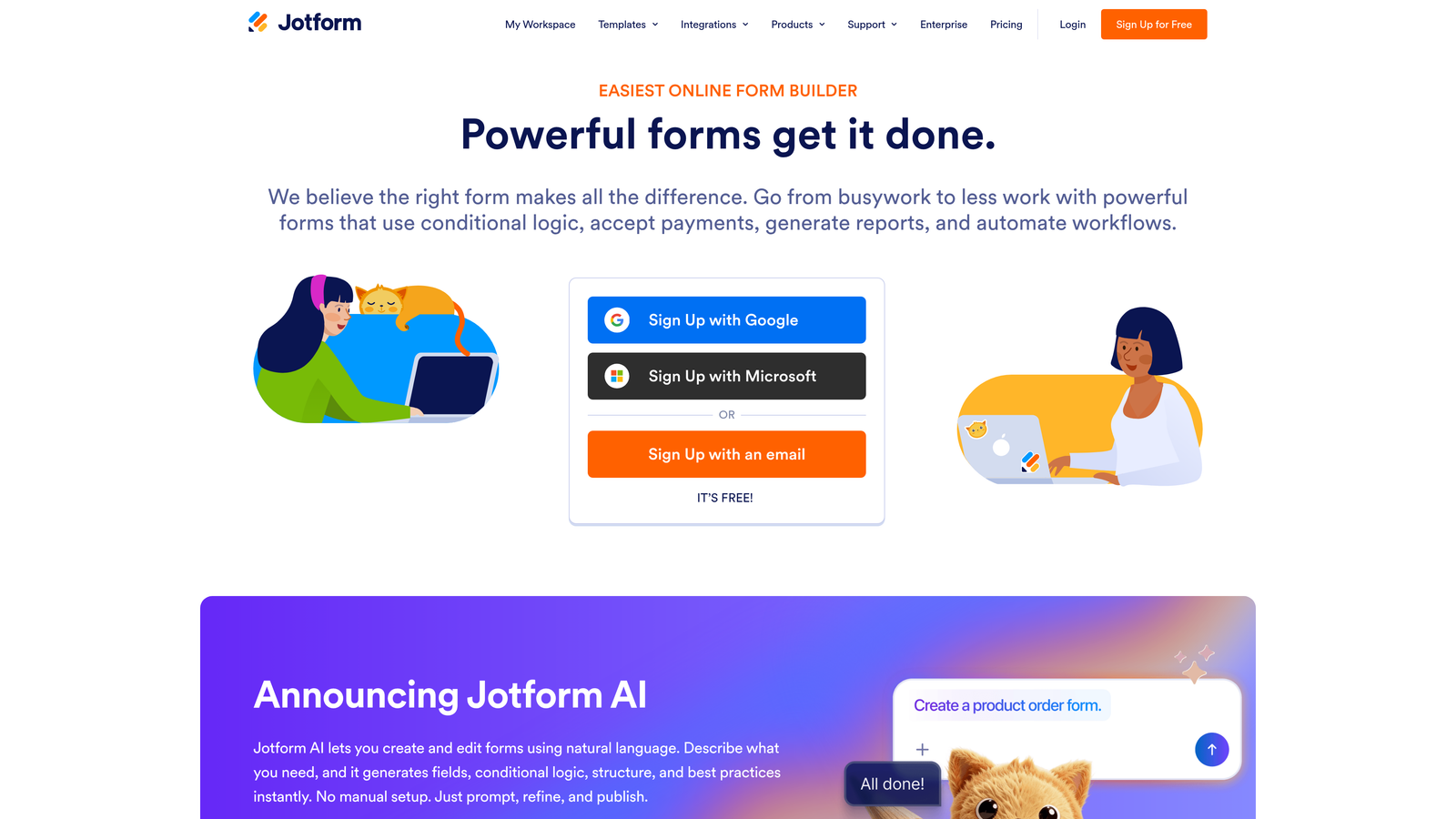
JotForm is a versatile form builder offering the industry's largest template library and comprehensive payment integration.
Where This Tool Shines
JotForm's massive template library—over 10,000 pre-built forms—means you'll find a starting point for virtually any use case. Whether you need event registrations, job applications, or customer intake forms, there's likely a template that's 80% of the way there.
The built-in payment processing is particularly strong. JotForm supports multiple payment gateways including PayPal, Stripe, and Square, making it simple to collect payments, donations, or registration fees without additional tools. This integration is smoother than most competitors who treat payments as an afterthought.
Key Features
Massive Template Library: Over 10,000 pre-built form templates covering virtually every industry and use case imaginable.
Payment Processing: Native integration with PayPal, Stripe, Square, and other payment gateways for seamless transactions.
PDF Form Generation: Automatically generate PDF documents from form submissions for contracts, invoices, or records.
Mobile App: Create and edit forms on-the-go with dedicated iOS and Android applications.
HIPAA Compliance: Available for healthcare organizations needing to collect protected health information securely.
Best For
JotForm is ideal for small businesses, healthcare providers, educational institutions, and any organization that needs payment collection alongside form submissions. The template variety makes it especially useful for teams without design resources.
Pricing
Free for up to 5 forms with 100 monthly submissions. Bronze plan starts at $34/month for more forms and submissions.
4. Tally
Best for: Budget-conscious teams wanting unlimited forms with a clean, minimal interface
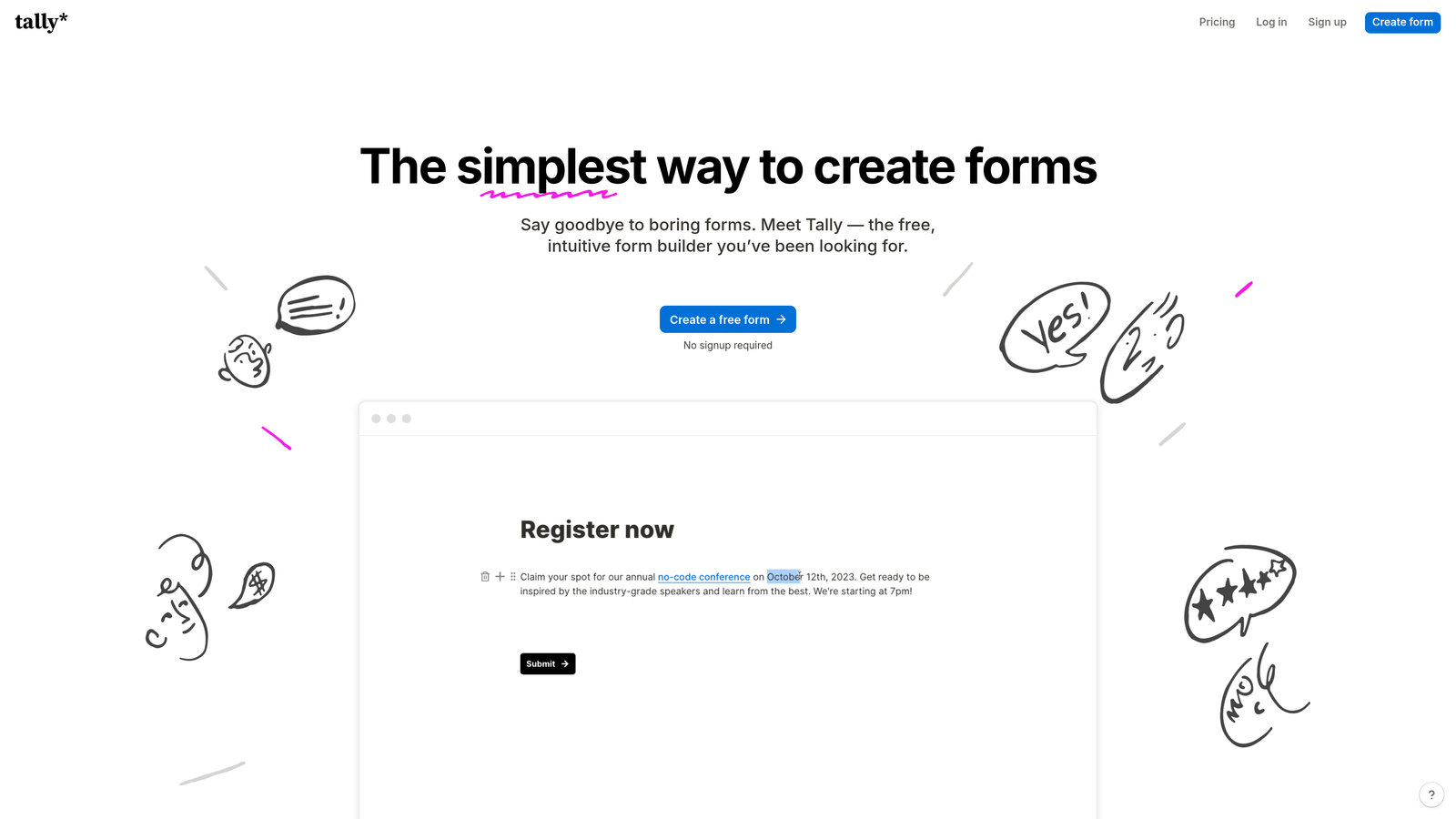
Tally is a Notion-like form builder offering unlimited forms on its free plan with an intuitive block-based editor.
Where This Tool Shines
Tally's free tier is genuinely generous—unlimited forms with unlimited responses. For startups and small teams, this removes the constant worry about hitting submission limits that plague other platforms. There's no catch; the free version is fully functional for basic needs.
The editing experience feels familiar to anyone who's used Notion or similar block-based editors. You build forms by adding blocks for different question types, which makes the creation process intuitive and fast. The learning curve is minimal compared to more complex form builders.
Key Features
Unlimited Free Forms: No artificial limits on form count or responses on the free plan, unlike most competitors.
Block-Based Editor: Notion-style interface that makes form creation feel natural and requires minimal training.
Conditional Logic: Show or hide questions based on previous answers to create dynamic, personalized experiences.
Calculations and Formulas: Perform calculations within forms for quote generators, assessments, or pricing tools.
File Uploads and Signatures: Collect documents and e-signatures directly through forms.
Best For
Tally is perfect for startups, solopreneurs, and non-profits with limited budgets who still need professional form capabilities. It's also excellent for teams already using Notion who want a consistent editing experience.
Pricing
Free for unlimited forms and responses. Pro plan at $29/month adds custom domains, remove branding, and advanced integrations.
5. HubSpot Forms
Best for: HubSpot users needing native CRM integration and progressive profiling capabilities
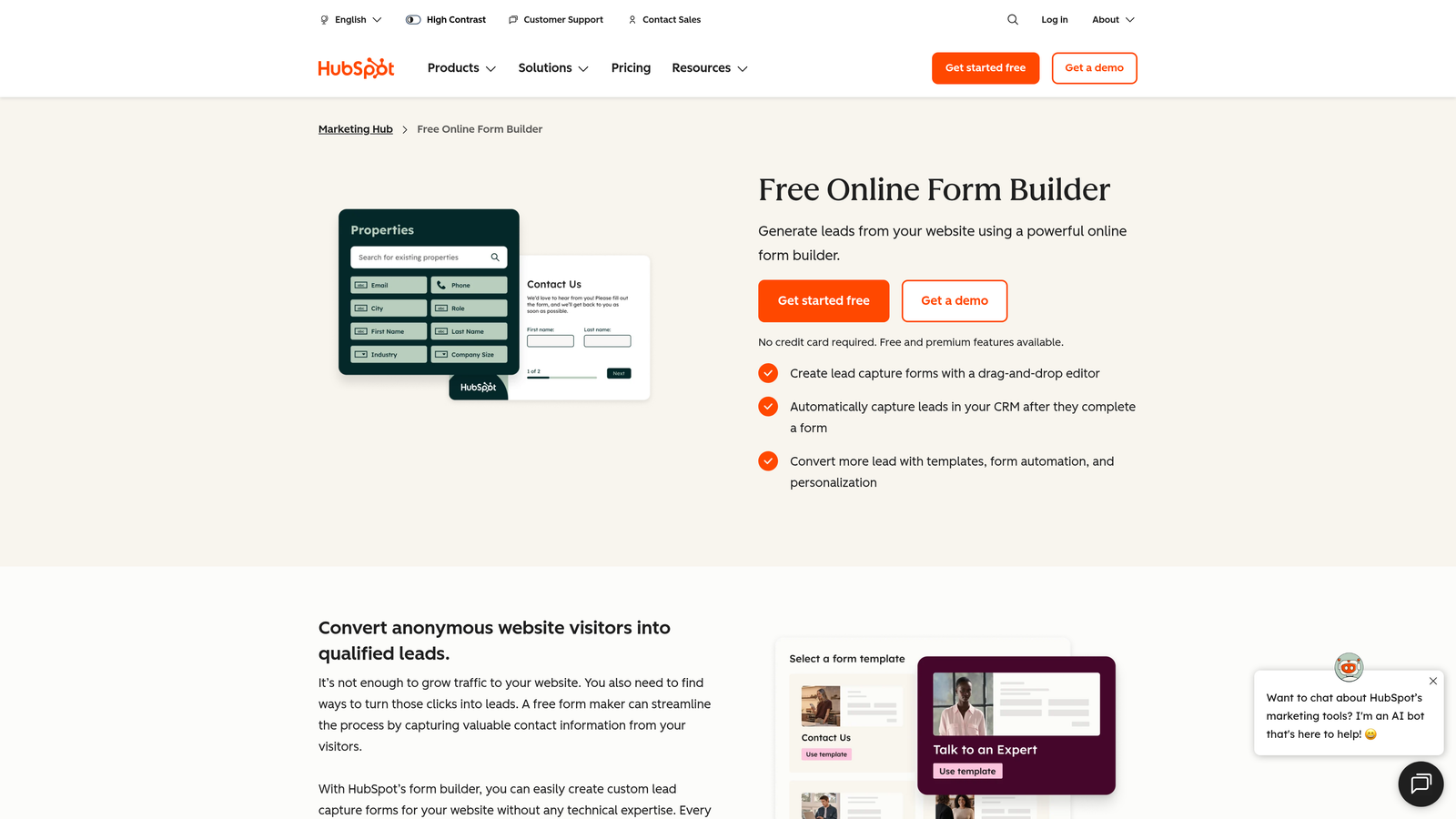
HubSpot Forms is the native form builder within HubSpot's marketing platform with seamless CRM data flow.
Where This Tool Shines
If you're already using HubSpot, the native form builder eliminates integration headaches entirely. Every submission flows directly into your CRM with full contact history, activity tracking, and lifecycle stage updates. No middleware, no sync delays, no data mapping issues.
Progressive profiling is the standout feature. Forms automatically adapt based on what HubSpot already knows about a contact, asking new questions instead of requesting the same information repeatedly. This creates a better user experience while enriching your database over time.
Key Features
Native CRM Integration: Submissions sync instantly to HubSpot CRM with complete contact records and activity history.
Progressive Profiling: Forms intelligently ask different questions to returning visitors based on existing contact data.
Smart Fields: Pre-populate fields with known information to reduce friction for contacts already in your database.
Marketing Automation Triggers: Automatically enroll contacts in workflows, sequences, or lists based on form submissions.
Built-In Analytics: Track form performance, conversion rates, and attribution within the HubSpot dashboard.
Best For
HubSpot Forms is essential for companies already invested in the HubSpot ecosystem. If your marketing and sales teams rely on HubSpot for lead management, using the native form builder ensures data consistency and workflow automation.
Pricing
Free with HubSpot CRM. Advanced features like progressive profiling require Marketing Hub Professional ($800+/month).
6. Paperform
Best for: Creating document-style forms that combine data collection with rich content experiences
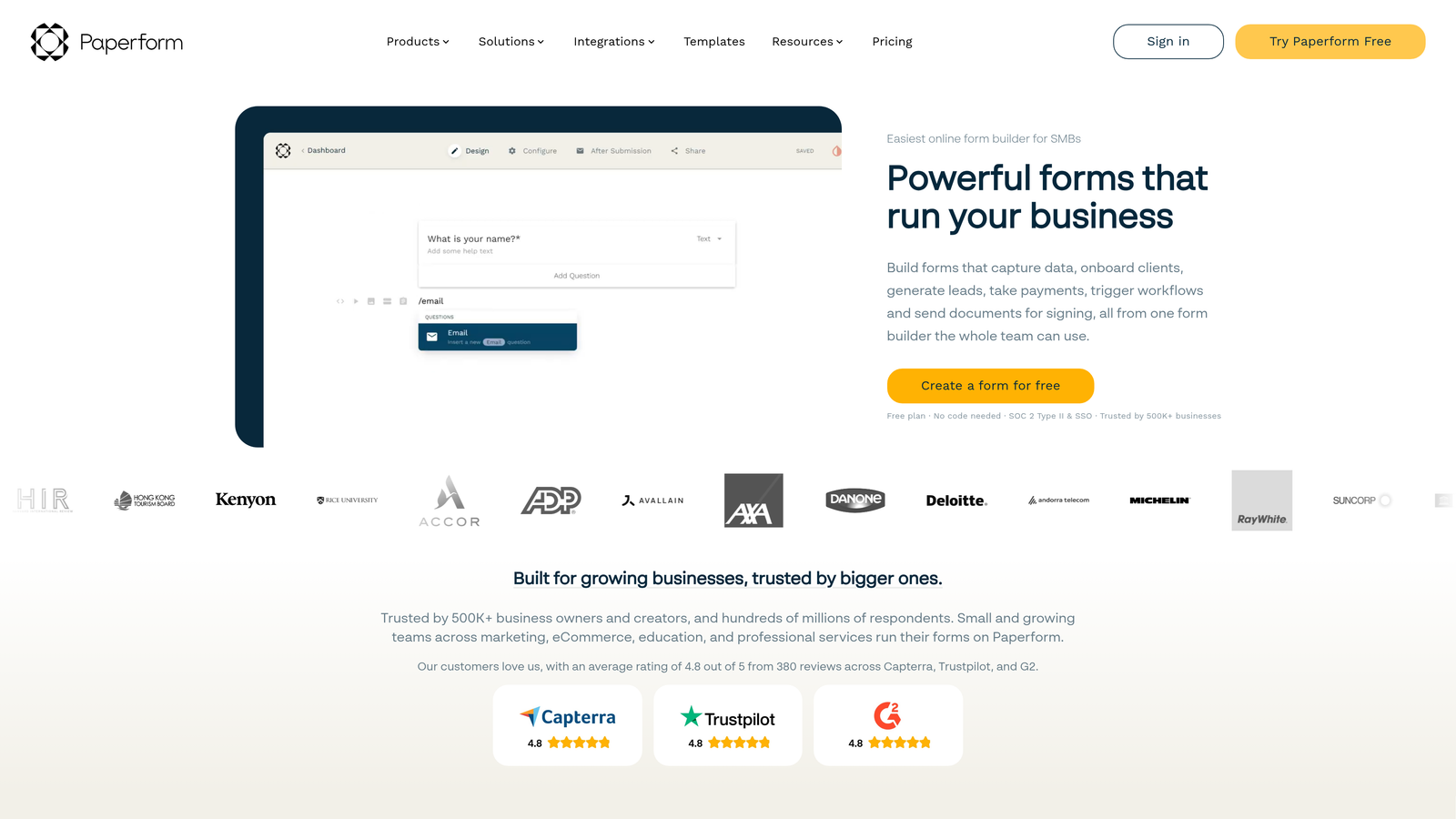
Paperform is a document-style form builder that blends forms with content to create landing page experiences.
Where This Tool Shines
Paperform treats forms as documents rather than isolated data collection tools. You can mix form fields with paragraphs, images, videos, and formatting to create experiences that inform while they collect. This approach works beautifully for applications, bookings, or any scenario where context matters.
The e-commerce and booking capabilities are surprisingly robust. You can sell products, accept bookings, and process payments all within the same form experience. For service businesses or small e-commerce operations, this consolidates multiple tools into one platform.
Key Features
Document-Style Creation: Build forms that read like web pages, mixing questions with rich content and formatting.
E-Commerce Capabilities: Sell products, services, or subscriptions with built-in shopping cart and checkout functionality.
Booking and Scheduling: Integrate calendar functionality for appointments, reservations, or event registrations.
Custom Branding: Extensive design controls for colors, fonts, and styling to match brand guidelines perfectly.
Conditional Logic: Show or hide sections based on responses to create personalized pathways through content.
Best For
Paperform excels for service businesses, consultants, coaches, and small e-commerce shops that need booking or payment functionality alongside lead capture. It's particularly effective when you need to educate prospects while collecting information.
Pricing
Essentials plan at $24/month for core features. Pro plan at $49/month adds advanced integrations and removes limits.
7. Formstack
Best for: Enterprise organizations requiring advanced compliance, security, and workflow automation
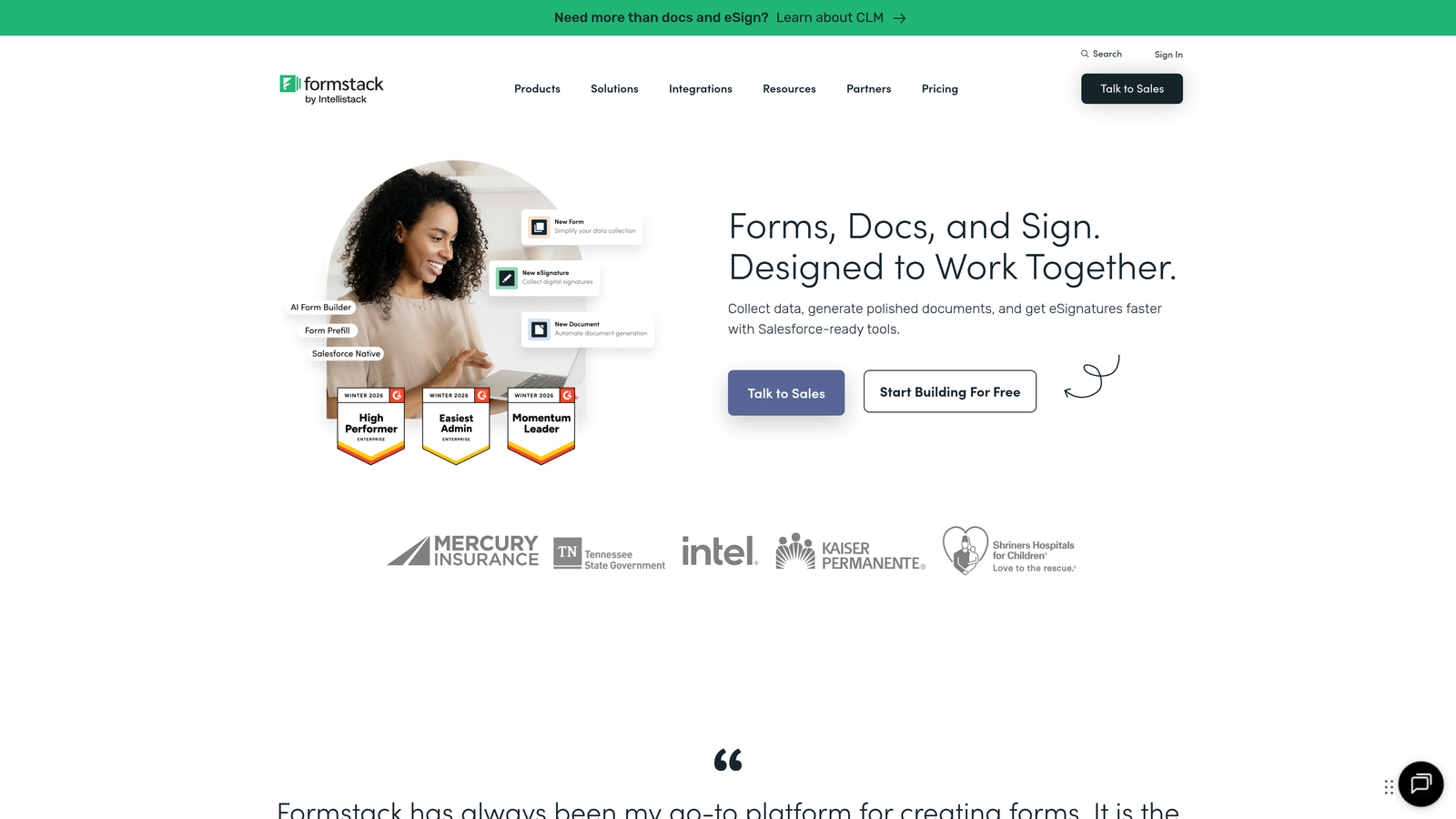
Formstack is an enterprise-grade form builder with comprehensive compliance certifications and advanced workflow capabilities.
Where This Tool Shines
Formstack's compliance certifications—HIPAA, GDPR, SOC 2—make it the go-to choice for healthcare, finance, and other regulated industries. The platform handles sensitive data with enterprise-level security that meets strict regulatory requirements, something most form builders can't claim.
The workflow automation goes far beyond basic integrations. You can build complex approval processes, document generation workflows, and multi-step data routing that would typically require custom development. For organizations with sophisticated internal processes, this automation saves significant time.
Key Features
Compliance Certifications: HIPAA, GDPR, and SOC 2 compliance for handling sensitive data in regulated industries.
Advanced Workflow Automation: Build complex approval processes, routing rules, and multi-step workflows without coding.
Electronic Signatures: Collect legally binding e-signatures directly within forms for contracts and agreements.
Document Generation: Automatically create PDFs, contracts, or reports from form submission data.
Enterprise Security: SSO, advanced user permissions, and audit trails for enterprise IT requirements.
Best For
Formstack is built for healthcare providers, financial services, government agencies, and large enterprises with strict compliance requirements. If your organization deals with PHI, PII, or other regulated data, the compliance features justify the premium pricing.
Pricing
Starter plan at $50/month for basic features. Teams plan at $83/month for collaboration. Enterprise pricing available for compliance features.
8. Cognito Forms
Best for: Power users needing advanced calculations and payment collection on a generous free tier
Cognito Forms is a feature-rich form builder with powerful calculation capabilities and payment processing on an unlimited free plan.
Where This Tool Shines
Cognito Forms' calculation engine is remarkably powerful. You can build complex formulas that calculate pricing, generate quotes, or score assessments in real-time as users fill out forms. This makes it excellent for quote generators, order forms, or any scenario requiring dynamic calculations.
The free tier is genuinely useful—unlimited forms and unlimited submissions. Many competitors artificially limit free plans to push upgrades, but Cognito Forms provides full functionality for individual users. For solopreneurs or small projects, this removes cost barriers entirely.
Key Features
Advanced Calculations: Build complex formulas and calculations that update dynamically as users complete forms.
Payment Collection: Accept payments through Stripe, PayPal, or Square with transparent fee structures.
Repeating Sections: Allow users to add multiple entries of the same data set, perfect for registrations or applications.
Conditional Logic: Show, hide, or require fields based on previous answers to create adaptive experiences.
Generous Free Tier: Unlimited forms and submissions for individual users, unlike most competitors.
Best For
Cognito Forms is ideal for consultants, freelancers, and small businesses that need quote calculators, order forms, or registration systems with payment processing. The calculation capabilities make it particularly strong for pricing tools.
Pricing
Free for individuals with unlimited forms. Pro plan at $15/month adds team features. Team plan at $35/month for collaboration.
9. Google Forms
Best for: Quick surveys and basic data collection with zero budget and Google Workspace integration
Google Forms is a completely free form builder integrated with Google Workspace for simple data collection needs.
Where This Tool Shines
Google Forms is genuinely free with no hidden costs, submission limits, or upgrade pressure. For internal surveys, event RSVPs, or basic feedback collection, it provides everything you need without spending a dollar. The simplicity is the point—no feature bloat, just straightforward data collection.
The Google Sheets integration is seamless and powerful. Responses flow directly into a spreadsheet where you can analyze, filter, and manipulate data using familiar tools. For teams already living in Google Workspace, this integration eliminates export/import hassles entirely.
Key Features
Completely Free: No limits on forms, responses, or features—everything is included with a free Google account.
Google Sheets Integration: Responses automatically populate a spreadsheet for easy analysis and data manipulation.
Real-Time Collaboration: Multiple team members can edit forms simultaneously, just like Google Docs.
Basic Conditional Logic: Show or hide questions based on answers to create simple branching paths.
Quiz Functionality: Create quizzes with automatic grading and answer feedback for educational purposes.
Best For
Google Forms works best for internal surveys, employee feedback, event registrations, and educational quizzes. It's perfect when you need basic data collection without design requirements or advanced features.
Pricing
Completely free with a Google account. No paid tiers or upgrade options.
10. Fillout
Best for: No-code teams using Notion or Airtable who need native database integration
Fillout is a modern form builder with native Notion and Airtable integrations designed for no-code database users.
Where This Tool Shines
Fillout's native Notion and Airtable integrations are genuinely native—not Zapier workarounds. Forms write directly to your databases, and you can even use existing database fields as form options. For teams building systems in Notion or Airtable, this eliminates the integration layer entirely.
The design templates feel modern and clean without being overly stylized. They hit the sweet spot between professional and approachable, making them suitable for both B2B and consumer-facing applications. The interface is intuitive enough that non-technical team members can build forms independently.
Key Features
Native Database Integration: Direct connections to Notion and Airtable that write submissions straight to your databases.
Modern Design Templates: Clean, contemporary form designs that work across industries and use cases.
Scheduling Capabilities: Built-in calendar functionality for booking appointments or scheduling meetings.
Payment Collection: Accept payments through Stripe for products, services, or donations.
Conditional Logic: Create dynamic forms that adapt based on user responses.
Best For
Fillout is perfect for startups and small teams building their operations in Notion or Airtable. If your CRM, project management, or content systems live in these no-code databases, Fillout provides the missing form layer.
Pricing
Free tier available with basic features. Starter plan at $15/month adds custom domains and removes branding.
11. Formsort
Best for: Growth teams running high-volume lead qualification funnels with A/B testing requirements
Formsort is a conversion-focused form builder built specifically for growth teams optimizing multi-step lead funnels.
Where This Tool Shines
Formsort is built for optimization. The native A/B testing functionality lets you test different form variations, question orders, or copy without external tools. For growth teams running high-volume acquisition campaigns, this testing capability is essential for continuous improvement.
The analytics go beyond basic completion rates. You can track drop-off at specific questions, time-to-complete for each step, and conversion rates through multi-step funnels. This granular data helps identify exactly where prospects abandon and what changes might improve performance.
Key Features
Built-In A/B Testing: Test form variations, question order, or copy changes without external experimentation tools.
Multi-Step Optimization: Track performance at each step of complex funnels to identify drop-off points.
Advanced Analytics: Granular conversion tracking, time-on-question metrics, and funnel visualization.
Custom Branding: Complete design control to match brand guidelines and create seamless experiences.
Developer-Friendly API: Robust API for custom integrations and programmatic form management.
Best For
Formsort is designed for B2B SaaS companies, fintech applications, and growth teams running high-volume lead qualification funnels. If you're driving significant paid traffic to forms and need to optimize conversion rates scientifically, the testing capabilities justify the investment.
Pricing
Custom pricing based on submission volume and feature requirements. Contact their sales team for specific quotes.
Making the Right Choice
The best web form creation tool depends entirely on your specific needs and existing tech stack. For high-growth teams prioritizing lead quality over quantity, Orbit AI's intelligent qualification features eliminate manual lead scoring while maintaining high completion rates. If you're already invested in HubSpot, their native form builder ensures seamless CRM integration without middleware.
Budget-conscious teams should look at Tally or Cognito Forms, both offering genuinely useful free tiers without artificial limits. For regulated industries handling sensitive data, Formstack's compliance certifications are worth the premium pricing. Teams building in Notion or Airtable will find Fillout's native database integration eliminates integration complexity entirely.
If visual presentation is paramount, Typeform's conversational interface creates engaging experiences, though it comes at a higher price point. Growth teams running high-volume acquisition campaigns benefit from Formsort's built-in A/B testing and granular analytics. For quick internal surveys or basic data collection, Google Forms remains unbeatable on value.
The common thread among top performers is a focus on conversion optimization rather than just data collection. Modern form builders understand that completion rates matter as much as feature lists. Consider your primary use case: Are you qualifying B2B leads? Collecting customer feedback? Processing payments? Your answer should guide your choice.
Transform your lead generation with AI-powered forms that qualify prospects automatically while delivering the modern, conversion-optimized experience your high-growth team needs. Start building free forms today and see how intelligent form design can elevate your conversion strategy.


