

Service businesses live and die by their ability to capture and qualify leads efficiently. Whether you're a marketing agency juggling client intake, a consulting firm screening prospects, or a home services company booking appointments, your forms are often the first real interaction potential clients have with your business.
The right form builder does more than collect information. It qualifies leads, integrates with your existing tools, and helps you respond faster than your competitors.
We evaluated dozens of form builders specifically through the lens of service business needs: lead qualification, scheduling integration, CRM connectivity, and professional appearance. Here are nine that stood out.
1. Orbit AI
Best for: High-growth service teams needing AI-powered lead qualification and intelligent routing
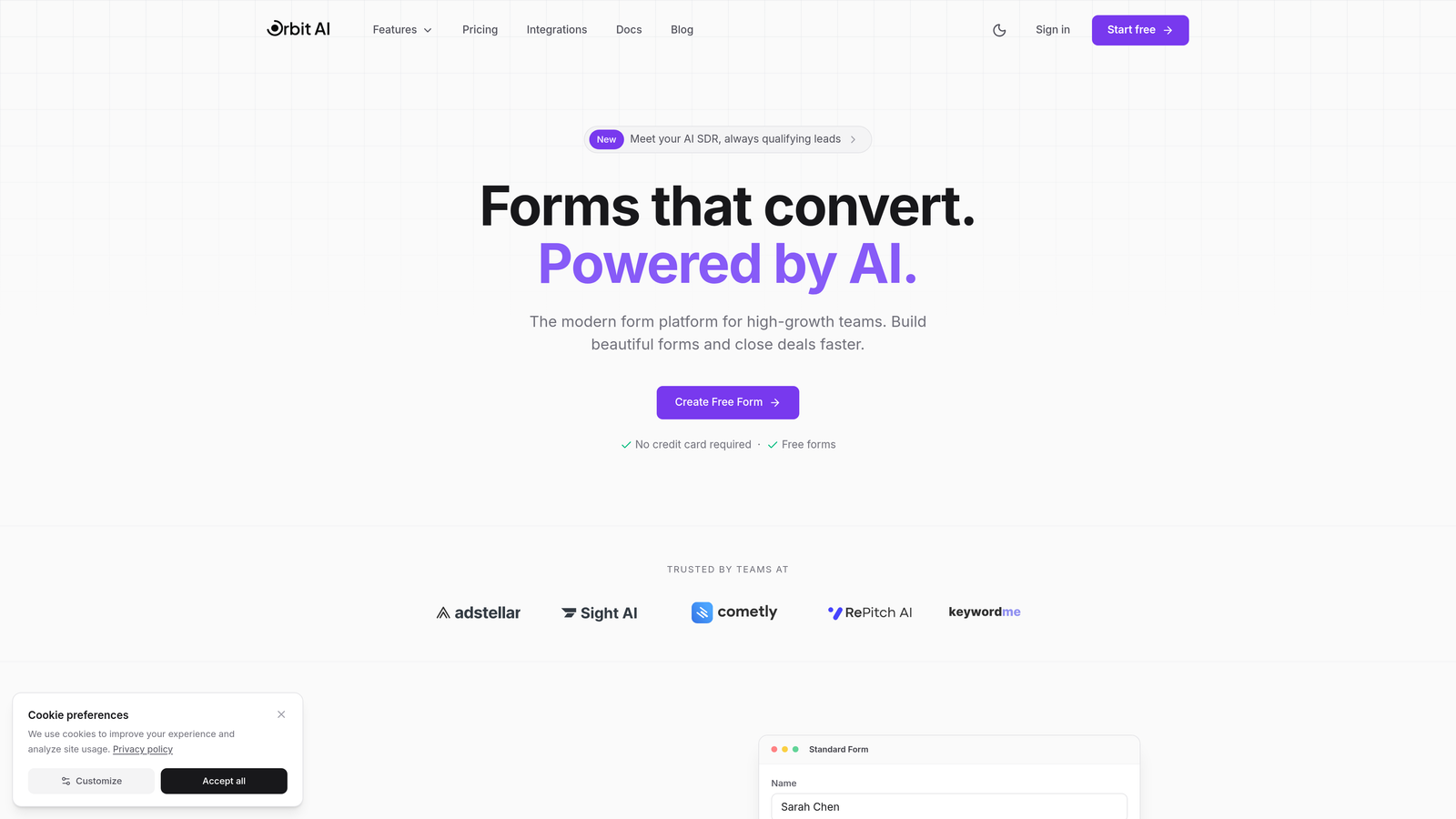
Orbit AI is an AI-powered form builder designed specifically for service businesses that need to qualify leads automatically while maintaining a modern, conversion-optimized experience.
Where This Tool Shines
The AI-powered lead qualification sets Orbit AI apart from traditional form builders. Instead of manually reviewing every submission to determine which prospects are worth pursuing, the platform scores and routes leads based on their responses.
This means your sales team spends time with qualified prospects rather than tire-kickers, and potential clients get faster responses because routing happens automatically. The conversion-optimized templates are built with service businesses in mind, creating professional first impressions that establish credibility immediately.
Key Features
AI-Powered Lead Qualification: Automatically scores leads based on their responses and your criteria, flagging high-value prospects for immediate follow-up.
Intelligent Form Routing: Routes submissions to the right team member or department based on service type, location, or other qualifying factors.
Built-in Scheduling Integration: Connects with your calendar to let qualified prospects book consultations directly from the form experience.
CRM Integrations: Native connections to HubSpot, Salesforce, and Pipedrive eliminate manual data entry and ensure leads flow into your existing workflows.
Conversion-Optimized Templates: Pre-built form templates designed specifically for service businesses, from client intake to project proposals.
Best For
High-growth service businesses that receive significant lead volume and need to qualify prospects efficiently. Marketing agencies, consulting firms, and professional services companies that want to automate lead scoring while maintaining a premium brand experience will find the most value here.
Pricing
Free tier available for getting started. Paid plans begin at $29/month, scaling with features and form submission volume.
2. Typeform
Best for: Service businesses prioritizing brand experience and conversational engagement
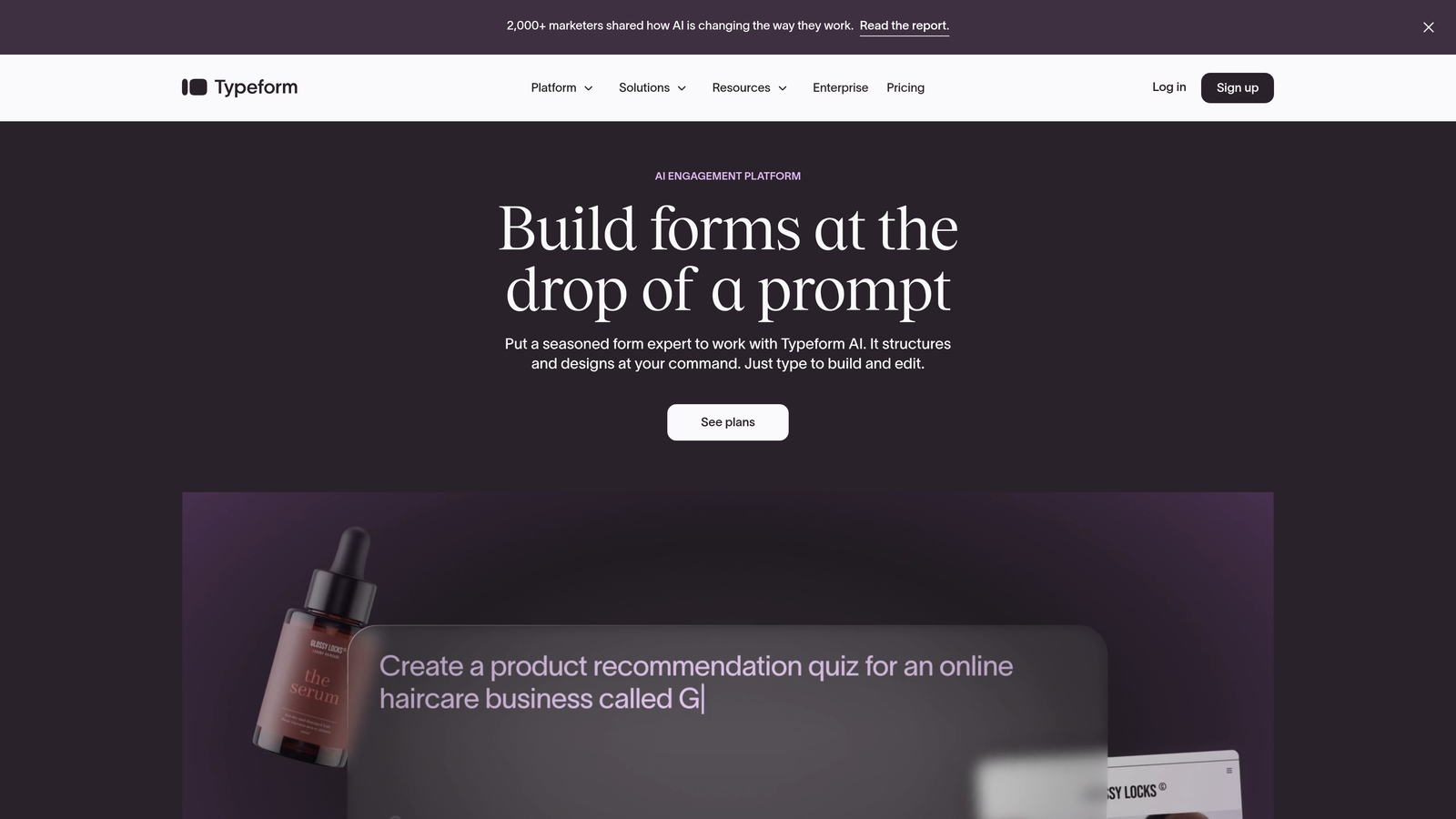
Typeform is a conversational form builder that displays one question at a time, creating an engaging experience that feels more like a conversation than an interrogation.
Where This Tool Shines
The one-question-at-a-time format reduces form abandonment by making long intake forms feel manageable. Instead of overwhelming prospects with a wall of fields, Typeform guides them through a conversation that builds momentum.
The platform's design capabilities are exceptional. If your service business competes on brand and presentation, Typeform lets you create forms that match your visual identity perfectly, from custom color schemes to embedded videos and images that reinforce your positioning.
Key Features
Conversational Format: One question per screen creates a focused experience that increases completion rates for longer forms.
Brand Customization: Extensive design controls let you match fonts, colors, and imagery to your brand guidelines perfectly.
Logic Jumps: Show or hide questions based on previous answers, creating personalized paths through your intake process.
Native Integrations: Connects with popular tools like Google Sheets, Slack, Mailchimp, and Zapier for workflow automation.
Media Embedding: Add videos, images, and GIFs to create engaging forms that communicate your service value visually.
Best For
Service businesses where brand experience matters significantly—creative agencies, design studios, premium consultancies. Companies with longer intake forms that need to maintain engagement throughout the submission process.
Pricing
Free tier available with Typeform branding. Basic plan starts at $25/month, with higher tiers adding features like payment collection and priority support.
3. Jotform
Best for: Service businesses needing extensive templates and built-in payment processing
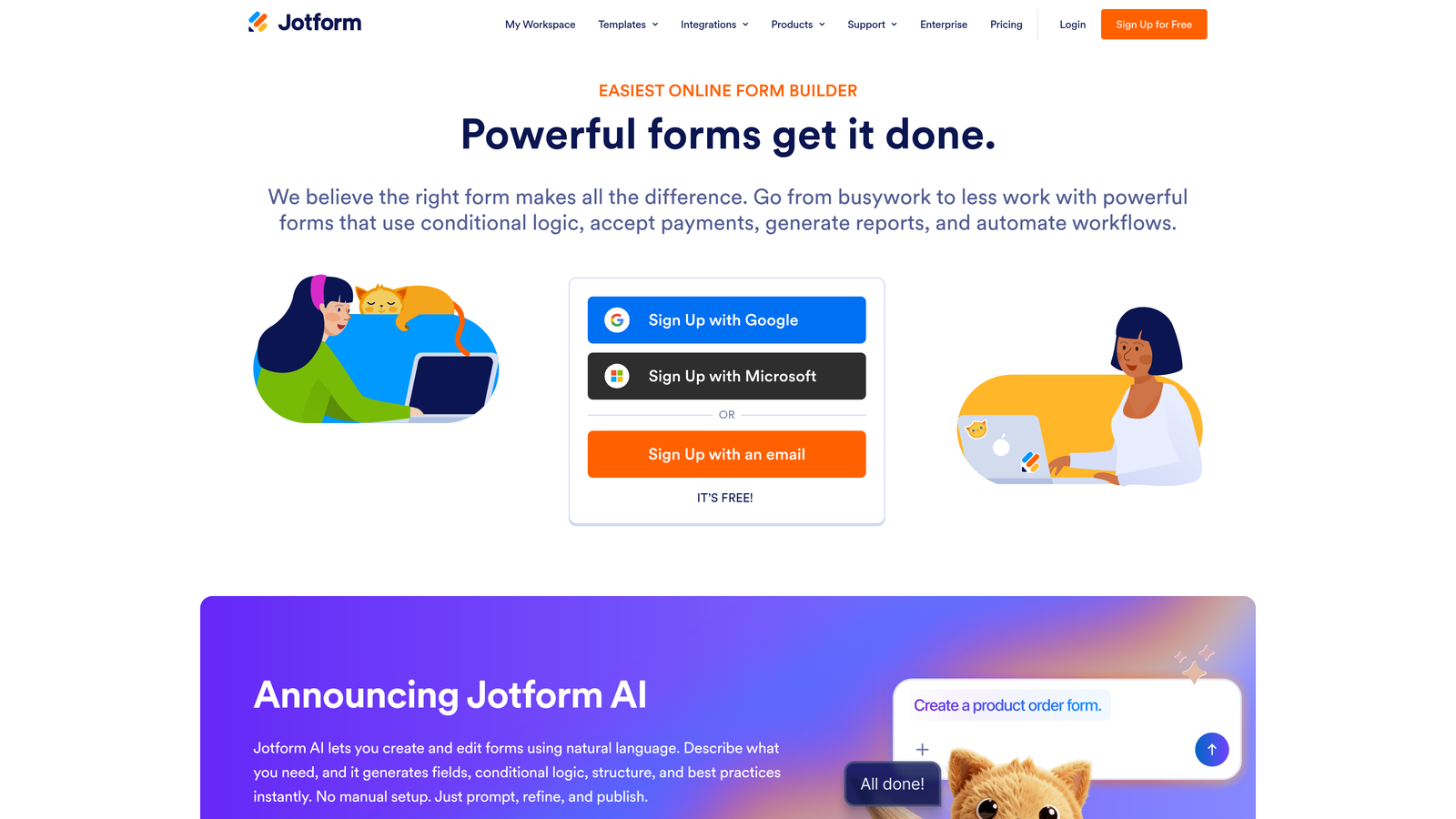
Jotform is a versatile form builder with over 10,000 templates covering virtually every service business scenario imaginable.
Where This Tool Shines
The template library means you're rarely starting from scratch. Whether you need a home services estimate request, a legal intake form, or a fitness consultation questionnaire, there's likely a pre-built template you can customize in minutes rather than hours.
The integrated payment processing is particularly valuable for service businesses that collect deposits or retainers. Clients can submit their information and pay in one seamless flow, reducing friction in your sales process. HIPAA-compliant options make Jotform viable for healthcare-adjacent services that handle protected health information.
Key Features
10,000+ Templates: Pre-built forms for virtually every service industry, from contractors to consultants to healthcare providers.
Payment Processing: Accept payments through Square, Stripe, PayPal, and other processors directly within your forms.
HIPAA Compliance: Available on higher-tier plans for healthcare services that need to protect patient information.
PDF Generation: Automatically create PDF documents from form submissions for contracts, proposals, or client records.
Approval Workflows: Route submissions through approval processes before finalizing, useful for multi-step service agreements.
Best For
Service businesses that want to launch quickly with proven templates. Companies that need integrated payment collection for deposits or service fees. Healthcare-adjacent services requiring HIPAA compliance.
Pricing
Free tier includes up to 5 forms with 100 monthly submissions. Bronze plan starts at $34/month for unlimited forms and 1,000 submissions.
4. Gravity Forms
Best for: WordPress-based service businesses needing powerful conditional logic and extensibility
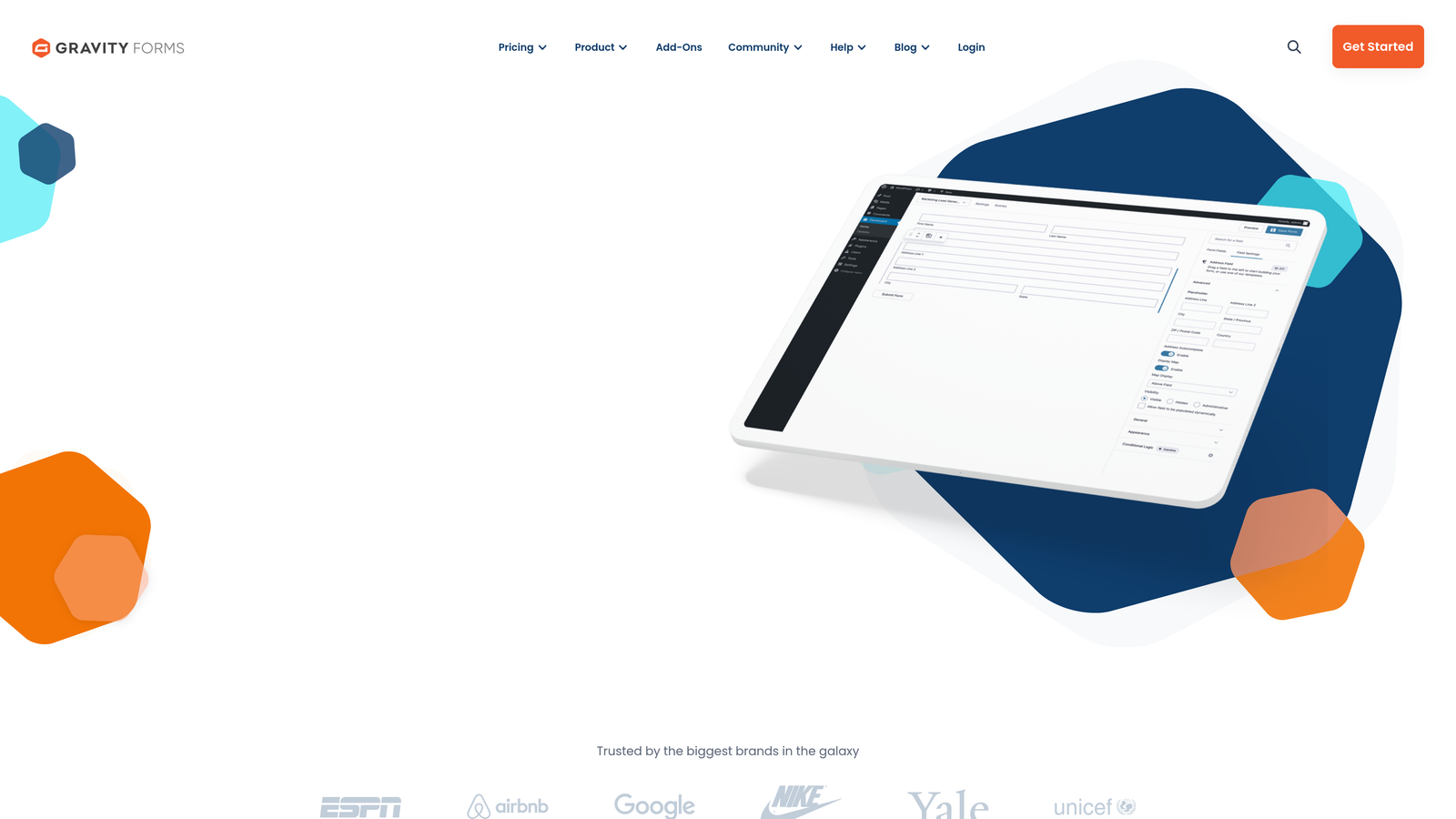
Gravity Forms is a premium WordPress plugin that brings enterprise-level form functionality to WordPress sites.
Where This Tool Shines
If your service business runs on WordPress, Gravity Forms integrates more deeply than any cloud-based alternative. The forms live on your server, giving you complete control over data and design.
The conditional logic capabilities are exceptional. You can create sophisticated intake forms that adapt based on service type, location, project scope, or any other factor. The extensive add-on ecosystem means you can connect Gravity Forms to virtually any tool in your stack, from CRMs to payment processors to project management platforms.
Key Features
Deep WordPress Integration: Native integration with WordPress users, posts, and custom post types for seamless content management.
Advanced Conditional Logic: Show, hide, or require fields based on complex conditions across multiple form fields.
Extensive Add-on Ecosystem: Official and third-party add-ons for CRM integration, payment processing, email marketing, and more.
Multi-page Forms: Break long intake forms into multiple pages with progress indicators and save-and-continue functionality.
Developer-Friendly: Hooks and filters let developers customize every aspect of form behavior and appearance.
Best For
Service businesses with WordPress websites that need sophisticated form logic and deep integration with their content management system. Companies with development resources to leverage the platform's extensibility.
Pricing
Basic license starts at $59/year for a single site. Pro license at $159/year includes advanced add-ons and priority support.
5. HubSpot Forms
Best for: Service businesses already using HubSpot CRM or building a comprehensive marketing ecosystem
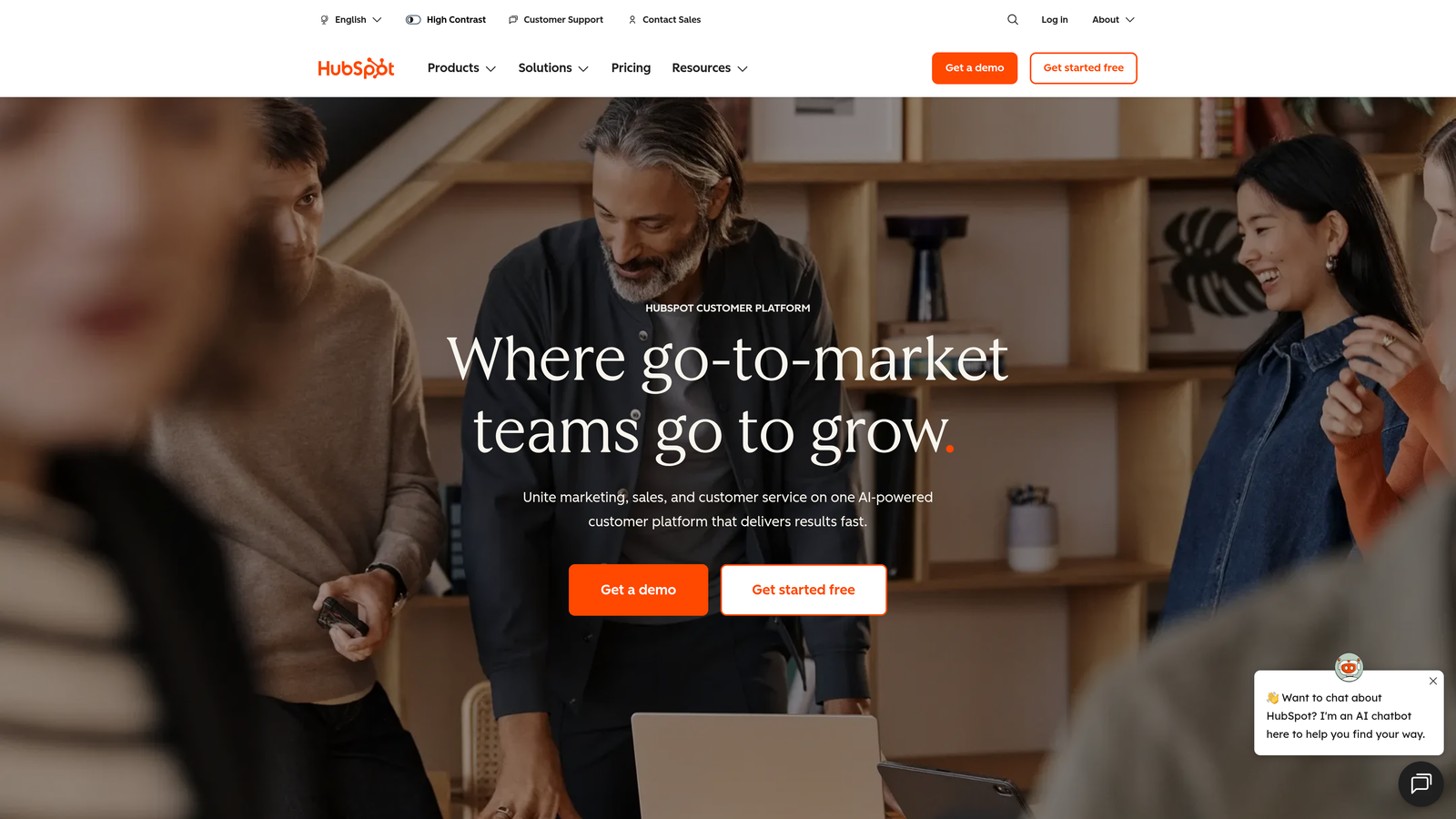
HubSpot Forms is the native form builder within HubSpot's CRM platform, offering seamless integration with contact management and marketing automation.
Where This Tool Shines
The progressive profiling capability is powerful for service businesses with returning visitors. Instead of asking the same questions repeatedly, HubSpot Forms remembers what contacts have already told you and asks new questions to build a more complete profile over time.
Every form submission automatically creates or updates a contact record in your CRM, with complete submission history visible in the contact timeline. This eliminates the manual data entry that plagues service businesses using disconnected tools. The follow-up automation means qualified leads can receive immediate responses even outside business hours.
Key Features
Seamless CRM Integration: Form submissions automatically create or update contact records with zero manual data entry.
Progressive Profiling: Smart fields that show different questions to returning visitors, building richer contact profiles over time.
Automatic Contact Enrichment: HubSpot automatically adds company information and social profiles to form submissions when possible.
A/B Testing: Test different form variations to optimize conversion rates based on actual performance data.
Follow-up Automation: Trigger email sequences, task creation, or deal creation based on form submissions and responses.
Best For
Service businesses already using HubSpot CRM or willing to adopt it as their central platform. Companies that want forms, CRM, and marketing automation working together seamlessly without integration complexity.
Pricing
Free with HubSpot CRM, including basic form functionality. Advanced features like progressive profiling and A/B testing require paid Marketing Hub plans starting at $45/month.
6. Paperform
Best for: Service businesses creating landing pages with integrated scheduling and payments
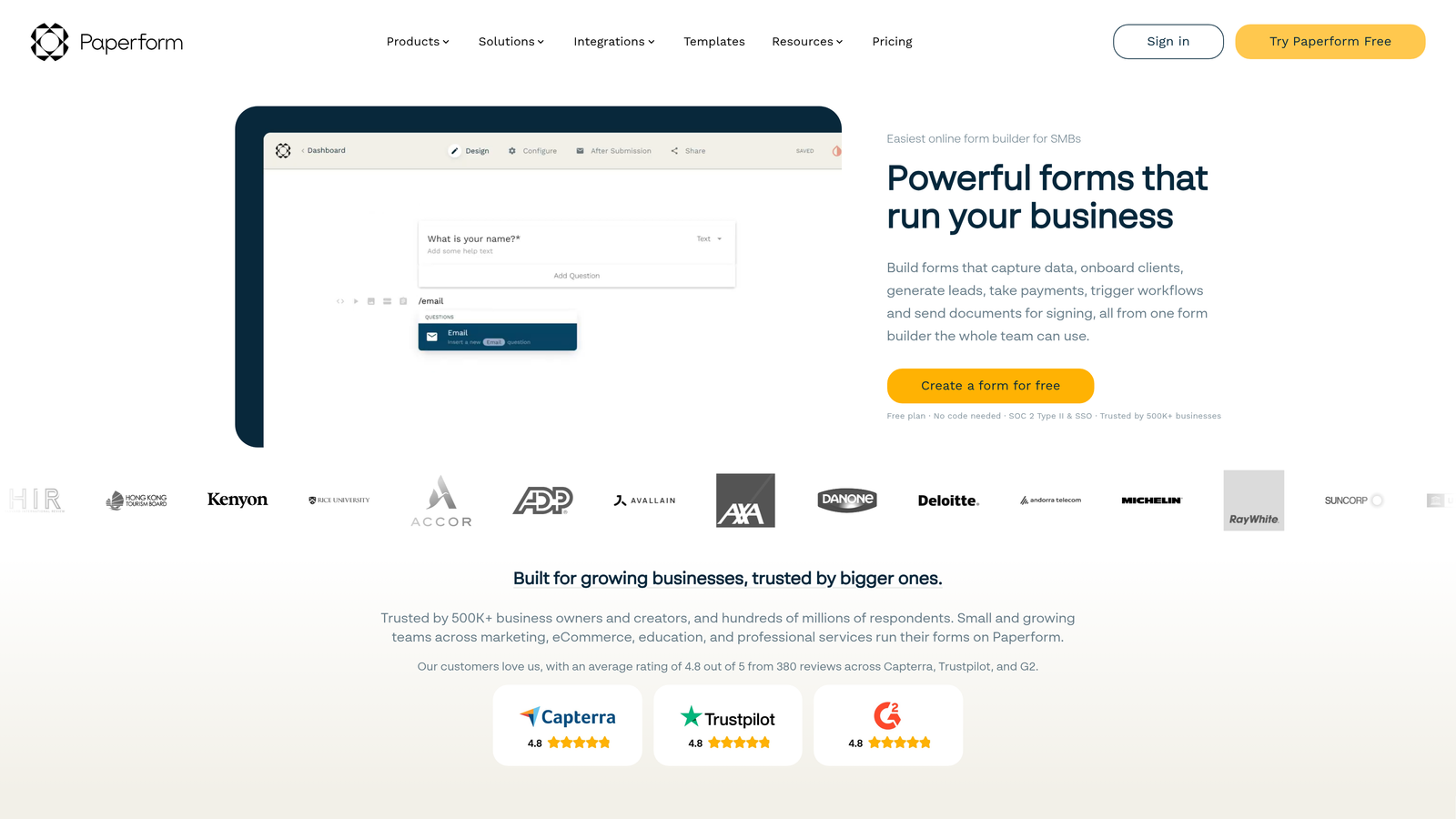
Paperform is a form builder that creates document-style forms that can function as complete landing pages, combining information presentation with data collection.
Where This Tool Shines
Paperform blurs the line between landing page and form. You can create a complete service offering page that explains your process, showcases testimonials, and collects booking information—all in one experience without needing a separate website builder.
The built-in appointment scheduling means prospects can book consultations directly within the form flow. The calculation fields are particularly valuable for service businesses that provide instant quotes based on project scope, duration, or other variables that prospects specify in the form.
Key Features
Landing Page Functionality: Create complete landing pages with rich content, images, and forms combined in one document-style experience.
Built-in Scheduling: Native appointment booking without needing external calendar tools like Calendly.
Payment Processing: Accept payments through Stripe or PayPal directly within forms for deposits or service fees.
Rich Content Embedding: Add videos, images, testimonials, and formatted text to create compelling service presentations.
Calculation Fields: Provide instant quotes or estimates based on prospect responses using custom formulas.
Best For
Service businesses that want to create complete landing pages without separate website builders. Companies that provide instant quotes or estimates based on client specifications. Consultants and agencies that need to combine service explanation with booking in one flow.
Pricing
Essentials plan starts at $24/month, including unlimited forms and basic features. Higher tiers add payment processing and advanced integrations.
7. Cognito Forms
Best for: Budget-conscious service businesses needing robust features without premium pricing
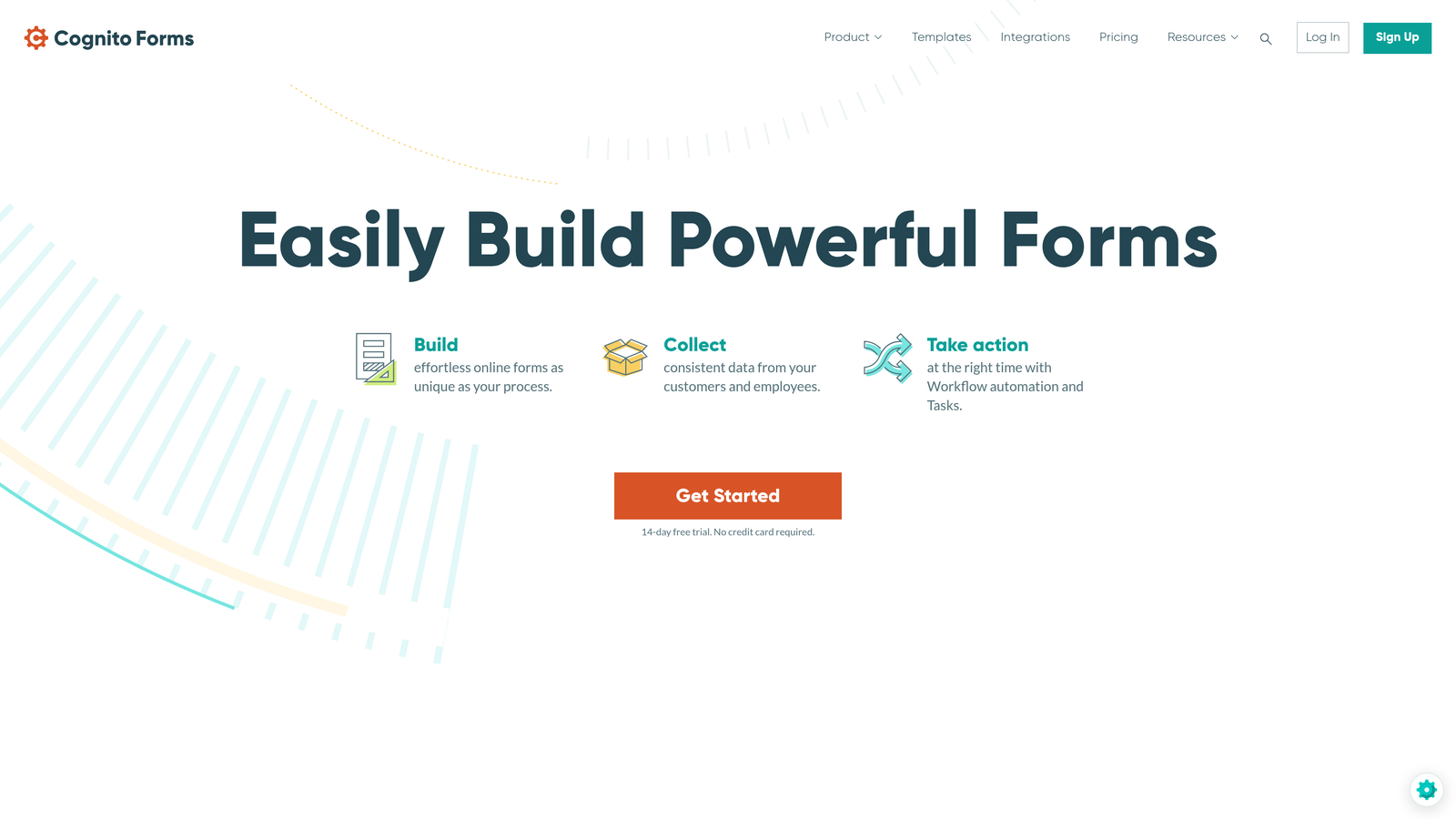
Cognito Forms is a budget-friendly form builder that offers surprisingly robust features, including built-in calculations and payment processing.
Where This Tool Shines
The free tier is genuinely useful, not just a trial. You get unlimited forms and submissions, making Cognito Forms viable for small service businesses that need professional form capabilities without monthly expenses.
The calculation capabilities rival platforms costing significantly more. Service businesses can create instant quote forms that calculate pricing based on service type, duration, add-ons, and other variables. The repeating sections feature lets clients add multiple items or services in a single submission, useful for businesses offering bundled services.
Key Features
Generous Free Tier: Unlimited forms and submissions on the free plan, with only storage and advanced features requiring payment.
Built-in Calculations: Create instant quotes and estimates using custom formulas based on form responses.
Payment Integration: Accept payments through Stripe or Square directly within forms.
Repeating Sections: Let clients add multiple items, services, or attendees within a single form submission.
Data Encryption: All form data is encrypted at rest and in transit, with compliance features for sensitive information.
Best For
Small service businesses with limited budgets that still need professional form capabilities. Companies that provide instant quotes or estimates based on service specifications. Businesses handling sensitive information that need encryption and compliance features.
Pricing
Free tier includes unlimited forms and submissions with 500MB storage. Pro plan starts at $15/month for increased storage and advanced features.
8. Formstack
Best for: Enterprise service businesses requiring advanced compliance and workflow automation
Formstack is an enterprise-grade form and workflow platform with strong compliance features and sophisticated automation capabilities.
Where This Tool Shines
The compliance certifications make Formstack viable for service businesses in regulated industries. HIPAA, GDPR, and SOC 2 compliance mean healthcare providers, financial services, and other regulated businesses can collect sensitive information confidently.
The workflow automation goes beyond simple integrations. You can create sophisticated approval processes, document generation workflows, and multi-step routing that matches complex service delivery processes. The electronic signature integration means you can collect information, generate contracts, and secure signatures all within one platform.
Key Features
Advanced Workflow Automation: Create sophisticated routing, approval, and notification workflows that match complex service processes.
Compliance Certifications: HIPAA, GDPR, and SOC 2 compliance for regulated industries handling sensitive information.
Electronic Signatures: Integrated e-signature capabilities for contracts and service agreements without separate tools.
Document Generation: Automatically create PDF documents, contracts, or proposals from form submissions using custom templates.
Enterprise Security: Advanced security features including SSO, audit logs, and role-based access control.
Best For
Enterprise service businesses with complex workflows and compliance requirements. Healthcare providers, financial services, and legal firms handling sensitive client information. Companies that need sophisticated approval processes and document generation capabilities.
Pricing
Starter plan begins at $50/month when billed annually. Enterprise pricing available for larger organizations with advanced requirements.
9. 123FormBuilder
Best for: Distributed service teams needing offline collection and collaboration features
123FormBuilder is a collaborative form builder with offline capabilities and team features designed for distributed service businesses.
Where This Tool Shines
The offline form collection capability is valuable for service businesses that work in the field without reliable internet. Home services companies, field consultants, and event services can collect information on mobile devices and sync submissions when connectivity returns.
The team collaboration features let multiple team members work on forms together, with version control and approval workflows ensuring consistency across your organization. The white-label options let agencies and consultancies create branded form experiences for clients without revealing the underlying platform.
Key Features
Team Collaboration: Multiple users can create and edit forms together with role-based permissions and approval workflows.
Offline Form Collection: Mobile app allows field teams to collect data without internet connectivity, syncing when connection returns.
Multi-language Support: Create forms in multiple languages for service businesses operating in diverse markets.
Workflow Approvals: Route form submissions through approval processes before finalizing or taking action.
White-Label Options: Remove platform branding and use custom domains for agency or enterprise deployments.
Best For
Service businesses with field teams that work without reliable internet connectivity. Distributed organizations that need team collaboration on form creation. Agencies and consultancies that want to white-label form experiences for clients.
Pricing
Free tier available with basic features. Gold plan starts at $24.99/month for advanced features and increased submission limits.
Making the Right Choice
The best form builder for your service business depends on your specific workflow, existing tools, and growth stage.
If you're a high-growth service business that receives significant lead volume, Orbit AI's intelligent qualification and routing capabilities will help your team focus on the prospects most likely to convert while maintaining a premium brand experience.
For service businesses where brand presentation is paramount, Typeform's conversational format and design flexibility create engaging experiences that reflect your positioning. The one-question-at-a-time approach works particularly well for longer intake forms that might otherwise feel overwhelming.
HubSpot Forms makes sense if you're already invested in the HubSpot ecosystem or building a comprehensive marketing platform. The seamless CRM integration and progressive profiling create a cohesive experience from first touch through client relationship management.
Budget-conscious service businesses should look at Cognito Forms, which offers robust features including calculations and payment processing without premium pricing. The generous free tier makes it viable even for businesses just starting out.
Enterprise service businesses in regulated industries need the compliance certifications and advanced security features that Formstack provides. The workflow automation capabilities support complex approval processes and document generation requirements.
Consider your integration requirements carefully. Service businesses typically use multiple tools—CRM, scheduling, project management, invoicing—and your form builder needs to connect with your existing stack. Native integrations reduce manual data entry and speed up response times, which often determines whether you win or lose competitive opportunities.
Think about mobile experience. Many service inquiries come from mobile devices, particularly for home services, local consultancies, and field-based businesses. Test your forms on mobile before launching to ensure the experience matches your desktop version.
The qualification capabilities matter more than most service businesses initially realize. Being able to automatically score leads and route high-value prospects for immediate follow-up means your sales team spends time with qualified buyers rather than sorting through inquiries manually.
Start building free forms today and see how intelligent form design can elevate your conversion strategy. Transform your lead generation with AI-powered forms that qualify prospects automatically while delivering the modern, conversion-optimized experience your high-growth team needs.


