

Embedded forms are the invisible infrastructure powering SaaS growth. Unlike standalone form pages, they live directly inside your product, landing pages, and dashboards, capturing leads and data without ever pulling users away from the experience you've built. When done right, they feel native. When done wrong, they feel like a clunky afterthought.
The best embedded form builders for SaaS go beyond basic iframe drops. You want clean JavaScript or React SDKs, deep CRM integrations, conditional logic that adapts to user behavior, and analytics that actually tell you where conversions are dropping off. Compliance, white-labeling, and mobile responsiveness inside embedded contexts matter too.
To build this list, we evaluated tools across five criteria: embed flexibility, customization depth, integration ecosystem, analytics capabilities, and pricing structure for SaaS teams. Whether you're a lean startup capturing early leads or a scaling team building complex onboarding flows, there's a tool here for your stack.
1. Orbit AI
Best for: High-growth SaaS teams that need AI-powered lead qualification built directly into their forms.
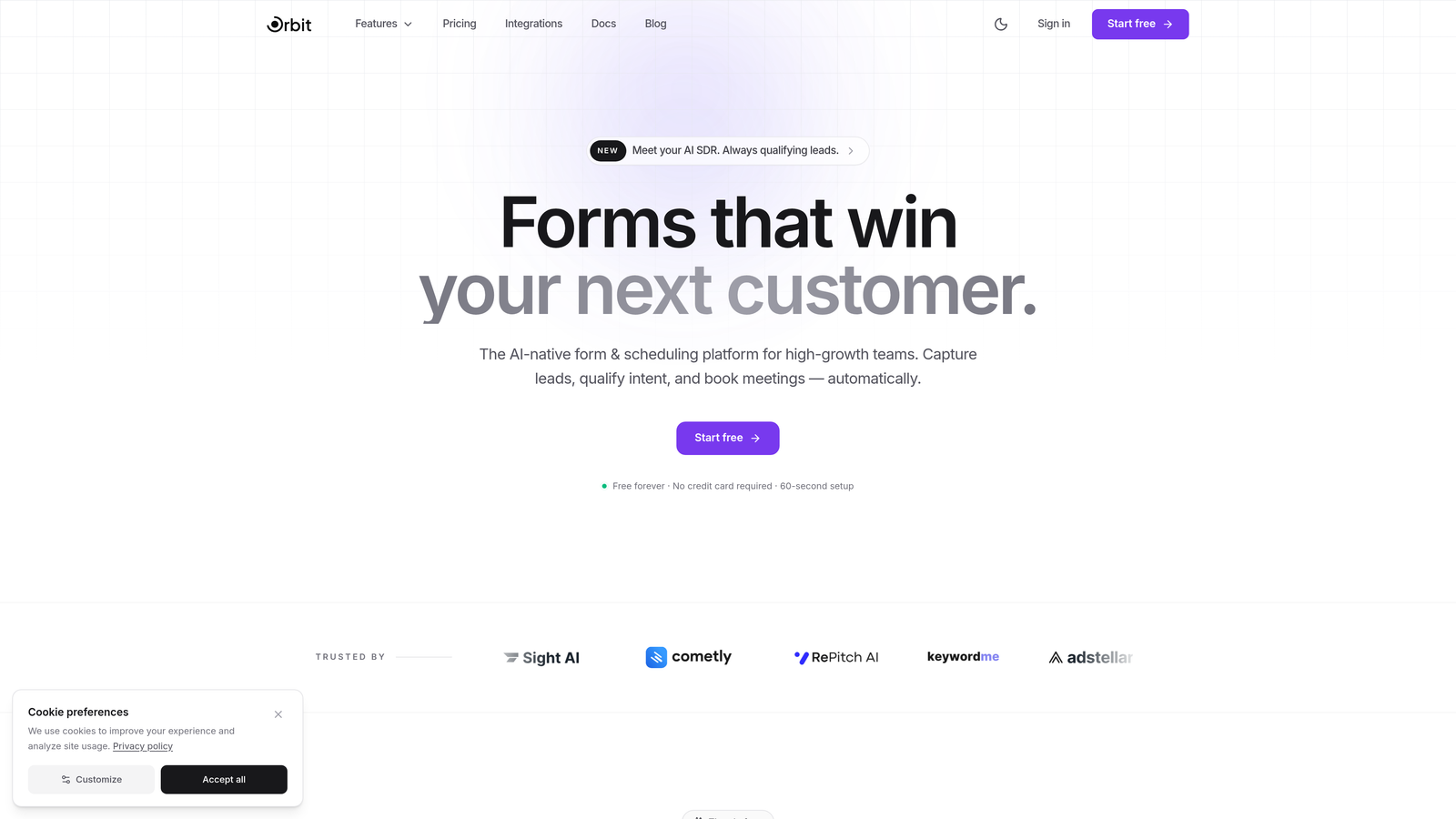
Orbit AI is an AI-powered form builder platform designed specifically for SaaS teams who want conversion-optimized embedded forms with built-in lead qualification.
Where This Tool Shines
Most form builders collect data passively and let your CRM figure out what to do with it later. Orbit AI takes a different approach: AI agents qualify and score leads in real-time as users move through the form, so by the time a submission lands in your CRM, it already knows whether that lead belongs in a sales sequence or a nurture flow.
The templates are built specifically for SaaS use cases, not generic contact forms repurposed for software companies. Pair that with a built-in analytics dashboard that tracks form performance and conversion rates, and you have a system that continuously improves rather than just collects.
Key Features
Real-Time AI Lead Qualification: AI agents score and qualify leads during form completion, routing high-intent prospects to sales sequences automatically.
SaaS-Optimized Templates: Modern, conversion-focused form templates designed around the workflows high-growth SaaS teams actually use.
Built-In Analytics Dashboard: Track form performance, drop-off points, and conversion rates without needing a separate analytics tool.
Workflow Automation: Automatically route qualified leads into the right sales or marketing sequences based on qualification results.
CRM Integrations: Native integrations with HubSpot, Close, and Attio, keeping your lead data exactly where your team works.
Best For
Orbit AI is the strongest fit for SaaS growth and marketing teams who care about lead quality as much as lead volume. If you're running paid acquisition and need forms that filter signal from noise before submissions hit your CRM, this is built for that workflow.
Pricing
Free tier available to get started. Paid plans with advanced features are detailed at orbitforms.ai/pricing.
2. Typeform
Best for: Teams that prioritize engagement and a polished, conversational form experience.
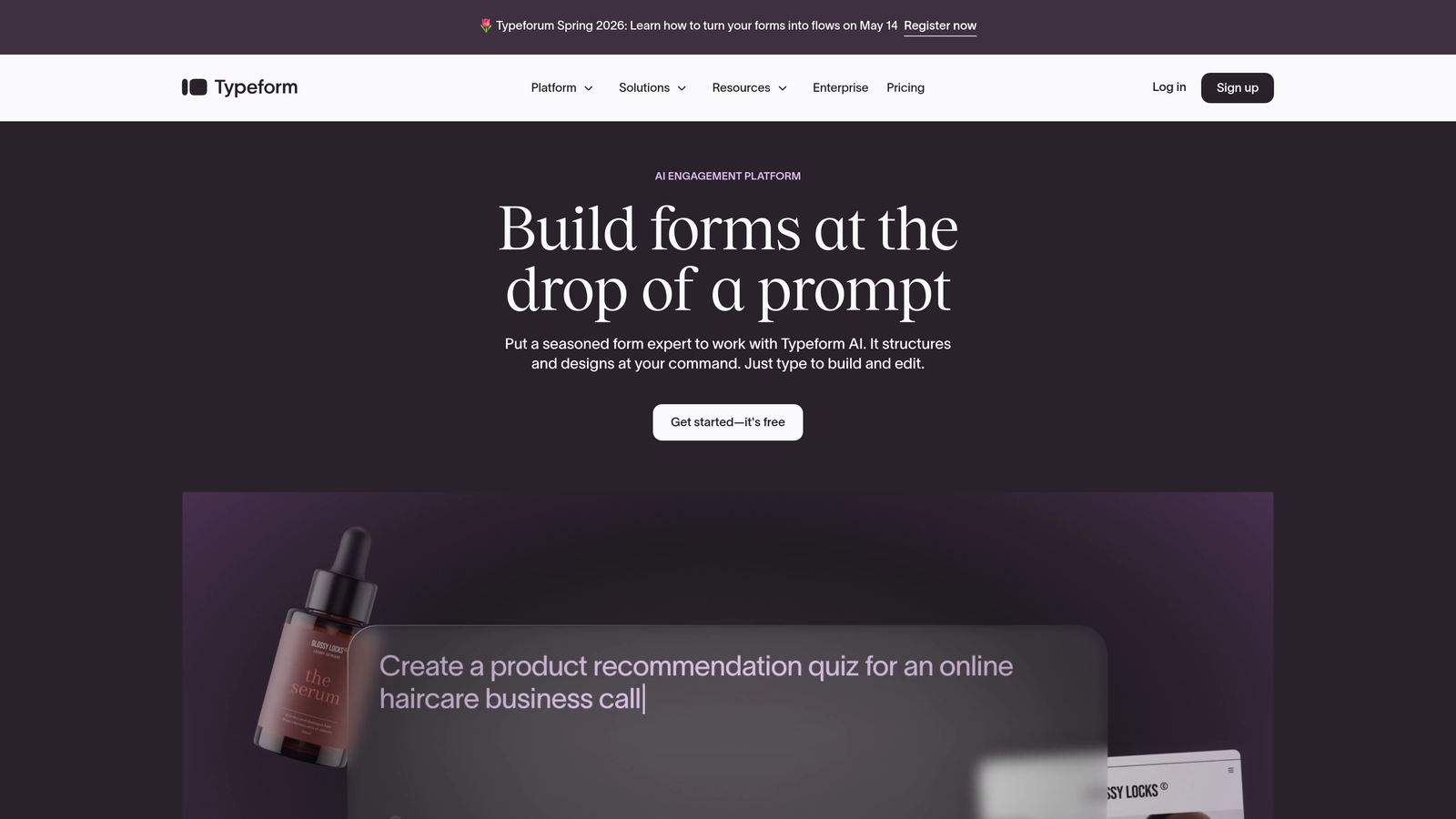
Typeform is a conversational form builder known for its one-question-at-a-time format and visually refined embed experience.
Where This Tool Shines
Typeform's signature format, presenting one question at a time, tends to feel less overwhelming than a wall of fields, which can improve completion rates for longer forms like onboarding surveys or qualification questionnaires. The embed experience is clean and responsive, working well in both full-page and inline contexts.
The logic jump system lets you build branching paths based on previous answers, which is useful for routing different user types through tailored question sets without building separate forms for each segment.
Key Features
Conversational Format: One-question-at-a-time interface designed to feel more like a dialogue than a data collection exercise.
Flexible Embed Options: Embed via iframe or JavaScript with responsive design that adapts to your container.
Logic Jumps: Conditional branching that routes respondents through different question paths based on their answers.
Native Integrations: Connects directly with Zapier, HubSpot, Slack, and Google Sheets.
Custom Branding: Theme editor for matching your brand's colors, fonts, and visual identity.
Best For
Typeform works well for SaaS teams focused on user research, NPS surveys, lead capture forms where engagement is a priority, and onboarding flows where a polished first impression matters. Less ideal for high-volume, simple data collection where speed is the priority.
Pricing
Free plan available. Basic plan starts at $25/month with higher tiers unlocking more responses and advanced features.
3. Tally
Best for: Early-stage SaaS teams that need powerful forms without paying for them.
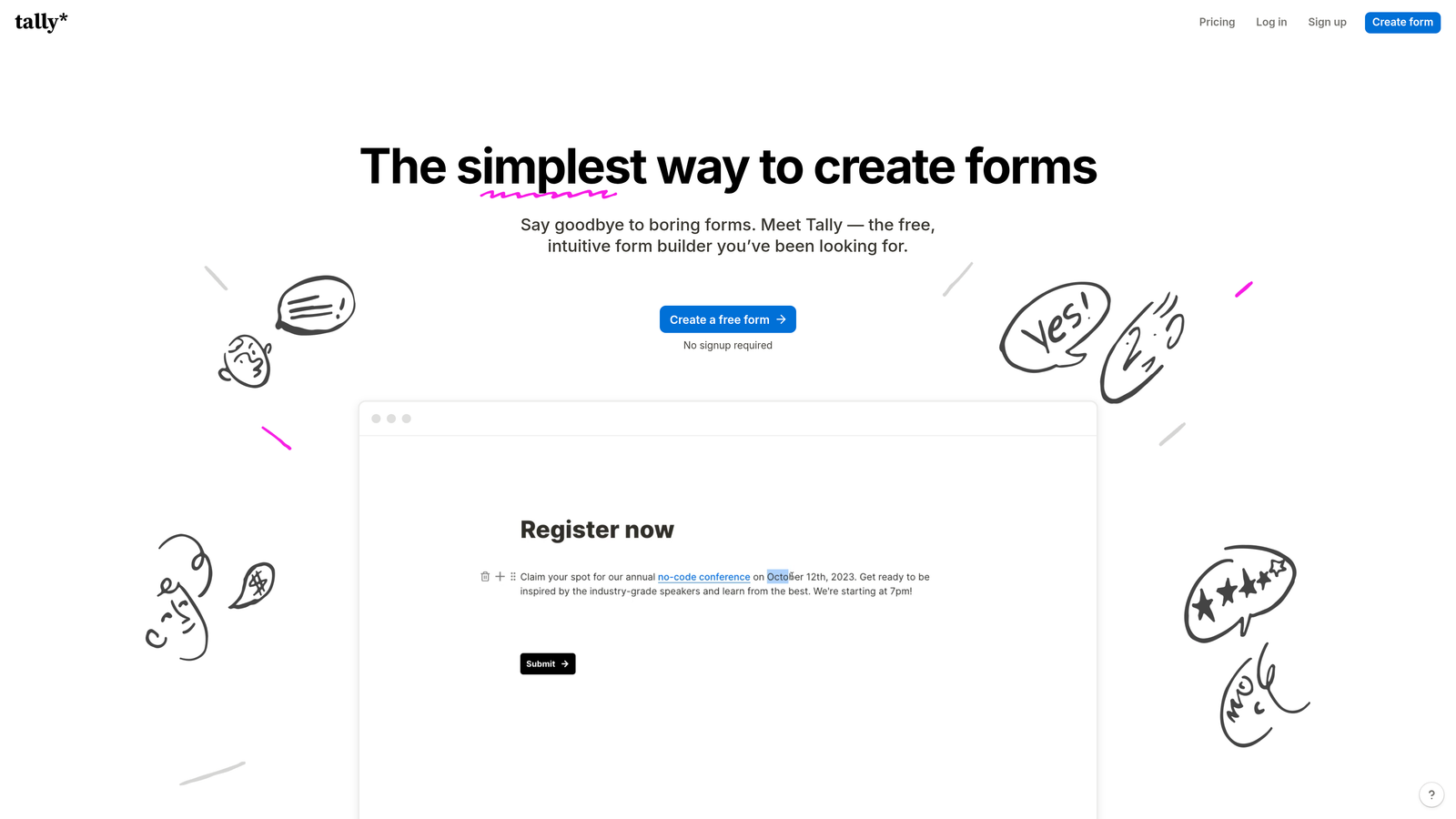
Tally is a free-first form builder with a Notion-style editor that offers unlimited forms and submissions on its free plan.
Where This Tool Shines
Tally's value proposition is unusually strong for a free tool. Unlimited forms, unlimited submissions, conditional logic, hidden fields, and calculations are all available without paying anything. For a bootstrapped SaaS team or a startup still validating its market, that's a meaningful advantage.
The block-based editor feels familiar to anyone who uses Notion, lowering the learning curve significantly. Embed options include iframe, popup, and full-page, with custom domain support unlocked on the Pro plan.
Key Features
Unlimited Free Forms: No submission caps or form limits on the free tier, which is rare in this category.
Notion-Style Editor: Block-based building experience that's intuitive for teams already working in Notion.
Multiple Embed Modes: Embed as an iframe, popup, or full-page form, with custom domain support on Pro.
Conditional Logic and Calculations: Hidden fields, logic branching, and calculated fields available on the free plan.
Webhooks and Integrations: Connect to your stack via native connectors and webhook support.
Best For
Tally is ideal for early-stage teams, indie hackers, and lean SaaS operations that need capable forms without budget allocation. It's also a solid choice for internal tools and feedback forms where white-labeling isn't a priority.
Pricing
Free for most features. Tally Pro is $29/month, unlocking custom domains, branding removal, and priority support.
4. Jotform
Best for: SaaS teams that need versatile, template-rich forms with payment processing built in.
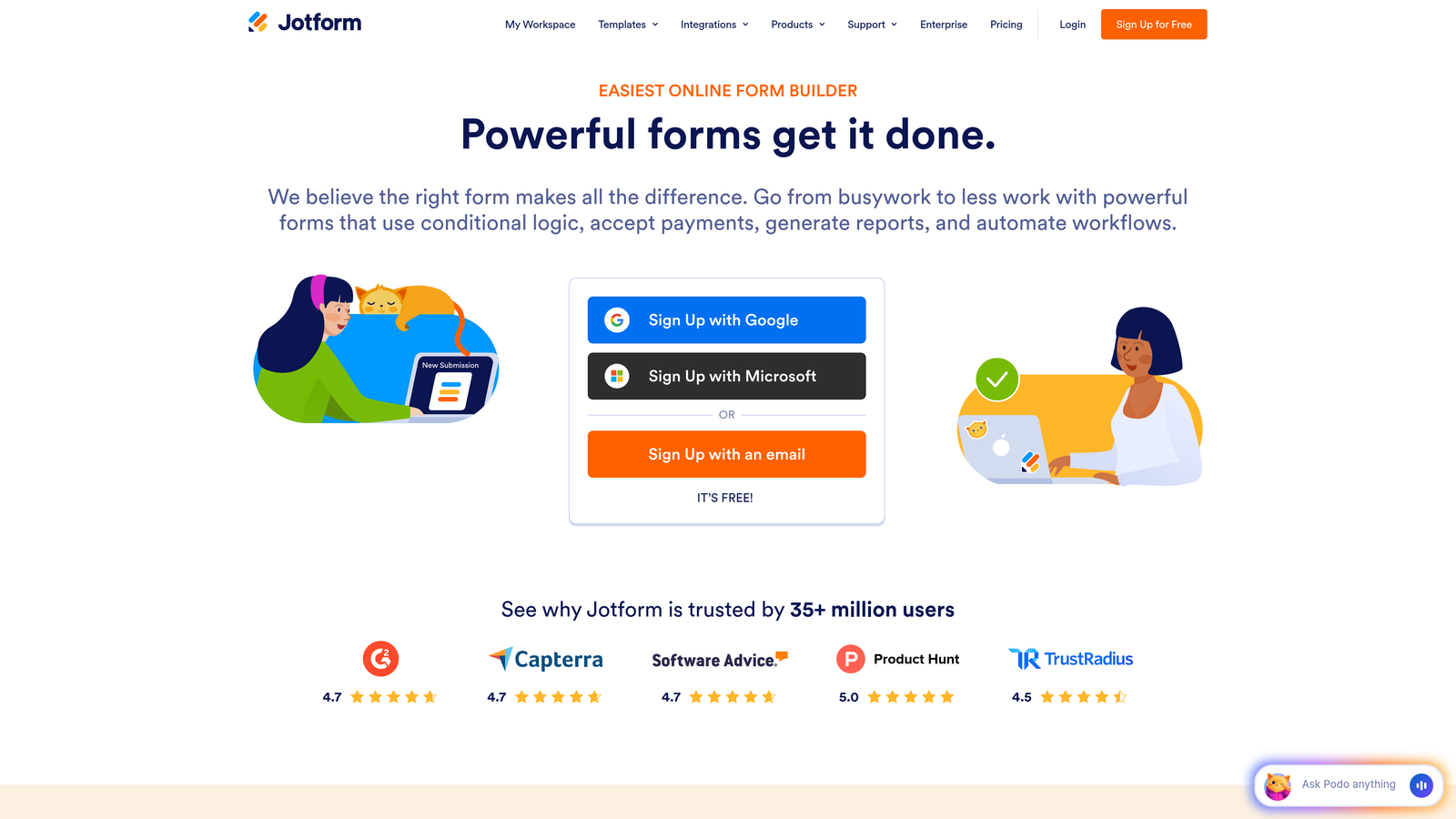
Jotform is a veteran form builder offering over 10,000 templates, multiple embed methods, and integrated payment processing for diverse SaaS use cases.
Where This Tool Shines
Jotform's template library is genuinely impressive in scale. If you need a form for a specific use case, there's almost certainly a starting point already built. This makes it fast to deploy for teams managing multiple form types across different parts of their product or marketing stack.
The embed flexibility is also a strength: iframe, lightbox, full-page, and direct source code embeds give developers options depending on the technical context. Payment integrations with Stripe, PayPal, and Square make it a strong choice for SaaS products that collect payments or deposits through forms.
Key Features
10,000+ Templates: Extensive library covering virtually every industry and use case, making deployment fast.
Multiple Embed Methods: iframe, lightbox, full-page, and source code options for different integration contexts.
Payment Processing: Native integrations with Stripe, PayPal, and Square for collecting payments directly through forms.
Conditional Logic and Multi-Page Forms: Branching logic and multi-step flows with file upload support.
HIPAA Compliance: Available on higher-tier plans for regulated SaaS environments in healthcare.
Best For
Jotform suits SaaS teams with varied form needs across departments, teams collecting payments through forms, and companies in regulated industries that need HIPAA-compliant data handling.
Pricing
Free plan supports 5 forms. Bronze plan starts at $39.50/month with higher limits and additional features on upper tiers.
5. HubSpot Forms
Best for: SaaS teams already running their marketing and sales on HubSpot CRM.
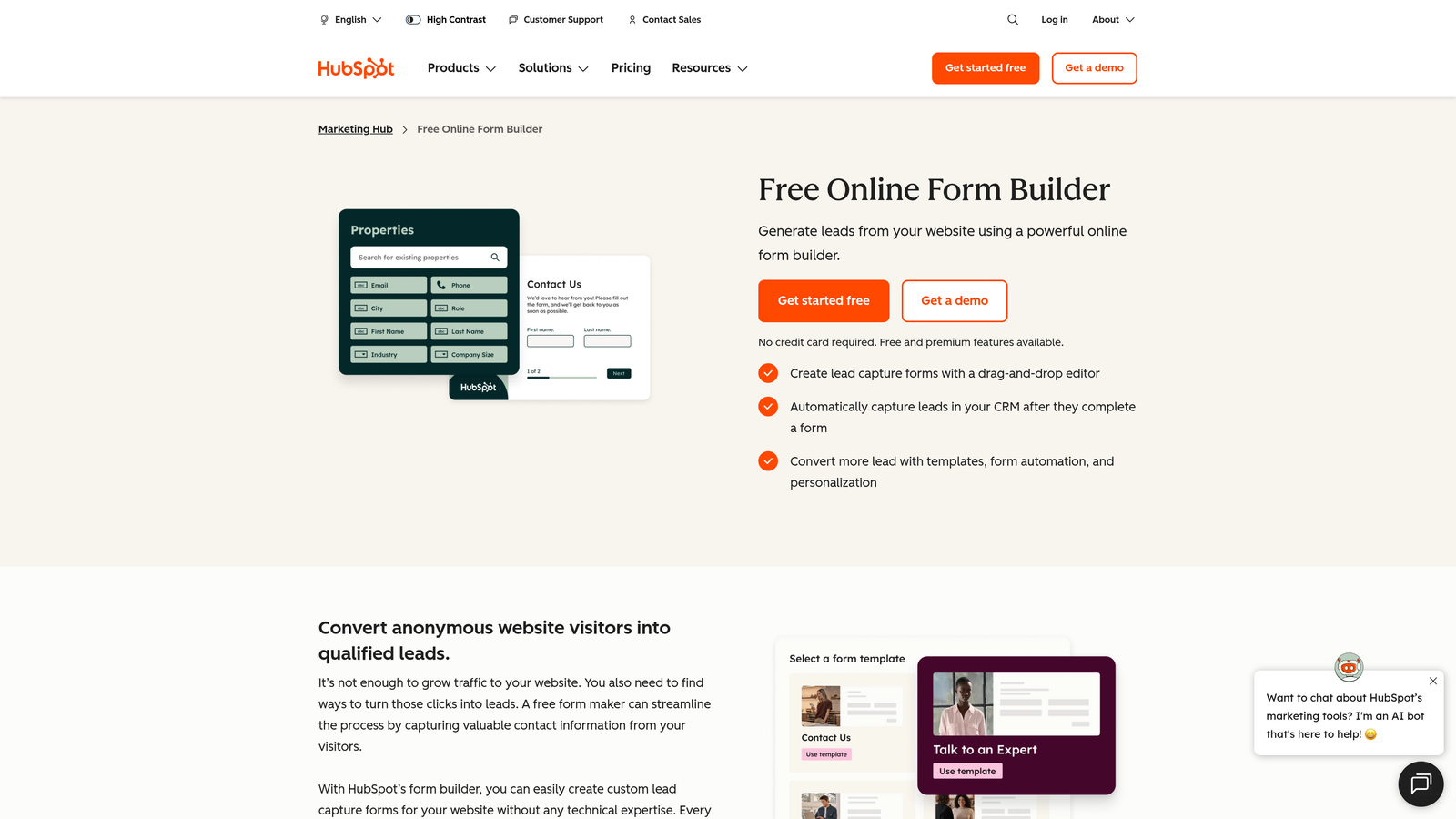
HubSpot Forms is a CRM-native form builder that automatically syncs every submission into HubSpot contacts, deals, and marketing workflows.
Where This Tool Shines
If your team lives in HubSpot, this is the path of least resistance. Every form submission automatically creates or updates a contact record, maps to the right properties, and can trigger workflows, email sequences, or lead scoring rules without any manual setup. The integration is native, not a Zapier bridge.
Progressive profiling is a particularly useful feature for SaaS: returning visitors see new questions instead of fields they've already filled out, so you gradually build richer contact profiles without creating form fatigue.
Key Features
Automatic CRM Sync: Submissions create or update HubSpot contact records and map to custom properties instantly.
Progressive Profiling: Shows new questions to returning visitors, building richer profiles over multiple interactions.
JavaScript Embed: Simple snippet embed or standalone page deployment with responsive design.
A/B Testing: Built-in form variant testing to optimize conversion rates over time.
Workflow Triggers: Submissions can fire HubSpot workflows, sequences, and lead scoring updates automatically.
Best For
HubSpot Forms is the obvious choice for SaaS teams already on HubSpot. It's less compelling if you're not, since the form builder itself is relatively basic compared to dedicated tools and its power comes entirely from the CRM connection.
Pricing
Free with HubSpot CRM. Advanced features, including A/B testing and smart forms, require Marketing Hub Starter at $20/month or higher.
6. Fillout
Best for: SaaS teams using Airtable, Notion, or Supabase as their operational database.
Fillout is a database-connected form builder with native two-way sync to Airtable, Notion, Google Sheets, Supabase, and more.

Where This Tool Shines
Fillout's differentiator is the depth of its database connections. Rather than just writing new rows to a spreadsheet, it can pull existing data into pre-filled forms and let users update records they've already created. This makes it genuinely useful for SaaS products where users need to edit their own submissions, update preferences, or complete multi-session workflows.
The embed options are clean, supporting both iframe and JavaScript with custom styling, and the multi-step form builder handles complex flows with conditional logic and scheduling fields built in.
Key Features
Two-Way Database Sync: Native connections to Airtable, Notion, Supabase, and Google Sheets with read and write capabilities.
Pre-Filled Forms: Pull existing record data into forms so users see their current information automatically.
Update and Edit Forms: Let users modify existing database records through form submissions, not just create new ones.
Flexible Embed: iframe and JavaScript embed with custom styling options for visual integration.
Conditional Logic and Scheduling: Multi-step forms with branching logic and native scheduling field support.
Best For
Fillout is the strongest choice for SaaS teams building on Airtable or Notion backends, and for products where users need to view and edit their own data through form interfaces rather than just submitting new entries.
Pricing
Free plan available. Starter plan at $19/month with higher tiers for larger response volumes and team features.
7. Formstack
Best for: Enterprise SaaS teams in regulated industries needing compliance, document generation, and e-signatures.
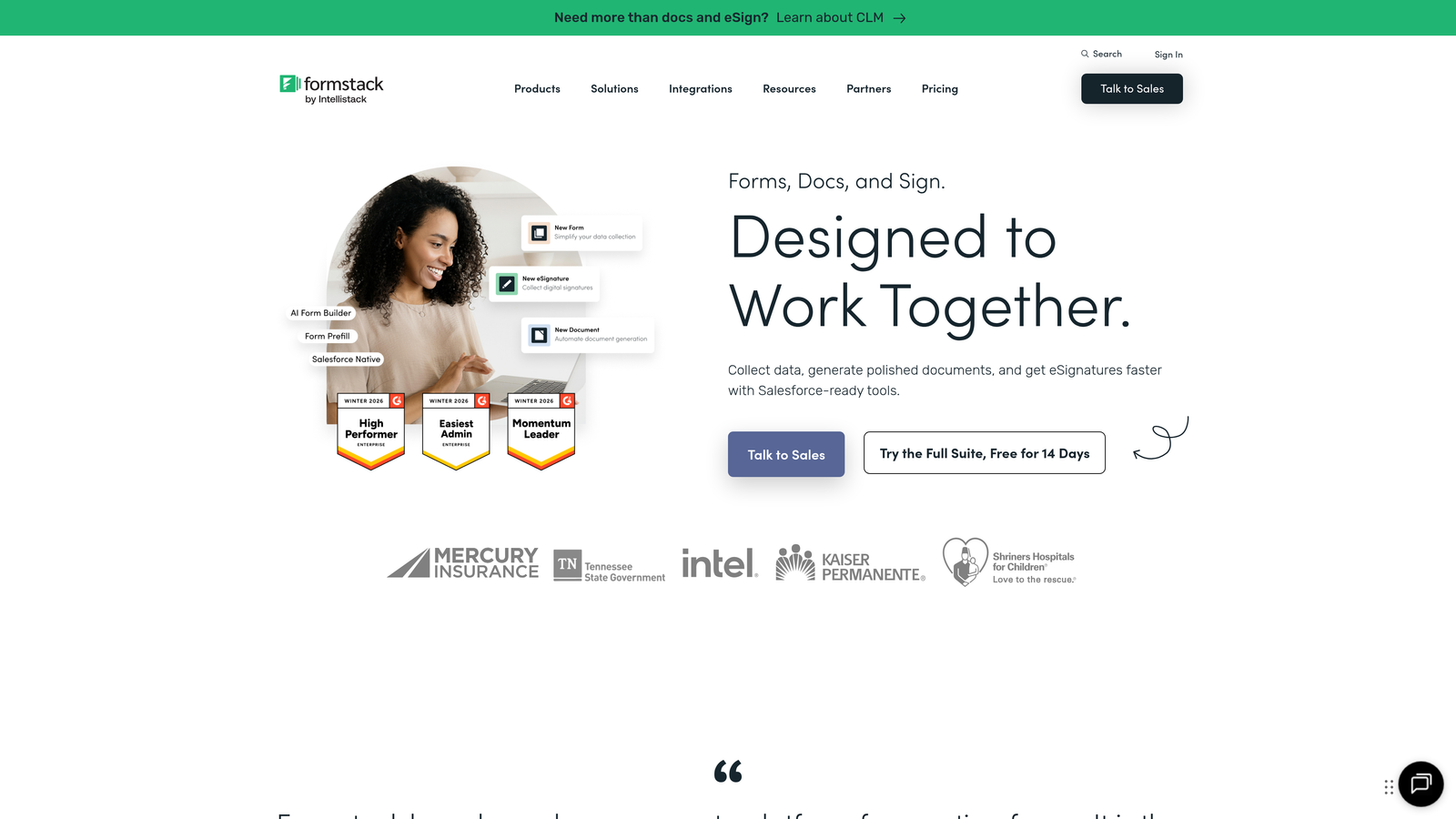
Formstack is an enterprise-grade form platform that extends beyond data collection into document generation, e-signatures, and compliance-ready workflows.
Where This Tool Shines
Formstack sits at the intersection of forms, documents, and signatures, which makes it uniquely capable for SaaS companies where a form submission needs to trigger a contract, agreement, or official document. That end-to-end workflow, from data collection to signed document, is difficult to replicate by stitching together separate tools.
Compliance credentials are strong: HIPAA, GDPR, and SOC 2 options are available, which matters significantly for SaaS teams operating in healthcare, finance, or other regulated verticals where data handling requirements are strict.
Key Features
Compliance Certifications: HIPAA, GDPR, and SOC 2 compliance options for regulated SaaS environments.
Document Generation: Automatically generate populated documents from form submission data.
E-Signature Collection: Collect legally binding signatures via Formstack Sign without leaving the workflow.
Approval Chains: Advanced workflow routing with multi-step approval processes for enterprise use cases.
JavaScript Embed: Embed forms with theme customization to match your product's visual design.
Best For
Formstack is built for enterprise SaaS teams, particularly in healthcare, legal, or financial services, where form submissions need to connect to formal documents, require signatures, or must meet strict compliance standards.
Pricing
Forms plan starts at $50/month. Bundle pricing available for teams combining forms, documents, and signatures into one workflow.
8. Paperform
Best for: SaaS teams that want forms to feel like branded content experiences, not just data collection.
Paperform is a rich content form builder that blends text, images, video, and form fields into a single embeddable experience.
Where This Tool Shines
Paperform takes a fundamentally different design philosophy than most form builders. Instead of separating the form from the content around it, you build everything together: explanatory text, images, videos, and form fields all flow in one continuous experience. This approach works particularly well for product demos, interactive calculators, or lead capture forms that need to educate while collecting data.
The embed options support standard, popup, and drawer modes with custom CSS control, giving design-conscious SaaS teams the flexibility to match their UI without fighting the tool's defaults.
Key Features
Rich Content Editor: Mix text, images, and video with form fields in a single unified flow.
Payment Fields: Native payment collection via Stripe, Braintree, and Square integrated directly into forms.
Embed Modes: Standard, popup, and drawer embed options with custom CSS support for visual control.
Conditional Logic and Scoring: Branching logic, calculated fields, and response scoring for dynamic form experiences.
Integration Breadth: Over 1,000 integrations available through Zapier and native connectors.
Best For
Paperform suits SaaS marketing teams building lead capture pages, interactive quizzes, or product calculators where the form itself is part of the content experience. It's less suited for simple, high-volume data collection where content richness isn't needed.
Pricing
Essentials plan at $24/month. Pro plan at $49/month with higher submission limits and additional features.
9. Formsort
Best for: Developer-led SaaS teams running high-volume funnels that require serious A/B testing and branching logic.
Formsort is a developer-first form platform built specifically for conversion optimization, with native A/B testing and API-driven dynamic logic for complex SaaS funnels.
Where This Tool Shines
Formsort is built for teams that treat form conversion as a product problem, not a marketing task. The native A/B testing runs directly in the platform without needing an external experimentation tool, and the analytics are designed to surface conversion differences between variants at the step level, not just the overall completion rate.
The React SDK and JavaScript embed give developers genuine integration depth, allowing forms to pull in dynamic data from your API and adapt steps based on real-time logic. For SaaS products with complex onboarding flows or multi-step qualification funnels, this level of control is difficult to find elsewhere.
Key Features
Native A/B Testing: Built-in variant testing with conversion analytics at the individual step level.
API-Driven Dynamic Steps: Advanced branching logic that pulls live data from your API to drive conditional paths.
React SDK and JavaScript Embed: Deep product integration options for engineering teams building forms into their core product.
Component-Level CSS Control: Custom styling at the component level for precise visual integration with your product UI.
Compliance Options: HIPAA and SOC 2 compliance available for regulated SaaS use cases.
Best For
Formsort is purpose-built for growth-focused engineering and product teams at SaaS companies running high-volume acquisition or onboarding funnels where conversion rate optimization is an ongoing, data-driven practice.
Pricing
Custom pricing based on volume and requirements. Contact the Formsort sales team for a quote.
Choosing the Right Embedded Form Builder for Your SaaS Stack
The right tool depends less on feature checklists and more on where your biggest leverage point is. A few clear patterns emerge from this list.
If lead qualification and conversion intelligence are your primary goals, Orbit AI stands apart. The AI-powered scoring that happens during form completion means your sales team receives pre-qualified leads rather than raw submissions, which changes the economics of your outbound effort significantly.
For teams already running HubSpot, the native CRM sync of HubSpot Forms is hard to argue against for simplicity. For database-first teams on Airtable or Supabase, Fillout's two-way sync solves a problem most form builders don't even attempt. For developer-led teams running serious conversion optimization programs, Formsort's A/B testing depth is in a different category than the rest of the list.
Budget-constrained teams and early-stage startups will find Tally's free tier genuinely capable for most use cases, while enterprise teams in regulated industries should look seriously at Formstack's compliance and document generation stack.
The common thread across all of these is that embedded forms are no longer just a way to collect email addresses. They're where first impressions happen, where intent gets captured, and where your pipeline begins. Getting the infrastructure right pays dividends across your entire growth motion.
If you want to start with a platform built specifically around that idea, Start building free forms today with Orbit AI and see how intelligent form design can elevate your conversion strategy from the very first interaction.


