

Capturing quality leads doesn't have to drain your budget. But finding a form builder that actually supports your lead generation goals, not just collects email addresses, is harder than it sounds. The best tools in this space offer conditional logic, CRM integrations, and analytics that help you understand not just who filled out your form, but whether they're worth pursuing.
To build this list, we evaluated each tool on four criteria: the generosity and usability of its free tier, lead-gen-specific features like branching logic and integrations, ease of use for non-technical teams, and how well it scales as your pipeline grows. Whether you're an early-stage startup or a high-growth team optimizing conversion at scale, there's a tool here that fits your workflow.
Here are the top free form builders for lead generation right now.
1. Orbit AI
Best for: High-growth teams that want forms to qualify and score leads automatically in real time.
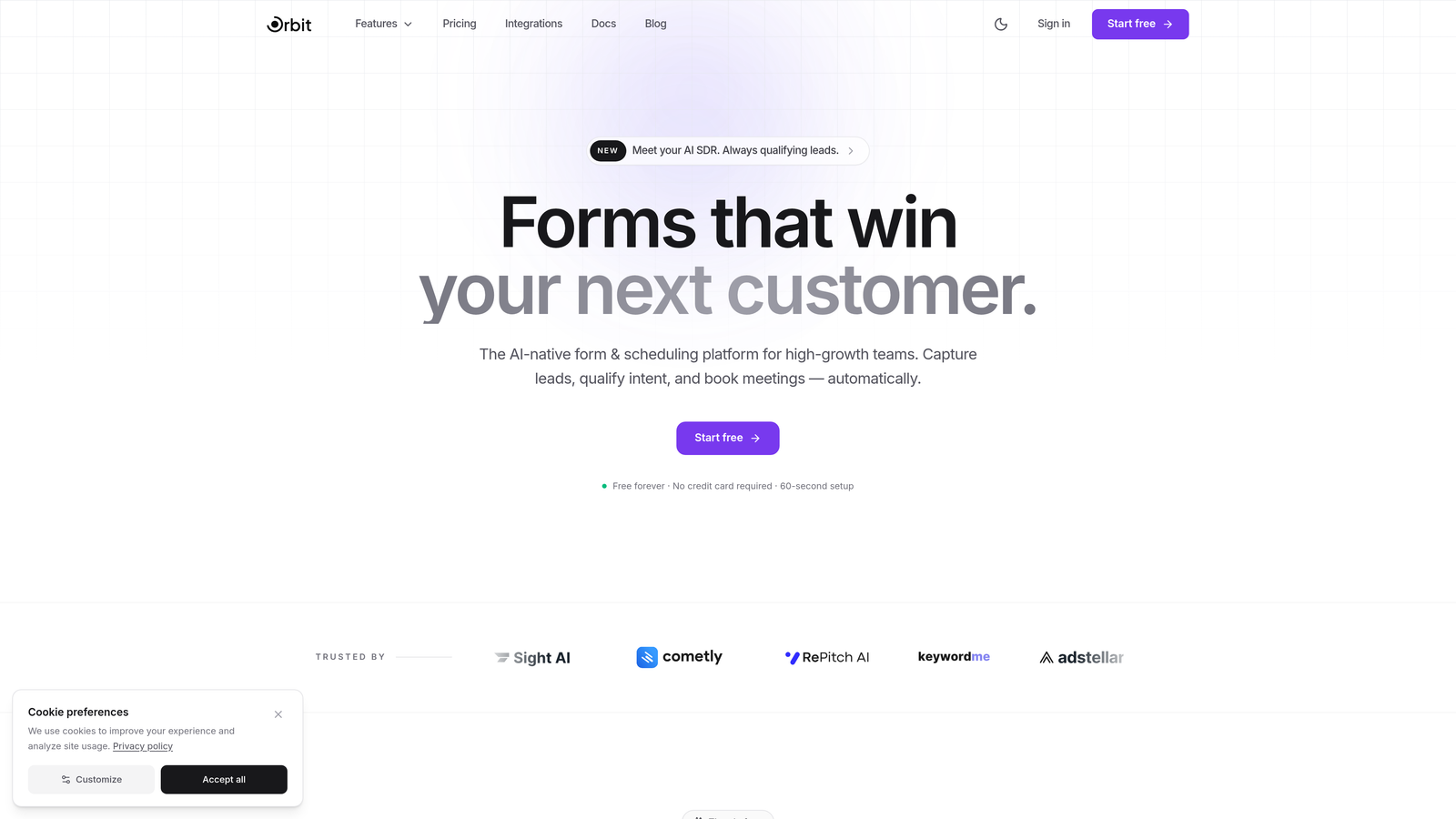
Orbit AI is an AI-powered form builder built specifically for lead generation, with intelligent qualification baked directly into the form experience.
Where This Tool Shines
Most form builders treat qualification as an afterthought, something you handle after the data lands in your CRM. Orbit AI flips that model. Its AI agents interact with respondents during the form experience itself, asking follow-up questions and gathering richer context so your team receives leads that are already scored and prioritized before anyone picks up the phone.
The templates are built with conversion in mind, not just aesthetics. Every design decision, from field order to progress indicators, is optimized to reduce drop-off and increase submission quality. For teams that measure success by pipeline quality rather than raw volume, this distinction matters.
Key Features
AI-Powered Lead Scoring: Automatically scores and qualifies leads based on form responses, so your sales team focuses on the highest-value prospects first.
Conversational AI Agents: AI agents engage respondents dynamically, asking follow-up questions to gather richer, more useful data without overwhelming users with a long static form.
Conversion-Optimized Templates: Pre-built templates designed specifically for lead generation scenarios, with layouts tested for engagement and completion.
Native CRM Integrations: Connects directly with popular CRMs and marketing tools so qualified leads flow into your pipeline without manual work.
Built-In Analytics: Tracks form performance and lead quality metrics together, giving you a complete picture of what's working at each stage of your funnel.
Best For
Orbit AI is the right choice for SaaS companies, growth teams, and B2B marketers who need forms that do more than collect data. If lead quality is your primary concern and you want AI to handle the initial qualification layer, this is the tool built for that job.
Pricing
Free tier available with core features. Paid plans with expanded capabilities are available on the Orbit AI pricing page.
2. HubSpot Free Form Builder
Best for: Teams already using HubSpot CRM who want zero-friction contact creation from form submissions.
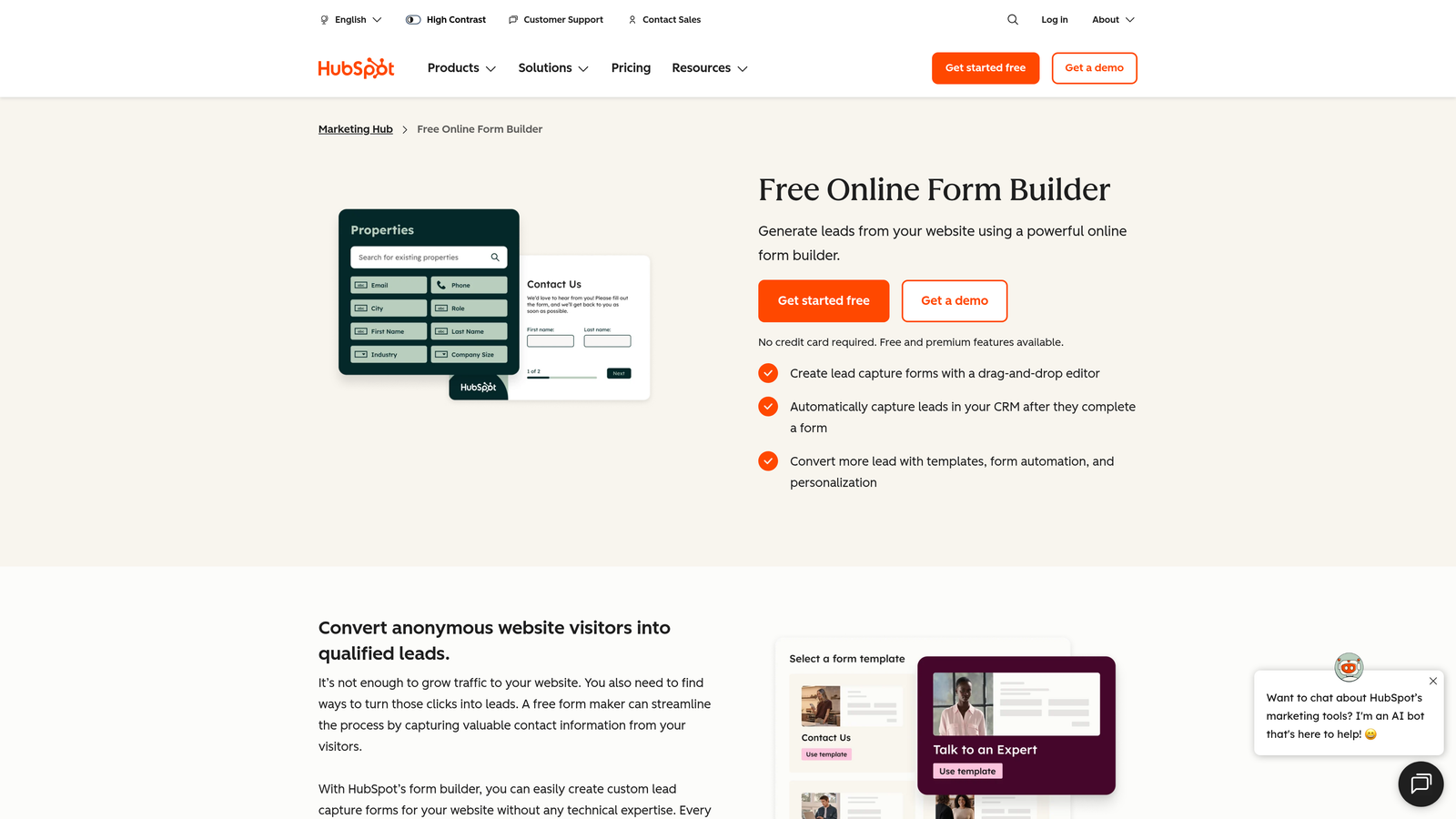
HubSpot Free Form Builder is a native form tool that connects directly to HubSpot's free CRM, turning every submission into a tracked contact automatically.
Where This Tool Shines
The real value here isn't the form builder itself, it's the seamless CRM connection. When someone submits a form, HubSpot creates or updates a contact record instantly, no Zapier required, no manual imports. For teams that live in HubSpot, this eliminates an entire layer of integration headaches.
Progressive profiling is a standout feature that many competitors don't offer on free plans. It lets you show different fields to returning visitors so you gradually build a richer contact profile without asking the same questions twice. That's a meaningful UX improvement for any lead nurturing workflow.
Key Features
Automatic Contact Creation: Every form submission instantly creates or updates a contact in HubSpot CRM with no manual steps required.
Progressive Profiling: Shows returning visitors different form fields, gradually enriching contact data without repetitive questions.
Multiple Form Types: Supports pop-up, embedded, and standalone forms to match different placement contexts on your site.
Smart Fields: Drag-and-drop editor with field options that map directly to CRM properties for clean data structure.
Integrated Analytics: Form performance data ties directly into HubSpot's reporting dashboard for unified funnel visibility.
Best For
Teams already using HubSpot CRM or planning to adopt it. The form builder is a natural extension of the HubSpot ecosystem and works best when you're committed to that platform.
Pricing
Free with HubSpot CRM. Advanced marketing features, including A/B testing and smart content, are available in Marketing Hub Starter at $20 per month.
3. Typeform
Best for: Teams prioritizing engagement and completion rates through a conversational, one-question-at-a-time experience.
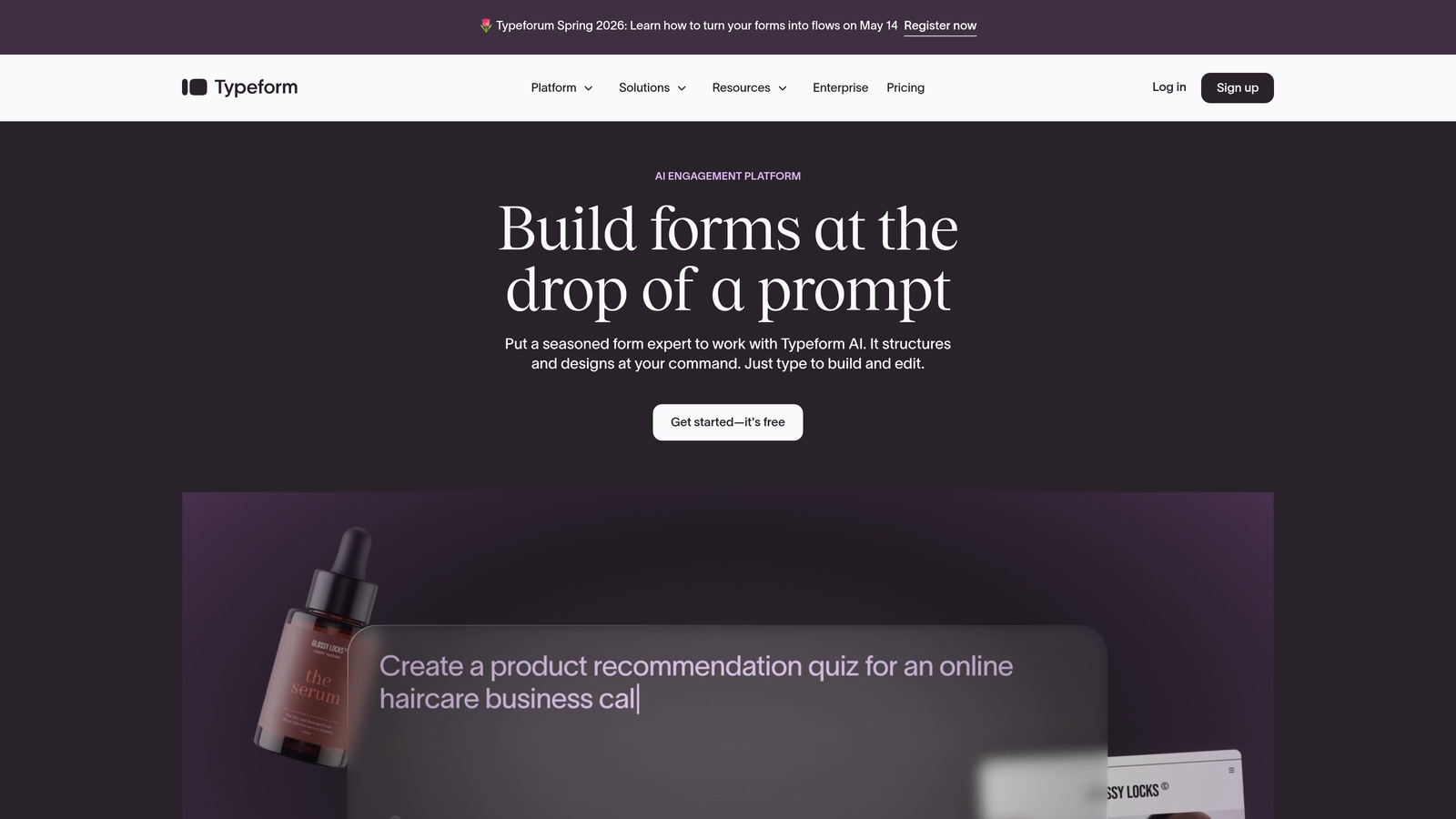
Typeform is a conversational form builder whose distinctive single-question format consistently drives higher engagement compared to traditional multi-field forms.
Where This Tool Shines
Typeform's core insight is that forms feel less like forms when they only show one question at a time. The experience is closer to a conversation than a survey, which tends to reduce friction and increase the likelihood that respondents complete the entire flow. For lead generation, where drop-off is a constant problem, this design philosophy has real practical value.
Logic jumps allow you to create branching paths based on answers, so a prospect who identifies as an enterprise buyer sees different follow-up questions than one who's a solo founder. That kind of personalization makes your forms feel smarter and helps you collect more relevant qualification data.
Key Features
Conversational UX: One-question-at-a-time format reduces form fatigue and typically improves completion rates.
Logic Jumps: Branching paths based on respondent answers create personalized form experiences for different audience segments.
Brand Customization: Extensive design controls let you match your brand identity without touching code.
Broad Integrations: Connects with Zapier, HubSpot, Slack, Salesforce, and many other tools in the standard marketing stack.
Hidden Fields: Capture UTM parameters and attribution data automatically for cleaner campaign reporting.
Best For
Marketing teams focused on top-of-funnel lead capture where engagement and completion quality matter more than submission volume. Also strong for customer research and NPS surveys.
Pricing
Free plan limited to 10 responses per month. Basic plan starts at $25 per month for higher response volumes and additional features.
4. Tally
Best for: Startups and indie teams that need a genuinely generous free plan without submission limits or feature gates.
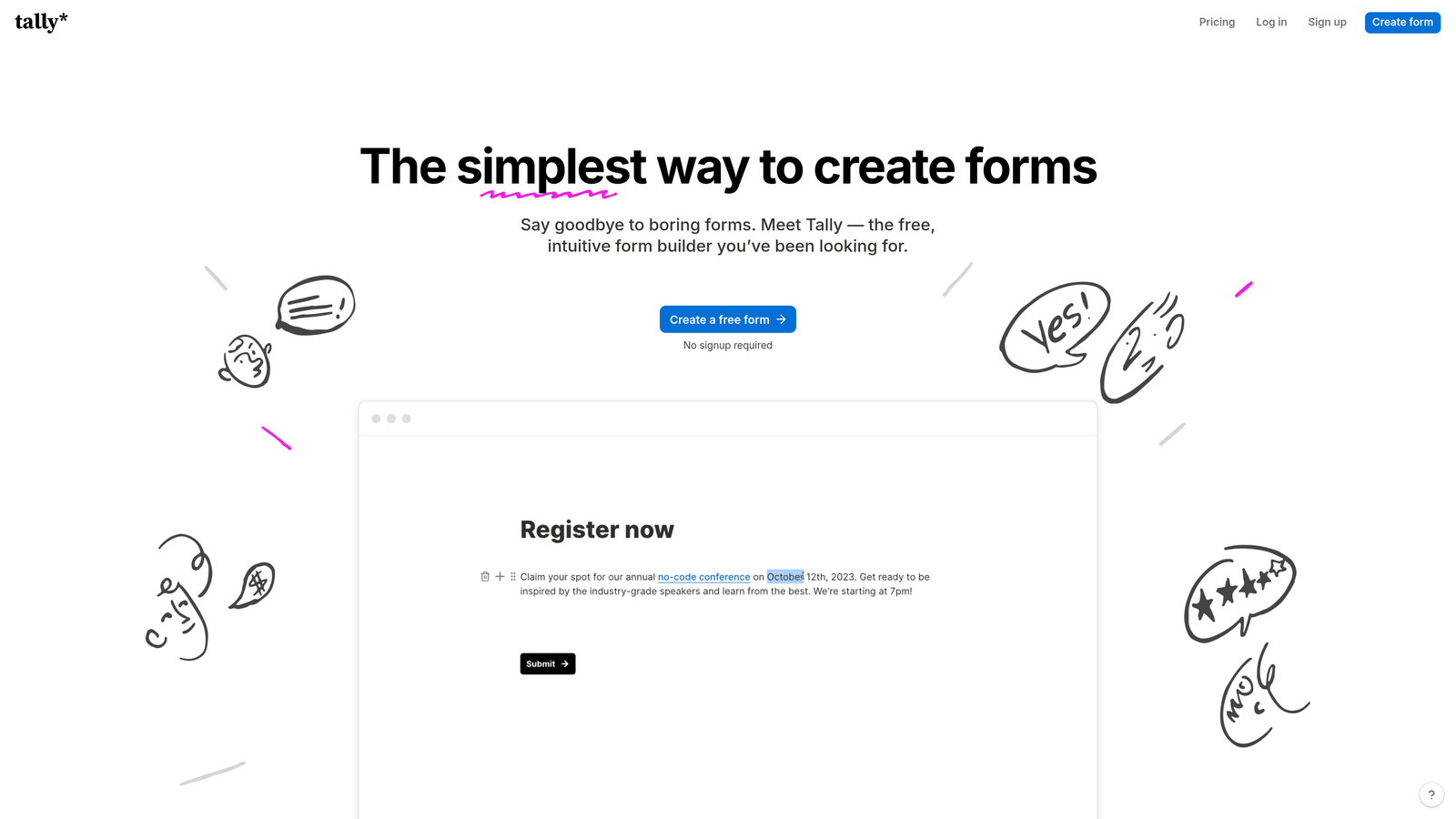
Tally is a free-first form builder that offers unlimited forms and unlimited submissions on its free tier, making it one of the most accessible options in this space.
Where This Tool Shines
Most form builders use submission limits as the primary upgrade trigger. Tally doesn't. You can create as many forms as you want and collect as many responses as you need without paying anything. For early-stage teams testing lead generation flows across multiple campaigns, that freedom is genuinely valuable.
The editor takes cues from Notion's block-based interface, which makes it immediately intuitive for anyone familiar with modern productivity tools. Conditional logic, hidden fields, and calculation fields are all included in the free plan, which puts Tally ahead of several paid competitors on raw feature availability.
Key Features
Unlimited Free Forms and Submissions: No caps on forms or responses on the free plan, a rare and meaningful differentiator.
Notion-Style Editor: Block-based interface that feels familiar and requires no learning curve for most modern knowledge workers.
Conditional Logic Included Free: Branching and conditional display logic available without upgrading, unlike most competitors.
File Uploads and Payments: Accepts file attachments and payment collection directly within forms.
Wide Integration Support: Connects with Notion, Google Sheets, Airtable, Slack, and more via native integrations and Zapier.
Best For
Bootstrapped startups, indie makers, and small teams that need full-featured forms without a monthly bill. Also a strong choice for teams running many simultaneous campaigns who would hit submission limits on other free plans quickly.
Pricing
Free for most features with no submission limits. Tally Pro at $29 per month adds custom domains, team collaboration features, and white-labeling.
5. Jotform
Best for: Teams that want to move fast using pre-built templates across a wide range of industries and use cases.
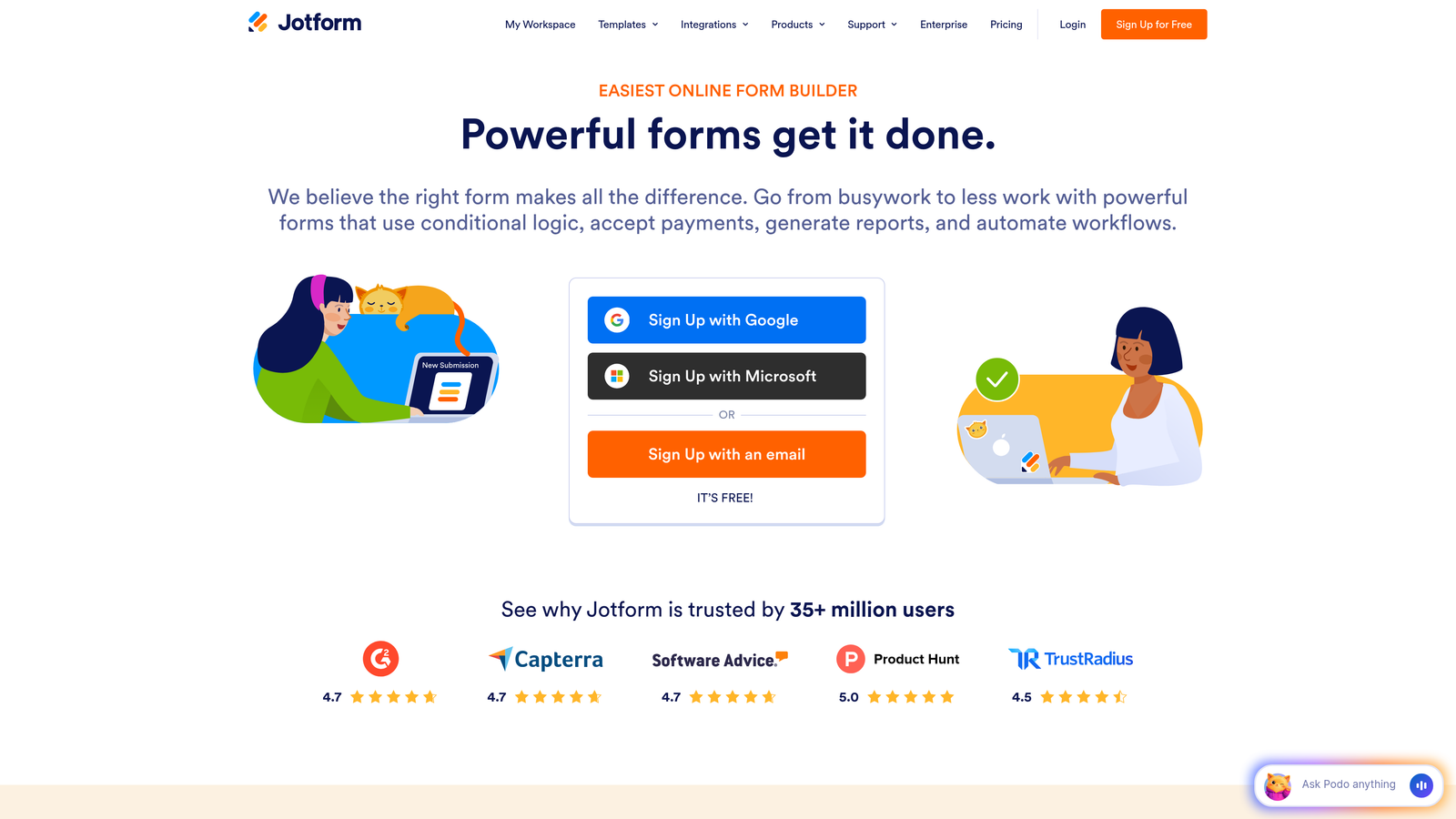
Jotform is one of the most template-rich form builders available, with thousands of pre-built options covering nearly every lead generation scenario imaginable.
Where This Tool Shines
When speed matters, Jotform's template library is hard to beat. Whether you're building a B2B contact form, a webinar registration page, or a product demo request form, there's almost certainly a template that gets you 80% of the way there before you touch a single setting. For teams that need to launch campaigns quickly, this is a meaningful time advantage.
Jotform also stands out for its built-in payment processing, which supports PayPal, Stripe, and Square without requiring additional integrations. If your lead generation strategy involves paid consultations, event registrations, or product samples, that capability is already in the platform.
Key Features
10,000+ Templates: Extensive pre-built form library covering virtually every industry and use case.
Built-In Payment Processing: Native support for PayPal, Stripe, and Square without third-party integrations.
Conditional Logic: Drag-and-drop builder with branching logic for personalized form paths.
HIPAA Compliance Option: Available for healthcare organizations that need to collect leads under compliance requirements.
PDF Autoresponder: Automatically generates and sends PDF summaries of form submissions to respondents or internal teams.
Best For
Teams that prioritize speed-to-launch and want access to a wide template library. Also a strong fit for healthcare, legal, and regulated industries that need compliance-ready forms.
Pricing
Free plan includes 5 forms and 100 monthly submissions. Bronze plan starts at $39.50 per month for higher limits and additional features.
6. Google Forms
Best for: Teams that need fast, zero-cost data collection with no setup friction and automatic Google Sheets sync.
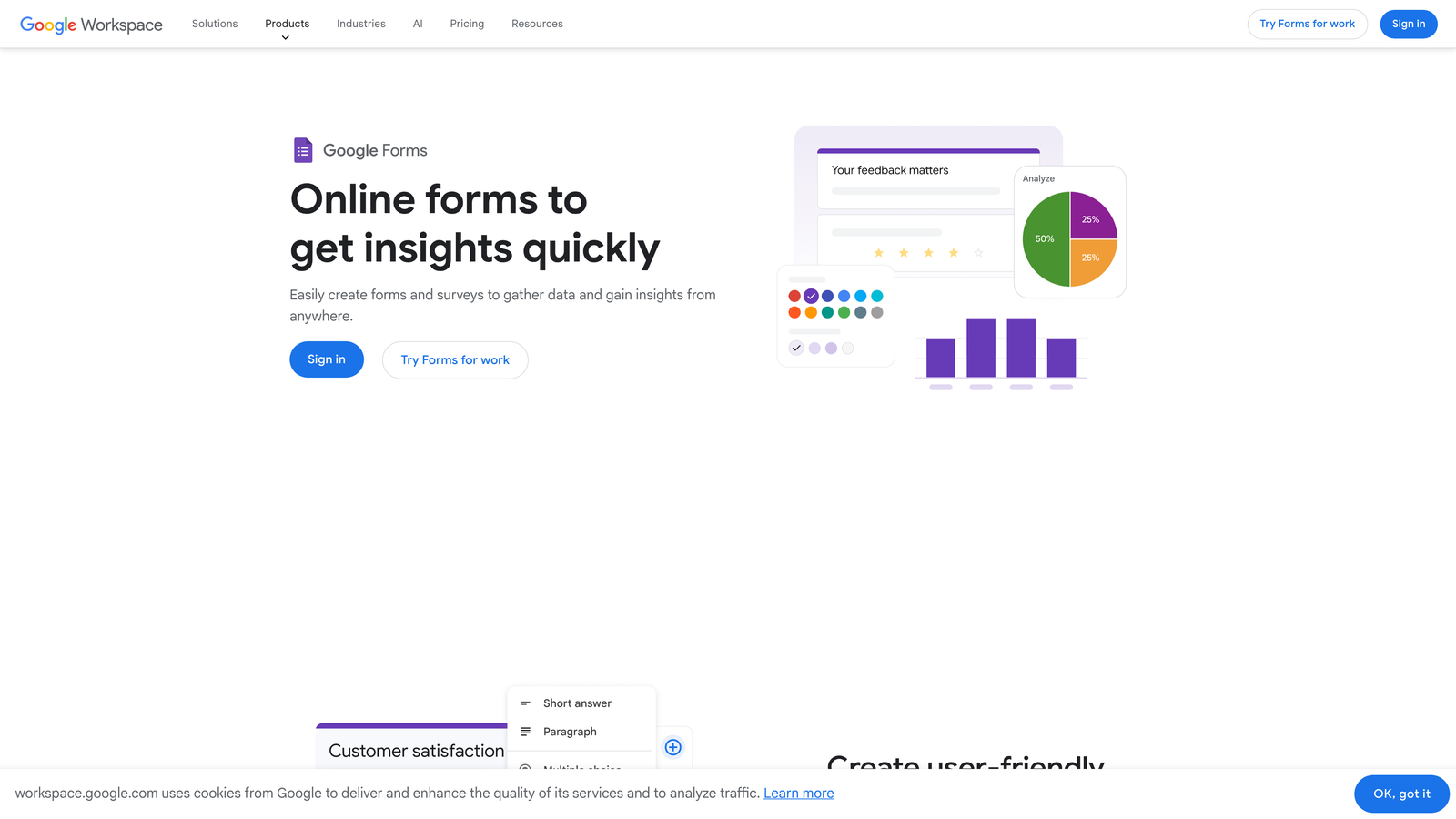
Google Forms is the simplest completely free option in this list, with no submission limits, no form limits, and no cost whatsoever.
Where This Tool Shines
Google Forms doesn't try to be sophisticated, and that's precisely its strength. You can build a functional lead capture form in under five minutes and have responses flowing into a Google Sheet automatically. For internal lead gen, quick surveys, or event registrations where brand polish isn't a priority, nothing beats the simplicity and zero cost.
Real-time collaboration is another underrated feature. Multiple team members can edit a form simultaneously, which makes Google Forms a practical choice for teams that build forms by committee or need to iterate quickly based on stakeholder feedback.
Key Features
Completely Free: No submission limits, no form limits, no paid tiers required for core functionality.
Automatic Google Sheets Integration: Every response populates a connected spreadsheet in real time with no setup required.
Basic Branching Logic: Section-based navigation and simple conditional routing for straightforward form flows.
Real-Time Collaboration: Multiple editors can work on a form simultaneously, just like Google Docs.
Built-In Response Summary: Automatic charts and summary statistics give a quick visual overview of responses.
Best For
Internal teams, small organizations, and anyone who needs a working form immediately with no budget and no technical setup. Not ideal for brand-forward lead generation or complex qualification workflows.
Pricing
Completely free. Additional Google Drive storage is available through Google Workspace starting at $7.20 per user per month, though it's rarely necessary for form use alone.
7. Paperform
Best for: Teams that want forms to feel like landing pages, with rich media, product displays, and inline content alongside fields.
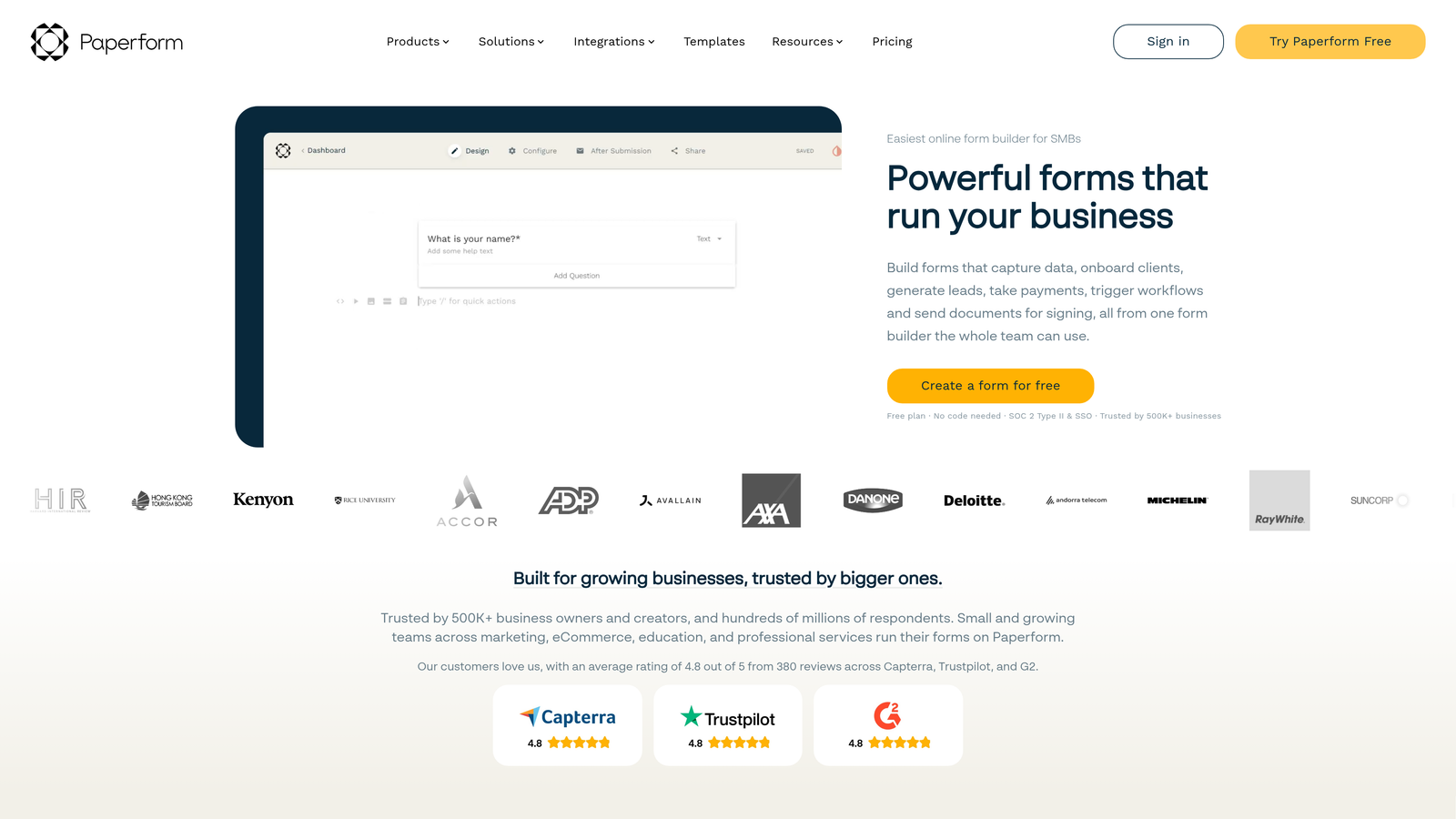
Paperform is a hybrid form and landing page builder that lets you embed images, video, rich text, and product displays directly within the form experience.
Where This Tool Shines
Paperform occupies a unique niche: it's for teams that want a single URL to serve as both the marketing pitch and the lead capture mechanism. Instead of sending prospects to a landing page and then to a form, you can build both in one place. The result is a more self-contained experience that works particularly well for product launches, event registrations, and service inquiries.
The built-in e-commerce functionality extends this further, letting you display products and collect payment within the same form flow. For lead generation strategies that involve a low-friction purchase or deposit as part of qualification, this is a practical capability that most form builders don't offer natively.
Key Features
Rich Media Embedding: Add images, video, and formatted text blocks directly alongside form fields for a landing-page-style experience.
E-Commerce Functionality: Display products and collect payments within the form without separate landing page software.
Custom Success Pages: Redirect logic and custom confirmation pages for post-submission nurturing.
Conditional Logic and Calculations: Branching fields and calculation support for pricing estimators and qualification flows.
Extensive Integrations: 3,000+ integrations available through Zapier and native connections to popular marketing tools.
Best For
Marketers who want a content-rich form experience that doubles as a lightweight landing page. Strong for service businesses, event organizers, and product teams running campaign-specific lead capture.
Pricing
14-day free trial available. Essentials plan starts at $24 per month. No permanently free tier.
8. Fillout
Best for: Teams that want forms to write directly into Airtable, Notion, or Smartsheet without any middleware.
Fillout is a modern form builder built around deep native integrations with the database and productivity tools that many operations and growth teams already use.
Where This Tool Shines
The key differentiator is how Fillout handles data. Rather than sending form responses to a separate database that you then sync elsewhere, Fillout writes directly into your existing Airtable bases, Notion databases, or Smartsheet grids. For teams whose workflows are built around those tools, this eliminates a significant integration layer and keeps data exactly where it needs to be.
The free plan is also notably generous: unlimited forms and 1,000 submissions per month with custom branding and URL slugs included. That's a meaningful starting point for teams testing lead generation flows before committing to a paid plan.
Key Features
Native Database Integrations: Forms sync directly to Airtable, Notion, and Smartsheet without Zapier or manual imports.
Multi-Page Forms with Conditional Logic: Complex branching and multi-step forms supported with a clean visual editor.
Scheduling, Payments, and File Uploads: Specialized field types for booking, payment collection, and document intake.
Custom Branding on Free Plan: Custom URL slugs and branding options available without upgrading.
Quiz and Scoring Functionality: Built-in scoring tools for qualification quizzes and assessment-based lead capture.
Best For
Operations teams, growth teams, and anyone whose data stack is centered on Airtable, Notion, or Smartsheet. Fillout is the most direct path to getting form data into those tools without additional automation layers.
Pricing
Free plan includes unlimited forms and 1,000 submissions per month. Starter plan at $19 per month for higher volumes and advanced features.
9. Formstack
Best for: Enterprise teams that need forms connected to document generation, e-signatures, and multi-step approval workflows.
Formstack is an enterprise-grade form and workflow platform that goes well beyond data collection, connecting form submissions to document creation, electronic signatures, and complex routing logic.
Where This Tool Shines
Formstack is designed for organizations where a form submission triggers a process, not just a database entry. When a prospect submits a request, Formstack can automatically generate a customized document from that data, route it through an internal approval chain, and collect an e-signature before anything reaches your CRM. For industries with compliance requirements or multi-stakeholder sales processes, that level of automation is genuinely valuable.
The platform also supports A/B testing for form optimization, which is rare among form builders at any price point. If you're running high-volume lead generation and want to systematically improve conversion rates through testing, Formstack has the infrastructure to support that.
Key Features
Workflow Routing and Approvals: Advanced routing chains that move form data through multi-step internal approval processes automatically.
Document Generation: Automatically creates customized documents from form submission data using Formstack Documents.
Electronic Signatures: Collects legally binding e-signatures through Formstack Sign, integrated directly with form flows.
A/B Testing: Built-in form testing to optimize conversion rates through systematic experimentation.
Compliance Options: HIPAA, GDPR, and SOC 2 compliance configurations available for regulated industries.
Best For
Enterprise organizations, regulated industries, and teams with complex post-submission workflows that require document generation, approvals, or e-signatures as part of the lead intake process.
Pricing
Free trial available. Starter plan begins at $50 per month billed annually. Formstack is priced for enterprise use cases and scales accordingly.
Which Tool Is Right for Your Lead Generation Stack?
Each tool on this list earns its place, but the right choice depends entirely on what you're optimizing for. Here's a quick way to think through it.
If lead qualification intelligence is your top priority, Orbit AI is the clear starting point. No other tool on this list has AI-driven scoring and qualification built directly into the form experience. For high-growth teams where lead quality matters more than volume, that's a meaningful advantage worth testing first.
If you're already in the HubSpot ecosystem, the HubSpot Free Form Builder is the obvious choice for zero-friction CRM integration. For conversational UX and higher completion rates, Typeform remains the benchmark. If budget is your primary constraint, Tally offers the most generous free plan in the market with no submission limits.
Jotform wins on template volume for teams that need to launch fast. Google Forms is the right answer when simplicity and zero cost matter most. Paperform is the best option when your form needs to double as a landing page. Fillout is purpose-built for teams whose workflows live in Airtable or Notion. And Formstack is the enterprise choice when forms trigger complex downstream processes.
The smartest approach is to identify your top two or three criteria, whether that's qualification intelligence, design quality, integrations, or budget, and test two or three tools against a real campaign before committing. Most have free tiers that make this low-risk.
Ready to see what AI-powered qualification looks like in practice? Start building free forms today and experience how intelligent form design can transform the quality of leads hitting your pipeline.


