

Dynamic forms with branching logic do something static forms simply can't: they adapt in real time to what respondents say. Instead of forcing everyone down the same linear path, branching logic routes users to the next relevant question based on their previous answer, reducing friction, improving completion rates, and collecting far more useful data.
For lead generation teams, this means qualifying prospects without a sales call. For product teams, it means richer feedback without survey fatigue. The difference between skip logic and true branching is worth understanding quickly: skip logic hides questions, while branching logic redirects respondents to entirely different paths based on their answers. The latter is far more powerful for personalized experiences.
This guide covers the best dynamic form builders with conditional branching available in 2026, evaluated on logic depth, ease of use, design flexibility, and integration capabilities. We've featured Orbit AI at the top because it's purpose-built for this use case, but every tool on this list earns its spot.
1. Orbit AI
Best for: Lead qualification and conversion-optimized forms for high-growth SaaS and marketing teams.
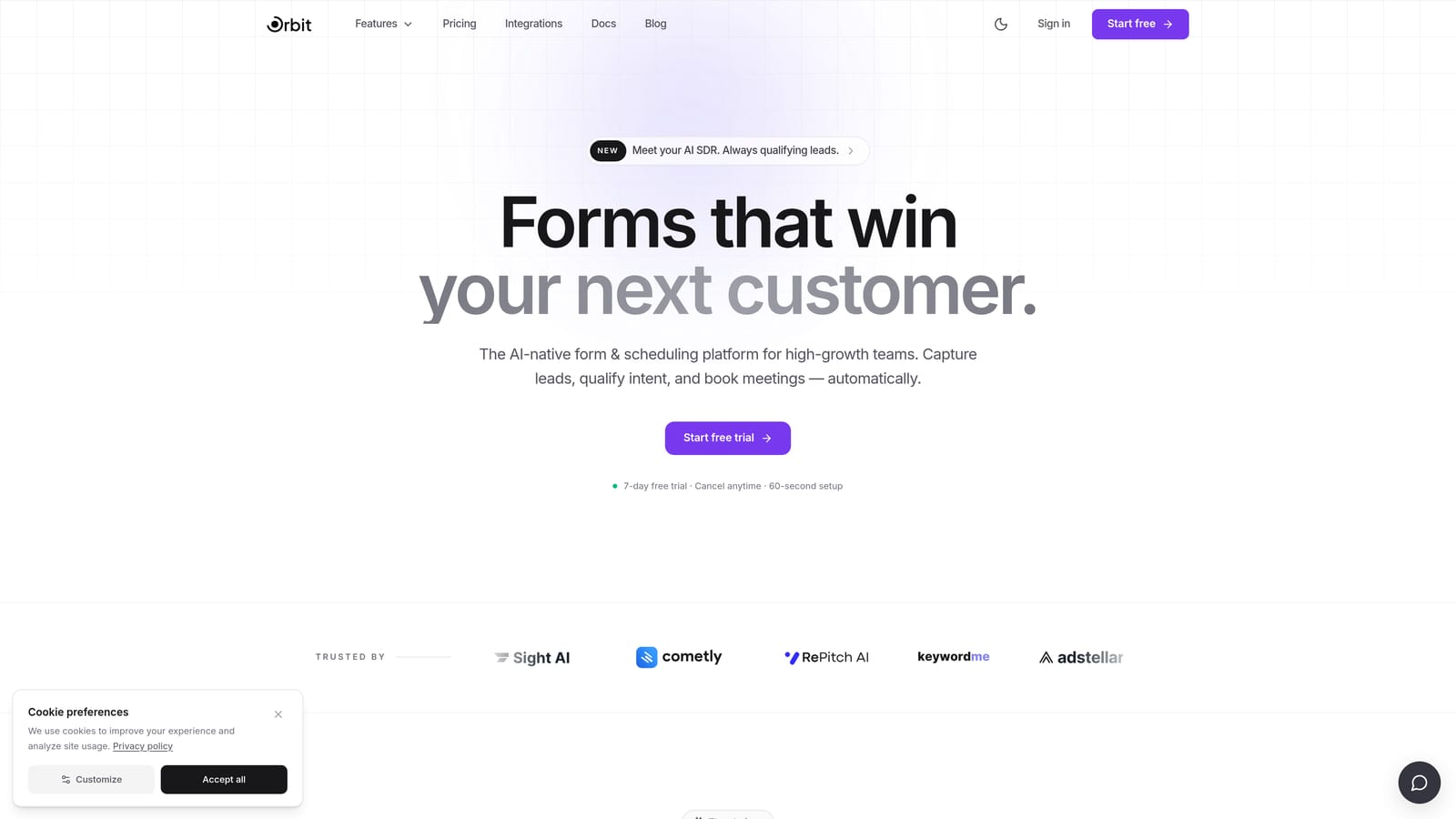
Orbit AI is an AI-powered form builder that combines conditional branching with intelligent lead scoring, built specifically for teams who want their forms to qualify pipeline, not just collect data.
Where This Tool Shines
Most form builders treat branching logic as a routing mechanism. Orbit AI goes further by layering AI-powered lead qualification on top of that logic, so by the time a respondent completes your form, they've already been scored and prioritized. That's a meaningful shift for sales and marketing teams working at speed.
The design is conversion-optimized out of the box, which matters more than it might seem. A form that looks modern and feels effortless gets completed. Orbit AI is built around that principle, combining clean UI with smart logic to create form experiences that convert.
Key Features
AI-Powered Lead Qualification: Lead scoring is built directly into the form experience, automatically surfacing high-value respondents without manual review.
Conditional Branching Logic: Adapts the form path in real time based on each respondent's answers, creating personalized journeys that feel relevant rather than generic.
Conversion-Optimized Design: Modern, clean UI designed to reduce drop-off and maximize form completion rates.
Lead Scoring Engine: Automatically prioritizes respondents so your team can focus on the right leads first.
Built for High-Growth Teams: Purpose-designed for SaaS companies and marketing teams that need their forms to do more than capture information.
Best For
Sales and marketing teams at SaaS companies who want their forms to actively qualify pipeline. If you're running lead generation campaigns and need to separate high-intent prospects from casual browsers without adding a manual review step, Orbit AI is built for exactly that workflow.
Pricing
Visit orbitforms.ai for current pricing plans. A free starting option is available to get you building immediately.
2. Typeform
Best for: Brand-forward lead gen forms and marketing surveys with a polished conversational experience.
Typeform is a conversational form builder known for its one-question-at-a-time interface and design-first approach to data collection.

Where This Tool Shines
Typeform's Logic Jumps feature lets you route respondents to different questions based on their answers, and the conversational format makes that branching feel natural rather than mechanical. When someone answers a qualifying question, the next step flows seamlessly, without any sense that they're being filtered.
The design customization is genuinely strong. You can align forms closely with your brand identity, which matters for teams running campaigns where visual consistency builds trust. Typeform is a particularly good fit for marketing-heavy use cases like NPS surveys, event registrations, and top-of-funnel lead capture.
Key Features
Logic Jumps: Conditional routing that redirects respondents to specific questions based on prior answers.
Conversational UX: One-question-at-a-time interface that reduces cognitive load and improves completion.
Brand Customization: Strong design controls for fonts, colors, backgrounds, and imagery to match your visual identity.
Native Integrations: Connects with HubSpot, Salesforce, Slack, and many other tools your team already uses.
Hidden Fields: Pre-populate personalized data from URL parameters to create tailored experiences from the first question.
Best For
Marketing teams and agencies that prioritize form aesthetics alongside logic. Typeform works well for lead gen, surveys, and brand-forward data collection where the respondent experience is a key part of the strategy.
Pricing
A free tier is available with limited responses and features. Paid plans unlock more Logic Jumps and higher response limits. Verify current pricing at typeform.com.
3. Jotform
Best for: Teams needing deep conditional logic with multi-condition rules and a large integration ecosystem.
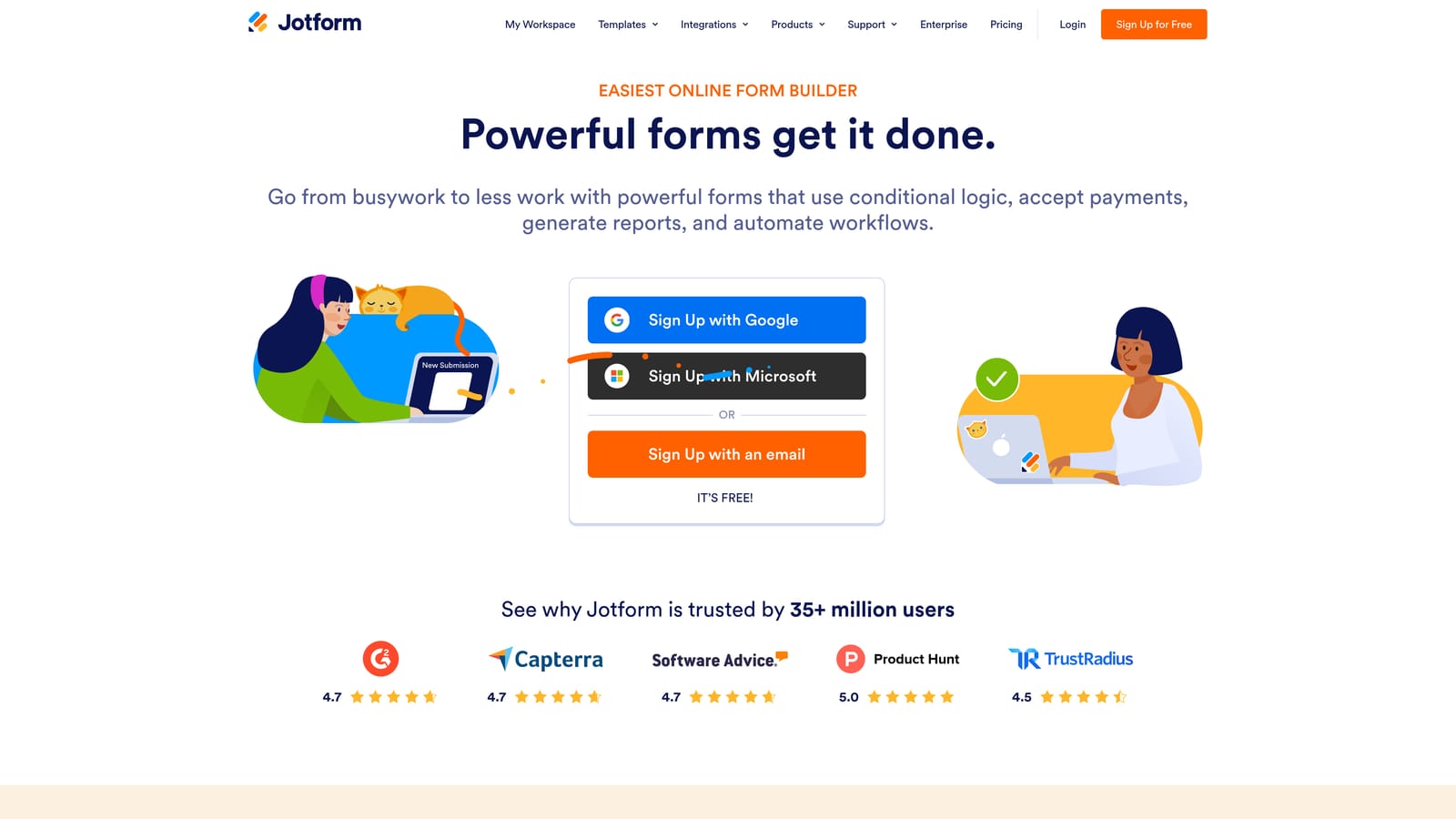
Jotform is one of the most established form builders available, offering a visual conditional logic builder that supports complex, multi-condition branching rules at both the field and page level.
Where This Tool Shines
Where Jotform stands out is the depth of its conditional logic engine. You can stack multiple conditions per rule, apply branching at the page level for multi-step forms, and use calculation fields to generate dynamic values within the form itself. This makes it well-suited for workflows that require more than simple show/hide logic.
The integration library is one of the largest in the category, with over 400 native connections spanning CRMs, payment processors, project management tools, and more. If your team relies on a specific stack, Jotform almost certainly connects to it.
Key Features
Visual Conditional Logic Builder: A drag-and-drop interface for creating multi-condition branching rules without writing code.
Page-Level Branching: Route respondents to entirely different form pages based on their answers, not just individual fields.
400+ Native Integrations: Connects with CRMs, payment tools, email platforms, and project management software.
Calculation Fields: Perform dynamic math within forms, useful for pricing calculators, scoring, and quote generation.
Large Template Library: Hundreds of pre-built templates to accelerate setup across industries and use cases.
Best For
Operations teams, small businesses, and agencies that need reliable conditional logic with broad integration support. Jotform is especially useful when forms feed into complex downstream workflows across multiple tools.
Pricing
A free tier is available with generous limits. Multiple paid tiers scale with submission volume and feature access. Verify current pricing at jotform.com.
4. Paperform
Best for: Service businesses and teams building detailed intake forms, proposals, or multi-purpose workflows.
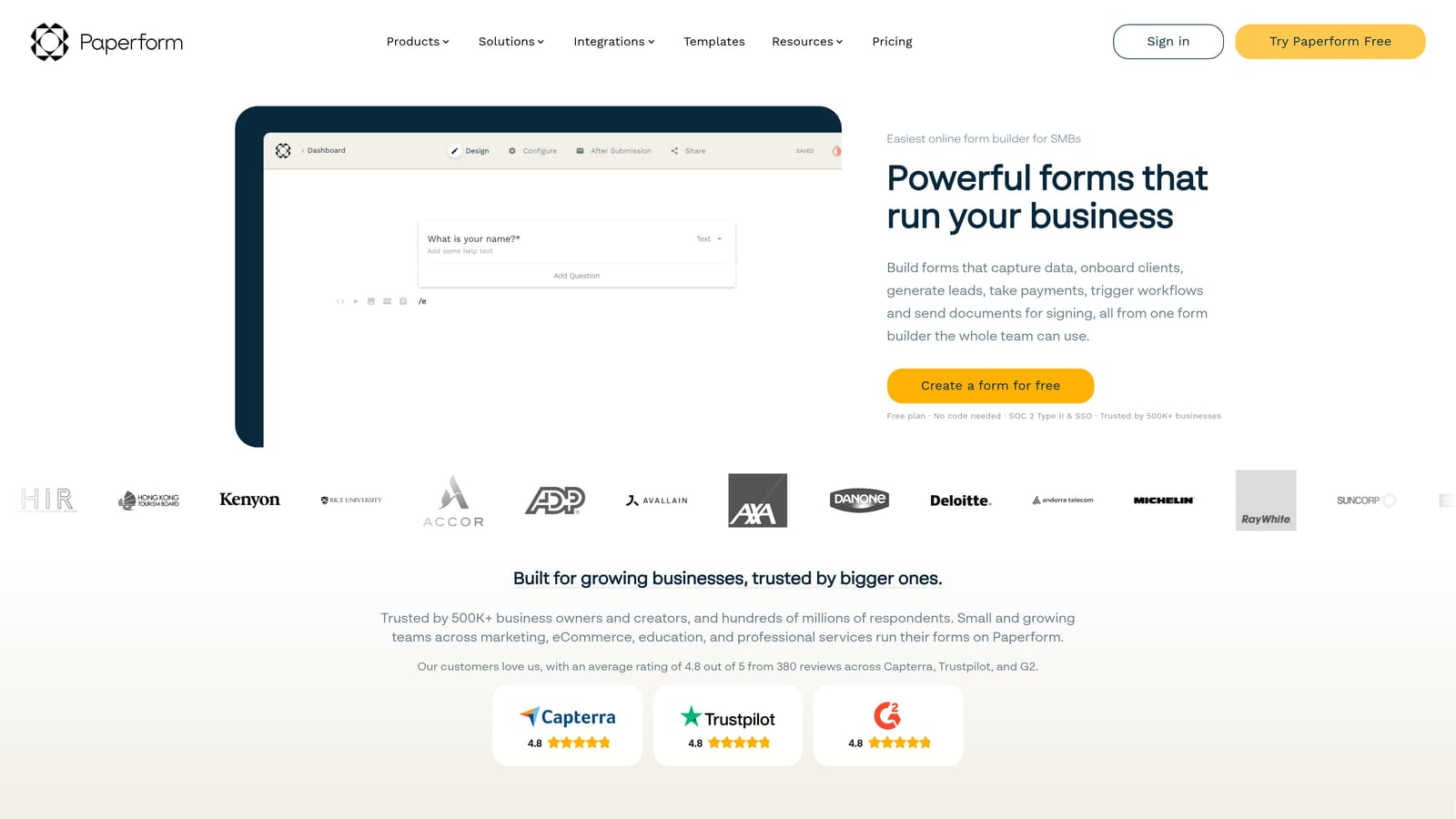
Paperform takes a document-style approach to form building, blending narrative text with form fields in a single editor that feels more like writing a page than configuring a tool.
Where This Tool Shines
Paperform's conditional logic applies at both the field level and the section level, which gives you meaningful control over how content appears as respondents move through a form. You can show or hide entire blocks of copy and fields based on earlier answers, making it particularly effective for detailed intake forms where context matters.
The multi-purpose nature of Paperform is a genuine differentiator. A single form can collect information, accept a payment, and schedule a booking, all within one experience. For service businesses or consultants, that consolidation removes a lot of unnecessary tool-switching.
Key Features
Document-Style Editor: Combine narrative copy and form fields in one editor, creating forms that read like polished documents.
Section-Level Conditional Logic: Show or hide entire content sections based on respondent answers, not just individual fields.
Payments, Bookings, and Sales: Accept payments and schedule appointments directly within the form experience.
Zapier and Direct Integrations: Connects with Google Sheets, Slack, Zapier, and a range of other platforms.
Custom Domains and White-Label Options: Publish forms on your own domain for a fully branded experience.
Best For
Freelancers, agencies, and service businesses that need forms to double as intake documents, proposals, or booking flows. Paperform works well when the form itself needs to communicate as much as it collects.
Pricing
No permanent free tier. Paid plans are available at multiple price points. Verify current pricing at paperform.co.
5. Tally
Best for: Teams that need conditional branching logic without committing to a paid plan.
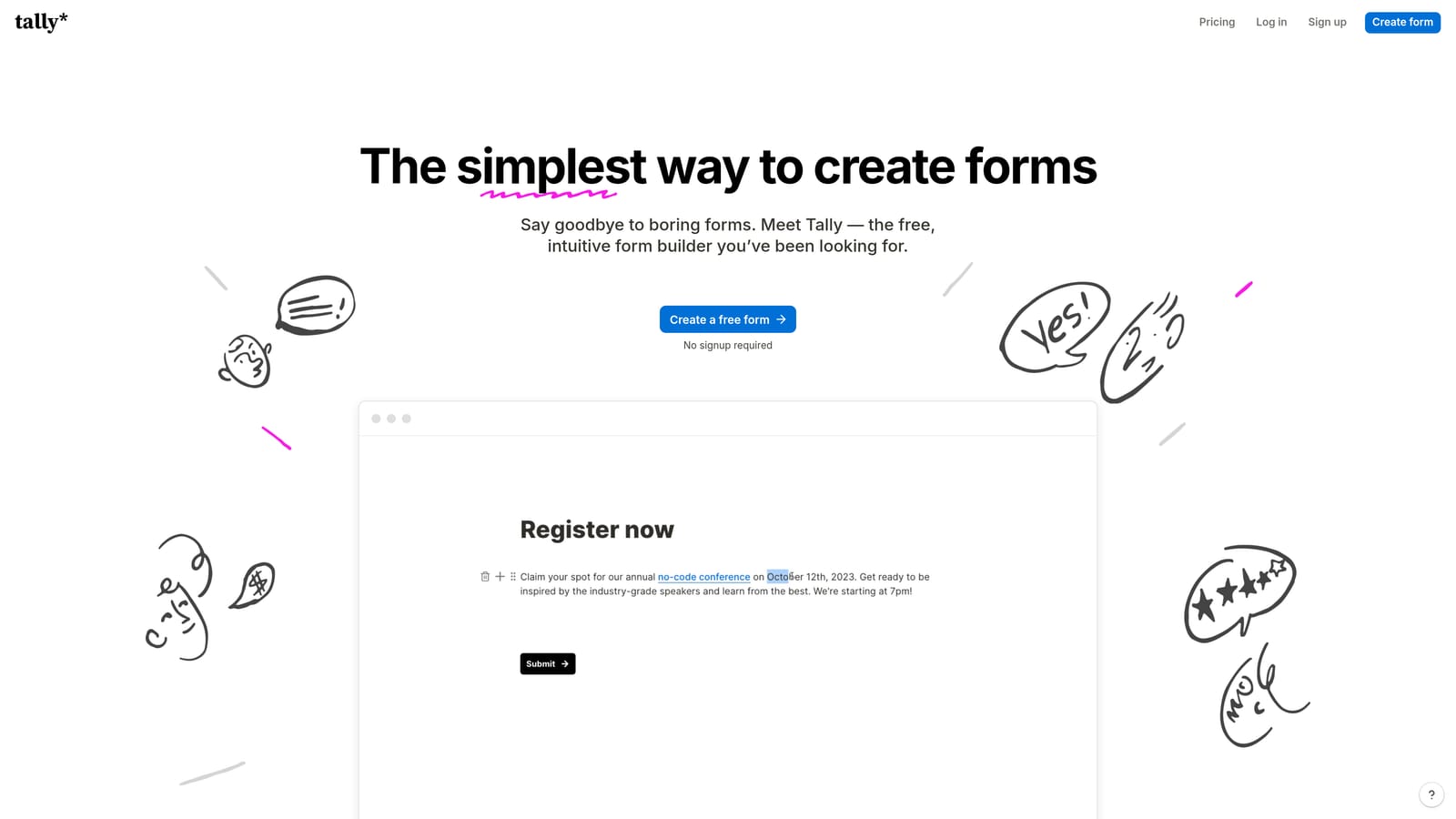
Tally is a Notion-inspired form builder that makes branching logic genuinely accessible, including on its free tier, with a block-based editor that has almost no learning curve.
Where This Tool Shines
The standout fact about Tally is that conditional logic is available on the free plan. Most tools gate branching behind a paid tier, which makes Tally a rare option for early-stage teams or individuals who need real functionality without upfront cost. The free tier also includes unlimited forms and unlimited responses, which is unusually generous.
The editing experience is fast and familiar if you've spent any time in Notion. You build forms with blocks, add logic conditions to individual questions, and publish in minutes. It's intentionally lightweight, which means it won't match enterprise tools on depth, but for straightforward branching workflows it more than holds its own.
Key Features
Conditional Logic on Free Plan: Branching logic is not paywalled, making it accessible from day one without a subscription.
Unlimited Forms and Responses: The free tier doesn't cap your usage, which is a meaningful differentiator.
Block-Based Editor: Notion-style interface that's fast to learn and quick to use for anyone comfortable with modern productivity tools.
Embed Anywhere: Embed forms on any website; paid plan removes Tally branding for a cleaner experience.
Integrations: Connects with Zapier, Make, Google Sheets, and Notion for automated downstream workflows.
Best For
Startups, indie makers, and small teams that need capable branching logic without a paid subscription. Also a solid choice for internal forms and lightweight surveys where enterprise features aren't required.
Pricing
Free tier includes conditional logic and unlimited responses. A Pro plan adds white-labeling and additional features. Verify current pricing at tally.so.
6. Formstack
Best for: Enterprise teams in regulated industries that need advanced branching alongside compliance and workflow automation.
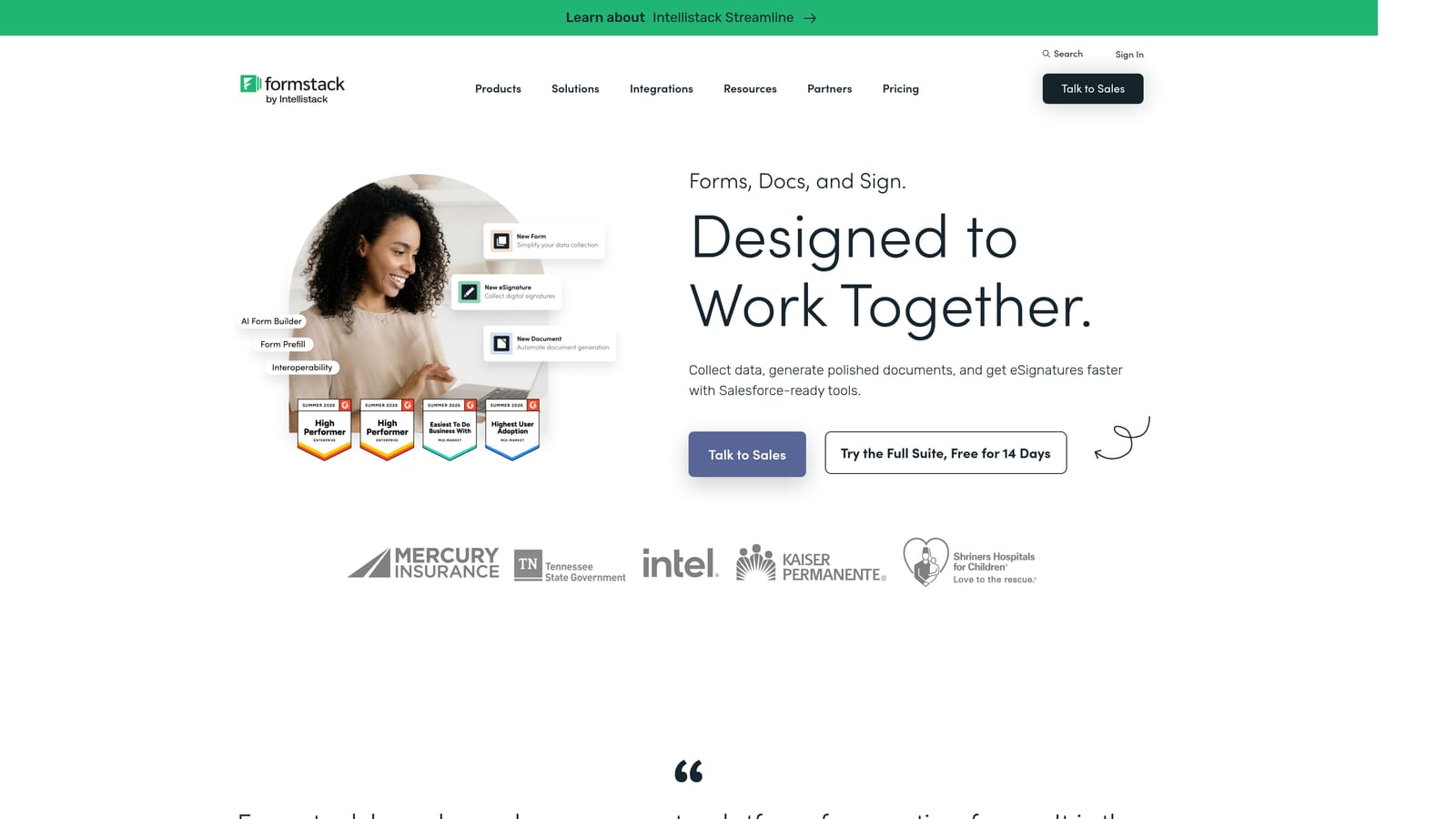
Formstack is an enterprise-grade platform that pairs advanced conditional logic with document generation, e-signatures, and multi-step workflow automation, all under a compliance-ready infrastructure.
Where This Tool Shines
Formstack is built for organizations where forms are part of a larger operational process, not just a data collection endpoint. The conditional logic engine supports both field-level and page-level branching, and those forms can feed directly into document generation and approval routing workflows. That end-to-end capability is what separates Formstack from lighter tools.
The compliance posture is a genuine differentiator for regulated sectors. HIPAA, GDPR, and SOC 2 certifications are built in, which means healthcare, finance, HR, and legal teams can use Formstack without needing to layer on additional compliance tooling. For organizations in those industries, that's often the deciding factor.
Key Features
Advanced Conditional Branching: Field-level and page-level logic that supports complex, multi-path form workflows.
Compliance Certifications: HIPAA, GDPR, and SOC 2 compliance built into the platform, not bolted on as an add-on.
Document Generation: Automatically generate populated documents from form submissions, reducing manual data entry.
E-Signature and Approval Workflows: Route completed forms through multi-step approval processes with e-signature support.
Enterprise Admin Controls: SSO, user permissions, and admin dashboards for large teams managing multiple form workflows.
Best For
Enterprise teams in healthcare, finance, HR, and legal who need branching forms embedded within compliant, auditable workflows. Formstack is overkill for simple lead gen but exactly right for organizations where forms trigger regulated processes.
Pricing
Formstack is priced at a higher tier reflecting its enterprise positioning. No permanent free tier. Verify current pricing at formstack.com.
Which Tool Is Right for Your Team?
The right dynamic form builder depends on three things: your team's primary goal, the complexity of logic you need, and how much you're willing to invest. Here's a quick breakdown to point you in the right direction.
If your priority is lead qualification with AI-powered scoring, Orbit AI is the clear choice. It's the only tool on this list that combines conditional branching with an AI lead scoring engine, which means your forms don't just collect data, they actively prioritize your pipeline. Purpose-built for high-growth SaaS and marketing teams.
If design and conversational UX matter most, Typeform delivers a polished, brand-aligned experience that works well for top-of-funnel marketing forms and surveys. For teams needing deep multi-condition logic and a broad integration ecosystem, Jotform is the most established option with the widest compatibility.
Paperform is the right call for service businesses that want forms to double as intake documents or booking flows. Tally is the standout free option, offering genuine branching logic without a paid subscription. And for enterprise teams in regulated industries, Formstack provides the compliance infrastructure and workflow automation that others simply don't match.
Transform your lead generation with AI-powered forms that qualify prospects automatically while delivering the modern, conversion-optimized experience your high-growth team needs. Start building free forms today and see how intelligent form design can elevate your conversion strategy.


