

Survey forms that ask everyone the same questions leave data quality on the table. Conditional logic transforms a static form into a responsive conversation that feels tailored to each respondent, showing or hiding questions based on what someone has already told you. The result: higher completion rates, cleaner data, and more qualified leads.
This guide covers the best survey form builders with logic available in 2026. We evaluated each tool on the depth of its logic capabilities, ease of setup, design quality, integrations, and pricing. Whether you're running a lead qualification flow, a customer feedback survey, or a multi-step onboarding form, there's a right tool for your stack.
For teams prioritizing conversion and lead quality, we've also included notes on how each platform handles AI-assisted logic and lead scoring. See our guide on how to qualify leads with forms for context on why logic-driven forms matter for pipeline quality.
What Separates Good Logic Builders from Great Ones
Not all conditional logic is created equal. At the basic end, you get simple show/hide rules: if someone answers "Yes," reveal the next question. That's table stakes. The real differentiator is what happens at the deeper levels: multi-condition AND/OR rules, calculation fields, AI-assisted routing, and whether the logic connects to downstream actions like CRM updates or lead scoring.
The tools below span that full spectrum, from generous free-tier logic for early-stage teams to enterprise compliance platforms with workflow automation baked in. Here's where each one stands.
1. Orbit AI
Best for: High-growth SaaS and B2B teams who need forms that qualify and route leads, not just collect them.
Orbit AI is an AI-powered form builder with conditional logic and built-in lead qualification designed for teams where every form submission feeds a sales pipeline.
Where This Tool Shines
Most form builders treat logic as a display feature: show this question, hide that one. Orbit AI goes a step further by layering AI-powered lead qualification on top of that branching logic. As respondents move through a form, the platform assesses lead quality signals in real time and can score or route submissions accordingly, without requiring a separate CRM workflow or manual review step.
This makes it a genuinely different category of tool for B2B and SaaS teams. Instead of exporting responses and manually sorting qualified from unqualified leads, the qualification happens inside the form itself. The modern, conversion-optimized UI is also built with completion rate in mind, which matters when your form is the first touchpoint in a sales funnel.
Key Features
AI-Powered Lead Qualification: Assesses lead quality signals as respondents answer, scoring and routing submissions intelligently without manual review.
Dynamic Branching: Conditional logic that adapts the form path in real time based on each respondent's answers.
Lead Scoring and Routing: Connects qualified leads directly to sales workflows, reducing the gap between form submission and sales follow-up.
Conversion-Optimized Design: Modern UI built specifically to improve completion rates on lead generation and qualification forms.
High-Growth Team Focus: Purpose-built for SaaS and B2B use cases where form data feeds directly into pipeline, not just a spreadsheet.
Best For
Orbit AI is the strongest fit for SaaS companies, B2B teams, and growth marketers who need their forms to do more than collect responses. If lead qualification, routing, and pipeline quality are central to your workflow, this is the tool built specifically for that problem.
Pricing
Visit orbitforms.ai for current pricing and plan details. Plans are designed for high-growth teams at various stages.
2. Typeform
Best for: Teams who want a polished, branded respondent experience with solid conditional branching.
Typeform is a conversational form builder known for its one-question-at-a-time format and Logic Jump feature for survey branching.
Where This Tool Shines
Typeform's biggest strength is the respondent experience. The single-question format reduces cognitive load and tends to feel less like filling out a form and more like having a conversation. For brand-sensitive teams running customer surveys, NPS flows, or market research, that polish matters.
The Logic Jump feature handles most standard branching needs well: route respondents to different questions or endings based on their answers. It's not the deepest logic engine on this list, but it covers the majority of use cases without requiring a steep learning curve.
Key Features
Logic Jump: Conditional branching that routes respondents to different questions or form endings based on their answers.
Conversational UI: One-question-at-a-time format that improves the completion experience, particularly on mobile.
Integration Ecosystem: Native connections to HubSpot, Salesforce, Zapier, and other widely used tools in the SaaS stack.
Video and Image Support: Embed rich media directly inside survey questions to add context or brand personality.
Analytics Dashboard: Track drop-off rates and response patterns to identify where respondents are leaving the form.
Best For
Typeform works best for marketing teams, researchers, and brand-forward companies who prioritize the look and feel of the respondent experience. If you need deeply complex multi-condition logic or AI-powered lead scoring, you'll likely hit its limits, but for polished surveys and lead capture forms, it's a strong performer.
Pricing
A free plan is available with limited responses. Paid plans unlock higher response limits and advanced features. See typeform.com for current rates.
3. Jotform
Best for: Teams who need deeply complex conditional logic with multi-condition AND/OR rules.
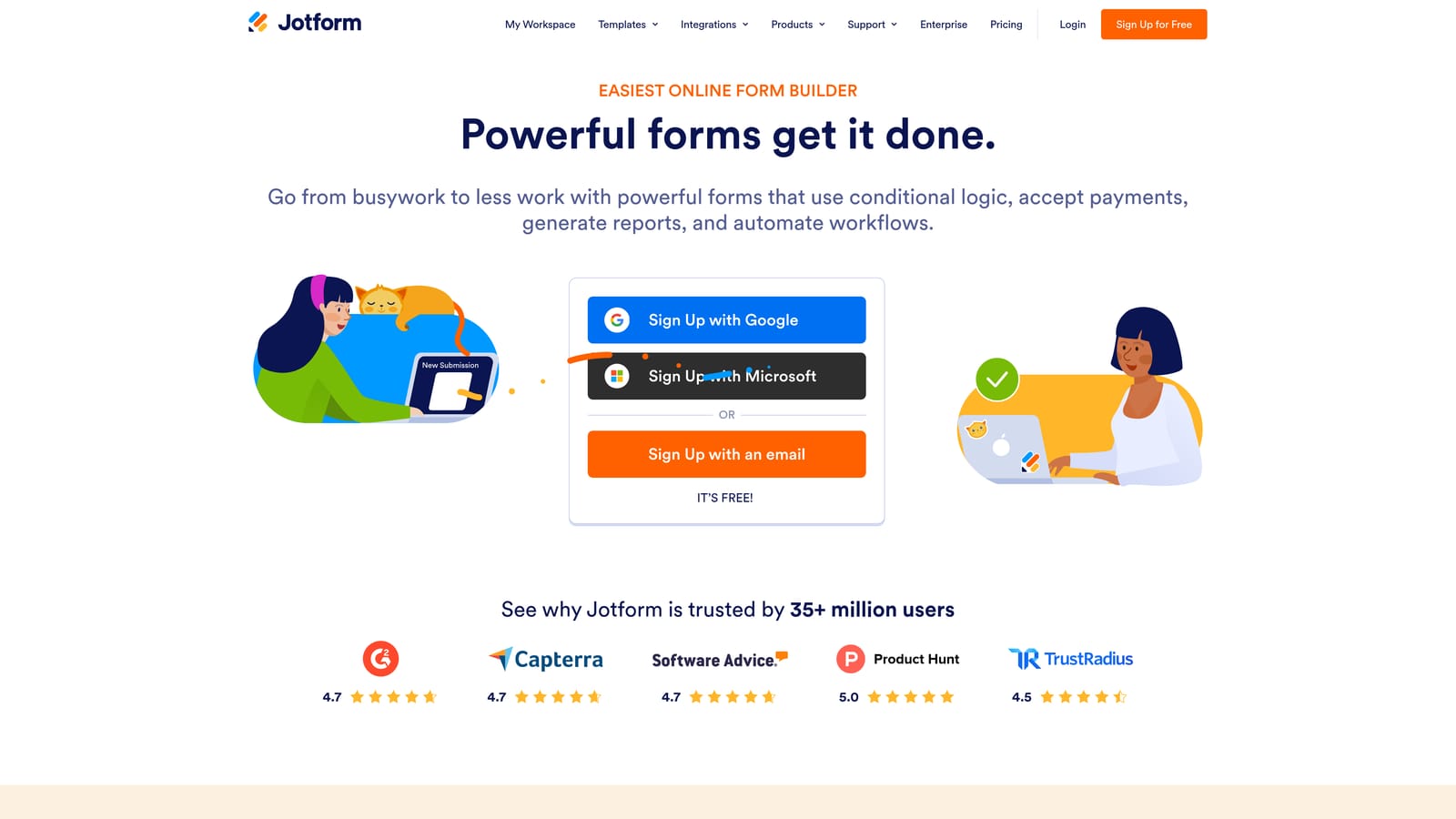
Jotform is a feature-rich form builder with one of the most powerful conditional logic builders on the market, supporting complex rule combinations that go well beyond basic show/hide.
Where This Tool Shines
If logic depth is your primary requirement, Jotform is the most capable tool on this list for pure rule complexity. You can stack multiple conditions using AND/OR logic, trigger field visibility based on calculated values, and build branching paths that account for several variables simultaneously. For operations teams, HR workflows, or enterprise forms with many interdependent fields, that flexibility is genuinely valuable.
The platform also benefits from years of template development: with over 10,000 templates spanning industries from healthcare to legal to e-commerce, there's almost always a starting point that gets you close to what you need.
Key Features
Multi-Condition Logic: AND/OR rule combinations that let you trigger actions based on multiple field values simultaneously.
Calculation Fields: Dynamic scoring, pricing, and output fields that update based on respondent answers.
10,000+ Templates: An extensive library covering virtually every industry and form type imaginable.
Jotform Approvals: Multi-step workflow automation that routes submissions through approval chains after they're submitted.
HIPAA-Compliant Plans: Available for healthcare and regulated industries that need data handling compliance baked in.
Best For
Jotform is the go-to choice for operations managers, HR teams, and enterprise users who need the most granular conditional logic available without building a custom solution. It's also a strong fit for healthcare and regulated industries thanks to its compliance options.
Pricing
A free plan is available. Paid plans scale by submission volume and feature set. See jotform.com for current rates.
4. Paperform
Best for: Service businesses and content-forward teams who want forms embedded inside rich, branded pages.
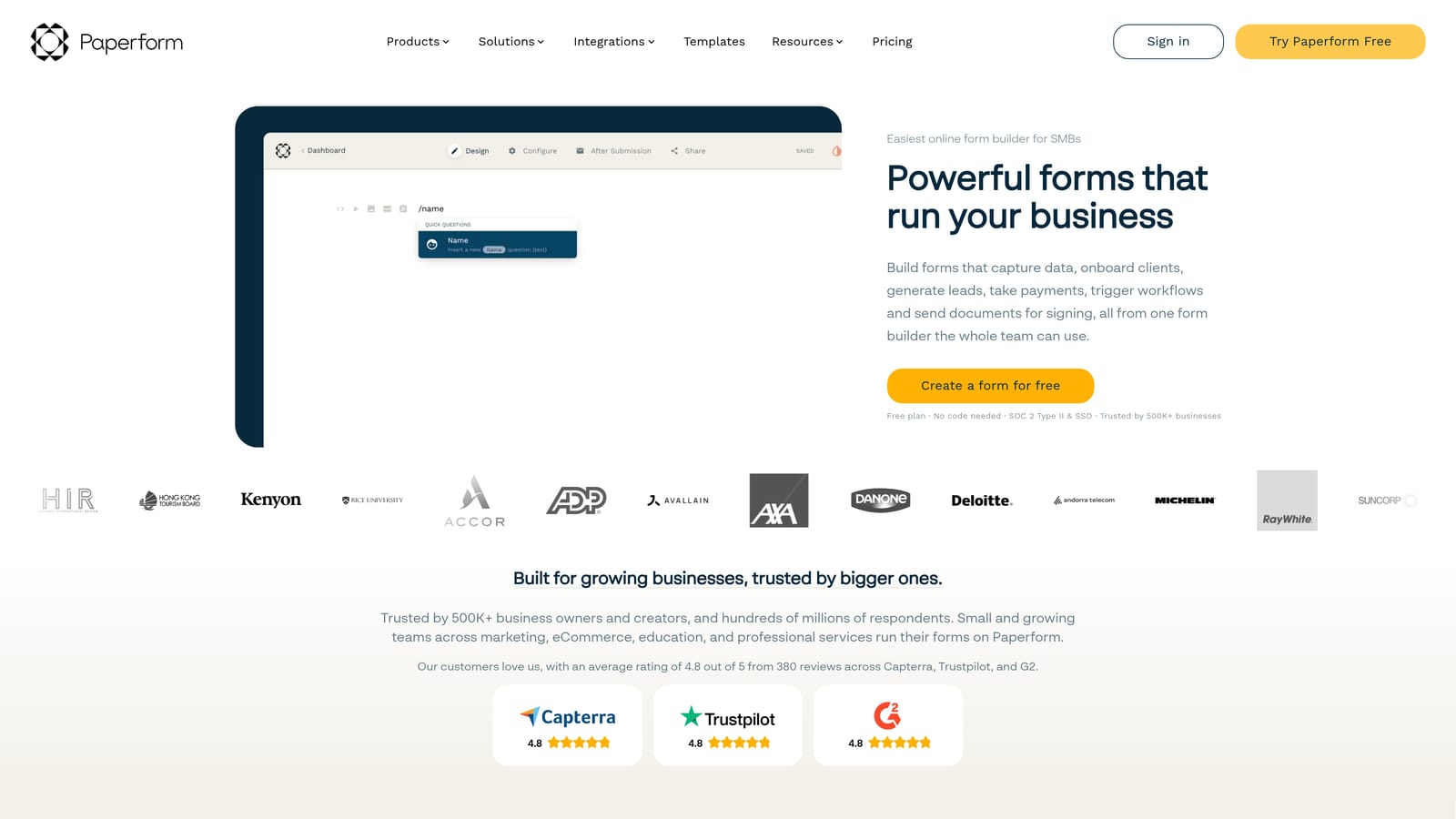
Paperform is a canvas-style form builder that blends rich content pages with conditional logic, giving forms a document-like feel rather than a traditional form interface.
Where This Tool Shines
Paperform takes a fundamentally different approach to form design. Instead of a dedicated form interface, you build inside a freeform canvas where text, images, video, and form fields all live together on the same page. This makes it particularly effective for service businesses, consultants, and course creators who want intake forms or order forms that feel like part of a branded content experience.
Conditional logic in Paperform operates at the section and field level, letting you show or hide entire content blocks based on answers. It's not as deep as Jotform's rule engine, but the design flexibility more than compensates for teams where presentation matters as much as data collection.
Key Features
Freeform Canvas Editor: Combine text, media, and form fields on a single page for a document-style form experience.
Conditional Sections: Show or hide entire content sections and individual fields based on respondent answers.
Built-in Payments: Native payment collection via Stripe, PayPal, and Square without needing a third-party integration.
Calculation Fields: Dynamic pricing and quote generation that updates based on form selections.
Pre-fill and Hidden Fields: Personalize forms using URL parameters or hidden data passed from other systems.
Best For
Paperform is best suited for service businesses, freelancers, and small teams who want beautiful, content-rich forms for intake, quotes, or orders. If you need enterprise-grade logic complexity or AI-powered lead qualification, it's not the right fit, but for design-forward use cases, it stands out.
Pricing
No free plan is available. Paid plans only. See paperform.co for current rates.
5. Tally
Best for: Early-stage startups and budget-conscious teams who need conditional logic without paying for it.
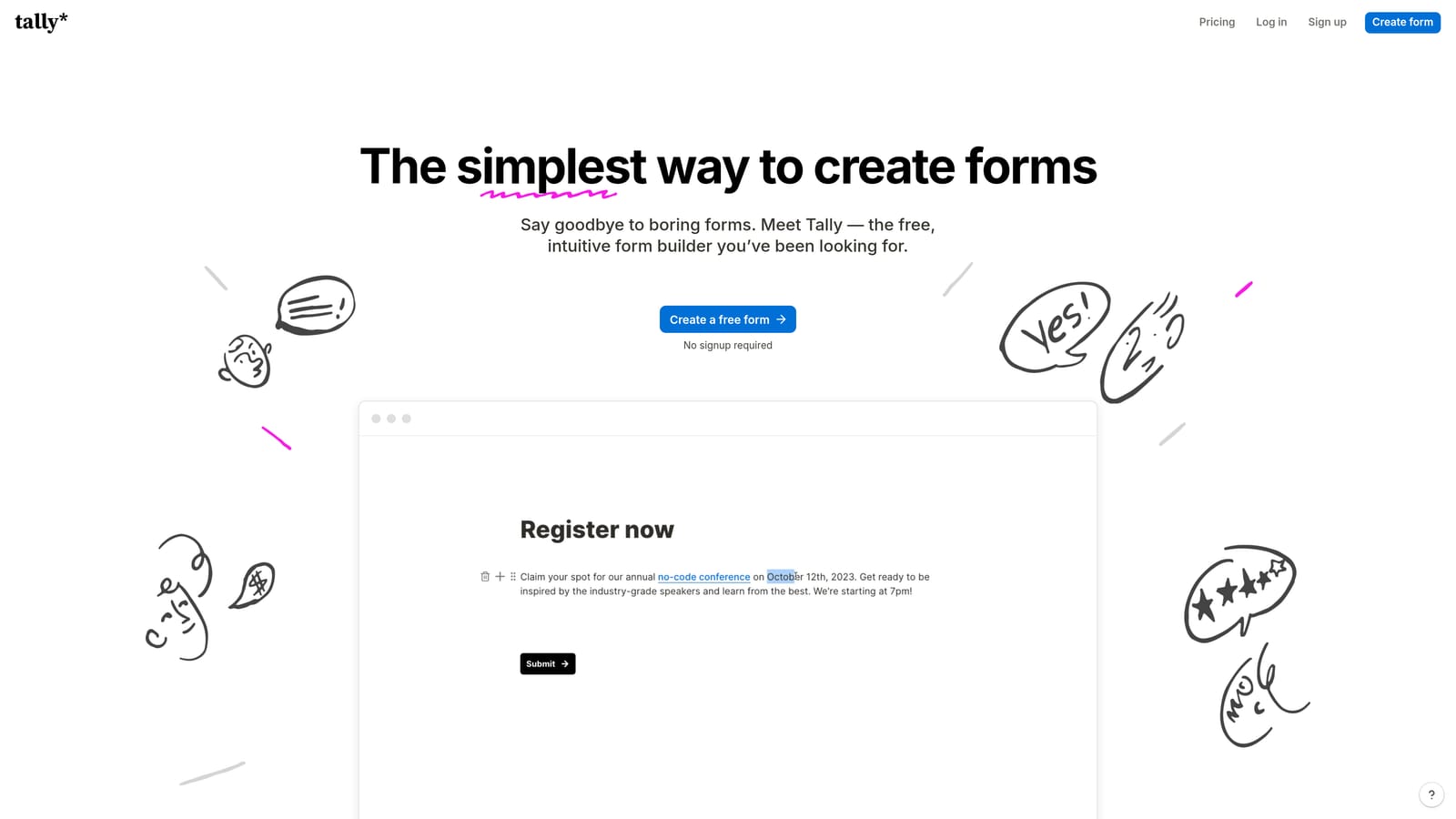
Tally is a Notion-inspired form builder with a generous free plan that includes conditional logic, making it the standout option for teams who need capable forms without a monthly commitment.
Where This Tool Shines
The headline differentiator for Tally is simple: conditional logic on the free tier. Most competitors gate logic behind paid plans, which creates a real barrier for early-stage teams and indie makers who just need forms that work. Tally removes that barrier entirely, offering unlimited forms and responses alongside basic conditional logic at no cost.
The block-based editor feels immediately familiar to anyone who uses Notion, which lowers the learning curve significantly. It's not the most powerful logic engine on this list, but it handles standard use cases like skip logic and conditional field visibility without friction.
Key Features
Free Conditional Logic: Logic is included in the free tier, not locked behind a paywall, which is rare in this market.
Notion-Like Editor: Block-based form building that feels intuitive for teams already working in Notion or similar tools.
Unlimited Free Forms and Responses: No response caps or form limits on the free plan, making it genuinely usable at scale for simple use cases.
No-Branding Embed on Pro: Tally Pro removes Tally branding for teams who want a fully white-labeled embed experience.
Zapier and Make Integrations: Connect form responses to broader workflows without needing to upgrade to an enterprise plan.
Best For
Tally is the clear choice for early-stage startups, indie makers, and internal teams who need solid forms with conditional logic but aren't ready to commit to a paid tool. It's also a good option for internal surveys and ops forms where design polish is less critical than speed and cost.
Pricing
A generous free plan covers most standard use cases. Tally Pro is available at a monthly or annual rate for additional features. See tally.so for current rates.
6. Formstack
Best for: Enterprise and regulated-industry teams where compliance is as important as logic depth.
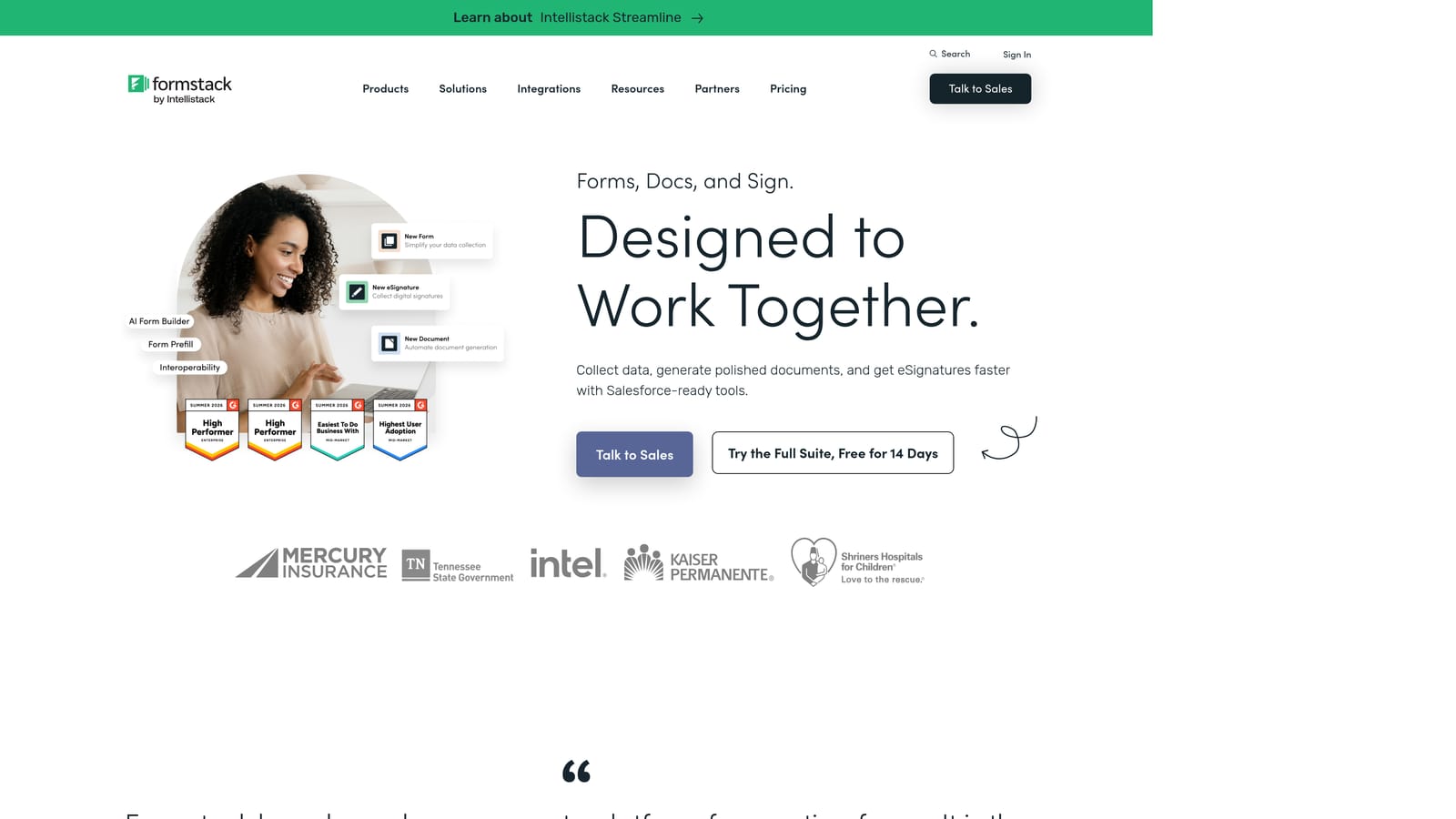
Formstack is an enterprise form builder combining conditional logic with compliance features, e-signatures, and deep workflow automation for organizations in regulated industries.
Where This Tool Shines
Formstack operates at a different level than most tools on this list. It's not just a form builder with logic: it's a broader workflow platform where forms connect to document generation, e-signature collection, and multi-step approval flows. For healthcare organizations, financial services firms, or enterprise teams with strict data governance requirements, that breadth is exactly what's needed.
The conditional logic itself handles field show/hide and page-level branching well. Where Formstack distinguishes itself is in what happens after the logic fires: submissions can trigger document generation, route to Formstack Sign for e-signatures, or push data into Salesforce and HubSpot with field-level mapping. It's a complete submission workflow, not just a form.
Key Features
Conditional Logic with Page Branching: Show/hide fields and branch between form pages based on respondent answers.
Compliance Support: HIPAA, GDPR, and SOC 2 compliance frameworks for regulated industries that can't compromise on data handling.
E-Signature Collection: Native e-signature capability via Formstack Sign, integrated directly into the form submission workflow.
Document Generation: Automatically generate populated documents from form submission data, reducing manual data entry downstream.
Enterprise CRM Integrations: Deep native integrations with Salesforce, HubSpot, and other enterprise platforms with field-level data mapping.
Best For
Formstack is the right choice for mid-market and enterprise teams in healthcare, legal, financial services, or any regulated industry where compliance requirements are non-negotiable. It's priced accordingly, so smaller teams or those without compliance requirements will likely find better value elsewhere on this list.
Pricing
Mid-market to enterprise pricing. See formstack.com for current plan details.
Which Tool Is Right for Your Team?
The right choice here depends less on feature checklists and more on what you need the form to do after someone submits it.
Choose Orbit AI if lead qualification and AI-powered routing are central to your workflow. It's the only tool on this list that combines traditional conditional logic with real-time lead scoring, making it purpose-built for SaaS and B2B teams where form data feeds directly into a sales pipeline.
Choose Typeform if respondent experience and brand polish matter most and your logic needs are straightforward. Choose Jotform if you need the deepest multi-condition logic available, particularly for operations, HR, or healthcare use cases. Choose Paperform if you want forms that live inside rich, content-forward pages for a service business or creative workflow.
Choose Tally if you're early-stage or budget-constrained and need capable conditional logic without a paid plan. Choose Formstack if enterprise compliance is non-negotiable and you need forms that connect to e-signatures and document generation.
Conditional logic is no longer a premium add-on. It's a baseline expectation for any serious survey or lead form. The differentiator in 2026 is what happens after the logic fires: does the platform just branch questions, or does it score, qualify, and route leads intelligently?
For high-growth teams where every lead matters, that distinction is worth paying close attention to. Start building free forms today and see how AI-powered logic can improve the quality of data you collect from day one.
Want to go deeper? Explore our guides on how to improve lead quality, survey design best practices, and dynamic form fields based on user input.


