

High-growth teams need more than a basic contact form. They need tools that qualify leads, reduce friction, and integrate cleanly with the rest of their stack. The right form builder can be the difference between a pipeline full of high-intent prospects and a spreadsheet of cold contacts.
This list covers the best modern form builders built with teams in mind: tools that go beyond drag-and-drop to offer real collaboration, smart logic, and conversion-focused design. Whether you're running lead gen campaigns, onboarding new users, or collecting customer feedback, there's a purpose-built option here.
The tools below were evaluated on five criteria: team collaboration features, conditional logic depth, integration quality, design polish, and pricing transparency. Each one solves a slightly different problem, so the best choice depends on what your team actually needs.
1. Orbit AI
Best for: High-growth teams that need forms to qualify and score leads automatically at submission.
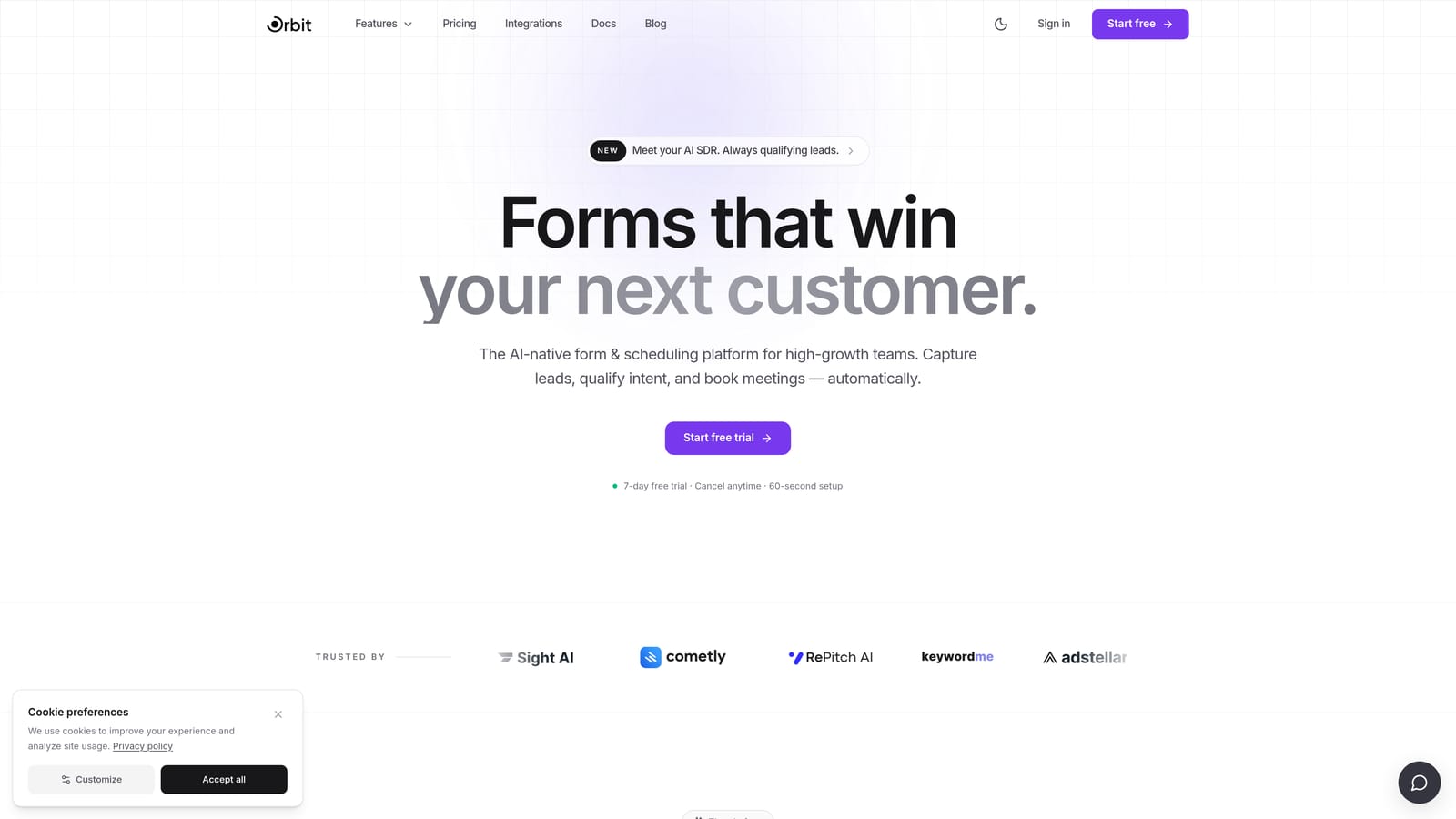
Orbit AI is an AI-powered form builder designed specifically for teams that treat their forms as a lead qualification layer, not just a data collection tool.
Where This Tool Shines
Most form builders stop at collecting answers. Orbit AI takes things a step further by scoring respondents in real time based on how they answer, so your team knows immediately which leads are worth pursuing. That's a meaningful shift for any team running high-volume lead gen campaigns where manual qualification is a bottleneck.
The design quality is also worth calling out. Orbit AI's forms look polished out of the box, which matters when your form is the first touchpoint a prospect has with your brand. Combining intelligent lead scoring with a conversion-optimized interface puts it in a category of its own.
Key Features
AI-Powered Lead Qualification: Scores respondents in real time based on their answers, surfacing high-intent leads automatically without manual review.
Conversion-Optimized Design: Modern, polished UI built to reduce drop-off and improve completion rates across device types.
Conditional Logic and Dynamic Fields: Personalizes the form experience based on previous answers, keeping forms relevant and concise for each respondent.
Team Collaboration: Shared workspaces and form management tools so multiple team members can build, review, and iterate without stepping on each other.
CRM and Marketing Integrations: Routes qualified leads automatically into your existing tools, cutting down on manual data handling between form submission and follow-up.
Best For
Orbit AI is the strongest fit for B2B marketing and sales teams that need their forms to do real qualification work. If lead quality is your primary concern and you want that intelligence built directly into the form layer rather than bolted on afterward, this is the tool to evaluate first.
Pricing
Pricing details and free trial availability are listed at orbitforms.ai. Check the site directly for current plans, as offerings may be updated.
2. Typeform
Best for: Teams prioritizing respondent experience with a conversational, one-question-at-a-time format.
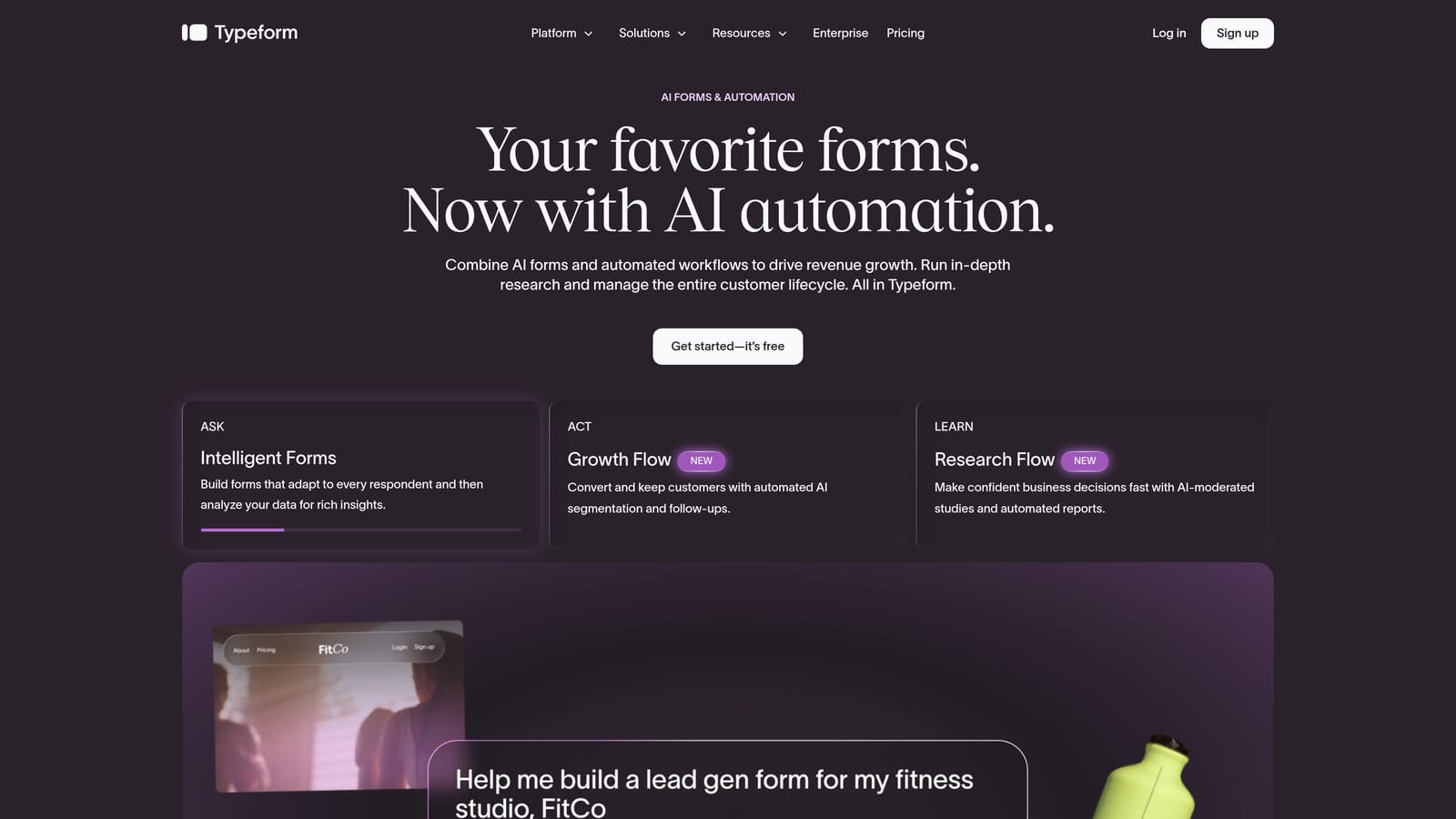
Typeform is one of the most recognized names in form building, known for its distinctive conversational interface that presents questions sequentially rather than all at once.
Where This Tool Shines
Typeform's core strength is the respondent experience. The single-question format feels more like a conversation than a form, which tends to reduce friction and improve completion rates for surveys, research, and brand-forward lead gen campaigns. If how your form feels to the person filling it out matters to your team, Typeform sets a high bar.
The visual customization options are also strong. Teams can align forms closely with their brand identity, and the ability to embed video and images mid-form opens up creative possibilities that most competitors don't offer.
Key Features
Conversational Format: Presents one question at a time, creating a guided, low-friction experience for respondents.
Visual Branding and Customization: Robust design controls to match forms to your brand, including fonts, colors, and backgrounds.
Logic Jumps and Conditional Branching: Routes respondents through different question paths based on their previous answers.
Integration Library: Connects with HubSpot, Salesforce, Slack, and a wide range of other tools via native integrations and third-party connectors.
Video and Image Embedding: Allows rich media to appear within the form itself, useful for product demos or branded experiences.
Best For
Typeform works well for marketing teams running brand-forward campaigns, researchers collecting survey data, and teams where the respondent experience is a priority. It's less suited to teams that need deep lead qualification logic or are cost-sensitive at scale, as submission limits on lower tiers can become a constraint.
Pricing
A free plan is available with limited responses. Paid plans start at approximately $25 per month billed annually. Check typeform.com for current pricing, as plans and limits are updated periodically.
3. Tally
Best for: Teams that need fast, clean form creation with no submission limits on a free plan.
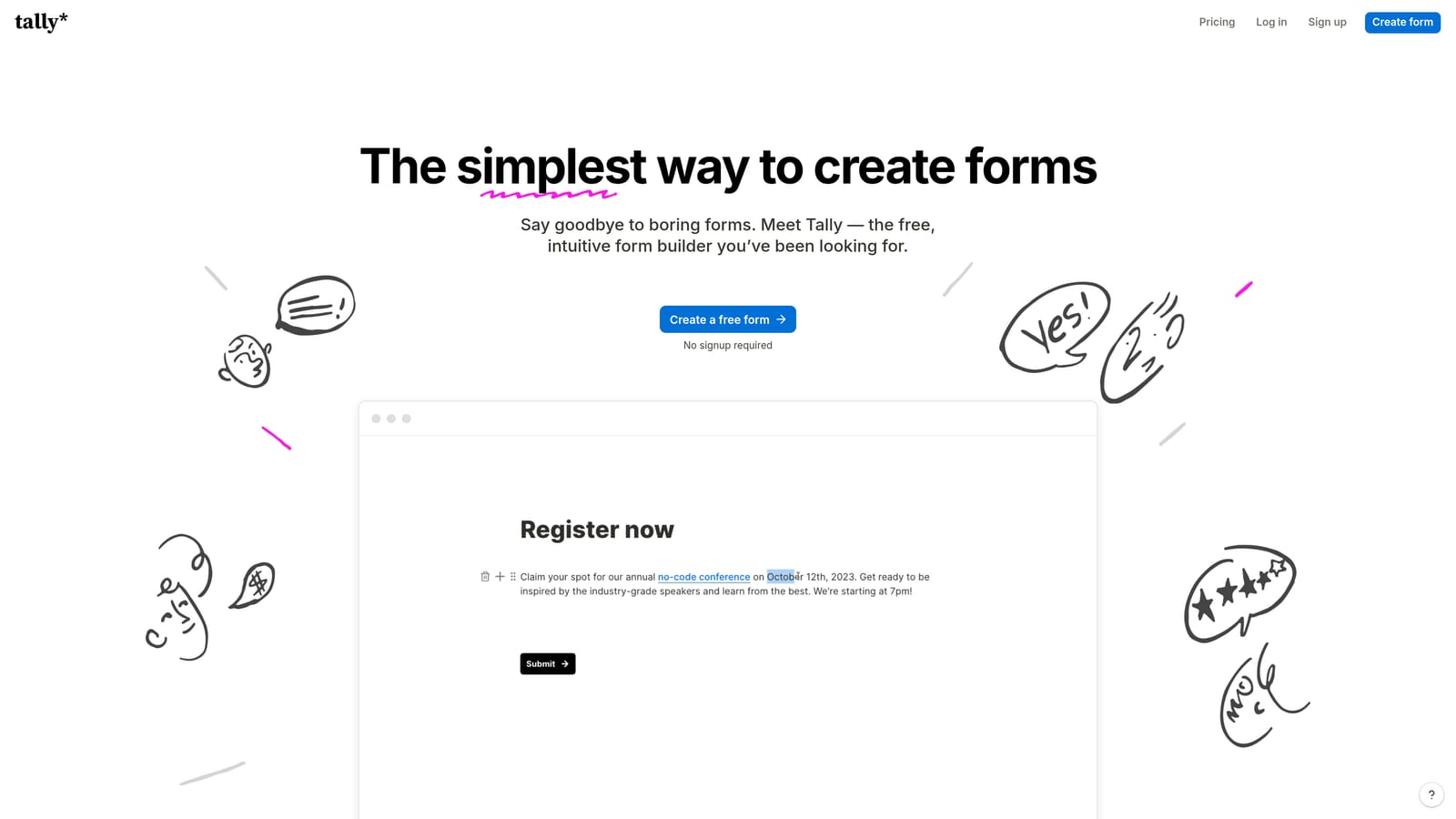
Tally is a free-first form builder with a Notion-inspired block editor that offers a surprisingly capable feature set without the typical free-tier restrictions on submissions.
Where This Tool Shines
The biggest differentiator here is straightforward: unlimited form submissions on the free plan. For early-stage teams or startups running high-volume forms on a tight budget, that alone makes Tally worth serious consideration. There's no scrambling to upgrade because you hit a submission cap mid-campaign.
The block-based editor will feel immediately familiar to anyone who uses Notion. Building and editing forms is fast and intuitive, which lowers the learning curve for teams that don't want to spend time figuring out a new tool. It's built for speed and simplicity, and it delivers on both.
Key Features
Unlimited Submissions on Free Plan: No submission caps on the free tier, which is a genuine rarity in this category.
Block-Based Editor: Notion-style editing interface that makes form building fast and intuitive for teams already comfortable with that workflow.
Conditional Logic and Multi-Page Forms: Supports branching logic and multi-page layouts for more structured data collection.
Clean Embeds: Forms embed smoothly into websites and Notion pages without heavy styling overrides.
Zapier and Native Integrations: Connects to popular workflow tools for automating what happens after submission.
Best For
Tally is an excellent fit for early-stage startups, indie teams, and anyone who needs a capable form builder without a monthly bill. It's lighter on advanced features like complex AI logic or deep CRM routing, but for teams whose primary need is clean, fast form creation, it punches well above its price point.
Pricing
The free plan includes unlimited submissions with no time limit. A Pro plan is available at approximately $29 per month. Check tally.so for current plan details.
4. Paperform
Best for: Teams combining data collection with native payment processing in a single form experience.
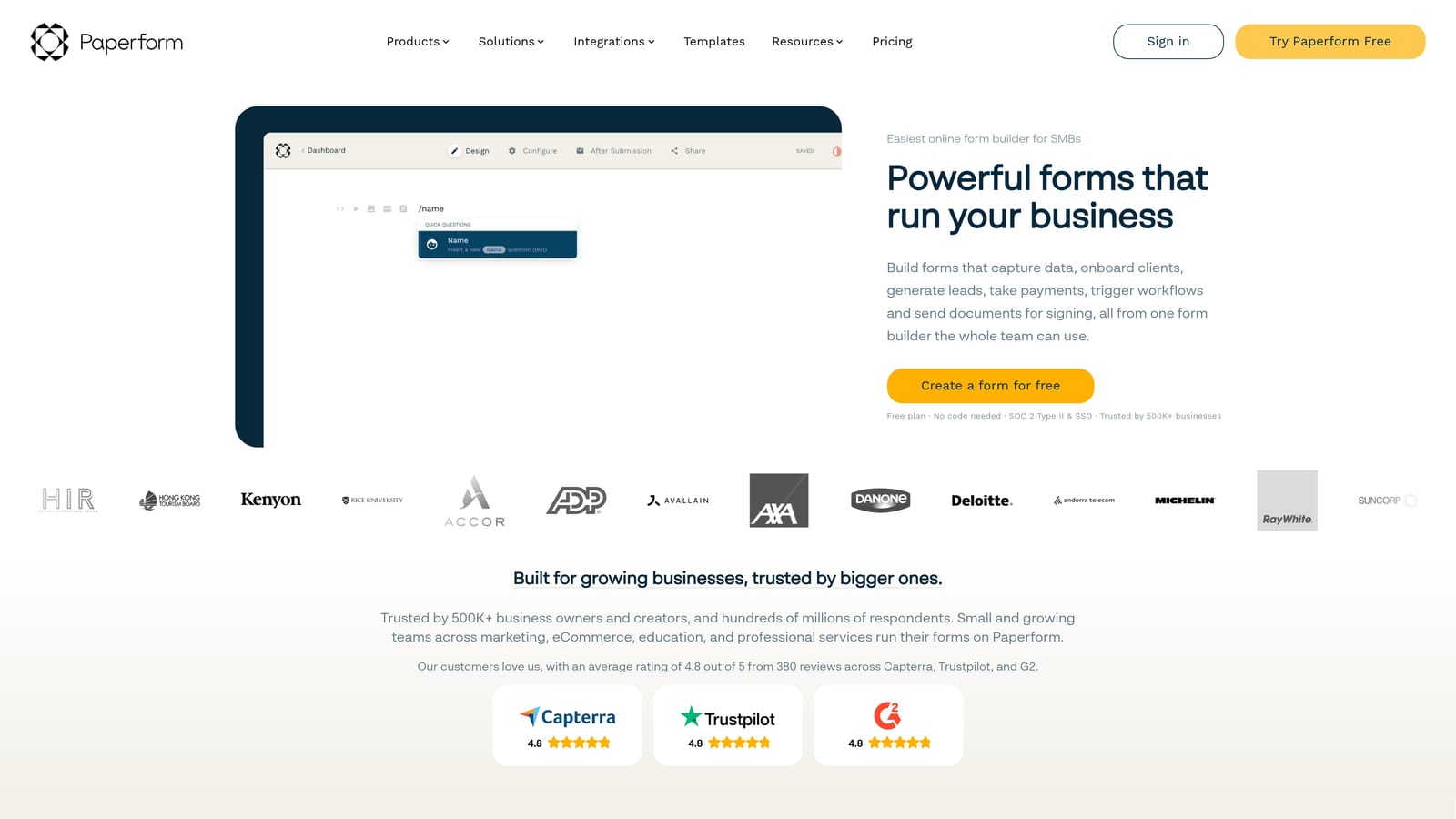
Paperform is a flexible form builder that functions as a lightweight landing page tool, with native payment processing built in from the start rather than added as an afterthought.
Where This Tool Shines
Paperform occupies a unique position in this category. It's not just a form builder: it's closer to a mini landing page creator that happens to collect data and process payments in the same flow. Teams running event registrations, product sales, or service bookings can build an entire customer journey in one place without stitching together separate tools.
The rich text and media embedding capabilities reinforce that landing page feel. You can write copy, add images, embed videos, and collect payment all within a single Paperform document, which gives it a versatility that pure form builders can't match.
Key Features
Native Payment Processing: Accepts payments via Stripe, PayPal, and Square without requiring a third-party plugin or workaround.
Rich Text and Media Embedding: Supports full editorial layouts with copy, images, and video alongside form fields.
Conditional Logic and Calculation Fields: Handles branching logic and dynamic pricing or scoring calculations within the form.
Booking and Scheduling: Built-in scheduling functionality for teams that need to combine form submission with appointment booking.
500+ Integrations: Connects to a wide range of tools via native connections and Zapier.
Best For
Paperform is best suited to service businesses, event organizers, and product teams that need to combine data collection with commerce in a single, polished experience. It's less focused on lead qualification and more on transaction and registration flows.
Pricing
There is no permanent free plan. Paid plans start at approximately $24 per month billed annually. Check paperform.co for current pricing and trial options.
5. Jotform
Best for: Larger teams that need extensive templates, approval workflows, and compliance-ready options.
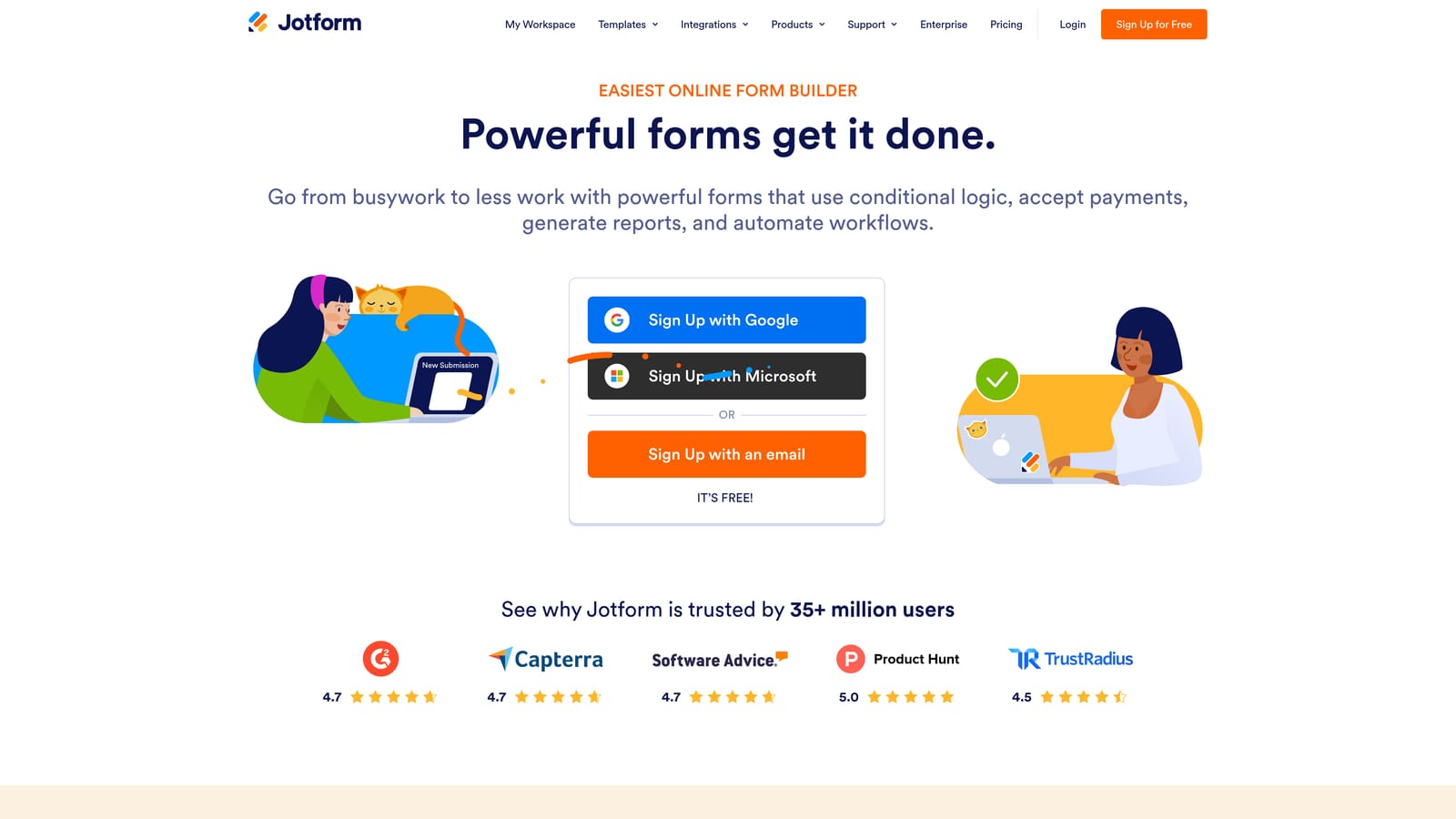
Jotform is one of the most feature-rich form builders available, with a template library that covers hundreds of use cases and team collaboration tools built for more structured organizations.
Where This Tool Shines
When sheer breadth of functionality matters, Jotform is hard to beat. The template library is genuinely one of the largest in the category, which means teams can get started quickly regardless of their use case: from HR intake forms to healthcare consent documents to payment collection. That range makes it a strong choice for teams managing diverse form needs across departments.
The approval workflow functionality is another standout. Teams that need forms to trigger internal review processes, rather than just collecting and storing data, will find Jotform's workflow tools more developed than most alternatives in this list.
Key Features
Massive Template Library: Hundreds of pre-built templates across industries and use cases, significantly reducing setup time.
Team Collaboration and Approval Workflows: Shared form management with built-in approval routing for structured teams.
HIPAA-Compliant Plans: Compliance options for healthcare-adjacent teams that need to handle sensitive data responsibly.
Built-In Payment Collection: Supports product fields and payment processing for teams combining forms with commerce.
Extensive Integration Library: Connects with Salesforce, Google Workspace, Slack, and a wide range of other platforms.
Best For
Jotform suits mid-size to larger teams with diverse form needs, particularly those in regulated industries or those that require structured internal approval processes. The interface can feel less modern compared to newer entrants, but the depth of functionality more than compensates for teams that need it.
Pricing
A free plan is available with submission and storage limits. Paid plans start at approximately $34 per month. Check jotform.com for current plan details and enterprise options.
6. Formstack
Best for: Enterprise teams that need forms as part of a broader document generation and workflow automation suite.
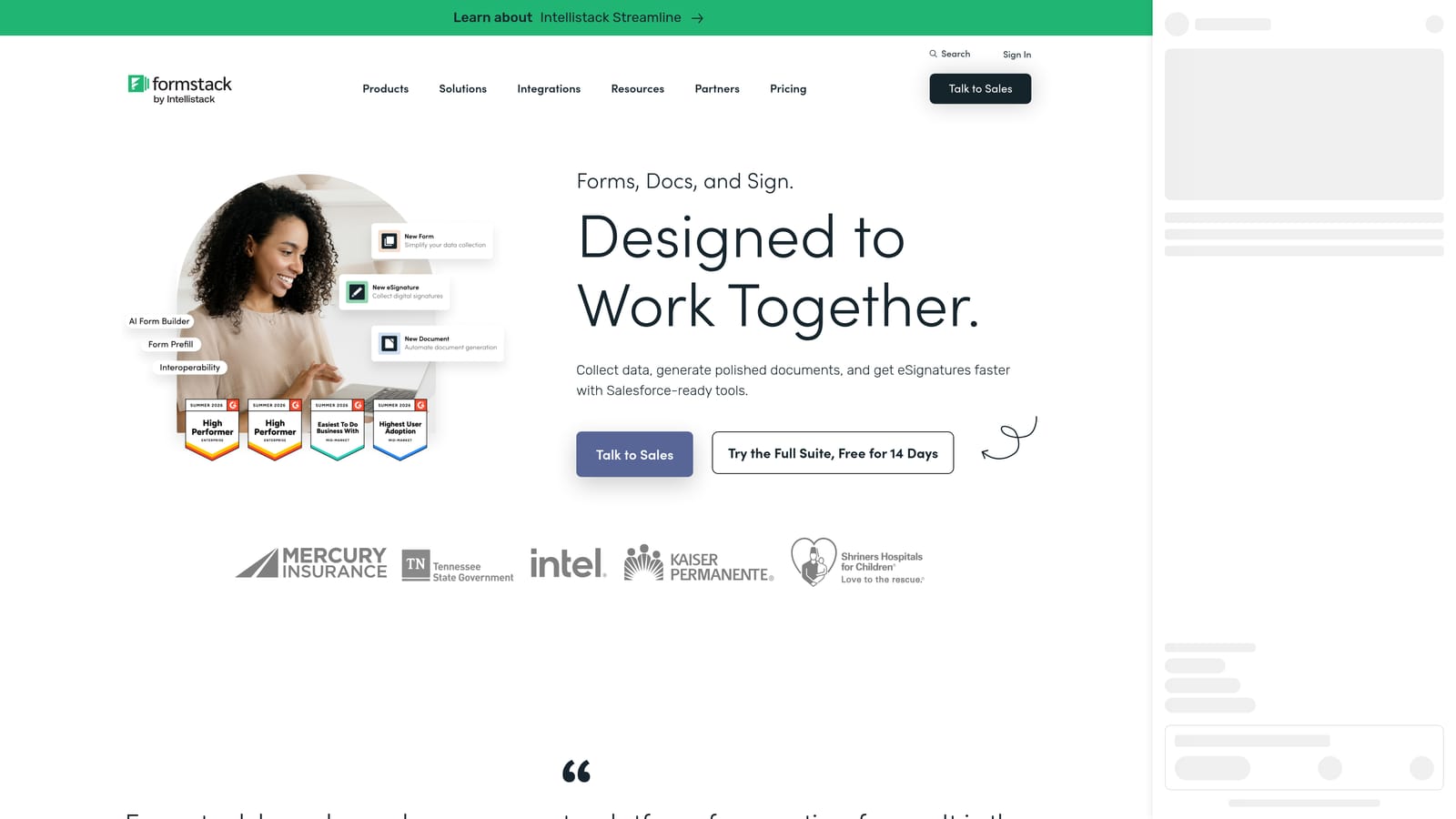
Formstack is an enterprise-grade data collection platform that extends well beyond form building into document generation, e-signatures, and multi-step workflow automation.
Where This Tool Shines
Formstack is built for organizations where a form submission is the starting point of a longer process, not the end of it. The platform handles what happens after someone fills out a form: generating a document, routing it for signature, triggering an approval workflow, and syncing everything back to Salesforce. That end-to-end capability is what separates it from every other tool on this list.
The depth of Salesforce integration is particularly notable for enterprise sales teams. Rather than a surface-level connector, Formstack's Salesforce integration is designed for organizations that live inside that ecosystem and need their forms to behave as a native extension of it.
Key Features
Advanced Conditional Logic and Calculation Fields: Handles complex branching and dynamic field behavior suited to enterprise data collection needs.
Document Generation and E-Signatures: Creates documents automatically from form data and routes them for electronic signature without leaving the platform.
Deep Salesforce Integration: Purpose-built Salesforce connectivity for enterprise sales and operations teams.
Approval Workflows and Multi-Step Automation: Automates what happens after submission, including internal review, notifications, and data routing.
HIPAA and FERPA Compliance: Compliance options for healthcare and education organizations handling sensitive data.
Best For
Formstack is the right fit for mid-market and enterprise teams that need forms to connect into broader operational workflows. It's not the right tool for lean or early-stage teams: the pricing reflects its enterprise positioning, and the full value only emerges when you're using the document and automation layers alongside the form builder.
Pricing
There is no free plan. Pricing is quote-based or starts at a higher tier than most tools on this list. Check formstack.com for current pricing and to request a demo.
Which Tool Is Right for Your Team?
The honest answer is that the best modern form builder depends entirely on what your team is actually trying to accomplish. These six tools are all genuinely capable, but they solve different problems.
Here's a quick-reference breakdown by team type and priority:
Lead qualification is your top priority: Start with Orbit AI. The AI-powered scoring built directly into the form layer is a capability you won't find in the other tools here, and it's designed specifically for high-growth teams that need to move fast on the right leads.
Respondent experience and brand design matter most: Typeform is the clear choice. Its conversational format and visual polish are still best-in-class for teams where the form is a brand touchpoint.
You need a capable tool on a tight budget: Tally's unlimited submissions on the free plan makes it the strongest option for early-stage teams or anyone who needs to move fast without committing to a paid plan.
Your forms double as sales or registration pages: Paperform's native payment processing and landing page capabilities make it the natural fit for teams combining data collection with commerce.
You need templates, workflows, and compliance options: Jotform's breadth of features and HIPAA-compliant plans make it a strong choice for larger teams with diverse or regulated use cases.
You're an enterprise team running end-to-end document workflows: Formstack is in a category of its own when it comes to document generation, e-signatures, and deep Salesforce integration.
If your team's primary focus is conversion and lead quality, there's a strong case for starting with what's purpose-built for that outcome. Start building free forms today and see how intelligent form design can make your lead generation sharper from the very first touchpoint.


