

Service businesses live and die by their intake process. Whether you're a consultant, agency, contractor, or freelancer, the forms you use to capture leads, qualify prospects, and onboard clients directly impact your revenue. A clunky intake form loses you the job before you ever get on a call. A smart, conversion-optimized form does the qualifying for you.
This guide covers the best form tools built for service businesses in 2026. We evaluated each tool on ease of setup, lead qualification capabilities, integrations, mobile experience, and pricing. Whether you're running a solo consultancy or scaling a multi-location service operation, there's a tool here that fits your workflow.
1. Orbit AI
Best for: Service businesses that need to qualify leads automatically, not just collect them.
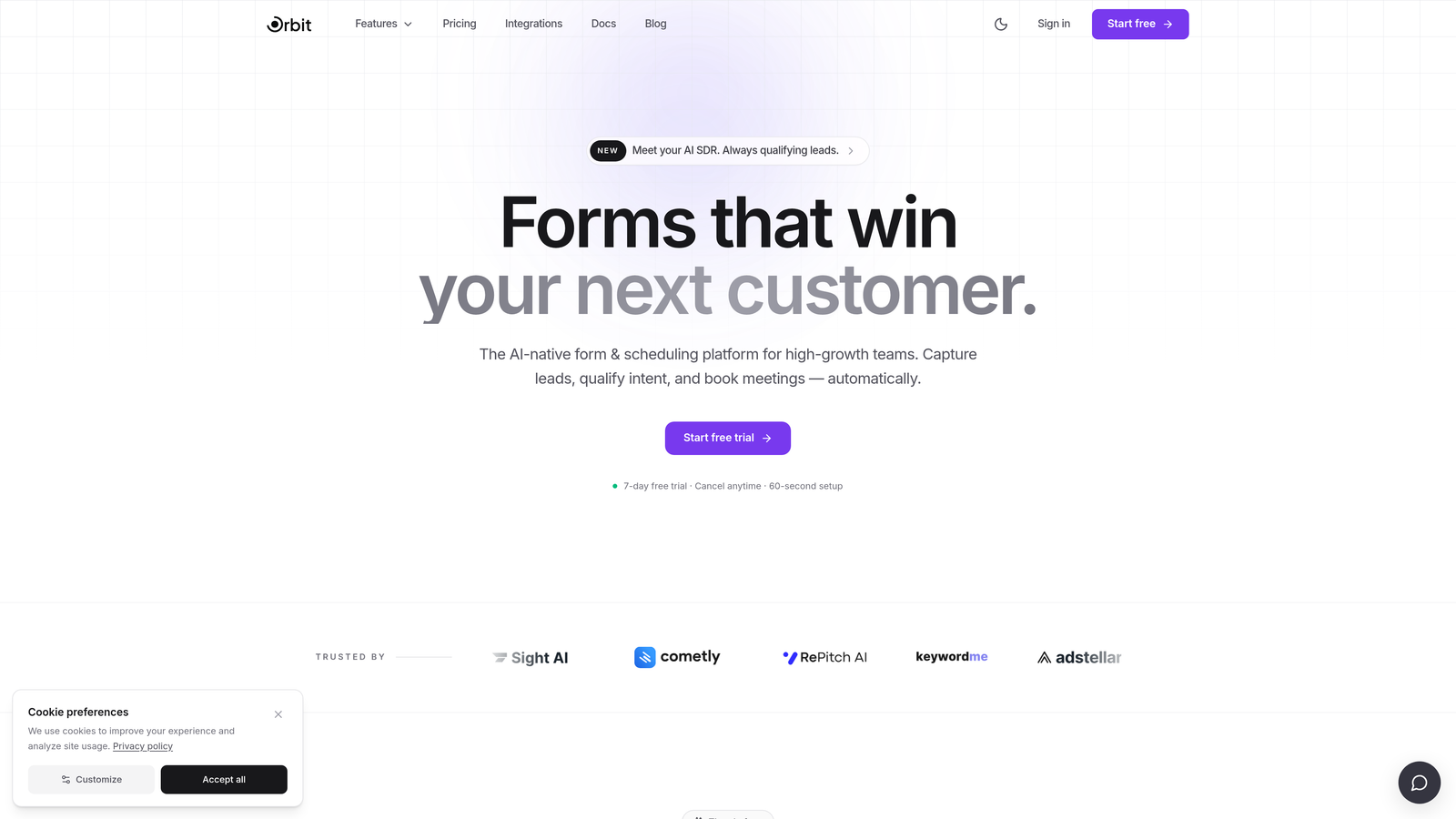
Orbit AI is an AI-powered form builder with built-in lead qualification, designed for high-growth service teams focused on conversion.
Where This Tool Shines
Most form tools are passive. They collect data, drop it in a spreadsheet, and leave you to figure out which leads are worth your time. Orbit AI takes a fundamentally different approach: the qualification happens inside the form experience itself, so by the time a submission lands in your inbox, you already know whether it's a fit.
For service businesses dealing with high inquiry volume, this is a genuine game-changer. Instead of spending hours on discovery calls with unqualified prospects, your team can focus energy on the leads most likely to convert. The modern, mobile-first design also means prospects get a premium first impression, which matters enormously in service industries where trust is everything.
Key Features
AI-Driven Lead Qualification: Intelligently scores and routes leads based on fit and intent during the form experience itself.
Conditional Logic: Dynamically adjusts form paths based on responses, ensuring every prospect sees the most relevant questions.
Conversion-Optimized Design: Templates built specifically for service business intake, balancing aesthetics with performance.
Mobile-First Builder: Forms look and perform beautifully on any device, reducing drop-off from mobile users.
High-Value Prospect Prioritization: Helps teams focus sales time on best-fit leads rather than working every submission equally.
Best For
Agencies, consultants, and service teams that receive significant inquiry volume and need to triage leads efficiently. Particularly valuable if your sales team is spending too much time on discovery calls with unqualified prospects.
Pricing
Pricing details are available at orbitforms.ai. A free trial is available, making it easy to test the platform before committing.
2. Typeform
Best for: Creative agencies and service businesses wanting a conversational, low-friction intake experience.
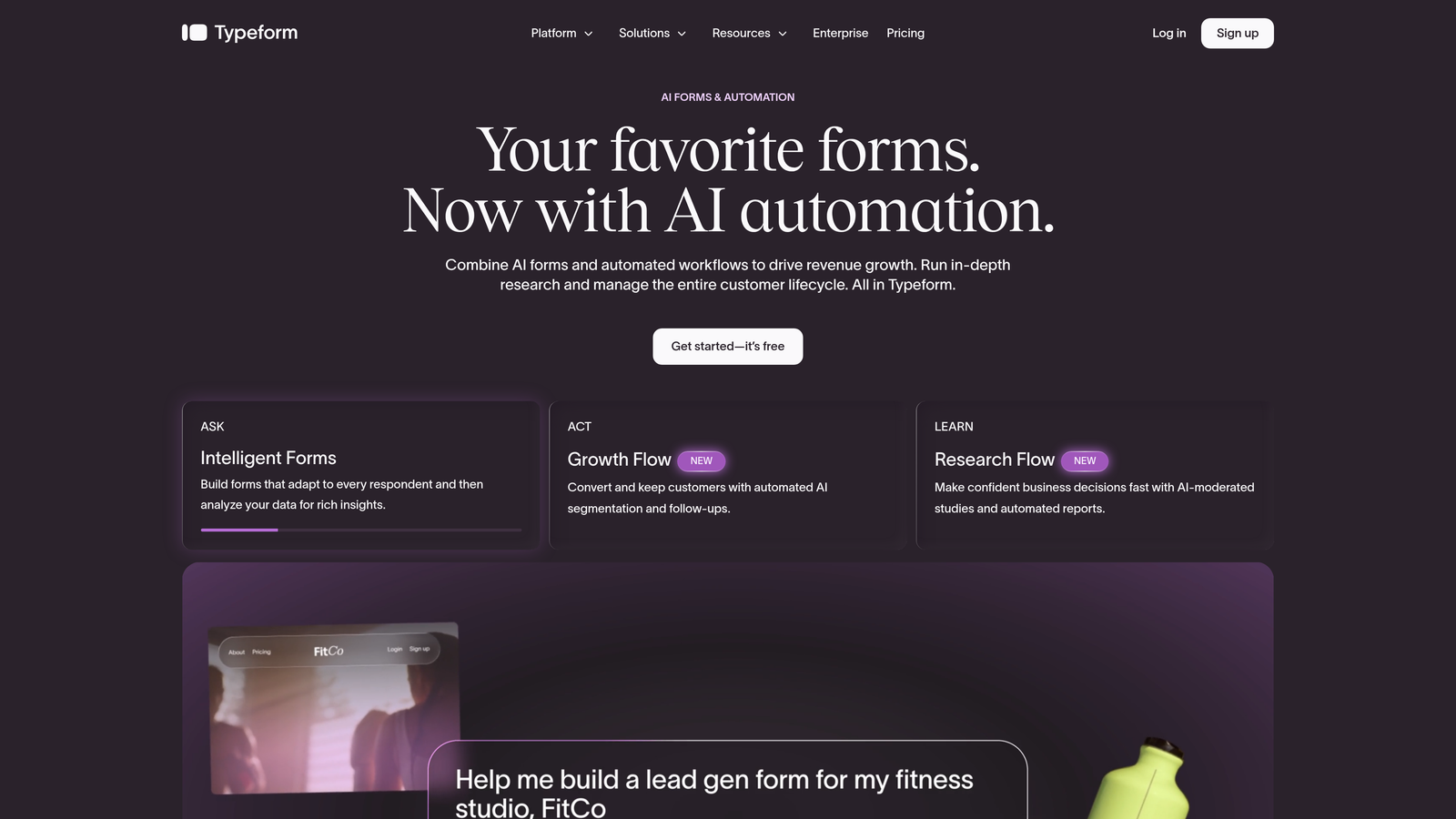
Typeform is a conversational form builder known for its one-question-at-a-time interface that makes longer intake forms feel effortless.
Where This Tool Shines
Typeform pioneered the idea that forms don't have to feel like forms. By presenting one question at a time, it reduces the cognitive load that causes prospects to abandon lengthy intake questionnaires. For service businesses with detailed qualification processes, this approach can meaningfully improve completion rates.
The trade-off is that Typeform is primarily a data collection tool. It doesn't actively qualify or score leads, so you'll still need to review submissions manually or build out automation through integrations. It's also worth noting that pricing has increased over recent years, so teams on tighter budgets may find the value proposition less compelling than it once was.
Key Features
Conversational UI: One-question-at-a-time flow that reduces drop-off on complex intake forms.
Logic Jumps: Branching paths that personalize the form experience based on previous answers.
CRM Integrations: Native connections to HubSpot, Salesforce, Slack, and dozens of other tools.
Rich Media Support: Embed images and video directly within form questions to add context or personality.
Analytics Dashboard: Track drop-off rates by question to identify where prospects are abandoning your form.
Best For
Creative agencies, coaches, and consultants who want intake forms that feel like a premium brand experience. Less suited for teams that need active lead qualification or complex workflow automation.
Pricing
Free plan available with response limits. Paid plans start at $25/month, with higher tiers unlocking more responses and advanced features.
3. JotForm
Best for: Complex service intake requiring payments, file uploads, and e-signatures in one place.
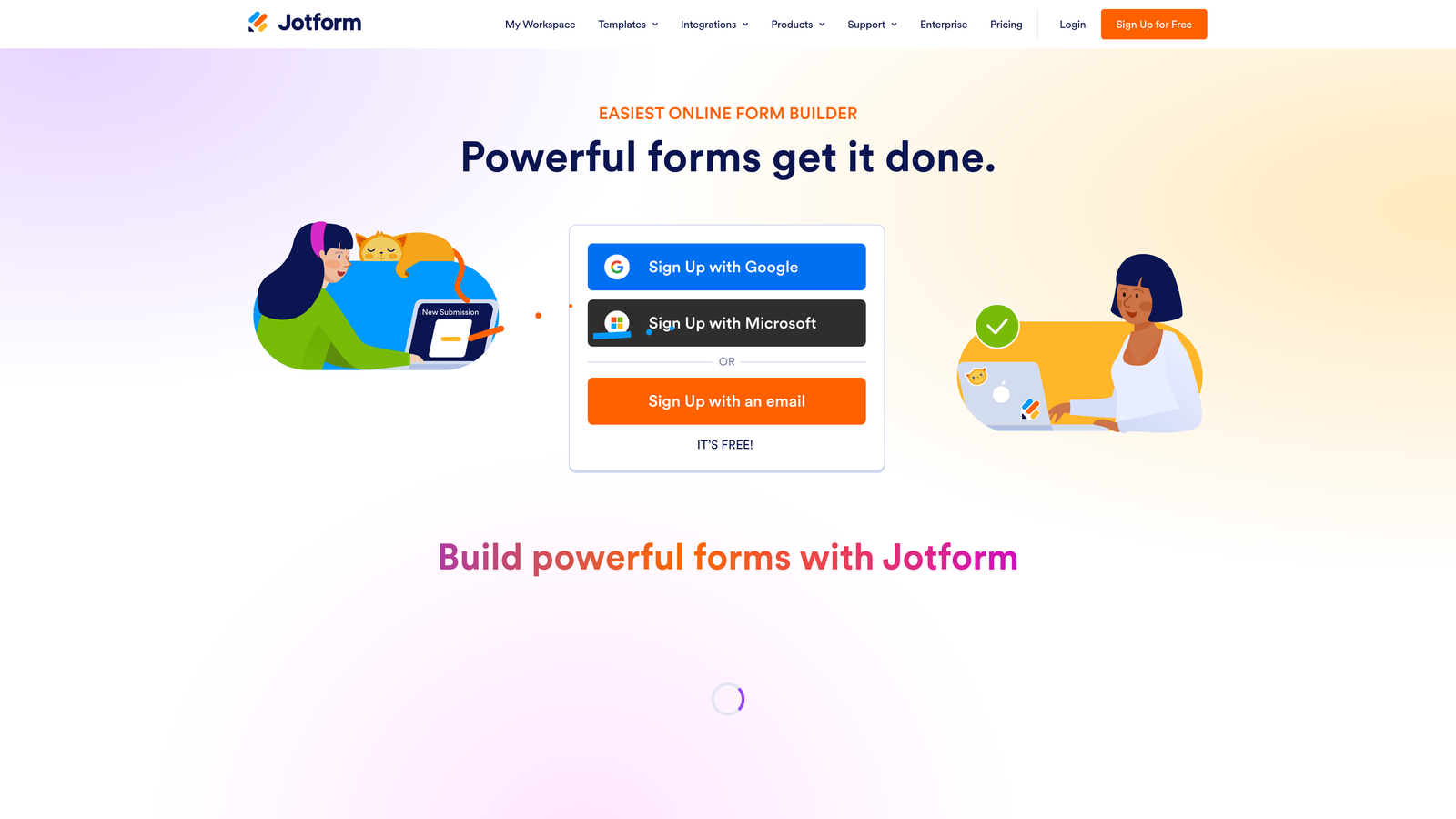
JotForm is a feature-rich form builder with thousands of templates, strong payment integrations, and file upload support ideal for detailed service intake.
Where This Tool Shines
JotForm's strength is its sheer depth of functionality. If you need clients to submit a project brief, sign a service agreement, and pay a deposit all in one form, JotForm handles it. The template library is enormous, with service-specific options covering everything from contractor estimates to legal intake questionnaires.
The platform can feel overwhelming at first due to the volume of options, but for service businesses with complex intake requirements, that depth is an asset. Payment integrations with Stripe, PayPal, and Square make it especially useful for businesses that collect deposits or retainers upfront.
Key Features
5,000+ Templates: Includes service-specific options for contractors, legal, healthcare, and creative industries.
Native Payment Integrations: Accept deposits and payments via Stripe, PayPal, and Square directly within forms.
File Upload Fields: Let clients submit briefs, portfolios, contracts, or reference documents alongside their inquiry.
Multi-Step Forms with Conditional Logic: Guide prospects through complex intake flows without overwhelming them.
E-Signature Support: Collect legally binding signatures on service agreements within the same form experience.
Best For
Contractors, legal firms, creative agencies, and any service business that needs to collect documents, payments, and signatures as part of the intake process.
Pricing
Free plan available with submission limits. Paid plans start at $34/month, scaling with submission volume and feature access.
4. HubSpot Forms
Best for: Service businesses already using HubSpot CRM who want zero-friction lead capture.
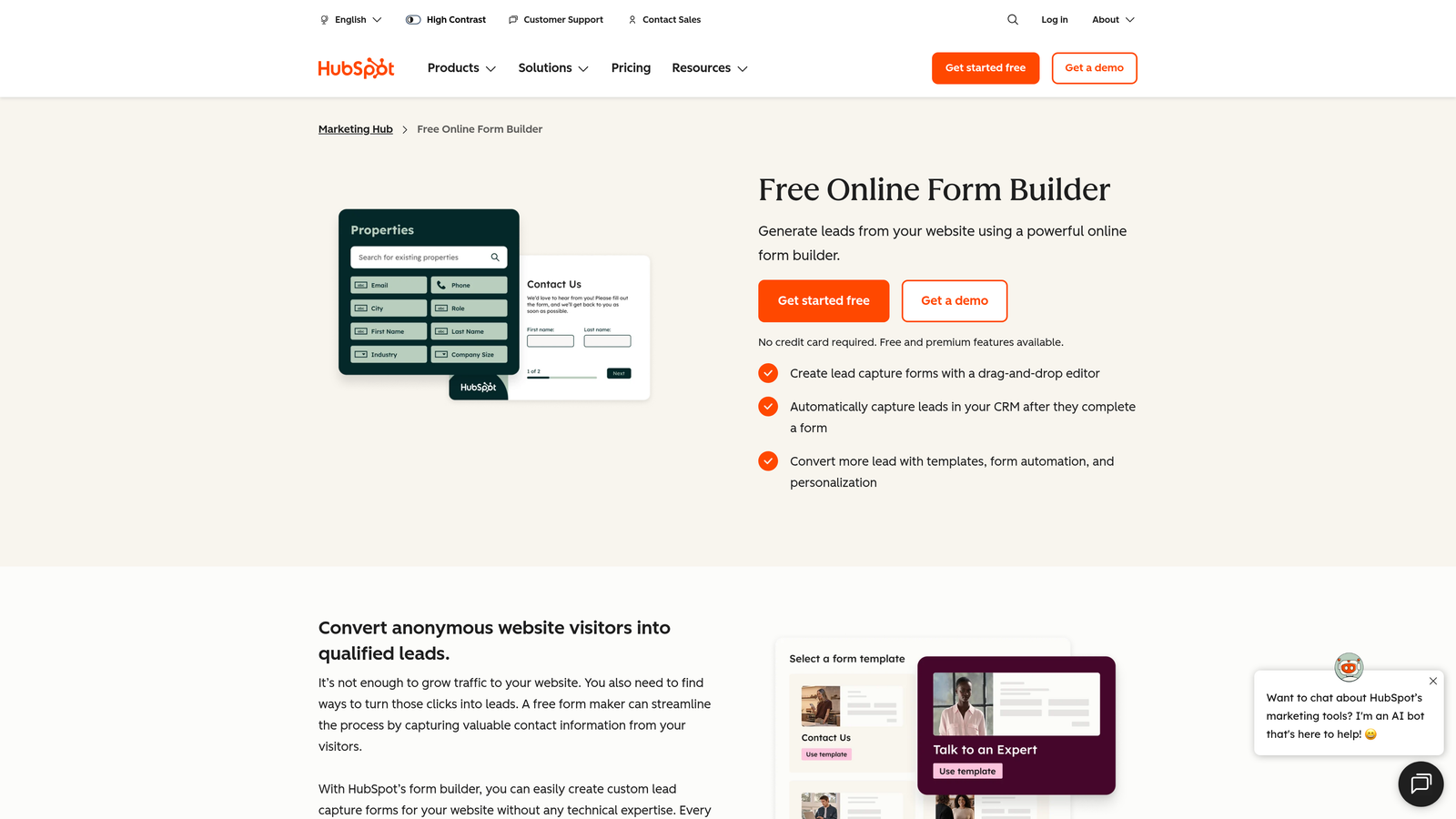
HubSpot Forms is a CRM-native form builder that feeds leads directly into HubSpot workflows, best for teams already in the HubSpot ecosystem.
Where This Tool Shines
If your team lives inside HubSpot, this is the obvious choice. Every form submission automatically creates or updates a contact record, triggers workflows, and can kick off automated email sequences without any manual intervention. There's no integration to configure because the form builder and CRM are the same product.
The downside is design flexibility. HubSpot Forms are functional but not particularly beautiful, and customization options are limited compared to standalone form builders. If brand experience matters as much as CRM efficiency, you may find it constraining.
Key Features
Native CRM Sync: Every submission instantly creates or updates HubSpot contact records with zero manual data entry.
Workflow Triggers: Automatically enroll leads into sequences, assign tasks, or send notifications based on form responses.
Progressive Profiling: Gradually enrich lead records over time by showing new questions on return visits.
Embedded and Pop-Up Options: Deploy forms inline on any page or as timed/exit-intent pop-ups.
Free Tier Access: Available as part of HubSpot's free CRM, making it accessible without additional spend.
Best For
Service businesses already invested in the HubSpot ecosystem. Not ideal as a standalone form tool if you're not using HubSpot's broader platform.
Pricing
Free with HubSpot's free CRM. Advanced features like smart forms and A/B testing require paid Marketing Hub plans, which start at higher price points.
5. Gravity Forms
Best for: WordPress-based service businesses needing deep logic, custom quotes, and a rich add-on ecosystem.
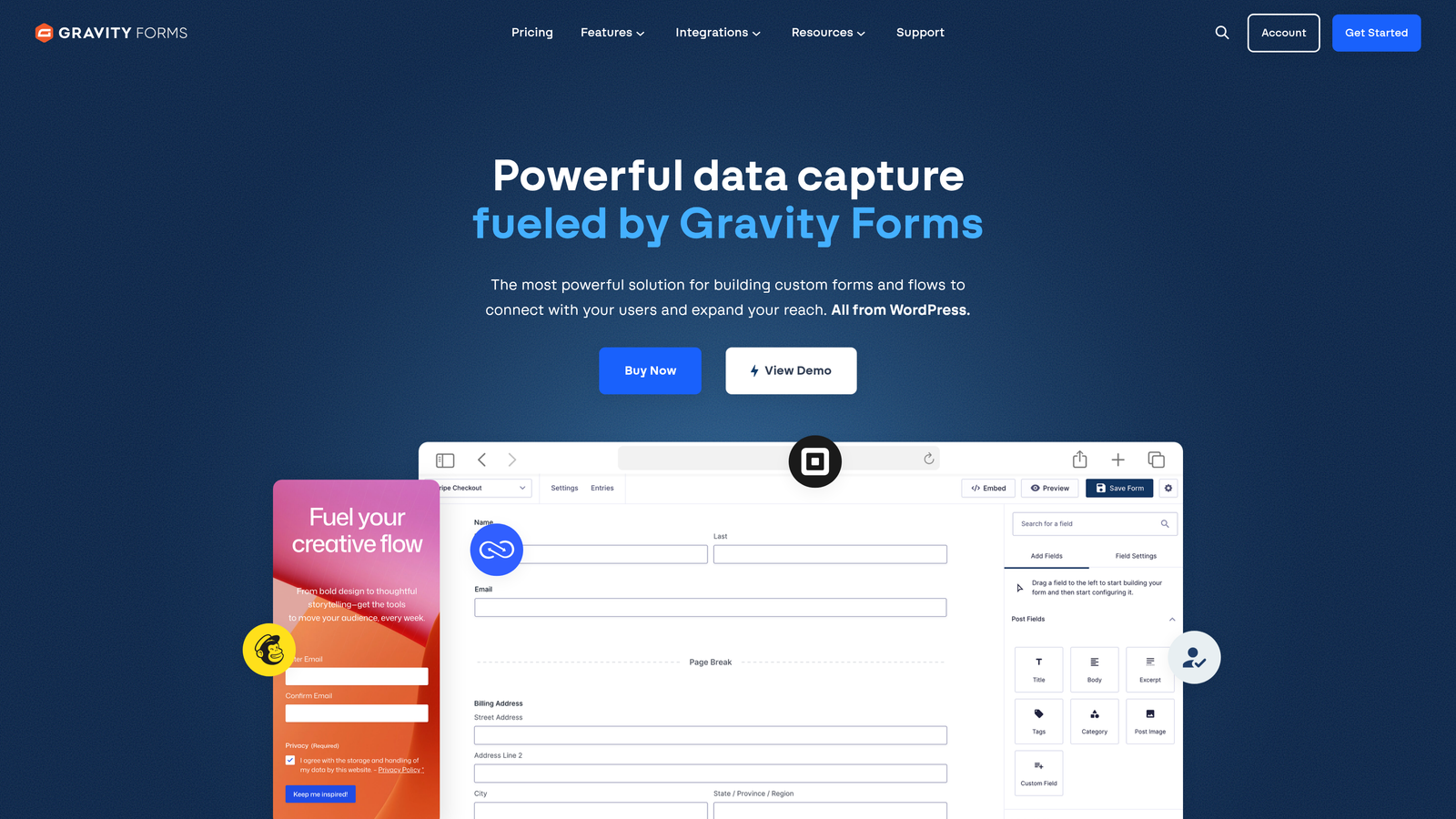
Gravity Forms is the go-to WordPress form plugin for service businesses, offering deep conditional logic, a rich add-on ecosystem, and powerful multi-step form capabilities.
Where This Tool Shines
For service businesses running on WordPress, Gravity Forms is in a category of its own. The conditional logic capabilities are among the most powerful available in any form tool, and the add-on ecosystem covers payments, CRM integrations, email marketing, and more. Calculation fields make it particularly useful for contractors and consultants who want to generate instant quotes from form responses.
The important caveat: Gravity Forms is WordPress-only. If your site isn't built on WordPress, this tool simply isn't an option. But for those who are, it's a mature, battle-tested platform with a large developer community and extensive documentation.
Key Features
Deep WordPress Integration: Hooks directly into WordPress architecture, including custom post type support.
Powerful Conditional Logic: Show or hide fields, sections, and pages based on any combination of previous responses.
Add-On Ecosystem: Official add-ons for Stripe, Salesforce, Mailchimp, Zapier, and many more.
Calculation Fields: Build quote and estimate forms that calculate pricing based on user inputs in real time.
Developer-Friendly: Extensive hooks, filters, and API access for teams that need custom functionality.
Best For
Contractors, real estate professionals, local service businesses, and agencies running WordPress sites that need complex, customizable intake forms with quote generation capabilities.
Pricing
Annual license starting at $59/year for the Basic plan. Elite license at $259/year unlocks all add-ons and unlimited sites.
6. Paperform
Best for: Service businesses that want intake forms to feel like a premium branded landing page experience.
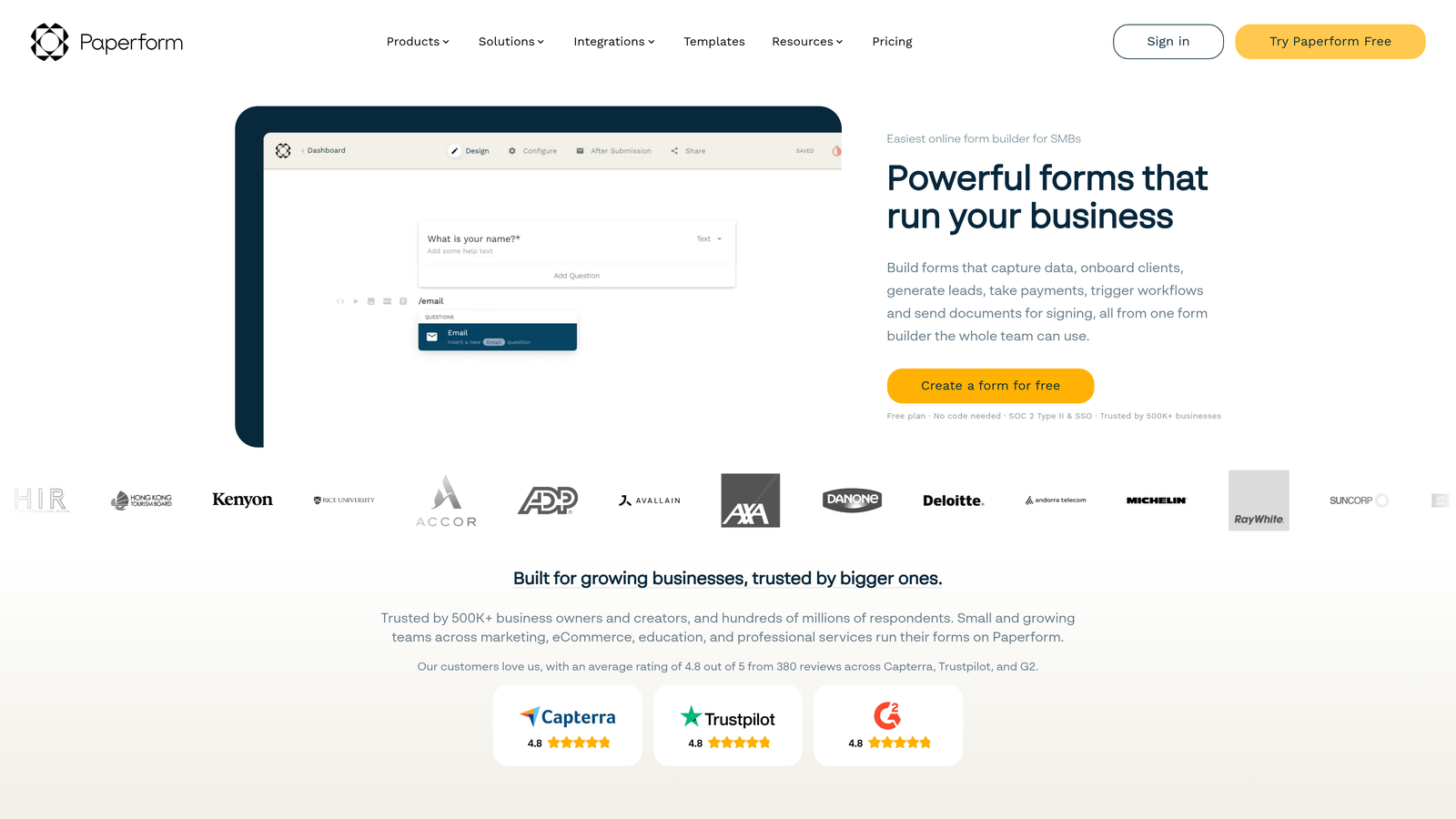
Paperform is a hybrid form and landing page builder that lets service businesses create beautifully branded intake experiences with rich media and full design control.
Where This Tool Shines
Paperform occupies a unique niche: it's not quite a form builder and not quite a landing page builder, but something in between. You can embed rich text, images, videos, and custom branding throughout the form, creating an experience that feels far more intentional than a standard intake questionnaire. For premium service businesses where first impressions command higher rates, this distinction matters.
The calculator fields are a standout feature for service businesses. You can build custom quote forms that give prospects an instant estimate based on their inputs, which both qualifies intent and sets pricing expectations before the first conversation.
Key Features
Rich Media Embedding: Add text, images, and video throughout the form to provide context and build trust.
Full Design Customization: Control typography, colors, and layout to match your brand completely.
Payment Collection: Accept payments and deposits directly within form submissions.
Scheduling Integrations: Connect to appointment booking tools to move leads straight from inquiry to booked call.
Calculator Fields: Generate custom quotes or estimates based on prospect inputs in real time.
Best For
Premium service businesses, consultants, and creative agencies where brand presentation is part of the value proposition and where quote generation adds value to the intake process.
Pricing
Plans start at $24/month. No permanent free plan, but a 14-day free trial is available to test the platform.
7. Tally
Best for: Freelancers and lean service teams that need clean, functional forms without spending anything.
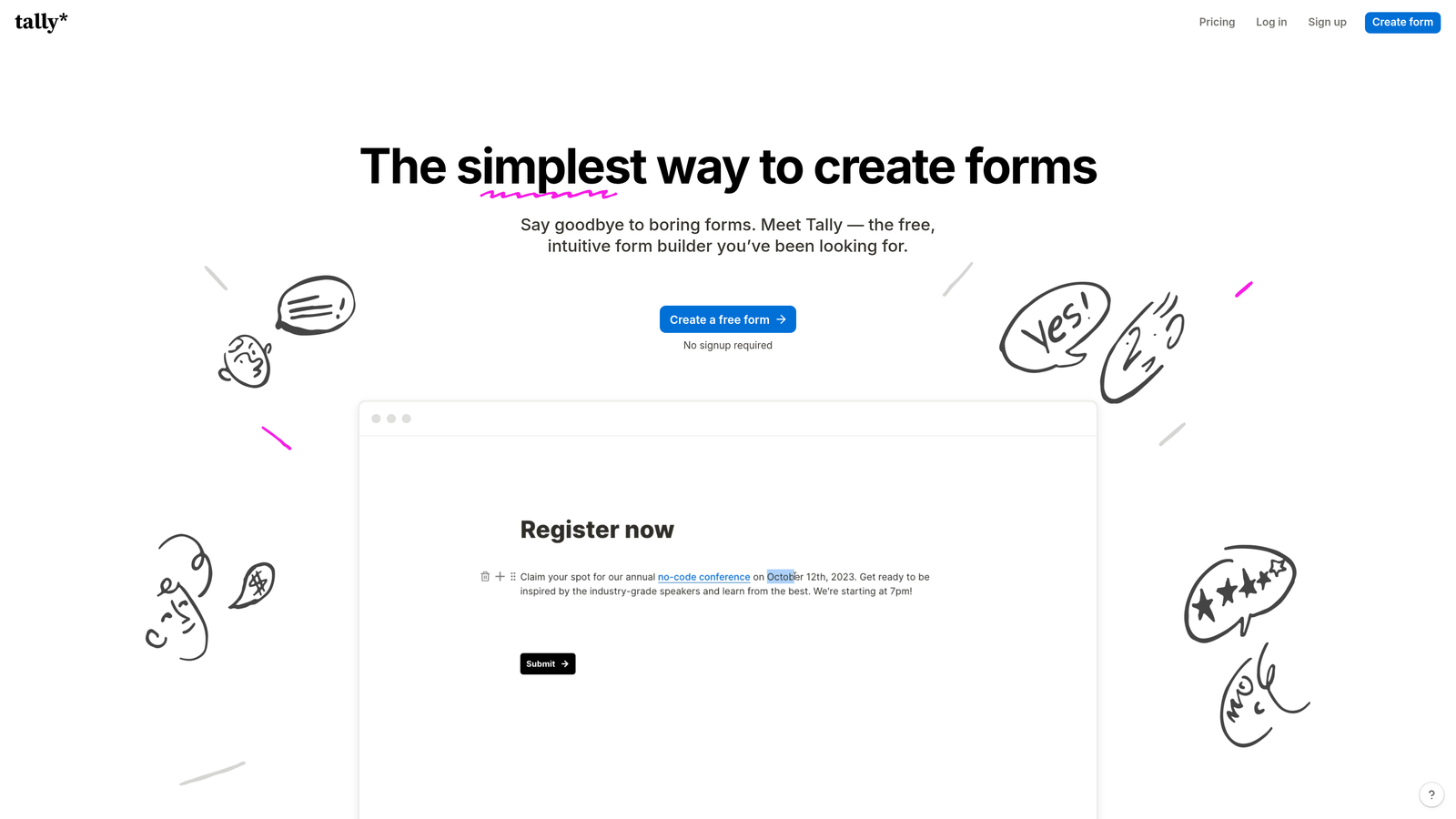
Tally is a clean, Notion-inspired form builder with a genuinely generous free tier, making it the best no-cost option for solo operators and small service teams.
Where This Tool Shines
Tally's free plan is genuinely remarkable: unlimited forms, unlimited submissions, and a clean block-based interface that feels modern without being complicated. For freelancers or early-stage service businesses that need functional intake forms without a monthly subscription, it's hard to beat.
The Notion-like building experience makes it intuitive for anyone already familiar with that ecosystem. The trade-off is that Tally lacks the advanced features that growing service businesses eventually need, particularly around AI-powered qualification, deep CRM integrations, or enterprise-level workflow automation.
Key Features
Unlimited Free Forms and Submissions: No caps on the free plan, which is genuinely unusual in this category.
Block-Based Interface: Notion-style building experience that feels familiar and easy to navigate.
Conditional Logic and Hidden Fields: Basic branching and data enrichment capabilities included on free tier.
Clean Embeds: Embeds seamlessly on any website without visual clutter or Tally branding on paid plans.
Zapier and Make Integrations: Connect to hundreds of tools via automation platforms for basic workflow automation.
Best For
Freelancers, solo consultants, and early-stage service businesses that need clean, functional intake forms without any budget commitment. Teams that outgrow it will likely need to migrate to a more powerful platform.
Pricing
Free plan with unlimited forms and submissions. Pro plan at $29/month unlocks custom domains, form branding removal, and additional integrations.
8. Formstack
Best for: Healthcare, legal, and financial service businesses where compliance and data security are non-negotiable.
Formstack is an enterprise-grade form platform with HIPAA compliance and advanced workflow automation built for service industries where regulatory requirements demand more than a standard form tool.
Where This Tool Shines
For most service businesses, compliance is an afterthought in form selection. For healthcare providers, legal firms, and financial service businesses, it's the entire decision. Formstack's HIPAA-compliant forms, audit trails, and data encryption make it one of the few tools that can handle sensitive client data without creating regulatory exposure.
Beyond compliance, the workflow automation capabilities are genuinely sophisticated. Form submissions can trigger multi-step approval routing, generate documents automatically, and integrate with enterprise CRM systems. This is a tool built for operational complexity, not simplicity.
Key Features
HIPAA Compliance: Purpose-built for healthcare service providers collecting protected health information.
Advanced Workflow Automation: Multi-step approval routing and conditional workflows triggered by form submissions.
Document Generation: Automatically generate populated documents from form submission data.
Enterprise CRM Integrations: Deep connections to Salesforce and other enterprise platforms.
Audit Trails and Encryption: Full data security and compliance documentation for regulated industries.
Best For
Healthcare providers, legal firms, financial advisors, and any service business operating in a regulated industry where data security, compliance documentation, and workflow approval routing are operational requirements.
Pricing
Plans start at $83/month. Enterprise pricing is available on request for larger organizations with custom compliance or integration needs.
9. Google Forms
Best for: Service businesses that need basic intake forms with zero budget and minimal setup.
Google Forms is Google's free, no-frills form tool, best for service businesses that need simple intake without any budget or technical complexity.
Where This Tool Shines
There's something to be said for free and functional. Google Forms requires no setup, no subscription, and no technical knowledge. If you have a Google account, you have a form builder. Responses flow automatically into Google Sheets, giving you a basic but workable database of submissions that any team member can access.
The honest reality is that Google Forms is a starting point, not a destination. The design options are minimal, the logic capabilities are basic, and there's no native CRM integration beyond Google's own ecosystem. For a service business serious about lead conversion, it will quickly become a constraint. But for someone who needs to capture inquiries today with no budget, it works.
Key Features
Completely Free: No cost with any Google account, with no submission limits or paid tiers.
Unlimited Forms and Responses: No caps on how many forms you create or how many responses you collect.
Google Sheets Integration: All responses automatically populate a connected spreadsheet for easy tracking.
Basic Branching Logic: Simple section-based routing based on multiple choice answers.
Real-Time Response Summary: Automatic charts and summaries give a quick overview of submissions.
Best For
Solo service providers, early-stage freelancers, or any team that needs basic contact or intake forms immediately with no budget. Not suitable for businesses focused on lead qualification, conversion optimization, or CRM-connected workflows.
Pricing
Completely free with any Google account. No paid tiers or premium features to unlock.
Choosing the Right Form Tool for Your Service Business
The right form tool depends entirely on where you are in your growth journey and what your biggest intake challenge actually is. Here's a quick way to think through the decision.
If qualifying leads is your primary bottleneck, and you're losing time on discovery calls with prospects who were never a fit, Orbit AI is the clear starting point. The AI-powered qualification layer is purpose-built for exactly this problem, and it's the only tool on this list that actively works to filter and prioritize leads rather than simply collecting them.
If your service business runs on WordPress and you need complex logic or quote generation, Gravity Forms is the mature, powerful choice. If you're already deep in HubSpot, their native form builder removes integration friction entirely. For compliance-heavy industries like healthcare or legal, Formstack is the only tool here that handles regulatory requirements at the necessary level.
For teams that prioritize brand experience in their intake process, Typeform and Paperform both deliver premium-feeling form interactions, with Paperform offering more design flexibility and Typeform offering a larger integration ecosystem. If budget is the constraint, Tally's free tier is genuinely excellent for lean teams, and Google Forms remains the zero-cost baseline for basic needs.
The pattern worth noting: as your service business scales, passive data collection becomes a liability. The volume of inquiries grows, the cost of bad-fit discovery calls compounds, and the need to prioritize high-value prospects becomes urgent. That's the moment when AI-powered qualification stops being a nice-to-have and becomes a core part of your intake strategy.
Transform your lead generation with AI-powered forms that qualify prospects automatically while delivering the modern, conversion-optimized experience your high-growth team needs. Start building free forms today and see how intelligent form design can elevate your conversion strategy.


