

If your team is serious about lead generation and conversion optimization, the form builder you choose matters more than most people realize. The right tool doesn't just collect data — it qualifies leads, reduces drop-off, and integrates seamlessly into your growth stack. The wrong one creates friction that kills conversions before they even start.
This list covers the top survey and form builders available in 2026, evaluated on ease of use, AI capabilities, lead qualification features, design flexibility, integrations, and pricing. Whether you're building multi-step lead capture flows, NPS surveys, or complex conditional logic forms, there's a right tool for your use case.
1. Orbit AI
Best for: High-growth SaaS and B2B teams focused on lead qualification and conversion optimization
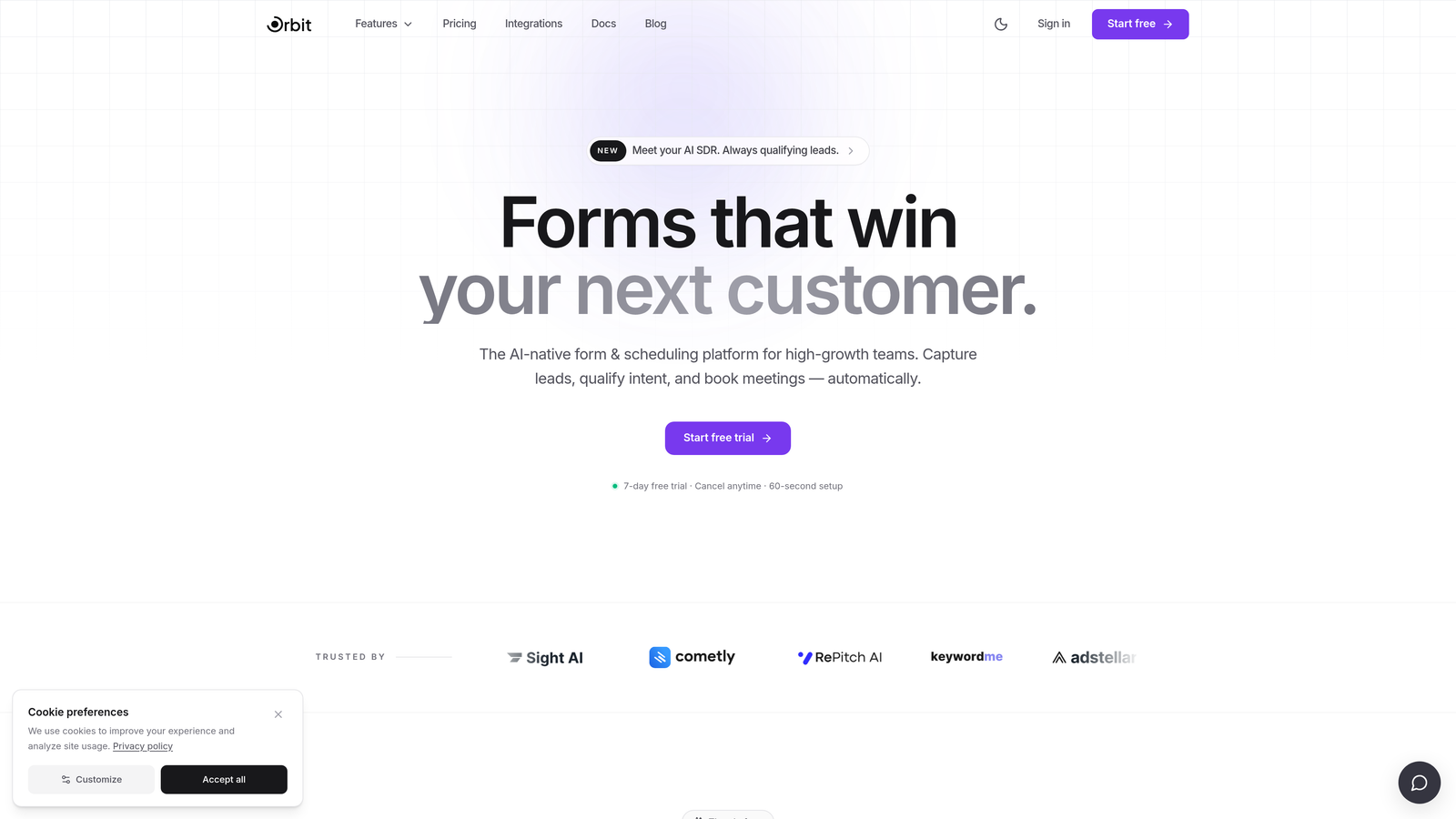
Orbit AI is an AI-powered form builder with built-in lead qualification designed specifically for teams where every submission needs to count.
Where This Tool Shines
Most form builders treat qualification as an afterthought — you collect submissions, then manually sort through them in your CRM. Orbit AI flips that model entirely. Lead scoring and qualification happen inside the form flow itself, so by the time a prospect hits submit, your team already knows where they stand in the pipeline.
The design quality is also a genuine differentiator. Forms built on Orbit AI look and feel like a premium product experience, not a generic embed. For high-growth teams where brand perception matters at every touchpoint, that polish translates directly into higher completion rates.
Key Features
AI-Powered Lead Qualification: Automatically scores and qualifies leads based on responses, delivering prioritized prospects to your CRM without manual review.
Conversion-Optimized Templates: Modern, customizable designs built to reduce abandonment and maximize form completion across devices.
Conditional Logic and Dynamic Fields: Personalize the form experience in real time based on what respondents select, keeping forms short and relevant for each user.
CRM and Marketing Stack Integrations: Connects with the tools your growth team already uses, keeping lead data flowing without manual exports or workarounds.
Conversion-Focused Analytics: Reporting built around performance metrics that matter, including completion rates, drop-off points, and lead quality signals, not just raw submission volume.
Best For
Orbit AI is purpose-built for SaaS and B2B teams running lead generation at scale. If your team needs forms that actively contribute to pipeline quality rather than just feeding a spreadsheet, this is the tool designed for that outcome. It's particularly well-suited for teams tired of paying for a form builder and a separate lead scoring tool.
Pricing
Visit orbitforms.ai for current pricing and plan details, as plans are updated regularly to reflect new features and team sizes.
2. Typeform
Best for: Marketing teams wanting polished, branded conversational survey experiences
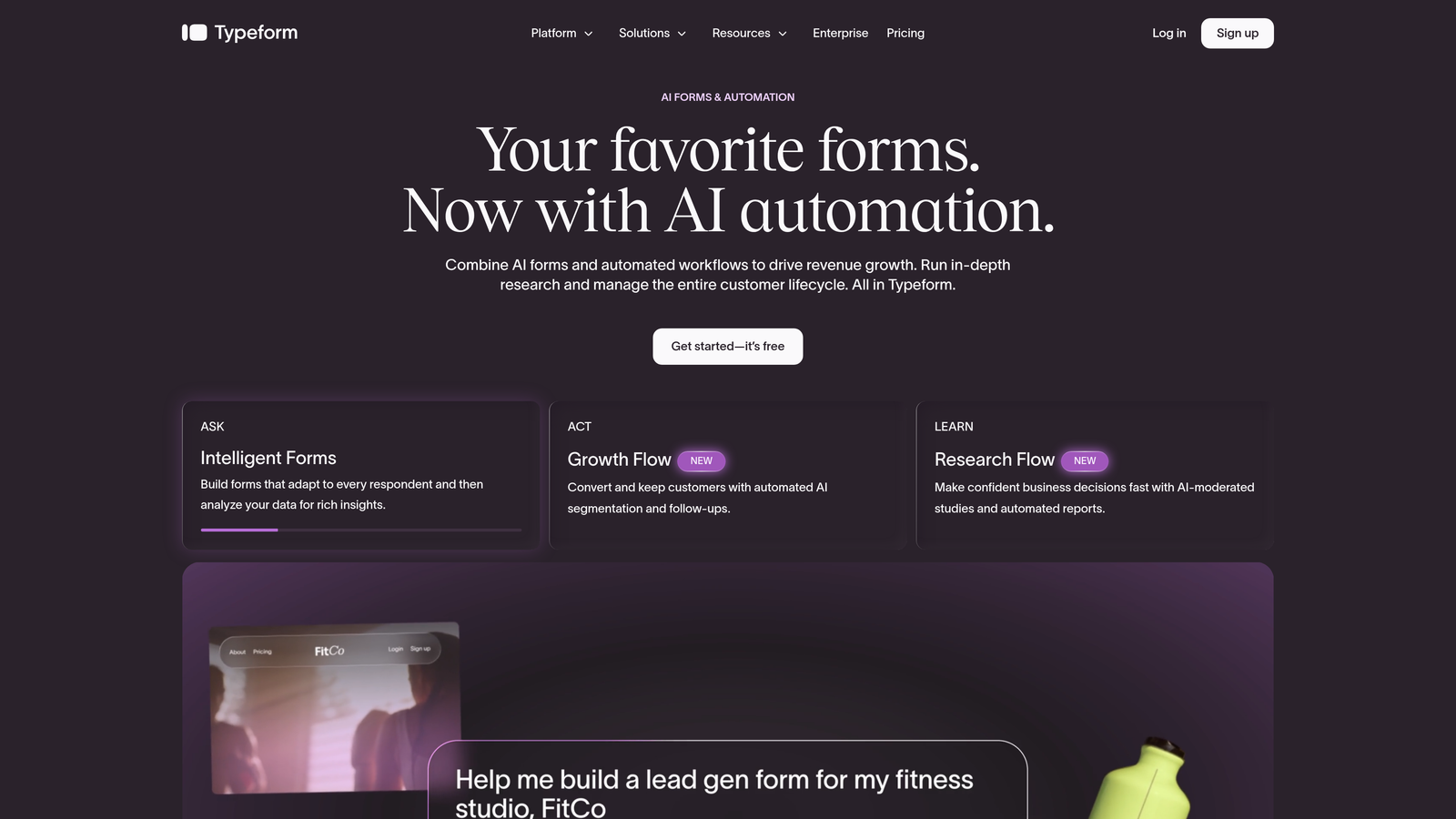
Typeform is a conversational form builder known for its one-question-at-a-time format and exceptionally polished visual design.
Where This Tool Shines
Typeform pioneered the conversational form UX, and it still executes it better than almost anyone. The one-question-at-a-time format reduces cognitive load for respondents, and the result is forms that feel more like a conversation than a data extraction exercise. For brand-sensitive campaigns and customer research, that experience matters.
Recent product cycles have added AI form generation features, letting you describe what you want and get a working form structure back quickly. It won't replace thoughtful form design, but it meaningfully speeds up the drafting process for teams moving fast.
Key Features
Conversational One-Question Format: Presents questions sequentially to reduce overwhelm and improve completion rates for longer surveys.
Visual Design and Brand Customization: High-quality design controls with font, color, and media options that let forms match your brand precisely.
Logic Jumps and Conditional Branching: Route respondents through different question paths based on their answers for a personalized experience.
Integration Library: Connects with HubSpot, Salesforce, Zapier, and a wide range of other tools in the modern marketing stack.
AI Form Generation: Describe your form goals and let the AI draft an initial structure, saving time on setup for common use cases.
Best For
Typeform is a strong choice for marketing teams running branded surveys, customer feedback campaigns, or lead gen forms where visual quality and respondent experience are top priorities. Teams with tighter budgets should evaluate whether the higher-tier pricing delivers sufficient value for their specific volume needs.
Pricing
Free tier available. Paid plans start around $25/month, though pricing changes regularly. Verify current plans at typeform.com before committing.
3. Google Forms
Best for: Internal surveys, quick data collection, and teams fully embedded in Google Workspace
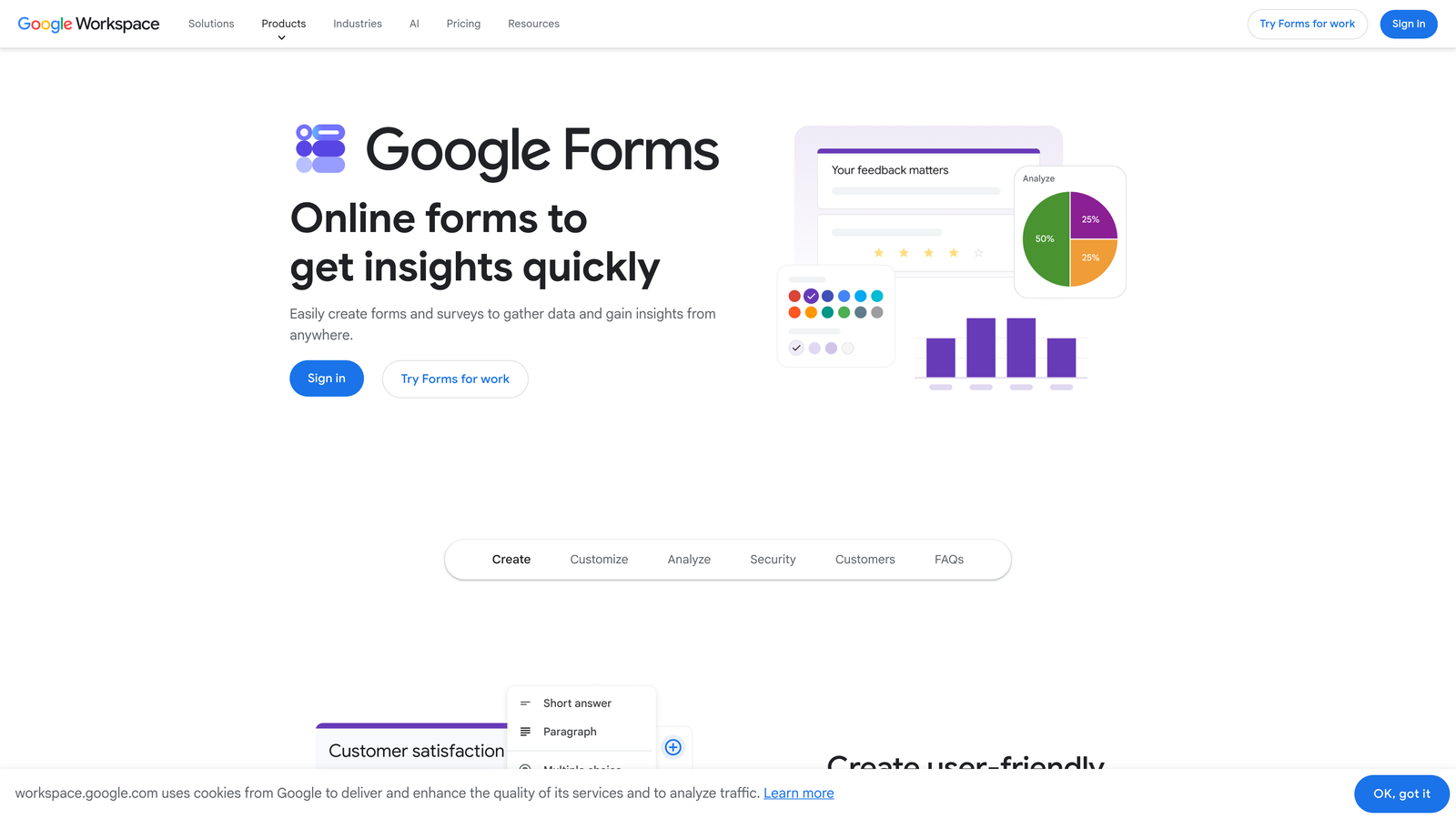
Google Forms is a free, no-frills form and survey builder that does exactly what it promises without any setup overhead.
Where This Tool Shines
There's no faster path from "I need a survey" to "survey is live" than Google Forms. No account setup, no pricing decisions, no learning curve. For internal use cases like employee feedback, event registration, or quick team polls, it's genuinely hard to beat.
The native integration with Google Sheets is quietly one of its best features. Every response flows directly into a spreadsheet, where your team can sort, filter, and analyze without exporting anything. For teams already working in Google Workspace daily, this frictionless data flow is a real productivity win.
Key Features
Completely Free: No submission limits, no paid tiers, no feature gating — everything is included with a Google account.
Google Sheets Integration: Responses sync automatically to a connected spreadsheet for instant, shareable data access.
Simple Drag-and-Drop Builder: Covers all standard question types including multiple choice, short answer, dropdowns, and file uploads.
Easy Sharing: Distribute via link, embed on a website, or send directly through Google Workspace tools.
Basic Branching Logic: Route respondents to different sections based on their answers to earlier questions.
Best For
Google Forms is ideal for internal teams, educators, nonprofits, and anyone who needs a functional survey without a budget. It is not the right tool for external lead generation, conversion optimization, or anything requiring advanced design or qualification logic.
Pricing
Completely free with any Google account. No paid tiers or submission limits to worry about.
4. SurveyMonkey
Best for: Research-grade surveys with advanced analytics, benchmarking, and enterprise compliance needs
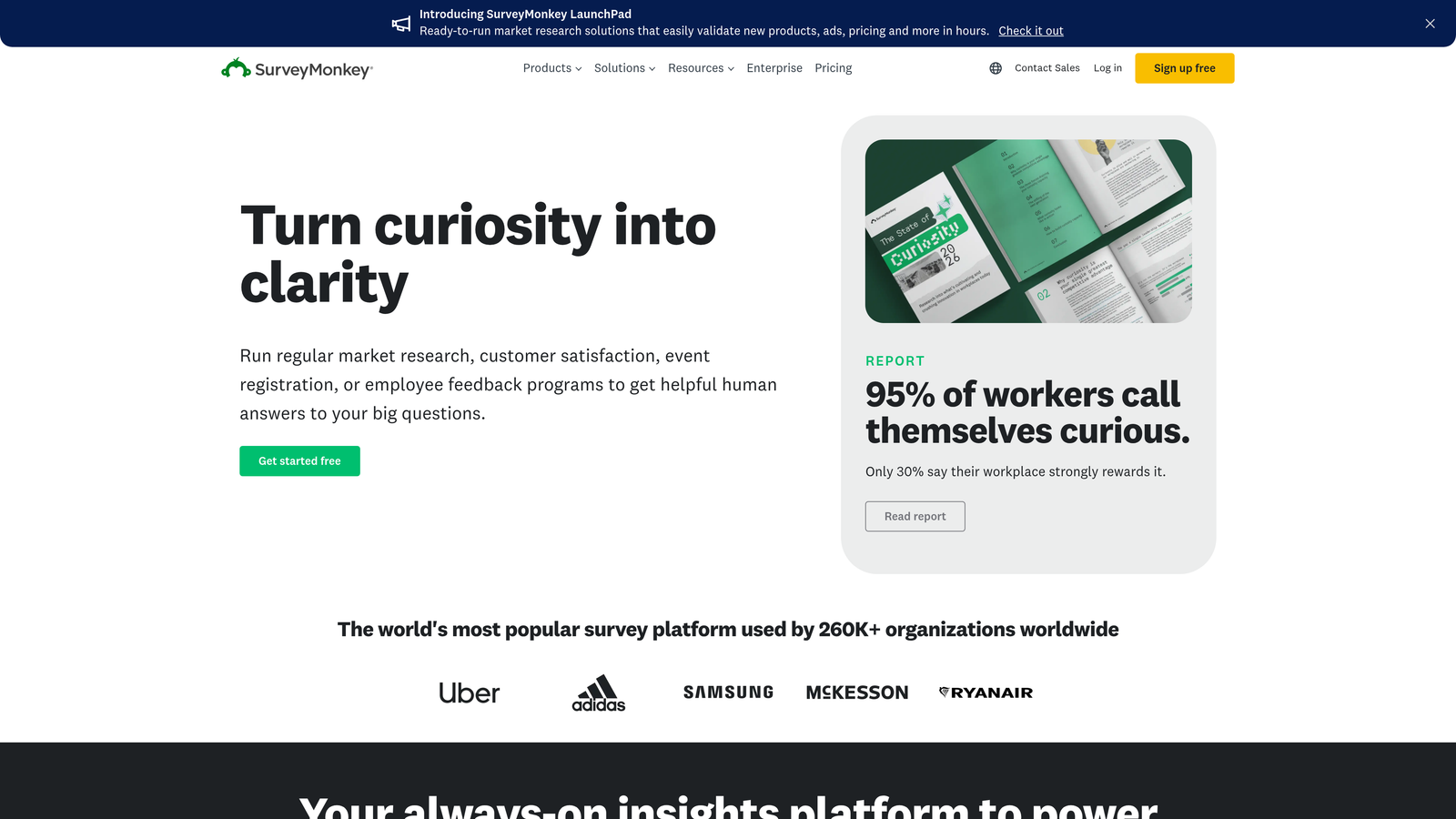
SurveyMonkey is one of the most established survey platforms available, built for organizations that treat survey data as serious research.
Where This Tool Shines
SurveyMonkey's real differentiator is depth. Its benchmarking data lets you compare your NPS or satisfaction scores against industry averages, which is genuinely valuable for teams that need to contextualize their results rather than just collect them. That kind of comparative insight isn't something most form builders offer.
The audience panel feature is another standout. If you need responses from people outside your existing contact list, you can purchase access to survey respondents that match specific demographic criteria. For market research teams and product teams validating ideas with external audiences, this capability alone can justify the platform.
Key Features
Advanced Survey Logic: Includes question randomization, skip logic, and piping to create sophisticated, research-quality survey flows.
Industry Benchmarking: Compare your NPS and satisfaction scores against aggregated industry data to understand where you stand relative to peers.
Audience Panel Access: Reach external respondents matching specific demographics without needing your own contact list.
Enterprise Security and Compliance: Includes SSO, data residency options, and compliance features suited for regulated industries.
Robust Reporting and Export: Detailed analytics with cross-tabulation, filtering, and export options for deeper data analysis.
Best For
SurveyMonkey is the right choice for enterprise teams, market researchers, and HR departments running structured surveys with serious analytical requirements. It's less suited for lead capture or conversion-focused form workflows.
Pricing
Free tier available with limited features. Paid plans vary significantly by tier and team size. Check surveymonkey.com for current pricing before evaluating.
5. Jotform
Best for: SMBs and agencies needing a broad template library with payment and workflow capabilities
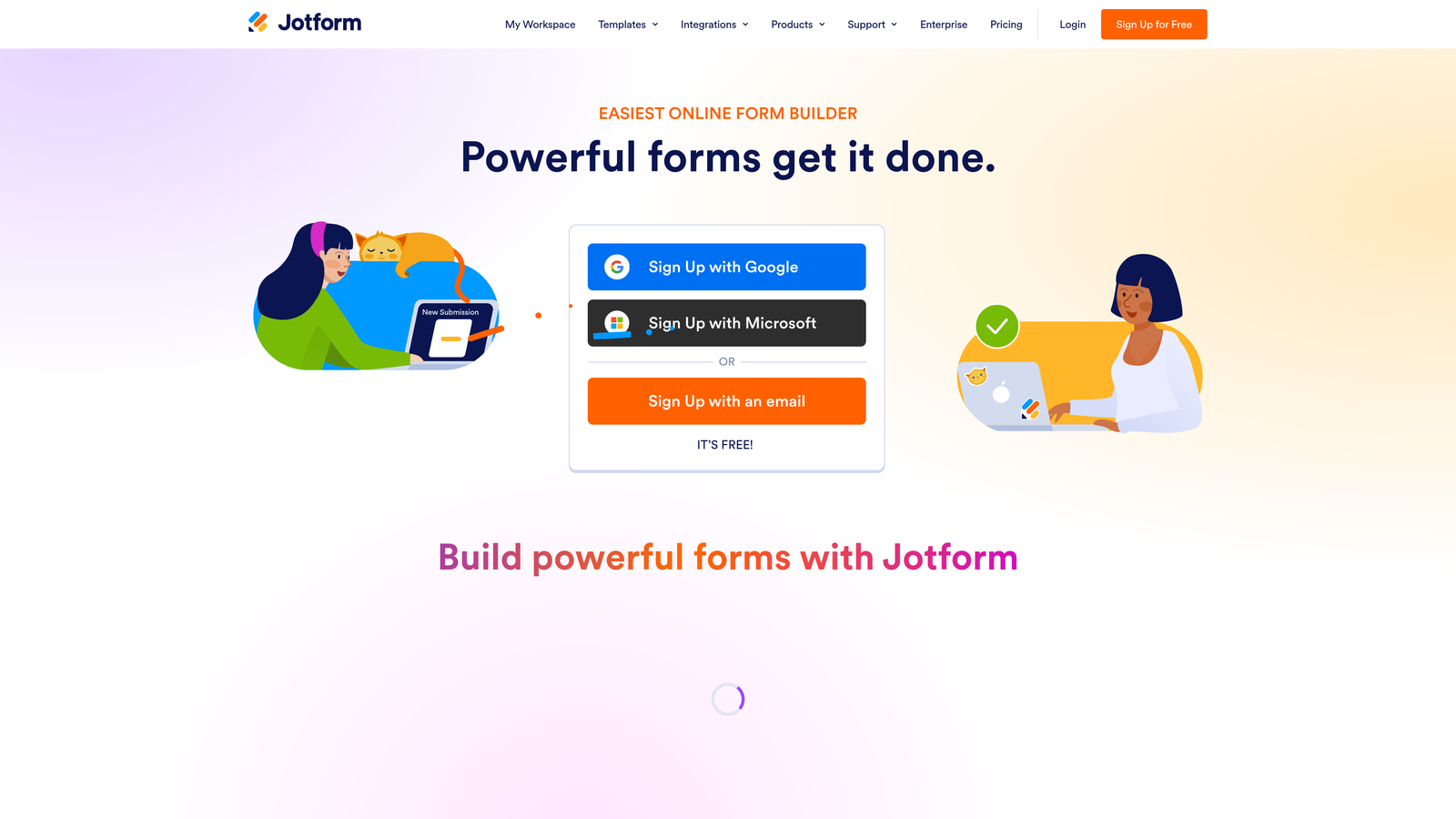
Jotform is a feature-rich form builder with one of the largest template libraries in the market, supporting use cases from simple contact forms to complex approval workflows.
Where This Tool Shines
If you need a template for it, Jotform almost certainly has one. With over 10,000 templates spanning industries and use cases, it's the fastest way to get a functional form deployed without building from scratch. For agencies managing forms across multiple clients with wildly different needs, that breadth is genuinely useful.
The built-in payment processing and e-signature capabilities also set Jotform apart from most competitors. Being able to collect a signature, process a payment, and trigger an approval workflow from a single form is a meaningful capability for service businesses and operations teams.
Key Features
10,000+ Templates: Covers virtually every industry and use case, making it easy to launch forms quickly without starting from a blank canvas.
Built-In Payment Processing: Native integrations with Stripe, PayPal, and Square for collecting payments directly through form submissions.
Approval Workflows and E-Signatures: Automate multi-step approval processes and collect legally binding signatures without third-party tools.
Extensive Third-Party Integrations: Connects with CRMs, email platforms, cloud storage, and hundreds of other tools via native and Zapier integrations.
Offline Mobile Collection: The Jotform mobile app supports form submissions without an internet connection, syncing data when connectivity is restored.
Best For
Jotform works well for SMBs, agencies, and operations teams that need versatility across many different form types. Teams focused specifically on lead generation and conversion optimization may find the interface more cluttered than purpose-built alternatives.
Pricing
Free tier available. Paid plans start around $34/month. Verify current pricing at jotform.com, as plans and limits are updated periodically.
6. Tally
Best for: Startups, indie makers, and early-stage teams wanting clean forms with a generous free tier
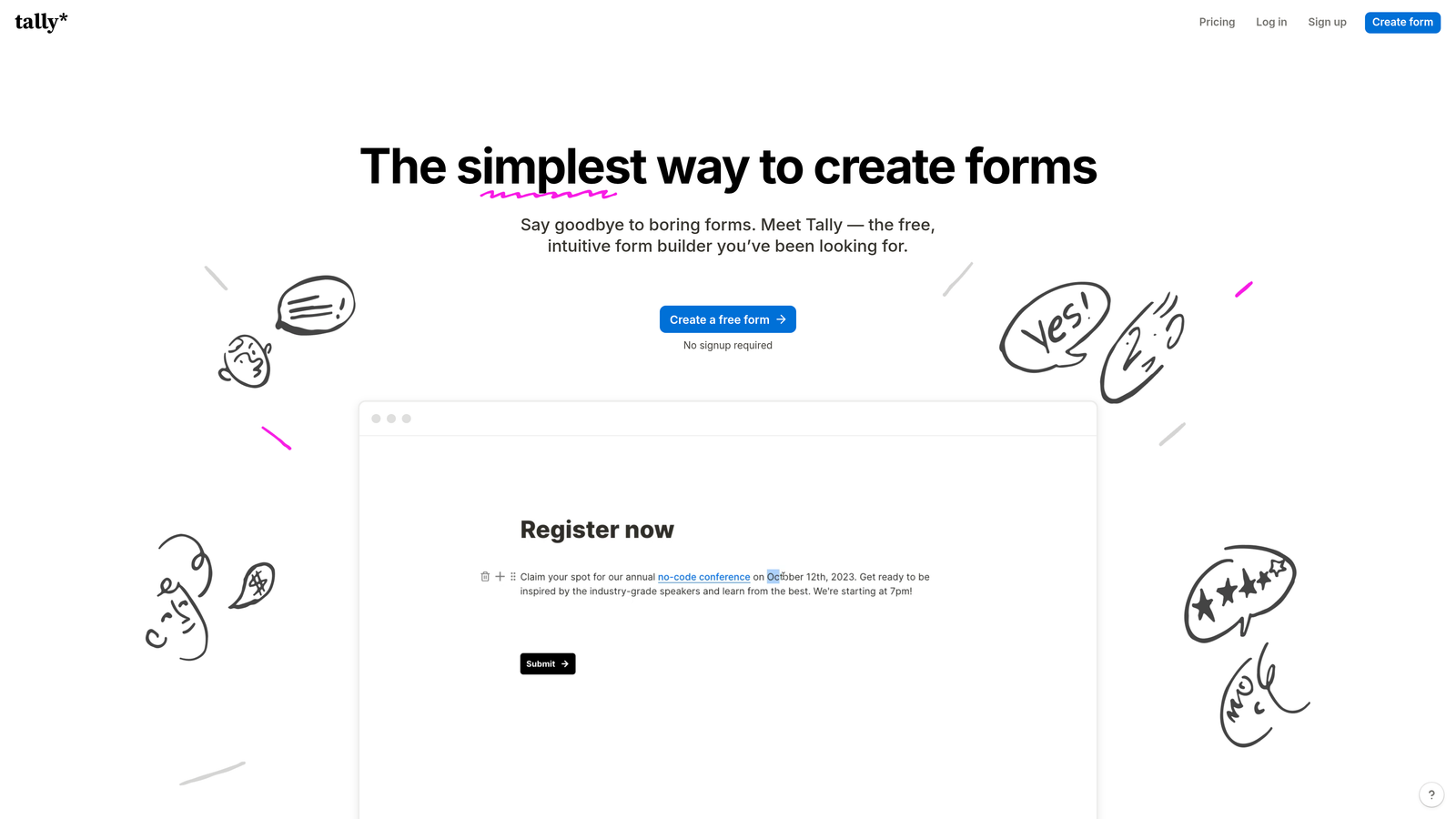
Tally is a minimalist, Notion-inspired form builder that has built a loyal following among startups and indie makers who want functional, clean forms without enterprise overhead.
Where This Tool Shines
Tally's free tier is genuinely remarkable. Unlimited forms and unlimited submissions at no cost puts it in a different category from most competitors, which typically gate core functionality behind paid plans. For early-stage teams validating ideas or running lightweight surveys, this is hard to argue with.
The block-based editor will feel immediately familiar to anyone who uses Notion. Building a form feels more like writing a document than configuring a tool, which lowers the barrier for non-technical team members. It's not the most powerful builder on this list, but it's one of the most approachable.
Key Features
Unlimited Free Forms and Submissions: No submission caps or form limits on the free plan, making it genuinely useful without a credit card.
Notion-Like Block Editor: Intuitive document-style interface that makes building forms feel natural for teams already comfortable with block-based editors.
Conditional Logic and Hidden Fields: Supports branching logic and hidden field population for personalized form experiences.
Clean Website Embeds: Forms embed seamlessly into websites and Notion pages without visual clutter or Tally branding on the free plan.
Zapier and Native Integrations: Connects with popular tools for automating response routing and data sync workflows.
Best For
Tally is an excellent fit for early-stage startups, solo founders, and small teams that need clean, functional forms without a budget. Teams requiring enterprise-grade features, advanced lead qualification, or deep CRM integrations will likely outgrow it quickly.
Pricing
Free plan with unlimited forms and submissions. Pro plan is around $29/month. Verify current pricing at tally.so.
7. HubSpot Forms
Best for: Teams already using HubSpot CRM who want seamless, zero-friction lead data sync
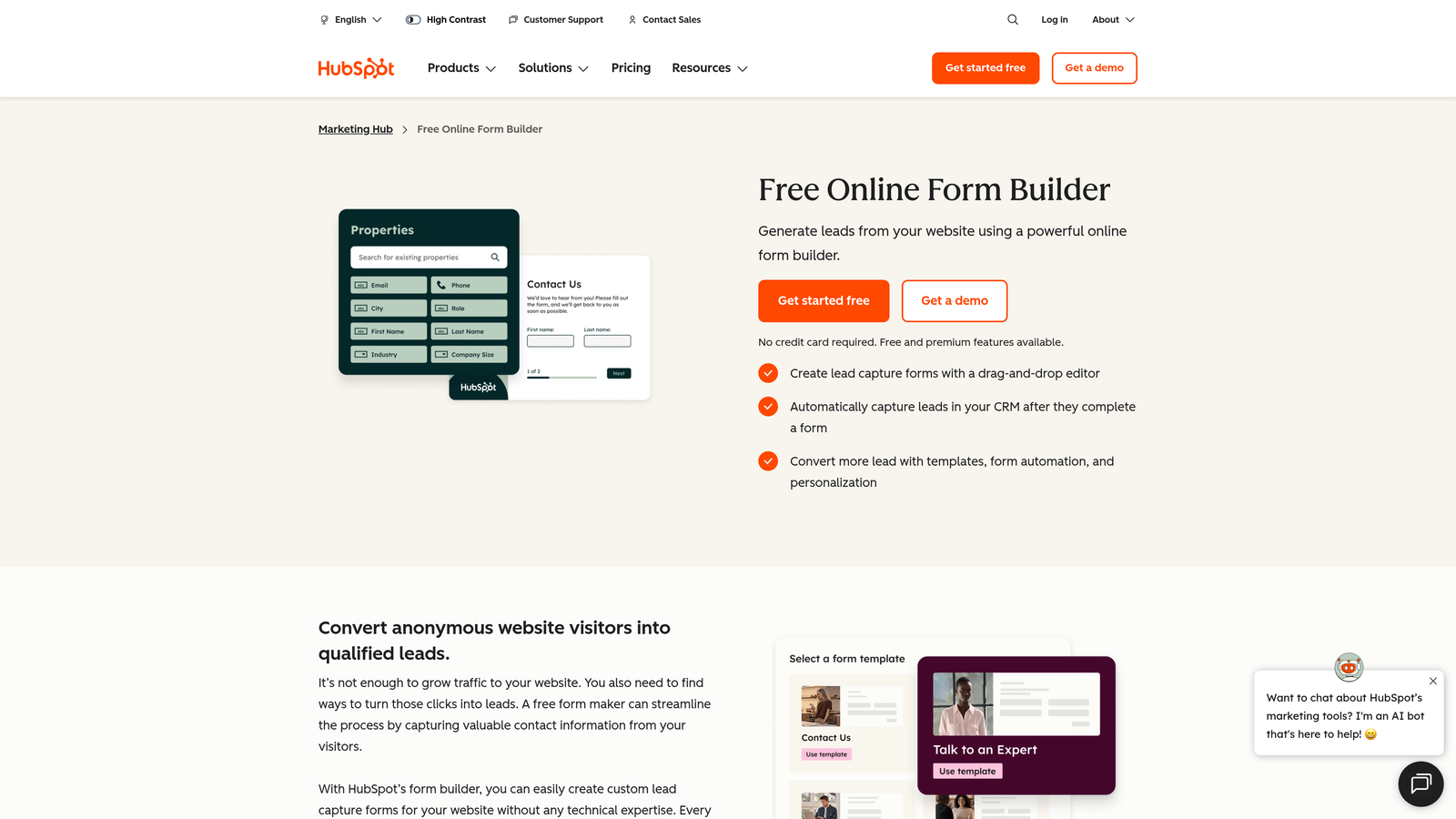
HubSpot Forms is the native form builder built into HubSpot's marketing platform, designed to make lead capture and CRM data sync completely frictionless for existing HubSpot users.
Where This Tool Shines
If your team lives in HubSpot, the case for using HubSpot Forms is straightforward: every submission instantly becomes a contact record, with full activity history, lifecycle stage tracking, and deal association available from the moment someone submits. There's no import step, no field mapping exercise, no sync delay.
Progressive profiling is a particularly smart feature. Rather than asking the same questions to contacts already in your CRM, HubSpot Forms automatically replaces known fields with new questions. Over time, you build richer contact profiles without ever annoying returning visitors with redundant asks.
Key Features
Automatic CRM Sync: Every form submission creates or updates a HubSpot contact record instantly, with no manual data handling required.
Progressive Profiling: Dynamically replaces fields already known from CRM data with new questions to enrich contact records over time.
Smart Forms: Adapt form fields based on what HubSpot already knows about a returning visitor for a more personalized experience.
Built-In A/B Testing: Available on paid Marketing Hub plans for optimizing form performance with real data.
Contact and Deal Analytics: Form performance is tied directly to contact records and pipeline data, connecting form activity to revenue outcomes.
Best For
HubSpot Forms is the obvious choice for teams already invested in the HubSpot ecosystem. Outside of that context, it offers limited standalone value compared to dedicated form builders with broader design flexibility and integration options.
Pricing
Free with a HubSpot account. Advanced features like A/B testing require paid Marketing Hub plans. Check hubspot.com for current tier details.
8. Paperform
Best for: Service businesses and coaches needing forms that combine content, payments, and scheduling
Paperform is a unique form builder built around a freeform document editor, making it feel more like writing a page than configuring a traditional form.
Where This Tool Shines
Paperform occupies a genuinely distinct niche. Because it combines a document-style editor with form fields, you can write context, explanations, and instructions alongside your questions in a way that feels natural and readable. For service businesses where forms double as intake documents or proposals, this approach is much more compelling than a standard form layout.
The combination of payments, scheduling, and product sales within a single form is also worth highlighting. A coach or consultant can build a form that collects intake information, processes a deposit, and books an appointment slot — all in one submission flow. That kind of multi-function capability is rare without stitching together multiple tools.
Key Features
Document-Style Editor: Write forms like you write content, mixing text, media, and form fields in a freeform layout that reads naturally.
Built-In Payment Processing: Accept payments and sell products directly through form submissions with native payment integrations.
Appointment Scheduling and Booking: Embed scheduling functionality directly into forms for service businesses managing client bookings.
Conditional Logic and Calculation Fields: Build dynamic forms with branching paths and calculated outputs for quotes or pricing forms.
Custom Domains and White-Label Options: Present forms on your own domain with your branding for a professional, seamless client experience.
Best For
Paperform is an excellent fit for service businesses, coaches, consultants, and agencies that need forms to do more than collect data. Teams focused on high-volume lead generation at scale may find more purpose-built options better suited to their workflow.
Pricing
Paid plans starting around $24/month. No permanent free tier. Verify current pricing at paperform.co before evaluating.
9. Microsoft Forms
Best for: Enterprise teams using Microsoft 365 for internal surveys, quizzes, and Teams-integrated data collection
Microsoft Forms is a survey and quiz builder included with Microsoft 365, designed for internal enterprise use cases within the Microsoft ecosystem.
Where This Tool Shines
For organizations already paying for Microsoft 365, the value proposition is simple: it's already there. No additional procurement, no new vendor relationship, no security review. For IT departments and compliance-sensitive organizations, that matters significantly.
The native integration with Teams, SharePoint, and Excel makes it particularly effective for internal workflows. Running a pulse survey through Teams, collecting responses in real time, and analyzing results in Excel is a workflow that requires zero configuration for Microsoft 365 users. It just works.
Key Features
Included in Microsoft 365: Available at no additional cost to all Microsoft 365 subscribers, removing budget and procurement friction entirely.
Native Microsoft Integrations: Connects directly with Teams, SharePoint, and Excel for seamless internal data collection and sharing workflows.
Branching Logic: Supports conditional branching for surveys and quizzes to route respondents based on their responses.
Real-Time Response Visualization: View response summaries and charts as submissions come in without needing to export data.
Accessible and Compliant Design: Built-in accessibility features and compliance alignment suited for enterprise and public sector requirements.
Best For
Microsoft Forms is the right choice for enterprise teams running internal surveys, HR feedback collection, compliance quizzes, and Teams-embedded data collection. It is not a competitive option for external lead generation, advanced form design, or conversion-focused workflows.
Pricing
Included with all Microsoft 365 subscriptions. No additional cost beyond your existing Microsoft licensing.
Which Tool Is Right for Your Team?
The right form builder depends entirely on what you're trying to accomplish. Here's a quick-reference guide to cut through the decision fatigue.
For AI-powered lead qualification and B2B conversion optimization: Orbit AI is the purpose-built choice. If your team needs forms that actively score and qualify leads rather than just collect submissions, it's the only tool on this list designed specifically for that outcome.
For branded, conversational survey experiences: Typeform remains the gold standard for polished, one-question-at-a-time form UX that feels like a premium interaction.
For internal surveys with zero budget: Google Forms and Microsoft Forms are both excellent depending on whether your team lives in Google Workspace or Microsoft 365.
For research-grade surveys with benchmarking: SurveyMonkey is the clear choice for teams that need comparative data and external audience access.
For multi-function forms combining payments and scheduling: Paperform handles use cases that would otherwise require multiple tools stitched together.
For early-stage teams wanting a free, clean option: Tally's unlimited free tier makes it the easiest starting point for startups not ready to commit to paid tooling.
If you're building a growth stack that takes lead quality seriously, the form layer is where qualification either starts or gets ignored entirely. Start building free forms today with Orbit AI and see how intelligent form design can elevate your conversion strategy from the very first touchpoint.


