

Your contact forms are generating leads, but are you actually learning from them? Without analytics, you're flying blind—missing insights on drop-off points, conversion rates, and which form fields cause friction. The right contact form builder with built-in analytics transforms your forms from simple data collectors into strategic conversion tools.
We evaluated dozens of form builders based on their analytics depth, ease of use, integration capabilities, and value for growing teams. Here are the top options for teams that want both beautiful forms and actionable data.
1. Orbit AI
Best for: Teams wanting AI-powered lead qualification combined with deep conversion analytics
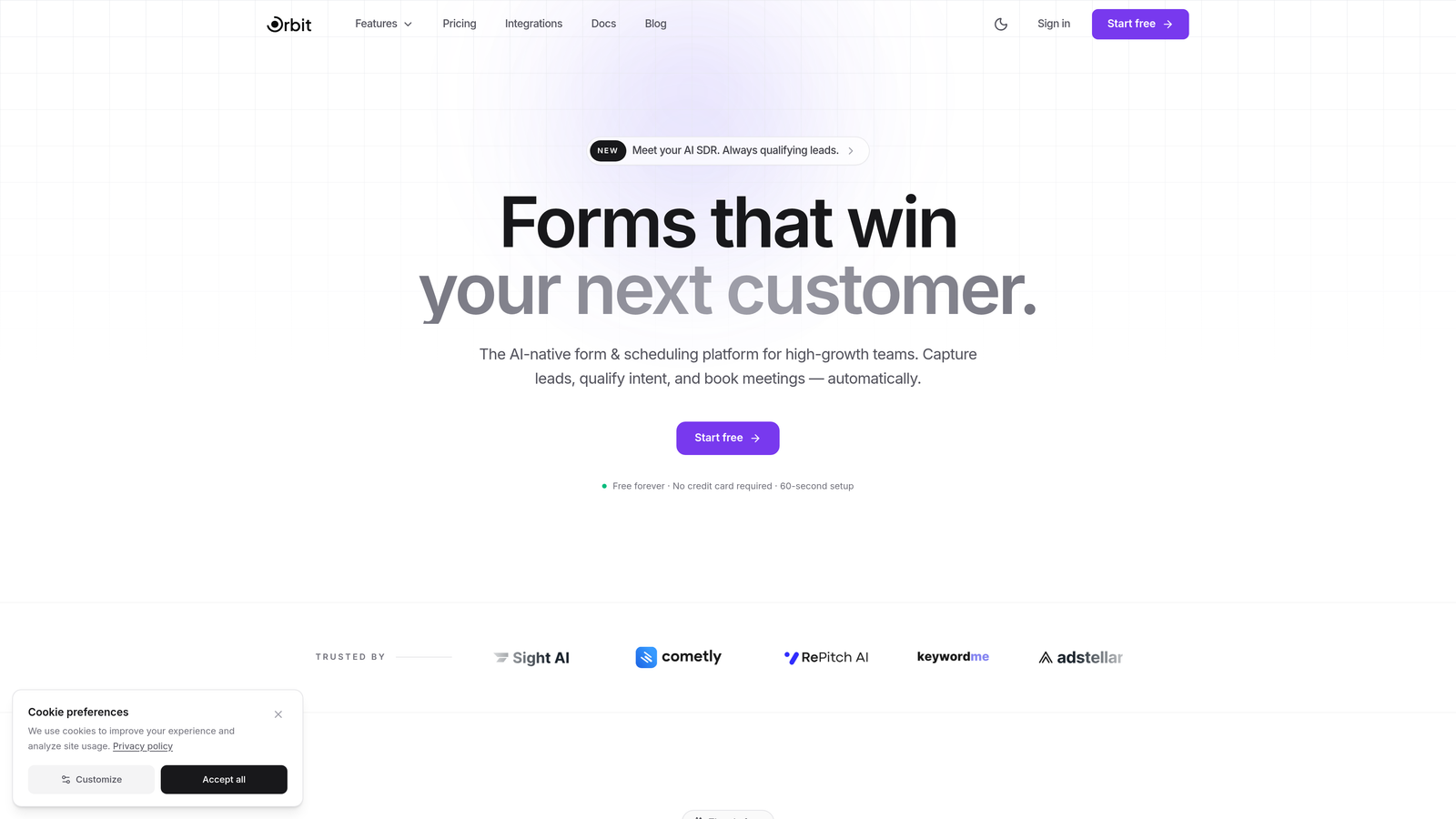
Orbit AI is an intelligent form platform that goes beyond basic analytics by automatically qualifying leads while tracking every conversion metric that matters.
Where This Tool Shines
The platform's AI-powered approach sets it apart from traditional form builders. Rather than just collecting data and showing you charts, it actively scores and qualifies leads in real-time based on their responses. This means your analytics aren't just descriptive—they're predictive.
The conversion analytics go deeper than most competitors, tracking multi-step form progression with field-level insights that reveal exactly where prospects hesitate or abandon. This granularity helps you optimize forms based on actual behavior patterns, not guesswork.
Key Features
AI-Powered Lead Qualification: Automatically scores and routes leads based on their responses and behavior patterns.
Real-Time Conversion Analytics: Track submission rates, drop-off points, and field-level performance as it happens.
Multi-Step Form Tracking: Understand progression through complex forms with detailed step-by-step analytics.
Automated Workflow Triggers: Launch actions based on form data and qualification scores without manual intervention.
Native CRM Integrations: Connect seamlessly with major CRMs to unify your lead data and analytics.
Best For
High-growth teams that need both beautiful, conversion-optimized forms and intelligent lead qualification. Particularly valuable for B2B companies where lead quality matters as much as quantity, and for teams that want analytics that drive action, not just reporting.
Pricing
Free tier available for teams getting started. Paid plans begin at competitive rates designed for growing teams that need advanced analytics and qualification features.
2. Typeform
Best for: Conversational forms with question-by-question engagement tracking
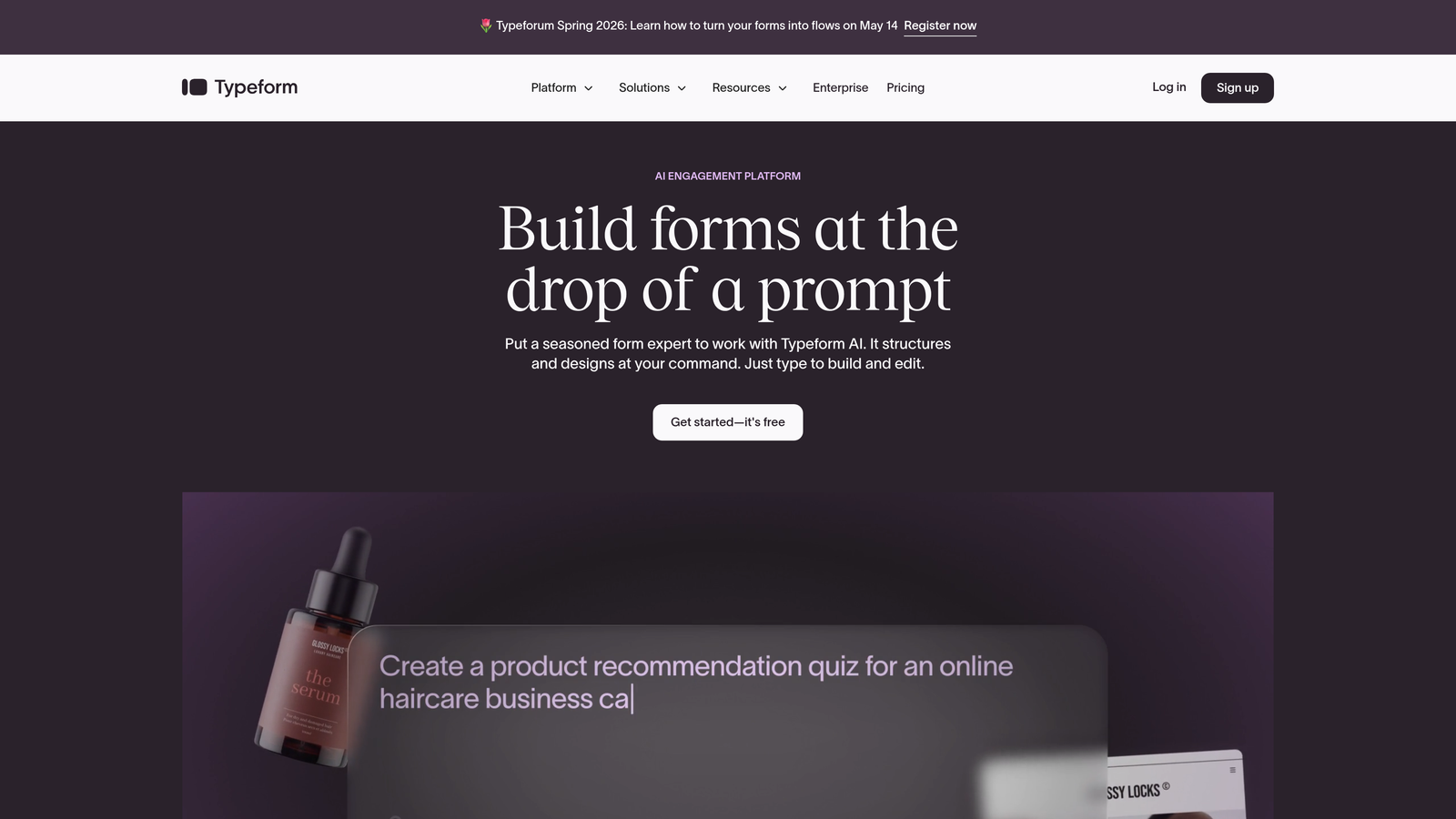
Typeform is a conversational form builder that excels at creating engaging, one-question-at-a-time experiences with detailed analytics on each interaction.
Where This Tool Shines
Typeform's conversational approach naturally generates richer analytics than traditional forms. Because users answer one question at a time, you can track exactly where engagement drops and which questions create friction. The interface feels more like a conversation than a form, which typically results in higher completion rates.
The response insights dashboard provides clear visualizations of completion rates, average time to complete, and engagement patterns. This makes it easy to spot problem areas and optimize your forms without diving into complex analytics tools.
Key Features
Question-by-Question Tracking: See completion rates and drop-off points for every individual question in your form.
Response Insights Dashboard: Visual analytics showing completion trends, engagement rates, and response patterns.
Drop-Off Point Identification: Pinpoint exactly where users abandon your forms to optimize those specific questions.
Google Analytics Integration: Connect with GA4 for deeper funnel analysis and attribution tracking.
Engagement Rate Metrics: Track how long users spend on each question and overall form completion time.
Best For
Teams prioritizing user experience and engagement over traditional form design. Ideal for surveys, lead generation where experience matters, and brands that want analytics on how users interact with each question.
Pricing
Free plan available with basic features. Basic plan starts at $25/month for enhanced analytics and response limits.
3. JotForm
Best for: Feature-rich form building with comprehensive visual analytics and extensive templates
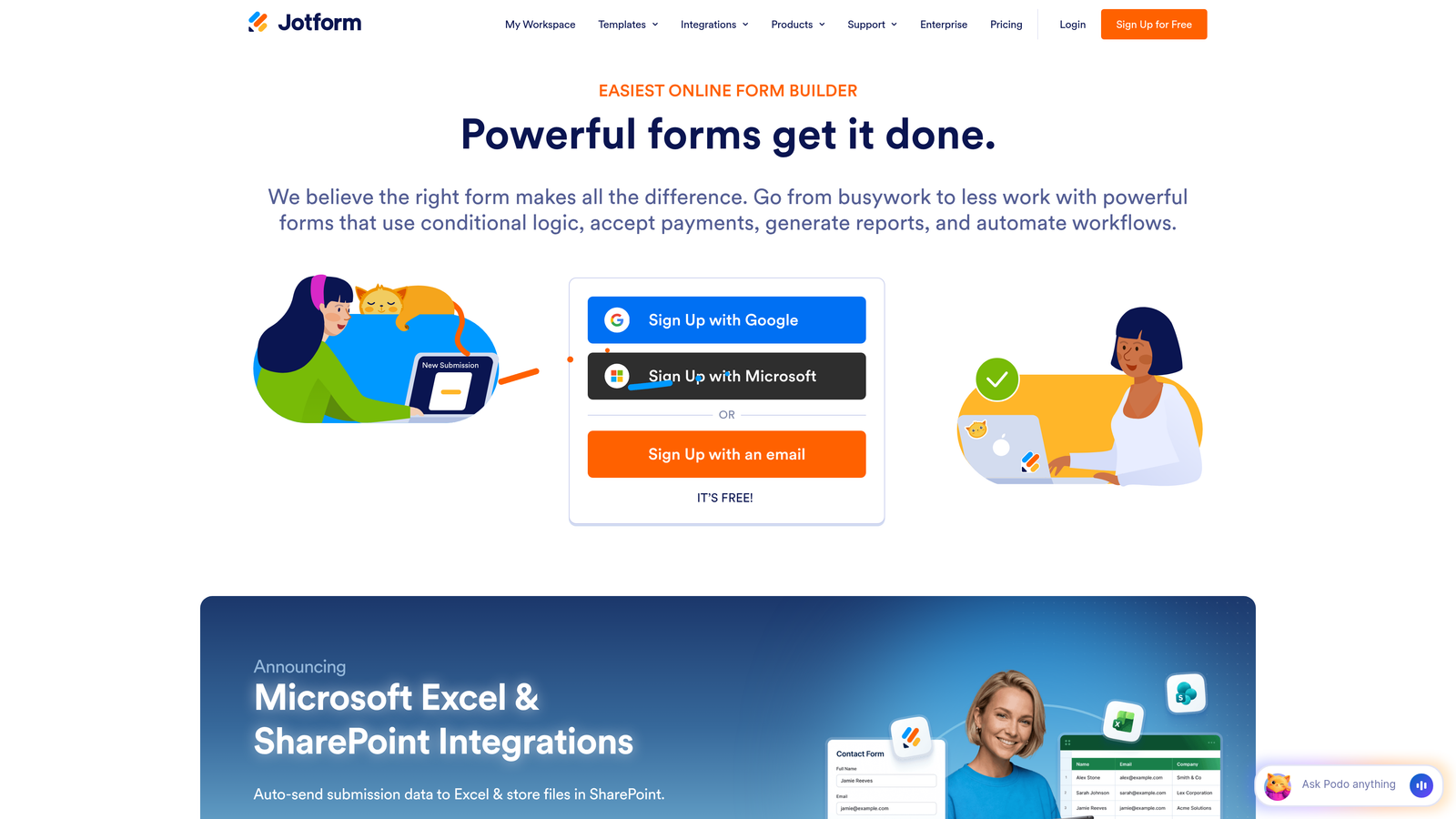
JotForm is an established form platform offering deep analytics capabilities, thousands of templates, and scalable submission tracking for teams of all sizes.
Where This Tool Shines
JotForm's analytics suite provides visual reports that make data accessible to non-technical team members. The platform tracks not just submissions, but patterns over time, geographic data, and device information that helps you understand your audience better.
The export capabilities are particularly strong, allowing you to pull data into spreadsheets or other analytics tools for custom analysis. This flexibility makes it valuable for teams that want both built-in reporting and the option to dive deeper with their own tools.
Key Features
Form Analytics Dashboard: Visual reports showing submission trends, completion rates, and performance over time.
Submission Trends and Patterns: Identify peak submission times and seasonal patterns in your form data.
Geographic Response Data: See where your form submissions are coming from with location-based analytics.
Device and Browser Analytics: Understand what devices and browsers your users prefer for better optimization.
Advanced Export Capabilities: Download data in multiple formats for deeper analysis in external tools.
Best For
Teams needing extensive template libraries combined with solid analytics. Works well for organizations that want comprehensive data without building forms from scratch, and for those who need to export data for custom reporting.
Pricing
Free tier includes 5 forms with basic analytics. Bronze plan starts at $34/month for expanded form limits and enhanced reporting features.
4. HubSpot Forms
Best for: CRM-native forms with seamless marketing and sales analytics integration
HubSpot Forms is the native form builder within HubSpot's ecosystem, offering tight integration with CRM, marketing automation, and sales analytics.

Where This Tool Shines
The power of HubSpot Forms lies in its unified data view. Every form submission automatically becomes a contact in your CRM, with complete visibility into how that lead progresses through your funnel. This end-to-end tracking is difficult to replicate with standalone form tools.
The attribution capabilities are particularly valuable for teams running multiple campaigns. You can track which forms generate the most qualified leads, which sources drive the best conversions, and how form submissions ultimately convert to customers.
Key Features
Native CRM Integration: Automatic contact creation and lead tracking within HubSpot's ecosystem.
Form Performance Dashboards: Track submission rates, conversion metrics, and form effectiveness across campaigns.
Submission-to-Deal Attribution: See which forms contribute to closed deals and revenue generation.
A/B Testing Capabilities: Test form variations within the Marketing Hub to optimize conversion rates.
Progressive Profiling Analytics: Track how progressive profiling impacts completion rates and data collection.
Best For
Teams already using HubSpot's CRM or marketing platform. Particularly valuable for organizations that need complete funnel visibility from form submission through customer conversion, and for marketing teams requiring attribution reporting.
Pricing
Free with HubSpot CRM, including basic form analytics. Advanced features like A/B testing and detailed attribution require Marketing Hub, starting at $800/month.
5. Formstack
Best for: Enterprise teams needing advanced A/B testing, compliance features, and custom analytics
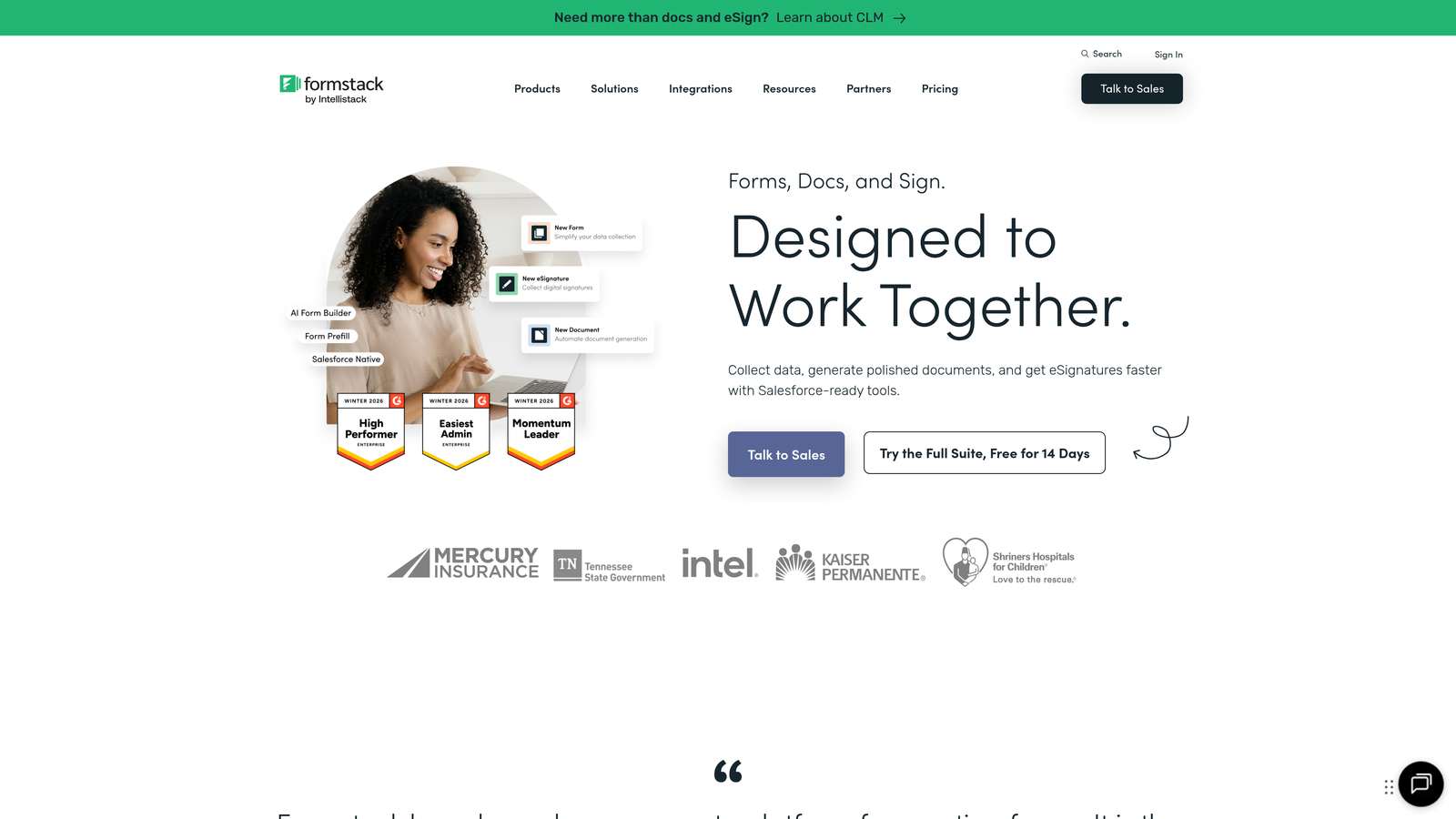
Formstack is an enterprise-focused form platform with sophisticated analytics, statistical A/B testing, and compliance capabilities for regulated industries.
Where This Tool Shines
Formstack's A/B testing goes beyond simple variant comparison, providing statistical significance analysis that tells you when you have enough data to make confident decisions. This rigor is rare in form builders and valuable for teams that need to justify optimization choices with data.
The partial submission capture is a standout feature for analytics. Rather than losing all data when users abandon forms, you can see what they entered before dropping off, providing insights into friction points that most tools miss entirely.
Key Features
A/B Testing with Statistical Analysis: Test form variations with confidence intervals and significance calculations.
Conversion Rate Tracking: Monitor how form changes impact conversion rates over time with trend analysis.
Partial Submission Capture: Collect and analyze data from incomplete submissions to understand abandonment patterns.
Custom Analytics Dashboards: Build tailored reports focusing on the metrics that matter most to your team.
HIPAA-Compliant Data Handling: Meet healthcare compliance requirements while maintaining full analytics visibility.
Best For
Enterprise organizations and regulated industries requiring compliance alongside analytics. Ideal for teams that need statistically rigorous A/B testing and for organizations where partial submission data provides valuable insights into user behavior.
Pricing
Starter plan at $50/month for basic features. Teams plan at $83/month includes advanced analytics and A/B testing capabilities.
6. Gravity Forms
Best for: WordPress sites needing flexible analytics through native entry tracking and integrations
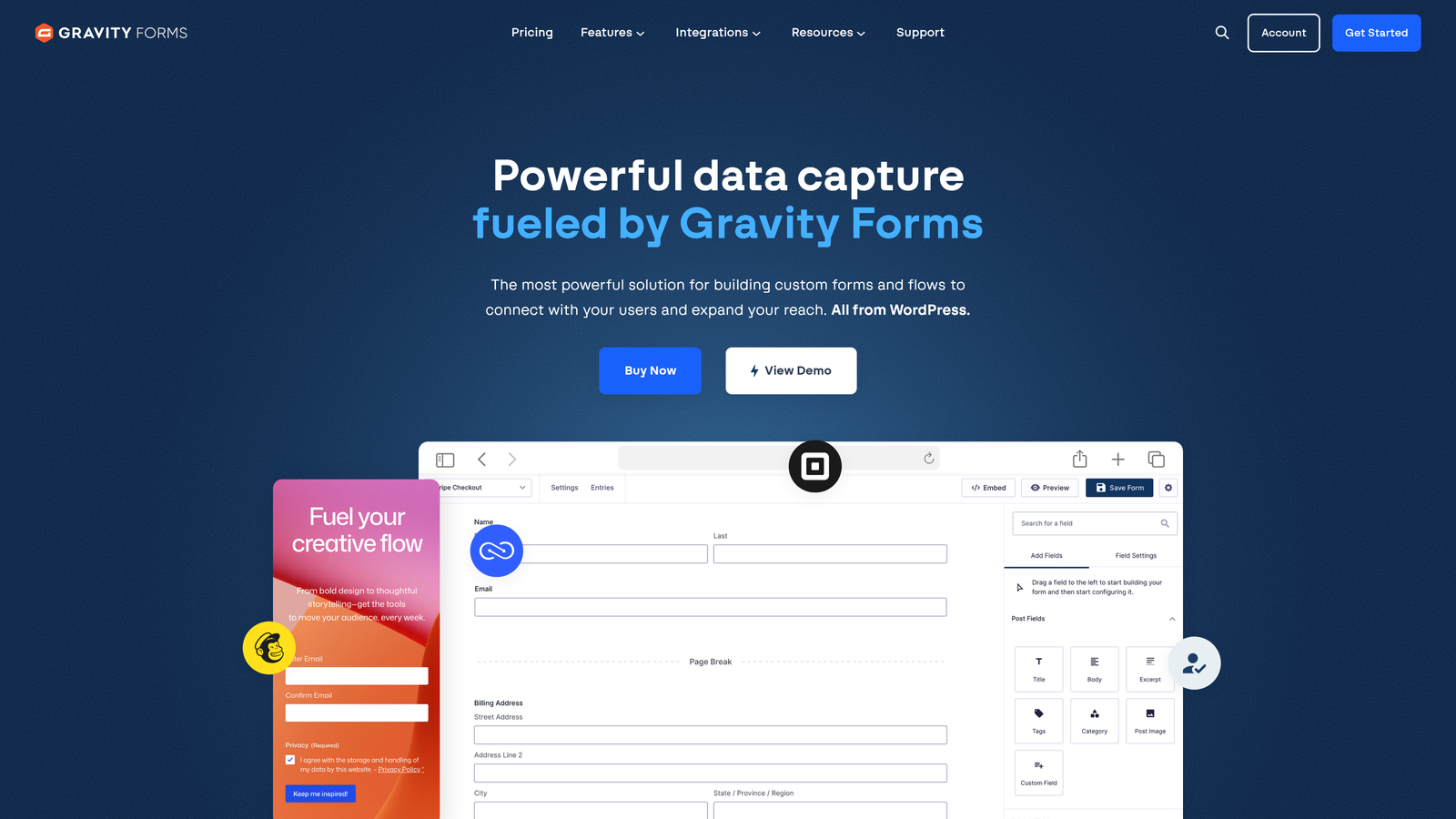
Gravity Forms is a WordPress-native form plugin with robust entry management, analytics integrations, and extensive add-on ecosystem for custom tracking.
Where This Tool Shines
For WordPress users, Gravity Forms provides analytics capabilities without leaving your existing platform. The entry tracking system gives you complete visibility into form submissions directly within your WordPress dashboard, making it easy to manage data alongside your content.
The add-on ecosystem is particularly valuable for teams with specific analytics needs. Whether you need partial entry tracking, advanced reporting, or custom integration with analytics platforms, there's likely an add-on that extends Gravity Forms to meet your requirements.
Key Features
Entry Tracking and Management: View, search, and analyze all form submissions within your WordPress dashboard.
Google Analytics Integration: Track form events and conversions directly in GA4 for unified reporting.
Partial Entries Add-On: Capture incomplete submissions to analyze where users abandon forms.
Custom Reporting via Add-Ons: Extend analytics capabilities with specialized reporting plugins from the ecosystem.
Conversion Tracking with Goals: Set up goal tracking to measure form performance against specific objectives.
Best For
WordPress-based websites that want powerful form analytics without third-party platforms. Particularly valuable for teams that prefer managing everything within WordPress and for organizations needing customizable analytics through the add-on ecosystem.
Pricing
Basic License at $59/year for single-site use. Elite License at $259/year includes all add-ons and priority support.
7. Paperform
Best for: Design-conscious teams wanting beautiful forms with built-in analytics dashboards
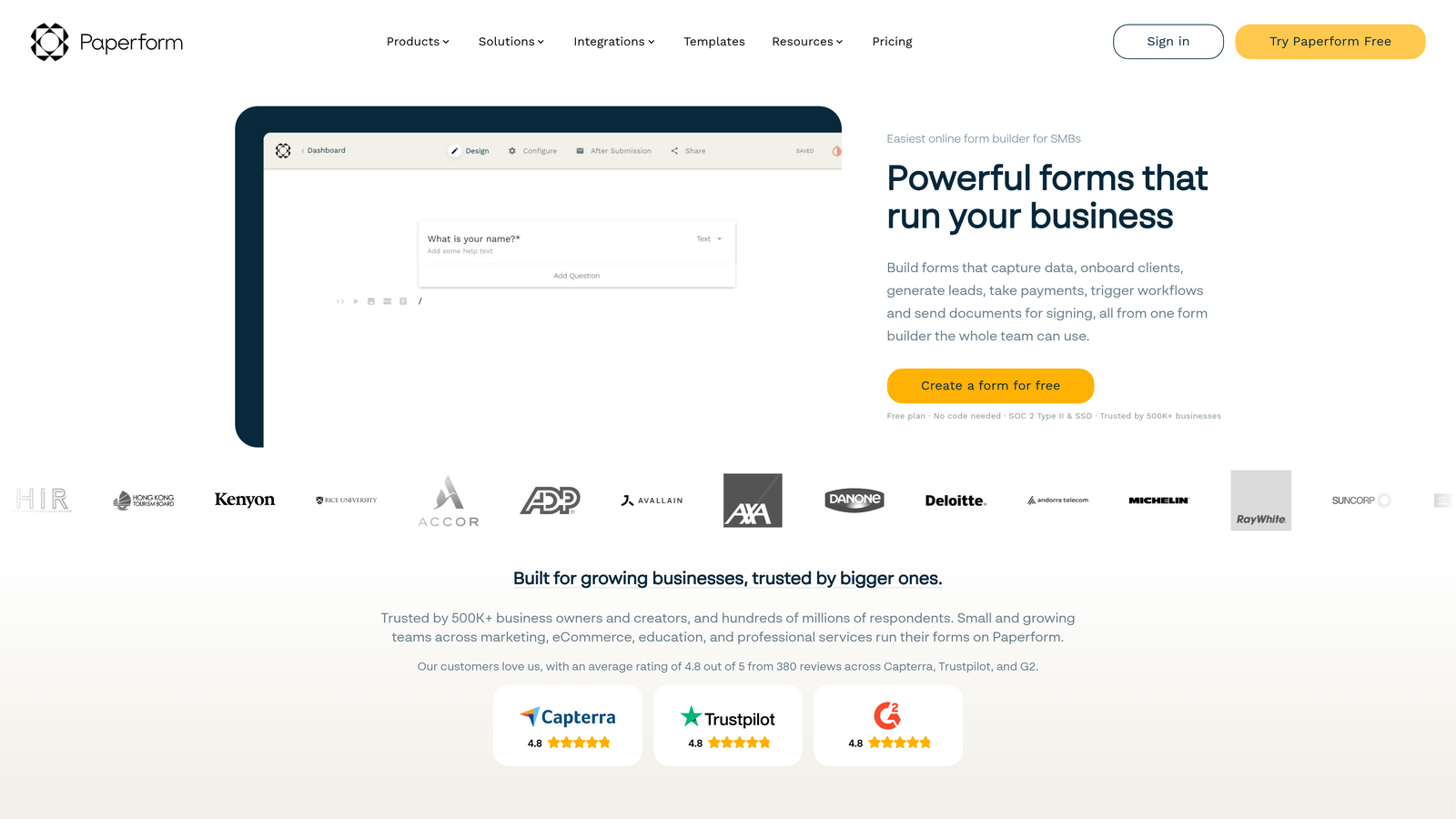
Paperform is a design-forward form builder that balances aesthetic flexibility with native analytics, creating forms that look exceptional while delivering actionable data.
Where This Tool Shines
Paperform's approach to analytics mirrors its design philosophy: clean, accessible, and focused on what matters. The built-in dashboard provides clear visibility into form performance without overwhelming you with unnecessary metrics or complex interfaces.
The platform tracks both macro metrics like overall conversion rates and micro details like device preferences and location data. This combination helps you understand both the big picture and the specific factors influencing form performance.
Key Features
Built-In Analytics Dashboard: Native reporting showing submission trends, conversion rates, and performance metrics.
Submission and View Tracking: Monitor how many people view your forms versus how many actually complete them.
Conversion Rate Monitoring: Track conversion rates over time to measure the impact of form changes.
Device and Location Insights: Understand where your submissions come from and what devices users prefer.
Analytics Platform Integration: Connect with Google Analytics and other tools for deeper analysis.
Best For
Teams that refuse to compromise on design but still need solid analytics. Ideal for brands where form appearance matters as much as data collection, and for organizations wanting straightforward analytics without complex setup.
Pricing
Essentials plan at $24/month for basic analytics features. Pro plan at $49/month includes advanced analytics and integration capabilities.
8. 123FormBuilder
Best for: Straightforward form creation with real-time tracking and accessible analytics
123FormBuilder is a no-nonsense form platform offering real-time submission notifications, basic conversion tracking, and easy data export for teams wanting simplicity.
Where This Tool Shines
The platform's strength is its straightforward approach to analytics. You get clear visibility into form views, submissions, and conversion rates without navigating complex dashboards or learning specialized analytics tools. This accessibility makes it valuable for small teams or those new to form analytics.
Real-time notifications ensure you never miss a submission, and the export functionality makes it easy to pull data into spreadsheets for custom analysis. This combination of immediate alerts and flexible reporting works well for teams with simple analytics needs.
Key Features
Real-Time Submission Notifications: Get instant alerts when forms are submitted via email or integrations.
Form View and Submission Stats: Track how many people view your forms and what percentage complete them.
Basic Conversion Tracking: Monitor conversion rates to understand form performance over time.
Export to Spreadsheet: Download submission data for custom analysis in Excel or Google Sheets.
Google Analytics Integration: Connect with GA4 for additional tracking and funnel analysis.
Best For
Small teams or individuals wanting straightforward form analytics without complexity. Works well for organizations that need basic tracking and prefer exporting data for custom analysis rather than using built-in dashboards.
Pricing
Free plan available with basic features. Gold plan at $24.99/month includes enhanced analytics and submission limits.
9. Cognito Forms
Best for: Budget-conscious teams needing entry analytics and payment tracking with generous free tier
Cognito Forms is a cost-effective form builder offering entry analytics, payment transaction tracking, and workflow analytics on a generous free plan.
Where This Tool Shines
Cognito Forms delivers surprising analytics depth for its price point. The free tier includes unlimited forms, making it accessible for teams just starting with form analytics or organizations managing multiple projects without budget for premium tools.
The payment tracking capabilities are particularly valuable for teams collecting payments through forms. You can monitor transaction success rates, identify payment abandonment patterns, and track revenue alongside standard form metrics—features typically reserved for more expensive platforms.
Key Features
Entry Analytics and Reporting: Track form submissions with detailed reporting on completion rates and patterns.
Payment Transaction Tracking: Monitor payment success rates, failures, and revenue generated through forms.
Form Performance Metrics: View submission trends, conversion rates, and form effectiveness over time.
Data Export Capabilities: Download submission data in various formats for external analysis.
Workflow Analytics for Automation: Track how automated workflows perform based on form submission triggers.
Best For
Budget-conscious teams, nonprofits, or organizations managing multiple forms without significant budget. Particularly valuable for teams collecting payments through forms who need transaction analytics alongside standard form metrics.
Pricing
Free tier includes unlimited forms with basic analytics. Pro plan at $15/month adds advanced features and enhanced reporting capabilities.
Making the Right Choice
Choosing the right contact form builder with analytics depends on your team's specific needs and existing infrastructure. For teams wanting AI-powered lead qualification combined with deep conversion analytics, Orbit AI offers the most intelligent approach to form optimization. The platform's ability to automatically score leads while tracking detailed conversion metrics makes it particularly valuable for high-growth teams where lead quality matters as much as quantity.
Teams already invested in the HubSpot ecosystem will find seamless value in HubSpot Forms, with its native CRM integration and complete funnel visibility. If conversational engagement is your priority, Typeform excels at tracking user interaction question-by-question. WordPress users should consider Gravity Forms for its tight platform integration and flexible add-on ecosystem.
Budget-conscious teams can start with Cognito Forms' generous free tier, which includes unlimited forms and solid analytics capabilities. For enterprise organizations requiring compliance alongside analytics, Formstack delivers statistical rigor and HIPAA-compliant data handling. Design-focused brands will appreciate Paperform's balance of aesthetics and analytics, while teams wanting straightforward tracking without complexity should explore 123FormBuilder.
The key is matching your analytics needs to your growth stage. Start with the insights that matter most to your conversion goals—whether that's lead qualification, drop-off analysis, or attribution tracking—then scale from there. The right platform grows with you, providing deeper insights as your team's sophistication increases.
Transform your lead generation with AI-powered forms that qualify prospects automatically while delivering the modern, conversion-optimized experience your high-growth team needs. Start building free forms today and see how intelligent form design can elevate your conversion strategy.


