

If you're hunting for a free form builder that actually connects to your tech stack, you already know the frustration. Most free tiers lock integrations behind expensive plans, leaving you copying data manually or paying for features you assumed were standard.
This list cuts through that noise. We've evaluated nine free form builders specifically on integration depth, what's genuinely available on free plans, and how well each tool serves teams focused on lead generation and conversion. Whether you need Zapier hooks, native CRM connections, Slack notifications, or webhook support, there's a meaningful difference between tools. Selection criteria: the free tier must be genuinely usable (not a 7-day trial), integrations must be accessible without a paid upgrade, and the builder must support common business use cases beyond simple contact forms.
1. Orbit AI
Best for: High-growth SaaS and B2B teams that want forms to qualify leads, not just collect them.
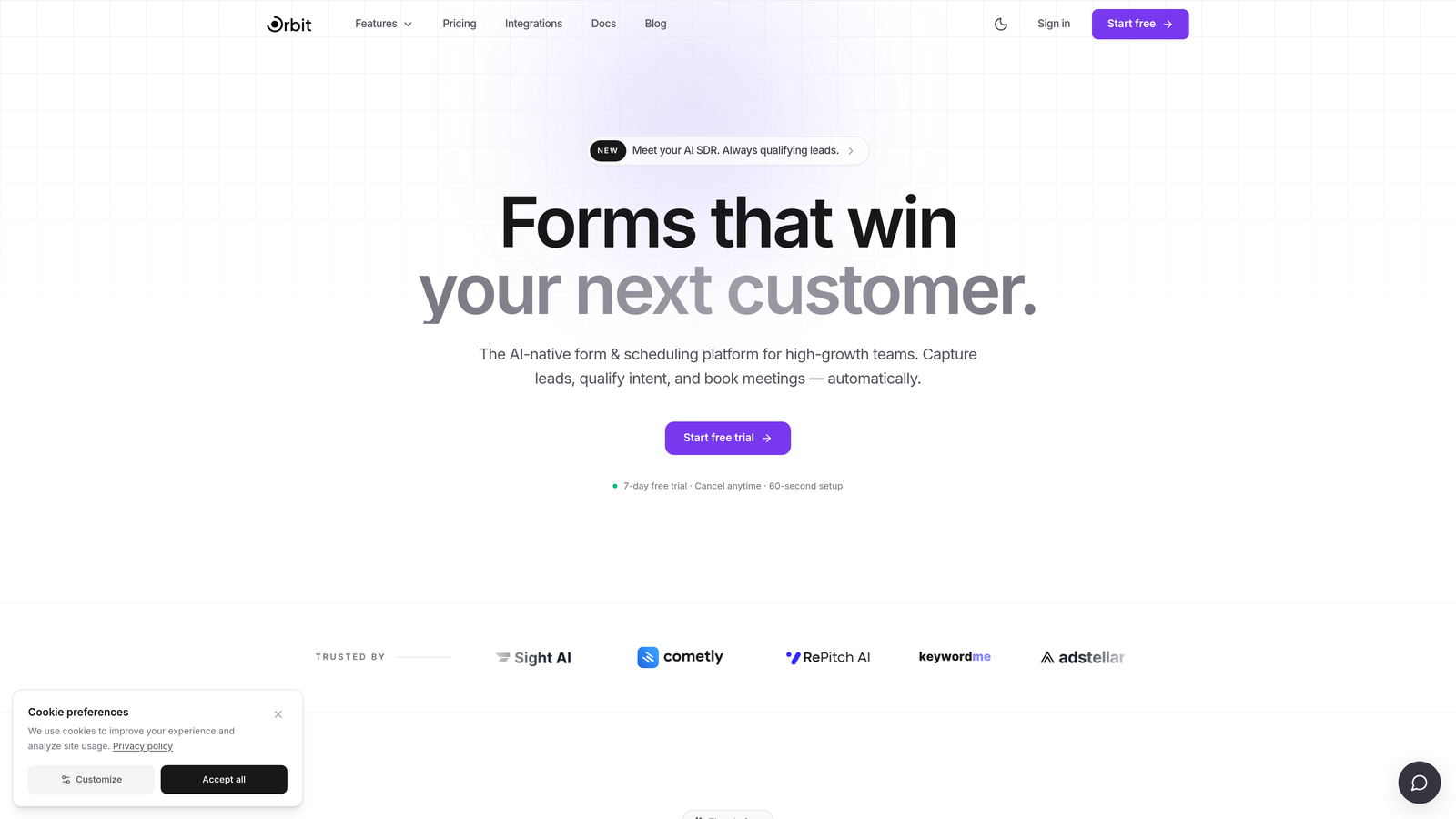
Orbit AI is an AI-powered form builder that scores and routes leads automatically based on their responses.
Where This Tool Shines
Most form builders stop at data collection. Orbit AI goes further by evaluating each submission in real time, scoring lead quality based on how respondents answer, and routing high-intent prospects to the right follow-up sequence automatically. For teams where lead quality matters as much as lead volume, this is a fundamental shift in how forms operate.
The platform is built specifically for SaaS and B2B use cases, which shows in the template library and integration approach. Rather than generic "contact us" forms, you get conversion-optimized templates designed around the kinds of qualification questions that actually predict purchase intent.
Key Features
AI Lead Qualification: Scores submissions in real time based on response patterns, surfacing high-intent prospects automatically.
Conversion-Optimized Templates: Pre-built templates designed for SaaS and B2B lead generation scenarios, not generic use cases.
Native CRM Integrations: Connects qualified lead data directly to CRM and sales tools without manual intervention.
Conditional Logic: Personalizes the form experience dynamically based on how each respondent answers previous questions.
Lead Quality Analytics: Reporting focused on conversion quality and lead scores, not just submission volume.
Best For
Growth teams at SaaS companies and B2B businesses that are tired of sorting through unqualified submissions manually. If you're running paid acquisition and need forms that do some of the qualification work for you, Orbit AI is built for exactly that workflow.
Pricing
Free plan available. Paid plans unlock advanced AI features and higher submission volumes. See current pricing at orbitforms.ai.
2. Google Forms
Best for: Teams that live in Google Workspace and need a zero-cost, zero-friction data collection tool.
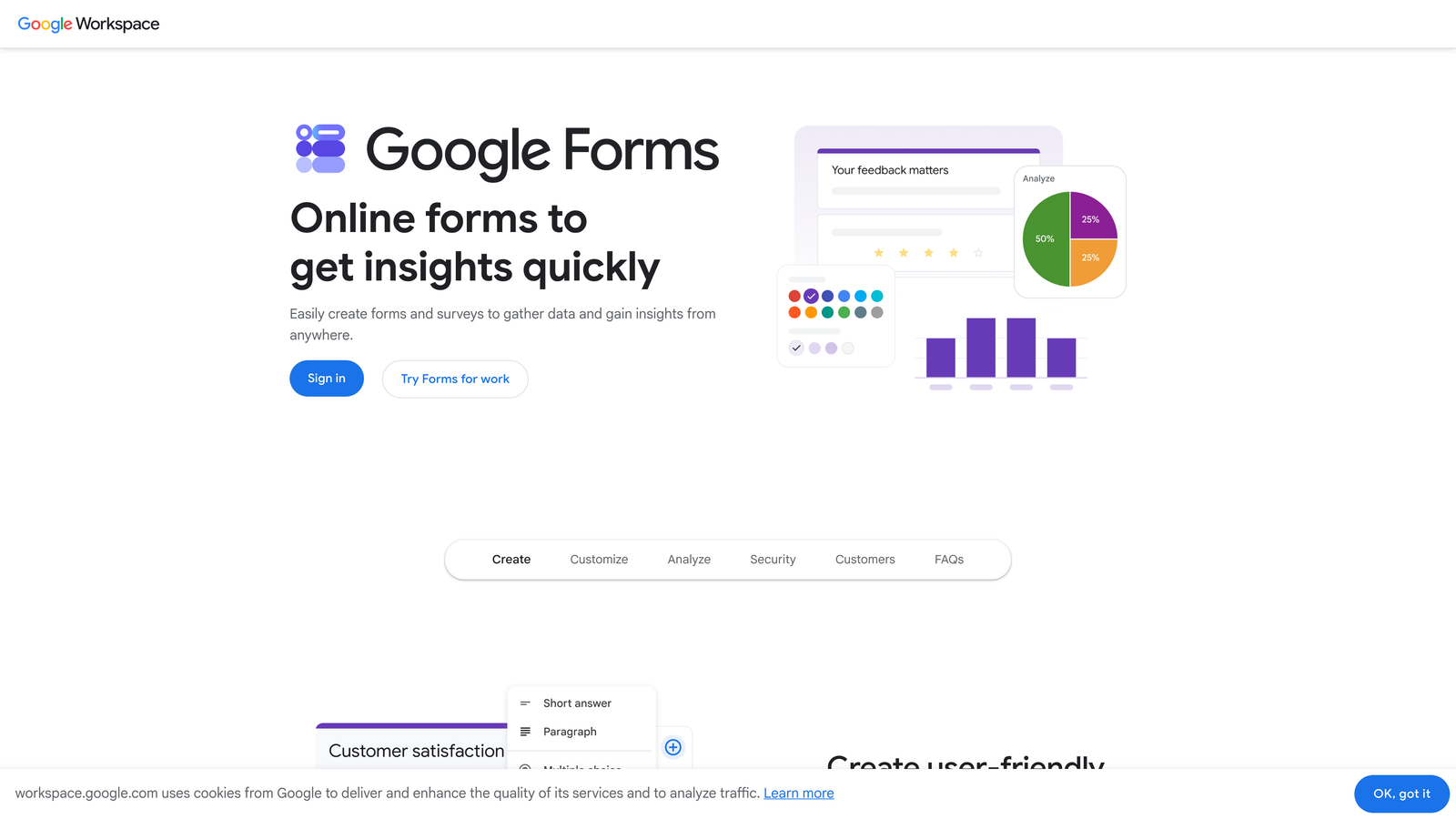
Google Forms is a completely free form builder with unlimited submissions and seamless Google Sheets integration.
Where This Tool Shines
Google Forms wins on simplicity and cost. There are no submission caps, no storage limits tied to form responses, and no pricing tiers to navigate. If your team already uses Google Workspace, the native Sheets integration means every submission lands in a spreadsheet instantly, with no setup required.
For internal surveys, event registrations, or simple lead capture where design isn't a priority, Google Forms delivers everything you need without touching a credit card. The Zapier integration extends its reach to hundreds of other apps, making it more versatile than its basic interface suggests.
Key Features
Unlimited Forms and Responses: No submission caps or form limits on the free tier, ever.
Real-Time Google Sheets Sync: Every submission populates a connected spreadsheet automatically, no manual export needed.
Zapier Integration: Connect Google Forms to your broader app stack for automated workflows beyond Google's ecosystem.
Basic Conditional Logic: Show or hide sections based on responses, though less sophisticated than dedicated builders.
Collaborative Editing: Multiple team members can build and edit forms simultaneously within Google Workspace.
Best For
Internal teams, small businesses, and anyone already inside the Google ecosystem who needs reliable data collection without any cost or complexity. Not the right fit if brand experience or advanced lead qualification matters.
Pricing
Completely free. No paid tiers for the form builder itself.
3. Typeform
Best for: Teams that prioritize form experience and completion rates over raw feature depth.
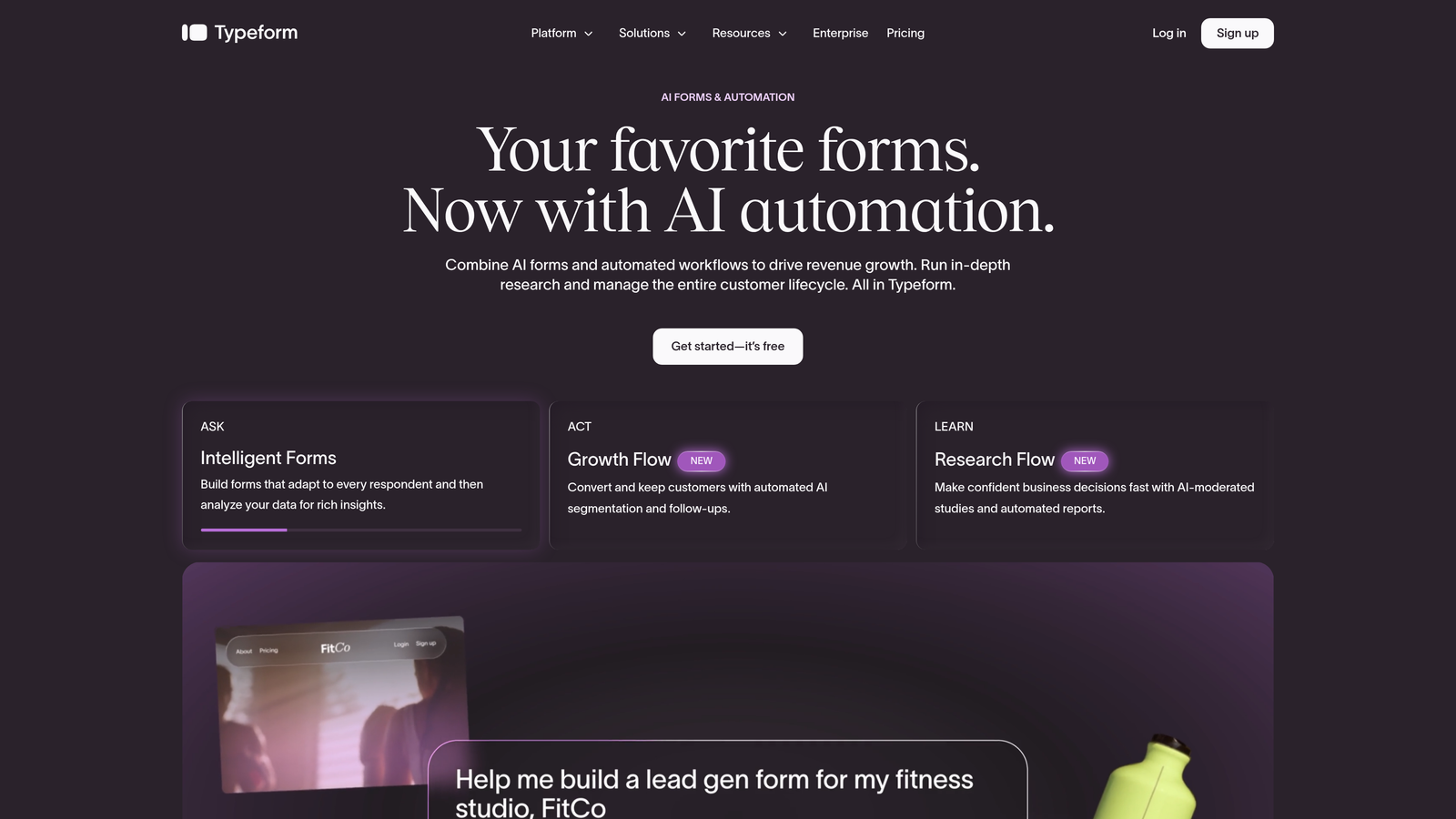
Typeform is a conversational form builder known for its one-question-at-a-time format and polished mobile experience.
Where This Tool Shines
Typeform's signature format, presenting one question at a time rather than a wall of fields, consistently drives higher completion rates for surveys, NPS forms, and lead capture. The experience feels more like a conversation than a form, which matters when you're asking for more than a name and email address.
The free tier includes logic jumps and branching, which puts it ahead of Google Forms for teams that need personalized question paths. Native integrations with Google Sheets and Slack are available, and Zapier is accessible on the free plan with some restrictions. Note that free-tier response limits are meaningful, so verify current limits at typeform.com before committing.
Key Features
Conversational Single-Question Flow: Presents one question at a time to reduce overwhelm and improve completion rates.
Logic Jumps on Free Tier: Branch respondents to different questions based on their answers, available without upgrading.
Native Google Sheets and Slack Integrations: Push responses to spreadsheets or notify your team in Slack automatically.
Zapier Access: Available on the free plan with restrictions; verify current limitations at typeform.com.
Template Library: Strong selection of templates for surveys, lead gen, NPS, and more.
Best For
Marketing teams, agencies, and product teams running surveys or lead gen campaigns where form experience directly affects data quality. Less suited for teams with high submission volumes on the free tier.
Pricing
Free plan with monthly response limits. Paid plans from approximately $25/month. Verify current pricing and response limits at typeform.com.
4. HubSpot Forms
Best for: Teams already using or planning to use HubSpot CRM who want native form-to-CRM automation at no cost.
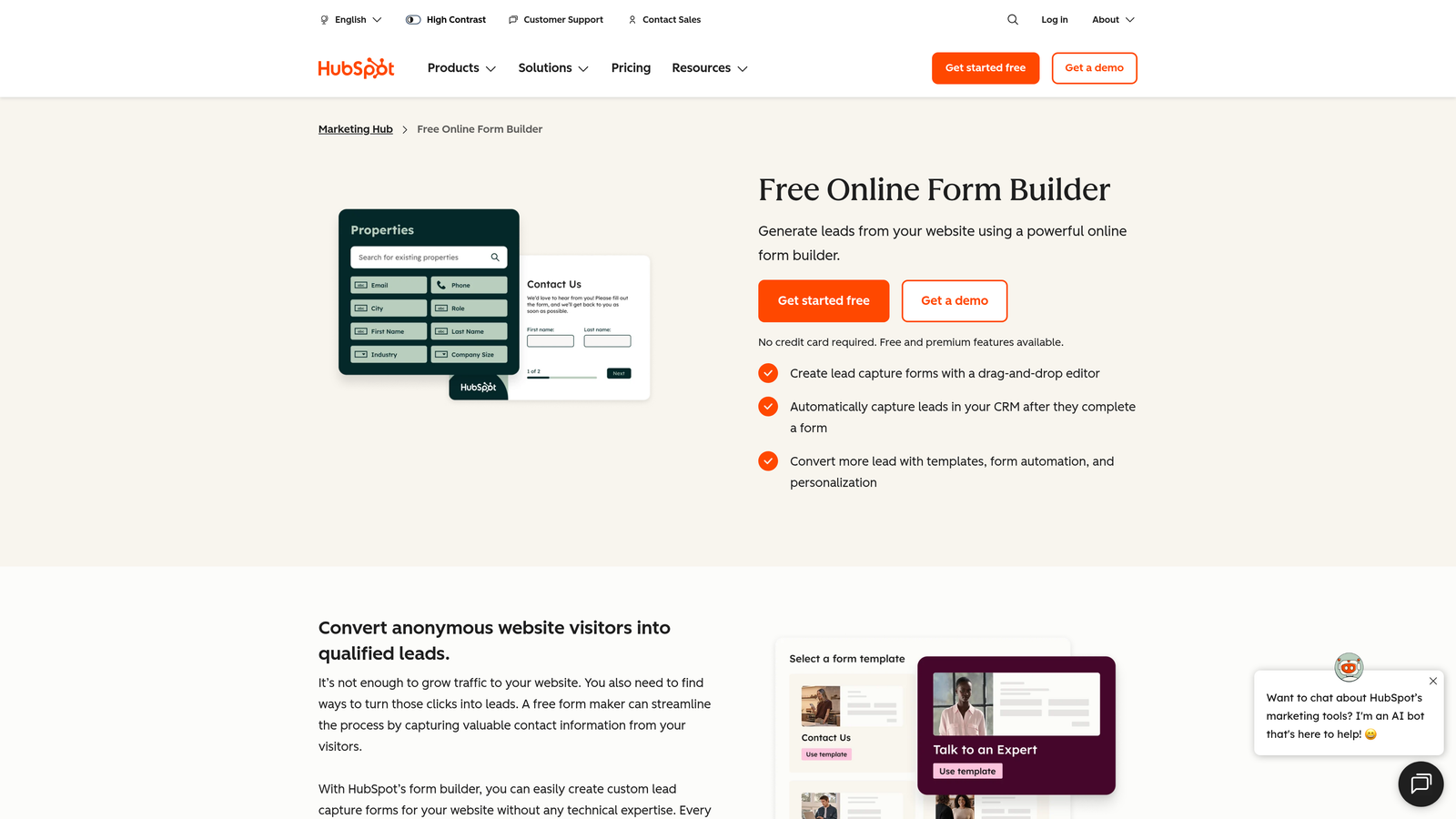
HubSpot Forms is a free form builder built directly into HubSpot's CRM, making it the strongest free option for CRM-native automation.
Where This Tool Shines
The integration story here is genuinely hard to beat on a free plan. Every form submission automatically creates or updates a contact record in HubSpot CRM, no Zapier required, no manual import. You can trigger email sequences, add contacts to lists, and kick off basic workflows directly from a form submission, all on the free tier.
For teams building out a HubSpot-native marketing and sales stack, using any other form builder introduces unnecessary friction. The trade-off is design flexibility: HubSpot Forms is functional rather than beautiful, and customization options are more limited than dedicated form tools.
Key Features
Native CRM Sync: Submissions automatically create or update HubSpot contact records with no middleware needed.
Email and List Automation: Trigger email sequences and list enrollments directly from form submissions on the free plan.
Embed Anywhere: Drop forms onto any website or landing page with a simple embed code.
HubSpot Analytics: View submission data and contact activity within the HubSpot dashboard.
No Integration Fees: The full CRM connection is available without any paid upgrade.
Best For
Sales and marketing teams using HubSpot as their CRM. If you're not on HubSpot, the value proposition drops significantly since the tool is optimized for its own ecosystem.
Pricing
Completely free as part of HubSpot's free CRM tier. No credit card required to get started.
5. Jotform
Best for: Teams that want the widest possible native integration library without immediately paying for a plan.
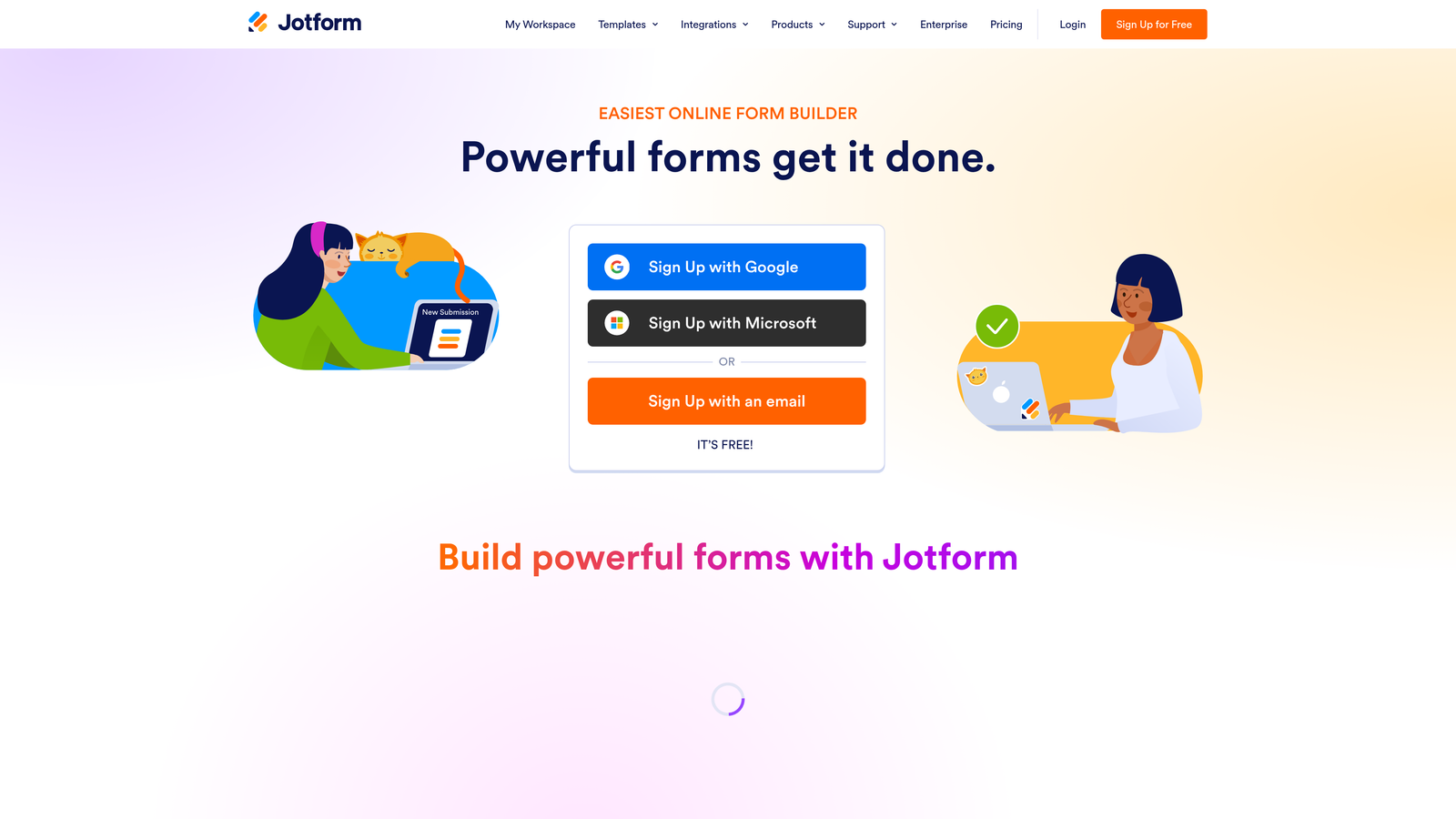
Jotform is a feature-rich form builder with one of the largest native integration libraries accessible on a free plan.
Where This Tool Shines
Jotform's integration depth on the free tier is genuinely impressive. Native connections to Google Sheets, Slack, Dropbox, and a range of CRM platforms are available without upgrading, giving teams more out-of-the-box connectivity than most competitors. The template library is also one of the largest available, spanning thousands of pre-built forms across industries and use cases.
The free plan does come with monthly submission and storage limits, so it works best for teams with moderate volume. Payment integrations are partially available but some features are paywalled. Verify the current native integration count and submission limits at jotform.com, as these details are updated periodically.
Key Features
Extensive Native Integrations: Connects to Google Sheets, Slack, Dropbox, and major CRMs directly, without Zapier as a middleman.
Massive Template Library: Thousands of templates covering virtually every industry and form type.
Conditional Logic and Multi-Page Forms: Build sophisticated form flows without upgrading to a paid plan.
Payment Collection: Some payment integrations available on free tier; advanced payment features require a paid plan.
Drag-and-Drop Builder: Visual editor that requires no technical knowledge to produce polished forms.
Best For
Small businesses and teams that need broad integration coverage and a large template library to work from, particularly those connecting to tools outside the Google or HubSpot ecosystems.
Pricing
Free plan with monthly submission and storage limits. Paid plans from approximately $34/month. Verify current pricing and limits at jotform.com.
6. Tally
Best for: Startups and indie teams that want a generous free tier with no branding and real webhook access.
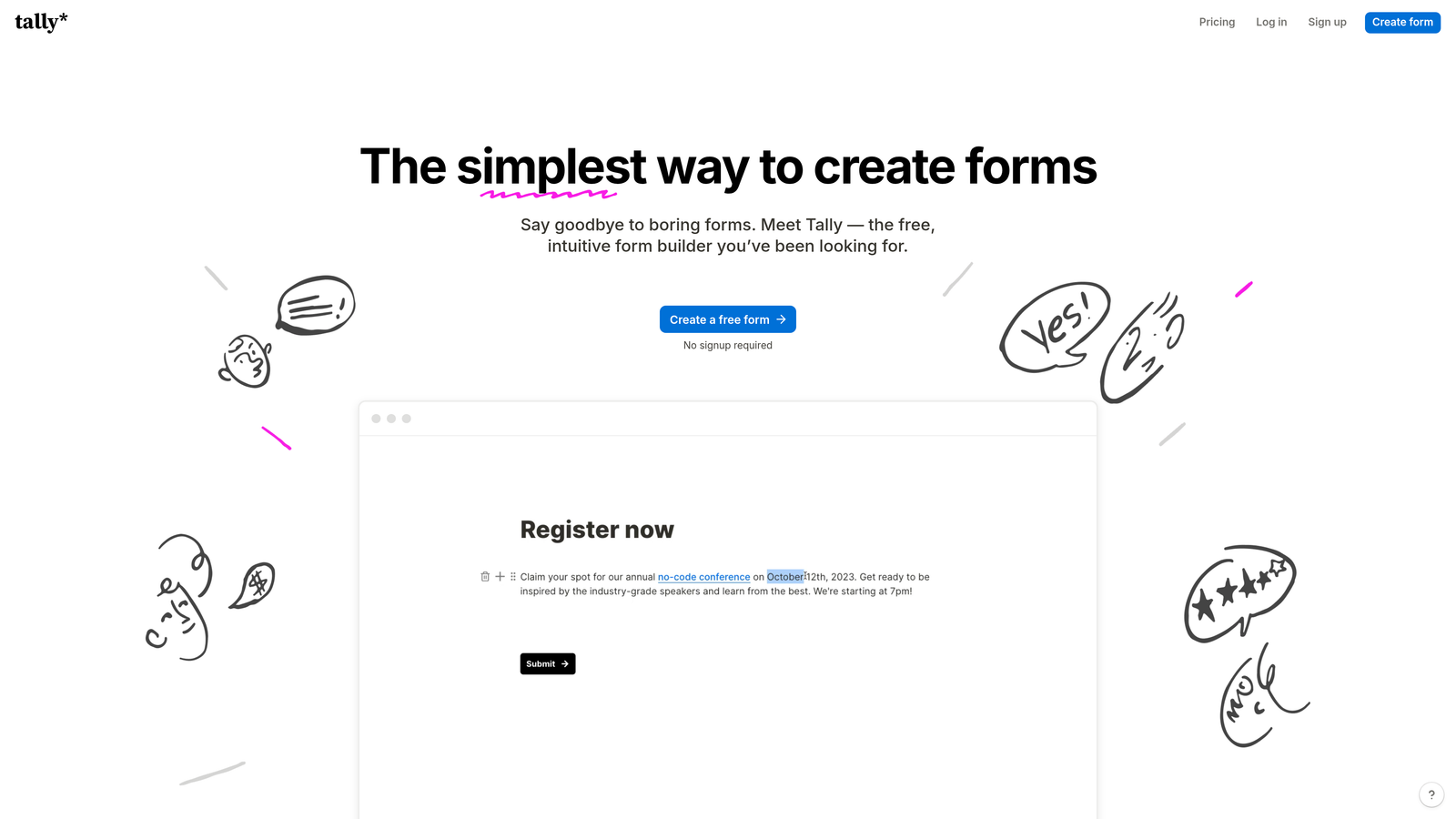
Tally is a minimalist, Notion-inspired form builder with an unusually generous free plan that includes unlimited forms, unlimited responses, and Zapier access.
Where This Tool Shines
Tally's free tier is one of the most generous in this category. Unlimited forms, unlimited responses, no Tally branding, and webhook support, all without paying anything. For a bootstrapped startup or a creator building audience research tools, that's a remarkable combination that most competitors reserve for paid plans.
The block-based editor feels immediately familiar to anyone who uses Notion, which lowers the learning curve considerably. Native integrations with Google Sheets, Notion, Airtable, and Slack make it practical for teams with modern, async-first workflows. It's less suited for enterprise-scale automation, but for the target user, it punches well above its price point.
Key Features
Unlimited Forms and Responses: No submission caps or form limits on the free plan, a rare distinction in this market.
No Branding on Free Forms: Your forms look clean and professional without a Tally watermark.
Webhook and Zapier Support: Available on the free tier, enabling custom integrations and automated workflows.
Block-Based Editor: Notion-style editing interface that's intuitive for teams already familiar with block editors.
Native Integrations: Connects directly to Google Sheets, Notion, Airtable, and Slack.
Best For
Early-stage startups, indie makers, and creators who need a capable, unbranded form tool with real integration access and no budget for a paid plan. Less ideal for teams needing advanced analytics or enterprise-grade workflows.
Pricing
Free tier is genuinely useful with no meaningful restrictions on core features. Pro plan available for advanced features. Verify current pricing at tally.so.
7. Formspree
Best for: Developers and technical teams who want full control over form markup without a drag-and-drop builder.
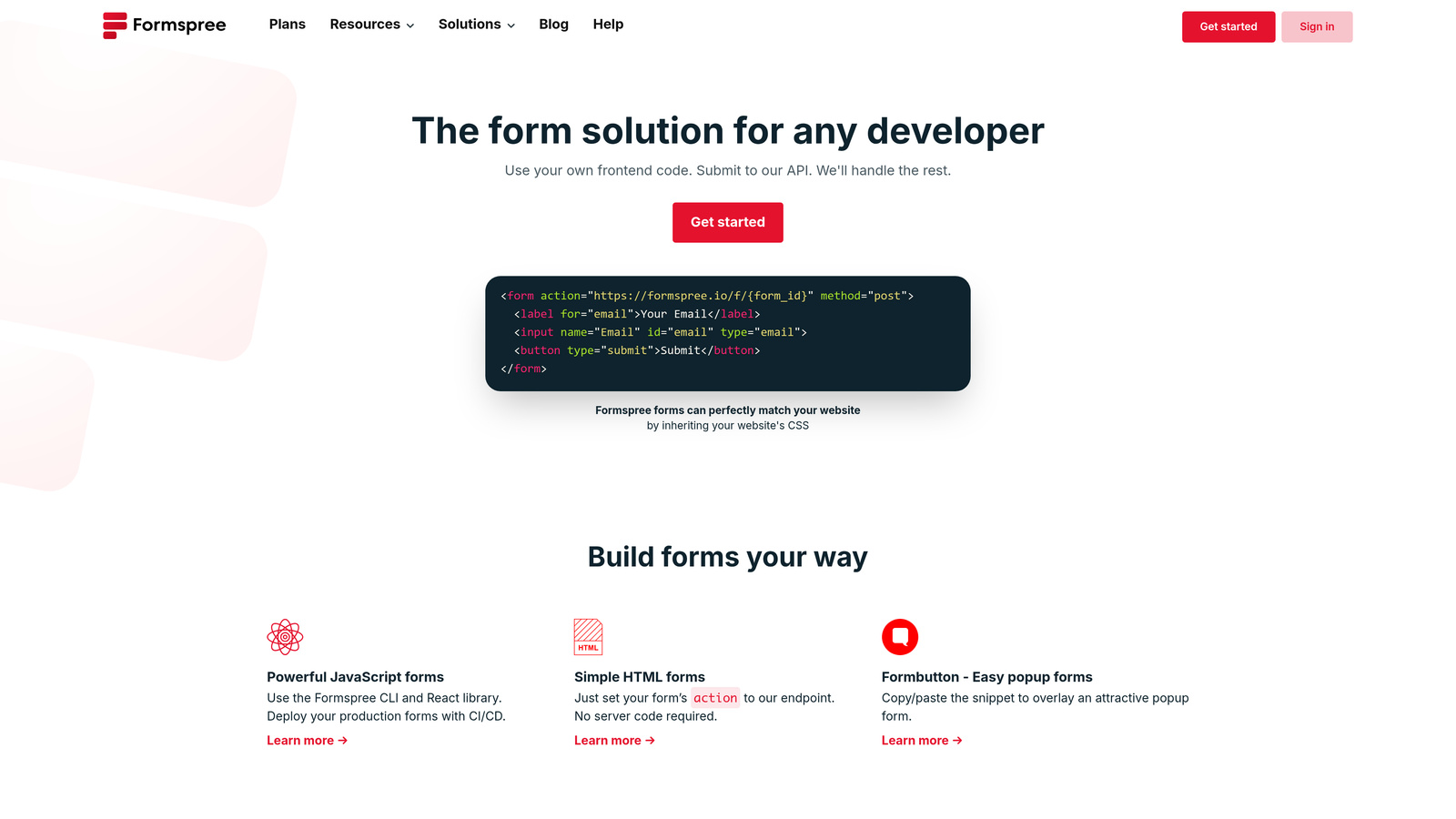
Formspree is a developer-focused form backend that handles submissions from any HTML form by pointing the action attribute to a Formspree endpoint.
Where This Tool Shines
Formspree solves a specific problem elegantly: you want to build your own form in HTML, but you don't want to manage a server to handle submissions. Point your form's action attribute to a Formspree endpoint, and submissions are delivered to your email automatically. No database, no backend, no infrastructure to maintain.
This approach is particularly valuable for teams working with static sites, JAMstack frameworks, or custom-built landing pages where a visual form builder would feel out of place. The free tier handles a set number of monthly submissions with email delivery. Webhook support is available for custom integrations, making it more flexible than it first appears.
Key Features
Works with Any HTML Form: No proprietary builder required; use your own markup and point it at Formspree.
Email Delivery on Free Tier: Submissions are delivered to your inbox without any paid upgrade.
Webhook Support: Connect to custom integrations and external services via webhooks.
Spam Filtering: Built-in spam protection without configuring reCAPTCHA manually.
JAMstack Compatible: Works seamlessly with Gatsby, Next.js, Hugo, Eleventy, and other static site generators.
Best For
Developers, technical founders, and engineering teams building custom websites or static sites who need reliable form handling without managing backend infrastructure. Not the right fit for non-technical users or teams that need a visual builder.
Pricing
Free plan with monthly submission limits. Paid plans for higher volume and advanced integrations. Verify current details at formspree.io.
8. Zoho Forms
Best for: Teams already using Zoho CRM or other Zoho products who want native form-to-CRM sync.
Zoho Forms is a form builder tightly integrated with the Zoho ecosystem, making it the natural choice for existing Zoho users.
Where This Tool Shines
If your business runs on Zoho CRM, Zoho Projects, or other Zoho applications, Zoho Forms is the path of least resistance. Native integrations with the broader Zoho suite mean form submissions flow directly into your existing CRM records, project tasks, or spreadsheets without any middleware. The connection is native and reliable in a way that Zapier-mediated integrations often aren't.
Outside the Zoho ecosystem, the tool's appeal narrows. Zapier support extends its reach to non-Zoho apps, but if you're not already invested in Zoho's suite, other tools on this list will likely serve you better. The free plan covers basic use cases with submission limits that suit smaller teams.
Key Features
Native Zoho CRM Integration: Form submissions sync directly to Zoho CRM contacts and records without third-party connectors.
Zoho Suite Connections: Connects natively to Zoho Sheet, Zoho Projects, and other Zoho applications.
Zapier Support: Extends integration reach to non-Zoho apps for teams with mixed tool stacks.
Conditional Logic and Multi-Page Forms: Build branching, multi-step form experiences on the free plan.
Mobile App: Manage forms and view submissions from a dedicated mobile application.
Best For
Small to mid-sized businesses already using Zoho CRM or the broader Zoho suite. Teams outside the Zoho ecosystem will find better integration options elsewhere on this list.
Pricing
Free plan available with submission limits. Paid plans for higher volumes and advanced features. Verify current pricing at zoho.com/forms.
9. Gravity Forms
Best for: WordPress site owners who need deep ecosystem integration and are willing to invest in a plugin license.
Gravity Forms is a WordPress-native form plugin with deep integration into the WordPress ecosystem, including WooCommerce, user registration, and popular page builders.
Where This Tool Shines
For WordPress-powered sites, Gravity Forms is in a category of its own for integration depth. It connects natively to WooCommerce for order forms and checkout flows, hooks into WordPress user registration, and plays well with membership plugins and major page builders. The add-on library covers CRM connections, payment processors, and marketing tools in a way that's deeply embedded in the WordPress architecture rather than bolted on.
It's important to be transparent here: Gravity Forms is primarily a paid plugin. A lite or community version exists, but the full integration capabilities that make it compelling require a paid license. If you're evaluating this tool expecting a fully free solution, the free version's limitations will be significant. Think of it as the right investment for a WordPress-first team, not a free alternative.
Key Features
Deep WordPress Integration: Connects natively to WooCommerce, user registration, and WordPress membership plugins.
Extensive Add-On Library: Covers CRM, payment processing, and marketing tool integrations through official add-ons.
Advanced Conditional Logic: Sophisticated branching and multi-step form logic built for complex workflows.
Developer-Friendly: Extensive hooks and filters for custom development and plugin extensions.
Honest Note on Free Access: The lite version has meaningful limitations; full integration capabilities require a paid license.
Best For
WordPress site owners and agencies building on WordPress who need the deepest possible ecosystem integration and treat the plugin license as a reasonable business investment rather than an obstacle.
Pricing
Paid plugin starting at approximately $59/year. A lite version is available with limited features. Verify current pricing and license tiers at gravityforms.com.
Which Tool Is Right for Your Team?
The right choice here depends almost entirely on your existing stack and what you actually need forms to do for you.
If you're running lead generation for a SaaS or B2B business and need forms that do more than collect data, Orbit AI is the standout option. The AI-powered lead qualification and CRM routing solve a problem that no other tool on this list addresses at the form level.
For teams already inside HubSpot, HubSpot Forms is the obvious choice. The native CRM automation on the free tier is genuinely hard to replicate with any other tool without paying for middleware or manual work.
If you're on a tight budget and need maximum flexibility, Tally's free tier is the most generous available: unlimited submissions, no branding, and webhook access without paying a cent. Google Forms wins on pure simplicity and zero cost, particularly for internal use cases.
For WordPress-first teams, Gravity Forms is worth the license cost if ecosystem depth matters. Zoho Forms makes sense only if you're already running Zoho CRM. Formspree is the right call for developers who want full control over their HTML. And Jotform or Typeform fit teams that need a broad template library or a polished conversational experience, respectively.
The broader takeaway: integration access on free plans varies dramatically between tools, and the gap between what's marketed and what's actually available without paying is often significant. Always verify current plan details directly on each tool's pricing page before committing.
For teams serious about conversion, start building free forms today with Orbit AI and see how intelligent lead qualification can change what your forms actually deliver for your pipeline.


