

Most form builders were designed for developers, not for growth teams who need to move fast. If you've ever stared at a logic tree that looks like a subway map, wrestled with CSS overrides just to change a button color, or spent an afternoon embedding a form only to watch it break on mobile, you're not alone. The problem isn't you. It's the tool.
This list cuts through the noise to highlight form builders that actually prioritize simplicity, speed, and conversion without sacrificing the features that matter. Whether you're capturing leads, qualifying prospects, or collecting customer feedback, each tool here is built to get you from idea to live form in minutes, not days. We've evaluated each option on ease of setup, UI clarity, integration depth, and how well it serves high-growth teams focused on lead generation. No dev experience required.
1. Orbit AI
Best for: High-growth SaaS and B2B teams that need AI-powered lead qualification built into their forms
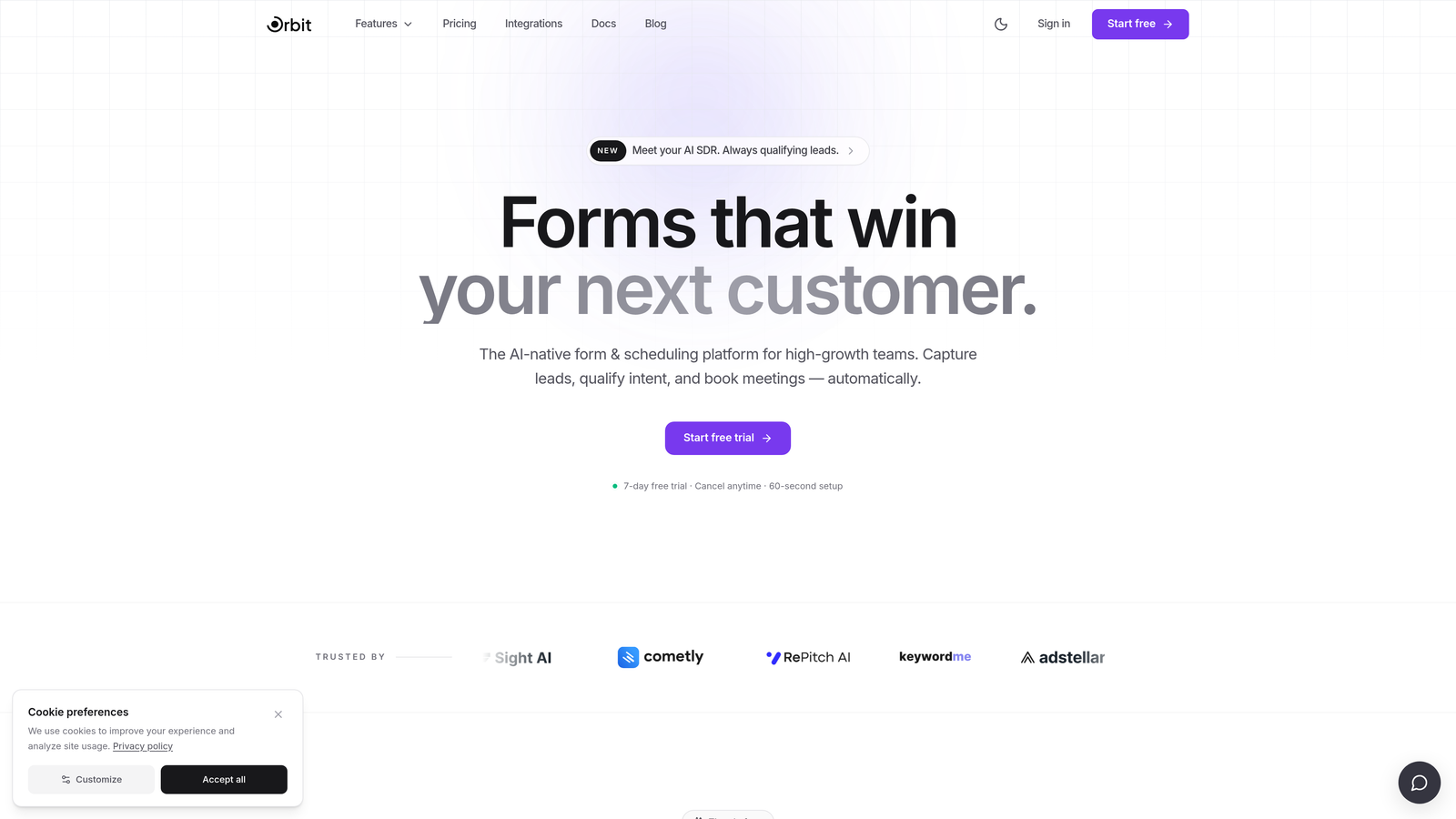
Orbit AI is an AI-powered form builder designed specifically for growth teams who want lead qualification and conversion-optimized forms without any technical complexity.
Where This Tool Shines
What separates Orbit AI from most form builders on this list is that it doesn't treat data collection and lead qualification as two separate workflows. The AI layer works at the point of form submission, scoring and qualifying leads so your sales team knows exactly who to prioritize before they ever open their CRM.
The interface is clean and modern by design. There's no cluttered sidebar full of settings you'll never use, and no developer setup required to get a polished, branded form live. For teams that care about both the respondent experience and what happens to that data after submission, this combination is genuinely rare in the market.
Key Features
AI-Powered Lead Qualification: Scores and qualifies leads automatically at the point of form submission, so sales teams can prioritize follow-up without manual triage.
Conversion-Optimized Templates: Pre-built templates designed specifically for SaaS and B2B use cases, built around best practices for form completion rates.
Clean, Modern UI: An interface built for marketers and growth teams, with no developer setup or CSS knowledge required to customize and launch.
Smart Conditional Logic: Forms adapt dynamically based on respondent answers, creating a more relevant experience without complex logic configuration.
Built-In Lead Scoring: Integrated scoring helps sales teams understand lead quality directly from the form layer, reducing reliance on downstream enrichment tools.
Best For
Orbit AI is the strongest fit for SaaS companies, B2B growth teams, and demand generation marketers who want their forms to do more than collect data. If lead qualification and conversion rate are your primary metrics, this tool was built with your workflow in mind.
Pricing
Visit orbitforms.ai for current pricing plans. Pricing details are subject to change, so check the official page for the most accurate information.
2. Typeform
Best for: Teams that want a polished, conversational form experience that reduces respondent fatigue
Typeform is a widely recognized form builder known for its one-question-at-a-time format that makes surveys and lead capture forms feel less like interrogations.

Where This Tool Shines
Typeform's conversational flow is genuinely effective at keeping respondents engaged. By presenting one question at a time, it removes the visual overwhelm that causes people to abandon traditional multi-field forms. For brand-conscious teams, the visual design and customization options are among the best in this category.
That said, Typeform's logic branching can start to feel complex at advanced tiers, and pricing scales with response volume in a way that catches some teams off guard. It's a strong choice for user experience, but teams with high form traffic should model out costs carefully.
Key Features
Conversational Single-Question Flow: Presents one question at a time to reduce friction and improve completion rates.
Visual Design and Branding: Strong customization options for fonts, colors, backgrounds, and imagery to match your brand.
Logic Jumps and Conditional Branching: Route respondents through different paths based on their answers.
CRM and Tool Integrations: Native connections to HubSpot, Salesforce, Zapier, Slack, and more.
Video and Image Embedding: Enrich questions with visual media directly within the form experience.
Best For
Marketing teams running lead capture campaigns, user research surveys, or customer onboarding flows where respondent experience and brand presentation are top priorities.
Pricing
Free plan available. Paid plans start at approximately $25/month billed annually. Pricing scales with response volume, so review tiers carefully for high-traffic use cases.
3. Tally
Best for: Startups and lean teams that want a fast, free form builder with a minimal learning curve
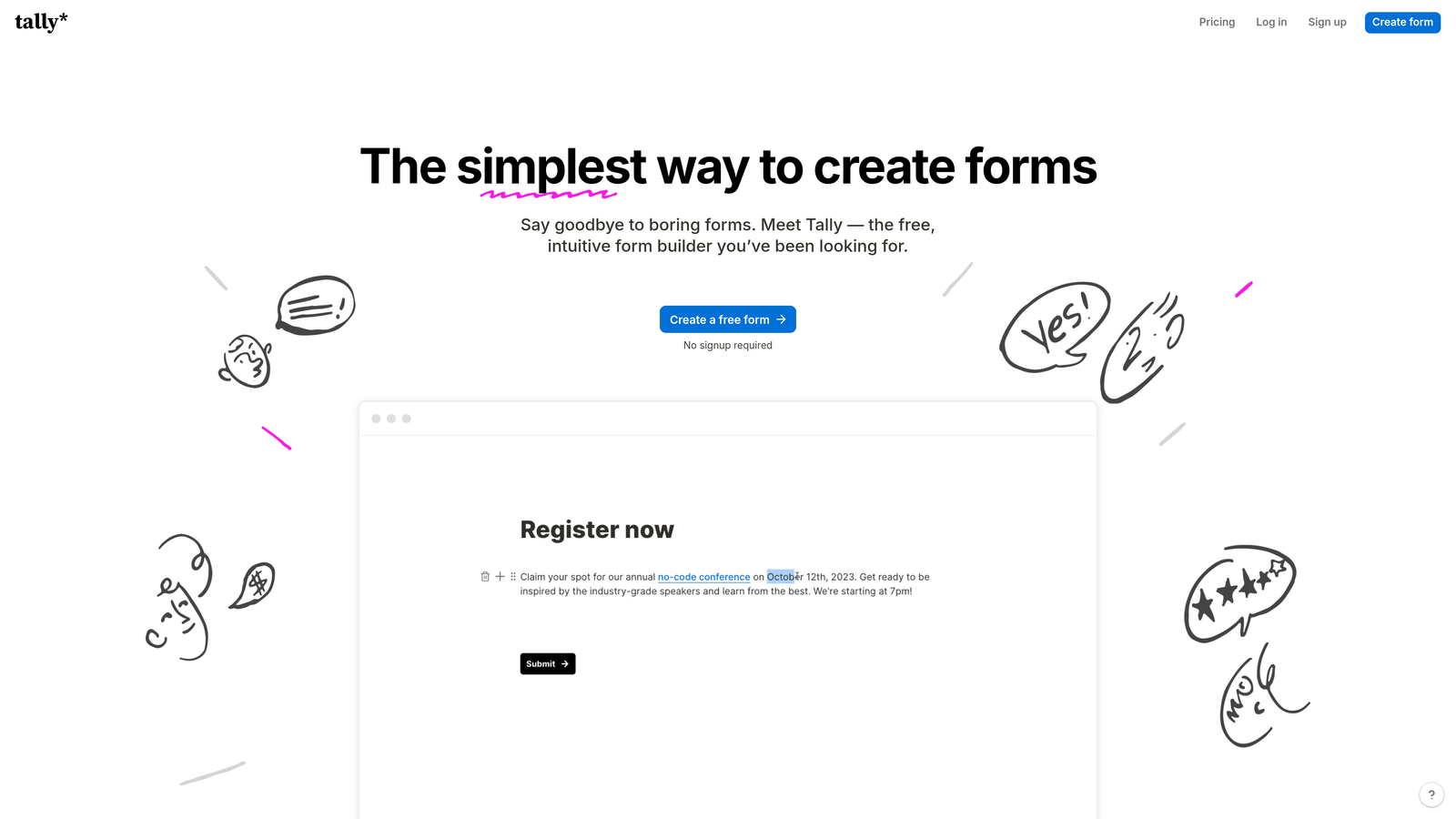
Tally is a lightweight, Notion-inspired form builder with a block-based editor that makes creating forms feel as natural as writing a document.
Where This Tool Shines
Tally's block-based editor is one of the lowest-friction form building experiences available. If your team already uses Notion, the mental model is immediately familiar. You type, add blocks, and your form takes shape without a steep learning curve or onboarding process.
The free plan is genuinely generous: unlimited forms and unlimited responses, which is unusual in this category. For early-stage teams or those experimenting with form-based workflows, Tally removes the cost barrier entirely. The trade-off is that it lacks some of the advanced qualification and integration depth that growth-focused teams eventually need.
Key Features
Block-Based Editor: Familiar document-style interface that requires almost no learning to start building forms.
Unlimited Free Forms and Responses: The free plan doesn't cap your usage, making it accessible for teams at any stage.
Conditional Logic and Multi-Page Forms: Supports branching logic and multi-step form structures on both free and paid plans.
Clean Embeds: Embeds smoothly into websites and Notion pages without breaking layouts.
Automation Integrations: Connects to Zapier and Make for workflow automation beyond native features.
Best For
Indie hackers, early-stage startups, and lean teams that need functional forms quickly and don't want to pay for features they haven't yet needed. Also a natural fit for Notion-first teams who want forms that feel native to their workspace.
Pricing
Free plan available with unlimited forms and responses. Pro plan approximately $29/month for advanced features.
4. Jotform
Best for: Teams that want to start from a pre-built template and need operational features like payments and file uploads
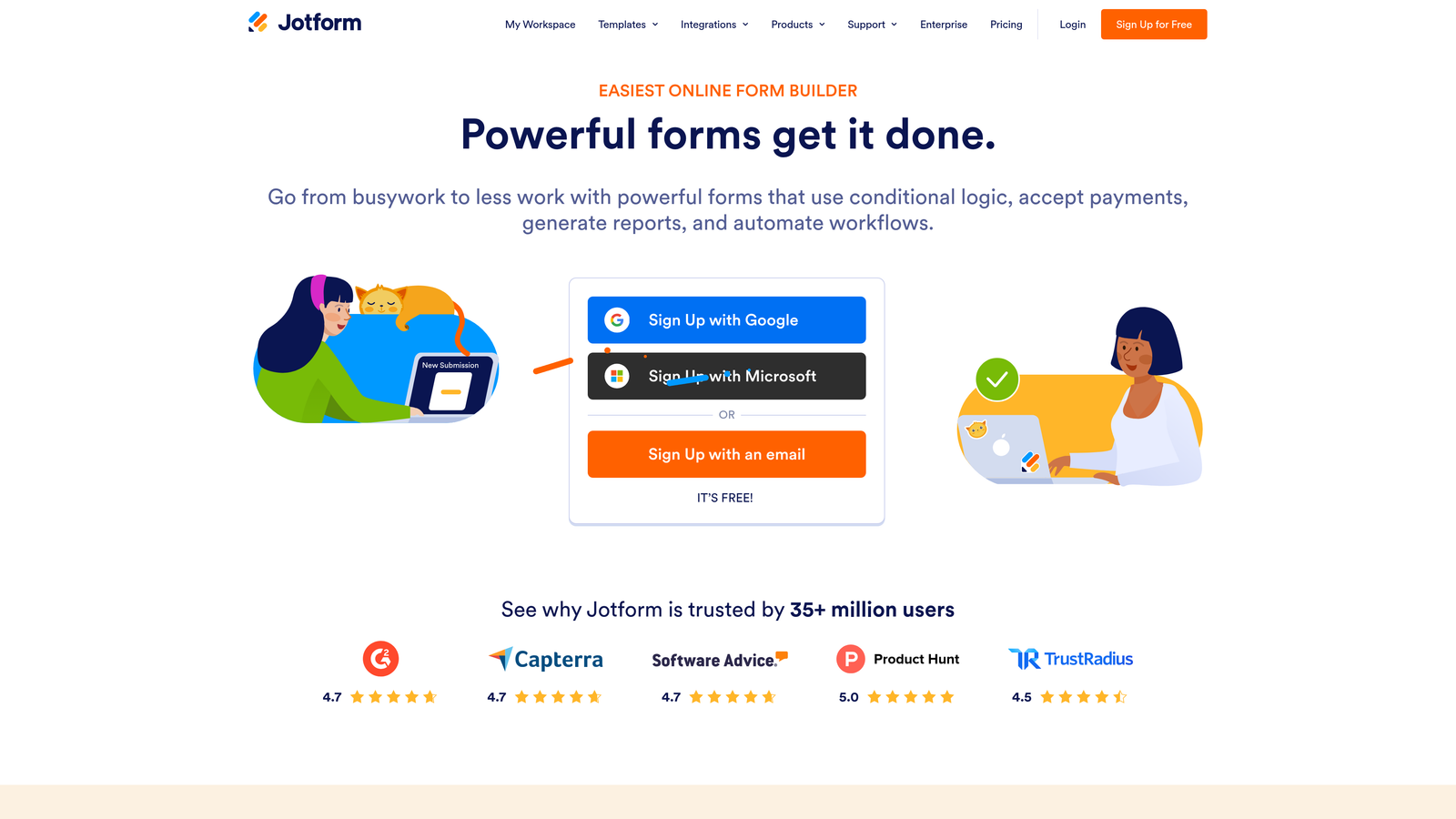
Jotform is one of the most established form builders on the market, offering thousands of templates and a drag-and-drop editor suited for teams that need a proven starting point.
Where This Tool Shines
Jotform's template library is genuinely massive. Whatever use case you're building for, there's likely a template that gets you most of the way there without starting from scratch. For operational workflows like payment collection, file uploads, e-signatures, and approval chains, Jotform covers more ground than most competitors in this list.
The trade-off is that feature density can make the interface feel cluttered. Teams looking for a streamlined lead generation experience may find Jotform's breadth works against them. It's a powerful tool, but it's best appreciated by teams who need that power and are willing to invest a bit more time in setup.
Key Features
Thousands of Pre-Built Templates: One of the largest template libraries available, covering nearly every form use case imaginable.
Drag-and-Drop Editor: No code required to build and customize forms from scratch or modify existing templates.
Payment Collection: Native integrations with Stripe, PayPal, and Square for collecting payments directly through forms.
File Upload and E-Signature Fields: Supports document collection and digital signatures within a single form.
Approval Workflow Automation: Route form submissions through multi-step approval processes without additional tools.
Best For
Operations teams, HR departments, and businesses that need forms for payments, document collection, or multi-step approvals. Less optimized for pure lead generation, but highly capable for complex operational workflows.
Pricing
Free plan available. Paid plans start at approximately $34/month. Pricing tiers vary by submission volume and feature access.
5. HubSpot Forms
Best for: Inbound marketing teams already using HubSpot who want zero-friction CRM integration
HubSpot Forms is a native form tool built into HubSpot's free CRM tier, designed to make form submissions flow directly into contact records, email workflows, and sales pipelines.
Where This Tool Shines
HubSpot Forms isn't the most powerful standalone form builder on this list, but that's not really the point. Its value is entirely in the ecosystem. When a prospect submits a HubSpot form, a contact record is created automatically, list segmentation fires, and any connected email workflows trigger without a single Zapier step. For HubSpot users, that native integration is genuinely hard to replicate.
If you're not already in the HubSpot ecosystem, the form builder itself may feel basic. But for teams running inbound marketing programs inside HubSpot, it removes a real layer of integration complexity.
Key Features
Native CRM Sync: Form submissions automatically create and update contact records in HubSpot without any third-party integration.
Automatic List Segmentation: Segment contacts into HubSpot lists based on form field values at the moment of submission.
Multiple Form Types: Supports pop-up, embedded, and standalone form options for different placement contexts.
Basic Conditional Logic: Show or hide fields based on respondent answers within the form.
Free to Use: Available at no additional cost within HubSpot's free CRM plan.
Best For
Marketing and sales teams already operating within HubSpot who want their form submissions to feed directly into existing CRM workflows without additional configuration or middleware.
Pricing
Free with HubSpot's free CRM plan. Advanced marketing automation features tied to form submissions require paid Marketing Hub plans, which start at higher price points.
6. Google Forms
Best for: Internal data collection, quick polls, and low-stakes surveys where design isn't a priority
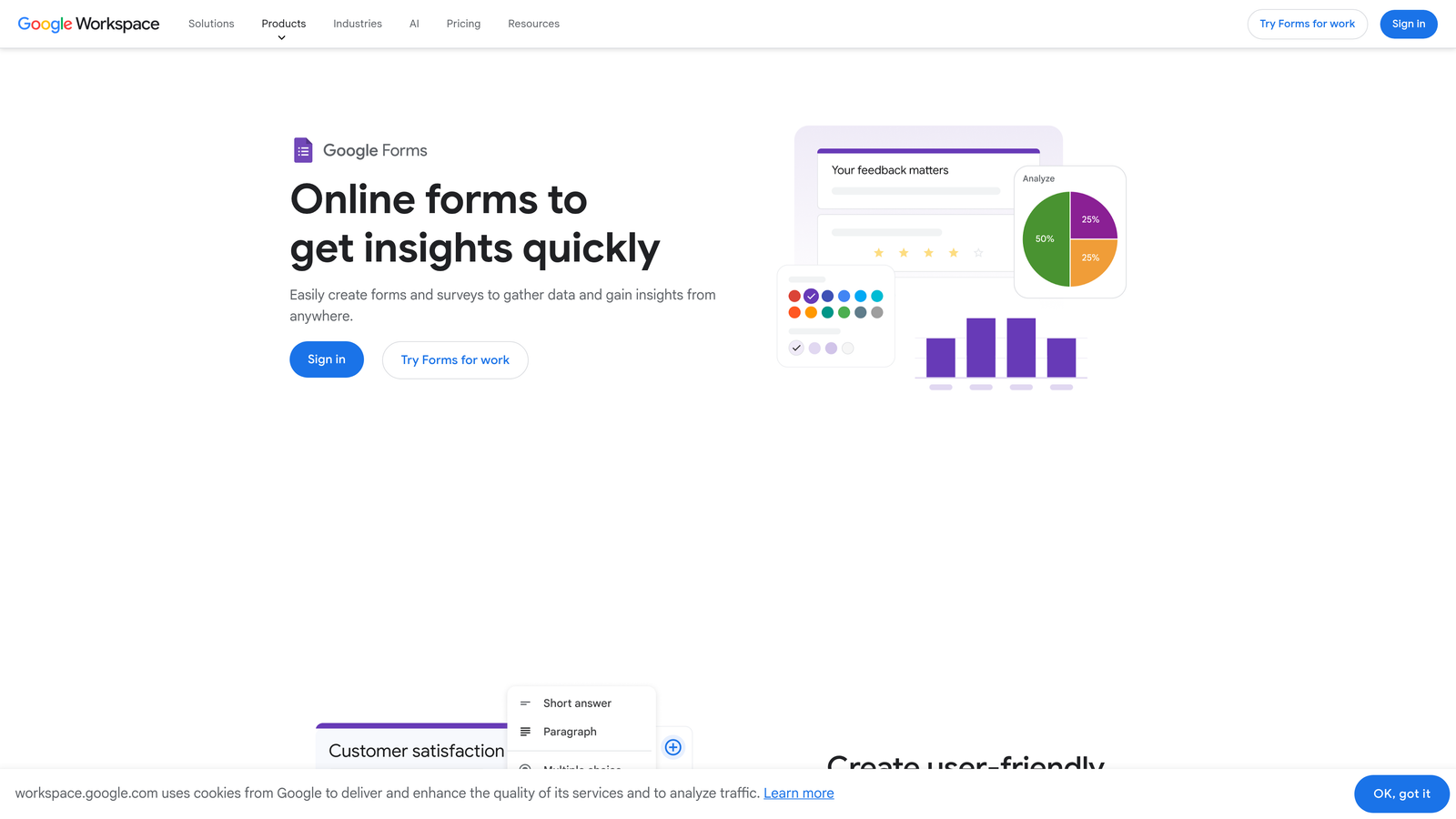
Google Forms is Google's free, no-frills form tool included with any Google account, offering a completely familiar interface for both builders and respondents.
Where This Tool Shines
Google Forms wins on accessibility and zero cost. There's no account setup beyond a Google login, no learning curve, and responses flow automatically into a Google Sheet that your team likely already knows how to work with. For internal surveys, quick team polls, or event registrations where presentation doesn't matter, it's hard to argue with free and familiar.
Where it falls short is everywhere that growth teams actually need depth. Design customization is minimal, conditional logic is limited to section-level branching, and there are no meaningful native integrations with sales or marketing tools. It's a tool for simplicity, not sophistication.
Key Features
Completely Free: No cost, no response limits, no paid tiers required for standard use.
Automatic Google Sheets Integration: Responses populate a connected spreadsheet in real time without any setup.
Familiar Interface: Most respondents and builders already know how Google Forms works, reducing friction on both sides.
Basic Section Branching: Route respondents to different sections based on multiple-choice answers.
Real-Time Collaboration: Multiple team members can edit a form simultaneously, like any Google Workspace document.
Best For
Internal teams collecting data from colleagues, educators running quick assessments, or anyone who needs a functional form immediately with zero budget and zero setup time. Not recommended for customer-facing lead generation or conversion-focused workflows.
Pricing
Completely free with any Google account. No paid tiers for the Forms product itself.
7. Paperform
Best for: Teams that want to combine a form and a landing page into a single branded experience
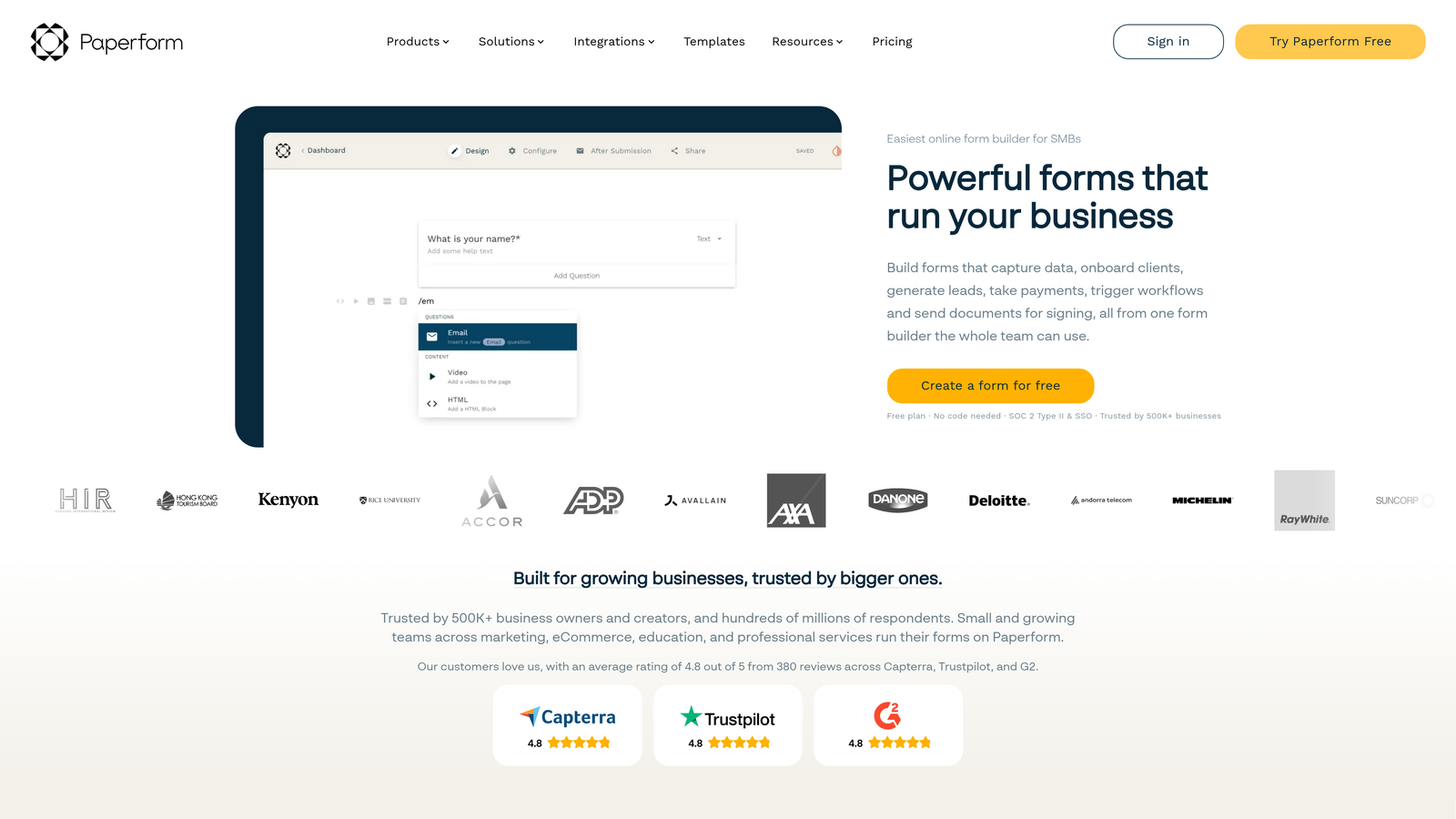
Paperform is a form builder that doubles as a lightweight landing page tool, letting teams combine rich text, images, videos, and form fields into one branded page without needing a separate landing page builder.
Where This Tool Shines
Paperform's freeform editor is genuinely different from most tools in this category. Rather than building a form inside a widget, you're essentially writing a page where form fields live alongside copy, images, and video. For teams running product launches, event registrations, or intake flows where context matters, this format can significantly improve the respondent experience.
The ability to collect payments and list products within the same page also makes it a practical option for small businesses and service providers who don't want to maintain a separate e-commerce setup for simple transactions.
Key Features
Freeform Page Editor: Blend rich text, media, and form fields on a single page for a more contextual respondent experience.
Custom Domain Support: Host standalone form pages on your own domain for a fully branded experience.
Payment Collection and Product Listings: Accept payments and list products or services directly within a Paperform page.
Conditional Logic and Calculation Fields: Adapt form content dynamically and perform calculations based on respondent input.
200+ Integrations: Connects to a wide range of tools via native integrations and Zapier.
Best For
Creative agencies, service businesses, and marketing teams that want their forms to function as mini landing pages. Strong fit for teams running campaigns where the form itself needs to carry persuasive context alongside the fields.
Pricing
Plans start at approximately $24/month billed annually. No permanent free plan, though trial access is typically available.
8. Fillout
Best for: Teams that need sophisticated conditional logic without the complexity tax of legacy enterprise tools
Fillout is a modern form builder that stands out for delivering advanced branching and conditional logic through a visual, no-code interface that doesn't require a developer to configure.
Where This Tool Shines
Fillout occupies an interesting position: it handles the kind of complex form logic that usually requires either a developer or a steep learning curve, but presents it through an interface that's genuinely approachable for non-technical users. If your forms need to route respondents through multiple paths based on layered conditions, Fillout handles that without making you feel like you're writing code.
Its native integrations with modern data tools like Airtable and Notion also make it a strong fit for teams that have moved away from traditional CRMs toward more flexible databases.
Key Features
Advanced Visual Conditional Logic: Build complex branching flows through a no-code visual editor without developer involvement.
Native Modern Tool Integrations: Direct connections to Airtable, Notion, Google Sheets, and Salesforce without requiring Zapier middleware.
Diverse Field Types: Supports scheduling, payment collection, and file uploads alongside standard form fields.
Multi-Page Forms with Progress Indicators: Structured multi-step forms with visual progress cues to improve completion rates.
Generous Free Plan: Unlimited forms available on the free tier, making it accessible for teams evaluating the tool before committing.
Best For
Product teams, operations managers, and data-driven marketers who need forms with complex routing logic but don't have developer resources to build and maintain them. Particularly strong for teams using Airtable or Notion as their primary data layer.
Pricing
Free plan available with unlimited forms. Paid plans start at approximately $15/month, making it one of the more accessible paid options on this list.
9. Notionforms
Best for: Notion-first teams that want to collect external data directly into their existing Notion databases
Notionforms is a specialized form tool that connects directly to Notion databases, letting teams capture leads, feedback, and applications from external respondents without leaving their existing workspace setup.
Where This Tool Shines
For teams that have built their entire operations inside Notion, the friction of exporting form data into a separate system and then syncing it back is a real pain point. Notionforms eliminates that entirely. Form responses appear directly as Notion database entries, respecting all your existing property types, filters, and views.
The tool supports the full range of Notion property types, including select, multi-select, and relation fields, which means your form data lands in Notion exactly the way your database expects it. The trade-off is that its value proposition is almost entirely dependent on your Notion investment. Outside that ecosystem, it's a limited option.
Key Features
Direct Notion Database Integration: Form responses populate Notion databases as new entries, fully respecting existing property structures.
Full Notion Property Type Support: Works with select, multi-select, relation, date, and other Notion property types natively.
Custom Branding and Embed Options: Apply your brand styling and embed forms on external websites or share as standalone links.
Conditional Logic: Show or hide fields based on respondent answers to create more relevant form experiences.
Zapier Integration: Extend form data beyond Notion to other tools in your stack when needed.
Best For
Startups, agencies, and teams that use Notion as their primary workspace and want external-facing forms for lead capture, job applications, client intake, or feedback collection to flow directly into their Notion setup without any manual data transfer.
Pricing
Free plan available. Pro plans start at approximately $16/month. Pricing is subject to change, so verify current plans on the Notionforms website.
Which Tool Is Right for Your Team?
The right form builder depends almost entirely on what happens after someone hits submit. That's the question worth answering before you commit to any tool on this list.
If lead qualification and conversion are your primary goals, Orbit AI is the only tool here that handles both in a single platform. The AI-powered qualification layer means your sales team gets scored, prioritized leads without any manual triage, which is a meaningful advantage for high-growth teams where speed matters.
For teams that prioritize respondent experience above all else, Typeform remains the benchmark for conversational form UX. If you're on a tight budget and need something functional immediately, Tally's unlimited free plan is hard to beat. HubSpot Forms is the obvious choice if you're already running your marketing inside HubSpot and don't want to add integration complexity. And for Notion-native teams, Notionforms solves a specific problem exceptionally well.
Here's the broader point worth remembering: form friction is a conversion lever. Every unnecessary field, every confusing layout, every form that breaks on mobile is a prospect you didn't capture. Choosing a tool that removes that friction, and ideally one that qualifies leads automatically as part of the same workflow, compounds over time in ways that matter to growth metrics.
Transform your lead generation with AI-powered forms that qualify prospects automatically while delivering the modern, conversion-optimized experience your high-growth team needs. Start your free trial today and see how intelligent form design can elevate your conversion strategy.


