Budget shouldn't be the reason your lead capture falls flat. Whether you're running a lean startup or scaling a SaaS product, the right form builder can drive serious conversion results without a serious price tag.
But "affordable" isn't one-size-fits-all. Some teams need a generous free tier to get started. Others need transparent per-seat pricing that won't balloon as the team grows. And high-growth teams need AI-powered features that justify every dollar spent. The tools on this list were evaluated on pricing transparency, feature-to-cost ratio, scalability, and how well they serve teams focused on lead generation and conversion optimization.
Here are the top affordable form builder tools worth your attention in 2026.
1. Orbit AI
Best for: High-growth SaaS and B2B teams focused on lead qualification and conversion optimization.
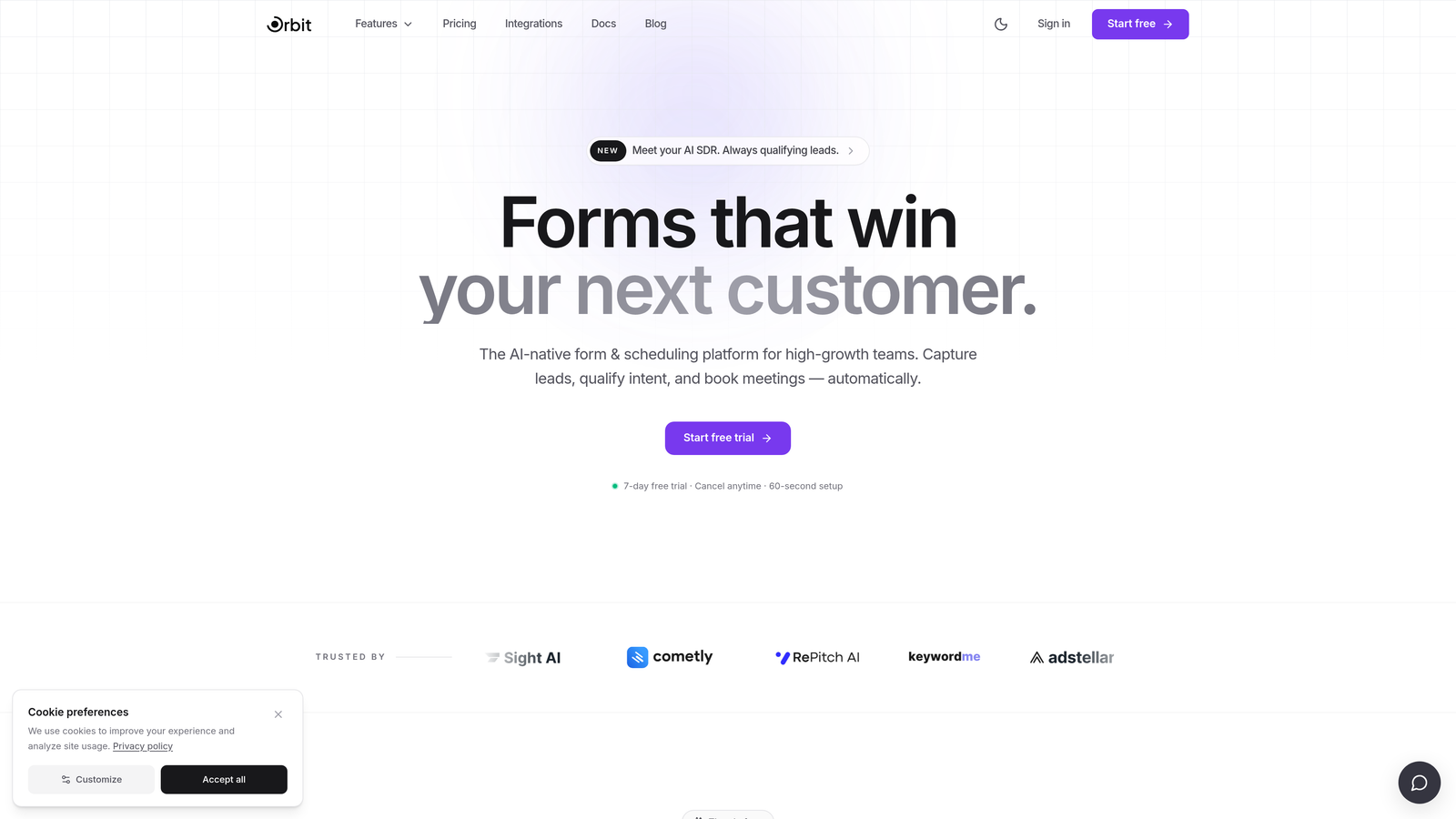
Orbit AI is an AI-powered form builder with built-in lead qualification designed for teams that treat forms as a revenue channel, not just a data collection tool.
Where This Tool Shines
Most form builders collect data and stop there. Orbit AI goes further by qualifying leads inside the form flow itself, so your team isn't spending time manually scoring submissions or relying on a separate CRM tool to do what the form should have handled upfront.
The platform is built with modern, conversion-optimized design at its core. Forms look polished without custom CSS work, and the multi-step format supports progressive profiling, letting you gather richer lead data without overwhelming prospects with a wall of fields.
Key Features
AI Lead Qualification: Qualifies prospects automatically within the form flow, reducing the need for separate scoring tools downstream.
Conversion-Optimized Design: Modern, beautiful UI out of the box, built to maximize form completion rates.
Multi-Step Form Support: Progressive profiling across multiple steps keeps forms approachable while capturing detailed lead data.
Lead Routing Logic: Route qualified leads to the right team or workflow without writing a single line of code.
Fast Setup and Scalable Architecture: Designed for high-growth teams that need to move quickly and scale without rebuilding.
Best For
SaaS companies, B2B marketing teams, and growth-focused operators who need forms that do more than collect responses. Ideal for teams replacing overpriced legacy tools or building a conversion stack from scratch.
Pricing
Visit orbitforms.ai for current plan details. Positioned as an affordable option for high-growth teams that need AI-powered features without enterprise-level pricing.
2. Typeform
Best for: Marketing teams that want branded, conversational form experiences with high engagement.
Typeform is a conversational form builder known for its one-question-at-a-time UX that keeps respondents engaged from start to finish.

Where This Tool Shines
Typeform's format genuinely feels different from a standard form. By presenting one question at a time, it reduces cognitive load and tends to improve completion rates compared to traditional multi-field layouts. For brand-conscious marketing teams, the visual polish is a real differentiator.
The integration library is broad, covering HubSpot, Slack, Zapier, and dozens more. This makes it relatively easy to pipe responses into existing workflows without custom development.
Key Features
Conversational Format: One-question-at-a-time flow reduces drop-off and feels more like a dialogue than a form.
Conditional Logic and Branching: Personalize the form path based on previous answers to keep questions relevant.
Wide Integration Library: Native connections to HubSpot, Slack, Zapier, and many other popular tools.
Video and Image Embeds: Enrich form questions with visual media for richer context or product demos.
Analytics Dashboard: Track where respondents drop off to identify and fix friction points.
Best For
Marketing teams and brand-forward companies that prioritize the respondent experience. Works well for lead generation, customer research, and onboarding flows where engagement quality matters.
Pricing
Free plan available with limited responses. Paid plans start around $25/month. Verify current limits and pricing at typeform.com.
3. Google Forms
Best for: Teams that need zero-cost data collection for internal surveys and simple use cases.
Google Forms is a completely free form tool included with any Google account, offering basic data collection with no budget required.

Where This Tool Shines
When the requirement is simple and the budget is zero, Google Forms is hard to beat. There are no response limits, no submission caps, and no hidden upgrade prompts. For internal surveys, team polls, or quick event registrations, it gets the job done without friction.
The native Google Sheets integration means responses flow automatically into a spreadsheet, which works well for teams already living inside Google Workspace.
Key Features
Completely Free: No response limits, no paid tiers, no credit card required.
Google Sheets Integration: Responses sync automatically to a connected spreadsheet for easy analysis.
Basic Conditional Logic: Show or skip sections based on answers, though options are limited compared to dedicated tools.
Collaborative Editing: Multiple team members can build and edit forms simultaneously.
Zero Learning Curve: Familiar Google interface means most users are productive in minutes.
Best For
Internal teams, educators, nonprofits, and anyone who needs fast, free data collection without design or conversion requirements. Not recommended for customer-facing lead generation where brand and conversion optimization matter.
Pricing
Completely free with any Google account. No paid tiers or upgrade paths.
4. Tally
Best for: Indie makers, bootstrapped startups, and small teams that need unlimited forms without paying for them.
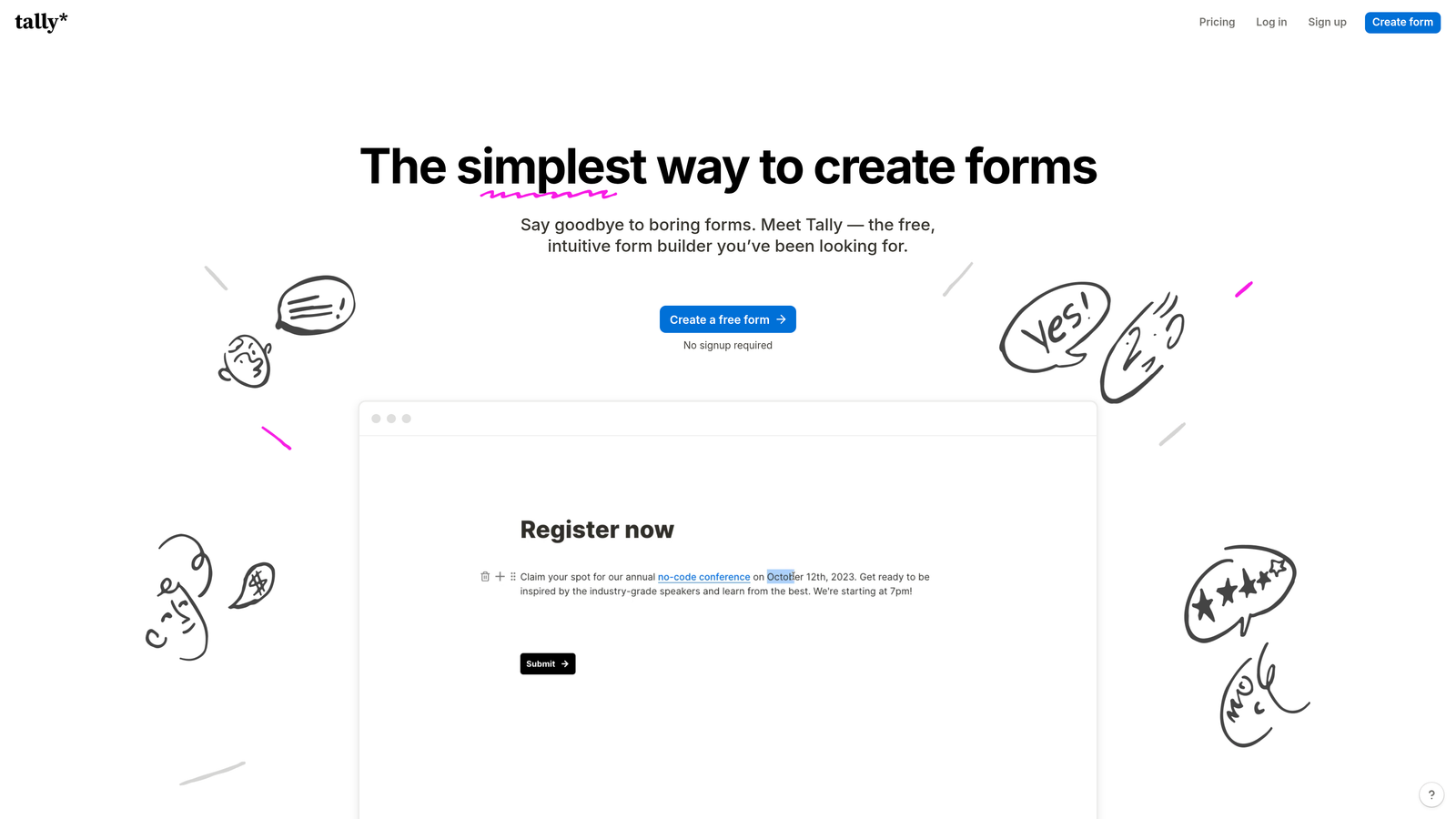
Tally is a Notion-inspired form builder with one of the most generous free plans in the market, offering unlimited forms and unlimited responses at no cost.
Where This Tool Shines
Tally's free plan is genuinely exceptional. Most tools cap free users at a handful of forms or a few hundred monthly responses. Tally removes those limits entirely, making it an obvious choice for teams that need volume without the bill.
The block-based editor feels familiar if your team already uses Notion, and the embed flexibility is solid. You can drop a Tally form into a website, a Notion page, or almost anywhere else without much effort.
Key Features
Unlimited Free Forms and Responses: No caps on the free plan, which is rare in this category.
Notion-Style Block Editor: Intuitive drag-and-drop building that feels natural for non-technical users.
Conditional Logic and Hidden Fields: Personalize form paths and pass contextual data without extra tools.
Flexible Embeds: Embed forms in websites, Notion pages, and other platforms with ease.
Pro Plan Upgrades: Custom domains, advanced logic, and branding options available on paid tier.
Best For
Bootstrapped founders, indie makers, and small teams that need a capable free tool without response limits. Also a strong pick for Notion-heavy teams looking for a native-feeling form builder.
Pricing
Free plan with unlimited forms and responses. Pro plan starts around $29/month. Verify current pricing at tally.so.
5. Jotform
Best for: Agencies and teams managing multiple forms across diverse use cases, including payments and approvals.
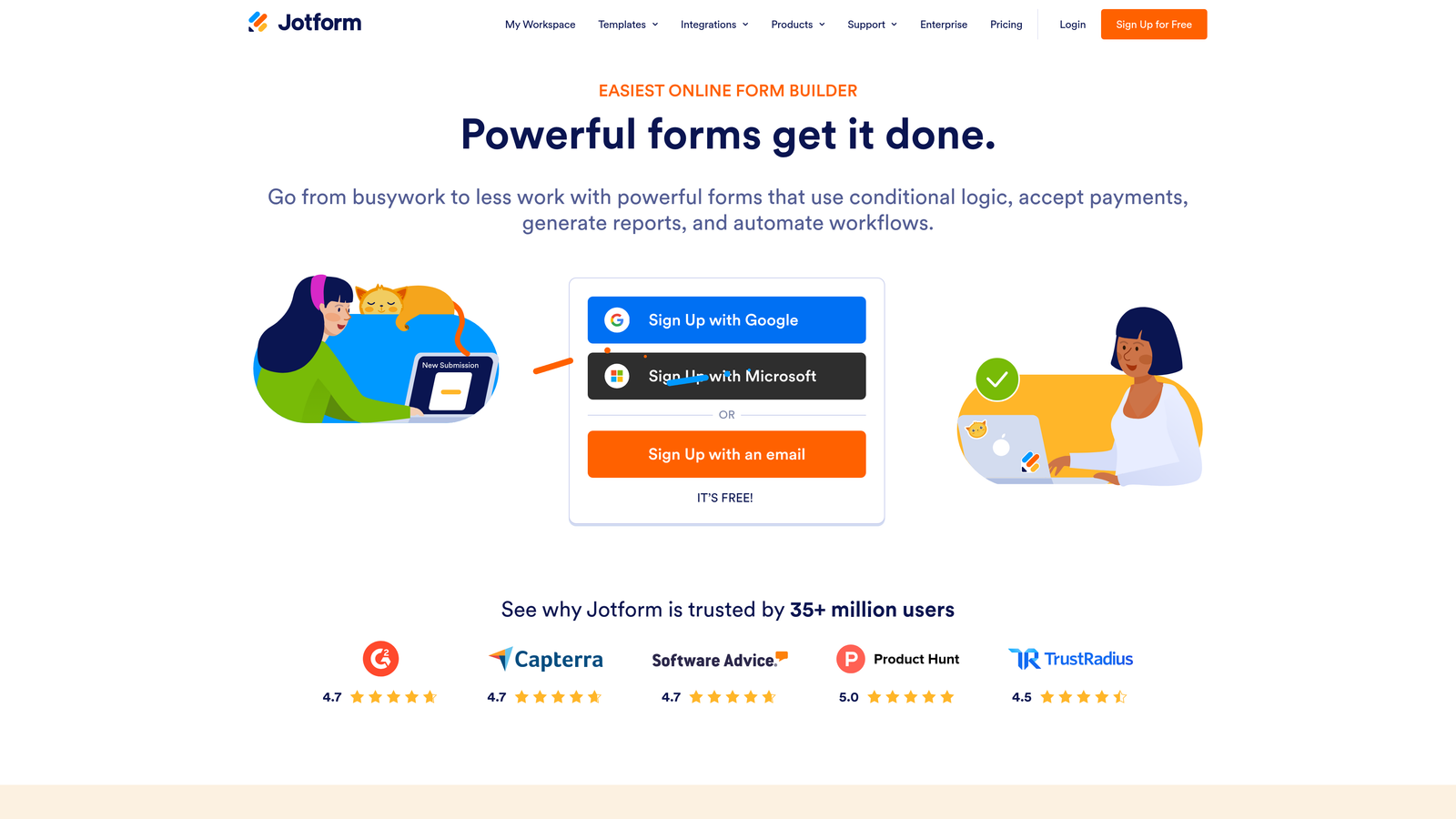
Jotform is a feature-rich form builder with thousands of templates, payment collection, and broad integrations at mid-range pricing.
Where This Tool Shines
Jotform's template library is one of the largest in the industry, covering everything from medical intake forms to event registrations to payment collection. If you need to spin up a new form type quickly, there's almost certainly a template for it.
The payment and e-signature capabilities make Jotform particularly useful for teams that need forms to do transactional work, not just data collection. This is where it pulls ahead of simpler tools.
Key Features
10,000+ Templates: One of the largest template libraries available, covering nearly every industry and use case.
Payment Collection: Native integrations with Stripe, PayPal, and Square for seamless transactional forms.
E-Signature and Approval Workflows: Collect signatures and route forms through approval chains without extra software.
Extensive Integration Library: Connects to hundreds of apps across CRM, marketing, and productivity categories.
White-Label Options: Agencies can brand the form experience for clients on higher-tier plans.
Best For
Agencies managing multiple client accounts, small businesses needing payment-enabled forms, and teams with diverse form requirements across departments.
Pricing
Free plan includes 5 forms and 100 monthly submissions. Paid plans start around $34/month. Verify current limits and pricing at jotform.com.
6. Paperform
Best for: Solo marketers and small teams who want forms that double as branded landing pages.
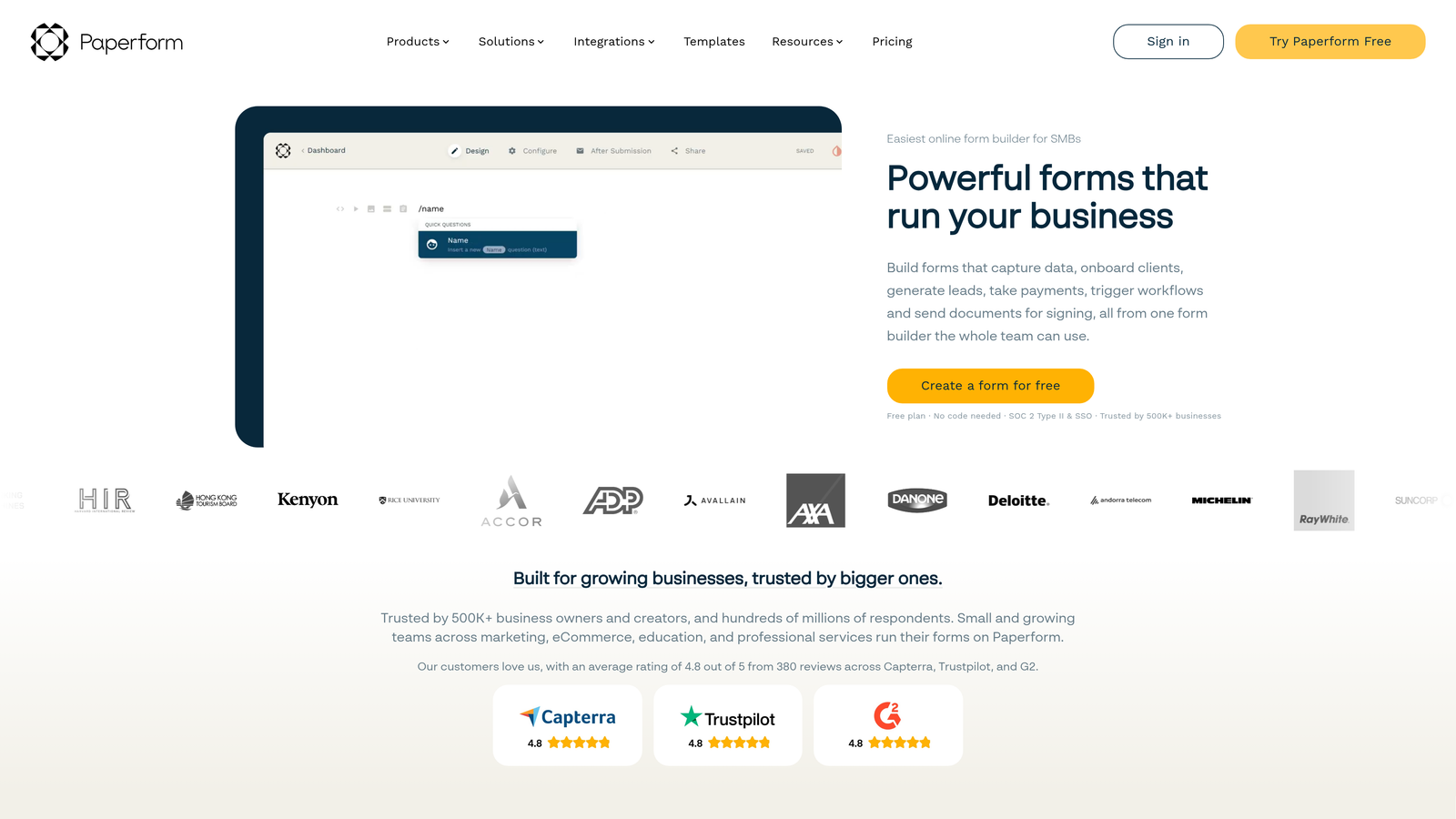
Paperform is a form builder with a freeform design canvas that lets you create forms that look and feel like full marketing pages.
Where This Tool Shines
Paperform blurs the line between form builder and landing page tool. Instead of a rigid column layout, you get a freeform canvas where text, images, and form fields coexist naturally. The result is forms that look like they were designed by a marketer, not generated by a tool.
The native support for payments, bookings, and product sales means Paperform can replace multiple tools in a lean stack, which is where the value-per-dollar argument gets compelling.
Key Features
Freeform Canvas Design: Arrange text, media, and form fields freely to create landing page-quality form experiences.
Native Payments and Bookings: Accept payments, sell products, and manage bookings without third-party tools.
Conditional Logic and Calculation Fields: Build dynamic forms that respond to user input and calculate values on the fly.
Custom Domain Support: Available on all plans, not locked behind premium tiers.
Brand-Consistent Output: Full design control ensures forms match your brand without custom code.
Best For
Solo marketers, small businesses, and consultants who want to consolidate form building, landing pages, and payment collection into a single tool.
Pricing
No free plan. Paid plans start around $24/month. Verify current pricing at paperform.co.
7. WPForms
Best for: WordPress site owners who want native, deep-integration form building without leaving the CMS.
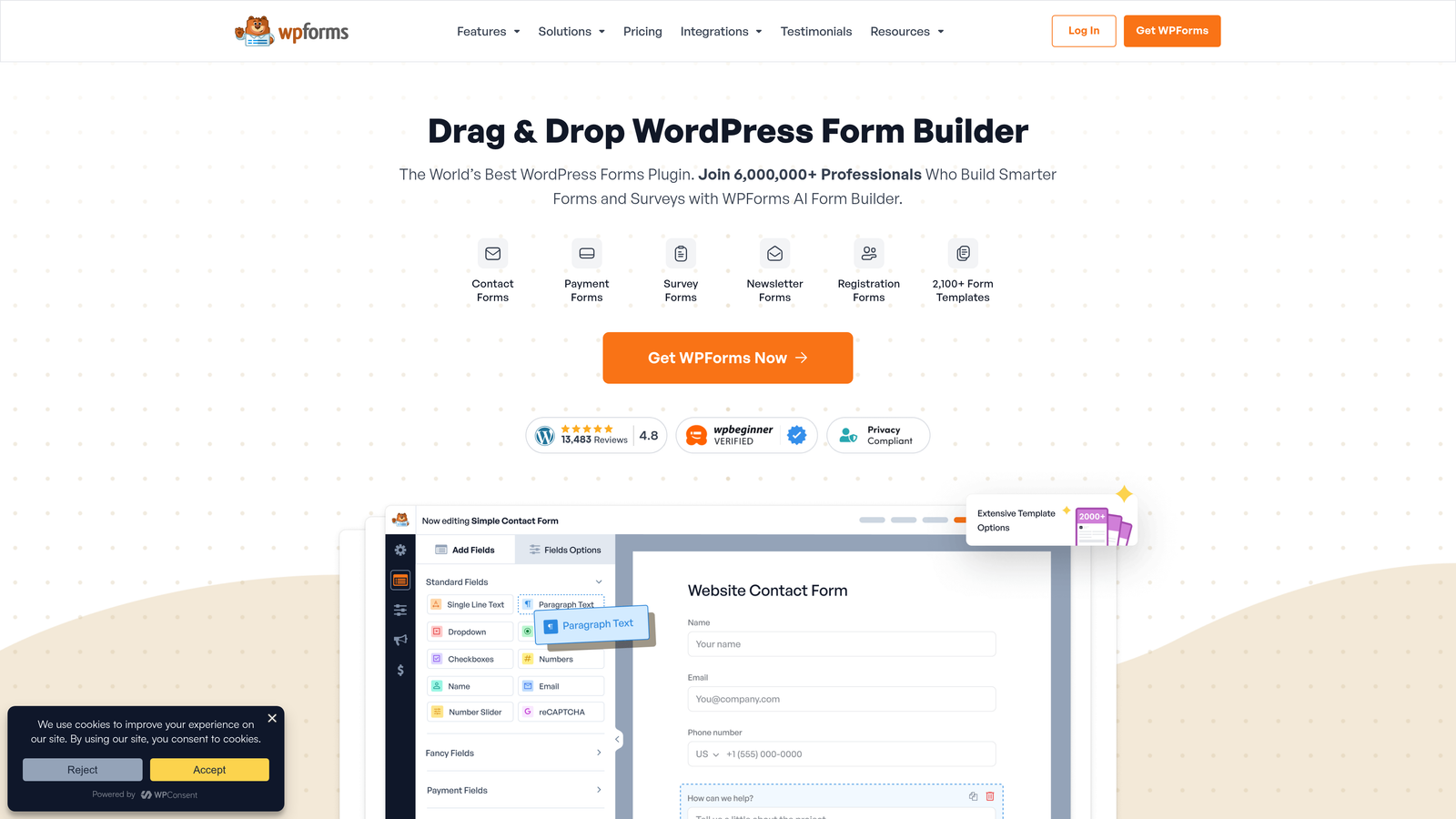
WPForms is the leading WordPress-native form builder, offering drag-and-drop simplicity with deep CMS integration for sites already running on WordPress.
Where This Tool Shines
If your site runs on WordPress, WPForms is built for your environment in a way that standalone SaaS tools simply aren't. It hooks natively into WordPress themes, page builders, and user data, which means forms feel like a natural extension of the site rather than an embedded widget from a third party.
The Lite version is free in the WordPress plugin directory and handles basic contact and lead forms well. The Pro tiers unlock conditional logic, payment support, and entry management at a price point that's hard to argue with for WordPress users.
Key Features
WordPress-Native Integration: Hooks directly into themes, page builders, and WordPress user data without workarounds.
Drag-and-Drop Builder: No coding required for form creation, field arrangement, or conditional rules.
Pre-Built Templates: Ready-made templates for contact forms, payment forms, surveys, and more.
Anti-Spam Tools: Built-in CAPTCHA and honeypot protection to keep submissions clean.
Conditional Logic and Entry Management: Available on Pro plans for more sophisticated form workflows.
Best For
WordPress site owners, bloggers, and small business teams who want a reliable, deeply integrated form builder without leaving their CMS ecosystem.
Pricing
Lite version is free. Pro plans start around $49.50/year. Verify current plan details at wpforms.com.
8. Fillout
Best for: Ops teams and no-code builders who need forms to write directly to structured databases.
Fillout is a modern form builder with native database integrations that let forms write directly to Airtable, Notion, and Supabase without middleware.

Where This Tool Shines
Fillout's native database integration story is genuinely differentiated. Where most form tools require a Zapier step to push data somewhere useful, Fillout connects directly to Airtable, Notion, and Supabase, keeping data pipelines clean and reducing points of failure.
For operations teams and no-code builders who have already structured their data in one of these platforms, Fillout removes a meaningful layer of complexity from the form-to-database workflow.
Key Features
Native Database Integrations: Direct connections to Airtable, Notion, and Supabase without requiring Zapier or custom webhooks.
Multi-Step and Conditional Logic: Build branching, multi-page forms with logic that adapts to user responses.
Scheduling and Payment Support: Handle bookings and transactions natively within the form experience.
Custom Branding: Apply brand colors, fonts, and logos on paid plans.
Generous Free Plan: Free tier available with solid response limits for getting started.
Best For
Operations teams, no-code builders, and product teams already using Airtable, Notion, or Supabase who want forms that integrate natively rather than through workarounds.
Pricing
Free plan available. Paid plans scale by response volume. Verify current pricing at fillout.com.
9. Microsoft Forms
Best for: Corporate and institutional teams already on Microsoft 365 who need zero-additional-cost form collection.
Microsoft Forms is Microsoft's built-in form tool, included at no extra cost with Microsoft 365 subscriptions and deeply integrated with the broader Microsoft ecosystem.
Where This Tool Shines
For organizations already paying for Microsoft 365, Microsoft Forms is effectively free. There's no additional license to purchase, no new vendor to evaluate, and no integration work to connect responses to Excel or Power BI since those connections are native.
The quiz mode with automatic grading makes it particularly popular in educational and training contexts, where scoring responses manually would be a significant time cost.
Key Features
Included with Microsoft 365: No additional cost for Business and Enterprise subscribers.
Native Excel and Power BI Integration: Responses flow directly into Excel and connect to Power BI dashboards for analysis.
Quiz Mode with Auto-Grading: Assign correct answers and point values for automatic scoring.
Branching Logic: Direct respondents to different questions based on previous answers.
Real-Time Collaboration: Multiple team members can view and manage responses simultaneously.
Best For
Corporate teams, enterprise organizations, and educational institutions that are already in the Microsoft 365 ecosystem and need basic internal surveys, quizzes, or data collection without adding a new tool to the stack.
Pricing
Included with Microsoft 365 Business and Enterprise subscriptions at no additional cost.
Which Tool Is Right for Your Team?
The right form builder depends on where you are, what you're building, and what "affordable" actually means for your team's situation.
If your budget is genuinely zero, Google Forms and Microsoft Forms are the obvious answers, provided you're already in those ecosystems. For zero-cost tools with more flexibility, Tally stands out with its unlimited free plan and cleaner editing experience.
For WordPress-based businesses, WPForms is hard to beat on the value-per-dollar calculation. For teams that need forms to double as landing pages, Paperform earns its price. And for ops-heavy teams building on Airtable or Notion, Fillout removes real pipeline complexity.
For high-growth SaaS and B2B teams where forms are a lead generation channel rather than a data collection utility, the calculus is different. You need forms that qualify leads, not just capture them. You need design that converts, not just a field layout. And you need logic that routes the right prospects to the right place without a manual review process sitting in the middle.
That's exactly what Orbit AI is built for. Transform your lead generation with AI-powered forms that qualify prospects automatically while delivering the modern, conversion-optimized experience your high-growth team needs. Start your free trial today and see how intelligent form design can elevate your conversion strategy.