

Annual billing can unlock meaningful savings on form software, often in the range of 20 to 40% off monthly rates, making it a smart move for teams committed to their stack. But with dozens of form builders on the market, figuring out which ones offer the best annual plans and actually deliver enough value to justify the commitment takes real research.
This list cuts through the noise. We've evaluated nine leading form software platforms on their annual pricing models, core features, and fit for high-growth teams focused on lead generation and conversion optimization. Whether you're running B2B lead capture, customer surveys, or multi-step qualification flows, there's an annual plan here worth locking in.
Selection criteria: annual discount availability, feature depth, ease of use, integration ecosystem, and suitability for conversion-focused teams.
1. Orbit AI
Best for: High-growth B2B and SaaS teams focused on lead qualification and conversion optimization.
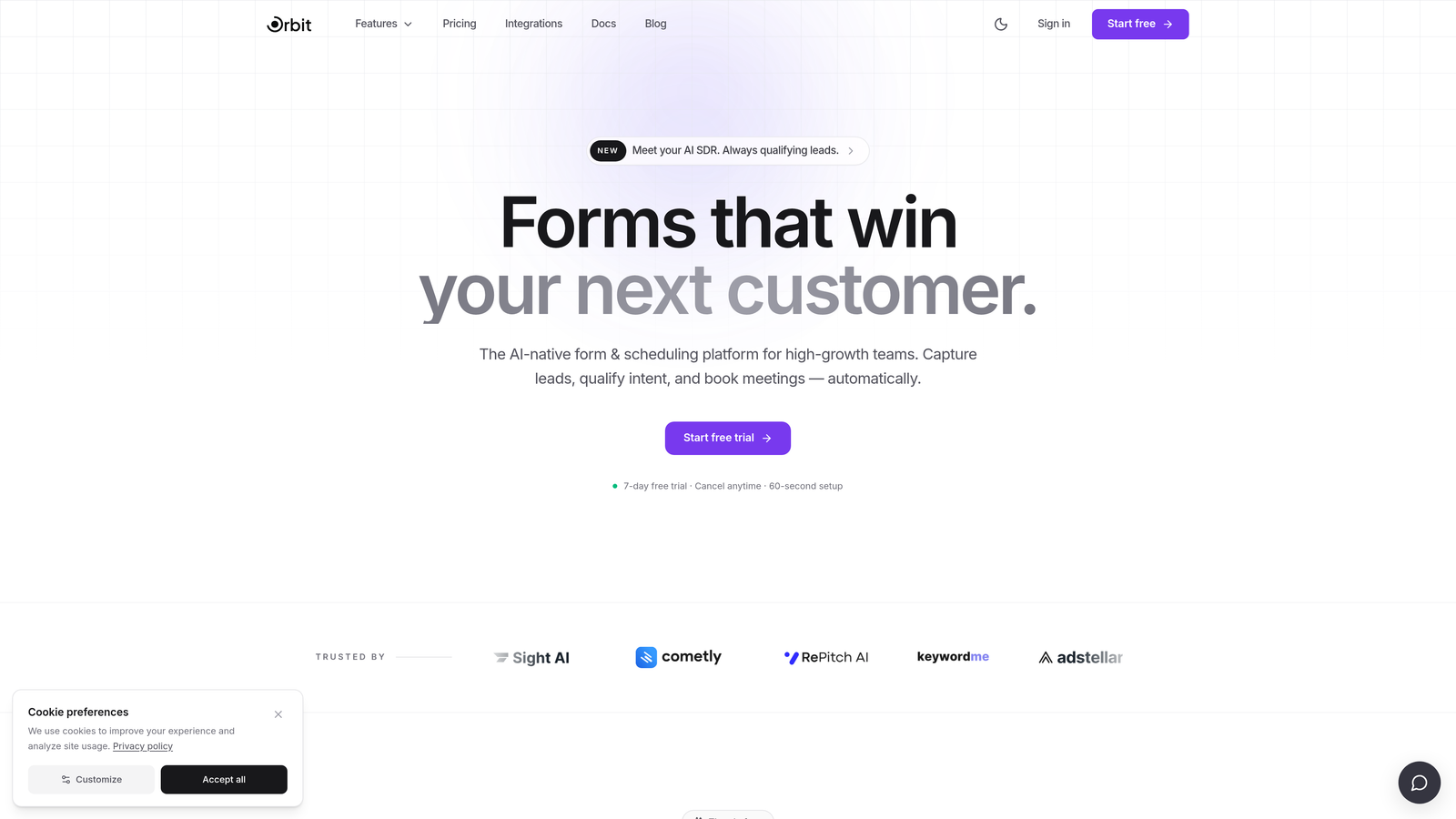
Orbit AI is an AI-powered form builder with built-in lead qualification logic designed for conversion-focused, high-growth teams.
Where This Tool Shines
Most form builders treat qualification as an afterthought, something you bolt on through a CRM workflow after the submission lands. Orbit AI flips that model by embedding qualification logic directly into the form layer itself. That means your forms aren't just collecting data — they're actively scoring, routing, and filtering leads in real time.
For teams where every inbound submission matters, this distinction is significant. Rather than waiting for a sales rep to manually review responses, Orbit AI's forms can intelligently route high-intent leads to the right destination the moment they hit submit.
Key Features
AI-Powered Lead Qualification: Qualification logic built directly into form flows, not layered on afterward through third-party tools.
Conversion-Optimized Design: Clean, modern UI designed to maximize form completion rates without sacrificing brand quality.
Multi-Step Form Support: Progressive profiling across multiple steps keeps forms approachable while gathering deeper data.
Lead Scoring and Routing: Automatically score and route leads based on form responses, reducing manual triage for sales teams.
Annual Billing: Annual plan available with savings compared to monthly billing, ideal for teams ready to commit.
Best For
SaaS companies and B2B teams that need more than a data collection tool. If your forms are a front-line part of your pipeline and you want qualification to happen at the point of capture rather than downstream, Orbit AI is purpose-built for that workflow.
Pricing
Annual plan available. Check orbitforms.ai for current pricing details and plan tiers.
2. Typeform
Best for: Teams that want conversational, branded form experiences with high completion rates.
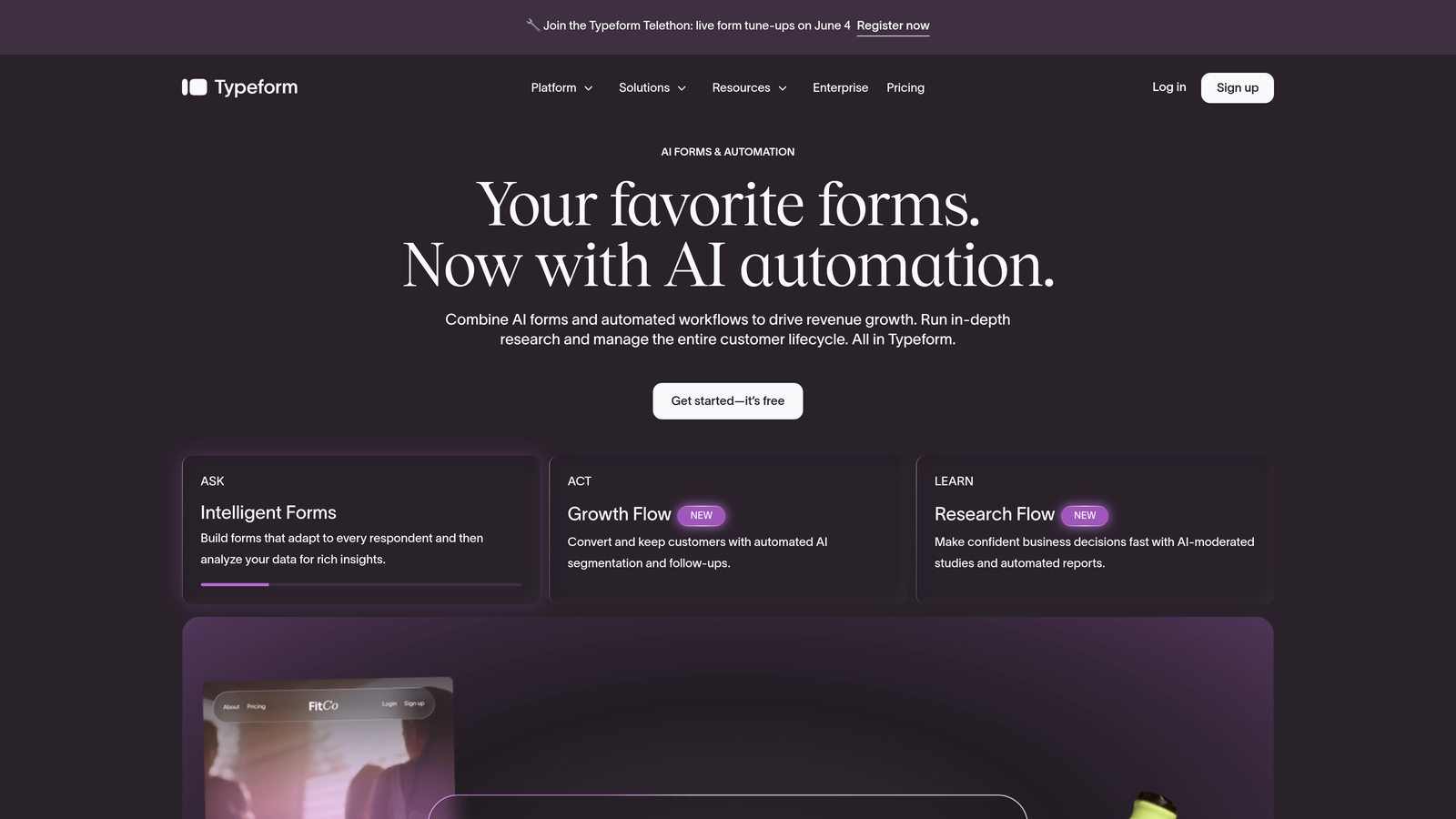
Typeform is a conversational form builder known for its one-question-at-a-time format and strong brand customization options.
Where This Tool Shines
Typeform's signature format, presenting one question at a time in a clean, focused interface, has made it one of the most recognized form tools on the market. The experience feels less like filling out a form and more like a conversation, which tends to improve engagement on longer surveys and lead capture flows.
Its brand customization options are genuinely strong at higher tiers, making it a good fit for marketing teams that care about how their forms look and feel. The logic jump and conditional branching system is also well-developed, allowing for sophisticated routing without needing developer support.
Key Features
Conversational Single-Question Flow: One-at-a-time format reduces friction and typically improves completion rates on longer forms.
Brand Customization: Custom colors, fonts, backgrounds, and white-labeling available on higher-tier plans.
Logic Jumps: Conditional branching lets you route respondents to different questions based on their answers.
Native Integrations: Direct connections to HubSpot, Salesforce, Slack, and dozens of other tools.
Annual Billing Discounts: Available across Basic, Plus, Business, and Enterprise tiers.
Best For
Marketing teams, agencies, and growth teams that prioritize form aesthetics and conversational UX. Particularly strong for customer research, NPS surveys, and branded lead capture pages where the experience itself reflects on your brand.
Pricing
Annual plans available across all paid tiers. Verify current rates at typeform.com.
3. Jotform
Best for: Teams with diverse, high-volume form needs across multiple use cases and departments.
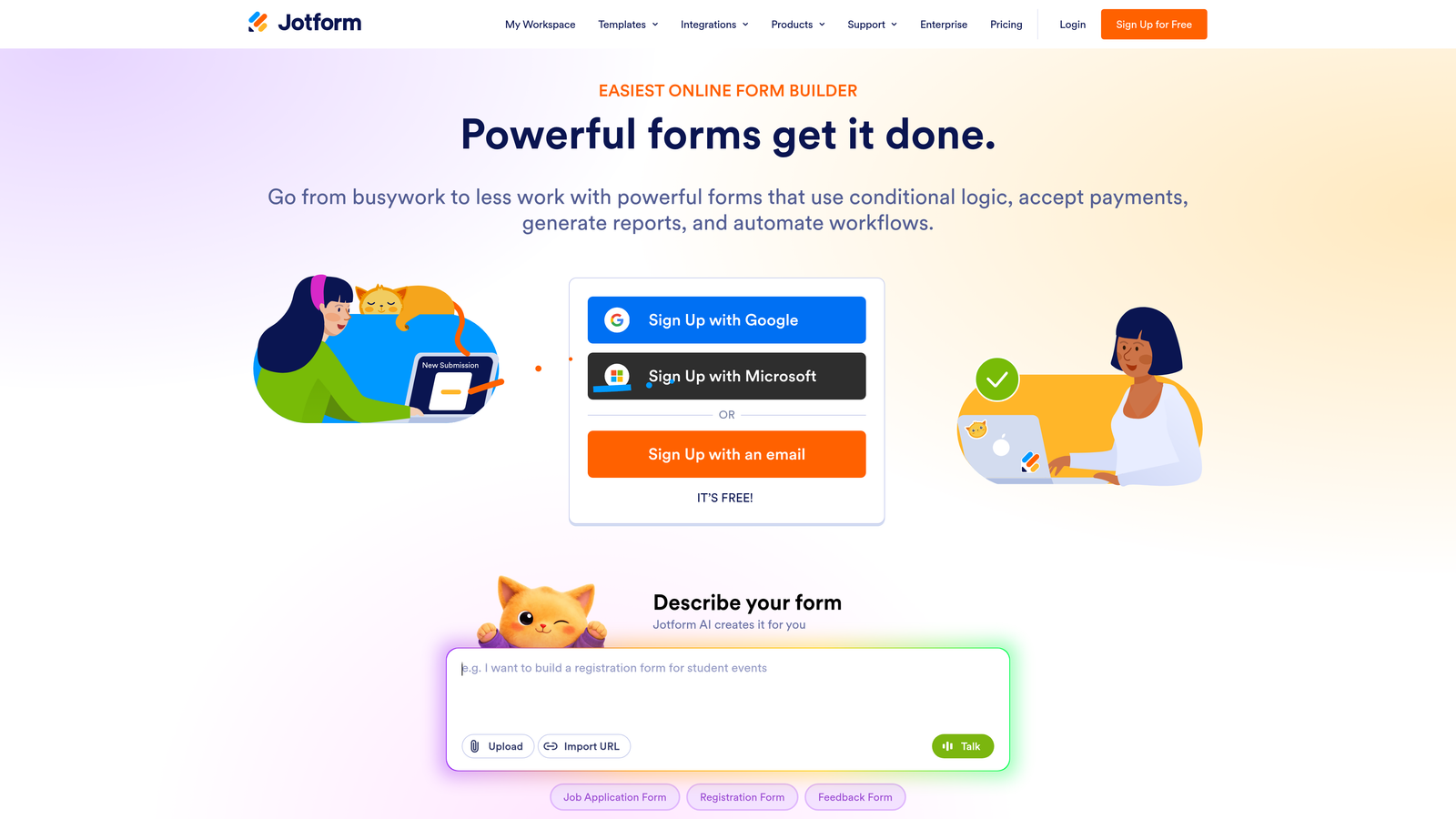
Jotform is a versatile form builder with one of the largest template libraries on the market, suited for organizations managing many different form types at scale.
Where This Tool Shines
Jotform's breadth is its biggest strength. With over 10,000 templates spanning everything from healthcare intake forms to event registrations to payment collection, it's the kind of tool that can serve multiple teams across an organization without anyone needing to build from scratch. The drag-and-drop builder is approachable enough for non-technical users while still offering enough depth for more complex workflows.
Jotform Tables, the platform's built-in response management layer, adds a spreadsheet-like view on top of submissions that makes it easier to manage data without immediately exporting to another tool.
Key Features
10,000+ Templates: One of the largest template libraries available, covering virtually every form category imaginable.
Drag-and-Drop Builder: Intuitive editor with conditional logic that doesn't require technical knowledge to configure.
Payment Integrations: Native support for Stripe, PayPal, and Square for forms that need to collect payments.
Jotform Tables: Built-in response management tool that organizes submissions in a structured, spreadsheet-style view.
Annual Billing Discounts: Available on Bronze, Silver, Gold, and Enterprise plans.
Best For
SMBs, nonprofits, and larger organizations that need a single platform to handle a wide variety of form types. Also strong for teams that collect payments through forms or need robust response management without relying on external spreadsheets.
Pricing
Bronze, Silver, Gold, and Enterprise plans with annual billing discounts. Current rates listed at jotform.com/pricing.
4. HubSpot Forms
Best for: Teams already using HubSpot CRM who want native form-to-pipeline integration without extra setup.
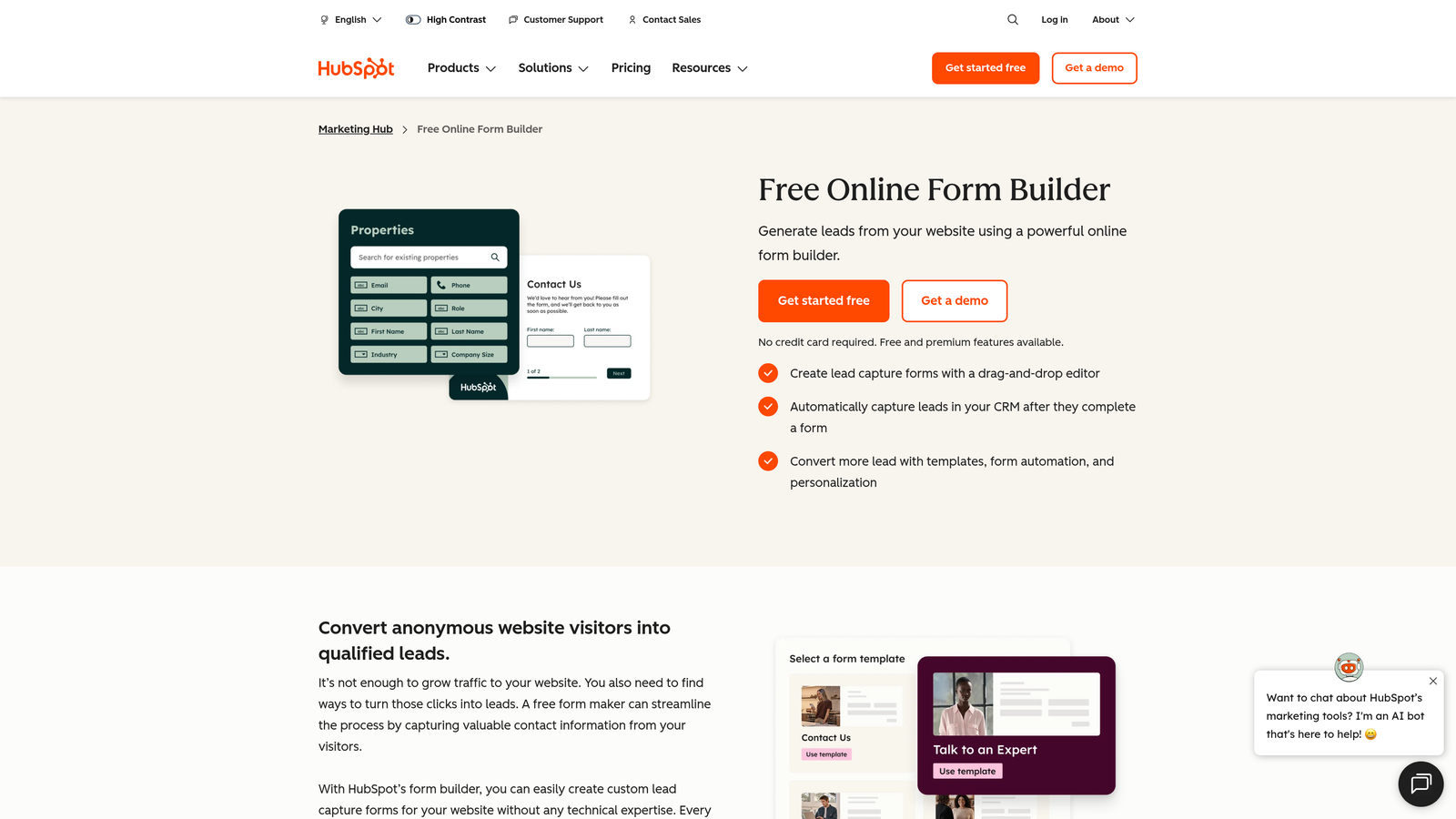
HubSpot Forms is a CRM-native form tool that syncs directly with HubSpot contacts, workflows, and marketing automation.
Where This Tool Shines
The core value of HubSpot Forms isn't the form builder itself — it's the zero-friction sync with HubSpot's CRM. When a lead submits a form, their data flows directly into your contact database, triggers workflows, and updates deal stages without any middleware or manual mapping. For teams already living in HubSpot, this is a significant operational advantage.
The smart forms feature is particularly useful for conversion optimization. Once HubSpot knows a contact's email or company name, it can automatically hide those fields on future forms and replace them with new questions, building a richer profile over time without overwhelming the user with repetitive asks.
Key Features
Native CRM Sync: Form submissions flow directly into HubSpot contacts and deal records — no integration required.
Progressive Profiling: Smart forms avoid re-asking known fields, progressively building contact profiles over multiple interactions.
Flexible Embed Options: Deploy forms as embedded widgets, pop-ups, or standalone pages.
Workflow Triggers: Submissions can immediately trigger HubSpot automation sequences, email enrollments, and task creation.
Annual Billing Standard: Annual plans are the default for all HubSpot paid tiers, with clear savings over monthly billing.
Best For
Teams that are already invested in the HubSpot ecosystem. The standalone free version is genuinely useful, but the real power unlocks with a Marketing Hub subscription. If you're not a HubSpot shop, the value proposition is less compelling compared to standalone form tools.
Pricing
Free standalone product; advanced features require HubSpot Marketing Hub. Annual plans available at hubspot.com/pricing.
5. Gravity Forms
Best for: WordPress developers and agencies needing advanced logic, payment collection, and deep WP integration.
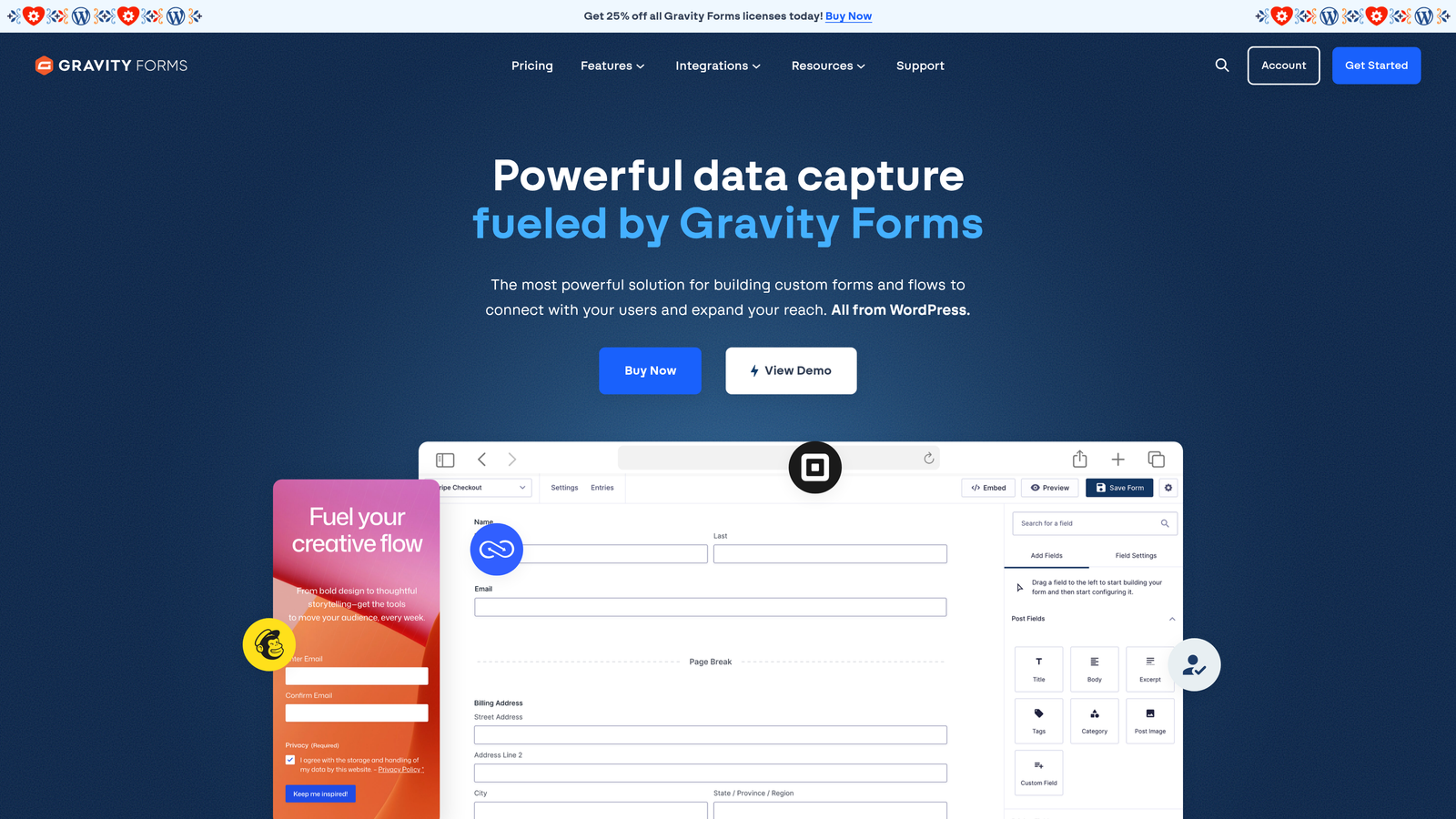
Gravity Forms is the leading WordPress form plugin for developers and agencies who need enterprise-level functionality within the WordPress ecosystem.
Where This Tool Shines
Gravity Forms occupies a unique position in this list: it's not a SaaS subscription in the traditional sense. It's an annual license for a WordPress plugin, which means your data stays on your own server, your forms live within your WordPress environment, and you're not paying per submission. For high-volume WordPress sites, that model can represent significant long-term savings compared to SaaS tools with response caps.
The add-on ecosystem is extensive. From Stripe payments to Mailchimp list enrollment to Zapier automation, most of the integrations a serious WordPress operation would need are available, either natively or through community add-ons.
Key Features
Deep WordPress Integration: Works natively within WordPress and WooCommerce, with full access to WordPress hooks and filters.
Advanced Conditional Logic: Multi-page forms with sophisticated branching logic that rivals dedicated SaaS form tools.
Extensive Add-On Library: Official and community add-ons for Stripe, Mailchimp, Zapier, ActiveCampaign, and many more.
No Per-Response Pricing: Annual license model means unlimited submissions without worrying about hitting response caps.
Developer-Friendly: Full API access, hooks, and filters for custom development and deep customization.
Best For
WordPress-native businesses, agencies managing multiple client sites, and developers who need maximum flexibility and control. Not the right choice if you're not on WordPress.
Pricing
Annual license across Basic, Pro, and Elite tiers. Current rates at gravityforms.com.
6. Tally
Best for: Startups and indie teams that need a capable, no-frills form builder with a generous free tier.
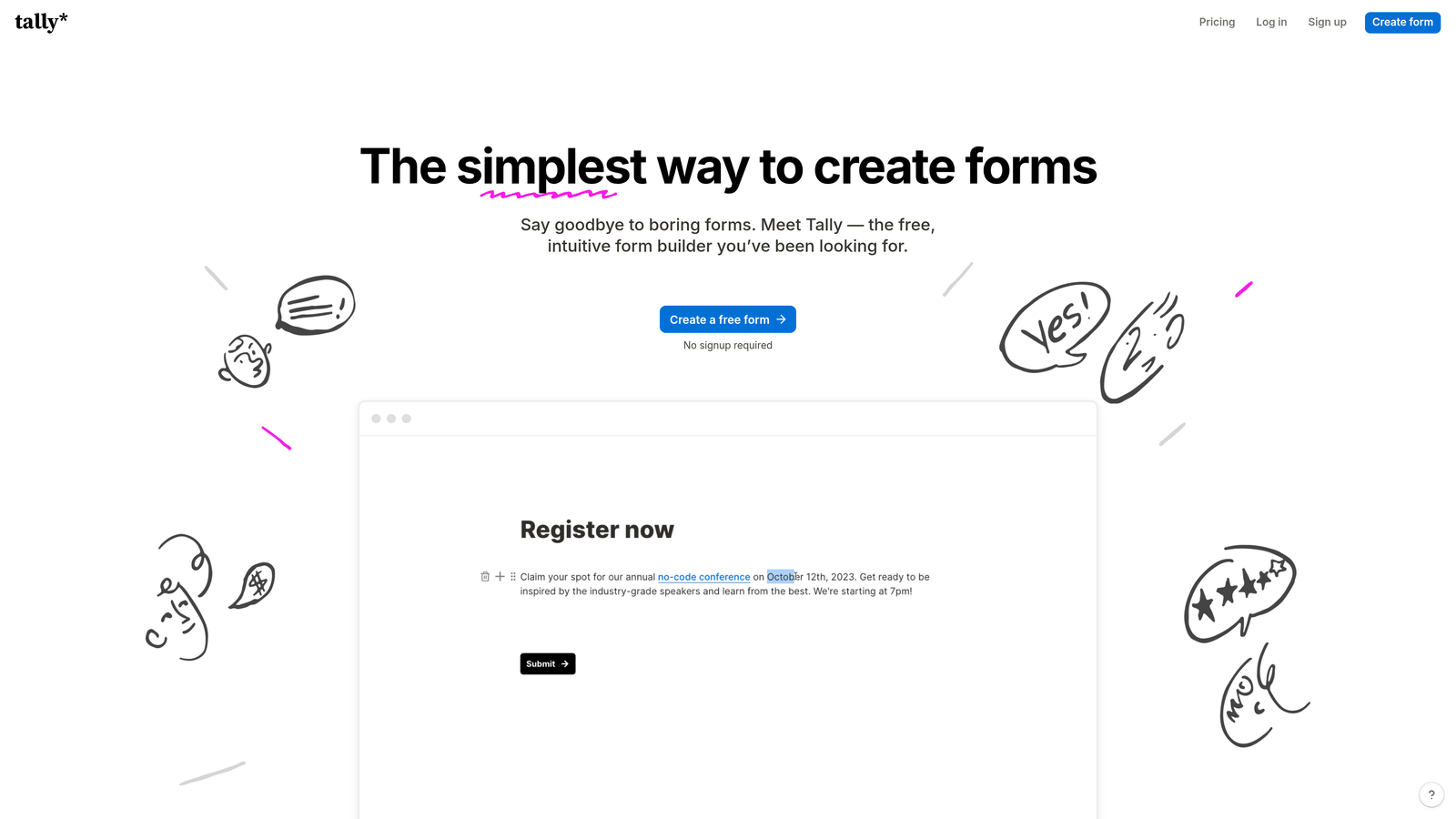
Tally is a minimalist form builder with unlimited forms and responses on its free tier and a flat-rate Pro plan with no per-submission pricing.
Where This Tool Shines
Tally's free tier is genuinely one of the most generous in the category. Unlimited forms and unlimited responses, with the only catch being Tally branding on your forms. For early-stage teams or individuals who need functional forms without a budget, it's hard to argue with that offer.
The editor takes cues from Notion's block-based interface, making it fast and intuitive to build forms without a learning curve. When you're ready to remove branding and unlock additional features, the Pro plan is priced as a flat annual rate rather than scaling with usage, which keeps costs predictable.
Key Features
Unlimited Free Tier: Unlimited forms and responses at no cost, with Tally branding included.
Notion-Style Block Editor: Familiar, intuitive editing experience that's fast to learn and use.
Conditional Logic: Basic branching and hidden fields available on both free and Pro plans.
Integrations: Zapier and native integrations available on Pro for connecting to your existing stack.
Flat-Rate Annual Pro Plan: Predictable pricing that doesn't scale with submission volume.
Best For
Bootstrapped startups, indie makers, and small teams that need solid form functionality without committing to a high monthly spend. Also useful as a secondary tool for internal forms within organizations that use a more powerful tool for customer-facing flows.
Pricing
Free tier available; Pro plan with annual billing option. Verify current rates at tally.so.
7. Paperform
Best for: Small businesses and solopreneurs who want rich, document-style forms that blend content and fields seamlessly.
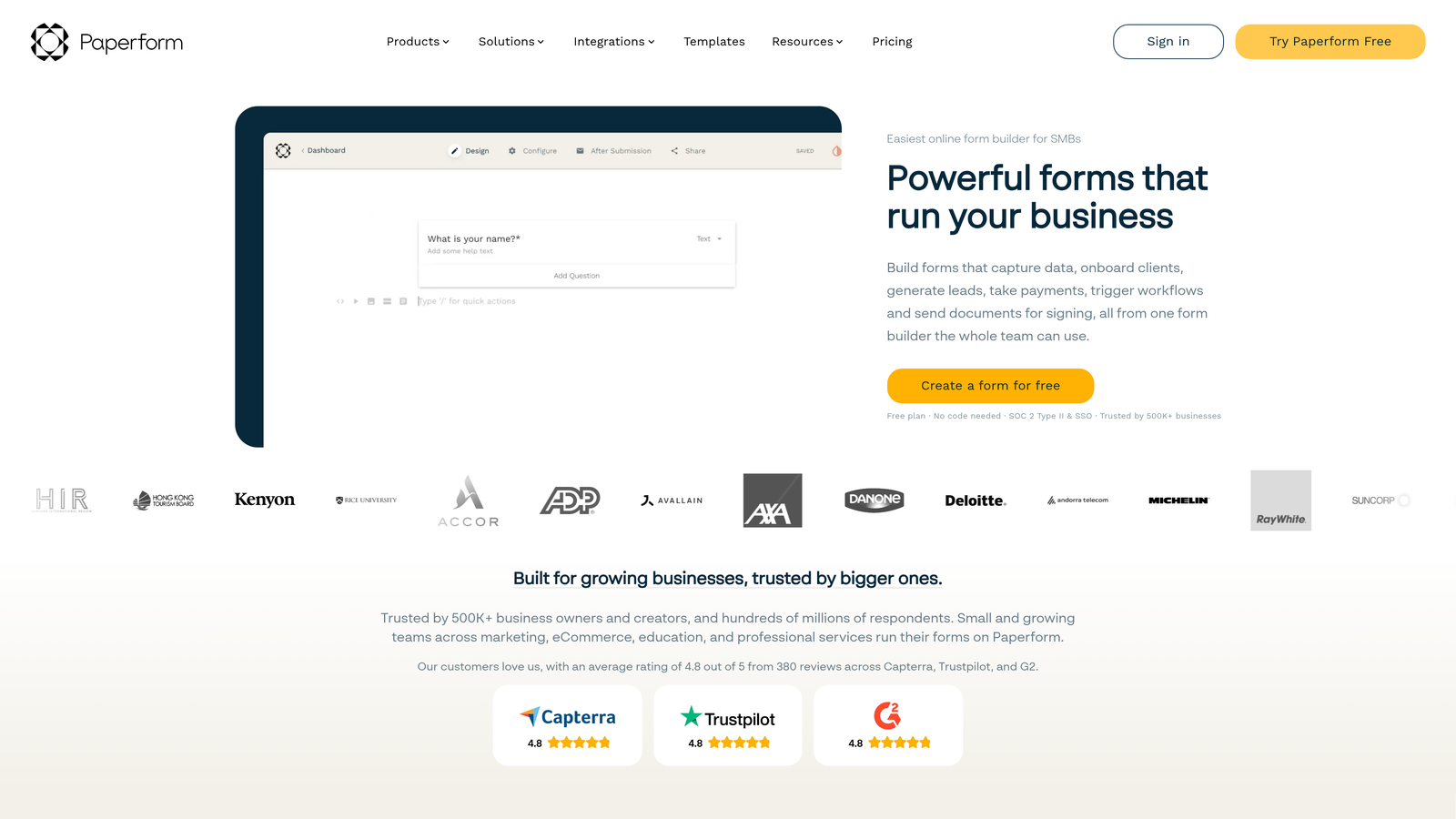
Paperform is a document-style form builder that blends rich text, images, and form fields into page-like experiences that feel more like landing pages than traditional forms.
Where This Tool Shines
Paperform's editor is genuinely different from anything else on this list. Rather than placing form fields into a predefined layout, you write and design freely, adding text, images, headings, and form fields wherever you want on the page. The result can look much closer to a well-designed landing page than a standard form, which works particularly well for bookings, product orders, and applications where context matters.
The built-in payment collection is also a notable strength. Stripe, Braintree, and PayPal are all supported natively, making Paperform a practical all-in-one solution for small businesses that want to accept payments through forms without adding a separate e-commerce tool.
Key Features
Freeform Document Editor: Place form fields, text, and images anywhere on the page for a fully custom layout.
Built-In Payment Collection: Native Stripe, Braintree, and PayPal support for forms that need to collect money.
Conditional Logic and Calculations: Dynamic fields that respond to user input, including calculation fields for pricing or scoring.
Strong for Bookings and Applications: Particularly well-suited to intake forms, booking requests, and order forms.
Annual Billing Discounts: Available across Essentials, Pro, Business, and Agency plans.
Best For
Small business owners, coaches, consultants, and solopreneurs who want forms that look polished and can handle payments without needing a separate tool. Also a good fit for agencies building forms for clients who care about visual presentation.
Pricing
Essentials, Pro, Business, and Agency plans with annual billing discounts. Current rates at paperform.co/pricing.
8. Google Forms
Best for: Internal data collection, quick surveys, and teams with zero form budget.
Google Forms is a free, no-frills form tool built into Google Workspace, ideal for internal data collection when simplicity and cost are the priorities.
Where This Tool Shines
Google Forms earns its place on this list for one reason: it's completely free and requires no setup beyond a Google account. For internal use cases like employee surveys, event RSVPs, or simple data collection, it handles the job without any subscription, response limits, or storage caps.
The automatic Google Sheets integration is a practical advantage. Every response flows directly into a spreadsheet in real time, making it easy to share, filter, and analyze data without exporting anything. Real-time collaboration on form editing also makes it useful for teams that need multiple people to contribute to a form's structure.
Key Features
Completely Free: No paid tier required — available to anyone with a Google account.
Google Sheets Integration: Responses automatically populate a linked spreadsheet in real time.
Basic Conditional Logic: Section branching allows for simple routing based on multiple-choice answers.
Real-Time Collaboration: Multiple editors can work on a form simultaneously, like any Google Workspace document.
No Submission Limits: No caps on responses or storage for form data.
Best For
Teams that need simple internal forms with no budget and no desire to manage another SaaS subscription. Not suitable for customer-facing lead capture, branded experiences, or anything requiring advanced logic or integrations.
Pricing
Free with any Google account. Google Workspace Business plans include additional storage and features; pricing available at google.com/workspace/pricing.
9. SurveyMonkey
Best for: Market researchers and enterprise teams that need advanced survey methodology, benchmarking, and audience panel access.
SurveyMonkey is a research-grade survey platform with advanced logic, built-in benchmarking data, and access to survey panels for primary market research.
Where This Tool Shines
SurveyMonkey's strongest differentiator is its research infrastructure. The platform includes built-in benchmarking data that lets you compare your survey results against industry averages, which is genuinely valuable for customer satisfaction programs, employee engagement surveys, and competitive research. This is a capability you won't find in most form builders on this list.
The audience panel feature takes things further, allowing you to field surveys to targeted respondent panels without recruiting your own audience. For teams doing market research or product validation, this can significantly reduce the time and cost of getting statistically meaningful responses.
Key Features
Advanced Survey Logic: Skip patterns, randomization, and question piping for sophisticated survey designs.
Built-In Benchmarking: Compare your results against industry data to contextualize findings.
Audience Panel Access: Field surveys to targeted respondent panels directly through the platform.
Team Collaboration: Shared workspaces and collaborative survey editing for larger research teams.
Annual Billing Options: Available on Individual, Team, and Enterprise plans with savings over monthly rates.
Best For
Enterprise teams, market researchers, and product teams that need rigorous survey methodology and access to external respondent panels. Less suited for lead capture forms or conversion-focused workflows where speed and UX optimization matter more than research depth.
Pricing
Individual and Team annual plans available. Verify current rates at surveymonkey.com/pricing.
Which Tool Is Right for Your Team?
The right annual plan depends entirely on what you're trying to accomplish with your forms. Here's a quick breakdown to help you decide.
If lead qualification and conversion optimization are your priority, Orbit AI is the clear choice. It's the only tool on this list that embeds AI-powered qualification logic directly into the form layer, making it purpose-built for high-growth teams that need their forms to do more than collect data.
For conversational, branded form experiences with strong completion rates, Typeform remains a reliable option with a well-developed annual pricing structure. WordPress teams should look at Gravity Forms, where the annual license model and deep WP integration make it the natural fit. Budget-conscious teams will find Tally hard to beat, especially with its unlimited free tier as a starting point.
HubSpot Forms wins if you're already invested in the HubSpot ecosystem and want zero-friction CRM sync. Jotform suits organizations managing diverse, high-volume form needs across multiple departments. Paperform works well for small businesses that want polished, document-style forms with built-in payments. Google Forms covers internal use cases at no cost. And SurveyMonkey belongs in the stack of any team doing serious market research.
The golden rule for annual plans: only commit if the tool is already working for your team or you've validated it through a free trial. The savings are real, but only if the tool fits your workflow.
For high-growth teams serious about turning form submissions into qualified pipeline, start building free forms today and see how intelligent form design can elevate your conversion strategy.


