

When your team is scaling fast, a solo form builder just doesn't cut it. You need collaborative workspaces, shared templates, role-based permissions, and usage limits that grow with your headcount — not a tool that forces everyone to log in under one account.
The right team plan form builder keeps your marketing, sales, and ops teams aligned: consistent branding, centralized lead data, and workflows that don't break when someone's out of office. This list covers the best form builders with genuine team plans, evaluated on collaboration features, lead qualification capabilities, integration depth, and value at scale.
Whether you're a SaaS startup with a 5-person growth team or an enterprise with dozens of stakeholders touching forms, there's an option here built for how you actually work. We've also included notes on pricing transparency, since "team plan" pricing varies wildly across these tools.
1. Orbit AI
Best for: High-growth SaaS and B2B teams that need lead qualification built into the form itself.
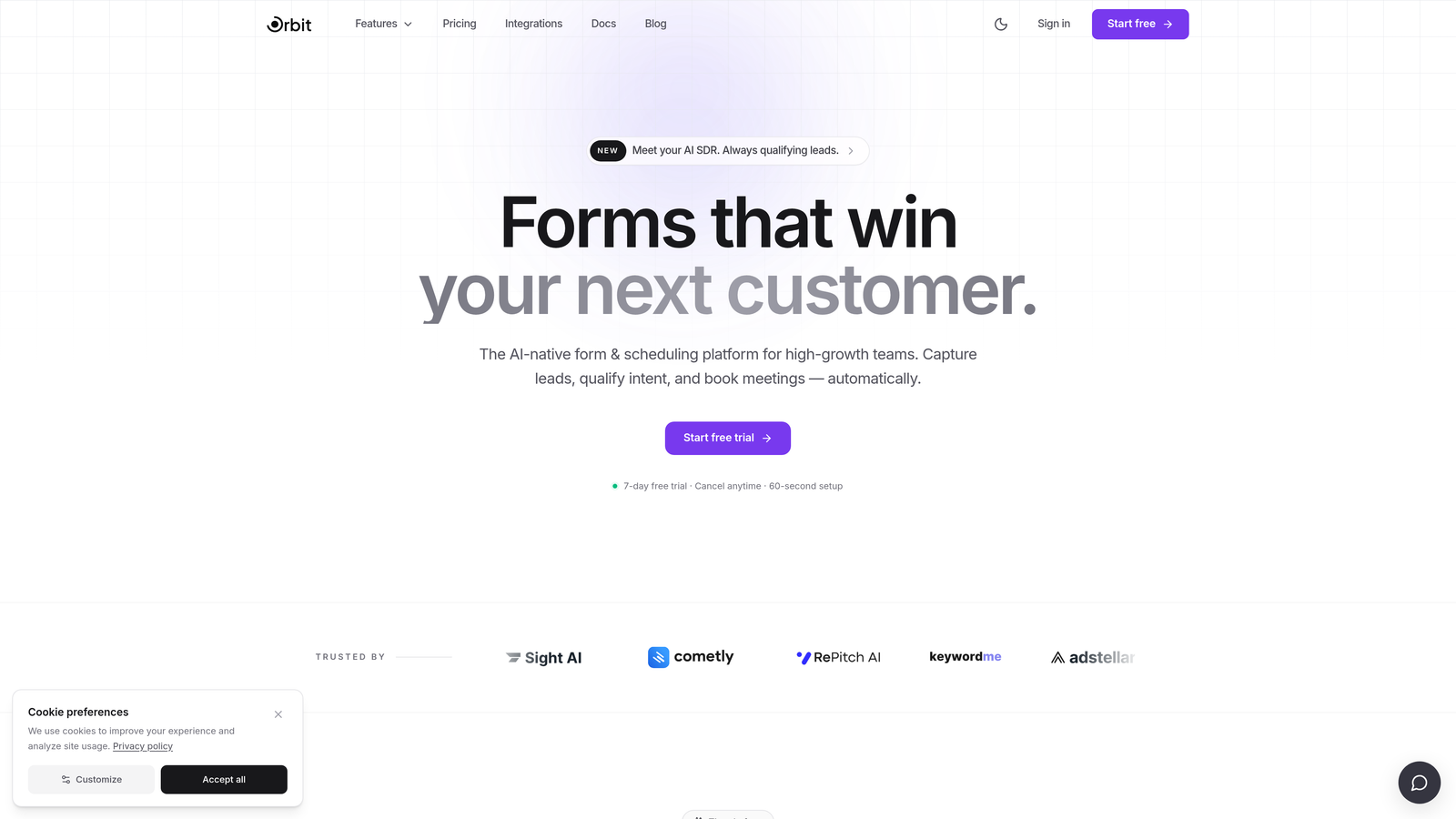
Orbit AI is an AI-powered form builder with built-in lead qualification designed for teams where form data directly impacts pipeline.
Where This Tool Shines
Most form builders treat lead qualification as an afterthought — something you handle downstream in your CRM or via a Zapier workflow. Orbit AI takes a different approach: the qualification logic lives inside the form experience itself. Forms adapt in real time based on how respondents answer, surfacing high-intent leads and filtering out poor fits before the submission ever hits your inbox.
For teams running multiple campaigns across marketing, sales, and ops, the collaborative workspace keeps everyone working from the same playbook. Shared templates enforce brand consistency across every form your team publishes, and role-based permissions mean the right people have the right level of access without anyone accidentally breaking a live form.
Key Features
AI-Powered Lead Qualification: Forms adapt dynamically based on respondent answers, qualifying or disqualifying leads in real time without post-submission workflows.
Collaborative Team Workspaces: Role-based permissions let you assign viewer, editor, and admin access so teams can collaborate without stepping on each other.
Conversion-Optimized Design: Conditional logic and modern form design work together to reduce drop-off and improve completion rates on lead capture flows.
CRM and Marketing Stack Integrations: Connect directly to your existing CRM and marketing tools so qualified leads flow into the right pipelines automatically.
Shared Template Library: Teams can build and share templates across the workspace, ensuring consistent branding and messaging at every touchpoint.
Best For
Orbit AI is the strongest fit for SaaS and B2B growth teams where lead quality matters as much as lead volume. If your forms are a revenue-generating asset and you need qualification to happen at the point of capture rather than later in the funnel, this is built for that context.
Pricing
Team plans are available. Visit orbitforms.ai for current pricing details and plan tiers.
2. Typeform
Best for: Teams that prioritize completion rates on surveys, onboarding flows, and lead capture.
Typeform is a conversational form builder known for its one-question-at-a-time format that reduces friction and tends to improve engagement.

Where This Tool Shines
Typeform's core strength is the respondent experience. The single-question format feels more like a conversation than a form, which works well for onboarding surveys, customer research, and top-of-funnel lead capture where drop-off is a real concern.
Team features are available on Business plans and above, including shared workspaces, custom branding, and collaborative access to forms and results. It's a polished tool, though pricing has increased in recent years, which is worth factoring in when evaluating it for larger teams.
Key Features
Conversational Single-Question UX: One question at a time reduces cognitive load and tends to improve completion rates compared to traditional long-form layouts.
Team Workspaces: Shared access to forms, results, and templates across team members on Business plans and above.
Custom Branding and Design: Full control over colors, fonts, and imagery to match your brand identity.
Logic Jumps and Conditional Paths: Route respondents through different question paths based on their answers.
Integration Ecosystem: Native connections to HubSpot, Salesforce, Slack, and many other tools in the modern marketing stack.
Best For
Teams that run frequent surveys, product feedback loops, or conversational lead capture flows where the respondent experience is a key variable. Less ideal for teams that need deep lead qualification logic or are cost-sensitive at scale.
Pricing
Business plan starts at approximately $59/month billed annually. Team collaboration features are available on Business tier and above.
3. Jotform
Best for: Multi-department teams that need a wide template library and built-in approval workflows.
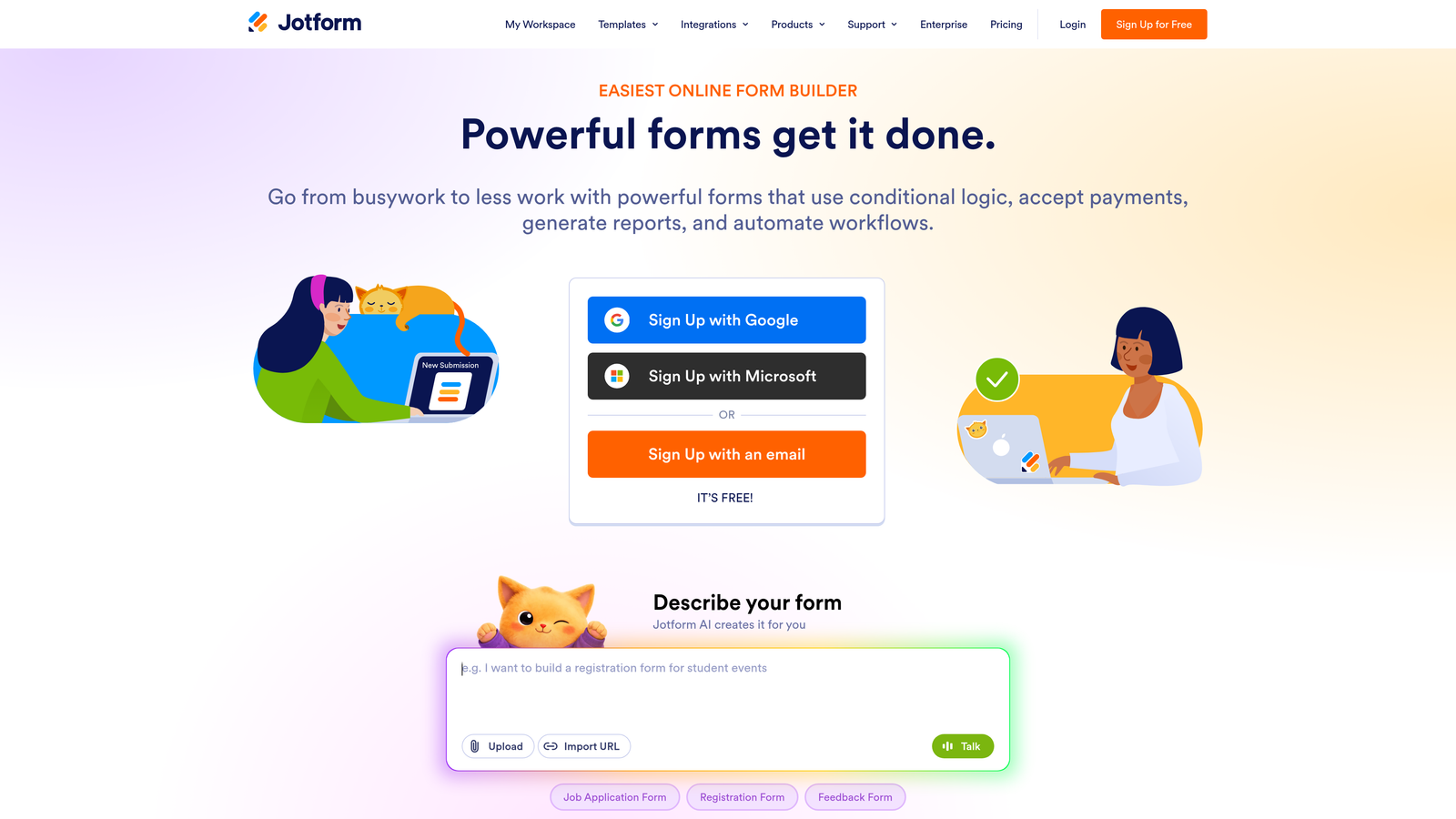
Jotform is a feature-rich form builder with one of the largest template libraries in the market and robust team workspace functionality.
Where This Tool Shines
Jotform's depth is its defining characteristic. With thousands of templates across virtually every industry and use case, teams can spin up new forms quickly without starting from scratch. The approval workflow builder is a standout feature for ops and HR teams that need structured review processes built into their data collection flows.
The trade-off is complexity. Jotform's interface is dense, and teams that only need simple forms may find it overwhelming. Submission-based pricing limits can also catch growing teams off guard, so it's worth modeling out your expected volume before committing.
Key Features
10,000+ Templates: One of the largest template libraries available, spanning industries from healthcare to e-commerce to HR.
Team Workspaces: Shared access to forms, submissions, and results with collaborative organization tools.
Approval Workflow Builder: Route form submissions through structured review and approval chains without leaving the platform.
Payment Collection: Native integrations with Stripe, PayPal, and Square for collecting payments directly within forms.
400+ App Integrations: Broad connectivity across CRMs, project management tools, and marketing platforms.
Best For
Teams that need variety — different departments running different types of forms with different workflows. Particularly strong for ops, HR, and finance teams that need approval routing alongside data collection.
Pricing
Team plan starts at approximately $34/month per user billed annually. Note that submission-based limits apply and can affect cost at higher volumes.
4. Tally
Best for: Budget-conscious startups and small teams that want a clean, modern form builder without the enterprise price tag.
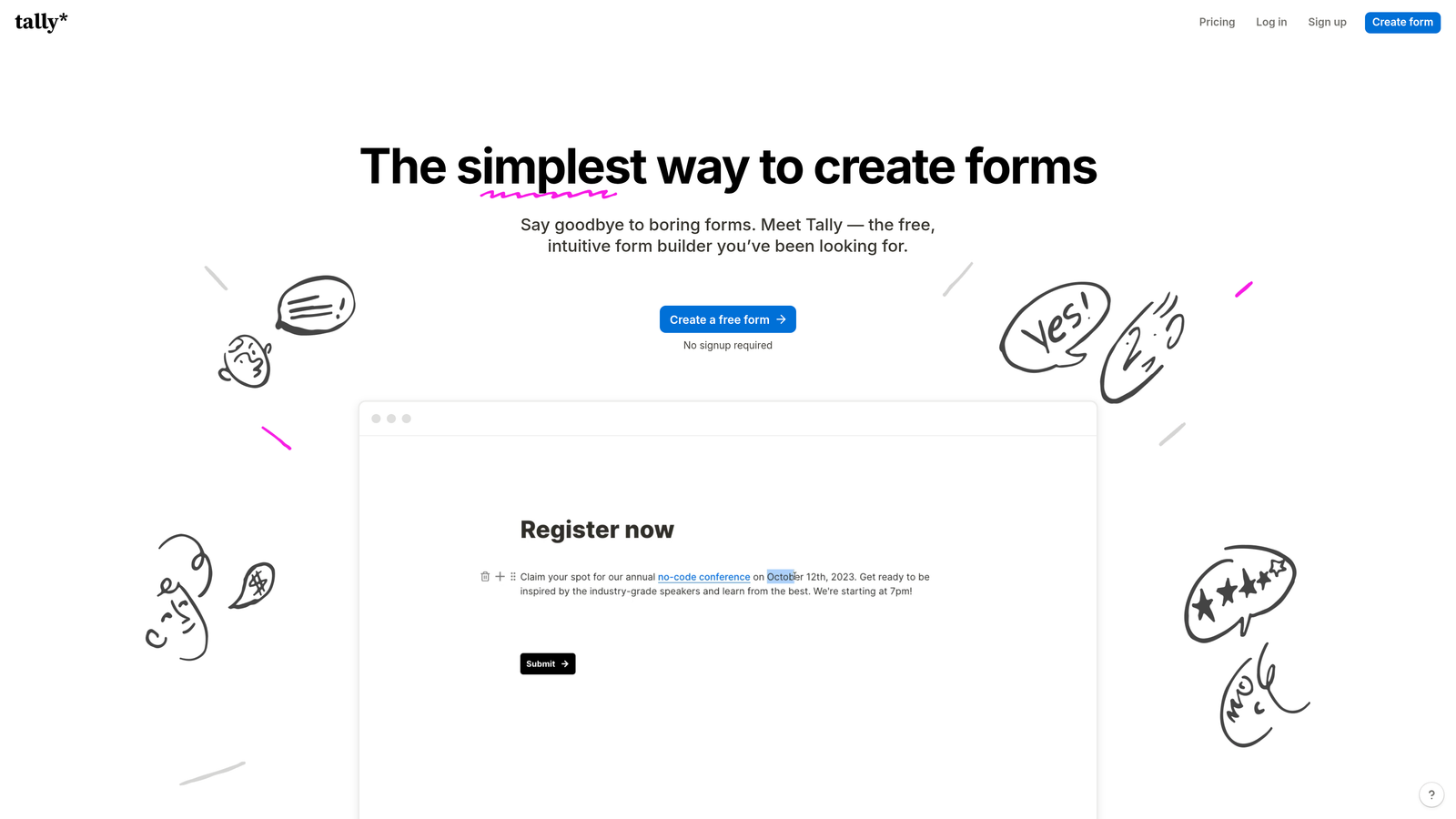
Tally is a lightweight, Notion-inspired form builder with a generous free tier and straightforward workspace sharing for growing teams.
Where This Tool Shines
Tally's block-based editor will feel immediately familiar to anyone who uses Notion. The learning curve is minimal, which means teams can get productive quickly without extensive onboarding. The free tier is genuinely useful, and paid plans are priced competitively relative to most alternatives on this list.
It's worth being clear about where Tally fits: it's excellent for small-to-mid-size teams that need clean, functional forms without heavy enterprise requirements. If you need HIPAA compliance, granular role management, or advanced lead qualification, you'll likely outgrow it.
Key Features
Notion-Like Block Editor: Familiar drag-and-drop interface that most teams can learn in minutes, not hours.
Workspace Sharing: Team collaboration built into the platform so multiple members can access and manage forms.
Unlimited Forms and Responses: Paid plans remove response caps, which is a meaningful advantage over submission-limited competitors.
Custom Domains and Branding Removal: Full white-label capability on paid plans for professional presentation.
Zapier, Make, and Native Integrations: Connect to your existing stack through popular automation platforms and growing native integrations.
Best For
Early-stage startups, small growth teams, and organizations that want a no-fuss form builder with honest pricing. A strong choice when simplicity and cost efficiency matter more than advanced features.
Pricing
Pro plan at approximately $29/month. Team workspaces are included, making it one of the more affordable team-capable options on this list.
5. HubSpot Forms
Best for: Teams already running on HubSpot who want zero-friction CRM sync and progressive profiling.
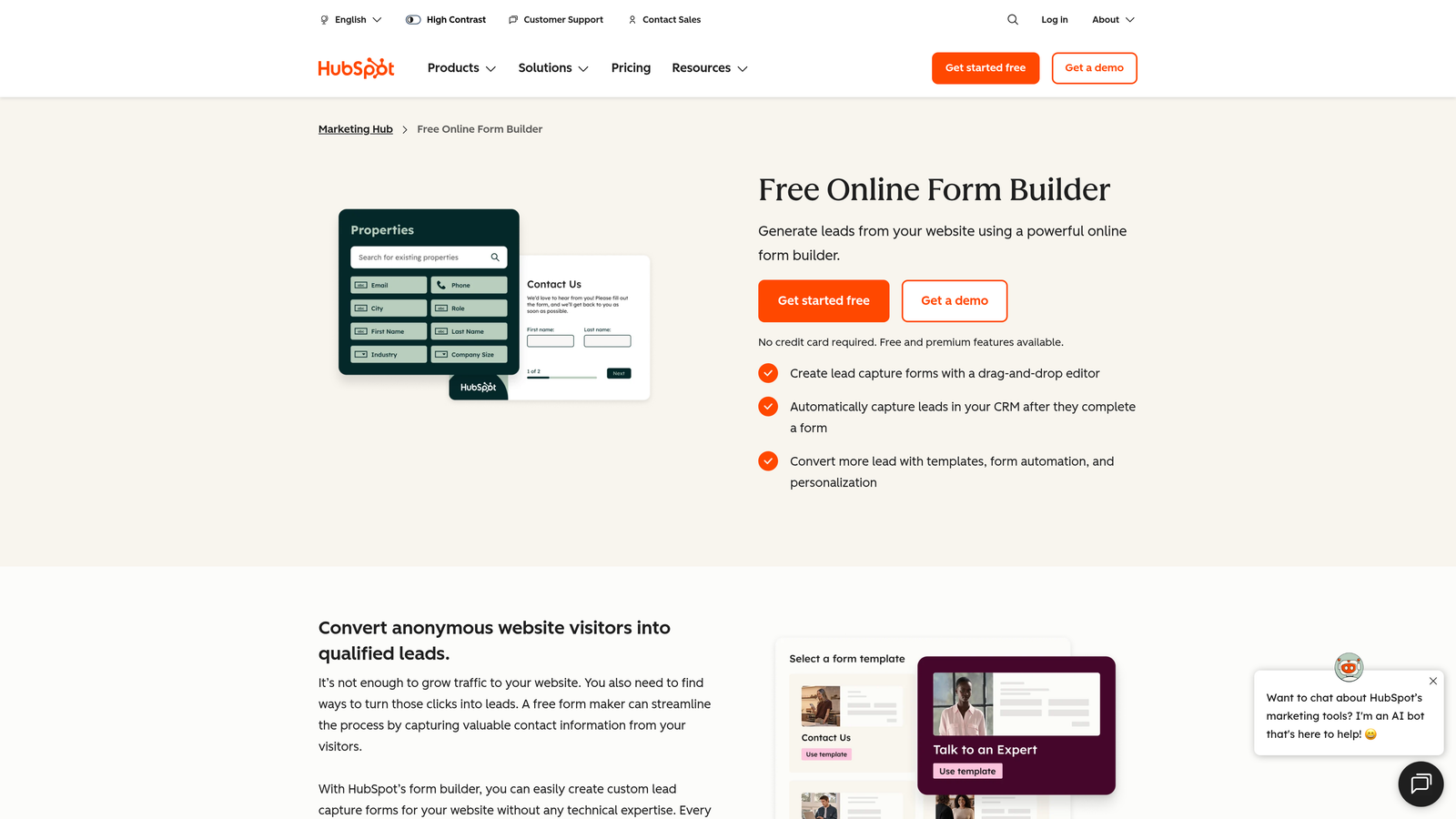
HubSpot Forms is the native form builder within HubSpot's marketing platform, offering seamless contact creation and smart field functionality.
Where This Tool Shines
If your team is already invested in HubSpot, the native form builder is hard to beat for sheer efficiency. Every form submission creates or updates a contact record automatically, triggers workflows, and feeds into your segmentation lists — no middleware required. The progressive profiling feature is particularly valuable: returning visitors see new questions instead of fields they've already filled out, which improves data completeness over time.
The important caveat is that HubSpot Forms is not a standalone product. Its value is almost entirely tied to the HubSpot ecosystem. Teams not on HubSpot will find better-value options elsewhere.
Key Features
Native CRM Integration: Form submissions create and update HubSpot contact records instantly with no third-party sync required.
Progressive Profiling (Smart Fields): Returning visitors see new questions instead of repeated fields, improving data collection without increasing friction.
Form-Triggered Workflows: Automatically enroll contacts in email sequences, notify sales reps, or update deal stages based on form submissions.
Team Access via Portal Permissions: HubSpot's existing user permission system extends to form access and editing.
A/B Testing: Available on Marketing Hub paid tiers for optimizing form performance over time.
Best For
HubSpot-native teams that want their forms tightly integrated with their CRM and marketing automation. Not recommended as a standalone choice for teams outside the HubSpot ecosystem.
Pricing
Free with any HubSpot CRM account. Advanced features require Marketing Hub Starter at approximately $20/month or higher tiers.
6. Paperform
Best for: Teams that need to combine data collection, payment processing, and scheduling in one platform.
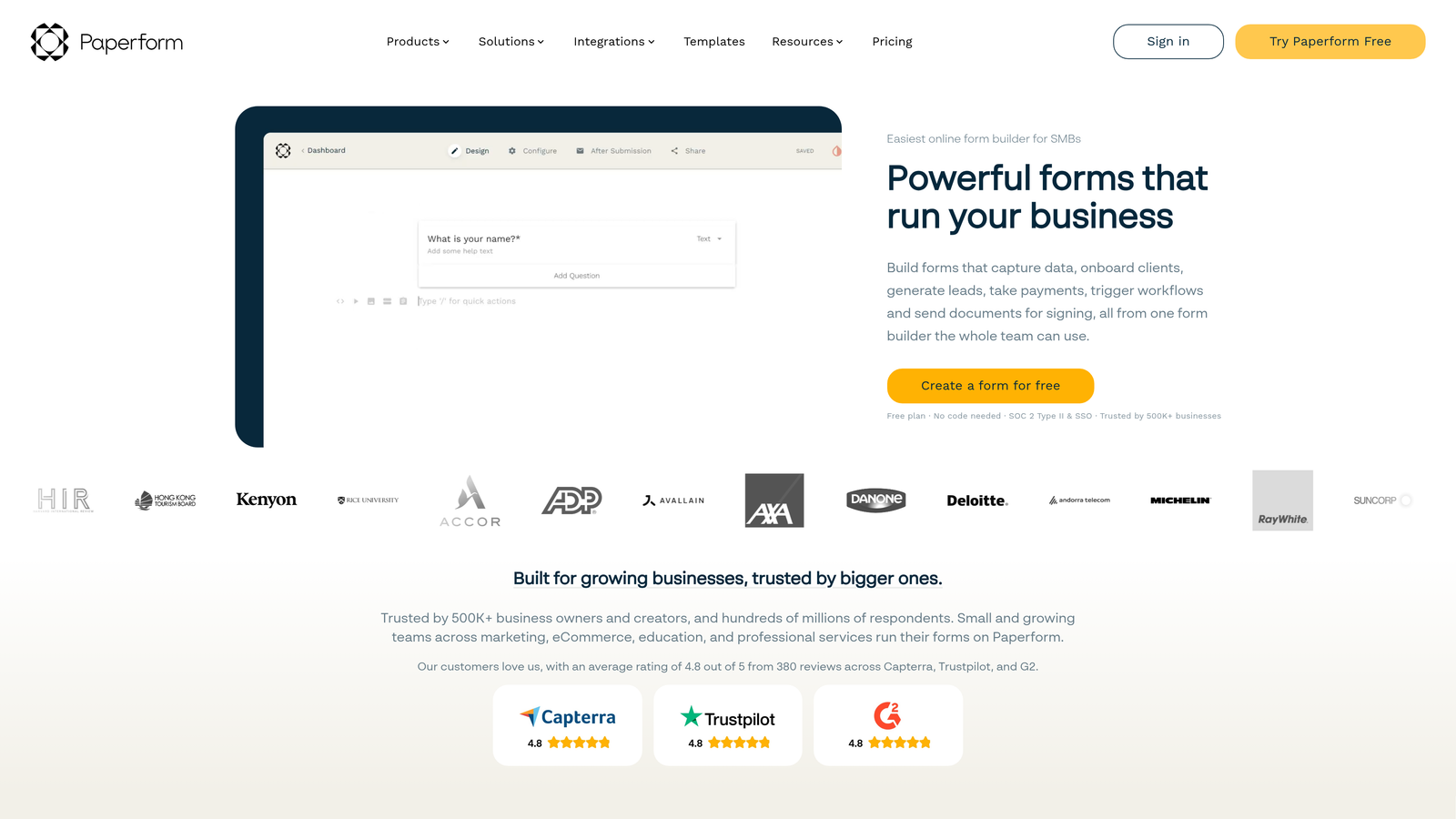
Paperform is a flexible form builder that handles forms, payments, and appointment scheduling within a single platform.
Where This Tool Shines
Paperform's differentiation is its versatility across transaction types. While most form builders treat payment collection as an add-on, Paperform treats it as a core capability — making it a practical choice for SaaS teams running paid onboarding events, service bookings, or e-commerce-adjacent workflows alongside standard lead capture.
Design flexibility is another genuine strength. Paperform supports rich media, custom layouts, and highly customized visual presentations that go beyond what most form builders offer. The agency-focused plan includes sub-accounts, which is useful for teams managing forms across multiple clients or business units.
Key Features
Built-In Payment Collection: Native Stripe, PayPal, and Square integrations for collecting payments directly within the form experience.
Appointment Scheduling: Booking and scheduling functionality built into the platform without requiring a separate tool.
Sub-Accounts for Team Management: Organize team members and clients into separate sub-accounts within a single plan.
Rich Media and Custom Design: Highly flexible visual customization including images, video, and custom layouts.
Conditional Logic and Calculation Fields: Dynamic form paths and real-time calculations based on respondent inputs.
Best For
SaaS teams and service businesses that regularly combine lead capture with transactions or scheduling. Also a good fit for agencies managing forms across multiple clients.
Pricing
Agency plan (the team-focused tier) starts at approximately $159/month billed annually. Higher price point reflects the breadth of built-in functionality.
7. Fillout
Best for: Product and ops teams that need advanced conditional logic and native database integrations.
Fillout is a form builder gaining rapid traction for its powerful logic engine and native connections to Airtable, Notion, and Supabase.

Where This Tool Shines
Fillout has carved out a strong niche among product and operations teams who need forms to interact directly with their data infrastructure. Native integrations with Airtable, Notion, and Supabase mean form responses can read from and write to existing databases without custom code or complex middleware — a meaningful time saver for teams building internal tools.
The conditional logic engine is notably powerful for a tool at this price point. Multi-page forms with branching paths, hidden fields, and complex routing conditions are all achievable without developer involvement, which makes Fillout a practical choice for ops teams that need sophisticated form behavior.
Key Features
Advanced Conditional Logic: Complex branching, hidden fields, and multi-condition routing without writing code.
Native Database Integrations: Direct connections to Airtable, Notion, and Supabase for reading and writing data within the form flow.
Team Workspaces: Shared access to forms and submissions across team members on team plans.
Scheduling and Payment Support: Built-in capabilities for booking flows and payment collection alongside standard data collection.
Branching and Multi-Page Forms: Sophisticated multi-step form structures that adapt based on respondent behavior.
Best For
Product teams, ops teams, and technical users who need forms that interact with their existing databases. Particularly strong for internal tooling and workflow automation use cases.
Pricing
Team plan starts at approximately $19/month per user billed annually, making it one of the more competitive per-seat options on this list.
8. Google Forms
Best for: Internal data collection within Google Workspace environments where design and conversion optimization are not priorities.
Google Forms is a free, no-frills form builder built into Google Workspace with native real-time collaboration.
Where This Tool Shines
Google Forms does one thing exceptionally well: it's free, familiar, and instantly collaborative. If your team already lives in Google Workspace, spinning up a form and sharing it for co-editing works exactly like Google Docs — no onboarding required. Responses sync automatically to Google Sheets, which many teams already use for data review.
The honest assessment is that Google Forms is a tool for internal use cases where brand, conversion optimization, and lead qualification are not factors. For external-facing forms where you're trying to capture and qualify leads, it will fall short on nearly every dimension that matters to a growth team.
Key Features
Completely Free: No cost within Google Workspace, with no response limits or feature gates.
Real-Time Multi-Editor Collaboration: Multiple team members can edit forms simultaneously, just like Google Docs.
Automatic Google Sheets Sync: All responses flow directly into a connected spreadsheet for easy review and analysis.
Basic Conditional Logic: Section branching based on multiple-choice answers covers simple routing needs.
No Response Limits: Collect unlimited responses without worrying about hitting a monthly cap.
Best For
Teams that need quick internal surveys, event sign-ups, or simple data collection within a Google Workspace environment. Not suitable for external lead generation or any use case where brand presentation and conversion optimization matter.
Pricing
Completely free with any Google account. Also included in all Google Workspace plans at no additional cost.
9. Formstack
Best for: Enterprise teams in regulated industries that need compliance certifications and advanced approval routing.
Formstack is an enterprise form and workflow platform built for organizations that require HIPAA compliance, SOC 2 certification, and structured approval processes.
Where This Tool Shines
Formstack is purpose-built for environments where compliance is non-negotiable. HIPAA certification and SOC 2 compliance make it one of the few form builders appropriate for healthcare, financial services, and other regulated industries where data handling requirements go beyond standard security practices.
Beyond compliance, Formstack's workflow capabilities are genuinely enterprise-grade. Approval routing, document generation from submissions, and granular role-based permissions give large teams the control they need when dozens of stakeholders are involved in form creation, review, and data access.
Key Features
HIPAA-Compliant and SOC 2 Certified: Meets the compliance requirements for healthcare, financial services, and other regulated industries.
Advanced Approval Workflow and Routing: Multi-step approval chains with conditional routing based on submission data.
Document Generation: Automatically generate documents from form submission data, reducing manual downstream work.
Granular Role-Based Permissions: Fine-grained access controls across form creation, submission viewing, and workflow management.
Enterprise SSO and Audit Logs: Single sign-on integration and full audit trail for security and compliance requirements.
Best For
Large organizations in regulated industries — healthcare, finance, legal, government — where compliance certifications and enterprise security controls are requirements, not nice-to-haves. Higher price point reflects this specialization.
Pricing
Forms plan starts at approximately $83/month billed annually. Enterprise pricing is available for larger deployments with custom requirements.
Which Team Plan Form Builder Is Right for You?
The right choice depends on what your team actually needs from a form builder — and "team plan" covers a lot of ground across these nine tools.
Here's a quick breakdown by use case:
AI-powered lead qualification: Orbit AI is the only tool on this list that builds qualification logic into the form experience itself, making it the clear choice for growth teams where lead quality drives pipeline.
Conversational UX and survey completion rates: Typeform's one-question format is the strongest option when respondent experience and completion rates are the primary concern.
Template variety and approval workflows: Jotform's depth makes it ideal for multi-department teams running diverse form types with structured review processes.
Budget-conscious teams: Tally offers the best combination of modern design and honest pricing for startups and small teams that don't need enterprise features.
HubSpot-native teams: HubSpot Forms is the obvious choice if your team is already running on HubSpot and wants zero-friction CRM sync.
Forms plus payments plus scheduling: Paperform handles all three in one platform, which is valuable for teams that regularly combine transactions with data collection.
Complex conditional logic and database integrations: Fillout's logic engine and native Airtable, Notion, and Supabase connections make it the go-to for product and ops teams.
Google Workspace environments: Google Forms is free, familiar, and collaborative — best kept for internal use cases where brand and conversion don't factor in.
Enterprise compliance requirements: Formstack is the right call for regulated industries where HIPAA certification and SOC 2 compliance are non-negotiable.
Before committing to any plan, ask yourself a few clarifying questions: How many team members need editor access? Do you need role-based permissions, or is shared access enough? Will your form data feed directly into your CRM or marketing stack? And critically — do your forms need to qualify leads, or just collect them?
For high-growth teams where form data directly impacts pipeline, the form builder you choose is a revenue decision, not just a tooling one. Transform your lead generation with AI-powered forms that qualify prospects automatically while delivering the modern, conversion-optimized experience your high-growth team needs. Start building free forms today and see how intelligent form design can elevate your conversion strategy.


