

JotForm has earned its place as a reliable form builder for businesses of all sizes. But as lead generation and conversion optimization demands have grown more sophisticated, many high-growth teams are running into its ceiling. Rigid design constraints, limited lead qualification logic, and pricing that doesn't always scale gracefully are pushing businesses to look for alternatives that do more than collect data.
This guide is specifically for teams where forms aren't just administrative tools. If your forms sit at the top or middle of your sales funnel, the platform you choose directly shapes how many leads you capture, qualify, and convert. That's a revenue decision, not just a software preference.
We'll evaluate each JotForm competitor on what actually matters to growth-focused teams: AI-powered qualification, conversion optimization, design flexibility, CRM integrations, and scalability. Whether you're a B2B SaaS company trying to route high-intent leads faster or a growth-stage business that needs forms to do more work in the funnel, there's a right fit for your specific situation.
Here are the seven most capable alternatives worth your attention, plus a practical framework to help you choose the right one for your business.
1. Orbit AI — Built for Lead Qualification, Not Just Data Collection
The Challenge It Solves
Most form builders treat every submission equally. They collect data and hand it off. For B2B and SaaS teams, this creates a familiar bottleneck: sales reps spend significant time manually sorting through inquiries to find the handful of leads that are actually worth pursuing. The form did its job. Your team now has to do the qualification work it didn't.
The Strategy Explained
Orbit AI approaches form building from a fundamentally different angle. Rather than simply capturing responses, it embeds AI-powered lead qualification directly into the form experience itself. As a prospect moves through the form, the platform is actively assessing intent signals, scoring the lead, and routing high-priority submissions to the right team members in real time.
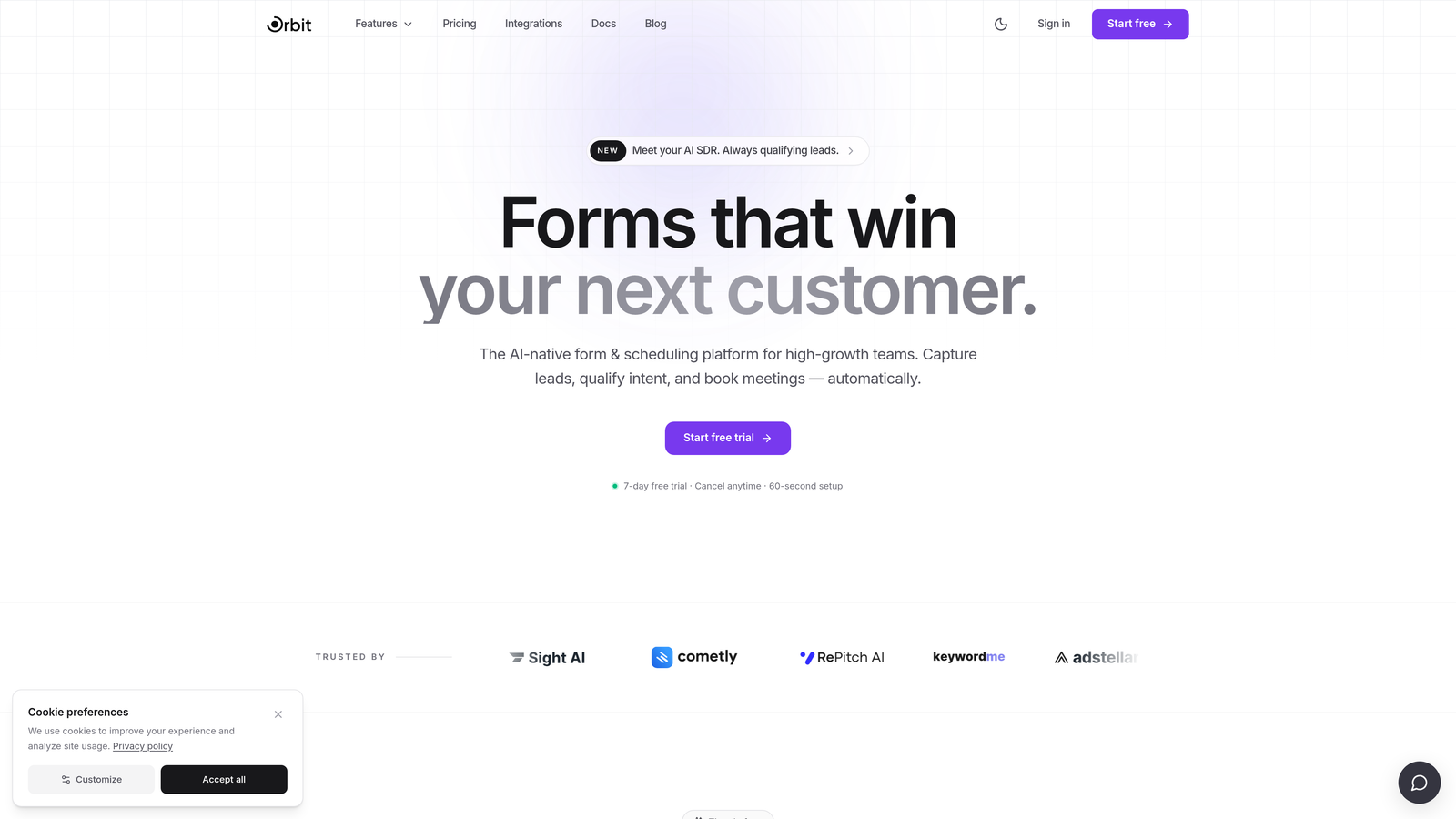
The platform combines conversational form flows with smart conditional logic, so the form adapts based on how someone responds. A prospect indicating they're evaluating enterprise software sees a different path than someone exploring a free trial. This isn't just a UX improvement. It's a qualification layer that runs before the lead ever reaches your CRM.
For high-growth SaaS and B2B teams, this means the forms themselves become active participants in the sales process rather than passive data collectors. Beautiful, conversion-optimized design is built in, so you're not trading aesthetics for intelligence.
Implementation Steps
1. Map your current lead qualification criteria before building. Know what signals define a high-intent lead for your team: company size, role, use case, timeline.
2. Use Orbit AI's conversational flow builder to create branching logic that surfaces these signals naturally within the form experience.
3. Connect your CRM and configure lead routing rules so high-intent submissions trigger immediate follow-up actions without manual intervention.
Pro Tips
Start with your highest-traffic lead capture form rather than rebuilding everything at once. Deploying Orbit AI on one critical touchpoint first gives you a clear before-and-after view of how intelligent qualification changes your pipeline quality. You can explore the full platform at orbitforms.ai.
2. Typeform — Conversational Design With a Trade-Off
The Challenge It Solves
Long, dense forms are a conversion killer. When someone lands on a form with fifteen fields stacked on a single page, abandonment is the most likely outcome. Typeform addresses this with its signature one-question-at-a-time format, which reduces cognitive load and tends to improve completion rates as a UX principle. For brand-conscious teams, the polished visual experience also reinforces credibility.
The Strategy Explained
Typeform's conversational format works well for surveys, research forms, and customer feedback collection. The interface is clean and the design quality is genuinely strong out of the box. For teams where brand presentation matters and the primary goal is data collection or audience research, it's a compelling option.

The limitations become apparent when you push into lead qualification territory. Native qualification logic in Typeform is relatively basic. You can build conditional paths, but the platform wasn't designed around lead scoring or intelligent routing. Integrations with CRMs exist, but they're largely pass-through connections rather than qualification-aware workflows.
Pricing is also worth scrutinizing carefully. The free tier is limited, and teams needing advanced logic, higher response volumes, or removal of Typeform branding will find costs escalating quickly through the Plus, Business, and Enterprise tiers.
Implementation Steps
1. Evaluate whether your primary use case is brand-forward data collection or active lead qualification. Typeform excels at the former.
2. If you proceed, use Logic Jumps to create branching paths that segment respondents by key criteria, even if native scoring isn't available.
3. Connect to your CRM via Zapier or native integrations, and build qualification rules on the CRM side to compensate for what the form layer doesn't handle.
Pro Tips
Typeform works best as a mid-funnel or nurture tool where brand experience matters more than real-time qualification. If your top-of-funnel lead capture needs to do heavy lifting, you'll likely find its limitations frustrating faster than expected. Teams exploring Typeform alternatives for businesses often discover more capable options built around conversion from the start.
3. HubSpot Forms — Deep CRM Integration, Limited Standalone Power
The Challenge It Solves
For teams already living inside HubSpot, the friction of syncing form data to the CRM is a real operational pain. Every manual data transfer is a potential error and a delay in lead follow-up. HubSpot Forms eliminates this entirely by writing directly to contact properties in real time, keeping your pipeline data clean without any middleware.
The Strategy Explained
Within the HubSpot ecosystem, Forms is genuinely powerful. It syncs natively with contact records, supports lead scoring through HubSpot's scoring tools, and connects seamlessly to workflows, sequences, and deal pipelines. For teams running HubSpot CRM as their primary system of record, using HubSpot Forms is the path of least resistance.

Step outside that ecosystem and the picture changes significantly. HubSpot Forms lacks the design flexibility of dedicated form builders. Customization options are constrained, mobile optimization requires attention, and the forms themselves can feel utilitarian compared to what purpose-built platforms offer. There's also a dependency risk: your forms become tightly coupled to your CRM subscription tier.
It's worth noting that HubSpot Forms is free, which makes it attractive for teams already paying for HubSpot. But "free" should be evaluated against what you're not getting, particularly if conversion optimization is a priority.
Implementation Steps
1. Audit whether your team is fully committed to HubSpot as a long-term CRM. If yes, HubSpot Forms is a logical default for standard lead capture.
2. Use progressive profiling to avoid asking the same questions to returning contacts, which improves the experience for repeat visitors.
3. For high-visibility landing pages where design and conversion rate matter most, consider pairing a dedicated form builder with HubSpot via integration rather than relying on native forms. A deeper look at HubSpot Forms vs custom form builders can help clarify which approach fits your team.
Pro Tips
HubSpot Forms shines brightest on internal pages, gated content downloads, and event registrations where the primary goal is CRM data capture. For top-of-funnel lead generation pages, the design limitations may cost you conversions.
4. Gravity Forms — WordPress Power User's Choice
The Challenge It Solves
WordPress sites often outgrow basic contact form plugins quickly. Teams that need conditional logic, payment processing, multi-step forms, and CRM connections within a WordPress environment frequently hit walls with simpler tools. Gravity Forms was built specifically to handle this complexity without requiring a separate platform.
The Strategy Explained
Gravity Forms is the most capable form solution available for self-hosted WordPress environments. Its add-on library is extensive, covering payment gateways, CRM integrations, email marketing platforms, and more. Conditional logic is robust, multi-page forms work reliably, and the developer community around it is large and active.
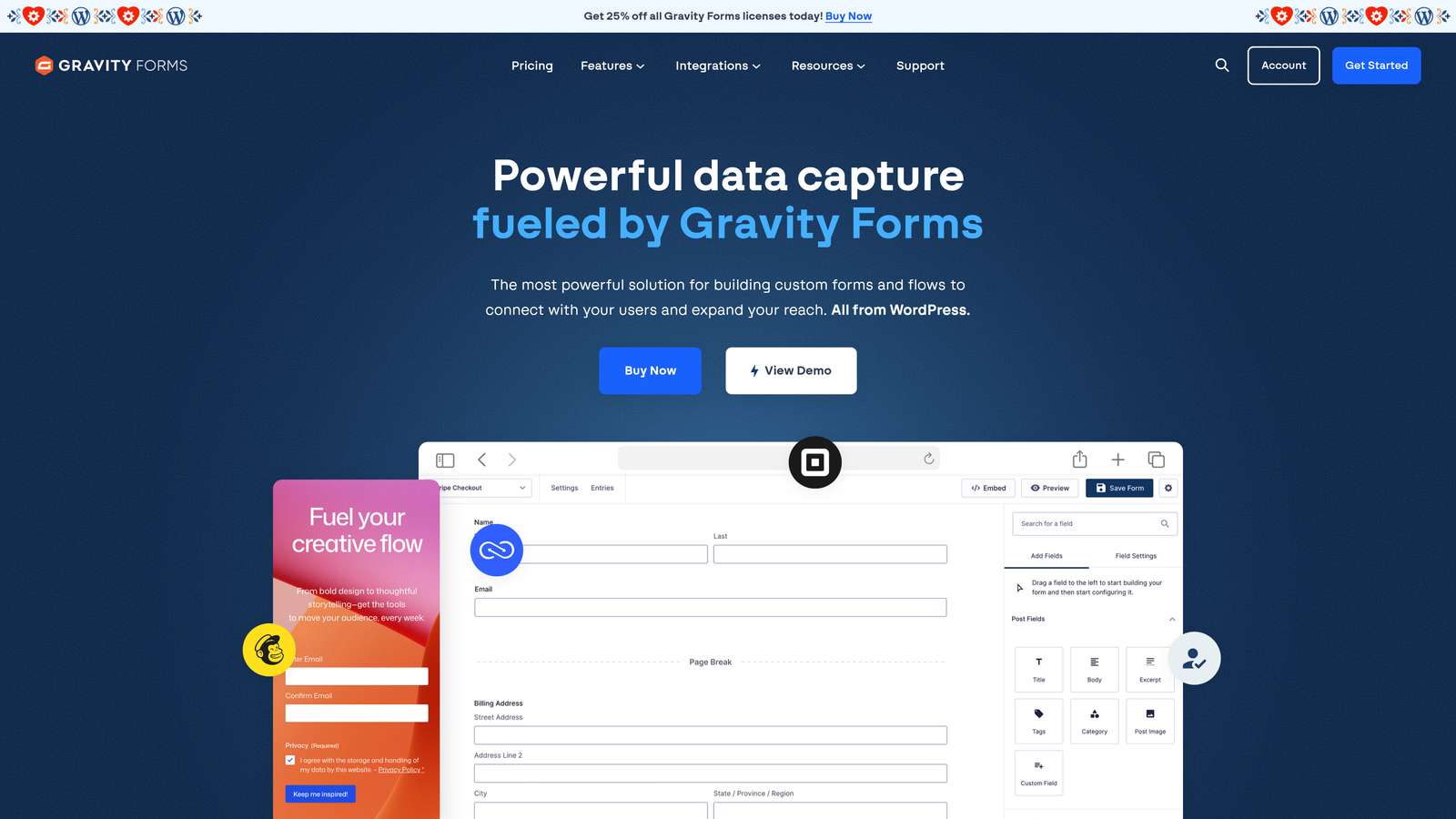
The trade-off is technical overhead. Gravity Forms requires a self-hosted WordPress installation, a paid license, and some developer familiarity to configure properly, especially when working with add-ons. Updates, compatibility with other plugins, and performance optimization all require ongoing attention. For teams without WordPress development resources, this complexity can become a liability.
It's also worth noting that Gravity Forms is fundamentally a data collection tool. Lead qualification, conversion optimization, and intelligent routing aren't native strengths. You can approximate some of these capabilities through add-ons and integrations, but it requires assembly. Teams evaluating a Gravity Forms alternative for businesses often find standalone platforms offer a faster path to conversion-ready forms.
Implementation Steps
1. Confirm your site is on self-hosted WordPress. Gravity Forms is not available for WordPress.com hosted sites without a Business plan or higher.
2. Select your license tier based on which add-ons you need. CRM and payment integrations typically require the Elite tier.
3. Engage a WordPress developer for initial setup and add-on configuration, particularly if you're implementing complex conditional logic or payment flows.
Pro Tips
Gravity Forms is the right choice when WordPress is your committed platform and you need deep customization. If you're evaluating platforms more broadly, the WordPress dependency alone may be reason to consider a more flexible, standalone solution.
5. Tally — Lightweight, Free-First Option for Lean Teams
The Challenge It Solves
Not every form use case requires enterprise-grade tooling. Startups building internal processes, small teams running quick surveys, or operators who need a simple intake form without a lengthy setup process often find that most form builders are overbuilt for their immediate needs. Tally addresses this by offering a genuinely capable free tier without artificial limitations on form count.
The Strategy Explained
Tally's Notion-inspired editor is clean and intuitive. Creating forms feels lightweight and fast, which is part of its appeal. The free plan includes unlimited forms and responses, which stands out in a market where most competitors gate these features behind paid tiers. For internal use cases, early-stage startups, or teams that need simple forms deployed quickly, Tally is a strong default.
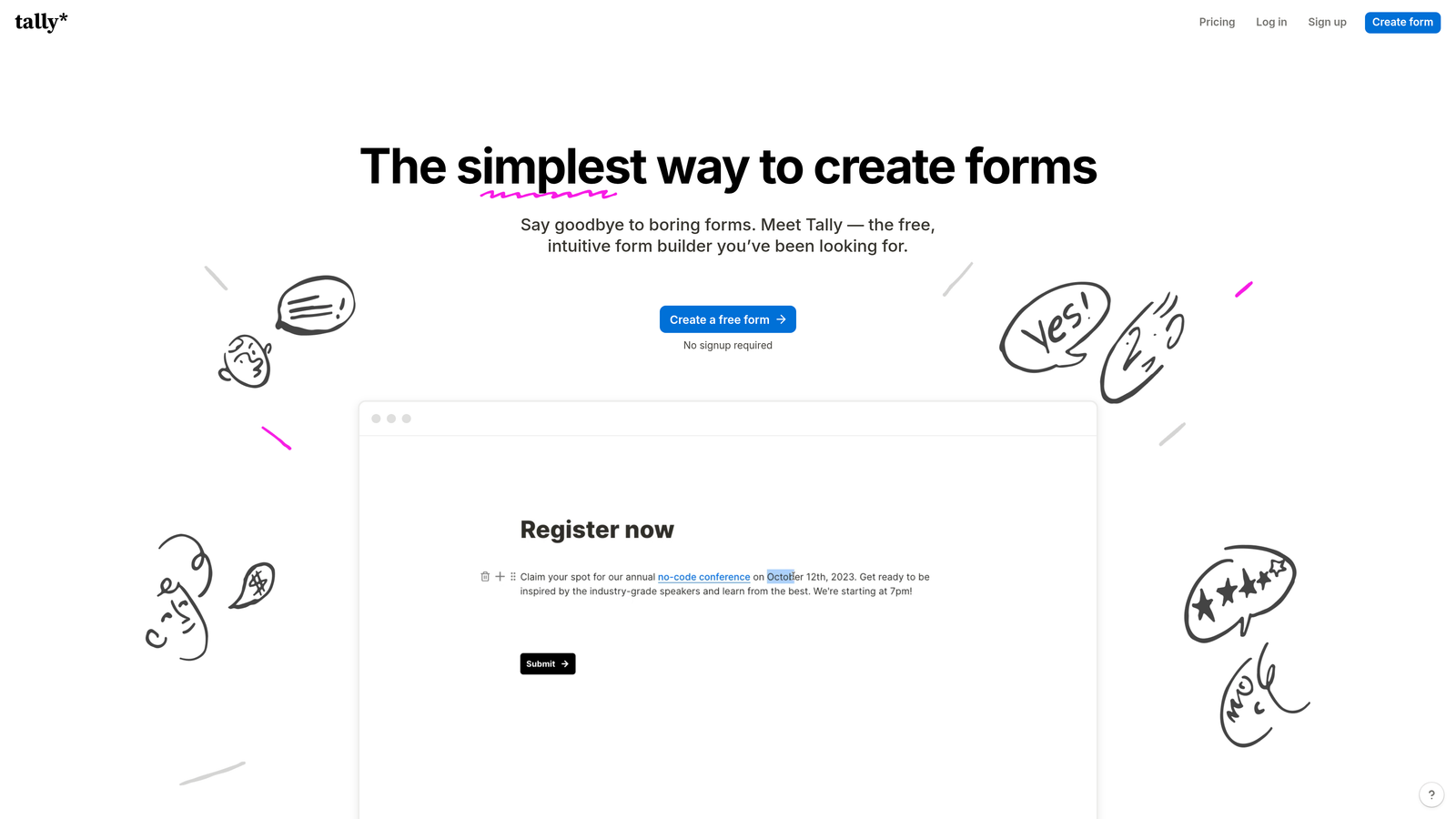
The ceiling becomes apparent when growth-focused teams start asking more of the platform. Advanced lead qualification isn't available. Integration depth is limited compared to dedicated lead generation platforms. Conversion optimization features like A/B testing, smart routing, and real-time lead scoring aren't part of the product. Mobile experience is functional but not optimized in the way that high-growth teams typically require.
Tally is a tool that does what it promises. The gap is in what it doesn't promise: active lead qualification, pipeline intelligence, and conversion optimization.
Implementation Steps
1. Use Tally for internal workflows, HR intake forms, event registrations, and simple survey use cases where qualification isn't a factor.
2. Connect to Notion, Google Sheets, or Zapier for basic data routing to keep operations simple.
3. When your forms start generating leads that feed a sales pipeline, treat that as the signal to evaluate a platform built for conversion and qualification.
Pro Tips
Tally is an excellent starting point, not a long-term growth platform. If your business is scaling and forms are becoming a meaningful part of your lead generation motion, the features you'll need aren't on Tally's roadmap in the same way they are for platforms purpose-built for growth teams.
6. Formstack — Enterprise Compliance and Workflow Automation
The Challenge It Solves
Regulated industries like healthcare, finance, and legal services face a specific challenge with form tools: data compliance isn't optional. HIPAA-compliant data handling, audit trails, and secure document workflows are requirements, not nice-to-haves. Most consumer-grade form builders aren't built to meet these standards, leaving enterprise teams in regulated sectors with limited options.
The Strategy Explained
Formstack is purpose-built for this environment. HIPAA compliance, document generation, e-signatures, and multi-step workflow automation are core features rather than add-ons. For enterprise teams managing complex intake processes, patient forms, or contract workflows, Formstack provides the compliance infrastructure and process automation that simpler tools can't match.
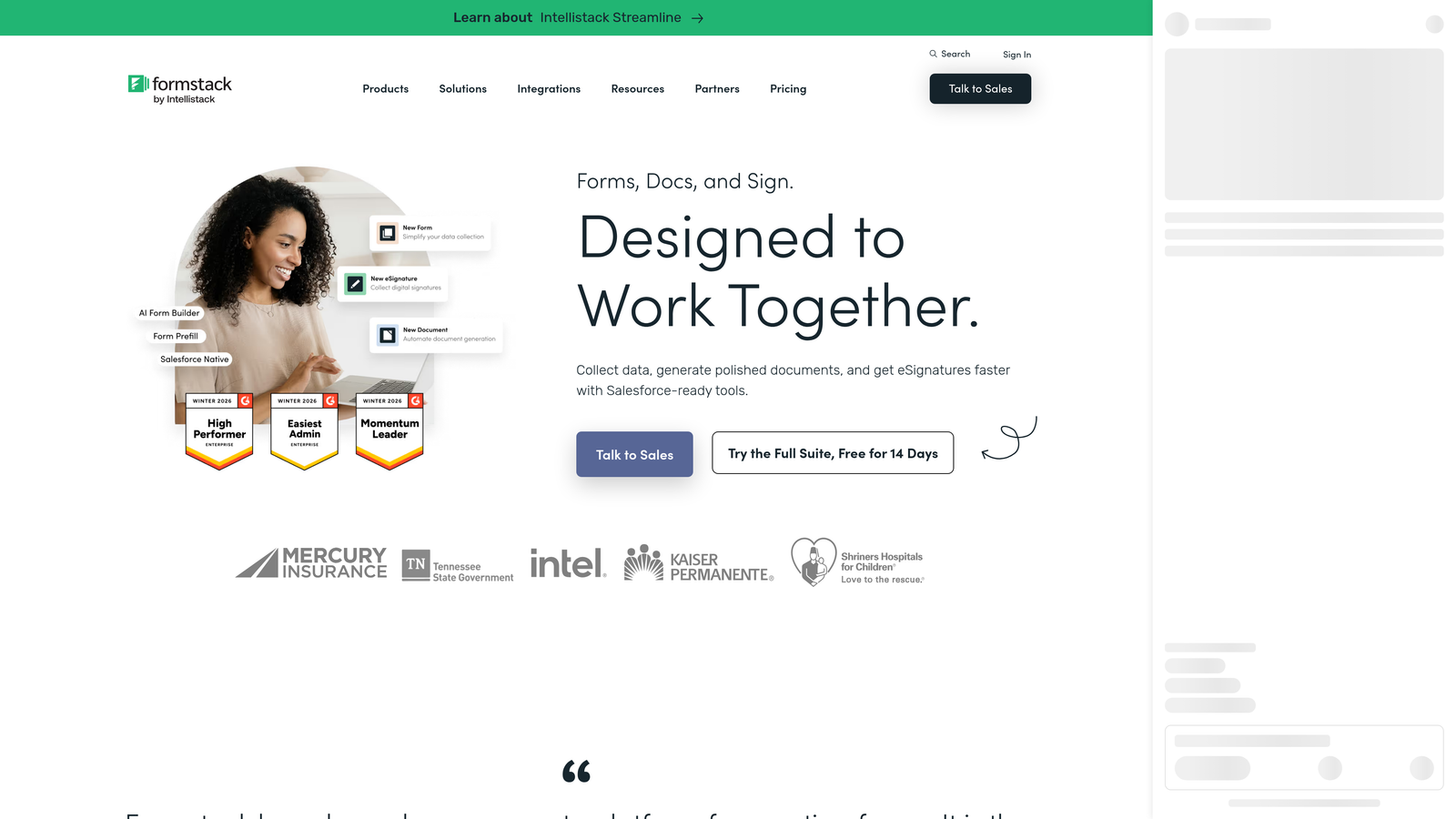
The platform is genuinely robust. But that robustness comes with a price point and feature complexity that positions it well outside what most SMB or growth-stage teams need. If your primary goal is lead generation and conversion optimization rather than compliance-heavy document workflows, Formstack is likely more platform than your use case requires.
It's also worth noting that Formstack's strength is in process automation and data governance, not in conversion-optimized design or AI-powered lead qualification. These are fundamentally different product philosophies serving different organizational needs.
Implementation Steps
1. Evaluate whether your use case genuinely requires HIPAA compliance or enterprise-grade workflow automation. If not, Formstack's complexity and cost are unnecessary.
2. For teams in regulated industries that do need compliance features, request a formal security review and compliance documentation before committing.
3. Map your specific workflow automation needs against Formstack's feature set to confirm the platform addresses your actual requirements rather than a generalized enterprise checklist.
Pro Tips
Formstack earns its place in healthcare, legal, and financial services organizations where compliance is non-negotiable. For growth-stage SaaS and B2B teams focused on pipeline generation, it's the wrong tool for the job, and paying for compliance infrastructure you don't need is a poor use of budget.
7. How to Choose the Right JotForm Alternative for Your Business
The Challenge It Solves
Feature lists are seductive but misleading. Every platform on this list does something well. The real risk isn't choosing a bad platform — it's choosing a platform optimized for a different use case than yours. A compliance-focused enterprise tool and a conversion-optimized lead generation platform can both claim to be "form builders" while serving fundamentally different purposes.
The Strategy Explained
Before evaluating any platform, get clear on five questions. Your answers will narrow the field quickly and point you toward the right fit.
The first question is your primary use case. Are your forms primarily lead generation touchpoints, internal data collection tools, compliance-driven workflows, or customer research instruments? Each use case has a different optimal platform. Lead generation and qualification demands a different toolset than HIPAA-compliant patient intake.
The second is your lead qualification needs. Does your sales team need forms to do qualification work, or do they handle that downstream? If forms feed directly into a sales pipeline, native qualification logic and intelligent routing matter enormously. If forms feed a research database, they don't.
The third is your mobile experience requirement. A meaningful portion of web traffic arrives via mobile devices, and form completion rates on poorly optimized mobile experiences suffer visibly. Evaluate any platform's mobile form experience directly, on an actual device, before committing.
The fourth is your CRM and integration stack. Deep native integration with your CRM is more reliable than middleware-dependent connections. Map your existing stack and confirm how each platform connects to it before evaluating features in isolation.
The fifth is scalability. Where will your form volume, submission volume, and team size be in eighteen months? Choose a platform that handles your projected growth without forcing a migration or a significant price jump at an inconvenient time.
Implementation Steps
1. Score each platform against your five priority criteria rather than a generic feature checklist. Weight the criteria by importance to your specific business.
2. Run a pilot on your highest-traffic or highest-intent form rather than a low-stakes internal form. Real traffic reveals real performance differences.
3. Involve your sales or revenue operations team in the evaluation. They experience the downstream effects of form quality more directly than anyone else.
Pro Tips
The best platform is the one that reduces friction for your prospects while increasing signal quality for your sales team. Those two goals should guide every evaluation decision you make.
Your Implementation Roadmap
Choosing the right form platform isn't a technical decision in isolation. It's a revenue decision. The forms sitting at the top and middle of your sales funnel directly influence how many qualified leads reach your team, how quickly they're followed up with, and how much time your sales reps spend on prospects worth pursuing.
JotForm works well for general data collection. But businesses focused on conversion optimization and active lead qualification need a platform built around those goals from the ground up. That's the gap that most of the alternatives on this list address in different ways, for different audiences.
If your priority is conversational design and brand experience, Typeform is worth evaluating. If you're locked into HubSpot, their native forms are a logical default. If you're on WordPress and need deep customization, Gravity Forms delivers. If you're in a regulated industry with compliance requirements, Formstack is purpose-built for you. If you need something lightweight and free to start, Tally gets you moving quickly.
And if your forms are a critical pipeline asset and you need them to qualify leads intelligently, route high-intent prospects automatically, and deliver a conversion-optimized experience across devices, Orbit AI was built specifically for that.
Before migrating anything, audit your current forms against the evaluation framework in section 7. Identify your biggest gaps: qualification logic, mobile experience, CRM sync, or design quality. Then start with your highest-traffic or highest-intent form first. The right platform, deployed thoughtfully, transforms your forms from passive data collectors into active pipeline generators.
Start building free forms today and see how intelligent form design and AI-powered lead qualification can elevate your conversion strategy.


