

If your current form builder feels like it needs a manual just to publish a basic lead form, you're not alone. Many high-growth teams hit a wall when complex tools slow down campaigns, require developer involvement for every tweak, or bury simple tasks under layers of settings. The result: forms don't get built, leads don't get captured, and momentum stalls.
This list cuts through the noise. We've rounded up nine form builders specifically evaluated for team usability — how fast a non-technical marketer can go from zero to a live, conversion-ready form. Each tool is assessed on ease of setup, collaboration features, logic and qualification capabilities, and how well it scales with a growing team. Whether you're a two-person startup or a scaling SaaS operation, there's a tool here that fits. Let's get into it.
1. Orbit AI
Best for: High-growth SaaS and B2B teams who need AI-powered lead qualification without complexity
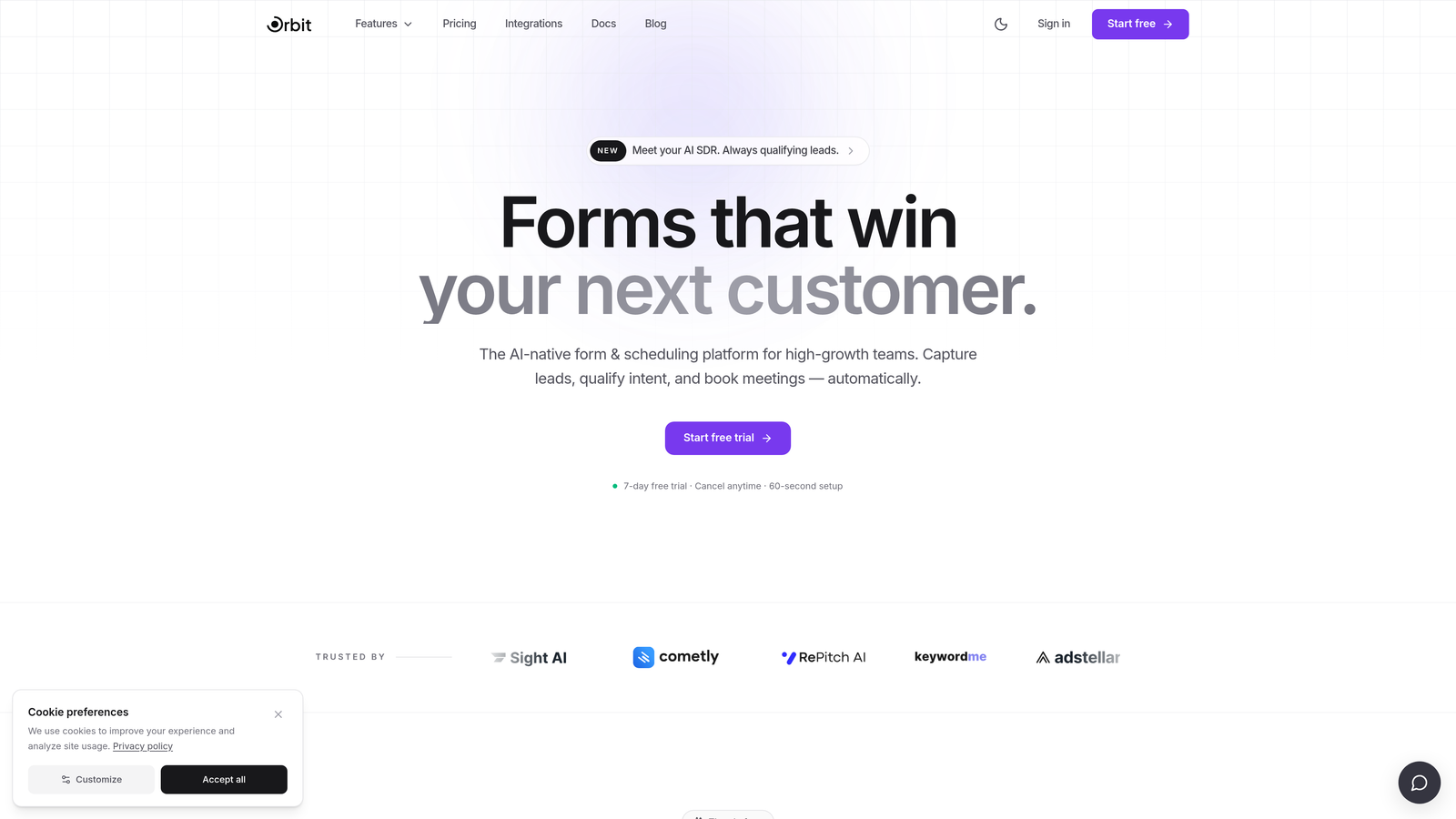
Orbit AI is an AI-powered form builder with built-in lead qualification, designed for high-growth teams who need conversion-optimized forms without the complexity tax.
Where This Tool Shines
Most form builders make you choose between simplicity and intelligence. You can have a drag-and-drop editor that's easy to use, or you can have lead scoring and qualification logic — but getting both usually means stitching together multiple tools. Orbit AI is built specifically to collapse that gap.
The standout feature is AI lead qualification woven directly into the form flow. Rather than collecting raw submissions and figuring out lead quality after the fact, Orbit scores and routes leads in real time as they move through the form. For teams running paid campaigns or inbound programs at scale, this is the difference between a form and an actual pipeline asset.
Key Features
AI Lead Qualification: Built directly into the form flow, so leads are scored and routed automatically without post-submission manual work.
Modern Drag-and-Drop Builder: No developer dependency — marketers can build, publish, and iterate on forms independently.
Conversion-Optimized Templates: Pre-built templates designed specifically for SaaS and B2B use cases, so you're not starting from a blank canvas.
Real-Time Lead Scoring and Routing: Leads are prioritized and directed to the right team or workflow based on their responses, instantly.
Team Collaboration: Built-in form management and collaboration features so the whole team works from one place rather than emailing form links around.
Best For
Growth teams, demand gen marketers, and SaaS operators who want their forms to do more than collect data. If lead quality and conversion rate are metrics you're actively managing, Orbit AI is built for that conversation. It's also a strong fit for teams that have outgrown simpler tools but don't want the overhead of enterprise platforms.
Pricing
Check orbitforms.ai for current pricing details. A free starting option is available for teams ready to explore the platform.
2. Typeform
Best for: Teams that want a polished, conversational form experience with minimal design effort
Typeform is a conversational form builder known for its one-question-at-a-time interface that reduces form fatigue and improves completion rates.

Where This Tool Shines
Typeform's core insight is that forms feel less intimidating when they present one question at a time. The experience resembles a conversation more than a spreadsheet, which tends to work well for lead gen forms, surveys, and onboarding flows where engagement matters.
Setup is genuinely fast. The builder is clean, the default styling looks professional out of the box, and you don't need a designer to make something that looks like it belongs on a modern website. Where teams sometimes hit friction is on pricing — the free tier is limited, and more advanced logic features push you toward higher plans quickly.
Key Features
Conversational Single-Question Flow: Presents one question at a time to reduce overwhelm and keep respondents engaged.
Polished Default Design: Forms look great without any custom styling work.
Logic Jumps: Conditional paths based on respondent answers, enabling personalized form flows.
Wide Integration Library: Connects with CRMs, marketing automation tools, and Zapier for flexible workflow routing.
Video and Image Embedding: Supports rich media inside forms for more engaging experiences.
Best For
Marketing teams focused on lead generation, customer research, and onboarding flows who prioritize completion rate and visual polish. Less ideal for teams that need deep lead qualification logic without upgrading to higher-tier plans.
Pricing
Free tier available with limited responses. Paid plans start at approximately $25/month — verify current pricing at typeform.com.
3. Tally
Best for: Small teams and indie operators who want zero learning curve and a generous free tier
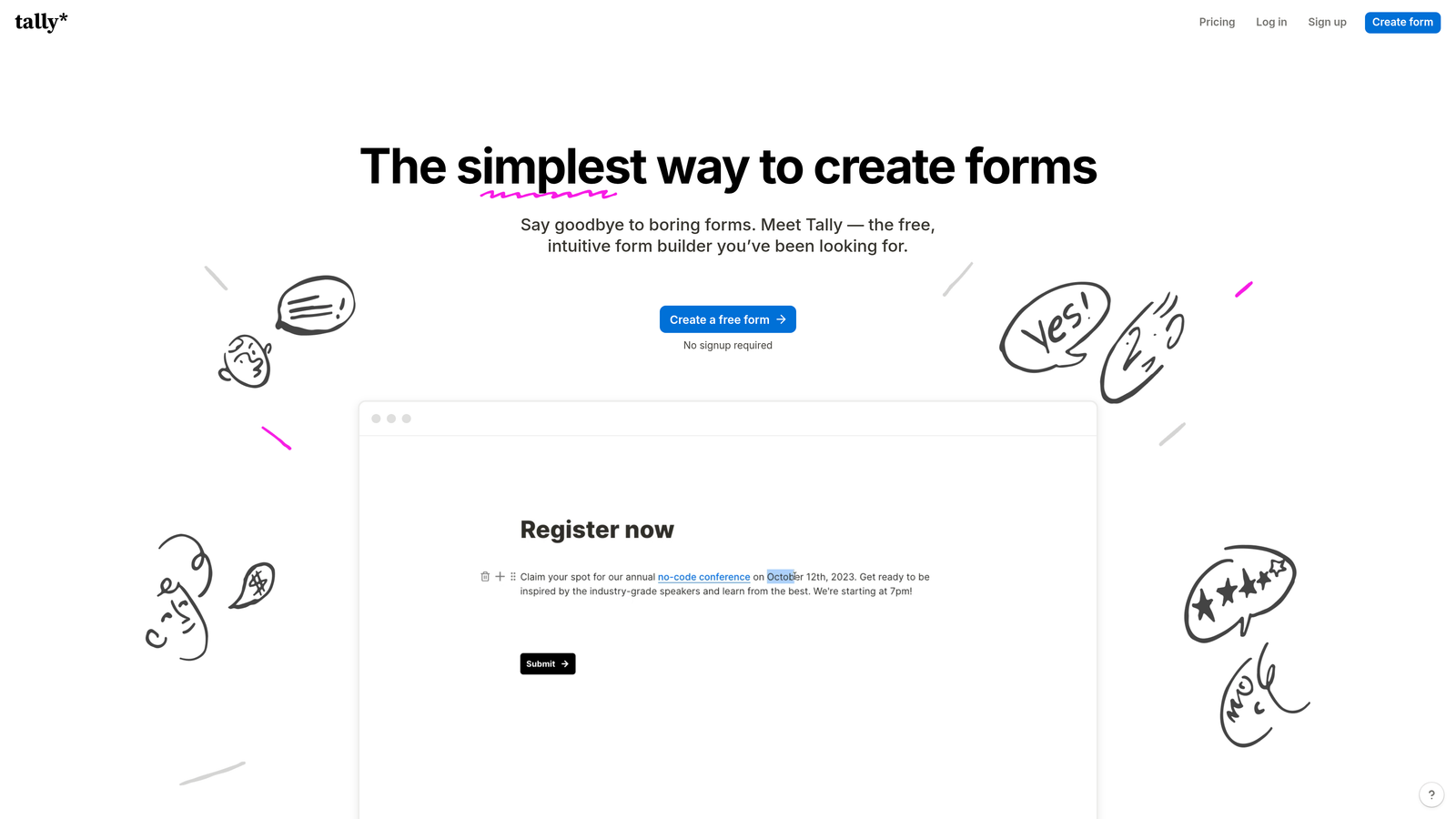
Tally is a Notion-style form builder that strips away all complexity — if you can write a document, you can build a form.
Where This Tool Shines
Tally's block-based editor will feel immediately familiar to anyone who uses Notion. You type, you add blocks, and your form takes shape. There's no toolbar to learn, no settings panel to decode. It's one of the fastest tools on this list for getting a form live from scratch.
The free tier is unusually generous — unlimited forms and unlimited submissions — which makes it a genuine option for early-stage teams watching spend carefully. The trade-off is that Tally is light on advanced qualification logic. It handles conditional branching well enough for most use cases, but if you need sophisticated lead scoring or real-time routing, you'll hit its ceiling.
Key Features
Block-Based Editor: Notion-style interface with zero learning curve for anyone familiar with modern productivity tools.
Generous Free Tier: Unlimited forms and submissions on the free plan, which is rare in this category.
Conditional Logic: Multi-step support and branching paths for more dynamic form experiences.
Notion Embedding: Embeds cleanly inside Notion pages, which is a genuine workflow advantage for Notion-heavy teams.
Simple Team Sharing: Easy to share and collaborate on forms without complex permission setups.
Best For
Early-stage startups, indie hackers, and small teams who need functional forms fast without a budget commitment. Also great for internal forms, feedback collection, and lightweight lead capture where advanced qualification isn't required.
Pricing
Free tier available with unlimited forms. Pro plan available for additional features — verify current pricing at tally.so.
4. Jotform
Best for: Teams that need a massive template library and built-in payment collection
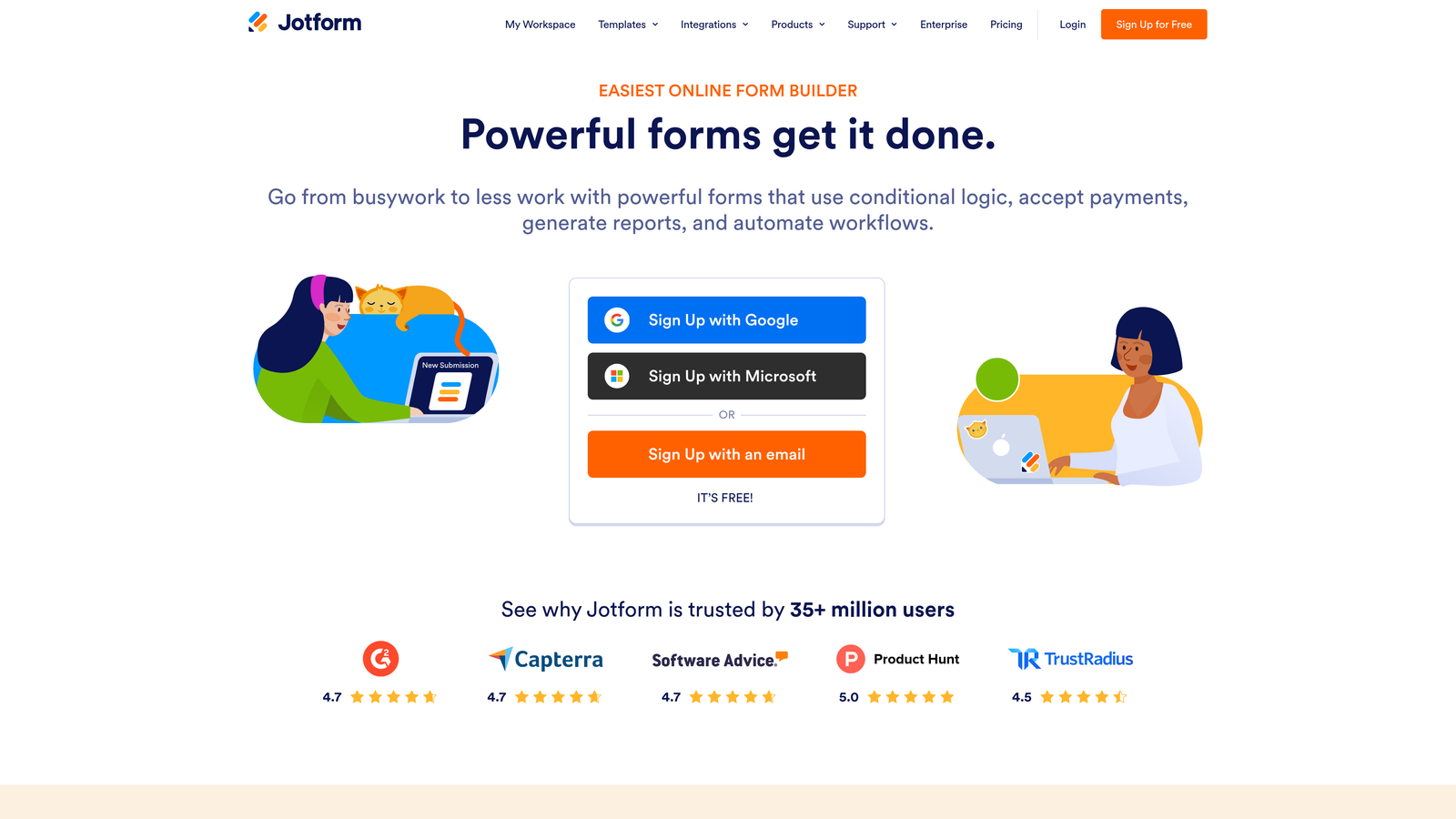
Jotform is a feature-rich form builder with one of the largest template libraries available, making it fast to start even for complex use cases.
Where This Tool Shines
Jotform's template library is genuinely impressive — over 10,000 templates spanning virtually every industry and use case. For a team that needs to spin up a form for an unfamiliar use case quickly, starting from a relevant template cuts setup time significantly. You're not designing from scratch; you're adapting something that already works.
The feature depth can feel overwhelming at first, but the template-first approach helps new users bypass the complexity. Jotform also handles payment collection natively, which is a meaningful differentiator for teams running registrations, bookings, or e-commerce flows alongside their lead gen work.
Key Features
10,000+ Templates: One of the largest template libraries in the category, covering nearly every industry and use case.
Drag-and-Drop Builder: Deep customization available without touching code.
Native Payment Collection: Supports Stripe, PayPal, and other payment processors directly within forms.
Extensive Integrations: Connects with CRMs, marketing tools, project management platforms, and more.
Team Workspaces and Approval Workflows: Collaboration and review features for teams managing multiple forms across projects.
Best For
Agencies, operations teams, and businesses that need payment-enabled forms or work across diverse use cases where a rich template library saves meaningful time. Less ideal as a primary lead qualification tool for high-growth SaaS teams.
Pricing
Free tier available. Paid plans are tiered by submission volume — verify current pricing at jotform.com.
5. HubSpot Forms
Best for: Teams already using HubSpot CRM who want zero-friction form-to-CRM sync
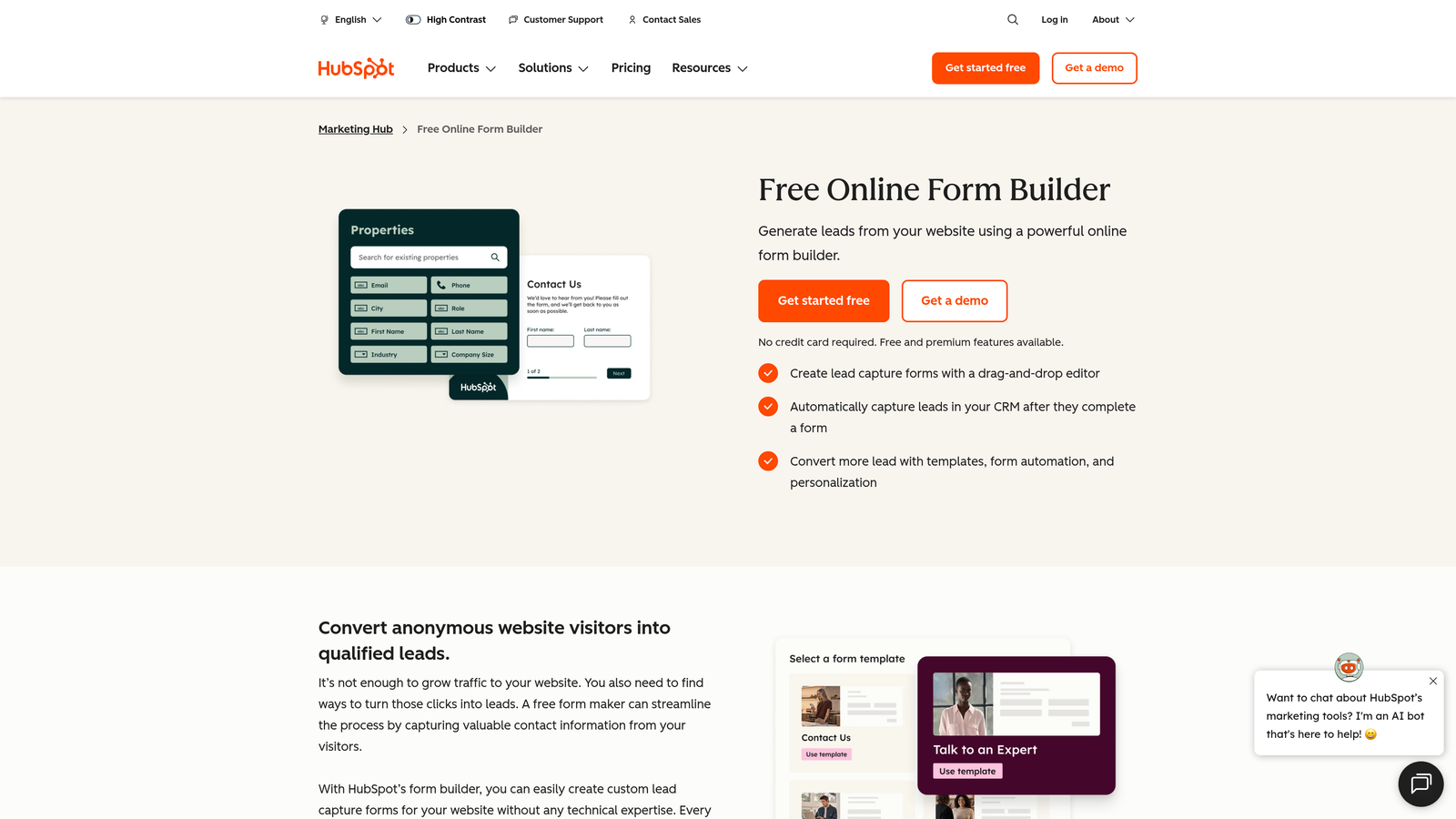
HubSpot Forms is a native form builder included with HubSpot CRM — zero additional setup for teams already in the HubSpot ecosystem.
Where This Tool Shines
The value proposition here is almost entirely about ecosystem fit. If your team lives in HubSpot, adding a form that automatically syncs submissions to contact records, triggers workflows, and feeds into your CRM pipeline requires no integration work whatsoever. That zero-friction path from form submission to CRM record is genuinely powerful for sales-led teams.
Progressive profiling is a standout feature: HubSpot Forms can recognize returning visitors and ask for new information rather than repeating fields they've already filled out. Over time, this builds richer contact profiles without asking people to fill out long forms in one sitting.
Key Features
Automatic CRM Sync: Every submission instantly creates or updates a HubSpot contact record with no manual setup.
Progressive Profiling: Recognizes known contacts and surfaces new questions instead of repeating known fields.
Smart Form Fields: Adapts field display based on existing contact data in the CRM.
Flexible Embedding: Embeds on any external website or HubSpot landing page.
Built-In Analytics: Form performance data tied directly to contact records and pipeline reporting.
Best For
Sales-led SaaS teams and B2B companies whose primary workflow runs through HubSpot. If you're not already on HubSpot, this tool alone isn't a reason to adopt the platform — but for existing users, it's the path of least resistance.
Pricing
Free with a HubSpot account. Advanced features require paid HubSpot plans — verify at hubspot.com.
6. Google Forms
Best for: Internal use cases where speed and zero cost matter more than design or logic
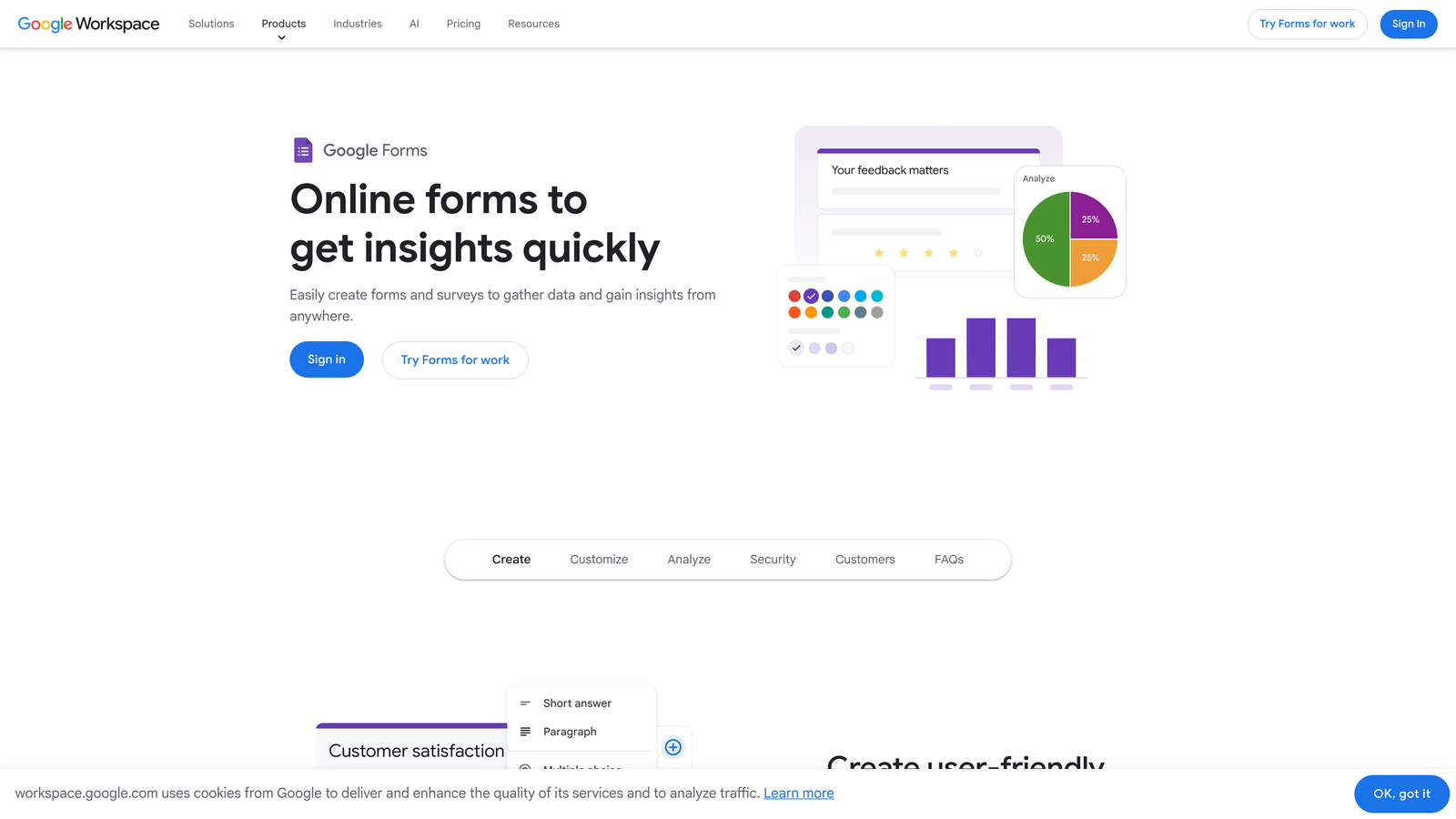
Google Forms is the simplest possible form tool — free, instant, and already in every Google Workspace account.
Where This Tool Shines
There's no faster path from "I need a form" to "the form is live" than Google Forms. If your team uses Google Workspace, you already have it. No signup, no credit card, no onboarding. Open it, add your questions, share the link. Done in minutes.
It's worth being honest about what Google Forms isn't: it's not a lead generation tool. The design options are minimal, the branding is essentially non-existent, and the logic capabilities are basic. Responses flow into Google Sheets automatically, which is genuinely useful for internal data collection. But for external-facing lead capture where conversion rate matters, it's a placeholder at best.
Key Features
Zero Setup: Available instantly in any Google Workspace account with no additional tools needed.
Automatic Google Sheets Sync: All responses collected directly in a connected spreadsheet.
Basic Branching Logic: Simple conditional sections for straightforward question routing.
No Submission Limits: Completely free with no caps on responses.
Familiar Interface: Anyone on the team can use it without training.
Best For
Internal surveys, team feedback collection, event RSVPs, and quick data gathering where design and conversion optimization aren't priorities. Not recommended as a primary external lead capture tool for growth-focused teams.
Pricing
Completely free with a Google account.
7. Paperform
Best for: Teams that want payments, scheduling, and forms in a single document-style tool
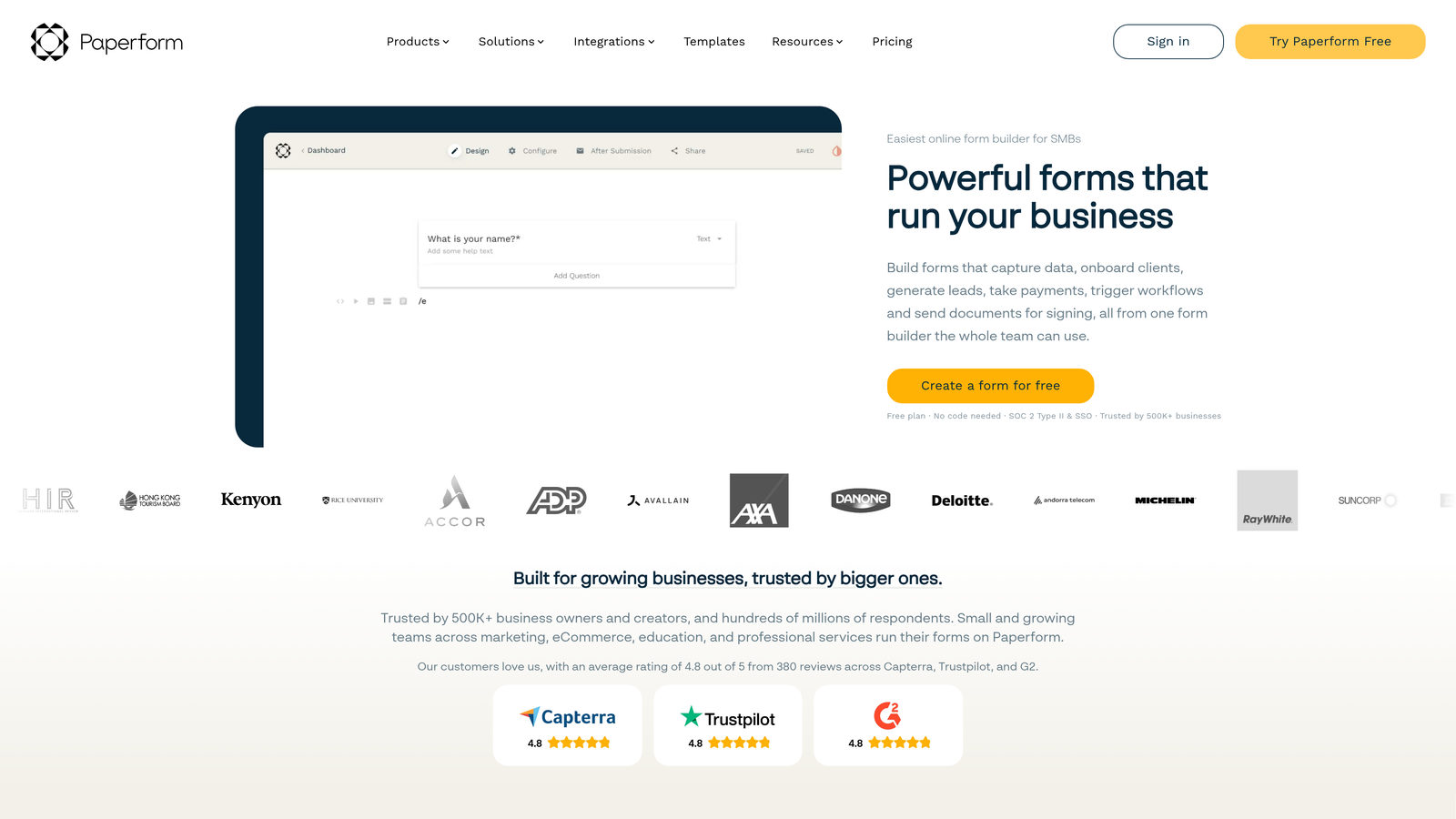
Paperform is a document-style form builder that lets teams create beautiful forms by writing naturally — no drag-and-drop required.
Where This Tool Shines
Paperform's editor works like a word processor. You write text, and you insert form fields inline as you go. For teams who find drag-and-drop interfaces counterintuitive, this approach clicks immediately. It feels more like writing a page than building a form, which removes a lot of the mental friction around getting started.
The built-in payment processing and scheduling features make Paperform particularly useful for service businesses, consultants, and teams running registrations or bookings alongside their standard lead capture. Having those capabilities native to the tool — rather than bolted on via integrations — simplifies the workflow considerably.
Key Features
Document-Style Editor: Write text and embed fields inline, making form creation feel natural and fast.
Built-In Payments and Scheduling: Native support for payment collection and appointment booking within the same form.
Conditional Logic and Calculations: Advanced logic and math fields for dynamic, responsive form flows.
Customizable Branding: Full control over themes, colors, and styling for on-brand external forms.
200+ Integrations: Native connections plus Zapier for flexible workflow automation.
Best For
Service businesses, consultants, and teams that need payment-enabled or scheduling-enabled forms with a polished look. Also a good fit for teams who find traditional drag-and-drop builders unintuitive.
Pricing
No free tier. Paid plans available — verify current pricing at paperform.co.
8. Fillout
Best for: Ops-heavy teams whose data lives in Airtable, Notion, or Supabase
Fillout is a modern form builder with deep native integrations for teams whose workflows are built around Airtable, Notion, or Supabase.
Where This Tool Shines
Most form builders treat integrations as an afterthought — you collect data in the form, then route it somewhere else via Zapier. Fillout flips that model for teams already using Airtable, Notion, or Supabase. The native integrations are deep enough that your form can read from and write to these databases directly, which is a meaningful workflow advantage for ops teams managing complex data structures.
The form builder itself is clean and modern, with both multi-step and conversational modes available. It's grown quickly in the no-code community, and the free tier is generous enough that small teams can evaluate it seriously before committing to a paid plan.
Key Features
Native Airtable, Notion, and Supabase Integrations: Deep two-way connections that go beyond basic Zapier routing.
Multi-Step and Conversational Modes: Flexible form formats to match different use cases and audiences.
Scheduling and Payment Fields: Built-in support for bookings and transactions within forms.
Visual Conditional Logic Builder: Intuitive interface for setting up branching paths without technical knowledge.
Generous Free Tier: Meaningful functionality available before hitting a paywall.
Best For
Operations teams, product teams, and no-code builders whose primary data infrastructure runs on Airtable, Notion, or Supabase. Less compelling for teams not already in that ecosystem.
Pricing
Free tier available. Paid team plans available — verify current pricing at fillout.com.
9. Feathery
Best for: Technical founders and growth engineers who need flexibility without full custom development
Feathery is a low-code form builder designed for teams that occasionally need custom behavior without creating a full developer dependency.
Where This Tool Shines
Feathery occupies a specific and useful niche: it's for teams that have outgrown pure no-code tools but aren't ready to build custom forms from scratch. The visual editor handles the majority of use cases, and when you hit a wall — a custom validation rule, a specific API call, a non-standard field behavior — there's a code escape hatch available without abandoning the visual workflow entirely.
This makes it a particularly good fit for collaboration between technical and non-technical team members. A marketer can build and manage the form structure, while a developer can drop in custom logic where needed, all within the same tool. That handoff is often where complexity gets introduced in other platforms.
Key Features
Visual Editor with Code Escape Hatch: Build visually, then add custom code only where necessary — no all-or-nothing decision.
Advanced Conditional Logic: Sophisticated branching and field validation beyond what most no-code tools offer.
API and Webhook Integrations: Direct connectivity for teams with custom backend workflows.
Multi-Step Form Flows: Complex branching paths for detailed qualification or onboarding sequences.
Cross-Functional Collaboration: Designed to work for both technical and non-technical users on the same form.
Best For
Technical founders, growth engineers, and product-led teams that need more flexibility than standard no-code tools provide but want to avoid full custom development. A strong choice when the team includes both developers and non-technical operators who need to collaborate on form logic.
Pricing
Free tier available. Team plans available — verify current pricing at feathery.io.
Which Tool Is Right for Your Team?
The right form builder depends less on feature lists and more on where your team actually feels friction today.
If lead quality and conversion rate are metrics you're actively managing, Orbit AI is the strongest fit on this list. The combination of AI lead qualification, a clean builder, and team collaboration features makes it purpose-built for high-growth teams who need their forms to function as pipeline assets, not just data collectors.
For teams already deep in the HubSpot ecosystem, HubSpot Forms is the obvious path of least resistance. For teams whose data lives in Airtable or Notion, Fillout removes more friction than any other option here. And if you genuinely need zero budget and zero setup time, Google Forms or Tally will get you moving immediately.
Quick recommendation matrix:
Need AI lead qualification + fast setup: Orbit AI
Already using HubSpot CRM: HubSpot Forms
Want conversational, polished forms: Typeform
Need zero budget, zero learning curve: Tally or Google Forms
Data lives in Airtable or Notion: Fillout
Need payments + scheduling in one tool: Paperform
Technical team needing flexibility: Feathery
Transform your lead generation with AI-powered forms that qualify prospects automatically while delivering the modern, conversion-optimized experience your high-growth team needs. Start building free forms today and see how intelligent form design can elevate your conversion strategy.


