

Your contact form is often the first real interaction a prospect has with your product. For SaaS companies, that moment matters more than most. A generic form buried on a contact page won't cut it when you're competing for high-intent leads who expect a polished, fast, and intelligent experience.
The right contact form tool does more than collect names and emails. It qualifies leads, routes them to the right team, integrates with your CRM, and ideally starts the conversion process before a human ever gets involved.
This list covers the top tools built or well-suited for SaaS teams who care about lead quality, not just lead volume. Whether you're a lean startup capturing your first enterprise leads or a scaling team optimizing a high-traffic demo request flow, there's a tool here for you. We've evaluated each option on ease of setup, SaaS-specific features, CRM integrations, lead qualification capabilities, and overall conversion-friendliness.
1. Orbit AI
Best for: SaaS teams that want AI-powered lead qualification built directly into the form experience.
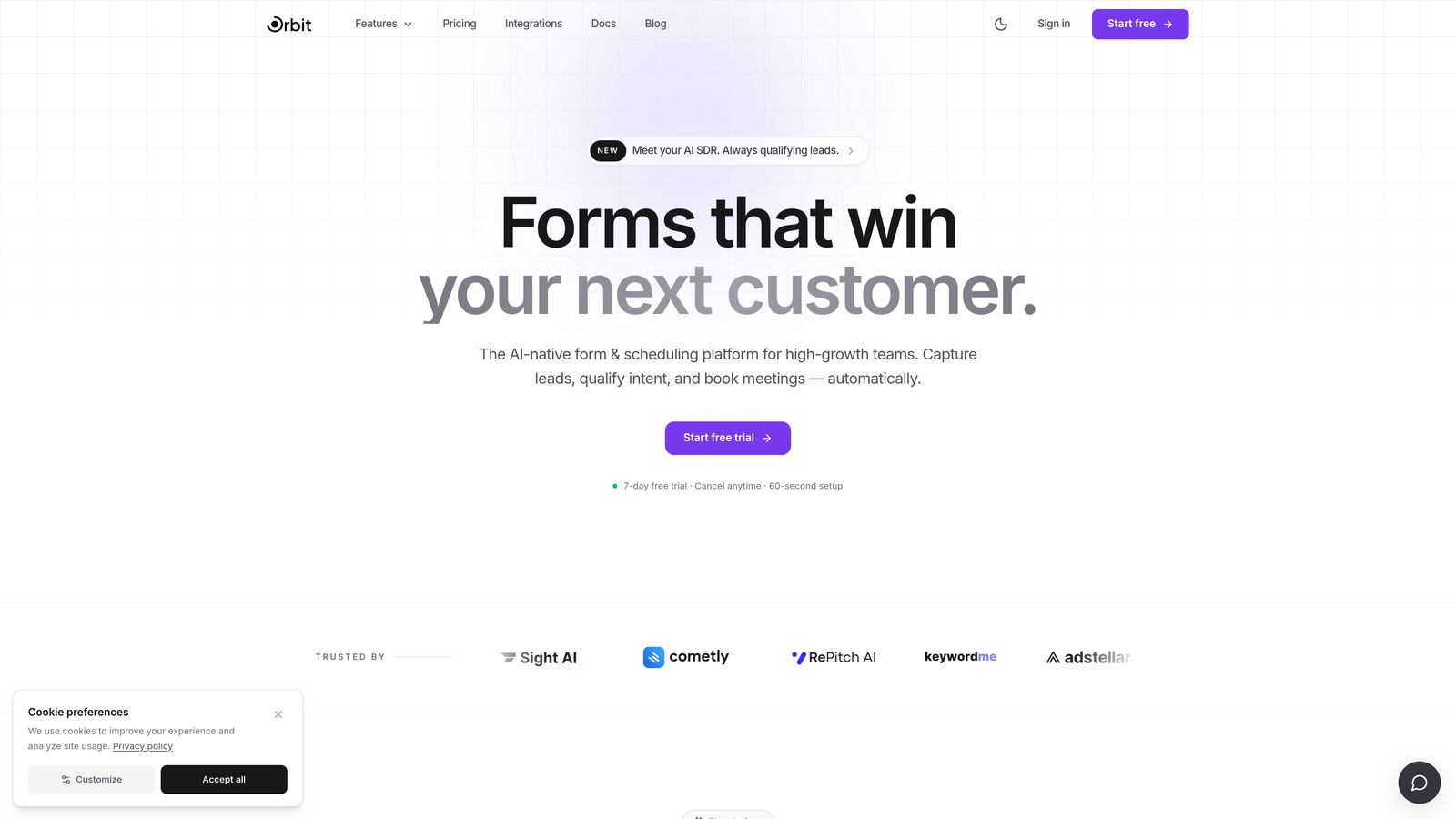
Orbit AI is an AI-powered form builder designed for SaaS teams who need more than a contact form — it qualifies leads in real time so your sales team only talks to prospects who are actually ready.
Where This Tool Shines
Most contact forms are passive. They collect information and hand it off. Orbit AI is different because the qualification happens during the form interaction itself. The AI adapts questions based on responses, surfacing intent signals before a lead ever hits your CRM.
For high-growth SaaS teams dealing with a flood of inbound requests, this is a meaningful shift. Instead of your sales team manually triaging submissions, Orbit AI handles the heavy lifting upfront. The result is a cleaner pipeline and faster follow-up on the leads that actually matter.
Key Features
AI-Driven Lead Qualification: Qualifies prospects in real time during the form interaction, not after submission.
Conversion-Optimized Design: Form templates built specifically for SaaS landing pages and demo request flows.
Smart Conditional Logic: Questions adapt dynamically based on how a prospect responds, creating a personalized experience.
CRM and Automation Integrations: Connects with the marketing and sales tools your team already uses.
Modern UI Standards: Clean, design-forward interface that matches polished SaaS brand aesthetics without custom CSS work.
Best For
Orbit AI is the strongest fit for SaaS growth and marketing teams who are frustrated with unqualified leads reaching sales. If you're running demo request flows, enterprise contact forms, or any high-stakes lead capture page where lead quality is the priority, this is worth serious consideration.
Pricing
Visit orbitforms.ai for current pricing details. A free starting option is available for teams ready to explore the platform.
2. Typeform
Best for: SaaS teams that want a conversational, high-engagement form experience with strong brand customization.
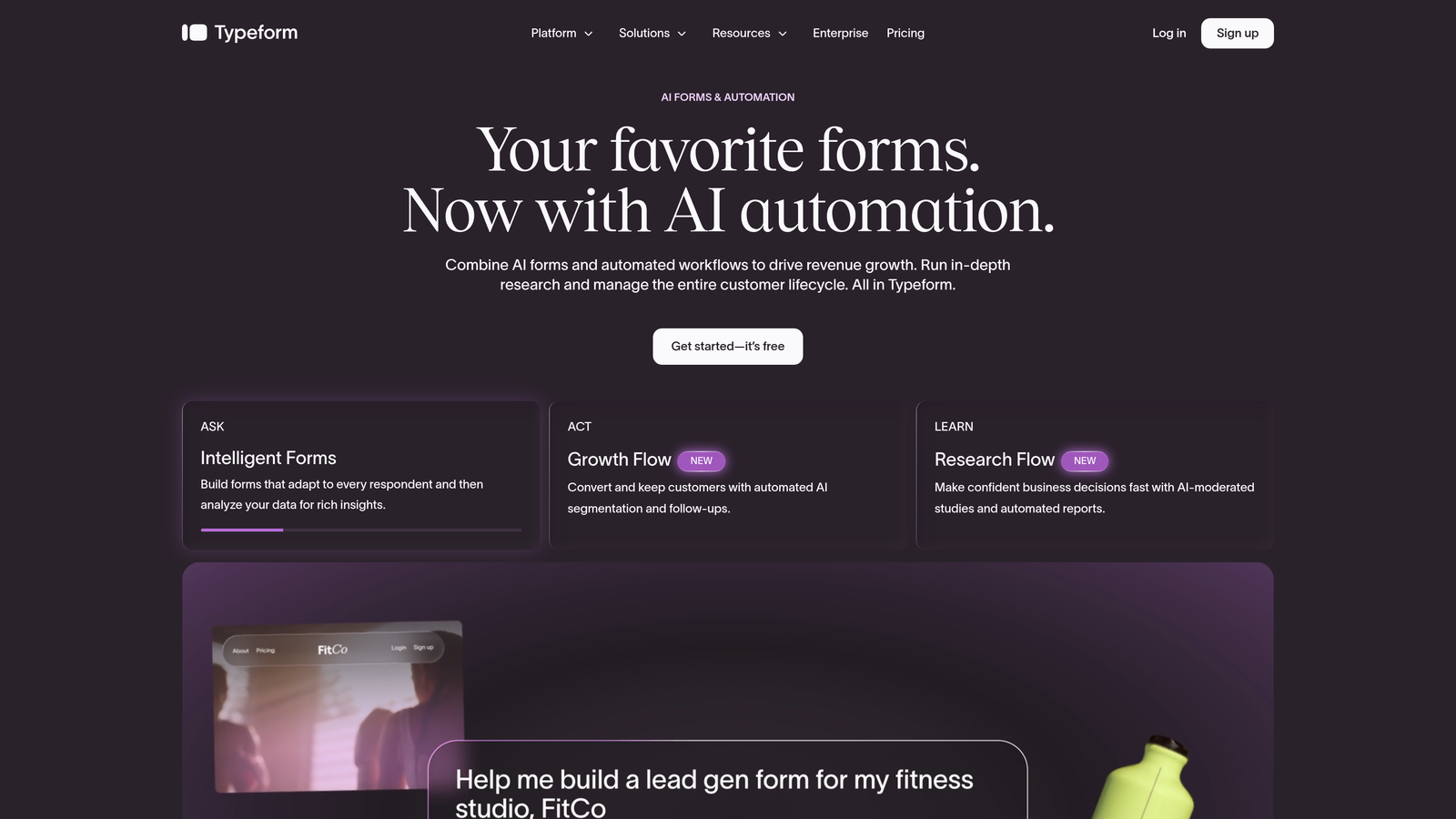
Typeform is a conversational form builder known for its one-question-at-a-time format that creates a more engaging experience than traditional static forms.
Where This Tool Shines
Typeform's signature format works because it feels less like a form and more like a conversation. Prospects aren't confronted with a wall of fields — they move through questions naturally, which tends to improve completion rates on longer forms.
The customization options are genuinely strong. You can match Typeform to your brand, embed video within form flows, and use logic jumps to branch the experience based on responses. For SaaS teams running onboarding surveys, NPS flows, or branded lead capture, Typeform delivers a premium feel without requiring design resources.
Key Features
Conversational Single-Question Flow: Reduces form fatigue and keeps prospects engaged through longer qualification sequences.
Brand Customization: Custom domains, themes, and fonts to match your SaaS brand identity.
Logic Jumps: Conditional branching sends respondents down different paths based on their answers.
Native Integrations: Connects directly with HubSpot, Salesforce, Slack, and Zapier without middleware.
Rich Media Embedding: Add video and images within form flows to contextualize questions or showcase your product.
Best For
Typeform is a great fit for SaaS teams that prioritize user experience and brand presentation. It's particularly strong for onboarding flows, customer research surveys, and lead capture forms where engagement matters. Teams needing complex lead routing may find it requires Zapier or additional tooling to fill gaps.
Pricing
Free tier available. Paid plans start from approximately $25/month. Verify current pricing at typeform.com.
3. HubSpot Forms
Best for: SaaS teams already running their CRM and marketing automation on HubSpot.
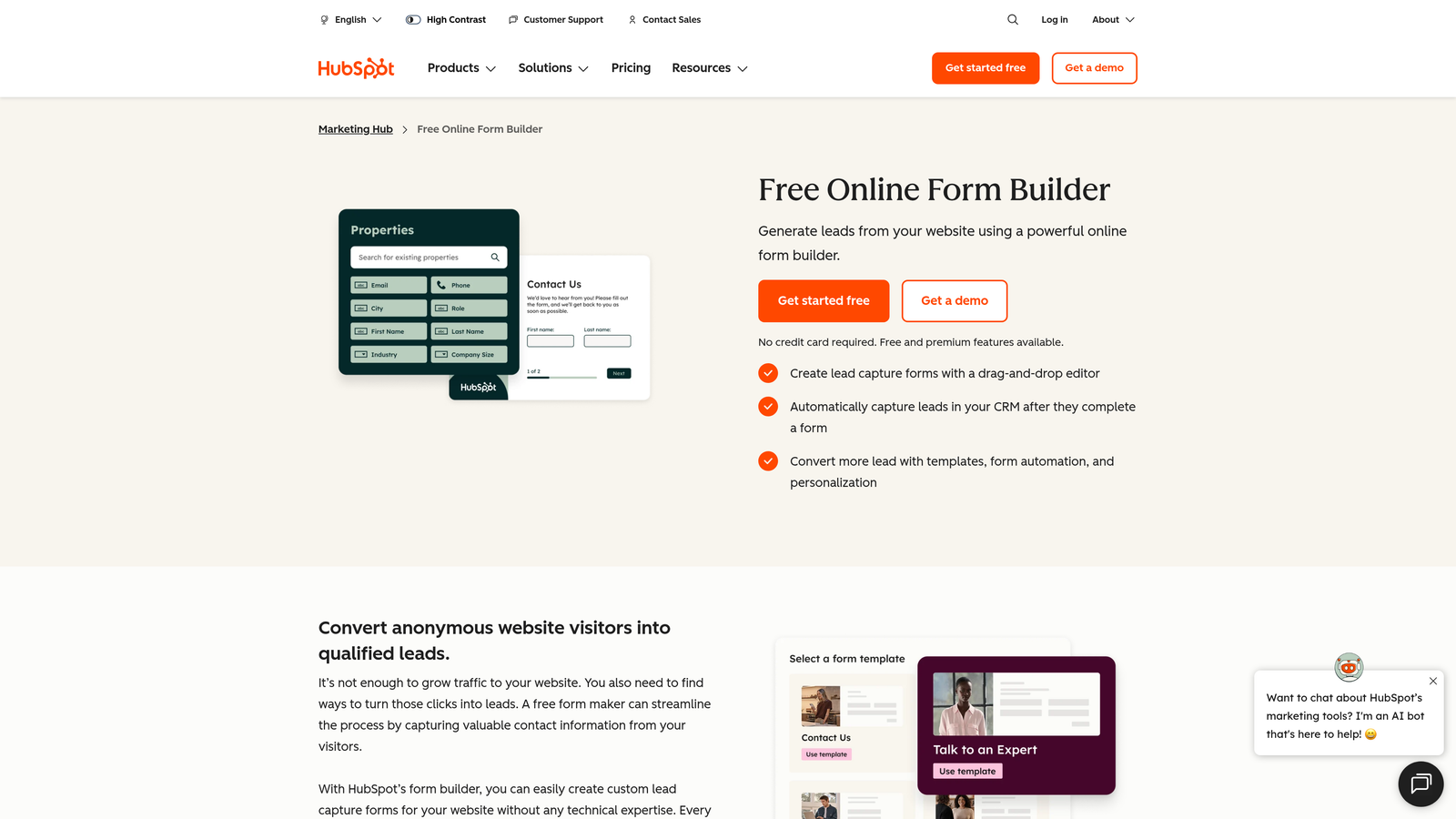
HubSpot Forms is a native form builder included with HubSpot CRM that automatically syncs submissions to contacts, lists, and workflows with no third-party integration needed.
Where This Tool Shines
The core strength here is frictionless data flow. When a prospect submits a HubSpot form, their record is created or updated in your CRM instantly, and they can be automatically enrolled in a workflow. No Zapier, no manual export, no lag. For HubSpot-native teams, this alone makes it the obvious choice.
Progressive profiling is a genuinely useful feature for SaaS contact forms. Returning visitors see new fields instead of repeating what they've already shared, which lets you enrich contact records over time without making every form feel exhaustive.
Key Features
Zero-Friction CRM Sync: Submissions instantly create or update HubSpot contact records and pipeline data.
Progressive Profiling: Shows new fields to returning visitors so you collect richer data over multiple interactions.
Workflow Enrollment: Automatically triggers email sequences, task assignments, or lead routing on submission.
A/B Testing: Available on HubSpot Marketing Hub paid plans for optimizing form performance.
Free with HubSpot CRM: No additional cost for teams already on the HubSpot platform.
Best For
HubSpot Forms is the natural default for any SaaS team whose go-to-market stack is built on HubSpot. If you're not on HubSpot, the design flexibility is more limited than dedicated form tools, and the value proposition diminishes considerably.
Pricing
Free with HubSpot CRM. Advanced features require paid Marketing Hub plans. Verify current pricing at hubspot.com.
4. Jotform
Best for: SaaS teams with complex data collection needs and a wide range of integration requirements.
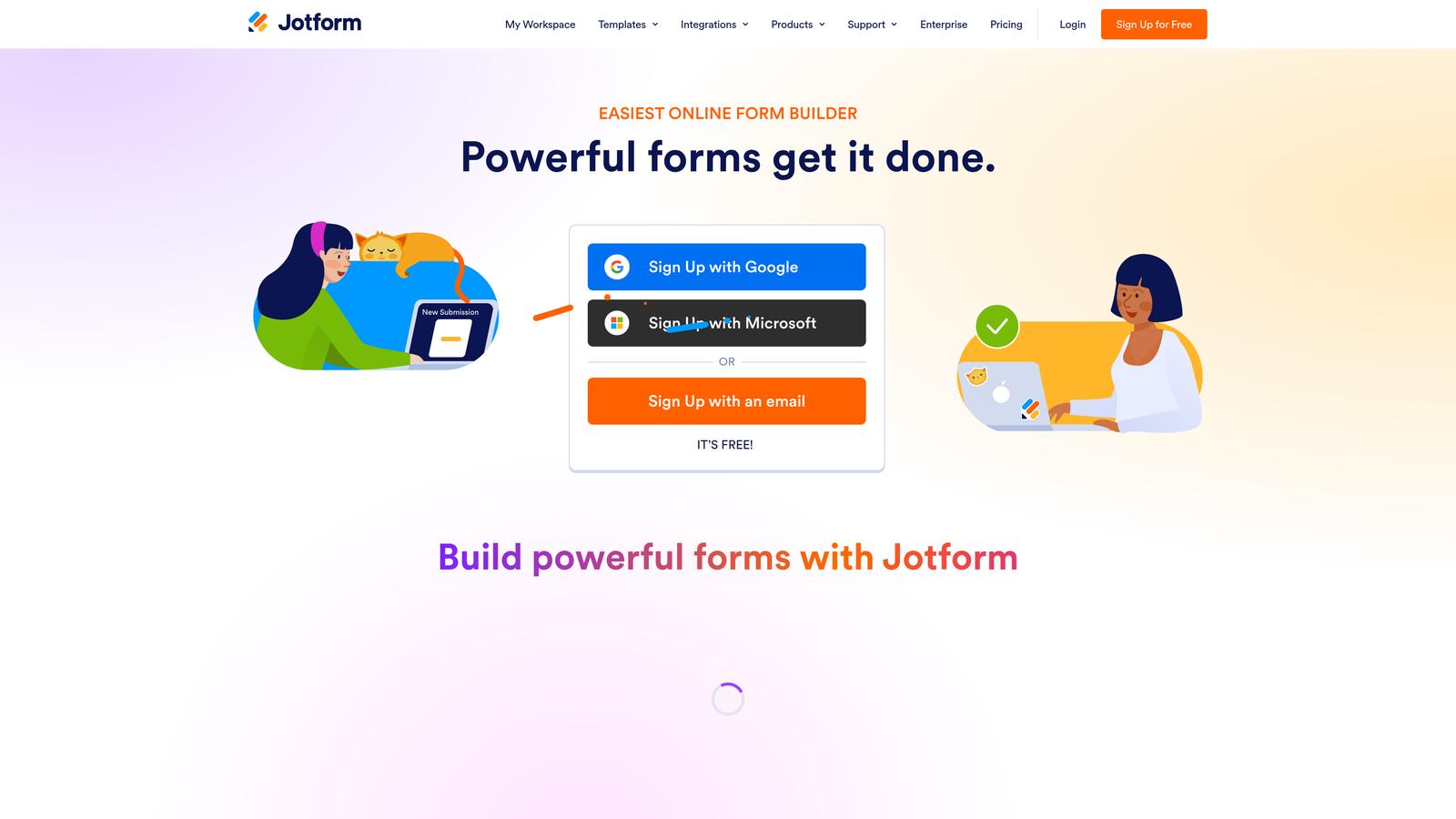
Jotform is a highly flexible form builder with one of the largest template libraries and broadest integration ecosystems available.
Where This Tool Shines
Jotform's depth is its defining characteristic. If you need a form that connects to an unusual CRM, handles payment collection, triggers an approval workflow, and logs data to a spreadsheet simultaneously, Jotform can probably do it. The integration list is genuinely extensive, covering tools that more narrowly focused builders don't touch.
The template library is also a practical time-saver. With thousands of options including SaaS and B2B-specific use cases, you're rarely starting from scratch. Teams handling compliance-sensitive data will appreciate that HIPAA-compliant plans are available without requiring an enterprise negotiation.
Key Features
Massive Template Library: Over 10,000 templates covering SaaS, B2B, and industry-specific use cases.
150+ Native Integrations: Connects with CRMs, payment processors, project management tools, and more.
Advanced Conditional Logic: Calculation fields, conditional branching, and multi-page flows for complex forms.
Approval Workflows: Route submissions through internal review processes before they reach your CRM or team.
HIPAA-Compliant Plans: Available for SaaS teams in regulated verticals like HealthTech.
Best For
Jotform suits SaaS operations teams, product teams running complex intake flows, or any team that needs a form builder to do a lot of heavy lifting across many different tools and use cases. It's less focused on conversion optimization and more focused on flexibility and breadth.
Pricing
Free tier available. Paid plans start from approximately $34/month. Verify current pricing at jotform.com.
5. Tally
Best for: Early-stage SaaS teams that need a capable, no-frills form builder with a generous free tier.
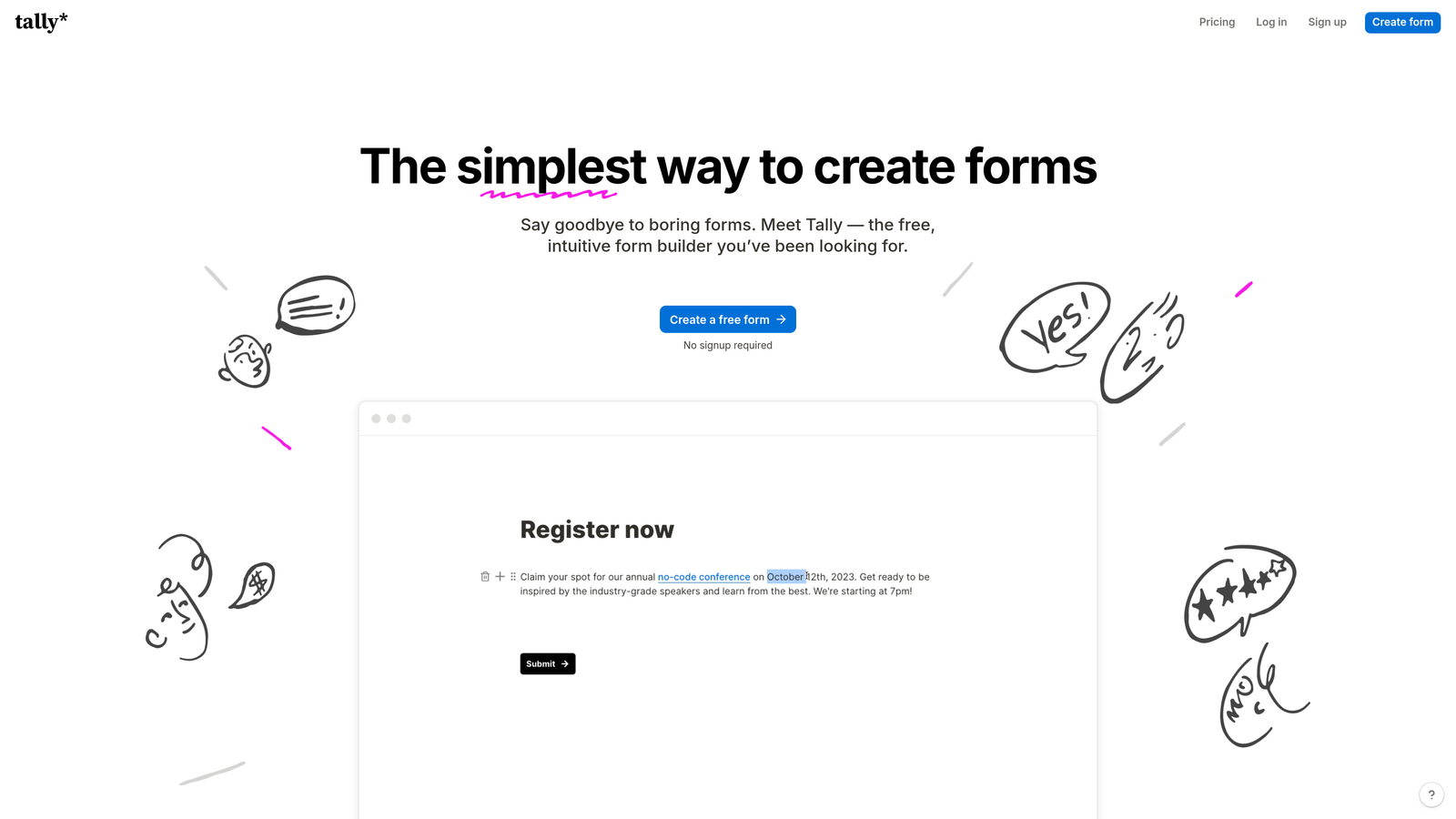
Tally is a lightweight, Notion-inspired form builder with a generous free tier and no branding requirements — a strong choice for early-stage SaaS teams watching their spend.
Where This Tool Shines
Tally's free plan is unusually generous. Most form builders slap their logo on free-tier forms; Tally doesn't. That matters when you're an early-stage SaaS company trying to look polished on a bootstrapped budget. The block-based editor will feel instantly familiar to anyone who uses Notion, which keeps the learning curve low.
For teams that don't need deep CRM integrations out of the box, Tally covers the essentials well. Conditional logic, file uploads, and payment collection are all available. When you do need to connect to your stack, Zapier and Make handle the routing.
Key Features
No Branding on Free Plan: Rare in the market and genuinely valuable for early-stage teams maintaining a professional appearance.
Block-Based Editor: Notion-style building experience makes form creation fast and intuitive.
Conditional Logic and File Uploads: Core form functionality available without upgrading to paid plans.
Payment Collection: Accepts payments directly through forms, useful for SaaS teams selling lower-touch products.
Clean Embed Options: Embeds smoothly into any website or app without styling conflicts.
Best For
Tally is the right call for pre-Series A SaaS teams, indie hackers, and small product teams that need solid form functionality without a monthly bill. As your CRM integration requirements grow more complex, you may find yourself wanting more native connections than Tally currently offers.
Pricing
Free tier available. Pro plan from approximately $29/month. Verify current pricing at tally.so.
6. Paperform
Best for: SaaS marketing teams that want form and landing page functionality in a single tool.
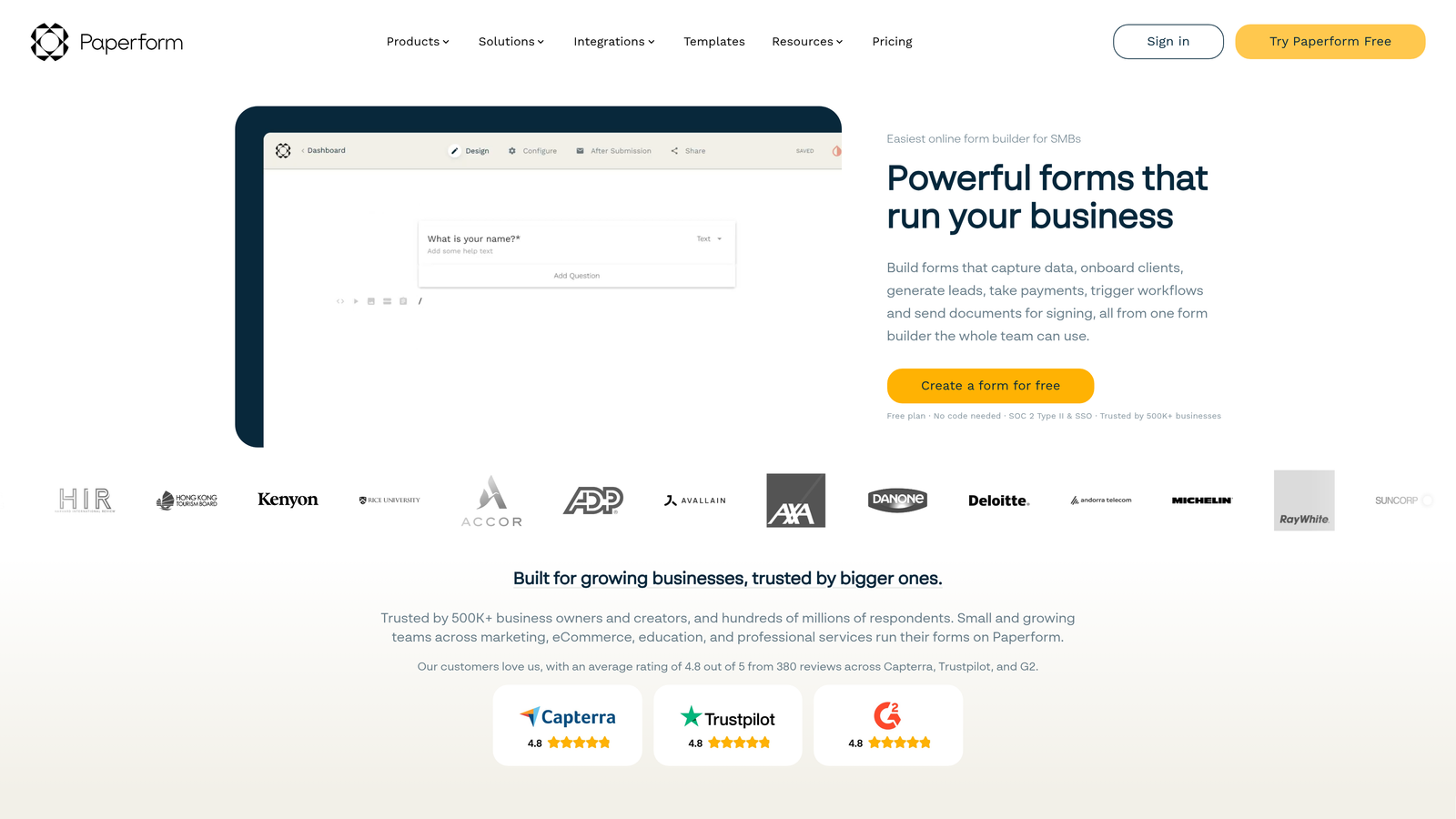
Paperform is a hybrid form and landing page builder that lets SaaS teams create visually rich, campaign-specific lead capture experiences without needing a separate landing page tool.
Where This Tool Shines
Paperform occupies an interesting middle ground. It's more visually expressive than a typical form builder but doesn't require the complexity of a full landing page platform. You can embed video, add images, apply custom CSS, and build something that genuinely looks like a campaign page rather than a form.
For SaaS marketing teams running product launches, webinar registrations, or campaign-specific lead capture, Paperform removes the need to coordinate between a form tool and a landing page tool. The multi-step flows and conditional logic are solid, and integrations with HubSpot, Mailchimp, and Zapier cover most team needs.
Key Features
Rich Media Embedding: Video, images, and custom CSS create landing-page-quality form experiences.
Standalone Form Pages: Each form can function as its own landing page, no website required.
Multi-Step Flows: Conditional logic and page breaks create guided, conversion-friendly experiences.
Payment Collection: Accepts payments via Stripe and PayPal directly within forms.
Marketing Integrations: Native connections to HubSpot, Mailchimp, and Zapier for lead routing.
Best For
Paperform is a strong fit for SaaS marketing teams that run frequent campaigns and want one tool to handle both the form and the page. It's less ideal for teams that need deep CRM workflows or developer-level customization.
Pricing
Plans from approximately $24/month. Verify current pricing at paperform.co.
7. Formspree
Best for: SaaS engineering teams building custom front-ends who want form backend functionality without a drag-and-drop builder.
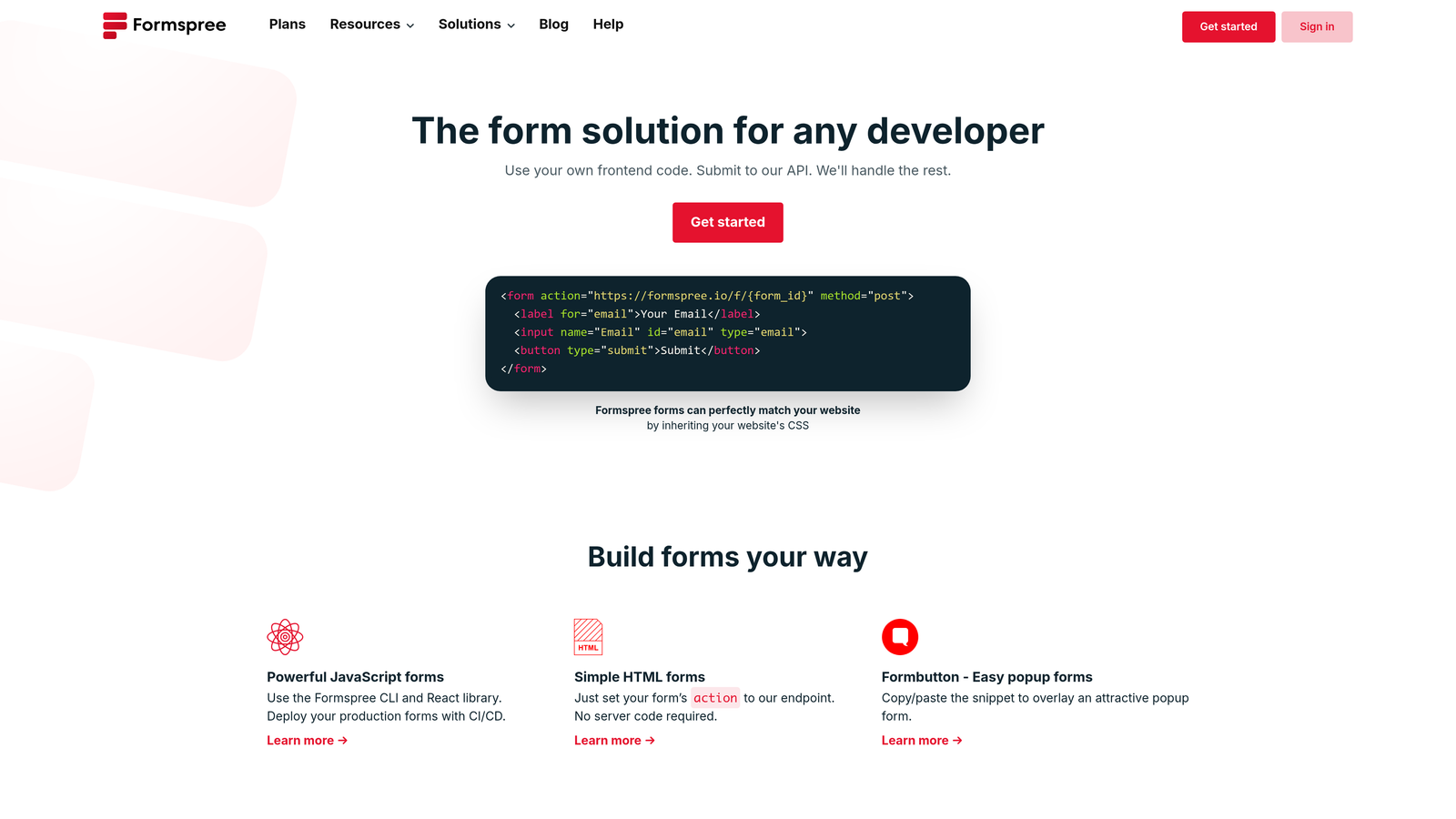
Formspree is a developer-first form backend that handles submissions from any HTML form — ideal for teams building custom interfaces who want full control over their UI.
Where This Tool Shines
Formspree solves a specific but common problem for engineering-led SaaS teams: you've built a beautiful custom front-end, and you don't want to introduce a third-party form builder that fights your design system. With Formspree, you write your own HTML form and point the action attribute to a Formspree endpoint. That's it. No JavaScript required to get started.
The platform handles the backend concerns that would otherwise require custom infrastructure: spam filtering, reCAPTCHA, email notifications, and webhook delivery. For teams on static sites or JAMstack architectures, this is often the cleanest path to reliable form handling.
Key Features
Simple HTML Integration: Point any HTML form's action attribute to your Formspree endpoint — no JavaScript needed.
Built-In Spam Filtering: reCAPTCHA support and honeypot fields protect against bot submissions.
Webhook Delivery: Send submission data to any endpoint in your stack for custom processing.
Framework Agnostic: Works with React, Vue, Next.js, static HTML, or any front-end setup.
Team Management: Multiple endpoints and team collaboration features on paid plans.
Best For
Formspree is purpose-built for developers. If your team is comfortable with HTML and wants to own the entire form UI while outsourcing the backend, this is the cleanest solution available. Non-technical marketers who need to build and modify forms independently will find it limiting.
Pricing
Free tier available. Paid plans from approximately $10/month. Verify current pricing at formspree.io.
8. Fillout
Best for: SaaS ops teams that run their business on Airtable, Notion, or Supabase and need native two-way sync.
Fillout is a modern form builder with standout native integrations for Airtable, Notion, and Supabase — making it a natural fit for SaaS ops teams who run their business on those platforms.
Where This Tool Shines
Fillout's native integrations go beyond one-way data dumps. The two-way sync with Airtable, Notion, and Supabase means form responses update records directly in your connected database. For SaaS ops teams using these platforms as their source of truth, that eliminates a significant amount of manual data management.
Beyond the integrations, Fillout is a genuinely capable modern form builder. The UI is clean, mobile responsiveness is strong, and built-in scheduling and booking form types make it useful for demo request flows without requiring a separate scheduling tool.
Key Features
Native Two-Way Sync: Responses update records directly in Airtable, Notion, and Supabase — not just one-way exports.
Conditional Logic and Multi-Page Flows: Build guided, branching form experiences for complex qualification sequences.
Built-In Scheduling: Booking form types handle demo requests and meeting scheduling within the form itself.
Mobile-Responsive UI: Clean, modern design that performs well across devices without additional configuration.
Competitive Free Tier: Basic use includes no submission limits, making it accessible for early-stage teams.
Best For
Fillout is the obvious choice for SaaS operations and product teams whose data lives in Airtable, Notion, or Supabase. If your stack is built around Salesforce or HubSpot as the primary CRM, you'll want to evaluate the integration depth more carefully before committing.
Pricing
Free tier available. Paid plans from approximately $15/month. Verify current pricing at fillout.com.
9. Formstack
Best for: Enterprise SaaS companies in regulated industries that require compliance certifications and advanced security.
Formstack is an enterprise-grade form and workflow platform built for SaaS companies in regulated industries that need compliance certifications and advanced data security.
Where This Tool Shines
Formstack exists for a specific buyer: the SaaS company in HealthTech, FinTech, or LegalTech that cannot afford compliance gaps in their data collection processes. HIPAA, SOC 2 Type II, and GDPR compliance are built into the platform, not bolted on as afterthoughts. For teams in these verticals, that's often a non-negotiable requirement that eliminates most other tools on this list.
The platform goes well beyond form building. Document generation, e-signature capabilities, and advanced approval workflows make Formstack a broader operational tool for enterprise SaaS teams managing complex internal and external processes.
Key Features
Enterprise Compliance: HIPAA, SOC 2 Type II, and GDPR compliance built into the platform for regulated SaaS verticals.
Document Generation and E-Signatures: Create and execute documents directly from form submissions without additional tools.
Advanced Approval Workflows: Route submissions through multi-step internal review and team approval processes.
Salesforce Native App: Deep CRM integration for enterprise teams running on Salesforce.
CRM Prefill: Pre-populate form fields from existing CRM or database records to reduce friction for known contacts.
Best For
Formstack is the right choice for enterprise SaaS companies in regulated industries where compliance is a hard requirement. The pricing reflects its enterprise positioning, so smaller teams or those outside regulated verticals will likely find better value elsewhere on this list.
Pricing
Enterprise pricing applies. Contact Formstack directly for current rates at formstack.com.
Which Contact Form Tool Is Right for Your SaaS Team?
The right choice comes down to three things: your team size, your CRM stack, and whether lead qualification is a priority for your growth motion.
If lead quality is your primary concern and you want the form itself to do qualification work, Orbit AI is the strongest option on this list. It's purpose-built for SaaS teams who want to reduce the noise in their pipeline before leads ever reach a human. For teams already deep in the HubSpot ecosystem, HubSpot Forms wins on integration simplicity. For engineering-led teams with custom front-ends, Formspree is the cleanest path forward.
Early-stage teams on a tight budget should look seriously at Tally, which delivers genuine functionality on a free plan without the branding tax most competitors charge. Teams in regulated industries like HealthTech or FinTech often have no choice but to evaluate Formstack first, given its compliance certifications.
Here's a quick selection guide by use case:
AI-powered lead qualification: Orbit AI
HubSpot-native teams: HubSpot Forms
Developer-controlled front-ends: Formspree
Early-stage or bootstrapped teams: Tally
Airtable, Notion, or Supabase stacks: Fillout
Campaign-specific landing pages: Paperform
Regulated industries requiring compliance: Formstack
Conversational, high-engagement forms: Typeform
Complex multi-tool integrations: Jotform
Whatever tool you choose, the goal is the same: turn a passive data collection step into an active part of your conversion strategy. The best contact forms for SaaS companies don't just capture leads — they start qualifying them from the first question.
If you're ready to see what AI-powered qualification looks like in practice, start building free forms today and experience how intelligent form design can elevate your conversion strategy from the very first interaction.


