

If your team is building workflows that go beyond simple email notifications, you need a form builder that plays well with your stack. API access is what separates a basic form tool from a genuine data infrastructure layer, enabling real-time lead routing, CRM sync, custom webhooks, and programmatic form management at scale.
This list focuses on form builders that offer robust, developer-friendly API access without sacrificing the design and UX quality that keeps conversion rates healthy. Whether you're a growth engineer connecting forms to a custom CRM, a SaaS team automating lead qualification, or a developer building embedded form experiences, the right API can make or break your workflow.
We evaluated each tool on API depth (REST, webhooks, SDKs), documentation quality, authentication methods, and how well the builder supports non-technical teammates alongside developer power users. Here are the top form builders with API access worth considering in 2026.
1. Orbit AI
Best for: High-growth SaaS teams combining lead qualification with developer-friendly API connectivity.
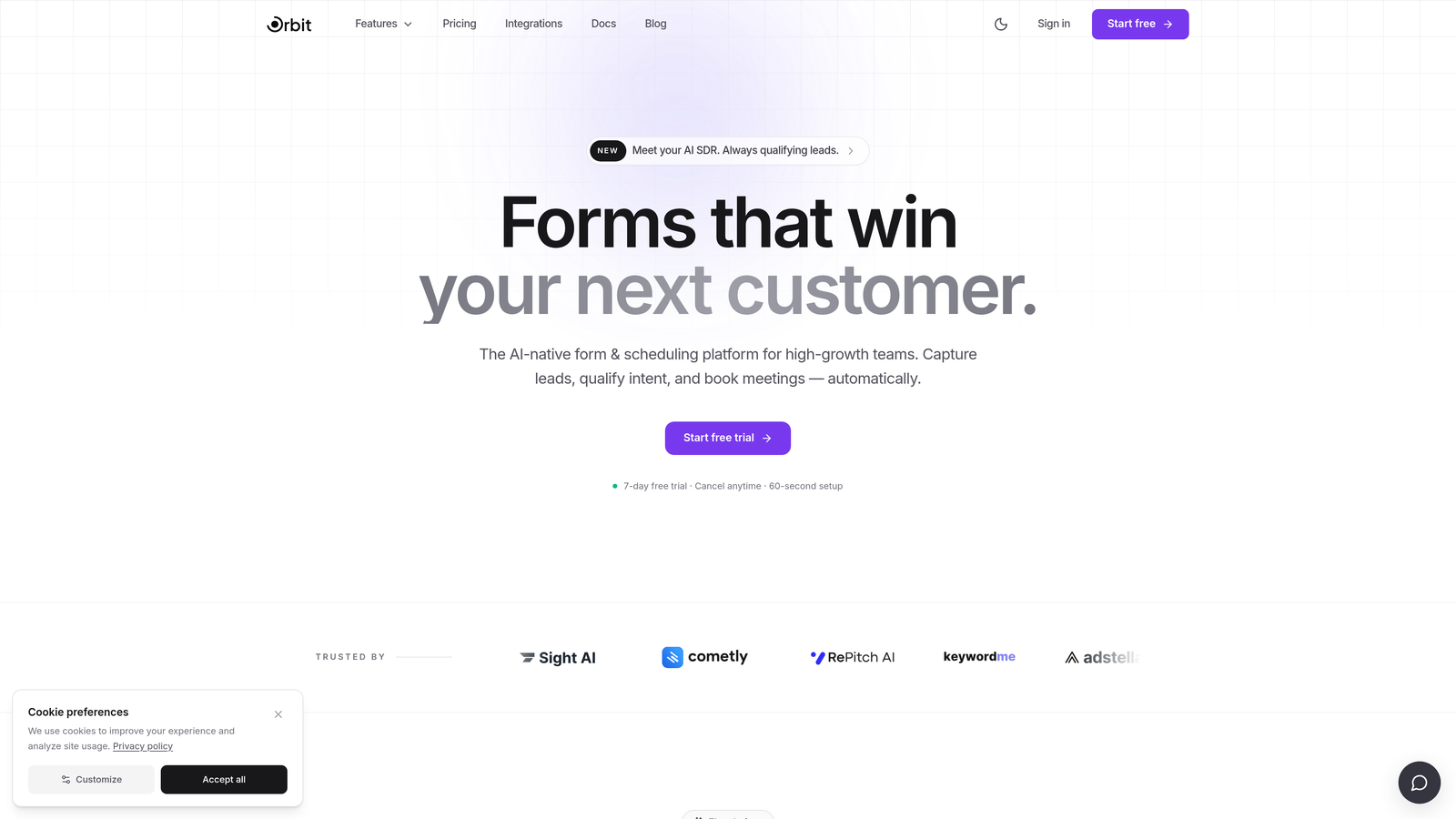
Orbit AI is an AI-powered form builder designed specifically for growth-focused teams that need both conversion-optimized form design and a clean REST API to connect forms to their broader tech stack.
Where This Tool Shines
What makes Orbit AI stand out in a crowded field is the combination of intelligence and integration. Most form builders treat API access as a bolt-on feature. Orbit AI builds it alongside AI-powered lead qualification, meaning the data flowing through your API endpoints is already enriched and scored before it hits your CRM or automation layer.
The builder itself is designed with two audiences in mind: developers who need programmatic control, and non-technical teammates who need to build and iterate without writing code. That balance is genuinely rare in tools that take API access seriously.
Key Features
REST API for Form and Submission Management: Full programmatic control over form creation, updates, and submission retrieval.
AI-Powered Lead Qualification: Qualification logic runs at the form layer, so every API response includes enriched lead data rather than raw field values.
Webhook Support: Real-time submission triggers for routing leads to CRMs, Slack, or custom endpoints the moment a form is submitted.
Conversion-Optimized Design: Modern, responsive form UX built to reduce drop-off without requiring design resources.
Dual Audience Design: Developers get API depth; marketers and ops teams get a clean no-code builder experience.
Best For
SaaS teams running lead generation workflows where qualification speed matters. Particularly strong for growth engineers who want to connect form data to custom pipelines without sacrificing the form experience that keeps conversion rates healthy.
Pricing
Visit orbitforms.ai for current pricing plans and available tiers.
2. Typeform
Best for: Teams wanting conversational form UX backed by a mature, well-documented REST API.
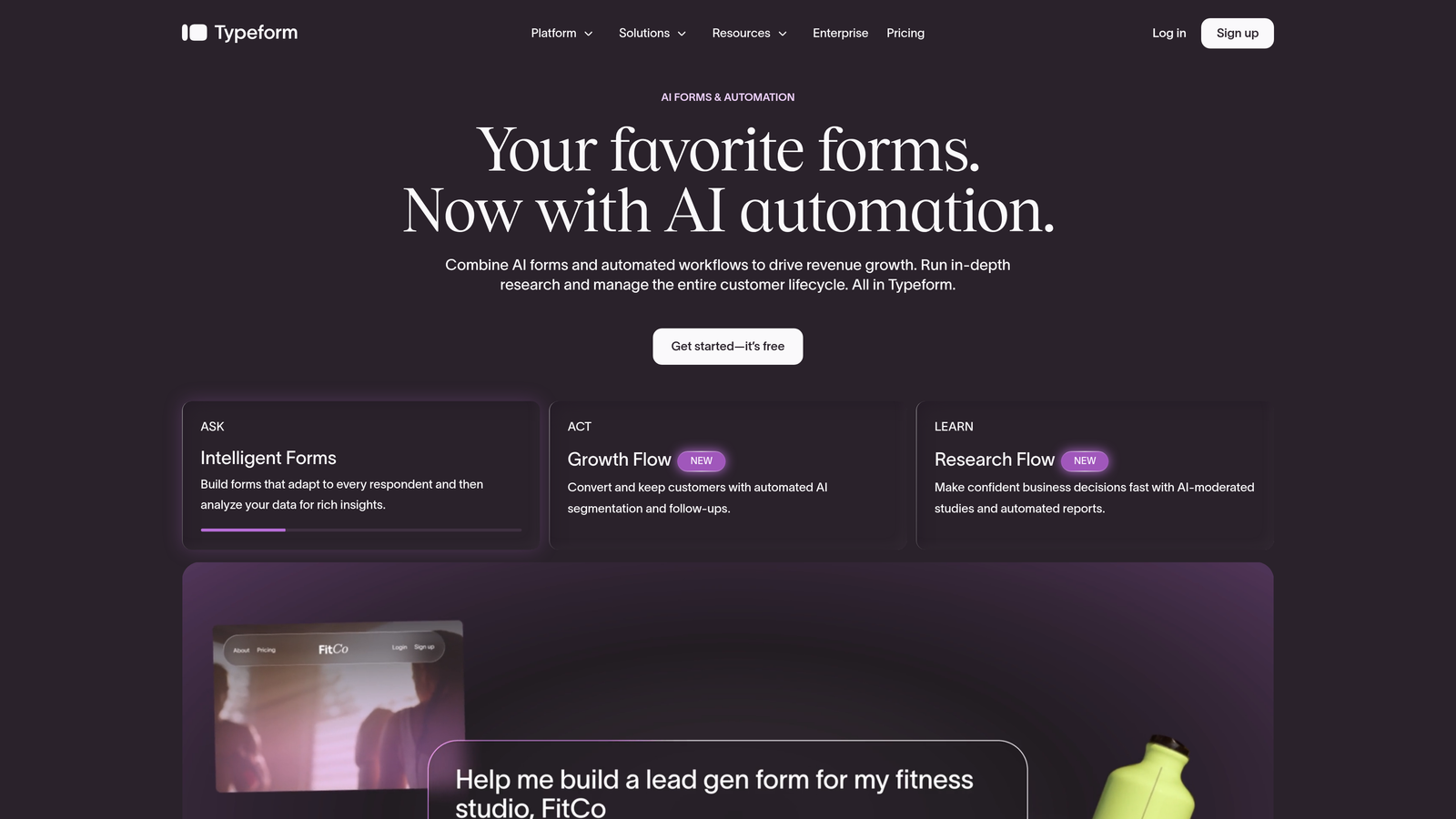
Typeform is a conversational form builder with one of the most established APIs in the category, covering response retrieval, form management, and webhook configuration.
Where This Tool Shines
Typeform's API has been around long enough to be genuinely polished. The documentation is clear, authentication flows are well-explained, and the webhook implementation is reliable for real-time submission triggers. If your team values developer experience alongside a strong end-user form experience, Typeform delivers both.
The conversational, one-question-at-a-time format can also work in your favor for higher-stakes lead capture, where a guided experience reduces friction and improves completion rates for longer forms.
Key Features
REST API Coverage: Endpoints for form creation, response retrieval, and webhook management in a single cohesive API.
Webhook Support: Real-time triggers fire on submission events, making it straightforward to push data downstream immediately.
Clear Authentication Flow: OAuth 2.0 and personal access tokens both supported, with solid documentation for each path.
Conversational UX: One-question-at-a-time format designed to improve completion rates on complex forms.
API Tier Access: API access is available on paid plans, so factor that into your budget planning.
Best For
Marketing and product teams that want a premium form experience without sacrificing API connectivity. Strong fit for teams building survey-style or onboarding flows alongside automated response processing.
Pricing
Check typeform.com for current plan pricing and API access tiers.
3. Jotform
Best for: Teams and agencies needing the most comprehensive API coverage across all form platform objects.
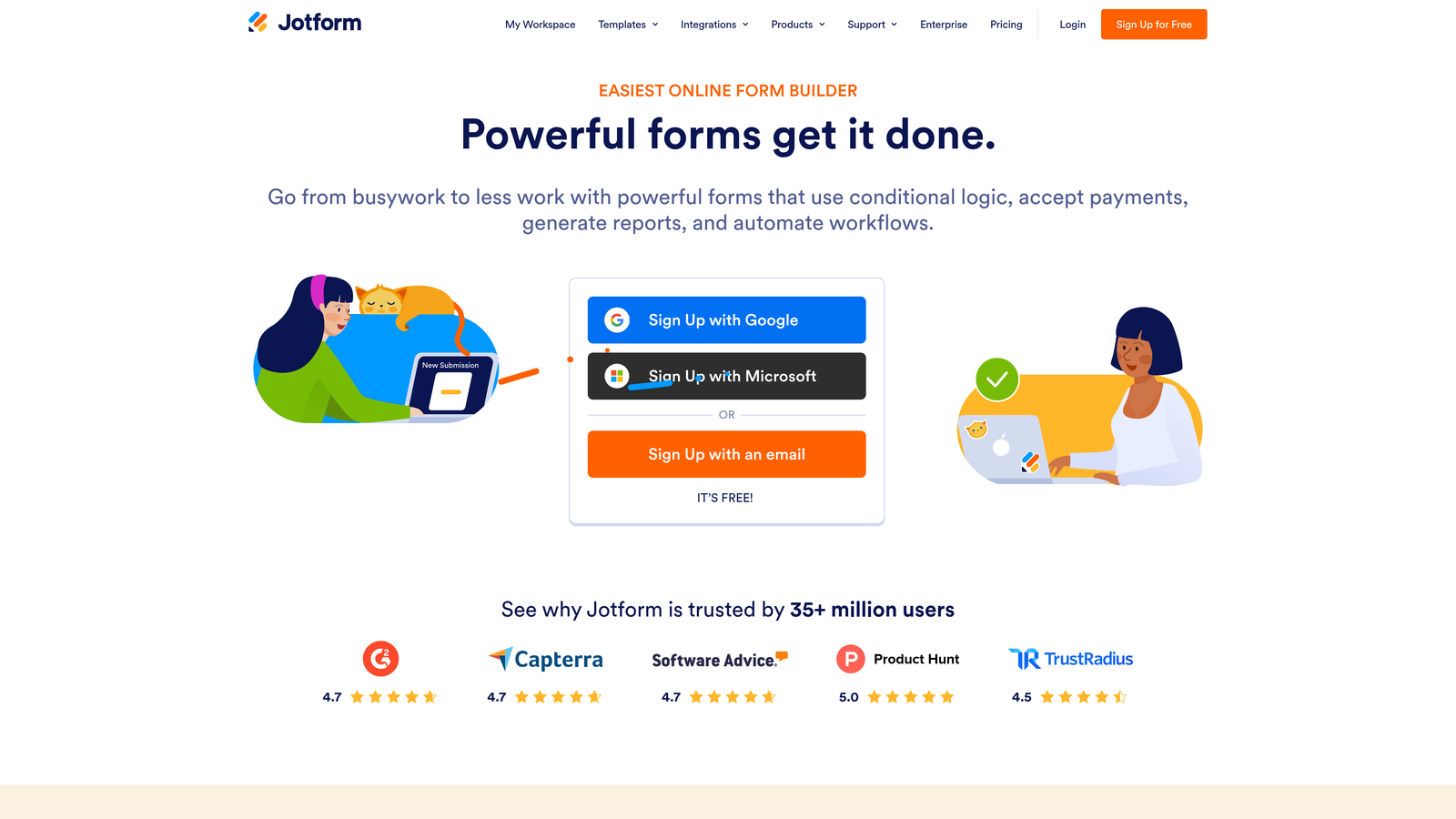
Jotform is one of the most API-comprehensive form builders available, with endpoints covering forms, submissions, reports, folders, and user management in a single platform.
Where This Tool Shines
If API depth is your primary criterion, Jotform is hard to beat. The breadth of objects exposed via REST API goes well beyond what most competitors offer, and the sandbox environment lets developers test integrations without touching production data. That level of infrastructure signals genuine commitment to developer use cases.
The documentation is thorough and includes code examples across multiple languages, which shortens the time from reading docs to shipping a working integration significantly.
Key Features
Extensive REST API: Endpoints covering forms, submissions, reports, folders, and user management across the full platform.
API Sandbox Environment: Dedicated testing environment so developers can build and validate integrations safely.
Flexible Authentication: Supports both API key and OAuth authentication methods depending on your integration architecture.
Webhook Filtering: Webhook support includes filtering options to control which events trigger downstream actions.
Multi-Language Documentation: Code examples in multiple programming languages reduce integration friction for diverse dev teams.
Best For
Agencies managing forms across multiple clients, enterprise teams with complex data workflows, and developers who need programmatic control over nearly every aspect of the form platform.
Pricing
Free tier available with API access. Check jotform.com for paid plan pricing and limits.
4. Tally
Best for: Developers and startups wanting a lightweight form builder with API access and a generous free tier.
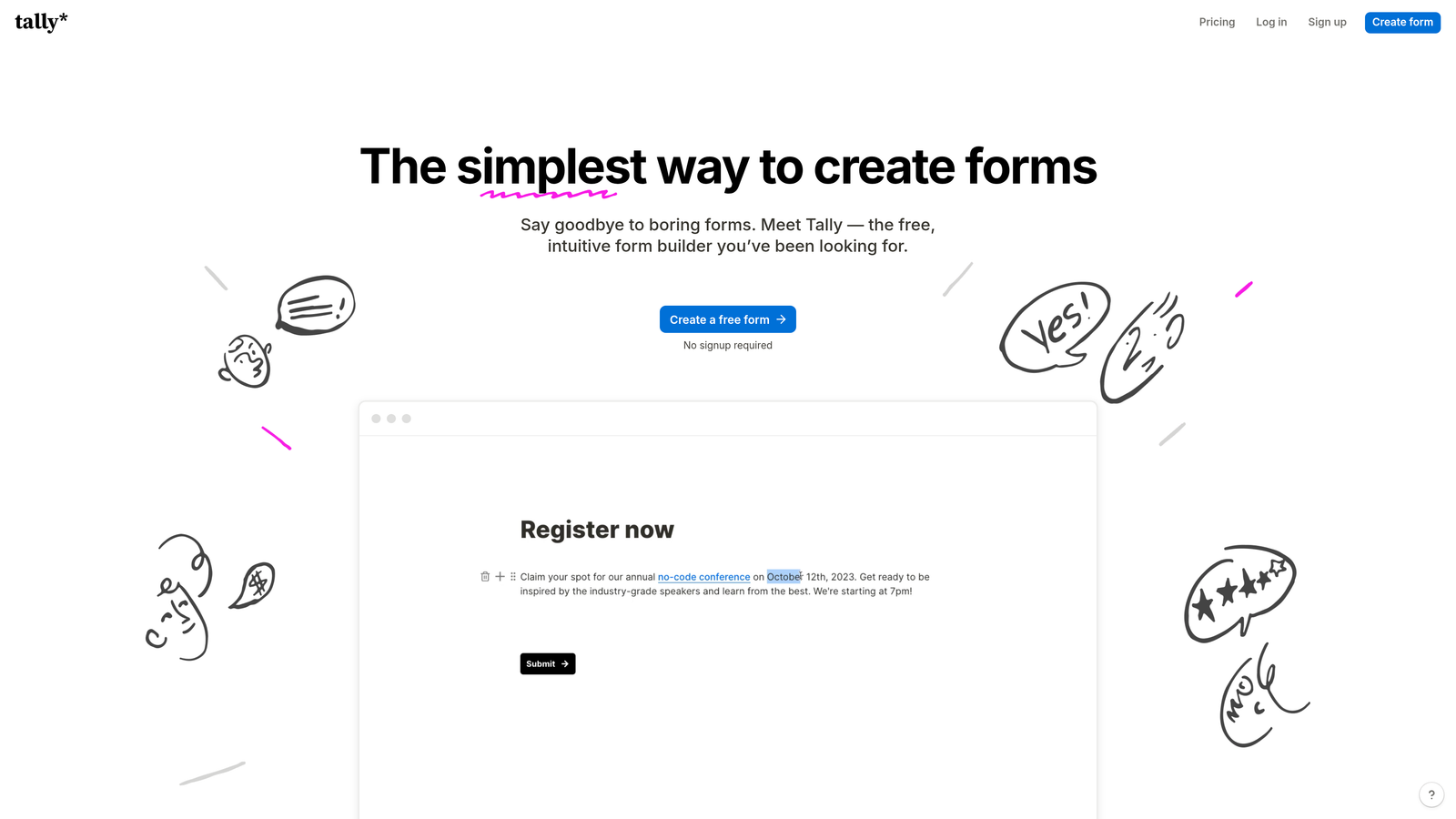
Tally is a Notion-inspired form builder with webhook and REST API support, popular in developer and startup communities for its clean UX and accessible pricing.
Where This Tool Shines
Tally punches above its weight class for a tool at its price point. The free tier includes webhook support and API access, which is genuinely unusual and makes it a strong choice for prototyping or early-stage teams that need integration capability before they're ready to commit to enterprise pricing.
The builder experience is minimal in the best sense. It stays out of your way, loads quickly, and produces clean forms without requiring design expertise. For teams that want to ship fast and connect forms to their stack without friction, Tally is a practical starting point.
Key Features
Webhook Support: Real-time submission event triggers available even on the free tier.
REST API: Endpoints for form and response management, with a scope appropriate for lightweight integrations.
Minimal Builder Experience: Notion-like editing interface that's fast to learn and easy to use without training.
Generous Free Tier: API and webhook access without requiring an immediate paid plan commitment.
Prototyping-Friendly: Low friction for spinning up and testing form integrations quickly.
Best For
Early-stage startups, solo developers, and small teams that need real API connectivity without enterprise pricing. Also strong for internal tools where form aesthetics matter less than speed and reliability.
Pricing
Free tier available. Check tally.so for Pro plan pricing and feature limits.
5. Formstack
Best for: Enterprise teams in regulated industries requiring compliance-ready infrastructure with robust API access.
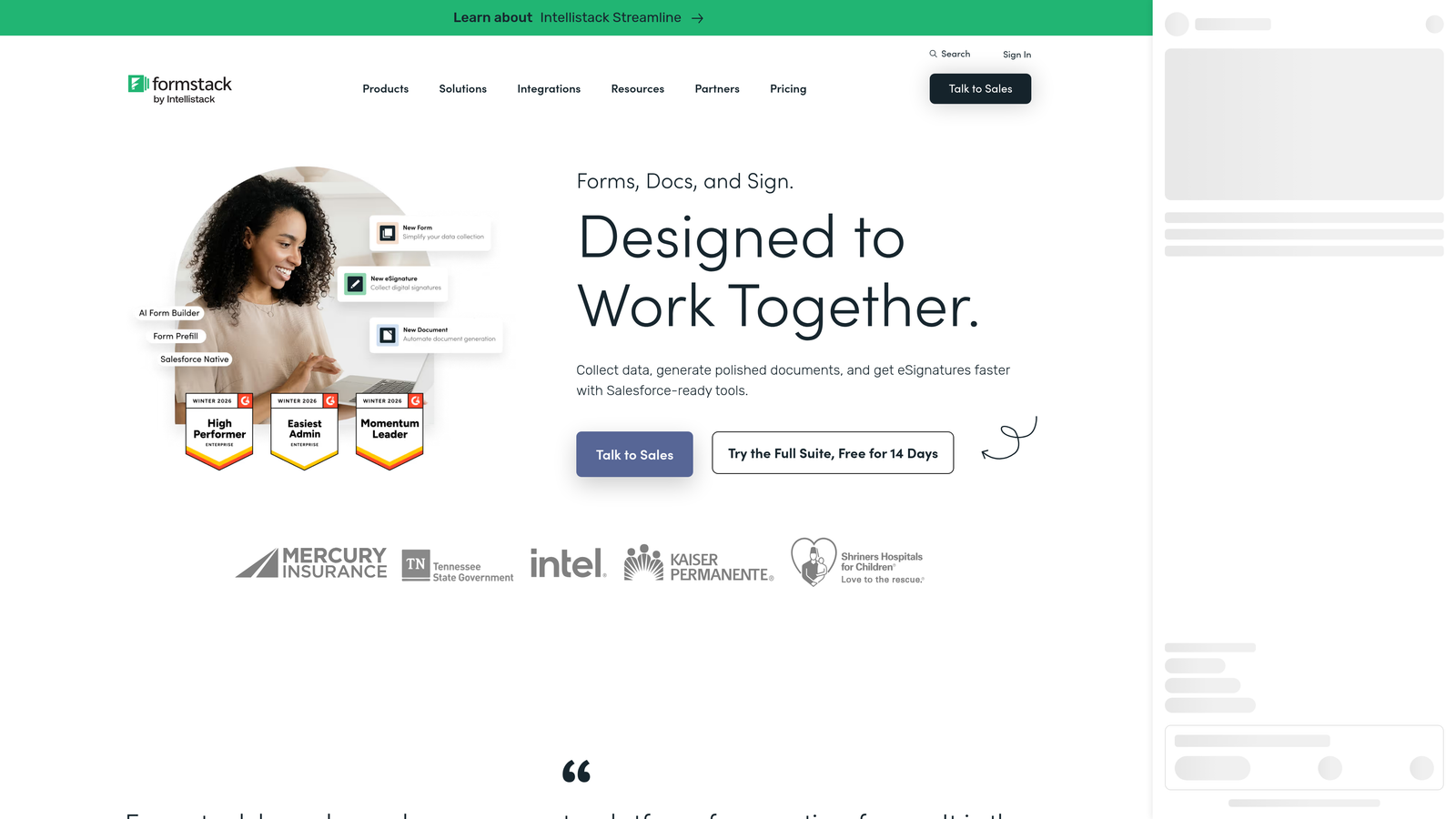
Formstack is an enterprise-grade form platform built around OAuth 2.0, strong data governance, and compliance-ready infrastructure for teams operating under HIPAA, GDPR, or similar frameworks.
Where This Tool Shines
Formstack's API is designed for organizations where security and compliance aren't optional. OAuth 2.0 authentication, data encryption, and enterprise SSO controls mean that API integrations can be built to meet strict governance requirements without workarounds. For healthcare, finance, and legal teams, that foundation matters enormously.
Beyond compliance, the platform handles complex approval workflows and conditional logic that larger operations teams often need, making it a viable choice for internal process automation as well as external data collection.
Key Features
OAuth 2.0 Authentication: Secure, standards-compliant authentication for API integrations in regulated environments.
Full Object Coverage: API endpoints for forms, fields, submissions, and folder management.
Compliance Infrastructure: HIPAA and GDPR-ready data handling baked into the platform, not added on.
Advanced Workflows: Conditional logic and approval routing for complex operational processes.
Enterprise Access Controls: SSO and role-based permissions for large team environments.
Best For
Healthcare, finance, and legal organizations that need enterprise API access alongside compliance infrastructure. Strong fit for operations teams automating internal approval and data collection workflows.
Pricing
Check formstack.com for current enterprise and team pricing tiers.
6. Paperform
Best for: Service businesses combining webhook-driven integrations with native payments, scheduling, and rich conditional logic.
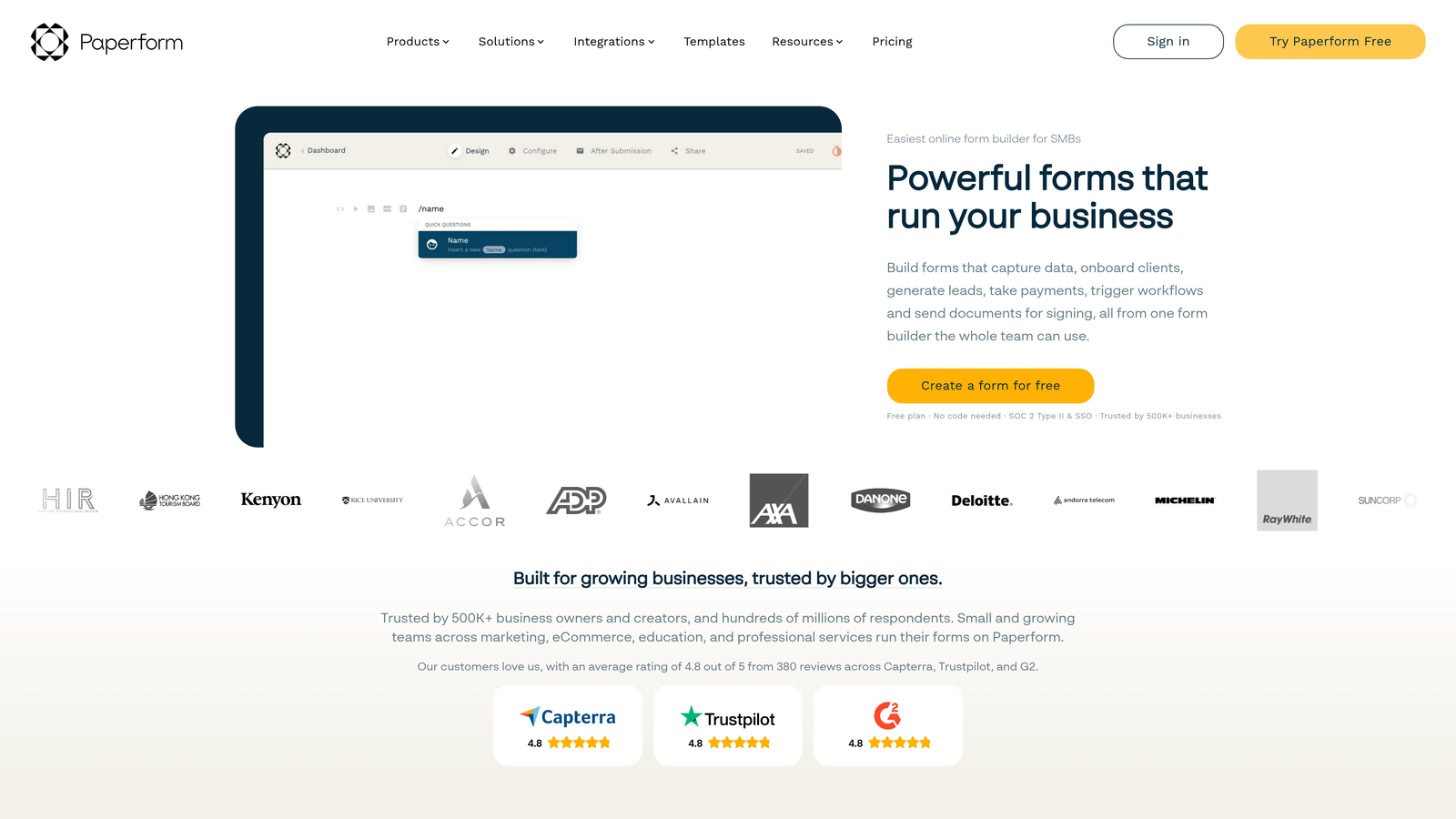
Paperform is a flexible form builder that pairs webhook and API access with built-in payment processing, scheduling capabilities, and sophisticated conditional logic without requiring third-party tools.
Where This Tool Shines
Paperform's strength is vertical depth rather than API breadth. While its API scope is more focused than Jotform or Typeform, the native capabilities it exposes through that API are genuinely useful: payments, bookings, and conditional flows that would otherwise require multiple integrated tools. For service businesses, that consolidation has real operational value.
The builder itself is document-like and flexible, making it easier to create forms that feel like polished landing pages rather than generic data collection screens. That design quality matters for conversion-sensitive use cases.
Key Features
Webhook Support: Submission event triggers for connecting forms to external systems in real time.
API Access: Endpoints for form and submission data management.
Native Payment Processing: Stripe, PayPal, and Square integrations built directly into the form layer.
Scheduling and Booking: Appointment and availability logic natively inside forms, no third-party calendar tool required.
Rich Conditional Logic: Advanced branching and display rules without external dependencies.
Best For
Consultants, agencies, and service businesses that need forms handling payments, bookings, and complex conditional flows alongside webhook-driven data routing.
Pricing
Check paperform.co for current plan pricing and feature tiers.
7. HubSpot Forms
Best for: Teams already in the HubSpot ecosystem that want native CRM mapping via a forms API.
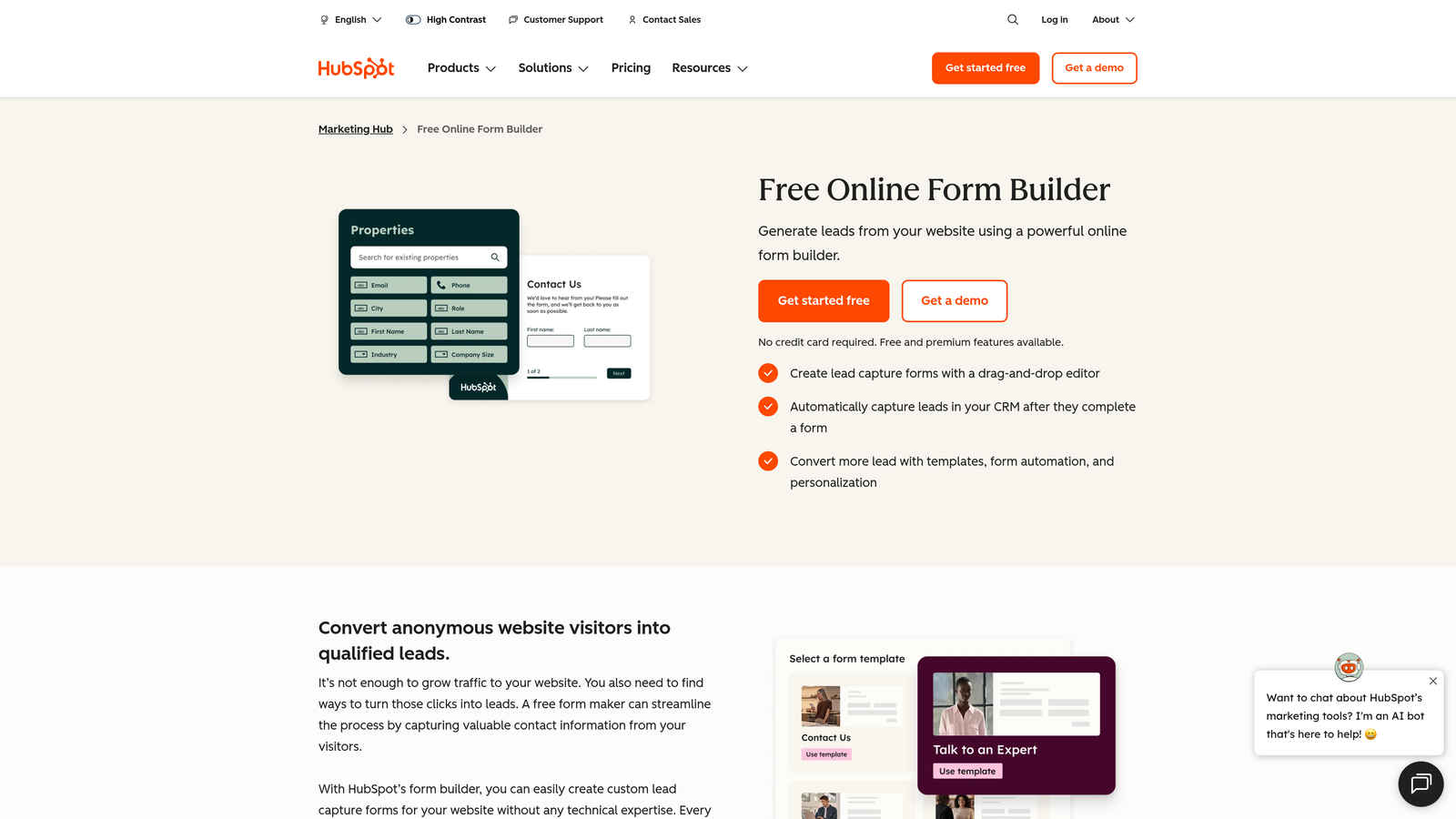
HubSpot Forms is a CRM-native form solution where the Forms API ties directly into HubSpot contacts, properties, and marketing workflows without any middleware required.
Where This Tool Shines
If your team already lives in HubSpot, the Forms API is genuinely compelling. Submissions map directly to CRM contact records and properties, meaning there's no ETL step, no field mapping configuration in a third-party tool, and no sync delay. For sales and marketing teams tracking lead attribution, that native connection removes a significant source of data quality issues.
The embed API also allows programmatic form rendering, so developers can control where and how forms appear without relying solely on HubSpot's embed code. It's a meaningful piece of flexibility within an otherwise opinionated platform.
Key Features
CRM-Native API: Submissions map directly to HubSpot contact records and properties without middleware.
Embed API: Programmatic form rendering for custom placement and dynamic form loading.
Workflow Integration: Native connection to HubSpot workflows, deal pipelines, and marketing automation.
Free Tier Access: Core forms functionality available on the free HubSpot CRM.
Developer Platform: Part of HubSpot's broader developer ecosystem with thorough documentation and community support.
Best For
Sales and marketing teams already using HubSpot CRM who want zero-friction form-to-CRM data flow. Less compelling for teams on other CRM platforms who would lose the native integration advantage.
Pricing
Forms available on the HubSpot free CRM. Marketing Hub adds advanced features and automation. Check hubspot.com for current pricing.
8. Cognito Forms
Best for: Internal tools and operations teams working with complex data structures like calculated fields and repeating sections.
Cognito Forms is a form builder with a REST API that handles complex data structures including calculated fields and repeating sections, making it particularly strong for internal tools and operational workflows.
Where This Tool Shines
Most form builders flatten complex data into simple key-value pairs when it hits the API. Cognito Forms handles structured data more gracefully, exposing calculated fields and repeating sections through the API in a way that preserves the data relationships your internal tools depend on. That capability is genuinely rare and valuable for operations-heavy use cases.
Full CRUD operations via API (create, read, update, delete entries) also make it viable for building internal tools where form submissions aren't just collected but actively managed and updated over time.
Key Features
REST API for Entry Management: Full CRUD operations on form entries, not just read access.
Calculated Fields via API: Structured data including calculations and computed values accessible programmatically.
Repeating Sections: Complex data structures with repeating rows or groups exposed correctly through the API.
Advanced Expression Support: Conditional logic using expression-based rules for sophisticated form behavior.
Internal Tool Fit: Data model designed for operational workflows, not just lead capture.
Best For
Operations teams, internal tool builders, and developers working with structured or relational data that needs to survive the API layer intact. Less suited for marketing-focused lead capture where design flexibility is a priority.
Pricing
Free tier available. Check cognitoforms.com for paid plan pricing.
9. Gravity Forms
Best for: WordPress-native teams that need REST API access backed by a large ecosystem of add-ons and integrations.
Gravity Forms is the go-to WordPress form plugin with a REST API add-on covering entries, forms, and results, backed by one of the largest third-party add-on ecosystems in the form builder category.
Where This Tool Shines
For WordPress-based stacks, Gravity Forms has no real equivalent. The combination of a mature REST API, deep WordPress integration, and an extensive ecosystem of add-ons covering CRMs, payment processors, Zapier, Slack, and more means you can build sophisticated form workflows entirely within your existing infrastructure.
The active developer community also means that edge cases are usually documented somewhere, and the plugin has been battle-tested across a wide range of hosting environments and WordPress configurations. That reliability matters for teams running production workflows on WordPress.
Key Features
REST API Add-On: Programmatic access to entries, forms, and results data.
Extensive Add-On Ecosystem: Integrations with CRMs, payment platforms, Zapier, Slack, and many more through official and community add-ons.
Conditional Logic: Multi-page forms with advanced conditional display and routing rules.
Active Developer Community: Large community producing documentation, tutorials, and custom add-ons.
WordPress-Native Architecture: No external platform dependency; runs entirely within your WordPress installation.
Best For
WordPress site owners and developers who need production-grade form functionality with API access and don't want to introduce an external SaaS platform into their stack. Not relevant for teams outside the WordPress ecosystem.
Pricing
Annual license model. Check gravityforms.com for current pricing tiers and add-on bundle options.
Which Form Builder with API Access Is Right for You?
The right choice depends heavily on your stack, your team composition, and what you're actually trying to build with that API access.
Here's a quick orientation by use case:
For SaaS teams focused on lead generation and qualification: Orbit AI is the natural fit. The combination of AI-powered lead qualification at the form layer, clean REST API, and conversion-optimized design is purpose-built for this use case in a way that general-purpose form builders aren't.
For teams already in HubSpot: HubSpot Forms wins on native CRM integration. The zero-friction submission-to-contact mapping is hard to replicate with any other tool.
For maximum API depth and object coverage: Jotform offers the broadest API surface area with the most thorough documentation, making it the strongest choice for complex agency or enterprise workflows.
For WordPress stacks: Gravity Forms is the only serious option. Its ecosystem depth and WordPress-native architecture make it the clear choice for teams that live in that environment.
For regulated industries: Formstack's compliance infrastructure and OAuth 2.0 foundation make it the most defensible choice for healthcare, finance, and legal teams.
For early-stage teams on a budget: Tally's generous free tier with real API access makes it the most accessible starting point for developers prototyping integrations before committing to paid plans.
If you're building a lead generation workflow where form data needs to flow cleanly into your CRM, qualify automatically, and drive real-time routing decisions, the form builder you choose becomes a core piece of your data infrastructure. Start building free forms today and see how intelligent form design and built-in lead qualification can transform the way your team captures and converts leads.


