

Not all form builders are created equal, especially when your forms need to do more than collect data. High-growth teams need tools that qualify leads, adapt to user input, and convert visitors into pipeline rather than just capture responses and call it a day.
This comparison covers six of the strongest modern form tools available today, evaluated on design quality, AI capabilities, conditional logic, integrations, and pricing. Whether you're building lead capture forms, onboarding flows, or multi-step surveys, this guide cuts through the noise so you can pick the right tool for your stack.
We've featured Orbit AI as our top pick given its AI-powered lead qualification capabilities, but every tool here earns its place on merit. Let's get into it.
1. Orbit AI
Best for: B2B and SaaS teams that need forms to qualify leads, not just collect them.
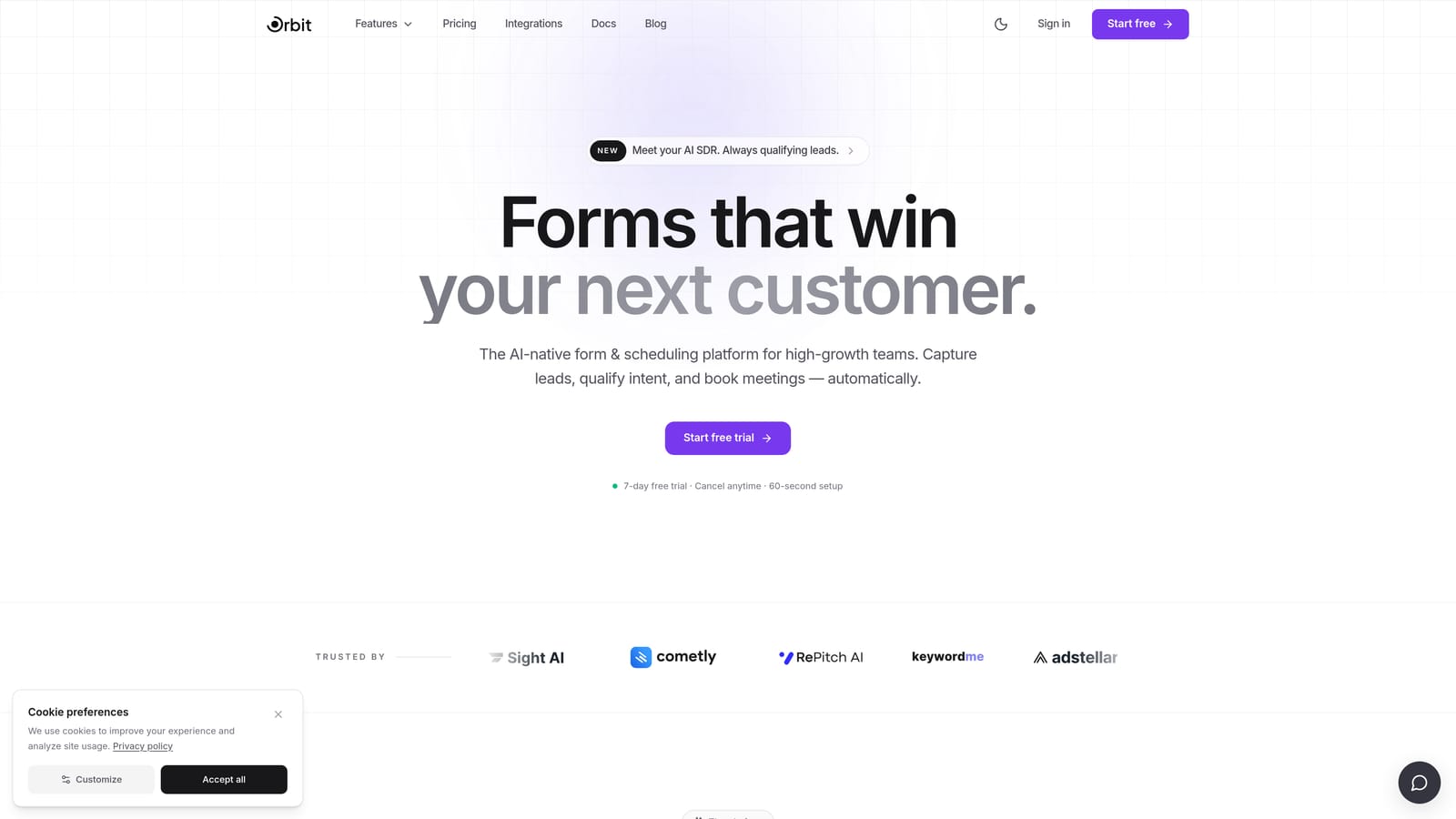
Orbit AI is an AI-powered form builder built specifically for high-growth teams who treat lead generation as a conversion optimization problem.
Where This Tool Shines
Most form builders are passive. They collect responses and hand them off to your CRM for someone else to sort through. Orbit AI takes a different approach by embedding lead qualification and scoring directly into the form experience itself. As a prospect moves through the form, the platform evaluates their responses in real time, helping your team prioritize the leads that actually matter.
This is a meaningful distinction for B2B and SaaS teams where pipeline quality matters as much as volume. The UI is clean and conversion-focused, and the underlying logic is built around what happens after the form is submitted, not just during it.
Key Features
AI-Powered Lead Qualification: Scores and qualifies leads automatically based on form responses, so your sales team focuses on the right prospects.
Conversion-Optimized Design: Modern, polished form UI designed to reduce friction and increase completion rates.
Conditional Logic and Dynamic Fields: Forms adapt in real time based on user input, creating a personalized experience without manual branching complexity.
B2B and SaaS-First Approach: Templates and logic flows built around common SaaS and B2B lead generation use cases, not generic data collection.
CRM and Marketing Automation Integrations: Connects with the tools your revenue team already uses to keep data flowing without manual exports.
Best For
Orbit AI is the right fit for SaaS companies, B2B marketing teams, and growth-focused organizations that want their forms to function as part of a lead qualification engine. If you're tired of collecting form submissions only to discover most of them aren't a fit, this platform addresses that problem at the source.
Pricing
Pricing details are available at orbitforms.ai, with a free trial available to get started without a credit card commitment.
2. Typeform
Best for: Marketing teams prioritizing brand-consistent, conversational form experiences.
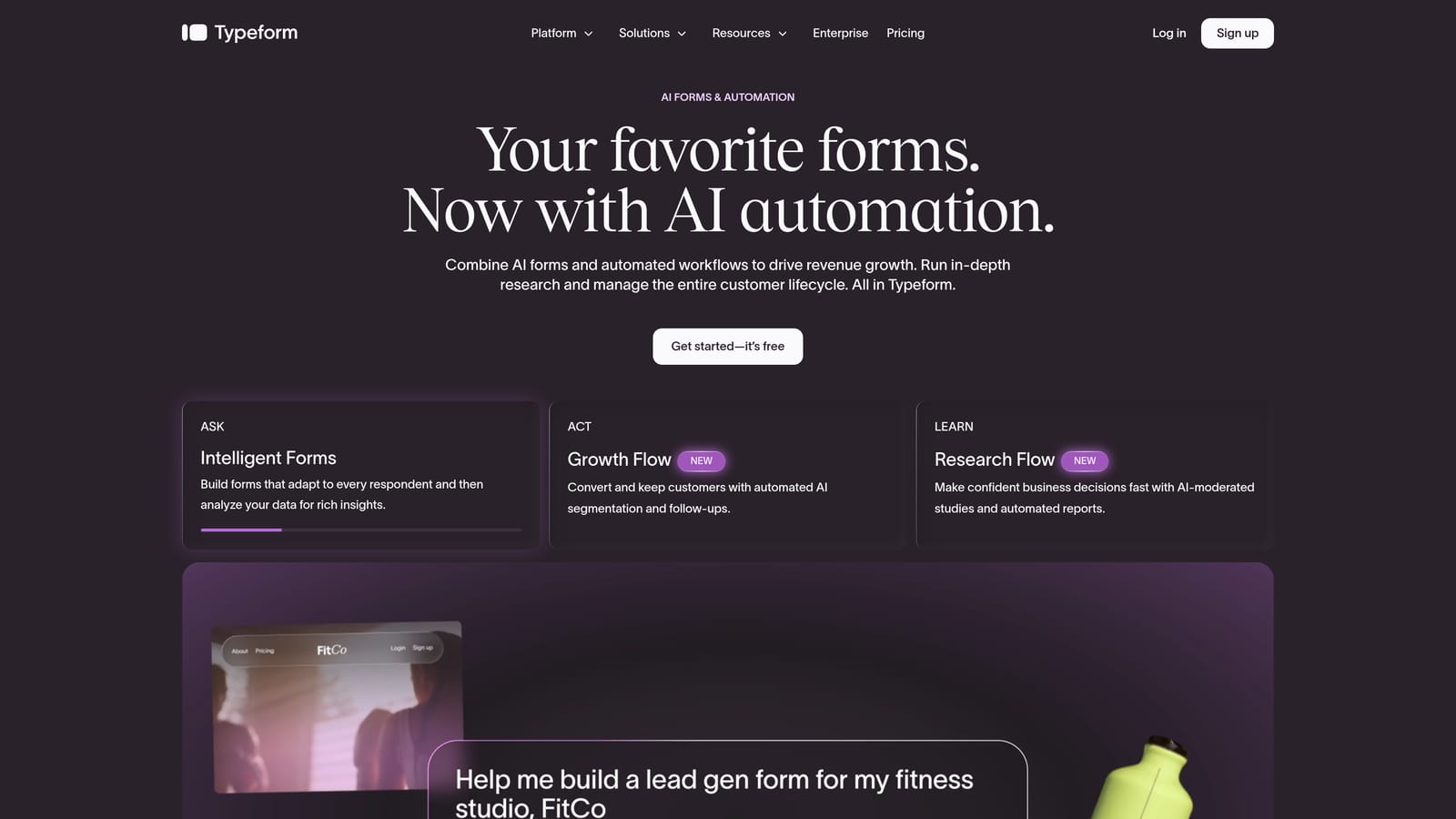
Typeform is the tool that popularized the one-question-at-a-time conversational format, and it remains one of the most recognized names in modern form design.
Where This Tool Shines
Typeform's core strength is the experience it creates for the person filling out the form. By presenting one question at a time in a clean, full-screen layout, it reduces the visual overwhelm that kills completion rates on traditional multi-field forms. The result feels less like a form and more like a conversation.
The platform also delivers on design customization, letting teams match forms to their brand with precision. If your forms are customer-facing and brand consistency matters, Typeform gives you fine-grained control over how things look and feel.
Key Features
Conversational Format: One question at a time creates a focused, low-friction experience that tends to improve completion rates.
Visual Customization: Fonts, colors, background images, and layouts can be tailored to match your brand identity.
Conditional Logic and Branching: Route respondents through different question paths based on their answers.
Wide Integration Ecosystem: Native connections to HubSpot, Salesforce, Zapier, and many other tools in the modern marketing stack.
Video and Image Support: Embed visuals directly within form questions to add context or personality to the experience.
Best For
Typeform works well for marketing teams running lead generation campaigns, product teams collecting user research, and any organization where the form experience reflects on the brand. It's less optimized for complex qualification logic or enterprise workflow automation.
Pricing
Free plan available with limited responses. Paid plans start at $25 per month billed annually, with higher tiers unlocking more responses, logic features, and integrations.
3. Tally
Best for: Early-stage startups and indie teams that need powerful forms without a paid subscription.
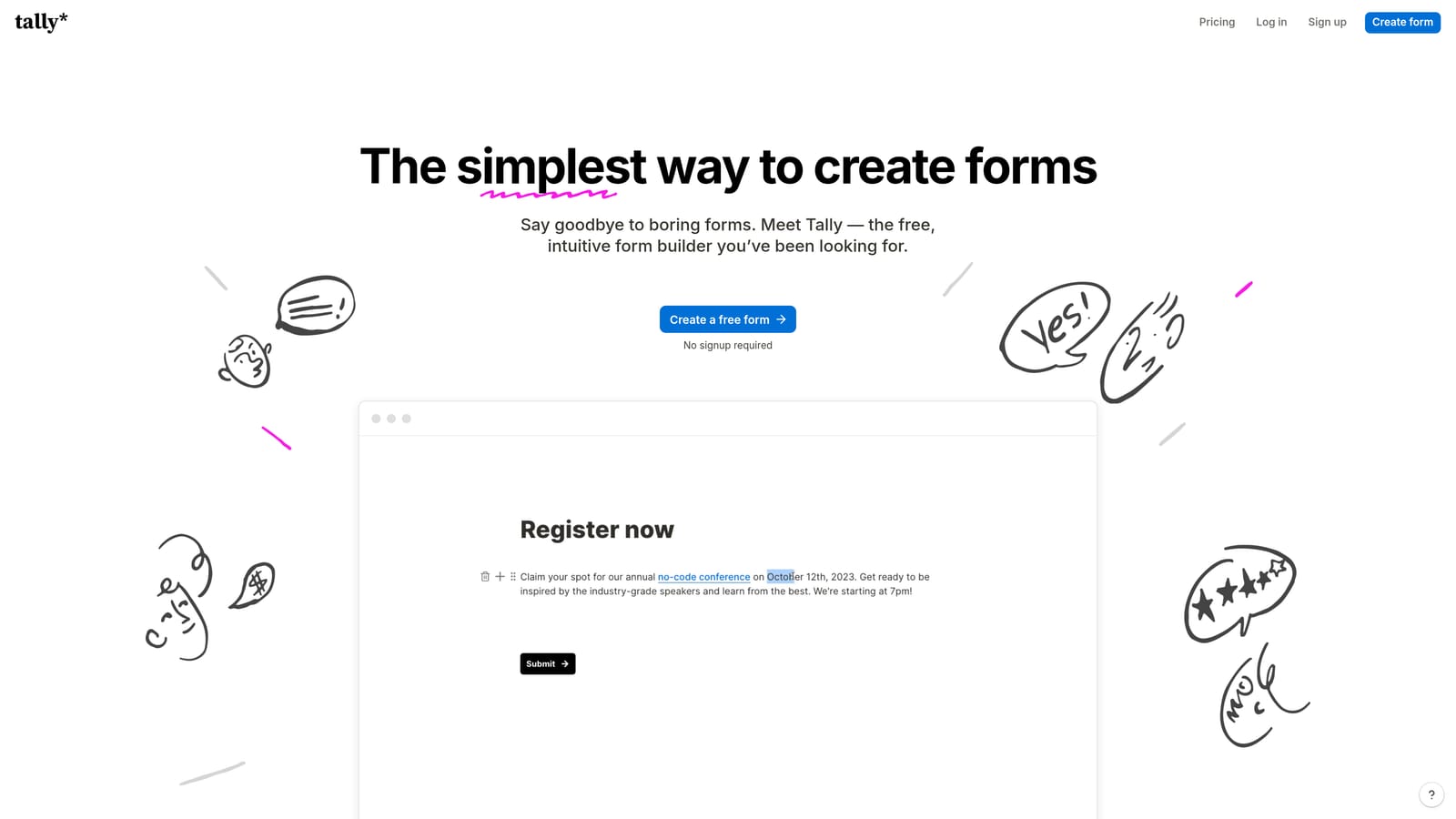
Tally is a Notion-inspired form builder with one of the most generous free tiers in the market, built for speed and simplicity.
Where This Tool Shines
Tally's block-based editor will feel immediately familiar to anyone who uses Notion. You build forms by adding blocks, and the experience is fast and intuitive without a steep learning curve. What makes Tally stand out is what it offers for free: unlimited forms, unlimited responses, and no forced branding on the free plan. That's genuinely rare in this category.
The platform has built a loyal following in the indie maker and early-stage startup community precisely because it removes the friction of getting a functional, clean form live without hitting a paywall on the basics.
Key Features
Block-Based Editor: Fast, Notion-style editing interface that makes form building feel natural and low-effort.
Unlimited Free Tier: Unlimited forms and responses on the free plan, which is uncommon among modern form tools.
No Branding on Free Plan: Tally doesn't force its logo onto your free forms, which keeps the experience clean for your users.
Conditional Logic and Hidden Fields: Core logic features are available even on the free tier, covering most standard use cases.
Clean Embeds: Forms embed smoothly into websites and Notion pages without technical friction.
Best For
Tally is ideal for early-stage startups, solo founders, and small teams that need reliable forms without budget pressure. It's a strong starting point, though teams with advanced qualification or automation needs may eventually outgrow it.
Pricing
Free plan covers core features with no response limits. Pro plan is $29 per month and unlocks custom domains, file uploads, and additional customization options.
4. Paperform
Best for: Agencies and service businesses that want forms to function as full landing page experiences.
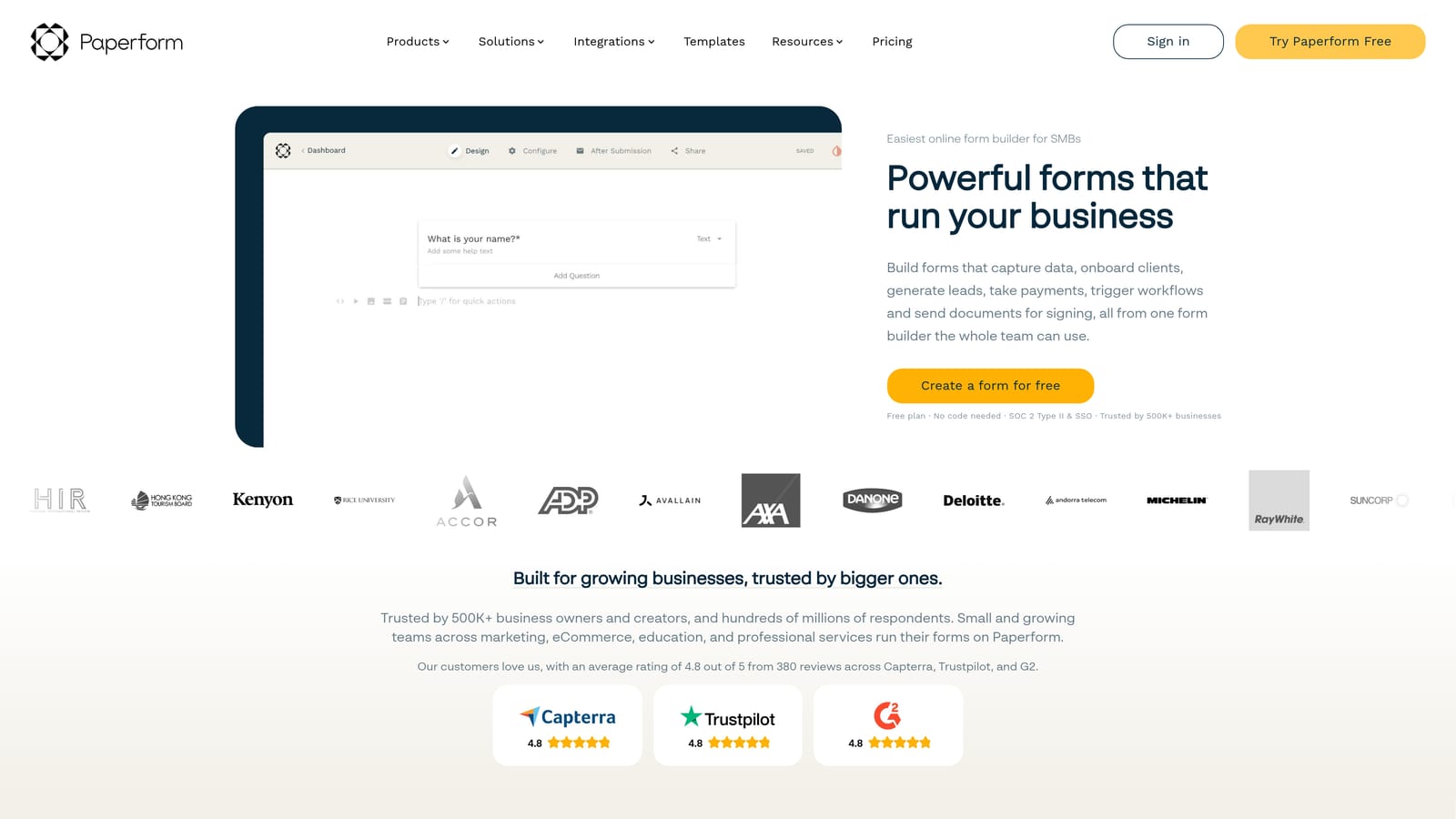
Paperform takes a distinct approach: its freeform editor lets you mix text, images, video, and form fields on a single canvas, creating forms that feel closer to landing pages than traditional input screens.
Where This Tool Shines
The freeform canvas is Paperform's defining feature. Instead of being constrained to a question-and-answer layout, you can write copy, add images, embed video, and place form fields wherever they make sense contextually. This makes it well-suited for forms that need to persuade as much as they collect.
Paperform also handles payment collection natively through Stripe and PayPal, and includes scheduling and appointment booking features. This breadth of functionality makes it a genuine multi-purpose tool for agencies and service businesses managing diverse client needs.
Key Features
Freeform Canvas Editor: Mix text, media, and form fields freely on one page to create experiences that blend content and data collection.
Conditional Logic and Calculations: Advanced branching logic and calculation fields for pricing forms, quizzes, and dynamic outputs.
Built-In Payment Collection: Accept payments via Stripe and PayPal directly within the form without third-party workarounds.
Scheduling and Booking: Appointment booking functionality is built in, useful for service businesses and consultants.
Custom Domains and Full Branding: Complete control over branding with custom domain support on higher-tier plans.
Best For
Paperform suits agencies, consultants, and service businesses that want forms to double as conversion pages. It's also a strong fit for anyone needing payment collection or scheduling alongside data capture in a single tool.
Pricing
Essentials plan starts at $24 per month. Higher tiers increase submission limits and unlock additional features like custom domains and priority support.
5. Jotform
Best for: Teams that need maximum breadth: templates, integrations, payments, and enterprise features in one platform.
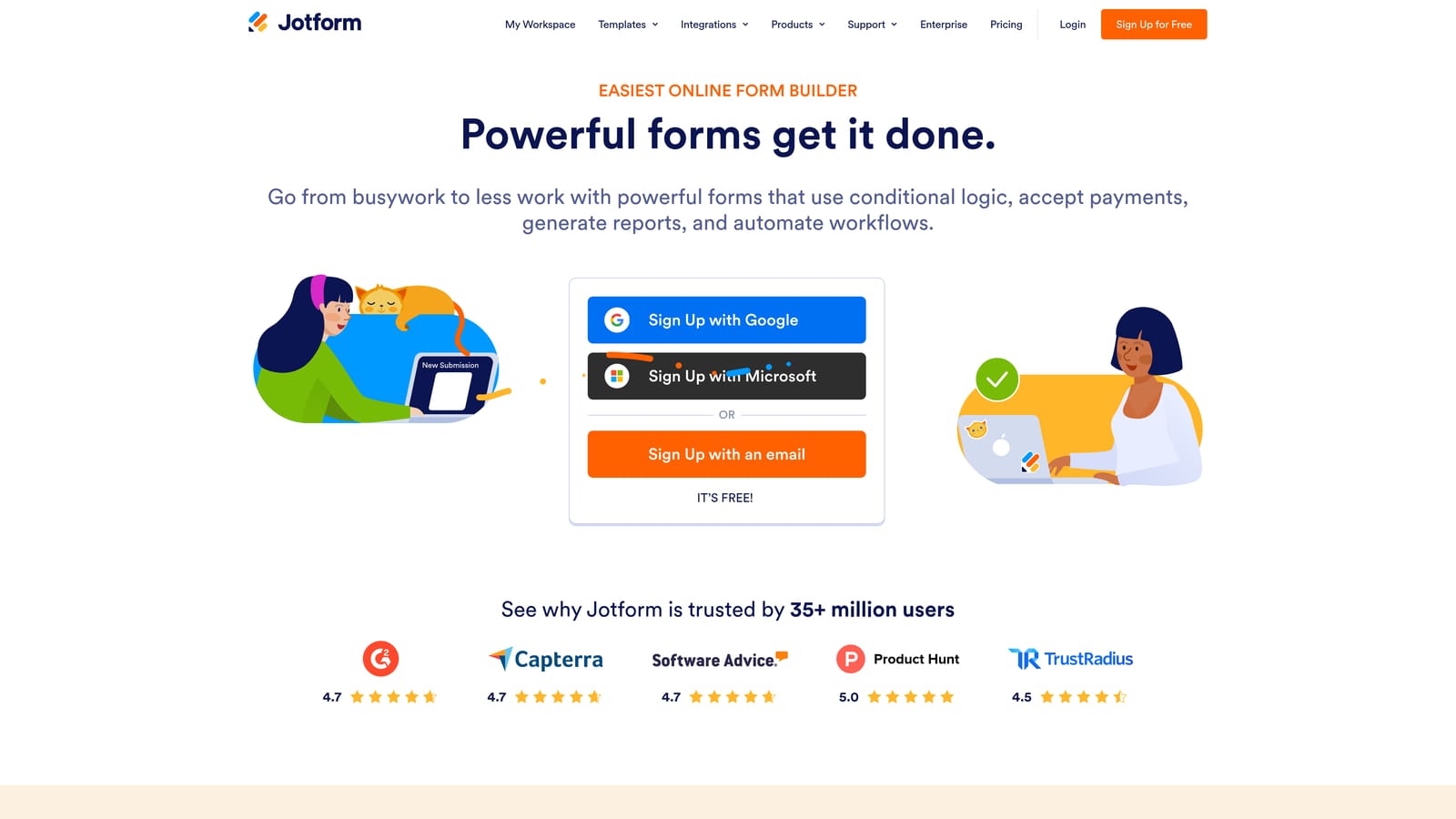
Jotform is one of the most feature-complete form builders available, with a template library and integration ecosystem that covers nearly every use case imaginable.
Where This Tool Shines
If Orbit AI is a specialist and Tally is a minimalist, Jotform is the Swiss Army knife. With over 10,000 templates spanning industries from healthcare to e-commerce, it's built for teams that need to move fast across many different form types without starting from scratch each time.
The platform has also added AI form generation in recent product updates, allowing users to generate a form from a text prompt. For teams managing high volumes of diverse form needs, Jotform's breadth is genuinely hard to match.
Key Features
10,000+ Templates: Pre-built forms across dozens of categories, industries, and use cases to accelerate setup.
Extensive Integration Library: Connects with CRMs, payment processors, cloud storage, and productivity tools across hundreds of native integrations.
Approval Workflows and Team Collaboration: Route form submissions through multi-step approval processes with team-level access controls.
AI Form Generation: Generate form drafts from a text prompt, then refine from there.
HIPAA-Compliant Plans: Enterprise and healthcare-grade compliance options available for regulated industries.
Best For
Jotform is a strong fit for operations teams, HR departments, healthcare organizations, and any team managing a wide variety of form types. The breadth can feel like overkill for simple use cases, but for teams with diverse, high-volume needs, it delivers.
Pricing
Free plan available with limited monthly submissions. Paid plans start at $34 per month, with enterprise and HIPAA-compliant options at higher price points.
6. Formstack
Best for: Enterprise and mid-market organizations with complex workflows, compliance requirements, and document automation needs.
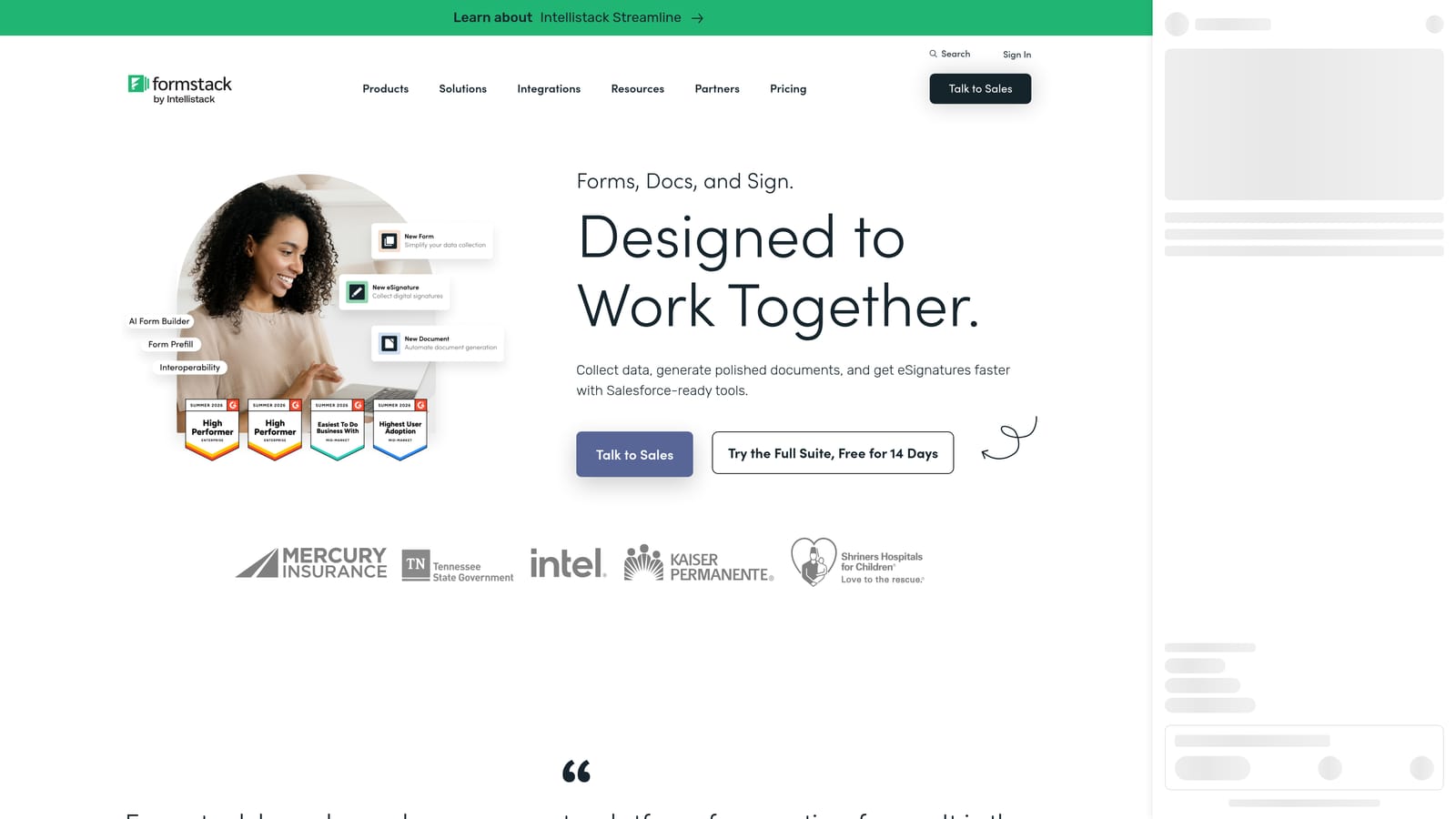
Formstack is an enterprise-grade platform that treats forms as one component of a broader operational workflow, including document generation, e-signatures, and approval routing.
Where This Tool Shines
Formstack is less about form aesthetics and more about operational reliability. It's built for organizations where form submissions trigger multi-step processes: approvals, document generation, compliance logging, and CRM updates. The platform's Salesforce-native integration is particularly strong, making it a natural fit for Salesforce-heavy organizations that want forms to flow directly into their CRM without middleware.
For industries with strict compliance requirements, Formstack offers HIPAA-friendly configurations and enterprise security options that many lighter-weight tools simply don't provide.
Key Features
Advanced Workflow Automation: Build multi-step approval and routing workflows triggered by form submissions.
Document Generation and E-Signatures: Generate documents from form data and collect digital signatures within the same platform.
HIPAA-Compliant Options: Enterprise security and compliance configurations for regulated industries.
Salesforce-Native Integration: Deep, native Salesforce connectivity that goes beyond basic field mapping.
Conditional Logic and Data Prefill: Dynamic forms that adapt based on logic and can pull in existing data to reduce manual entry.
Best For
Formstack is the right choice for mid-market and enterprise organizations in healthcare, financial services, or any sector with regulatory requirements and complex internal workflows. It's a heavier investment than most tools here, but it solves problems the lighter tools can't.
Pricing
Forms plan starts at $83 per month. Full platform pricing covering documents and sign features is available on request from Formstack's sales team.
Choosing the Right Tool for Your Stack
Each of these tools earns its place, but they're built for genuinely different outcomes. Here's how to think about the choice.
If lead qualification and conversion optimization are your priority, Orbit AI is purpose-built for that outcome. It's the only tool in this list that embeds AI-powered lead scoring directly into the form experience, which matters when pipeline quality is as important as pipeline volume.
If you need a polished conversational experience that reflects well on your brand, Typeform remains a strong choice, particularly for customer-facing forms where design consistency matters. For budget-conscious teams building straightforward forms, Tally is genuinely hard to beat, especially given what it offers for free.
Paperform suits teams who want their forms to function as landing pages, with built-in payments and scheduling adding real versatility. Jotform is the go-to for breadth: if you need thousands of templates, extensive integrations, and enterprise features under one roof, it delivers. Formstack fits organizations with complex workflows, document automation requirements, and compliance obligations that lighter tools weren't designed to handle.
The right tool ultimately depends on what your forms need to do beyond collecting data. If your forms are part of a lead generation engine, the platform you choose should treat them that way.
Transform your lead generation with AI-powered forms that qualify prospects automatically while delivering the modern, conversion-optimized experience your high-growth team needs. Start building free forms today and see how intelligent form design can elevate your conversion strategy.


