

Choosing the right form builder isn't just about collecting data—it's about capturing qualified leads that actually convert. With dozens of options flooding the market, finding the perfect fit for your team's workflow and budget can feel overwhelming.
This guide cuts through the noise to present top form builder purchase options that deliver real value, from AI-powered platforms designed for high-growth teams to budget-friendly solutions for startups. We've evaluated each tool based on conversion optimization features, pricing transparency, integration capabilities, and ease of use.
Whether you're scaling a SaaS business or launching your first lead generation campaign, you'll find an option that matches your needs and budget.
1. Orbit AI
Best for: High-growth teams needing AI-powered lead qualification and conversion optimization
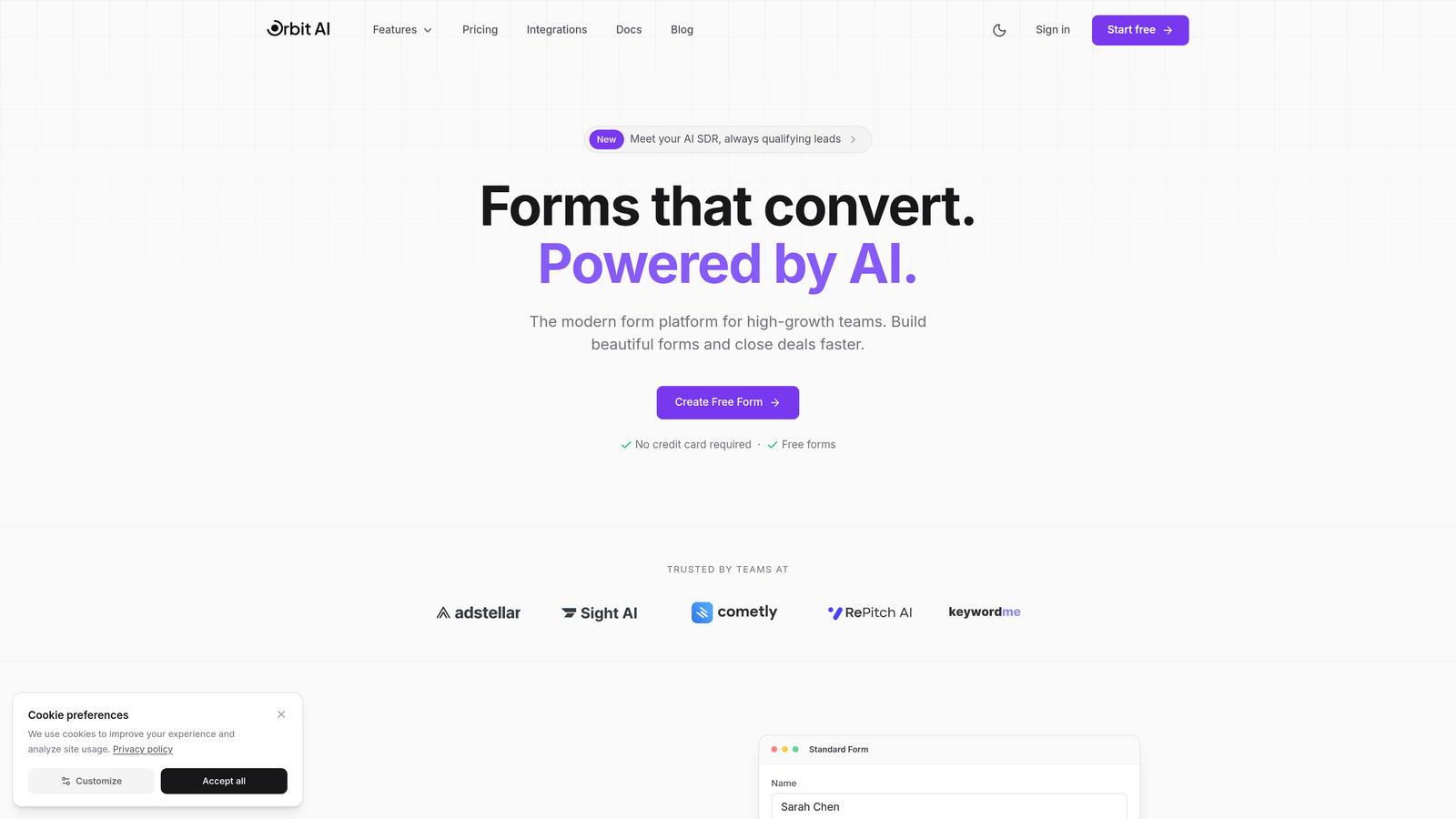
Orbit AI is an AI-powered form builder platform specifically designed for teams focused on lead generation and conversion optimization.
Where This Tool Shines
Orbit AI stands out by automating the lead qualification process that typically requires manual review. The platform uses AI to score and qualify prospects in real-time, routing high-value leads directly to your sales team while nurturing lower-priority contacts through automated workflows.
The conversion-optimized templates are built on data-driven best practices, eliminating the guesswork from form design. Teams report faster deployment times and higher-quality lead pipelines compared to traditional form builders that focus solely on data collection.
Key Features
AI-Powered Lead Qualification: Automatically scores and qualifies leads based on response patterns and predefined criteria.
Conversion-Optimized Templates: Pre-built form designs tested for maximum completion rates across industries.
Native CRM Integrations: Seamless data flow to major CRMs without middleware or complex setup.
Real-Time Analytics Dashboard: Track form performance, conversion rates, and lead quality metrics instantly.
Workflow Automation: Trigger actions based on form submissions, lead scores, and qualification criteria.
Best For
Orbit AI is ideal for scaling SaaS companies, B2B marketing teams, and high-growth businesses where lead quality matters more than lead volume. If you're tired of sorting through unqualified submissions and want your forms to work smarter, not harder, this platform delivers.
Pricing
Contact for pricing. The platform is designed for scaling teams with serious lead generation goals, and pricing reflects the advanced AI capabilities and enterprise-grade features included.
2. Typeform
Best for: Creating engaging, conversational form experiences with high completion rates
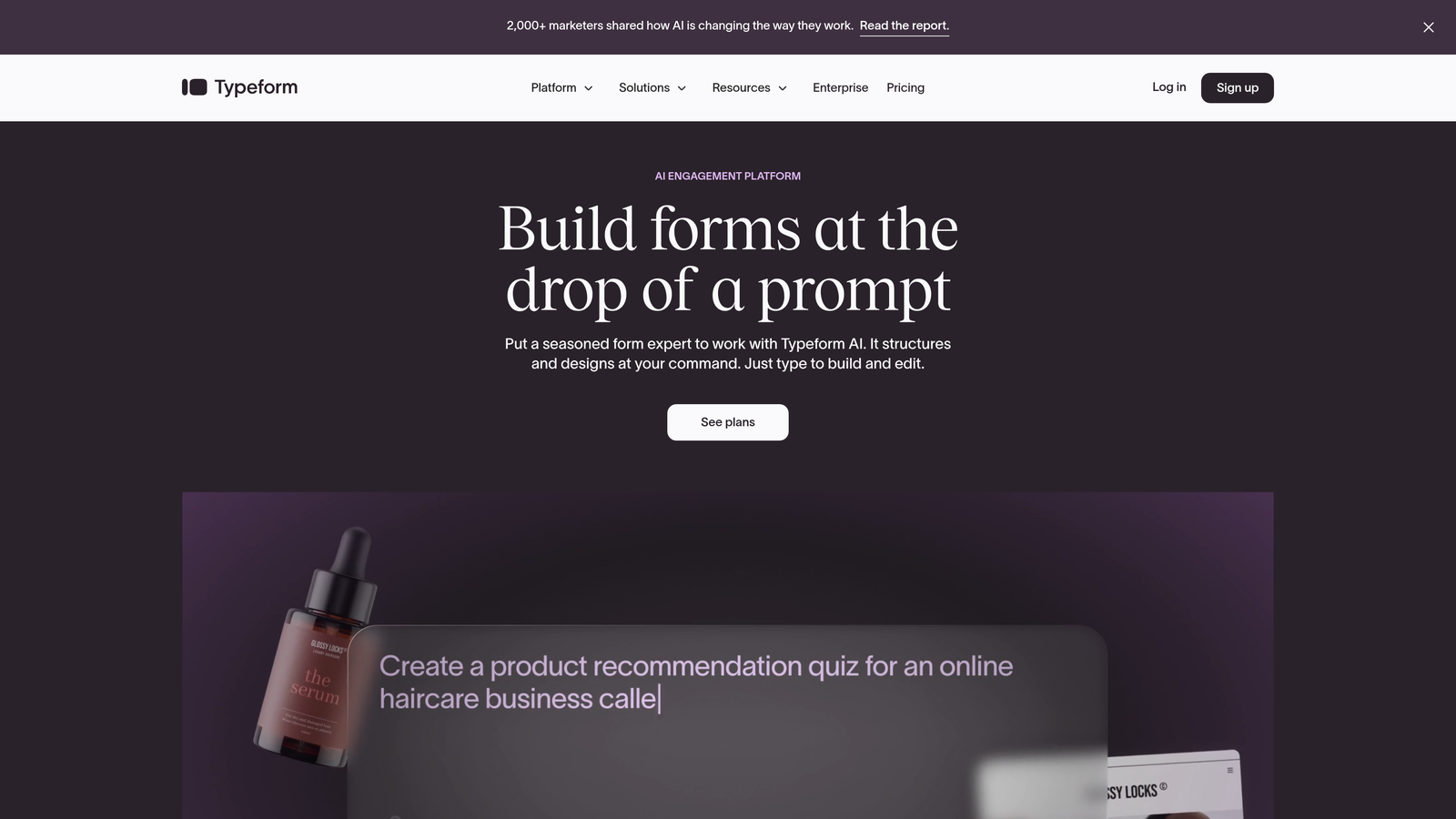
Typeform is a conversational form builder known for its one-question-at-a-time format that creates engaging user experiences.
Where This Tool Shines
Typeform revolutionized form design by treating data collection like a conversation rather than an interrogation. The one-question-at-a-time approach reduces cognitive load and increases completion rates, especially for longer surveys or detailed lead qualification forms.
The platform excels at brand customization, allowing teams to create forms that feel native to their website experience. Logic jumps create personalized paths based on responses, making each submission feel tailored to the individual respondent.
Key Features
Conversational One-Question Format: Display questions sequentially to reduce form abandonment and improve user experience.
Extensive Brand Customization: Match your brand colors, fonts, and visual style with pixel-perfect precision.
Logic Jumps and Branching: Create dynamic form paths that adapt based on previous answers.
Video and Image Embedding: Enhance forms with rich media to increase engagement and context.
Native Integrations Hub: Connect to hundreds of tools including Slack, Google Sheets, and major CRMs.
Best For
Typeform works best for teams prioritizing user experience and brand consistency. It's particularly effective for customer feedback surveys, event registrations, and multi-step lead qualification where engagement matters more than speed.
Pricing
Free tier available with Typeform branding and basic features. Paid plans start at $25/month, with higher tiers unlocking advanced logic, integrations, and removal of Typeform branding.
3. Jotform
Best for: Teams needing extensive template variety and a generous free tier
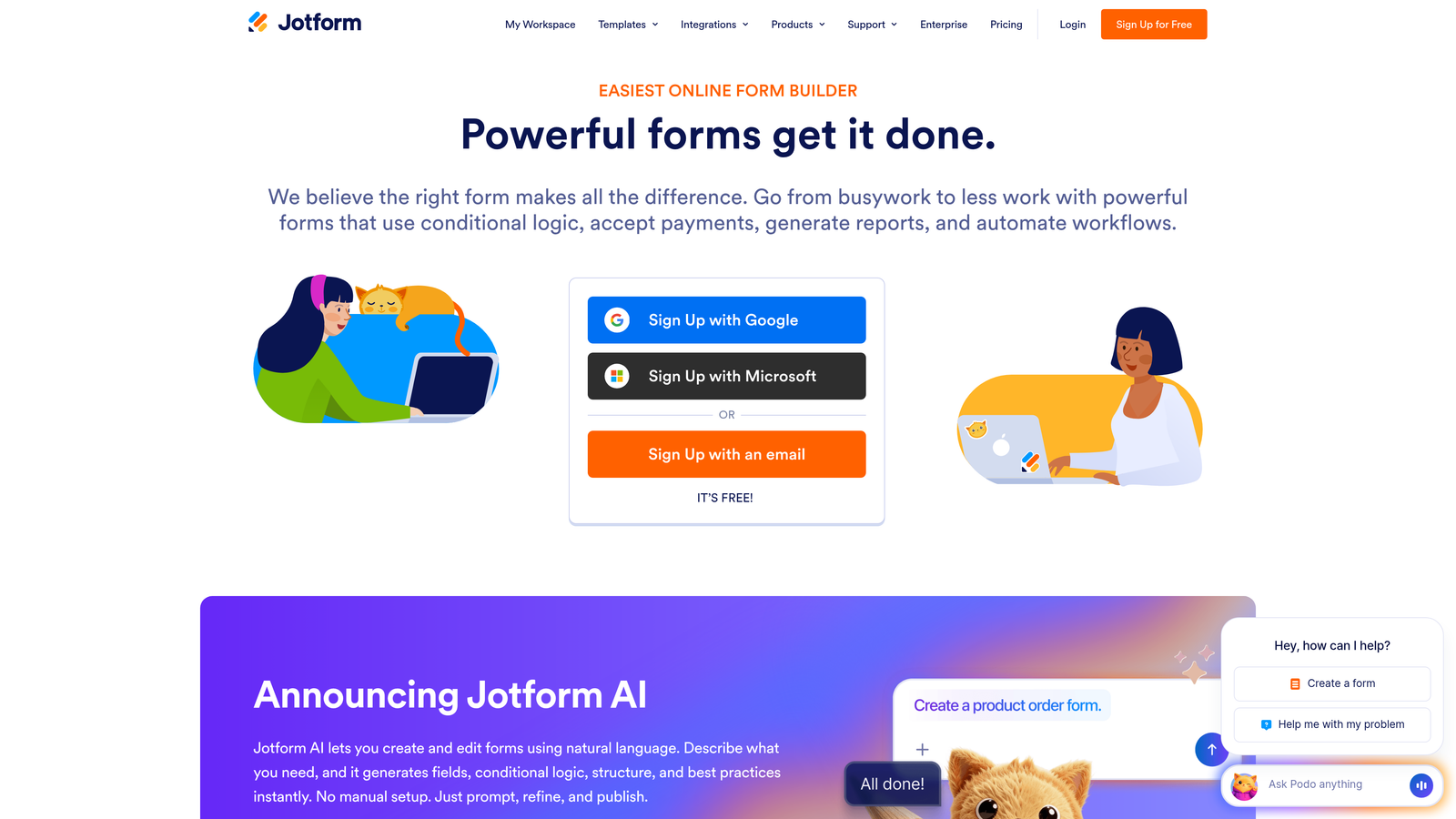
Jotform is a versatile form builder offering thousands of templates and a powerful drag-and-drop interface for quick deployment.
Where This Tool Shines
Jotform's massive template library means you'll rarely build a form from scratch. With over 10,000 pre-built templates spanning every industry and use case, you can launch professional forms in minutes rather than hours.
The PDF form generation feature is uniquely valuable for teams needing to convert digital submissions into formatted documents. This proves essential for applications, contracts, or any workflow requiring official documentation from form data.
Key Features
10,000+ Form Templates: Pre-built forms for virtually every industry, use case, and data collection need.
Drag-and-Drop Builder: Intuitive interface that requires zero coding knowledge to create complex forms.
PDF Form Generation: Automatically convert submissions into formatted PDF documents for records or distribution.
Payment Integrations: Accept payments directly through forms via PayPal, Stripe, Square, and other processors.
Mobile App for Submissions: Collect offline submissions and sync when connectivity returns.
Best For
Jotform suits small businesses, freelancers, and teams needing quick deployment without extensive customization. The generous free tier makes it accessible for budget-conscious teams testing form strategies.
Pricing
Free for up to 5 forms with 100 monthly submissions. Paid plans start at $34/month, scaling with form count and submission volume.
4. HubSpot Forms
Best for: Teams already using HubSpot CRM seeking seamless marketing automation integration
HubSpot Forms is the native form builder within HubSpot's marketing platform, offering direct CRM integration and marketing automation capabilities.

Where This Tool Shines
HubSpot Forms eliminates the integration headaches that plague most form-to-CRM workflows. Data flows directly into contact records without middleware, webhooks, or complex mapping. This seamless connection enables immediate follow-up actions and accurate attribution tracking.
Progressive profiling is the standout feature for B2B teams. Instead of asking returning visitors the same questions repeatedly, the form intelligently requests new information on each submission, gradually building complete contact profiles without survey fatigue.
Key Features
Direct CRM Data Sync: Form submissions instantly create or update contact records with zero integration setup.
Progressive Profiling: Automatically show different questions to returning visitors to build complete profiles over time.
Built-In Lead Scoring: Assign point values to form submissions and responses to prioritize follow-up.
A/B Testing Capabilities: Test form variations to optimize conversion rates with statistical confidence.
Marketing Automation Triggers: Launch email sequences, task creation, and workflow actions based on form submissions.
Best For
HubSpot Forms is perfect for teams already invested in the HubSpot ecosystem. If you're running your marketing and sales operations through HubSpot, this native solution eliminates complexity and maximizes data utility.
Pricing
Free with HubSpot CRM, which includes basic form functionality. Advanced features like A/B testing and progressive profiling require paid Marketing Hub subscriptions starting at higher tiers.
5. Tally
Best for: Budget-conscious teams wanting unlimited forms with a clean, minimalist interface
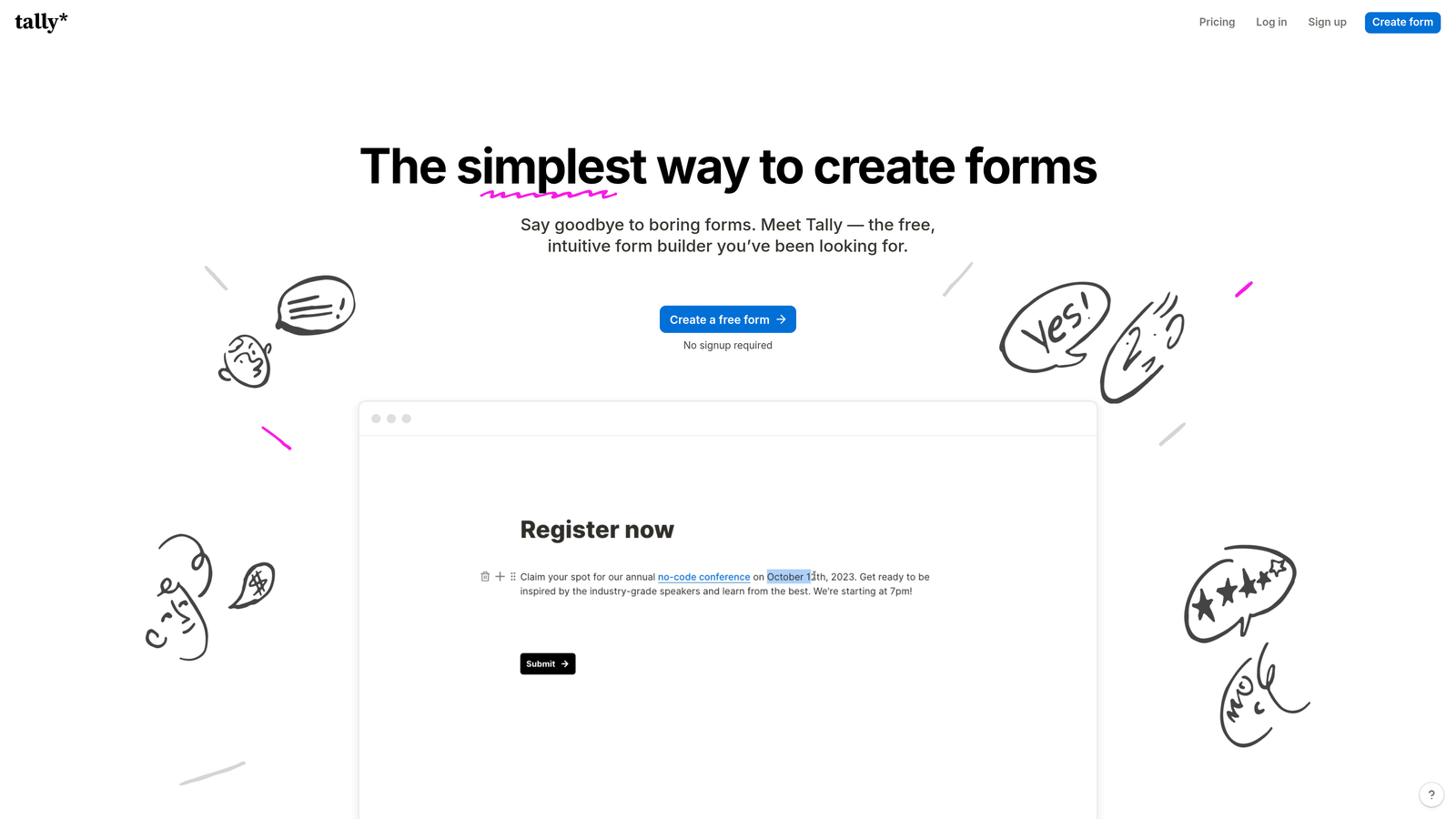
Tally is a minimalist form builder featuring a Notion-like block editor and unlimited forms on the free plan.
Where This Tool Shines
Tally's unlimited free tier is genuinely unlimited. No artificial caps on forms, submissions, or features that typically force upgrades. This makes it ideal for agencies managing multiple clients or teams running numerous campaigns simultaneously.
The Notion-style block editor feels instantly familiar to modern teams. If your team already uses Notion for documentation, the learning curve is essentially zero. You build forms the same way you build documents, with intuitive slash commands and drag-and-drop blocks.
Key Features
Unlimited Forms on Free Tier: Create as many forms as needed without hitting paywalls or submission limits.
Notion-Style Block Editor: Build forms using familiar block-based editing with slash commands and drag-and-drop.
Conditional Logic: Show or hide questions based on previous responses to create personalized experiences.
File Uploads: Accept document submissions, images, and other file types directly through forms.
Webhook Integrations: Connect to thousands of tools via webhooks or Zapier for flexible automation.
Best For
Tally works best for startups, content creators, and small teams needing simple forms without budget constraints. It's also excellent for agencies managing multiple client projects where per-form pricing becomes prohibitive.
Pricing
Free for unlimited forms and submissions. Pro plan at $29/month adds features like custom domains, file storage expansion, and advanced integrations.
6. Paperform
Best for: Creating forms that double as landing pages with e-commerce functionality
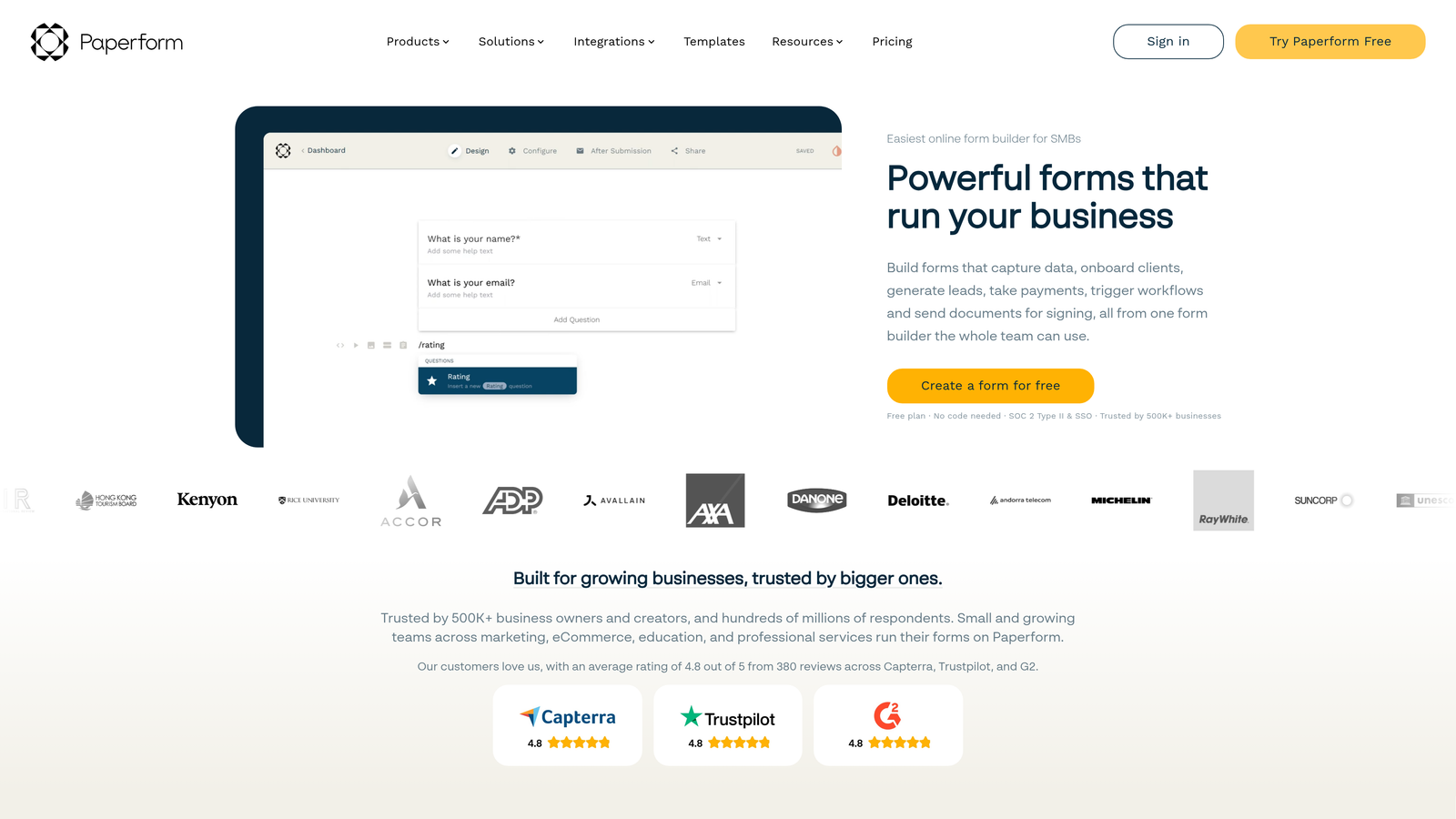
Paperform is a design-forward form builder that functions as both a data collection tool and a landing page creator with payment processing.
Where This Tool Shines
Paperform blurs the line between forms and landing pages. You can create entire product pages, booking systems, or registration experiences that feel like standalone websites rather than embedded forms. This versatility reduces the need for separate landing page builders in your tech stack.
The rich media embedding capabilities let you create immersive experiences with videos, images, and custom HTML. Combined with payment processing, you can build complete sales funnels within a single Paperform, from product showcase to checkout.
Key Features
Landing Page Functionality: Create full-page experiences that combine forms with marketing content and branding.
Rich Media Embedding: Add videos, images, custom HTML, and interactive elements throughout your forms.
Payment Processing: Accept payments via Stripe and PayPal with customizable pricing and product options.
Booking and Scheduling: Integrate calendar functionality for appointment booking and event registration.
Custom Domain Support: Host forms on your own domain for seamless brand experience.
Best For
Paperform excels for coaches, consultants, and service businesses needing booking systems combined with payment collection. It's also valuable for event organizers and e-commerce businesses wanting branded registration experiences.
Pricing
Starts at $24/month for the Essentials plan with core features. Higher tiers add advanced integrations, increased submission limits, and priority support.
7. Formstack
Best for: Enterprise teams requiring HIPAA compliance and advanced security features
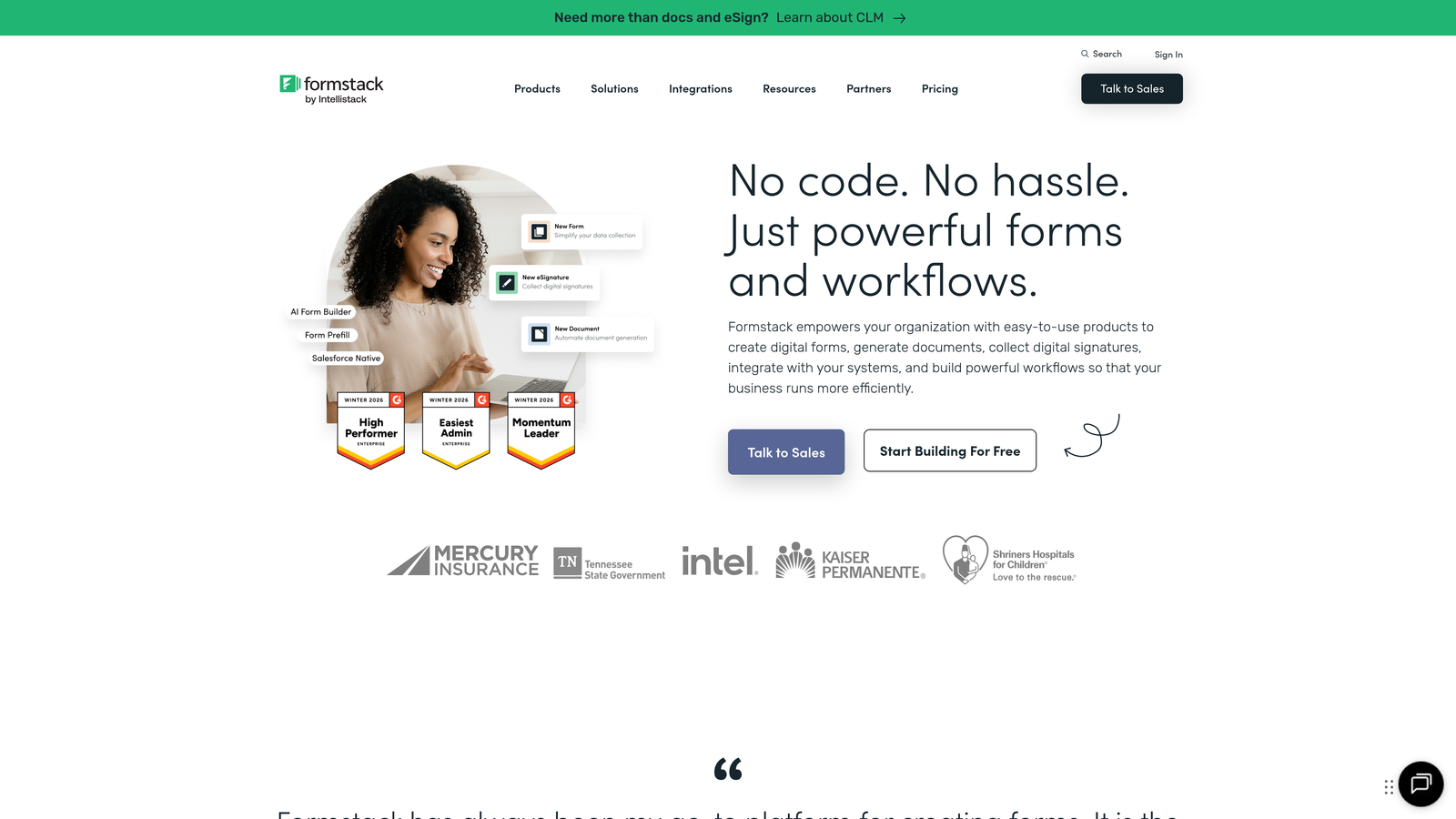
Formstack is an enterprise-grade form builder with advanced security compliance, document automation, and workflow capabilities.
Where This Tool Shines
Formstack takes security and compliance seriously in ways consumer-grade form builders cannot match. HIPAA and GDPR compliance features are built into the platform, not added as afterthoughts. This makes it essential for healthcare, financial services, and any industry handling sensitive personal data.
The document generation and electronic signature capabilities transform Formstack from a simple form builder into a complete document workflow system. Submissions automatically populate contracts, agreements, or reports that can be signed digitally within the same platform.
Key Features
HIPAA and GDPR Compliance: Enterprise-grade security features meeting healthcare and data privacy regulations.
Document Generation: Automatically create formatted documents from form data using customizable templates.
Electronic Signatures: Collect legally binding signatures directly within forms and generated documents.
Advanced Workflow Automation: Build complex multi-step processes with conditional routing and approval chains.
Enterprise SSO Support: Integrate with corporate identity systems for secure, centralized authentication.
Best For
Formstack is built for healthcare providers, financial institutions, government agencies, and large enterprises where compliance isn't optional. If your industry has strict data handling requirements, the premium pricing is justified by the risk mitigation.
Pricing
Starts at $50/month for basic plans. Enterprise pricing available for teams needing dedicated support, custom compliance features, and advanced security configurations.
8. Google Forms
Best for: Simple data collection with zero budget and Google Workspace integration
Google Forms is a free, straightforward form builder with native integration across the Google Workspace ecosystem.
Where This Tool Shines
Google Forms delivers exactly what it promises: simple, reliable data collection at zero cost. The automatic sync to Google Sheets creates instant spreadsheet databases without export steps or integration setup. For teams already living in Google Workspace, this seamless connection is invaluable.
The real-time collaboration features mirror Google Docs, allowing multiple team members to edit forms simultaneously. You can see changes as they happen and leave comments for collaborators, making form creation genuinely collaborative rather than sequential.
Key Features
Completely Free: No hidden costs, submission limits, or premium tiers—everything is included with a Google account.
Google Sheets Auto-Sync: Responses automatically populate a connected spreadsheet for instant analysis and reporting.
Real-Time Collaboration: Multiple users can edit forms simultaneously with live updates and commenting.
Basic Conditional Logic: Show or hide questions based on previous answers for simple branching paths.
Quiz Functionality: Create self-grading quizzes with automatic scoring and answer feedback.
Best For
Google Forms works for nonprofits, educators, small teams, and anyone needing basic surveys or event RSVPs without budget. It's also excellent for internal forms where advanced branding doesn't matter.
Pricing
Free with any Google account. No paid tiers or upgrade paths—what you see is what you get.
9. Cognito Forms
Best for: Complex calculations and payment collection with strong security features
Cognito Forms is a feature-rich form builder with advanced calculation fields, multiple payment gateways, and enterprise-grade security.
Where This Tool Shines
Cognito Forms handles mathematical complexity that breaks other form builders. The advanced calculation fields can perform multi-step formulas, reference previous answers, and display results in real-time. This makes it perfect for quote generators, pricing calculators, or any form requiring dynamic number crunching.
The repeating sections feature lets users add multiple entries within a single submission—think adding multiple attendees to an event registration or multiple line items to an order form. This flexibility eliminates the need for separate forms or complex workarounds.
Key Features
Advanced Calculation Fields: Perform complex mathematical operations using form data with Excel-like formula capabilities.
Multiple Payment Gateways: Accept payments through Stripe, PayPal, and Square with customizable pricing logic.
Repeating Sections: Allow users to add multiple entries within a single form submission for flexible data collection.
Conditional Logic: Show, hide, or require fields based on complex conditions and previous responses.
Data Encryption: Encrypt sensitive form data at rest and in transit for enhanced security.
Best For
Cognito Forms excels for businesses needing quote calculators, order forms with complex pricing, or registration systems requiring attendee details. The calculation capabilities make it ideal for financial services, insurance, and consulting firms.
Pricing
Free tier available with basic features and Cognito branding. Paid plans start at $15/month, scaling with form complexity, submission volume, and advanced features.
Making the Right Choice
The right form builder depends entirely on your specific needs, budget, and growth trajectory. Here's how to match tools to common scenarios.
For AI-Powered Lead Qualification: Orbit AI leads the pack if you're serious about converting form submissions into qualified sales opportunities. The automated lead scoring and qualification features eliminate manual review time while ensuring your sales team focuses on high-value prospects.
For Budget-Conscious Teams: Tally and Google Forms both offer genuinely unlimited free tiers. Tally provides more sophisticated features and modern design, while Google Forms delivers unbeatable simplicity and Workspace integration.
For Enterprise Compliance: Formstack is the clear choice when HIPAA, GDPR, or other regulatory requirements are non-negotiable. The premium pricing reflects the legal protection and peace of mind that comes with certified compliance.
For E-Commerce and Payments: Paperform combines beautiful design with robust payment processing, making it ideal for service businesses and event organizers. Cognito Forms offers more calculation flexibility if your pricing requires complex formulas.
For HubSpot Users: If you're already invested in HubSpot's ecosystem, the native form builder eliminates integration complexity and maximizes your CRM investment. The progressive profiling feature alone justifies using HubSpot Forms over third-party alternatives.
For Engagement and Brand Experience: Typeform's conversational approach consistently delivers higher completion rates when user experience matters more than speed. The one-question-at-a-time format reduces abandonment on longer forms.
The form builder market has matured significantly, with tools now serving specific niches rather than attempting to be everything to everyone. The best choice isn't the one with the longest feature list—it's the one that solves your specific conversion challenges while fitting your budget and technical capabilities.
Consider total cost of ownership beyond subscription fees. A free tool requiring hours of integration work and ongoing maintenance may cost more than a premium solution that deploys in minutes. Similarly, a form builder that converts 30% better than a free alternative quickly pays for itself through improved lead quality.
Transform your lead generation with AI-powered forms that qualify prospects automatically while delivering the modern, conversion-optimized experience your high-growth team needs. Start building free forms today and see how intelligent form design can elevate your conversion strategy.


