

Your forms are often the first real interaction prospects have with your business—and most form builders treat them as an afterthought. Generic templates, clunky interfaces, and zero intelligence behind the submission process mean you're losing leads before they even hit your CRM.
Professional form builder tools have evolved beyond simple data collection. Today's best options offer AI-powered qualification, conditional logic that adapts in real-time, and seamless integrations that turn submissions into automated workflows.
We evaluated dozens of form builders based on conversion optimization features, design flexibility, integration depth, and pricing scalability. Here are the top tools that actually deliver results for growth-focused teams.
1. Orbit AI
Best for: High-growth teams that need intelligent lead qualification built into their forms.
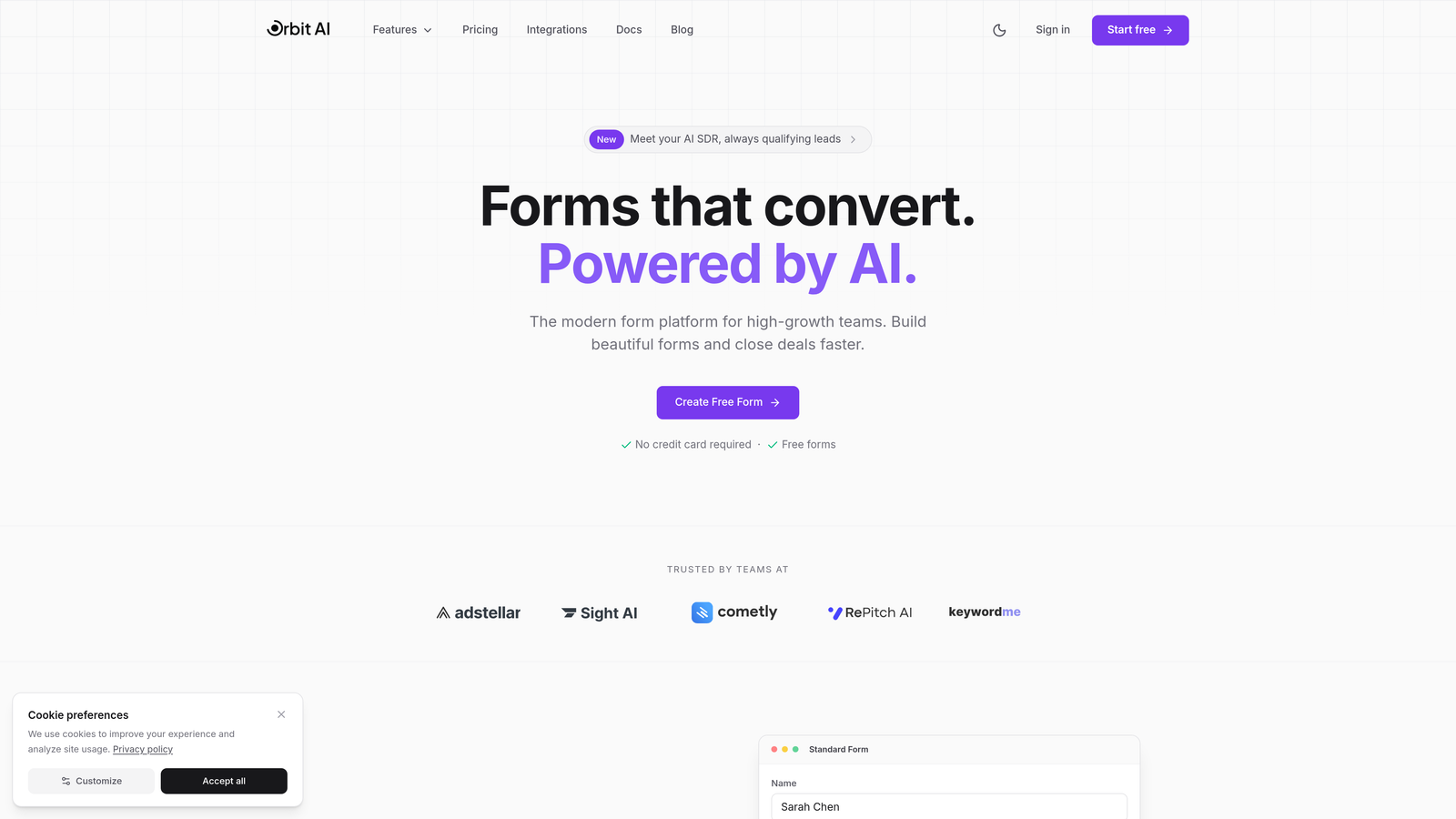
Orbit AI is an AI-powered form builder designed specifically for teams that treat lead generation as a strategic advantage.
Where This Tool Shines
What sets Orbit AI apart is its AI-powered lead qualification engine that scores and routes prospects automatically based on their responses. Instead of collecting submissions and manually sorting through them later, the platform qualifies leads in real-time and triggers the right workflows immediately.
The conversion-optimized templates are built with modern design principles that actually drive completions. These aren't generic layouts—they're tested patterns that reduce friction and guide prospects through the submission process naturally.
Key Features
AI-Powered Lead Qualification: Automatically scores and segments leads based on their responses, routing high-value prospects to sales immediately.
Conversion-Optimized Templates: Pre-built form designs engineered for maximum completion rates with modern, professional aesthetics.
Deep CRM Integrations: Native connections to HubSpot, Salesforce, and Pipedrive that sync data bidirectionally without middleware.
Automated Workflow Triggers: Set up conditional actions that fire based on lead scores, responses, or qualification criteria.
Built-In Analytics Dashboard: Track completion rates, drop-off points, and conversion metrics without connecting external analytics tools.
Best For
Growth-focused B2B teams, marketing agencies managing multiple clients, and SaaS companies that need to qualify inbound leads at scale. If your sales team wastes time on unqualified leads or your forms feel like data collection rather than conversion tools, this platform addresses both problems directly.
Pricing
Free tier available for testing and small projects. Paid plans start at $29/month with scaling options for teams managing higher submission volumes.
2. Typeform
Best for: Creating conversational form experiences that feel more like dialogue than interrogation.
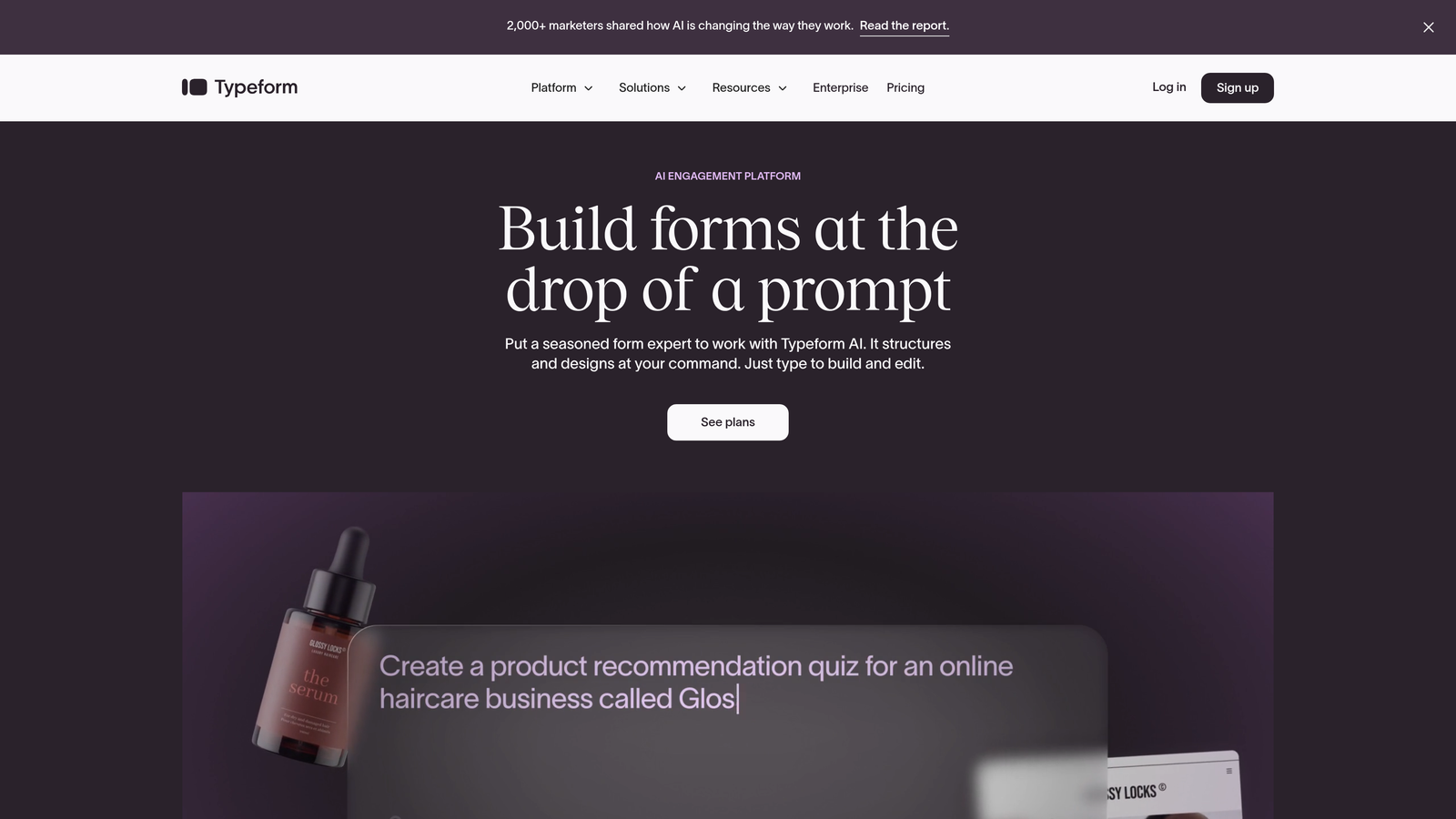
Typeform pioneered the one-question-at-a-time format that transformed how people think about form completion rates.
Where This Tool Shines
The conversational interface reduces cognitive load by presenting a single question at a time. This approach consistently delivers higher completion rates compared to traditional long-form layouts because it feels less overwhelming to prospects.
The logic jumps and branching capabilities let you create adaptive experiences where the next question depends on previous answers. This personalization makes forms feel tailored rather than generic, which improves engagement significantly.
Key Features
Conversational Format: One-question-at-a-time interface that guides users through the form naturally without overwhelming them.
Logic Jumps and Branching: Create dynamic paths where questions adapt based on previous responses for personalized experiences.
Calculator and Scoring: Build quizzes, assessments, or pricing calculators with built-in logic that computes results automatically.
Video and Image Embedding: Add rich media directly into questions to provide context or create more engaging interactions.
Native Integrations: Connect to popular tools like Slack, Google Sheets, Mailchimp, and Zapier without custom development.
Best For
Marketing teams running lead generation campaigns, HR departments conducting surveys or applications, and customer success teams gathering feedback. The conversational format works particularly well for longer forms that would feel tedious in traditional layouts.
Pricing
Free tier available with Typeform branding. Basic plan starts at $25/month, with higher tiers adding advanced logic and integrations.
3. Jotform
Best for: Teams needing extensive template variety and no-code flexibility for diverse use cases.
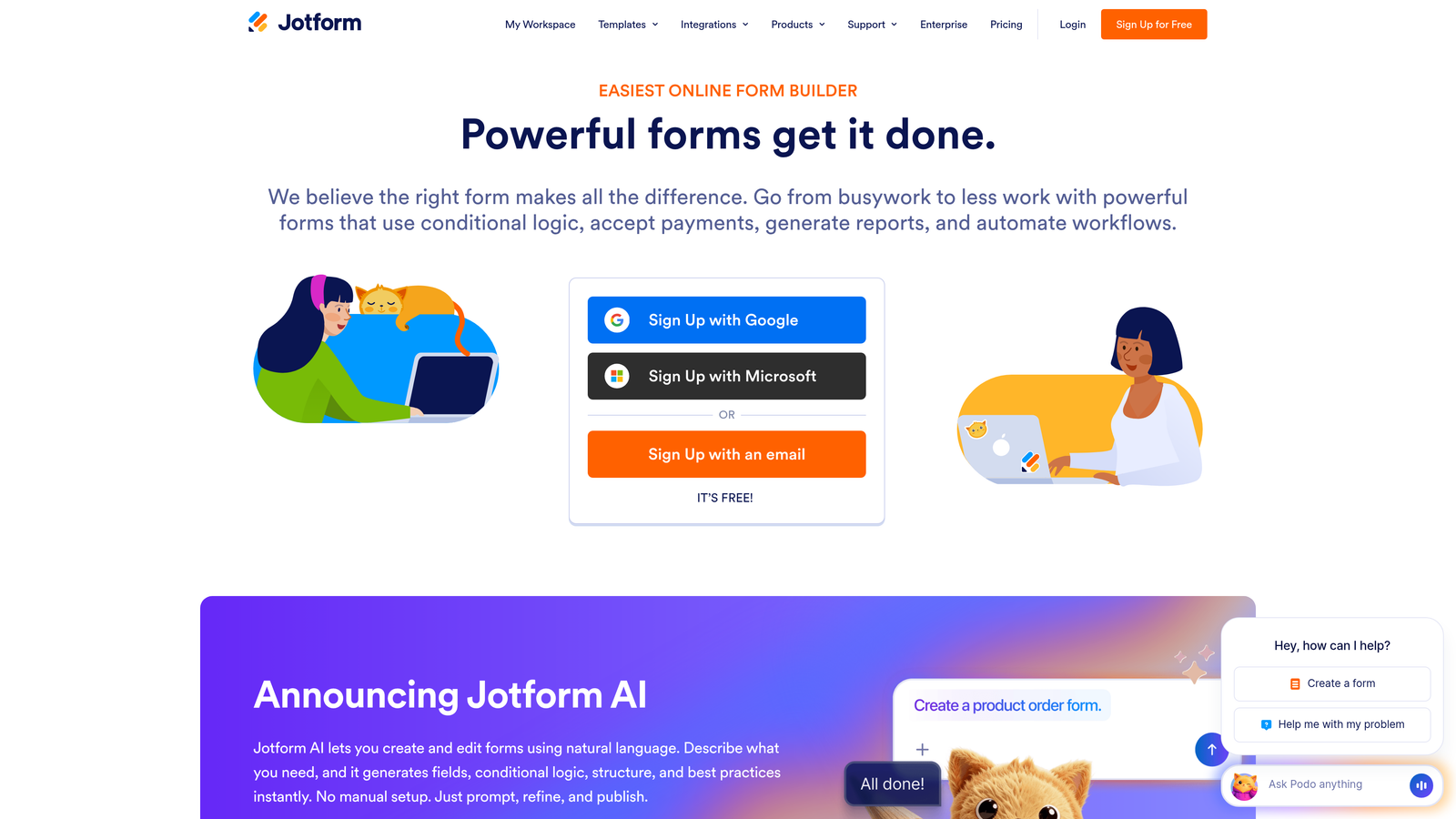
Jotform offers one of the largest template libraries in the industry with over 10,000 pre-built forms covering virtually every use case imaginable.
Where This Tool Shines
The template library is genuinely comprehensive—whether you need event registration, job applications, customer surveys, or payment forms, there's likely a pre-built starting point. This saves significant time compared to building from scratch.
The PDF generation feature is particularly valuable for businesses that need to create contracts, invoices, or documents from form submissions. You can design custom PDF templates that auto-populate with submission data, eliminating manual document creation entirely.
Key Features
10,000+ Templates: Massive library of pre-built forms for every industry and use case, dramatically reducing setup time.
PDF Generation: Automatically create fillable PDFs or convert submissions into custom-designed documents for contracts and invoices.
E-Signature Collection: Built-in signature fields that are legally binding and compliant with e-signature regulations.
Payment Integrations: Accept payments directly through forms via PayPal, Stripe, Square, and other processors.
Mobile App: Manage forms and view submissions on iOS or Android devices for teams working in the field.
Best For
Small businesses handling diverse form needs, organizations requiring document generation from submissions, and teams that prefer starting with templates rather than blank canvases. The breadth of features makes it suitable for everything from simple contact forms to complex multi-page applications.
Pricing
Free tier limited to 5 forms with 100 monthly submissions. Bronze plan starts at $34/month with increased limits and features.
4. Tally
Best for: Startups and small teams wanting unlimited forms without upfront costs.
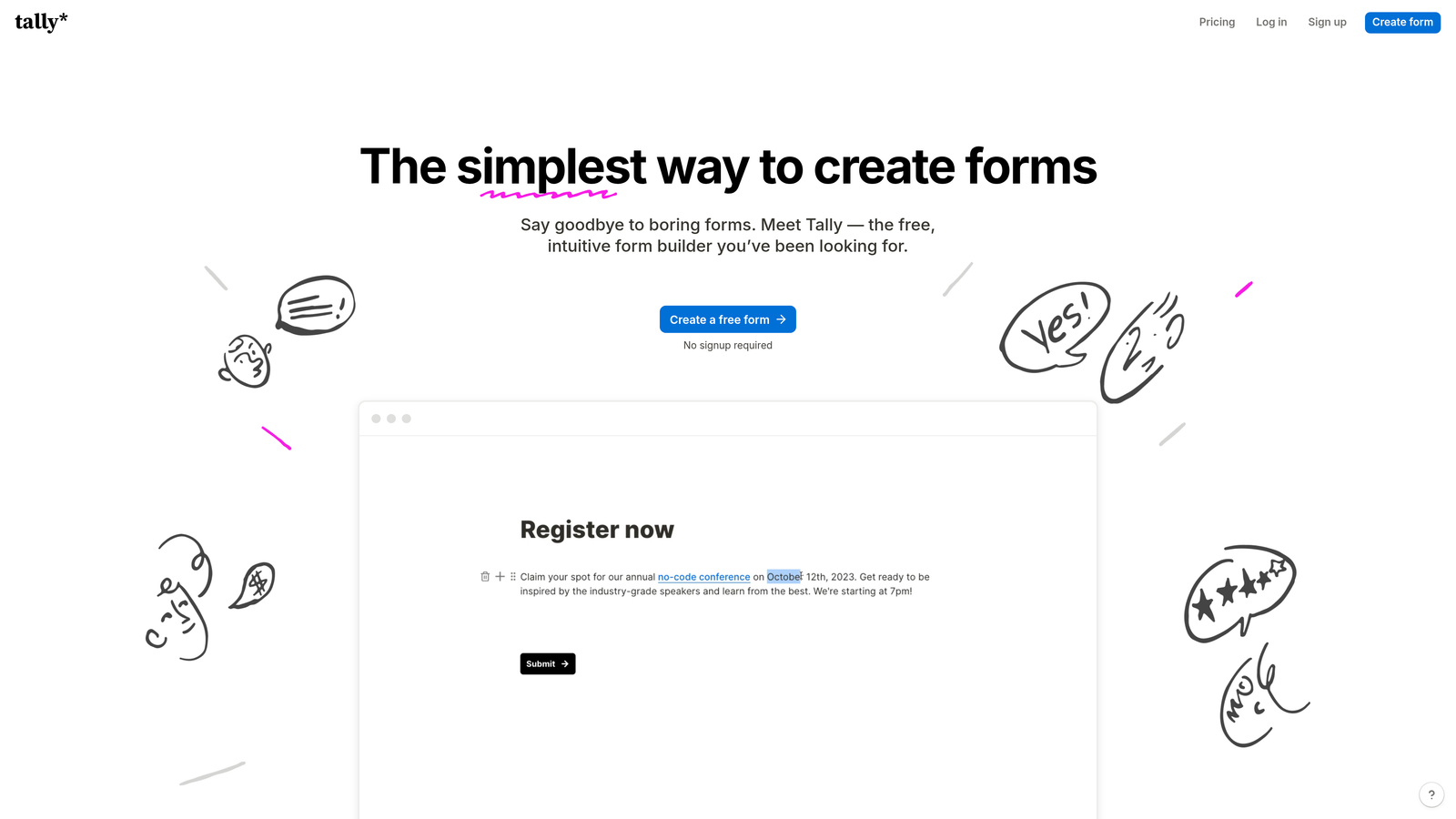
Tally approaches form building with a Notion-style block editor and one of the most generous free tiers in the market.
Where This Tool Shines
The unlimited forms on the free plan removes a major barrier for early-stage companies and side projects. Most competitors limit free users to 3-5 forms, but Tally lets you create as many as needed without paying anything.
The block-based editor will feel immediately familiar to anyone who uses Notion. You build forms by adding blocks for different field types, which makes the creation process intuitive and fast without requiring a learning curve.
Key Features
Unlimited Free Forms: Create as many forms as you need on the free tier without hitting artificial limits or paywalls.
Notion-Style Editor: Block-based interface that makes form creation intuitive for anyone familiar with modern document editors.
Conditional Logic: Show or hide fields based on previous answers to create personalized form experiences.
File Uploads: Accept document uploads directly through forms with reasonable storage limits even on free plans.
Webhook Integrations: Connect to other tools via webhooks for custom automation workflows without using Zapier.
Best For
Bootstrapped startups, indie makers, and small teams that need professional forms without budget allocation. The free tier is genuinely functional rather than a limited trial, making it viable for long-term use.
Pricing
Free tier with unlimited forms and 100 monthly submissions. Pro plan at $29/month removes branding and adds advanced features.
5. Fillout
Best for: Teams using Airtable or Notion who want forms that sync natively with their databases.
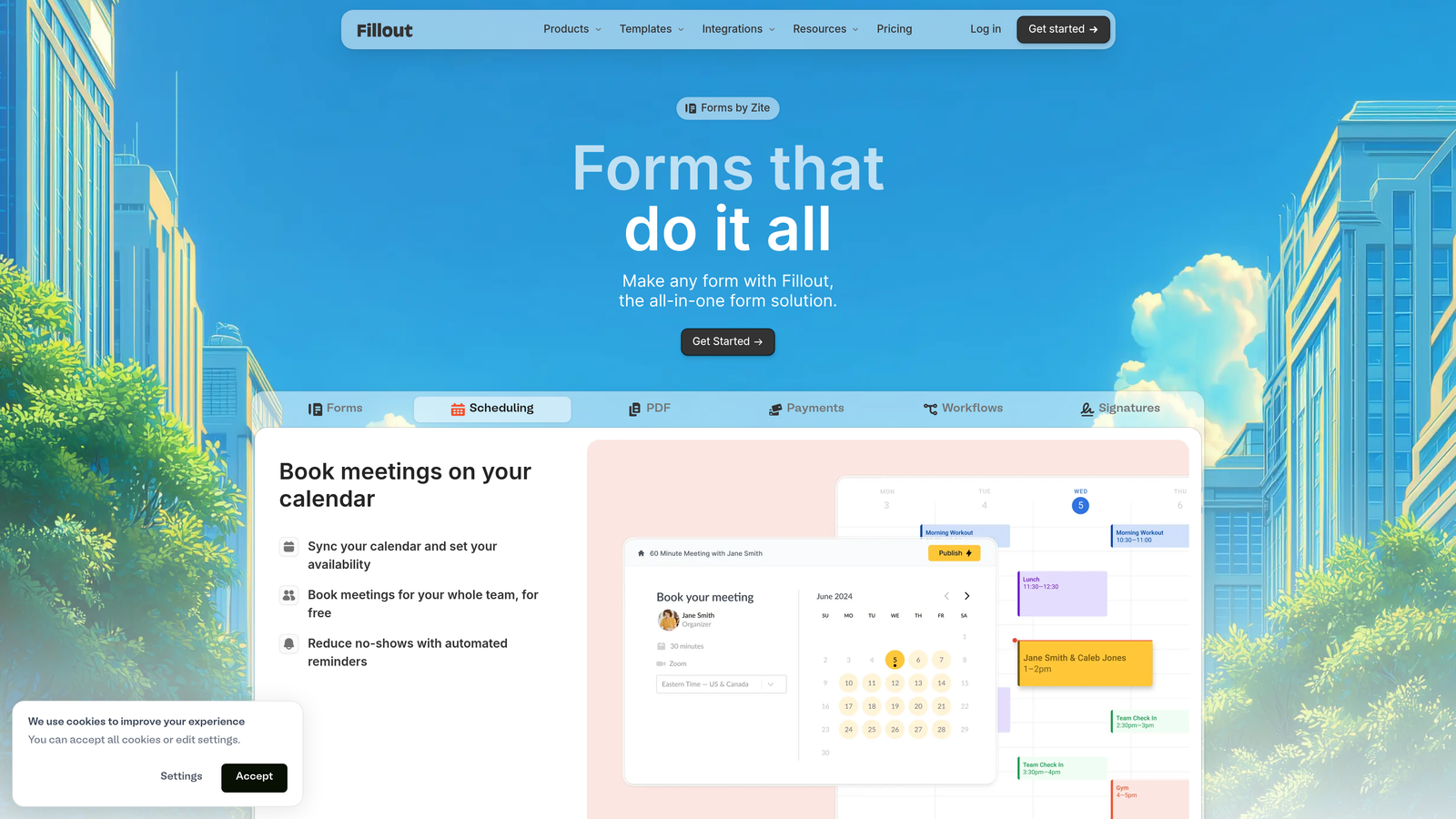
Fillout differentiates itself through deep native integrations with Airtable and Notion, plus built-in scheduling and payment features.
Where This Tool Shines
The native Airtable and Notion sync is genuinely bidirectional—form submissions flow directly into your base or database without middleware, and you can pre-populate forms with existing data. This tight integration eliminates the fragility of Zapier connections.
The built-in scheduling feature lets you replace Calendly for booking appointments directly through forms. Instead of redirecting prospects to a separate scheduling tool, the entire experience stays within your form, reducing drop-off.
Key Features
Native Airtable and Notion Sync: Direct database connections that sync submissions instantly without third-party automation tools.
Built-In Scheduling: Embed calendar booking directly in forms to capture leads and schedule meetings in one flow.
Payment Collection: Accept payments via Stripe without redirecting users to external checkout pages.
Conditional Logic and Calculations: Build dynamic forms with branching paths and computed fields based on user input.
Quiz and Assessment Modes: Create scored quizzes or assessments with automatic grading and results.
Best For
Teams already using Airtable or Notion as their database layer, service businesses that need scheduling combined with lead capture, and anyone wanting to consolidate their tech stack by eliminating separate scheduling tools.
Pricing
Free tier available with basic features. Starter plan begins at $15/month, making it one of the more affordable options.
6. Paperform
Best for: Creating content-rich forms with embedded media and e-commerce functionality.
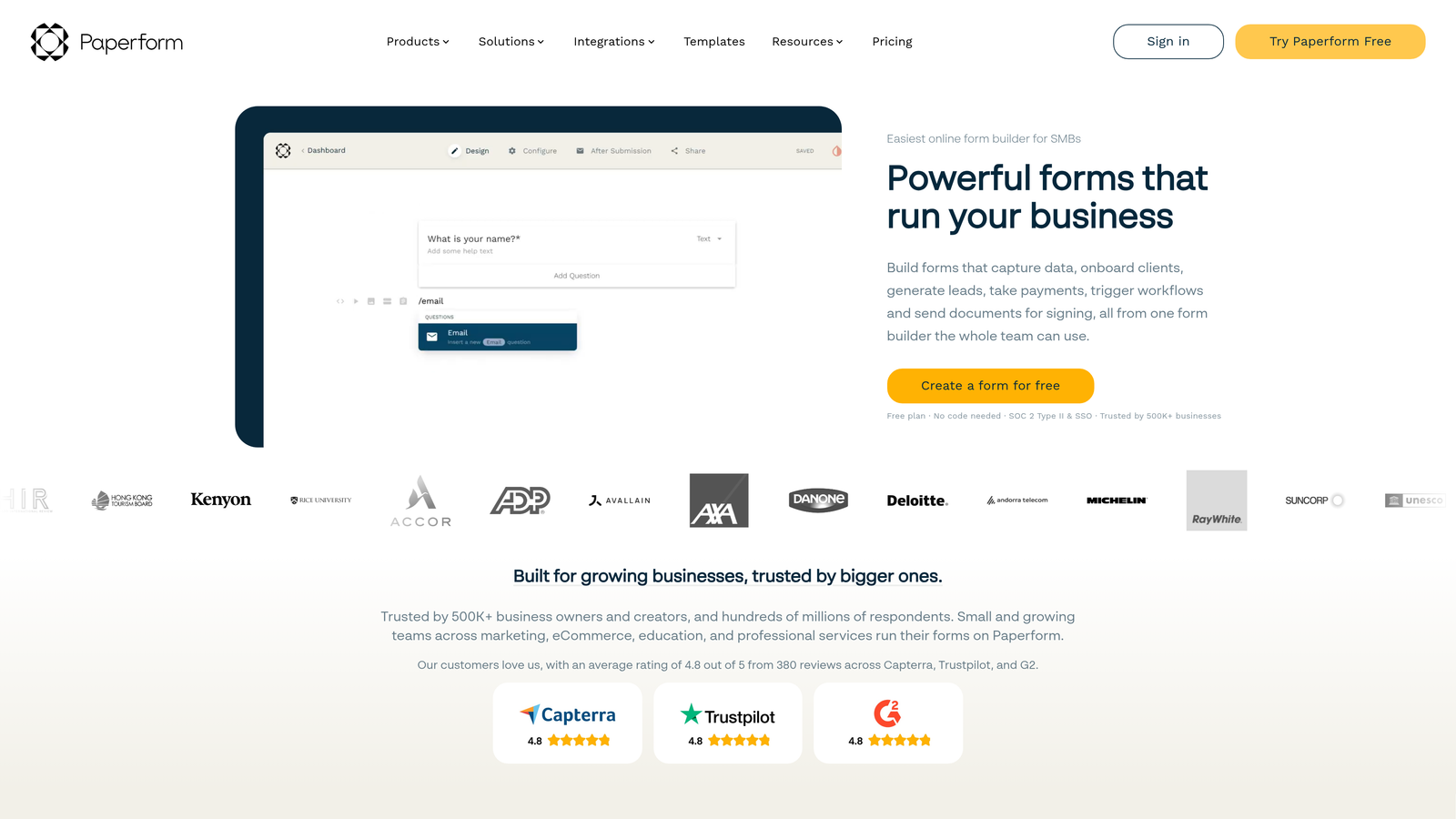
Paperform takes a document-style approach where forms feel more like interactive landing pages than traditional data collection tools.
Where This Tool Shines
The document-style editor lets you blend form fields with rich content blocks—paragraphs, images, videos, and formatting—to create experiences that educate while collecting information. This works exceptionally well for complex offerings that need explanation.
The e-commerce features are surprisingly robust. You can build product catalogs, handle inventory management, and process payments all within the form builder. This makes it viable as a lightweight e-commerce solution for digital products or services.
Key Features
Document-Style Creation: Build forms that blend data collection with rich content like a landing page rather than a sterile form.
Rich Media Embedding: Add videos, images, and formatted text throughout forms to provide context and improve engagement.
Product Catalog and E-Commerce: Sell products or services directly through forms with inventory management and payment processing.
Appointment Scheduling: Integrate booking functionality for service businesses that need to capture leads and schedule simultaneously.
Custom Success Pages: Design personalized thank-you pages with dynamic content based on form responses.
Best For
Service businesses selling packages or consultations, course creators and coaches, and anyone needing forms that double as sales pages. The content-rich approach works when you need to educate prospects before they commit.
Pricing
Essentials plan starts at $24/month with no free tier. Higher plans add team collaboration and advanced features.
7. Formstack
Best for: Enterprise teams requiring compliance, security, and advanced approval workflows.
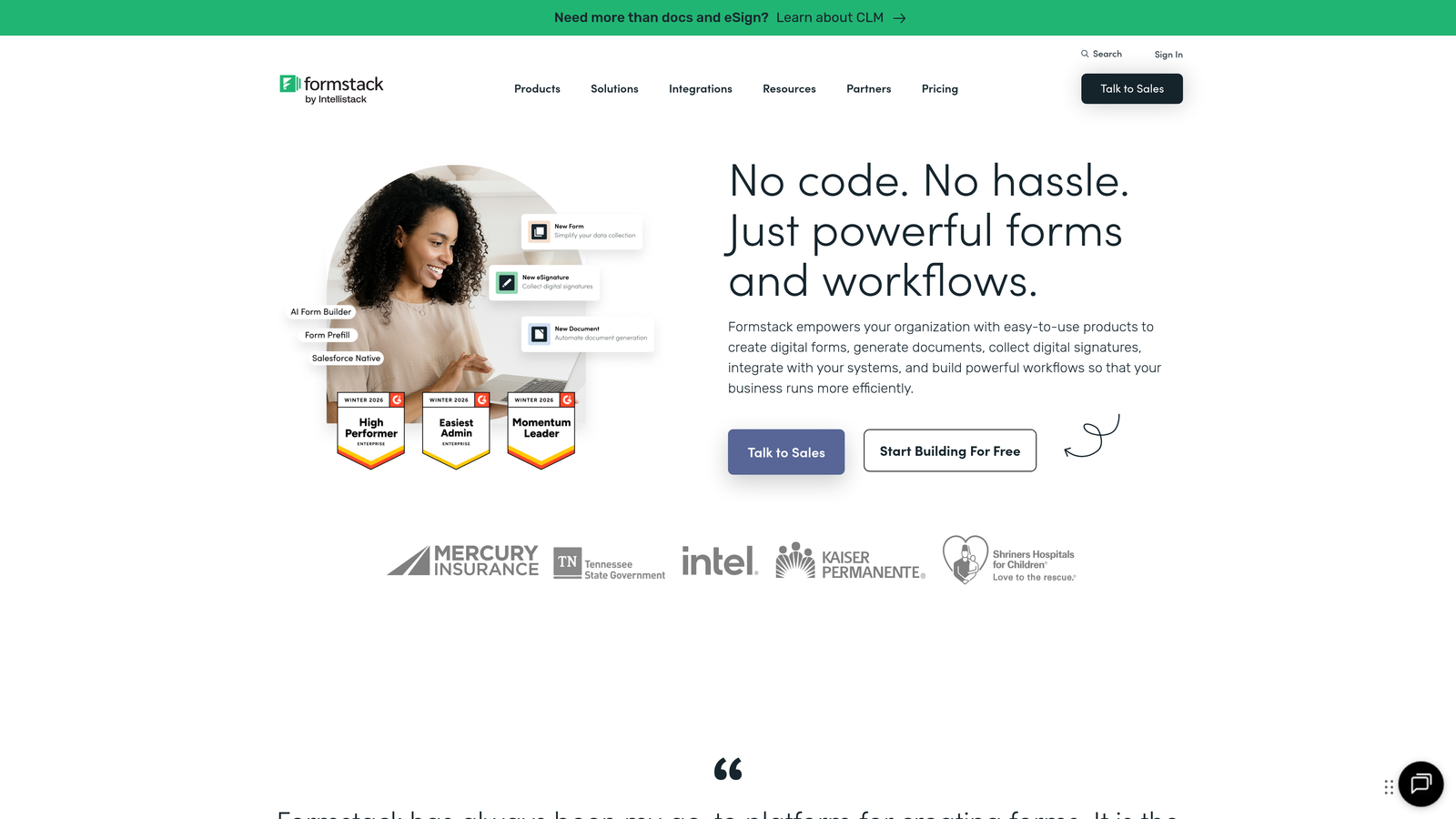
Formstack positions itself as the enterprise-grade solution with robust compliance features and security controls that regulated industries require.
Where This Tool Shines
The HIPAA compliance features are production-ready, not checkbox compliance. Healthcare organizations can collect protected health information with proper business associate agreements, encryption, and audit trails that satisfy regulatory requirements.
The approval workflows let you route submissions through multi-step processes where different stakeholders review and approve at various stages. This is critical for organizations with formal processes around vendor applications, employee requests, or contract approvals.
Key Features
HIPAA Compliance: Full compliance features including business associate agreements, encryption, and audit logs for healthcare organizations.
Advanced Approval Workflows: Multi-step routing where submissions move through review and approval stages with notifications.
Document Generation: Automatically create contracts, agreements, or other documents populated with form data.
E-Signatures: Collect legally binding signatures with full audit trails for contracts and agreements.
Enterprise SSO and Security: SAML-based single sign-on, role-based permissions, and advanced security controls.
Best For
Healthcare organizations handling patient data, financial services firms with compliance requirements, large enterprises needing approval workflows, and any regulated industry where security and compliance aren't optional.
Pricing
Starter plan begins at $50/month. Enterprise pricing requires custom quotes based on compliance and security needs.
8. Cognito Forms
Best for: Teams needing advanced calculations and payment processing on a budget.
Cognito Forms excels at calculation-heavy forms and offers exceptional value for teams with limited budgets.
Where This Tool Shines
The calculation engine is genuinely powerful—you can build complex formulas that compute totals, apply conditional pricing, calculate dates, and perform mathematical operations based on user input. This makes it perfect for quote generators, order forms, or registration systems with variable pricing.
The payment processing integrates with Stripe, PayPal, and Square to handle transactions directly within forms. The conditional pricing logic means you can charge different amounts based on selections, quantities, or calculated values without manual intervention.
Key Features
Advanced Calculation Fields: Build complex formulas that compute values, dates, or totals based on user input and conditional logic.
Conditional Pricing Logic: Automatically adjust prices based on selections, quantities, or calculated values for dynamic pricing.
Payment Processing: Accept payments through Stripe, PayPal, or Square with PCI-compliant handling.
Repeating Sections: Let users add multiple entries of the same field group for things like adding multiple attendees or line items.
Data Encryption and Compliance: Built-in encryption and compliance features for organizations handling sensitive data.
Best For
Small businesses creating quote generators, event organizers with complex registration pricing, nonprofits collecting donations with multiple giving options, and any team needing calculation-heavy forms without enterprise budgets.
Pricing
Free tier available with basic features. Pro plan starts at $15/month, offering strong value compared to competitors.
9. HubSpot Forms
Best for: Teams already using HubSpot who want seamless CRM integration and progressive profiling.
HubSpot Forms is the native form builder within the HubSpot ecosystem, offering tight integration that standalone tools can't match.
Where This Tool Shines
The native CRM integration means every form submission automatically creates or updates contact records with complete visibility into the prospect's journey. There's no data sync delay or integration maintenance—everything flows instantly into your HubSpot database.
Progressive profiling is the standout feature. Instead of asking returning visitors the same questions, the form automatically shows new fields to gradually build a complete profile over multiple interactions. This reduces form fatigue while increasing data quality over time.
Key Features
Native HubSpot CRM Integration: Submissions automatically sync to contact records with complete activity history and no third-party connections.
Progressive Profiling: Automatically show different fields to returning visitors to build complete profiles without repetitive questions.
Smart Content Personalization: Display different form fields or content based on contact properties, lifecycle stage, or list membership.
A/B Testing: Test different form variations to optimize completion rates with built-in statistical analysis.
Automated Follow-Up Workflows: Trigger email sequences, task creation, or deal creation based on form submissions and field values.
Best For
Companies already invested in the HubSpot ecosystem, marketing teams running multi-touch campaigns, and organizations that prioritize seamless data flow over standalone feature richness. If you're using HubSpot CRM, using their native forms eliminates integration complexity entirely.
Pricing
Free with HubSpot CRM. Advanced features like progressive profiling and A/B testing require paid Marketing Hub subscriptions.
Putting It All Together
The right form builder depends on where you are and what you're optimizing for. If you're a high-growth team that treats lead qualification as strategic, Orbit AI's intelligence layer and conversion focus deliver immediate value. For conversational experiences that feel less like forms and more like dialogue, Typeform's one-question format consistently outperforms traditional layouts.
Budget-conscious teams should look at Tally's unlimited free tier or Cognito Forms' affordable paid plans. If you're already using Airtable or Notion as your database, Fillout's native sync eliminates integration headaches. Enterprise teams in regulated industries need Formstack's compliance features and approval workflows—these aren't nice-to-haves when you're handling protected data.
The e-commerce angle matters too. Paperform and Cognito Forms both handle payments well, but Paperform's document-style approach works better for content-rich sales pages while Cognito excels at calculation-heavy pricing logic. And if you're already in the HubSpot ecosystem, their native forms with progressive profiling make more sense than fighting integration complexity.
Think about your specific workflow. Are unqualified leads wasting your sales team's time? Do you need forms that adapt based on responses? Is compliance a requirement or just a preference? Your answers determine which features actually matter versus which ones are marketing fluff.
The market has matured beyond basic data collection. Today's professional form builders offer AI qualification, real-time personalization, and deep integrations that turn submissions into automated workflows. The tools exist—the question is which combination of features aligns with how your team actually works.
Transform your lead generation with AI-powered forms that qualify prospects automatically while delivering the modern, conversion-optimized experience your high-growth team needs. Start building free forms today and see how intelligent form design can elevate your conversion strategy.


