

Traditional form builders are hitting a wall. Static fields, manual lead sorting, and generic templates simply can't keep pace with the expectations of modern buyers who demand personalized, intelligent experiences. The gap between what your forms collect and what your sales team actually needs has never been wider.
AI form builders have emerged as the solution—platforms that don't just collect data but actively qualify leads, adapt to user responses, and integrate seamlessly with your growth stack. These tools use machine learning to score prospects in real-time, adjust question flows based on answers, and route high-value leads directly to your sales team while they're still warm.
Whether you're frustrated with your current tool's limitations or exploring AI-powered options for the first time, this guide breaks down the top alternatives worth your attention. We've evaluated each platform based on AI capabilities, ease of use, integration depth, and value for high-growth teams. Here are the top AI form builder alternatives transforming lead generation in 2026.
1. Orbit AI
Best for: High-growth teams prioritizing real-time lead qualification and conversion optimization
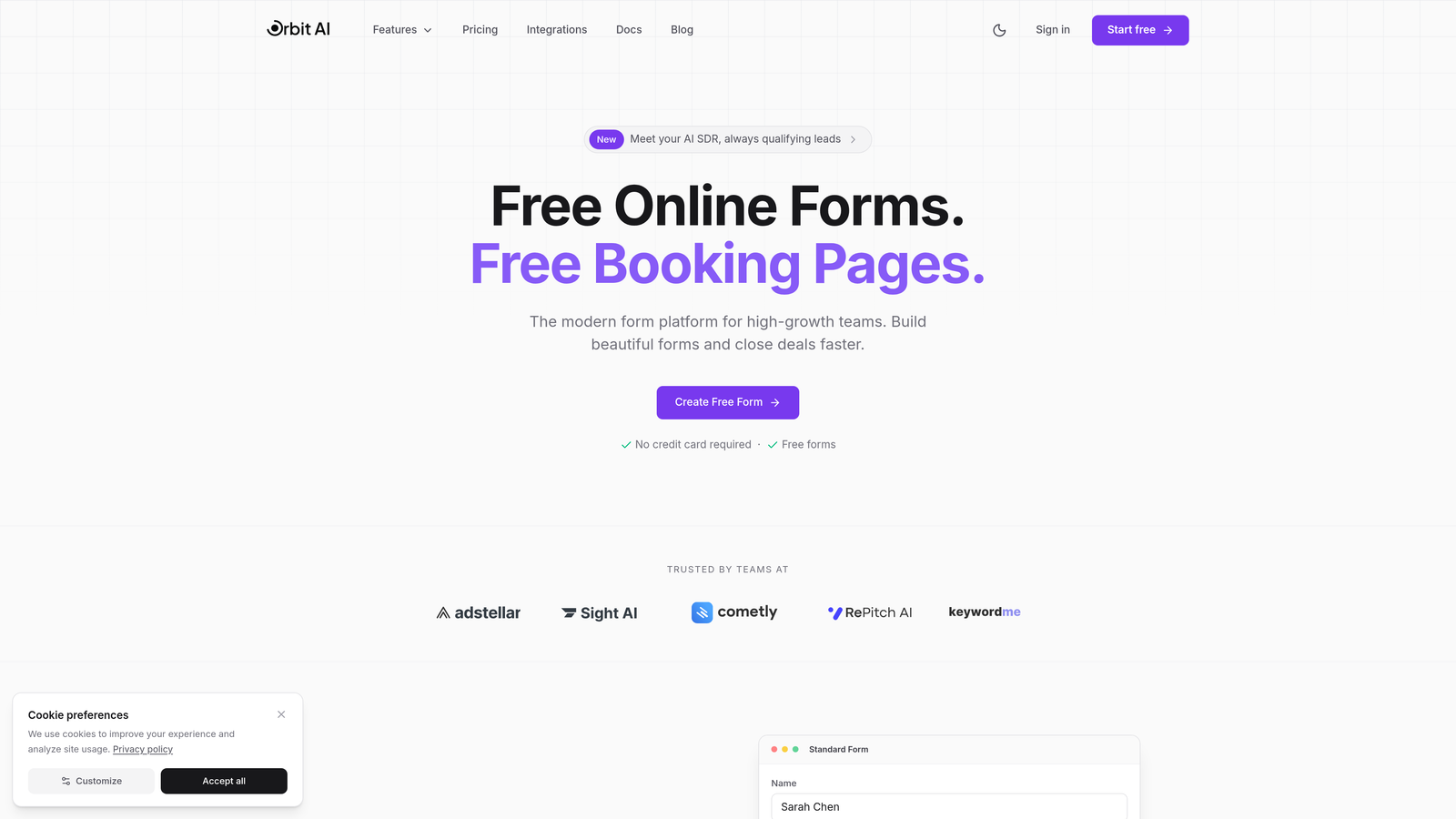
Orbit AI is an AI-powered form builder platform built specifically for teams that need more than just data collection—they need qualified leads.
Where This Tool Shines
Orbit AI stands out by making lead qualification automatic rather than manual. While most form builders stop at data collection, Orbit AI scores and qualifies every lead as responses come in, routing high-value prospects to sales immediately while nurturing others through automated workflows.
The platform combines intelligent lead scoring with conversion-optimized design, meaning you're not choosing between beautiful forms and functional ones. Teams report significant time savings from eliminating manual lead review while simultaneously improving lead quality through AI-powered scoring criteria.
Key Features
Real-time AI Lead Qualification: Automatically scores and qualifies leads as they submit, eliminating manual review and accelerating follow-up.
Conversion-Optimized Templates: Pre-built form designs specifically engineered for higher completion rates and better user experience.
Native CRM Integrations: Direct connections to HubSpot, Salesforce, and Slack ensure qualified leads reach the right team instantly.
Automated Workflow Triggers: Set up conditional actions based on lead quality scores—route hot leads to sales, warm leads to nurture sequences.
Modern Form Design: Beautiful, professional forms that reflect your brand while maintaining focus on conversion performance.
Best For
Orbit AI is ideal for B2B SaaS companies, marketing agencies, and high-growth teams where lead quality matters more than lead quantity. If your sales team wastes time sorting through unqualified submissions, or if you're struggling to identify high-intent prospects quickly, this platform addresses those pain points directly.
Pricing
Free tier available for teams getting started. Paid plans begin at $29/month, scaling with form volume and advanced features like custom scoring models and priority integrations.
2. Typeform
Best for: Brand-conscious teams wanting conversational, engaging form experiences with sleek design
Typeform pioneered the one-question-at-a-time conversational format that feels more like a dialogue than a traditional form.

Where This Tool Shines
Typeform's signature approach reduces form abandonment by presenting questions sequentially rather than overwhelming users with long pages of fields. The interface feels modern and approachable, making it particularly effective for consumer-facing applications, surveys, and brand interactions where experience matters.
Their AI-powered question suggestions help you craft better forms faster, while advanced logic branching creates personalized paths based on previous answers. The platform has become synonymous with beautiful, engaging forms that people actually enjoy completing.
Key Features
AI Question Suggestions: Get intelligent recommendations for follow-up questions based on your form's purpose and existing fields.
Conversational Format: One-question-at-a-time presentation that dramatically improves completion rates and user engagement.
Advanced Logic Branching: Create dynamic question paths that adapt based on user responses for truly personalized experiences.
Brand Customization: Extensive design controls to match your brand identity, from colors and fonts to custom backgrounds.
VideoAsk Integration: Collect video responses alongside traditional form data for richer qualitative insights.
Best For
Typeform excels for marketing teams, product researchers, and customer success professionals who prioritize user experience and brand presentation. It's particularly strong for surveys, feedback collection, and applications where engagement metrics matter as much as data quality.
Pricing
Free tier supports basic forms with Typeform branding. Paid plans start at $25/month, with higher tiers unlocking advanced logic, integrations, and removal of Typeform branding.
3. Jotform
Best for: Teams needing extensive template variety and budget-friendly AI form generation
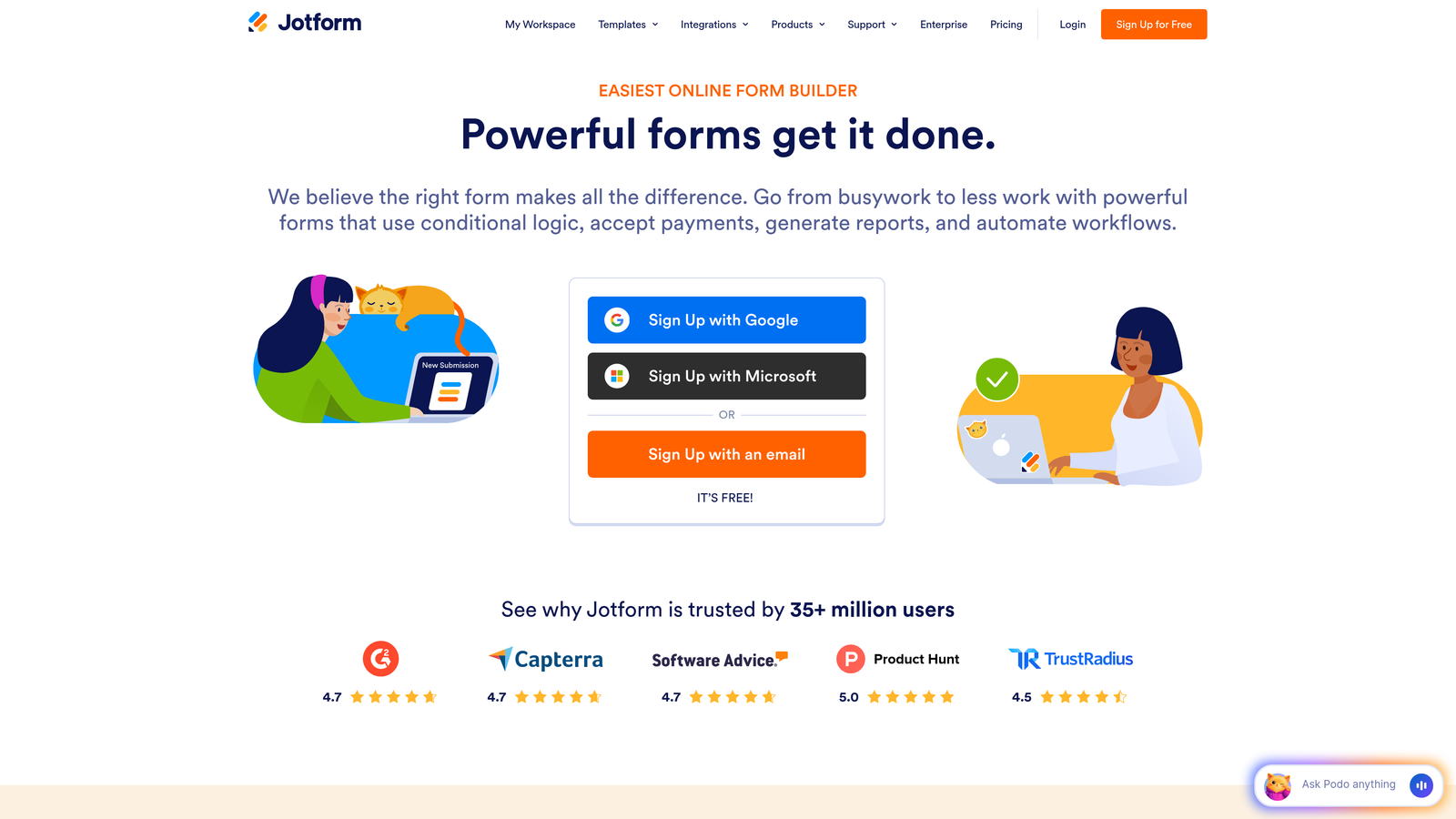
Jotform combines a massive template library with AI-powered form creation, making it easy to launch professional forms quickly.
Where This Tool Shines
Jotform's AI form generator lets you describe what you need in plain text, and the platform builds a complete form automatically—complete with appropriate fields, logic, and layout. This dramatically reduces setup time, especially for common use cases where you can start with a solid template and customize from there.
With over 10,000 templates spanning virtually every industry and use case, you're rarely building from scratch. The platform also handles payment processing natively, making it particularly strong for registration forms, order forms, and applications requiring financial transactions.
Key Features
AI Form Generator: Describe your form requirements in natural language and watch Jotform build it automatically with appropriate fields and structure.
Massive Template Library: Over 10,000 pre-built templates across industries, from healthcare intake to event registration to job applications.
Built-in Payment Processing: Native integration with major payment gateways for collecting fees, donations, or purchases directly through forms.
PDF Form Conversion: Upload existing PDF forms and Jotform converts them to fillable web forms automatically.
Generous Free Tier: Create up to 5 forms with 100 monthly submissions on the free plan—ideal for small teams testing the platform.
Best For
Jotform works well for small businesses, non-profits, educational institutions, and teams managing diverse form types across departments. The combination of AI assistance and extensive templates makes it accessible for non-technical users while remaining powerful enough for complex workflows.
Pricing
Free tier includes 5 forms and 100 monthly submissions. Paid plans start at $34/month, with higher tiers offering more forms, submissions, and advanced features like HIPAA compliance.
4. Tally
Best for: Teams wanting unlimited forms with Notion-like simplicity and zero cost
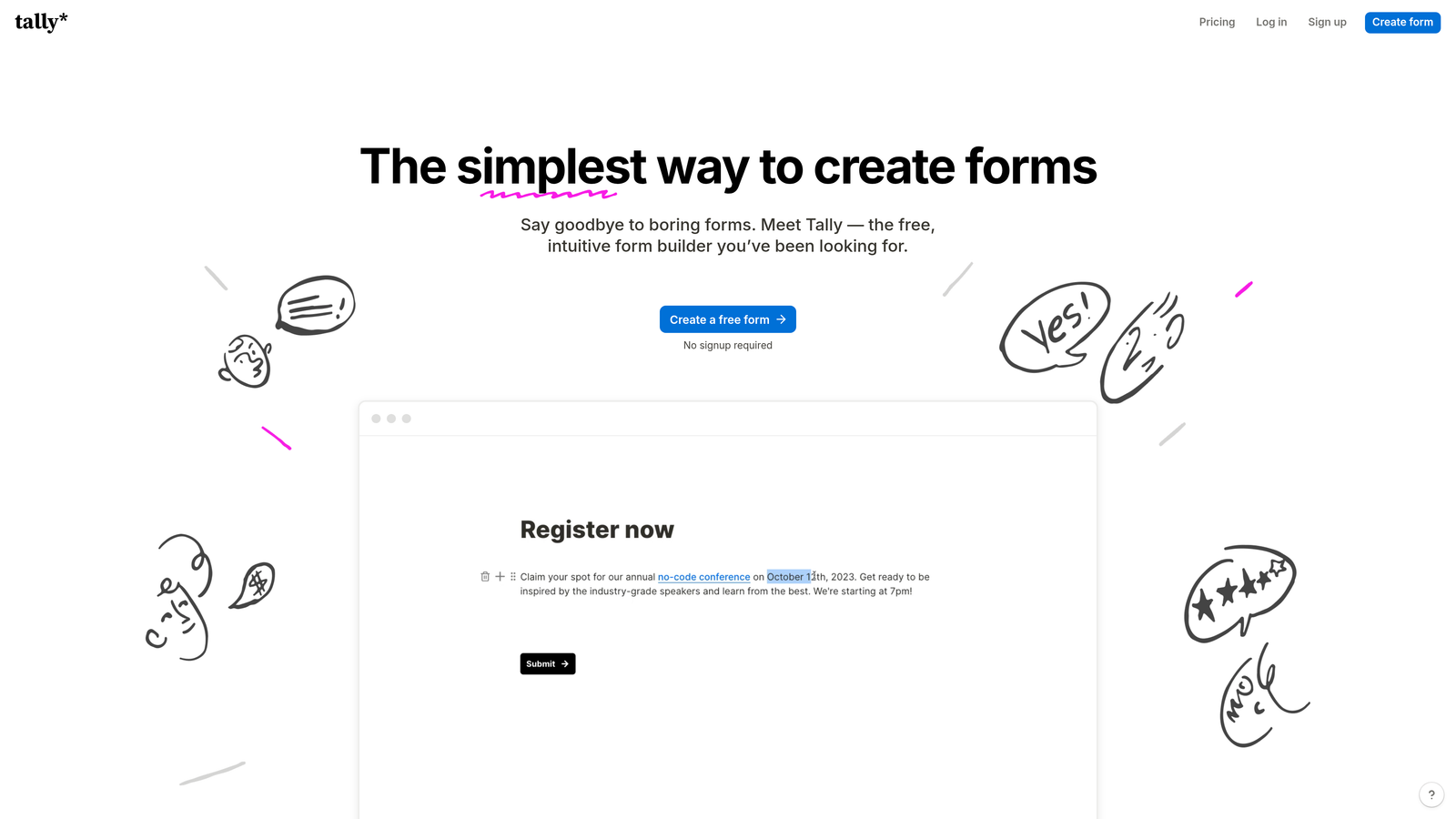
Tally brings Notion's beloved block-based editing approach to form building, with an unbeatable free tier offering unlimited forms.
Where This Tool Shines
Tally's minimalist philosophy removes complexity without sacrificing functionality. If you're familiar with Notion, you'll feel immediately at home with the block-based editor that lets you build forms by simply typing and adding elements. There's no learning curve—just start typing and your form takes shape.
The free tier's unlimited forms make Tally particularly attractive for agencies, consultants, and growing teams that need multiple forms without budget constraints. The clean, distraction-free interface ensures forms look professional without requiring design expertise.
Key Features
Unlimited Free Forms: Create as many forms as you need on the free plan with no artificial limits on form count.
Notion-Style Editor: Familiar block-based interface that makes form building as intuitive as writing a document.
AI Field Suggestions: Get intelligent recommendations for additional fields based on your form's purpose and existing questions.
Clean Interface: Minimalist design philosophy ensures forms look professional and focused without visual clutter.
Zapier Integration: Connect to thousands of apps through Zapier for workflow automation and data routing.
Best For
Tally is ideal for startups, solopreneurs, content creators, and small teams prioritizing simplicity and cost-effectiveness. If you need basic to intermediate forms without complex branching logic or advanced integrations, Tally delivers exceptional value.
Pricing
Free tier includes unlimited forms with Tally branding and basic features. Pro plan at $29/month removes branding, adds file uploads, and unlocks advanced customization options.
5. Fillout
Best for: Data-driven teams needing deep Airtable and Notion database integration
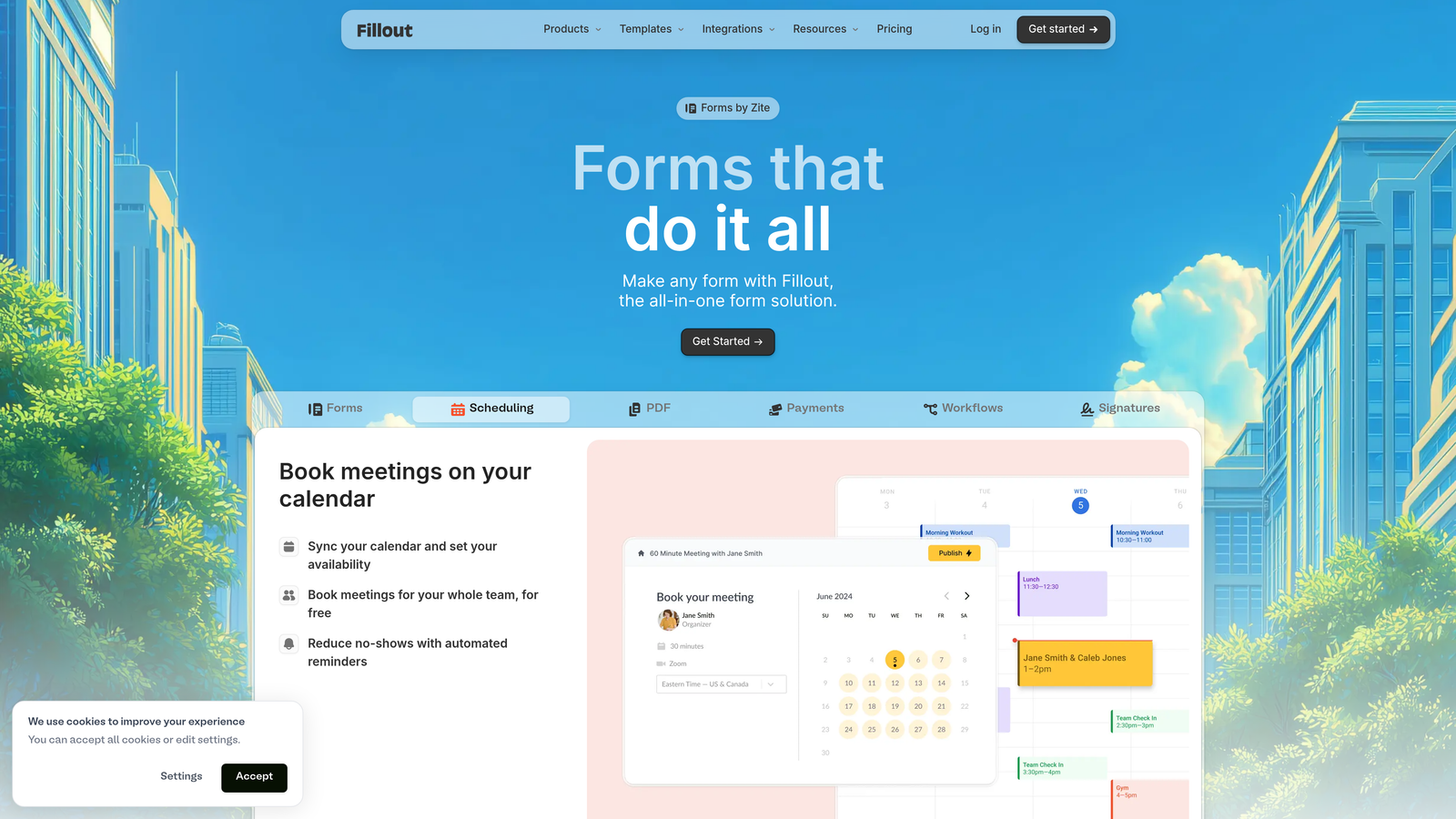
Fillout specializes in connecting forms directly to your existing databases, making it powerful for teams already using Airtable or Notion as their data backbone.
Where This Tool Shines
Fillout's native database sync means form submissions flow directly into your Airtable bases or Notion databases without middleware or manual imports. This creates a seamless data pipeline where form responses instantly become actionable records in your existing workflows.
The platform also supports pre-filling forms with existing data, enabling update workflows where users can modify their previous submissions rather than starting fresh. This makes Fillout particularly valuable for membership updates, recurring applications, and progressive data collection scenarios.
Key Features
Native Database Sync: Direct two-way integration with Airtable and Notion—submissions sync instantly without third-party connectors.
AI Conditional Logic: Intelligent branching that adapts form flow based on user responses and existing database values.
Multi-Page Forms: Break complex forms into logical sections with progress indicators to improve completion rates.
Data Pre-Fill: Populate forms with existing database records, enabling update workflows and reducing user input burden.
Payment and Scheduling: Built-in payment collection and calendar scheduling without requiring separate tools.
Best For
Fillout excels for operations teams, project managers, and data-centric organizations already invested in Airtable or Notion ecosystems. If your workflows center around these platforms, Fillout eliminates data silos and manual transfers.
Pricing
Free tier available with basic features and limited submissions. Paid plans start at $15/month, offering competitive pricing compared to alternatives while maintaining strong database connectivity.
6. Feathery
Best for: Product teams needing embedded, developer-friendly forms with complex logic
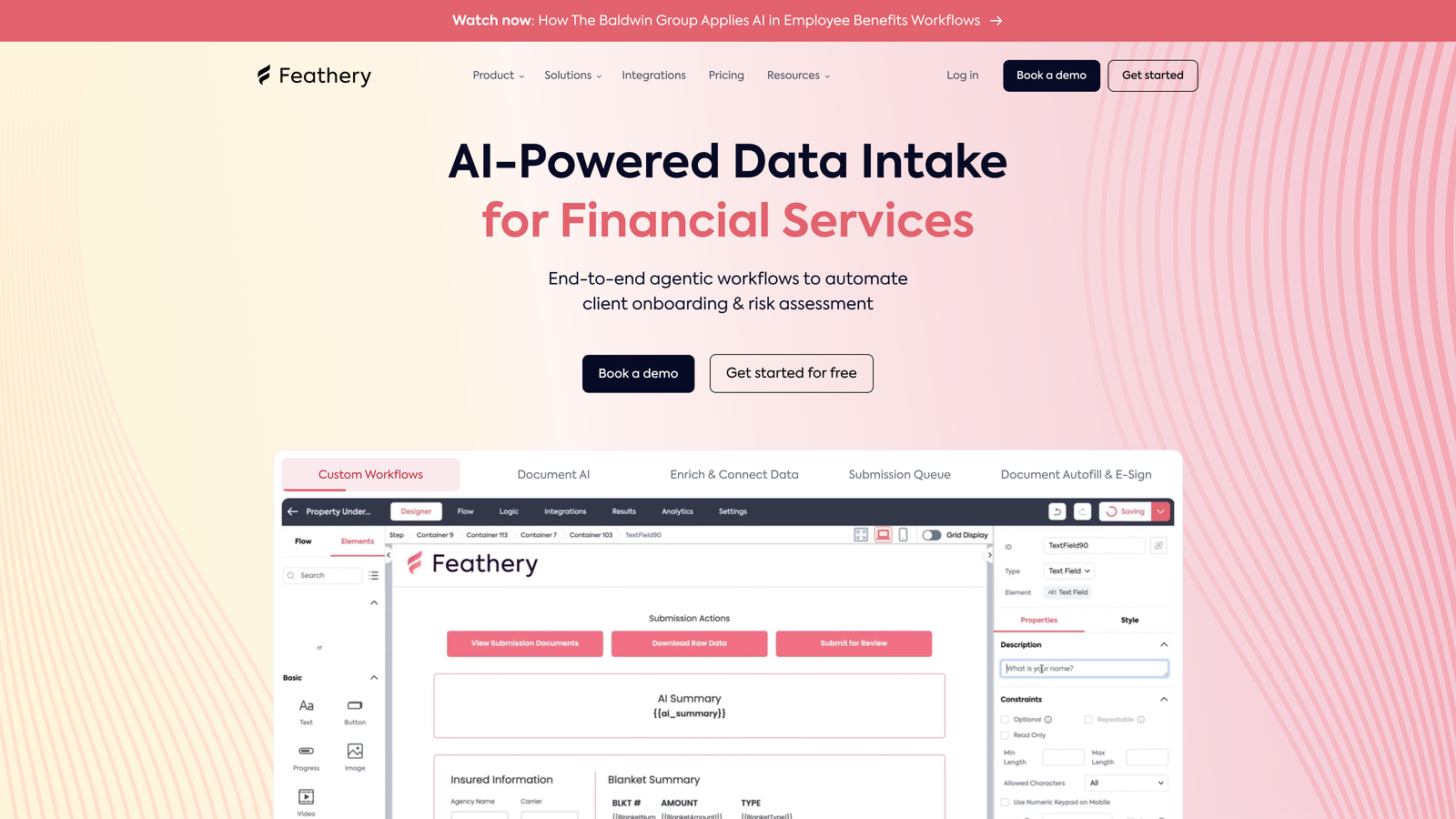
Feathery is built for technical teams that need forms embedded directly into products with extensive customization and programmatic control.
Where This Tool Shines
Feathery provides a robust developer SDK that gives engineering teams full control over form behavior, styling, and integration. Unlike traditional form builders designed for marketers, Feathery embraces code-level customization while still offering a visual editor for rapid prototyping.
The platform's AI-powered flow optimization analyzes user behavior to suggest improvements in question order, field types, and conditional logic. For product-led growth companies embedding forms in onboarding flows or account setup processes, this level of control is essential.
Key Features
Advanced Developer SDK: Programmatic control over every aspect of form behavior, validation, and styling through comprehensive API.
AI Flow Optimization: Machine learning analysis of user interactions suggests improvements to reduce abandonment and improve completion.
Complex Logic Engine: Build sophisticated multi-step flows with branching, calculations, and dynamic field generation based on user input.
White-Label Embedding: Fully customizable forms that match your product's design system with zero visible Feathery branding.
Enterprise Security: SOC 2 compliance, field-level encryption, and granular access controls for regulated industries.
Best For
Feathery is ideal for SaaS companies, fintech platforms, and product teams building forms into their core user experience. If you need forms that feel like native product features rather than third-party widgets, Feathery delivers the necessary control.
Pricing
Free tier available for development and testing. Growth plans start at $49/month, with enterprise pricing for high-volume applications and custom security requirements.
7. Formless by Typeform
Best for: Qualitative research requiring natural conversation without predefined form structure
Formless represents Typeform's vision for the future—forms that aren't really forms at all, but AI-driven conversations that extract data naturally.
Where This Tool Shines
Formless eliminates traditional form fields entirely. Instead, you tell the AI what information you need, and it conducts natural language conversations with users to gather that data. The experience feels like chatting with a knowledgeable assistant rather than filling out a form.
This approach excels for qualitative research, customer feedback, and exploratory interviews where rigid form structures limit the richness of responses. The AI adapts follow-up questions based on user answers, diving deeper into interesting areas while skipping irrelevant topics.
Key Features
100% AI Conversations: No predefined form fields—just natural dialogue that feels like talking to a real person.
Dynamic Question Flow: AI generates follow-up questions in real-time based on user responses, creating truly adaptive experiences.
Natural Language Extraction: AI parses conversational responses to extract structured data without forcing users into rigid formats.
Qualitative Insights: Particularly powerful for research scenarios where open-ended exploration yields better insights than structured questions.
Typeform Ecosystem: Seamless integration with Typeform's existing platform and analytics tools.
Best For
Formless works best for UX researchers, product managers, and customer success teams conducting interviews, gathering detailed feedback, or exploring user needs where conversation beats questionnaires. It's less suitable for transactional data collection requiring specific fields.
Pricing
Included with Typeform paid plans. Standalone pricing varies based on conversation volume and integration requirements. Check with Typeform for current pricing tiers.
8. Paperform
Best for: Creating content-rich forms that double as landing pages with AI design help
Paperform blurs the line between forms and landing pages, letting you build forms that include rich content, images, videos, and text blocks.
Where This Tool Shines
Paperform treats forms as storytelling opportunities rather than just data collection tools. You can intersperse questions with explanatory content, embed videos, add product images, and create an experience that educates while it collects information.
The AI-assisted design and question optimization help you craft better forms faster, suggesting improvements to question wording, field order, and layout. This combination of content richness and AI guidance makes Paperform particularly effective for applications, registrations, and sales forms where context matters.
Key Features
AI Design Assistance: Get intelligent suggestions for form layout, question optimization, and visual hierarchy based on best practices.
Rich Content Blocks: Embed videos, images, text sections, and multimedia content directly within forms for context and engagement.
Built-in Payments: Native payment processing and subscription management without requiring external payment tools.
Advanced Conditional Logic: Show or hide sections, calculate values, and create dynamic experiences based on user inputs.
Custom Success Pages: Design branded confirmation pages or redirect users to specific URLs based on their responses.
Best For
Paperform excels for course creators, event organizers, service businesses, and teams building forms that need to educate, persuade, or provide context alongside data collection. If your forms require explanatory content or visual storytelling, Paperform delivers.
Pricing
14-day free trial available. Paid plans start at $24/month, with higher tiers unlocking advanced features, increased submissions, and priority support.
9. HubSpot Forms
Best for: Existing HubSpot users wanting native CRM integration with AI-powered progressive profiling
HubSpot Forms is the native form builder within HubSpot's ecosystem, offering seamless CRM connectivity and intelligent lead management.
Where This Tool Shines
HubSpot Forms' progressive profiling is its standout feature—the platform automatically adjusts which fields to show based on what it already knows about a contact. Returning visitors see different questions than first-time visitors, gradually building complete profiles without overwhelming users with long forms.
The native CRM integration means every form submission automatically creates or updates contact records, triggers workflows, and updates lead scores without any middleware. For teams already using HubSpot, this tight integration eliminates data silos and manual transfers entirely.
Key Features
Progressive Profiling: Smart fields that adapt based on existing contact data, showing new questions to known contacts while gathering basics from new visitors.
Smart Fields: Automatically pre-fill forms with known contact information, reducing friction for returning users.
Native CRM Sync: Instant, bidirectional data flow between forms and HubSpot CRM with zero configuration required.
Lead Scoring Integration: Form submissions automatically update lead scores based on your defined criteria and behaviors.
A/B Testing: Built-in testing capabilities to optimize form performance without external tools.
Best For
HubSpot Forms is essential for teams already using HubSpot CRM or Marketing Hub who want to maximize their existing investment. If you're building a HubSpot-centric tech stack, using the native form builder eliminates integration headaches and unlocks powerful automation capabilities.
Pricing
Free with HubSpot CRM—unlimited forms with basic features. Advanced capabilities like progressive profiling and A/B testing require Marketing Hub, starting at $45/month.
Making the Right Choice
The best AI form builder for your team depends on what you're optimizing for. If lead qualification and conversion optimization are your top priorities, Orbit AI delivers real-time scoring and intelligent routing that eliminates manual lead review. Teams prioritizing brand experience and engagement should look at Typeform's conversational approach or Paperform's content-rich capabilities.
For budget-conscious teams needing flexibility, Jotform's extensive templates and AI generation provide excellent value, while Tally offers unlimited forms at zero cost. Data-centric organizations already invested in Airtable or Notion will find Fillout's native database sync invaluable.
Consider your primary goal. Are you trying to qualify leads faster? Orbit AI's automated scoring gets qualified prospects to sales immediately. Need beautiful, on-brand experiences? Typeform and Paperform excel at design. Building forms into your product? Feathery's developer SDK provides the control you need. Already using HubSpot? The native forms builder maximizes your existing investment.
The common thread across all these platforms is intelligence—whether that's AI-powered lead scoring, conversational question generation, or progressive profiling that adapts to known contacts. The days of static forms that treat every visitor identically are over. Modern buyers expect personalized, intelligent experiences, and these tools deliver them.
Start by identifying your biggest pain point. Is it unqualified leads wasting sales time? Low form completion rates? Disconnected data across tools? Match that pain point to the platform's core strength. Most offer free tiers or trials, so test your top two choices with real use cases before committing.
Transform your lead generation with AI-powered forms that qualify prospects automatically while delivering the modern, conversion-optimized experience your high-growth team needs. Start building free forms today and see how intelligent form design can elevate your conversion strategy.


