

Gravity Forms built its reputation as the go-to WordPress form plugin, and for good reason. But SaaS teams have largely moved on. If your stack runs on React, Next.js, or any modern framework, you're already working around a tool that was never designed for you.
The real gap isn't just technical compatibility. It's the missing layer between form submission and pipeline value: lead qualification, automatic scoring, CRM routing, and conversion optimization. Most SaaS teams need forms that do more than collect data.
This list covers the top Gravity Forms alternatives for SaaS companies in 2026, evaluated on ease of use for non-developers, lead qualification capabilities, integrations with modern SaaS stacks, pricing transparency, and conversion-focused features. Whether you're optimizing a demo request flow or building multi-step onboarding forms, there's a purpose-built solution here.
1. Orbit AI
Best for: SaaS teams that want AI-powered lead qualification built directly into their forms
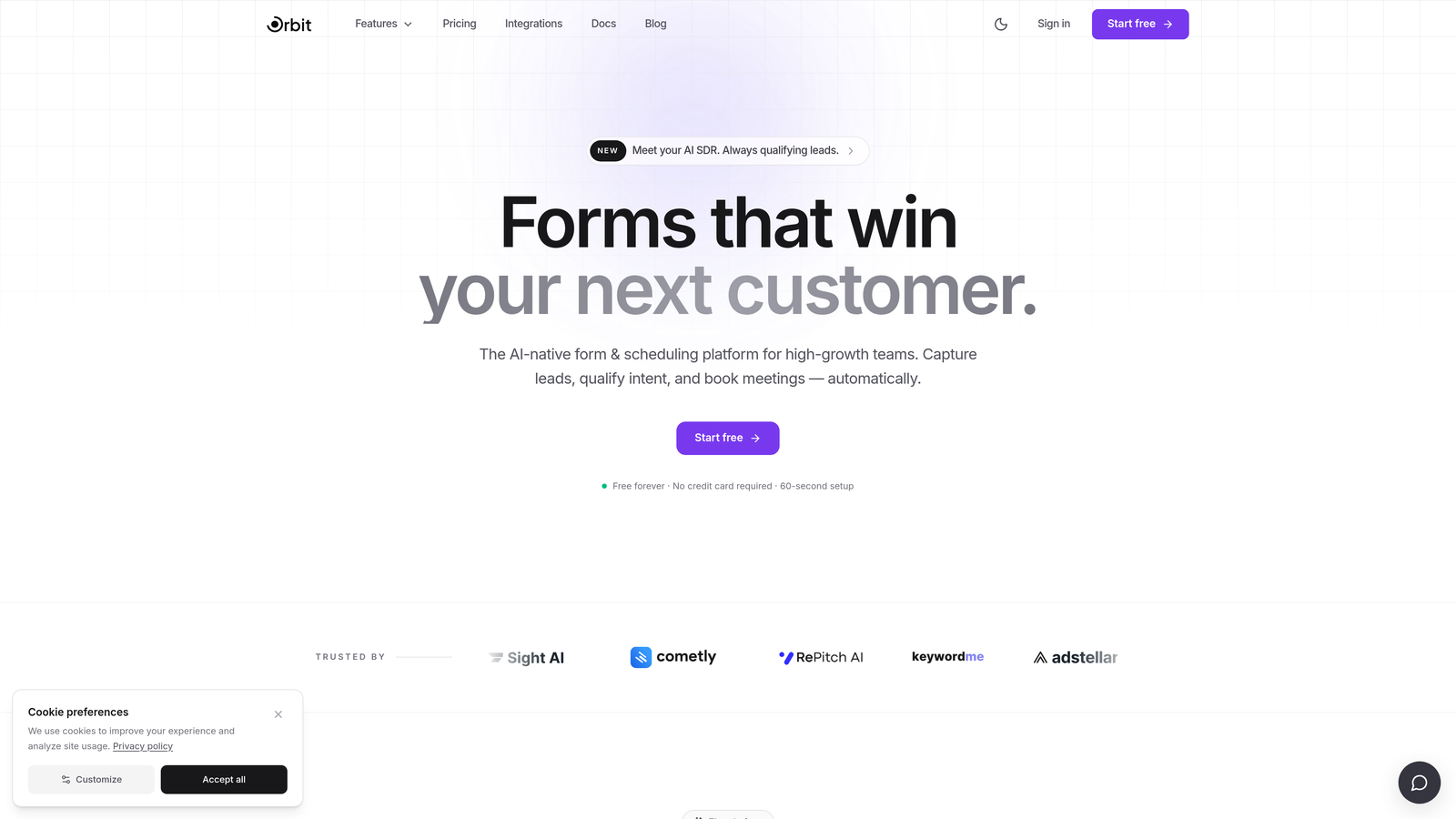
Orbit AI is an AI-powered form builder with built-in lead qualification and scoring, purpose-built for high-growth SaaS teams.
Where This Tool Shines
Most form builders stop at data collection. Orbit AI goes further by qualifying leads automatically as they come in, scoring them based on your criteria and routing them to the right place in your pipeline. For SaaS teams running demo request flows or inbound lead funnels, this removes a significant manual bottleneck.
The platform was designed without any WordPress dependency, which means it fits naturally into modern SaaS stacks. The form design is clean and conversion-optimized out of the box, so you're not spending hours tweaking styles to match your brand.
Key Features
AI-Powered Lead Qualification: Automatically scores and qualifies leads at submission, so your sales team focuses on the right prospects first.
Automatic Lead Routing: Routes qualified leads to the appropriate CRM stage, rep, or workflow without manual intervention.
Multi-Step and Conditional Logic Forms: Build branching, multi-step experiences that adapt to each respondent's answers.
Conversion-Optimized Design: Modern, clean UI built to maximize completion rates without requiring design expertise.
CRM Integrations: Connects with the tools your SaaS stack already relies on, keeping your pipeline data in sync.
Best For
High-growth SaaS teams that need more than a form builder. Orbit AI is the right fit if you're qualifying inbound leads at volume, running demo request or trial signup flows, and want AI to handle the scoring and routing automatically rather than building that logic manually.
Pricing
Visit orbitforms.ai for current pricing details and plan options.
2. Typeform
Best for: Teams prioritizing conversational UX and higher form completion rates
Typeform is a conversational form builder known for its one-question-at-a-time format that keeps respondents engaged through the entire flow.

Where This Tool Shines
Typeform's format feels fundamentally different from a traditional form. By presenting one question at a time, it reduces cognitive load and creates an experience closer to a conversation than a data entry task. For lead gen forms, surveys, and product feedback flows, this approach tends to improve the quality of responses.
The Logic Jumps feature lets you build branching paths based on answers, making it possible to create personalized form experiences without developer involvement. It's a natural fit for marketing teams that want polished, on-brand forms without heavy customization work.
Key Features
Conversational Interface: One-question-at-a-time format creates an engaging, low-friction experience for respondents.
Logic Jumps: Conditional branching lets you route respondents through different paths based on their answers.
Native Integrations: Connects directly with HubSpot, Salesforce, Zapier, and Slack for seamless data flow.
Rich Media Questions: Embed images and video directly into questions for more engaging form experiences.
Drop-Off Analytics: Track where respondents abandon forms so you can optimize completion rates over time.
Best For
Marketing teams running lead generation campaigns, product teams collecting user feedback, and any team where form completion rate is a primary concern. Typeform works best when the experience itself is part of the brand impression you want to make.
Pricing
Free tier available. Paid plans start around $25/month. Verify current pricing at typeform.com.
3. HubSpot Forms
Best for: Teams already running their marketing and CRM operations inside HubSpot
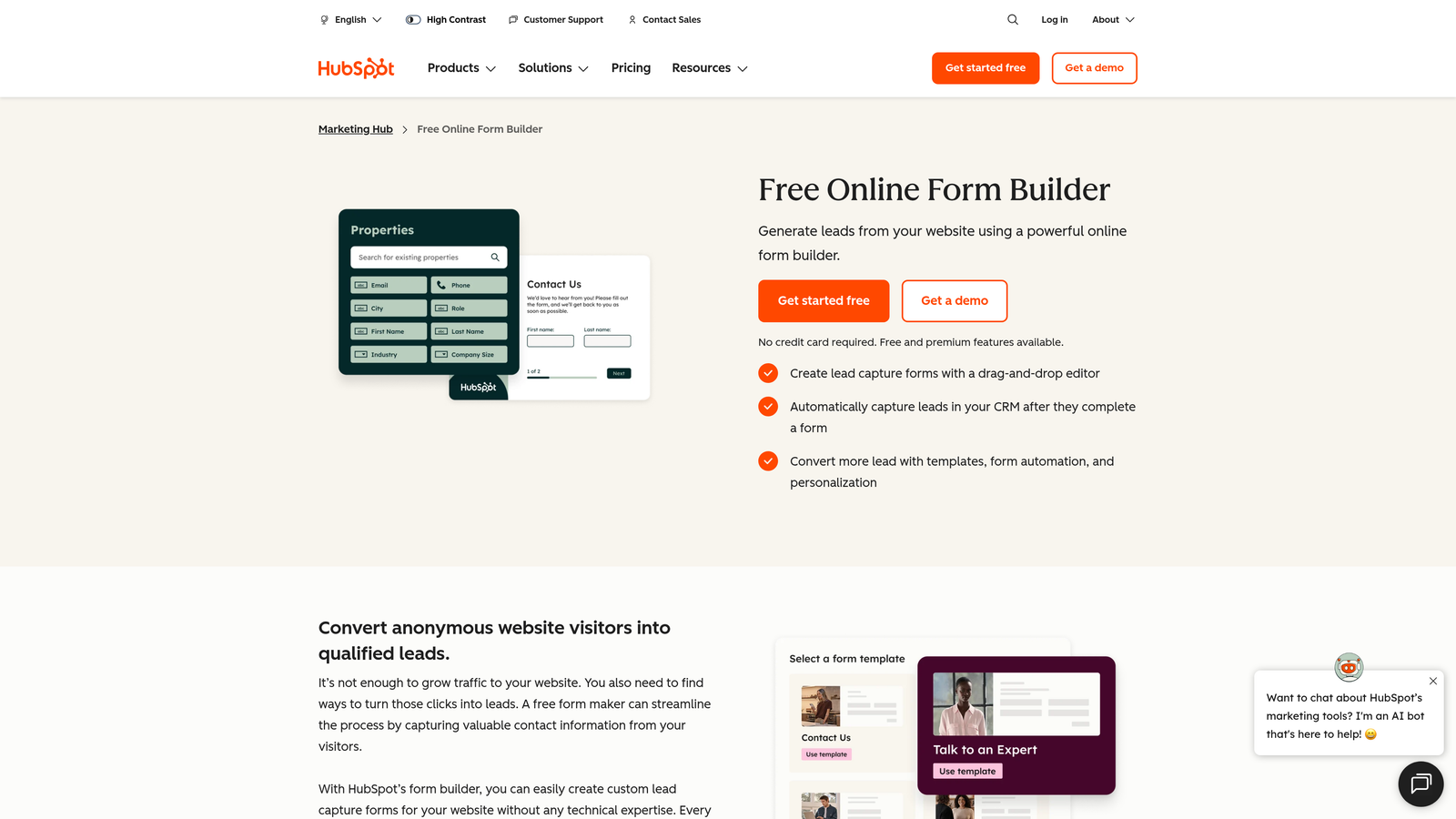
HubSpot Forms is a native form builder within the HubSpot ecosystem, offering zero-friction CRM sync and progressive profiling for marketing teams.
Where This Tool Shines
If your team lives in HubSpot, this is the path of least resistance. Every form submission flows directly into your CRM with no Zapier middleware, no field mapping headaches, and no sync delays. Contact records update automatically, and you can trigger workflows the moment someone submits.
The progressive profiling feature is particularly useful for SaaS teams with returning visitors. Instead of asking for information you already have, HubSpot Forms shows new fields to known contacts, gradually building richer profiles over time without friction.
Key Features
Native CRM Sync: Form submissions create or update HubSpot contact records instantly with zero configuration required.
Progressive Profiling: Automatically shows new fields to returning visitors, enriching contact data over multiple interactions.
Smart Forms: Detects known contacts and personalizes the form experience based on existing CRM data.
Workflow Triggers: Automatically enroll contacts in nurture sequences or notify sales reps on submission.
Free Availability: Accessible at no additional cost for anyone with a HubSpot CRM account.
Best For
Marketing and demand generation teams already invested in the HubSpot ecosystem. If HubSpot is your CRM and marketing automation platform, the native integration alone justifies using this over a standalone tool. Less ideal if you need advanced design customization or operate outside the HubSpot stack.
Pricing
Free with a HubSpot CRM account. Advanced features require paid Marketing Hub tiers. Verify current plan details at hubspot.com.
4. Jotform
Best for: Teams that need maximum feature breadth and the largest template library available
Jotform is a feature-rich form builder with one of the largest template libraries and integration ecosystems in the market.
Where This Tool Shines
Jotform is the Swiss Army knife of form builders. With over 10,000 templates and 150+ native integrations, it covers virtually every use case: lead capture, event registration, payment collection, approval workflows, e-signatures, and more. For teams that need to spin up forms across multiple departments or use cases, the breadth here is hard to match.
The platform has also been expanding its AI-assisted features for form creation, which can accelerate setup for teams building complex forms from scratch. It's not as specialized as tools built specifically for SaaS lead qualification, but it makes up for it with sheer versatility.
Key Features
10,000+ Templates: One of the largest template libraries available, covering nearly every industry and use case.
150+ Native Integrations: Connects with CRMs, payment processors, project management tools, and more without middleware.
Payment and E-Signature Support: Collect payments and capture legally binding signatures within the same form flow.
Conditional Logic and Calculations: Build dynamic forms that adapt to inputs and calculate values automatically.
Approval Workflows: Route submissions through multi-step approval processes before final processing.
Best For
Teams that need one platform to handle diverse form use cases across the organization. Jotform is a strong choice for operations, HR, and marketing teams that want a single tool with broad coverage rather than a specialized solution.
Pricing
Free tier available. Paid plans start around $34/month. Verify current pricing at jotform.com.
5. Tally
Best for: Early-stage startups and indie teams that want a powerful free tier with a modern editing experience
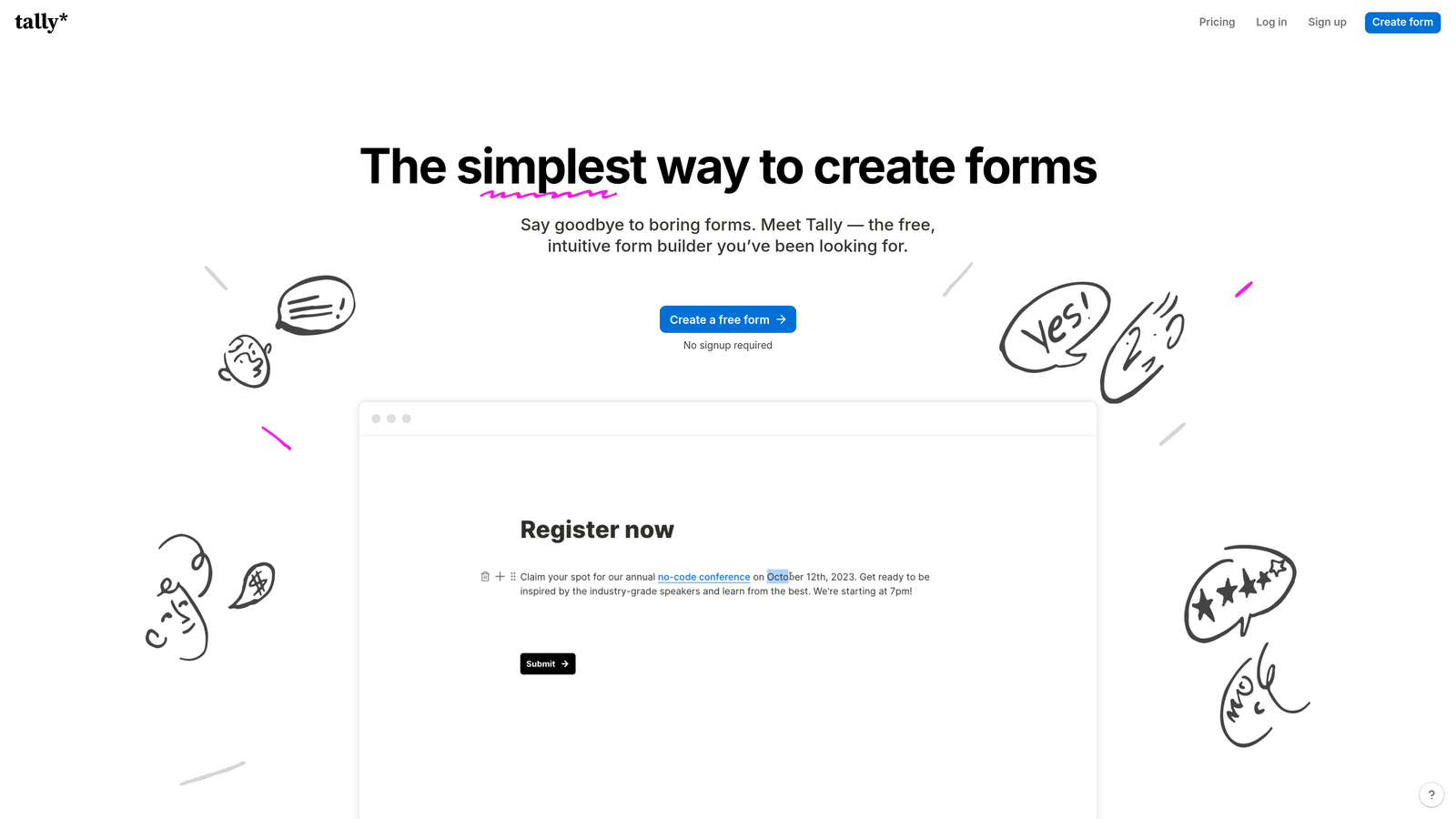
Tally is a Notion-inspired free form builder with a block-based editor and a generous free tier that rivals many paid tools.
Where This Tool Shines
Tally's free tier is genuinely exceptional. Unlimited forms and unlimited submissions without a watermark or submission cap is rare at zero cost, and it's what made Tally popular among early-stage SaaS teams and indie hackers who need functional forms before they're ready to invest in a paid platform.
The block-based editor will feel immediately familiar to anyone who uses Notion. It's fast to learn, flexible enough for most use cases, and produces clean, minimal forms that embed easily into any web property. For teams that want something better than Google Forms but aren't ready for a full-featured platform, Tally hits a sweet spot.
Key Features
Unlimited Free Forms and Submissions: No submission caps or form limits on the free tier, which is genuinely rare in this market.
Block-Based Editor: Notion-style editing experience makes form building fast and intuitive without a learning curve.
Conditional Logic and Hidden Fields: Build dynamic forms with branching logic and pass data through hidden fields.
Zapier and Make Integrations: Connect to your broader stack through automation platforms even on the free tier.
No-Branding Embeds: Remove Tally branding and embed cleanly into your site on paid plans.
Best For
Early-stage startups, indie teams, and bootstrapped SaaS companies that need solid form functionality without a monthly bill. Also a good fit for internal tools and quick surveys where enterprise features aren't required.
Pricing
Free tier available with unlimited forms and submissions. Pro plan around $29/month. Verify current pricing at tally.so.
6. Formstack
Best for: Enterprise and regulated-industry SaaS teams that require compliance certifications
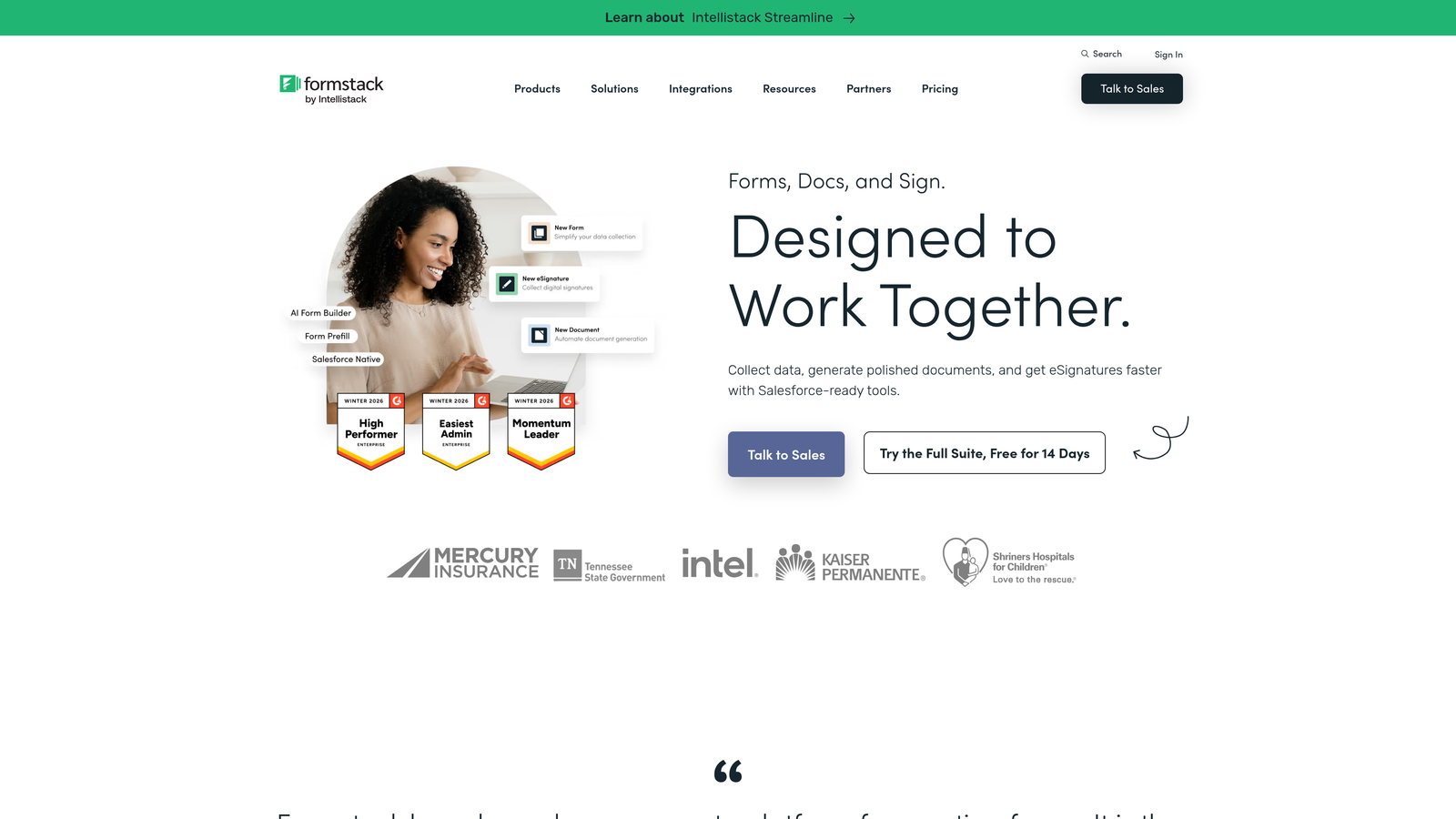
Formstack is an enterprise form and workflow automation platform with compliance certifications for regulated industries.
Where This Tool Shines
For SaaS companies operating in healthcare tech, legal tech, or fintech, compliance isn't optional. Formstack's HIPAA, GDPR, and SOC 2 certifications make it one of the few form platforms that can operate in these environments without creating compliance risk. That alone positions it differently from most tools on this list.
Beyond compliance, Formstack extends into document generation and e-signature workflows, making it useful across the full document lifecycle rather than just the intake stage. Teams that need forms to trigger complex approval processes will find more native capability here than in lighter-weight tools.
Key Features
HIPAA, GDPR, and SOC 2 Compliance: Built-in compliance certifications for regulated industries where data handling requirements are strict.
Document Generation: Automatically generate documents from form submissions, reducing manual data transfer.
E-Signature Workflows: Capture legally binding signatures within the same platform as your forms.
Multi-Step Approval Flows: Route submissions through configurable approval chains before final processing.
Enterprise CRM Integrations: Native connections to Salesforce and other enterprise-grade CRM platforms.
Best For
Enterprise SaaS teams and companies in regulated industries where compliance certifications are a hard requirement. Formstack is overkill for early-stage teams but purpose-built for organizations where data handling, audit trails, and document workflows matter.
Pricing
Business plans typically start in the $50 to $100+ per month range. Verify current pricing at formstack.com.
7. Paperform
Best for: Teams that want forms to function as branded, visually rich landing page experiences
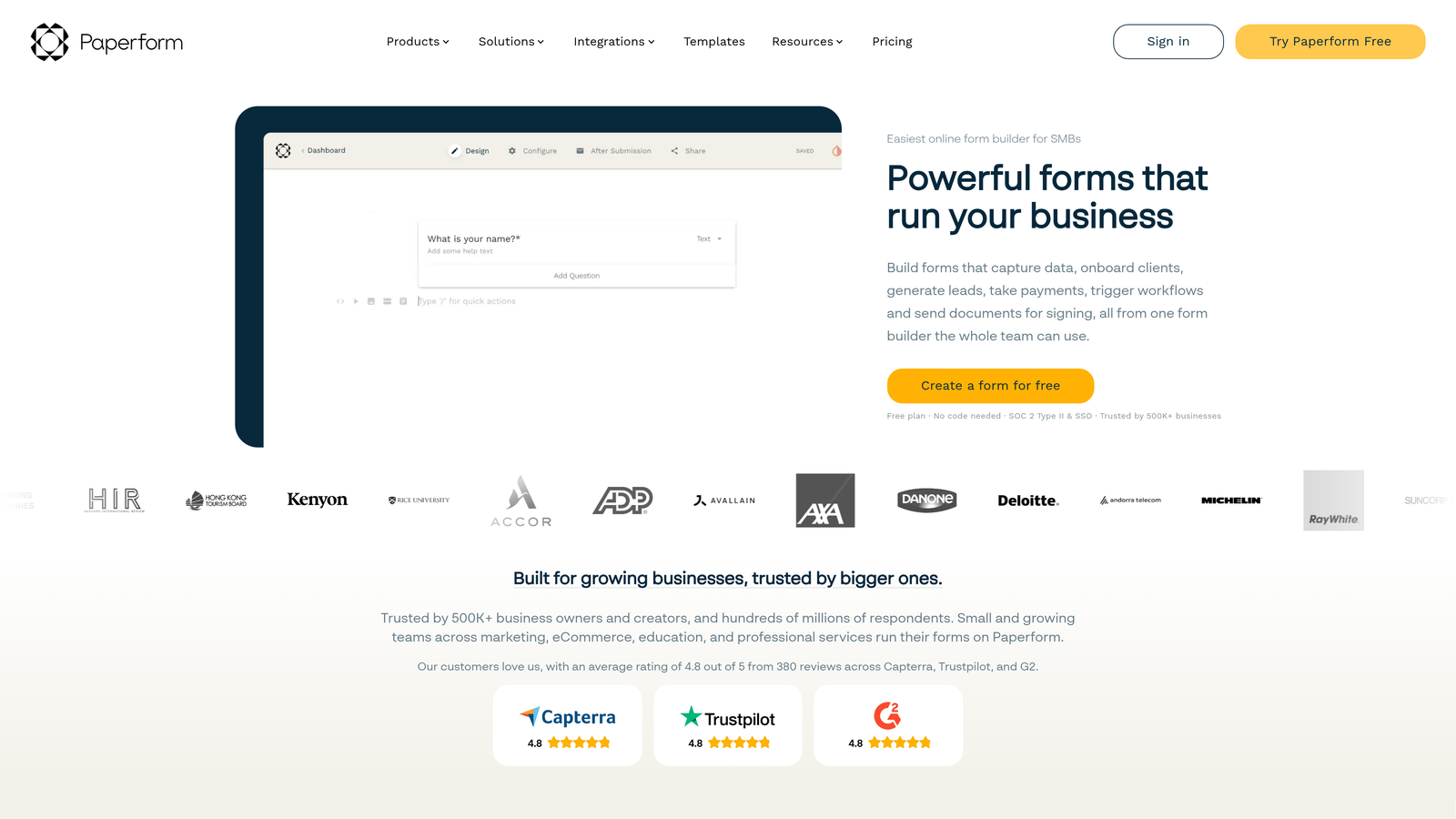
Paperform is a form builder that doubles as a branded landing page creator, supporting rich media, payments, and highly designed form experiences.
Where This Tool Shines
Paperform sits at the intersection of form builder and landing page tool. You can embed images, video, and product listings directly into your form flow, creating an experience that feels much more like a designed page than a traditional form. For SaaS teams where brand impression matters at every touchpoint, this level of customization is a genuine differentiator.
The built-in payment collection via Stripe means you can run the entire checkout or registration experience within a single Paperform without redirecting users to a separate payment page. It's a strong choice for product launches, event registrations, and any flow where aesthetics and conversion work together.
Key Features
Rich Media Embedding: Add images, video, and product listings directly into form questions for a fully designed experience.
Built-In Stripe Payments: Collect payments natively without redirecting users to an external checkout page.
Full Design Customization: Extensive styling options to match your brand identity across every form element.
Conditional Sections and Logic: Show or hide entire sections based on previous answers for personalized flows.
CRM and Zapier Integrations: Connect to your marketing and sales stack through native and Zapier-based integrations.
Best For
Marketing teams and growth teams that want forms to reflect the quality of their brand. Paperform is particularly well-suited for product launches, paid landing pages, event registrations, and any form where visual design is part of the conversion strategy.
Pricing
Essentials plan around $24/month. Verify current pricing at paperform.co.
8. Fillout
Best for: Product and ops teams that need forms with native two-way database sync
Fillout is a modern form builder with native two-way sync to databases like Airtable, Notion, and Supabase, ideal for product and operations teams.
Where This Tool Shines
Most form tools push data in one direction: form submission goes into a spreadsheet or CRM. Fillout's two-way sync with Airtable, Notion, and Supabase changes that dynamic. You can pre-populate form fields from existing database records, update records on submission, and build forms that interact with your data layer rather than just appending to it.
For product-led growth teams and no-code builders, this makes Fillout uniquely powerful. It bridges the gap between form builder and lightweight application, enabling use cases like customer portals, update forms, and onboarding flows that read from and write back to your operational database.
Key Features
Native Two-Way Database Sync: Read from and write to Airtable, Notion, Supabase, and Google Sheets directly from form submissions.
Multi-Step Forms with Scheduling and Payments: Combine data collection, calendar booking, and payment in a single form flow.
URL Parameter Prefill: Pre-populate form fields using URL parameters for personalized, context-aware experiences.
Conditional Logic: Build dynamic forms that adapt based on respondent inputs and existing data.
Clean Modern UI: Responsive design that looks polished across desktop and mobile without extra styling work.
Best For
Product teams, operations teams, and no-code builders who work heavily with Airtable, Notion, or Supabase. Fillout is the right choice when your forms need to interact with an existing data layer rather than simply feeding a CRM.
Pricing
Free tier available. Paid plans start around $15/month. Verify current pricing at fillout.com.
9. Cognito Forms
Best for: Teams migrating directly from Gravity Forms who want the closest functional equivalent outside WordPress
Cognito Forms is an affordable form builder with strong conditional logic and entry management, the closest functional replacement for Gravity Forms outside the WordPress environment.
Where This Tool Shines
If your team is specifically moving away from Gravity Forms and wants to minimize the learning curve, Cognito Forms is the most natural landing spot. The entry management dashboard, calculated fields, repeating sections, and advanced conditional logic will feel familiar to anyone who has spent time in Gravity Forms. The transition is about changing platforms, not relearning how to think about forms.
It's not the flashiest tool on this list, and the UX is more utilitarian than modern. But for teams that need reliable form logic, solid entry management, and a lower price point than Gravity Forms' annual license, it delivers solid value without a steep adjustment period.
Key Features
Advanced Conditional Logic: Build complex branching rules and field visibility conditions comparable to Gravity Forms' native capabilities.
Calculated Fields: Perform math and logic calculations within forms for quotes, totals, and scoring.
Entry Management Dashboard: Review, search, and manage form submissions from a familiar backend interface.
Repeating Sections: Allow respondents to add multiple instances of a field group, useful for line items and multi-entry forms.
Payment Collection: Accept payments through Stripe and PayPal directly within forms.
Best For
Teams migrating from Gravity Forms who want feature parity without the WordPress dependency. Also a strong choice for budget-conscious teams that need reliable conditional logic and entry management without paying for features they won't use.
Which Tool Is Right for Your SaaS Team?
The right choice depends entirely on what you actually need from a form builder. Here's how to think through it quickly.
If lead qualification is your primary goal, Orbit AI is the purpose-built choice. It's the only tool on this list that combines AI-powered scoring, automatic routing, and conversion-optimized design in a single platform designed specifically for SaaS teams.
For conversational UX and higher completion rates, Typeform remains the benchmark. If your entire stack runs on HubSpot, HubSpot Forms removes every integration headache. For maximum feature breadth across a large organization, Jotform covers more use cases than any other tool here.
Tally is the clear winner on free tier value, making it ideal for early-stage teams that need real functionality before they're ready to invest. Formstack is the only option for regulated industries where HIPAA or SOC 2 compliance is non-negotiable. Paperform wins on visual design and brand experience. Fillout is the right call when your forms need to interact with an existing Airtable, Notion, or Supabase database. And Cognito Forms is the smoothest migration path for teams leaving Gravity Forms behind.
The broader shift here is worth noting: form builders have evolved from simple data collection tools into active components of the growth stack. The best ones don't just capture leads, they qualify them, route them, and feed clean data into your pipeline automatically.
If you're ready to move beyond basic form building and put AI-powered qualification to work for your inbound funnel, start building free forms today and see how intelligent form design can elevate your conversion strategy.


