

Static forms are conversion killers. When every visitor sees the same questions regardless of their context, you lose qualified leads to friction and irrelevance. Adaptive form builders solve this by dynamically adjusting questions, layouts, and logic based on user behavior, device type, and previous responses. The result? Higher completion rates, better lead quality, and forms that actually feel like conversations.
We evaluated dozens of form builders to find the tools that truly adapt to your users—not just offer basic conditional logic. Here are the nine adaptive form builders worth your attention in 2026, ranked by intelligence, flexibility, and real-world performance for high-growth teams.
1. Orbit AI
Best for: High-growth teams that need AI-powered lead qualification built directly into their forms.
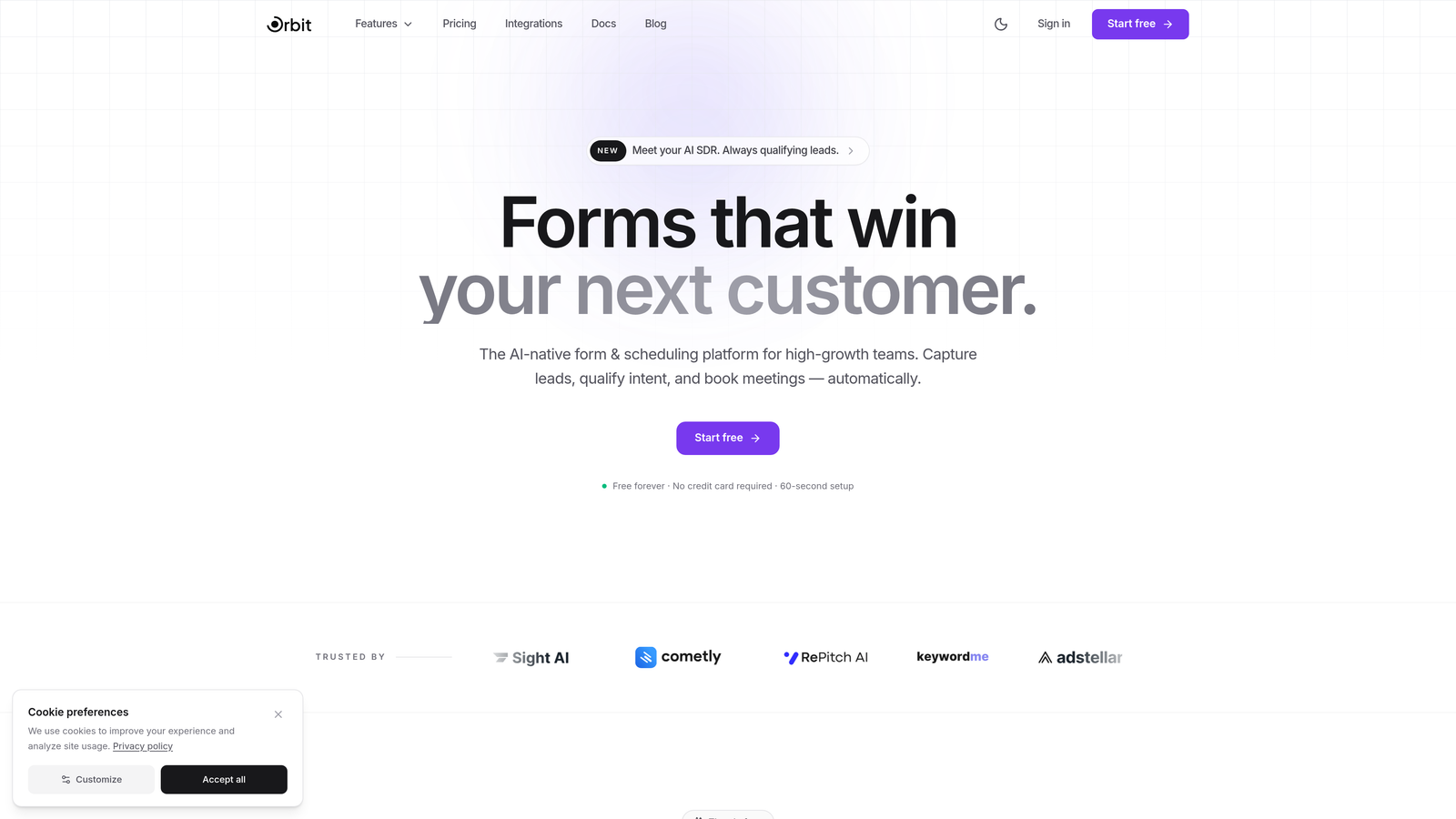
Orbit AI is an AI-powered form builder that goes beyond simple conditional logic to actively qualify and score leads in real-time as they complete your forms.
Where This Tool Shines
The platform's intelligence layer analyzes responses as users type, adjusting subsequent questions based on lead quality signals. This means your sales team receives pre-qualified prospects with context, not just raw form submissions.
What sets Orbit AI apart is how it combines beautiful, conversion-optimized form design with backend intelligence. Your forms look modern and feel effortless to complete, while the AI works behind the scenes to route high-value leads instantly and flag lower-priority submissions for nurture campaigns.
Key Features
AI-Driven Lead Qualification: Automatically scores and categorizes leads based on response patterns and business rules you define.
Dynamic Question Adaptation: Adjusts follow-up questions in real-time based on previous answers to gather the most relevant information.
Conversion-Optimized Templates: Pre-built form designs tested for maximum completion rates across industries.
Real-Time Analytics and Routing: Instant lead routing to sales reps with context and quality scores attached.
Native CRM Integrations: Seamless connections with major CRMs to ensure qualified leads flow directly into your sales pipeline.
Best For
Teams that generate high volumes of leads and need to separate serious prospects from tire-kickers before human review. Particularly valuable for SaaS companies, agencies, and B2B businesses where lead quality matters more than lead quantity.
Pricing
Free tier available for testing the platform. Paid plans start at $29/month with scaling options for growing teams.
2. Typeform
Best for: Creating conversational, one-question-at-a-time form experiences with polished visual design.
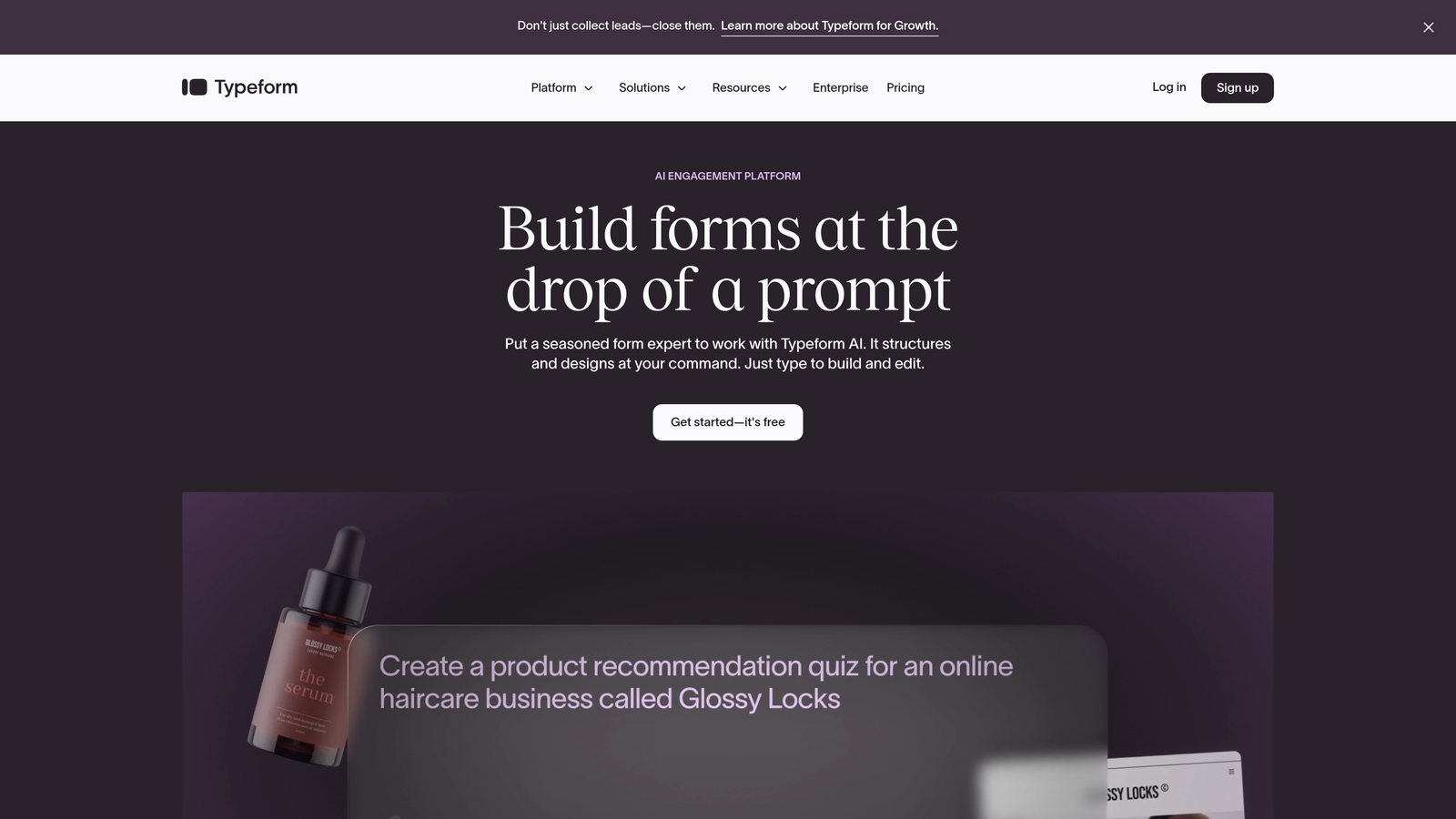
Typeform is the conversational form builder that pioneered the one-question-at-a-time format, making forms feel more like human conversations than data collection exercises.
Where This Tool Shines
Typeform's signature approach reduces cognitive load by showing users a single question at a time. This format typically drives higher completion rates than traditional multi-field forms, particularly for longer surveys or complex qualification flows.
The platform's logic jump capabilities let you create sophisticated branching paths based on answers. Combined with hidden fields for personalization and a design interface that prioritizes aesthetics, Typeform remains the benchmark for conversational form experiences.
Key Features
One-Question-at-a-Time Format: Signature conversational interface that keeps users focused and engaged throughout the form.
Logic Jumps and Branching: Create complex decision trees that adapt the form path based on user responses.
Hidden Fields for Personalization: Pre-populate data from URL parameters or integrations to create personalized form experiences.
Rich Media Embedding: Add videos, images, and GIFs to make forms more engaging and context-rich.
Extensive Third-Party Integrations: Connect with hundreds of tools including CRMs, email platforms, and analytics services.
Best For
Marketing teams and customer experience professionals who prioritize form aesthetics and conversational UX. Ideal for customer feedback surveys, lead generation, event registration, and any scenario where form completion rates directly impact business outcomes.
Pricing
Free tier available with basic features. Paid plans start at $25/month with advanced logic and integrations.
3. Jotform
Best for: Teams that need extensive template options and conditional logic without technical complexity.
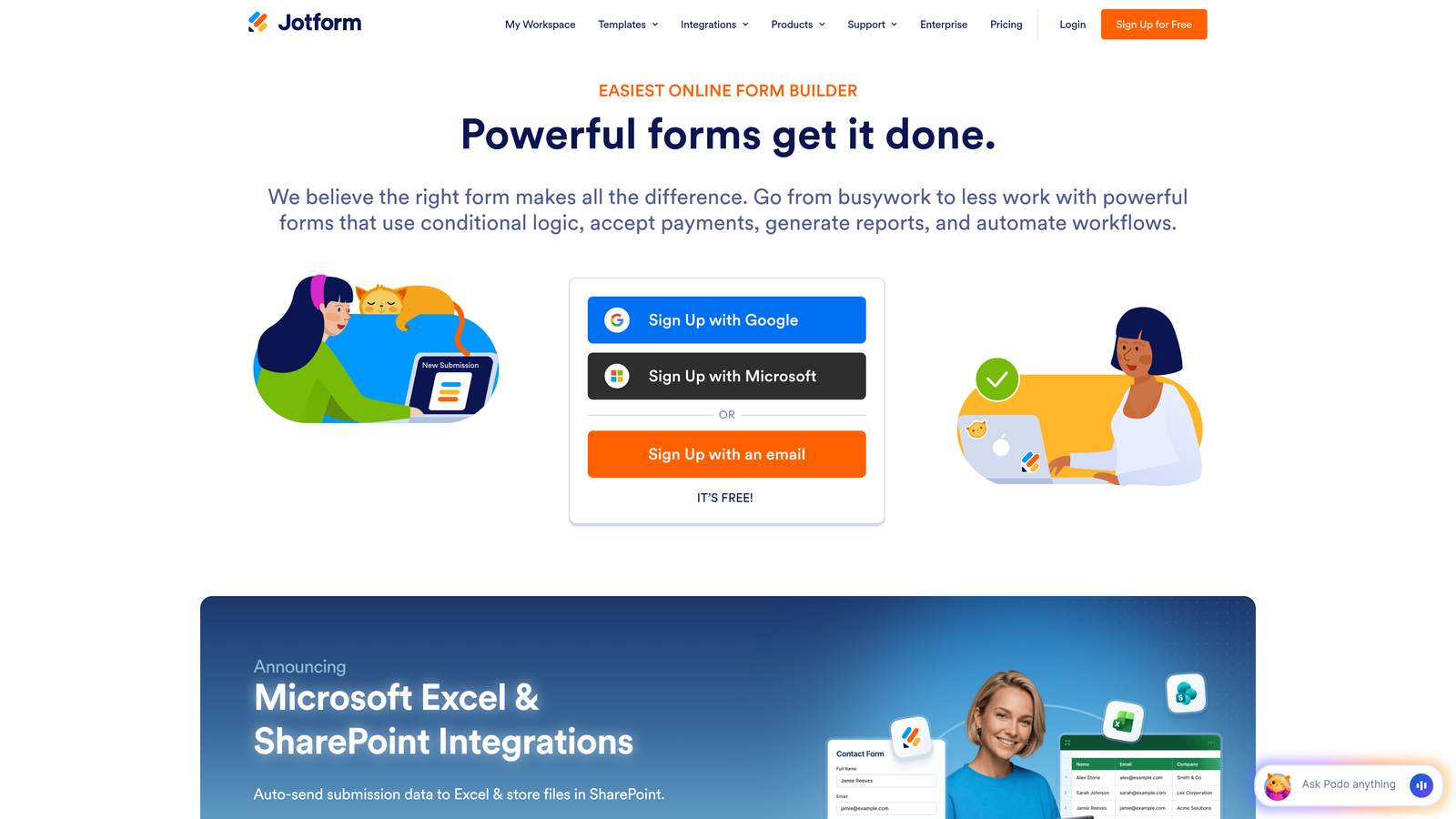
Jotform is a feature-rich form builder offering over 10,000 templates and robust conditional logic capabilities for creating adaptive form experiences across virtually any use case.
Where This Tool Shines
The sheer breadth of pre-built templates means you're rarely starting from scratch. Whether you need a job application form, event registration, or payment collection, there's likely a template optimized for that specific scenario.
Jotform's conditional logic system lets you show or hide fields, skip pages, or change form behavior based on user responses. The platform also handles payment processing natively and offers HIPAA-compliant options for healthcare organizations, making it unusually versatile across industries.
Key Features
10,000+ Customizable Templates: Massive library covering virtually every form type and industry imaginable.
Conditional Logic and Smart Fields: Show, hide, or require fields based on previous answers to create personalized form flows.
Payment Collection Integration: Native payment processing through multiple gateways for selling products or collecting fees.
PDF Form Generation: Automatically generate PDF documents from form submissions for contracts, invoices, or reports.
HIPAA-Compliant Options: Enterprise plans include compliance features for healthcare and sensitive data collection.
Best For
Organizations that need versatility more than specialization. Particularly strong for businesses that collect payments through forms, healthcare providers requiring compliance, and teams that prefer customizing templates over building from scratch.
Pricing
Free tier available with Jotform branding. Paid plans start at $34/month with increased submission limits and advanced features.
4. Formstack
Best for: Enterprise teams requiring advanced workflow automation, approvals, and document generation from form data.
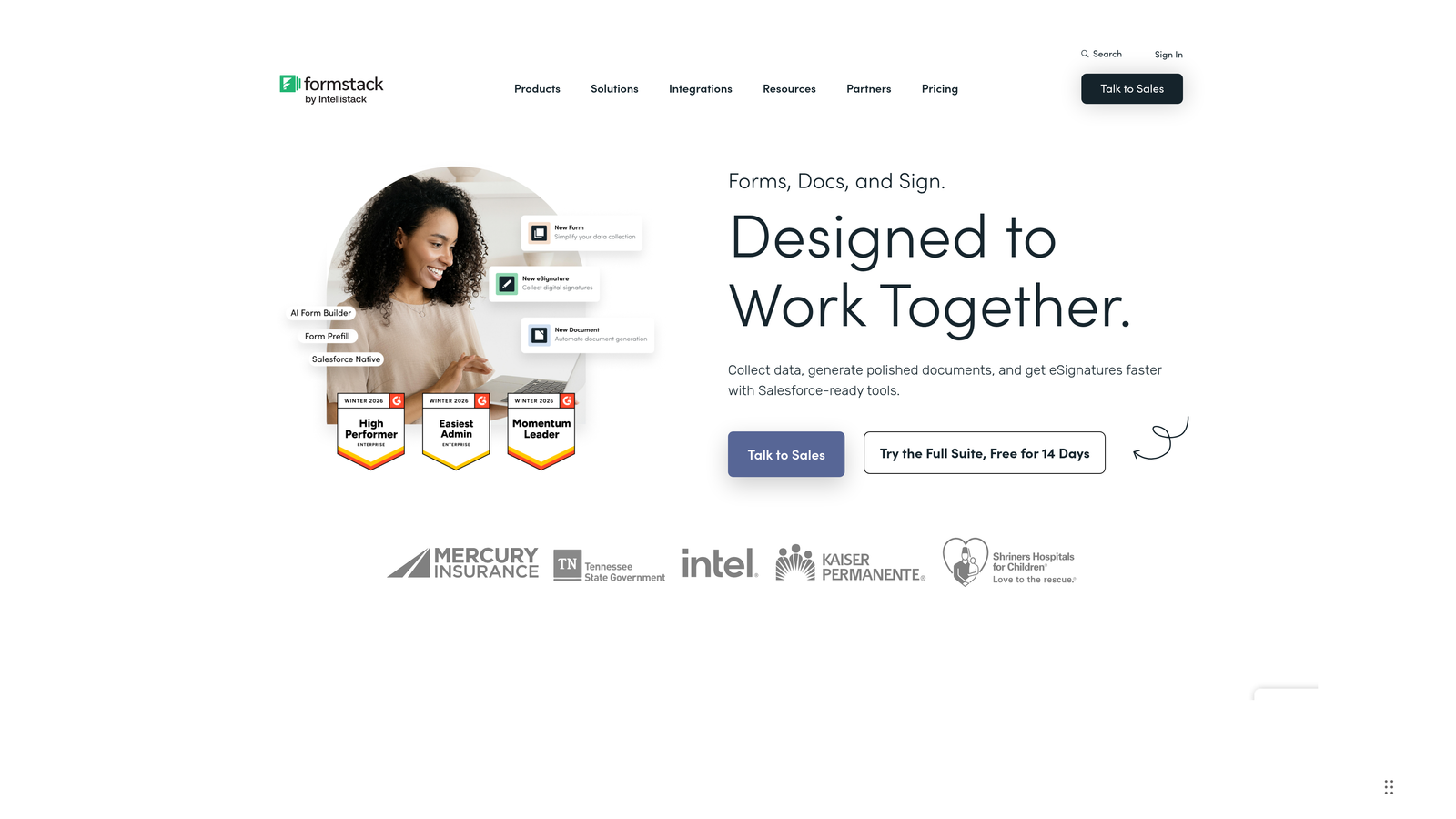
Formstack is an enterprise-grade form builder that extends beyond data collection into workflow automation, document generation, and electronic signature capabilities.
Where This Tool Shines
Formstack treats forms as the starting point for complex business processes, not just data collection endpoints. Submit a form, and you can trigger approval workflows, generate contracts, route documents for signatures, and update multiple systems simultaneously.
The platform's conditional logic works in tandem with its workflow engine, meaning forms can adapt not just to user responses but to backend business rules. This makes it particularly valuable for organizations with compliance requirements or multi-step approval processes.
Key Features
Advanced Conditional Logic: Multi-layered logic rules that can show, hide, or require fields based on complex combinations of responses.
Workflow Automation and Approvals: Route form submissions through approval chains with notifications and status tracking.
Document Generation: Automatically create PDFs, contracts, or reports populated with form data.
Electronic Signature Integration: Native e-signature capabilities for contracts and agreements generated from forms.
Enterprise Security and Compliance: SOC 2 Type II certified with options for HIPAA compliance and advanced data encryption.
Best For
Large organizations with complex approval workflows, legal or compliance requirements, and the need to generate formal documents from form submissions. Strong fit for HR departments, legal teams, and enterprise sales organizations.
Pricing
Plans start at $50/month for basic features. Enterprise pricing available with custom security and compliance requirements.
5. Paperform
Best for: Creating forms that double as branded landing pages with rich content and adaptive logic.
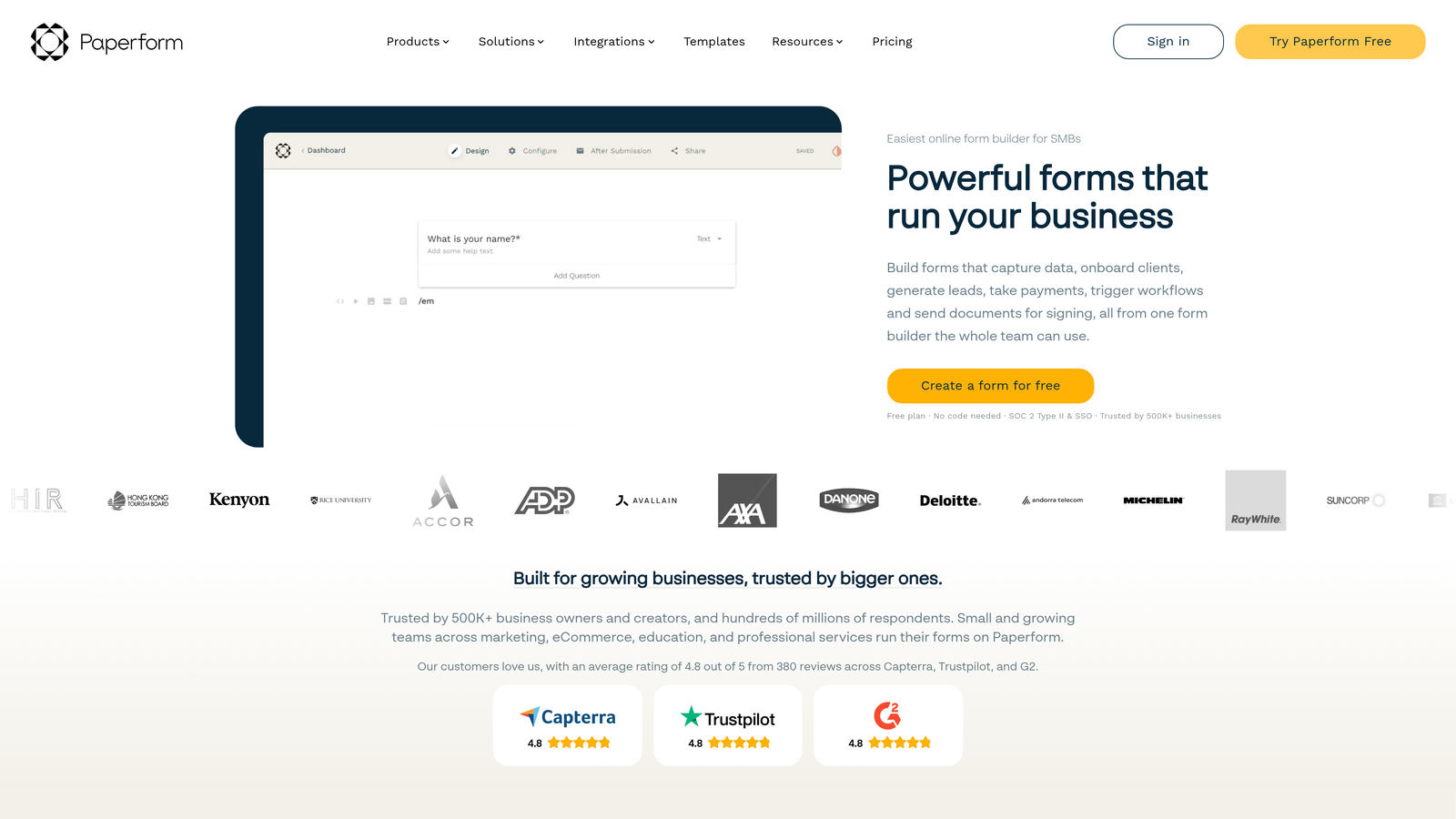
Paperform is a form builder that blurs the line between forms and landing pages, combining adaptive logic with rich content capabilities to create experiences that feel like custom web pages.
Where This Tool Shines
Unlike traditional form builders that feel distinctly like forms, Paperform lets you embed rich text, images, videos, and product catalogs directly alongside your questions. The result looks more like a branded microsite than a data collection tool.
The conditional logic system works seamlessly with this rich content approach. You can show different product options based on budget responses, display relevant case studies based on industry selection, or create entirely different form paths that each feel like cohesive experiences.
Key Features
Rich Text and Media Embedding: Add formatted text, images, videos, and custom HTML to create visually rich form experiences.
Conditional Logic and Calculations: Show or hide content dynamically and perform calculations based on user inputs.
Product and Payment Integration: Sell products directly through forms with inventory management and multiple payment gateways.
Custom Success Pages: Create branded thank-you pages with dynamic content based on form responses.
Scheduling and Booking: Built-in calendar integration for appointment booking and event registration.
Best For
Creative agencies, consultants, and businesses that want forms to match their brand aesthetic. Particularly effective for product sales, course registration, and scenarios where the form itself is a marketing touchpoint.
Pricing
Plans start at $24/month with unlimited forms and submissions across all tiers.
6. Fillout
Best for: Teams using Airtable or Notion who need forms that sync directly with their databases.
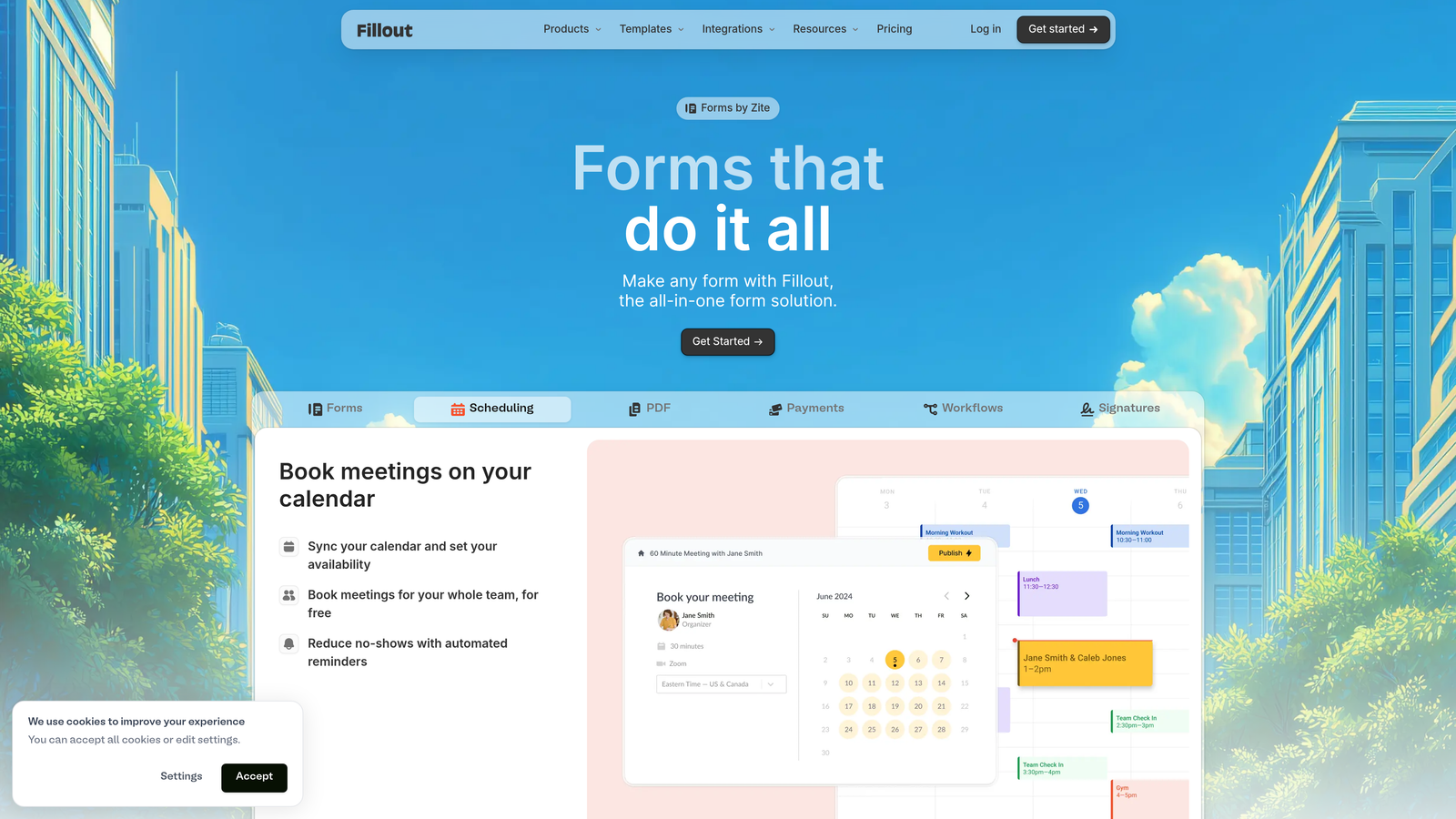
Fillout is a modern form builder with native connections to Airtable, Notion, and other databases, enabling adaptive forms that sync directly with your existing data infrastructure.
Where This Tool Shines
If your team lives in Airtable or Notion, Fillout eliminates the integration middleware. Forms write directly to your bases or databases, and you can use existing data to populate dropdown options or pre-fill fields for returning users.
The conditional logic system can reference database lookups, meaning your forms can adapt based not just on current responses but on data you already have. This creates truly personalized experiences for returning customers or multi-touch lead nurturing flows.
Key Features
Native Airtable and Notion Integration: Direct two-way sync with your databases without third-party connectors.
Conditional Logic with Database Lookups: Adapt form behavior based on existing data in your connected databases.
Multi-Page Adaptive Forms: Create multi-step forms with progress indicators and dynamic page routing.
Scheduling Integration: Built-in calendar booking that syncs with your scheduling tools.
Custom Domains and Branding: Host forms on your own domain with full white-label capabilities.
Best For
Startups and growing teams already using Airtable or Notion as their operational backbone. Ideal for scenarios where form data needs to flow directly into existing workflows without manual transfer or complex integrations.
Pricing
Free tier available with core features. Paid plans start at $15/month for increased submissions and advanced logic.
7. Tally
Best for: Budget-conscious teams that need unlimited forms and conditional logic without monthly fees.
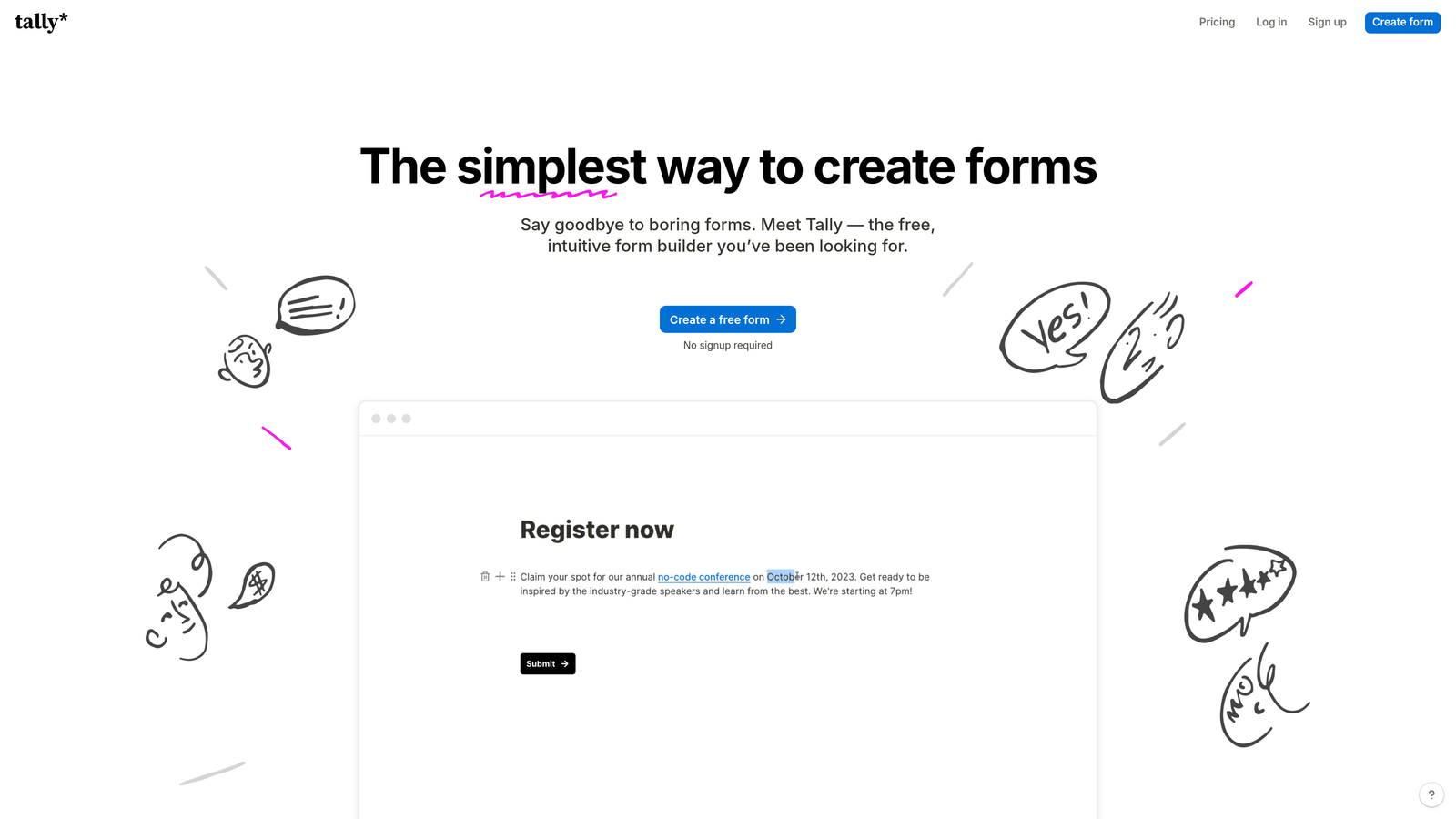
Tally is a simple, powerful form builder offering a remarkably generous free tier with unlimited forms and responses, plus conditional logic capabilities that rival paid tools.
Where This Tool Shines
Tally's free tier is genuinely useful, not a trial disguised as free access. You get unlimited forms, unlimited responses, conditional logic, hidden fields, and integrations—features that most competitors lock behind paid plans.
The editing experience feels like Notion, with a clean block-based interface that makes building complex forms intuitive. Despite the generous free offering, Tally doesn't compromise on capabilities. The conditional logic system handles sophisticated branching, and the calculator fields enable dynamic pricing or scoring scenarios.
Key Features
Unlimited Forms and Responses: No artificial limits on the free tier—build and collect as much as you need.
Conditional Logic and Hidden Fields: Create adaptive form flows and personalized experiences without upgrading.
Calculator and Payment Fields: Perform calculations and collect payments directly through forms.
Custom Thank You Pages: Create branded success pages with dynamic content based on responses.
Notion-Like Editing Experience: Familiar block-based interface for users already comfortable with modern productivity tools.
Best For
Startups, solopreneurs, and small teams with limited budgets who still need professional form capabilities. Excellent for side projects, community organizations, and anyone testing form-based lead generation before committing to paid tools.
Pricing
Free tier includes most features with Tally branding. Pro plan at $29/month adds custom domains and removes branding.
8. Feathery
Best for: Developer teams building complex user onboarding flows with code-level customization requirements.
Feathery is a developer-friendly form builder that combines visual design with code-level customization for creating sophisticated adaptive user onboarding experiences.
Where This Tool Shines
Feathery bridges the gap between no-code form builders and custom-coded solutions. Non-technical team members can design forms visually, while developers can inject custom JavaScript, integrate with APIs in real-time, and build logic that responds to external data sources.
The platform excels at multi-step onboarding flows where form behavior needs to adapt based on user authentication status, account type, or data from your application's backend. This makes it particularly powerful for SaaS products with complex signup or configuration processes.
Key Features
Visual Builder with Code Customization: Design forms visually but extend functionality with custom code when needed.
Complex Multi-Step Logic Flows: Build sophisticated decision trees with branching based on multiple conditions and external data.
User Authentication Integration: Native support for authenticated form experiences with role-based customization.
API-Driven Form Behavior: Trigger form changes based on real-time API responses during form completion.
White-Label Capabilities: Fully customizable branding and hosting options for embedded or standalone forms.
Best For
Product teams at tech companies building user onboarding, account setup flows, or configuration wizards. Best suited for scenarios where forms need to integrate tightly with your application's logic and user authentication system.
Pricing
Free tier available for testing. Paid plans start at $49/month with usage-based pricing for higher volumes.
9. HubSpot Forms
Best for: HubSpot users who need progressive profiling that adapts questions based on CRM contact data.
HubSpot Forms is the CRM-native form builder that leverages your existing contact database to create adaptive experiences through progressive profiling.
Where This Tool Shines
HubSpot's progressive profiling is genuinely intelligent. When a known contact encounters your form, HubSpot automatically hides fields you've already collected and replaces them with new questions. Over time, you build complete contact profiles without overwhelming users with long forms.
Because forms live inside the HubSpot ecosystem, every submission automatically updates contact records, triggers workflows, and informs lead scoring. There's no integration lag or data sync delays—everything happens in real-time within your CRM.
Key Features
Progressive Profiling: Automatically adjust form fields for returning visitors based on data you already have in your CRM.
Smart Fields Based on CRM Data: Pre-populate fields with known contact information to reduce friction.
Dependent Field Logic: Show or hide fields based on previous responses within the same form.
Native CRM and Marketing Automation: Instant contact updates and workflow triggers without third-party integrations.
A/B Testing Capabilities: Test different form variations to optimize conversion rates over time.
Best For
Organizations already using HubSpot as their CRM and marketing platform. The progressive profiling feature alone justifies using HubSpot Forms if you're collecting data from the same contacts repeatedly over time.
Pricing
Free with HubSpot CRM. Advanced form features like progressive profiling require paid Marketing Hub plans.
Making the Right Choice
The right adaptive form builder depends on where intelligence matters most for your workflow. For AI-powered lead qualification that actively scores and routes leads, Orbit AI delivers the smartest forms for high-growth teams. If conversational UX is your priority, Typeform remains the gold standard for one-question-at-a-time experiences.
Enterprise teams with complex workflows should explore Formstack's document generation and approval capabilities, while budget-conscious startups can achieve impressive results with Tally's genuinely unlimited free tier. Teams already living in Airtable or Notion will find Fillout's native integrations eliminate frustrating data transfer steps.
The common thread across all these tools? Moving beyond static forms to dynamic experiences that respect your users' time and context. Forms that adapt to device type, previous responses, and known contact data simply perform better—higher completion rates, better lead quality, and less friction for everyone involved.
Ready to transform your lead capture? Start by identifying your biggest form friction point. Is it qualifying leads before they reach sales? Choose a tool with built-in intelligence like Orbit AI. Is it form abandonment on mobile? Look for responsive builders with conversational formats. Is it collecting too much data upfront? Progressive profiling through HubSpot or conditional logic through Jotform can help.
The adaptive form builder market has matured significantly, and the tools above represent the current state of the art. What used to require custom development—dynamic question flows, lead scoring, progressive profiling—now works out of the box. The question isn't whether to make your forms adaptive. It's which approach to adaptation best serves your specific conversion goals.
Start building free forms today and see how intelligent form design can elevate your conversion strategy. Transform your lead generation with AI-powered forms that qualify prospects automatically while delivering the modern, conversion-optimized experience your high-growth team needs.


