

Every form submission represents a potential customer—but most businesses lose leads before they ever reach the sales team. Whether it's friction-heavy forms, poor timing, or lack of qualification, the gap between visitor interest and captured lead costs companies revenue daily.
The right lead capture optimization tools eliminate these barriers, turning passive visitors into engaged prospects. This guide covers top tools that excel at different aspects of lead capture—from AI-powered form builders to exit-intent specialists. We evaluated each based on conversion features, ease of implementation, integration capabilities, and value for growing teams.
1. Orbit AI
Best for: High-growth teams needing AI-powered lead qualification built into their forms
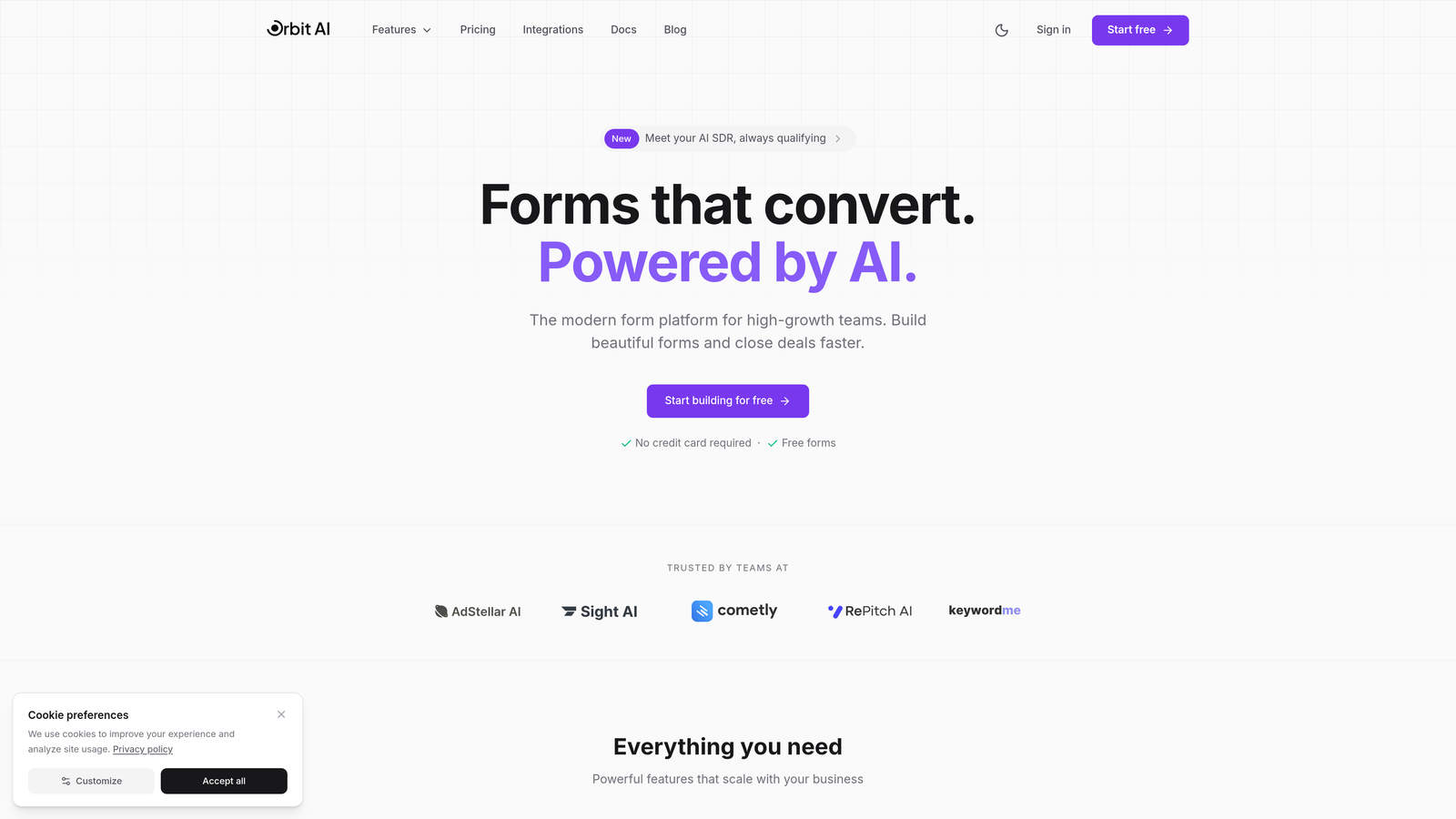
Orbit AI combines beautiful form design with intelligent lead qualification at the moment of capture.
Where This Tool Shines
The standout feature is AI-powered lead scoring that happens automatically as prospects fill out your forms. Instead of capturing every lead and sorting later, Orbit AI qualifies them in real-time based on their responses.
The platform delivers modern, conversion-focused templates that look nothing like traditional forms. Each template is designed with conversion optimization principles baked in—from field ordering to visual hierarchy to mobile responsiveness.
Key Features
AI-Powered Lead Scoring: Automatically qualifies leads based on form responses and assigns priority scores.
Conversion-Optimized Templates: Modern designs built specifically to maximize form completion rates.
Automated Lead Routing: Routes qualified leads to the right sales team members based on criteria you define.
Native CRM Integrations: Connects seamlessly with major CRMs and sales tools for instant data sync.
Real-Time Analytics: Dashboard showing conversion rates, drop-off points, and lead quality metrics.
Best For
SaaS companies and B2B teams that need to capture leads and qualify them simultaneously. Particularly valuable for businesses with high lead volume where manual qualification creates bottlenecks. Works best when you have clear criteria for what makes a lead sales-ready.
Pricing
Free tier available for teams getting started. Paid plans begin at $29/month with expanded features and higher submission limits.
2. Typeform
Best for: Creating engaging, conversational form experiences that feel more like conversations
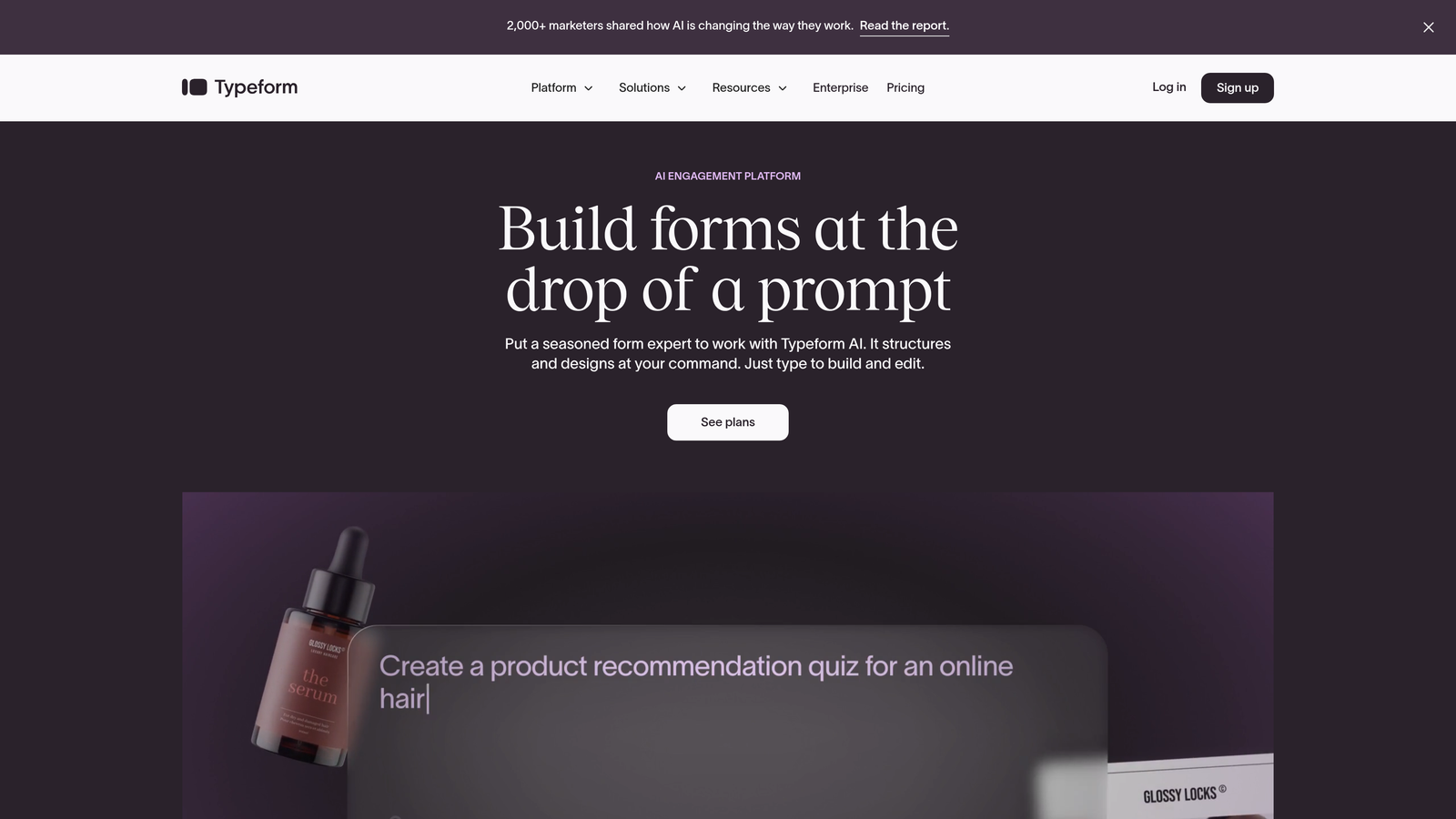
Typeform pioneered the one-question-at-a-time format that transforms traditional forms into interactive experiences.
Where This Tool Shines
The conversational approach reduces cognitive load by showing prospects one question at a time. This creates a more engaging experience than overwhelming visitors with a long vertical form. The format feels modern and brand-forward.
Design customization goes deep. You can embed videos, images, and GIFs directly into questions, creating visually rich experiences that align with your brand. The interface feels less like data collection and more like a guided conversation.
Key Features
One-Question-at-a-Time Format: Reduces form intimidation by presenting questions sequentially.
Logic Jumps: Creates personalized paths based on previous answers for dynamic experiences.
Visual Embedding: Add videos, images, and GIFs to make forms more engaging.
Design Customization: Extensive branding options including custom colors, fonts, and backgrounds.
Integration Ecosystem: Connects with hundreds of tools including CRMs, email platforms, and analytics.
Best For
Brands prioritizing experience and engagement over pure conversion speed. Works well for surveys, event registrations, and lead capture where you want to make a strong brand impression. Best when form completion experience matters as much as the data collected.
Pricing
Free tier available with basic features. Paid plans start at $25/month with advanced logic, integrations, and branding removal.
3. OptinMonster
Best for: Behavioral targeting and exit-intent capture to grab leads at optimal moments
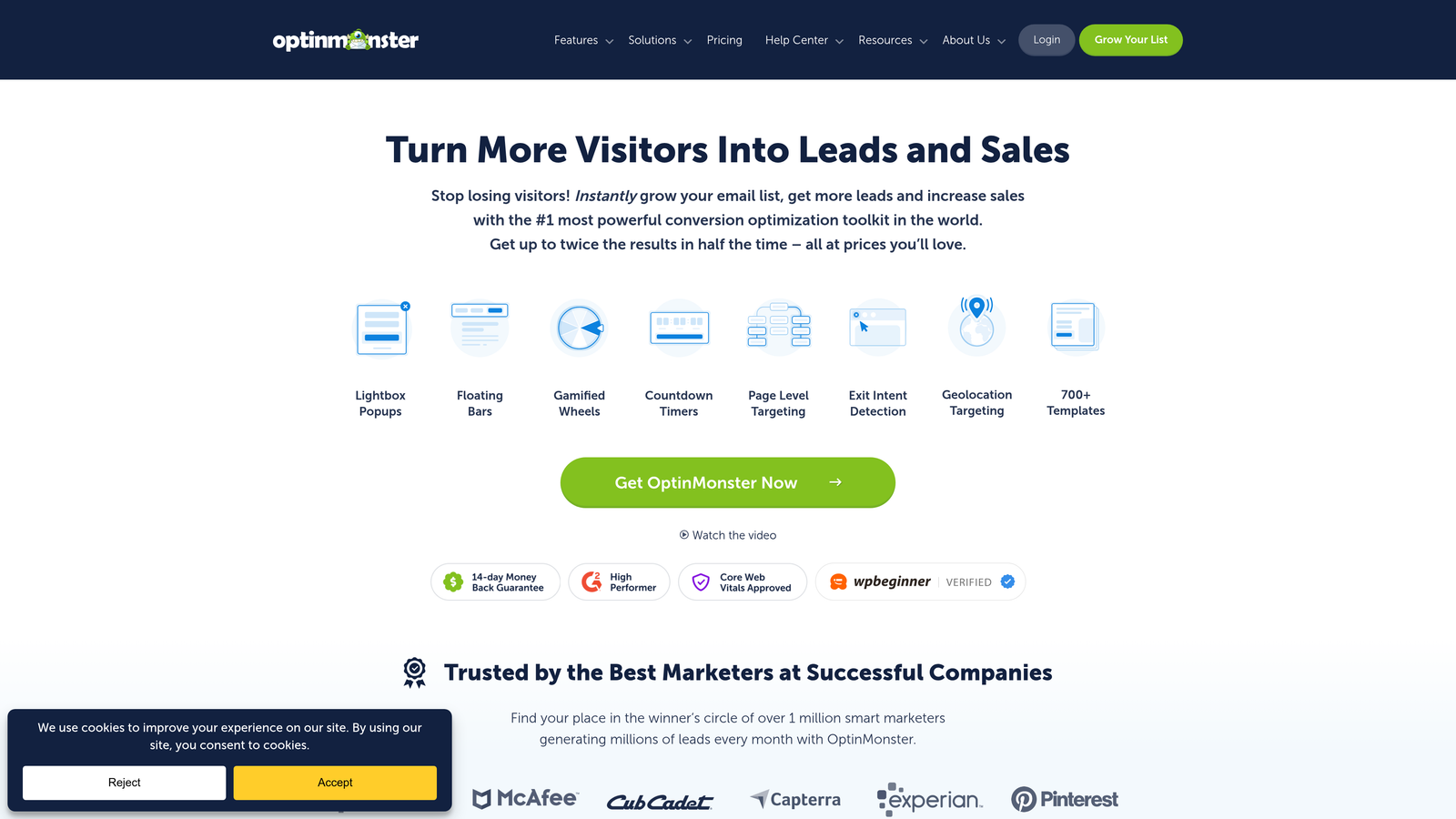
OptinMonster specializes in smart display rules and exit-intent technology to capture leads when they're most likely to convert.
Where This Tool Shines
Exit-intent detection is the killer feature. The platform detects when visitors are about to leave your site and triggers targeted popups at that precise moment. This captures leads who would otherwise disappear without taking action.
The behavioral targeting goes beyond basic popups. You can trigger different campaigns based on page visits, scroll depth, time on site, geographic location, and dozens of other variables. This precision ensures you're showing the right offer to the right visitor.
Key Features
Exit-Intent Technology: Detects abandonment behavior and displays targeted campaigns at the optimal moment.
Page-Level Targeting: Show different forms based on which pages visitors view or actions they take.
Geolocation Targeting: Display location-specific offers and campaigns based on visitor geography.
A/B Testing: Test different designs, copy, and offers to optimize conversion rates.
MonsterLinks: Two-step optins that show forms only after visitors click a link or button.
Best For
Content-heavy websites and blogs looking to convert passive readers into leads. E-commerce sites reducing cart abandonment. Any business where visitors browse multiple pages before deciding whether to engage.
Pricing
Plans start at $9/month when billed annually. Higher tiers unlock advanced targeting and unlimited campaigns.
4. Leadpages
Best for: Marketers running campaigns who need landing pages with integrated lead capture
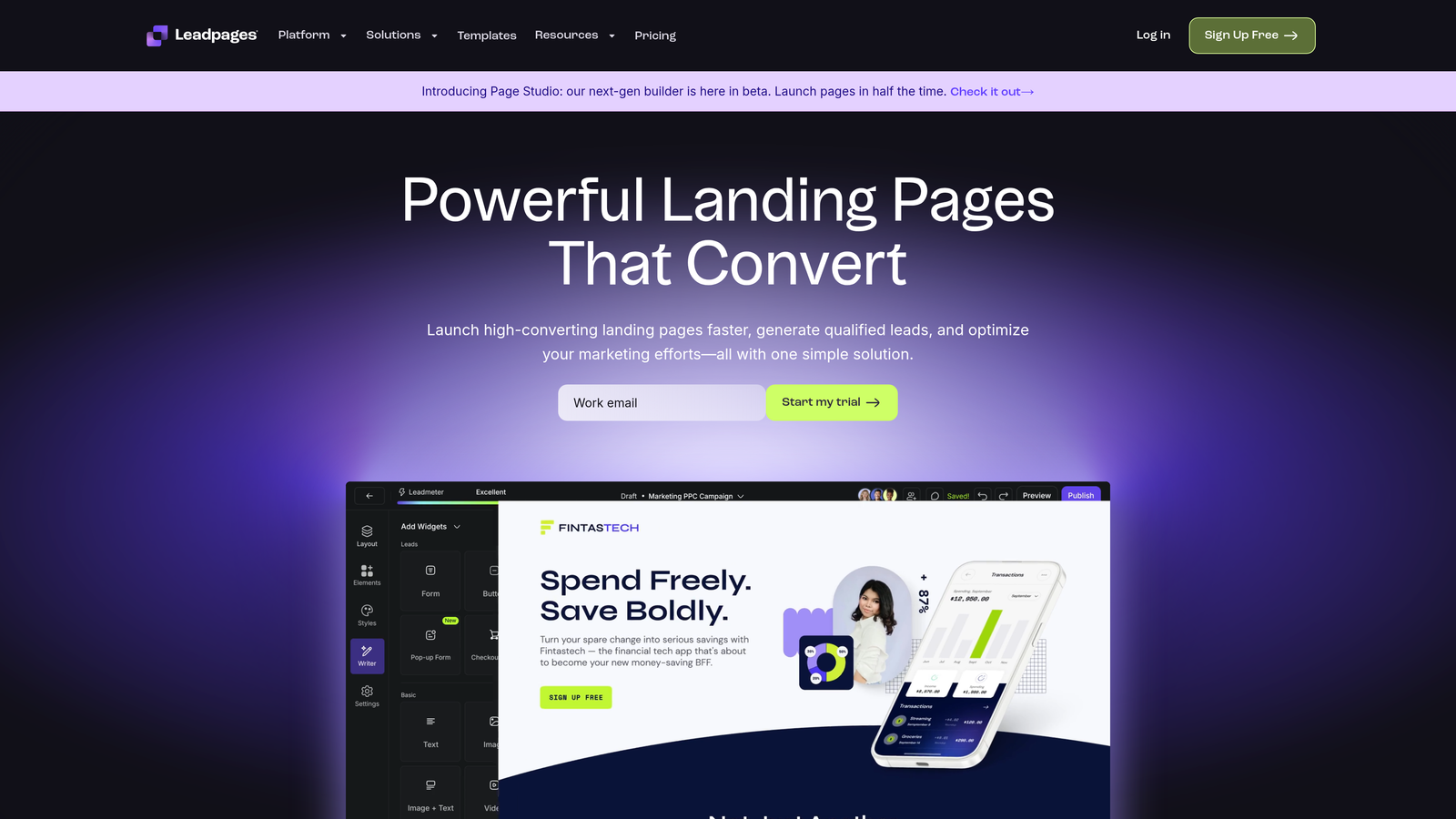
Leadpages combines landing page building with built-in forms, popups, and alert bars for complete campaign creation.
Where This Tool Shines
The platform integrates landing page creation with lead capture in one workflow. You're not just building forms—you're creating entire conversion-focused pages with forms embedded naturally. This eliminates the need to piece together separate tools.
Built-in conversion guidance helps marketers without design experience create high-performing pages. The platform suggests layouts, copy placement, and form positioning based on what typically converts best. It's like having a conversion expert reviewing your work.
Key Features
Drag-and-Drop Builder: Create landing pages without coding using intuitive visual editor.
Conversion Guidance: Built-in suggestions for improving page and form performance.
Integrated Popups and Alert Bars: Add multiple lead capture touchpoints beyond the main form.
Payment Collection: Accept payments directly through landing pages for paid offers.
Real-Time Analytics: Track conversion rates and identify optimization opportunities instantly.
Best For
Marketing teams running paid traffic campaigns, webinar registrations, or product launches. Best when you need complete landing pages, not just standalone forms. Works well for businesses that regularly create new campaign pages.
Pricing
Plans begin at $37/month with landing pages, popups, and basic integrations included.
5. Unbounce
Best for: AI-powered optimization that automatically improves conversion rates over time
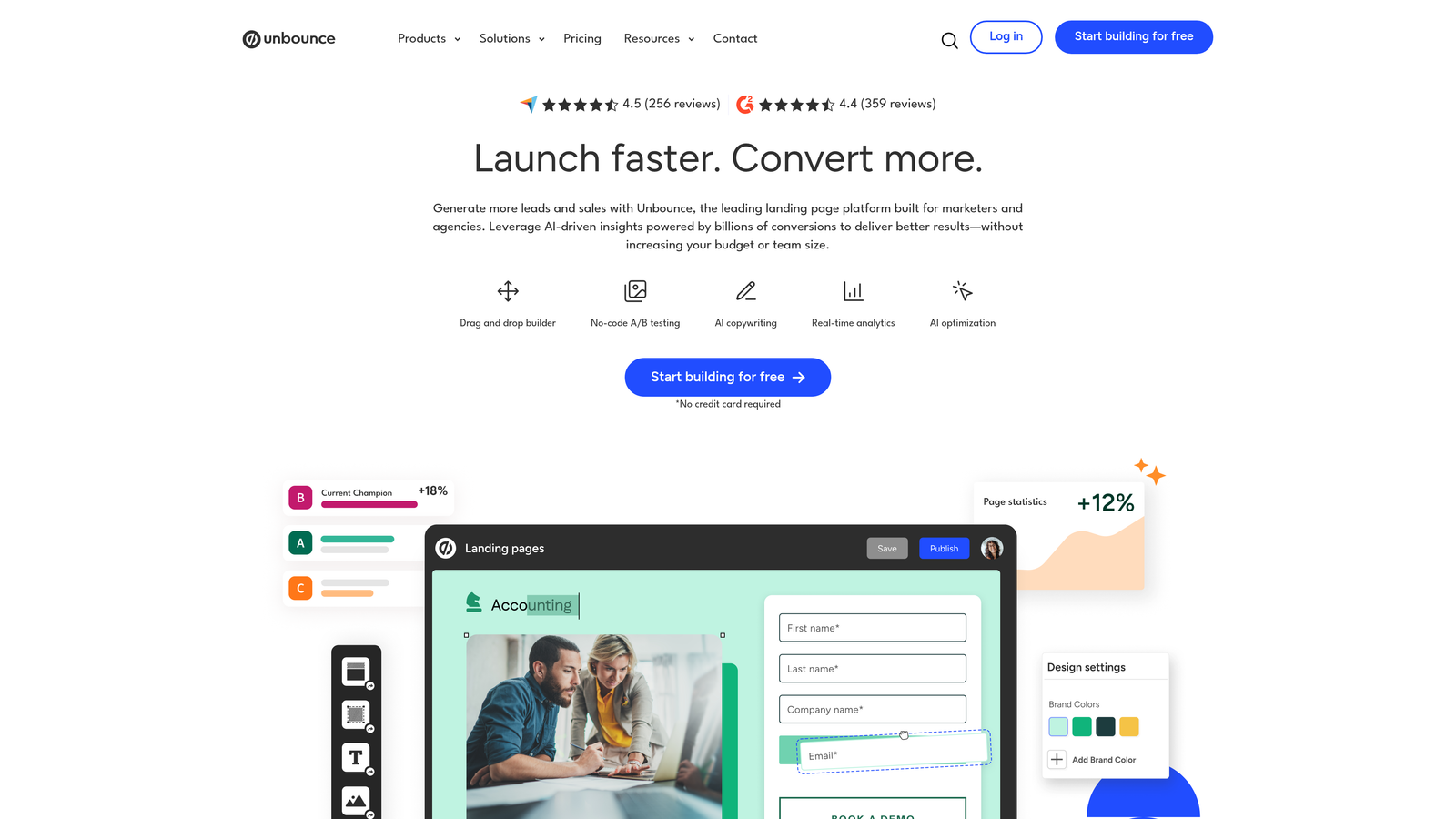
Unbounce uses Smart Traffic AI to automatically route visitors to the page variant most likely to convert them.
Where This Tool Shines
Smart Traffic is machine learning that optimizes in real-time. Instead of running traditional A/B tests for weeks, the AI identifies patterns and starts sending visitors to their best-match variant immediately. Conversion rates improve without manual intervention.
Dynamic text replacement makes PPC campaigns more effective. The platform automatically swaps headline text to match the keywords visitors searched for, creating personalized experiences at scale. A visitor searching "CRM for real estate" sees that exact phrase in your headline.
Key Features
Smart Traffic AI: Machine learning automatically optimizes traffic distribution across page variants.
Built-In A/B Testing: Test different designs, copy, and form placements without external tools.
Dynamic Text Replacement: Personalize headlines and copy based on search keywords or traffic source.
Sticky Bars and Popups: Add secondary lead capture opportunities throughout the page experience.
AMP Landing Pages: Lightning-fast mobile pages that load instantly for better mobile conversion.
Best For
Marketing teams with significant paid traffic budgets who need maximum ROI from every click. Agencies managing multiple client campaigns. Best when you have enough traffic volume for AI optimization to work effectively.
Pricing
Plans start at $74/month. Smart Traffic AI requires higher-tier plans with sufficient traffic volume.
6. HubSpot Forms
Best for: Teams already using HubSpot CRM who want native form-to-workflow integration
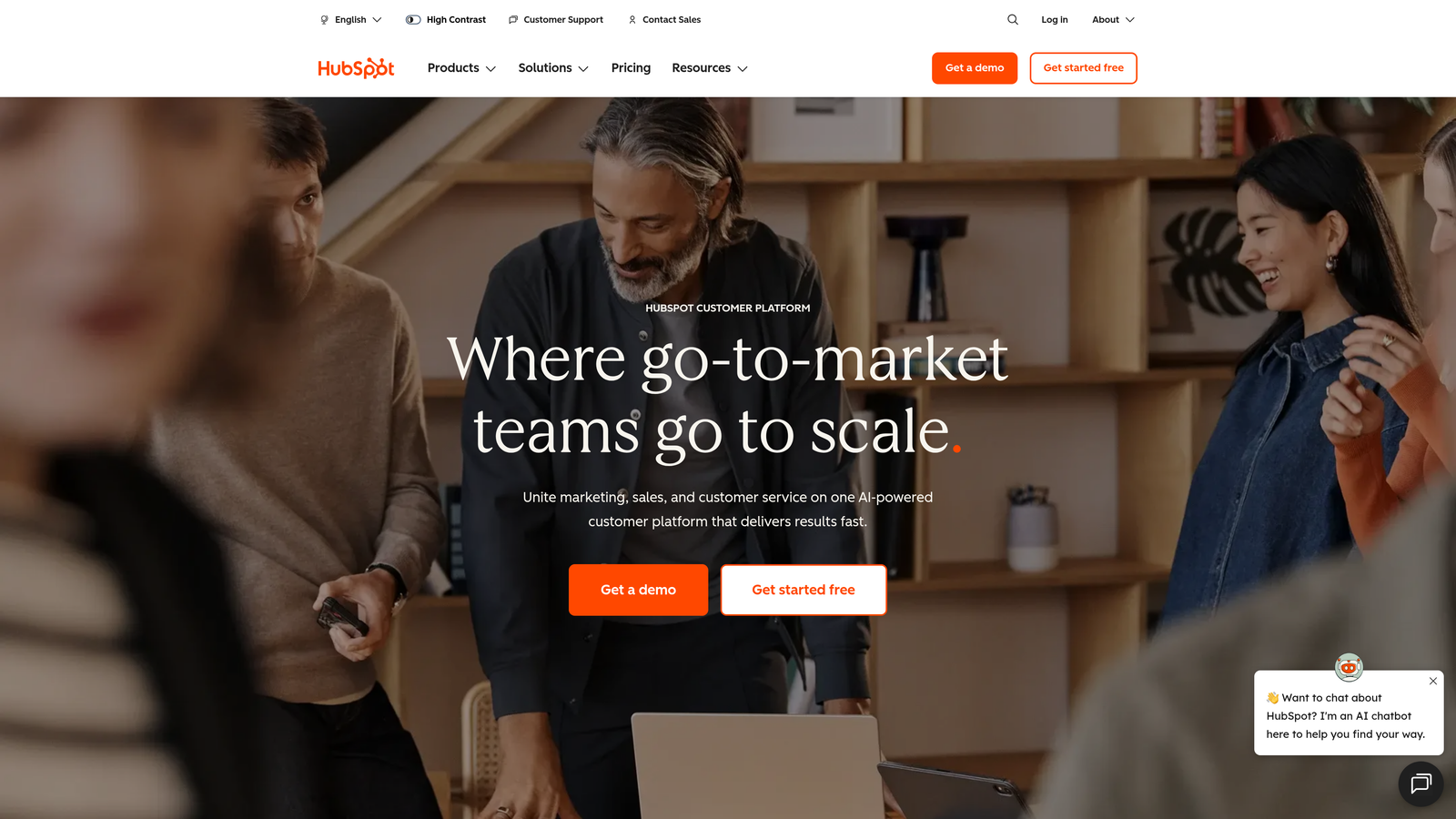
HubSpot Forms creates forms that automatically sync with HubSpot's CRM and marketing automation workflows.
Where This Tool Shines
The native CRM integration means zero data sync issues. Every form submission instantly creates or updates contact records, triggers workflows, and notifies sales reps—all within the HubSpot ecosystem. There's no middleware or integration setup required.
Progressive profiling is built-in and powerful. Forms automatically show different fields to returning visitors, gradually building complete profiles without overwhelming prospects with long forms on their first visit. The system remembers what it already knows.
Key Features
Native CRM Integration: Instant sync with HubSpot contacts, deals, and workflows with zero setup.
Progressive Profiling: Automatically shows different fields to returning visitors to build complete profiles.
Dependent Fields: Display or hide form fields based on previous answers for dynamic experiences.
Automatic Lead Enrichment: HubSpot automatically appends company data to form submissions.
Workflow Triggers: Form submissions automatically start email sequences, task creation, and notifications.
Best For
Companies already invested in the HubSpot ecosystem. Marketing and sales teams that need forms tightly integrated with their CRM workflows. Best when you want one platform managing the entire lead journey from capture to close.
Pricing
Free with HubSpot CRM. Advanced form features like progressive profiling require paid Marketing Hub plans.
7. Jotform
Best for: Teams needing extensive customization options and specialized form types
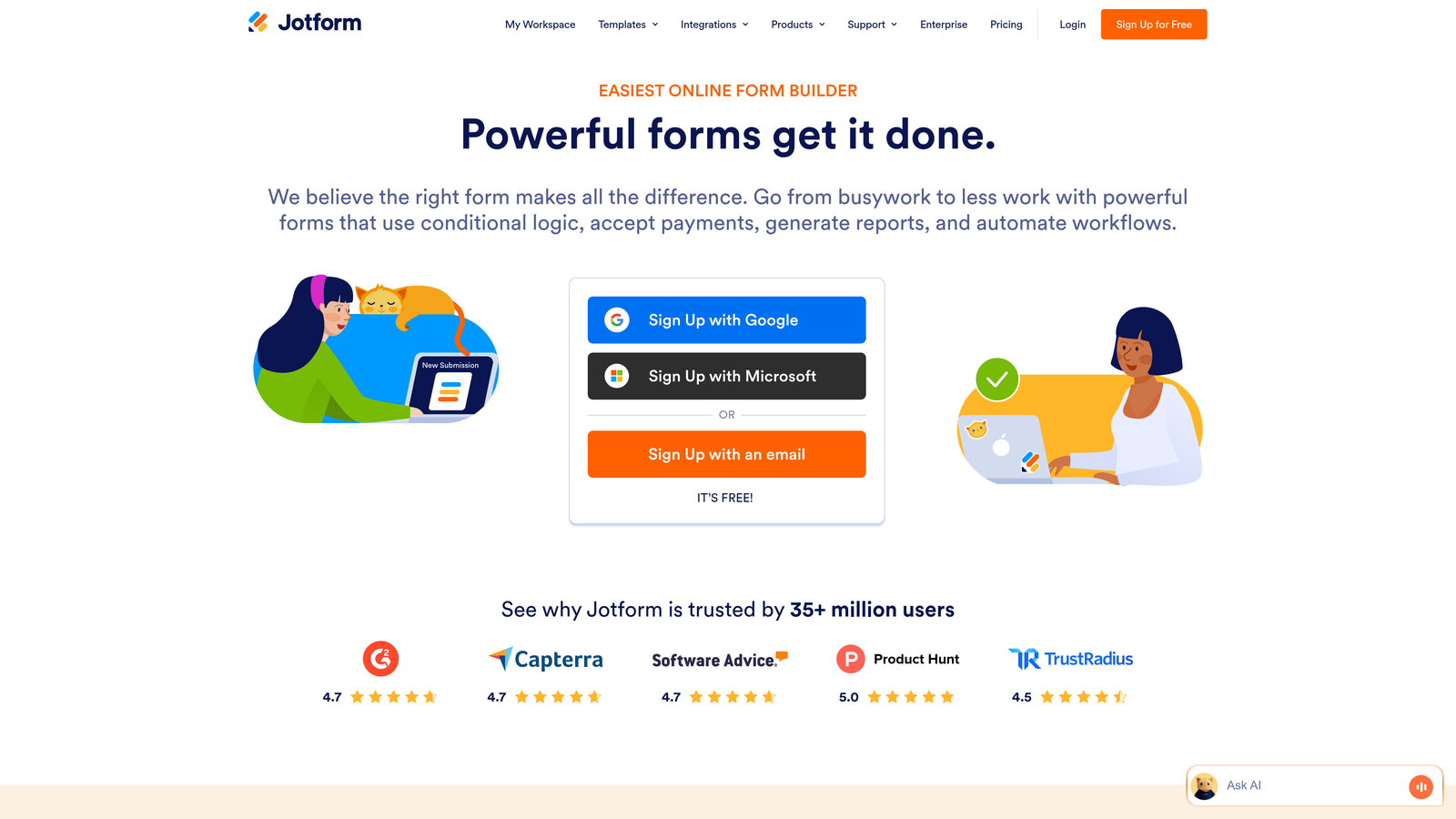
Jotform offers thousands of templates and widgets for virtually any form use case imaginable.
Where This Tool Shines
The template library is massive—over 10,000 pre-built forms covering everything from basic contact forms to complex applications. Whatever your industry or use case, there's likely a template that's 80% of what you need already built.
The widget marketplace extends functionality dramatically. Need appointment scheduling? There's a widget. Payment processing? Multiple options. File uploads, e-signatures, calculators—the platform handles specialized requirements that basic form builders can't touch.
Key Features
10,000+ Templates: Pre-built forms for virtually every industry and use case.
Widget Marketplace: Hundreds of add-ons for payments, scheduling, calculations, and more.
Conditional Logic: Show or hide fields based on previous answers for dynamic forms.
Payment Integration: Accept payments directly through forms with multiple processor options.
HIPAA Compliance: Available for healthcare and other regulated industries requiring data security.
Best For
Organizations with diverse form needs across departments. Healthcare, education, and government entities requiring compliance features. Teams that need specialized functionality beyond basic lead capture.
Pricing
Free tier available with basic features. Paid plans start at $34/month with increased submissions and advanced features.
8. Sumo
Best for: Quick implementation of lightweight email capture forms with minimal setup
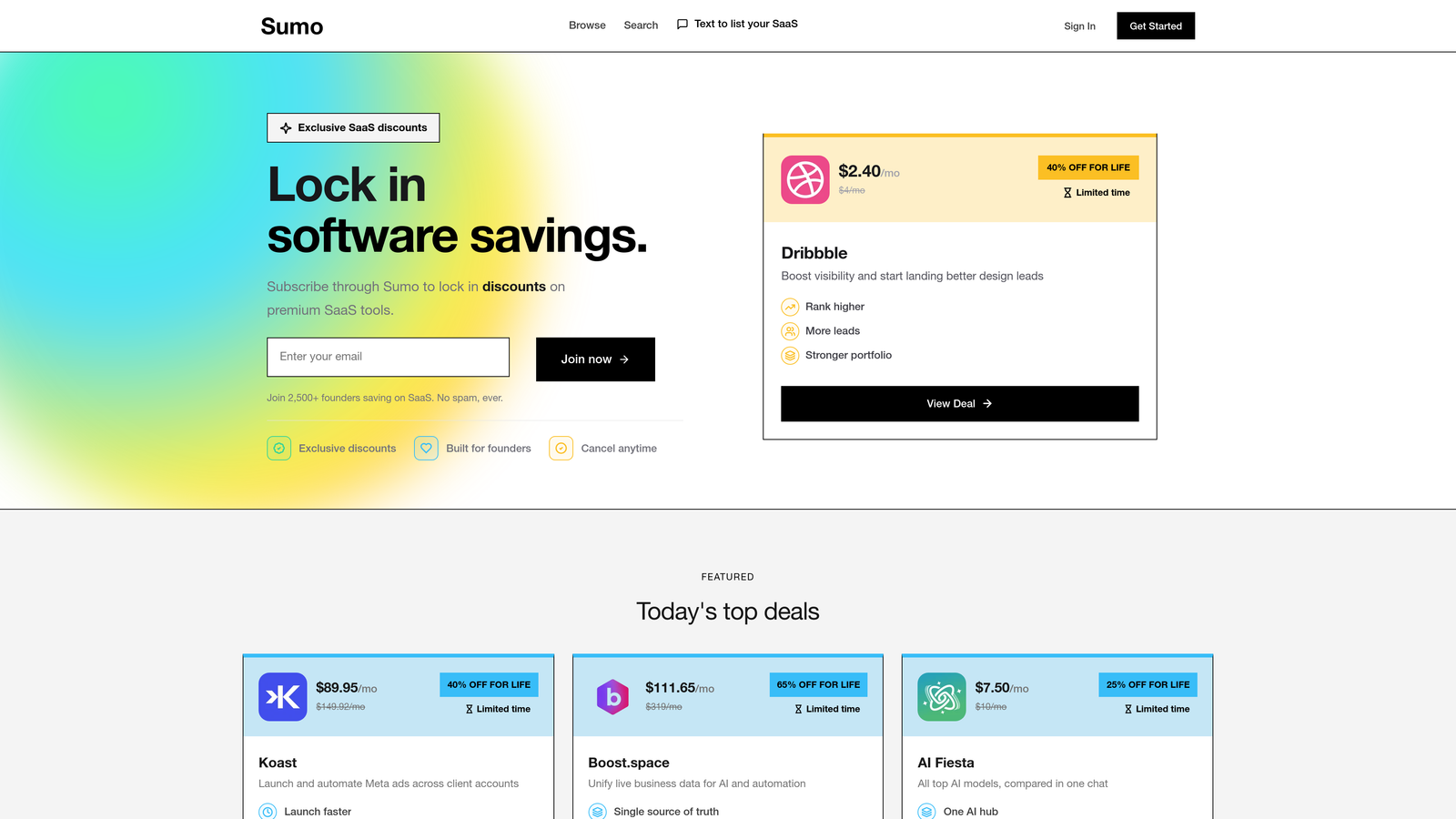
Sumo provides simple list-building tools that install quickly on any website without technical expertise.
Where This Tool Shines
Installation is remarkably simple—add one line of code and you're live. The platform handles the rest. For non-technical marketers or small teams without developer resources, this ease of implementation is valuable.
Welcome mats create full-screen CTAs that capture attention immediately when visitors land on your site. The format is bold and hard to ignore, making it effective for building email lists quickly. Scroll-triggered boxes appear at natural engagement points as visitors read content.
Key Features
Welcome Mat CTAs: Full-screen overlays that capture attention immediately upon page load.
Smart Bars: Header or footer forms that stay visible as visitors scroll through content.
Scroll-Triggered Boxes: Popups that appear after visitors scroll a certain percentage down the page.
Share Buttons: Social sharing tools to amplify content reach and drive viral growth.
Simple Installation: One-line code snippet gets you running without technical setup.
Best For
Bloggers and content creators focused on email list growth. Small businesses and solopreneurs who need results fast without technical complexity. Best when simplicity and speed matter more than advanced features.
Pricing
Free tier available with basic features. Pro plans start at $39/month with advanced targeting and branding removal.
9. Clearbit Forms
Best for: B2B teams wanting rich lead data without long forms
Clearbit Forms uses data enrichment to auto-fill company and contact information, reducing form fields while capturing more data.
Where This Tool Shines
Real-time data enrichment is the core value. A prospect enters their email address, and Clearbit automatically appends company name, size, industry, location, and other firmographic data. You capture rich lead intelligence without asking for it.
This enables dramatically shorter forms. Instead of asking for company name, title, company size, and industry, you ask for email—and get all that data automatically. Form completion rates improve while lead quality increases.
Key Features
Real-Time Enrichment: Automatically appends company and contact data as prospects fill forms.
Progressive Profiling: Builds complete contact records over multiple interactions without repetition.
Company Auto-Fill: Detects company from email domain and populates firmographic data.
Shortened Forms: Reduce visible fields dramatically while capturing the same or more data.
CRM and MAP Integration: Enriched data flows directly into your sales and marketing platforms.
Best For
B2B companies selling to mid-market and enterprise accounts where firmographic data drives qualification. Sales teams that need rich account context before first contact. Best when reducing form friction while maintaining data quality is the priority.
Pricing
Custom pricing based on usage volume and data enrichment needs. Contact Clearbit for specific quotes.
Matching Your Tool to Your Lead Capture Goals
The right lead capture tool depends on your specific conversion challenges and team workflows.
If you need AI-powered qualification built directly into your forms, Orbit AI delivers intelligent lead scoring at the moment of capture. The platform combines modern design with automated routing—perfect for high-growth teams that can't afford manual qualification bottlenecks.
For teams prioritizing brand experience, Typeform's conversational approach creates engaging interactions that feel less like data collection. OptinMonster excels when behavioral targeting matters—capturing visitors at precisely the right moment based on their actions.
Marketing teams running paid campaigns benefit from Leadpages' integrated landing page builder or Unbounce's Smart Traffic AI. HubSpot Forms makes sense when you're already invested in that ecosystem and want seamless CRM integration. Jotform handles specialized requirements that basic builders can't touch.
B2B teams should seriously consider Clearbit Forms if rich account data matters more than form length. The data enrichment approach shortens forms while improving lead intelligence—a rare win-win.
Start by identifying your biggest conversion leak. Is it form abandonment? Poor lead quality? Slow follow-up? Match that challenge to the tool designed to solve it. Most platforms offer free trials—test your top two or three candidates with real traffic before committing.
Transform your lead generation with AI-powered forms that qualify prospects automatically while delivering the modern, conversion-optimized experience your high-growth team needs. Start building free forms today and see how intelligent form design can elevate your conversion strategy.


