

If your forms still look like they belong in 2015, you're likely losing leads. Outdated form builder technology—clunky interfaces, no mobile optimization, zero intelligence—creates friction that drives potential customers away before they even finish filling out a single field.
The gap between legacy form tools and modern platforms has never been wider. Today's form builders offer AI-powered lead qualification, intelligent conditional logic, seamless CRM integrations, and conversion-focused design that actually works on mobile devices.
We evaluated the top modern form builders based on ease of use, AI capabilities, integration options, mobile experience, and pricing value. Here are the platforms that can replace outdated technology and transform how you capture and qualify leads.
1. Orbit AI
Best for: High-growth teams needing AI-powered lead qualification and conversion optimization
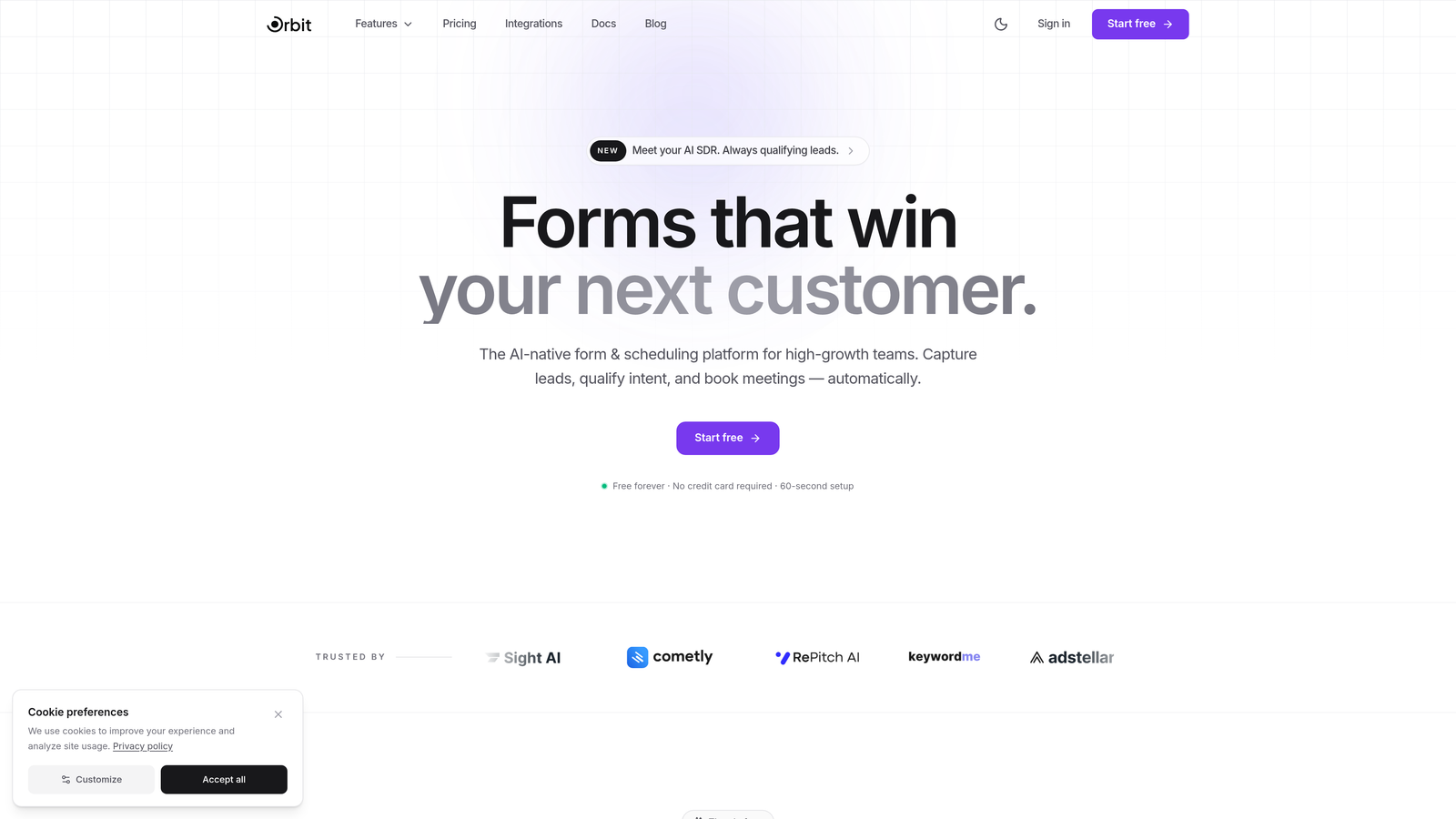
Orbit AI is an AI-powered form builder platform designed specifically for teams that need to qualify leads automatically while maintaining exceptional conversion rates.
Where This Tool Shines
The standout feature is real-time AI lead qualification. As prospects fill out forms, Orbit AI scores and qualifies them automatically based on your criteria, routing high-value leads to your sales team instantly while nurturing others through automated sequences.
The platform combines intelligent lead processing with conversion-optimized templates that actually look modern. No more forms that scream "built in 2012." Every template is designed for today's mobile-first world with clean interfaces that reduce friction and boost completion rates.
Key Features
AI-Powered Lead Qualification: Automatically scores and routes leads based on custom qualification criteria without manual review.
Conversion-Optimized Templates: Pre-built form designs tested for maximum completion rates across devices.
Built-In Workflows: Create automated follow-up sequences triggered by form submissions and lead scores.
Native CRM Integrations: Direct connections to HubSpot, Close, and other sales platforms with two-way data sync.
Real-Time Analytics: Track form performance, conversion rates, and lead quality metrics from a unified dashboard.
Best For
SaaS companies, B2B businesses, and high-growth teams that need to qualify large volumes of inbound leads efficiently. Particularly valuable if you're currently drowning in unqualified form submissions or losing hot leads in manual review processes.
Pricing
Free tier available for testing. Paid plans start at $29/month with AI qualification features included at all levels.
2. Typeform
Best for: Creating engaging conversational experiences with high completion rates
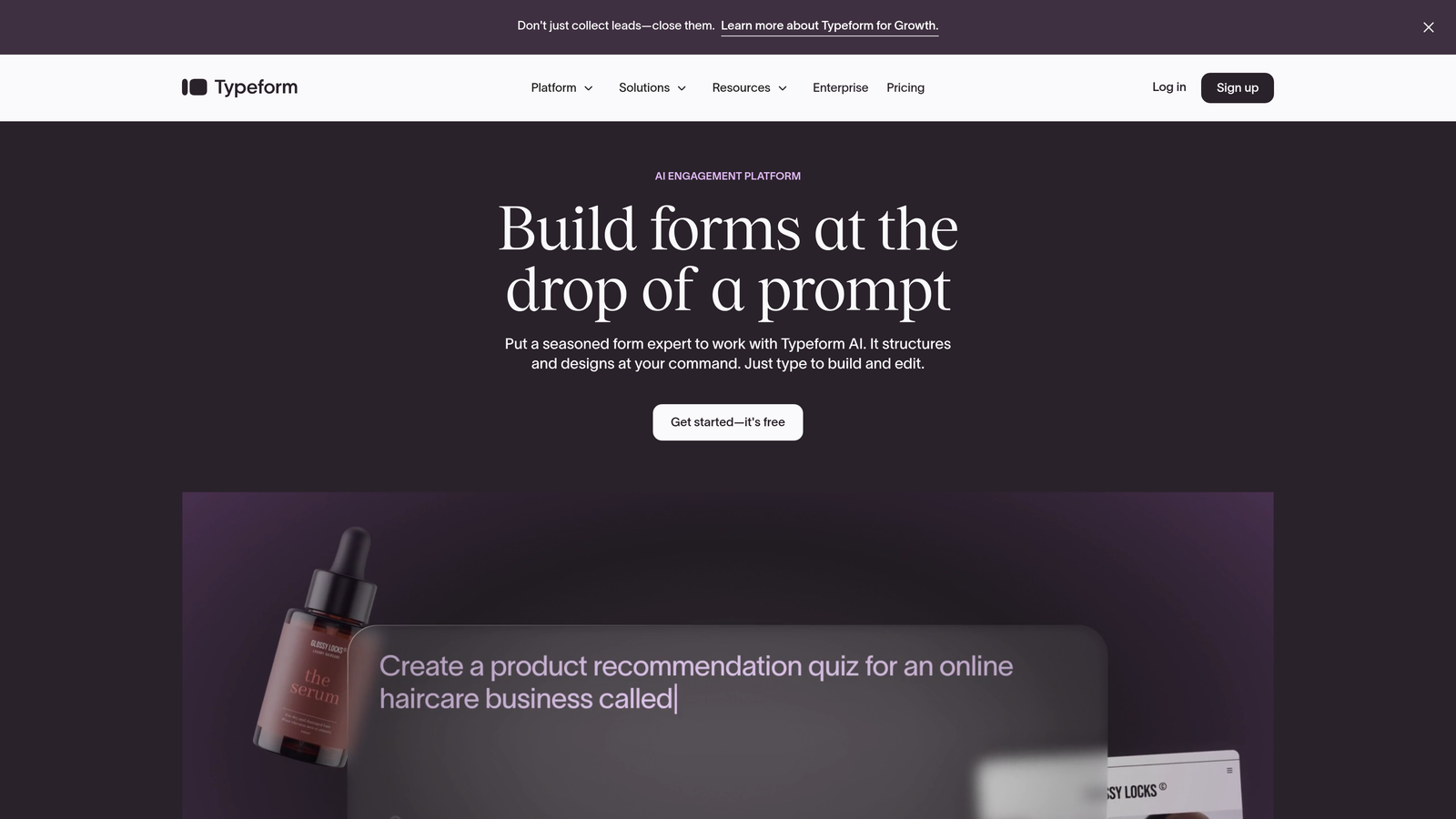
Typeform pioneered the one-question-at-a-time interface that makes forms feel more like conversations than interrogations.
Where This Tool Shines
The conversational approach significantly reduces form abandonment. Instead of overwhelming users with a wall of fields, Typeform presents questions sequentially, creating a sense of progress and making even lengthy surveys feel manageable.
This format works exceptionally well for customer feedback, event registrations, and lead capture scenarios where you need detailed information but can't afford high drop-off rates. The visual design is consistently polished across all form types.
Key Features
One-Question Interface: Sequential question display that improves completion rates by reducing cognitive load.
Logic Jumps: Branch to different questions based on previous answers for personalized experiences.
Rich Media Support: Embed videos, images, and GIFs directly into questions for engaging presentations.
Integration Ecosystem: Connect to hundreds of tools via Zapier plus native integrations with major platforms.
Completion Analytics: Track where users drop off and optimize question flow accordingly.
Best For
Marketing teams running surveys, event organizers collecting registrations, and businesses prioritizing user experience over rapid data collection. Works best when completion rate matters more than speed.
Pricing
Free plan available with Typeform branding. Basic plan starts at $25/month for branded forms and basic logic.
3. Jotform
Best for: Teams needing extensive template variety and no-code customization options
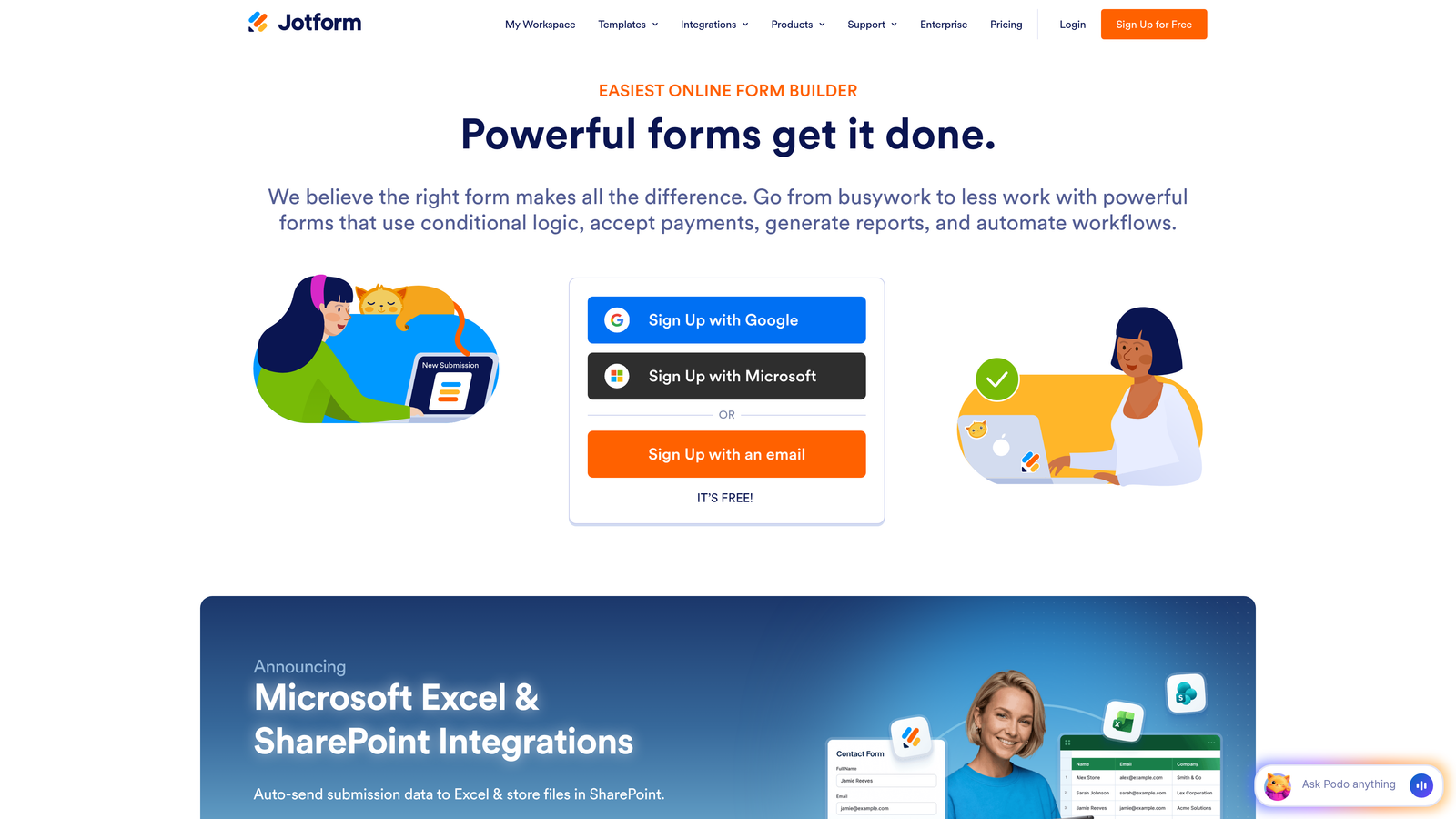
Jotform offers one of the largest template libraries in the form builder space with over 10,000 pre-built forms covering virtually every use case.
Where This Tool Shines
The sheer breadth of templates means you can find a starting point for almost any form type—from medical intake forms to event registrations to job applications. Each template is fully customizable through a drag-and-drop interface that requires zero coding knowledge.
Jotform also excels at complex workflows like payment collection and PDF generation. You can build complete business processes, from initial form submission through payment processing to automated document creation, all within one platform.
Key Features
10,000+ Templates: Industry-specific form templates covering everything from healthcare to education to e-commerce.
Drag-and-Drop Builder: Visual editor with extensive field types and customization options.
Payment Processing: Built-in integrations with PayPal, Stripe, Square, and other payment gateways.
PDF Generation: Automatically create PDF documents from form submissions with custom templates.
HIPAA Compliance: Enterprise plans include HIPAA-compliant form options for healthcare organizations.
Best For
Small businesses and organizations that need versatile forms across multiple departments. Particularly valuable for healthcare providers, educational institutions, and businesses collecting payments through forms.
Pricing
Free tier with Jotform branding and basic features. Bronze plan starts at $34/month for custom branding and increased submissions.
4. Tally
Best for: Budget-conscious teams wanting unlimited forms without feature restrictions
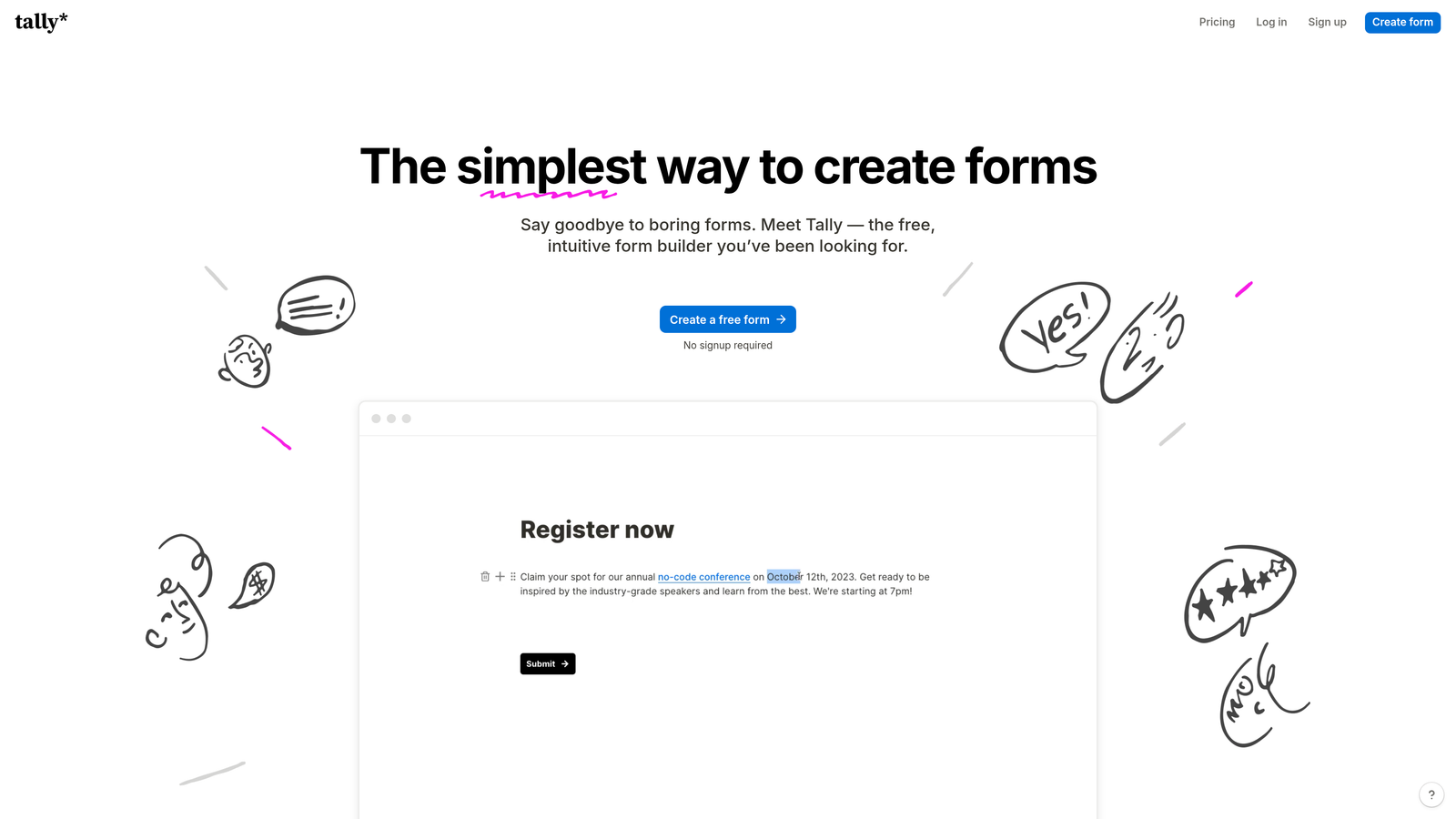
Tally disrupted the form builder market with an exceptionally generous free tier that includes unlimited forms and unlimited submissions.
Where This Tool Shines
The free plan is genuinely useful, not a glorified trial. You get unlimited everything—forms, submissions, file uploads—making it ideal for startups and small teams that can't justify paid form software yet.
The editing experience mirrors Notion's clean, minimal interface. If your team already uses Notion, Tally feels immediately familiar. There's no learning curve, no overwhelming feature menus, just simple form building that gets out of your way.
Key Features
Unlimited Free Tier: No artificial limits on forms, submissions, or basic features in the free plan.
Notion-Style Interface: Clean, distraction-free editing experience with slash commands and blocks.
Conditional Logic: Show or hide questions based on previous answers, included in free plan.
Basic Integrations: Connect to popular tools through native integrations and webhooks.
Custom Domains: Use your own domain for forms on paid plans for professional branding.
Best For
Bootstrapped startups, indie makers, and small teams that need professional forms without monthly costs. Also great for side projects and personal use cases.
Pricing
Free forever plan with core features. Pro plan at $29/month adds custom domains, remove branding, and priority support.
5. Fillout
Best for: Teams using Airtable, Notion, or Google Sheets as their database
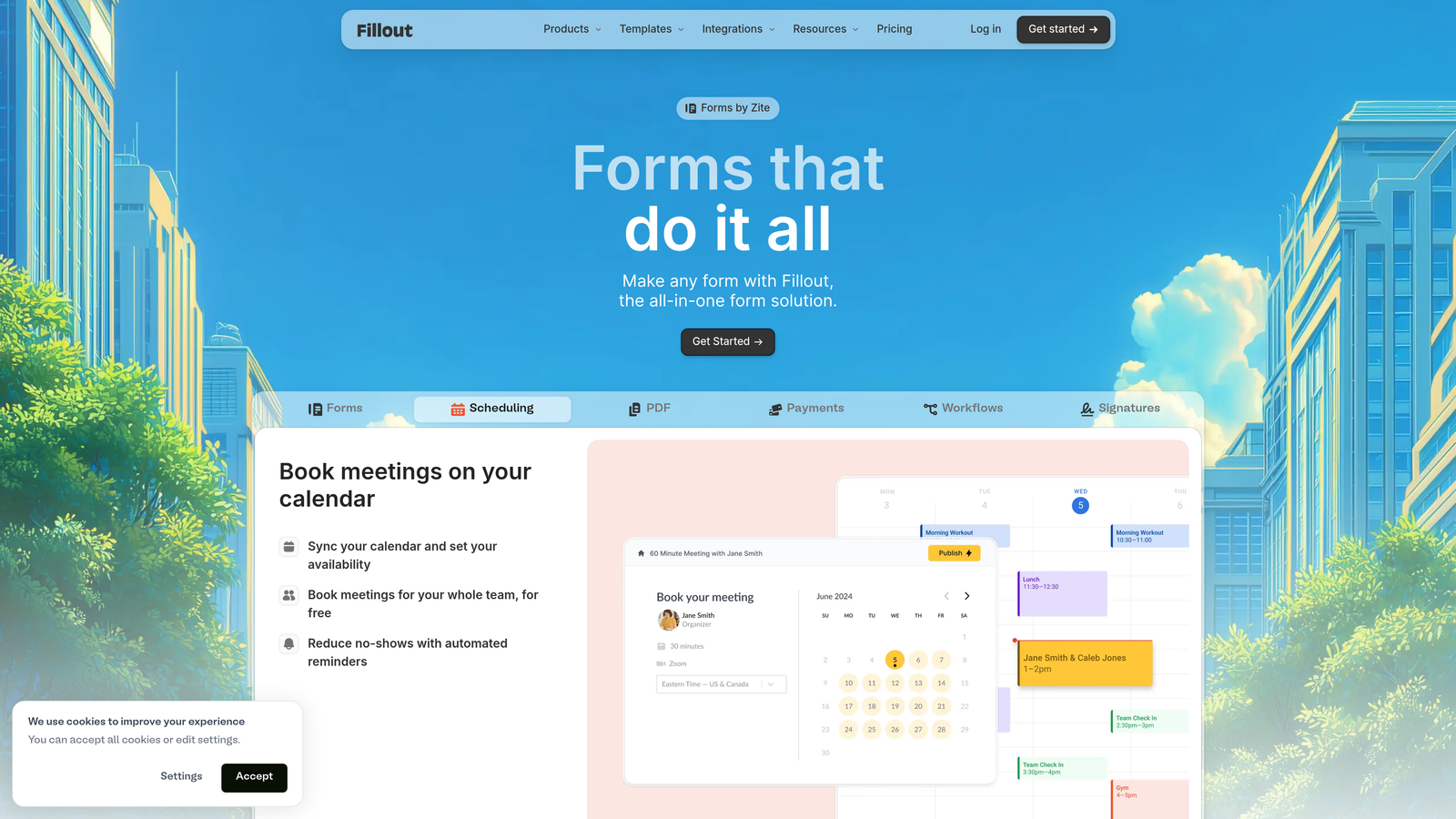
Fillout takes a database-first approach, treating forms as interfaces to your existing data rather than standalone tools.
Where This Tool Shines
The native Airtable and Notion integrations are genuinely powerful. Forms can pull data from your databases to pre-fill fields, update existing records instead of creating duplicates, and sync changes bidirectionally in real-time.
This makes Fillout perfect for scenarios where forms need to interact with existing data—customer portals where users update their information, inventory systems where staff check items in and out, or membership databases where people renew subscriptions.
Key Features
Native Database Sync: Direct connections to Airtable, Notion, and Google Sheets without middleware.
Pre-Fill from Database: Automatically populate form fields with existing data based on user identity or other criteria.
Record Updates: Modify existing database records instead of always creating new entries.
Conditional Logic: Show different fields based on database values or previous answers.
Scheduling Integration: Built-in appointment booking that syncs with calendars and databases.
Best For
Operations teams managing workflows in Airtable or Notion, product teams collecting feature requests into databases, and businesses that need forms tightly integrated with their existing data infrastructure.
Pricing
Free tier with basic features. Starter plan begins at $15/month for advanced database features and increased submissions.
6. Paperform
Best for: Creating branded landing page experiences with e-commerce capabilities
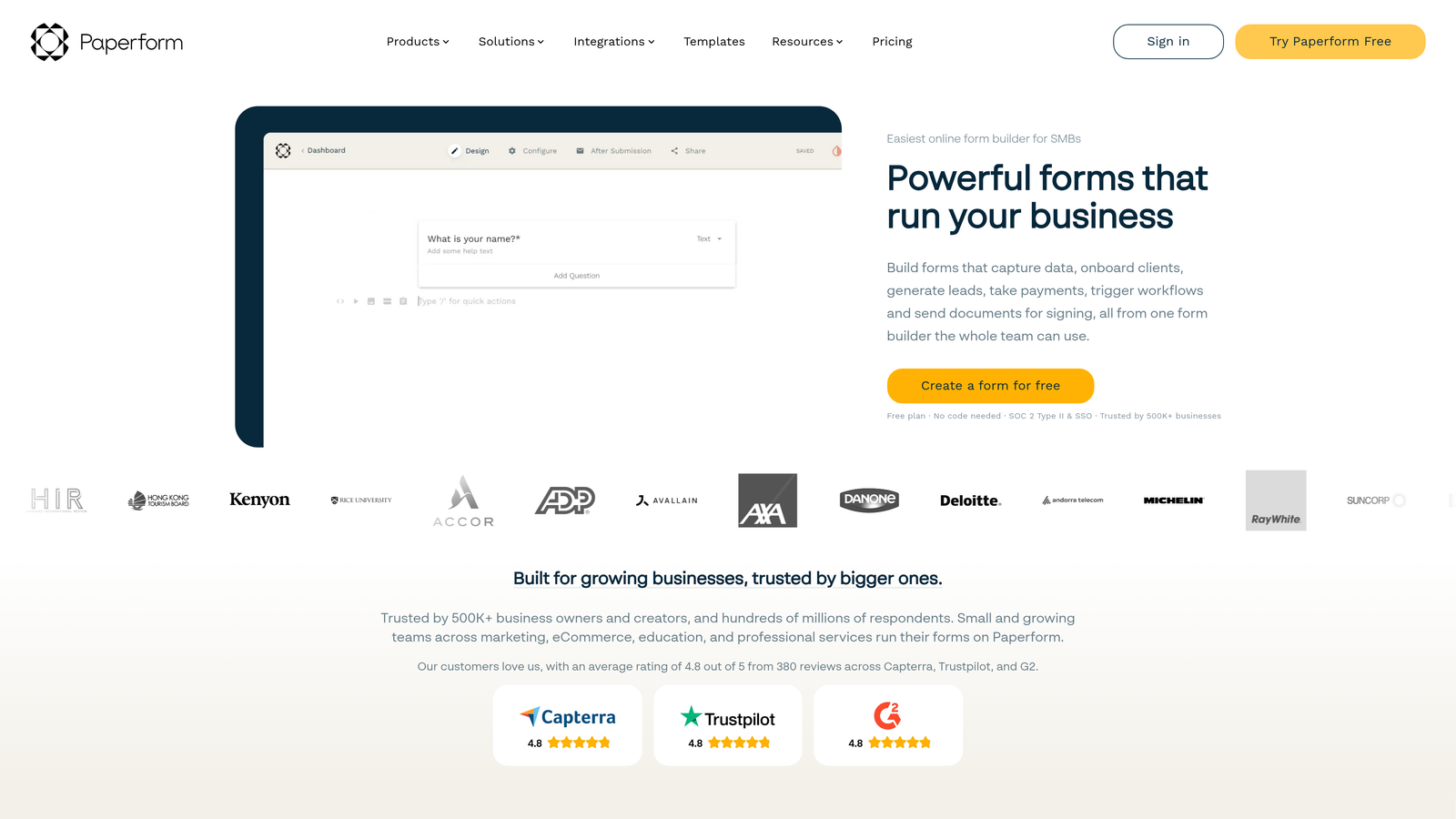
Paperform blurs the line between forms and landing pages, creating full-page branded experiences rather than simple data collection widgets.
Where This Tool Shines
Forms feel like complete web pages with custom branding, rich media, and product catalogs. This makes Paperform excellent for scenarios where the form itself is the destination—course registrations, event ticketing, product orders, service bookings.
The built-in payment processing handles complex scenarios like variable pricing, product options, and quantity-based calculations without third-party tools. You can build complete checkout experiences that match your brand perfectly.
Key Features
Landing Page Design: Full-page forms with custom backgrounds, fonts, and branding that don't look like traditional forms.
Payment Processing: Native Stripe integration with support for subscriptions, one-time payments, and complex pricing logic.
Appointment Scheduling: Built-in booking system that syncs with Google Calendar and other scheduling tools.
Product Catalogs: Display products with images, descriptions, and options for e-commerce-style ordering.
Custom Branding: Complete design control including CSS customization for pixel-perfect brand matching.
Best For
Coaches and consultants selling services, event organizers handling registrations and payments, small e-commerce businesses, and anyone who needs forms that double as sales pages.
Pricing
Essentials plan starts at $24/month. No free tier, but 14-day trial available to test features.
7. Formstack
Best for: Enterprise organizations requiring compliance certifications and advanced security
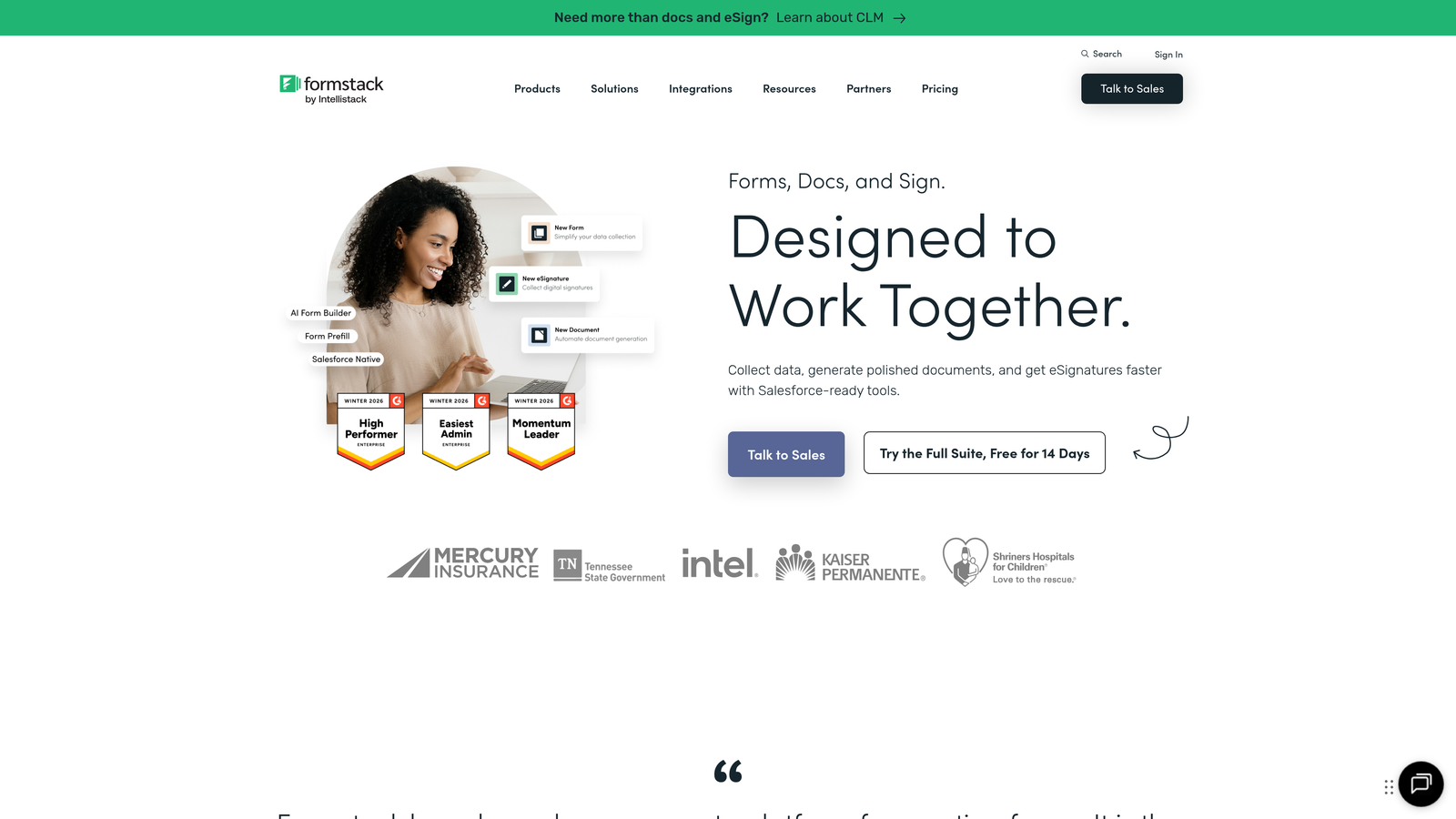
Formstack is built for regulated industries and large organizations that need HIPAA compliance, SOC 2 certification, and enterprise-grade security features.
Where This Tool Shines
The compliance certifications are real and maintained actively. Healthcare organizations, financial services, and government agencies can use Formstack knowing it meets strict regulatory requirements for data handling and privacy.
Beyond compliance, Formstack excels at complex workflows that span multiple departments. The document generation and e-signature features let you automate entire business processes from initial form submission through contract signing and archival.
Key Features
HIPAA & SOC 2 Compliance: Certified compliance with healthcare and security standards for regulated industries.
Document Generation: Automatically create contracts, agreements, and reports from form data with custom templates.
E-Signature Integration: Built-in digital signature collection with legal validity and audit trails.
Workflow Automation: Route submissions through approval chains and trigger actions across connected systems.
Enterprise SSO: Single sign-on integration with corporate identity providers for secure access management.
Best For
Healthcare providers handling patient data, financial institutions collecting sensitive information, large enterprises with complex approval workflows, and any organization where compliance is non-negotiable.
Pricing
Forms plan starts at $50/month. Enterprise pricing available with custom features and dedicated support for large organizations.
8. Cognito Forms
Best for: Building forms with complex calculations, quotes, and conditional pricing
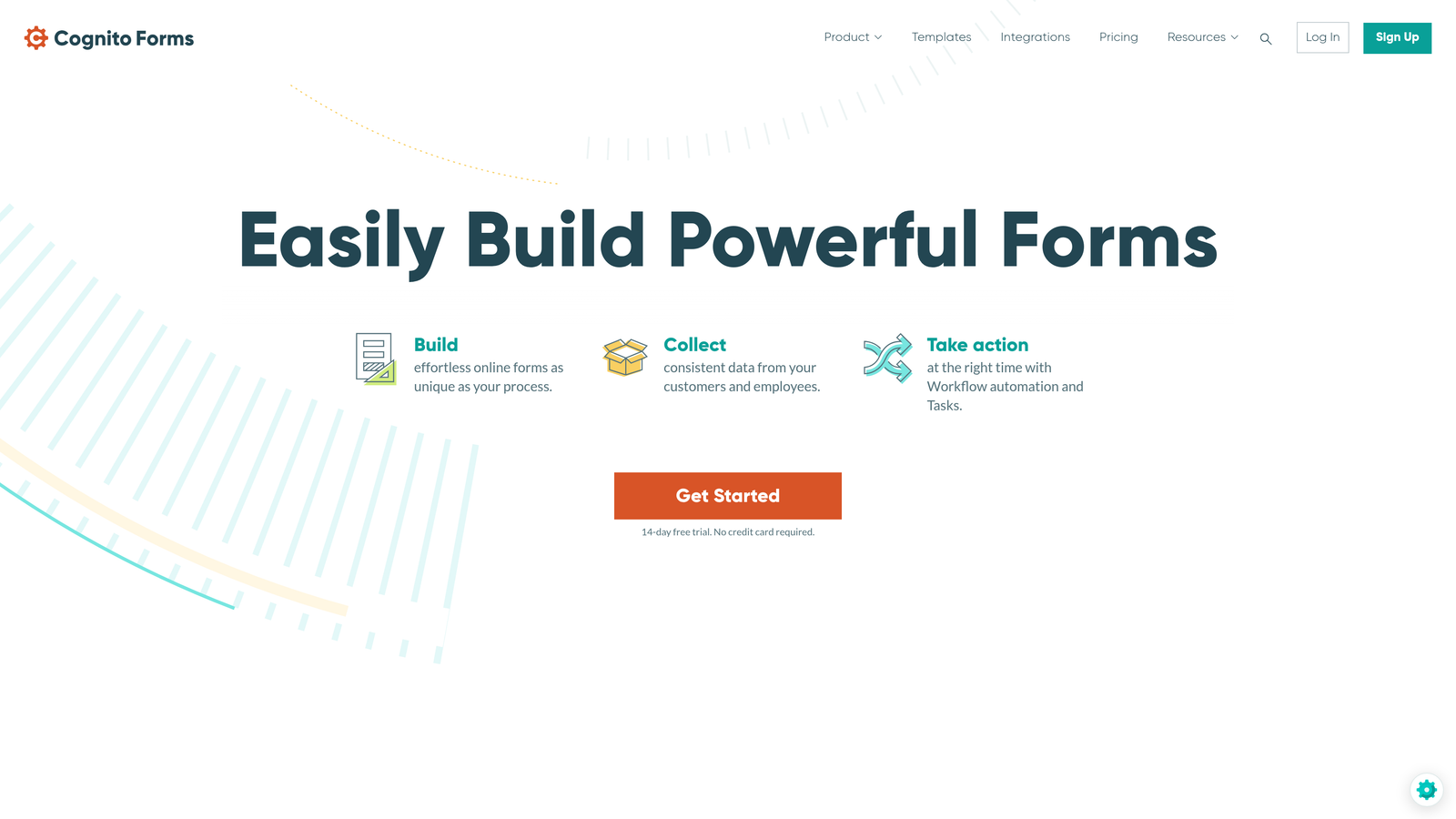
Cognito Forms specializes in calculation-heavy forms where pricing changes based on user selections and quantities.
Where This Tool Shines
The calculation engine handles complex math that would require custom coding in other platforms. You can build quote forms where prices adjust based on multiple variables, order forms with quantity discounts, and registration forms with conditional fees.
This makes Cognito Forms perfect for service businesses that need dynamic pricing—contractors calculating project costs, event organizers with early-bird pricing and add-ons, or membership organizations with tiered pricing structures.
Key Features
Advanced Calculations: Build complex formulas that calculate totals, apply discounts, and adjust pricing based on multiple conditions.
Conditional Pricing: Change form costs dynamically based on user selections and calculated values.
Payment Processing: Collect calculated amounts through Stripe or PayPal with automatic total updates.
Repeating Sections: Let users add multiple items or attendees with individual calculations for each entry.
Data Encryption: Field-level encryption for sensitive data with secure storage and transmission.
Best For
Service providers generating custom quotes, organizations with complex registration fees, businesses selling configurable products, and any scenario where form pricing needs to calculate dynamically.
Pricing
Free tier with basic features. Pro plan starts at $15/month for payment processing and advanced calculations.
9. HubSpot Forms
Best for: Teams already using HubSpot CRM who need native form integration
HubSpot Forms is the native form builder within HubSpot's CRM and marketing platform, offering seamless integration with the broader HubSpot ecosystem.
Where This Tool Shines
The automatic contact enrichment is powerful. When someone fills out a form, HubSpot automatically enriches their contact record with company data, social profiles, and other publicly available information without requiring additional fields.
Progressive profiling solves a common form dilemma: you need detailed information but don't want to overwhelm first-time visitors. HubSpot Forms can show different questions to returning visitors, gradually building complete profiles over multiple interactions.
Key Features
Native CRM Integration: Form submissions instantly create or update contact records with full activity history.
Progressive Profiling: Show different questions to known contacts to gather information gradually without form fatigue.
Contact Enrichment: Automatically append company and social data to contact records from public sources.
List Segmentation: Automatically add form submitters to lists based on their answers for targeted follow-up.
Marketing Automation: Trigger email sequences, workflows, and sales notifications based on form submissions.
Best For
Companies already invested in the HubSpot ecosystem, marketing teams running multi-touch campaigns, and sales organizations that need forms tightly integrated with their CRM workflows.
Pricing
Free with HubSpot CRM. Advanced features like progressive profiling require Marketing Hub paid plans starting at $45/month.
Making the Right Choice
Replacing outdated form builder technology is one of the highest-impact changes you can make for lead generation. The right modern platform doesn't just collect information—it qualifies leads, integrates with your existing tools, and provides the mobile-first experience today's users expect.
For teams prioritizing AI-powered lead qualification and conversion optimization, Orbit AI delivers intelligent automation that legacy tools can't match. If you need engaging conversational experiences with high completion rates, Typeform's one-question-at-a-time approach excels. Budget-conscious teams will appreciate Tally's genuinely unlimited free tier that doesn't sacrifice essential features.
Database-connected workflows? Fillout's native Airtable and Notion sync is unmatched. Enterprise compliance requirements? Formstack provides the certifications and security features regulated industries demand. Complex calculations and dynamic pricing? Cognito Forms handles math that would break other platforms.
The best choice depends on your specific needs—lead qualification depth, integration requirements, compliance obligations, or budget constraints. But one thing is clear: continuing with legacy tools that frustrate users with poor mobile experiences, lack modern integrations, and require manual lead processing is no longer an option.
Modern form builders have evolved beyond simple data collection into intelligent lead qualification systems that work as hard as your sales team. The gap between outdated technology and today's platforms grows wider every month.
Transform your lead generation with AI-powered forms that qualify prospects automatically while delivering the modern, conversion-optimized experience your high-growth team needs.


