

If your forms and CRM aren't talking to each other, you're either losing leads or spending hours manually moving data between tools. Neither is acceptable when your pipeline depends on speed-to-lead. The best form builders with CRM integration close that gap automatically: a prospect submits a form, and they land in your pipeline, tagged, scored, and ready for follow-up.
But not all integrations are created equal. Some tools offer native two-way sync; others rely on Zapier workarounds that break at the worst moments. This list covers nine form builders that genuinely deliver on CRM connectivity, whether you need deep HubSpot sync, Salesforce field mapping, or AI-powered lead qualification before data even hits your pipeline. We evaluated each tool on integration depth, ease of setup, form design quality, and lead qualification capabilities. For a deeper look at what happens after submission, see our guide on how to integrate forms with CRM.
1. Orbit AI
Best for: High-growth B2B and SaaS teams that want leads qualified before they hit the CRM.
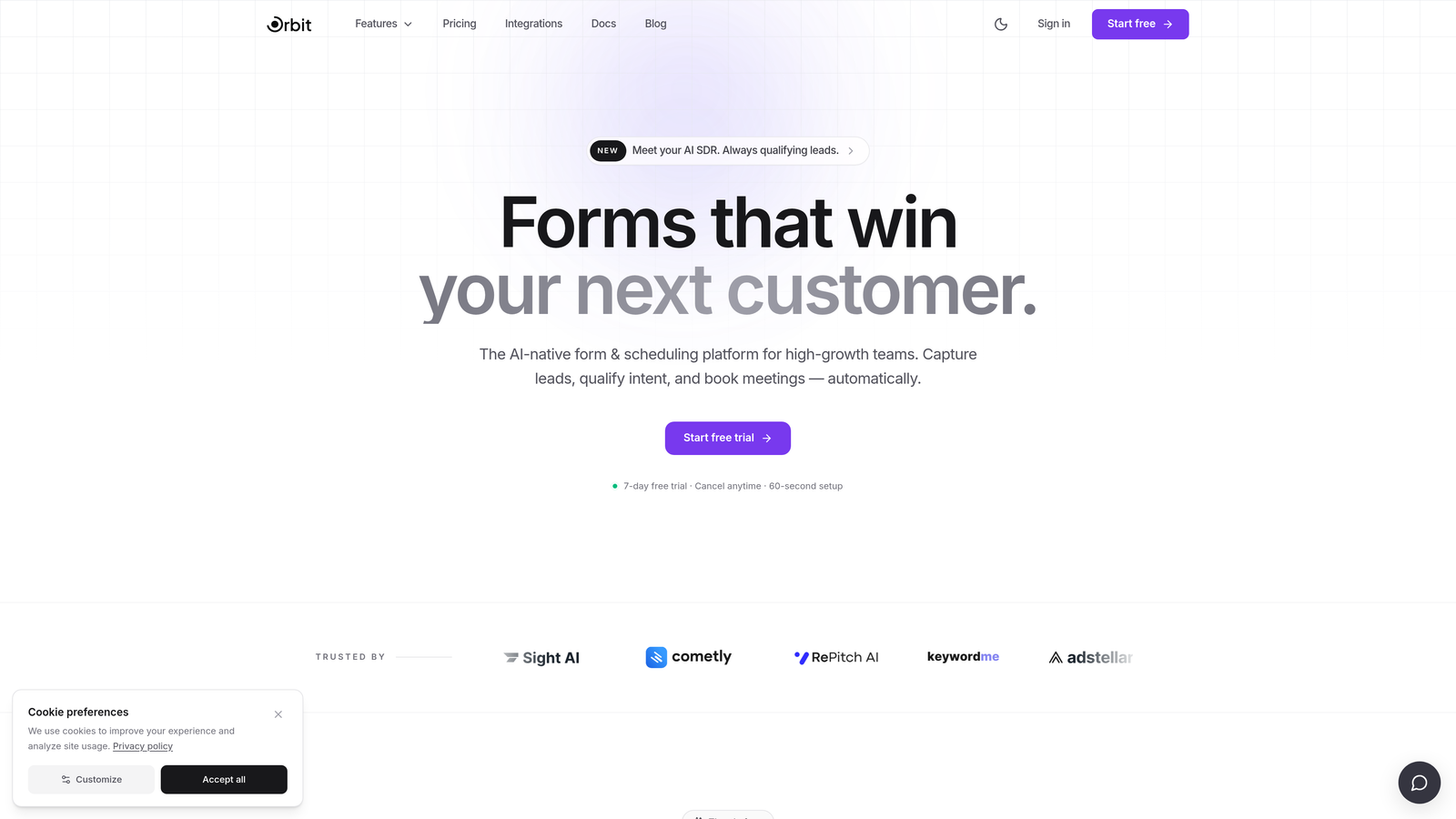
Orbit AI is an AI-powered form builder that scores and routes leads at the form level, before they ever enter your CRM.
Where This Tool Shines
Most form builders dump every submission into your CRM and leave your sales team to sort through the noise. Orbit AI takes a different approach: its built-in lead qualification engine scores submissions in real time, so only the right leads get routed to the right reps. For high-growth teams where pipeline quality matters as much as volume, that distinction is significant.
The form design itself is built for conversion. Dynamic fields, conditional logic, and a modern aesthetic combine to create experiences that feel less like filling out a form and more like a natural conversation. The result is better completion rates and cleaner data entering your CRM from the start.
Key Features
AI-Powered Lead Qualification: Leads are scored at the form level before CRM entry, reducing pipeline noise and improving sales team efficiency.
Conditional Logic and Dynamic Fields: Personalize the form experience based on how respondents answer, creating tailored paths for different buyer profiles.
Automated Lead Routing: Routes leads to the right CRM owner or pipeline stage based on qualification score, not just submission order.
Real-Time CRM Sync: Lead data syncs to connected CRMs immediately on submission, with no manual intervention required.
Conversion-Optimized Design: Form templates built specifically for B2B and SaaS conversion, not generic use cases.
Best For
Orbit AI is the strongest fit for SaaS companies, B2B sales teams, and growth marketers who are frustrated by low-quality leads cluttering their CRM. If lead qualification is a bottleneck in your sales process, having it happen at the form level is a meaningful workflow improvement.
Pricing
Visit orbitforms.ai for current pricing details and free trial options. Pricing is not listed here to ensure you see the most accurate, up-to-date information.
2. HubSpot Forms
Best for: Teams already running HubSpot who want zero-friction, native CRM connectivity.
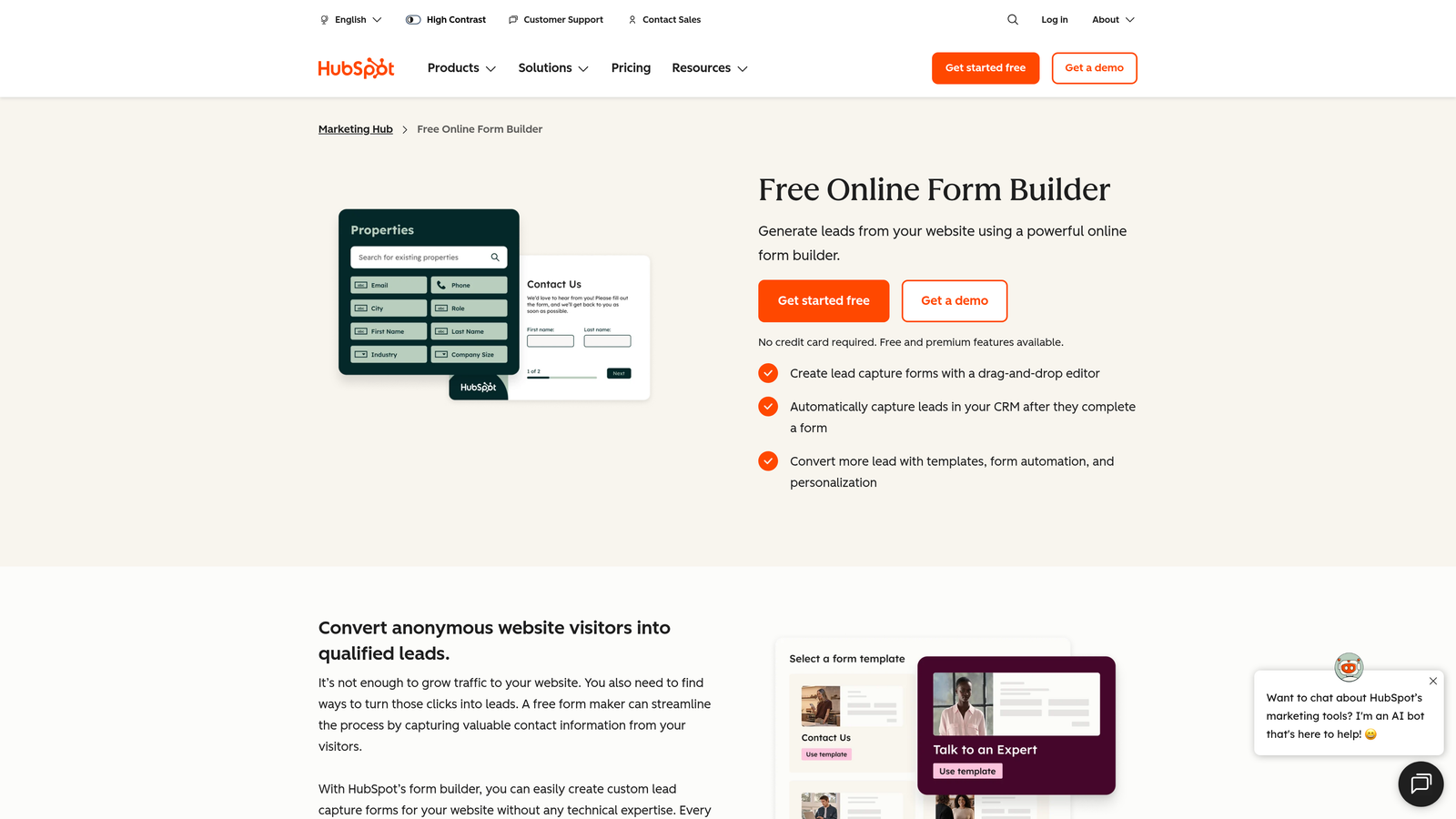
HubSpot Forms is a native form builder embedded directly within HubSpot's CRM and Marketing Hub ecosystem.
Where This Tool Shines
If your team lives in HubSpot, the case for using HubSpot Forms is straightforward: there's no integration to configure, no middleware to maintain, and no data mapping to set up. A form submission automatically creates or updates a contact record, fires workflows, and feeds into your segmentation lists. It just works.
Progressive profiling is a particularly useful feature. Returning visitors see different questions based on what HubSpot already knows about them, which enriches contact records over time without asking people to repeat themselves. That's a meaningful advantage for teams running content-heavy inbound strategies.
Key Features
Native CRM Integration: Submissions automatically create or update HubSpot contact records with no setup or middleware required.
Workflow Triggers: Form submissions can instantly trigger email sequences, internal notifications, and pipeline stage changes.
Progressive Profiling: Returning visitors see new questions instead of fields already on file, gradually enriching contact data.
Smart Forms: Recognizes returning visitors and personalizes the form experience accordingly.
Free Tier: Available with HubSpot's free CRM, making it accessible for teams at any stage.
Best For
HubSpot Forms is the obvious choice for teams already committed to the HubSpot ecosystem. It's less compelling if you need advanced form design, multi-CRM connectivity, or lead qualification features beyond what HubSpot's native scoring provides.
Pricing
Free with HubSpot's free CRM. Advanced features are available with Marketing Hub paid plans. Verify current plan details at hubspot.com.
3. Typeform
Best for: Brand-forward teams that prioritize form experience and completion rates.
Typeform is a conversational form builder known for its one-question-at-a-time interface, with native integrations to HubSpot, Salesforce, and Pipedrive.

Where This Tool Shines
Typeform's core differentiator is the experience it creates for respondents. Instead of presenting a wall of fields, it guides users through questions one at a time, which tends to feel less overwhelming and more engaging. For lead generation forms where drop-off is a real concern, that UX approach can make a meaningful difference.
On the integration side, Typeform connects natively to HubSpot, Salesforce, and Pipedrive, and extends further via Zapier and Make for less common CRMs. The integrations require some initial setup, but they're well-documented and reliable for most standard use cases.
Key Features
Conversational Format: One-question-at-a-time interface designed to improve engagement and form completion rates.
Native CRM Integrations: Direct connections to HubSpot, Salesforce, and Pipedrive without requiring middleware.
Logic Jumps: Personalizes the question path based on previous answers, creating tailored experiences for different respondents.
Branded Design: Highly customizable visual design that matches brand identity more closely than most form builders.
Zapier and Make Support: Extends CRM connectivity to hundreds of additional platforms beyond native integrations.
Best For
Typeform works well for marketing teams, agencies, and SaaS companies that want polished, on-brand forms and are working with HubSpot, Salesforce, or Pipedrive. It's less suited for teams that need deep field mapping, complex approval workflows, or lead scoring at the form level.
Pricing
A free tier is available. Paid plans start around $25/month. Verify current pricing at typeform.com before making a decision.
4. Jotform
Best for: Agencies and ops teams managing multiple CRM environments who need broad integration coverage.
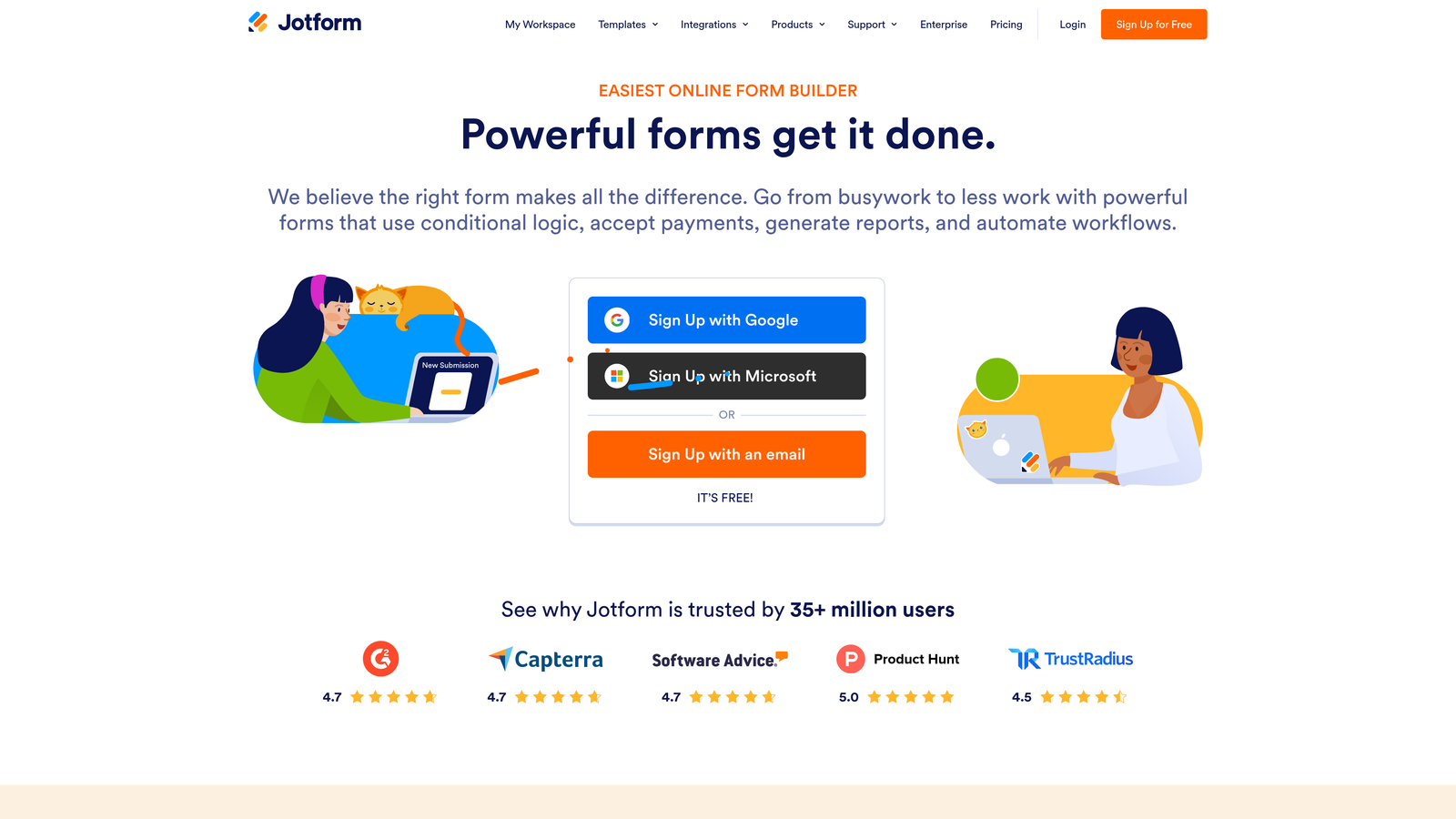
Jotform is a versatile no-code form builder with one of the largest native CRM integration libraries available, covering Salesforce, HubSpot, Zoho, Pipedrive, and over 100 more.
Where This Tool Shines
Jotform's integration breadth is genuinely hard to match. If your team works across multiple CRM platforms, or if you're an agency managing clients with different tech stacks, Jotform's out-of-the-box connectivity means you rarely need to reach for Zapier. The no-code drag-and-drop builder makes setup accessible to non-technical users.
It also handles edge cases that simpler form builders don't: payment collection, file uploads, HIPAA-compliant forms for regulated industries, and multi-page form flows. It's a reliable workhorse for teams with varied, complex form needs.
Key Features
100+ Native Integrations: Direct connections to Salesforce, HubSpot, Zoho CRM, Pipedrive, and many more without requiring middleware.
No-Code Builder: Drag-and-drop interface that non-technical users can operate independently.
Conditional Logic and Multi-Page Forms: Build complex, branching form flows that adapt to respondent inputs.
Payment and File Upload Support: Handles transactions and document collection within the same form experience.
HIPAA-Compliant Plans: Available for healthcare organizations and regulated industries with specific compliance requirements.
Best For
Jotform is a strong fit for digital agencies, operations teams, and businesses that work across multiple CRM platforms. It's also a practical choice for regulated industries that need HIPAA compliance without moving to enterprise-tier pricing.
Pricing
A free tier is available. Paid plans start around $34/month. Verify current pricing at jotform.com, as plans and features change regularly.
5. Gravity Forms
Best for: WordPress-based businesses that need deep CRM integration through a developer-extensible platform.
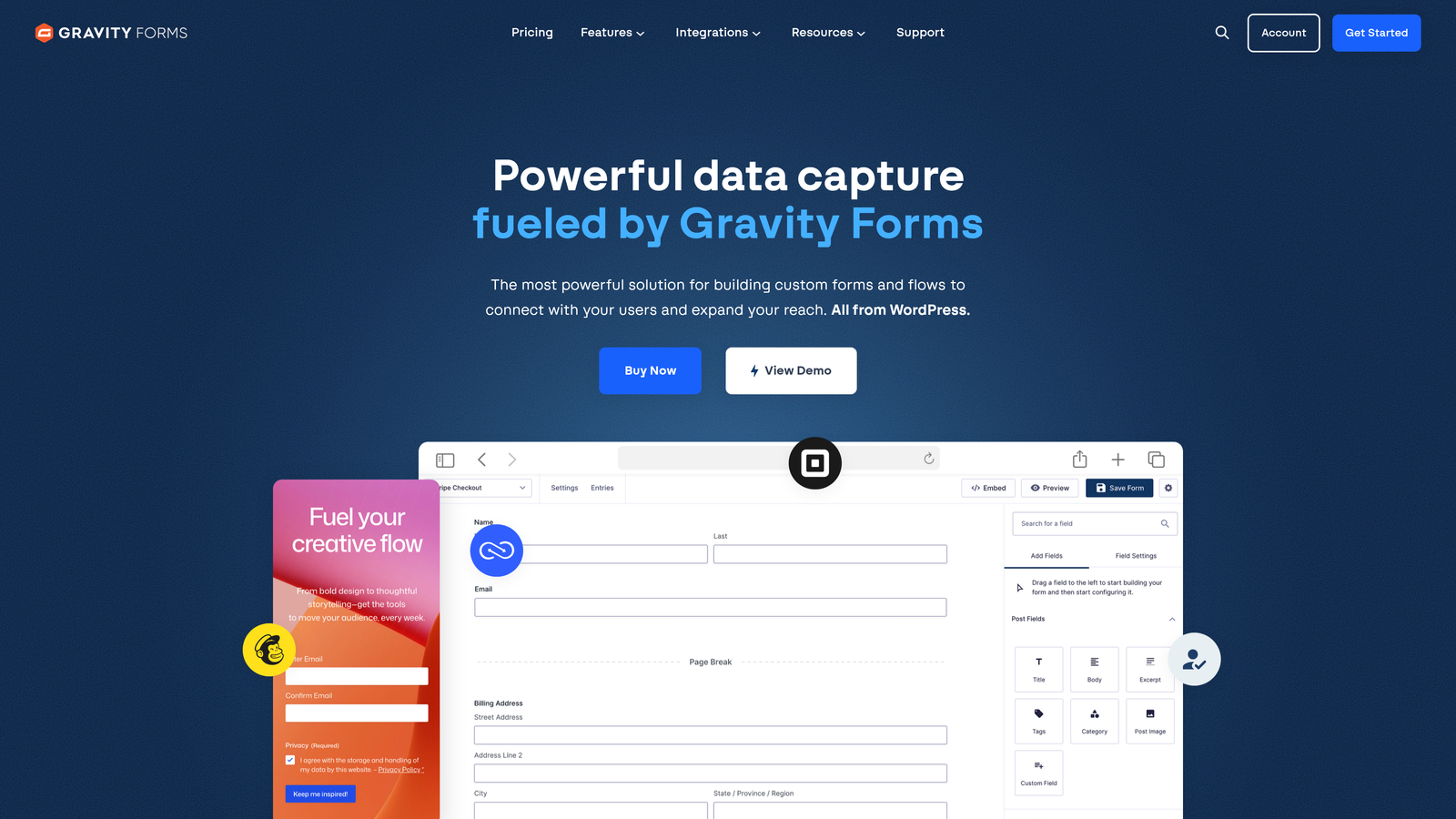
Gravity Forms is the leading form builder for WordPress, with a robust add-on ecosystem that connects directly to Salesforce, HubSpot, ActiveCampaign, and more.
Where This Tool Shines
For WordPress sites, Gravity Forms is the standard. Its add-on library includes dedicated integrations for the most common CRMs, and its deep WordPress hooks and filters make it highly extensible for developers who need custom logic. Few form builders offer this level of flexibility within the WordPress environment.
It also handles complex form workflows that simpler tools can't: multi-step approval processes, calculated fields, conditional notifications, and partial entry capture. If your WordPress site is the center of your lead generation operation, Gravity Forms can handle significant complexity.
Key Features
Dedicated CRM Add-Ons: Paid add-ons for Salesforce, HubSpot, and ActiveCampaign with direct field mapping and sync capabilities.
Conditional Logic and Calculated Fields: Build sophisticated form logic and dynamic calculations directly within the form builder.
Deep WordPress Integration: Hooks, filters, and developer APIs for custom functionality beyond what the UI provides.
Approval Workflows: Multi-step submission review and approval processes built natively into the form.
Large Extension Ecosystem: Hundreds of third-party plugins and community-built extensions for additional functionality.
Best For
Gravity Forms is purpose-built for WordPress users. It's not relevant for teams on other platforms, but for WordPress-based businesses with an existing CRM stack and some developer resources, it's difficult to beat.
Pricing
Starts around $59/year for the core WordPress plugin. CRM add-ons are priced separately. Verify current pricing at gravityforms.com.
6. Salesforce Web-to-Lead
Best for: Salesforce-centric organizations that need direct, no-middleware lead capture into Salesforce.
Salesforce Web-to-Lead is Salesforce's built-in form tool that routes submissions directly into Salesforce Lead objects with no external integration required.
Where This Tool Shines
When Salesforce is your source of truth, Web-to-Lead removes every possible point of failure between a form submission and a Salesforce lead record. There's no third-party integration to maintain, no API limits to worry about, and no data transformation in between. Submissions map directly to standard or custom Salesforce fields and trigger your existing assignment rules automatically.
The trade-off is design flexibility. Web-to-Lead generates functional HTML forms that typically require styling work to match a brand's visual identity. For organizations where Salesforce data integrity matters more than form aesthetics, that trade-off is usually worth it.
Key Features
Zero-Middleware Lead Capture: Submissions route directly into Salesforce Lead objects with no integration layer required.
Automatic Lead Assignment: Triggers existing Salesforce routing rules to assign leads to the right reps immediately.
Custom Field Mapping: Maps form fields directly to any standard or custom Salesforce field without additional configuration.
No Additional Cost: Included with existing Salesforce licenses, making it the most cost-efficient option for Salesforce customers.
CAPTCHA Support: Built-in spam filtering to keep lead data clean.
Best For
Web-to-Lead is ideal for Salesforce-first organizations that prioritize data reliability over form design sophistication. It's particularly useful for teams without dedicated front-end resources who need a fast, dependable path from web form to Salesforce pipeline.
Pricing
Included with existing Salesforce CRM licenses at no additional cost. Verify feature availability for your specific Salesforce edition at salesforce.com.
7. ActiveCampaign Forms
Best for: SMBs that want form submissions to trigger both CRM deal creation and email automation simultaneously.
ActiveCampaign Forms is the native form builder within ActiveCampaign's combined CRM and email automation platform, where a single submission can kick off both a sales pipeline entry and a marketing sequence at the same time.
Where This Tool Shines
ActiveCampaign's key advantage is that its CRM and marketing automation are the same platform. When someone submits a form, you can simultaneously create a deal in the CRM, enroll the contact in an email nurture sequence, apply tags, update lead scores, and notify a sales rep. That level of coordinated automation typically requires multiple integrated tools to replicate elsewhere.
For SMBs that want sales and marketing working from the same data without managing multiple platforms, ActiveCampaign Forms is a practical, cost-effective choice.
Key Features
Simultaneous CRM and Email Automation: A single form submission can trigger deal creation and email sequences at the same time.
Multiple Form Formats: Inline, floating bar, and modal popup form types for different placement contexts.
Conditional Tagging: Applies CRM tags and contact attributes based on specific form responses.
Lead Scoring Integration: Form submissions feed directly into ActiveCampaign's native lead scoring model.
Included with CRM Plans: No separate form builder cost for existing ActiveCampaign CRM subscribers.
Best For
ActiveCampaign Forms is the right choice for small to mid-sized businesses that want a single platform handling both sales pipeline management and marketing automation. It's less suited for teams that need advanced form design or are working with a CRM outside the ActiveCampaign ecosystem.
Pricing
Included with ActiveCampaign plans starting around $19/month. Verify current plan pricing at activecampaign.com.
8. Pipedrive LeadBooster
Best for: Sales-first teams running Pipedrive who want native lead capture without leaving their CRM ecosystem.
Pipedrive LeadBooster is Pipedrive's native lead capture add-on that feeds web form submissions directly into Pipedrive contacts and deals.
Where This Tool Shines
LeadBooster is built for Pipedrive users who want their lead capture tools to feel like a natural extension of their CRM, not a separate product stitched together with integrations. Form submissions create contacts and deals in Pipedrive automatically, with custom field mapping that aligns with however your Pipedrive instance is structured.
The add-on also bundles chatbot and live chat functionality alongside web forms, which gives sales teams multiple capture channels from a single tool. For teams where speed-to-lead is a priority, having chat and forms feeding into the same Pipedrive pipeline is a practical advantage.
Key Features
Direct Pipedrive Integration: Web form submissions automatically create contacts and deals in Pipedrive with no middleware required.
Chatbot and Live Chat Included: Bundles multiple lead capture channels alongside web forms in a single add-on.
Custom Field Mapping: Maps form fields to any Pipedrive contact or deal field, including custom fields.
Lead Inbox: Holds unqualified leads in a separate inbox before promoting them to active deals in the CRM.
Straightforward Setup: Designed for Pipedrive users to configure without technical resources.
Best For
LeadBooster is purpose-built for existing Pipedrive users. It offers limited value outside that ecosystem, but for Pipedrive-first sales teams, it's the most seamless way to connect web lead capture directly to their pipeline.
Pricing
Available as an add-on to existing Pipedrive plans, starting around $32.50/month. Verify current add-on pricing at pipedrive.com.
9. Formstack
Best for: Enterprise teams and regulated industries that need advanced data routing, approval workflows, and multi-CRM field mapping.
Formstack is an enterprise-grade form builder with sophisticated data routing, conditional field mapping across multiple CRMs, and built-in approval workflows.
Where This Tool Shines
Formstack occupies a different tier than most form builders on this list. Where others focus on simplicity and speed, Formstack is built for organizational complexity: multiple departments submitting data to different CRM fields, approval chains that need to happen before data moves downstream, and compliance requirements that demand HIPAA-grade data handling.
Its conditional data routing capability is particularly powerful. You can configure different form submissions to flow into different CRM fields, different systems, or different team inboxes based on how respondents answer. For large organizations with nuanced data architecture, that level of control is difficult to find elsewhere.
Key Features
Advanced CRM Field Mapping: Deep field mapping to Salesforce, HubSpot, and other enterprise CRMs with granular control over data routing.
Conditional Data Routing: Routes different submissions to different CRM fields, systems, or teams based on form responses.
Built-In Approval Workflows: Multi-step review and approval processes that happen within the form submission flow before data reaches the CRM.
HIPAA Compliance: Compliant data handling for healthcare organizations and regulated industries.
Document Generation and E-Signature: Extends beyond form capture into document creation and digital signature collection.
Best For
Formstack is the right fit for enterprise organizations, healthcare providers, and regulated industries that have outgrown simpler form builders. The higher price point reflects the depth of functionality, and it's best justified when your workflows genuinely require that complexity.
Pricing
Starts around $83/month. Enterprise pricing is available for larger organizations. Verify current pricing at formstack.com before evaluating against budget.
Which Tool Is Right for Your Team
The right form builder depends less on feature lists and more on where your CRM lives and how much you care about lead quality before data enters your pipeline.
If you're running a high-growth SaaS or B2B sales team and lead qualification is a real bottleneck, Orbit AI is the standout choice. It's the only tool on this list that scores and routes leads at the form level, which means your CRM stays cleaner and your sales team spends less time disqualifying bad-fit submissions.
Native CRM users: If your team is already committed to a specific CRM, the native option is almost always the most reliable path. HubSpot Forms for HubSpot shops, Salesforce Web-to-Lead for Salesforce-first organizations, ActiveCampaign Forms for SMBs on ActiveCampaign, and Pipedrive LeadBooster for Pipedrive sales teams. Native integrations eliminate the middleware risk that causes data loss and sync failures.
Multi-CRM or agency teams: Jotform's 100+ native integrations make it the most practical choice when you're managing multiple CRM environments or need flexibility across client accounts. Formstack is worth evaluating if your workflows require conditional data routing or approval chains before CRM entry.
WordPress-based businesses: Gravity Forms is the clear answer. Its add-on ecosystem and developer extensibility make it the most capable option for WordPress sites with existing CRM stacks.
Brand and experience-first teams: Typeform's conversational format and polished design make it the strongest choice when form experience is a core part of how you present your brand to prospects.
Whatever tool you choose, the goal is the same: every form submission should move a qualified lead forward in your pipeline without manual intervention. If you're ready to add AI-powered qualification to that equation, start building free forms today and see how intelligent form design can transform your lead generation from volume-focused to quality-first.


