

If your forms are losing leads, the tool you're using might be the problem. Professional form creation has evolved well beyond basic drag-and-drop builders. Today's top platforms offer AI-powered qualification, conditional logic, deep CRM integrations, and conversion-focused design that turns passive data collection into an active growth lever.
This guide covers the best professional form creation tools available in 2026, evaluated across key criteria: ease of use, design quality, logic and automation capabilities, integrations, lead qualification features, and pricing. Whether you're a high-growth SaaS team optimizing your lead funnel, a marketing agency managing multiple clients, or a B2B company that needs smarter qualification at the top of the funnel, there's a tool here that fits your workflow.
Let's cut straight to the list.
1. Orbit AI
Best for: High-growth SaaS and B2B teams that need AI-powered lead qualification built into the form experience.
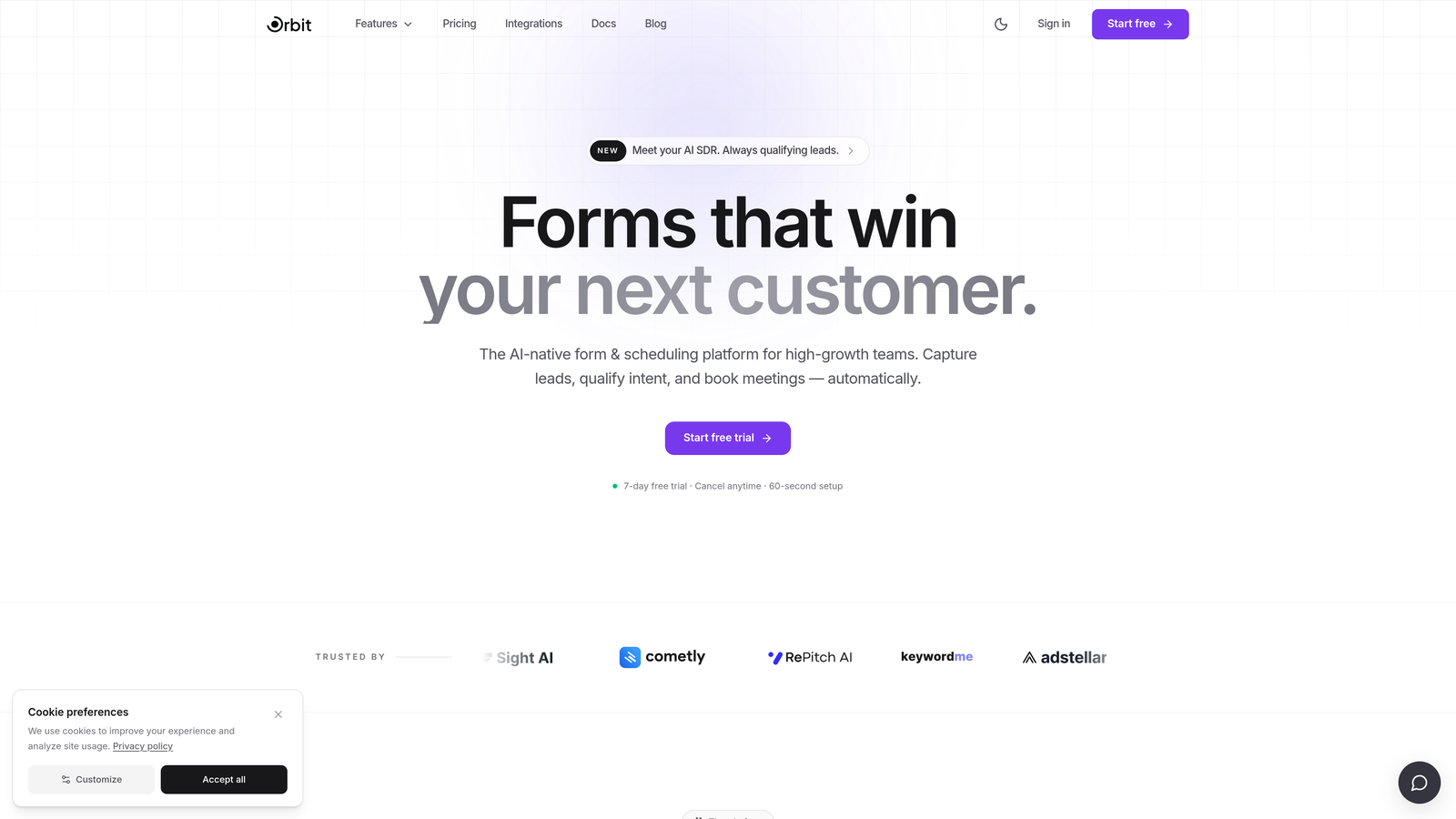
Orbit AI is an AI-powered form builder designed specifically for teams where lead quality matters as much as lead volume.
Where This Tool Shines
Most form tools are passive. They collect data and hand it off. Orbit AI takes a different approach: AI-powered lead qualification happens within the form flow itself, so by the time a submission lands in your CRM, it already carries scoring and qualification context. For high-growth teams running paid acquisition or outbound follow-up, that distinction is significant.
The design system is built with conversion in mind. Forms feel modern and intentional rather than generic, which matters when first impressions influence whether a prospect completes a form or abandons it halfway through.
Key Features
AI-Powered Lead Qualification: Scores and qualifies leads directly within the form experience, not as a downstream process.
Conversion-Optimized Design: Modern UI with a design system built to maximize form completion rates.
Conditional Logic and Multi-Step Forms: Build branching flows that adapt to respondent answers and guide users through relevant paths.
CRM and Marketing Tool Integrations: Connect qualified lead data directly to your existing stack without manual handoffs.
Analytics and Submission Tracking: Monitor form performance and submission data to continuously improve conversion.
Best For
Orbit AI is the strongest fit for SaaS companies, B2B lead generation teams, and marketing agencies that need forms to do more than collect data. If your team cares about lead quality at the top of the funnel and wants qualification to happen before a sales rep picks up the phone, this is worth a close look.
Pricing
Visit orbitforms.ai for current pricing and plan details. A free starting option is available.
2. Typeform
Best for: Teams that want a conversational, high-engagement form experience with strong brand customization.
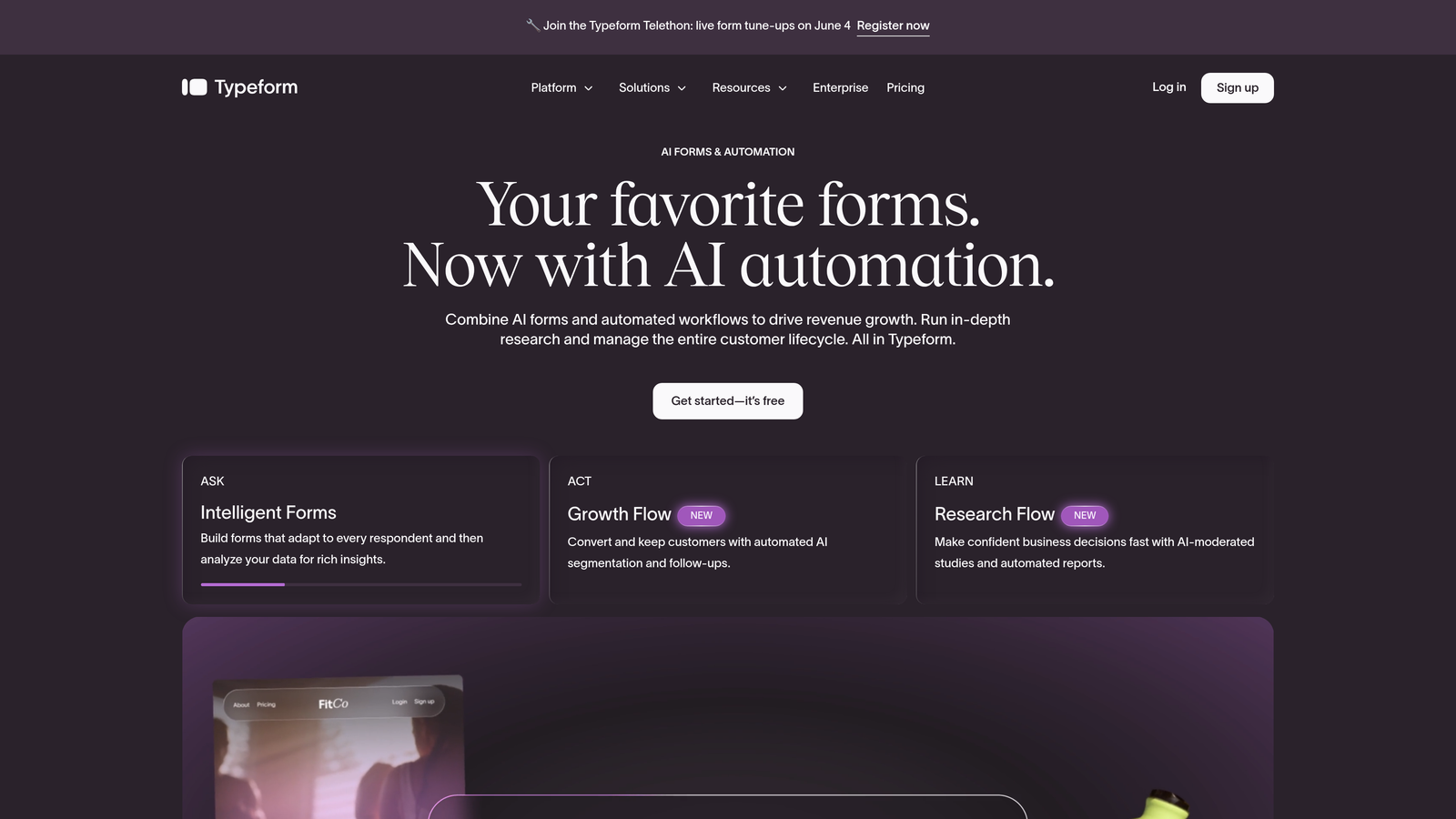
Typeform is a conversational form builder known for its one-question-at-a-time interface that drives higher engagement on longer forms.
Where This Tool Shines
Typeform pioneered the conversational form format, and it remains one of the best at it. The one-question-at-a-time flow reduces cognitive load for respondents, which tends to improve completion rates on forms with many fields. It's particularly effective for surveys, onboarding flows, and lead capture sequences where engagement matters.
The visual editor is polished and gives marketing teams real control over branding. Logic jumps allow for meaningful branching without requiring a developer, and the integration ecosystem is mature enough to connect with most modern marketing stacks.
Key Features
Conversational One-Question-at-a-Time Interface: Reduces form fatigue and keeps respondents engaged through longer sequences.
Logic Jumps and Branching: Route respondents to different questions based on previous answers.
Visual Branding and Customization: Full control over fonts, colors, backgrounds, and imagery to match brand identity.
CRM and Tool Integrations: Native connections to HubSpot, Salesforce, Slack, Mailchimp, and more.
Video and Image Embeds: Enrich form questions with media to improve context and engagement.
Best For
Typeform works well for marketing teams, product researchers, and agencies that prioritize respondent experience and brand consistency. It's less suited for teams that need built-in lead scoring or qualification logic at the form level.
Pricing
Free plan available with limitations. Paid plans start at approximately $25/month, with higher tiers unlocking advanced logic and integrations.
3. JotForm
Best for: Agencies and SMBs that need a wide variety of form types with minimal setup time.
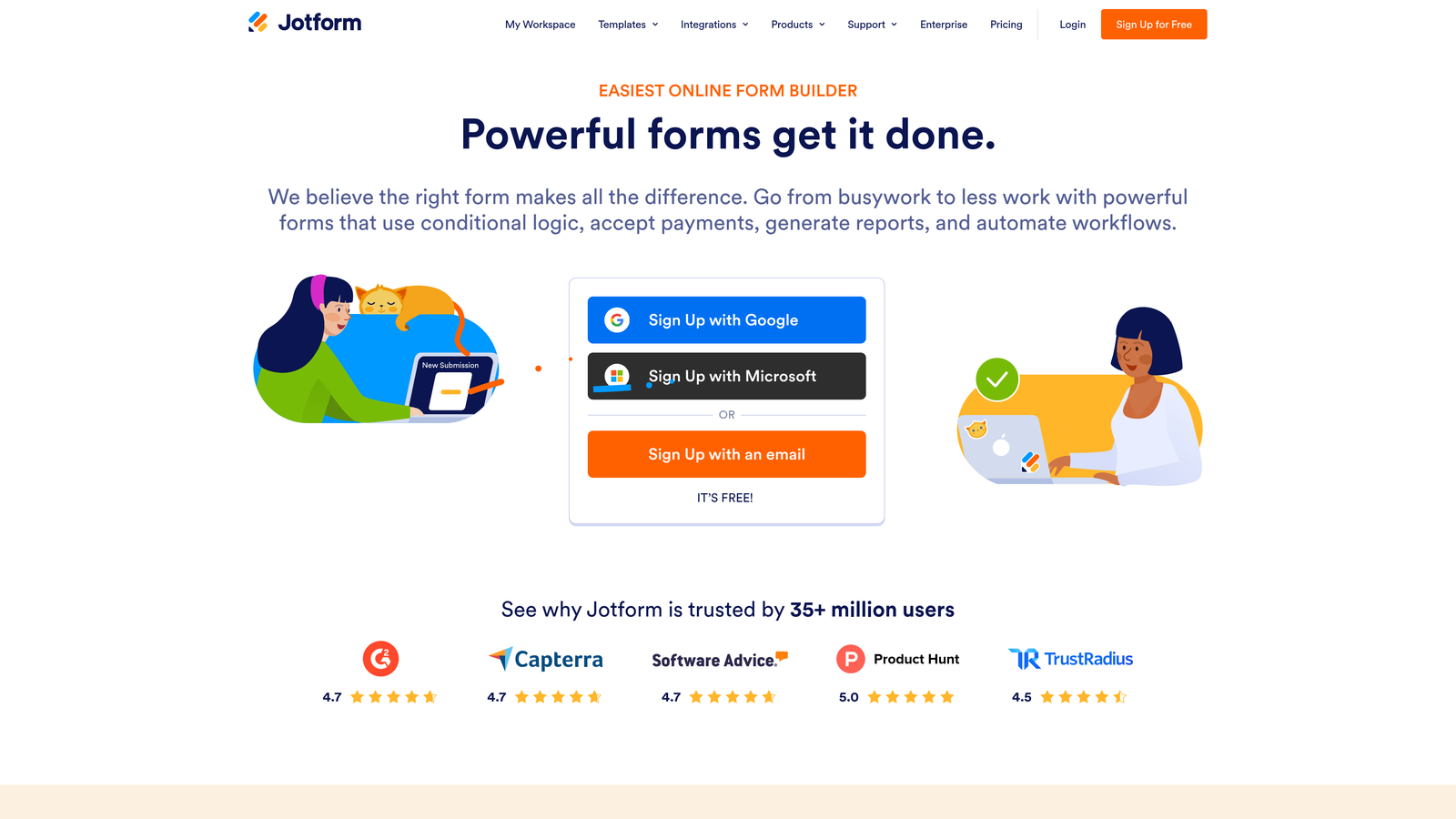
JotForm is a feature-rich form builder with one of the largest template libraries available and broad support for payments, e-signatures, and third-party integrations.
Where This Tool Shines
JotForm's breadth is its biggest strength. With over 10,000 pre-built templates and a wide widget marketplace, you can build almost any form type quickly. Whether you need a payment collection form, a contract with e-signature, or a multi-step intake form, JotForm likely has a starting point ready.
For agencies managing diverse client needs across industries, this versatility is genuinely valuable. You're not rebuilding from scratch for every new use case. The PDF generation feature is also a practical differentiator for workflows that require document outputs from form submissions.
Key Features
10,000+ Pre-Built Templates: Covers virtually every industry and use case, reducing build time significantly.
Payment Collection and E-Signature: Accept payments and collect legally binding signatures within a single form.
PDF Generation: Automatically generate formatted PDF documents from form submissions.
Widget and Integration Marketplace: Hundreds of add-ons and native connections to popular business tools.
Team Collaboration Features: Multiple users can manage, review, and respond to form submissions together.
Best For
JotForm is a strong fit for agencies, operations teams, and SMBs that need to cover a wide range of form types without investing heavily in custom builds. It's less optimized for teams with a singular focus on conversion and lead qualification.
Pricing
Free plan available with submission limits. Paid plans start at approximately $34/month, tiered by submission volume and features.
4. HubSpot Forms
Best for: Teams already running their marketing and CRM operations inside HubSpot.
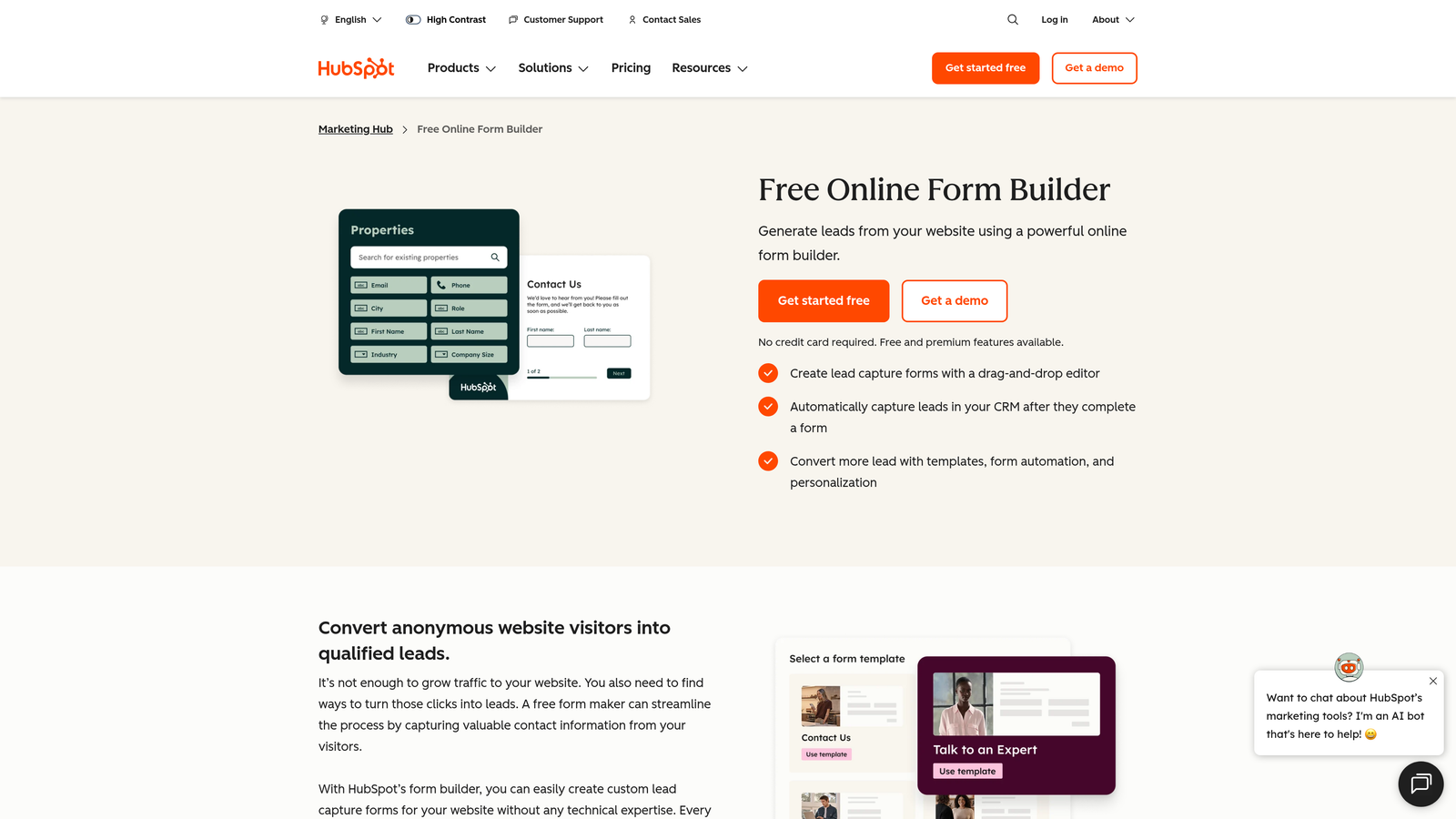
HubSpot Forms is a CRM-native form tool that feeds directly into HubSpot's contact database with automatic activity tracking and smart field support.
Where This Tool Shines
If your team lives in HubSpot, the native form tool removes a layer of integration friction that other tools require. Every submission creates or updates a contact record automatically, complete with form activity logged to the timeline. For sales and marketing alignment, that immediate data sync is genuinely useful.
Progressive profiling is a standout feature. Rather than asking the same questions repeatedly, HubSpot Forms can serve new fields to returning visitors, gradually building richer contact profiles over time without annoying repeat visitors with redundant questions.
Key Features
Native HubSpot CRM Integration: Submissions automatically create or update contact records with full activity tracking.
Smart Fields: Pre-fill known information for returning visitors to reduce form friction.
Progressive Profiling: Collect new data points over multiple form interactions to enrich contact records over time.
Flexible Embed Options: Deploy on any website or within HubSpot landing pages and emails.
Free with HubSpot CRM: Full form functionality at no additional cost for HubSpot CRM users.
Best For
HubSpot Forms is the obvious choice for teams already invested in the HubSpot ecosystem. For teams outside HubSpot, the design flexibility is limited compared to standalone form builders, and the value proposition weakens considerably.
Pricing
Free with a HubSpot CRM account. Advanced features such as A/B testing and smart content require Marketing Hub paid plans, which start at a higher price point.
5. Tally
Best for: Startups and indie builders who want professional form capabilities without paying for them.
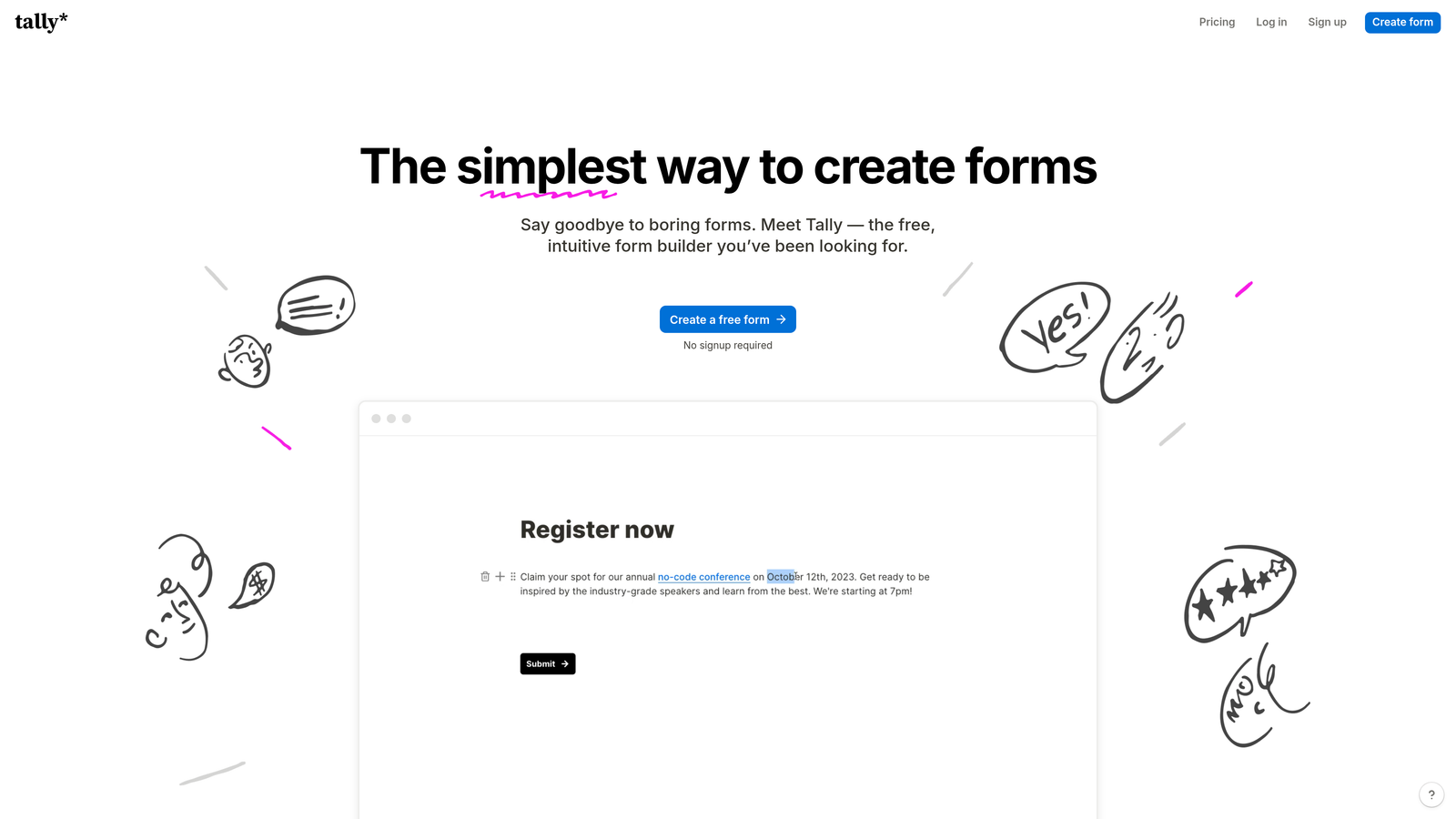
Tally is a minimalist form builder with a Notion-inspired editing experience and an unusually generous free plan that covers most use cases without requiring an upgrade.
Where This Tool Shines
Tally's free plan is genuinely remarkable by market standards. Unlimited forms and unlimited submissions on the free tier means most early-stage teams and solo operators will never need to pay. The editor feels familiar to anyone who uses Notion, making the learning curve almost nonexistent.
Despite the minimalist aesthetic, Tally supports conditional logic, calculated fields, and integrations via Zapier and Make. For teams that want clean, professional-looking forms without the overhead of a complex platform, Tally delivers a strong experience at the right price.
Key Features
Unlimited Forms and Submissions on Free Plan: No artificial caps that force upgrades for normal usage volumes.
Notion-Like Block Editor: Familiar, clean editing experience that reduces the learning curve significantly.
Conditional Logic and Calculated Fields: Build branching forms and numeric calculations without a paid plan.
Zapier and Make Integration Support: Connect Tally forms to your existing tools through automation platforms.
Custom Domains on Paid Plan: Remove Tally branding and host forms on your own domain when needed.
Best For
Tally is ideal for startups, indie hackers, and small teams that need professional form functionality on a tight budget. Teams that require advanced lead qualification or deep CRM-native features will eventually outgrow it.
Pricing
Generous free plan with unlimited forms and submissions. Pro plan at approximately $29/month for custom domains, branding removal, and additional features.
6. Paperform
Best for: Small teams that want a single tool for forms, landing pages, payments, and bookings.
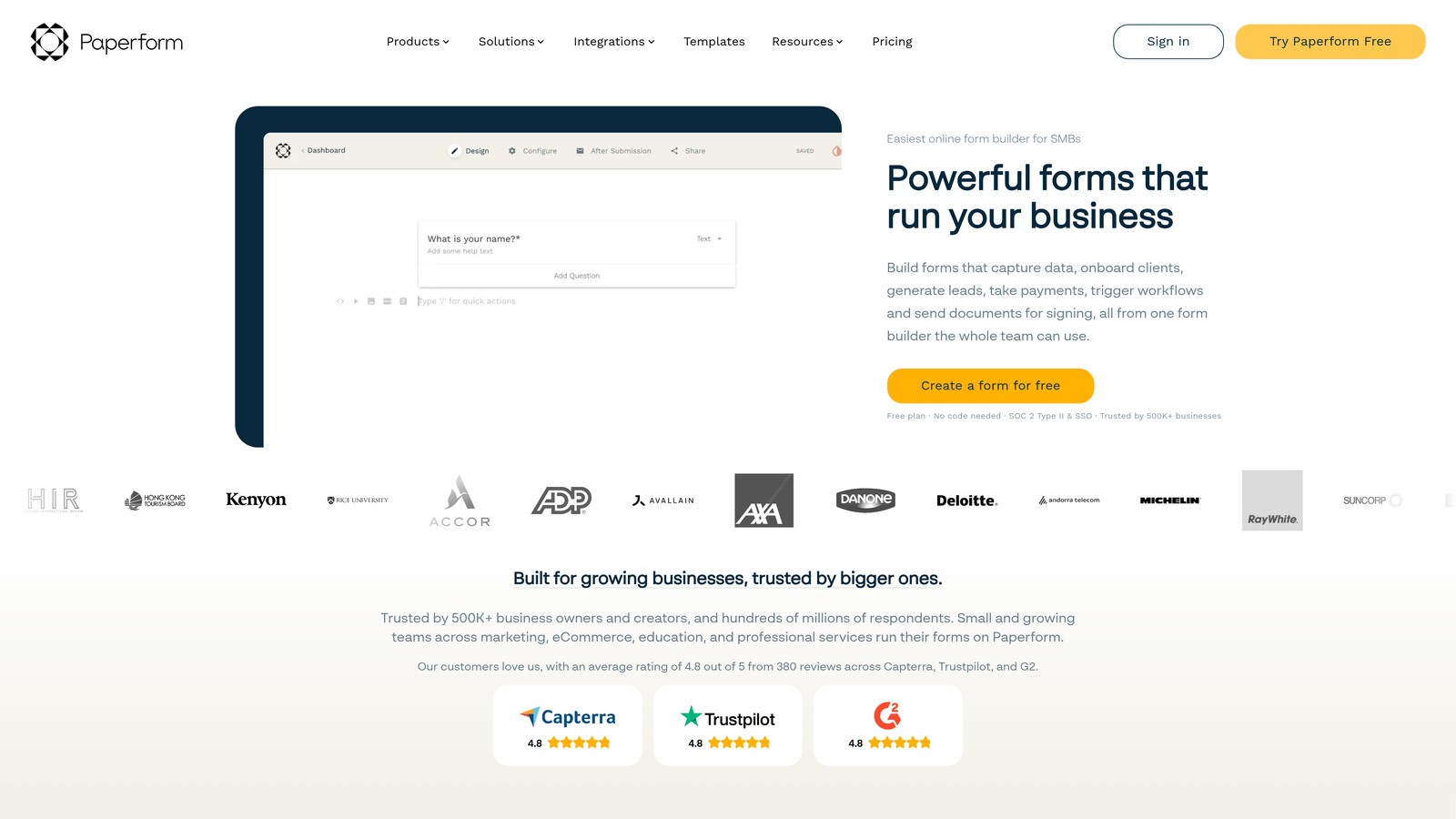
Paperform is a hybrid form and landing page builder that supports rich media, product selling, and appointment booking within a flexible page-style layout.
Where This Tool Shines
Paperform blurs the line between a form and a landing page. Each form can function as a fully standalone page with rich text, images, video, and product listings alongside the input fields. For coaches, consultants, and small businesses, this eliminates the need for a separate landing page tool entirely.
The built-in payment and booking capabilities add further versatility. You can sell a product, collect a deposit, or schedule an appointment all within the same form experience, without needing to stitch together multiple tools or third-party payment processors.
Key Features
Form-as-Landing-Page Layout: Rich media, text blocks, and images combine with form fields in a single flexible page.
Built-In Payments and Product Selling: Accept payments and sell products directly through the form without third-party plugins.
Appointment and Booking Support: Handle scheduling and bookings natively within the form experience.
Custom Domain Hosting: Publish forms on your own domain for a fully branded experience.
Conditional Logic and Calculations: Adapt form paths based on responses and perform numeric calculations within forms.
Best For
Paperform suits coaches, consultants, event organizers, and small business owners who want one flexible tool that handles forms, pages, payments, and bookings. It's less suited for enterprise teams or those with complex CRM integration requirements.
Pricing
Plans start at approximately $24/month. No permanent free plan is available, though a trial period is offered.
7. Google Forms
Best for: Internal data collection where design, branding, and advanced logic are not required.
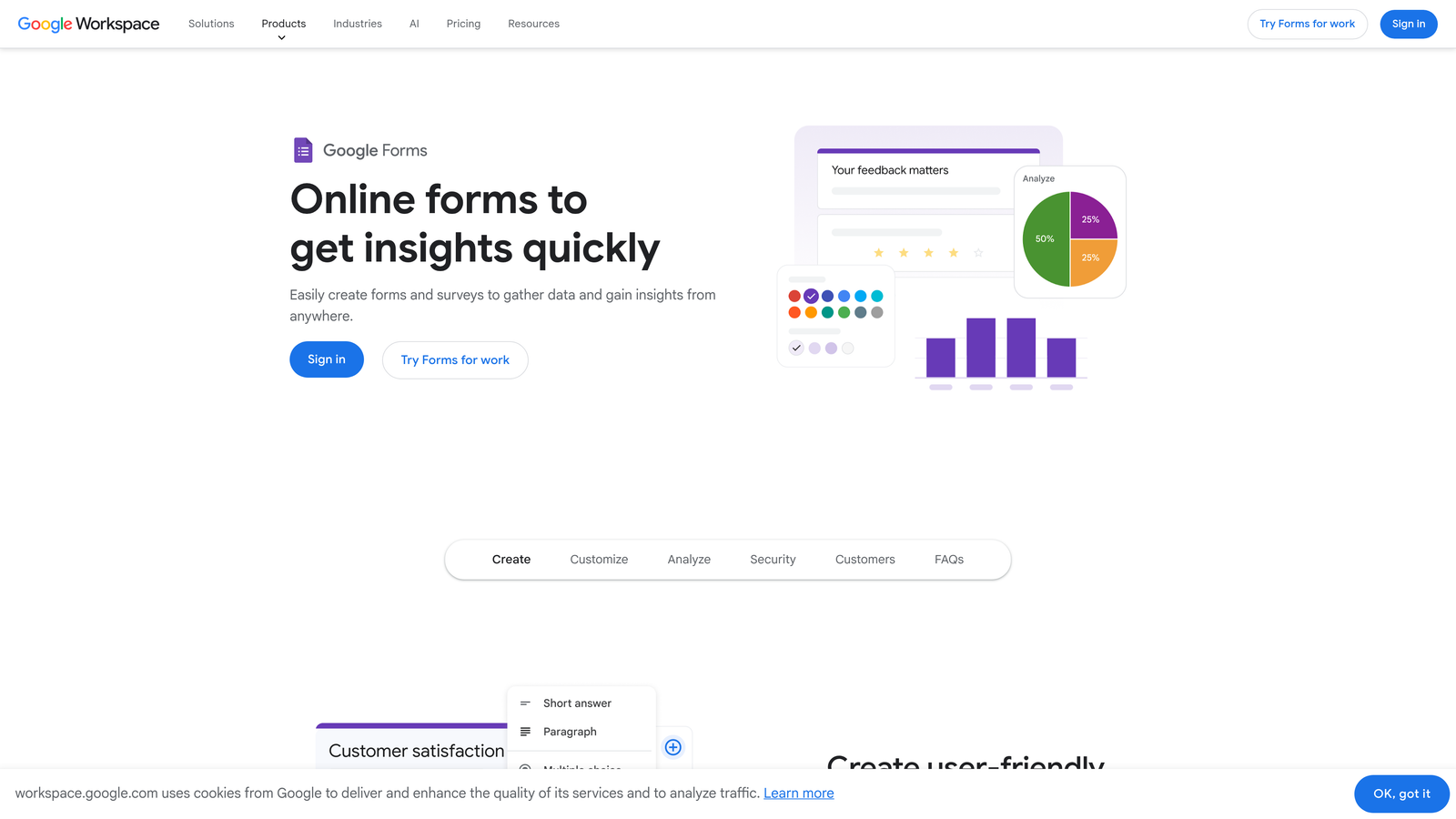
Google Forms is a free, no-frills form tool built into Google Workspace, with responses feeding directly into Google Sheets.
Where This Tool Shines
Google Forms does exactly what it promises: fast, free form creation with zero setup friction. If you need to collect employee feedback, run a quick internal survey, or gather event RSVPs from a team, you can have a form live in minutes at no cost.
The Google Sheets integration is genuinely useful for teams that already work in Google Workspace. Responses populate a spreadsheet automatically, making it easy to sort, filter, and analyze data without any export steps. For simple internal use cases, that workflow is hard to beat.
Key Features
Completely Free: No cost, no submission limits, no paid tiers required for any core functionality.
Automatic Google Sheets Integration: Responses flow directly into a connected spreadsheet in real time.
Basic Branching Logic: Simple section-based logic for routing respondents based on answers.
Google Workspace Collaboration: Share and co-edit forms with teammates using existing Google accounts.
Quiz and Grading Mode: Assign point values and automatic grading for educational or assessment use cases.
Best For
Google Forms is the right tool for internal surveys, quick data collection, and educational assessments within Google Workspace environments. It is not appropriate for customer-facing lead generation, branded experiences, or any workflow requiring advanced logic or CRM integration.
Pricing
Completely free with any Google account. No paid tiers or premium features.
8. Formstack
Best for: Enterprise and regulated-industry teams that need HIPAA compliance, document generation, and workflow automation.
Formstack is an enterprise-grade form and workflow automation platform with document generation, e-signature, and compliance capabilities built for complex organizational processes.
Where This Tool Shines
Formstack operates at a different level of complexity than most tools on this list. Its strength is in regulated industries such as healthcare, financial services, and legal, where HIPAA compliance and secure data handling are non-negotiable. The platform is built to meet those requirements without requiring custom development.
The document generation and e-signature capabilities, through Formstack Documents and Formstack Sign, allow organizations to build end-to-end digital workflows. A patient intake form can trigger a pre-populated PDF, route it for signature, and log the completed document, all within one connected platform.
Key Features
HIPAA-Compliant Data Collection: Meets regulatory requirements for healthcare and other sensitive data environments.
Document Generation: Automatically populate and generate formatted documents from form submission data.
Built-In E-Signature: Collect legally binding signatures through Formstack Sign without a third-party tool.
Multi-Step Workflow Automation: Route submissions through approval chains and automated processes.
Salesforce and Enterprise CRM Integrations: Deep connections to enterprise-grade CRM and business systems.
Best For
Formstack is built for enterprise organizations in healthcare, legal, financial services, and other regulated industries. The complexity and cost make it overkill for most small to mid-sized teams, but for the right use case, the feature depth is well justified.
Pricing
Plans start at approximately $83/month. Enterprise pricing is available for larger organizations with advanced compliance and workflow requirements.
9. Gravity Forms
Best for: WordPress developers and agencies building complex forms within the WordPress ecosystem.
Gravity Forms is the leading WordPress form plugin for developers and agencies, offering deep CMS integration, a robust add-on marketplace, and powerful conditional logic entirely within WordPress.
Where This Tool Shines
Gravity Forms is the default choice for serious WordPress developers for good reason. The plugin integrates directly into the WordPress admin panel, meaning forms, entries, and settings all live within the same environment as the rest of the site. There's no context switching to an external platform.
The add-on marketplace extends functionality significantly. You can connect to payment processors, CRMs, email marketing platforms, and more through official and community add-ons. For developers who want full control, the hooks and filters API allows deep customization without touching core plugin code.
Key Features
Deep WordPress Integration: Forms and entry management live natively within the WordPress admin panel.
Extensive Add-On Marketplace: Official and third-party add-ons for payments, CRM, email marketing, user registration, and more.
Advanced Conditional Logic and Multi-Page Forms: Build complex branching flows and paginated forms without custom development.
Developer-Friendly API: Hooks, filters, and a well-documented API for custom functionality and deep integrations.
Entry Management in WordPress: View, search, filter, and export form submissions directly from the WordPress dashboard.
Best For
Gravity Forms is the right choice for WordPress developers, digital agencies, and organizations running their web presence on WordPress who need professional form capabilities without leaving the CMS. It requires a WordPress site and carries an annual paid license, so it's not suitable for non-WordPress environments.
Pricing
Starts at approximately $59/year for a single site license. No free plan is available. Higher tiers unlock additional add-ons and multi-site support.
Which Tool Is Right for Your Team?
The best professional form creation tool depends entirely on what you're optimizing for. Here's a quick breakdown by use case to help you land on the right choice.
If you're a high-growth SaaS or B2B team focused on lead generation and conversion, Orbit AI is the strongest fit. The AI-powered lead qualification built into the form experience is a genuine differentiator for teams where lead quality and funnel efficiency are top priorities. It's built for the same teams that obsess over conversion rates and pipeline quality.
For teams that prioritize respondent engagement and brand-forward design, Typeform remains one of the most polished options available. Its conversational format continues to outperform traditional layouts for longer forms and research-style surveys.
Budget-conscious startups and indie teams will find Tally hard to beat on value. Unlimited forms and submissions on the free plan gives you professional capability without the overhead.
For enterprise teams in regulated industries, Formstack is built for the compliance and workflow complexity that simpler tools can't handle. And for WordPress-native development shops, Gravity Forms remains the industry standard with no real competition inside that ecosystem.
The common thread across all the best tools: forms are no longer just data collection endpoints. They're the first real interaction a prospect has with your product or service. Getting that experience right matters.
Transform your lead generation with AI-powered forms that qualify prospects automatically while delivering the modern, conversion-optimized experience your high-growth team needs. Start building free forms today and see how intelligent form design can elevate your conversion strategy.


