

Custom form creation software has evolved well beyond basic contact forms. Today's high-growth teams need tools that qualify leads, adapt to user behavior, integrate with their tech stack, and look polished enough to build trust on first impression. Whether you're capturing inbound leads, running surveys, or routing prospects through a qualification flow, the form builder you choose directly impacts conversion rates and data quality.
This guide covers the nine best custom form creation software tools available in 2026, evaluated on design flexibility, logic capabilities, integrations, AI features, and pricing. We've prioritized tools that serve growth-focused teams, not just developers or enterprise IT departments.
1. Orbit AI
Best for: High-growth SaaS and B2B teams focused on lead qualification and conversion optimization.
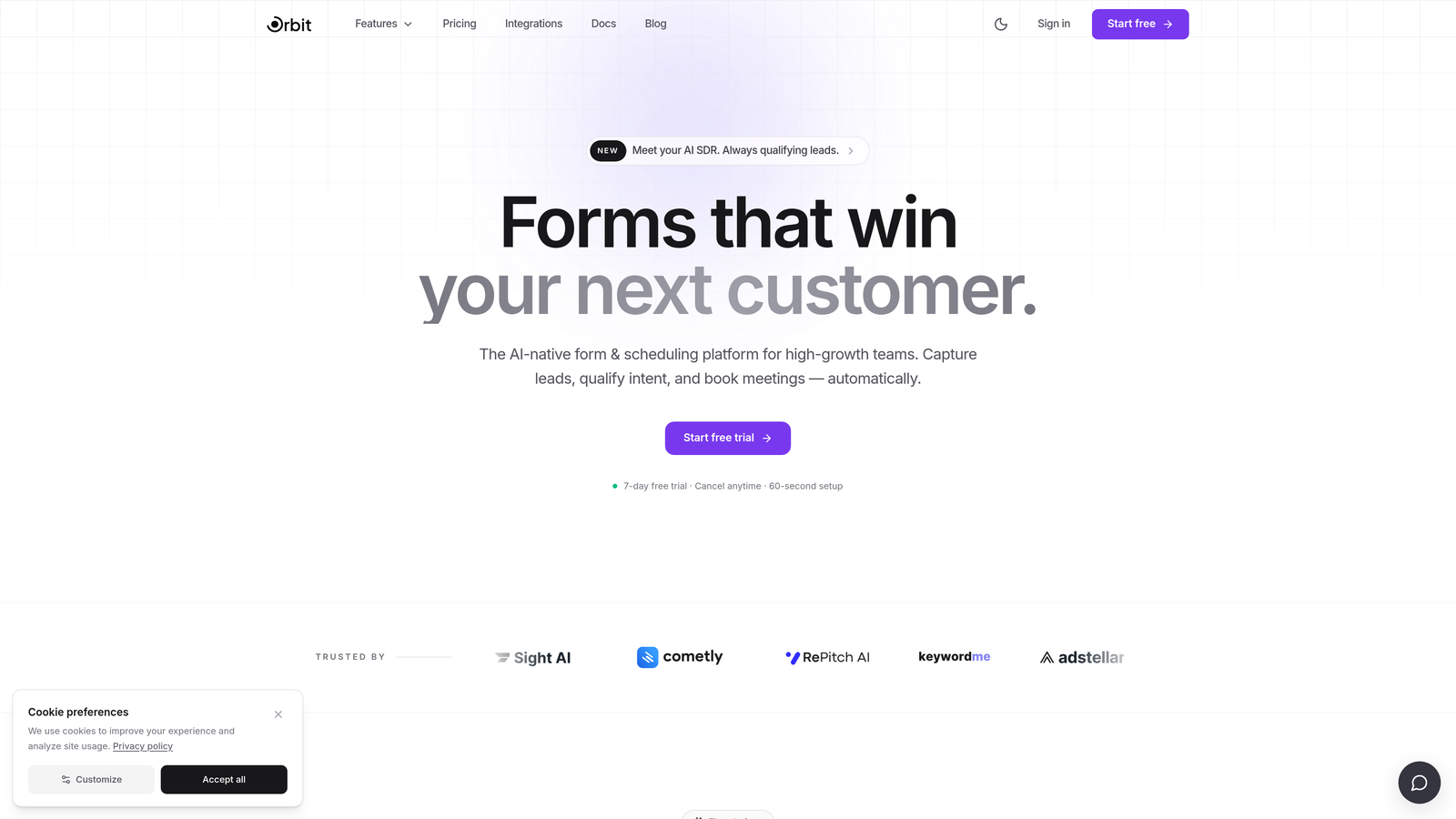
Orbit AI is an AI-powered form builder designed specifically to qualify leads and optimize conversion at the form layer, not just collect submissions.
Where This Tool Shines
Most form builders treat qualification as an afterthought, leaving your sales team to manually sort through submissions after the fact. Orbit AI flips that model by embedding lead scoring and intelligent routing directly into the form experience itself. By the time a prospect hits submit, your CRM already knows whether they're worth prioritizing.
The design quality is another standout. Forms built in Orbit AI look modern and intentional, which matters when first impressions drive trust. For B2B teams where a form is often the first real touchpoint with a prospect, that polish translates directly into completion rates.
Key Features
AI-Powered Lead Qualification: Scores and categorizes leads based on responses in real time, so your team focuses on the right prospects immediately.
Conditional Logic and Smart Routing: Adapts the form flow based on user answers, creating a personalized path for each respondent.
Conversion-Optimized Design: Modern, clean UI built to reduce friction and increase form completion rates.
CRM and Sales Tool Integrations: Connects with the tools your team already uses, so qualified leads flow directly into your pipeline.
Lead Quality Analytics: Tracks not just submission volume but the quality and intent signals behind each lead.
Best For
Orbit AI is the strongest fit for SaaS companies, B2B marketing teams, and growth-focused operators who need their forms to do more than collect data. If lead quality and pipeline efficiency matter to you, this is the tool built around that specific problem.
Pricing
Visit orbitforms.ai for current pricing details. A free plan is available to get started.
2. Typeform
Best for: Teams that want a polished, branded conversational form experience.
Typeform is a conversational form builder known for its one-question-at-a-time format and strong visual design aesthetic.

Where This Tool Shines
Typeform pioneered the conversational form format, and it remains one of the best at making respondents feel like they're having a dialogue rather than filling out a form. That experience tends to reduce drop-off, especially for longer surveys or multi-step qualification flows.
The branding and customization options are genuinely strong. You can match fonts, colors, and imagery to your brand without needing a designer, which makes it a popular choice for marketing teams who care about visual consistency.
Key Features
Conversational UX: One-question-at-a-time format that keeps respondents engaged through the full flow.
Logic Jumps and Branching: Routes users through different question paths based on their previous answers.
Video Forms and Multimedia Embeds: Supports video questions and rich media for more engaging form experiences.
Native Integrations: Connects directly with HubSpot, Salesforce, Slack, and dozens of other tools.
Brand Customization: Full control over visual styling to match your brand identity.
Best For
Typeform works well for marketing teams running lead gen campaigns, customer research surveys, or onboarding flows where the quality of the user experience is a priority. It's less suited for teams that need deep lead scoring or AI-driven qualification out of the box.
Pricing
Free plan available. Paid plans start around $25/month. Verify current pricing at typeform.com before committing.
3. Jotform
Best for: Teams with diverse form needs who want a large template library and broad widget support.
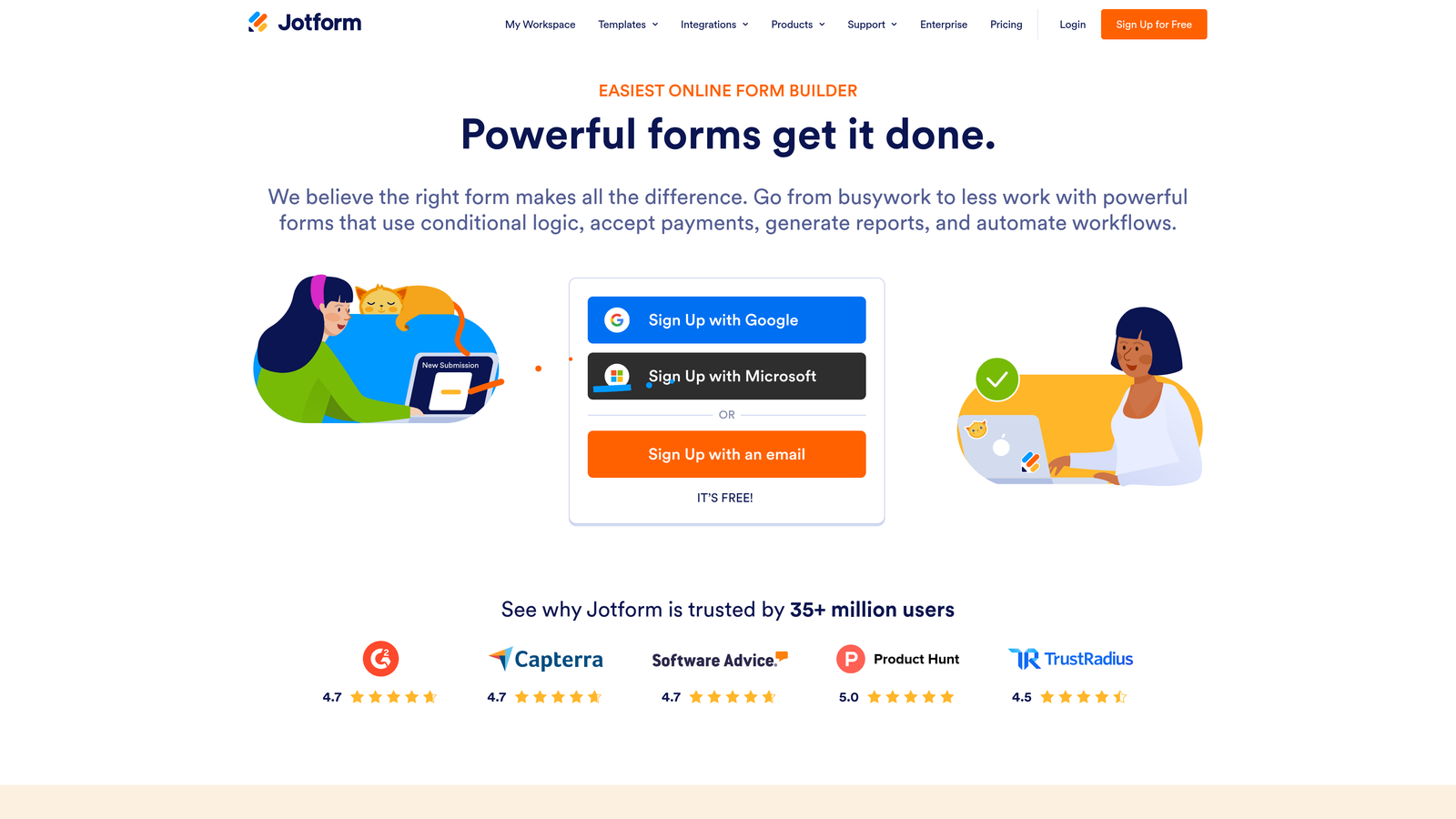
Jotform is an all-in-one form builder with one of the largest template libraries on the market and a wide ecosystem of integrations and widgets.
Where This Tool Shines
If breadth is what you need, Jotform delivers. With over 10,000 ready-made templates covering everything from event registrations to medical intake forms, it's possible to launch a functional form in minutes without starting from scratch. This makes it particularly useful for teams managing multiple departments with different form requirements.
The payment collection capabilities are also well-developed. Jotform supports Stripe, PayPal, and Square natively, making it a solid option for teams that need to collect payments or deposits alongside form data.
Key Features
10,000+ Templates: One of the largest ready-made template libraries available in any form builder.
Drag-and-Drop Builder with 100+ Widgets: Extensive customization options without requiring any code.
Payment Collection: Native integrations with Stripe, PayPal, and Square for collecting payments directly in forms.
Conditional Logic and Calculations: Supports branching logic and calculated fields for dynamic form behavior.
Team Collaboration: Multiple team members can work on forms together with shared access controls.
Best For
Jotform suits operations teams, agencies, and businesses that need to cover a lot of different form use cases under one roof. It's a workhorse tool, valued for its versatility rather than depth in any single area.
Pricing
Free plan available. Paid plans start around $34/month and scale based on submission volume. Check jotform.com for current tiers.
4. HubSpot Forms
Best for: Teams already using HubSpot CRM who want zero-friction lead capture and CRM sync.
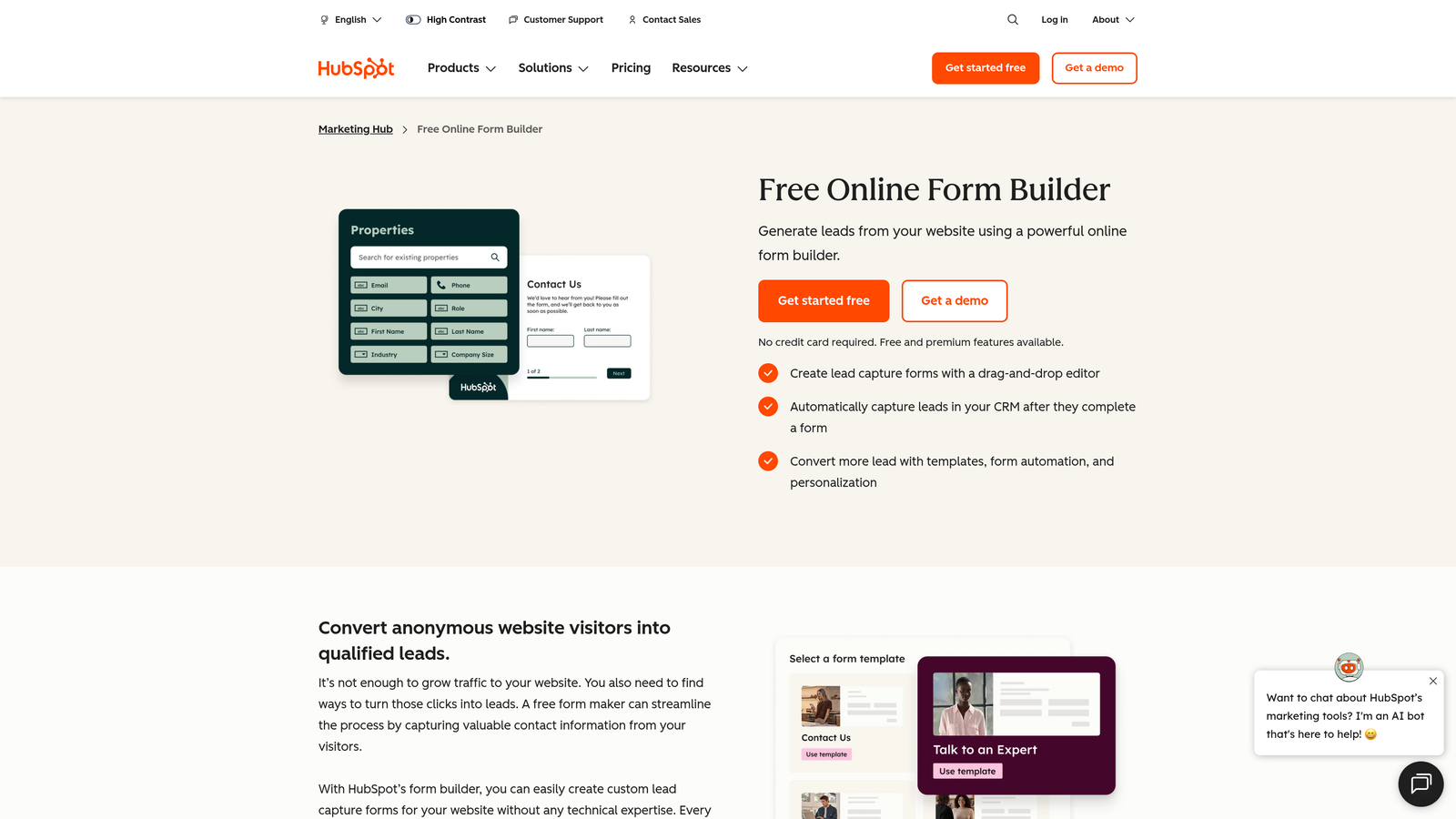
HubSpot Forms is the native form builder within the HubSpot ecosystem, tightly integrated with HubSpot's CRM and marketing automation platform.
Where This Tool Shines
The real value here is the native CRM connection. When a lead submits a HubSpot form, their data flows directly into the contact database with no Zapier layer, no sync delays, and no field mapping headaches. For teams already running HubSpot, this removes a significant amount of operational friction.
Progressive profiling is another feature worth highlighting. HubSpot Forms can recognize returning visitors and skip fields it already has data for, which keeps forms short without sacrificing data completeness over time.
Key Features
Native CRM Sync: Submissions flow directly into HubSpot contacts with no third-party integration required.
Progressive Profiling: Automatically skips fields for known contacts, keeping forms concise on repeat visits.
Smart Form Fields: Adapts field display based on known visitor data and CRM properties.
Flexible Embedding: Forms can be embedded on any website or placed on HubSpot landing pages.
Free Tier Access: Available at no cost as part of HubSpot's free CRM offering.
Best For
HubSpot Forms is the obvious choice for teams already invested in the HubSpot ecosystem. As a standalone form builder, it's fairly limited. But as a component of a broader HubSpot setup, it's genuinely hard to beat for simplicity and CRM alignment.
Pricing
Free with HubSpot CRM. Advanced features are included in Marketing Hub paid plans, which scale significantly in price. Check hubspot.com for current plan details.
5. Tally
Best for: Early-stage teams and individuals who need capable forms without paying for them.
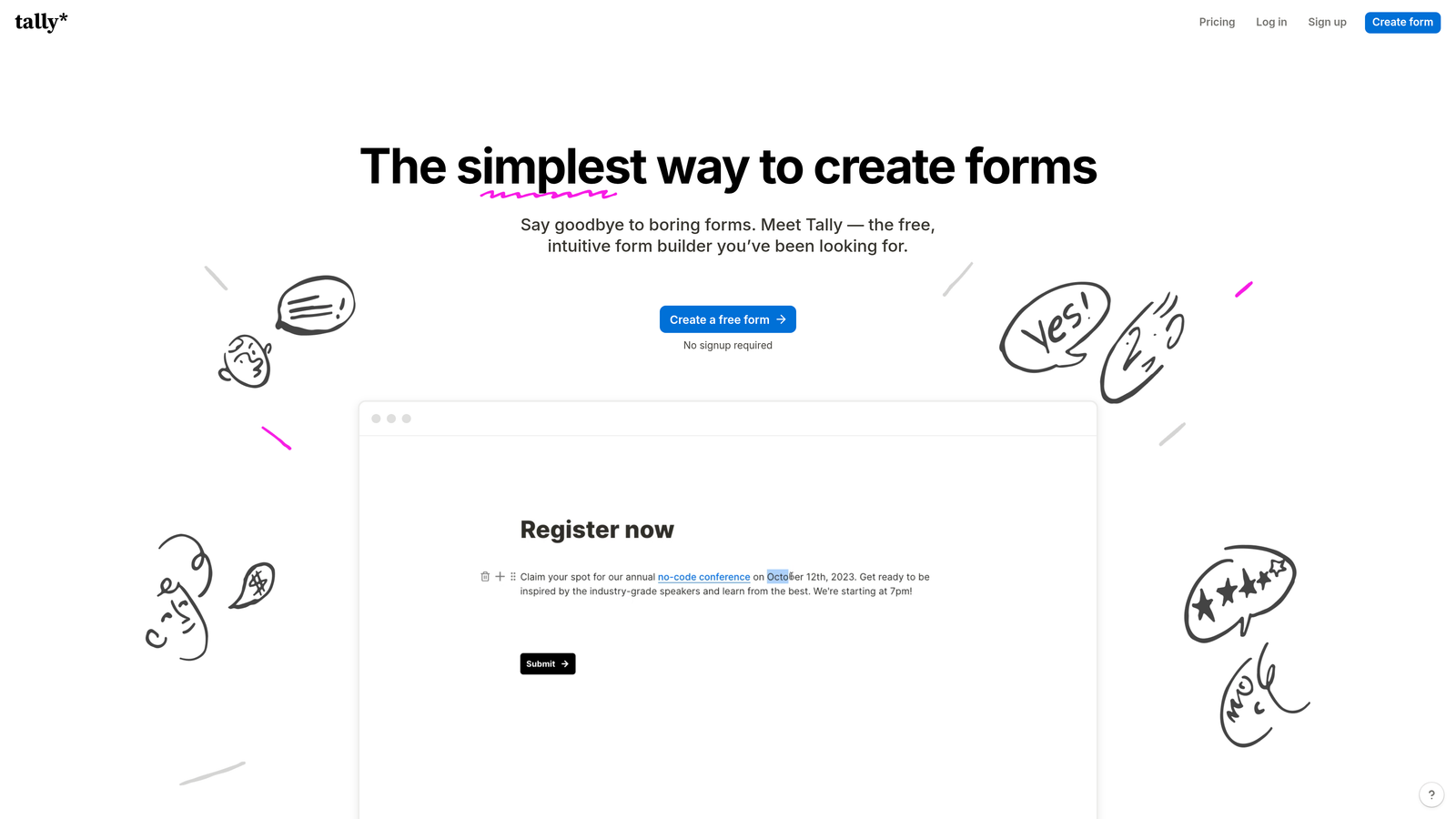
Tally is a Notion-inspired form builder with a generous free tier, clean minimal design, and no submission limits on free plans.
Where This Tool Shines
Tally's free plan is genuinely one of the most generous in the market. Unlimited forms, unlimited submissions, and no Tally branding on free-tier forms is a combination that most competitors charge for. For early-stage teams or solo operators watching their spend, this is a meaningful advantage.
The block-based editor feels familiar to anyone who uses Notion, which lowers the learning curve considerably. The UI is clean and minimal, which means forms built in Tally tend to look polished without much effort.
Key Features
Unlimited Forms and Submissions on Free Plan: No artificial limits on form volume or response count for free users.
No Branding on Free Tier: Free plan forms don't display Tally branding, which is rare in this category.
Notion-Like Block Editor: Familiar editing experience for teams already using Notion or similar tools.
Conditional Logic and Hidden Fields: Supports dynamic form behavior and pre-filled data passing.
Zapier and Native Integrations: Connects to downstream tools for data routing and automation.
Best For
Tally is ideal for early-stage startups, freelancers, and small teams who need functional, good-looking forms without a budget. It lacks some of the advanced enterprise and AI features that growth-stage teams need, but at zero cost, it's hard to argue with.
Pricing
Free plan is highly capable. Tally Pro starts around $29/month for advanced features. Verify at tally.so.
6. Paperform
Best for: Service businesses and consultants who want forms that feel like branded landing pages.
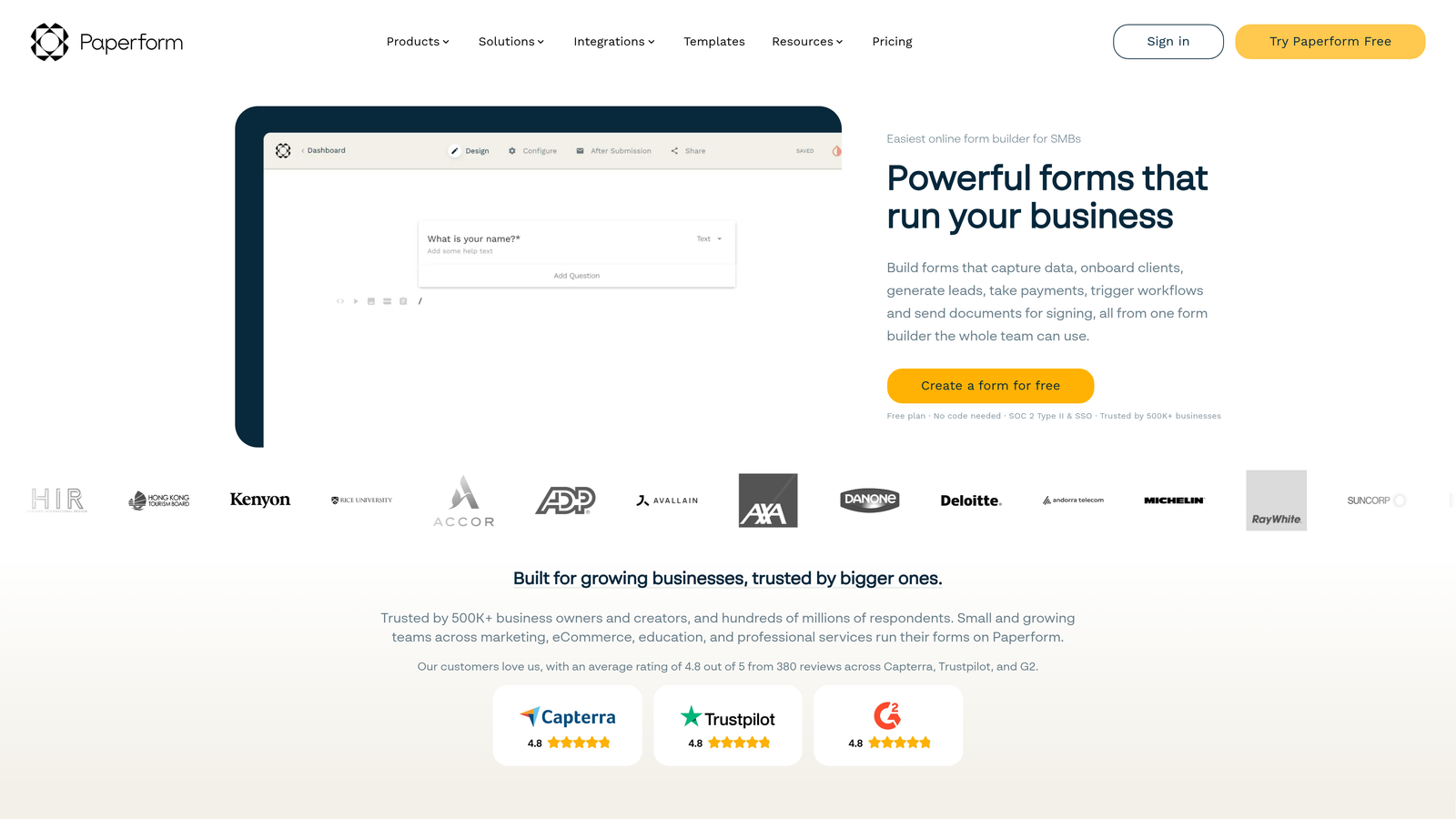
Paperform is a form builder that combines document-style content with form fields, enabling payment collection and booking flows in a single, polished interface.
Where This Tool Shines
Paperform occupies a distinct niche: forms that look and read like branded documents rather than clinical data-collection interfaces. You can mix rich text, images, and video with form fields in a way that feels natural, which makes it particularly effective for proposals, intake forms, and service bookings.
The native payment and booking functionality is well-executed. Rather than stitching together a form tool, a payment processor, and a scheduling app, Paperform handles all three in one place, which simplifies the tech stack for service-based businesses.
Key Features
Document-Style Builder: Forms look like branded landing pages with mixed content and form fields.
Native Payment Collection: Supports Stripe, PayPal, and Braintree without third-party add-ons.
Booking and Scheduling: Built-in scheduling functionality for service bookings and appointments.
Conditional Sections and Logic: Show or hide entire sections based on previous responses.
Product and Inventory Fields: Supports simple storefront functionality for digital or physical products.
Best For
Paperform suits consultants, coaches, agencies, and service businesses that want a single tool for intake, booking, and payment. It's less focused on lead qualification and pipeline optimization, making it a better fit for service delivery than B2B lead gen.
Pricing
Starts around $24/month. No free plan is available. Check paperform.co for current pricing.
7. Google Forms
Best for: Internal surveys and quick data collection within Google Workspace environments.
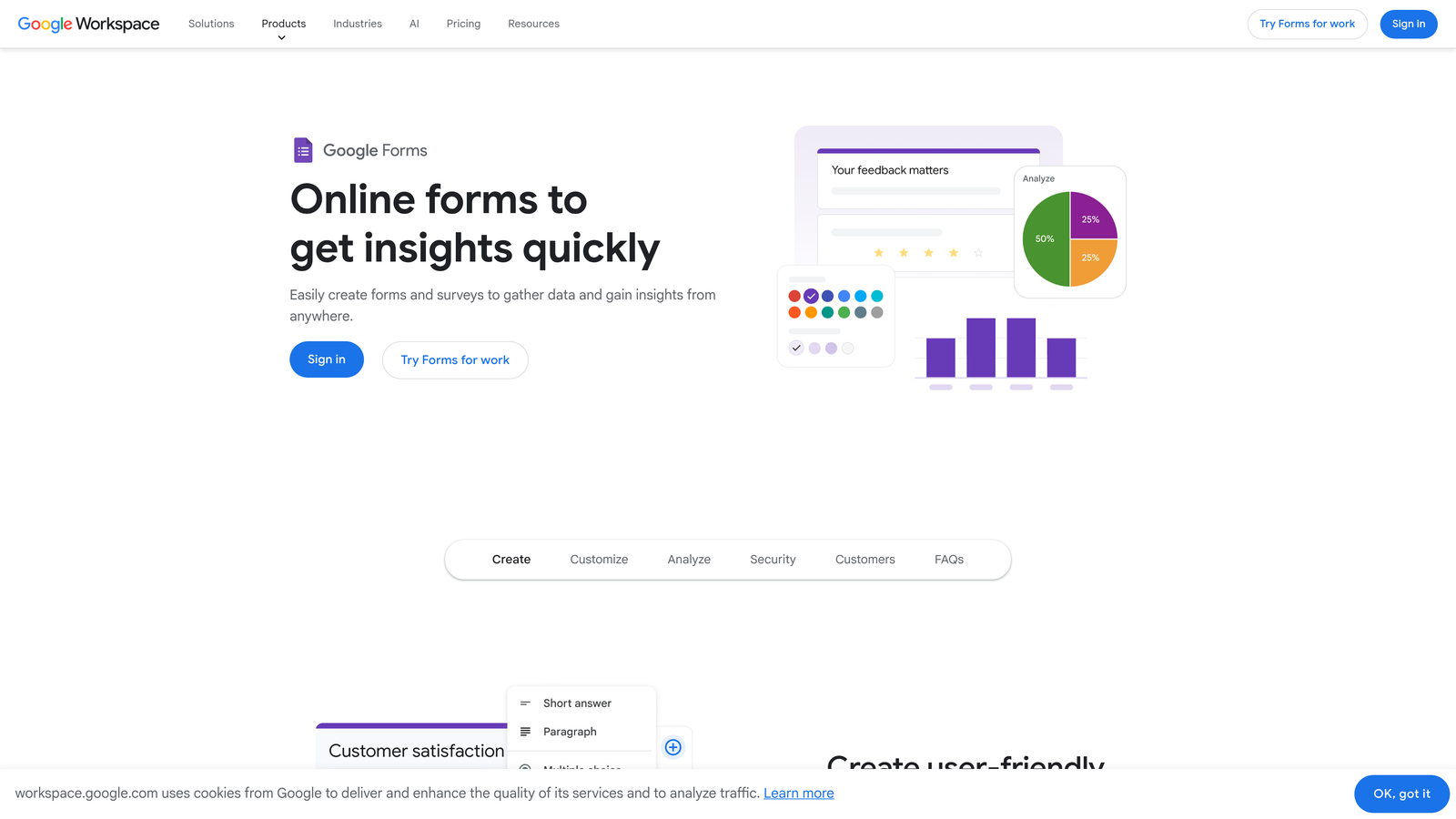
Google Forms is Google's free, no-frills form builder, best suited for simple internal use cases within organizations already using Google Workspace.
Where This Tool Shines
The value proposition is simple: it's free, it works, and responses flow directly into Google Sheets with no configuration. For internal surveys, quick team polls, or event sign-ups within a Google Workspace organization, there's genuinely nothing faster to set up.
Collaborative editing is baked in from the start, which makes it easy for multiple team members to build or review a form together. If your team already lives in Google Docs and Sheets, the workflow is frictionless.
Key Features
Completely Free: No submission limits, no paid tiers, no strings attached.
Instant Google Sheets Integration: Responses populate a connected spreadsheet automatically in real time.
Basic Branching Logic: Simple conditional routing based on multiple-choice answers.
Collaborative Editing: Multiple team members can build and edit forms simultaneously.
Zero Setup Required: Works immediately with any Google account, no installation or onboarding needed.
Best For
Google Forms is the right choice for internal use cases where speed and cost matter more than design, branding, or advanced logic. It's not suitable for customer-facing lead generation, branded experiences, or any workflow requiring payment collection or AI-driven qualification.
Pricing
Completely free with any Google account. No paid tiers.
8. Formstack
Best for: Mid-market and enterprise teams in regulated industries needing compliance and workflow automation.
Formstack is an enterprise form and workflow automation platform with compliance features designed for organizations in healthcare, legal, and financial services.
Where This Tool Shines
Formstack goes well beyond form building. It's really a workflow automation platform where forms are the starting point. Multi-step approval routing, document generation, and e-signature collection are all native capabilities, which makes it a strong fit for organizations where form submissions trigger complex internal processes.
Compliance is where Formstack genuinely differentiates. HIPAA-compliant forms, GDPR data handling, and audit trails are built into the platform rather than bolted on, which matters significantly for regulated industries where data handling requirements are non-negotiable.
Key Features
Multi-Step Approval Workflows: Routes submissions through defined approval chains before data is processed or stored.
HIPAA and GDPR Compliance: Built-in compliance features for regulated industries handling sensitive data.
Document Generation and E-Signatures: Creates documents from form data and collects legally binding signatures natively.
Advanced Field Types and Calculations: Supports complex field logic, conditional calculations, and dynamic data display.
Salesforce Native Integration: Deep, native sync with Salesforce for enterprise CRM workflows.
Best For
Formstack is built for enterprise and mid-market buyers in healthcare, legal, financial services, and other regulated sectors. It's overkill for most growth-stage SaaS teams, but for organizations where compliance and workflow complexity are real requirements, it's one of the few tools that handles both.
Pricing
Starts around $83/month. Pricing targets mid-market and enterprise buyers. Check formstack.com for current plan details.
9. Fillout
Best for: Product and ops teams building forms that write directly to Notion, Airtable, or Supabase.
Fillout is a modern form builder gaining traction for its native two-way sync with Notion, Airtable, Supabase, and other no-code databases.
Where This Tool Shines
Fillout solves a specific problem very well: getting form data into structured databases without manual exports or complex Zapier chains. Forms built in Fillout write directly to connected databases in real time, which is a meaningful workflow improvement for product teams managing structured data in Airtable or Notion.
The tool has grown quickly because it serves a genuinely underserved niche. No-code and low-code teams building internal tools or customer-facing data collection flows now have a form builder that treats their database as a first-class citizen rather than an afterthought integration.
Key Features
Native Database Integrations: Direct, real-time sync with Notion, Airtable, Supabase, and Google Sheets.
Real-Time Database Writes: Form submissions populate connected databases instantly without export steps.
Conditional Logic and Multi-Step Forms: Supports dynamic form flows and multi-page experiences.
Scheduling and Payment Collection: Built-in scheduling and payment functionality for broader use cases.
Generous Free Plan: Free tier with meaningful submission limits for getting started without cost.
Best For
Fillout is the strongest choice for product managers, operations teams, and no-code builders who use Airtable, Notion, or Supabase as their primary data layer. It's less focused on lead qualification and conversion optimization, making it better suited for structured data collection than B2B pipeline generation.
Pricing
Free plan available. Paid plans start around $15/month. Verify current pricing at fillout.com.
Which Tool Is Right for Your Team?
The right custom form creation software depends entirely on what you need your forms to do. Here's a quick way to think through it.
If lead qualification and pipeline quality are your primary concern, Orbit AI is the clear starting point. It's the only tool on this list built specifically around qualifying and routing leads at the form layer, which is where growth-focused SaaS and B2B teams need that intelligence to live.
If you're prioritizing a polished conversational experience and strong brand aesthetics, Typeform delivers reliably. For teams that need maximum template coverage and payment flexibility, Jotform covers the most ground. Already on HubSpot? HubSpot Forms is the path of least resistance. Running lean on budget? Tally's free plan is genuinely hard to beat.
For service businesses combining forms with bookings and payments, Paperform simplifies the stack. Internal surveys in a Google Workspace org? Google Forms gets it done for free. Enterprise teams in regulated industries should look closely at Formstack. And for no-code teams building on top of Airtable or Notion, Fillout fills a gap that most other tools don't address.
If you're a growth-focused team that wants forms working harder on lead qualification and conversion, transform your lead generation with AI-powered forms that qualify prospects automatically while delivering the modern experience your pipeline needs. Start building free forms today and see how intelligent form design can elevate your conversion strategy.


