

Consulting firms have a unique intake problem. You need forms that do more than collect names and emails. You need forms that qualify leads, capture project scope, schedule discovery calls, and feed cleanly into your CRM, all without looking like a generic contact widget bolted onto your website.
The wrong form builder costs you qualified leads. The right one acts like a silent front-desk associate, filtering out poor-fit prospects and giving serious clients a frictionless path to your door.
This guide covers the top form builders for consulting firms in 2026, evaluated on lead qualification capabilities, CRM integrations, conditional logic, design quality, and ease of use. Whether you run a solo strategy practice or a multi-partner firm, there's a right tool for your workflow.
1. Orbit AI
Best for: Consulting firms that want AI-powered lead qualification built directly into the intake flow.
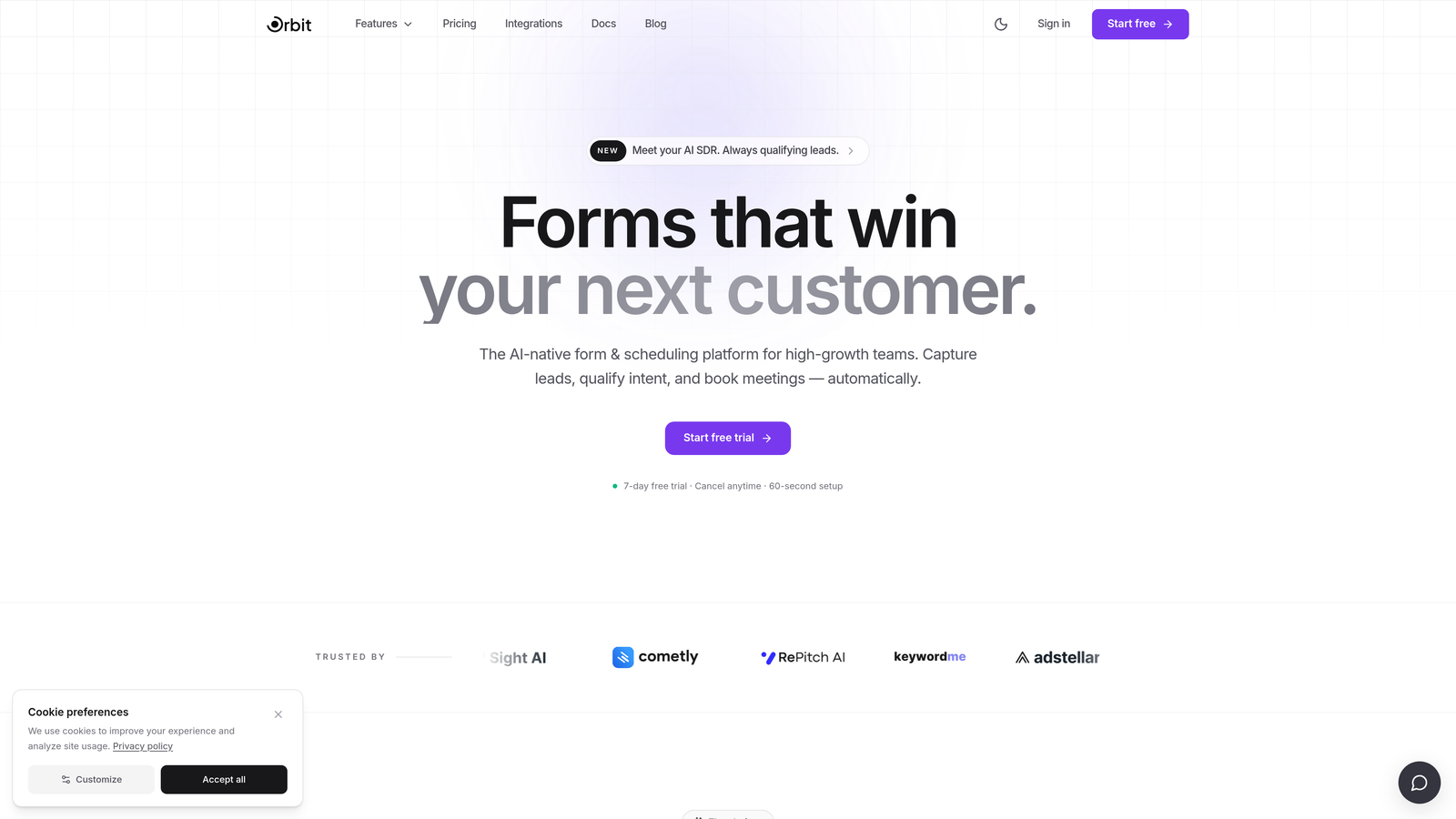
Orbit AI is an AI-powered form builder designed specifically for high-growth B2B teams who need more than a data collection widget.
Where This Tool Shines
Most form builders leave lead qualification as an afterthought, something you handle manually after submissions land in your inbox. Orbit AI flips that model. The AI scoring runs inside the form itself, so by the time a prospect hits submit, you already know whether they're worth a discovery call.
For consulting firms that live and die by pipeline quality, this is a meaningful distinction. Instead of reviewing 40 submissions to find 3 qualified prospects, your intake form does the filtering automatically. Conditional logic routes prospects based on budget, project type, or company size, so every path through the form feels tailored rather than generic.
Key Features
AI-Powered Lead Scoring: Lead qualification is built into the form flow, with no manual tagging or post-submission scoring required.
Conditional Logic Routing: Route prospects down different paths based on budget range, company size, or project type for a personalized intake experience.
Conversion-Optimized Design: Modern, polished form templates designed to reduce abandonment on longer intake and scoping forms.
CRM Integrations: Seamless handoff to sales pipelines so qualified leads move directly into your CRM without manual data entry.
B2B Intake Templates: Purpose-built flows for discovery calls, project scoping, and service qualification, not generic contact forms repurposed for consulting.
Best For
Consulting firms and high-growth B2B teams that want to automate lead qualification at the top of the funnel. Particularly valuable for firms that receive high inquiry volume and need to prioritize follow-up without reviewing every submission manually.
Pricing
Check orbitforms.ai for current pricing and free trial options. A free trial is available to get started.
2. Typeform
Best for: Brand-conscious consulting firms that want a polished, conversational intake experience.
Typeform is a conversational form builder known for its one-question-at-a-time format that significantly reduces drop-off on longer intake forms.

Where This Tool Shines
Typeform's UX philosophy is built around reducing cognitive load. By presenting one question at a time, it mimics a real conversation rather than presenting a wall of fields. For consulting intake forms that ask about budget, timelines, and project complexity, this approach keeps prospects engaged through longer flows.
The design quality is genuinely excellent out of the box. Custom themes, brand colors, and clean typography mean your intake form looks like an extension of your website rather than an afterthought. Logic Jumps allow you to branch the conversation based on answers, so a prospect who selects "under $10K budget" never sees your enterprise service options.
Key Features
Conversational Format: One-question-at-a-time UX reduces friction and abandonment on multi-step intake forms.
Logic Jumps: Conditional routing based on responses allows personalized paths through your intake flow.
Native CRM Integrations: Direct connections to HubSpot, Salesforce, Slack, and Zapier for automated lead handoff.
Branded Design: Custom themes, fonts, and colors let you match your firm's visual identity precisely.
Rich Media Support: Embed video and images within questions to add context or explain complex service options.
Best For
Consulting firms with strong brand identities who want their intake experience to feel premium. Also well-suited for firms running longer qualification flows where abandonment is a concern.
Pricing
Free tier available. Paid plans start at approximately $25/month. Verify current pricing at typeform.com.
3. Jotform
Best for: Firms with complex, multi-field intake requirements and a need for deep integration coverage.
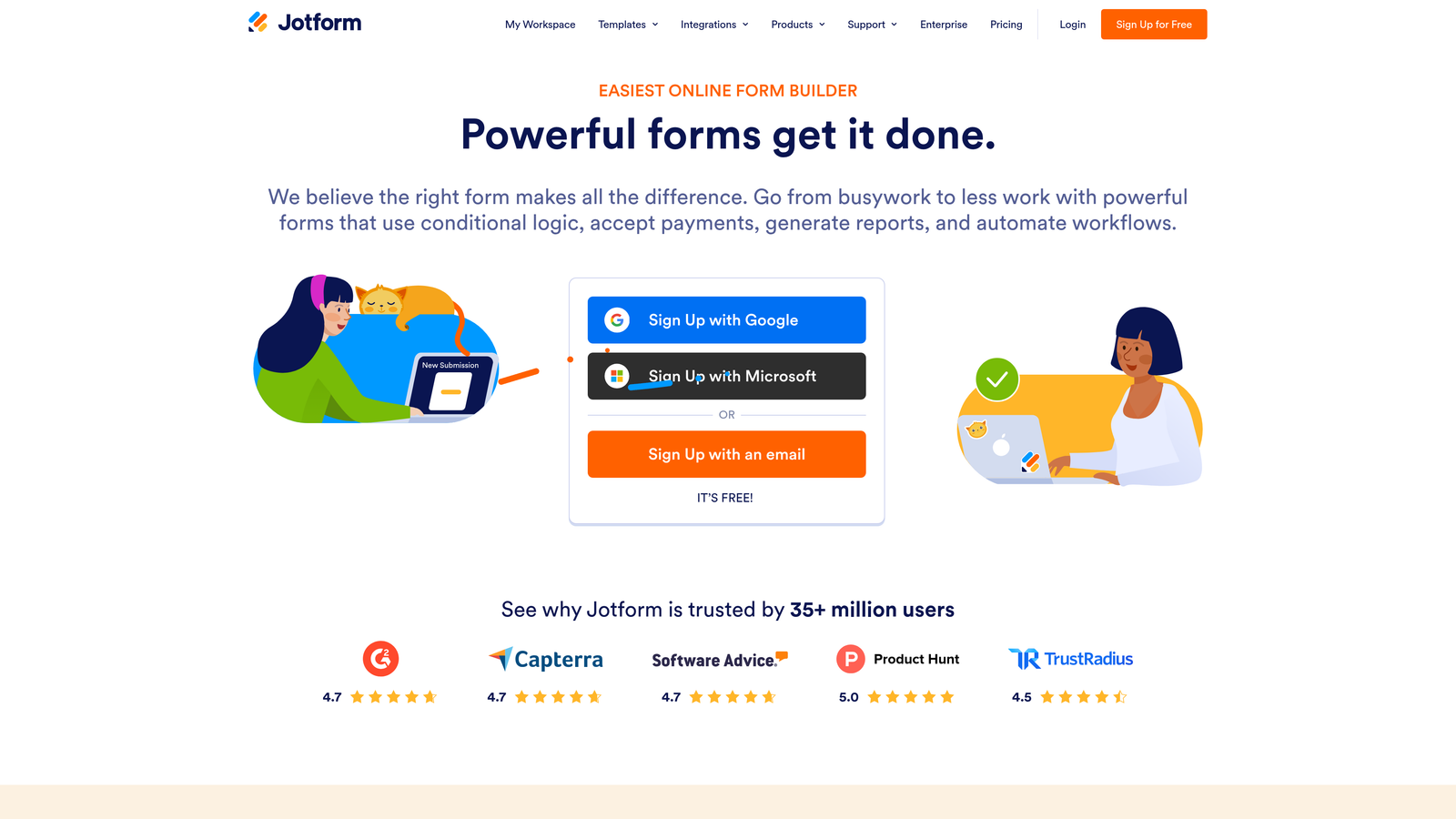
Jotform is a feature-rich form builder with advanced conditional logic, 150+ native integrations, and one of the largest template libraries in the category.
Where This Tool Shines
Jotform is the power user's choice. If your intake form needs repeating sections, file uploads for RFPs, multi-branch conditional logic, and a direct Salesforce sync, Jotform handles all of it without requiring workarounds. The depth of functionality is hard to match at this price point.
For healthcare consulting or any regulated practice, the HIPAA-compliant tier removes a significant compliance headache. The template library includes professional services and consulting-specific options, which shortens setup time considerably for firms that don't want to build from scratch.
Key Features
Advanced Conditional Logic: Multi-branch intake flows that route prospects based on any combination of responses.
150+ Native Integrations: Direct connections to Salesforce, HubSpot, Google Sheets, and dozens of other tools without requiring Zapier.
HIPAA-Compliant Tier: Available for healthcare consulting and other regulated verticals that require data privacy controls.
File Upload Fields: Accept RFP documents, creative briefs, and supporting materials directly within the intake form.
Professional Templates: Large library with templates designed for professional services use cases.
Best For
Mid-size to large consulting firms with complex intake requirements, regulated industry clients, or teams that need broad integration coverage without custom development.
Pricing
Free tier available. Paid plans start at approximately $34/month. Verify current pricing at jotform.com.
4. HubSpot Forms
Best for: Consulting firms already running HubSpot as their CRM backbone.
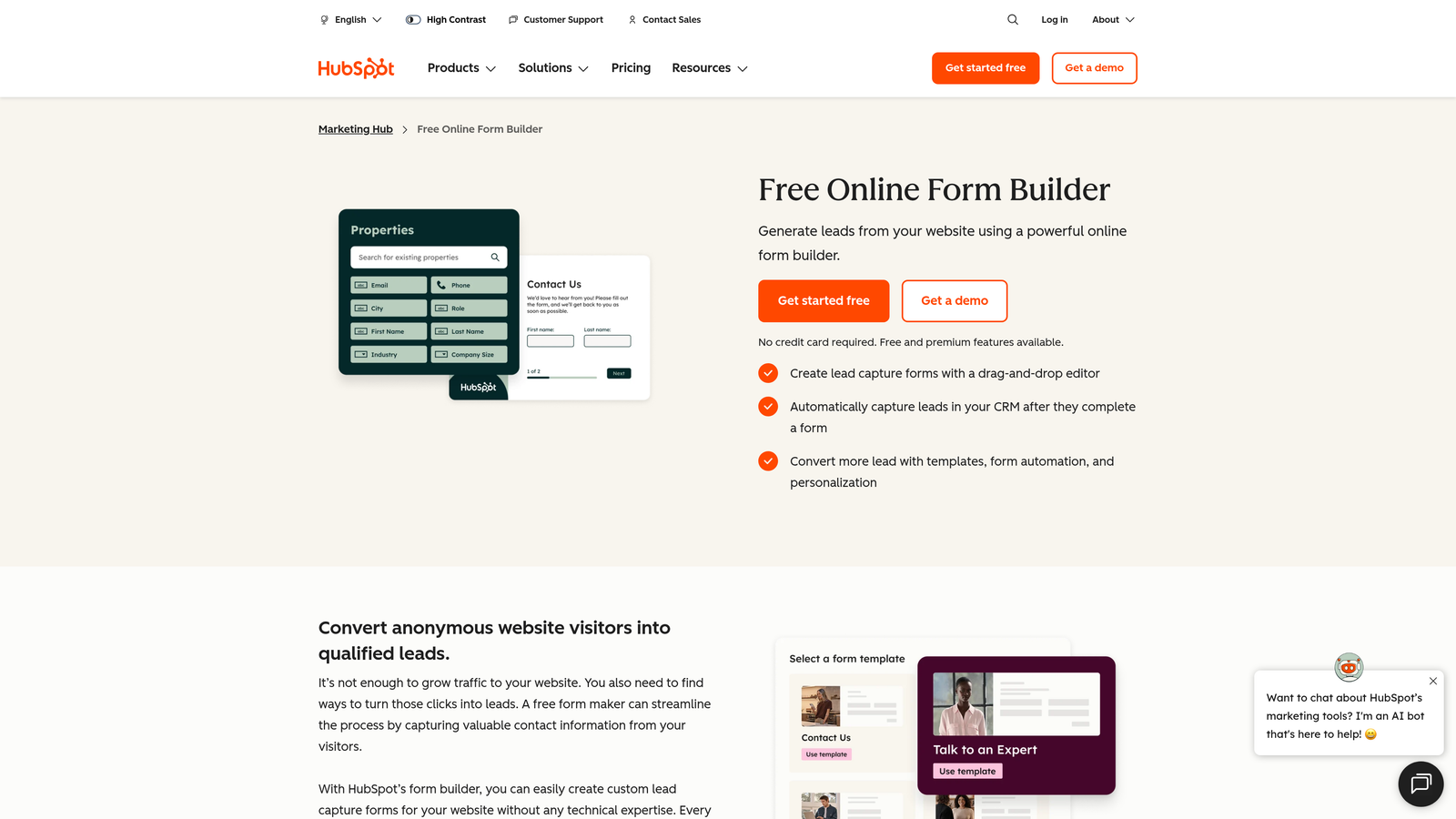
HubSpot Forms is the native form tool within HubSpot's platform, offering zero-friction CRM sync for firms already invested in that ecosystem.
Where This Tool Shines
If your firm lives in HubSpot, this is the path of least resistance. Every form submission maps directly to a contact record, deal, or workflow without any integration setup. There's no Zapier layer to maintain, no field mapping to troubleshoot, and no sync delays. It just works.
Progressive profiling is a genuinely useful feature for consulting firms with returning prospects. Instead of asking the same questions twice, HubSpot Forms detects what information you already have and surfaces new fields to fill gaps. Over multiple touchpoints, you build a richer picture of each prospect without creating a friction-heavy first impression.
Key Features
Native CRM Sync: Instant, automatic sync with HubSpot contacts, deals, and workflows with no integration required.
Progressive Profiling: Show different fields to returning visitors to collect new information without repeating questions.
Lead Enrichment: Automatic contact enrichment using HubSpot's database to fill in company details from an email address.
Flexible Embedding: Embed on your website, landing pages, or within email campaigns with a simple code snippet.
Free Entry Point: Fully functional with HubSpot's free CRM tier, making it accessible for smaller practices.
Best For
Consulting firms already using HubSpot for CRM, email, or marketing automation. Less compelling if you're on Salesforce, Pipedrive, or another CRM platform.
Pricing
Free with HubSpot CRM. Advanced features are included in Marketing Hub paid tiers. Verify current pricing at hubspot.com.
5. Tally
Best for: Solo consultants and small practices that want clean, professional forms without a steep learning curve.
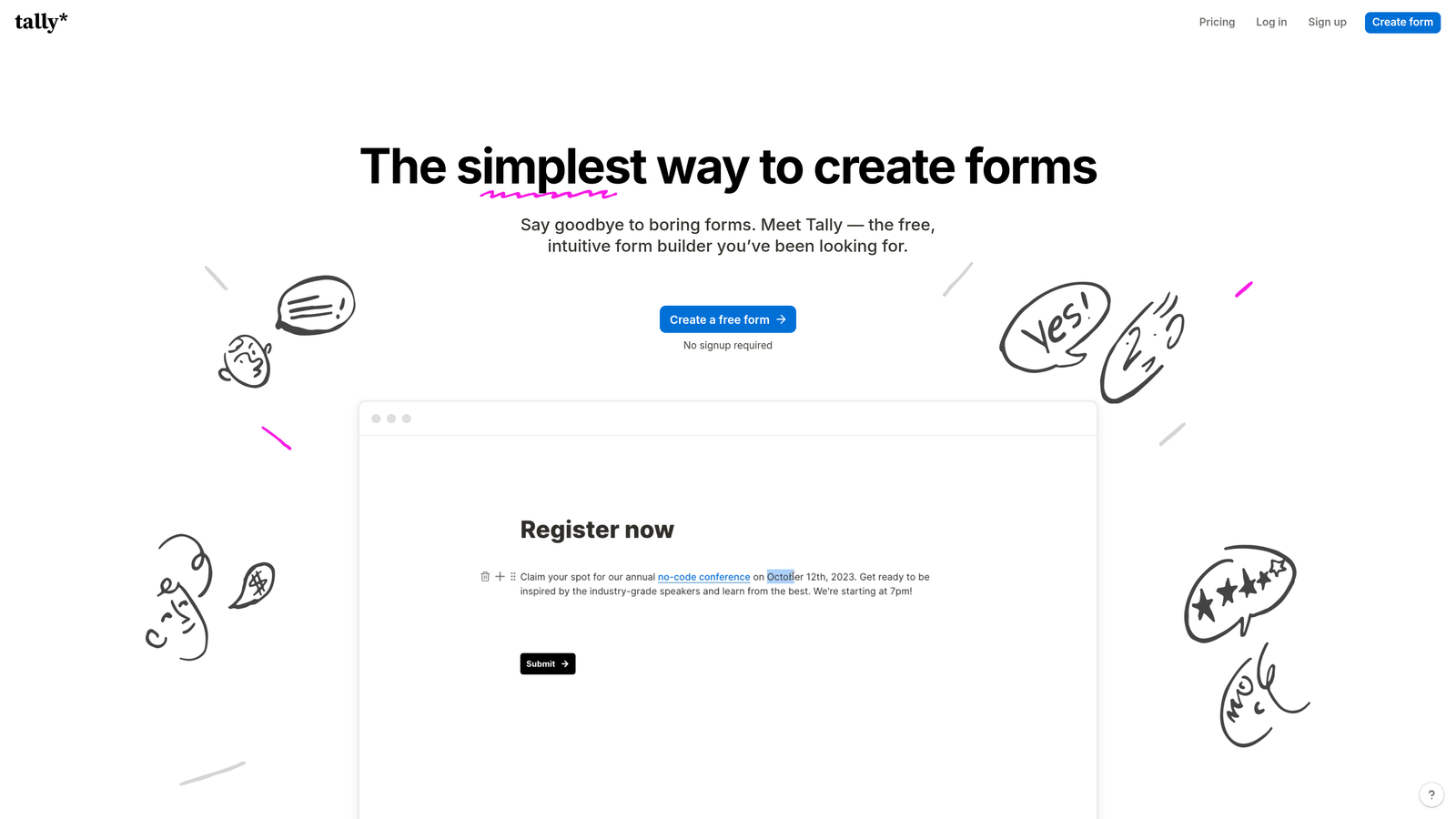
Tally is a minimalist, Notion-inspired form builder with a generous free tier and a block-based editor that feels immediately familiar.
Where This Tool Shines
Tally's appeal is its simplicity. If you've used Notion, you can build a Tally form in minutes. The block editor removes the complexity of traditional form builders without sacrificing the features that matter most: conditional logic, hidden fields, and Zapier integration for connecting to your broader workflow.
The free tier is unusually generous. Unlimited forms and unlimited responses means a solo consultant or small boutique can run their entire intake operation without paying anything. The design is clean and minimal by default, which reads as professional without requiring any custom styling work.
Key Features
Notion-Style Block Editor: Familiar drag-and-drop interface with no learning curve for teams already using Notion.
Unlimited Free Tier: Unlimited forms and responses on the free plan, with no submission caps.
Conditional Logic: Branch your form based on responses with hidden fields supported for tracking source or campaign data.
Automation Integrations: Connect to Zapier and Make to route submissions into your CRM, calendar, or notification tools.
Clean Default Design: Minimal aesthetic looks polished without any custom styling required.
Best For
Solo consultants, freelancers, and small practices with straightforward intake needs and limited budget. Less suited for firms that need built-in lead scoring or enterprise CRM integrations.
Pricing
Free tier available with unlimited forms and responses. Tally Pro starts at approximately $29/month. Verify current pricing at tally.so.
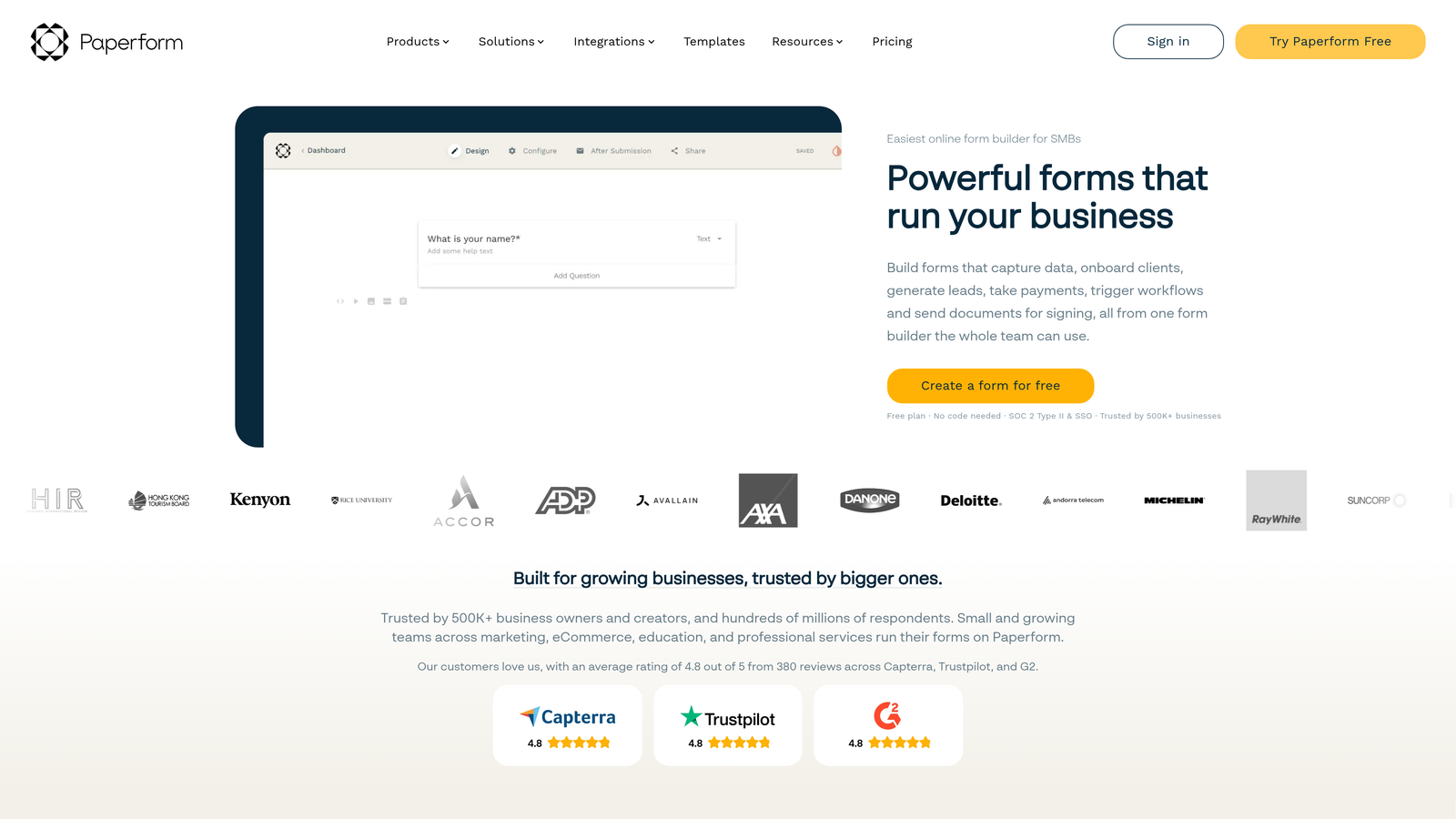
6. Paperform
Best for: Consulting firms that want to combine intake forms with project scoping calculators or pricing estimators.
Paperform is a flexible form builder that blends intake forms, landing page design, and calculation fields into a single tool.
Where This Tool Shines
Paperform occupies a unique niche: it's part form builder, part landing page tool, and part calculator. For consulting firms that want to offer a project scoping form that also generates a rough pricing estimate, this combination is genuinely useful and hard to replicate with other tools without custom development.
The freeform layout lets you mix explanatory text, images, and form fields on a single page, which works well for longer scoping questionnaires where context matters. Rather than presenting a cold list of fields, you can walk a prospect through your thinking and collect structured data at the same time.
Key Features
Calculation Fields: Build project scoping forms that calculate estimates, scores, or totals based on prospect inputs.
Freeform Layout: Combine text, images, and form fields freely on one page for a richer intake experience.
Conditional Logic: Show or hide sections based on previous answers to keep the form relevant at every step.
Payment Collection: Accept deposits or service fees via Stripe and PayPal directly within the form.
Broad Integration Support: Connect to 2,000+ apps via Zapier for flexible workflow automation.
Best For
Consulting firms that want to combine intake with pricing or scoping logic, or those who want their form to function as a mini landing page rather than a standalone widget.
Pricing
Starts at approximately $24/month. No permanent free tier. Verify current pricing at paperform.co.
7. Cognito Forms
Best for: Consulting firms with complex, data-heavy intake requirements or clients in regulated industries.
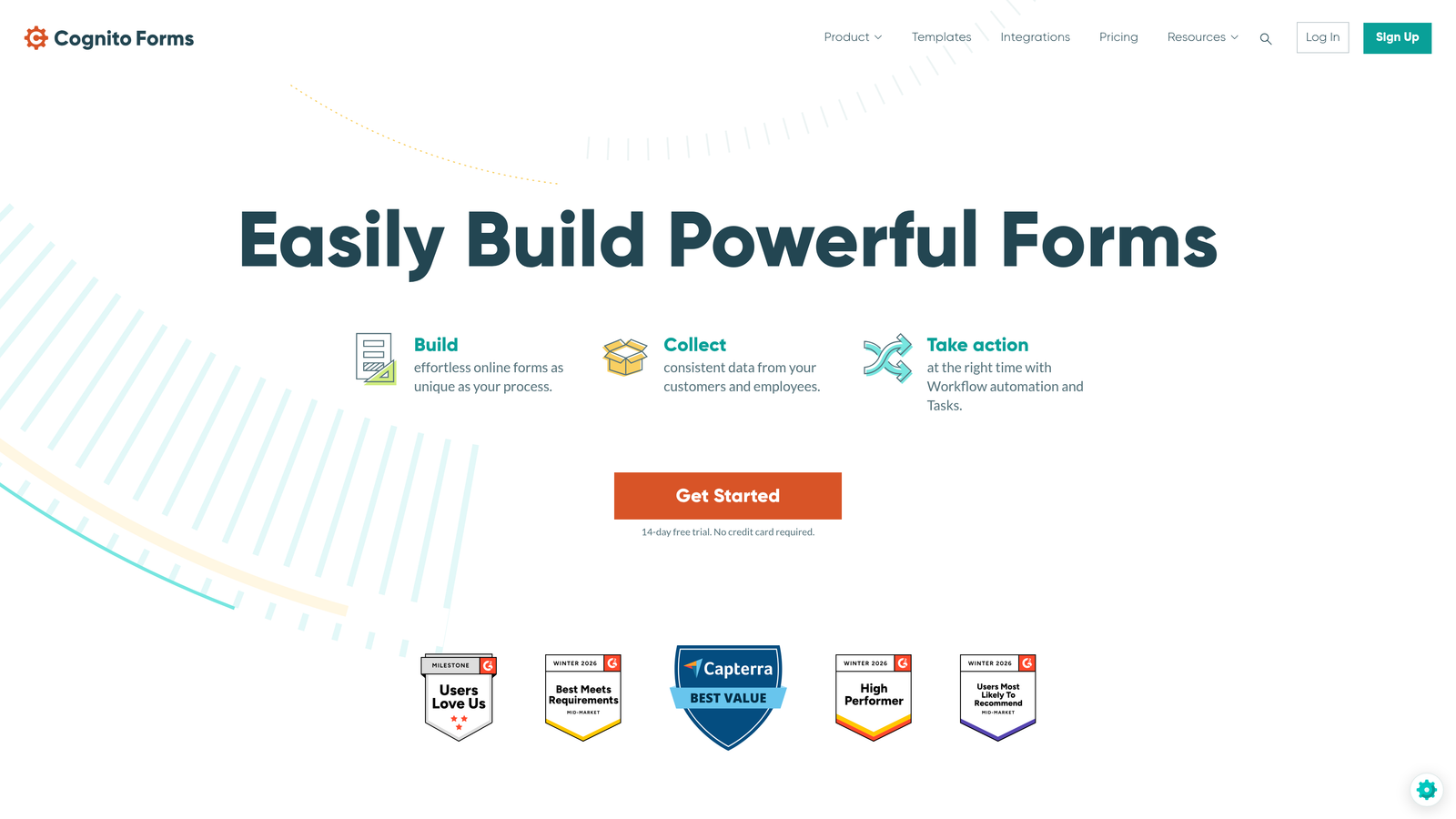
Cognito Forms is a powerful form builder specializing in complex, structured data collection with repeating sections and calculated fields.
Where This Tool Shines
Cognito Forms is built for situations where other form builders start to break down. Repeating sections let you collect variable-length data, useful when a prospect needs to describe multiple projects, list several stakeholders, or document different service requirements in a single submission.
The entry management dashboard is a practical feature that's easy to overlook. Rather than routing everything to a spreadsheet or CRM immediately, you can review, filter, and manage submissions directly within Cognito Forms. For smaller firms without a full CRM setup, this provides a workable middle ground.
Key Features
Repeating Sections: Collect dynamic, variable-length data where the number of entries isn't fixed in advance.
Calculated Fields: Automatically compute totals, scores, or conditional values based on form inputs.
Entry Management Dashboard: Review, filter, and manage submissions directly within the platform without exporting to a spreadsheet.
HIPAA-Compliant Options: Available for healthcare consulting and other regulated practices.
Conditional Visibility: Show or hide fields and sections based on any combination of prior responses.
Best For
Consulting firms in regulated industries, firms with complex multi-variable intake requirements, or practices that want a built-in submission management layer without immediately routing everything to a CRM.
Pricing
Free tier available. Paid plans start at approximately $15/month. Verify current pricing at cognitoforms.com.
8. Formstack
Best for: Large consulting firms that need forms, document generation, and multi-step approval workflows under one roof.
Formstack is an enterprise-grade platform that combines form building with document generation and workflow automation for complex consulting operations.
Where This Tool Shines
Formstack is built for scale and complexity. Where other tools stop at collecting data, Formstack continues into document generation, automatically producing contracts, proposals, and statements of work from form submissions. For consulting firms that move from intake to contract quickly, this end-to-end capability eliminates a significant amount of manual document preparation.
The multi-step approval workflow layer is equally valuable for larger firms. A submission can trigger a review chain, with different team members approving or escalating based on the data collected. Combined with Salesforce native integration and enterprise SSO, Formstack fits naturally into mature consulting operations with established process requirements.
Key Features
Multi-Step Approval Workflows: Route submissions through internal review and approval chains based on form data.
Document Generation: Automatically produce contracts, proposals, and SOWs from form submission data.
Compliance Coverage: HIPAA and GDPR compliance for regulated consulting verticals.
Salesforce Native Integration: Deep field mapping and native sync with Salesforce CRM.
Enterprise Security: SSO support and audit logging for firms with IT governance requirements.
Best For
Large or enterprise consulting firms with multi-step intake processes, document generation needs, and established compliance requirements. The price point makes it less suitable for solo practitioners or small boutiques.
Pricing
Starts at approximately $83/month. Enterprise pricing available. Verify current pricing at formstack.com.
9. Google Forms
Best for: Internal data collection, bootstrapped solo practices, or situations where zero budget is the hard constraint.
Google Forms is a free, no-frills form builder fully integrated with Google Workspace, best suited for internal use rather than client-facing intake.
Where This Tool Shines
Google Forms does exactly what it promises: collect responses, dump them into a Google Sheet, and cost nothing. For internal knowledge capture, team surveys, or quick project feedback forms, it's completely adequate. The zero setup time and universal familiarity mean anyone on your team can build and deploy a form in under five minutes.
The honest caveat for consulting firms is that Google Forms isn't built for client-facing intake. There's no branding customization, no lead scoring, and no native CRM integration. It works well as a backstage tool, but it's not the form you want representing your firm to a prospective client evaluating whether to trust you with a six-figure engagement.
Key Features
Completely Free: No cost with any Google account, with no submission limits or feature paywalls.
Google Sheets Integration: Automatic response collection in a connected spreadsheet for easy analysis.
Basic Conditional Logic: Section branching based on multiple-choice responses covers simple routing needs.
Universal Sharing: Share via link, embed on a page, or send directly from Gmail with no technical setup.
Google Workspace Ecosystem: Native connection to Drive, Sheets, and Calendar for firms already working in Google's suite.
Best For
Solo consultants in early stages, internal team processes, or any scenario where budget is zero and brand presentation isn't a priority. Not recommended as the primary client-facing intake tool for established consulting firms.
Pricing
Free with any Google account. Google Workspace plans start at approximately $6/user/month. Verify current pricing at forms.google.com.
Which Form Builder Is Right for Your Consulting Firm?
The right choice comes down to where you are in your growth trajectory and what your intake process actually needs to do.
If lead qualification is your primary bottleneck, and you want AI to do the filtering before a submission ever reaches your inbox, Orbit AI is built precisely for that. The combination of AI-powered scoring, conditional routing, and conversion-optimized design makes it the strongest choice for high-growth consulting teams focused on pipeline quality over volume.
If you're already running HubSpot as your CRM, HubSpot Forms eliminates integration complexity entirely. If you need enterprise document generation alongside forms, Formstack is the logical fit. If you're a solo consultant watching every dollar, Tally's free tier delivers a clean, professional experience without any cost.
For firms that want the conversational intake experience with strong brand control, Typeform remains a reliable choice. And for complex, data-heavy intake with regulated industry compliance, Jotform or Cognito Forms offer the depth you need.
The pattern here is clear: the more your firm depends on qualifying the right clients at the door, the more you benefit from a tool built around that specific outcome. Generic form builders optimize for data collection. The best form builders for consulting firms optimize for lead quality.
Transform your lead generation with AI-powered forms that qualify prospects automatically while delivering the modern, conversion-optimized experience your high-growth team needs. Start building free forms today and see how intelligent form design can elevate your conversion strategy.


