

Gravity Forms has been a WordPress institution for over a decade, but "reliable" and "modern" aren't always the same thing. High-growth teams today need form tools that go beyond data collection: they need AI-powered lead qualification, seamless CRM sync, beautiful design out of the box, and a SaaS architecture that doesn't require plugin maintenance cycles. Gravity Forms, for all its strengths, was built for a different era of the web.
Whether you're running a B2B SaaS product, a demand gen operation, or a conversion-focused agency, the alternatives have caught up and in many cases surpassed it. This list covers the best modern alternatives evaluated on form design quality, lead qualification capabilities, integrations, and pricing. We've included cloud-native platforms, WordPress-native options, and AI-powered tools so you can find the right fit regardless of your stack.
1. Orbit AI
Best for: High-growth SaaS and marketing teams that need AI-powered lead qualification built directly into their forms.
Orbit AI is a cloud-native form builder with native AI lead qualification and scoring, designed specifically for conversion-focused B2B and SaaS teams.

Where This Tool Shines
Most form builders collect data and hand it off to another tool for qualification. Orbit AI collapses that workflow by scoring and routing leads based on form responses directly within the platform. You don't need a separate CRM scoring layer or a complex Zapier chain to figure out which submissions are worth pursuing.
The design experience is genuinely modern: a clean, intuitive builder that produces forms that look conversion-optimized by default, not as an afterthought. For teams tired of wrestling with WordPress plugins and annual license renewals, the cloud-native architecture alone is a meaningful upgrade.
Key Features
AI Lead Qualification: Automatically scores and routes leads based on form responses, removing the need for a separate CRM scoring tool.
Conversion-Optimized Builder: Modern, intuitive form design interface built to maximize completion rates from the ground up.
No WordPress Dependency: Fully cloud-native, so there's no plugin maintenance, compatibility issues, or hosting constraints to manage.
Built-In Lead Logic: Conditional routing and qualification logic without requiring a separate automation platform for basic workflows.
B2B SaaS-Ready: Purpose-built for demand gen and high-growth lead capture workflows, not generic form collection.
Best For
SaaS companies, B2B marketing teams, and demand gen leads who want AI-powered lead qualification without stitching together multiple tools. Particularly strong for teams that have outgrown plugin-based form solutions and want a purpose-built platform.
Pricing
Check orbitforms.ai for current plans and pricing details.
2. Typeform
Best for: Teams that want conversational, high-engagement forms for lead generation and surveys.
Typeform is a conversational form builder known for its one-question-at-a-time format that keeps respondents engaged through the entire form experience.

Where This Tool Shines
Typeform's signature UX is its biggest differentiator: instead of presenting a wall of fields, it walks respondents through questions one at a time. This approach tends to feel less like filling out a form and more like a conversation, which can meaningfully improve completion rates on longer lead gen and survey forms.
The integration ecosystem is mature, with native connections to HubSpot, Salesforce, Zapier, and Slack. If your team relies on these tools, Typeform slots in cleanly without heavy configuration.
Key Features
Conversational Format: One-question-at-a-time UI reduces friction and improves respondent engagement throughout the form.
Logic Jumps: Conditional branching lets you tailor the form path based on how respondents answer earlier questions.
Native Integrations: Direct connections with HubSpot, Salesforce, Zapier, and Slack for streamlined data flow.
Rich Media Support: Embed video and images within form questions to create more engaging experiences.
Drop-Off Analytics: Built-in analytics dashboard shows where respondents abandon the form so you can optimize.
Best For
Marketing teams focused on lead generation surveys, product feedback, and customer research where engagement and completion rate matter more than complex backend logic. Less ideal for teams needing advanced WordPress embedding or heavy workflow automation.
Pricing
Free plan available; paid plans start around $25/month. Verify current pricing at typeform.com.
3. Tally
Best for: Teams and individuals who want a powerful, free-first form builder with no response limits.
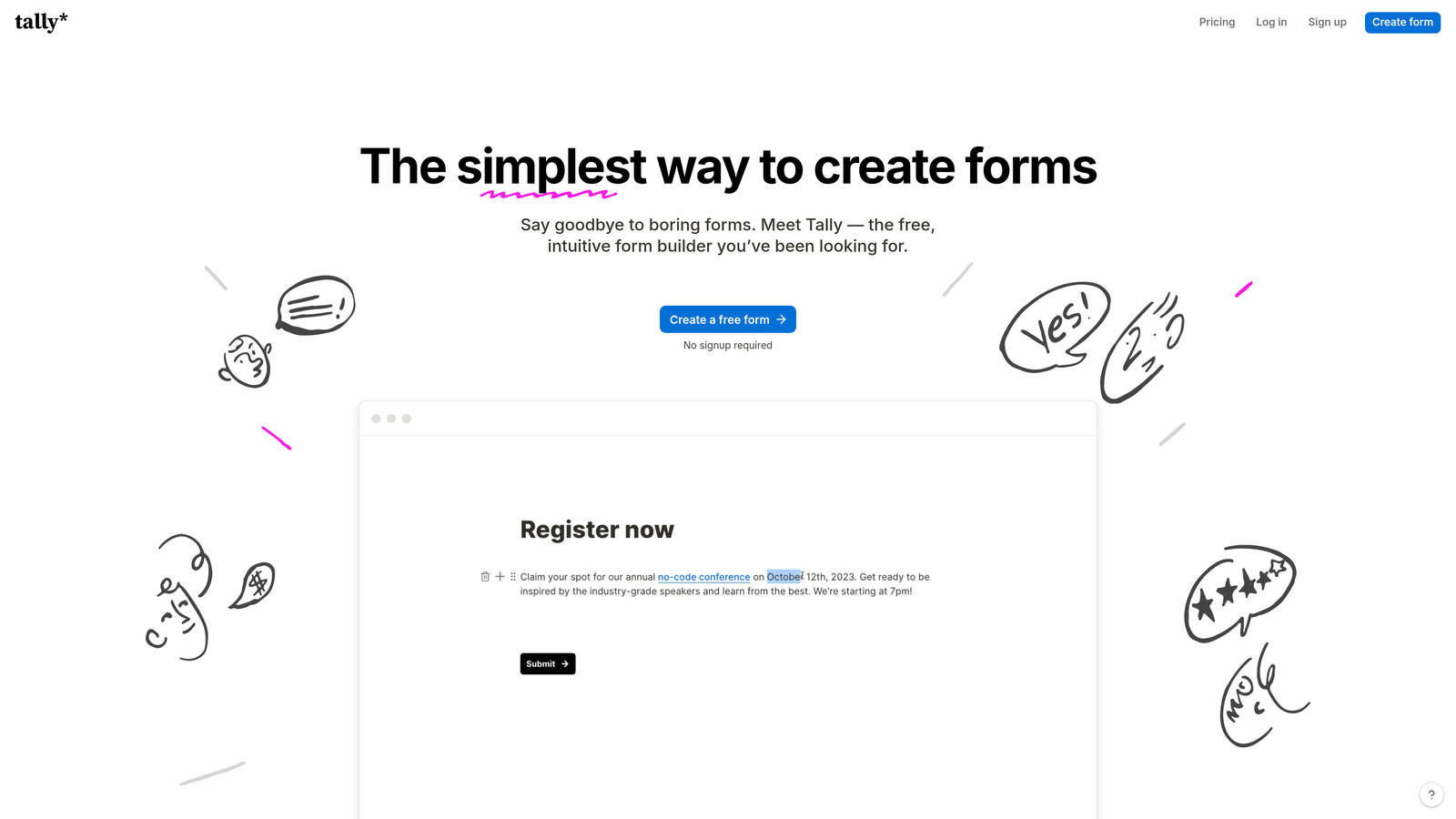
Tally is a Notion-inspired block editor form builder that offers unlimited responses on its free plan, making it one of the most generous options in the market.
Where This Tool Shines
The free plan is genuinely useful, not a stripped-down teaser. Unlimited responses, conditional logic, file uploads, and payment collection via Stripe are all available without paying a cent. For early-stage teams or those running occasional campaigns, this is hard to beat.
The block editor feels familiar to anyone who uses Notion, which means the learning curve is nearly flat. Building a multi-step form with conditional logic takes minutes, not hours, and the output looks clean and modern without requiring design work.
Key Features
Unlimited Free Responses: No submission caps on the free plan, which sets Tally apart from most competitors at this price point.
Notion-Style Editor: Block-based building interface that's fast, intuitive, and familiar to modern teams.
Conditional Logic: Multi-step forms with branching logic available on both free and paid plans.
Stripe Payments: Collect payments directly through forms without needing a separate payment tool.
Embed Flexibility: Works anywhere on the web, not just WordPress, with clean embed options.
Best For
Startups, freelancers, and small teams that need a capable form tool without the budget for paid plans. Also strong for teams already living in Notion who want a form builder that matches that workflow aesthetic. Less suited for teams needing advanced lead scoring or reporting.
Pricing
Free plan with no response limits; Tally Pro available for advanced features. Verify current pricing at tally.so.
4. Jotform
Best for: Enterprise teams and regulated industries needing feature depth, compliance, and template variety.
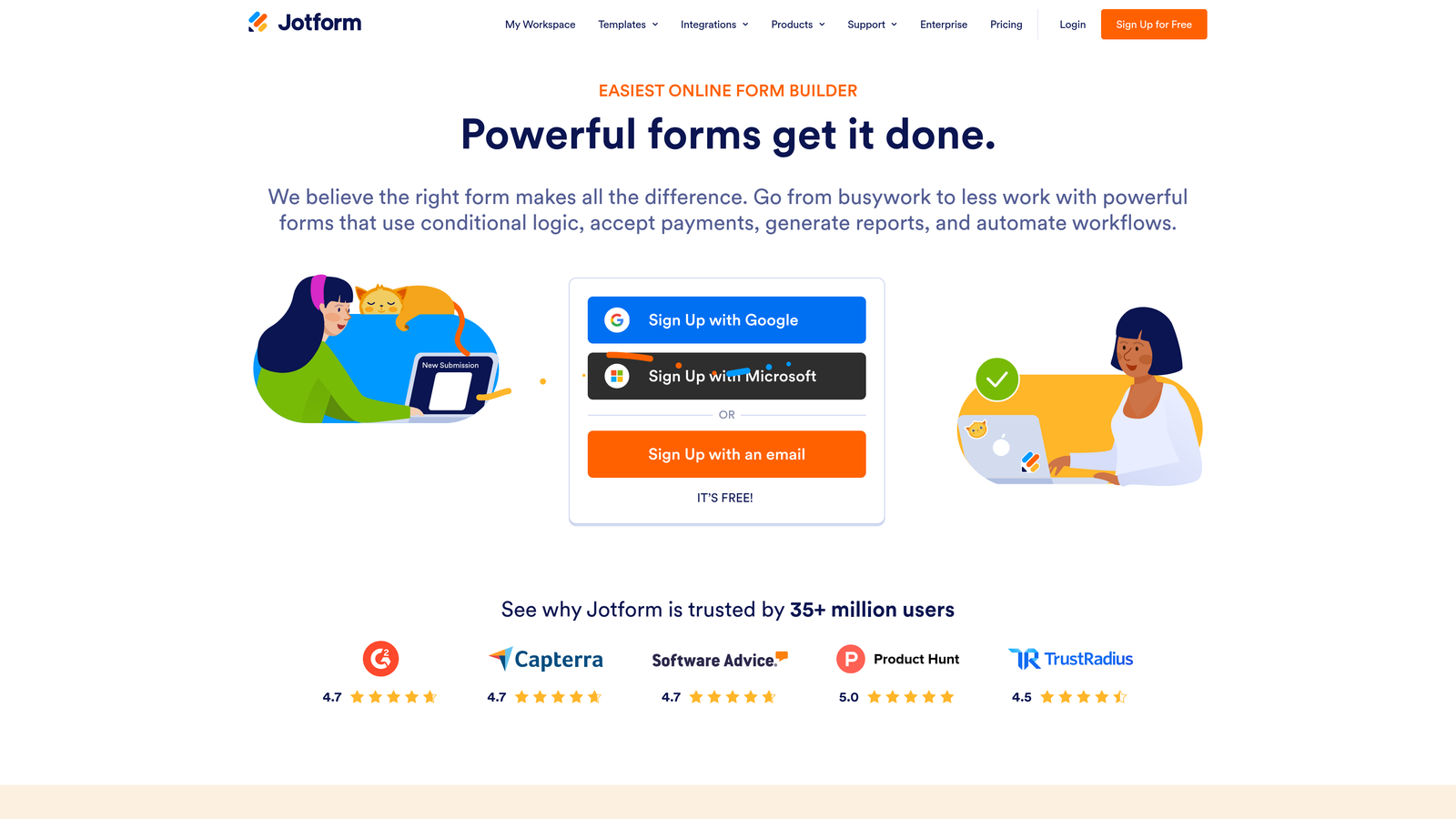
Jotform is one of the most feature-rich form builders available, with over 10,000 templates, approval workflows, HIPAA compliance, and a broad integration library.
Where This Tool Shines
When raw capability is the priority, Jotform delivers. The template library alone covers nearly every conceivable use case, from healthcare intake forms to event registrations to payment collection. Multi-step approval workflows let teams route submissions through review processes without building custom automations.
The HIPAA-compliant option makes Jotform one of the few form builders genuinely suited for healthcare organizations collecting sensitive patient information. That compliance layer, combined with offline mobile form support, gives it strong enterprise credibility.
Key Features
10,000+ Templates: Extensive template library covering virtually every industry and use case.
Approval Workflows: Multi-step review and approval routing built directly into the platform.
HIPAA Compliance: Available compliance options for healthcare teams handling protected health information.
Offline Forms: Mobile app supports form submission without an internet connection, syncing when reconnected.
Integration Library: Connects with Salesforce, Google Sheets, PayPal, and hundreds of other tools.
Best For
Healthcare, education, operations, and enterprise teams that need compliance features, deep template variety, and complex approval workflows. The interface can feel less polished than newer tools, and pricing scales up for high-volume users, so it's best evaluated against your specific volume needs.
Pricing
Free plan available; paid plans start around $34/month. Verify current pricing at jotform.com.
5. HubSpot Forms
Best for: Teams already running on HubSpot who want zero-friction form-to-CRM data flow.
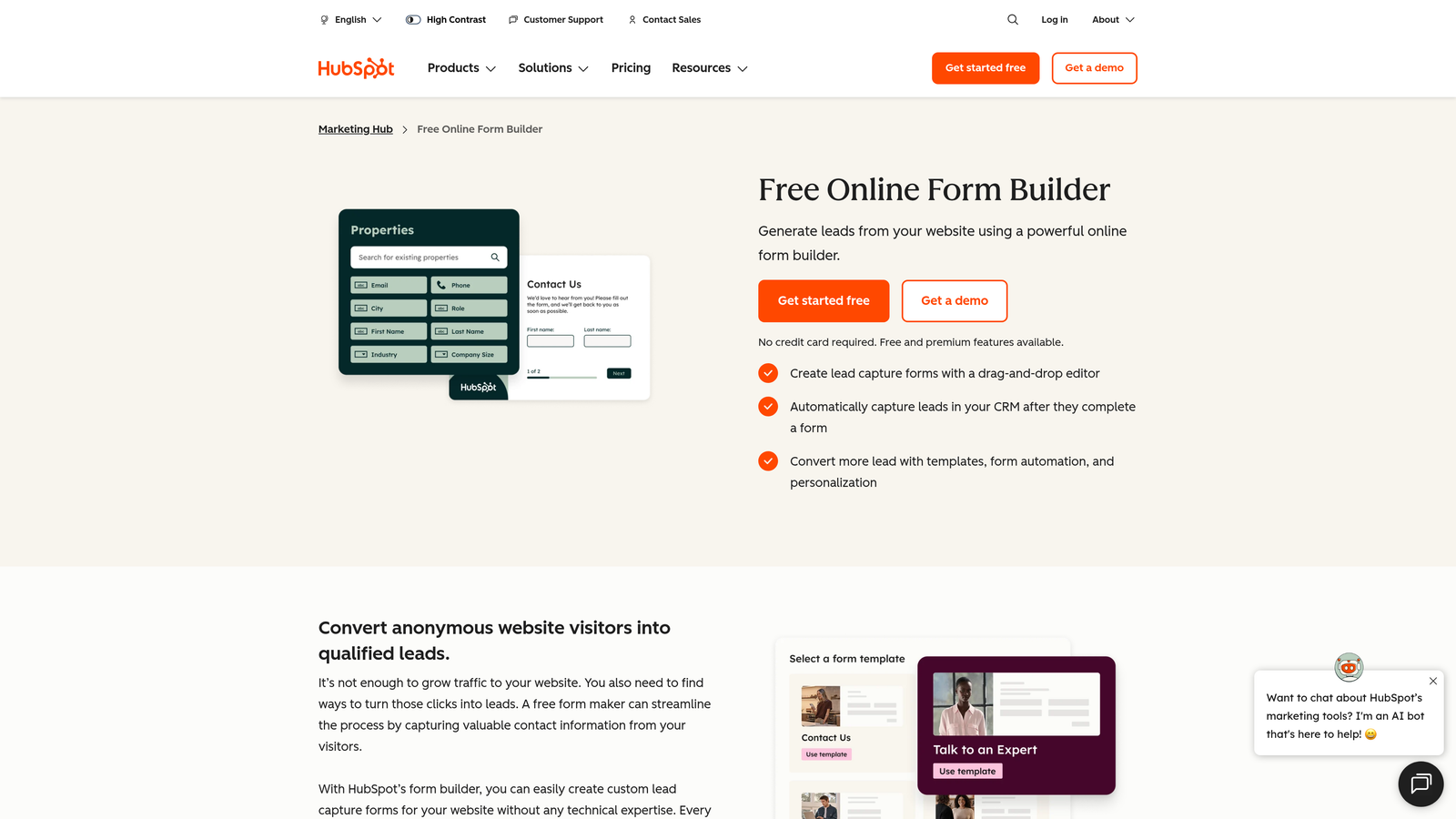
HubSpot Forms is a CRM-native form builder that feeds submissions directly into HubSpot contact records, workflows, and deal pipelines.
Where This Tool Shines
If your team lives in HubSpot, this is the most frictionless option on the list. Every form submission automatically creates or updates a contact record, triggers workflows, and can kick off sequences without any middleware. There's no Zapier zap to maintain, no field mapping to configure, and no sync delays to troubleshoot.
Progressive profiling is a standout feature: returning visitors see different questions based on what HubSpot already knows about them, which lets you enrich contact records over time without overwhelming first-time visitors with a long form.
Key Features
Native CRM Sync: Submissions automatically create or update HubSpot contact records with zero configuration required.
Workflow Triggers: Form submissions can instantly trigger HubSpot workflows, sequences, and deal creation.
Progressive Profiling: Returning visitors see new questions, gradually building richer contact profiles over time.
Universal Embed: Forms can be embedded on any website or HubSpot landing page without technical complexity.
Free Entry Point: Core form functionality is available at no cost with a HubSpot CRM account.
Best For
Marketing and sales teams already invested in the HubSpot ecosystem. Outside that context, design flexibility is limited and forms carry a distinct HubSpot look unless customized. Not the right fit for teams on other CRM platforms.
Pricing
Free with HubSpot CRM; advanced features require a Marketing Hub subscription. Verify current pricing at hubspot.com.
6. Fillout
Best for: Teams using Airtable, Notion, or Supabase who need forms as a front-end data entry layer.
Fillout is a database-connected form builder with native two-way sync for Airtable, Notion, Supabase, and other modern data platforms.

Where This Tool Shines
Fillout's core idea is elegant: your database already exists, so your form should connect directly to it rather than creating a parallel data silo. Two-way sync with Airtable and Notion means submissions update your database in real time, and you can pre-populate form fields from existing records for editing workflows.
The form design is clean and modern out of the box, which means you're not sacrificing aesthetics for database functionality. Multi-step forms with conditional logic and scheduling integrations round out a surprisingly capable feature set.
Key Features
Two-Way Database Sync: Native real-time sync with Airtable, Notion, and Supabase, keeping your data infrastructure unified.
Pre-Population: Pull existing database records into form fields for update and editing workflows.
Conditional Logic: Multi-step forms with branching paths based on respondent answers.
Scheduling Integrations: Built-in booking and scheduling functionality for appointment-based workflows.
Modern Design: Clean, polished form output without requiring design customization.
Best For
Operations teams, product teams, and no-code builders who use Airtable, Notion, or Supabase as their primary data layer. Less focused on lead qualification or AI features, so teams with heavy lead scoring needs may want to combine it with another tool.
Pricing
Free plan available; paid plans available for advanced features. Verify current pricing at fillout.com.
7. Formidable Forms
Best for: WordPress developers and power users who want to build data-driven applications on top of form submissions.
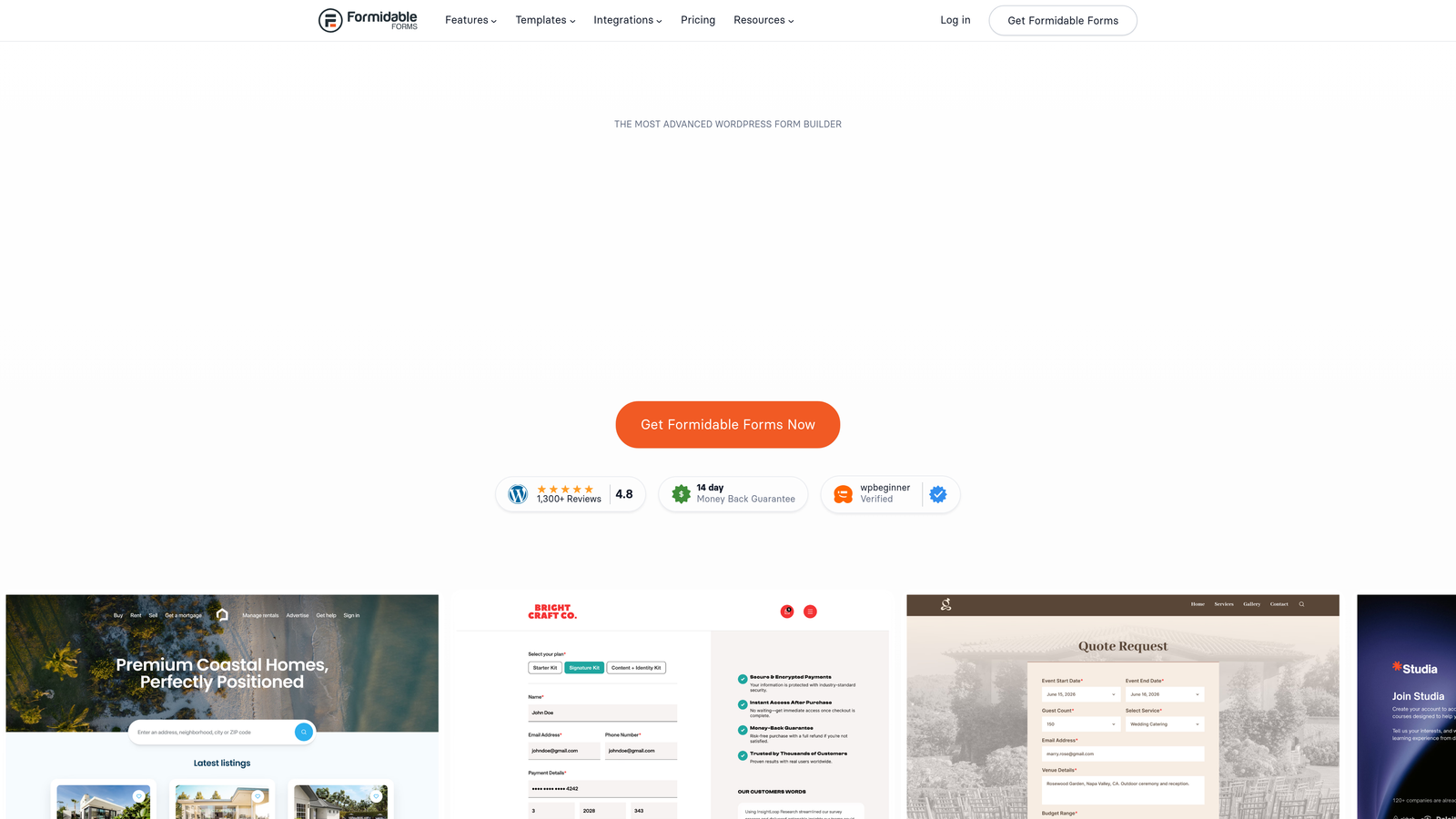
Formidable Forms is a WordPress plugin that goes well beyond data collection, supporting front-end data views, calculated fields, and directory-style application building.
Where This Tool Shines
Formidable Forms occupies a unique position: it's the closest thing to a WordPress-native app builder that starts with forms. Front-end views let you display submitted data as directories, listings, or calculators visible to site visitors, turning a form into a full data-driven feature rather than just a collection endpoint.
Calculated fields are particularly powerful for teams building quote estimators, pricing calculators, or any form where output depends on input values. This is territory where Gravity Forms falls short, and Formidable steps in convincingly.
Key Features
Front-End Views: Display submitted form data as directories, listings, or tables visible to website visitors.
Calculated Fields: Build quote generators, estimators, and calculators that compute results from form inputs.
Advanced Conditional Logic: Repeater fields and complex branching for sophisticated multi-step form experiences.
WooCommerce Integration: Deep integration with WooCommerce and major payment gateways for ecommerce workflows.
REST API: Custom integration capabilities for developers who need to connect forms to external systems.
Best For
WordPress developers and technical teams who want to build calculators, directories, or data-driven features on top of form submissions. Still WordPress-dependent, so it's not the right fit for teams moving away from the plugin ecosystem. Unlocking its full power requires some technical comfort.
Pricing
Free version available; paid plans start around $39.50/year. Verify current pricing at formidableforms.com.
8. Paperform
Best for: Coaches, consultants, and creative businesses who want forms that look like beautifully designed landing pages.
Paperform is a document-style form builder that produces forms with the visual quality of a designed landing page, not a generic form template.
Where This Tool Shines
Paperform's document editor lets you mix text, images, video, and form fields freely on the page, so the result feels like a crafted experience rather than a form. For businesses where brand presentation matters, this is a meaningful differentiator over tools that produce cookie-cutter form layouts.
Full custom CSS support and comprehensive branding controls mean you're not limited to what the template provides. Payment collection via Stripe, PayPal, and Braintree, combined with product and inventory tracking, makes it a capable option for service businesses and small ecommerce operations.
Key Features
Document-Style Editor: Freely mix text, media, and form fields to create landing page-quality form experiences.
Custom CSS and Branding: Full control over visual presentation, including custom fonts, colors, and styling.
Conditional Logic: Multi-step forms with branching paths for personalized respondent journeys.
Multi-Gateway Payments: Accept payments via Stripe, PayPal, and Braintree directly within forms.
Product and Inventory Forms: Built-in ecommerce features including inventory tracking for product-based forms.
Best For
Coaches, consultants, creative agencies, and small ecommerce businesses where visual quality and brand consistency are priorities. Less suited for high-volume lead qualification workflows or teams needing deep CRM integration out of the box.
Pricing
Paid plans start around $24/month. Verify current pricing at paperform.co.
9. WPForms
Best for: Non-technical WordPress users who want the fastest path from zero to a working form.
WPForms is a beginner-friendly WordPress form plugin with a drag-and-drop builder, fast setup, and strong WooCommerce integration.
Where This Tool Shines
WPForms earns its reputation as the most accessible Gravity Forms alternative for WordPress users who don't want to think hard about their form builder. The drag-and-drop interface is genuinely intuitive, pre-built templates cover the most common use cases, and most teams are up and running in under 30 minutes.
Form abandonment tracking is a standout feature for conversion-focused teams: WPForms captures partial submissions so you can follow up with visitors who started but didn't complete a form. That kind of lead recovery capability is often found only in more expensive tools.
Key Features
Drag-and-Drop Builder: Visual form construction with no coding required, accessible to any skill level.
Pre-Built Templates: Ready-to-use templates for contact, payment, survey, and registration forms.
WooCommerce Integration: Native integration with WooCommerce and major payment gateways for ecommerce forms.
Smart Conditional Logic: Show or hide fields based on previous answers to create dynamic form experiences.
Form Abandonment Tracking: Capture partial submissions to recover leads who didn't complete the form.
Best For
WordPress site owners, small businesses, and non-technical marketers who want a reliable, easy-to-use form plugin without a steep learning curve. For complex data applications or AI-powered workflows, more specialized tools will serve better.
Pricing
Free lite version available; paid plans start around $49.50/year. Verify current pricing at wpforms.com.
Which Tool Is Right for Your Team?
The best Gravity Forms alternative depends almost entirely on what's been holding you back. Here's a quick way to think through it.
If your primary need is AI-powered lead qualification built directly into your forms, Orbit AI is the purpose-built choice. It's the only tool on this list that scores and routes leads natively, without requiring a separate CRM layer or automation stack to do the heavy lifting.
For conversational, high-engagement forms on lead gen and survey campaigns, Typeform remains the benchmark. If cost is a constraint and you need a genuinely capable free option, Tally's unlimited response plan is hard to argue with.
Teams in regulated industries or needing enterprise-grade workflows should evaluate Jotform seriously. If you're already on HubSpot, their native form builder is the most frictionless path to CRM sync. For teams built around Airtable, Notion, or Supabase, Fillout's two-way database sync is a natural fit.
Staying on WordPress but needing more power than Gravity Forms provides? Formidable Forms handles complex data applications that most plugins can't touch. For teams where visual presentation is a priority, Paperform produces form experiences that look like designed landing pages. And for WordPress beginners who want the fastest setup with the lowest friction, WPForms delivers.
If you're running a high-growth team that needs to qualify leads at the form level rather than downstream in your CRM, the move to a purpose-built AI platform is worth taking seriously. Start building free forms today and see how intelligent form design can transform your lead generation workflow from a collection exercise into a qualification engine.


