

Web form creation software has come a long way from simple contact pages. Today's tools are expected to qualify leads, trigger follow-up sequences, sync with CRMs, and deliver a brand experience that converts, all without a developer in sight. The problem is that not every form builder is built for the same job.
Whether you're capturing leads for a SaaS product, running customer research, or automating onboarding flows, the tool you choose will have a real impact on your pipeline. This guide covers the top web form creation software options available in 2026, evaluated on AI capabilities, design flexibility, ease of use, integrations, and pricing. If you're also trying to understand why your current forms might be losing leads before they even submit, our breakdown of why visitors abandon forms is worth reading alongside this comparison.
1. Orbit AI
Best for: High-growth SaaS teams that need AI-powered lead qualification baked directly into their forms.
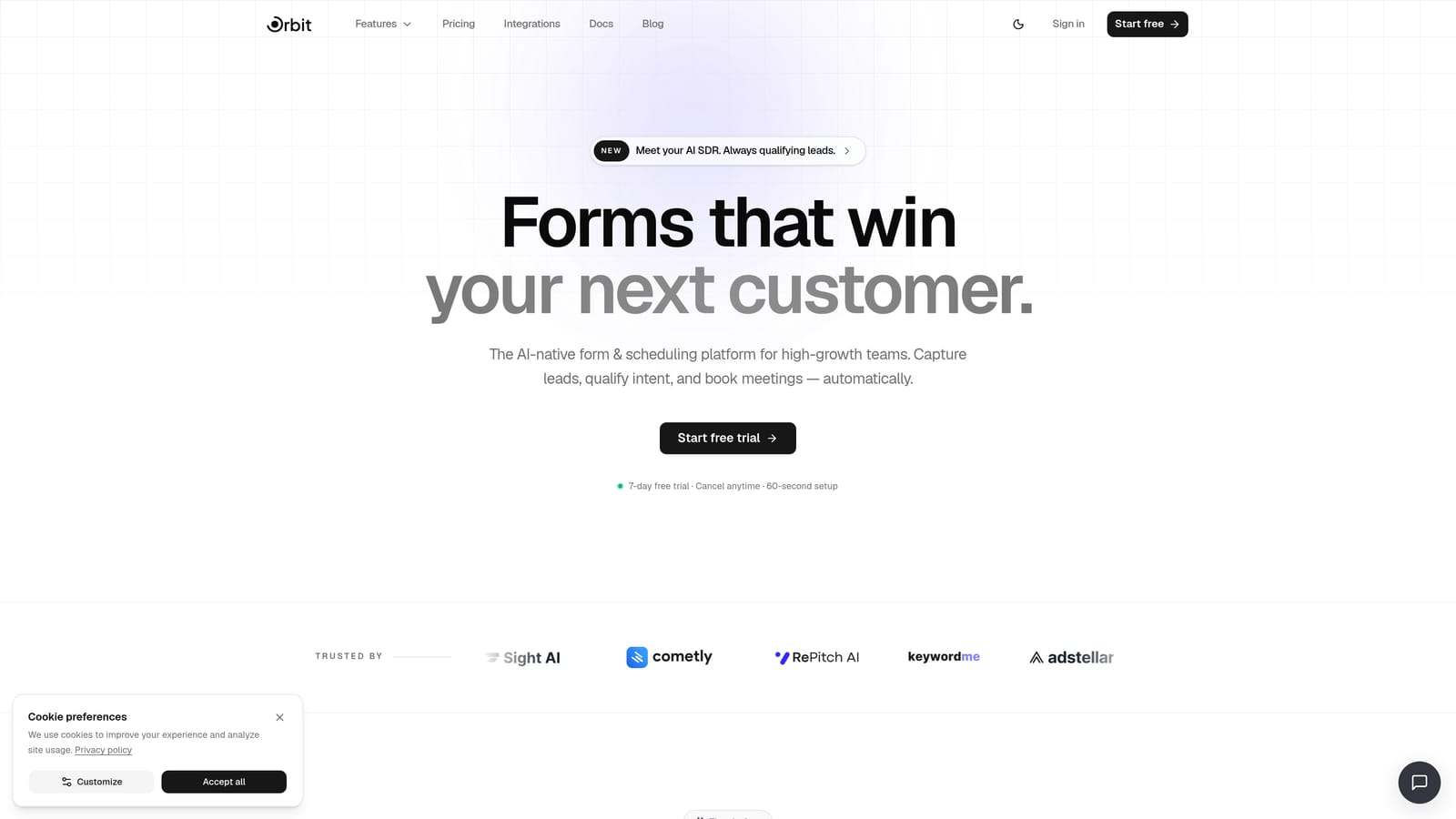
Orbit AI is an AI-native form builder designed specifically for teams where lead quality matters as much as lead volume.
Where This Tool Shines
Most form builders collect data and stop there. Orbit AI goes further by embedding lead qualification logic directly into the form experience. As a prospect fills out a form, the AI layer scores and routes them based on their responses, so your sales team only spends time on leads that match your ideal customer profile.
This is particularly valuable for SaaS and growth teams running high-volume inbound campaigns. Instead of manually triaging form submissions, you get an automated qualification layer that works in real time. The platform also includes built-in contact management, sequences, and a scheduler, which means you can take a lead from first touch to booked meeting without stitching together a stack of separate tools.
Key Features
AI Lead Qualification: Automatically scores and routes leads based on form responses, reducing manual sales ops work.
Conversion-Optimized Design: Forms are built with SaaS conversion best practices in mind, not just data collection.
Built-In Workflows and Sequences: Trigger follow-up automations, contact management actions, and outreach sequences directly from form submissions.
Analytics Dashboard: Track form performance, completion rates, and lead quality metrics in one place.
AI Agents and Scheduler: Extend your forms into full lead capture automations, including meeting booking, without leaving the platform.
Best For
Orbit AI is the right fit for SaaS companies, growth marketers, and revenue teams who want their forms to do more than collect data. If you're running lead gen campaigns and want qualification to happen automatically rather than manually, this is the platform built for that workflow.
Pricing
Current plans and pricing are available at orbitforms.ai/pricing. Plans are structured around team size and feature access.
2. Typeform
Best for: Marketing teams that prioritize brand experience and conversational form design.
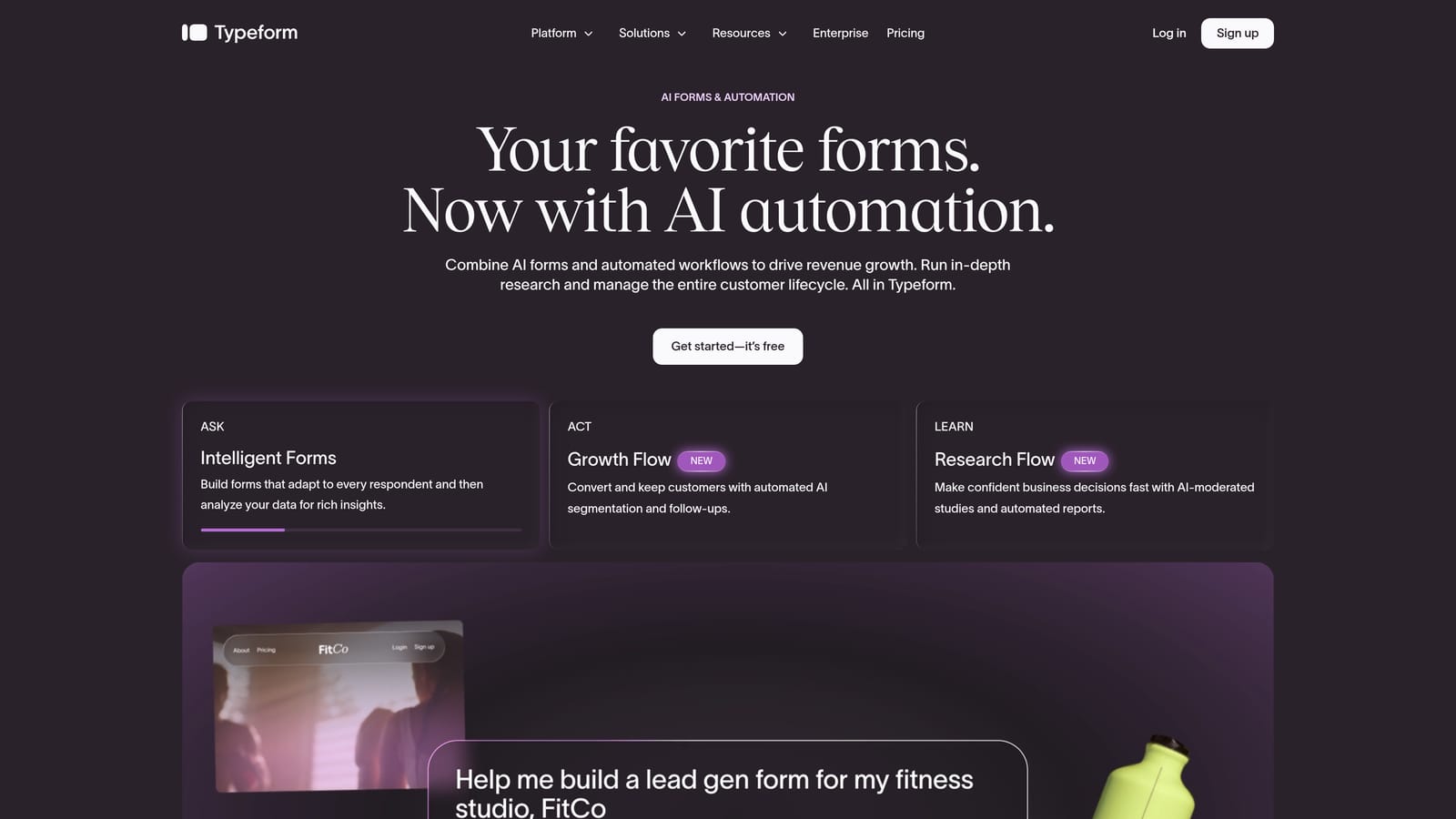
Typeform is one of the most recognizable form builders on the market, known for its distinctive one-question-at-a-time interface.
Where This Tool Shines
Typeform's core strength is the experience it creates for the person filling out the form. By presenting one question at a time in a clean, visually engaging layout, it creates a conversational flow that feels less like a form and more like a dialogue. This approach tends to work well for brand surveys, customer research, and top-of-funnel lead capture where first impressions matter.
The visual customization options are genuinely strong. You can apply brand colors, fonts, and imagery with enough flexibility to make forms feel like a natural extension of your website. Integrations with tools like HubSpot, Salesforce, and Zapier are well-established and reliable.
Key Features
Conversational Format: One-question-at-a-time flow that can improve completion rates for certain use cases.
Brand Theming: High-quality visual customization including fonts, colors, and background imagery.
Logic Jumps: Conditional branching that personalizes the form path based on previous answers.
Integrations: Connects with HubSpot, Salesforce, Zapier, and other widely used platforms.
Media Embedding: Supports video and image embedding within form questions.
Best For
Typeform is a strong choice for marketing and research teams focused on brand-consistent, engaging data collection. It's less suited for high-volume operational forms or teams that need native lead scoring and qualification built in.
Pricing
A free plan is available with limited features. Paid plans start at a monthly fee and scale with usage. Verify current pricing at typeform.com.
3. Jotform
Best for: Teams that need a versatile, template-rich form builder with broad integration support.
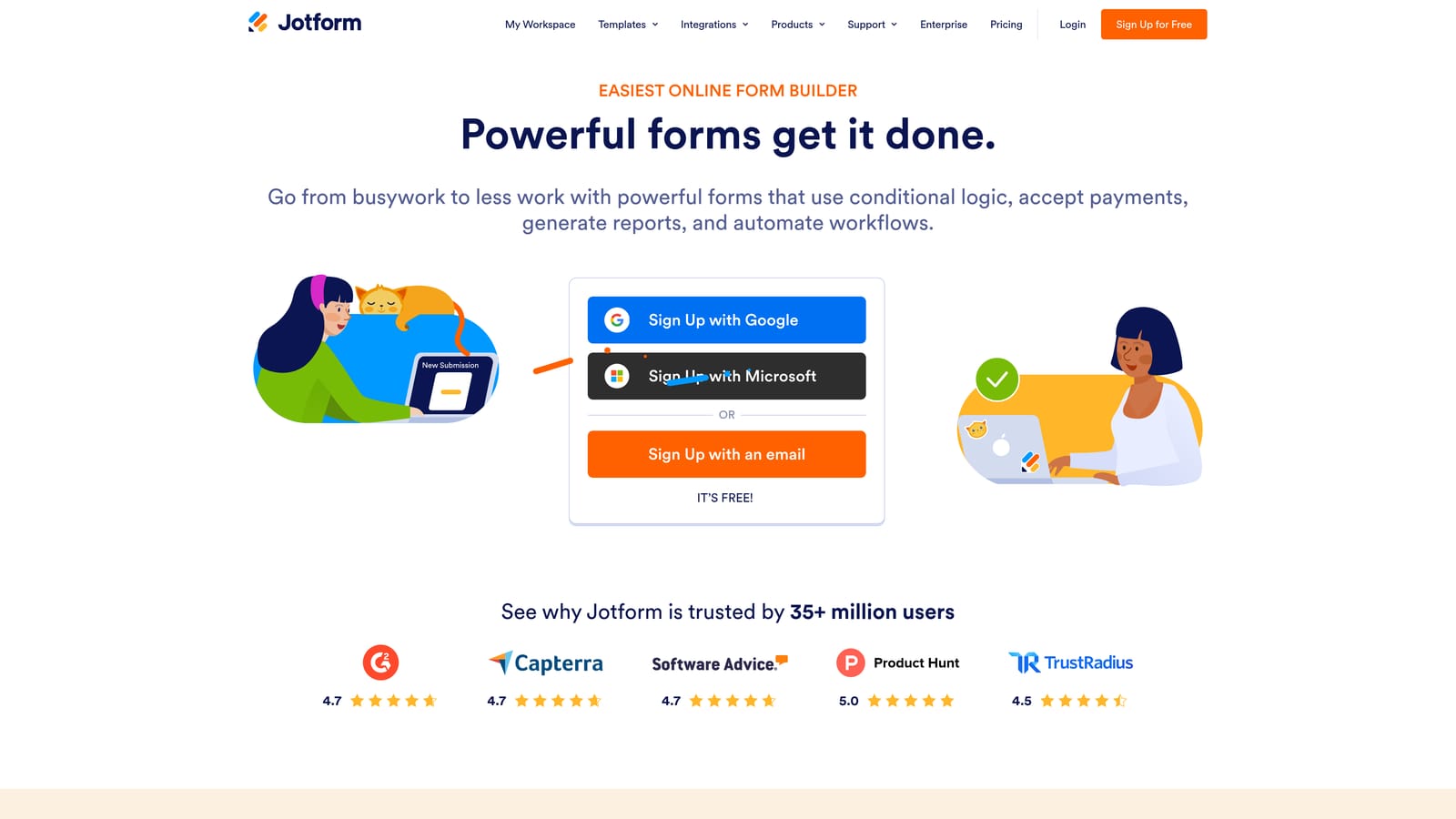
Jotform is one of the most feature-complete form builders available, with thousands of templates and an extensive third-party integration ecosystem.
Where This Tool Shines
If breadth is what you need, Jotform delivers. The template library covers an enormous range of industries and use cases, from healthcare intake forms to event registrations to payment collection. This makes it genuinely useful for teams that need to spin up forms quickly across different departments without starting from scratch each time.
Beyond templates, Jotform supports payment collection, e-signatures, approval workflows, and a dedicated app builder for mobile-friendly experiences. It's a platform that has grown to cover a lot of ground, which makes it a practical choice for organizations with varied form needs across multiple teams.
Key Features
Template Library: Thousands of pre-built templates spanning industries and use cases.
Payment Collection: Built-in support for accepting payments directly through forms.
E-Signatures and Approvals: Workflow tools for document signing and multi-step approval processes.
Conditional Logic: Form branching and calculations based on user inputs.
Mobile App Builder: Create mobile-friendly form experiences without developer involvement.
Best For
Jotform suits mid-size to larger organizations that need a reliable, all-purpose form builder across multiple departments. It's particularly strong for teams in operations, HR, and finance. Teams focused specifically on AI-driven lead qualification will find the platform's intelligence features less mature compared to newer tools.
Pricing
A free plan is available. Paid tiers scale with submission volume and feature access. Verify current pricing at jotform.com.
4. Paperform
Best for: SMBs and creators who want forms that feel like rich, media-embedded landing pages.
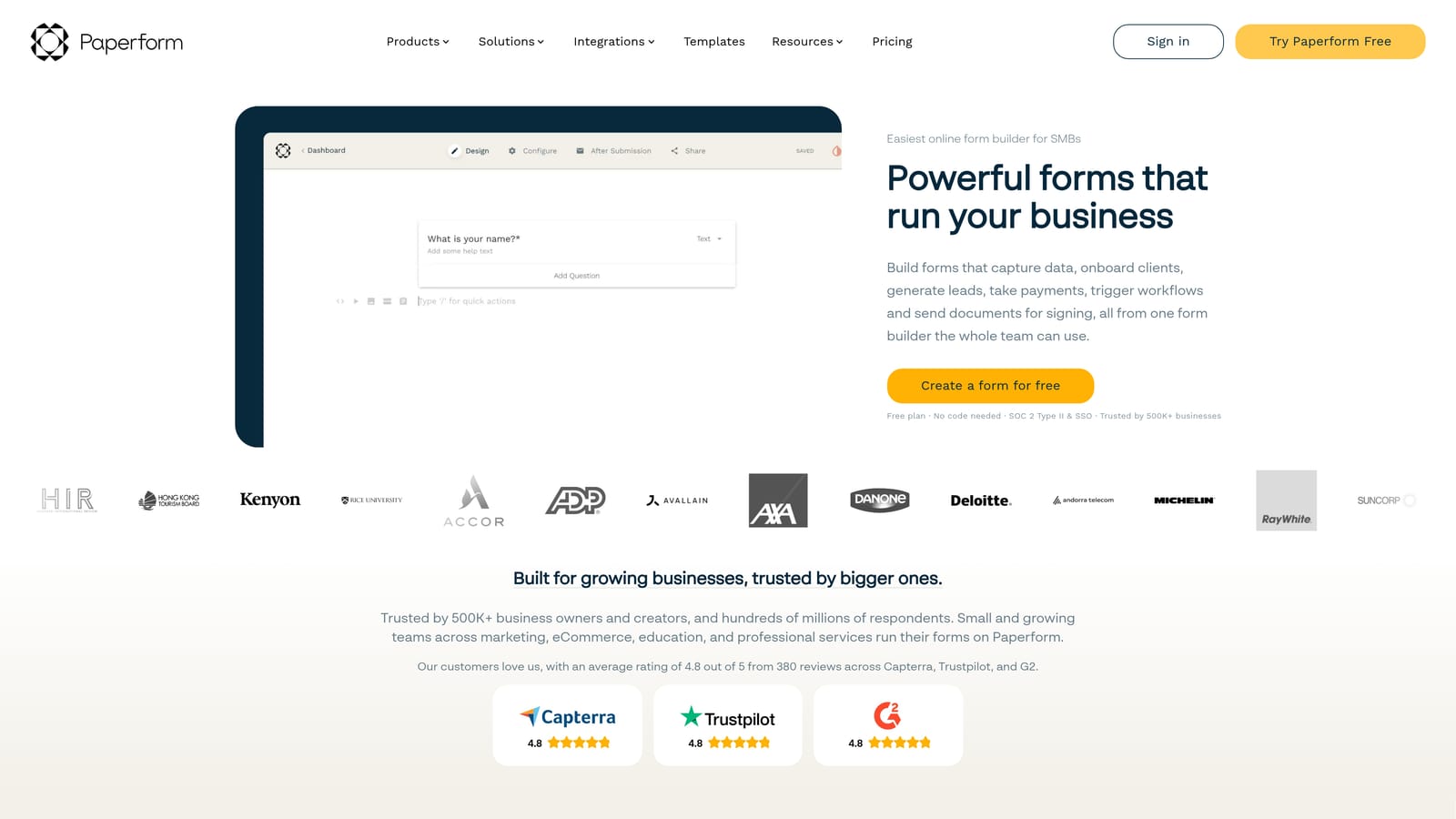
Paperform takes a document-style approach to form building, letting you weave data collection fields into pages that include text, images, video, and custom calculations.
Where This Tool Shines
Paperform occupies a unique position in the market. Rather than presenting a standard form layout, it gives you a freeform editor where content and form fields coexist on the same page. This makes it particularly effective for use cases where context matters, such as product order forms that need to explain options, event registrations with detailed information, or intake forms that walk users through a process.
The document-style experience also supports payment collection and product selling, which makes it a practical tool for small businesses and independent creators who want a single page that informs and converts. Custom domain support and white-labeling options give it a professional finish without requiring a full website build.
Key Features
Document-Style Editor: Embed form fields within rich content pages rather than isolated form layouts.
Media Support: Include images, video, and custom calculations alongside data collection fields.
Conditional Logic: Multi-page forms with branching logic based on user responses.
Payment and Product Selling: Accept payments and sell products directly through form pages.
Custom Domains and White-Labeling: Present forms under your own brand and domain.
Best For
Paperform is a strong fit for SMBs, freelancers, and small teams who need forms that tell a story. It's not designed for high-volume lead qualification or enterprise workflows, but for content-rich, conversion-focused pages it delivers a distinctive experience.
Pricing
No free plan is available. Paperform operates on paid plans only. Verify current pricing at paperform.co.
5. Tally
Best for: Individuals and small teams who want a generous free plan with a clean, intuitive editor.
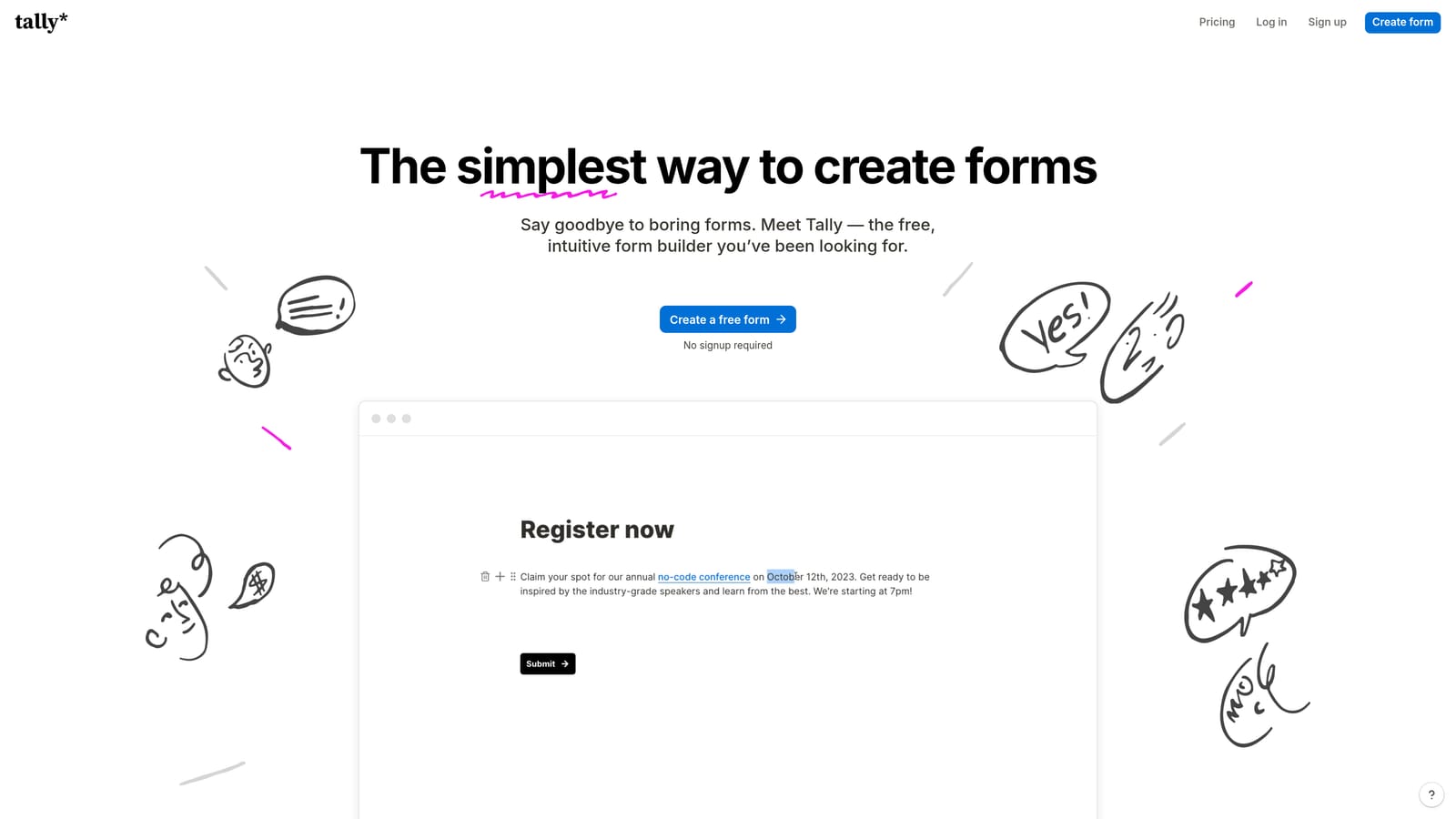
Tally is a Notion-inspired form builder that has built a loyal following largely on the strength of its unlimited free plan and block-based editing experience.
Where This Tool Shines
Tally's free plan is genuinely one of the most generous in the market. You get unlimited forms and unlimited submissions without hitting a paywall, which makes it an attractive starting point for individuals, startups, and teams that need basic form functionality without a budget commitment. The block-based editor will feel immediately familiar to anyone who has used Notion, making the learning curve minimal for non-technical users.
Conditional logic, file uploads, hidden fields, and integrations with tools like Notion, Google Sheets, and Zapier are all available on the free tier. For teams that need custom branding and domain support, the paid plan adds those capabilities without a steep price jump.
Key Features
Block-Based Editor: Notion-style interface that makes form building intuitive for non-technical users.
Unlimited Free Plan: Create unlimited forms and collect unlimited submissions at no cost.
Conditional Logic: Branching paths, hidden fields, and file upload support.
Integrations: Connects with Notion, Google Sheets, Zapier, and other popular tools.
Custom Branding: Domain support and branding removal available on the paid plan.
Best For
Tally is the right choice for individuals, early-stage startups, and small teams that need solid form functionality without spending anything. It's less suited for enterprise workflows, AI-driven lead qualification, or teams that need advanced analytics and automation built into their form platform.
Pricing
The free plan is robust and genuinely unlimited. The paid plan adds custom domains, branding removal, and advanced features. Verify current pricing at tally.so.
6. Formstack
Best for: Enterprise teams and regulated industries that need HIPAA compliance, document generation, and advanced workflow automation.
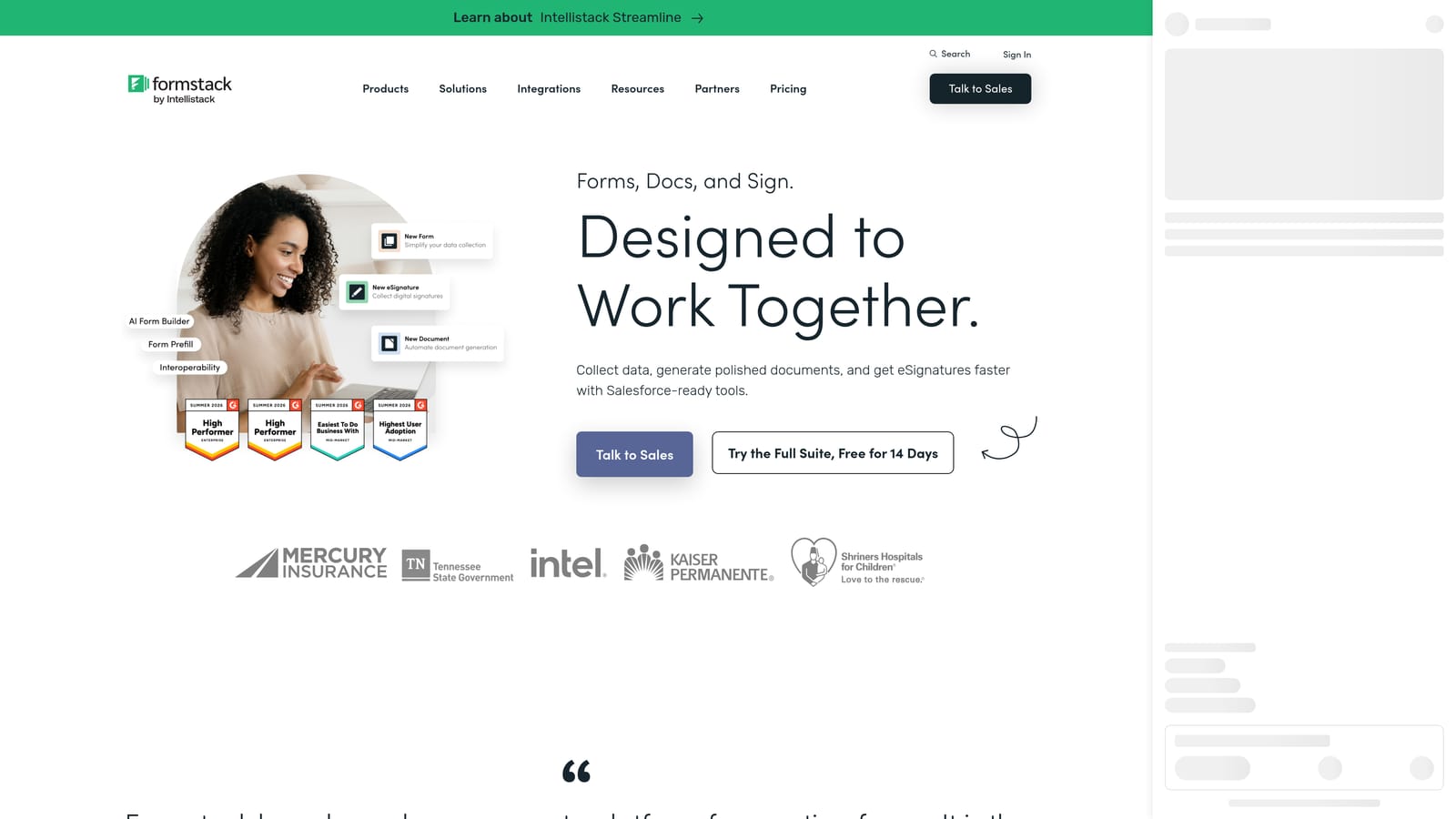
Formstack is an enterprise-grade platform that extends well beyond form building into document automation, e-signatures, and complex approval workflows.
Where This Tool Shines
Formstack is built for organizations where compliance and process automation are non-negotiable. HIPAA-compliant forms, data encryption, and audit trails make it a practical choice for healthcare, legal, and financial services teams that need to collect sensitive information securely. The platform's document generation capabilities also set it apart from most form builders, allowing teams to convert form data into formatted documents automatically.
The approval workflow engine is genuinely sophisticated. Multi-step routing, conditional approvals, and integration with enterprise systems like Salesforce and HubSpot make it a viable operational backbone for large organizations. The tradeoff is complexity: Formstack has a steeper learning curve than most tools on this list, and its pricing reflects its enterprise positioning.
Key Features
HIPAA Compliance: Secure, compliant forms for regulated industries including healthcare and legal.
Advanced Approval Workflows: Multi-step routing and conditional approval logic.
Document Generation: Automatically convert form submissions into formatted documents.
E-Signatures: Built-in signature collection integrated with form and document workflows.
Enterprise Integrations: Deep connections with Salesforce, HubSpot, and other enterprise systems.
Best For
Formstack is the right tool for enterprise teams, healthcare organizations, and any company operating in a regulated environment where compliance is a hard requirement. It's overkill for small teams and not designed with conversion optimization or AI-driven lead qualification as primary goals.
Pricing
Formstack is priced at a higher tier reflecting its enterprise feature set. Verify current pricing at formstack.com.
Which Tool Is Right for Your Team?
Every tool on this list does something well. The question is whether it does the right thing for your specific situation.
If you're in a regulated industry and need HIPAA compliance with document automation, Formstack is the clear choice. If you're a solo creator or early-stage startup and want unlimited forms without spending anything, Tally is hard to beat. For brand-forward marketing teams that prioritize conversational design, Typeform delivers a polished experience. Paperform is the strongest option when your forms need to function more like rich landing pages. And for teams that need breadth across departments with a massive template library, Jotform covers the most ground.
For high-growth SaaS teams focused on lead generation and conversion, Orbit AI stands apart. It's the only platform on this list built from the ground up with AI lead qualification as a core feature, not an add-on. When your forms need to score prospects, route leads automatically, and trigger follow-up sequences without manual intervention, that native intelligence layer makes a meaningful difference in pipeline quality.
Before you make your final decision, it's also worth understanding where most forms lose potential customers. Our guide on why forms lose leads covers the most common friction points and how to address them at the design level.
Ready to see what AI-powered form building looks like in practice? Start building free forms today and experience how intelligent lead qualification can transform your conversion strategy from the very first form interaction.


