

Finding the right survey tool can make or break your lead generation and data collection efforts. Whether you're qualifying inbound leads, gathering customer feedback, or running market research, the tool you choose shapes the quality of insights you get — and how many respondents actually complete your forms.
This guide covers the top survey tools built for modern business teams, with a focus on conversion quality, design flexibility, and integrations that fit into real workflows. We've evaluated each tool on ease of use, feature depth, pricing transparency, and how well it serves high-growth teams that need more than just basic question-and-answer forms. If you're moving fast and need a tool that keeps up, here's where to start.
1. Orbit AI
Best for: High-growth teams that need forms to qualify and convert leads, not just collect responses.
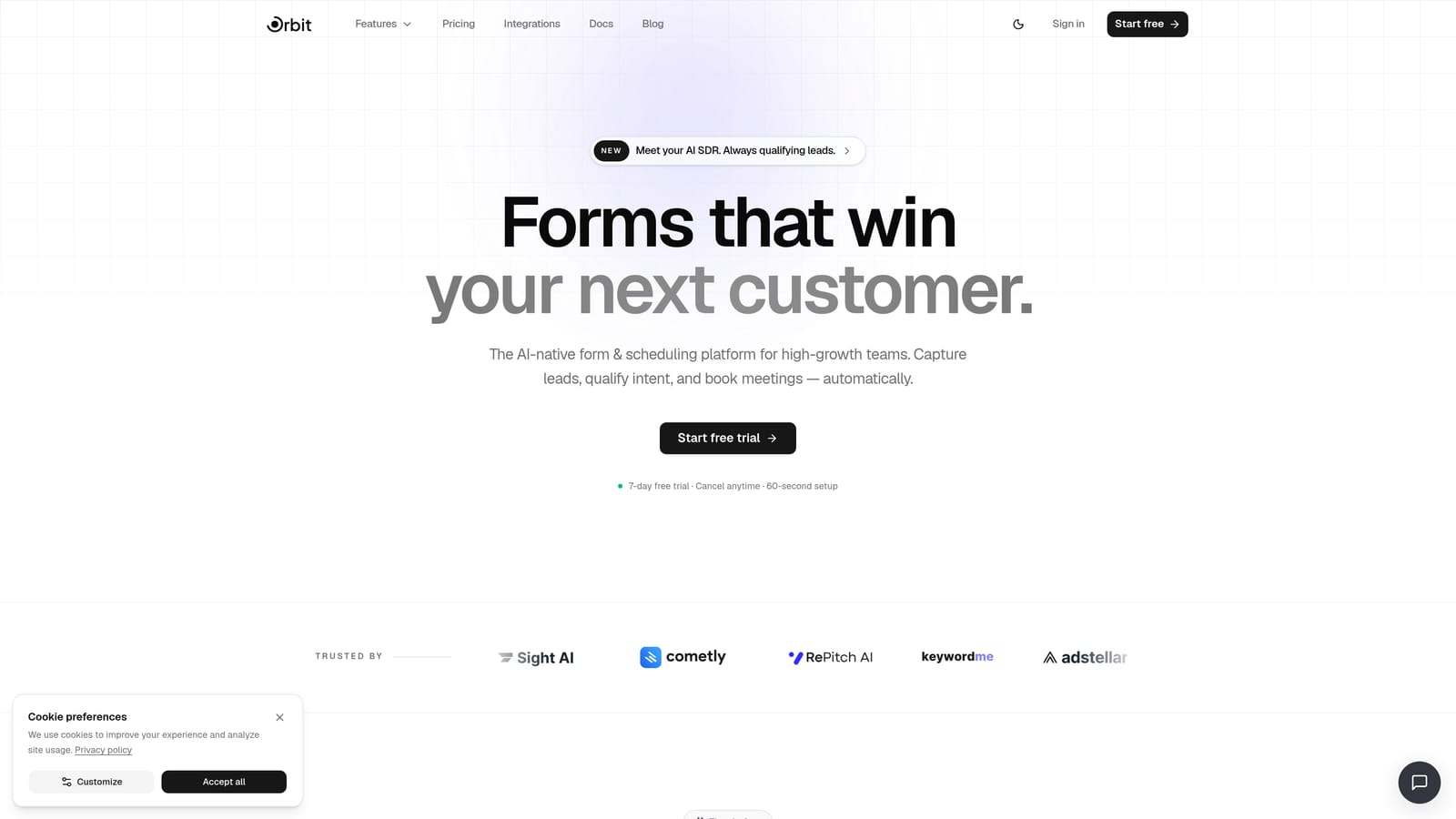
Orbit AI is an AI-powered form builder with built-in lead qualification capabilities, designed for teams that need their forms to do real work.
Where This Tool Shines
Most form builders stop at data collection. Orbit AI goes further by embedding AI agents directly into the form experience, qualifying leads in real time as respondents fill out each field. This means your team receives scored, routed leads rather than a raw list of form submissions to sort through manually.
The platform is also built with conversion in mind from the ground up. The form design is modern and clean, which matters more than people realize: a polished, well-structured form signals professionalism and reduces drop-off before a respondent even reads the first question.
Key Features
AI Lead Qualification: AI agents score and route leads in real time as forms are completed, so your sales team focuses on the right prospects immediately.
Conversion-Optimized Design: Beautiful, modern form UI built specifically to reduce abandonment and improve completion rates.
Built-in Workflows and Sequences: Automate follow-up sequences and contact management directly within the platform without needing a separate CRM for basic routing.
Analytics Dashboard: Track form performance, completion rates, and lead quality over time from a centralized view.
Scheduler Integration: Add booking flows post-submission so qualified leads can book a call immediately while they're still engaged.
Best For
Orbit AI is the strongest fit for SaaS companies, growth marketers, and sales teams running high-volume inbound lead generation. If your current process involves manually reviewing form submissions to separate good leads from poor ones, the AI qualification layer alone makes this worth evaluating.
Pricing
See current plans at orbitforms.ai/pricing. Pricing is structured to scale with team size and usage volume.
2. Typeform
Best for: Teams that prioritize respondent engagement and want a polished, conversational survey experience.
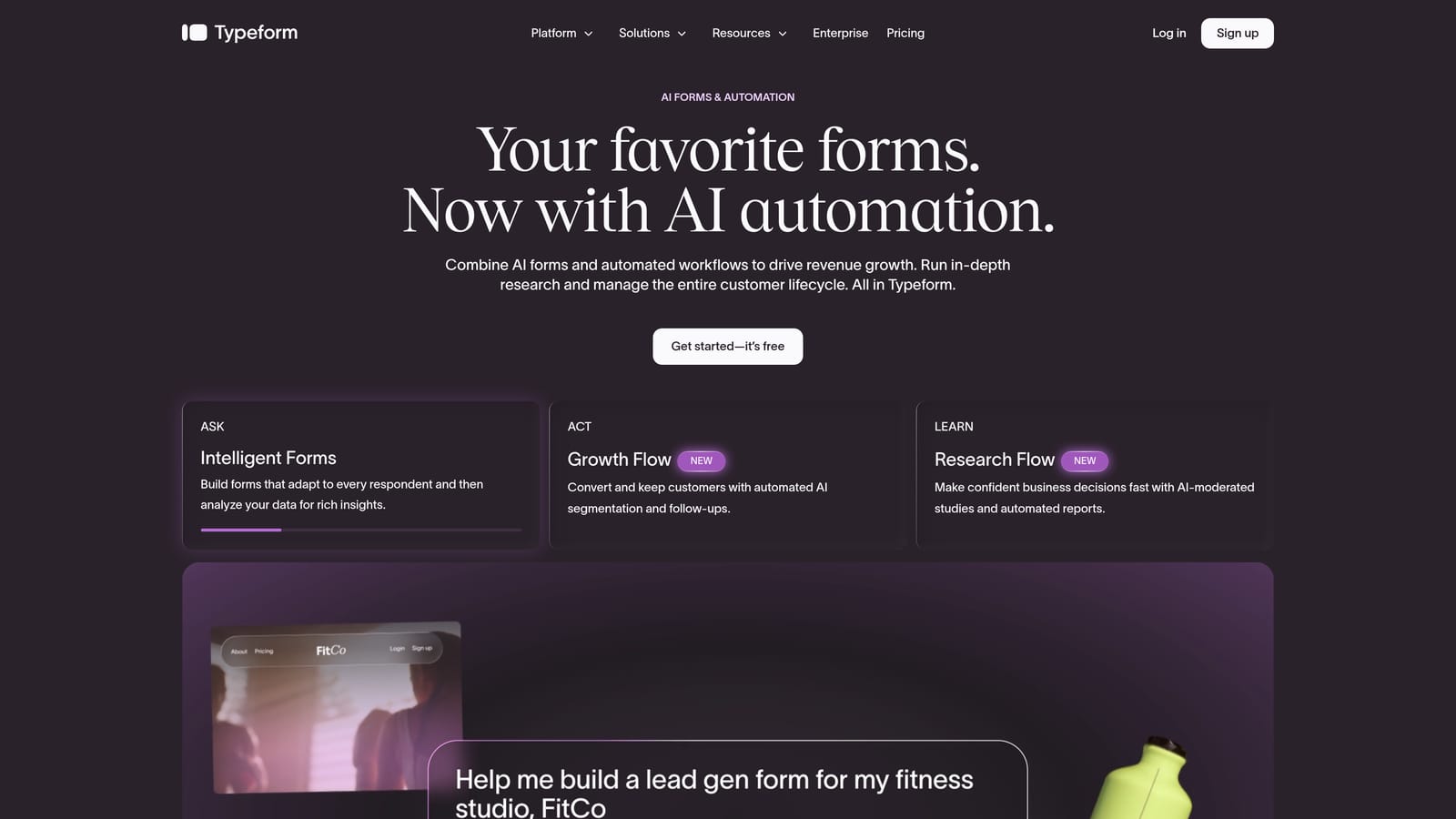
Typeform is a conversational form and survey builder known for its one-question-at-a-time interface that keeps respondents engaged from start to finish.
Where This Tool Shines
Typeform's core insight is that presenting one question at a time feels less overwhelming than a traditional multi-question form. For customer research surveys, NPS collection, or any scenario where completion rate is critical, this approach consistently outperforms wall-of-text alternatives.
The visual design quality is high across the board, and the conditional logic system is robust enough to create genuinely personalized survey paths. If a respondent answers "No" to a qualifying question, you can branch them to a completely different flow without any friction.
Key Features
Conversational Single-Question Flow: Presents one question at a time to reduce cognitive load and improve completion rates.
Conditional Logic and Branching: Create personalized survey paths based on respondent answers, making surveys feel tailored rather than generic.
Native CRM Integrations: Connects directly with HubSpot, Salesforce, Zapier, and Slack for seamless data routing.
Video and Image Support: Embed rich media within questions to add context or personality to your surveys.
Completion Analytics: Track where respondents drop off so you can optimize individual questions over time.
Best For
Typeform works well for marketing teams running brand research, customer satisfaction surveys, or lead capture forms where design and engagement matter. It can feel limiting for users who prefer traditional multi-question layouts or need heavy-duty lead qualification logic.
Pricing
Free plan available. Paid plans start at approximately $25/month. Verify current pricing at typeform.com/pricing.
3. Jotform
Best for: Teams that need a feature-rich form builder with an extensive template library and native payment support.
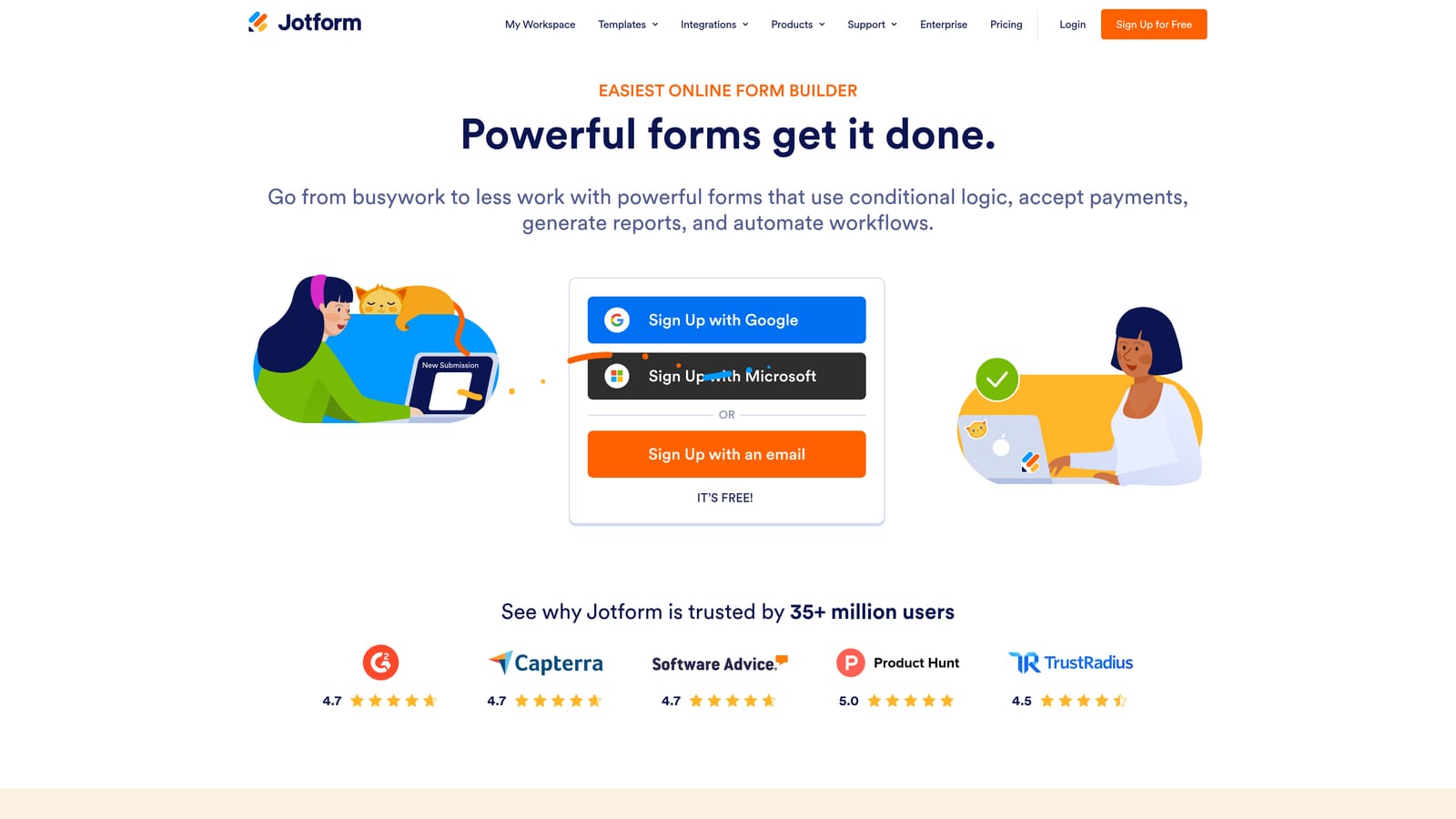
Jotform is one of the most feature-complete form builders on the market, covering everything from surveys to payment collection to e-signatures in a single platform.
Where This Tool Shines
Jotform's template library is genuinely impressive. With thousands of pre-built templates spanning industries from healthcare to real estate to education, teams can launch a functional form in minutes without starting from scratch. This makes it particularly useful for organizations that manage many different form types across departments.
The breadth of native capabilities sets it apart from lighter tools. If you need a single platform to handle surveys, payment collection, file uploads, and e-signatures without stitching together multiple tools, Jotform covers that ground well.
Key Features
Thousands of Pre-Built Templates: One of the largest template libraries available, organized by industry and use case.
Native Payments and E-Signatures: Collect payments and gather legally binding signatures without additional third-party tools.
150+ Integrations: Connects with CRMs, payment processors, cloud storage platforms, and more out of the box.
Conditional Logic and Calculations: Build smart forms that adapt based on responses and perform real-time calculations.
Team Collaboration: Shared form management features make it practical for larger teams working across multiple forms simultaneously.
Best For
Jotform suits operations teams, HR departments, and organizations that need to manage a wide variety of form types under one roof. The interface can feel dated compared to newer tools, and for simple use cases, the feature depth may be more than necessary.
Pricing
Free plan available with response and storage limits. Paid plans start at approximately $34/month. Verify current pricing at jotform.com/pricing.
4. Paperform
Best for: Content-rich surveys and landing-page-style forms that blend copy, media, and questions in a single experience.
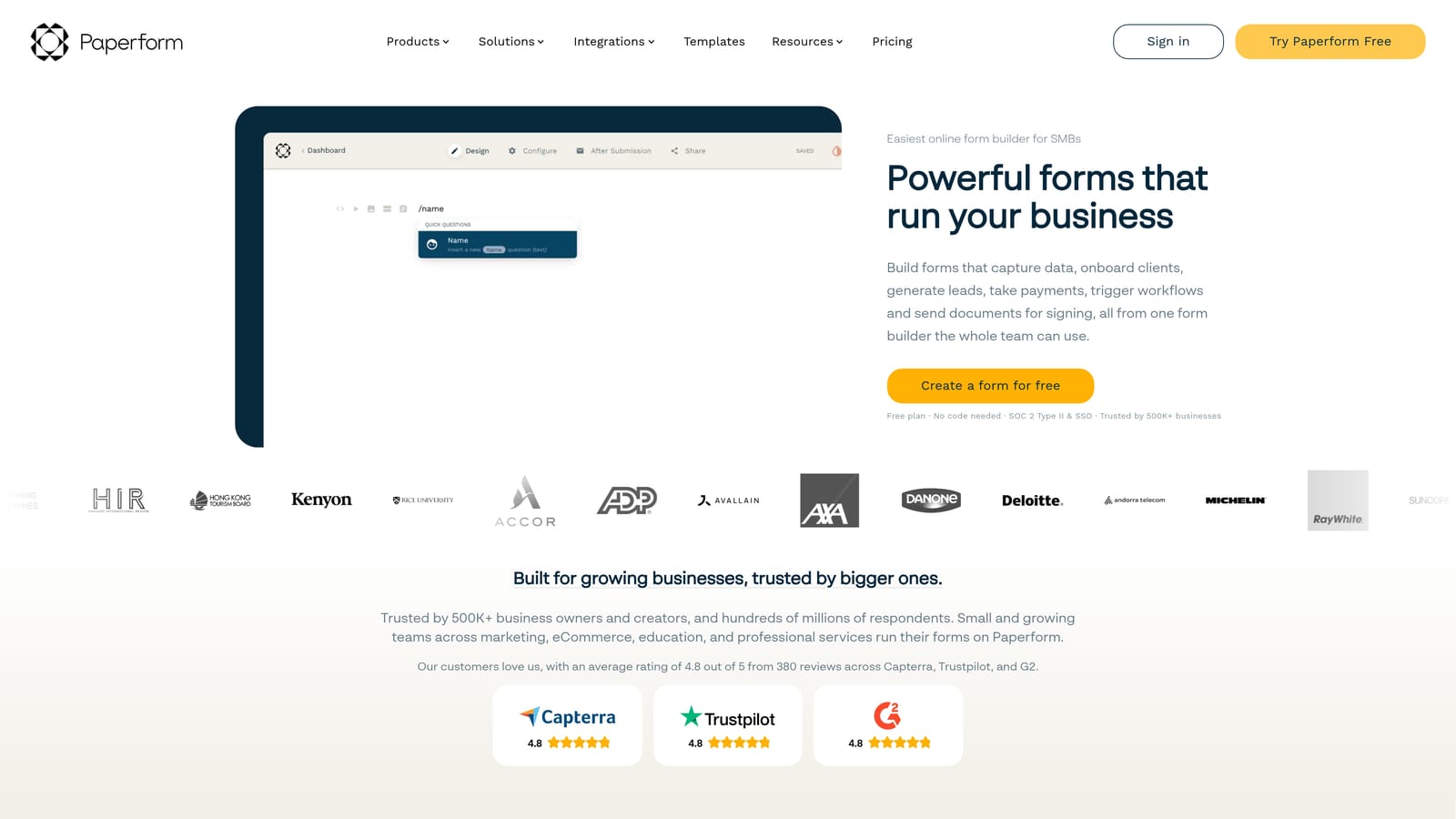
Paperform is a flexible form builder that merges document-style design with powerful form logic, creating something that feels closer to a branded landing page than a traditional survey.
Where This Tool Shines
Paperform's design philosophy is distinct: forms are built like rich documents, where you can freely mix text, images, video, and questions on the same page. This makes it particularly effective for product order forms, event registrations, or research surveys where context and copy matter as much as the questions themselves.
The calculation fields and conditional logic are also genuinely strong. You can build forms that compute pricing, scores, or recommendations dynamically based on what respondents enter, which opens up use cases that simpler tools can't handle.
Key Features
Rich Content Embedding: Add images, video, and formatted text alongside questions to create context-rich, document-style forms.
Conditional Logic and Calculations: Build dynamic forms that compute outputs in real time based on respondent inputs.
Payments, Bookings, and Sales: Accept payments and manage bookings directly within a form without additional tools.
Custom Domain Support: Use your own branded domain for form URLs, which strengthens trust with respondents.
Integration Ecosystem: Connects with Zapier, HubSpot, Stripe, and other common business tools.
Best For
Paperform is a strong choice for small business owners, consultants, and product teams that want forms to feel like polished branded experiences. Note that there is no free plan, so it requires a paid commitment from day one.
Pricing
Paid only. Starts at approximately $24/month. Verify current pricing at paperform.co/pricing.
5. Tally
Best for: Startups and individuals who need clean, functional surveys with a generous free tier and no per-response limits.
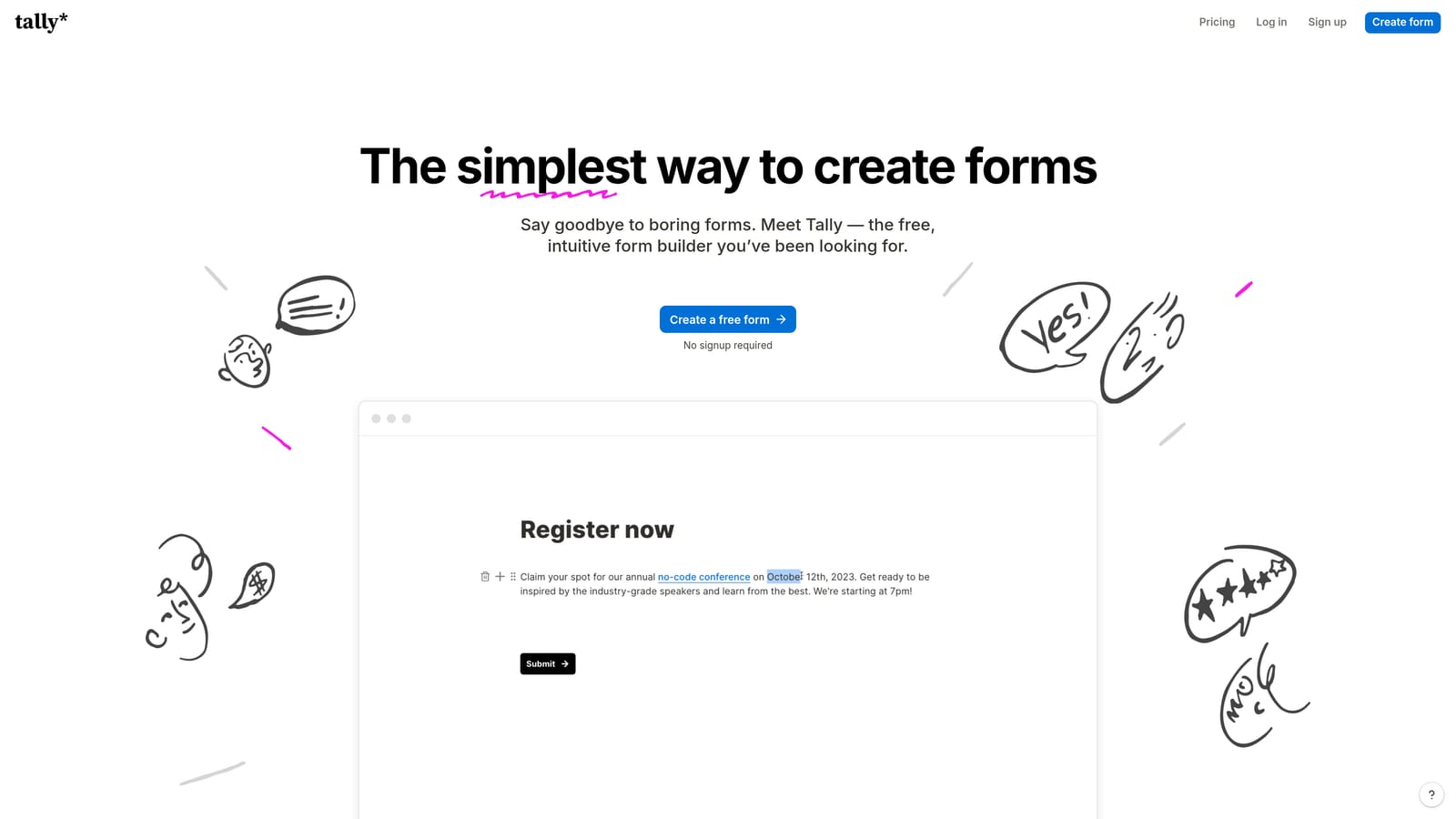
Tally is a Notion-inspired form builder with a surprisingly capable free plan, making it one of the most accessible options for teams getting started with surveys and data collection.
Where This Tool Shines
Tally's free tier is genuinely unusual in this market: unlimited forms and unlimited responses at no cost. For early-stage startups or individuals running research projects, this removes a significant barrier. You don't need to worry about hitting a response cap mid-campaign.
The block-based editor feels immediately familiar to anyone who uses Notion, which flattens the learning curve considerably. Building a form feels more like writing a document than configuring a tool, and the output is clean and professional without requiring design work.
Key Features
Unlimited Free Forms and Responses: The free plan removes the response limits that constrain most competitors, making it genuinely usable without paying.
Block-Based Editor: Intuitive Notion-style editing experience that makes form building feel natural and fast.
Conditional Logic and Hidden Fields: Supports smart branching and pre-populated fields for more dynamic survey experiences.
Notion Embedding: Embed forms directly into Notion pages, which is a standout feature for teams already working in that ecosystem.
Zapier and Make Integrations: Connect to broader automation workflows through a growing integration library.
Best For
Tally is ideal for startups, freelancers, and small teams that need clean, functional forms without a budget. It's less suited for enterprise workflows or complex lead qualification scenarios where deeper automation and AI-driven routing are required.
Pricing
Free plan is highly capable. Pro plan at approximately $29/month. Verify current pricing at tally.so/pricing.
6. Formstack
Best for: Enterprise organizations in regulated industries that need forms, documents, e-signatures, and compliance in one platform.
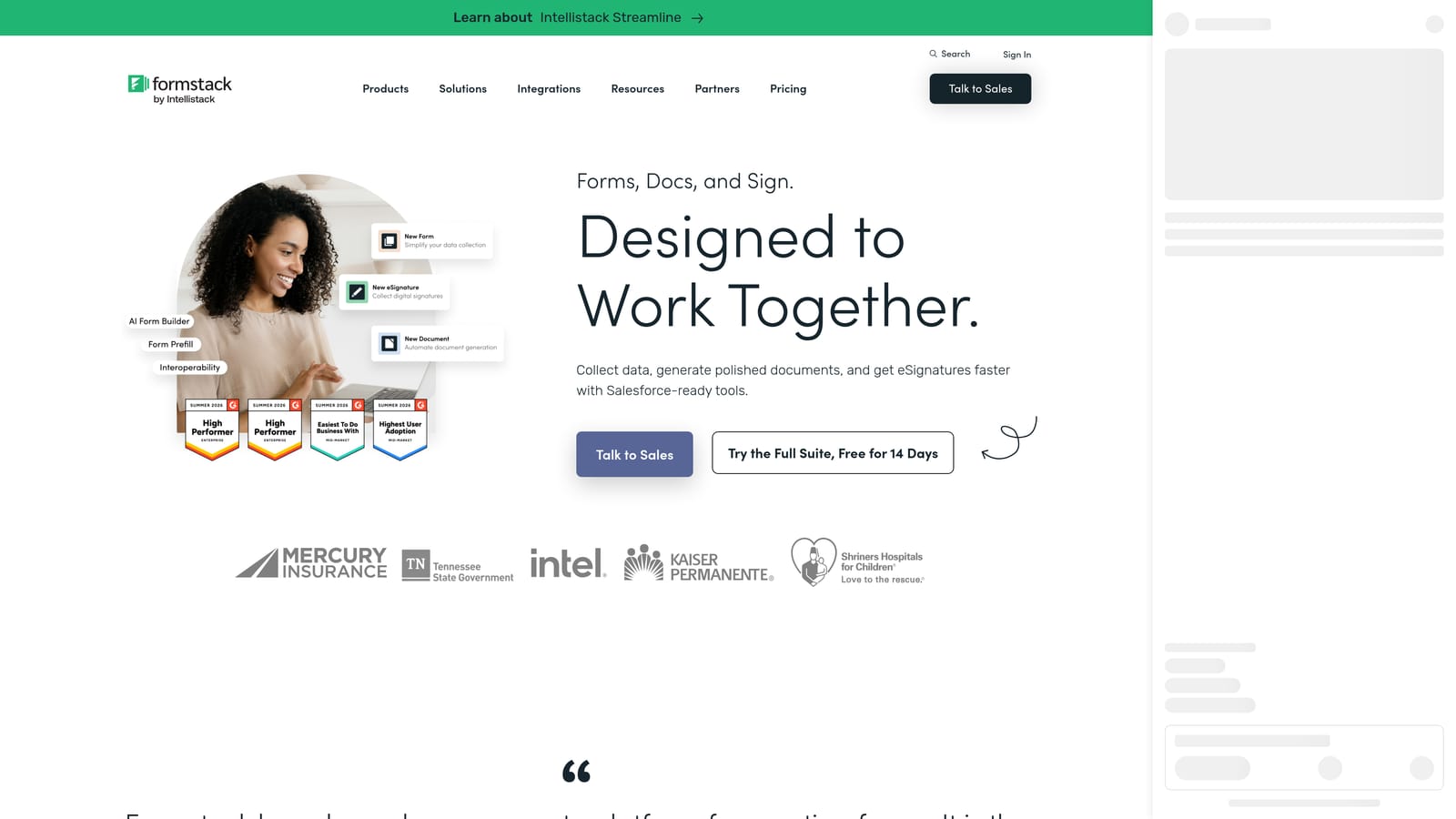
Formstack is an enterprise-grade platform that combines forms, document generation, and e-signatures with deep workflow automation built for organizations with complex data and compliance requirements.
Where This Tool Shines
Formstack operates at a different scale than most tools in this category. It's built for organizations where forms feed into multi-step approval workflows, trigger document generation, and need to comply with regulations like HIPAA. For a healthcare provider, legal firm, or HR department managing sensitive data, that compliance infrastructure is non-negotiable.
The Salesforce-native integration is also a meaningful differentiator. Rather than syncing data through a third-party connector, Formstack can operate directly within the Salesforce environment, which matters for enterprise teams where data integrity and CRM hygiene are priorities.
Key Features
Advanced Workflow Automation: Trigger multi-step approval processes and routing rules directly from form submissions.
Document Generation and E-Signatures: Create and send documents for signature within the same platform, reducing tool sprawl.
HIPAA-Compliant Forms: Purpose-built compliance features for healthcare organizations handling protected health information.
Salesforce-Native Integration: Deep, native Salesforce connectivity for enterprise teams where CRM data integrity is critical.
Approval Workflows and Multi-Step Routing: Route submissions through defined approval chains before data is finalized or acted upon.
Best For
Formstack is the right choice for mid-market and enterprise teams in healthcare, legal, HR, or financial services where compliance, document workflows, and Salesforce integration are requirements. It's overkill for smaller teams and the pricing reflects its enterprise positioning.
Pricing
Starts at approximately $83/month. Enterprise pricing available. Verify current pricing at formstack.com/pricing.
Which Tool Is Right for Your Team?
The best survey tool depends almost entirely on what you need forms to do after someone hits submit. Here's a quick way to think through the decision.
For lead generation and qualification: Orbit AI is the standout choice. The built-in AI qualification layer means your forms don't just collect responses; they actively score and route leads so your sales team spends time on the right prospects. If converting form submissions into pipeline is the goal, start here.
For customer research and engagement-focused surveys: Typeform's conversational format and clean design make it a strong fit when completion rate and respondent experience are the priority metrics.
For enterprise compliance and document workflows: Formstack is built for organizations that need HIPAA compliance, Salesforce-native integration, and multi-step approval routing. The higher price point reflects genuine enterprise depth.
For startups and budget-conscious teams: Tally's unlimited free tier makes it the most accessible starting point, and Paperform is worth considering if you need richer, document-style form design at a reasonable paid price.
If your team is focused on growth and you need forms that actively contribute to your conversion funnel rather than just sitting at the end of it, Orbit AI is built for exactly that. Start building free forms today and see how AI-powered lead qualification can transform the way your team handles inbound interest.


