

Your forms are often the first real interaction prospects have with your business—and outdated, clunky form experiences are silently killing your conversion rates. Modern form building software has evolved far beyond simple input fields. Today's leading platforms combine sleek design, intelligent logic, AI-powered features, and seamless integrations to turn passive visitors into qualified leads.
Whether you're collecting customer feedback, qualifying sales leads, or processing applications, the right form builder can dramatically impact your bottom line. We've tested and compared the top modern form building platforms to help you find the perfect fit for your team's needs and budget.
1. Orbit AI
Best for: High-growth teams needing AI-powered lead qualification with conversion-optimized form design.
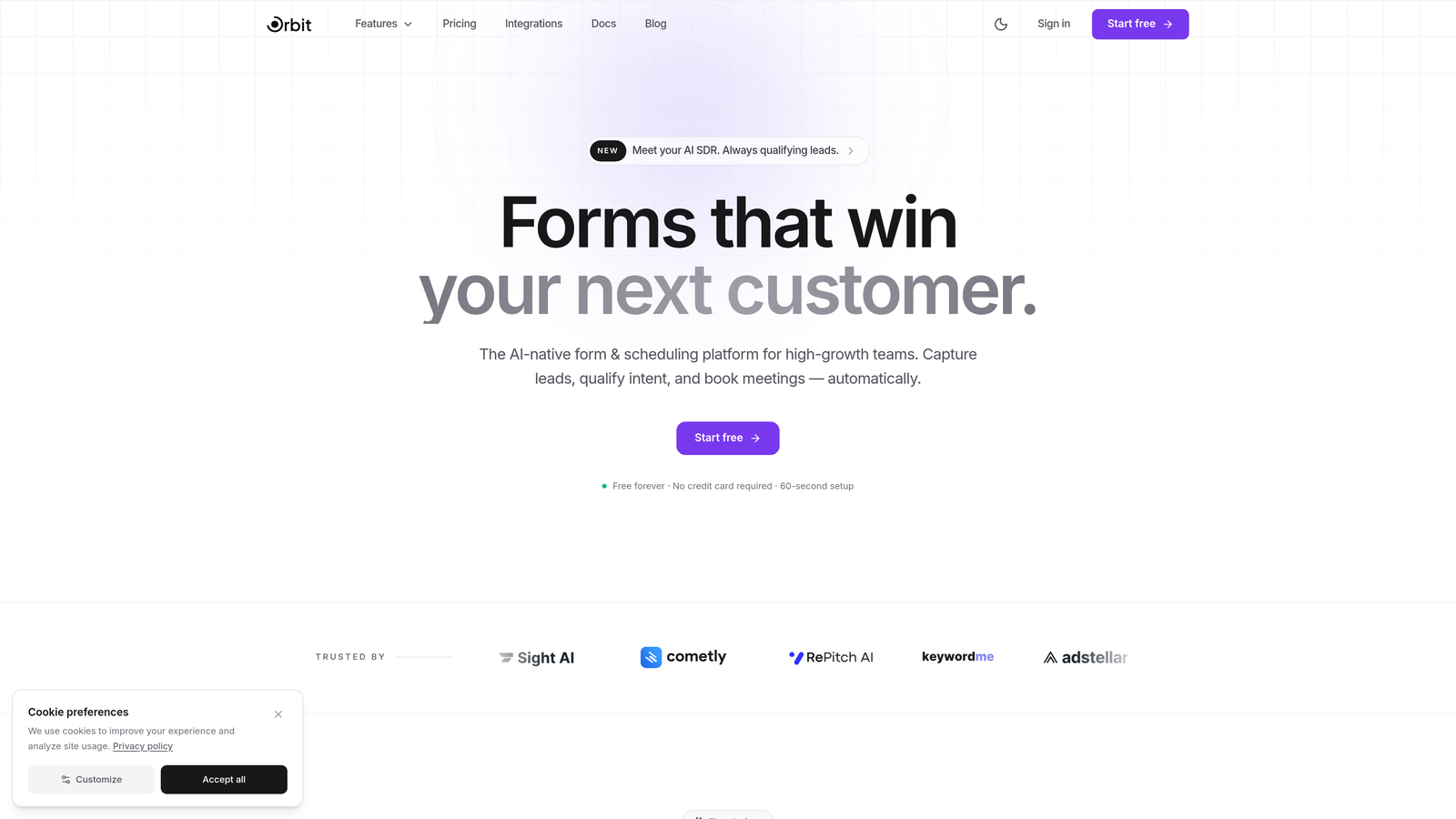
Orbit AI is an AI-powered form builder platform designed specifically for teams focused on lead generation and conversion optimization.
Where This Tool Shines
Orbit AI stands out by automatically qualifying and scoring leads as they fill out forms, eliminating manual sorting and helping sales teams focus on the most promising prospects immediately. The platform's AI analyzes responses in real-time to identify high-intent leads based on patterns and criteria you define.
The conversion-optimized templates are built specifically for modern businesses that prioritize both aesthetics and performance. Unlike generic form builders, Orbit AI focuses on creating beautiful, high-converting experiences that match contemporary brand standards while maintaining the intelligent backend needed for serious lead generation.
Key Features
AI-Powered Lead Qualification: Automatically scores and qualifies leads based on their responses, routing high-value prospects to sales instantly.
Conversion-Optimized Templates: Pre-built form designs tested for maximum completion rates across industries.
Intelligent Workflow Automation: Trigger actions based on lead scores and responses without manual intervention.
Built-In Analytics Dashboard: Track form performance, completion rates, and lead quality metrics in one place.
Native CRM Integrations: Seamlessly connect with HubSpot, Close, and Attio to sync qualified leads directly into your sales workflow.
Best For
Orbit AI is ideal for high-growth SaaS companies, B2B service providers, and marketing teams that need to capture and qualify leads at scale. It's particularly valuable for businesses where lead quality matters more than quantity, and where sales teams need intelligent routing to maximize their time.
Pricing
Free tier available for teams getting started. Paid plans start at competitive rates designed for growing teams that need advanced AI features and integrations.
2. Typeform
Best for: Creating engaging, conversational form experiences with a one-question-at-a-time interface.
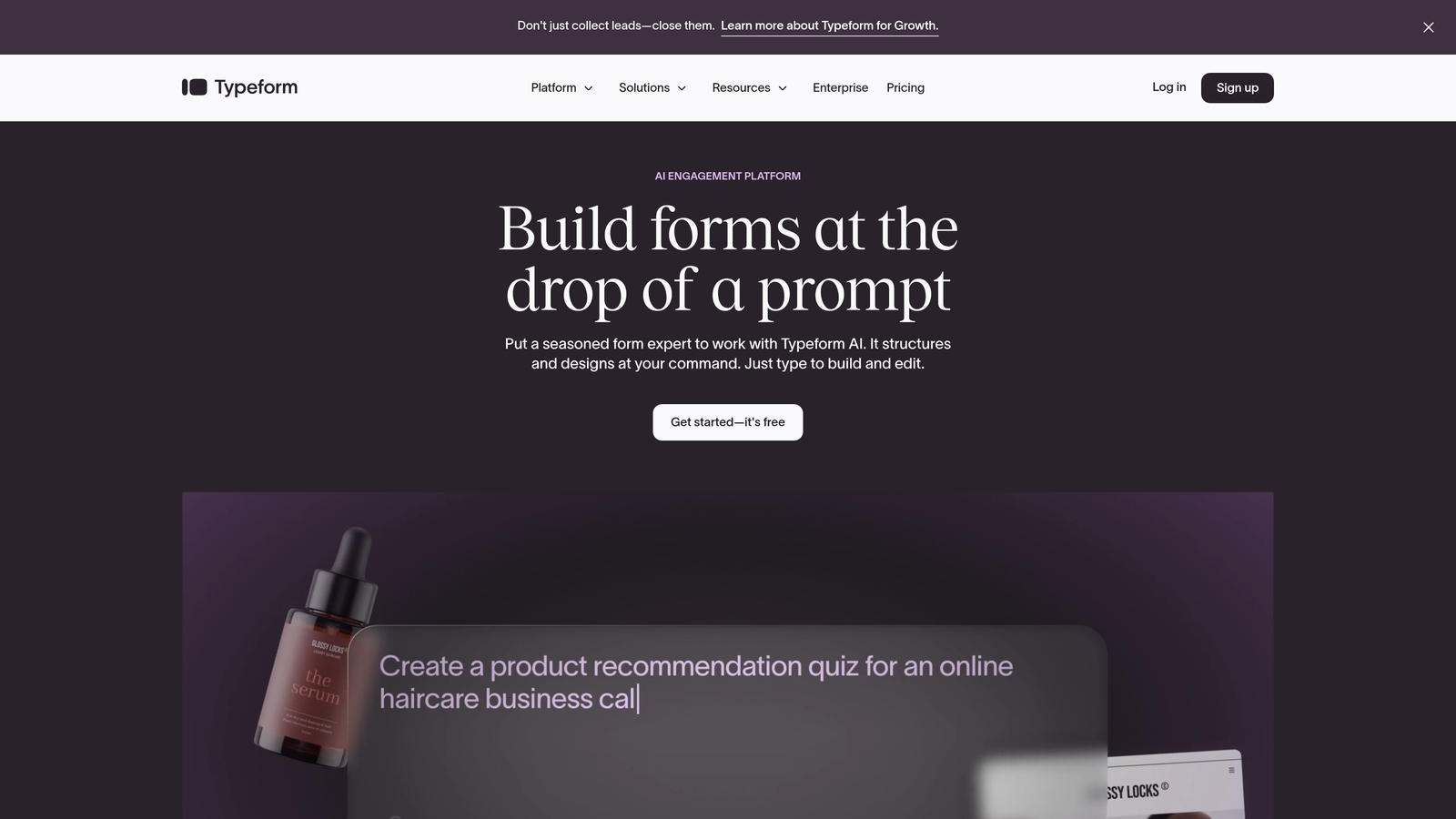
Typeform is the pioneer of conversational forms that feel more like a dialogue than a traditional survey.
Where This Tool Shines
Typeform revolutionized form design by presenting one question at a time, creating a focused, distraction-free experience that significantly improves completion rates. This conversational approach makes even lengthy forms feel manageable and keeps respondents engaged throughout the process.
The platform excels at brand customization, allowing you to create forms that perfectly match your visual identity. From custom fonts and colors to background images and videos, Typeform gives you the creative control to build forms that feel like a natural extension of your brand rather than a generic data collection tool.
Key Features
Conversational Format: One-question-at-a-time interface that reduces form abandonment and increases engagement.
Extensive Brand Customization: Complete control over colors, fonts, images, and videos to match your brand identity.
Logic Jumps and Branching: Create dynamic forms that adapt based on previous answers for personalized experiences.
Rich Media Integration: Embed videos, images, and GIFs to make forms more interactive and visually appealing.
Native Platform Integrations: Connect with Slack, Google Sheets, Mailchimp, and hundreds of other tools through direct integrations.
Best For
Typeform works best for customer research, event registrations, lead generation forms, and any scenario where user experience matters as much as data collection. It's particularly popular with design-conscious brands and marketing teams.
Pricing
Free tier available with limited responses. Basic plan starts at $25/month, with higher tiers offering advanced features like logic jumps and integrations.
3. Jotform
Best for: Teams needing extensive templates and widgets for virtually any form use case.
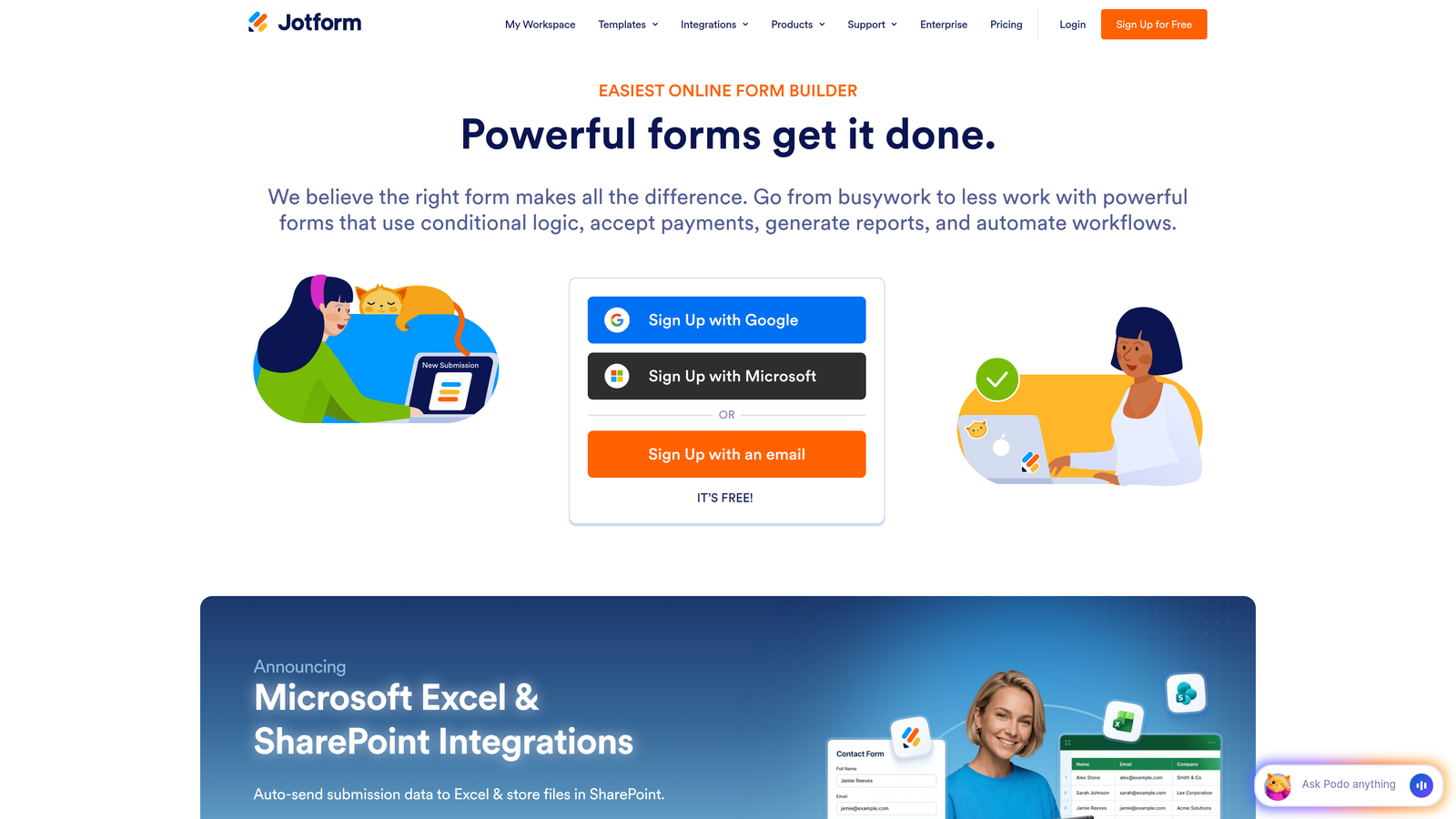
Jotform is a feature-rich form builder with one of the largest template libraries available.
Where This Tool Shines
With over 10,000 pre-built templates, Jotform eliminates the need to start from scratch for almost any form type imaginable. Whether you need a job application, event registration, order form, or medical intake form, there's likely a template ready to customize and deploy within minutes.
The extensive widget library sets Jotform apart from simpler competitors. Need appointment scheduling? There's a widget. Payment processing? Multiple options. E-signatures? Built in. This breadth of functionality makes Jotform a Swiss Army knife for teams with diverse form requirements across departments.
Key Features
10,000+ Form Templates: Pre-built forms for every industry and use case, dramatically reducing setup time.
Drag-and-Drop Builder with Widgets: Extensive library of specialized widgets for scheduling, payments, signatures, and more.
PDF Form Creation: Generate fillable PDFs and collect e-signatures directly within forms.
Payment Collection: Integrate with PayPal, Stripe, Square, and other payment processors for seamless transactions.
HIPAA Compliance: Available on higher-tier plans for healthcare organizations requiring regulatory compliance.
Best For
Jotform is ideal for organizations with diverse form needs across multiple departments, healthcare providers requiring HIPAA compliance, and teams collecting payments through forms. It's particularly valuable when you need specialized functionality beyond basic data collection.
Pricing
Free tier includes 5 forms with 100 monthly submissions. Bronze plan starts at $34/month for increased limits and features.
4. Tally
Best for: Budget-conscious teams wanting unlimited forms with a Notion-like editing experience.
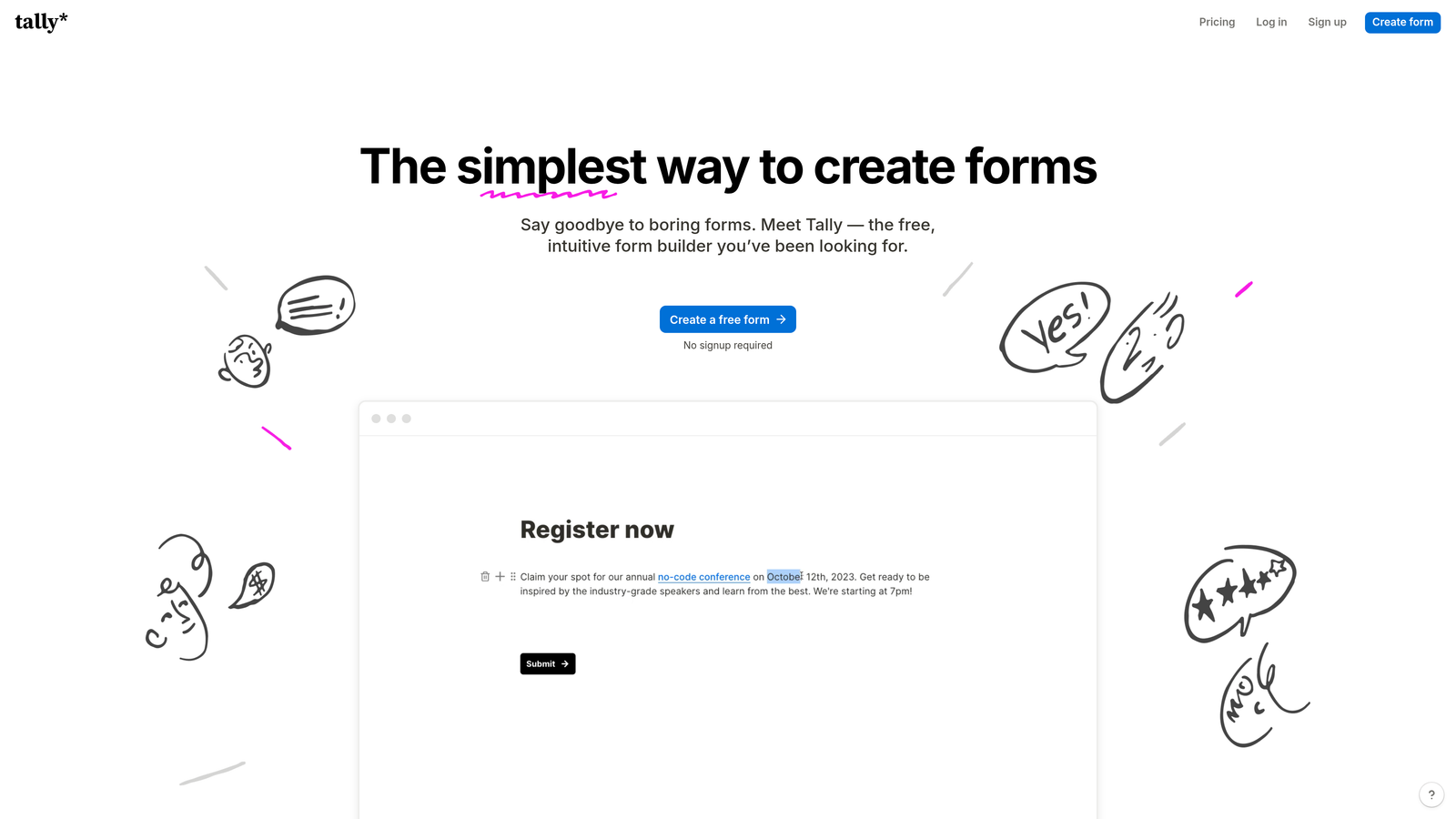
Tally is a minimalist form builder with one of the most generous free tiers in the market.
Where This Tool Shines
Tally's unlimited forms and submissions on the free tier make it a standout choice for startups, nonprofits, and small teams with tight budgets. While many competitors limit free users to a handful of forms or responses, Tally removes these constraints entirely, making professional form building accessible to everyone.
The Notion-style block-based editor will feel immediately familiar to teams already using Notion for documentation and project management. This intuitive interface reduces the learning curve and allows you to build complex forms quickly using the same slash-command and block-stacking approach you already know.
Key Features
Unlimited Free Tier: Create unlimited forms and collect unlimited submissions without paying, with no response caps.
Block-Based Editor: Notion-style interface using familiar blocks and slash commands for rapid form building.
Conditional Logic: Show or hide questions based on previous answers to create dynamic, personalized forms.
Custom Domains and Branding: Remove Tally branding and use your own domain even on the free tier.
Webhook and Zapier Integration: Connect form submissions to thousands of apps and custom workflows.
Best For
Tally is perfect for startups with limited budgets, Notion power users who want a familiar interface, and any team that needs unlimited forms without ongoing costs. It's also great for side projects and community initiatives.
Pricing
Generous free tier with unlimited forms and submissions. Pro plan at $29/month adds advanced features like file uploads, custom code, and priority support.
5. Fillout
Best for: Teams using Airtable or Notion as their database who need native form integration.
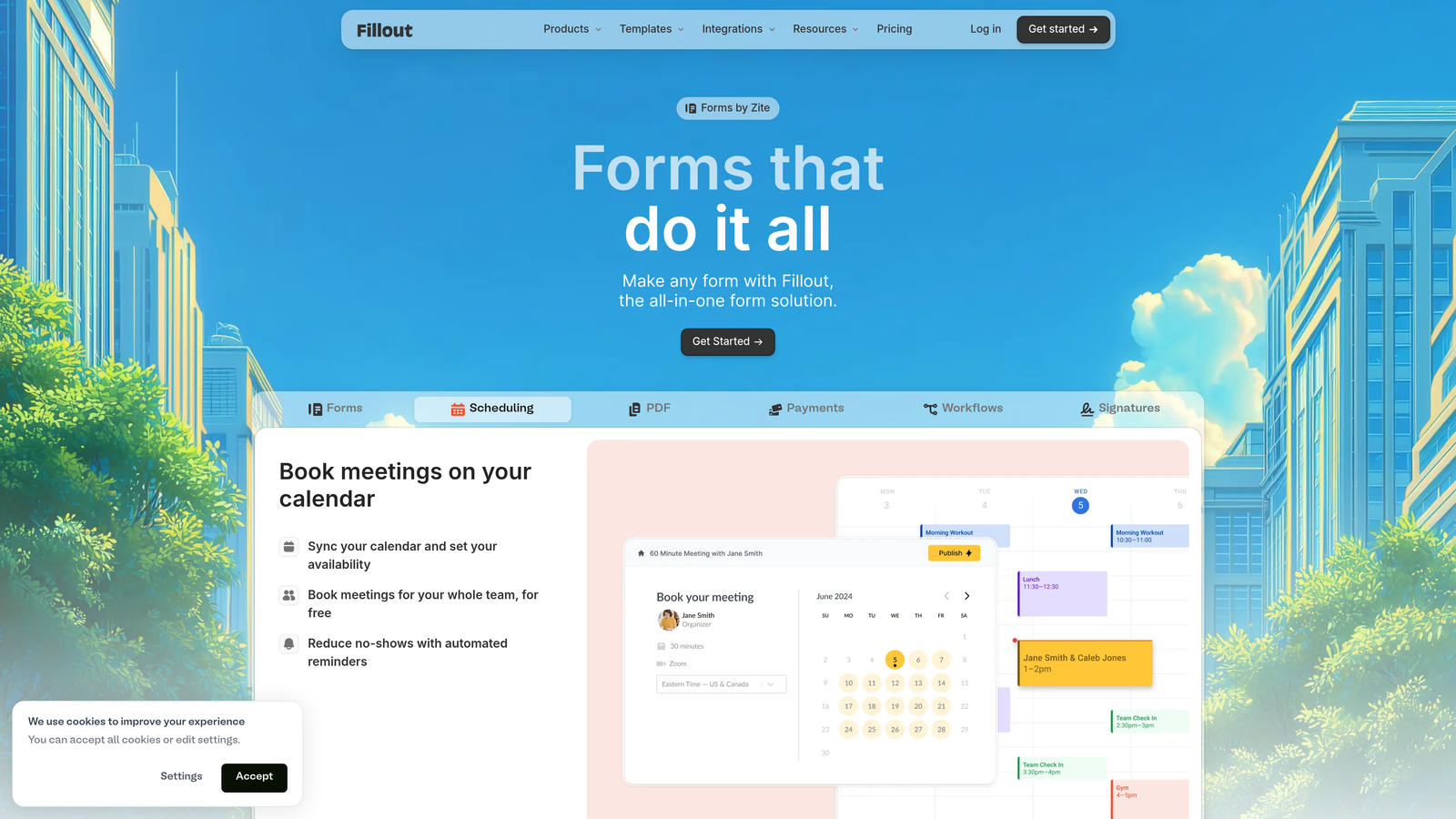
Fillout is a modern form builder with exceptional database connectivity, particularly for Airtable and Notion users.
Where This Tool Shines
Fillout's native Airtable and Notion integration is unmatched, allowing you to create forms that write directly to your existing databases without middleware or complex setups. This direct connection means your form submissions instantly appear in your workspace, eliminating manual data transfer and reducing errors.
The ability to pre-fill forms from database records creates powerful workflows. You can send personalized update forms, renewal requests, or feedback surveys that already contain the recipient's information, dramatically improving completion rates and data accuracy while reducing friction.
Key Features
Native Database Integration: Direct two-way sync with Airtable and Notion bases for seamless data flow.
Multi-Page Forms: Break long forms into multiple pages with progress indicators to reduce abandonment.
Scheduling and Payments: Built-in appointment booking and payment collection without external tools.
Pre-Fill Capabilities: Automatically populate form fields from existing database records for personalized experiences.
Custom Thank-You Pages: Create branded confirmation pages or redirect users based on their responses.
Best For
Fillout is ideal for teams that have built their operations around Airtable or Notion, product teams collecting user feedback, and operations managers who need forms that integrate with existing databases without technical complexity.
Pricing
Free tier available for basic use. Starter plan at $15/month unlocks advanced features like custom domains and increased submission limits.
6. Formstack
Best for: Enterprise organizations requiring advanced compliance, workflow automation, and document generation.
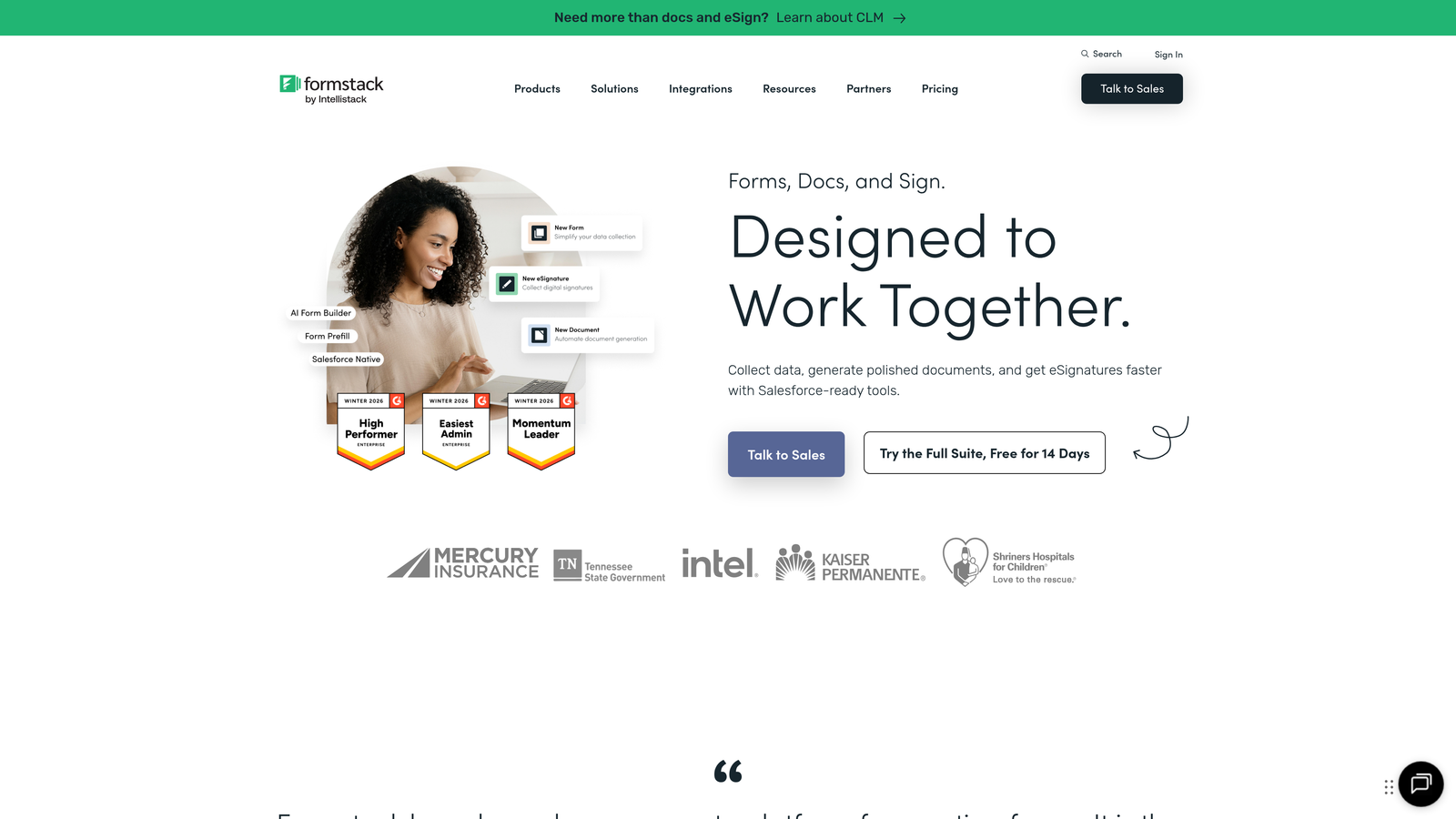
Formstack is an enterprise-grade form platform built for regulated industries and complex business processes.
Where This Tool Shines
Formstack's compliance certifications make it the go-to choice for healthcare, finance, and government organizations that must meet strict regulatory requirements. The platform offers HIPAA, GDPR, and PCI compliance features that most form builders can't match, including encrypted data storage, audit trails, and detailed access controls.
The document generation capability transforms form submissions into professional PDFs, contracts, or reports automatically. This feature eliminates manual document creation, reduces errors, and accelerates processes like onboarding, approvals, and customer agreements—saving enterprise teams countless hours.
Key Features
Advanced Workflow Automation: Create complex multi-step approval processes with conditional routing and notifications.
Document Generation: Automatically create PDFs, contracts, and reports from form submission data.
Compliance Certifications: HIPAA, GDPR, and PCI compliance with encrypted storage and detailed audit logs.
E-Signature Integration: Collect legally binding signatures directly within forms and documents.
Enterprise Security: Single sign-on (SSO), role-based permissions, and advanced user management.
Best For
Formstack is best suited for healthcare providers, financial services firms, government agencies, and large enterprises that require regulatory compliance and sophisticated workflow automation. It's particularly valuable for organizations processing sensitive personal or financial information.
Pricing
Plans start at $50/month for basic features. Enterprise pricing available for compliance features, advanced security, and dedicated support.
7. Paperform
Best for: Creating beautiful landing page-style forms with built-in payments and scheduling.
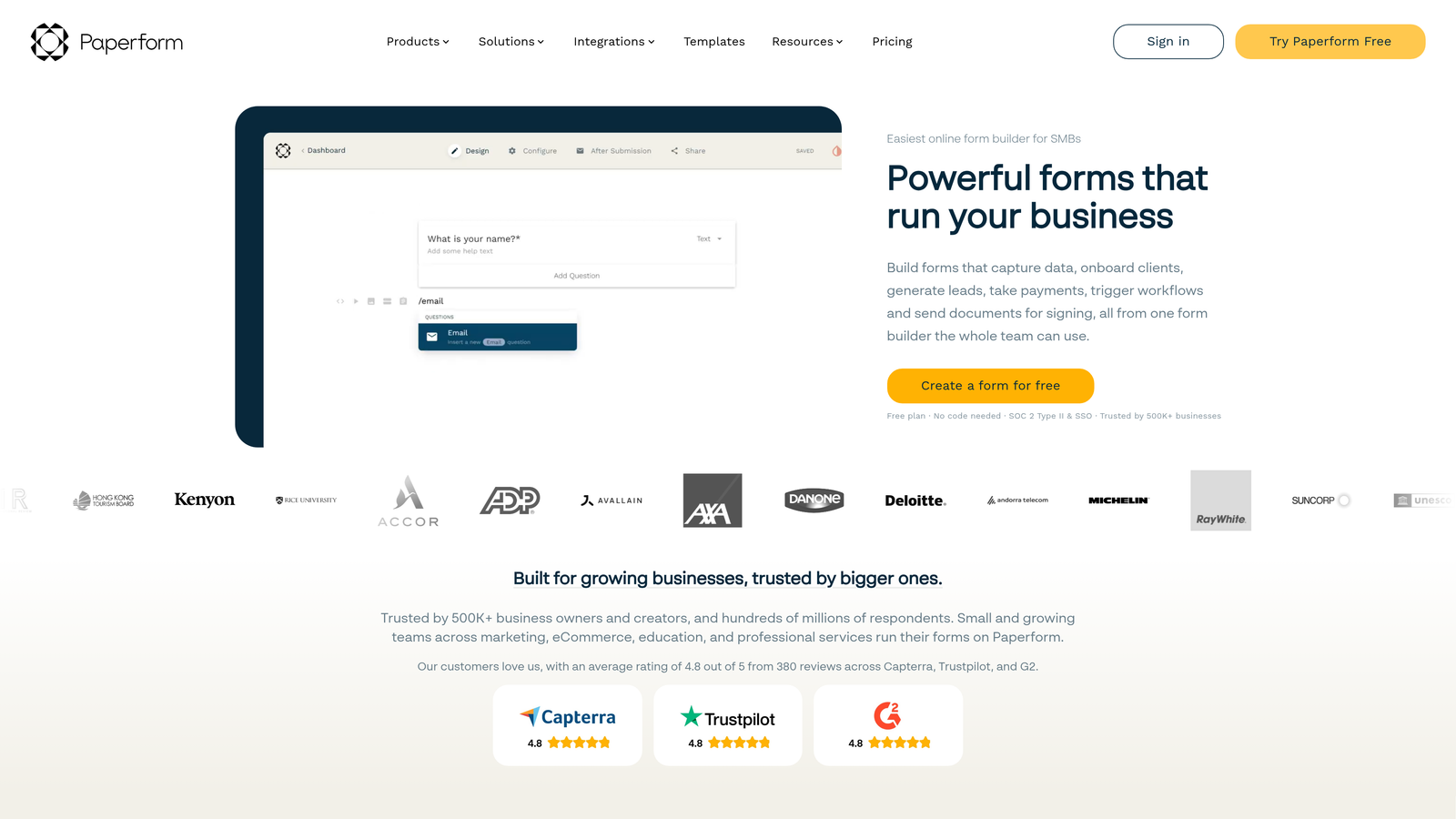
Paperform is a form builder that doubles as a landing page creator with stunning design capabilities.
Where This Tool Shines
Paperform blurs the line between forms and landing pages, allowing you to create full-page experiences that combine compelling copy, images, videos, and form fields in a single, cohesive design. This approach is perfect for product launches, course registrations, and event sign-ups where you need to sell the value proposition before asking for information.
The built-in payment processing and appointment scheduling eliminate the need for separate tools. You can create order forms, booking pages, and registration forms that handle the entire transaction from interest to payment in one seamless experience, reducing drop-off and simplifying your tech stack.
Key Features
Landing Page Design: Create full-page form experiences with rich text, images, videos, and custom layouts.
Built-In Payments: Accept payments through Stripe and PayPal without external integrations.
Appointment Scheduling: Integrated calendar booking with automatic confirmation emails and reminders.
Product and Pricing Tables: Display product catalogs and pricing options directly within forms.
Advanced Conditional Logic: Show, hide, or calculate fields based on complex conditions and user inputs.
Best For
Paperform excels for course creators, event organizers, service providers, and e-commerce businesses that need forms to do double duty as sales pages. It's ideal when you need to combine persuasive content with data collection and payment processing.
Pricing
Essentials plan at $24/month for basic features. Pro plan at $49/month adds advanced logic, custom code, and increased submission limits.
8. HubSpot Forms
Best for: Teams already using HubSpot CRM who need seamless native integration.
HubSpot Forms is the native form builder within the HubSpot ecosystem, designed for perfect CRM integration.
Where This Tool Shines
For HubSpot users, the native form builder offers unparalleled integration that third-party tools simply can't match. Form submissions automatically create or update contact records, trigger workflows, and populate deal stages without any middleware or manual syncing. This seamless data flow eliminates the gaps that often exist when using external form builders.
Progressive profiling is a standout feature that gradually collects information over multiple interactions. Instead of overwhelming new visitors with lengthy forms, HubSpot Forms can ask different questions each time someone submits, building complete contact profiles over time while keeping individual forms short and conversion-friendly.
Key Features
Seamless CRM Integration: Automatic contact creation, updates, and workflow triggers without third-party connections.
Progressive Profiling: Gradually collect contact information across multiple form submissions to avoid overwhelming visitors.
Smart Fields: Pre-populate fields for known contacts and use dependent fields that change based on selections.
A/B Testing: Test different form variations to optimize conversion rates with built-in analytics.
Automatic Segmentation: Automatically add contacts to lists and workflows based on form submissions and responses.
Best For
HubSpot Forms is ideal for marketing teams already invested in the HubSpot ecosystem, B2B companies using HubSpot CRM for sales, and organizations that prioritize tight integration between their forms and customer data.
Pricing
Free with HubSpot CRM. Advanced features like progressive profiling and A/B testing require paid Marketing Hub tiers starting at higher price points.
9. Cognito Forms
Best for: Complex forms requiring advanced calculations, repeating sections, and robust payment processing.
Cognito Forms is a powerful form builder known for sophisticated calculation capabilities and dynamic form sections.
Where This Tool Shines
Cognito Forms' advanced calculation engine can handle complex mathematical operations, making it perfect for order forms, quote requests, and registration forms that require real-time pricing calculations. You can create formulas that reference multiple fields, apply conditional pricing, calculate taxes and fees, and display totals instantly as users fill out the form.
The repeating sections feature allows users to add multiple items, attendees, or entries within a single form submission. This is invaluable for event registrations where one person might register multiple attendees, order forms with variable quantities, or applications requiring multiple references—all without creating separate forms or confusing workflows.
Key Features
Advanced Calculation Fields: Create complex formulas with conditional logic, mathematical operations, and real-time updates.
Repeating Sections: Allow users to add multiple entries, items, or attendees within a single form submission.
Multiple Payment Gateways: Accept payments through Stripe, PayPal, and Square with flexible pricing options.
Quantity and Inventory Tracking: Limit form submissions based on available inventory or registration capacity.
HIPAA Compliance: Available on higher tiers for healthcare organizations requiring secure data handling.
Best For
Cognito Forms is ideal for event organizers managing registrations, businesses creating complex order forms, nonprofit organizations collecting donations, and any team that needs sophisticated calculations or repeating data entry within forms.
Pricing
Free tier available with basic features. Pro plan starts at $15/month for advanced calculations, payment processing, and increased submission limits.
10. Feathery
Best for: Product teams and developers building custom embedded form experiences with React.
Feathery is a developer-friendly form builder with React components and extensive customization for embedded product experiences.
Where This Tool Shines
Feathery's React SDK gives product teams complete control over form implementation, allowing you to embed forms directly into your application with full access to styling, behavior, and data flow. This developer-first approach means you can create forms that feel like a native part of your product rather than an external iframe.
The visual editor with code export bridges the gap between design and development. Non-technical team members can build and iterate on forms visually, while developers can export the underlying code to customize further or integrate with existing codebases. This flexibility accelerates development without sacrificing design quality or technical control.
Key Features
React SDK: Embed forms as React components with full programmatic control and styling flexibility.
Visual Editor with Code Export: Build forms visually and export clean code for custom implementations.
Multi-Step Onboarding Flows: Create sophisticated user onboarding sequences with progress tracking and conditional paths.
Custom CSS and JavaScript: Apply unlimited custom styling and behavior without platform limitations.
API-First Architecture: Programmatically create, update, and manage forms through a comprehensive REST API.
Best For
Feathery is best for SaaS product teams building user onboarding, fintech companies creating application flows, and development teams that need forms deeply integrated into their product experience rather than standalone pages.
Pricing
Free tier available for development and testing. Growth plan at $49/month for production use with increased limits and premium features.
11. Formspark
Best for: Developers building static sites who need backend form handling without server-side code.
Formspark is a backend-only form solution that handles submissions for static websites and JAMstack applications.
Where This Tool Shines
Formspark solves the classic static site problem: how to handle form submissions without a backend server. By providing a simple endpoint for your HTML forms, Formspark lets you build completely static sites with Netlify, Vercel, or GitHub Pages while still collecting form data reliably and securely.
The framework-agnostic approach means Formspark works with any frontend technology—React, Vue, plain HTML, or anything else. You maintain complete control over your form's design and user experience while Formspark handles the submission processing, spam filtering, and data storage behind the scenes.
Key Features
Backend-Only Form Handling: Process form submissions from static sites without requiring server-side code.
Framework Agnostic: Works seamlessly with React, Vue, plain HTML, and any other frontend framework.
Spam Protection: Integrated Botpoison spam filtering to keep submissions clean without CAPTCHA friction.
Webhook Notifications: Send form data to any endpoint or service in real-time for custom processing.
Simple HTML Integration: Add a single action attribute to your existing HTML forms—no complex setup required.
Best For
Formspark is perfect for web developers building static sites, agencies creating JAMstack websites for clients, and technical teams that want full design control without managing form backend infrastructure.
Pricing
Free tier includes 250 submissions per month. Paid plans start at $8/month for increased submission limits and additional features.
Finding Your Perfect Form Building Match
The right modern form building software depends on your specific needs, technical capabilities, and budget. Let's break down the best options for different scenarios.
For high-growth teams focused on lead generation and conversion optimization, Orbit AI delivers AI-powered lead qualification that automatically scores and routes prospects, eliminating manual triage and helping sales teams focus on the highest-value opportunities. The conversion-optimized templates and native CRM integrations make it particularly valuable for B2B teams where lead quality directly impacts revenue.
If you're prioritizing user experience and engagement, Typeform's conversational one-question-at-a-time format significantly improves completion rates compared to traditional forms. It's ideal for customer research, event registrations, and any scenario where the form experience matters as much as the data you collect.
Budget-conscious teams should consider Tally's unlimited free tier, which removes the artificial constraints that plague most free plans. For teams already using Airtable or Notion as their database, Fillout's native integration eliminates the middleware and manual data transfer that slow down operations.
Enterprise organizations in regulated industries need Formstack's compliance certifications and advanced security features. Healthcare providers, financial services firms, and government agencies can't compromise on HIPAA, GDPR, or PCI compliance—making Formstack's enterprise-grade features worth the premium pricing.
Developers and product teams building embedded experiences will appreciate Feathery's React SDK and API-first architecture, while those building static sites can rely on Formspark's backend-only approach to handle submissions without server-side code.
The modern form building landscape offers solutions for every use case and budget. The key is matching your specific requirements—whether that's AI-powered lead qualification, regulatory compliance, developer flexibility, or simply a generous free tier—to the platform that excels in those areas.
Start building free forms today and see how intelligent form design can elevate your conversion strategy. Transform your lead generation with AI-powered forms that qualify prospects automatically while delivering the modern, conversion-optimized experience your high-growth team needs.


