

Startups move fast, and your form builder needs to keep up. Whether you're capturing leads, qualifying prospects, or collecting customer feedback, the right form tool can meaningfully impact your conversion rates and pipeline quality. But most legacy form builders were built for a different era: static fields, basic logic, and zero intelligence about who's actually filling out your forms.
This roundup cuts through the noise. We evaluated nine form builders specifically for startup needs: speed of setup, lead qualification capabilities, integrations with modern SaaS stacks, pricing that scales, and design quality that doesn't embarrass your brand. Whether you're a solo founder or a growth team scaling fast, there's a tool here for you.
A quick note on methodology: tools were selected based on feature depth, pricing transparency, integration ecosystem, and suitability for high-growth teams. Orbit AI is listed first because it's our product, but every tool on this list earns its place.
1. Orbit AI
Best for: High-growth SaaS teams that need lead qualification built directly into their forms
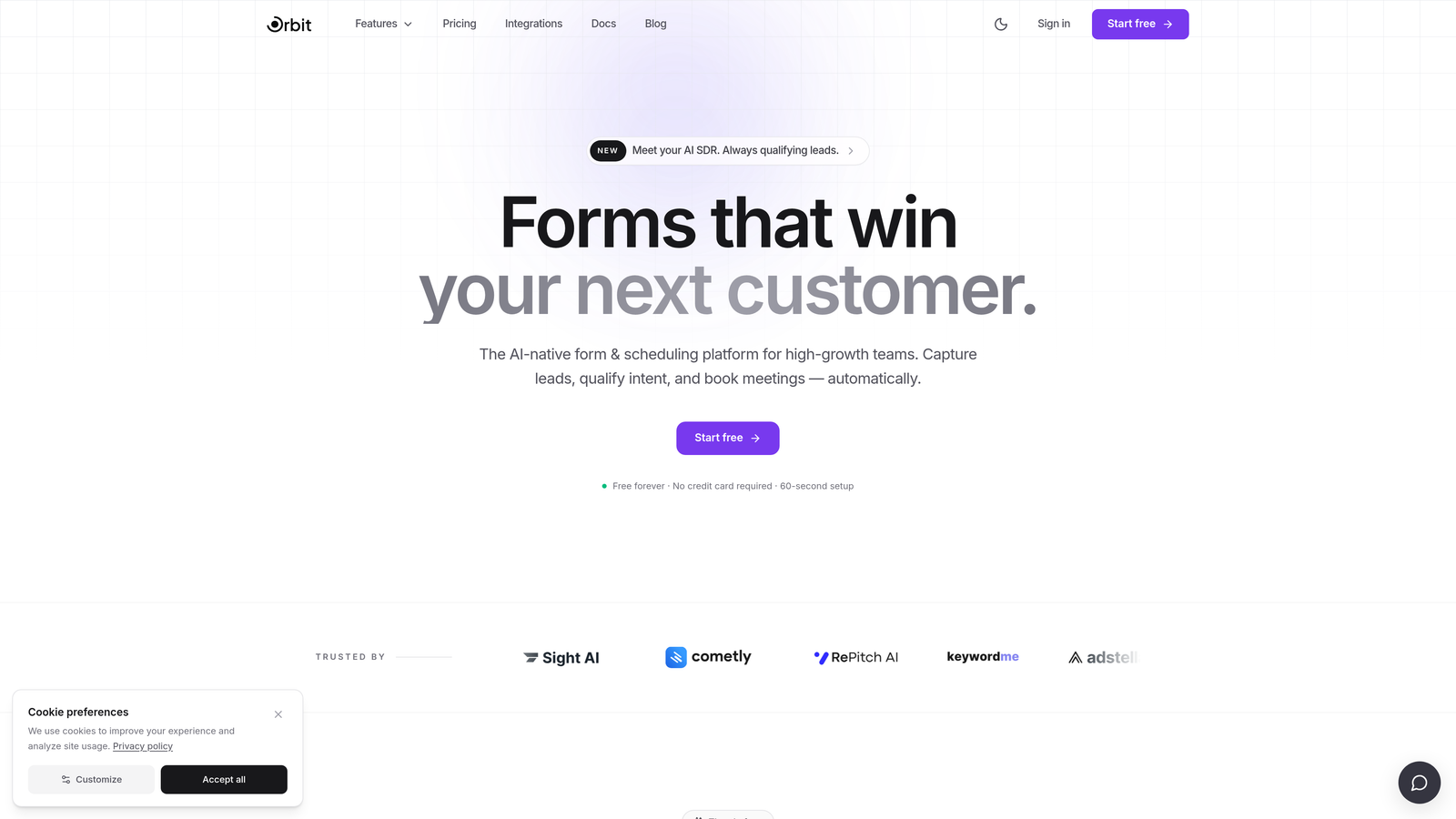
Orbit AI is an AI-powered form builder designed from the ground up for conversion-focused teams who need more than a data collection tool.
Where This Tool Shines
Most form builders stop at collecting responses. Orbit AI goes a step further by embedding lead qualification logic directly into the form layer. That means your forms aren't just gathering data; they're actively scoring and routing leads before anyone touches a CRM dashboard.
For startups where sales and marketing bandwidth is limited, this is a meaningful differentiator. Instead of manually triaging form submissions, your team receives pre-qualified leads with context already attached. The design quality is also worth calling out: forms look polished and modern out of the box, which matters when your brand is still building credibility.
Key Features
AI-Powered Lead Qualification: Qualification logic is embedded in the form flow itself, not added as a post-submission workaround.
Automated Lead Scoring: Responses automatically generate lead scores, helping your team prioritize outreach without manual review.
Conversion-Optimized Templates: Pre-built templates designed specifically for SaaS and B2B use cases reduce time-to-launch significantly.
CRM Routing Integrations: Qualified leads are automatically routed to the right CRM segments or sales workflows.
Modern Form Design: Clean, on-brand form aesthetics without requiring a designer on your team.
Best For
Growth teams and revenue-focused startups that want their forms to do more than collect data. Particularly strong for B2B SaaS companies running inbound lead generation where lead quality matters as much as lead volume.
Pricing
Paid plans are available. Check orbitforms.ai for current pricing details and any available free tier.
2. Typeform
Best for: Teams prioritizing completion rates on longer surveys and multi-step lead forms
Typeform is a conversational form builder known for its one-question-at-a-time format that reduces friction and tends to improve engagement on longer forms.

Where This Tool Shines
Typeform's signature UX, presenting one question at a time rather than a wall of fields, makes longer forms feel far less intimidating to respondents. For startups running customer research, onboarding surveys, or multi-step lead capture, this format can meaningfully improve how far respondents get before dropping off.
The design quality is consistently strong, and the integration ecosystem covers the tools most startups already use. The main trade-off is pricing: the free plan caps responses at 10 per month, which is limiting for any team actively generating leads.
Key Features
Conversational UX: One-question-at-a-time format reduces cognitive load and can improve form completion rates.
Conditional Logic: Strong branching and logic capabilities let you build personalized paths based on answers.
Media Embedding: Video and image support within forms adds context and personality to your questions.
CRM Integrations: Native connections to HubSpot, Salesforce, Zapier, and Slack cover most SaaS stacks.
Drop-Off Analytics: Built-in analytics show where respondents abandon forms, helping you optimize over time.
Best For
Marketing and growth teams focused on survey-style lead capture, customer research, or onboarding flows where completion rate is the primary metric. Less ideal for teams that need built-in lead scoring or qualification logic.
Pricing
Free plan available with a 10 responses per month limit. Paid plans start around $25/month and scale by response volume.
3. Tally
Best for: Bootstrapped founders and early-stage startups who need powerful forms at zero cost
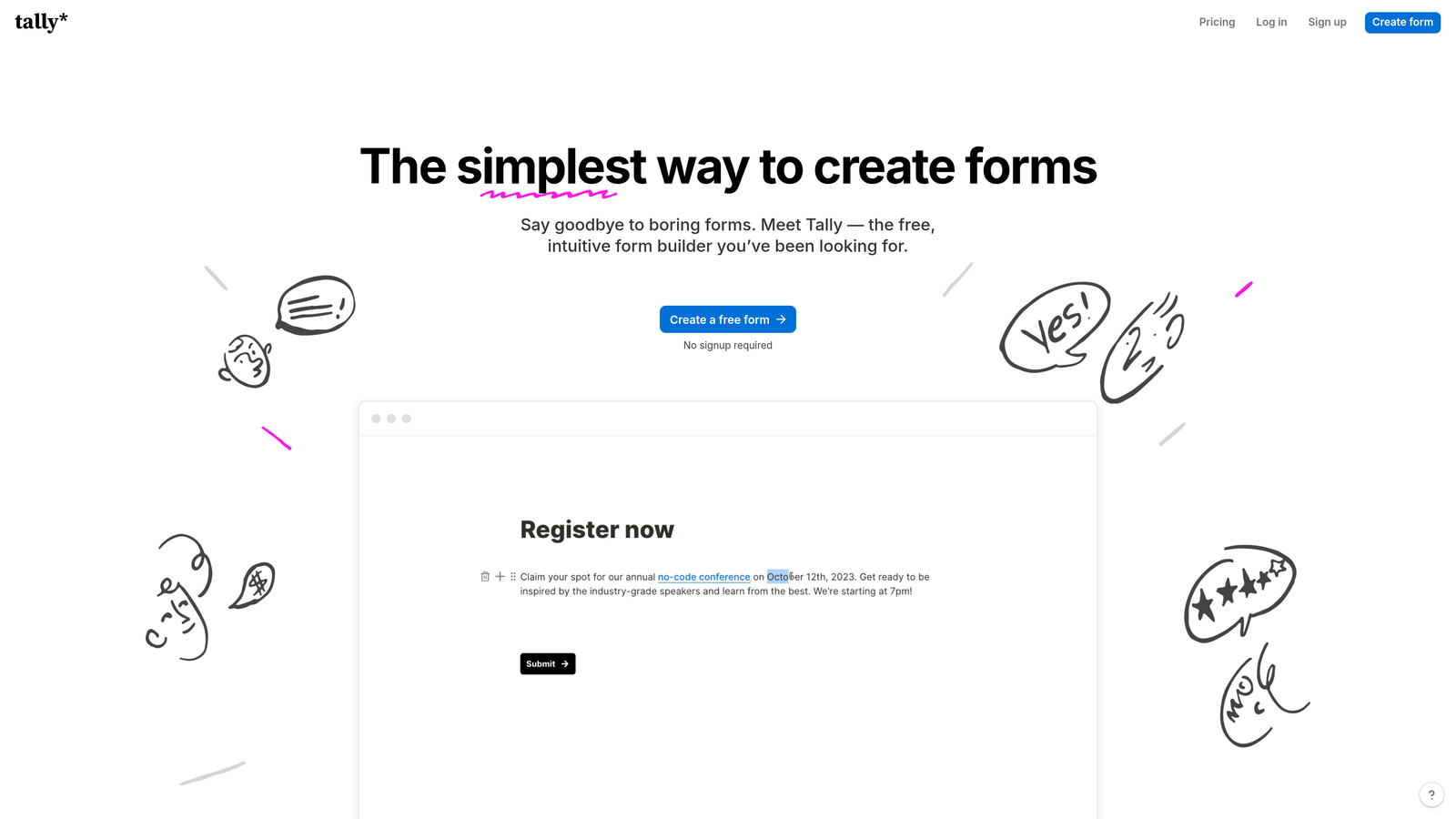
Tally is a lightweight, Notion-inspired form builder with one of the most genuinely generous free plans available in the market today.
Where This Tool Shines
Where most free plans impose submission limits or feature restrictions that force an upgrade, Tally's free tier includes unlimited forms and unlimited submissions. For a pre-revenue startup or a solo founder validating ideas, this is a significant advantage. The block-based editor will feel immediately familiar to anyone who uses Notion.
Tally handles conditional logic, hidden fields, and basic integrations well enough for most early-stage use cases. It won't replace a purpose-built lead qualification tool as you scale, but for getting forms live quickly and cheaply, it's hard to beat.
Key Features
Unlimited Free Plan: Unlimited forms and unlimited submissions on the free tier, with no credit card required.
Notion-Style Editor: Block-based editing interface makes form creation fast and intuitive.
Conditional Logic: Hidden fields and branching logic available even on the free plan.
Zapier and Make Integrations: Connect to your existing tools without needing native integrations.
Flexible Embedding: Clean embed options for websites, landing pages, and Notion docs.
Best For
Pre-revenue startups, indie hackers, and bootstrapped teams who need functional, decent-looking forms without a budget. Also a strong choice for internal ops forms where design polish isn't a priority.
Pricing
Free plan with unlimited forms and submissions. Pro plan around $29/month for advanced features including custom domains and priority support.
4. HubSpot Forms
Best for: Startups already running their CRM and marketing on HubSpot
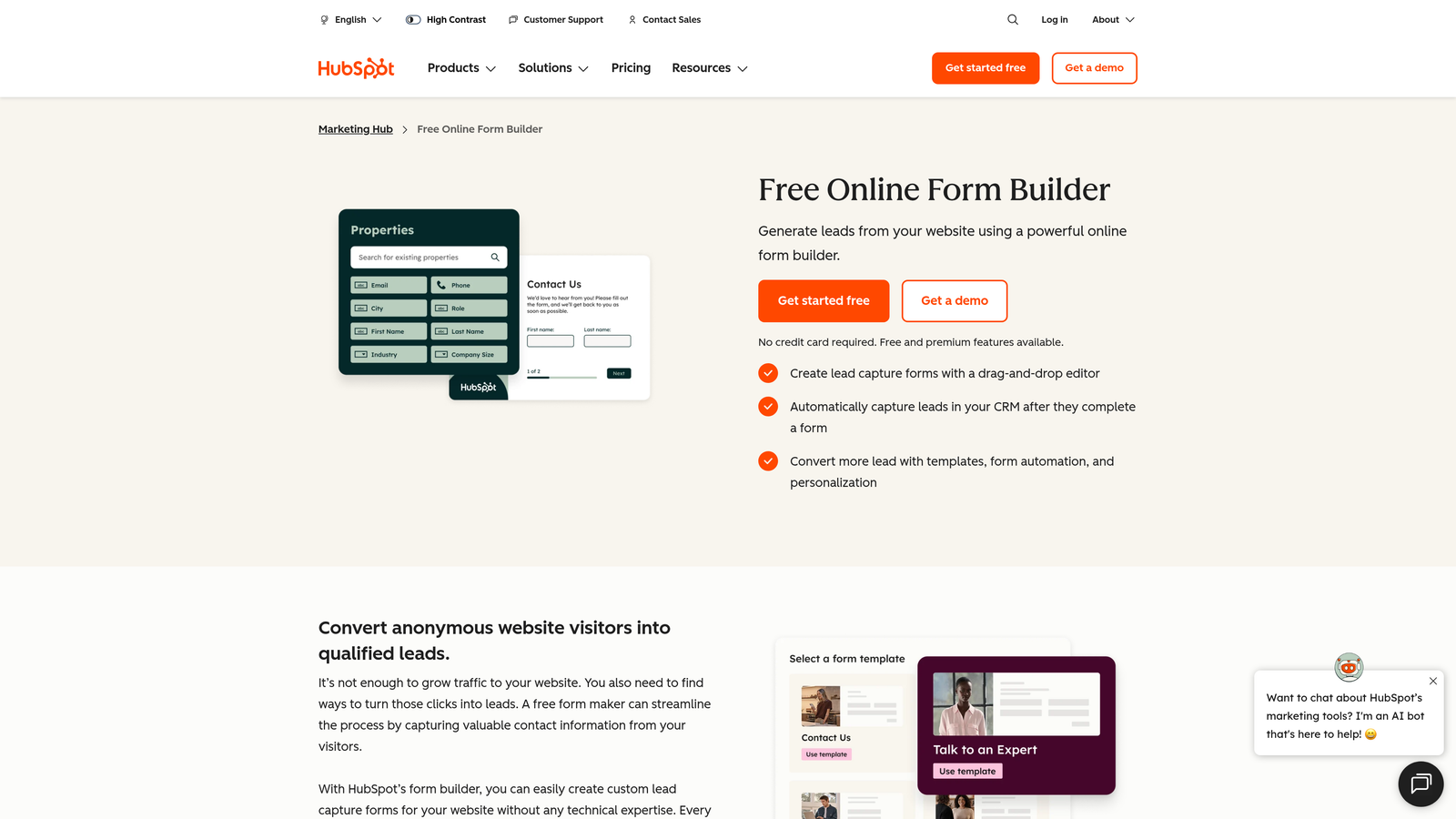
HubSpot Forms is a native form tool built directly into the HubSpot ecosystem, offering seamless contact capture and automatic CRM sync for teams already invested in the platform.
Where This Tool Shines
If your team is already using HubSpot as your CRM, the case for using HubSpot Forms is straightforward: zero integration overhead. Every submission automatically creates or updates a contact record, enrolls them in lists, and can trigger workflows without any additional configuration. That kind of native sync is genuinely valuable when you're moving fast.
The trade-off is design flexibility. HubSpot Forms are functional but visually limited compared to dedicated form builders. If brand presentation matters, you may find yourself constrained. Progressive profiling is a standout feature though, especially for teams running long nurture sequences who don't want to ask the same questions twice.
Key Features
Native CRM Sync: Zero integration setup; submissions automatically create and update HubSpot contact records.
Progressive Profiling: Automatically replaces already-answered fields with new questions on return visits.
List Enrollment: Form submissions can automatically enroll contacts into segmented lists and workflows.
A/B Testing: Available on higher Marketing Hub tiers for optimizing form performance.
Embedded and Standalone Options: Deploy forms on your website or as standalone pages within HubSpot.
Best For
Growth teams running their entire marketing and sales stack on HubSpot. The value is almost entirely tied to CRM integration depth, so it's less compelling for teams using other CRM platforms.
Pricing
Free with HubSpot's free CRM. Advanced features require a Marketing Hub subscription starting around $15/month per seat.
5. Jotform
Best for: Teams needing complex forms with payments, e-signatures, or industry-specific templates
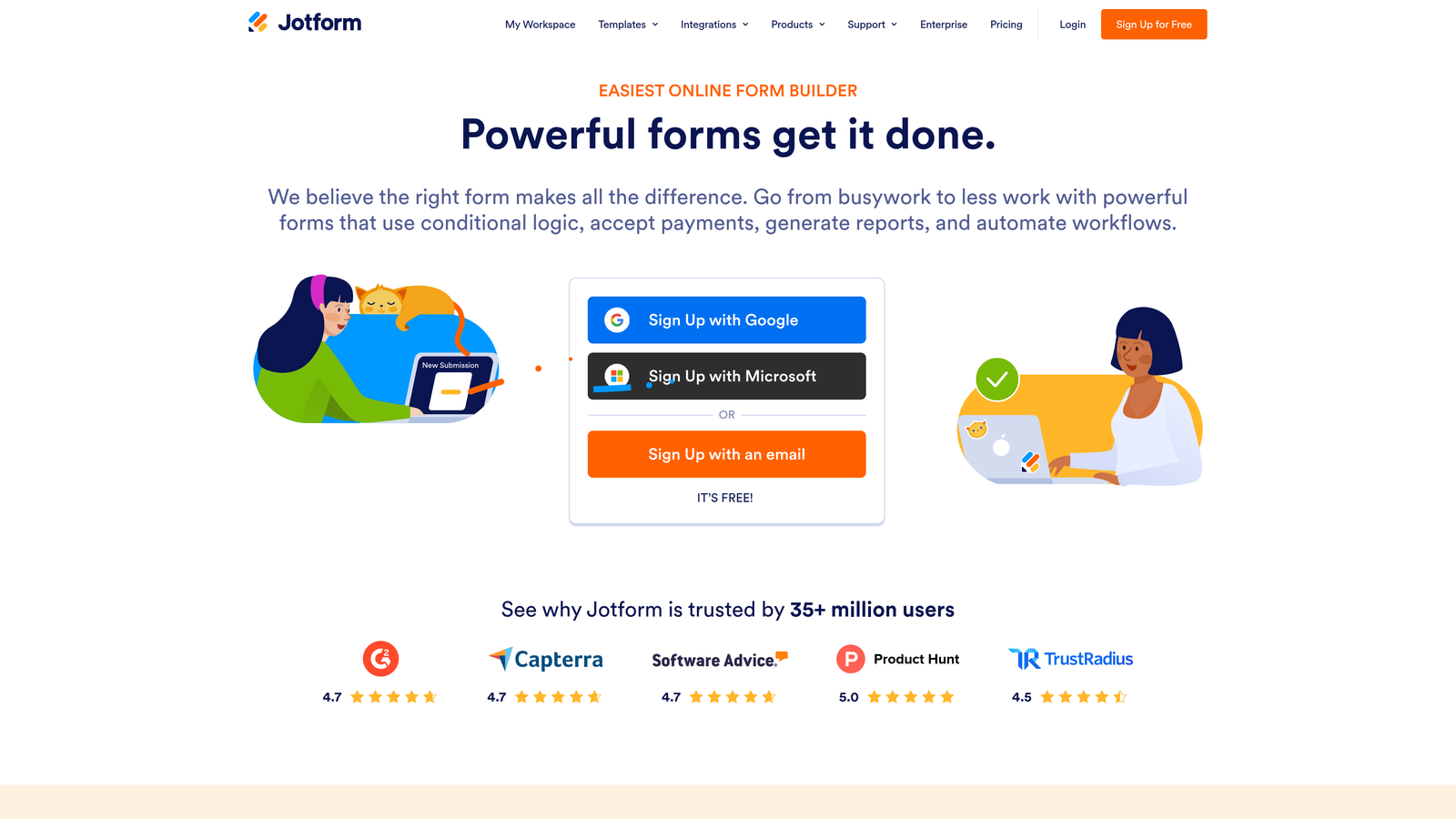
Jotform is one of the most established form builders available, with an enormous template library and native support for payments, e-signatures, and advanced conditional logic.
Where This Tool Shines
Jotform's depth is its biggest asset. With over 10,000 templates spanning dozens of industries and use cases, there's a strong chance a template already exists for whatever you need. For startups that need forms to handle transactional workflows, like collecting payments, gathering signed agreements, or building complex multi-step applications, Jotform covers ground that most competitors don't.
The flip side is that this breadth can make the platform feel overwhelming for simple use cases. If you just need a clean lead capture form, Jotform may be more tool than you need. But for startups in regulated industries or those with complex data collection requirements, the feature depth is genuinely useful.
Key Features
Massive Template Library: 10,000+ templates across industries make it fast to find a relevant starting point.
Native Payment Support: Built-in integrations with Stripe, PayPal, and Square for transactional forms.
E-Signature Capability: Collect legally binding signatures directly within form submissions.
Advanced Conditional Logic: Calculation fields and complex branching for sophisticated form flows.
HIPAA-Compliant Plans: Dedicated compliance options for healthcare and regulated industries.
Best For
Startups in healthcare, legal, finance, or any domain requiring transactional forms, signed agreements, or payment collection alongside data capture. Also strong for ops-heavy teams managing complex internal workflows.
Pricing
Free plan includes 5 forms and 100 monthly submissions. Paid plans start around $34/month with higher submission limits and additional features.
6. Fillout
Best for: Product and ops teams using Notion, Airtable, or Supabase as their operational backbone
Fillout is a modern form builder that stands out for its native read/write integrations with Notion, Airtable, and Supabase, letting forms interact directly with your existing databases.

Where This Tool Shines
Most form builders write data to their own storage and require you to sync it elsewhere. Fillout takes a different approach: your forms can read from and write directly to the databases your team already uses. For a startup running operations out of Airtable or building a product on Supabase, this eliminates an entire layer of integration work.
The UI is clean and modern, and the conditional logic is solid. Scheduling and payment support round out the feature set for teams that need forms to handle more than basic data collection. It's a strong fit for technical or product-led teams who want forms that feel like a native extension of their existing stack.
Key Features
Database-Native Integrations: Direct read/write connections to Notion, Airtable, and Supabase without middleware.
PostgreSQL Connectivity: Connect forms directly to your own database for custom data workflows.
Conditional Logic: Multi-page forms with branching logic for complex data collection flows.
Scheduling and Payments: Built-in support for booking flows and payment collection.
Mobile-Responsive Design: Clean UI that holds up well on mobile without additional configuration.
Best For
Technical founders, product teams, and ops-heavy startups whose workflows live in Notion, Airtable, or a custom database. Less suited for teams focused primarily on marketing lead capture.
Pricing
Free plan available. Paid plans start around $15/month with expanded submission limits and advanced integrations.
7. Paperform
Best for: Teams that want forms to feel like designed landing pages rather than standard input fields
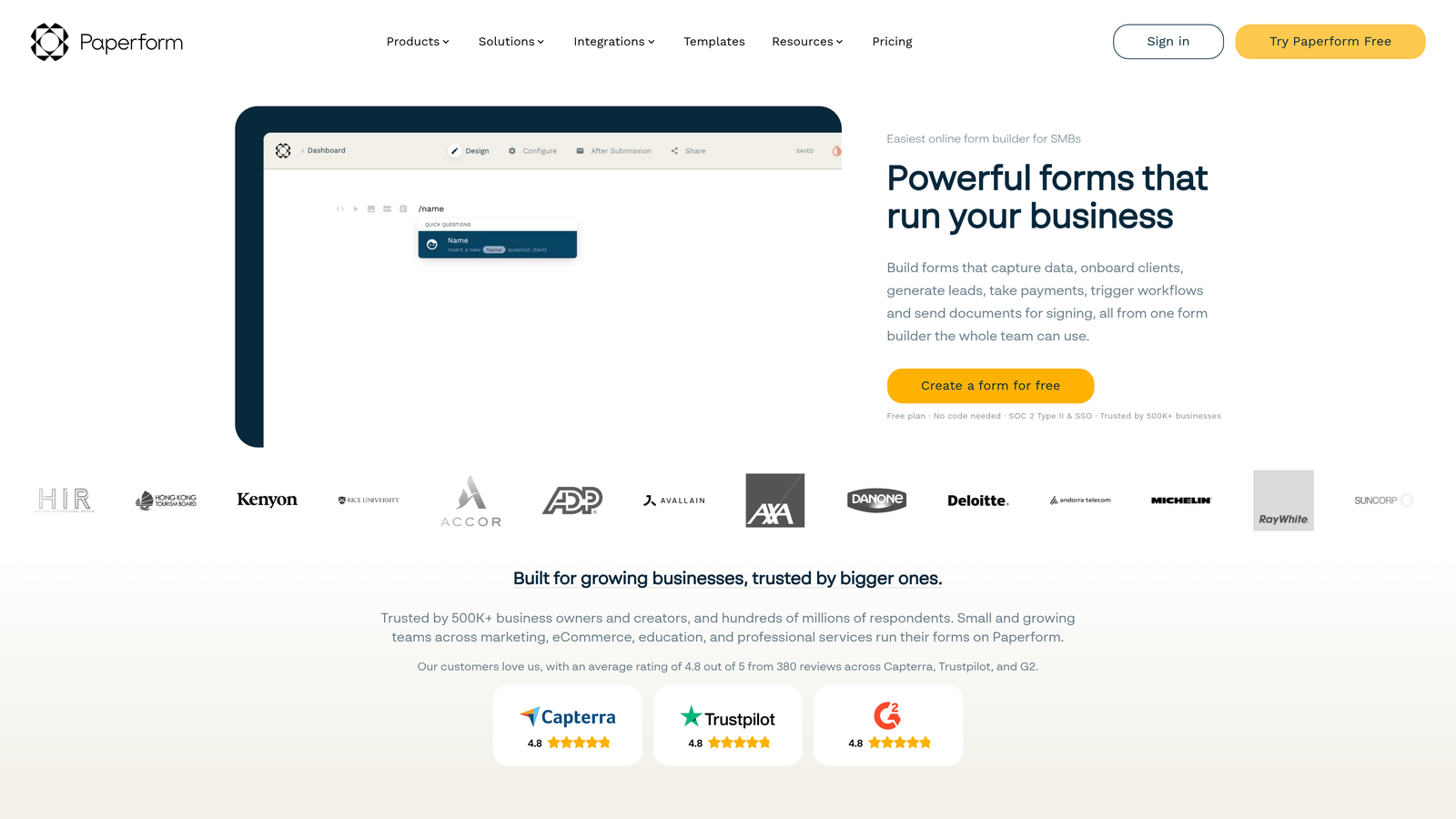
Paperform is a flexible form builder with a freeform editor that blends written content, media, and form fields into experiences that feel closer to a landing page than a traditional form.
Where This Tool Shines
Paperform's freeform editing model is genuinely different from most form builders. Rather than presenting a structured list of fields, you build a page where text, images, video, and form inputs coexist naturally. The result is forms that can tell a story or provide context alongside the questions themselves, which is particularly useful for onboarding flows, product applications, or anything where the experience matters as much as the data.
The built-in payment and scheduling support makes Paperform a strong choice for startups that need forms to drive transactions, not just collect information. Custom domain support also helps with brand consistency.
Key Features
Freeform Editor: Mix text, images, video, and form fields freely on the same page for richer form experiences.
Payment and Scheduling: Native support for collecting payments and booking appointments within forms.
Conditional Sections: Show or hide entire sections of content based on previous answers.
Custom Domain Support: Host forms on your own domain for consistent brand presentation.
200+ Integrations: Native connectors plus Zapier support cover most SaaS tool combinations.
Best For
Startups that care deeply about the experience their forms create, particularly for customer-facing applications, onboarding, or transactional flows where design and narrative context add real value.
Pricing
Essentials plan starts around $24/month. No free plan, but a 14-day free trial is available.
8. Google Forms
Best for: Internal data collection, quick surveys, and pre-revenue validation with zero budget
Google Forms is Google's free, no-frills form tool: reliable, universally understood, and completely free for anyone with a Google account.
Where This Tool Shines
There's no faster path from "I need a form" to "the form is live" than Google Forms. If your team already uses Google Workspace, responses flow automatically into Google Sheets, giving you a functional data pipeline with zero setup. For internal surveys, quick feedback collection, or early-stage customer research, it does the job without any cost or learning curve.
The honest limitation is that Google Forms wasn't designed for modern lead generation. Design control is minimal, CRM integrations require workarounds, and there's no qualification logic. It's a utility tool, not a growth tool, and that's fine as long as you use it accordingly.
Key Features
Completely Free: No cost, no submission limits, no account upgrade required beyond a standard Google account.
Google Sheets Integration: Responses automatically populate a connected spreadsheet in real time.
Basic Conditional Logic: Section branching based on answers covers simple routing needs.
Easy Sharing: Share via link, embed on a page, or send directly from Google's interface.
Real-Time Collaboration: Multiple team members can edit forms simultaneously like any Google doc.
Best For
Pre-revenue founders, internal team surveys, quick research sprints, and any use case where cost is the primary constraint and design or qualification logic isn't required.
Pricing
Completely free. Google Workspace business plans start at $6/user/month if you need additional organizational features.
9. Formstack
Best for: Startups in regulated industries that need enterprise-grade compliance and workflow automation
Formstack is an enterprise-grade form and workflow automation platform built for organizations that need HIPAA compliance, deep Salesforce integration, and document generation alongside their forms.
Where This Tool Shines
Formstack occupies a different tier from most tools on this list. Where others optimize for speed and simplicity, Formstack is built for complexity: regulated data environments, multi-step approval workflows, and document generation from form submissions. For a healthtech, fintech, or legal startup where compliance isn't optional, Formstack's infrastructure justifies the higher price point.
The native Salesforce integration with field mapping is particularly strong for teams running enterprise sales motions. The A/B testing and conversion analytics included in the Conversion Kit also give growth-focused teams meaningful optimization levers. Just be prepared for a more involved setup process than the lighter tools on this list.
Key Features
HIPAA Compliance: Data collection infrastructure designed for regulated industries including healthcare.
Native Salesforce Integration: Direct field mapping to Salesforce without middleware or custom development.
Workflow and Approval Routing: Advanced multi-step approval flows built into the form submission process.
Document Generation: Automatically generate documents from form submission data.
A/B Testing and Analytics: Conversion Kit features for optimizing form performance over time.
Best For
Startups in healthcare, legal, finance, or other regulated sectors where compliance requirements drive tool selection. Also relevant for later-stage startups running complex enterprise sales workflows on Salesforce.
Pricing
Plans start around $83/month. Enterprise pricing is available for larger teams with more complex requirements.
Which Form Builder Is Right for Your Startup?
The right choice depends almost entirely on what you're optimizing for right now. Not every startup needs the same thing from a form builder, and the best tool at idea stage looks very different from the best tool at Series A.
If lead qualification and conversion are your primary concerns, Orbit AI is built specifically for that problem. The intelligence is in the form itself, not added downstream, which matters when your sales team's time is limited and lead quality is everything.
If you're early-stage and budget-constrained, Tally's unlimited free plan and Google Forms' zero-cost simplicity cover most validation and research needs without spending a dollar. Once you're generating real lead volume, the limitations of those tools will become apparent quickly.
For teams already living in HubSpot, the native sync of HubSpot Forms is hard to argue against. For product and ops teams running on Notion or Airtable, Fillout's database-native approach eliminates integration overhead that would otherwise slow you down.
If design and experience quality matter for customer-facing flows, Typeform and Paperform both produce forms that reflect well on your brand. And for startups in regulated industries where compliance isn't optional, Formstack is the only enterprise-grade option on this list built for that environment.
The market is moving toward intelligent forms that don't just collect data but help teams act on it faster. If your current form tool is creating more manual work downstream, that's a signal worth paying attention to. Start building free forms today and see how AI-powered qualification can change what your forms actually do for your pipeline.


