

For SaaS companies, forms aren't just data collection tools. They're the front line of your lead generation engine. The right form builder can mean the difference between a qualified pipeline and a flood of unworkable submissions that your sales team has to manually sort through.
Most legacy form tools were built for generic use cases, not the nuanced demands of high-growth SaaS teams: AI-powered lead qualification, conditional logic, CRM integrations, and conversion-optimized design that doesn't feel like a corporate survey from 2012. This guide evaluates the best modern form builders purpose-built, or well-suited, for SaaS companies.
We've assessed each tool on design quality, logic capabilities, lead qualification features, integration depth, and pricing transparency. Whether you're a seed-stage startup or a scaling SaaS team, here's where to start.
1. Orbit AI
Best for: SaaS teams that need AI-powered lead qualification built directly into the form layer
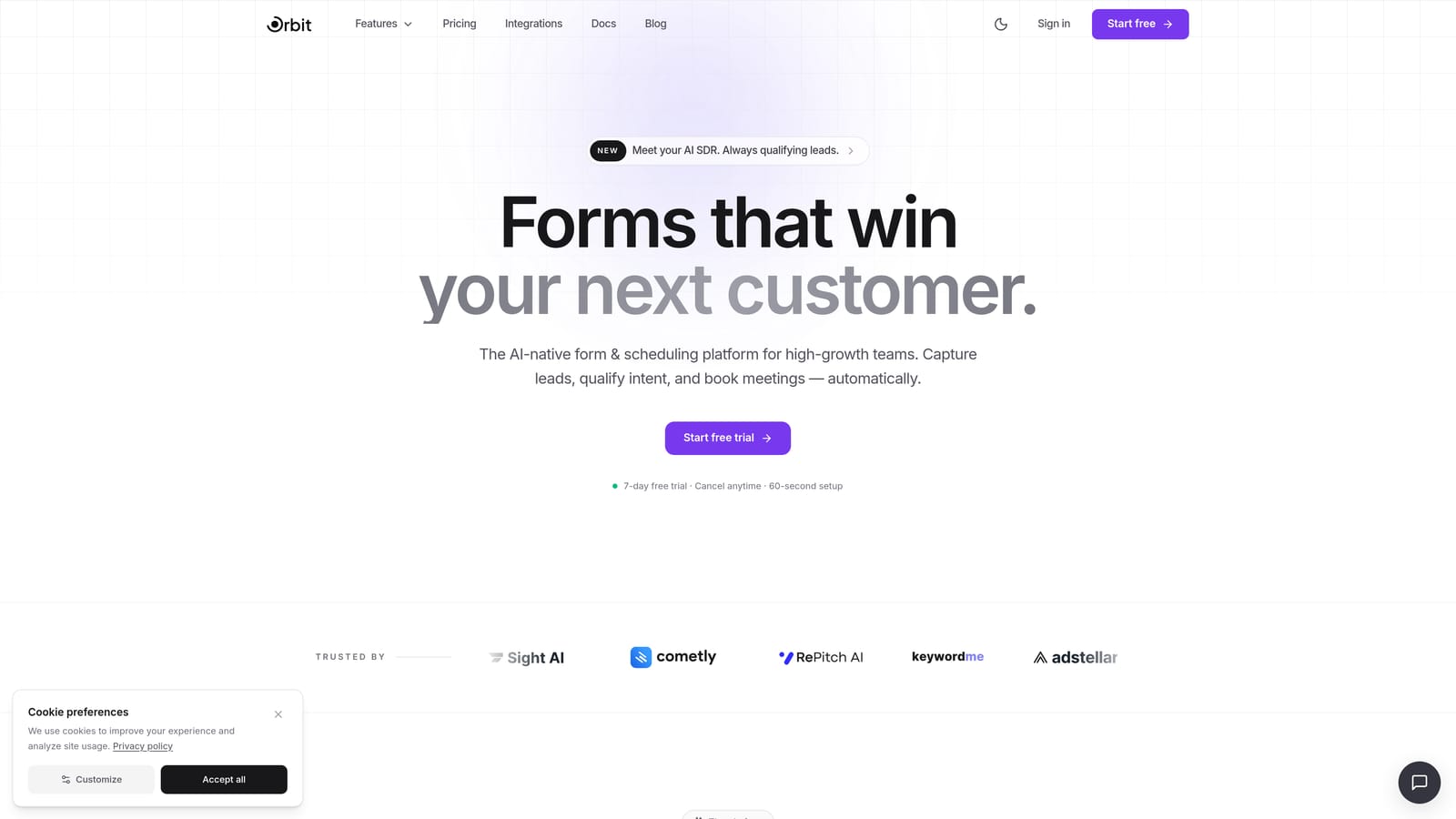
Orbit AI is an AI-powered form builder with built-in lead qualification and scoring, designed specifically for high-growth SaaS teams focused on conversion optimization and pipeline quality.
Where This Tool Shines
Orbit AI approaches the form builder category from a fundamentally different angle. Instead of treating forms as passive data collectors, it positions them as active participants in your lead qualification process. Forms built on Orbit can score leads based on their responses and route them automatically, which means your sales team receives pre-qualified prospects rather than a raw list of submissions.
The design quality is notably modern without sacrificing conversion performance. Embeddable deployment means your forms live natively within your marketing pages or product experience, which consistently outperforms redirect-to-form patterns for completion rates.
Key Features
AI-Powered Lead Qualification and Scoring: Leads are scored based on form responses automatically, giving your team instant signal on who to prioritize.
Conditional Logic and Progressive Profiling: Forms adapt based on previous answers, collecting smarter data without overwhelming respondents with irrelevant questions.
Conversion-Optimized Design: Modern, clean form aesthetics with embeddable deployment options built for SaaS marketing and product pages.
Automated Lead Routing: Qualification scores trigger routing logic, so high-value leads reach the right person immediately.
Built for SaaS Teams: Not a generic tool adapted for SaaS use cases, but a platform designed with SaaS workflows in mind from the ground up.
Best For
Orbit AI is the strongest fit for SaaS teams where pipeline quality matters as much as pipeline volume. If your sales team is spending time manually triaging leads or your current forms lack any qualification layer, this is the tool worth evaluating first. Particularly well-suited for growth-stage companies with active inbound lead programs.
Pricing
Visit orbitforms.ai for current plan pricing. Pricing details are best confirmed directly on the site as plans evolve with new features.
2. Typeform
Best for: Teams prioritizing respondent engagement and polished conversational form experiences
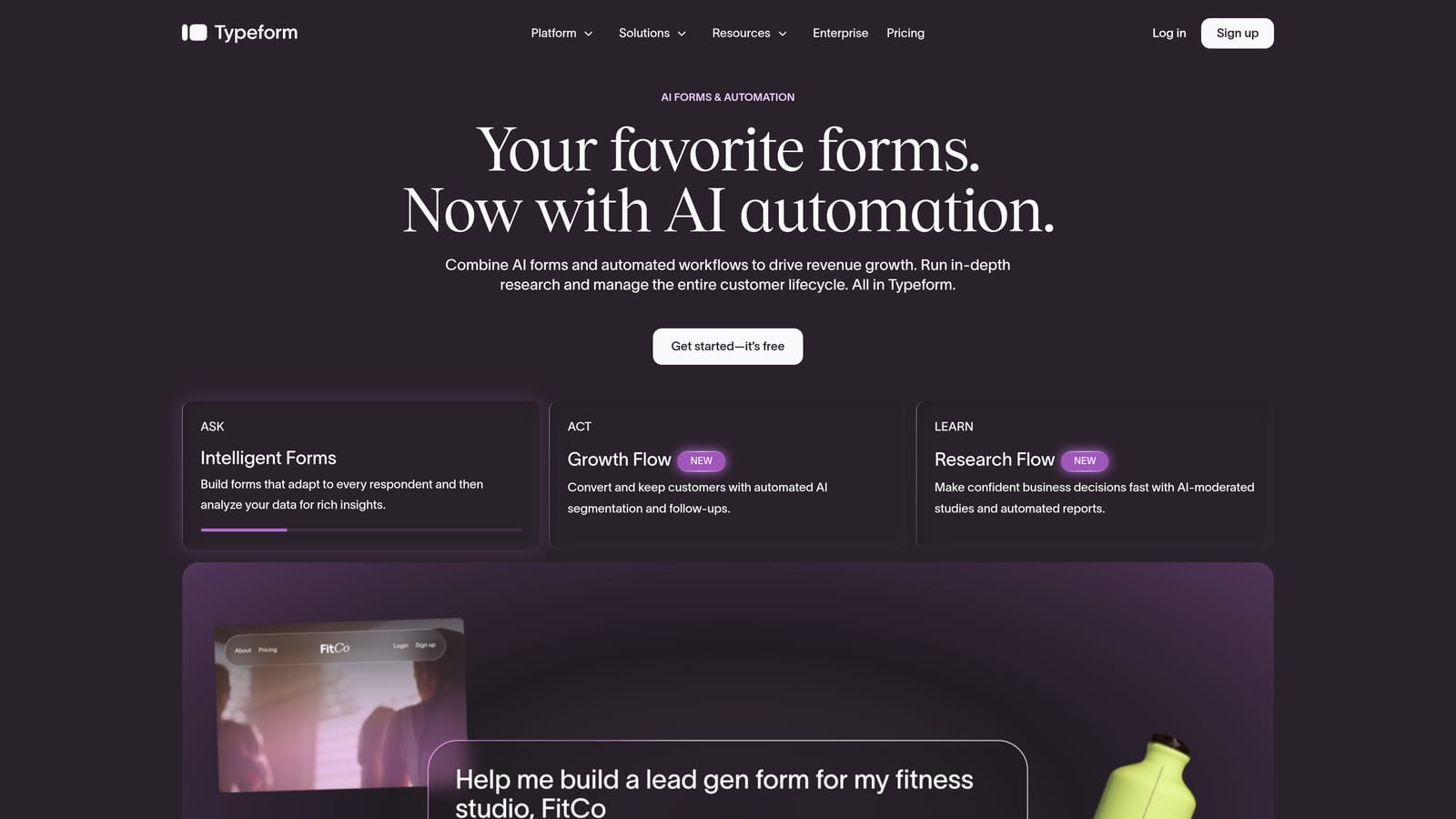
Typeform is a conversational form builder known for its one-question-at-a-time format that improves respondent engagement and form completion rates.
Where This Tool Shines
Typeform essentially invented the modern conversational form UX, and it's still one of the best at it. The single-question format reduces the visual overwhelm that kills completion rates on traditional multi-field forms. For SaaS teams running onboarding surveys, NPS collection, or product feedback campaigns, Typeform delivers a premium respondent experience that reflects well on the brand.
The design quality is consistently high, and the template library covers most common SaaS use cases out of the box. Where Typeform shows its limits is in lead qualification depth. It doesn't score or route leads natively, so teams needing those capabilities will need to connect it to external tools via Zapier or native integrations.
Key Features
Conversational One-Question UX: Single-question presentation reduces form fatigue and tends to improve completion rates versus multi-field layouts.
Logic Jumps and Conditional Branching: Available on paid plans, allowing forms to adapt based on previous answers.
Polished Design Templates: Strong brand aesthetic with a library of templates suited to modern SaaS visual standards.
CRM and Automation Integrations: Native connections to HubSpot, Salesforce, Zapier, and others for post-submission workflows.
Video and Image Support: Rich media can be embedded within forms to add context or personality to questions.
Best For
Typeform works well for SaaS teams focused on surveys, feedback collection, onboarding flows, and brand-forward lead capture where the respondent experience is a priority. Less ideal for teams needing built-in lead scoring or deep qualification logic without additional middleware.
Pricing
A free plan is available with limited responses. Paid plans start around $25/month, though pricing changes frequently. Confirm current pricing at typeform.com.
3. Paperform
Best for: Teams that want forms that look and feel like custom landing pages
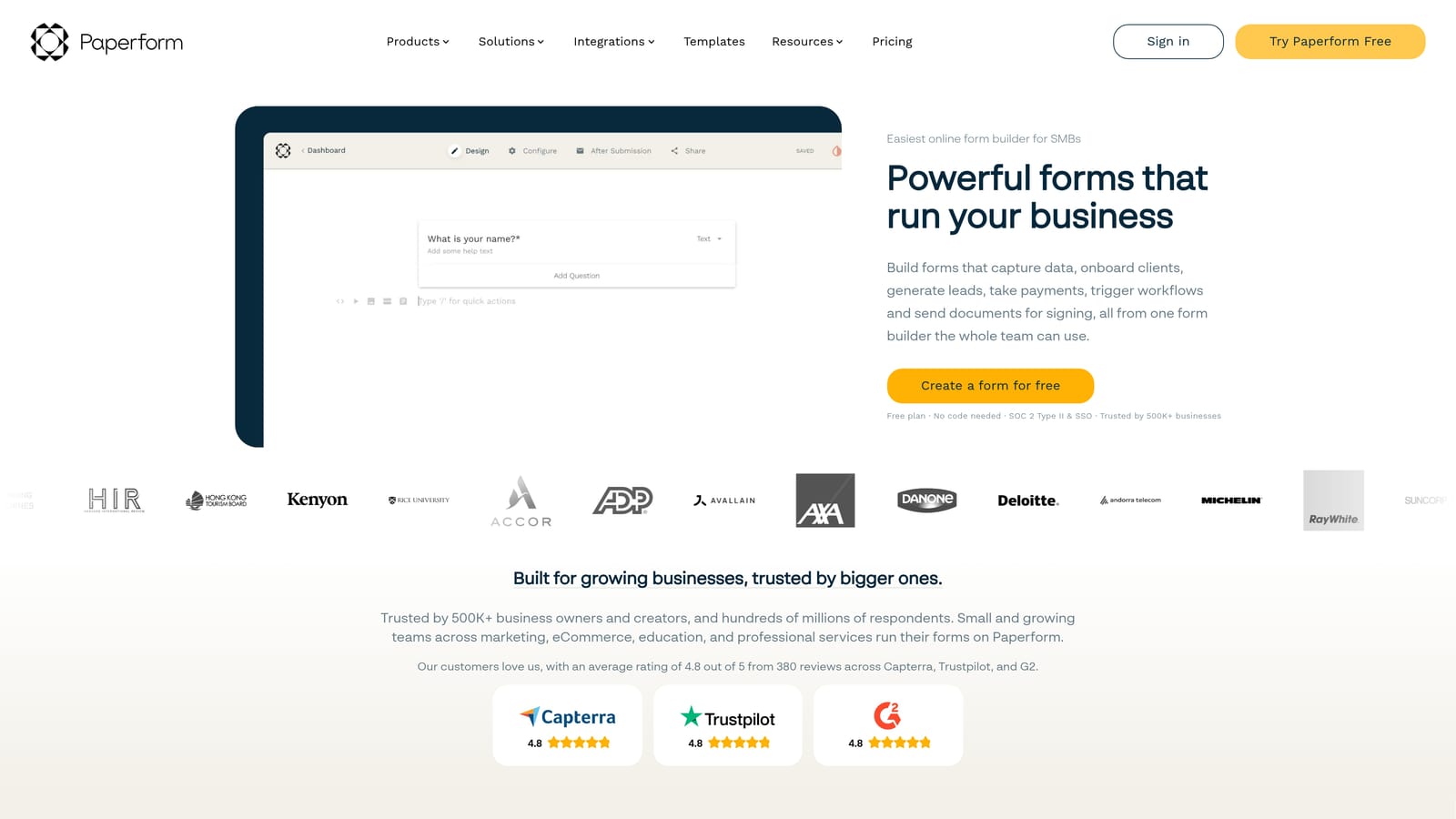
Paperform is a flexible form builder with a freeform editor that lets teams mix rich content, images, and form fields to create forms that feel more like designed pages than traditional forms.
Where This Tool Shines
Paperform's standout feature is its freeform canvas editor. Unlike most form builders that constrain you to a field-stacked layout, Paperform lets you freely mix text, images, video, and form fields on a single canvas. The result is forms that can function as mini landing pages, which is particularly useful for campaign-specific intake, event registration, or detailed product inquiry flows.
The design flexibility here is genuinely impressive. If your team has specific brand requirements or wants to create a bespoke experience for a particular campaign, Paperform gives you more creative control than most competitors in this space. The trade-off is that lead qualification isn't a native capability. It's a strong design tool, not a qualification engine.
Key Features
Freeform Canvas Editor: Blend text, media, and form fields freely on one canvas, enabling landing-page-style form experiences.
Conditional Logic and Calculation Fields: Forms can adapt based on responses and perform calculations, useful for quote generators or pricing estimators.
Payment and Scheduling Integrations: Built-in support for payment collection and calendar scheduling without needing additional tools.
Custom Domain and White-Labeling: Remove Paperform branding and serve forms from your own domain for a seamless brand experience.
Campaign-Specific Design Flexibility: Strong fit for teams creating unique form experiences per campaign rather than a single standard intake form.
Best For
Paperform suits SaaS marketing teams that want to create visually distinct forms for specific campaigns, events, or product launches. Also a good option for teams that need payment collection or scheduling built into their forms. Less suited to high-volume lead qualification workflows.
Pricing
Paperform offers paid plans only with no permanent free tier. Verify current pricing at paperform.co before committing.
4. Tally
Best for: Early-stage SaaS teams and developers who want a fast, free, minimal form builder
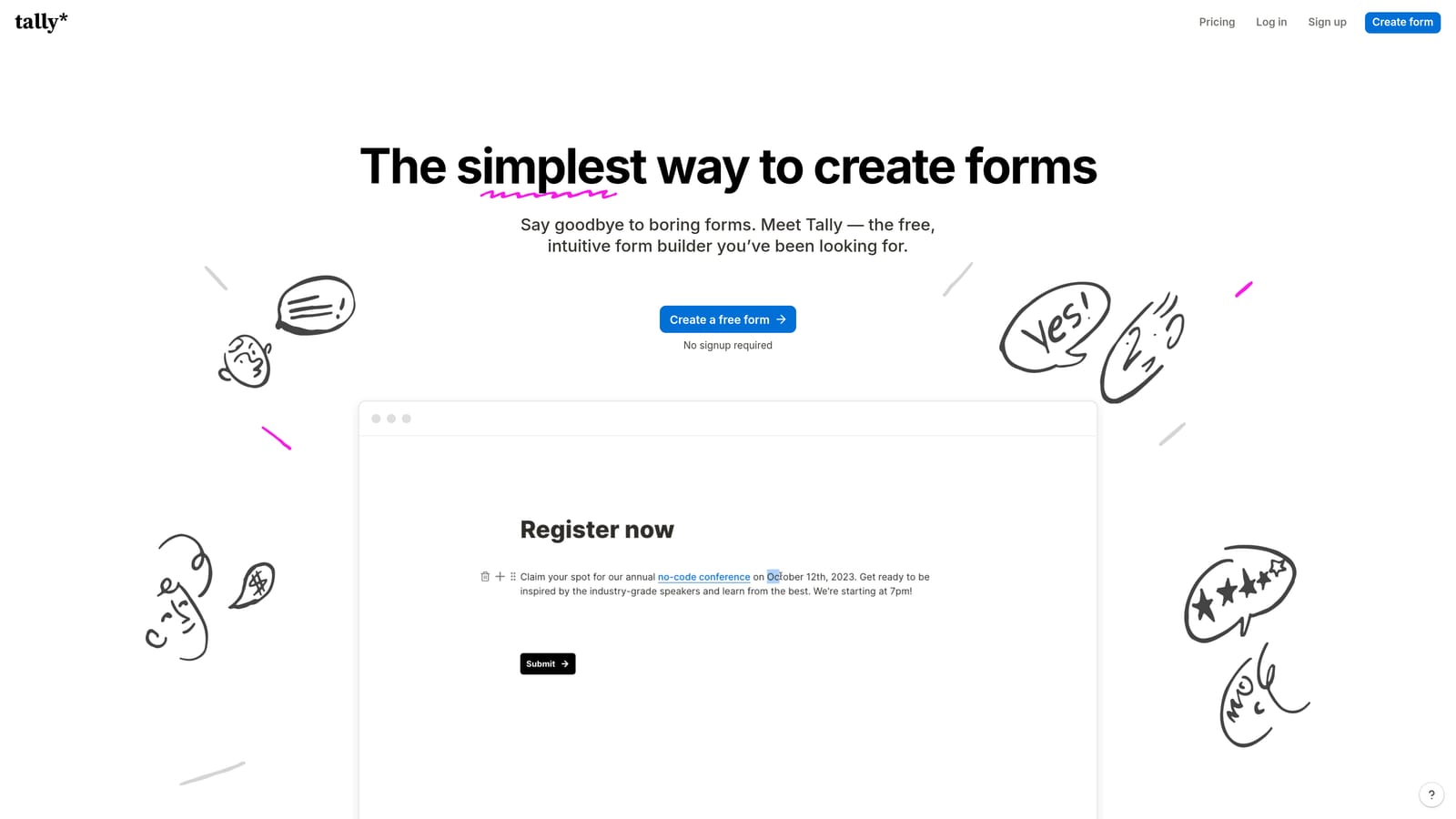
Tally is a lightweight, Notion-inspired form builder with a genuinely generous free tier that includes no form limits and no Tally branding on free forms.
Where This Tool Shines
Tally's free tier is the real story here. Most form builders either cap responses, add branding, or limit features on free plans. Tally offers unlimited forms and unlimited responses with no branding on the free plan, which is unusual in this category. For early-stage SaaS teams or developers who need to spin up forms quickly without budget overhead, it's hard to argue with that value proposition.
The Notion-like block editor is fast to learn if you've spent any time in Notion, and the clean aesthetic fits modern SaaS design standards well. The limitation is depth: Tally doesn't offer native lead scoring, deep CRM integration out of the box, or advanced qualification logic. It's a great tool for what it is, but it's not trying to be a pipeline engine.
Key Features
Unlimited Forms and Responses on Free Plan: No response caps and no Tally branding on free forms, making it one of the most generous free tiers available.
Notion-Like Block Editor: Familiar editing experience for teams already working in Notion, with a fast learning curve.
Conditional Logic and Hidden Fields: Basic branching logic and hidden field support for smarter data collection on free and paid plans.
Zapier and Make Integrations: Connect Tally to other tools in your stack via automation platforms for post-submission workflows.
Minimal, Modern Aesthetic: Clean design that fits contemporary SaaS brand standards without heavy customization effort.
Best For
Tally is an excellent choice for early-stage startups, indie SaaS teams, and developers who need fast, free form creation without complex requirements. Also useful for internal forms, quick surveys, and beta waitlists. Teams that need CRM-native integrations or lead qualification should plan to outgrow it.
Pricing
The free tier is genuinely robust and suitable for many early-stage use cases. A paid plan unlocks advanced features. Confirm current pricing at tally.so.
5. Jotform
Best for: Feature-heavy SaaS teams, regulated industries, and enterprise-scale form operations
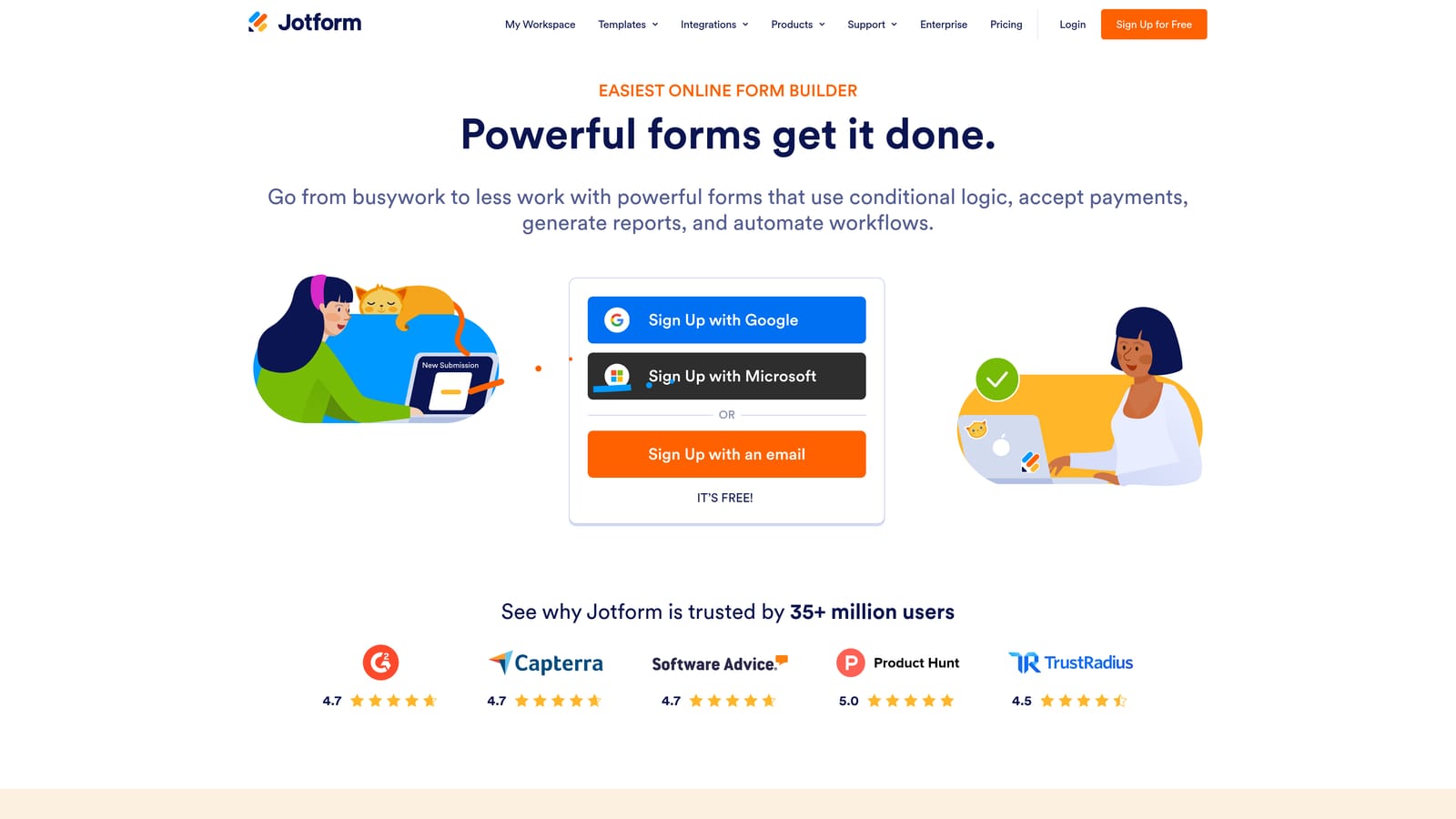
Jotform is a feature-rich form builder with thousands of templates, deep integration options, and compliance features including HIPAA-ready plans for regulated SaaS industries.
Where This Tool Shines
Jotform's breadth is its defining characteristic. If there's a form use case you can think of, Jotform almost certainly has a template for it. The platform covers everything from simple lead capture to complex approval workflows, payment processing, and document management. For SaaS teams operating in regulated industries, the HIPAA-compliant plan options are a meaningful differentiator that most competitors don't offer at all.
The integration depth is also impressive: 150+ native integrations cover most CRM, MAP, and productivity tools a SaaS team would use. The trade-off is that Jotform can feel heavy and complex for teams that want a streamlined, modern experience. It's a powerful platform, but navigating it requires more setup time than lighter-weight tools.
Key Features
Thousands of Templates: Covers virtually every SaaS form use case, reducing setup time for standard workflows significantly.
HIPAA-Compliant Plans: Available for health-tech and regulated SaaS companies that require compliance-ready infrastructure.
150+ Native Integrations: Direct connections to Salesforce, HubSpot, Slack, and a wide range of other platforms without requiring middleware.
Advanced Logic and Approval Workflows: Multi-step form logic, conditional branching, and approval chain management for complex internal processes.
Team Collaboration and Submission Management: Built-in tools for managing form submissions across teams, with assignment and review capabilities.
Best For
Jotform is the strongest fit for mid-market to enterprise SaaS teams with complex form requirements, regulated industry compliance needs, or heavy internal workflow automation. Also a practical choice for teams that want a single platform covering forms, payments, and approvals. Less ideal for teams prioritizing design simplicity or lead qualification intelligence.
Pricing
A free plan is available with submission limits. Paid plans scale with submission volume and feature requirements. Verify current pricing at jotform.com.
6. Formstack
Best for: Operations-heavy SaaS teams that need forms, documents, and e-signatures in one platform
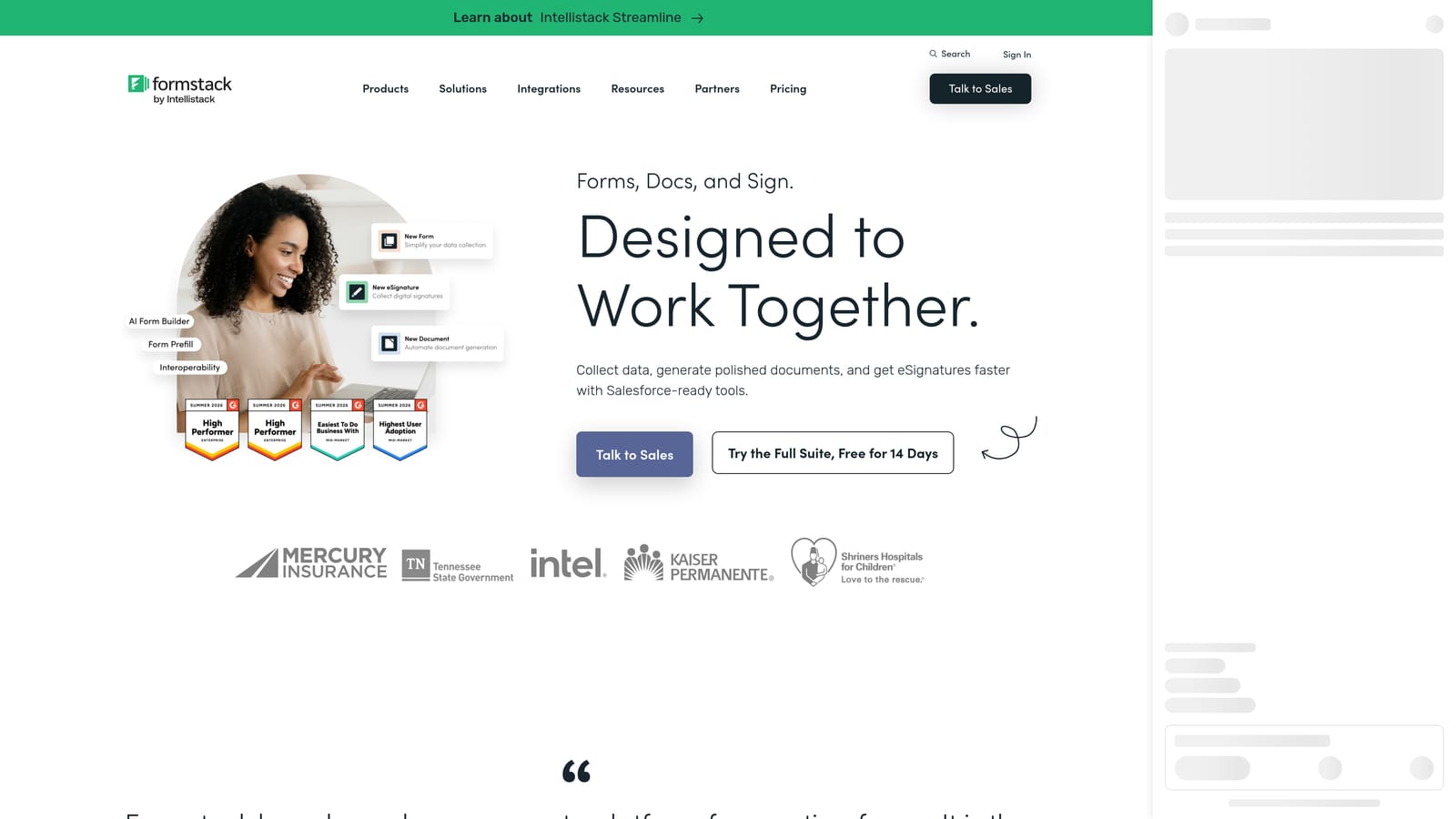
Formstack is a workflow-focused platform that extends well beyond form building into document generation, e-signatures, and multi-step approval processes.
Where This Tool Shines
Formstack is best understood as a workflow automation platform that happens to include strong form-building capabilities, rather than a form builder that also has some workflow features. That distinction matters when you're evaluating it. If your SaaS team needs forms to connect directly into contract generation, e-signature collection, and multi-step approval chains, Formstack handles all of that in a single platform.
The Salesforce-native integration is notably deep, making it a strong choice for CRM-centric operations teams. Compliance infrastructure is also solid, with HIPAA-ready options similar to Jotform. Where Formstack is less competitive is in outbound lead capture and conversion optimization. It's built for operational rigor, not top-of-funnel lead generation.
Key Features
Document Generation and E-Signatures: Create documents from form data and collect e-signatures within the same platform, eliminating tool-switching for contract workflows.
Multi-Step Approval Workflows: Route form submissions through defined approval chains with conditional logic and data routing built in.
Salesforce-Native Integration: Deep CRM integration suited to teams where Salesforce is the operational center of gravity.
HIPAA and Compliance Infrastructure: Enterprise-grade compliance readiness for regulated SaaS environments.
Internal Operations Focus: Strong fit for procurement, HR, legal, and contract workflows that require structured data routing.
Best For
Formstack is the right choice for SaaS operations teams managing internal workflows, contract processes, and compliance-heavy data collection. It's less suited for marketing teams focused on lead generation or conversion optimization, where lighter and more design-forward tools will serve better.
Pricing
Formstack carries a higher price point that reflects its platform depth and workflow capabilities. Verify current pricing at formstack.com.
Which Tool Is Right for Your SaaS Team?
The right form builder depends almost entirely on what you're optimizing for. Here's a quick way to think through the decision.
If pipeline quality is your primary concern: Start with Orbit AI. It's the only tool in this list with AI-powered lead qualification and scoring built natively into the form layer, which means your forms are actively working to filter and route leads rather than just collecting them.
If respondent experience and brand aesthetics matter most: Typeform remains the benchmark for conversational form UX. It's polished, well-integrated, and consistently delivers higher completion rates for survey and feedback use cases.
If you need campaign-specific, design-forward forms: Paperform's freeform canvas gives you the most creative flexibility of any tool here, making it well-suited for marketing teams building bespoke experiences per campaign.
If you're early-stage and budget-constrained: Tally's free tier is genuinely hard to beat for what it offers. Get started without spending anything, and upgrade when your requirements outgrow it.
If you're in a regulated industry or need enterprise-scale features: Jotform's template depth, compliance options, and integration breadth make it the most capable general-purpose tool for complex SaaS environments.
If your team needs forms plus document workflows and e-signatures: Formstack is the platform-level solution for operations-heavy teams where forms are just one piece of a larger workflow puzzle.
One trend worth noting as you evaluate these tools: AI-powered lead qualification is moving from a differentiator to an expectation for high-growth SaaS teams. Forms that passively collect data are becoming less competitive as teams realize the gap between raw submissions and qualified pipeline. The tools that actively help you close that gap will have a measurable impact on sales efficiency.
If you're ready to see what that looks like in practice, start building free forms today and experience how intelligent form design can transform your lead generation from a volume game into a quality-first pipeline strategy.


