

Webinar signup forms are conversion-critical touchpoints. A clunky or generic form can tank your registration rate before a single attendee shows up. The right form builder doesn't just collect names and emails; it qualifies registrants, segments your audience, and feeds your CRM with actionable data.
Whether you're running a weekly SaaS demo or a large-scale virtual summit, your signup form is doing real marketing work. This guide covers the best form builders purpose-built (or well-suited) for webinar registration flows. Each tool was evaluated on ease of build, conditional logic, integration depth, mobile experience, and lead capture quality — the factors that actually move registration numbers.
If you're also thinking about how to improve lead quality coming through your webinar funnel, the tools below offer very different approaches worth understanding before you commit.
1. Orbit AI
Best for: High-growth SaaS and marketing teams who need lead qualification built directly into their webinar signup flow.
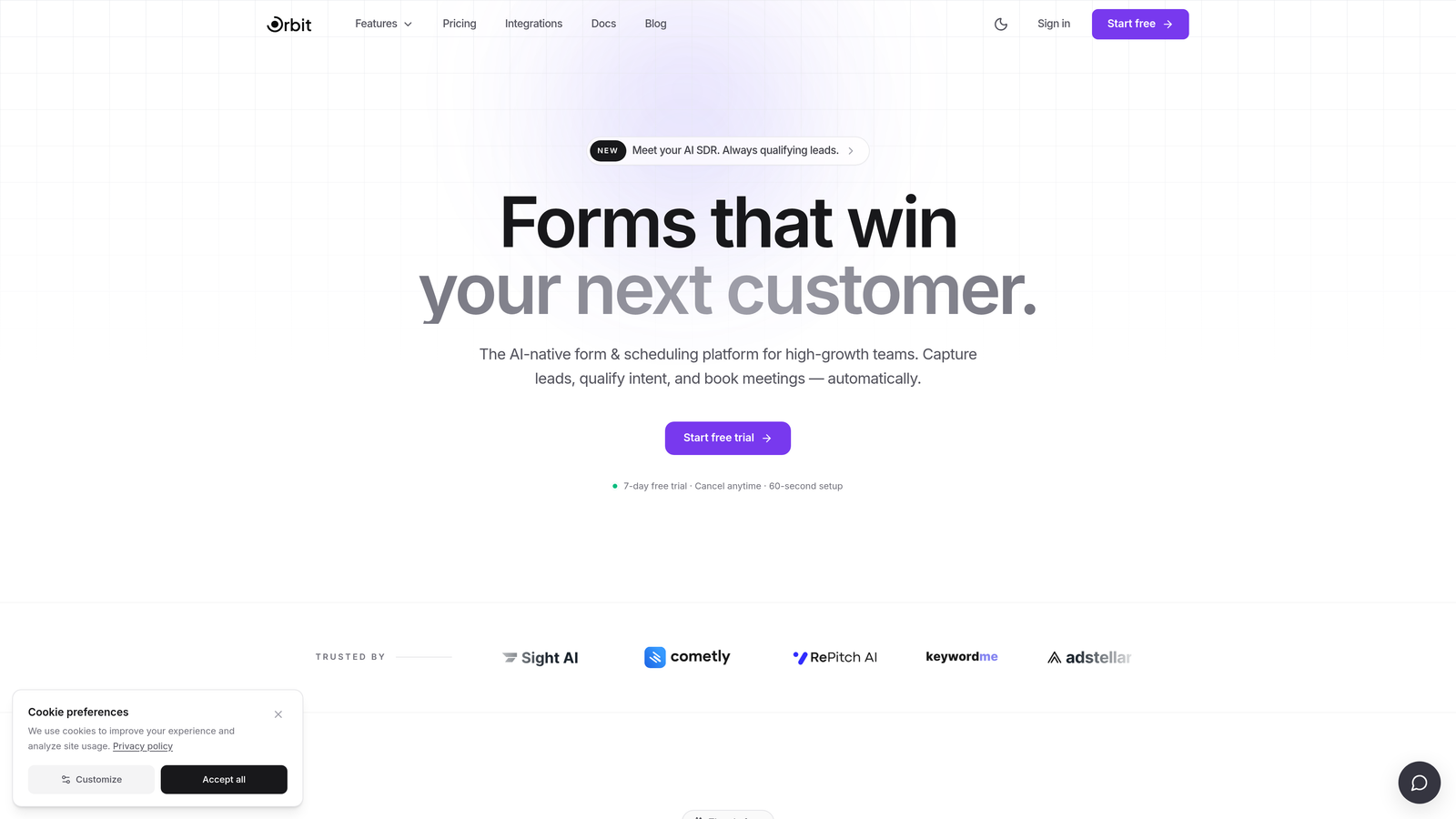
Orbit AI is an AI-powered form builder with native lead qualification and conversion optimization designed for teams who care about registrant quality, not just registrant volume.
Where This Tool Shines
Most form builders treat all registrants equally. Orbit AI doesn't. Its AI-powered lead qualification scores registrants as they complete the form, giving your sales and marketing team instant visibility into who is worth following up with before the webinar even starts. For SaaS teams running product demos or pipeline-generating events, that distinction matters enormously.
The platform is also built with conversion optimization front and center. Forms are visually modern, mobile-responsive, and designed to reduce friction at every step. You get the polish of a dedicated marketing asset, not a generic data collection widget bolted onto your event page.
Key Features
AI-Powered Lead Qualification: Scores registrants at the form level so your team knows which signups represent genuine sales opportunities before the event.
Conversion-Optimized Templates: Modern, branded form designs built to maximize completion rates across desktop and mobile.
Conditional Logic for Audience Segmentation: Route registrants into different tracks or follow-up sequences based on role, company size, or stated intent.
CRM and Marketing Platform Integrations: Connects to the tools your team already uses for seamless lead routing and post-registration nurturing.
Purpose-Built for High-Growth Teams: The entire platform is oriented around quality over quantity, making it a natural fit for teams running webinars as part of a deliberate lead generation strategy.
Best For
SaaS companies and marketing teams using webinars as a pipeline channel. If your goal is to understand who is registering — not just how many — and you want that intelligence flowing into your CRM automatically, Orbit AI is built for exactly that workflow.
Pricing
Visit orbitforms.ai for current pricing details. Plans are designed for growing teams with conversion-focused use cases.
2. Typeform
Best for: Teams who want a polished, conversational registration experience that feels distinctly on-brand.
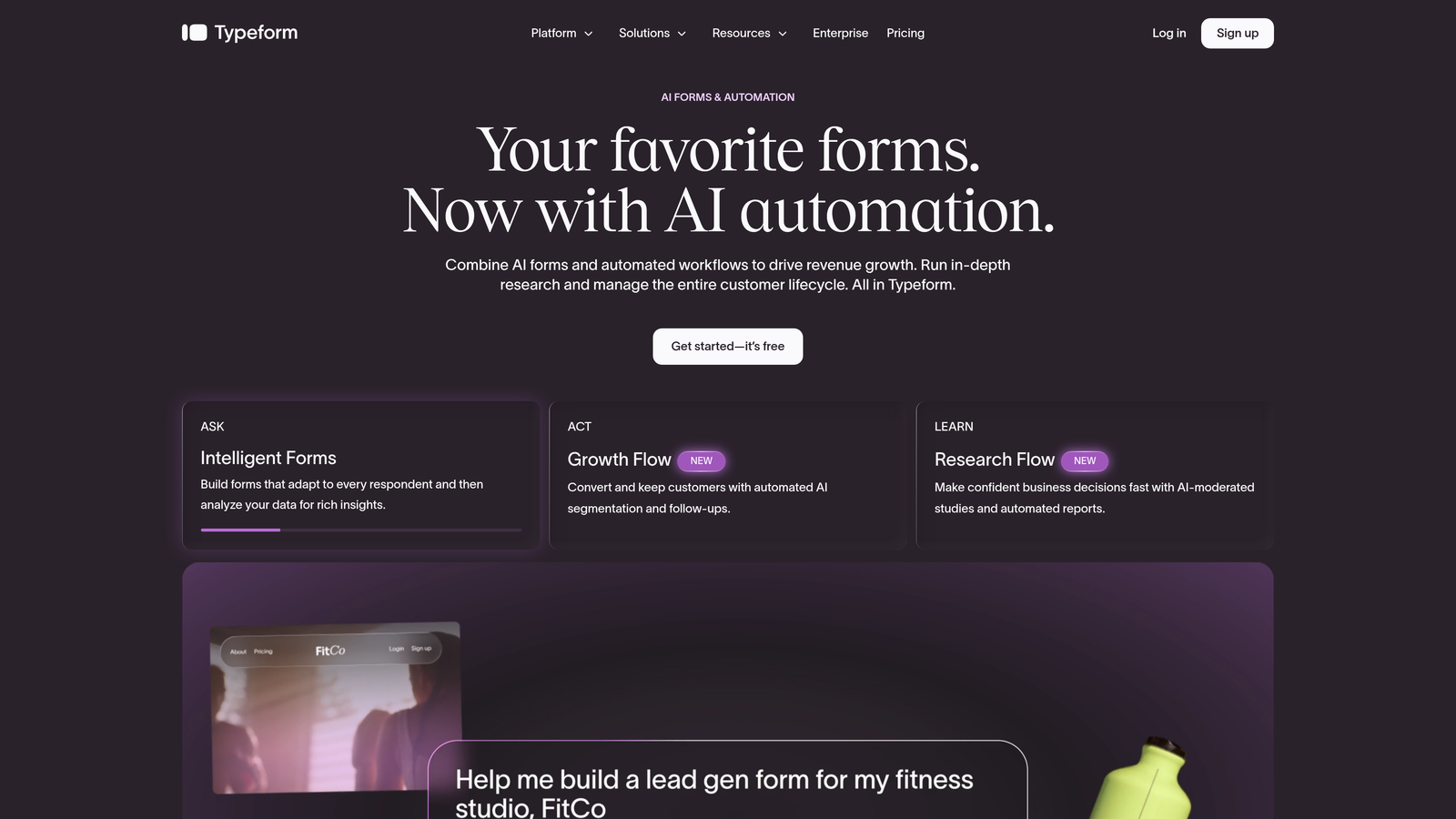
Typeform is a conversational form builder known for its one-question-at-a-time UX, which creates engaging, low-friction registration experiences that feel nothing like a standard web form.
Where This Tool Shines
Typeform's signature format works well for webinar signups because it reduces cognitive load. Instead of presenting a registrant with a full page of fields, it guides them through one question at a time. The result is a registration experience that feels more like a conversation than a form, which can meaningfully improve completion rates for audiences who might otherwise bounce.
Brand presentation is another genuine strength. Typeform gives you real control over colors, fonts, imagery, and overall aesthetic. If your webinar is a flagship event and the signup experience needs to reflect that, Typeform delivers the visual quality to match.
Key Features
Conversational One-Question Format: Reduces form abandonment by presenting fields sequentially rather than all at once.
Logic Jumps: Route registrants to different questions or outcomes based on their previous answers, enabling personalized registration flows.
Hidden Fields: Pass UTM parameters and source data through the form without adding visible fields for registrants.
Brand Customization: Polished visual controls that let you match the form to your event identity.
Integration Ecosystem: Connects with HubSpot, Mailchimp, Slack, and webinar platforms via Zapier, covering most standard post-registration workflows.
Best For
Marketing teams running brand-forward events where the registration experience itself is part of the impression. Also well-suited to teams already using Typeform elsewhere in their funnel who want consistency. If you're evaluating alternatives, Orbit AI's blog covers Typeform alternatives in detail.
Pricing
Free plan available with limited responses. Paid plans start from approximately $25/month. Verify current pricing on typeform.com before committing.
3. Tally
Best for: Early-stage teams or indie operators who need fast, functional webinar registration without spending anything.
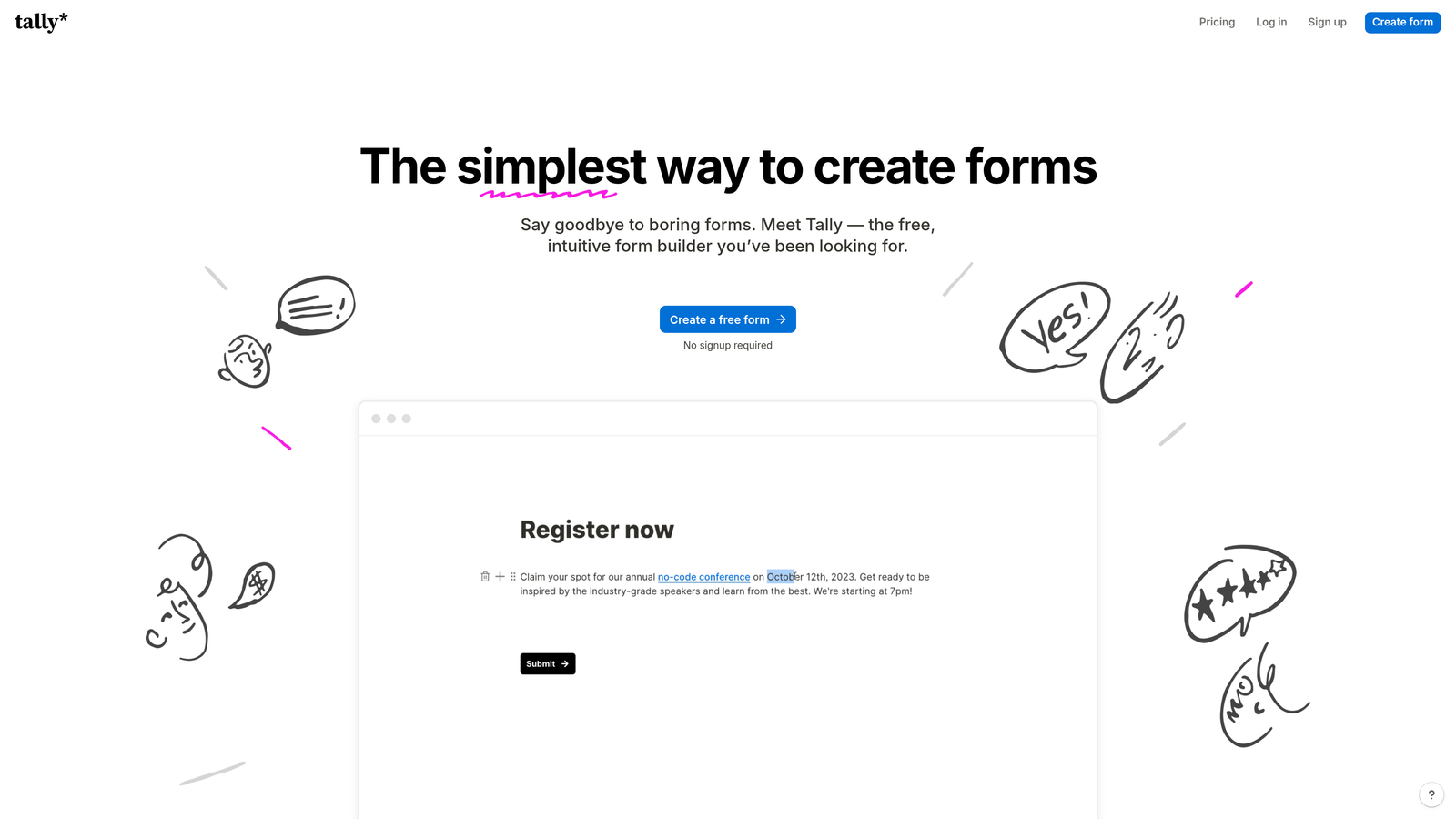
Tally is a Notion-inspired form builder with a generous free plan and no submission limits, making it one of the most accessible options on this list for teams working within tight constraints.
Where This Tool Shines
The free plan is the headline. Most form builders cap submissions on their free tier, which creates friction for teams running active webinar programs. Tally's unlimited submissions on the free plan removes that ceiling entirely, making it a genuinely useful tool for early-stage companies or anyone who needs to get a registration form live quickly without worrying about hitting a wall.
The building experience is clean and intuitive, borrowing the block-based interaction pattern popularized by Notion. If your team already lives in that kind of interface, Tally will feel immediately familiar. Forms are distraction-free by default, which works well for straightforward registration flows.
Key Features
Unlimited Submissions on Free Plan: No artificial caps on registrant data collection, which is genuinely rare in this market.
Notion-Like Builder: Block-based interface that's fast to learn and quick to use for simple form creation.
Basic Conditional Logic: Supports branching and multi-page forms for slightly more sophisticated registration flows.
Zapier and Make Integrations: Connect to email marketing tools, webinar platforms, and CRMs through automation layers.
Clean Default Design: Forms look presentable out of the box without requiring design work.
Best For
Bootstrapped teams, solo operators, and early-stage startups running webinars without a dedicated marketing budget. Tally is not the right choice for teams needing advanced lead qualification, heavy branding control, or complex conditional logic — but for straightforward registration, it's hard to beat at the price.
Pricing
Free plan available with unlimited submissions. Tally Pro starts from approximately $29/month for advanced features and branding removal.
4. Paperform
Best for: Teams who want a standalone, richly designed event registration page without building a separate landing page.
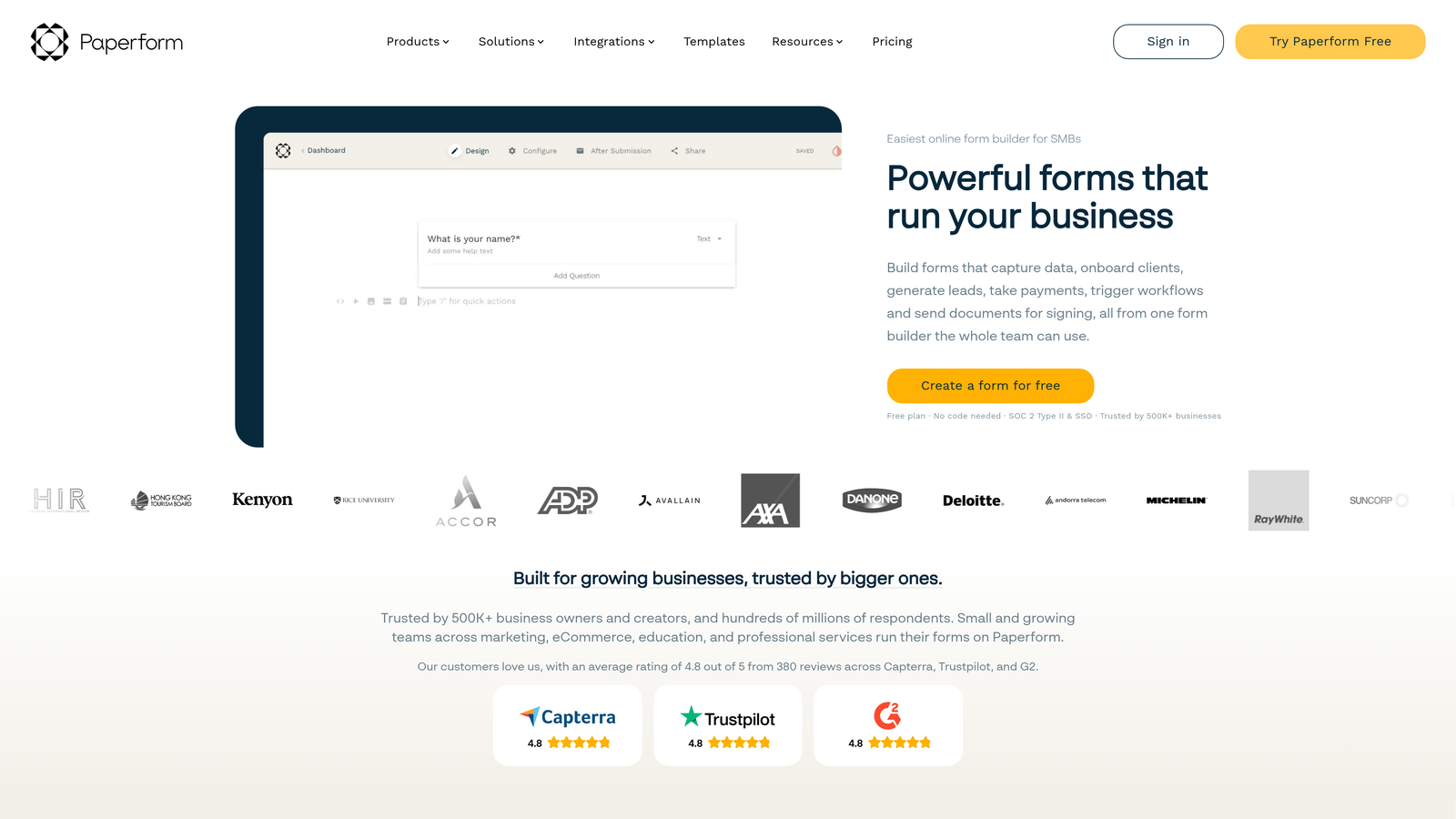
Paperform is a hybrid form and landing page builder that combines form fields with rich content — text, images, video — on a single, fully customizable page.
Where This Tool Shines
Paperform occupies an interesting middle ground between a form builder and a lightweight landing page tool. For webinar registration specifically, this is genuinely useful: you can include event details, speaker bios, agenda highlights, and a compelling visual alongside the actual signup fields, all in one place. Teams without dedicated web pages for every webinar will find this particularly practical.
The visual customization is strong. Paperform gives you real control over layout, typography, imagery, and overall presentation, so the registration experience can feel like a proper event asset rather than a form embedded on a page. Conditional logic and multi-section layouts add enough structure for moderately complex registration flows.
Key Features
Rich Content Integration: Combine form fields with text, images, and video on a single page, eliminating the need for a separate landing page.
Strong Visual Branding: Extensive customization options for creating registration experiences that match your event identity.
Conditional Logic and Multi-Section Layouts: Supports branching and structured multi-part forms for more sophisticated registration flows.
Payment and Scheduling Support: Handle paid webinar registrations or scheduling alongside standard form collection.
Email and CRM Integrations: Connects to major marketing platforms for post-registration lead routing and nurturing.
Best For
Marketing teams running webinars who want a polished, self-contained registration page without the overhead of building and maintaining a separate landing page. Particularly useful for recurring event series where each edition needs its own branded registration experience quickly.
Pricing
Essentials plan starts from approximately $29/month. There is no meaningful free plan, so Paperform is best suited to teams with an established webinar program rather than those just getting started.
5. Jotform
Best for: Organizations running complex, recurring, or multi-track webinar programs that need deep conditional logic and workflow automation.
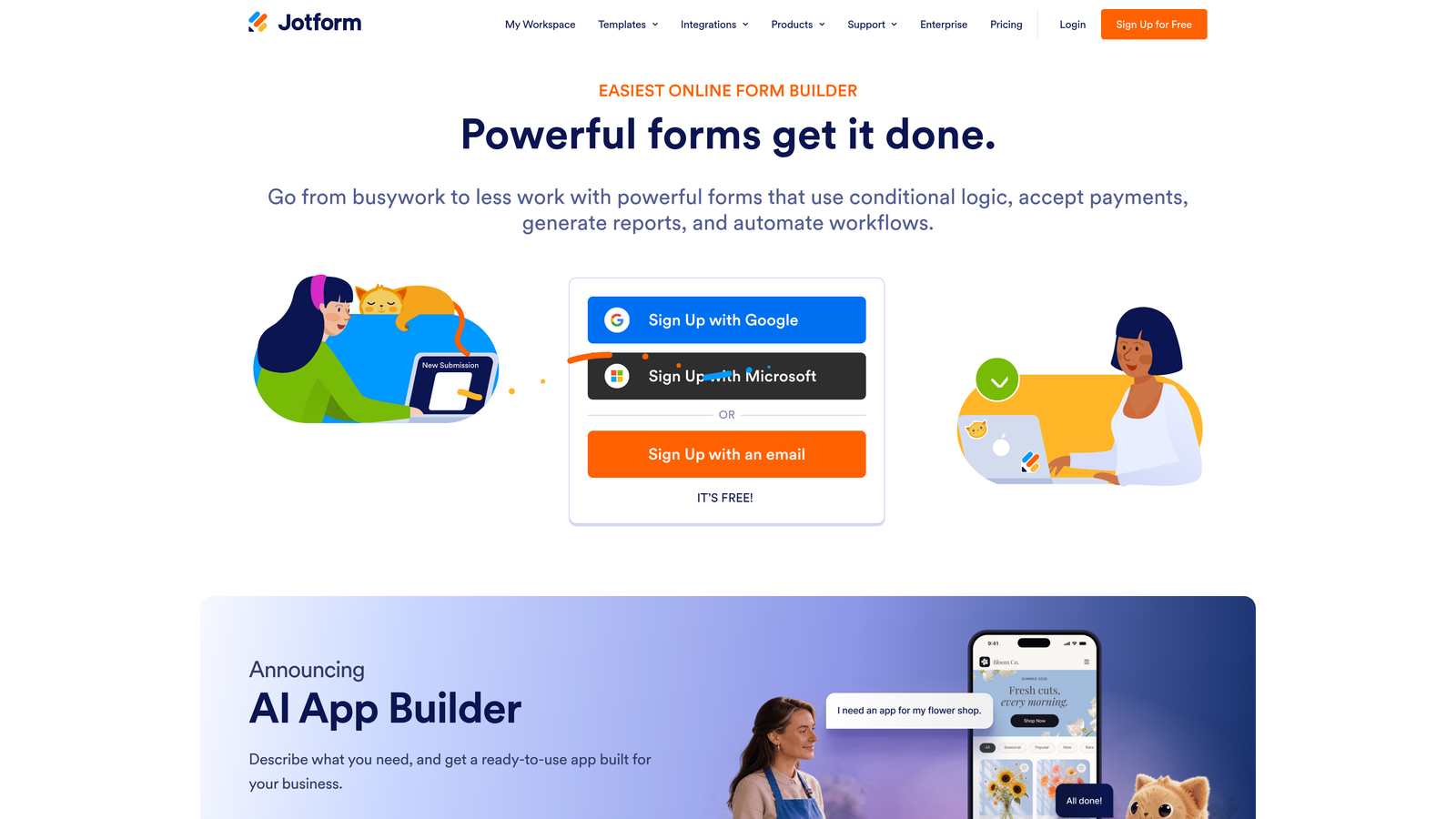
Jotform is one of the most feature-rich form builders available, with thousands of templates, advanced conditional logic, and a wide integration ecosystem suited to organizations with varied or recurring webinar programs.
Where This Tool Shines
Where Jotform earns its place on this list is in complexity and scale. If you're running a multi-track virtual summit with different registration paths for different audience segments, or a recurring webinar series with approval workflows for gated attendance, Jotform has the conditional logic depth to handle it. The template library is extensive, with dedicated webinar and event registration templates that give you a solid starting point.
The approval workflow feature is worth calling out specifically. For invite-only or capacity-limited webinars, Jotform can route submissions through an internal review process before confirming registration. That's a capability most simpler tools don't offer.
Key Features
Extensive Template Library: Thousands of templates including dedicated webinar and event registration formats to accelerate setup.
Advanced Conditional Logic: Sophisticated branching and routing for segmenting registrants across multiple tracks or pathways.
Approval Workflows: Route submissions through internal review for gated or invite-only webinar registration management.
Wide Integration Ecosystem: Connects with CRMs, email marketing tools, and webinar platforms across a broad range of options.
HIPAA-Compliant Plans: Available for regulated industries that need compliant data handling alongside their webinar programs.
Best For
Larger organizations, associations, and teams running complex or recurring webinar programs where conditional logic, approval workflows, and integration breadth matter more than simplicity or speed of setup. Jotform can feel like overkill for a straightforward single-event registration, but it earns its complexity for the right use case.
Pricing
Free plan available with limited submissions. Paid plans start from approximately $34/month. HIPAA-compliant plans are available at higher tiers.
6. Formstack
Best for: Enterprise teams in regulated industries who need compliance-grade webinar registration with full audit trails and workflow routing.
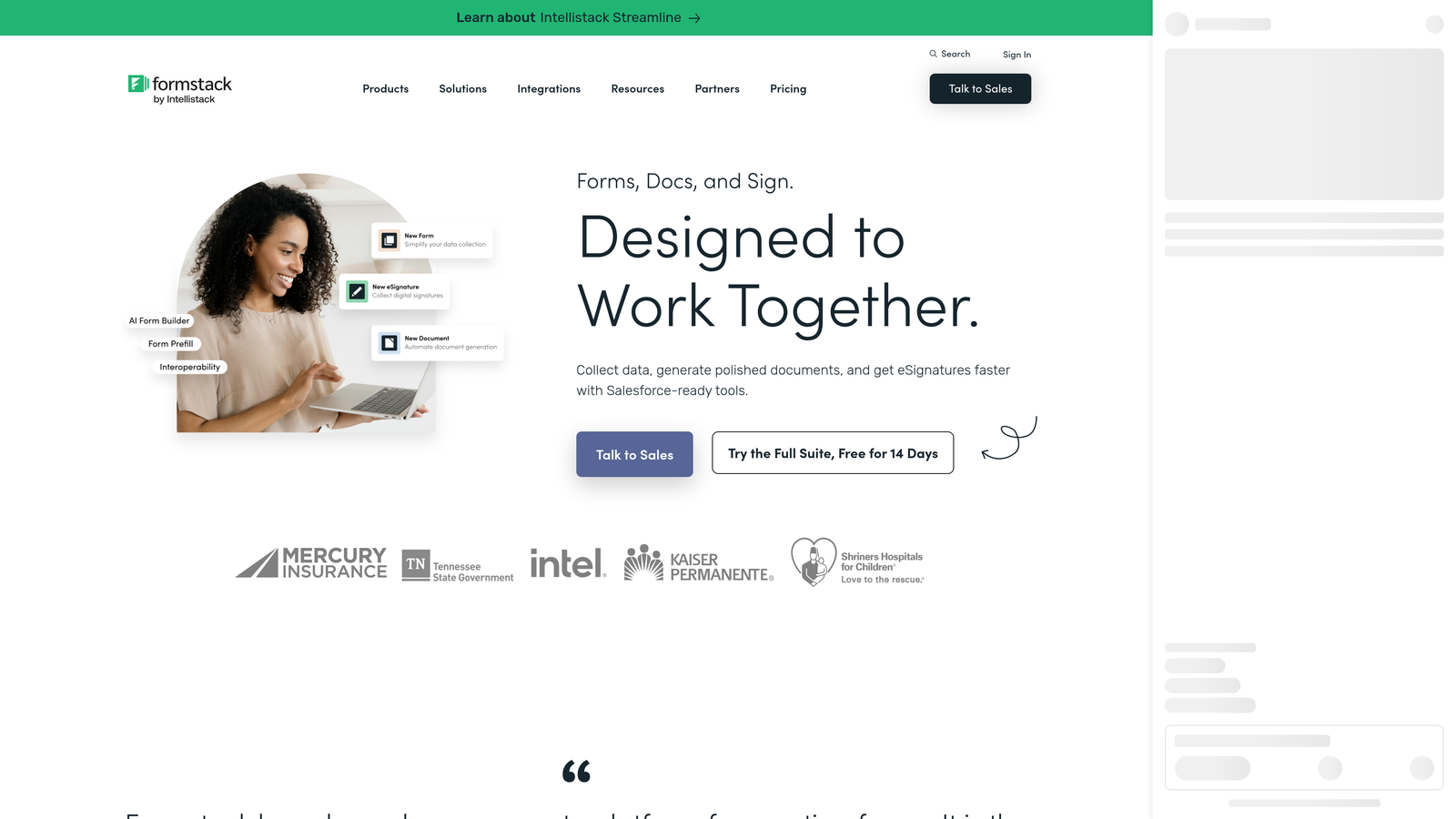
Formstack is an enterprise form and workflow platform with strong compliance credentials, built for organizations where data governance is a non-negotiable requirement alongside form collection.
Where This Tool Shines
Formstack's differentiator is compliance depth. HIPAA, GDPR, and SOC 2 compliance aren't add-ons or premium upgrades — they're built into the platform. For organizations in healthcare, financial services, legal, or other regulated industries running professional development webinars or compliance training events, that matters considerably. You're not cobbling together a compliant workflow; it's the default.
Beyond compliance, Formstack goes further than most tools in the workflow direction. Document generation, e-signature capabilities, and approval routing mean that a webinar registration can trigger a full downstream process — confirmation documents, internal approvals, CRM updates — without leaving the platform ecosystem.
Key Features
Built-In Compliance: HIPAA, GDPR, and SOC 2 compliance as standard, not as an add-on tier.
Advanced Workflow and Approval Routing: Enterprise-grade workflow automation for managing complex webinar registration and approval processes.
Document Generation and E-Signatures: Create confirmation documents and collect signatures alongside form submissions.
Salesforce Integration: Robust, deep integration with Salesforce and other enterprise CRM platforms for seamless lead routing.
Audit Trails and Data Governance: Full visibility into submission history and data handling for compliance reporting requirements.
Best For
Enterprise organizations and teams in regulated industries where compliance requirements make most other tools on this list impractical. Formstack is not the right choice for a lean startup or a team prioritizing speed and simplicity, but for the right organizational context, it's one of the few tools that genuinely covers the compliance angle without compromise.
Pricing
Enterprise-focused pricing; plans typically start from approximately $83/month. Verify current pricing on formstack.com, as enterprise pricing often varies by team size and feature requirements.
Which Tool Is Right for Your Webinar Funnel?
The honest answer is that the best form builder for webinar signups depends entirely on what you need from your registrant data — and how sophisticated your post-registration workflow is.
Here's a quick way to think through the decision. Orbit AI is the clear choice for teams who want lead qualification built directly into the registration experience. If you're running webinars as a pipeline channel and need to know which registrants are sales-qualified before the event starts, that native intelligence is genuinely difficult to replicate with other tools.
Typeform is the right pick for brand-forward teams who prioritize the feel of the registration experience. Tally wins on accessibility and cost for early-stage teams who need functional registration without budget. Paperform suits teams who want a self-contained event page without building a separate landing page. Jotform handles complexity and scale well for organizations running recurring or multi-track programs. And Formstack is the enterprise compliance choice for regulated industries where data governance comes first.
If you're building a webinar funnel designed to generate qualified pipeline, not just seat counts, the form itself is where that qualification should start. Start building free forms today with Orbit AI and see how AI-powered lead qualification at the form level can change what your webinar signups actually tell you about your audience.


