

Contact forms have evolved far beyond simple name-and-email fields. Today's high-growth teams need forms that qualify leads, adapt to user behavior, and integrate seamlessly with their tech stack — all while looking polished enough to reflect a modern brand. The right contact form tool can be the difference between capturing a qualified prospect and losing them to a clunky, outdated experience.
This list covers the best modern contact form tools available in 2026, evaluated on design quality, lead qualification capabilities, conditional logic, integrations, and pricing. Whether you're a SaaS startup optimizing your inbound pipeline or a scaling team replacing a legacy form solution, there's a clear winner for every use case. For deeper context on improving what happens after the form is live, see our guides on contact form optimization strategies and how to improve form conversion rates.
1. Orbit AI
Best for: AI-powered lead qualification built directly into the form flow for SaaS and B2B teams.
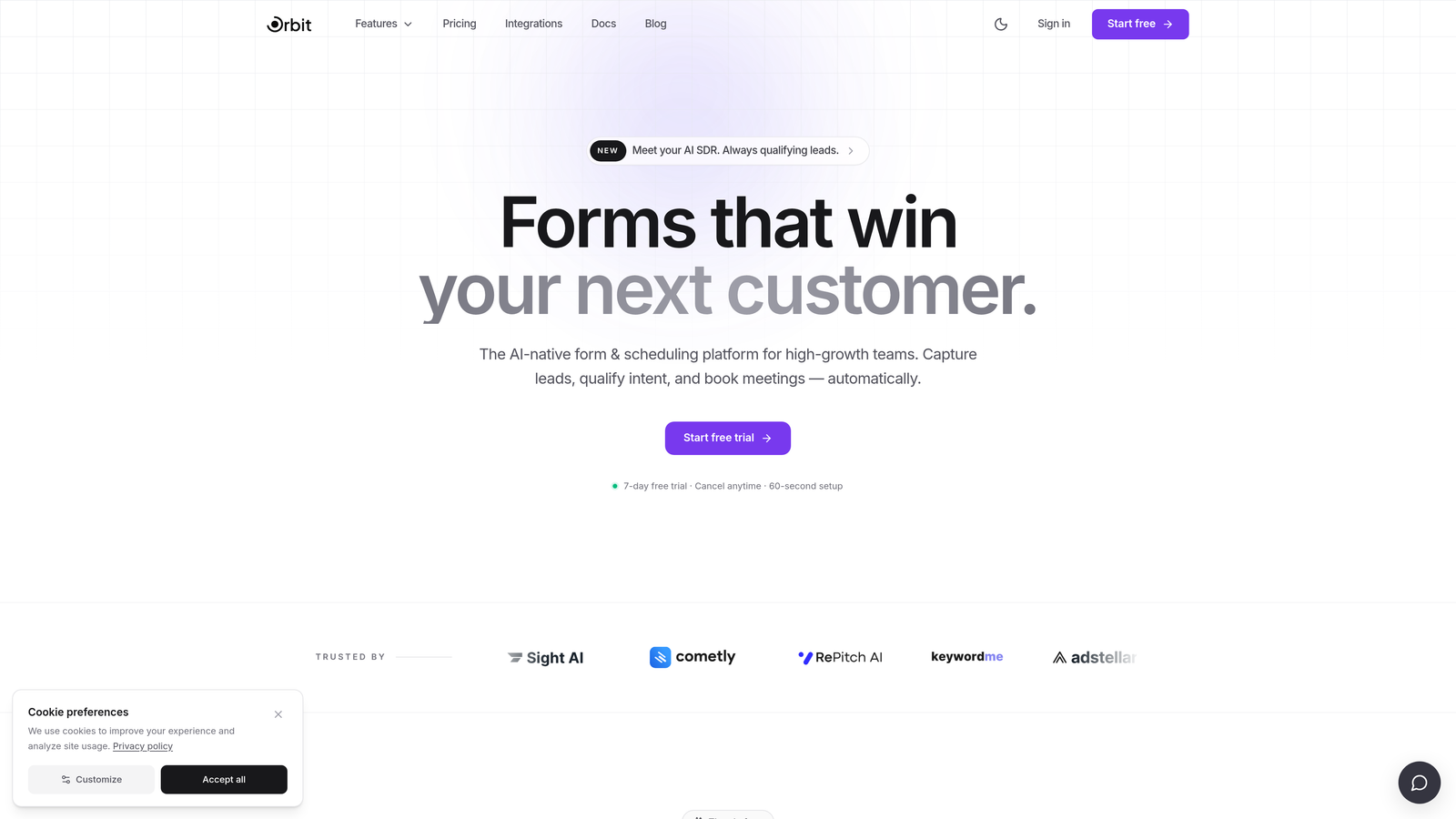
Orbit AI is an AI-powered form builder designed specifically for high-growth teams who need more than a pretty form — they need a form that thinks.
Where This Tool Shines
Most form builders treat qualification as an afterthought: you collect the submission, then manually score it or route it through a separate tool. Orbit AI flips that model. The AI qualification logic lives inside the form flow itself, so by the time a lead hits your CRM, it's already been assessed, scored, and prioritized.
The design quality matches the intelligence. Forms built on Orbit AI look genuinely modern — the kind of experience that reflects well on a brand rather than undermining it. For SaaS and B2B teams where the form is often a prospect's first real interaction with your product, that first impression matters.
Key Features
AI-Powered Lead Qualification: Qualification logic is embedded directly in the form flow, not bolted on afterward through a separate integration.
Lead Scoring: Submissions are automatically scored so your sales team can prioritize high-value prospects without manual triage.
Conditional Logic and Dynamic Fields: Forms adapt in real time based on user responses, creating a personalized experience for each visitor.
Conversion-Optimized Design: Built-in design system focused on modern aesthetics and conversion best practices, not just functional form rendering.
SaaS and B2B Workflow Fit: The platform is purpose-built for inbound lead generation pipelines, making it a natural fit for teams running HubSpot, Salesforce, or similar CRMs.
Best For
SaaS startups and B2B teams who want their contact form to do real qualification work, not just collect data. Particularly valuable for growth teams that are tired of manually sorting through unqualified submissions and want AI to handle the first layer of filtering automatically.
Pricing
Visit orbitforms.ai for current pricing details. A free tier is available to get started.
2. Typeform
Best for: Conversational form experiences that turn data collection into an engaging, branded dialogue.
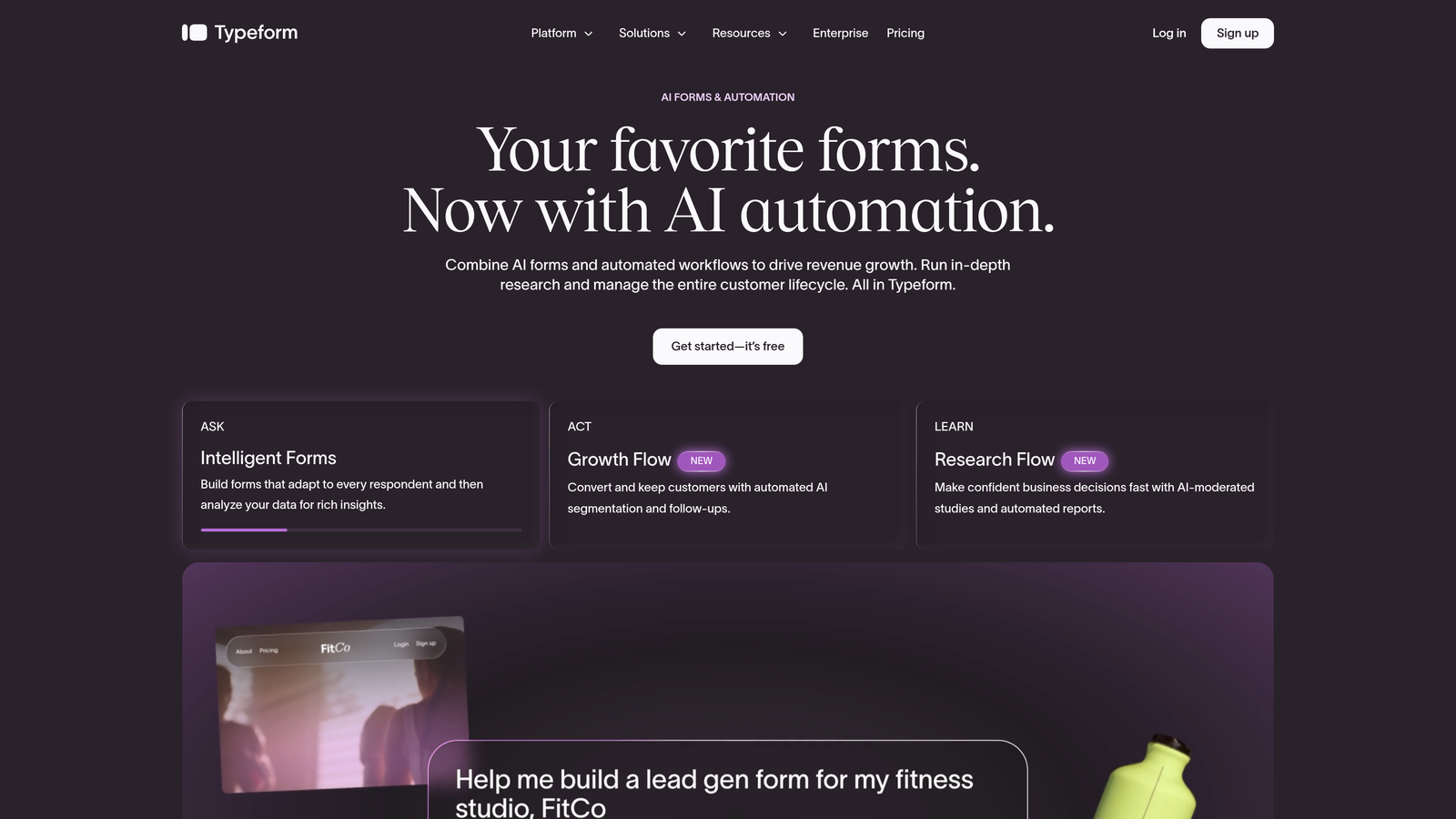
Typeform is the platform that popularized the one-question-at-a-time conversational form format, and it remains the benchmark for that style of UX.
Where This Tool Shines
Typeform's core strength is engagement. By presenting one question at a time in a clean, full-screen interface, it reduces the cognitive load that causes form abandonment. For surveys, lead gen forms, and quizzes where completion rate matters, this approach consistently outperforms traditional multi-field layouts.
The integration ecosystem is broad and mature. Typeform connects natively with major CRMs, email platforms, and Zapier, which means it fits into most existing tech stacks without friction. The trade-off is that deeper intelligence features like lead scoring or AI qualification require connecting external tools rather than relying on the platform itself.
Key Features
Conversational One-Question Interface: The signature UX that presents questions sequentially for a dialogue-like experience rather than a traditional form layout.
Conditional Logic and Branching: Robust logic controls let you route respondents down different paths based on their answers.
Rich Media Support: Add images, videos, and even video questions to make forms more engaging and interactive.
Wide Integration Ecosystem: Native connections to HubSpot, Salesforce, Zapier, and many other platforms in the modern marketing stack.
Quiz and Survey Templates: Extensive template library covering lead gen, research, onboarding, and more.
Best For
Teams prioritizing brand experience and completion rates over built-in lead intelligence. Typeform is a strong choice for marketing teams running top-of-funnel campaigns, product teams gathering user feedback, and anyone who wants their form to feel like a conversation rather than a questionnaire.
Pricing
Free tier available. Paid plans start around $25/month. Verify current pricing at typeform.com before committing.
3. Paperform
Best for: Design-forward teams who want forms that feel like polished landing pages, not data entry screens.
Paperform is a flexible form builder with a freeform document-style editor that lets you blend prose, media, and form fields into a single, cohesive page.
Where This Tool Shines
The editing experience is genuinely different from most form builders. Instead of dragging fields into a rigid layout, you write like you're composing a document — adding text, images, and form fields inline wherever they make sense. The result looks more like a branded landing page than a traditional form, which works particularly well for high-touch use cases like service inquiries, event registrations, or client intake forms.
Paperform also covers a surprisingly wide range of use cases in a single platform. Payment collection, appointment booking, quizzes, and surveys are all built in natively, which reduces the number of tools a small team needs to manage. For agencies and small businesses, that breadth is a genuine advantage.
Key Features
Freeform Document Editor: Mix text, images, and form fields freely in a single page layout, creating forms that feel like branded content rather than data collection.
Built-In Payment Collection: Native support for Stripe, PayPal, and Square without needing a separate integration.
Booking and Scheduling: Appointment booking functionality built directly into the form flow.
Conditional Logic and Calculation Fields: Dynamic logic and math-based fields for pricing calculators, quote forms, and complex workflows.
Strong Customization Without Code: Extensive design controls that let non-developers build highly polished, on-brand experiences.
Best For
Agencies, consultants, and small businesses who want design control and multi-purpose functionality without managing multiple tools. Also a good fit for teams building forms that double as landing pages, such as service inquiry forms or event sign-ups with rich context.
Pricing
Essentials plan starts around $24/month. Verify current pricing at paperform.io.
4. Tally
Best for: Fast form creation with a generous free tier, ideal for early-stage teams and internal tools.
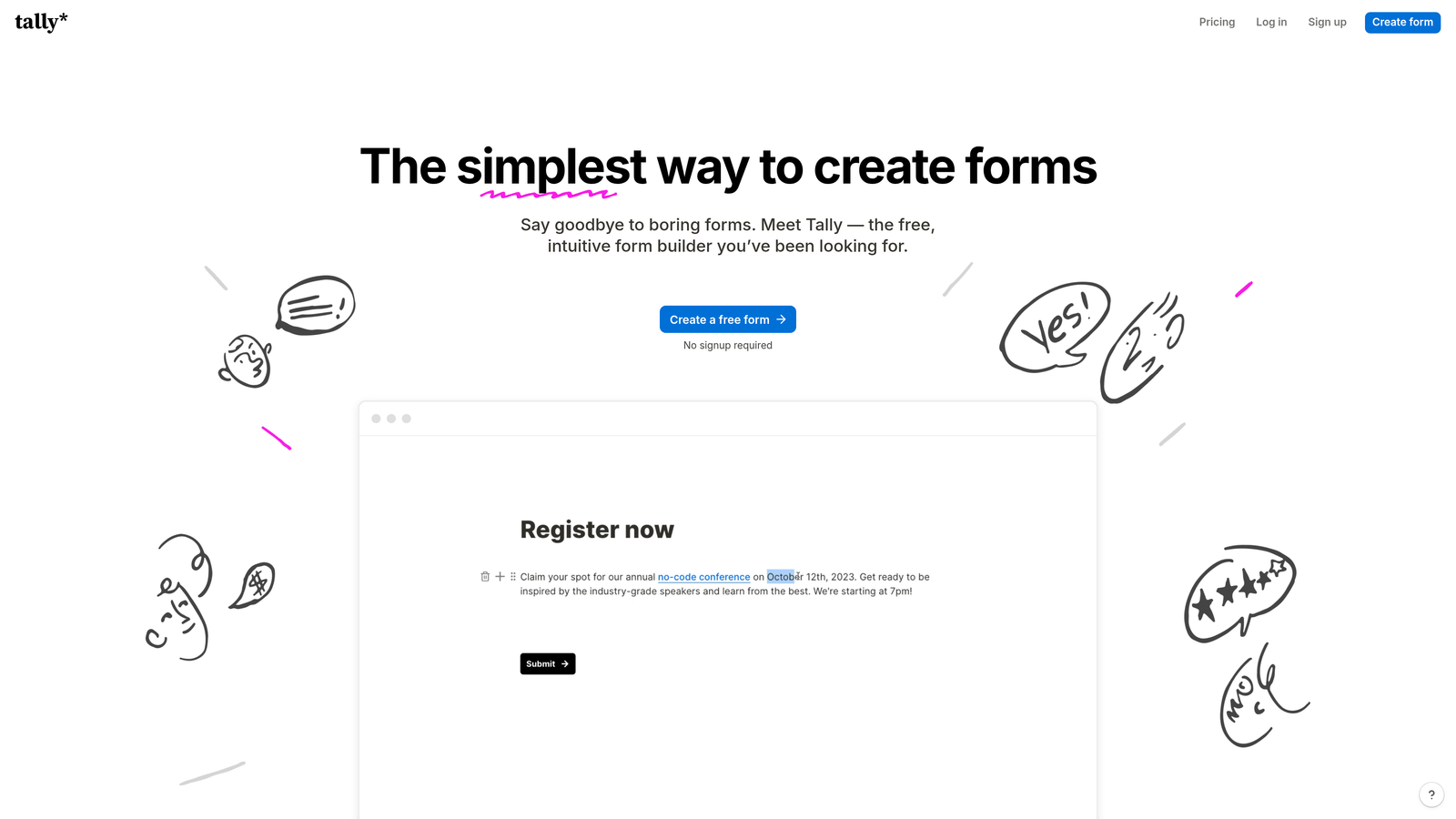
Tally is a Notion-inspired form builder that prioritizes speed and simplicity, with one of the most generous free plans in the category.
Where This Tool Shines
Tally's block-based editor will feel immediately familiar to anyone who uses Notion. You can build a complete, functional form in minutes without any learning curve. The free plan includes unlimited forms and unlimited responses, which is genuinely rare in this space and makes it an obvious starting point for indie hackers, early-stage startups, and internal tooling needs.
The platform handles more complexity than its simple interface suggests. Conditional logic, file uploads, calculator fields, and embedded forms are all available without upgrading. For teams that need a reliable, fast form tool without budget friction, Tally is hard to argue against.
Key Features
Notion-Style Block Editor: Intuitive block-based interface that most users can pick up without any onboarding or documentation.
Unlimited Forms and Responses on Free Plan: No submission caps or form limits on the free tier, which is a meaningful differentiator for cost-conscious teams.
Conditional Logic and Calculator Fields: Dynamic branching and math-based fields available even on the free tier.
Clean Embed Support: Forms embed natively into websites, Notion pages, and other tools without styling conflicts.
Zapier and Native Integrations: Connect to the broader marketing and productivity stack through Zapier or direct integrations.
Best For
Early-stage startups, indie hackers, and teams building internal forms or lightweight lead capture tools. Tally is also a smart choice for any team that wants to prototype a form quickly before investing in a more feature-rich platform.
Pricing
Free plan available with unlimited forms and responses. Pro plan around $29/month. Verify current pricing at tally.so.
5. Jotform
Best for: Teams with complex operational workflows that go well beyond standard contact form use cases.
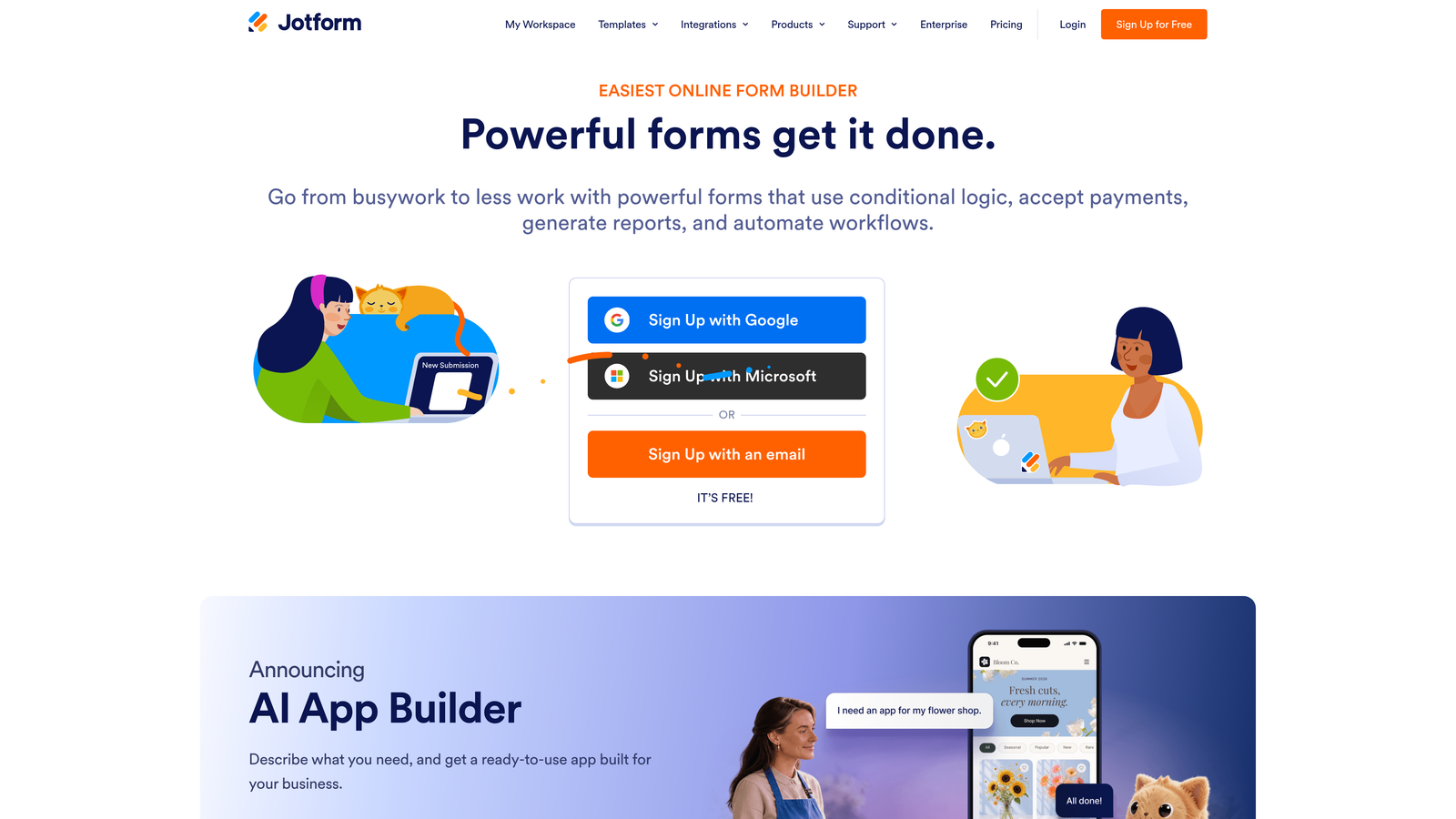
Jotform is one of the most established form builders available, with a template library and feature set that covers an exceptionally wide range of use cases.
Where This Tool Shines
Jotform's depth is its defining characteristic. With over 10,000 templates across industries and use cases, it's rare to encounter a form scenario the platform hasn't already addressed. For teams with operational complexity — think approval workflows, document generation, e-signatures, and payment collection all in a single process — Jotform handles it without requiring external tools for each step.
The platform also has enterprise and HIPAA-compliant plans, which makes it a viable option for organizations in regulated industries who need more than a basic form builder but aren't ready for a full enterprise platform. The trade-off is that the breadth of features can make the interface feel dense compared to newer, more focused tools.
Key Features
Extensive Template Library: 10,000+ templates spanning industries from healthcare and education to e-commerce and legal services.
Payment Collection and E-Signatures: Native support for collecting payments and capturing legally binding signatures within the same form flow.
Approval Workflows and Team Collaboration: Built-in workflow routing so submissions can be reviewed, approved, or escalated by multiple team members.
PDF Generation: Automatically generate formatted PDF documents from form submissions.
HIPAA-Compliant Plans: Available for healthcare organizations and others with strict data handling requirements.
Best For
Operations teams, HR departments, and organizations in regulated industries who need a form builder that functions as a lightweight workflow automation platform. Less ideal for pure lead generation use cases where conversion optimization and qualification intelligence are the primary goals.
Pricing
Free tier available. Paid plans start around $34/month. Verify current pricing at jotform.com.
6. Formstack
Best for: Enterprise teams in regulated industries needing HIPAA compliance and deep Salesforce integration.
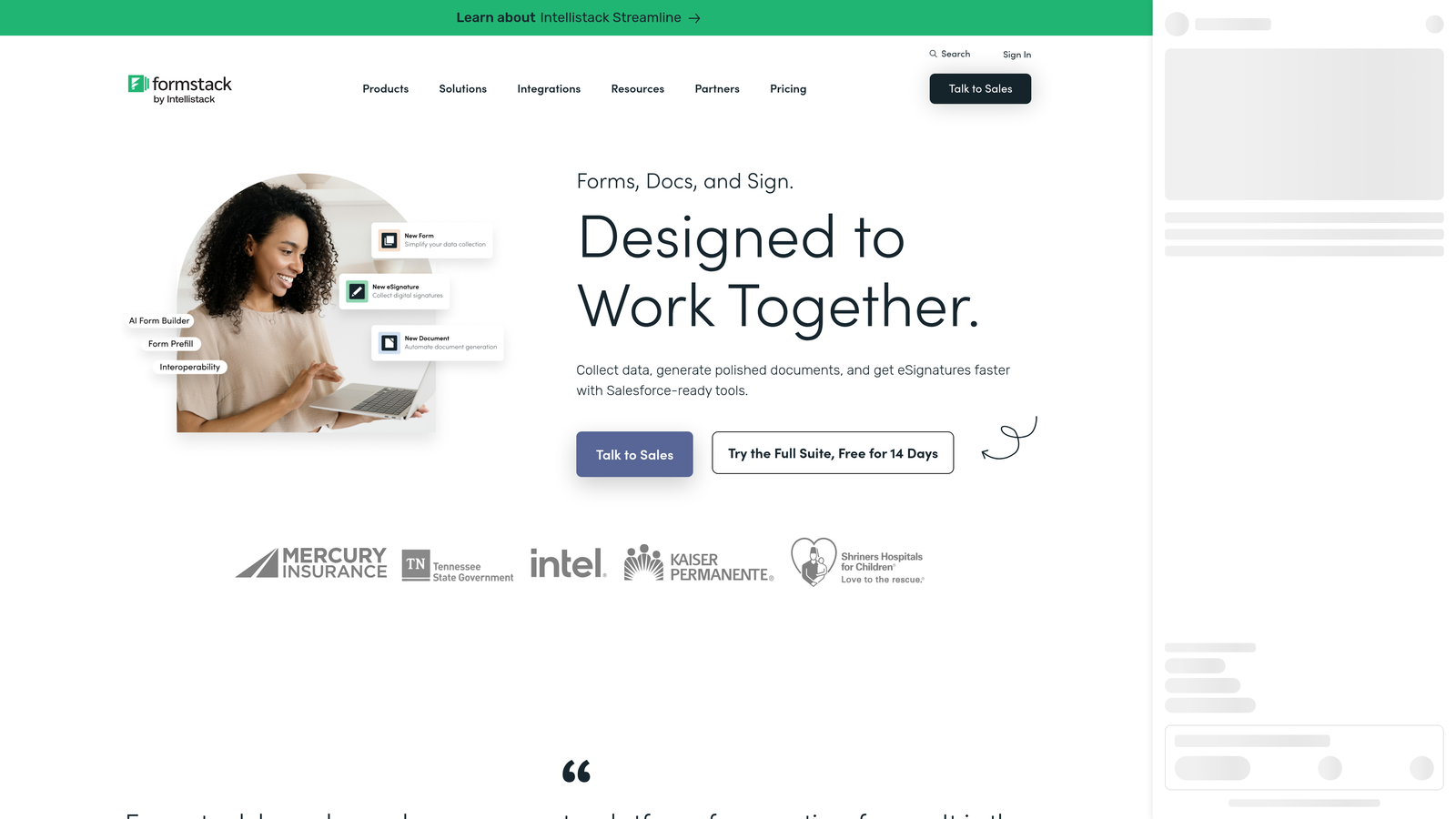
Formstack is an enterprise-grade forms and workflow platform built for organizations where compliance, security, and CRM integration are non-negotiable requirements.
Where This Tool Shines
Formstack's positioning is deliberately enterprise-focused. HIPAA compliance, SOC 2 certification, and Salesforce-native integration are core features rather than add-ons, which makes it the default choice for healthcare organizations, financial services firms, and large enterprises that can't compromise on data handling.
The platform extends beyond forms into document generation and e-signature workflows, which means it can handle the full document lifecycle from data collection to signed agreement. For enterprise teams running complex sales or operations processes, that end-to-end capability reduces the number of point solutions in the stack. The higher price point reflects this enterprise positioning and is best justified when compliance requirements or Salesforce depth are driving the decision.
Key Features
HIPAA-Compliant Data Collection: Built-in compliance infrastructure for healthcare and other regulated industries, not a bolt-on upgrade.
Salesforce-Native Integration: Deep, bidirectional Salesforce integration that goes beyond basic field mapping to support complex CRM workflows.
Document Generation and E-Signatures: Generate formatted documents and capture signatures as part of the same automated workflow.
Advanced Conditional Logic and Routing: Sophisticated branching and routing logic for complex multi-step processes.
Enterprise Security and Access Controls: Role-based permissions, audit logs, and enterprise-grade security controls for large organizations.
Best For
Healthcare providers, financial services firms, legal teams, and large enterprises where compliance requirements and Salesforce integration depth are the primary purchasing criteria. Less suited for early-stage teams or those primarily focused on conversion optimization and lead qualification.
Pricing
Starts around $83/month. Enterprise plans available. Verify current pricing at formstack.com.
Which Tool Is Right for Your Team?
The right choice depends almost entirely on what you need the form to do after someone hits submit. Here's how these tools stack up by use case.
If AI-powered lead qualification is your priority, Orbit AI is the clear choice. It's the only platform on this list where qualification intelligence is built into the form flow itself, making it purpose-built for SaaS and B2B teams who need their forms to do real pipeline work.
If conversational UX and brand experience are your primary goals, Typeform remains the benchmark. No other tool in this category matches its one-question-at-a-time engagement model for top-of-funnel lead generation and surveys.
For design flexibility and multi-purpose functionality in a single tool, Paperform delivers the most polished freeform editing experience. It's the right pick for agencies and small businesses who want forms that look like landing pages.
If you need something fast and free, Tally wins on simplicity and generosity. Its unlimited free plan is genuinely hard to beat for early-stage teams and internal tooling.
For complex operational workflows involving approvals, e-signatures, and document generation, Jotform's depth makes it the natural fit. And for enterprise teams in regulated industries where HIPAA compliance and Salesforce integration are non-negotiable, Formstack is the purpose-built solution.
If you're a high-growth team focused on turning your contact form into a lead qualification engine, the most direct path forward is Orbit AI. Start building free forms today and see how intelligent form design can elevate your conversion strategy.


